Split Keyboards
Looking for a more ergonomic and comfortable typing experience? Split keyboards might be just what you need. These innovative keyboards reduce strain on your wrists and promote a more natural hand position while typing. With a split design that separates the keyboard into two halves, you can customize the distance between them to suit your individual needs. Whether you're a writer, or programmer, or simply spend long hours at your computer, a split keyboard can help improve your typing speed and accuracy while minimizing discomfort. Discover the wide range of split keyboards available at Best Buy and find the perfect one to enhance your productivity and overall well-being.
Sort
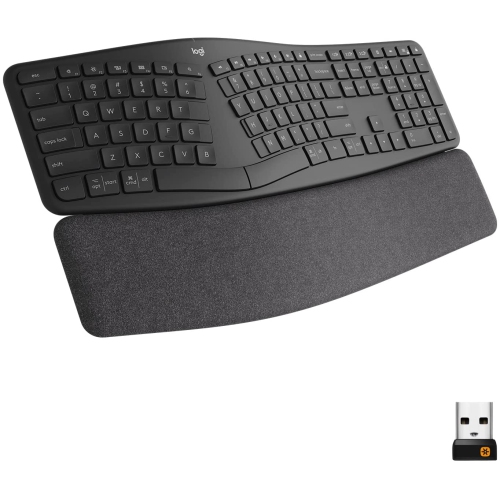
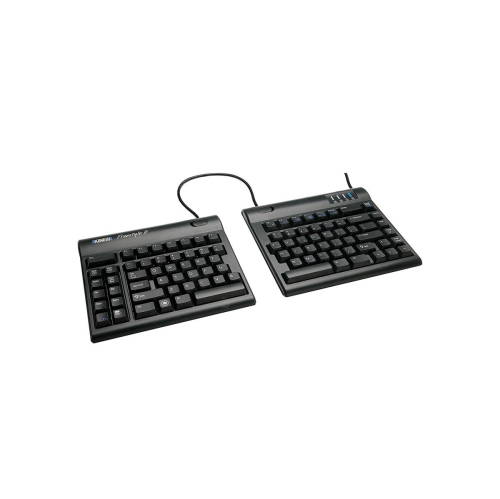
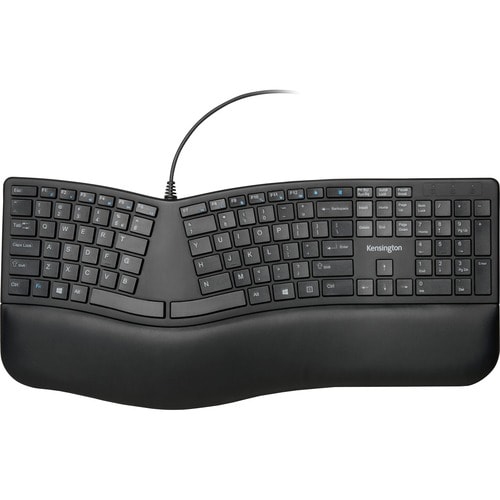
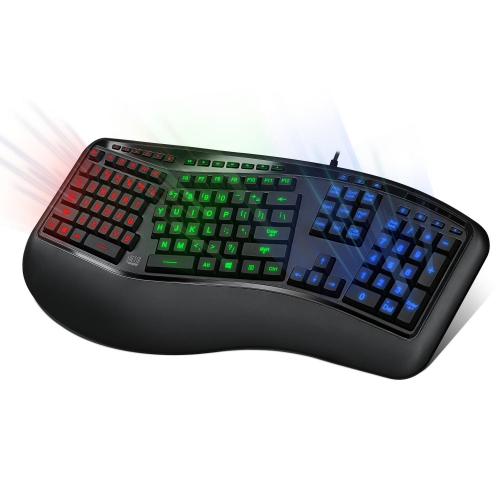
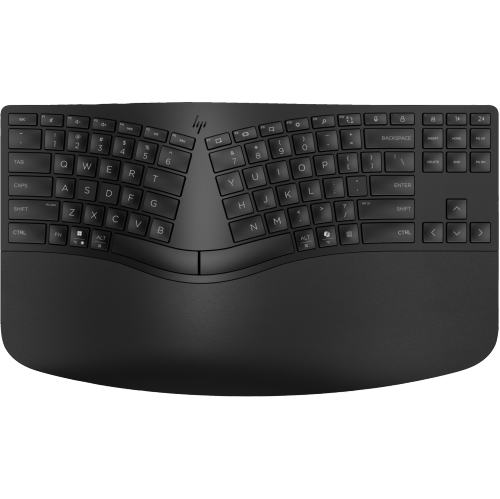
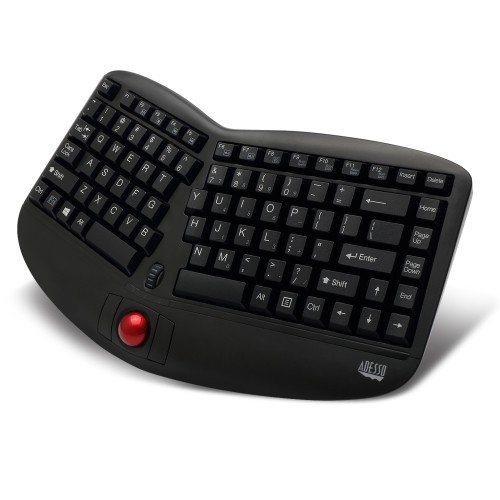
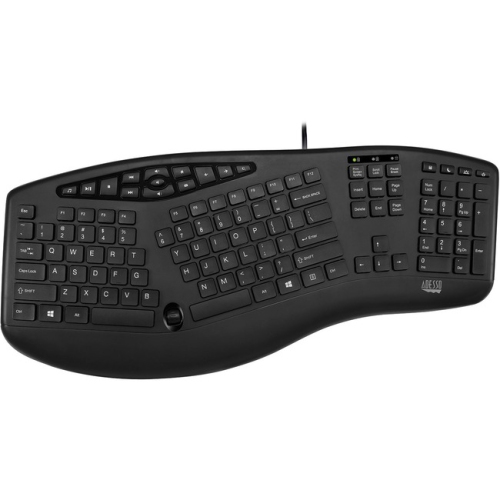
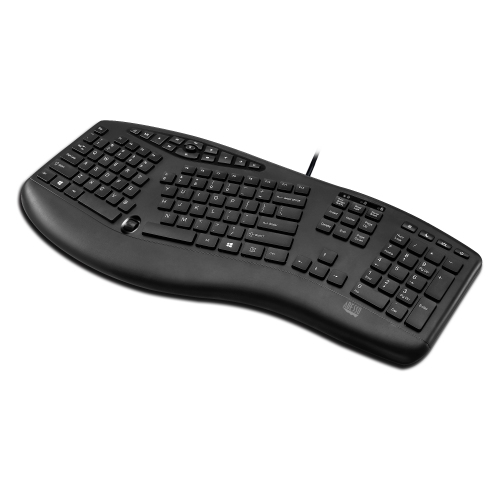
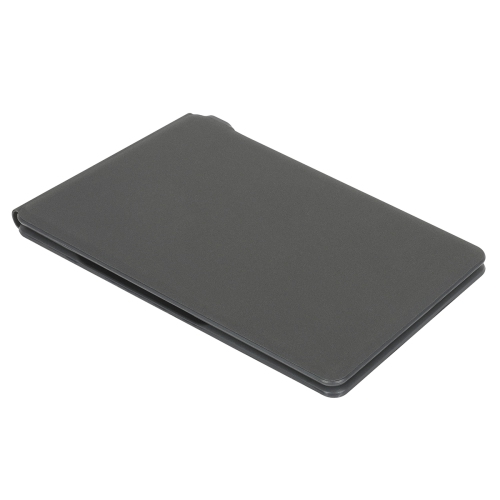
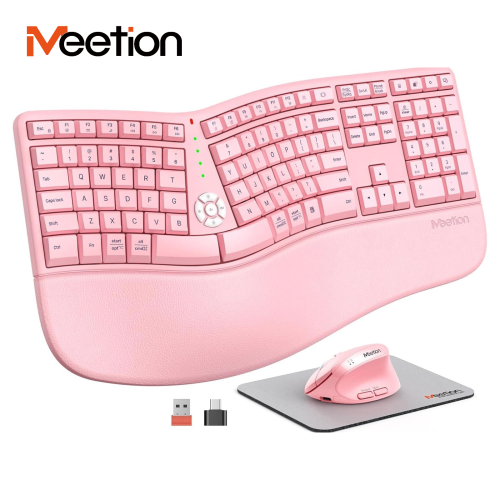
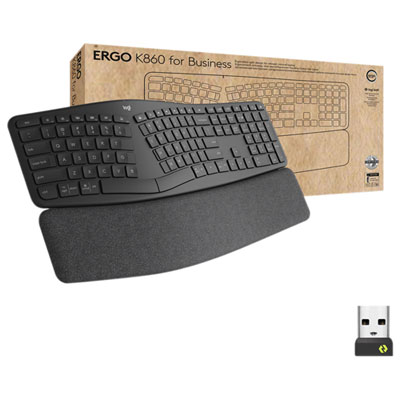
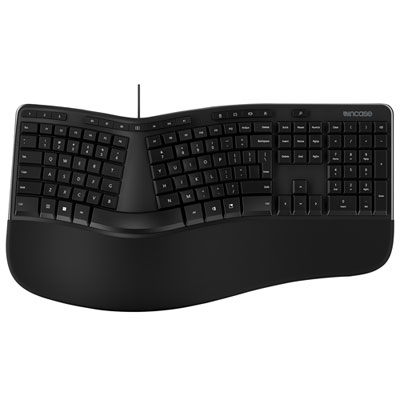
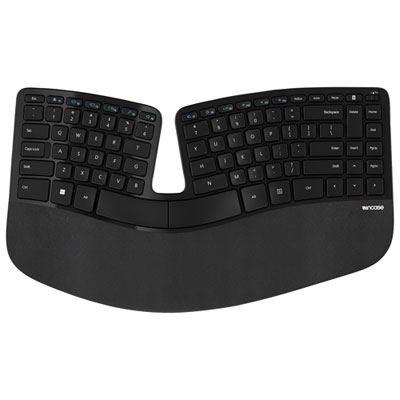
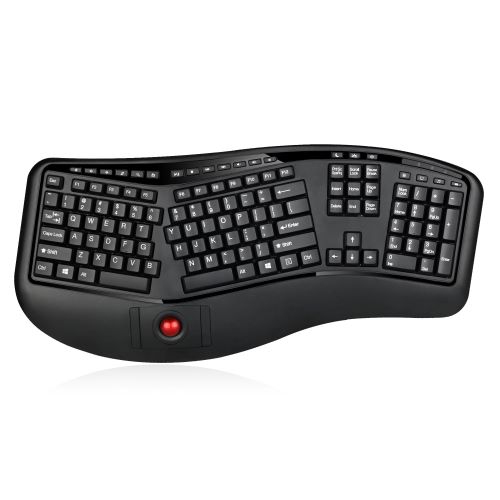
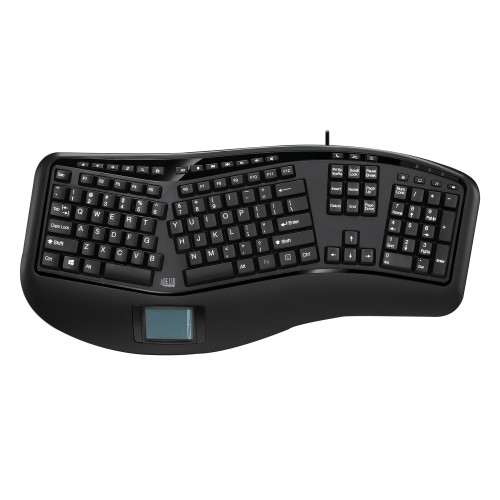
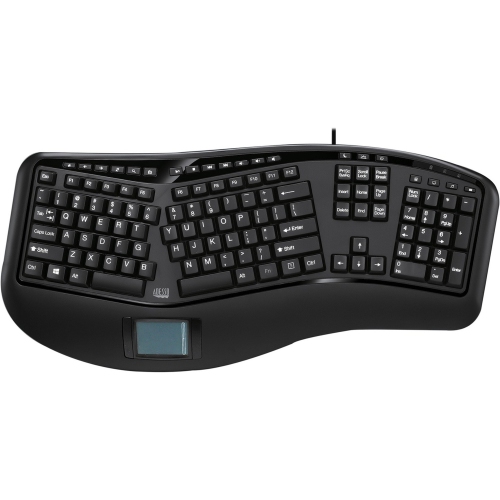
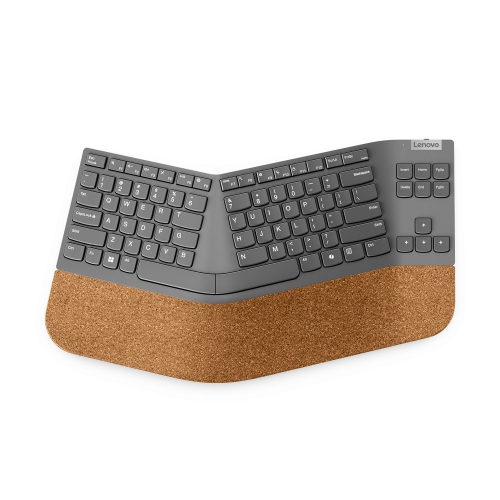

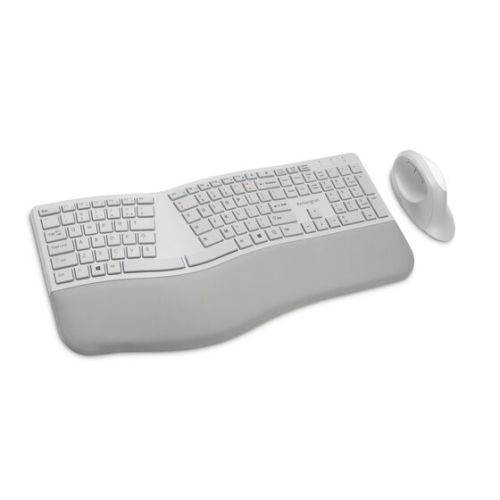
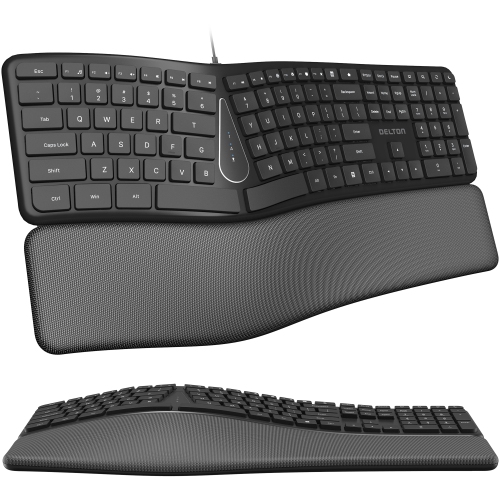
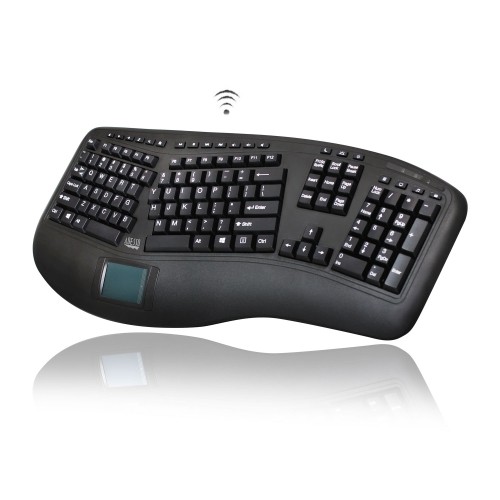
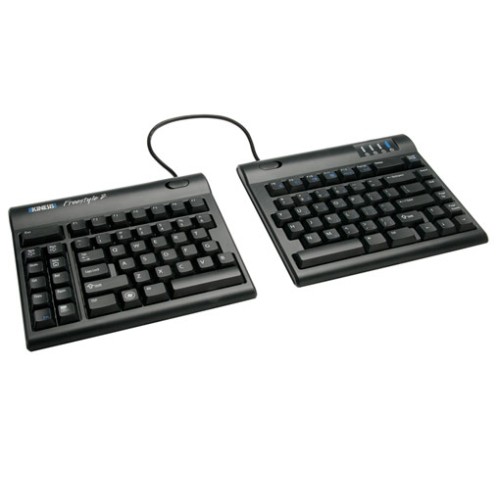
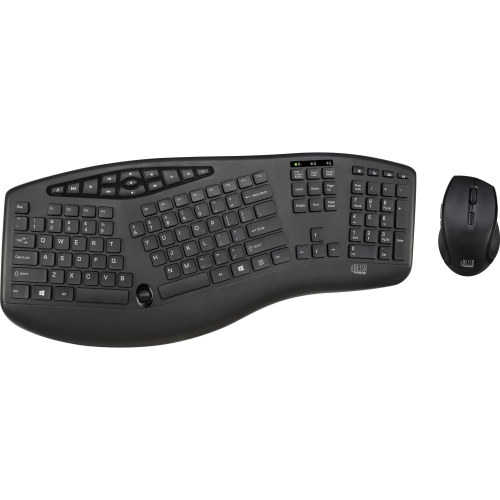
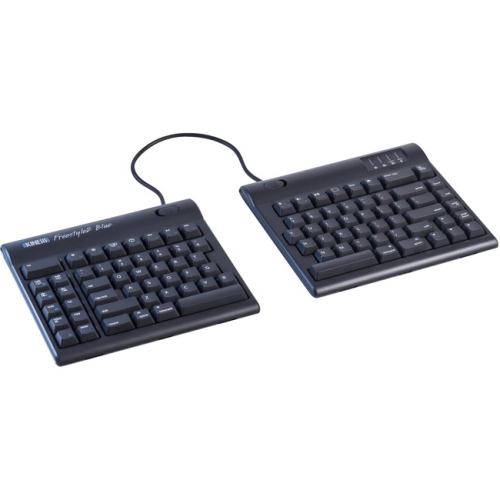
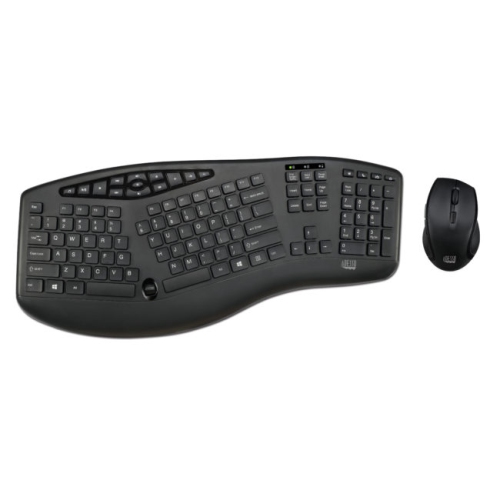
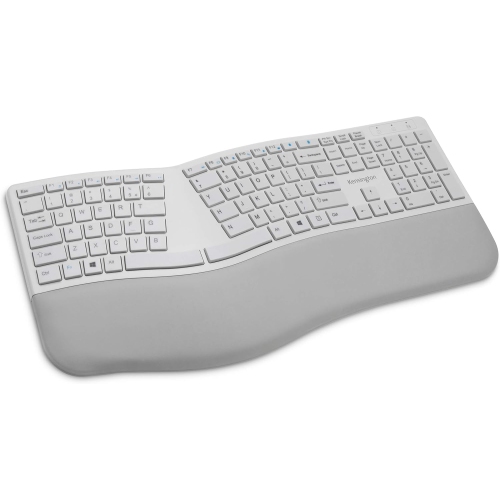
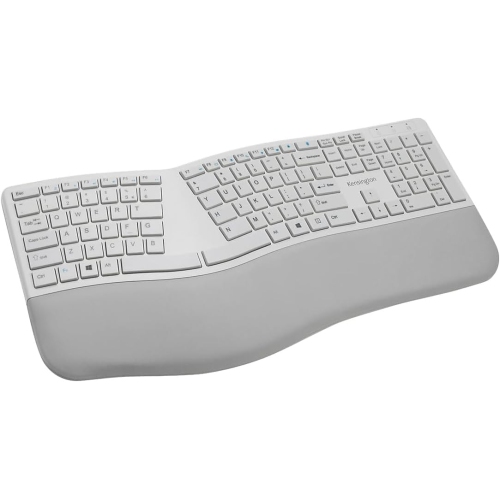
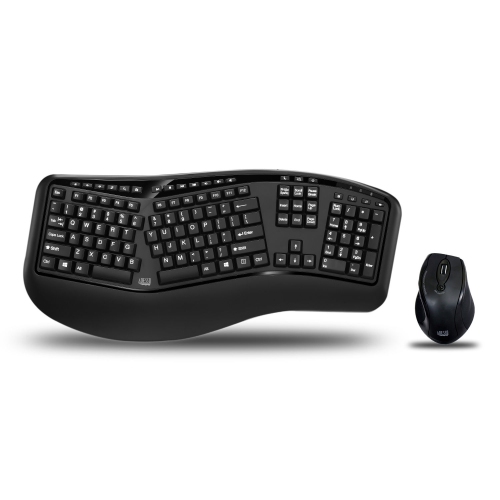
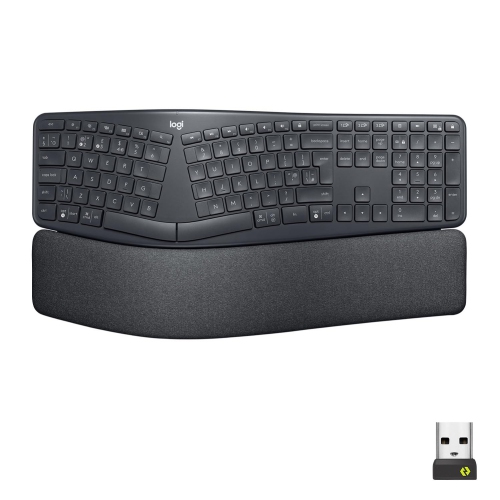
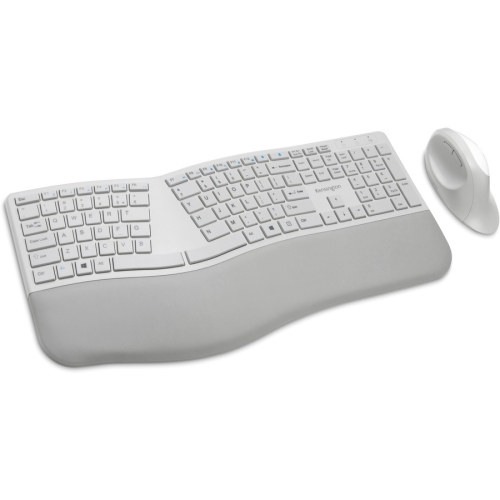
Adjustable layouts can support more comfortable, natural typing positions
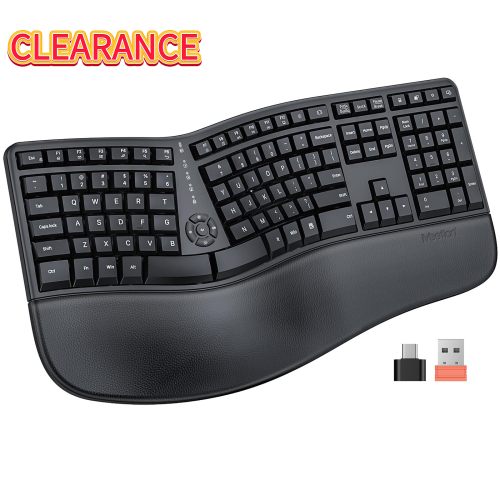
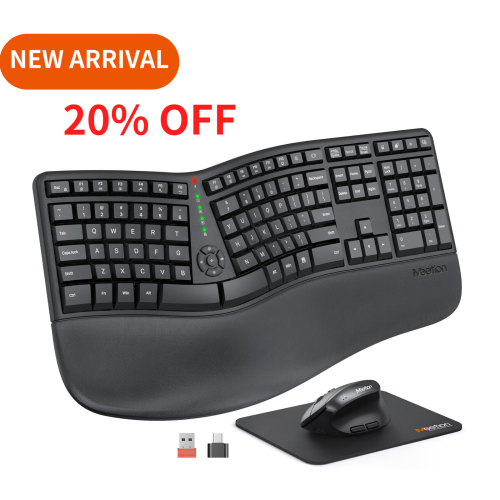
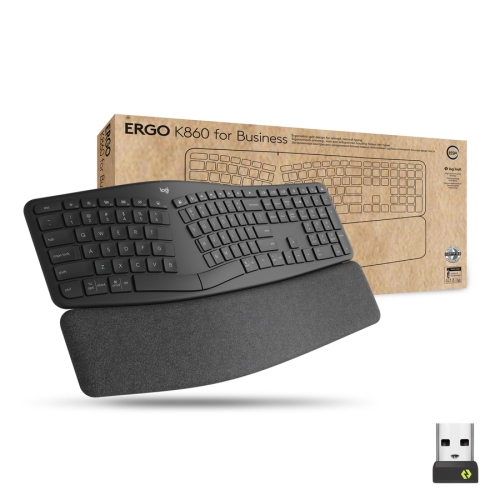
Split keyboards divide a conventional keyboard layout into two sections, giving you more control over where your hands, wrists and forearms rest while you type. On a standard board, your hands often meet near the centre of the desk, which can encourage your elbows to angle inward and your wrists to bend outward. A split design lets you move each half apart, often to approximately shoulder width, so your forearms can sit in a more natural, forward-facing position. Depending on the layout, the two sections may be connected by a cable or operate as separate wireless modules, while some models use a single curved body that creates a split typing zone without fully separating the keyboard. This variety makes split keyboards suitable for people with different desk layouts, typing habits and comfort preferences. Users who spend long periods writing, coding, studying, entering data or communicating online may appreciate the ability to adjust the keyboard around their body instead of keeping their hands fixed in one position. A split layout can also be useful for gamers who want more space for a mouse, for home-office workers who alternate between typing and other desk tasks, and for anyone who has noticed fatigue building in their hands or forearms during extended sessions. Comfort is personal, and a split keyboard is not a substitute for professional medical advice, but positioning the halves so your shoulders remain relaxed and your wrists stay relatively straight can support a more comfortable workstation. A gradual adjustment period is normal, especially if the layout places commonly used keys in different locations or separates the spacebar into additional functions. Short practice sessions, rather than an immediate switch during a demanding workday, can make the transition easier.
When comparing split keyboards, begin with the degree of separation and adjustability that suits your routine. A true two-piece keyboard generally offers the greatest freedom: each side can be moved farther apart, angled slightly, or positioned to accommodate a chair, armrests or a large desk mat. A connected or unibody design takes up less space and is easier to transport, while still offering a more open arrangement than a traditional keyboard. Tenting is another important feature. Tented halves rise toward the centre, placing the hands in a position that can reduce the need to rotate the forearms flat against the desk. Some keyboards also support a negative tilt, where the front edge sits slightly higher than the rear, or include integrated palm or wrist support. Look for stable feet, adjustable supports or a firm base so the keyboard does not shift when you press the keys. Key feel matters just as much as shape. Membrane and low-profile designs tend to be quiet and familiar, which can work well in shared offices, bedrooms and family spaces. Mechanical switches offer a more distinct feel and may be available in quieter, tactile or lighter options, but they can produce more sound and may require a little more attention to switch type. Check the key layout carefully, particularly the location of the number row, navigation keys, arrow keys, function row and dedicated shortcuts. Some compact split keyboards reduce the overall footprint by combining functions behind modifier keys, while larger models preserve a layout that feels closer to a conventional office keyboard. Connectivity is also worth considering. Wired models provide a dependable connection and do not require charging, whereas wireless models can keep a desk clear and may support multiple devices. Confirm compatibility with your computer or tablet, review battery expectations, and consider whether a removable or replaceable cable would make travel and setup more convenient.
A split keyboard can be a thoughtful gift for a student setting up a study area, a remote worker building a home office, a writer who spends evenings at the computer, or a family member who enjoys customizing a desk. It is especially practical when paired with a monitor positioned at a comfortable height, a supportive chair and enough room to place the keyboard without crowding the mouse. During the cooler months, when more work, study and entertainment may take place indoors, a well-arranged desk can make long sessions feel less cramped and easier to maintain. New users may want to begin with the halves close together and gradually increase the spacing as their muscle memory develops. Keep frequently used keys within a natural reach, avoid lifting the shoulders, and take regular breaks to stretch and change position. Those who use a mouse extensively may also prefer a split layout because the keyboard halves can be moved aside, leaving the pointing device closer to the body and reducing repeated reaching across a wide keyboard. For shoppers who need a different arrangement for a specialised task, Single-hand Keyboards may offer another way to organize input around a particular workflow. Whether you choose a compact portable model, a full-size office layout or a highly adjustable two-piece design, pay attention to the details you will notice every day: key spacing, sound, wrist support, connection method, desk footprint and ease of adjustment. The best split keyboard is one that fits naturally into your setup and encourages a relaxed, repeatable typing position without making ordinary tasks feel complicated.
When comparing split keyboards, begin with the degree of separation and adjustability that suits your routine. A true two-piece keyboard generally offers the greatest freedom: each side can be moved farther apart, angled slightly, or positioned to accommodate a chair, armrests or a large desk mat. A connected or unibody design takes up less space and is easier to transport, while still offering a more open arrangement than a traditional keyboard. Tenting is another important feature. Tented halves rise toward the centre, placing the hands in a position that can reduce the need to rotate the forearms flat against the desk. Some keyboards also support a negative tilt, where the front edge sits slightly higher than the rear, or include integrated palm or wrist support. Look for stable feet, adjustable supports or a firm base so the keyboard does not shift when you press the keys. Key feel matters just as much as shape. Membrane and low-profile designs tend to be quiet and familiar, which can work well in shared offices, bedrooms and family spaces. Mechanical switches offer a more distinct feel and may be available in quieter, tactile or lighter options, but they can produce more sound and may require a little more attention to switch type. Check the key layout carefully, particularly the location of the number row, navigation keys, arrow keys, function row and dedicated shortcuts. Some compact split keyboards reduce the overall footprint by combining functions behind modifier keys, while larger models preserve a layout that feels closer to a conventional office keyboard. Connectivity is also worth considering. Wired models provide a dependable connection and do not require charging, whereas wireless models can keep a desk clear and may support multiple devices. Confirm compatibility with your computer or tablet, review battery expectations, and consider whether a removable or replaceable cable would make travel and setup more convenient.
A split keyboard can be a thoughtful gift for a student setting up a study area, a remote worker building a home office, a writer who spends evenings at the computer, or a family member who enjoys customizing a desk. It is especially practical when paired with a monitor positioned at a comfortable height, a supportive chair and enough room to place the keyboard without crowding the mouse. During the cooler months, when more work, study and entertainment may take place indoors, a well-arranged desk can make long sessions feel less cramped and easier to maintain. New users may want to begin with the halves close together and gradually increase the spacing as their muscle memory develops. Keep frequently used keys within a natural reach, avoid lifting the shoulders, and take regular breaks to stretch and change position. Those who use a mouse extensively may also prefer a split layout because the keyboard halves can be moved aside, leaving the pointing device closer to the body and reducing repeated reaching across a wide keyboard. For shoppers who need a different arrangement for a specialised task, Single-hand Keyboards may offer another way to organize input around a particular workflow. Whether you choose a compact portable model, a full-size office layout or a highly adjustable two-piece design, pay attention to the details you will notice every day: key spacing, sound, wrist support, connection method, desk footprint and ease of adjustment. The best split keyboard is one that fits naturally into your setup and encourages a relaxed, repeatable typing position without making ordinary tasks feel complicated.
Top selling and popular products
-
 Your price for this item is $39.98
 -
 Your price for this item is $49.72
 -
 Your price for this item is $159
 -
 Your price for this item is $219.99
 -
 Your price for this item is $199.99
 -
 Your price for this item is $44.69
 -
 Your price for this item is $29.99
 -
 Your price for this item is $169.99
Discover more categories related to Split Keyboards
Top Collections:
Pokemon Centers, Kindle Devices, Best Budget Office Chairs, Apple iPhones 16, Canon G7X Cameras, iPhone 15 Apple, Alarm Clock, Refurbished Apple Laptops, Flip Phones, Best Laptops for Writers
Some products may be subject to Environmental Handling Fees
(EHF) depending on your province.
Learn more about EHFs.