Thunderbolt 3 Adapters
Looking to enhance the connectivity of your devices? Look no further than our Best Thunderbolt 3 Adapters and Cable collection. Designed to provide lightning-fast data transfer speeds and seamless compatibility, these adapters are perfect for connecting your Thunderbolt 3-enabled devices to a variety of peripherals. Whether you need to connect your laptop to an external display, transfer files at blazing speeds, or charge your devices with ease, our Thunderbolt 3 Adapters have got you covered. Explore our wide selection and unlock the full potential of your devices today.
Sort


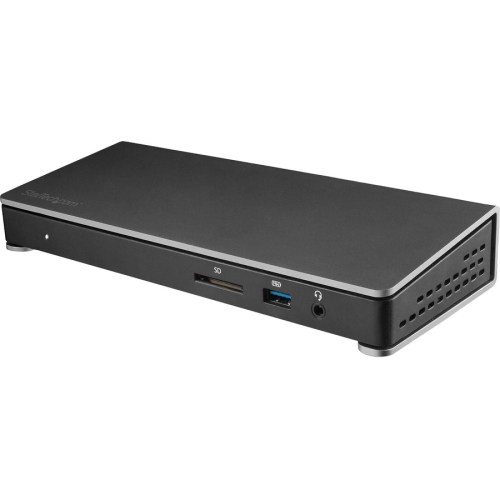
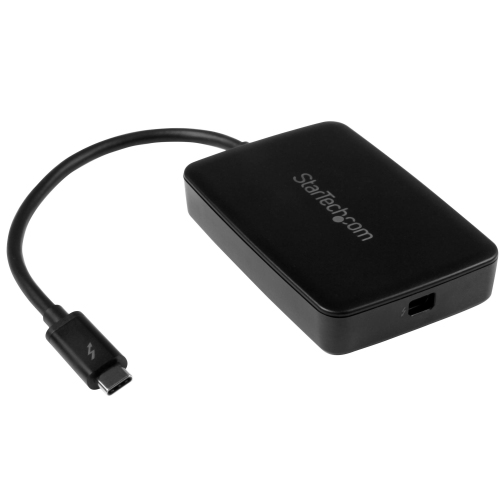
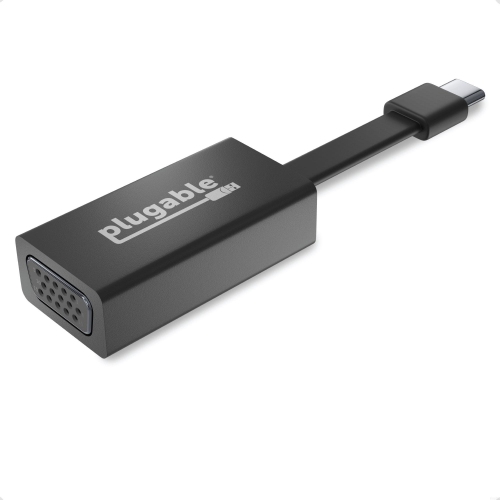
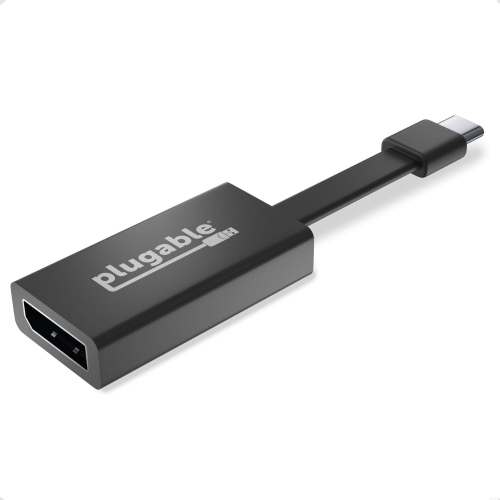
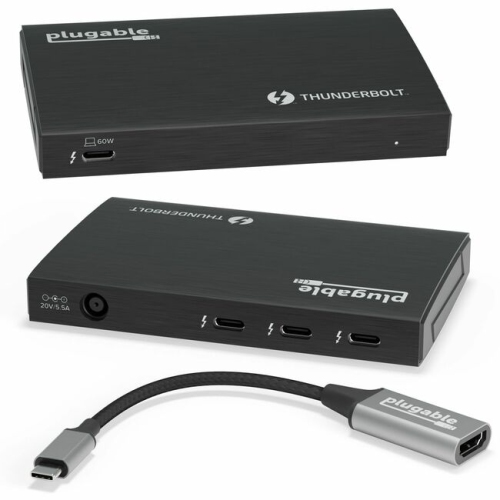
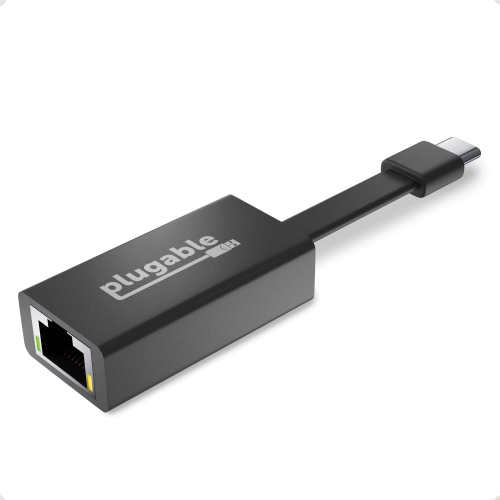
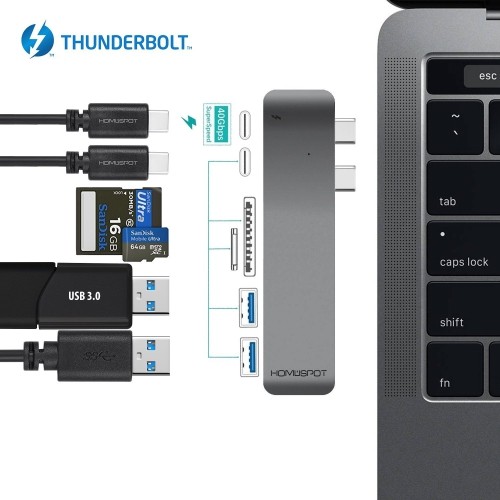
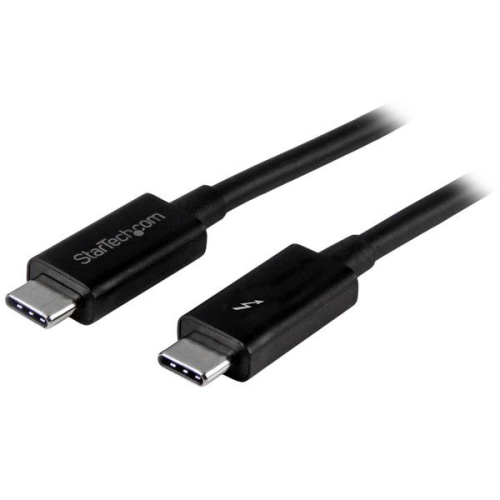
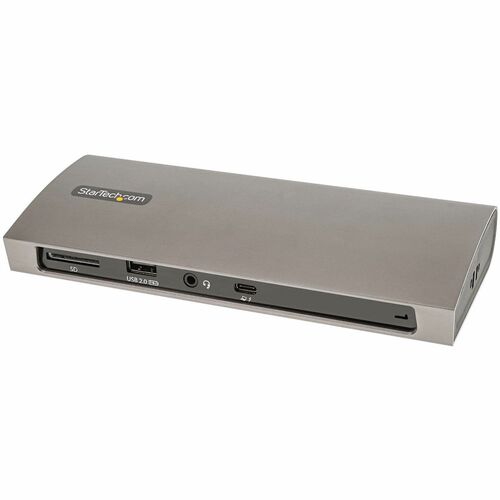
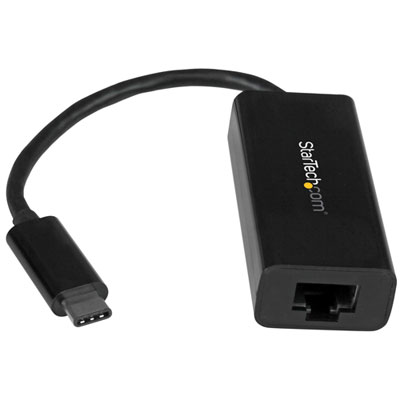
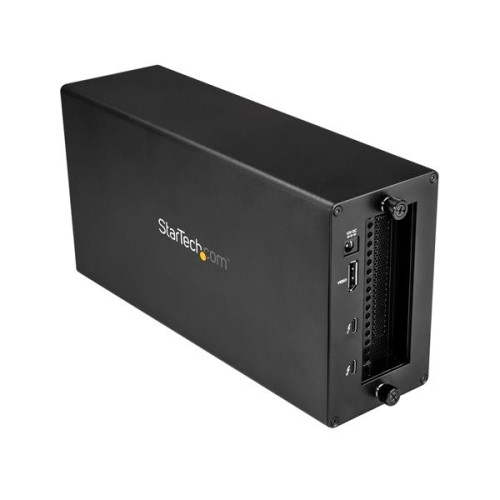
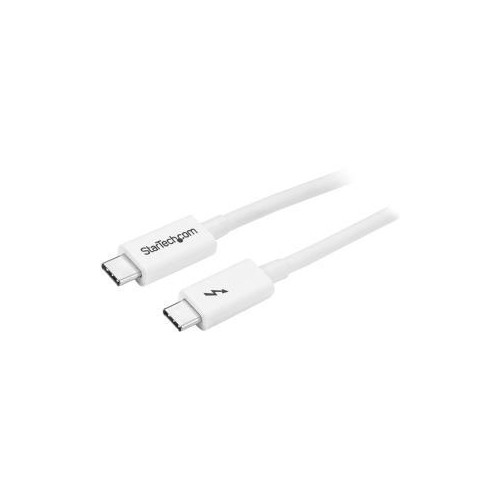

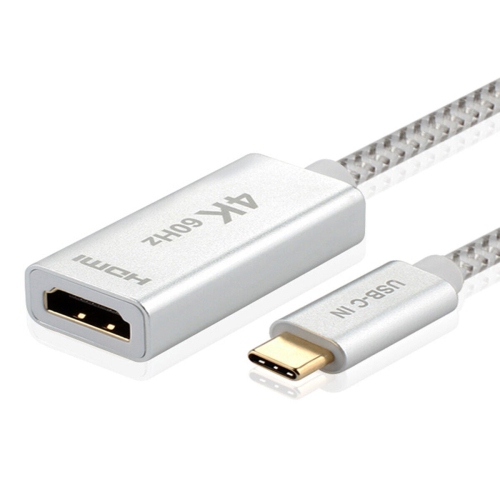
![YELLOW-PRICE USB C to HDMI Adapter 4K60Hz Cable [Thunderbolt 3 Compatible]+HDMI 2.0 HD Cable](https://multimedia.bbycastatic.ca/multimedia/products/500x500/166/16600/16600781.jpeg)
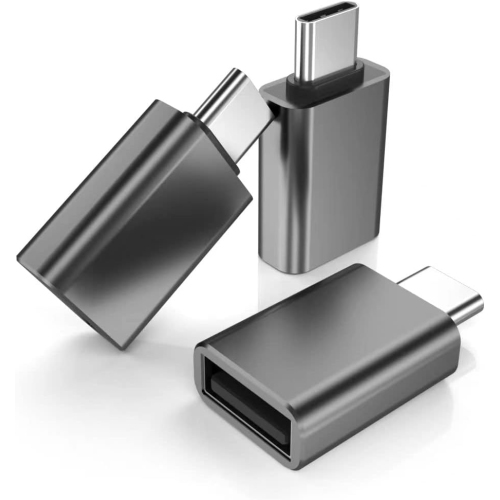
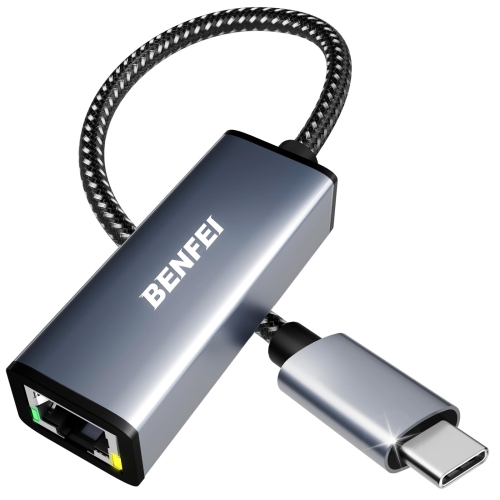
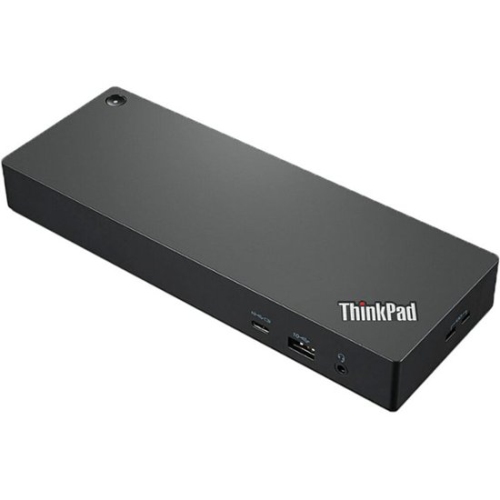
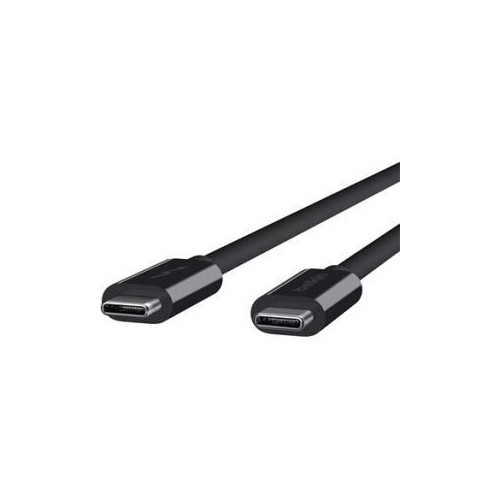
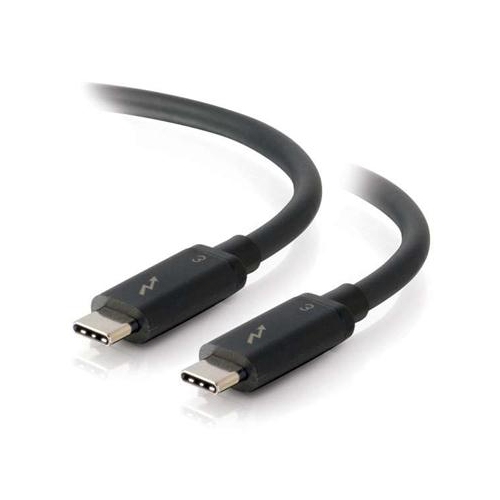
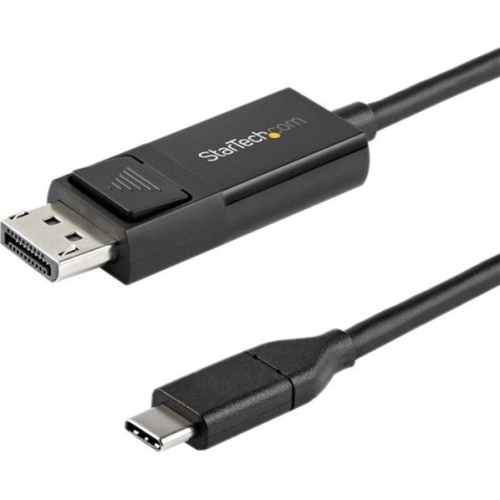
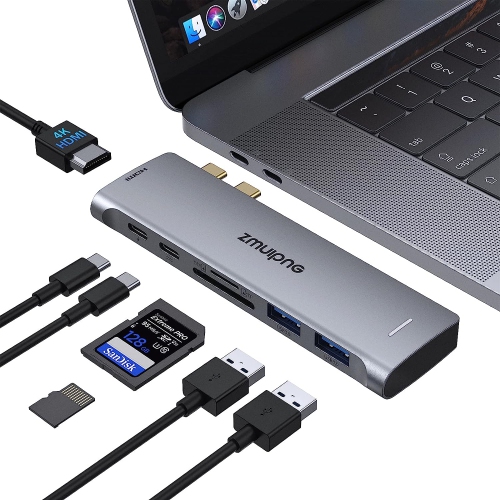
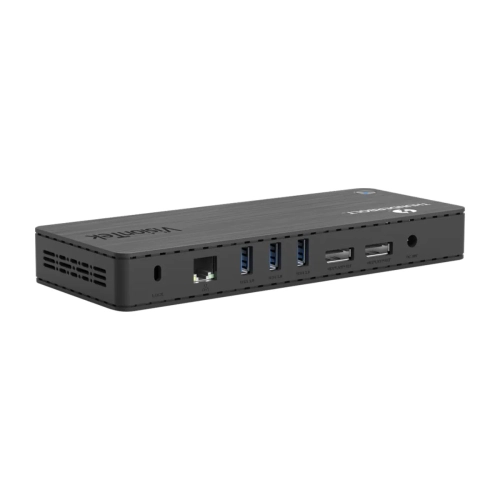
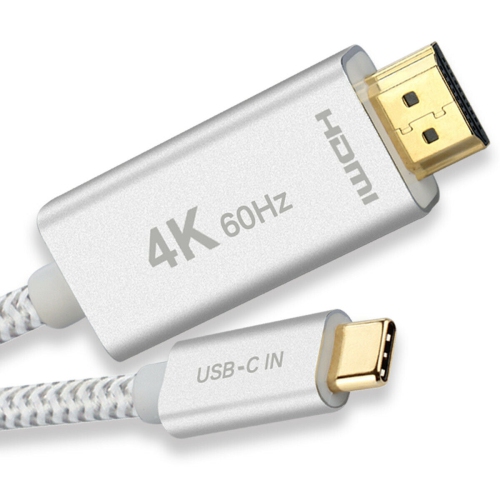
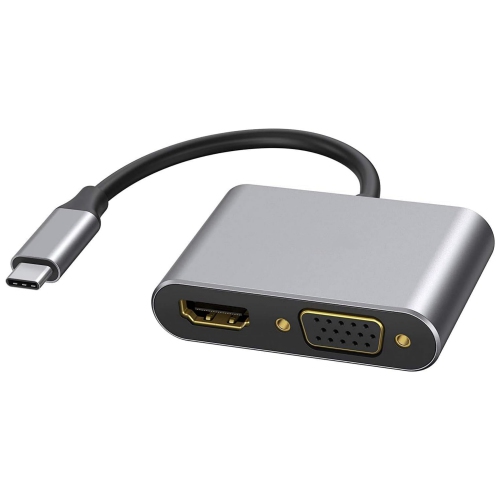
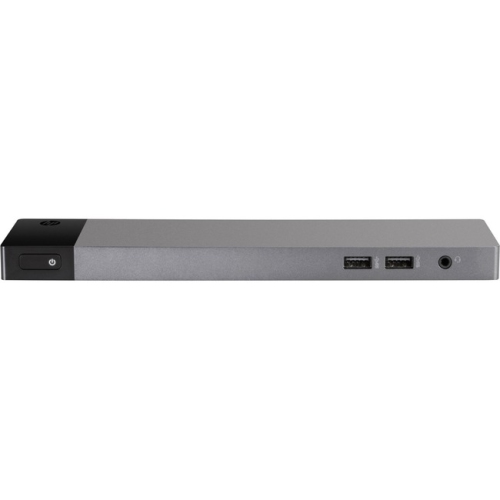
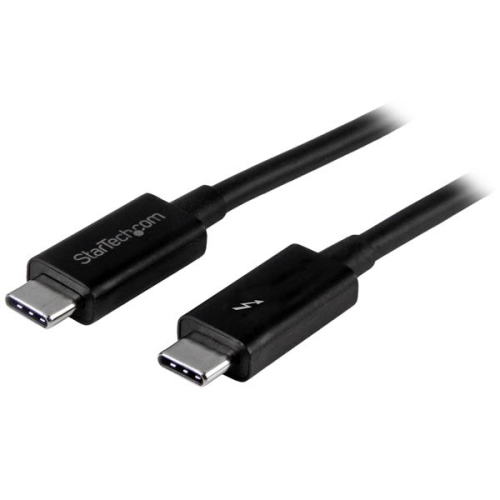
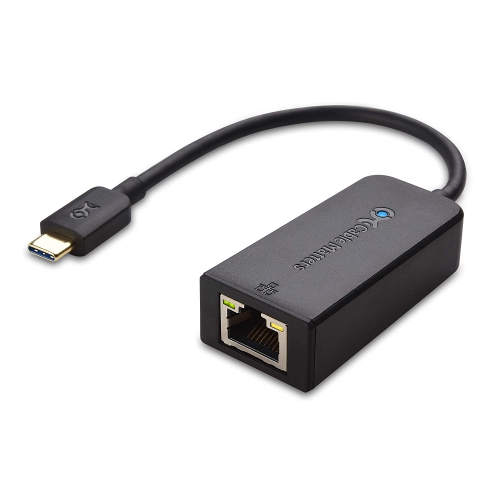
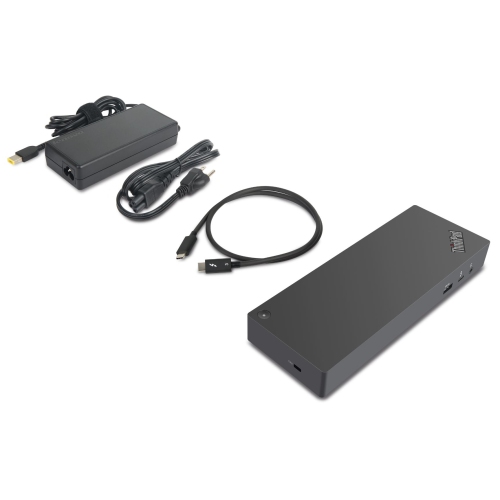
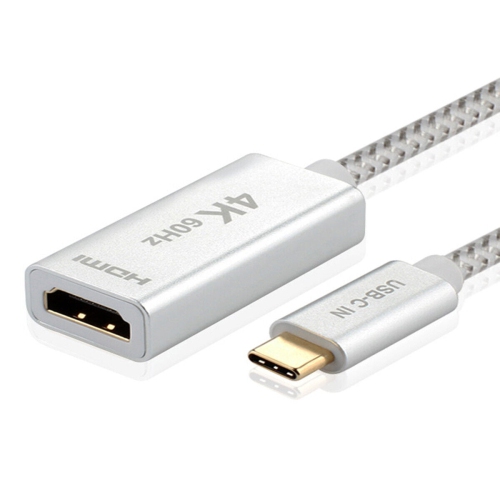
![YELLOW-PRICE USB C to HDMI Adapter 4K60Hz Cable [Thunderbolt 3 Compatible]+HDMI 2.0 HD Cable](https://multimedia.bbycastatic.ca/multimedia/products/500x500/166/16600/16600790.jpeg)
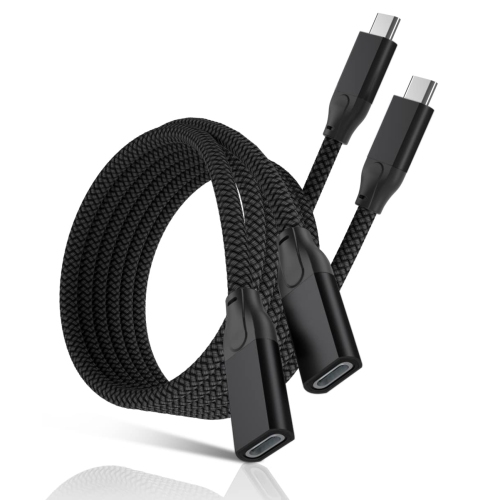
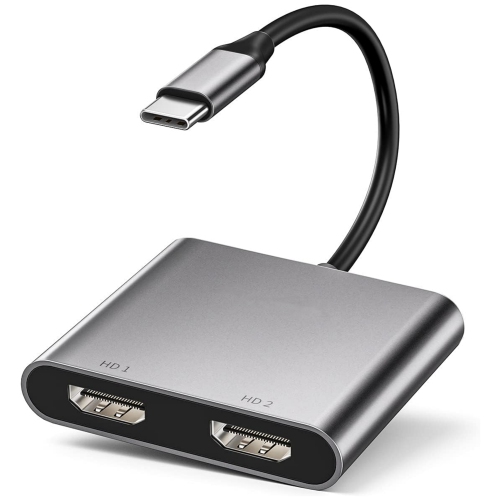
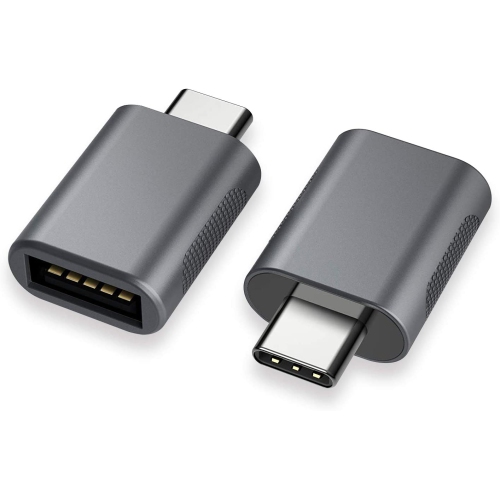
![DOLAER USB C to USB Adapter [2 Pack], L USB Type-C to USB 3.0 Adapter, USB C to USB A Otg Connector Compatible w Thunderbolt 3 Macbook Pro/air](https://multimedia.bbycastatic.ca/multimedia/products/500x500/174/17466/17466428.jpeg)
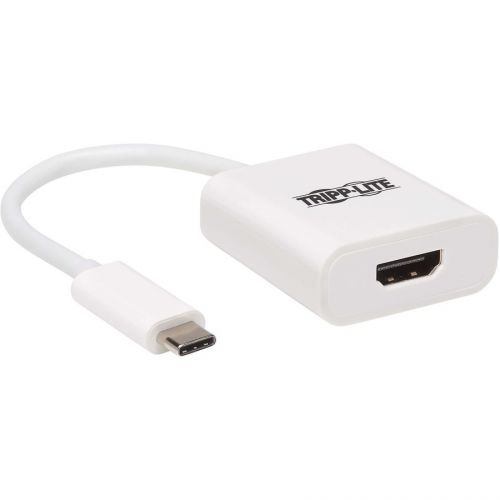
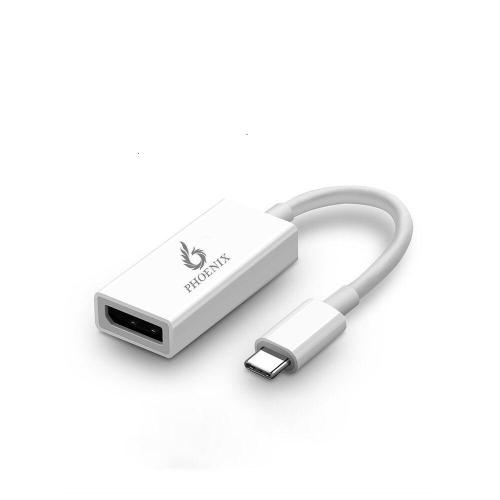
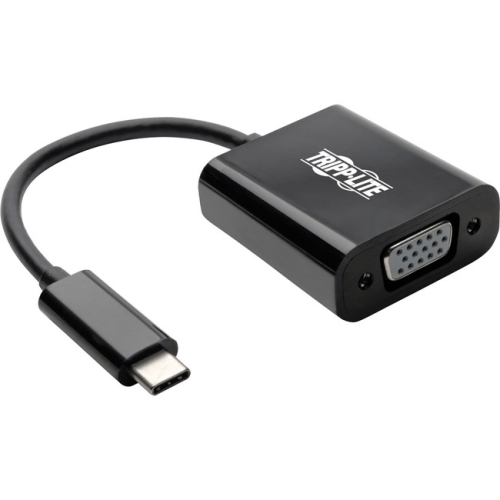
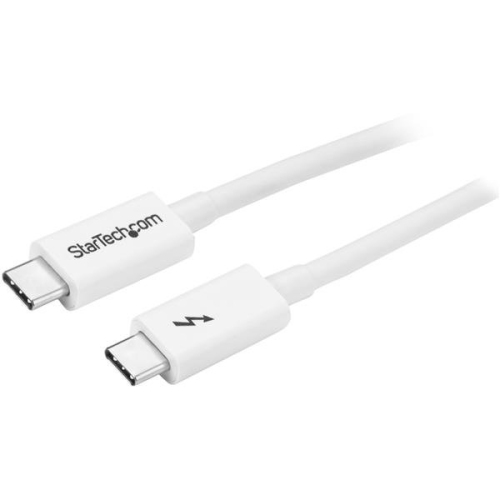
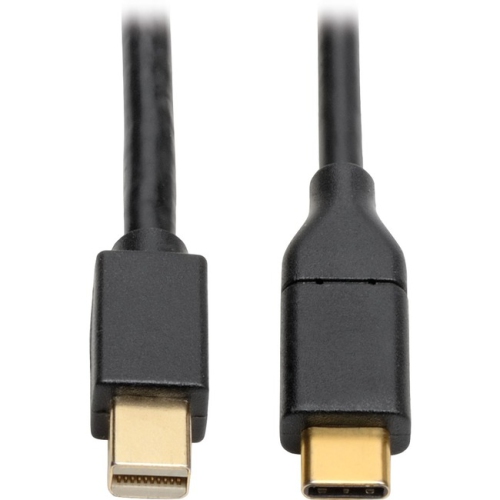
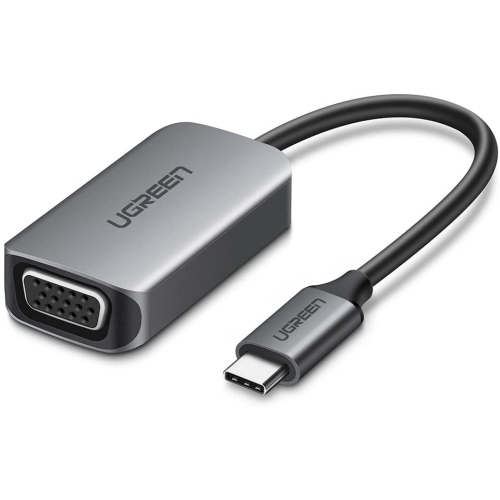

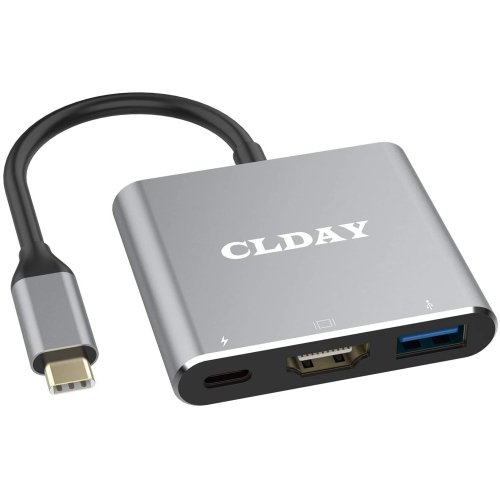
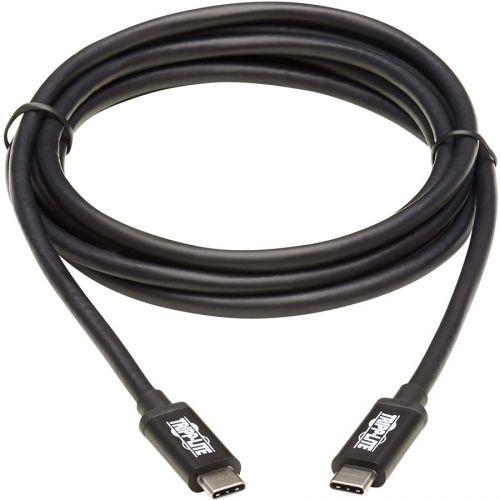
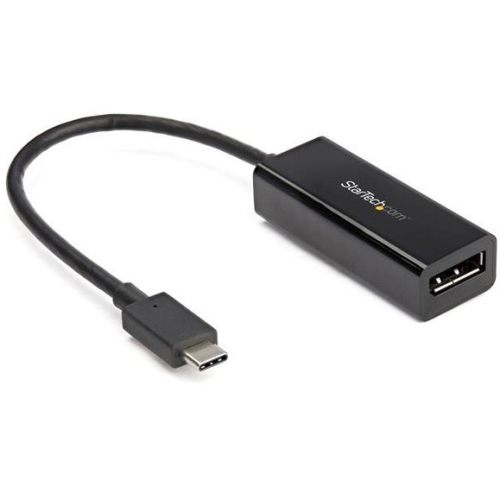
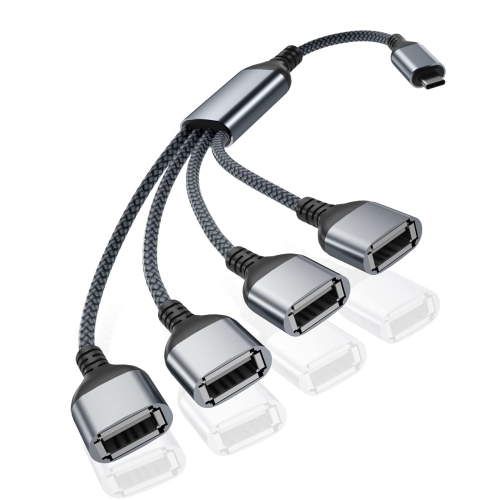
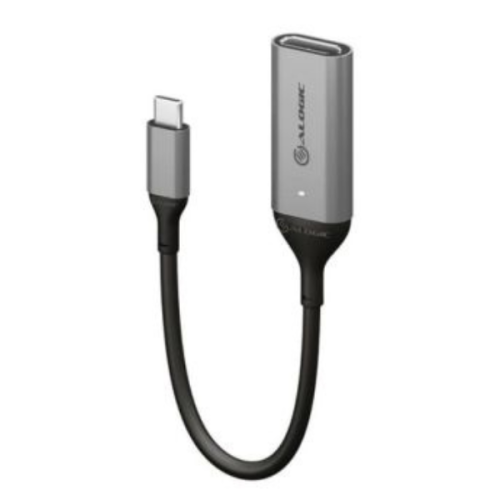
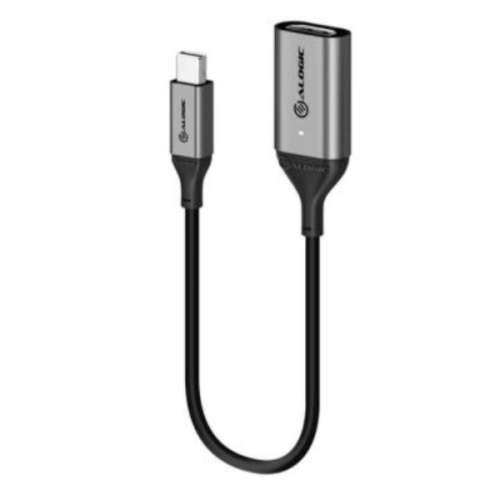
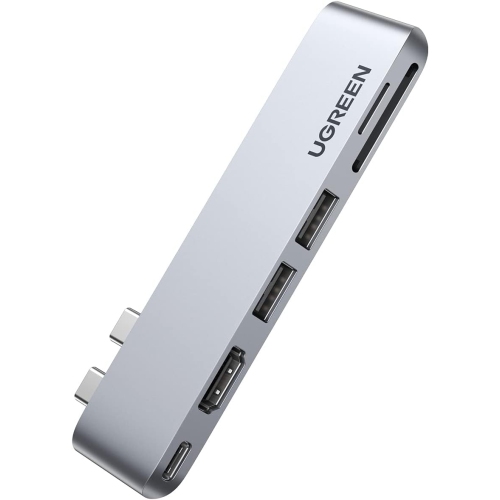
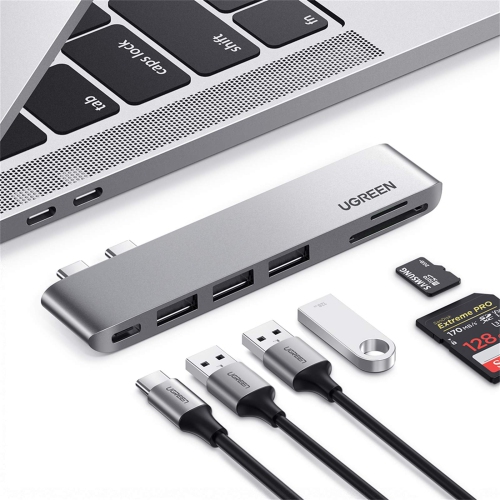
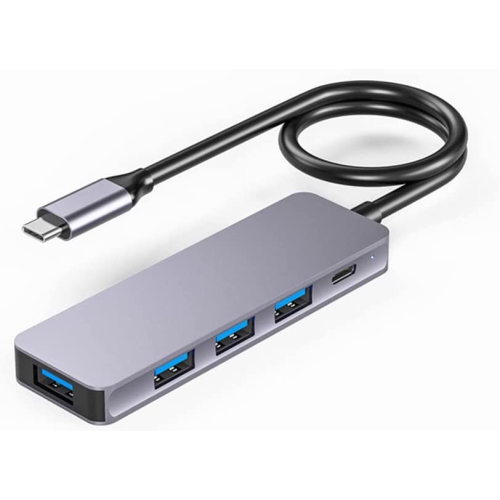
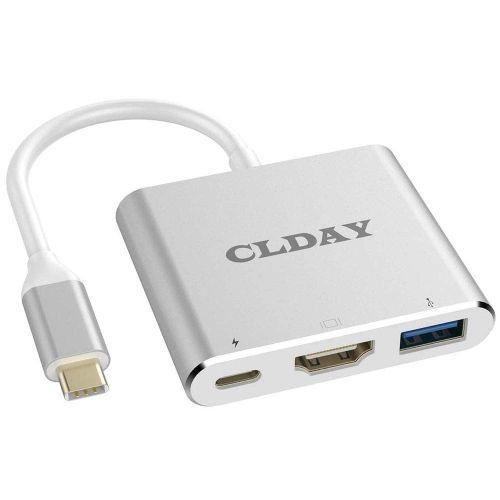
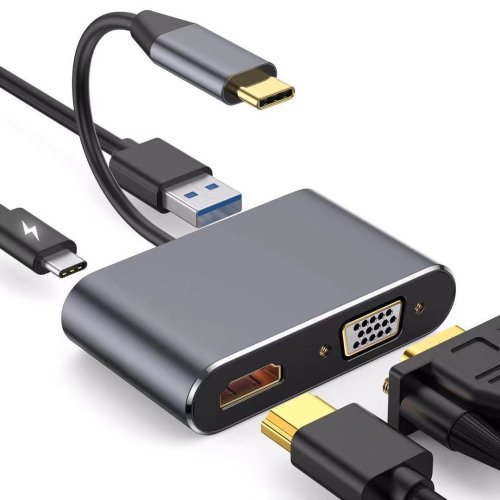
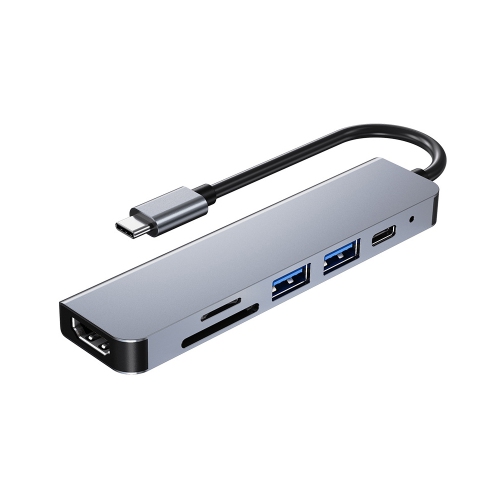
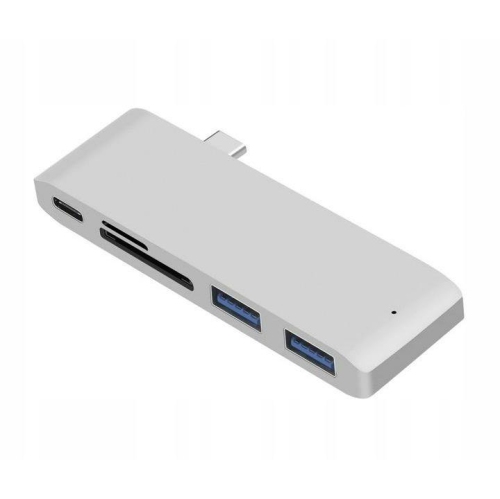
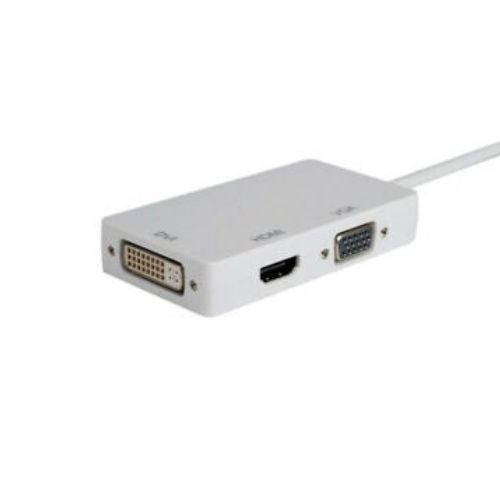
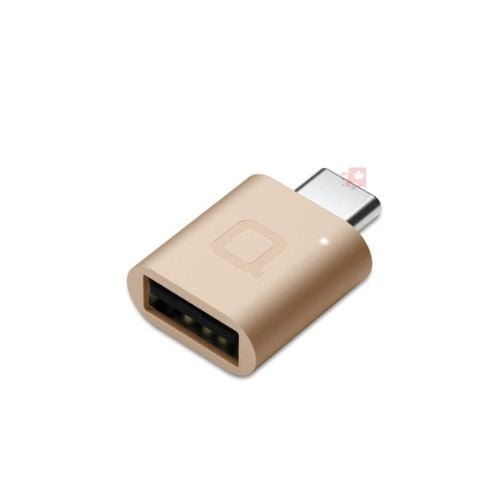
![YELLOW-PRICE USB C to HDMI Adapter 4K60Hz Cable [Thunderbolt 3 Compatible]+HDMI 2.0 HD Cable](https://multimedia.bbycastatic.ca/multimedia/products/500x500/166/16600/16600783.jpeg)
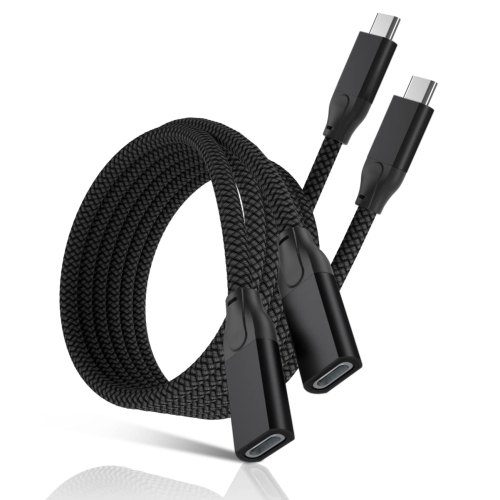
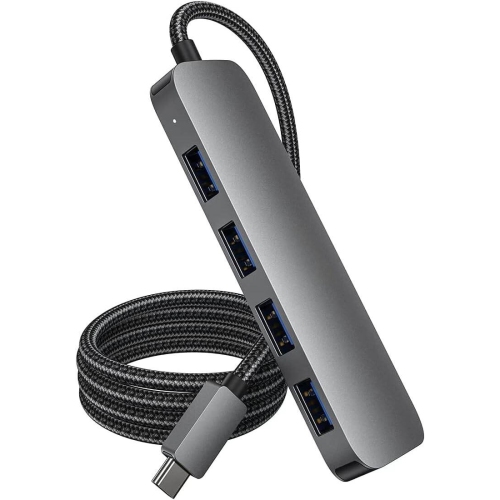
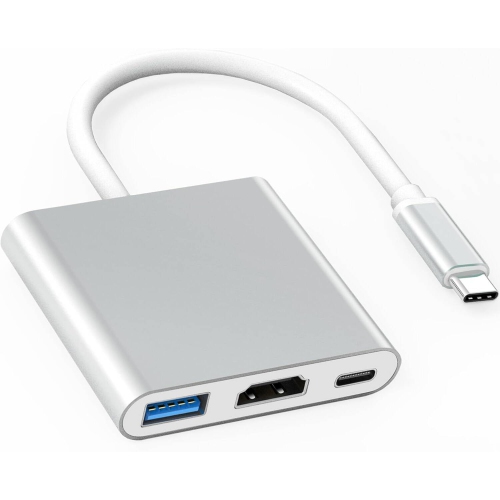
![BENFEI 2 Pack USB C to HDMI Adapter 4K60Hz Thunderbolt 3 to HDMI Adapter [Aluminum Alloy Shell & Nylon Cable]](https://multimedia.bbycastatic.ca/multimedia/products/500x500/197/19752/19752883.jpeg)
![BENFEI USB C to HDMI Adapter 4K60Hz Thunderbolt 3 to HDMI Adapter [Aluminum Alloy Shell & Nylon Cable]](https://multimedia.bbycastatic.ca/multimedia/products/500x500/197/19752/19752882.jpeg)
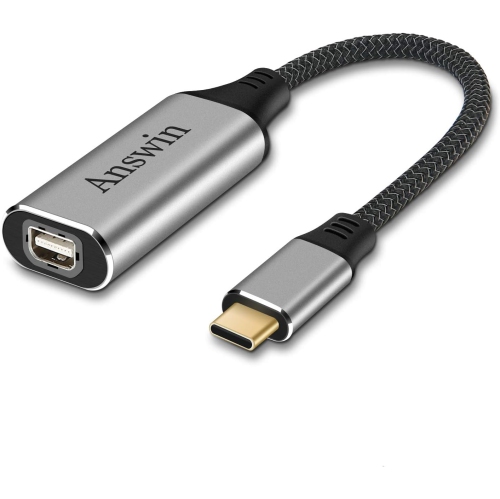
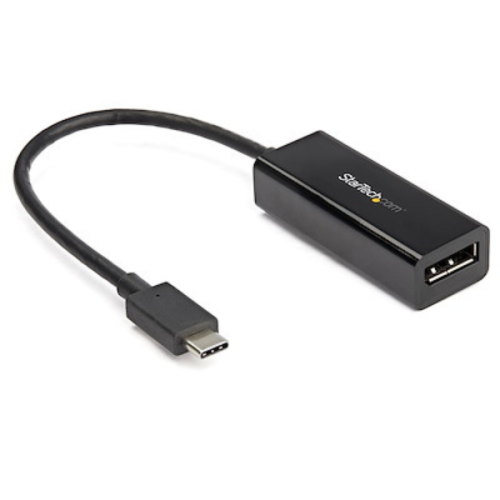
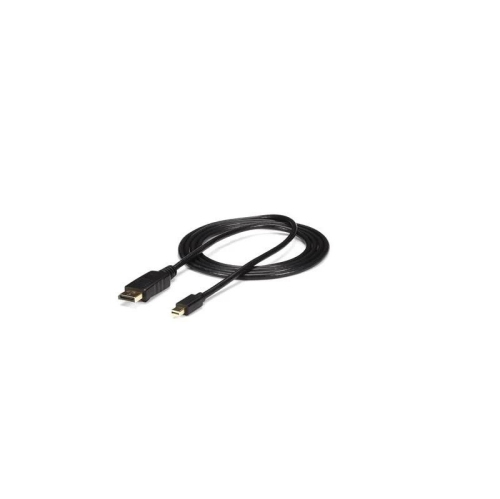
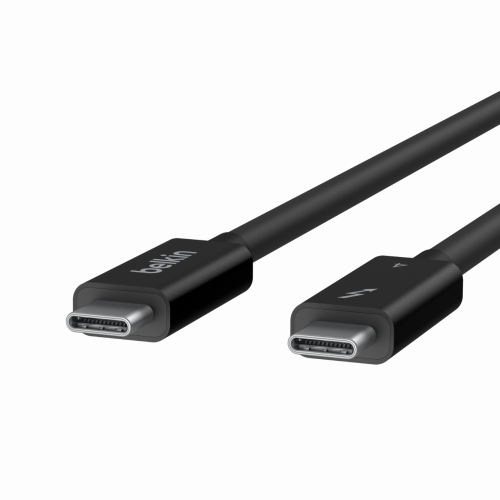
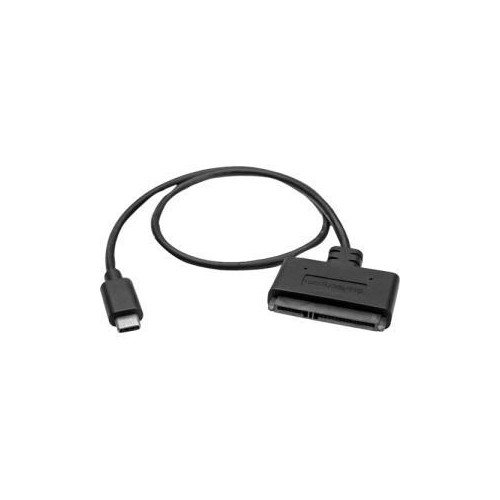
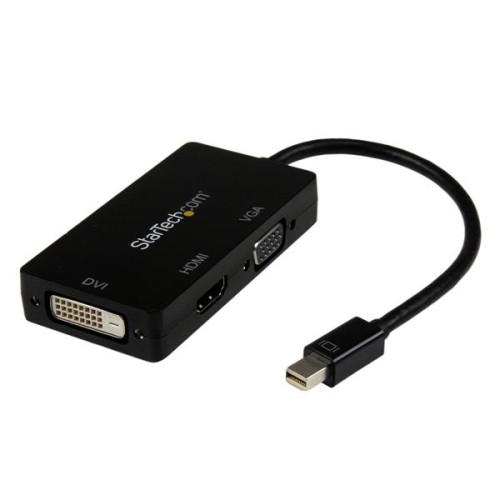
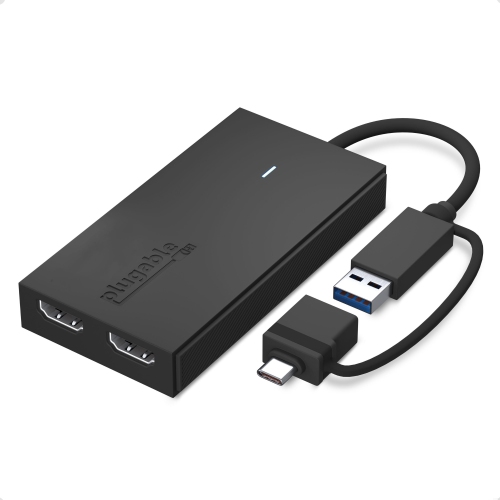
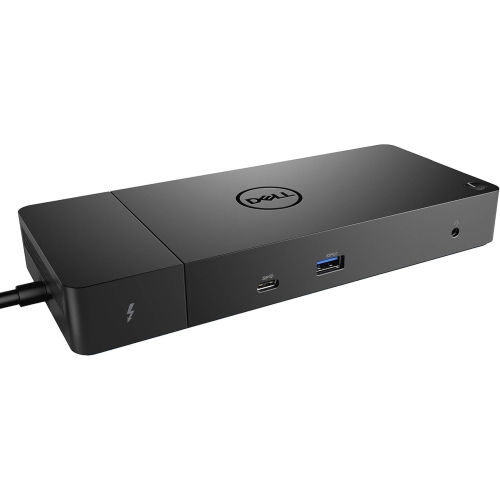
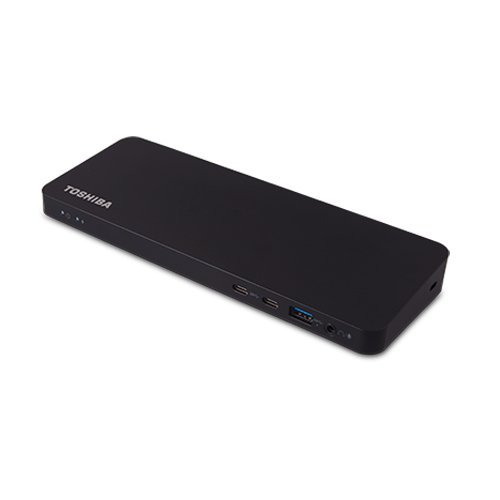
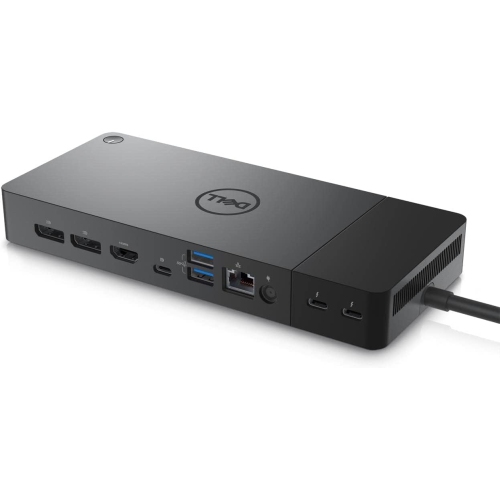
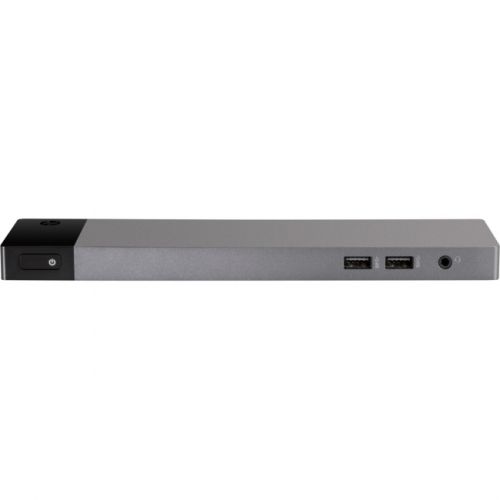
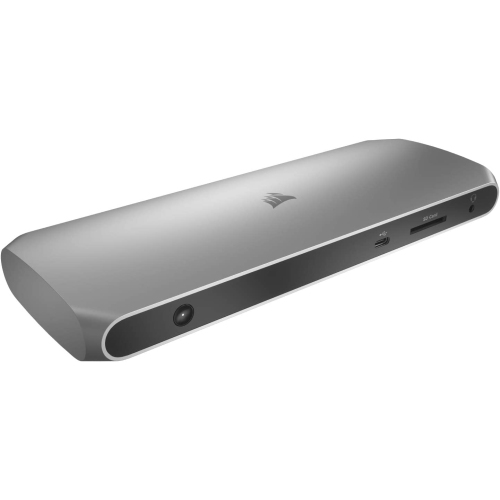
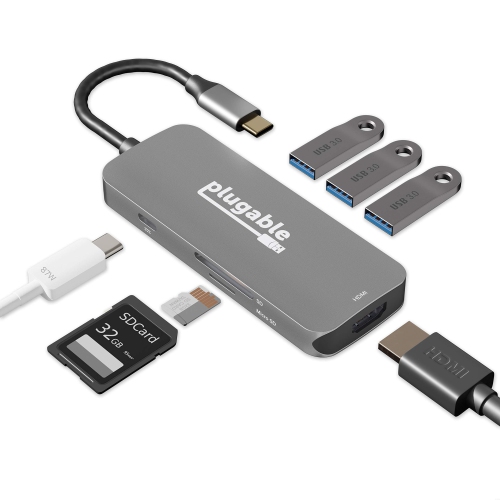
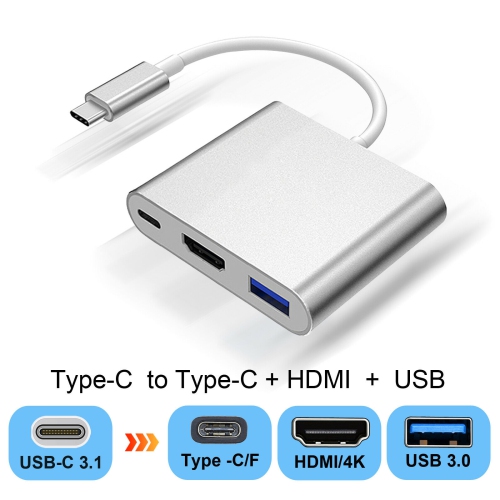
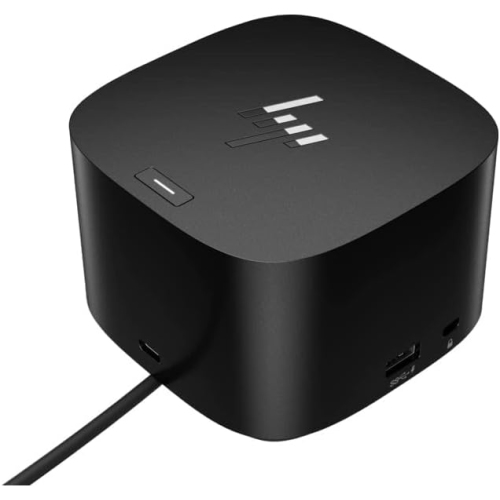
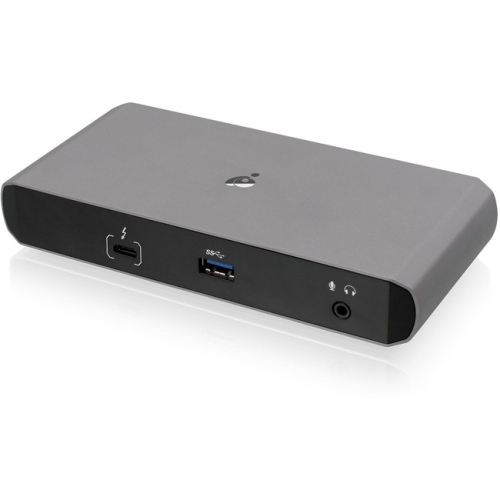
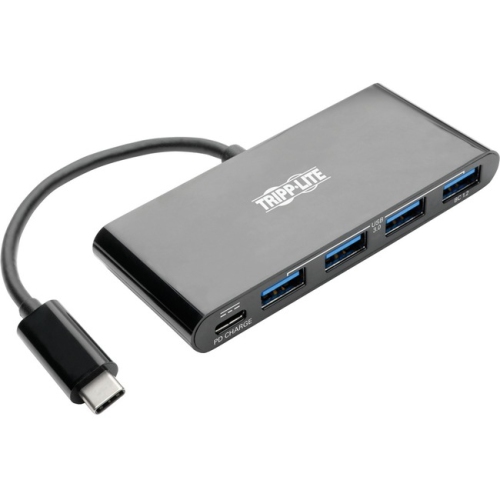
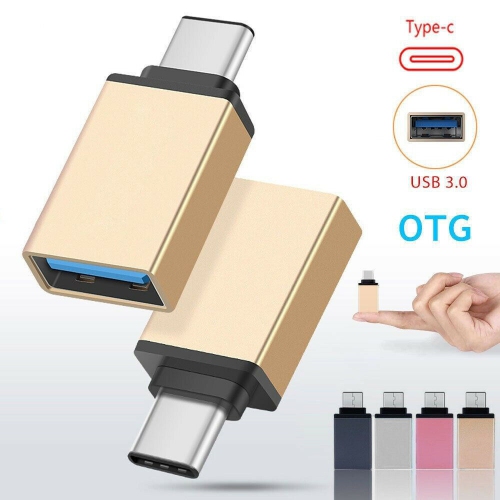
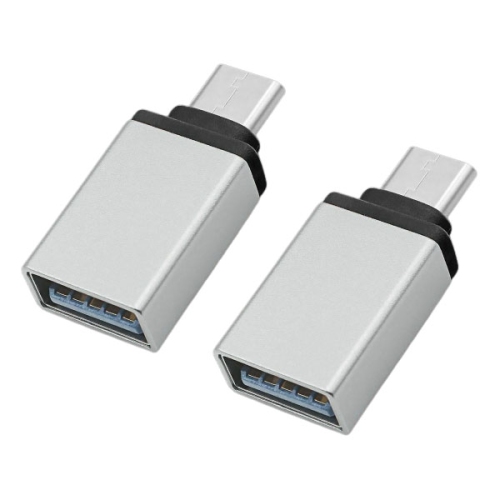
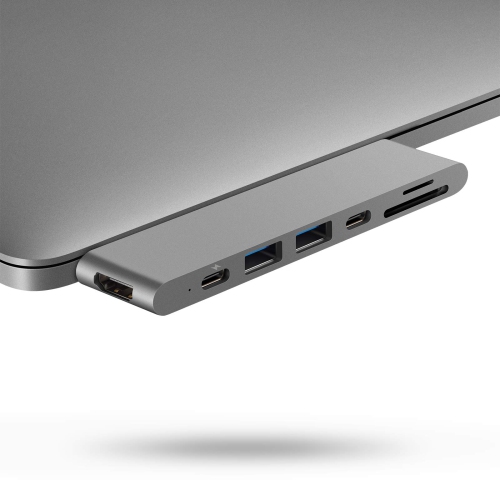
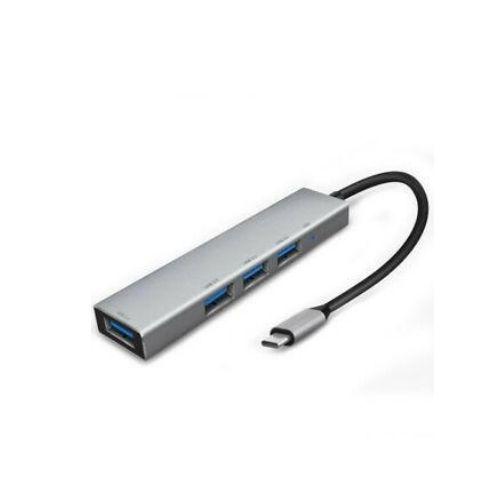
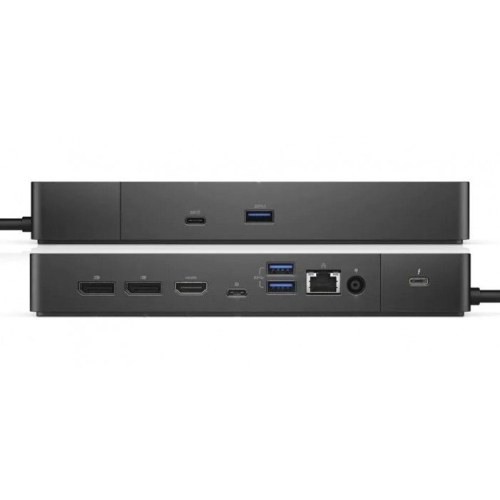
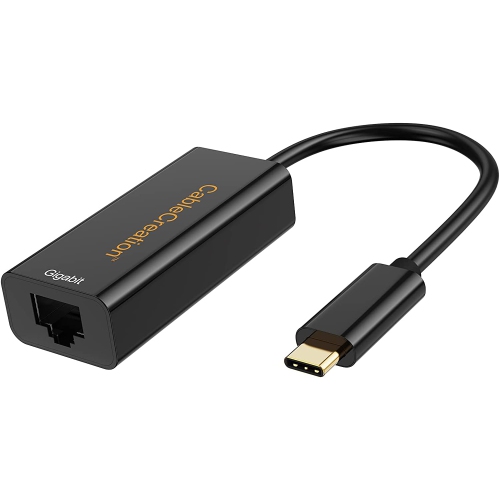
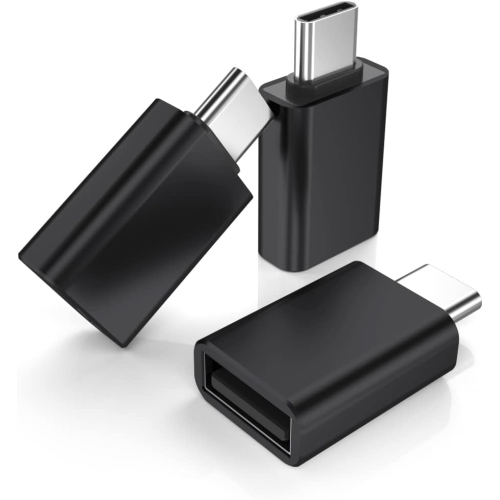
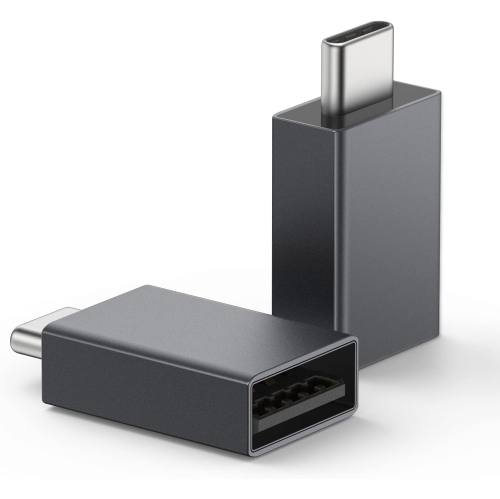
Connecting newer laptops to displays, storage, networks, and legacy gear
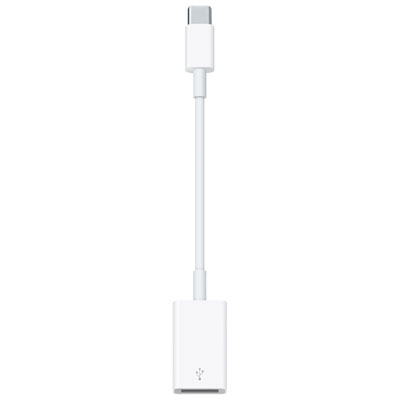
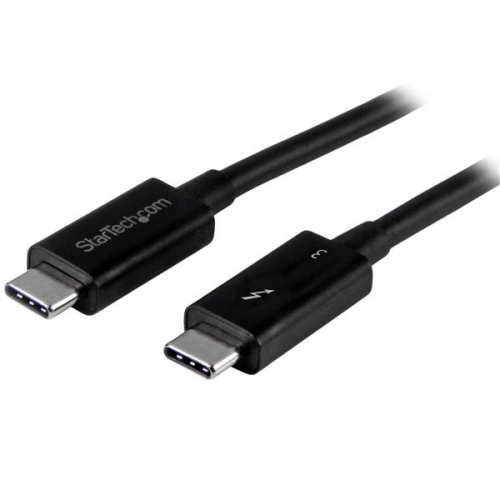
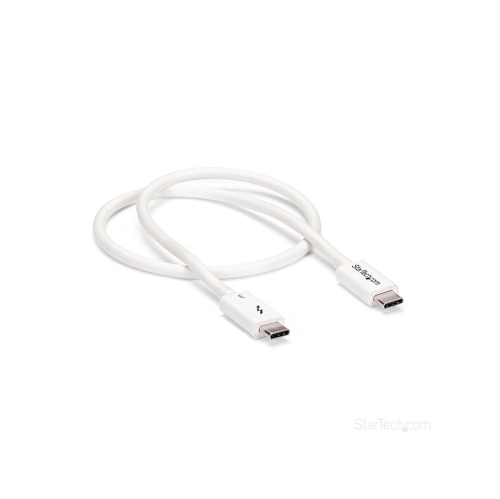
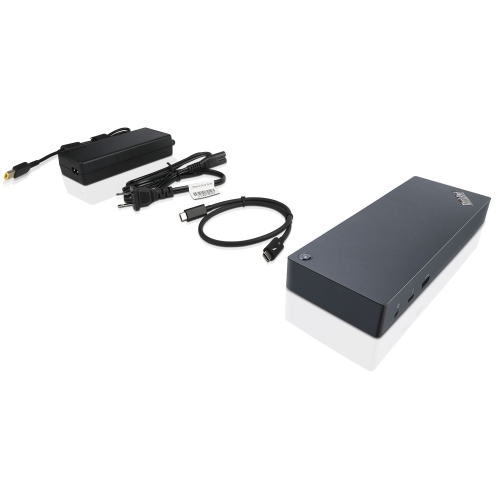
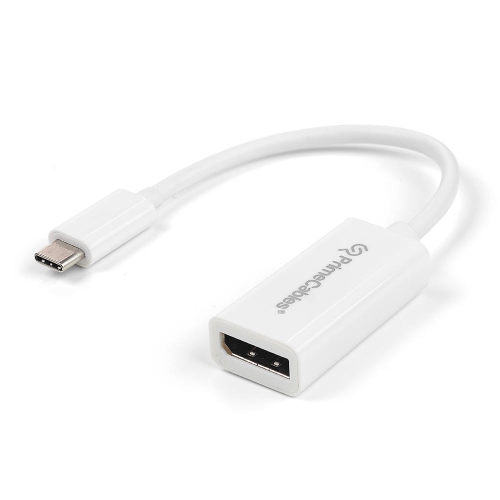
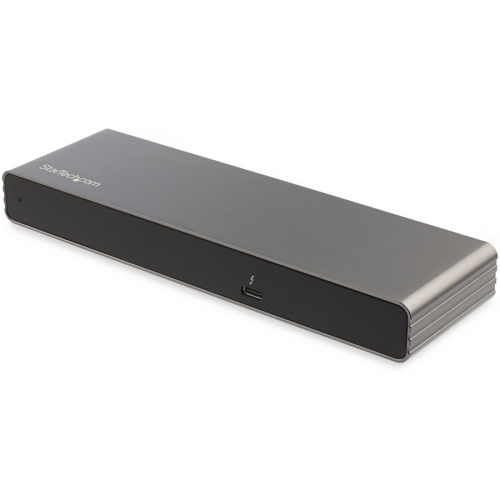
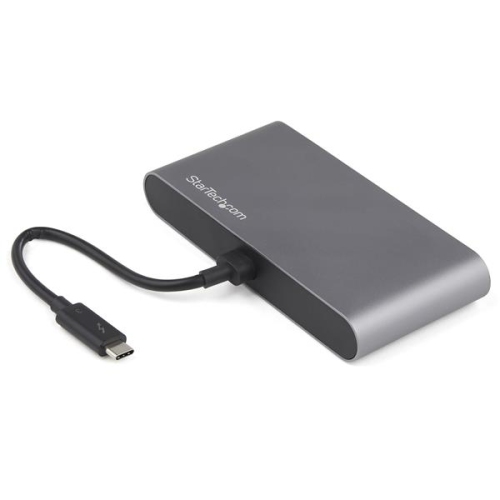
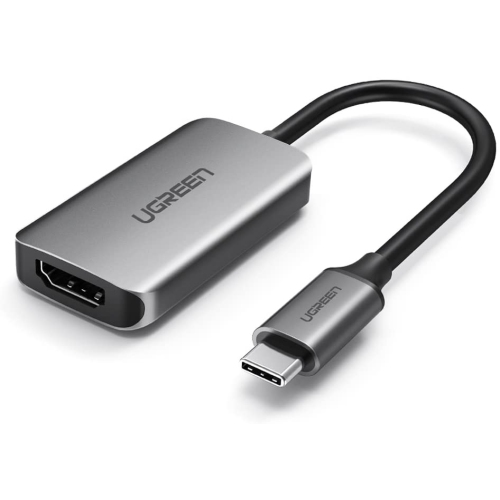
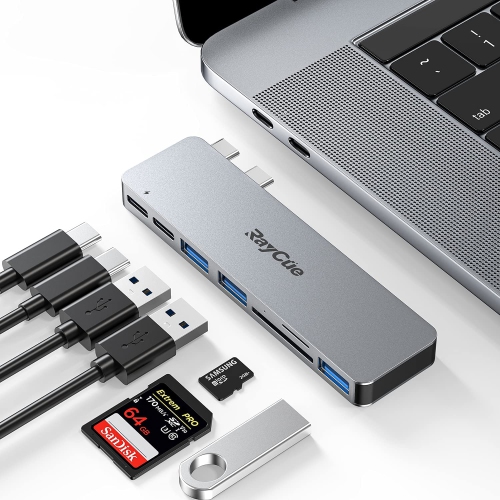
Thunderbolt 3 adapters help bridge the gap between newer computers and the displays, storage devices, networking equipment, and accessories that may use a different connection. Although Thunderbolt 3 uses the familiar USB-C connector, not every USB-C port offers the same capabilities, so checking the computer’s specifications is an important first step. A Thunderbolt 3 port can carry data, video, and power through one compact connection, making it useful for modern laptops with limited ports. The right adapter can help connect older Thunderbolt 1 or Thunderbolt 2 equipment, add a wired network connection, or send video to a monitor with a DisplayPort or HDMI input. These adapters are especially useful for people who work with large photo libraries, video projects, music production files, engineering applications, or multiple displays. They can also be a practical choice for a home office, where a single laptop may need to connect to a monitor, external storage, wired internet, keyboard, and other desk accessories. For a broader workstation setup with several connections in one place, consider Thunderbolt 3 Docking Stations, while a dedicated adapter may be the simpler option when only one connection needs to be changed. As cooler months bring more time indoors, these accessories can make it easier to move between a compact laptop setup and a more comfortable desktop workspace without replacing equipment that still performs well.
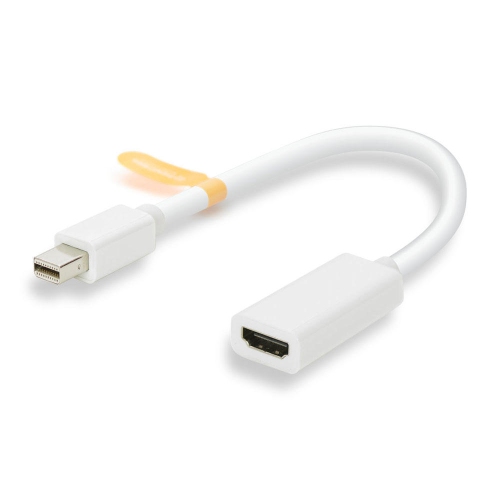
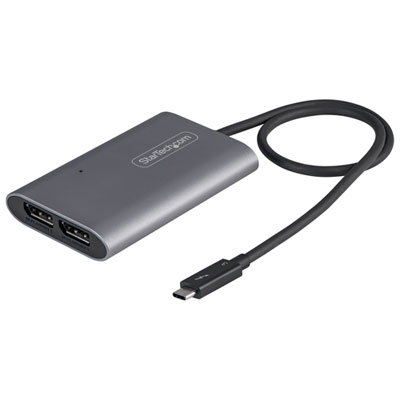
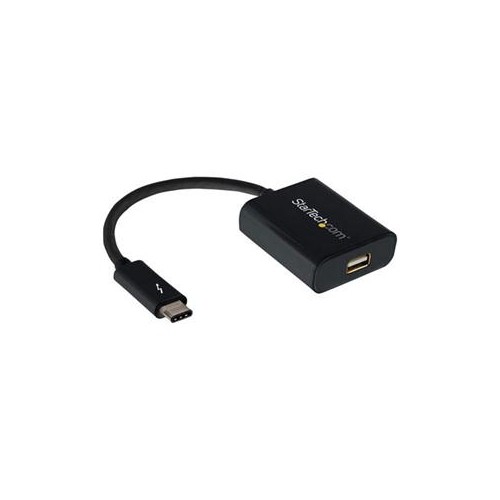
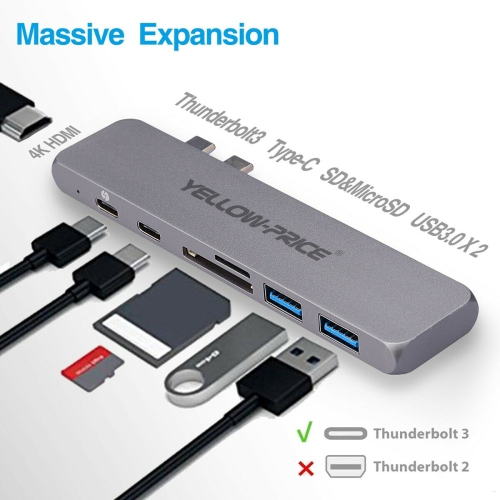
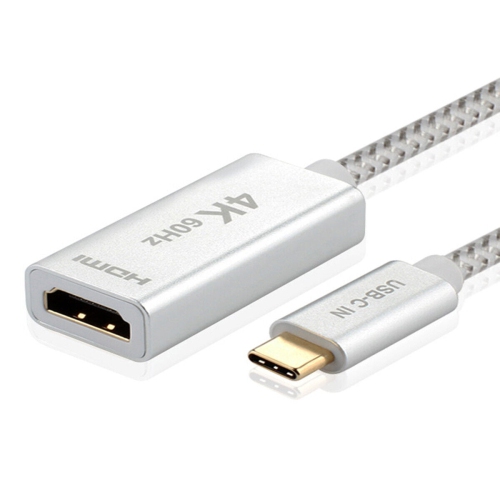
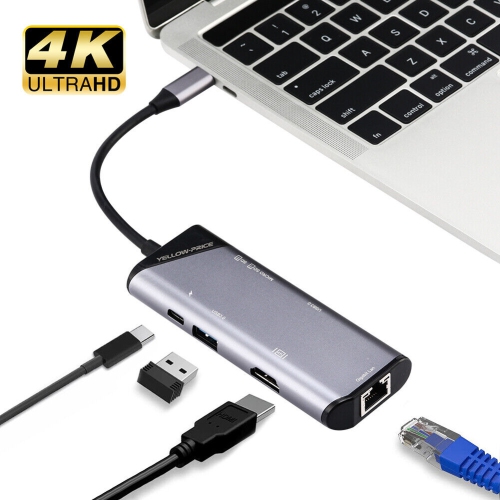
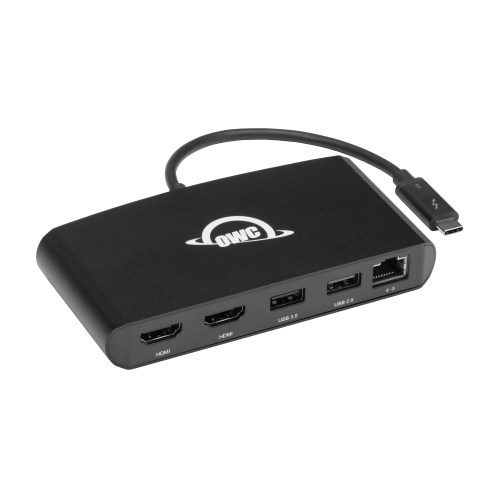
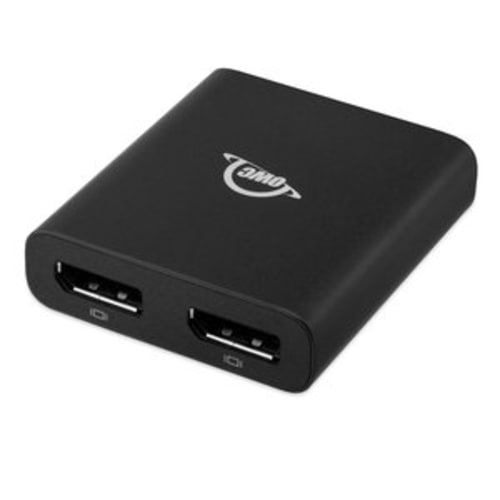
Thunderbolt 3 to Thunderbolt 2 adapters are designed for connecting compatible legacy Thunderbolt devices to a newer Thunderbolt 3 computer. This can be helpful when continuing to use an older external drive array, audio interface, capture device, or compatible display. Compatibility can depend on the computer, operating system, device firmware, and the direction of the connection, so it is worth confirming the intended arrangement before choosing an adapter. Some adapters are designed primarily to connect an older peripheral to a newer host, and may not support every reverse-connection scenario. A Thunderbolt 3 port and a USB-C port may look identical, but a standard USB-C connection cannot automatically provide Thunderbolt functionality; both the computer and the adapter need to support the required protocol. Video connections also require careful attention. Thunderbolt 3 to DisplayPort or HDMI adapters can send a display signal from a compatible Thunderbolt 3 computer to a monitor or television, while multi-display adapters may support two screens at particular resolutions and refresh rates. The exact result depends on the computer’s graphics capabilities, the operating system, the displays, and whether the adapter is designed for one or more outputs. A display adapter is not necessarily interchangeable with a simple cable, and a Thunderbolt 2 connection should not be assumed to carry a standard HDMI or DisplayPort signal unless the adapter is active and specifically designed for that purpose. Checking supported resolutions, refresh rates, number of displays, and required cables can prevent surprises when setting up a desk or presentation area. For someone who has inherited a well-loved monitor or kept a reliable external drive through several computer upgrades, a compatible adapter can be a thoughtful and useful gift that extends the value of equipment already in their workspace.
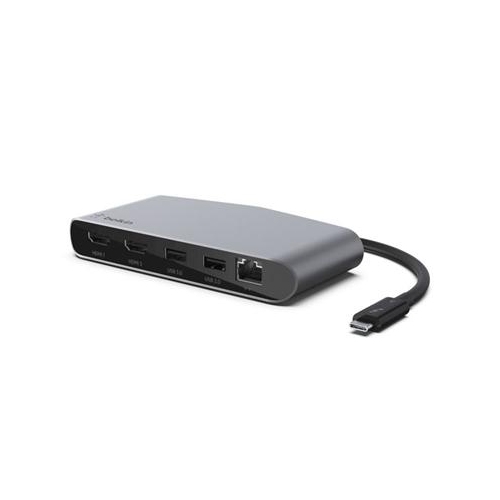
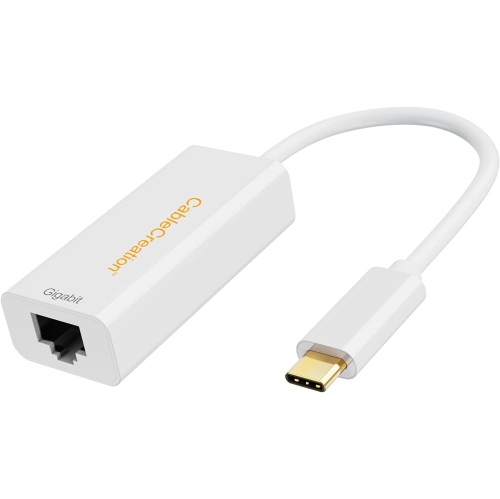
Other Thunderbolt 3 adapters focus on networking and high-speed data transfer. An adapter with a wired Ethernet connection can provide a more consistent network link than Wi-Fi in situations where large files, backups, cloud-based work, or media libraries are involved. Options supporting 10GbE may be suitable for compatible network equipment and demanding workflows, but network speed is limited by the slowest component in the connection, including the computer port, adapter, cable, switch, router, and service or storage device. Some networking adapters use an RJ45 connection, while others use an SFP+ connection and require compatible modules or cables, so the existing network setup should be reviewed before purchasing. Power is another consideration. Many compact adapters draw power from the computer’s Thunderbolt 3 port, which keeps the setup tidy but may place limits on connected accessories. A bus-powered adapter may be ideal for travel, classrooms, shared workspaces, or a laptop bag, while a powered model can be more suitable for a permanent desk arrangement or accessories that require additional energy. Older displays and other peripherals may still need their own wall power even when connected through an adapter. Look for details about power delivery, pass-through charging, operating system support, cable requirements, and physical clearance around adjacent ports. A short adapter can reduce cable clutter, while a longer cable or a small adapter with a flexible connector can be easier to position behind a monitor or beside a laptop. Whether it is being selected for a student setting up a study station, a professional connecting high-speed storage, or a family member modernizing an established computer setup, the best Thunderbolt 3 adapter is the one that matches the source port, destination connection, signal direction, display requirements, and available power.
Thunderbolt 3 to Thunderbolt 2 adapters are designed for connecting compatible legacy Thunderbolt devices to a newer Thunderbolt 3 computer. This can be helpful when continuing to use an older external drive array, audio interface, capture device, or compatible display. Compatibility can depend on the computer, operating system, device firmware, and the direction of the connection, so it is worth confirming the intended arrangement before choosing an adapter. Some adapters are designed primarily to connect an older peripheral to a newer host, and may not support every reverse-connection scenario. A Thunderbolt 3 port and a USB-C port may look identical, but a standard USB-C connection cannot automatically provide Thunderbolt functionality; both the computer and the adapter need to support the required protocol. Video connections also require careful attention. Thunderbolt 3 to DisplayPort or HDMI adapters can send a display signal from a compatible Thunderbolt 3 computer to a monitor or television, while multi-display adapters may support two screens at particular resolutions and refresh rates. The exact result depends on the computer’s graphics capabilities, the operating system, the displays, and whether the adapter is designed for one or more outputs. A display adapter is not necessarily interchangeable with a simple cable, and a Thunderbolt 2 connection should not be assumed to carry a standard HDMI or DisplayPort signal unless the adapter is active and specifically designed for that purpose. Checking supported resolutions, refresh rates, number of displays, and required cables can prevent surprises when setting up a desk or presentation area. For someone who has inherited a well-loved monitor or kept a reliable external drive through several computer upgrades, a compatible adapter can be a thoughtful and useful gift that extends the value of equipment already in their workspace.
Other Thunderbolt 3 adapters focus on networking and high-speed data transfer. An adapter with a wired Ethernet connection can provide a more consistent network link than Wi-Fi in situations where large files, backups, cloud-based work, or media libraries are involved. Options supporting 10GbE may be suitable for compatible network equipment and demanding workflows, but network speed is limited by the slowest component in the connection, including the computer port, adapter, cable, switch, router, and service or storage device. Some networking adapters use an RJ45 connection, while others use an SFP+ connection and require compatible modules or cables, so the existing network setup should be reviewed before purchasing. Power is another consideration. Many compact adapters draw power from the computer’s Thunderbolt 3 port, which keeps the setup tidy but may place limits on connected accessories. A bus-powered adapter may be ideal for travel, classrooms, shared workspaces, or a laptop bag, while a powered model can be more suitable for a permanent desk arrangement or accessories that require additional energy. Older displays and other peripherals may still need their own wall power even when connected through an adapter. Look for details about power delivery, pass-through charging, operating system support, cable requirements, and physical clearance around adjacent ports. A short adapter can reduce cable clutter, while a longer cable or a small adapter with a flexible connector can be easier to position behind a monitor or beside a laptop. Whether it is being selected for a student setting up a study station, a professional connecting high-speed storage, or a family member modernizing an established computer setup, the best Thunderbolt 3 adapter is the one that matches the source port, destination connection, signal direction, display requirements, and available power.
Top selling and popular products
-
 Your price for this item is $49.99
 -
 Your price for this item is $65.99
 -
 Your price for this item is $19.98
 -
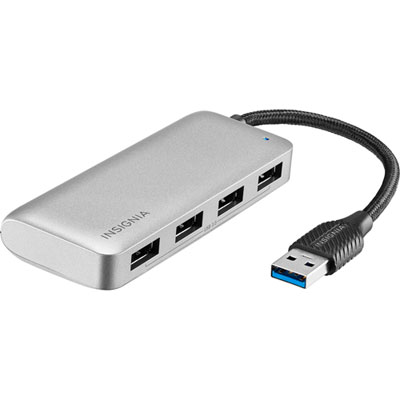 Your price for this item is $29.99
 -
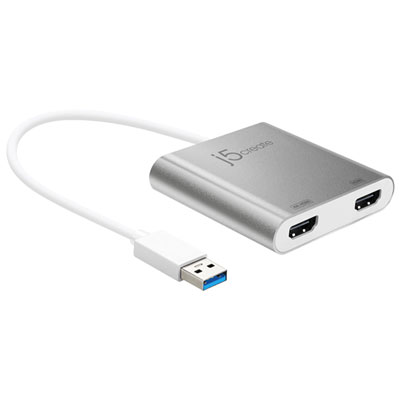 Your price for this item is $99.99
 -
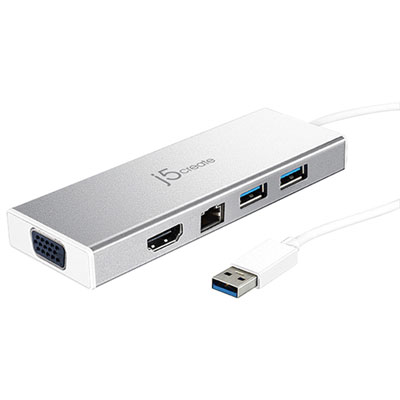 Your price for this item is $79.99
 -
 Your price for this item is $19.99
 -
 Your price for this item is $104.99
Discover more categories related to Thunderbolt 3 Adapters
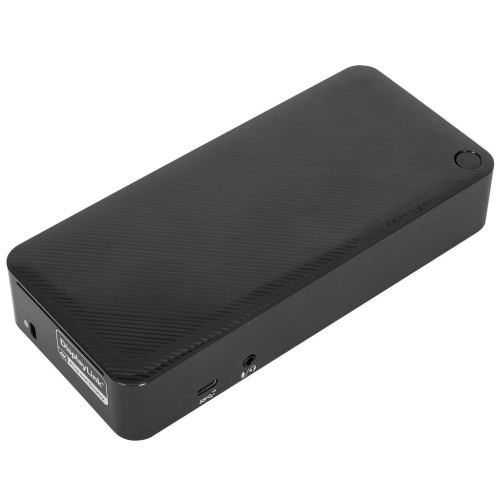
Top Collections:
Pokemon Centers, Kindle Devices, Best Budget Office Chairs, Apple iPhones 16, Best Laptops for Writers, iPhone 15 Apple, Canon G7X Cameras, Refurbished Apple Laptops, Alarm Clock, Motorola Razr Phones
Some products may be subject to Environmental Handling Fees
(EHF) depending on your province.
Learn more about EHFs.