Top 5 Inkjet Printers for Students
If you're a student, you know that printing can be expensive. You also know that there are ways to save money on ink, but you may not know which printer is best for your needs. We've rounded up the top inkjet printers for students. These are the models that will provide the best combination of quality, speed, and price. Here are some great options.
Sort
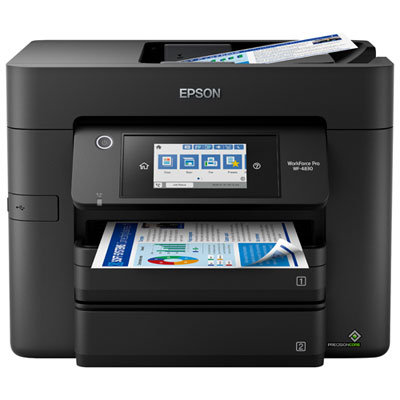
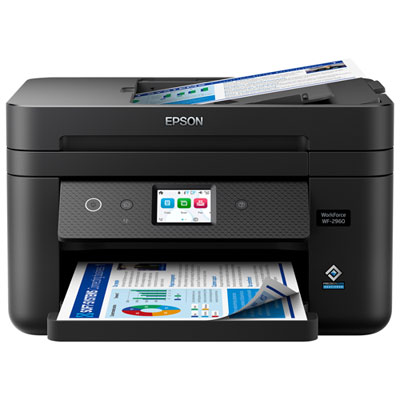
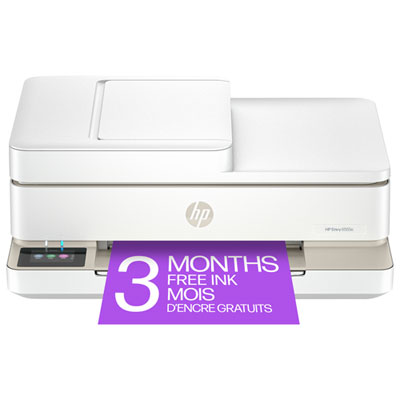

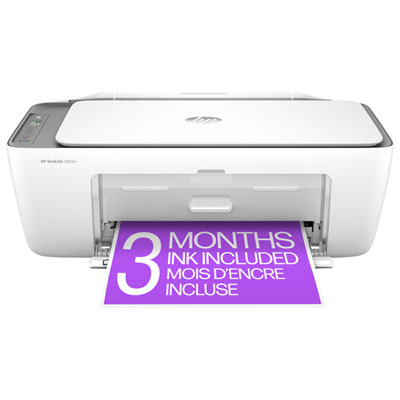
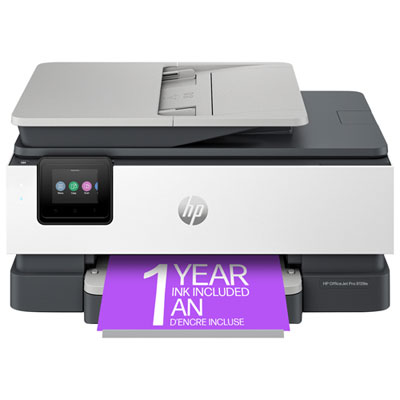
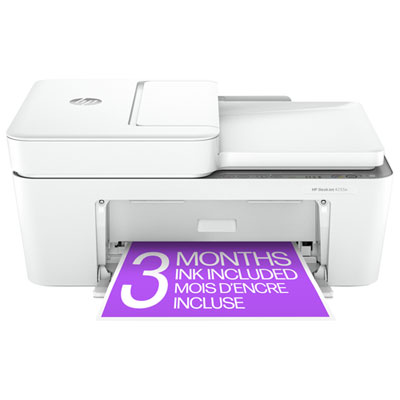
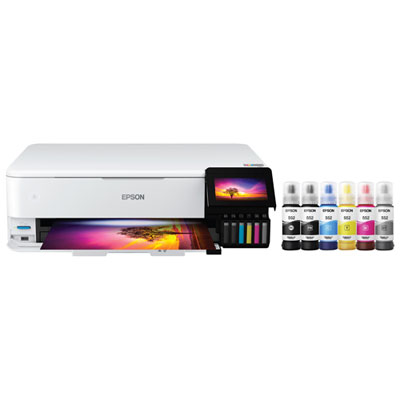
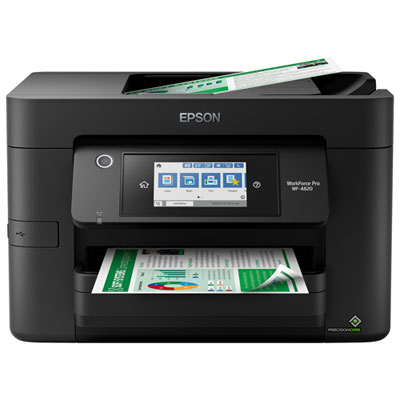
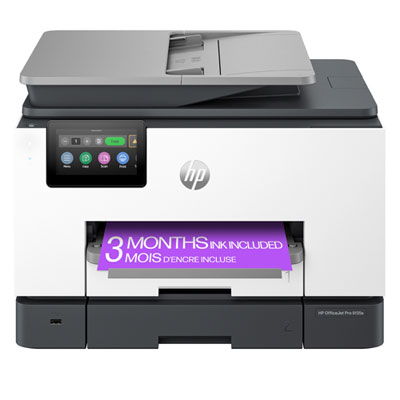
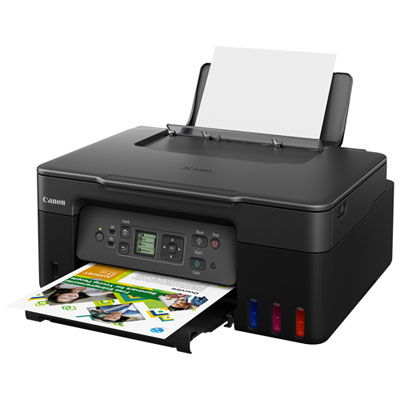
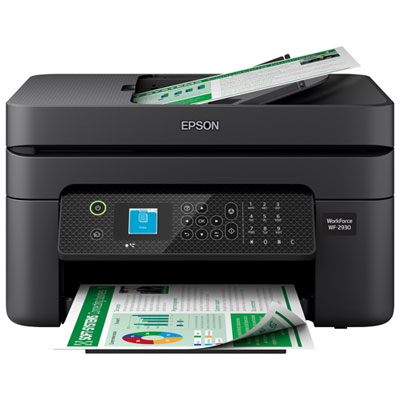
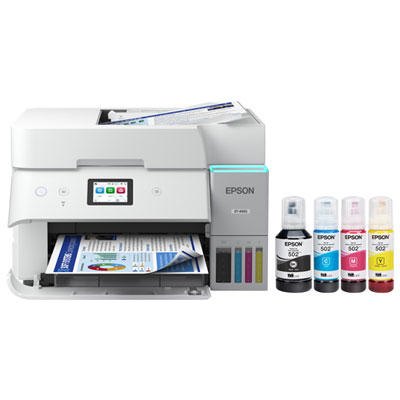
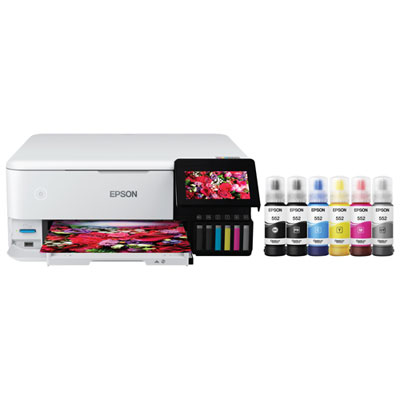
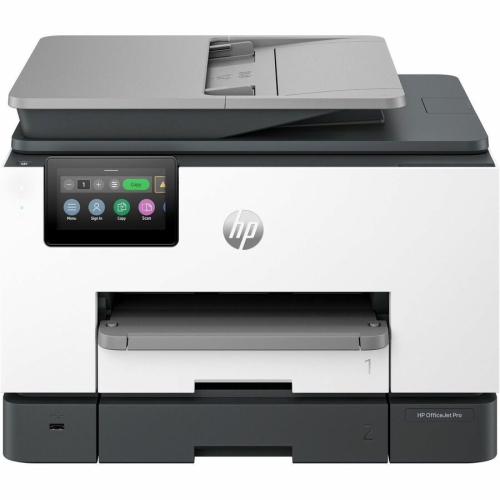
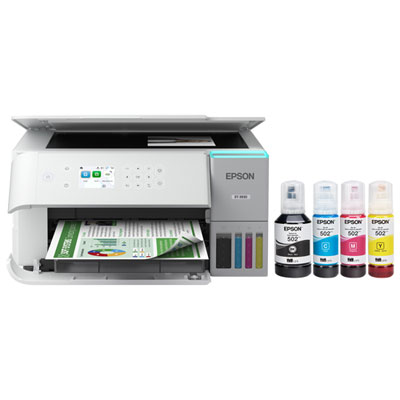
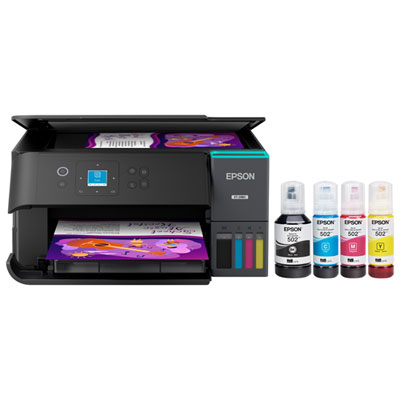

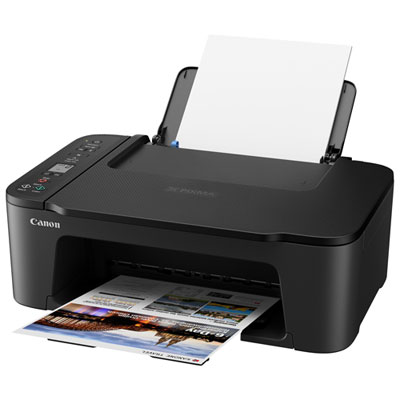
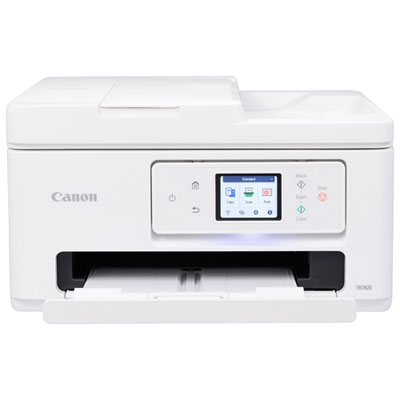
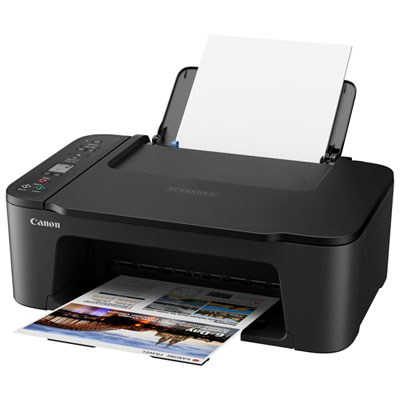
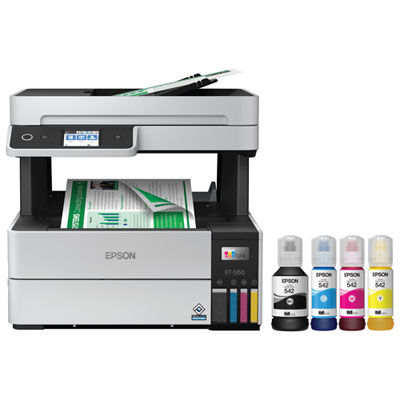
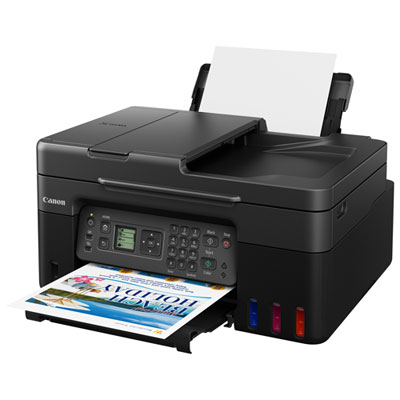
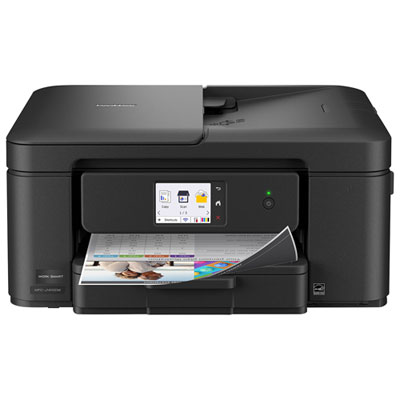
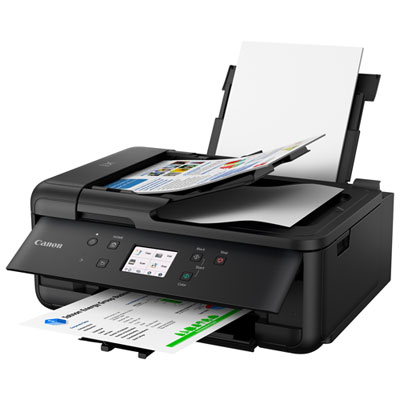
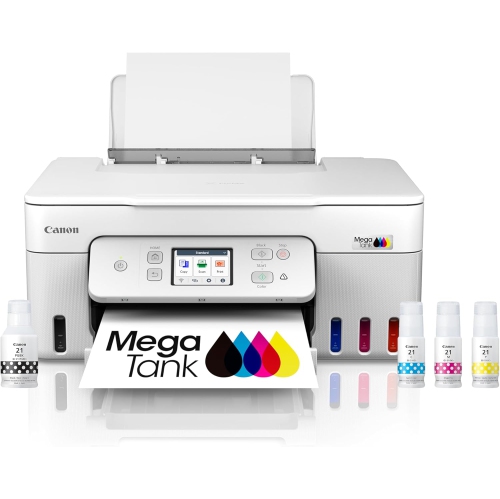
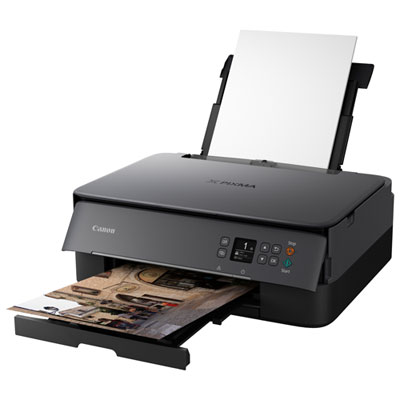
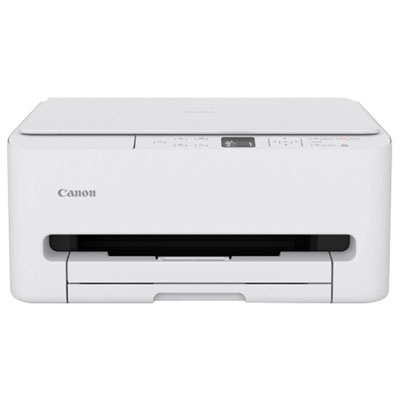
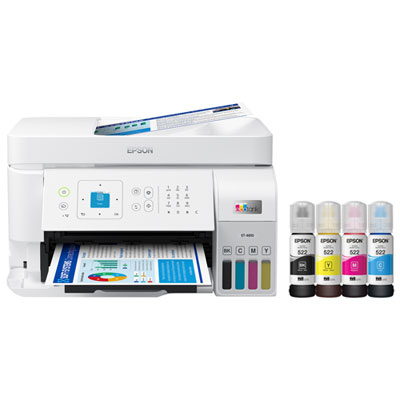
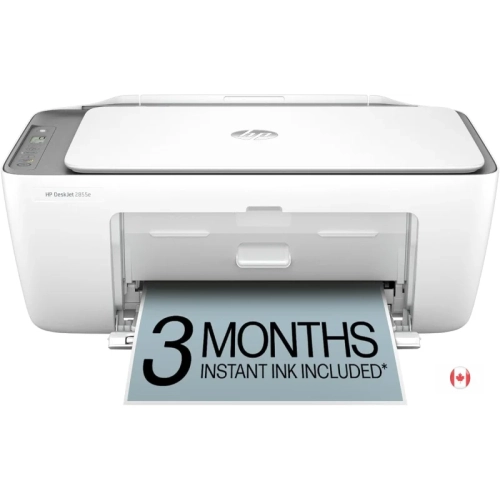
How your coursework and desk space shape printer needs
Inkjet printers for students bring everyday coursework onto the page, from an essay marked up with handwritten edits to a colour-coded revision sheet spread across a desk. The most useful features depend on how those pages fit into a student’s routine: clear black text for readings and assignments, colour for diagrams and presentations, and a footprint that leaves room for a laptop and notebook. An inkjet printer creates text and images by placing tiny droplets of ink onto paper, making it versatile enough for written work, charts, illustrations, and occasional photographs when used with suitable paper. For students who print a few assignments at a time, a compact cartridge-based printer can cover straightforward needs without taking over a study space. Those working through frequent readings, lengthy reports, or shared household printing may find a refillable ink tank design better suited to their volume. Tank capacity and published page yields help describe how much printing a system can support, although actual output varies with page coverage, print settings, and maintenance. A page of dense colour graphics uses ink differently from a lightly filled outline. All-in-one inkjet printers add scanning and copying, which can be useful for submitting handwritten calculations, keeping digital copies of signed forms, or duplicating study notes. A flatbed scanner accommodates individual sheets and pages from a bound notebook, within the scanner’s size limits, while an automatic document feeder handles a stack of loose pages with less manual attention. Students scanning double-sided documents should check whether both sides are captured automatically or require the pages to be turned over. Print speed also deserves context: a short essay and a full-page colour illustration place different demands on the same printer. For many students, readable output, straightforward controls, and dependable paper handling matter more than the fastest advertised speed. A useful student printer supports the work being done, whether that means occasional homework at a family desk, weekly seminar readings in a shared apartment, or illustrated project submissions.
Wireless connectivity makes an inkjet printer easier to share and position, but compatibility matters as much as the presence of Wi-Fi. Laptop operating systems, mobile printing support, and the printer’s setup requirements should match the devices used for schoolwork. Printing a finished assignment from a laptop may be straightforward, while sending a document from a phone can depend on a supported app or built-in mobile printing service. Campus and residence networks sometimes restrict communication between devices, so a printer that works on a typical home network may need a different connection method in student housing. USB can provide a direct connection to a compatible computer, and Wi-Fi Direct, where supported, allows compatible devices to connect without using the household router. Neither feature should be assumed from the word “wireless” alone. Physical fit is just as practical. A compact body still needs clearance for an open paper tray, an extended output support, and a raised scanner lid. The full operating dimensions are more useful than the closed dimensions when a printer is destined for a narrow shelf or the corner of a desk. A stable, level surface helps support consistent paper feeding, while accessible controls make copying a page less awkward in a tight space. Paper capacity becomes noticeable during longer jobs: a small tray may be adequate for occasional assignments, but frequent refilling can interrupt a stack of course readings. Automatic two-sided printing reduces the need to turn and reload sheets manually and keeps lengthy documents easier to carry. That feature is separate from two-sided scanning, so an all-in-one model may offer one without the other. Supported paper sizes also matter for assignment requirements; letter-size documents are common, but larger layouts need a printer designed to handle them. For a broader look at printers suited to homework desks and shared household use, Best Home Printers for Students offers a related selection. The right match leaves enough room to study and provides connection options that suit the setting.
Ink systems, paper choices, and routine care shape the experience long after setup. Cartridge-based inkjet printers may use separate cartridges for each colour or a combined colour cartridge, and that distinction affects what needs replacing when one colour runs out. Refillable tank printers use compatible bottled ink, with filling procedures and capacity varying by design. In either case, using the correct ink and following the manufacturer’s handling instructions helps avoid filling errors and print-quality problems. Students printing mainly essays may favour strong text reproduction, while those producing maps, biology diagrams, or visual portfolios will also want to consider colour detail and suitable media support. Ordinary inkjet-compatible office paper generally serves drafts and everyday documents well; heavier presentation paper or coated photo paper may suit image-rich work if it falls within the printer’s supported specifications. Paper that is too thick, curled, or loaded beyond the tray limit can cause feeding trouble. Print settings should match the loaded paper, particularly for photographs and graphics, and freshly printed sheets may need drying time before stacking or highlighting. Durability is not simply a matter of the outer casing. Many desktop printers have moulded plastic housings, but careful use of hinges, trays, and paper guides also contributes to reliable day-to-day handling. Keeping loose objects away from the paper path, removing dust as directed, and storing paper flat in a dry place can prevent avoidable interruptions. Inkjet printheads can develop clogged nozzles after extended inactivity, so following the manufacturer’s guidance for regular use, cleaning, and shutdown is worthwhile. Repeated cleaning cycles consume ink and are best reserved for print-quality issues rather than run unnecessarily. A nozzle check can help identify missing lines or colours before printing an important submission. For a student receiving a printer as a gift, device compatibility, available desk space, and permission to connect it in a residence are useful details to confirm beforehand. Whether used by a secondary school student, a college learner, or someone completing professional courses, a well-matched inkjet printer makes it easier to move between digital files and the printed pages that support focused study.
Wireless connectivity makes an inkjet printer easier to share and position, but compatibility matters as much as the presence of Wi-Fi. Laptop operating systems, mobile printing support, and the printer’s setup requirements should match the devices used for schoolwork. Printing a finished assignment from a laptop may be straightforward, while sending a document from a phone can depend on a supported app or built-in mobile printing service. Campus and residence networks sometimes restrict communication between devices, so a printer that works on a typical home network may need a different connection method in student housing. USB can provide a direct connection to a compatible computer, and Wi-Fi Direct, where supported, allows compatible devices to connect without using the household router. Neither feature should be assumed from the word “wireless” alone. Physical fit is just as practical. A compact body still needs clearance for an open paper tray, an extended output support, and a raised scanner lid. The full operating dimensions are more useful than the closed dimensions when a printer is destined for a narrow shelf or the corner of a desk. A stable, level surface helps support consistent paper feeding, while accessible controls make copying a page less awkward in a tight space. Paper capacity becomes noticeable during longer jobs: a small tray may be adequate for occasional assignments, but frequent refilling can interrupt a stack of course readings. Automatic two-sided printing reduces the need to turn and reload sheets manually and keeps lengthy documents easier to carry. That feature is separate from two-sided scanning, so an all-in-one model may offer one without the other. Supported paper sizes also matter for assignment requirements; letter-size documents are common, but larger layouts need a printer designed to handle them. For a broader look at printers suited to homework desks and shared household use, Best Home Printers for Students offers a related selection. The right match leaves enough room to study and provides connection options that suit the setting.
Ink systems, paper choices, and routine care shape the experience long after setup. Cartridge-based inkjet printers may use separate cartridges for each colour or a combined colour cartridge, and that distinction affects what needs replacing when one colour runs out. Refillable tank printers use compatible bottled ink, with filling procedures and capacity varying by design. In either case, using the correct ink and following the manufacturer’s handling instructions helps avoid filling errors and print-quality problems. Students printing mainly essays may favour strong text reproduction, while those producing maps, biology diagrams, or visual portfolios will also want to consider colour detail and suitable media support. Ordinary inkjet-compatible office paper generally serves drafts and everyday documents well; heavier presentation paper or coated photo paper may suit image-rich work if it falls within the printer’s supported specifications. Paper that is too thick, curled, or loaded beyond the tray limit can cause feeding trouble. Print settings should match the loaded paper, particularly for photographs and graphics, and freshly printed sheets may need drying time before stacking or highlighting. Durability is not simply a matter of the outer casing. Many desktop printers have moulded plastic housings, but careful use of hinges, trays, and paper guides also contributes to reliable day-to-day handling. Keeping loose objects away from the paper path, removing dust as directed, and storing paper flat in a dry place can prevent avoidable interruptions. Inkjet printheads can develop clogged nozzles after extended inactivity, so following the manufacturer’s guidance for regular use, cleaning, and shutdown is worthwhile. Repeated cleaning cycles consume ink and are best reserved for print-quality issues rather than run unnecessarily. A nozzle check can help identify missing lines or colours before printing an important submission. For a student receiving a printer as a gift, device compatibility, available desk space, and permission to connect it in a residence are useful details to confirm beforehand. Whether used by a secondary school student, a college learner, or someone completing professional courses, a well-matched inkjet printer makes it easier to move between digital files and the printed pages that support focused study.
Top selling and popular products
-
 Your price for this item is $249.99
 -
 Your price for this item is $173.68
 -
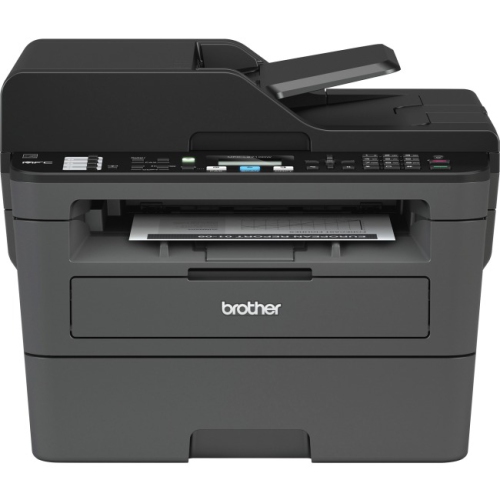 Your price for this item is $309.47
 -
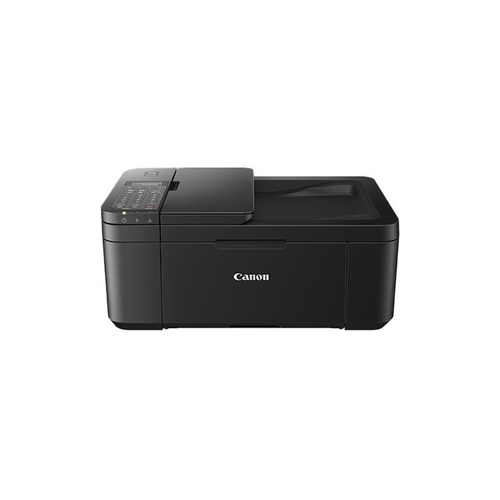 Your price for this item is $247.92
 -
 Your price for this item is $79.99
 -
 Your price for this item is $214.99
 -
 Your price for this item is $199.99
 -
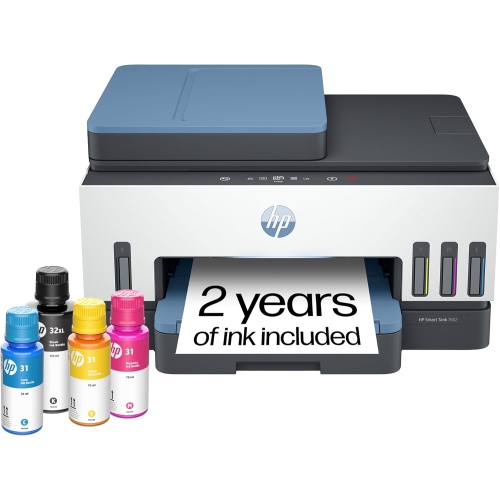 Your price for this item is $569.89
Discover more categories related to Top 5 Inkjet Printers for Students
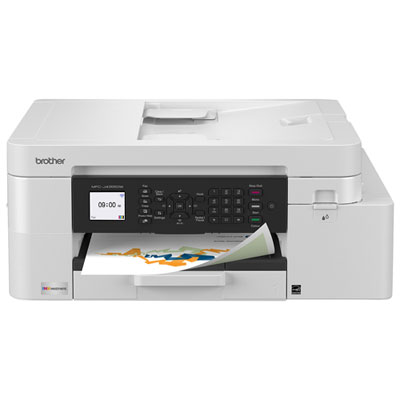
Top Collections:
Pokemon Centers, Kindle Devices, Best Budget Office Chairs, Apple iPhones 16, Best Laptops for Writers, iPhone 15 Apple, Canon G7X Cameras, Refurbished Apple Laptops, Alarm Clock, Motorola Razr Phones
Some products may be subject to Environmental Handling Fees
(EHF) depending on your province.
Learn more about EHFs.