Travel Keyboard And Mice
The best travel keyboards and mice are compact, lightweight, and easy to use. They're also durable enough to withstand the rigors of travel and the occasional drop. Here are some great options available today.
Sort
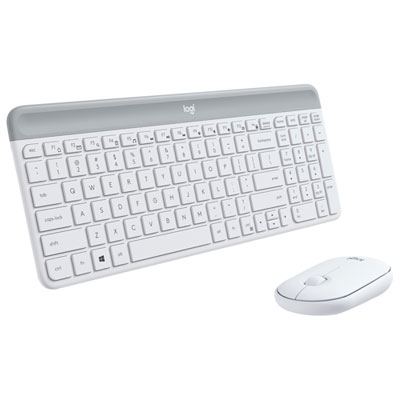
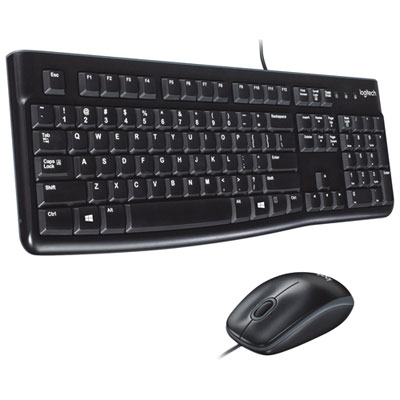
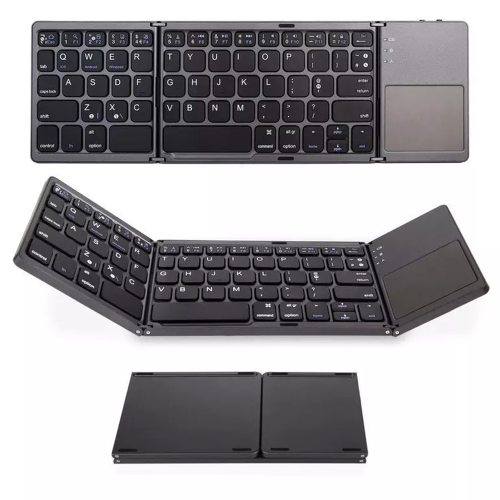
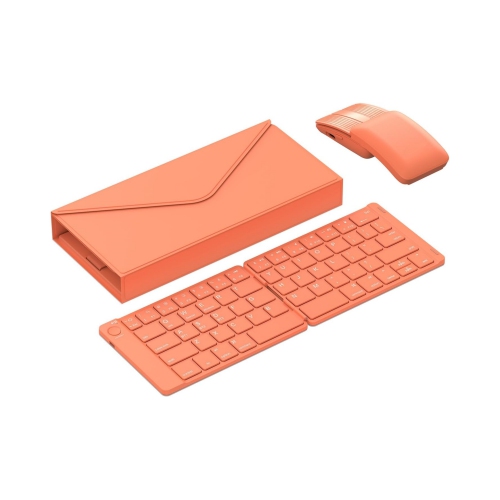
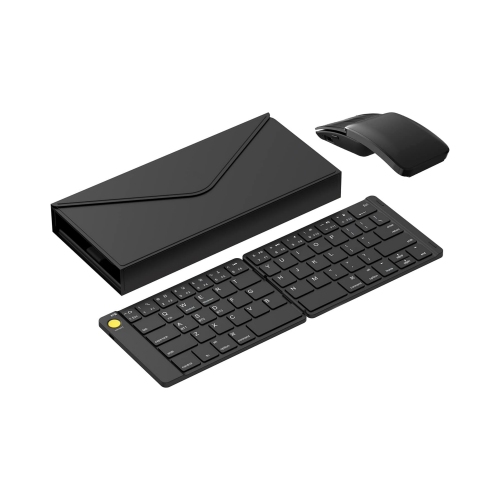
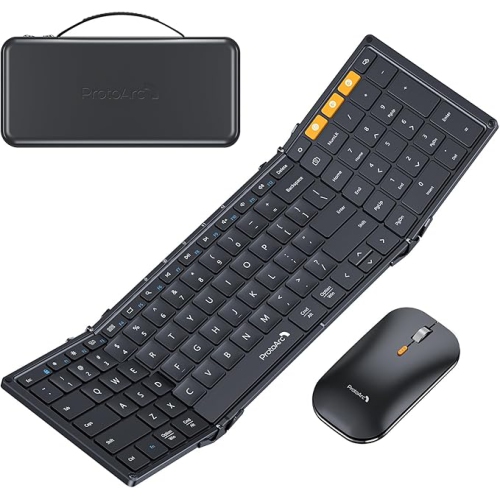
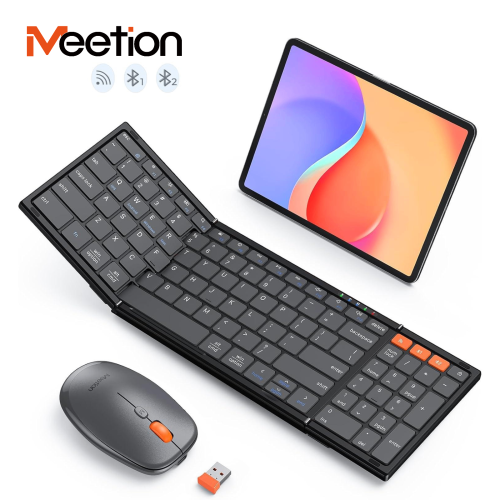
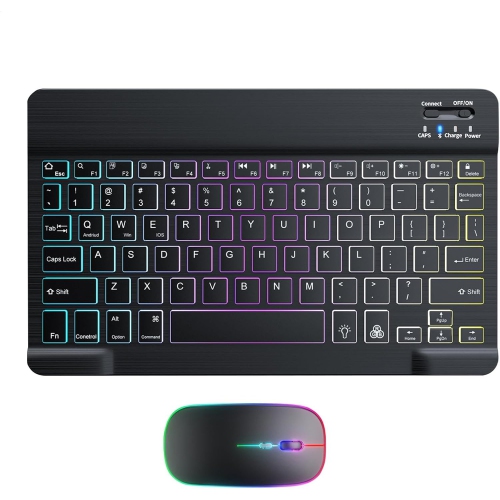
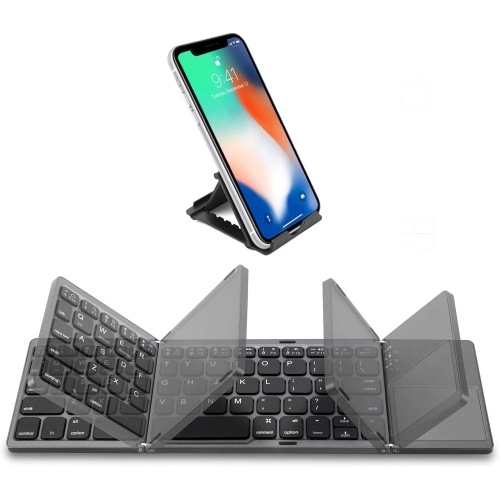
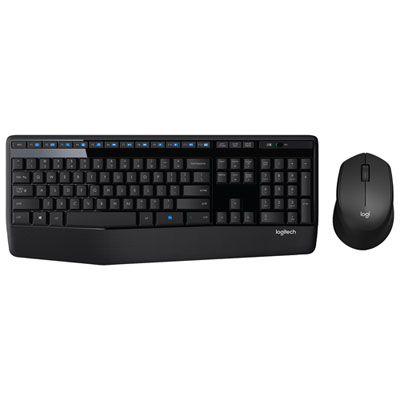
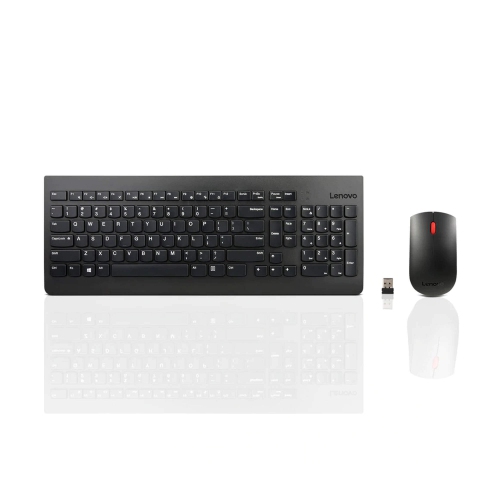
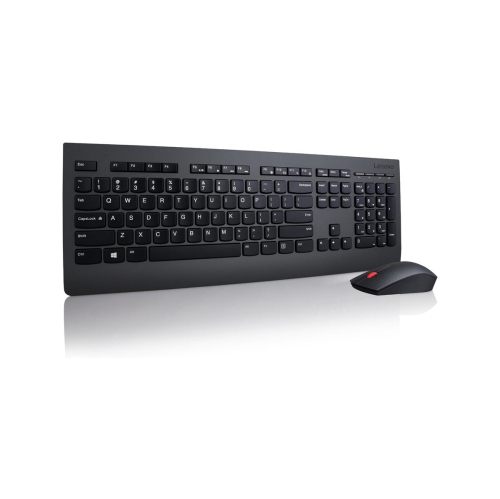
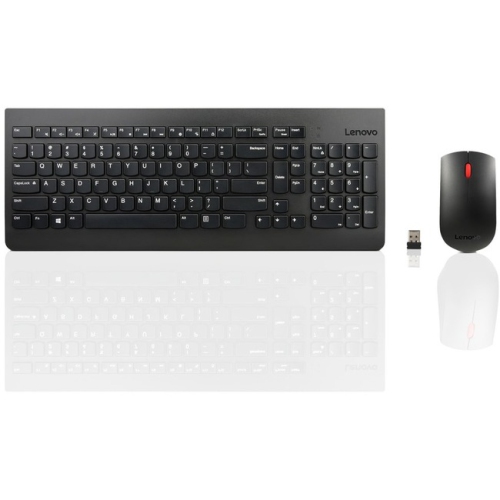
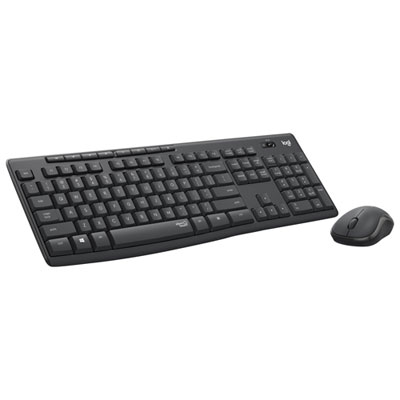
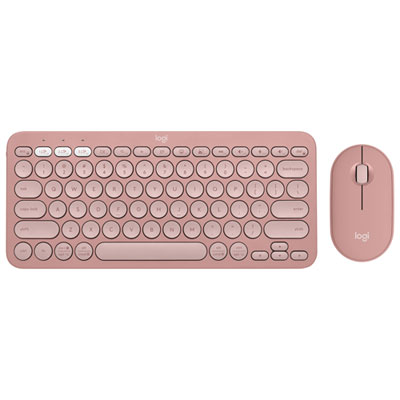
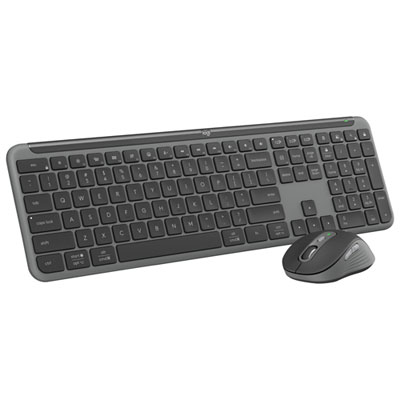
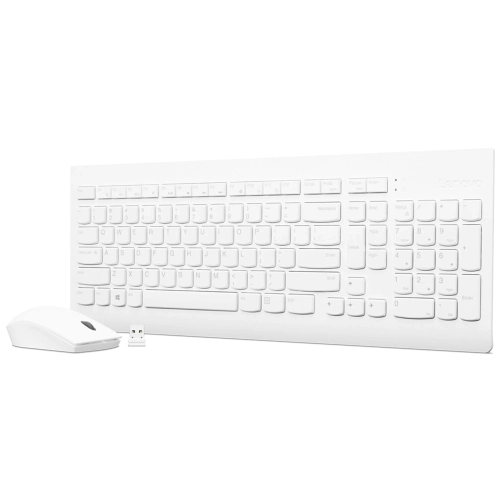
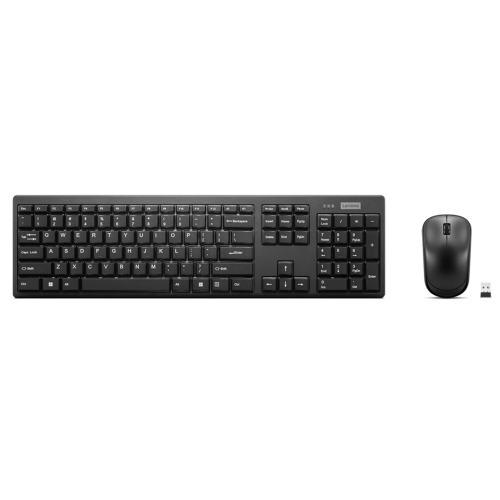
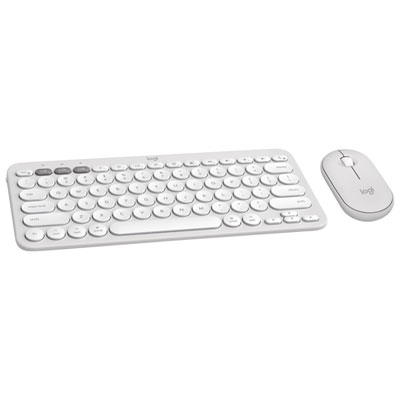
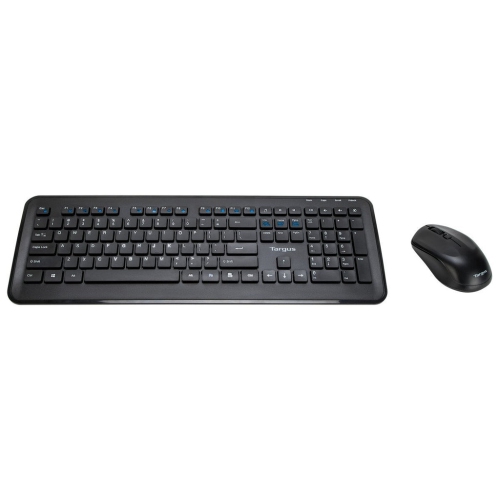
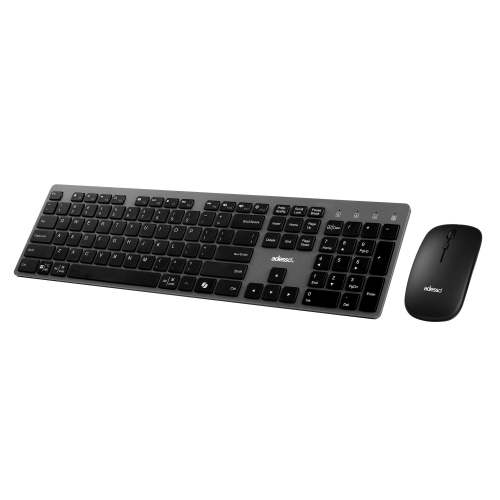
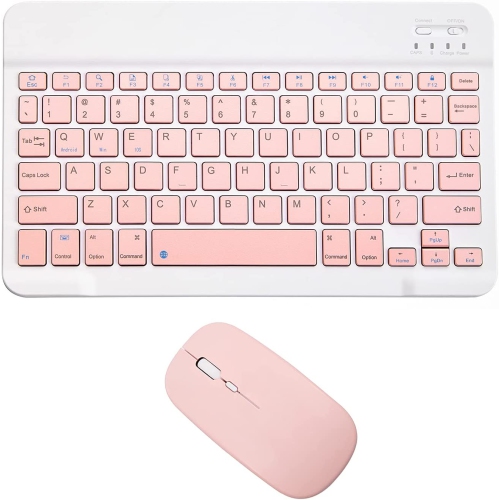
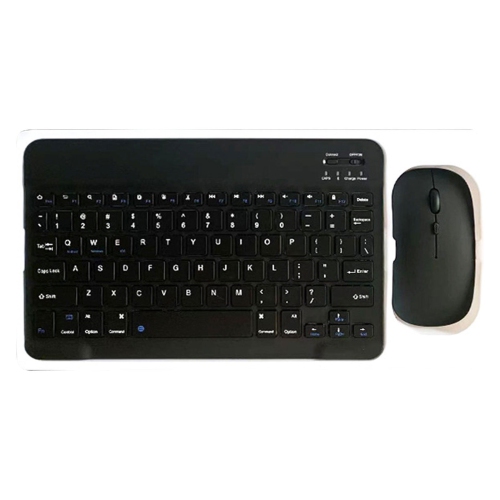
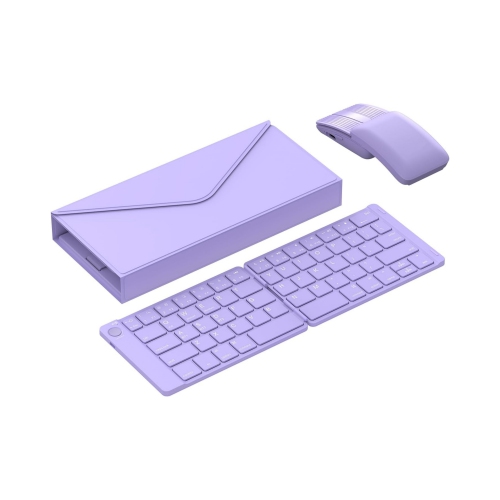
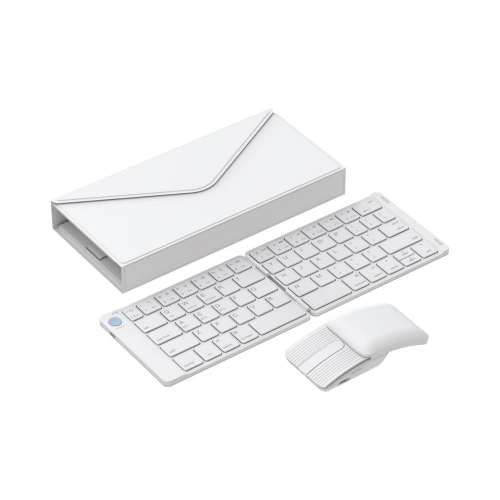
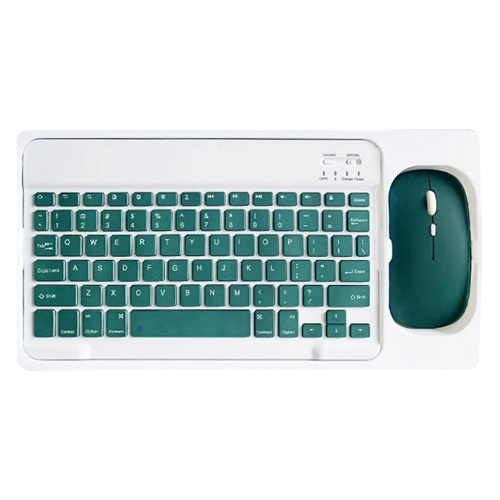
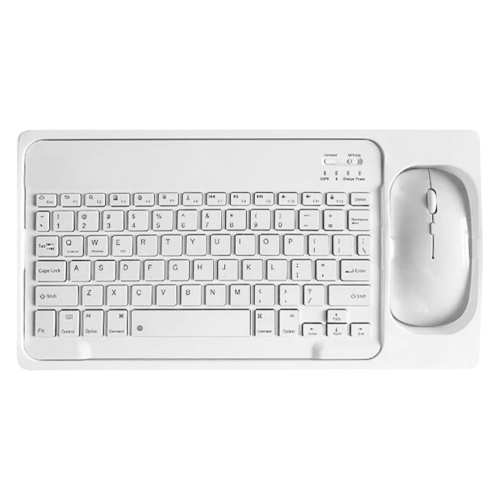
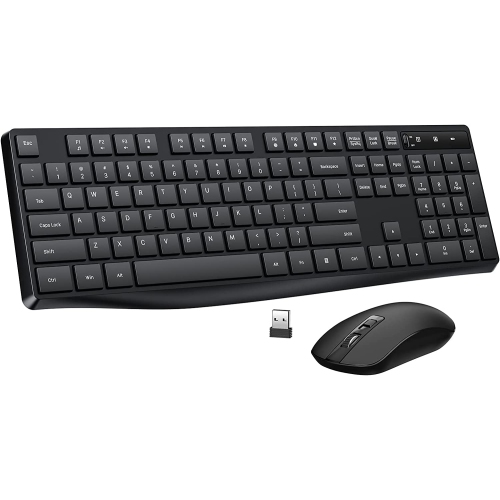
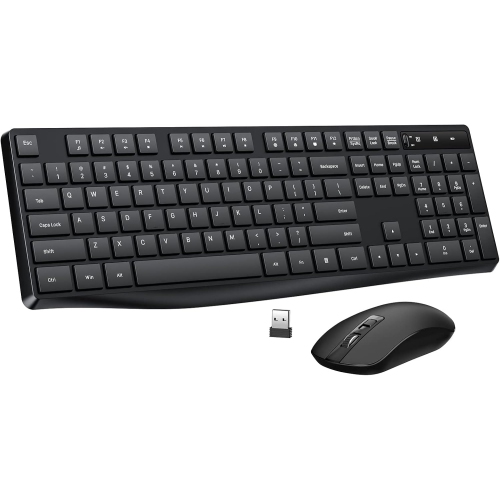
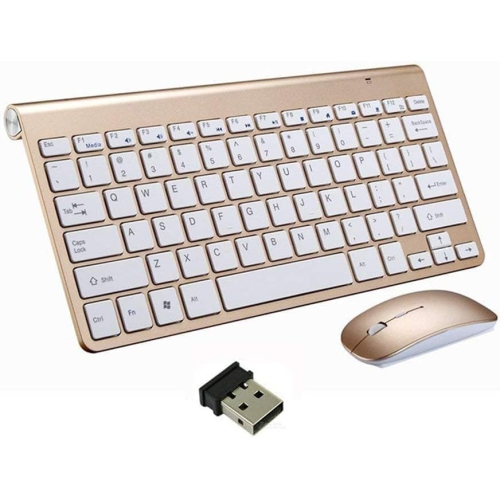
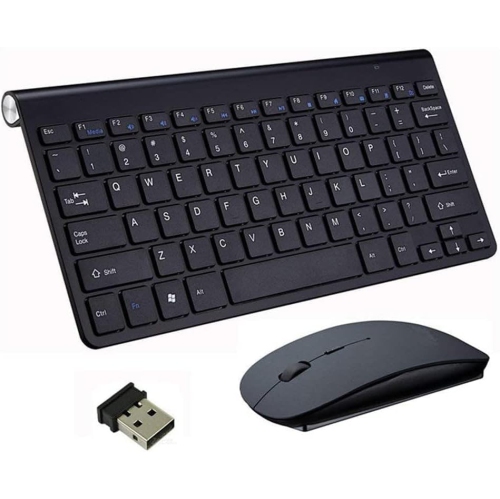

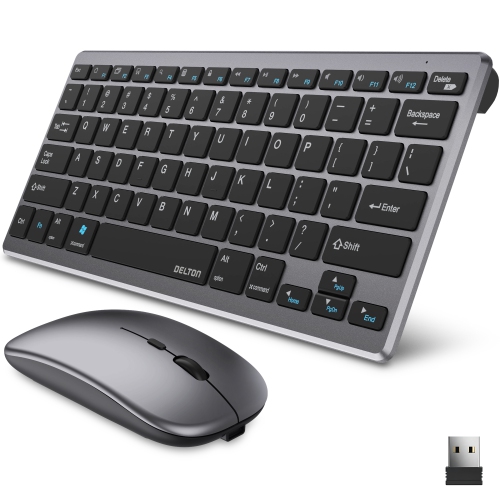
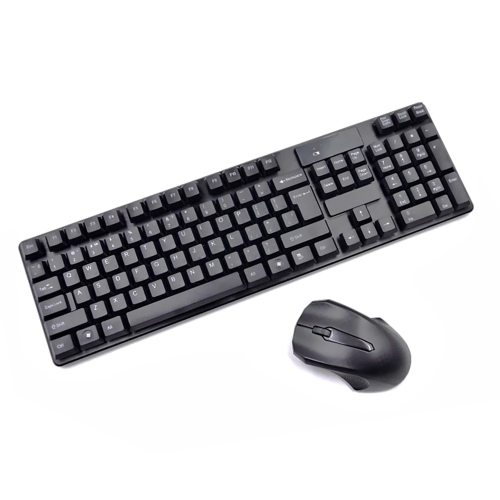
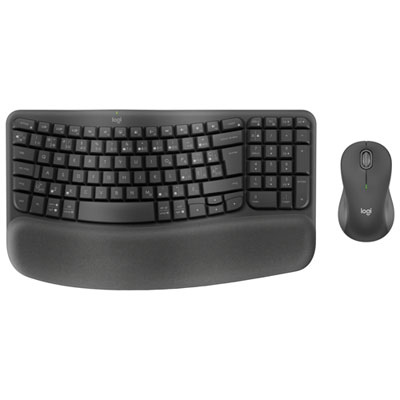
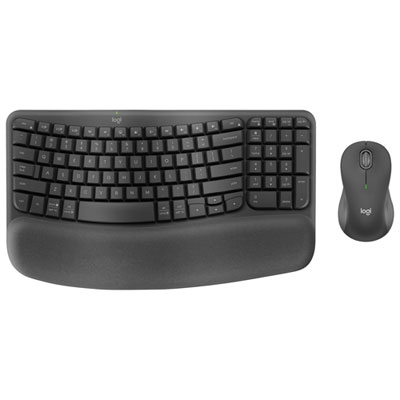
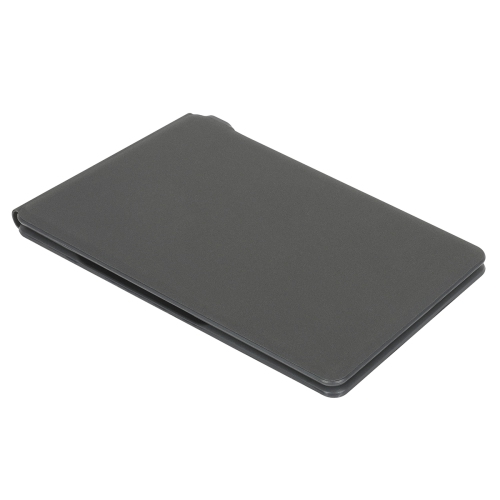
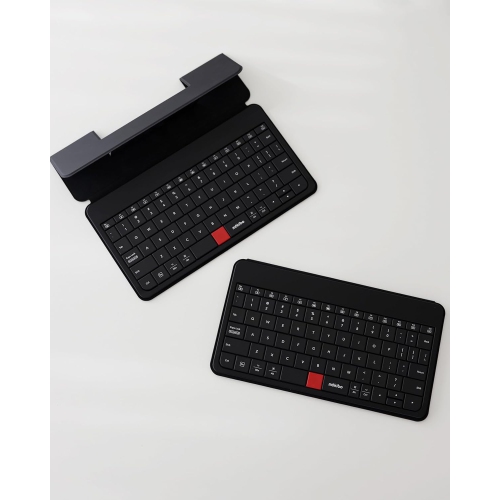
Familiar typing and mouse control without the bulk
Travel keyboards and mice bring familiar typing and cursor control to a setup that needs to fit inside a backpack, briefcase, or carry-on. These compact computer accessories suit business trips, shared workspaces, campus study sessions, and everyday journeys between home and the office. A lightweight keyboard and portable mouse can make a small desk more practical for writing documents, managing spreadsheets, or moving between browser tabs without relying entirely on a laptop’s built-in controls. Their appeal lies in balancing portability with a comfortable working layout: slim profiles slide easily into padded compartments, while shorter keyboards leave more room for a mouse beside a laptop. Compact layouts often omit the number pad, although people who regularly enter figures may prefer a layout that retains it. Key spacing matters as much as overall size. A very narrow keyboard can save bag space but feel cramped during longer writing sessions, whereas a compact model with full-size keys may preserve a more familiar typing rhythm. Low-profile keys generally have a shallow press, and some designs use scissor mechanisms for a stable, laptop-like feel. Folding keyboards take up less space when packed, though hinge placement and altered key sizes can affect typing comfort. Quiet keys and muted mouse clicks are useful in libraries, meeting rooms, and shared accommodation, but quiet operation does not necessarily mean silent operation. For the mouse, a low, flat shape slips neatly into a sleeve, while a more rounded body may offer better palm support. The right fit depends on hand size, grip, and how long the mouse will be used at a stretch. A traveller answering a few emails may value minimal bulk above all else; someone editing a presentation for several hours may appreciate a fuller shape and clearly separated buttons. Together, these details help distinguish accessories designed for occasional mobile use from those suited to a full working day away from a usual desk.
Connection options play a large part in how travel keyboards and mice fit into a portable setup. Bluetooth models can connect to compatible devices without occupying a USB port, which is especially useful on laptops with limited connections. Wireless models that use a USB receiver need a matching port or an appropriate adapter; a USB-A receiver will not plug directly into a USB-C port. Some keyboard-and-mouse sets share one receiver, reducing the number of ports needed, but separate accessories do not automatically work with the same receiver. Compatibility depends on the particular wireless system. Built-in receiver storage is a small detail with practical value when accessories are moved between bags and desks. Wired designs avoid battery charging and wireless pairing, although their cables add something else to pack and need enough reach for the intended workspace. Multi-device pairing can suit someone who switches between a work laptop and a compatible tablet, provided both the accessory and the host device support the required functions. A keyboard may offer easy switching while the mouse has a different connection arrangement, so the capabilities of each accessory matter even within a set. Operating-system support also deserves attention: basic typing and pointer movement may work across several systems, while shortcut keys, programmable buttons, and customization software can have narrower compatibility. Keyboard layout is another everyday consideration, including the position of punctuation, the size of the Enter key, and whether an English or French Canadian layout suits the person using it. Shoppers comparing related options can also explore Logitech Keyboard And Mice. Power arrangements vary across portable designs, with some using replaceable batteries and others featuring built-in rechargeable batteries. Published battery-life estimates depend on usage and settings; backlighting, for example, can increase power consumption. A physical power switch helps prevent accidental operation in a bag, while a battery indicator makes it easier to plan charging before leaving a desk. A charging cable that matches other carried devices can simplify packing, although a charging connection does not always support wired typing or mouse operation.
Materials, construction, and thoughtful storage help travel keyboards and mice withstand repeated packing and unpacking. Plastic housings can keep weight down, while metal top plates or frames may add rigidity without necessarily making the whole accessory more resistant to impacts. The strength of the case, the security of battery covers, and the feel of folding hinges are worth considering alongside the finish. Matte surfaces may show fingerprints less readily than glossy ones, and textured mouse sides can provide grip during extended use. Rubber feet help a keyboard stay steady on a smooth desk, while intact mouse feet support consistent movement across a suitable surface. A compact mouse pad is useful when a hotel desk has a glossy finish or a shared table produces uneven tracking; not every mouse sensor works reliably on glass. Protective sleeves and fitted cases help keep keys, scroll wheels, and switches from rubbing against chargers or other objects in a bag. Heavy items pressing on a keyboard can damage keys or folding sections, so a separate compartment offers more protection than placing it loose beneath a laptop. Routine care is usually straightforward: switch accessories off or disconnect them, remove loose debris gently, and follow the manufacturer’s cleaning directions. Liquids should not be sprayed directly into key gaps, charging ports, or mouse openings, and any claimed spill resistance should be checked rather than assumed. Comfort also depends on where the accessories sit. A separate keyboard and mouse allow a laptop to be raised on a suitable stand while the hands remain lower on the desk, though the available surface still needs enough space for relaxed positioning. Keeping the mouse close to the keyboard can reduce reaching during longer sessions. For students, frequent travellers, and people who divide their time between several desks, a coordinated set can make daily setup feel more familiar. These accessories can also be a practical gift when the recipient’s device connections, preferred layout, and hand comfort are known. A well-matched travel setup is easy to carry without making ordinary tasks feel like a compromise.
Connection options play a large part in how travel keyboards and mice fit into a portable setup. Bluetooth models can connect to compatible devices without occupying a USB port, which is especially useful on laptops with limited connections. Wireless models that use a USB receiver need a matching port or an appropriate adapter; a USB-A receiver will not plug directly into a USB-C port. Some keyboard-and-mouse sets share one receiver, reducing the number of ports needed, but separate accessories do not automatically work with the same receiver. Compatibility depends on the particular wireless system. Built-in receiver storage is a small detail with practical value when accessories are moved between bags and desks. Wired designs avoid battery charging and wireless pairing, although their cables add something else to pack and need enough reach for the intended workspace. Multi-device pairing can suit someone who switches between a work laptop and a compatible tablet, provided both the accessory and the host device support the required functions. A keyboard may offer easy switching while the mouse has a different connection arrangement, so the capabilities of each accessory matter even within a set. Operating-system support also deserves attention: basic typing and pointer movement may work across several systems, while shortcut keys, programmable buttons, and customization software can have narrower compatibility. Keyboard layout is another everyday consideration, including the position of punctuation, the size of the Enter key, and whether an English or French Canadian layout suits the person using it. Shoppers comparing related options can also explore Logitech Keyboard And Mice. Power arrangements vary across portable designs, with some using replaceable batteries and others featuring built-in rechargeable batteries. Published battery-life estimates depend on usage and settings; backlighting, for example, can increase power consumption. A physical power switch helps prevent accidental operation in a bag, while a battery indicator makes it easier to plan charging before leaving a desk. A charging cable that matches other carried devices can simplify packing, although a charging connection does not always support wired typing or mouse operation.
Materials, construction, and thoughtful storage help travel keyboards and mice withstand repeated packing and unpacking. Plastic housings can keep weight down, while metal top plates or frames may add rigidity without necessarily making the whole accessory more resistant to impacts. The strength of the case, the security of battery covers, and the feel of folding hinges are worth considering alongside the finish. Matte surfaces may show fingerprints less readily than glossy ones, and textured mouse sides can provide grip during extended use. Rubber feet help a keyboard stay steady on a smooth desk, while intact mouse feet support consistent movement across a suitable surface. A compact mouse pad is useful when a hotel desk has a glossy finish or a shared table produces uneven tracking; not every mouse sensor works reliably on glass. Protective sleeves and fitted cases help keep keys, scroll wheels, and switches from rubbing against chargers or other objects in a bag. Heavy items pressing on a keyboard can damage keys or folding sections, so a separate compartment offers more protection than placing it loose beneath a laptop. Routine care is usually straightforward: switch accessories off or disconnect them, remove loose debris gently, and follow the manufacturer’s cleaning directions. Liquids should not be sprayed directly into key gaps, charging ports, or mouse openings, and any claimed spill resistance should be checked rather than assumed. Comfort also depends on where the accessories sit. A separate keyboard and mouse allow a laptop to be raised on a suitable stand while the hands remain lower on the desk, though the available surface still needs enough space for relaxed positioning. Keeping the mouse close to the keyboard can reduce reaching during longer sessions. For students, frequent travellers, and people who divide their time between several desks, a coordinated set can make daily setup feel more familiar. These accessories can also be a practical gift when the recipient’s device connections, preferred layout, and hand comfort are known. A well-matched travel setup is easy to carry without making ordinary tasks feel like a compromise.
Top selling and popular products
-
 Your price for this item is $39.99
 -
 Your price for this item is $56.37
 -
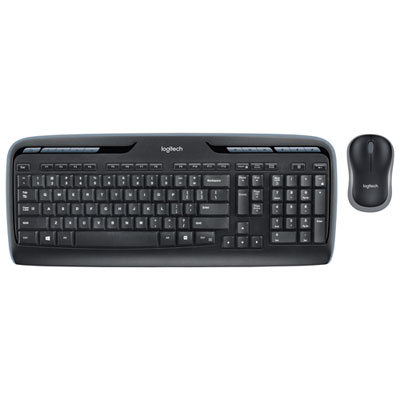 Your price for this item is $59.99
 -
 Your price for this item is $59.99
 -
 Your price for this item is $69.98
 -
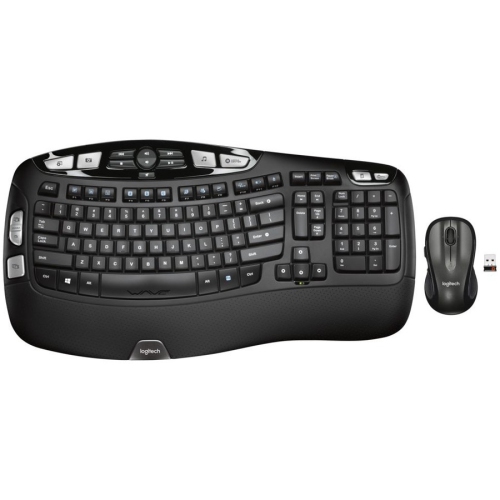 Your price for this item is $126.49
 -
 Your price for this item is $99.99
 -
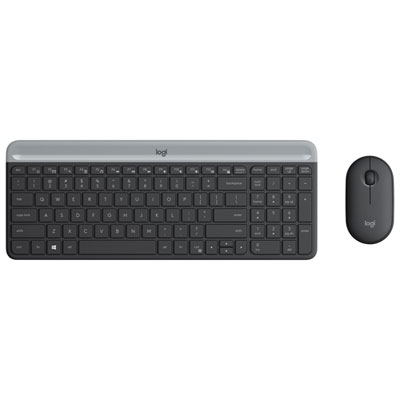 Your price for this item is $69.99
Discover more categories related to Travel Keyboard And Mice
Top Collections:
Pokemon Centers, Kindle Devices, Best Budget Office Chairs, Apple iPhones 16, Best Laptops for Writers, iPhone 15 Apple, Canon G7X Cameras, Refurbished Apple Laptops, Alarm Clock, Motorola Razr Phones
Some products may be subject to Environmental Handling Fees
(EHF) depending on your province.
Learn more about EHFs.