Wireless Keyboards With Mouse Touchpad
Enhance your productivity and streamline your computing experience with a wireless keyboard featuring an integrated mouse touchpad. Say goodbye to tangled cables and hello to effortless navigation, as this innovative device allows you to control your computer or smart TV from the comfort of your couch or desk. With its sleek design and seamless connectivity, the wireless keyboard with mouse touchpad offers the perfect blend of convenience and functionality. Whether you're a busy professional seeking a more efficient workflow or a tech-savvy individual looking to upgrade your setup, this versatile accessory is sure to revolutionize the way you interact with your devices.
Sort


![REYTID [] 2.4Ghz Wireless Smart Ikeyboard With Touchpad for Gaming, Smartphones, Tv Android](https://multimedia.bbycastatic.ca/multimedia/products/500x500/129/12906/12906757.jpg)
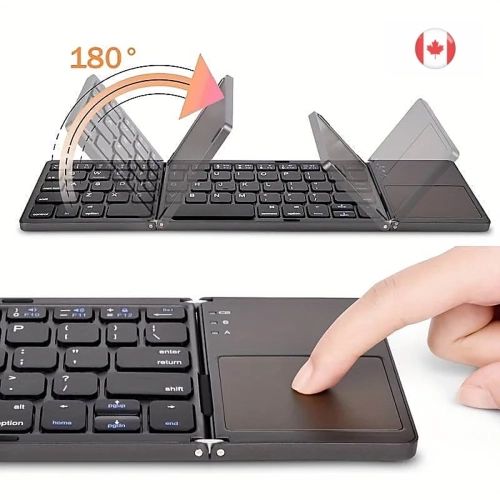
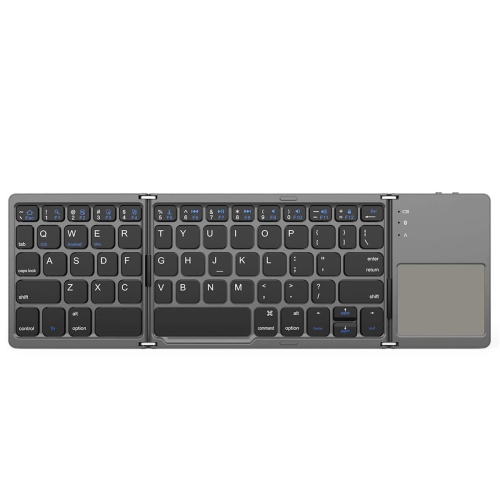
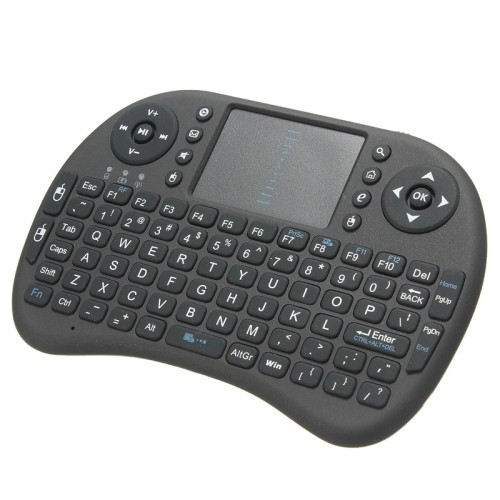
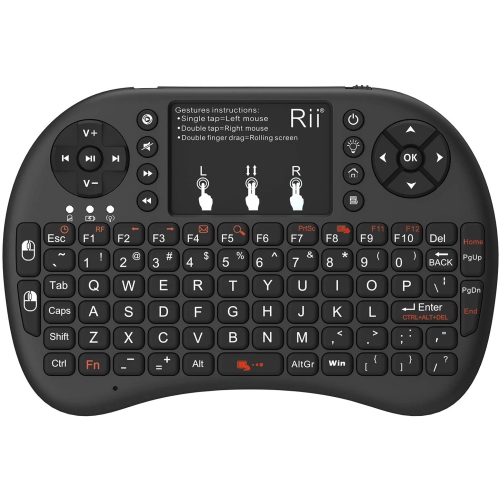

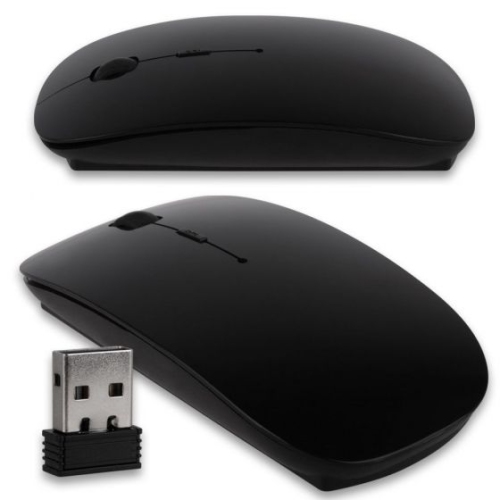
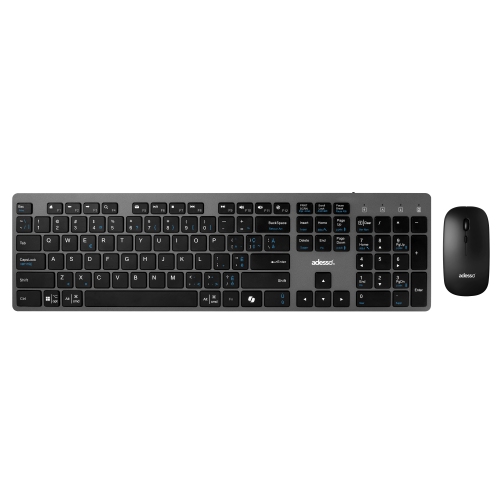
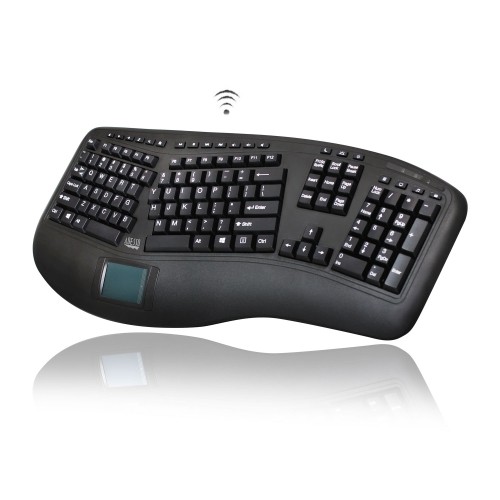
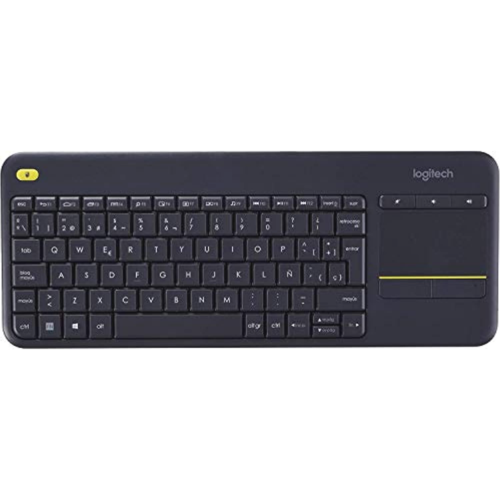
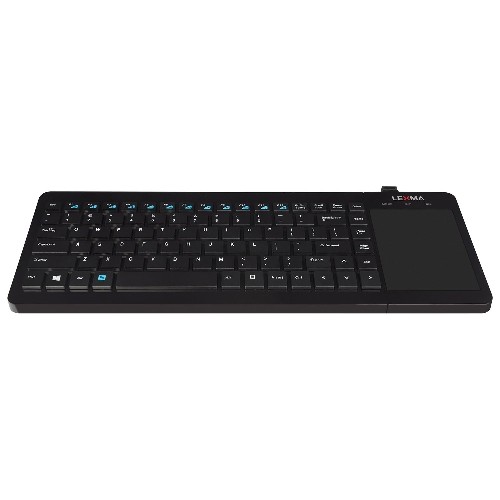
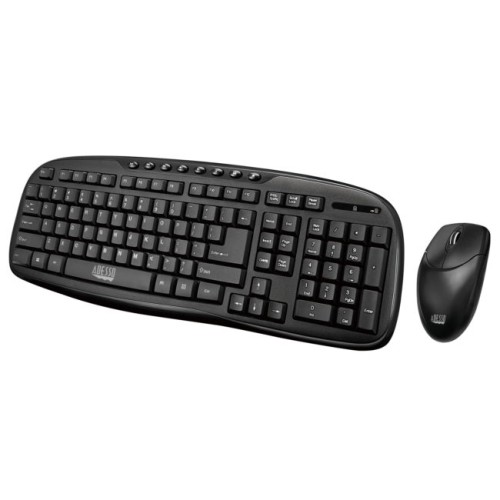
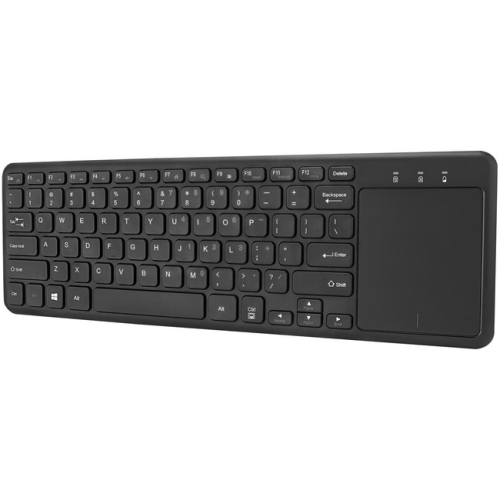

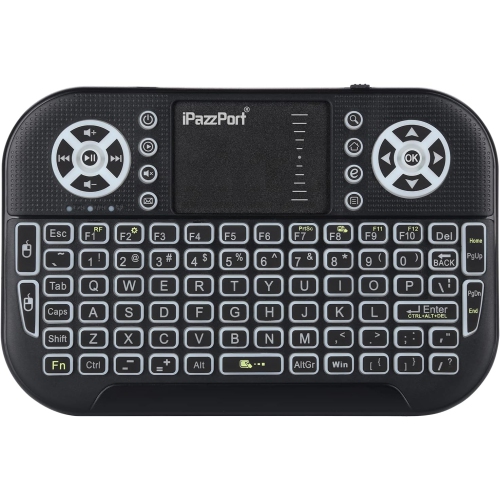
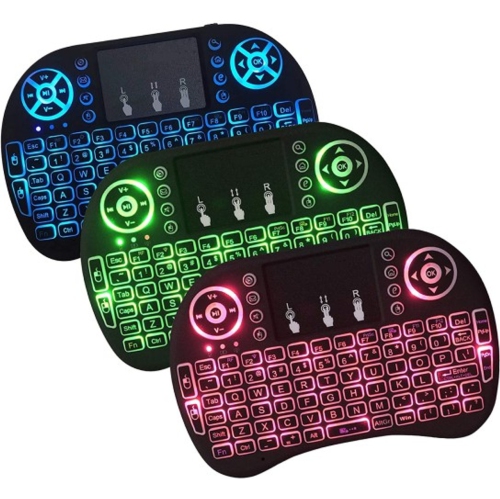
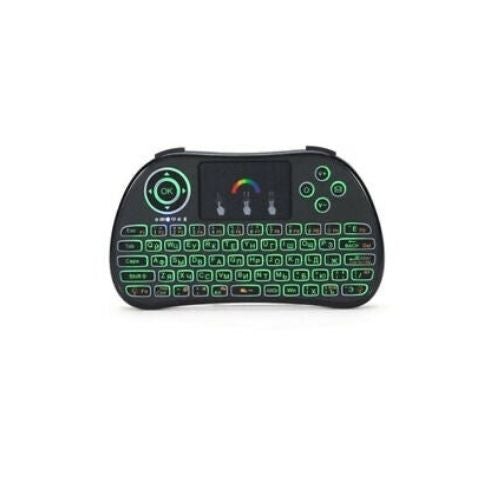
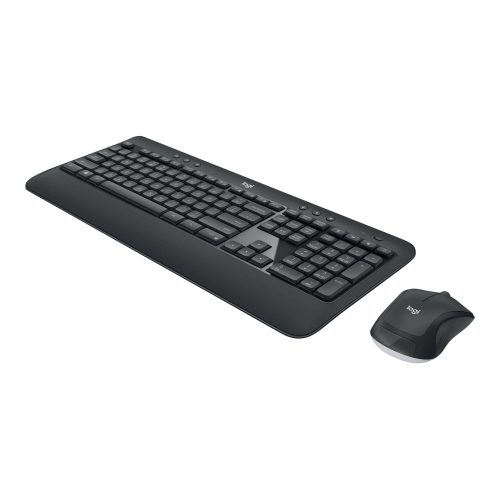
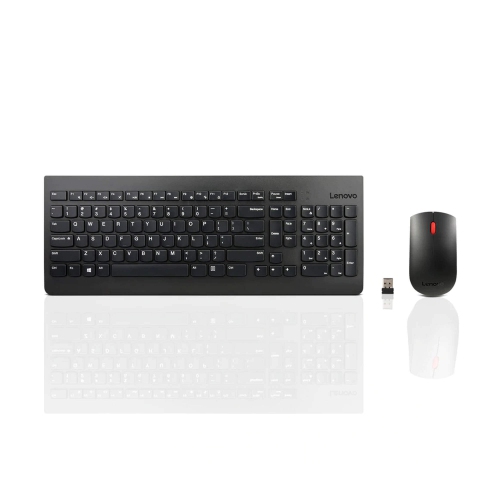
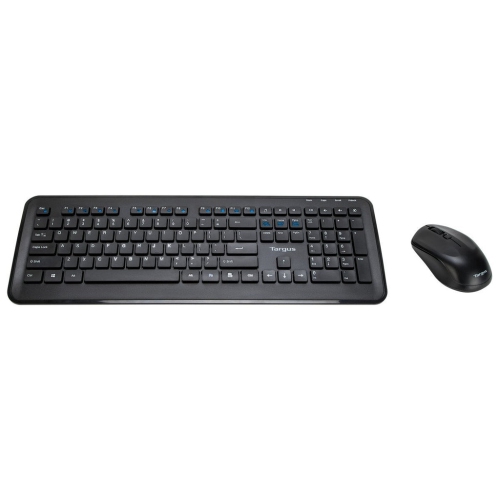
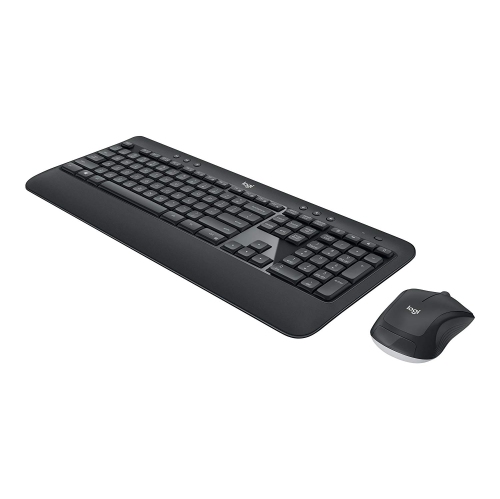
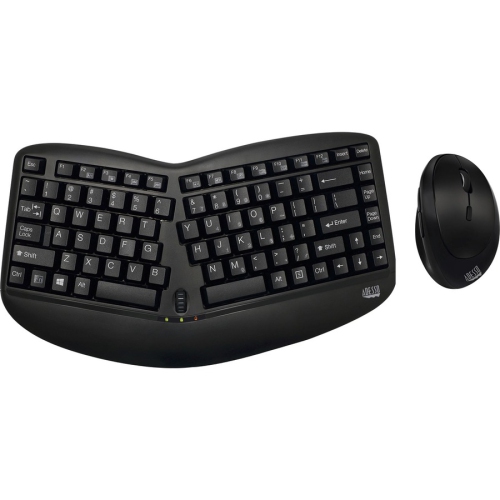
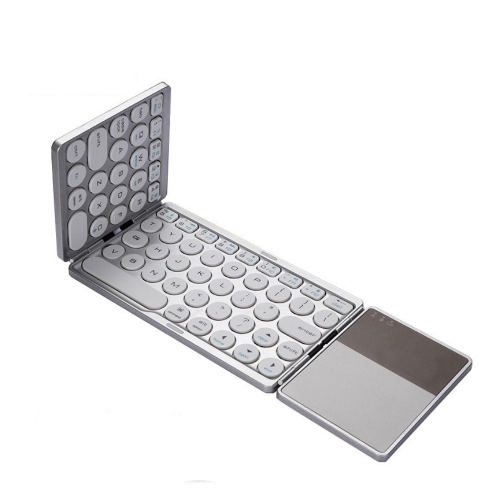
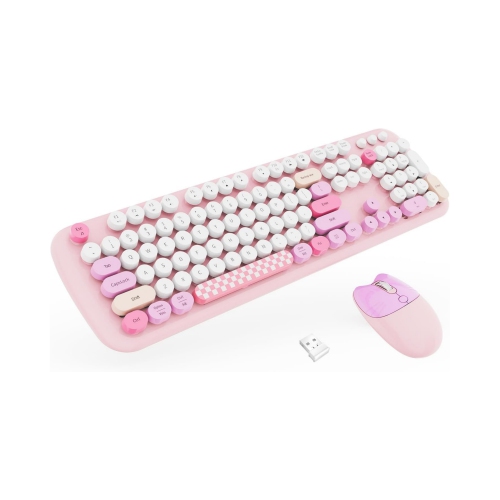
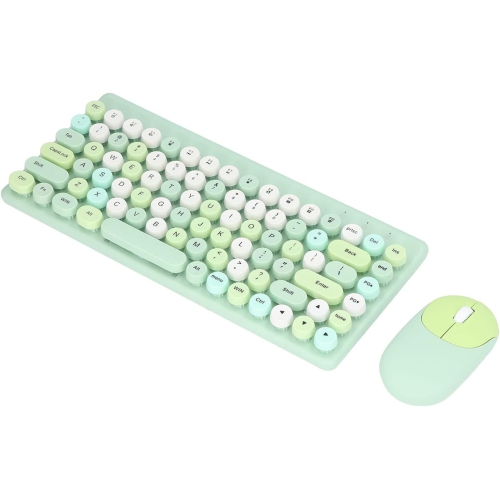
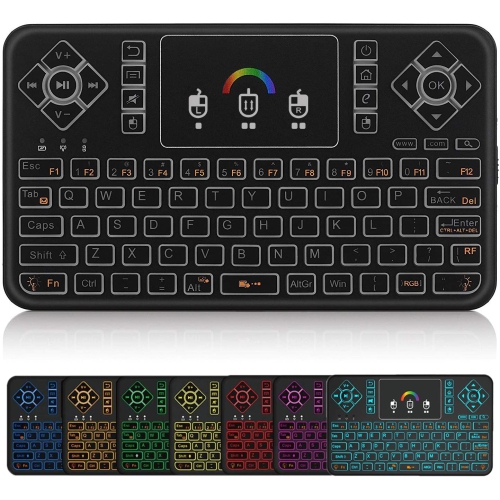
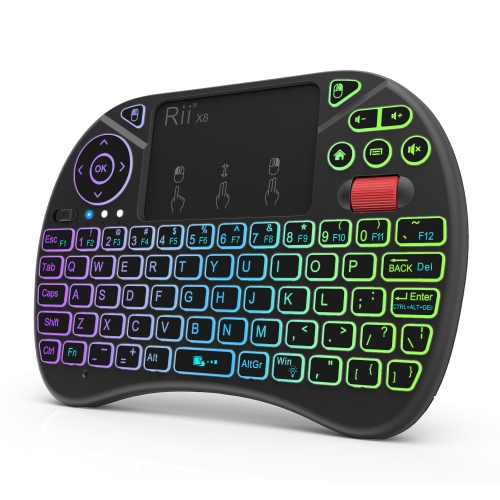
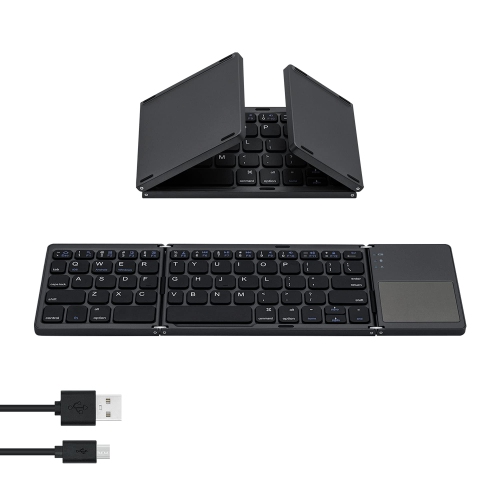
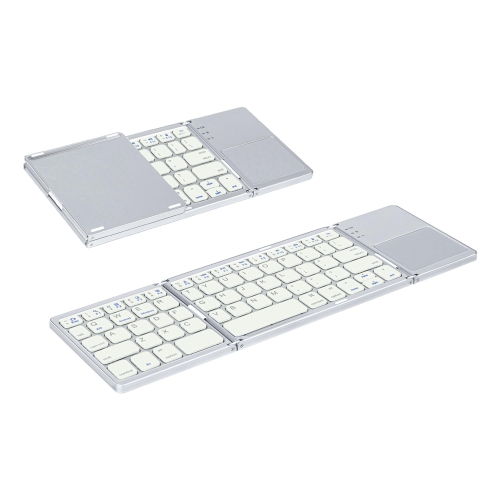
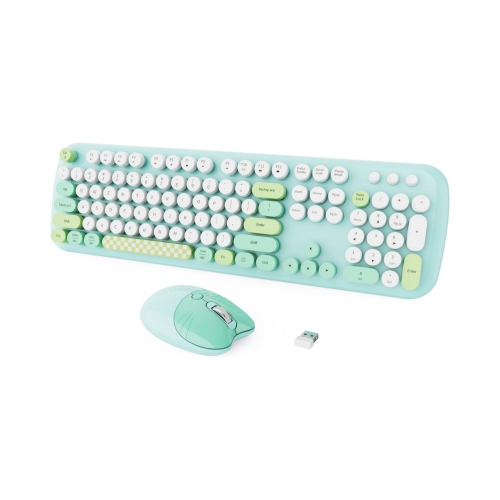
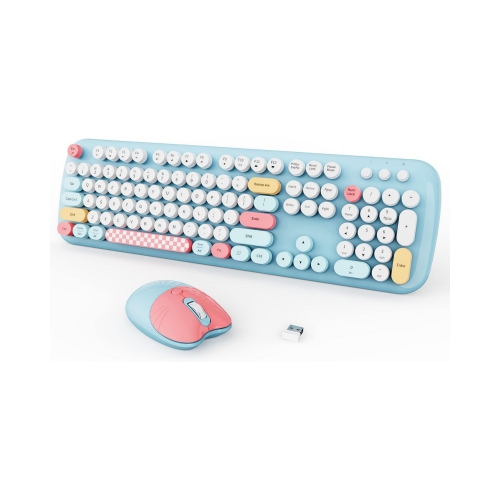
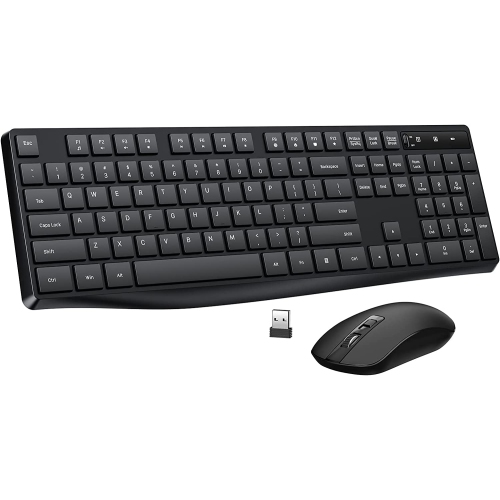
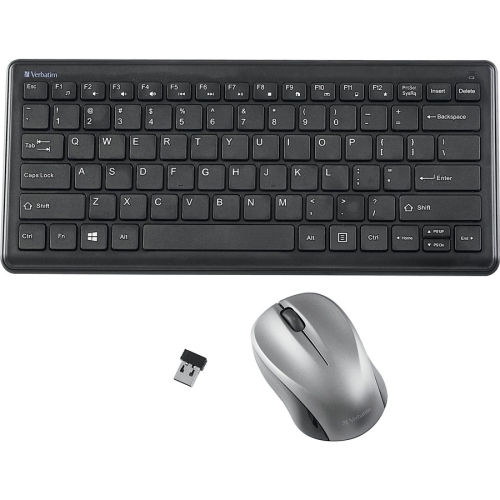
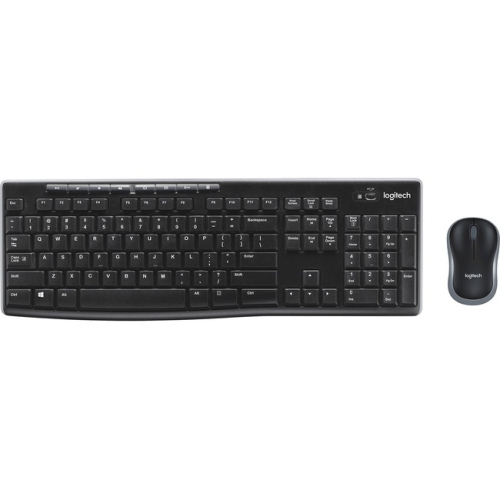
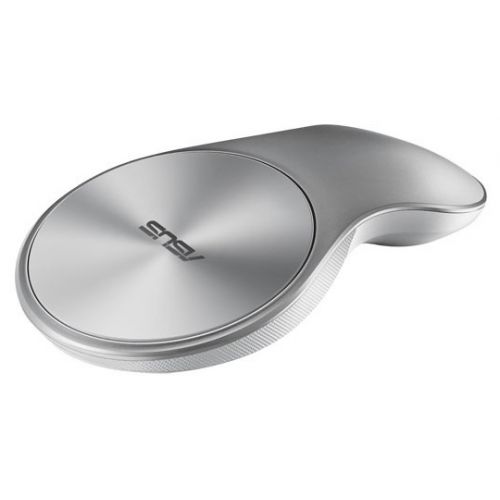
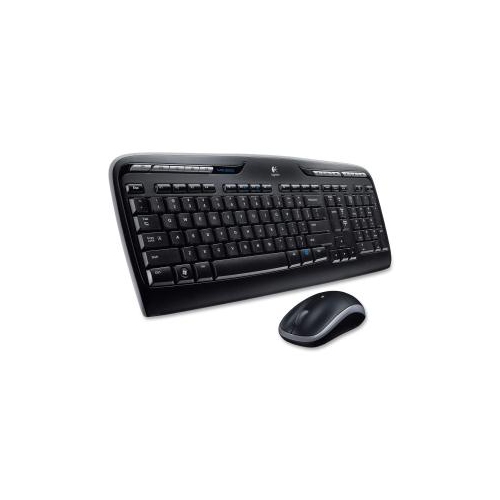
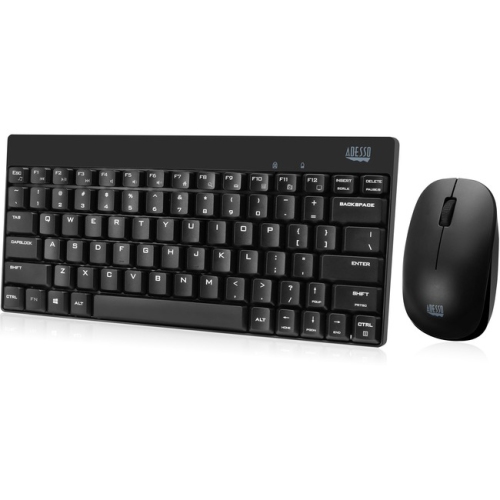
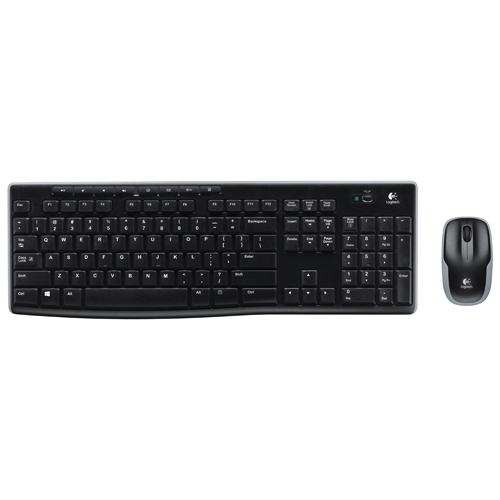
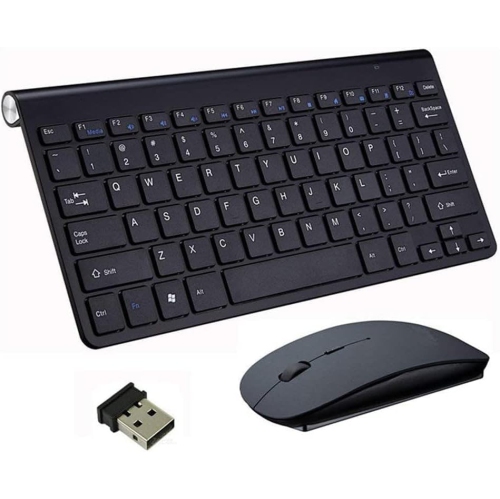
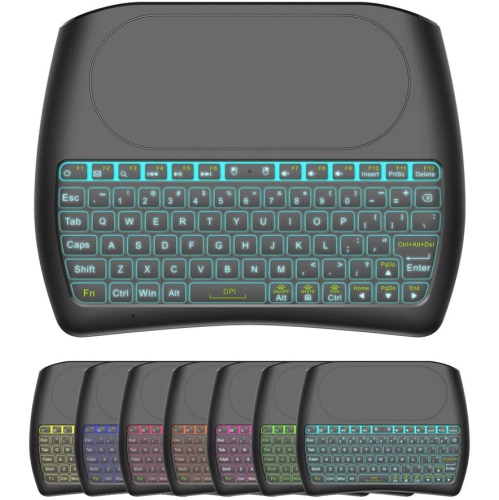
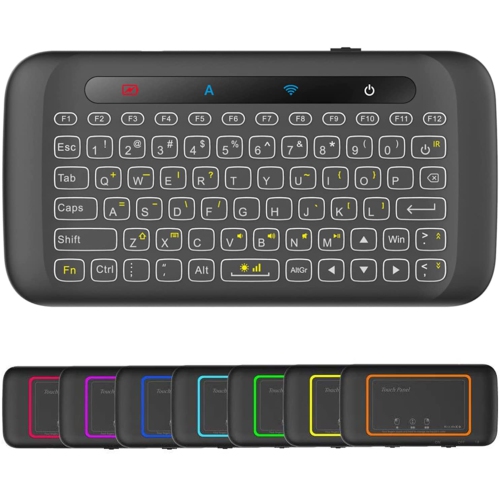
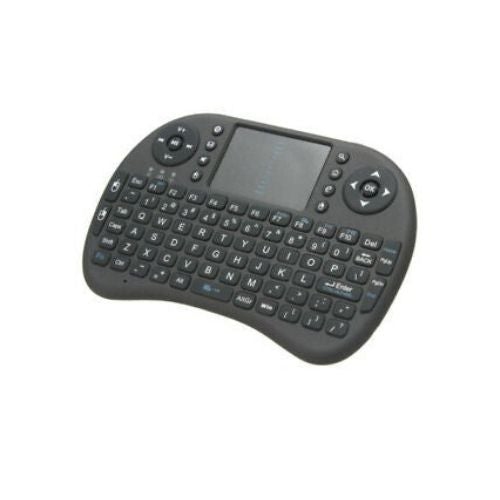
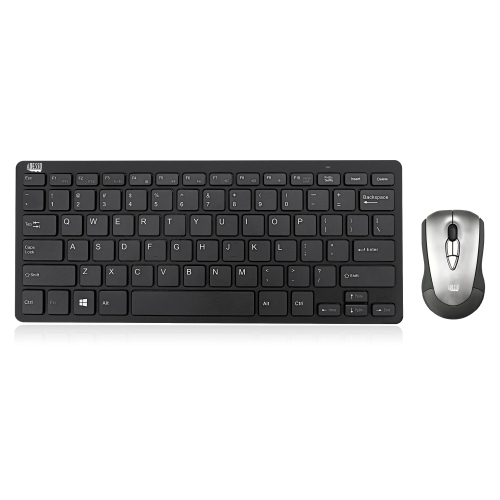
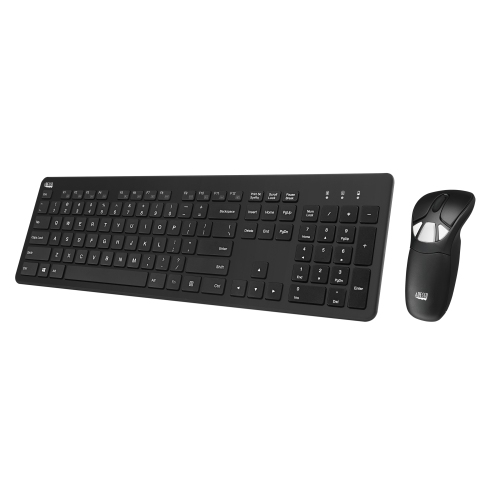
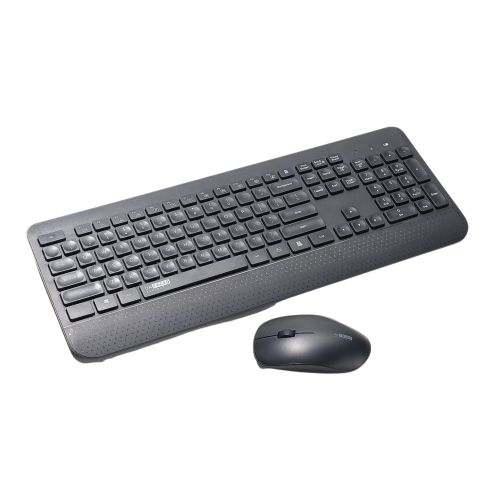
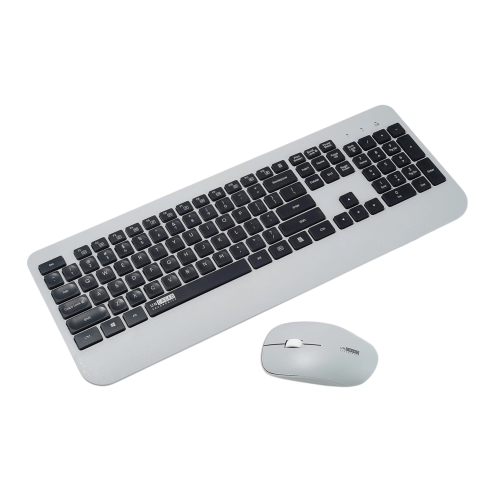
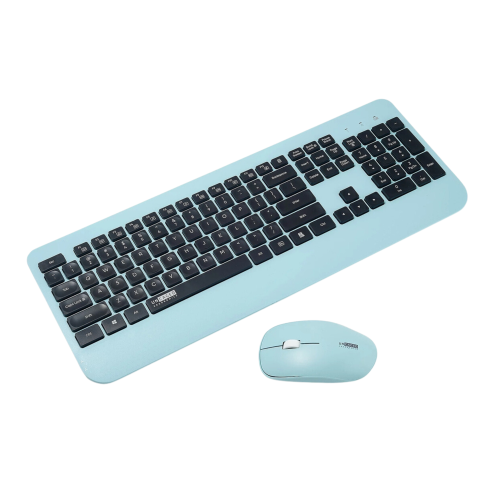
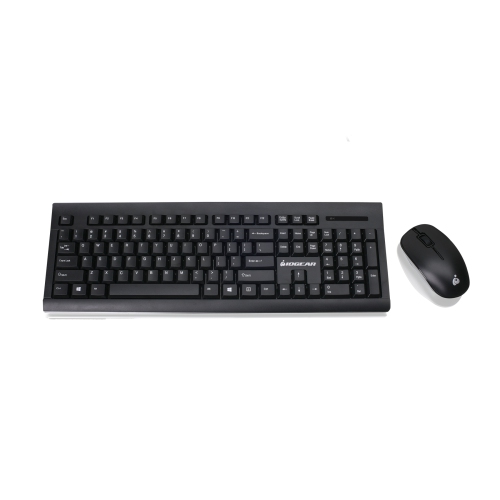
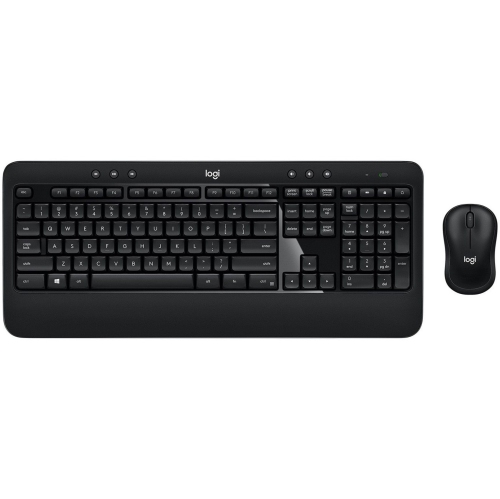
Typing and navigation without a mouse to balance
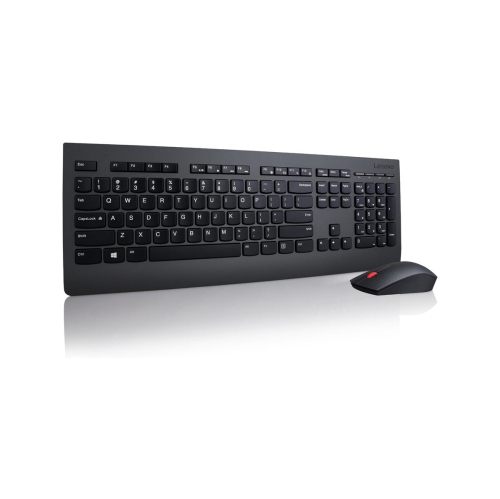
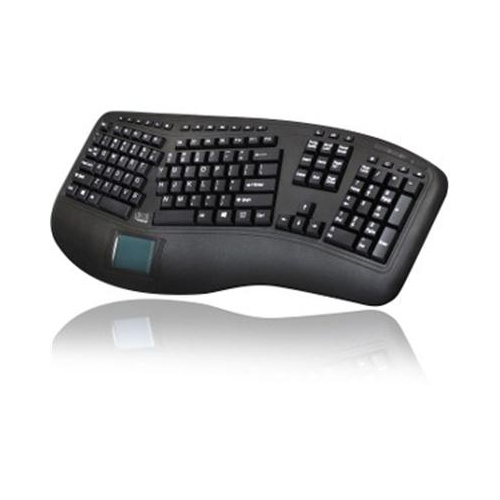
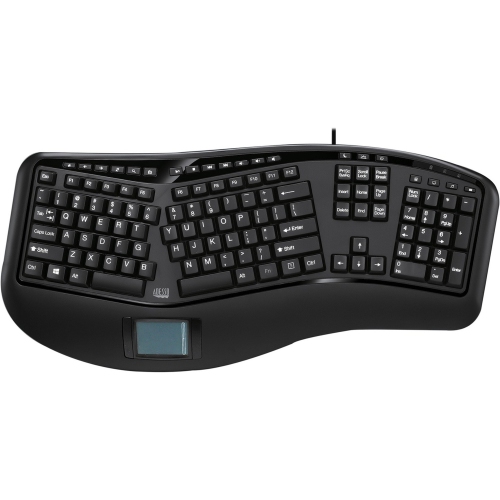
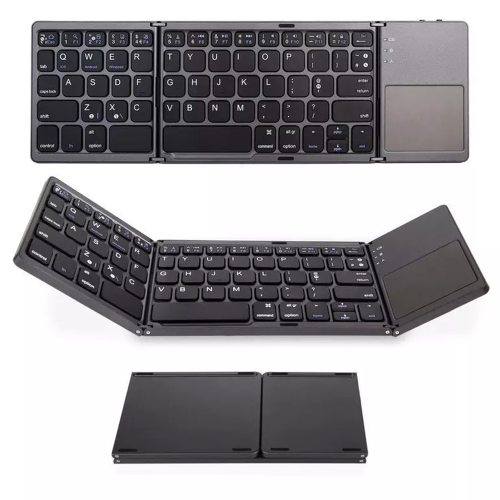
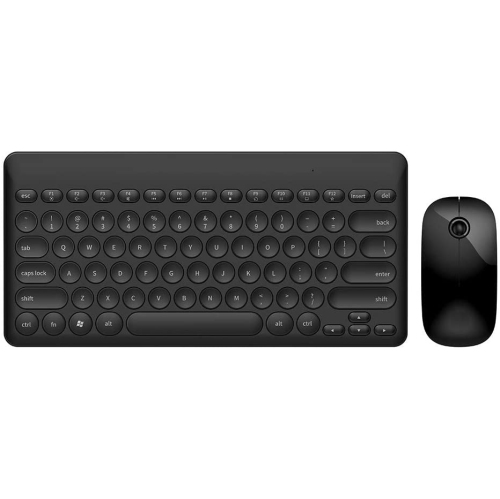
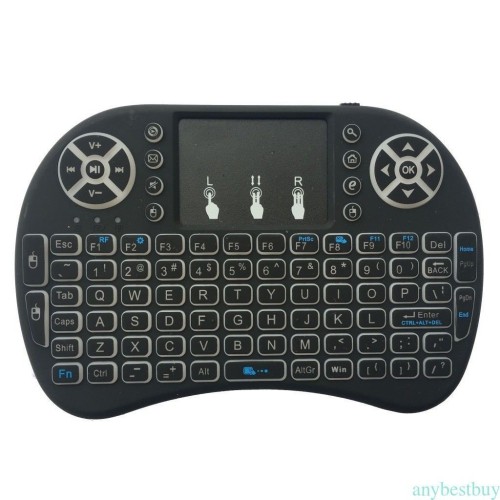
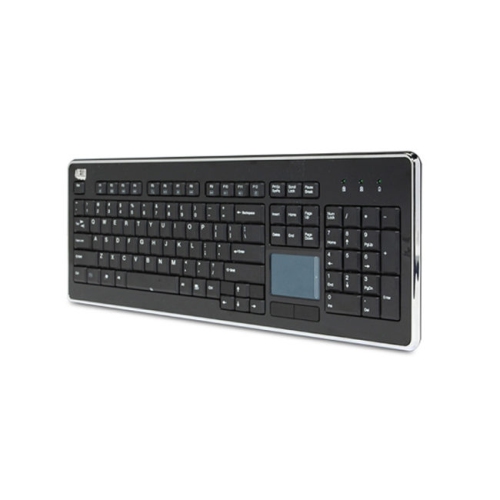
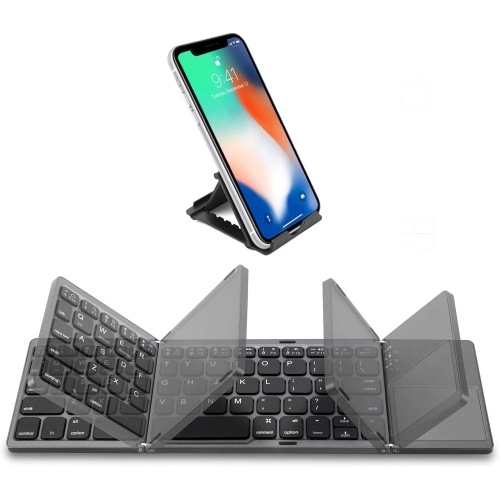
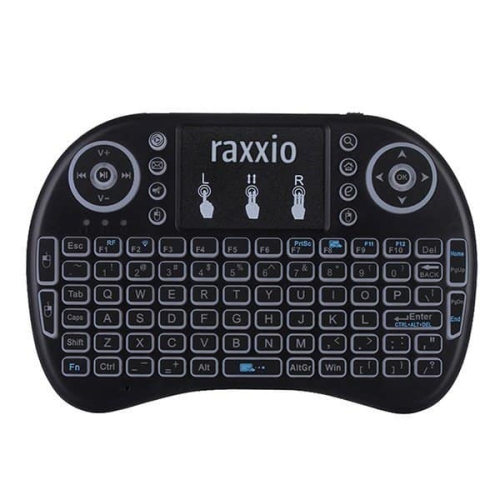
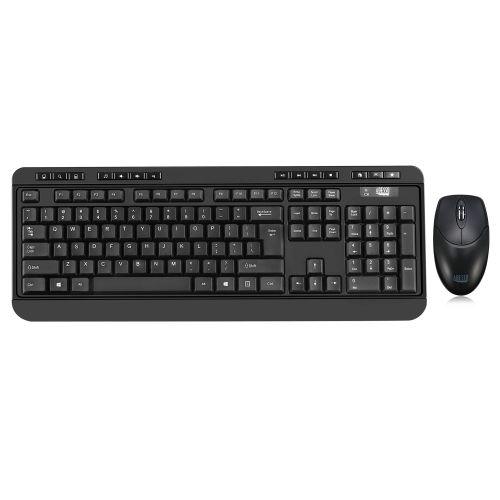
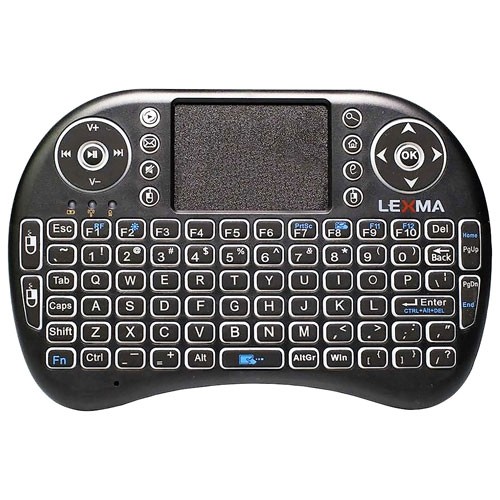
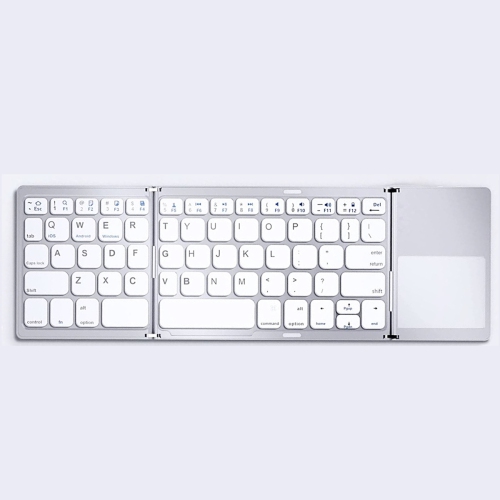
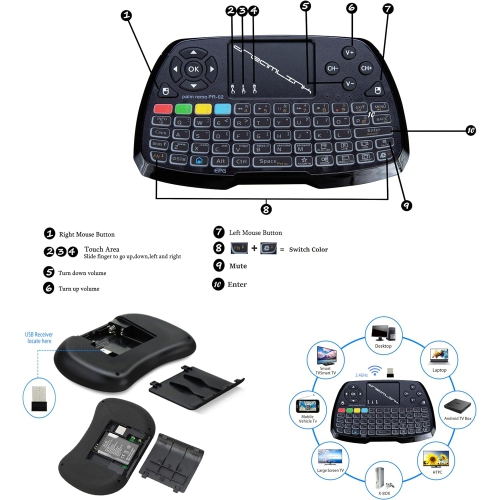
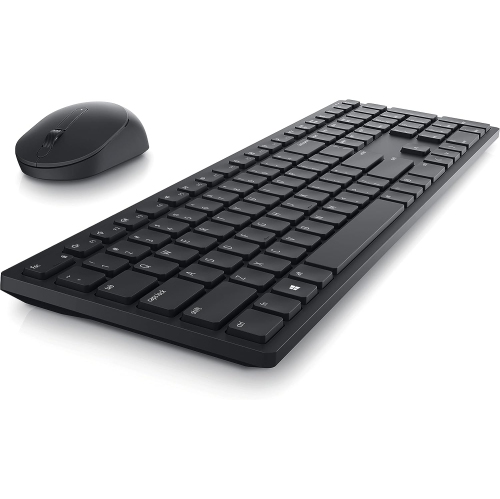
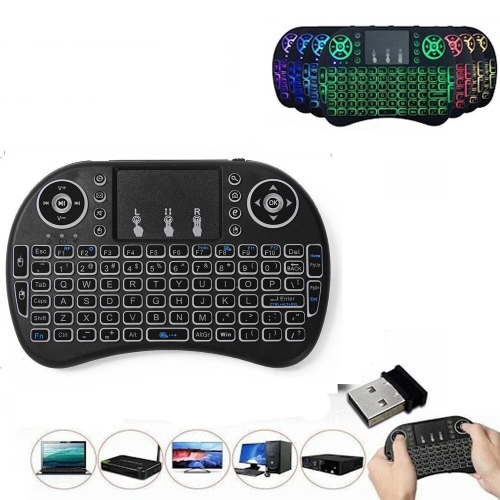
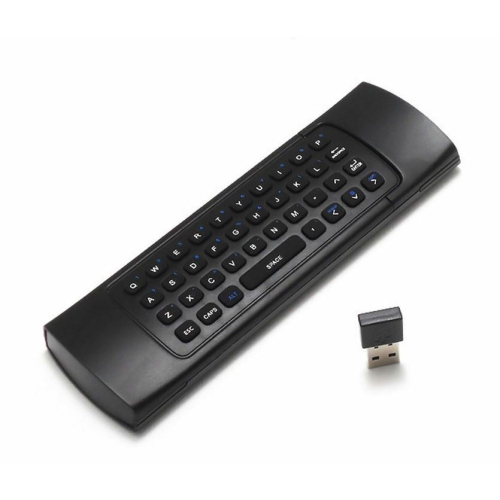
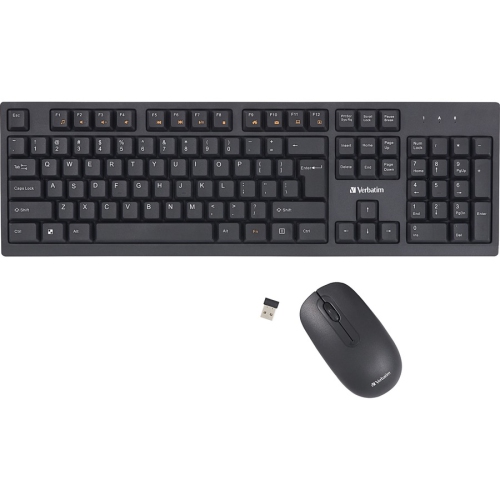
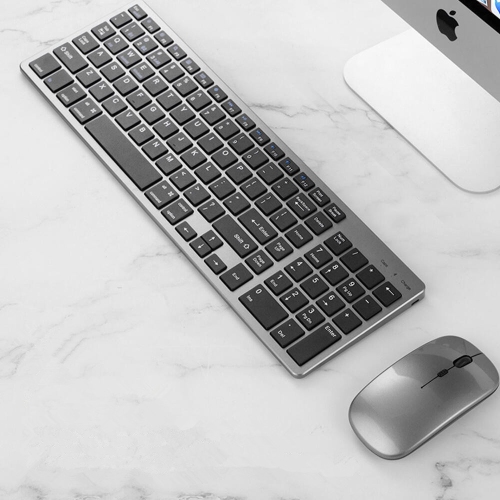
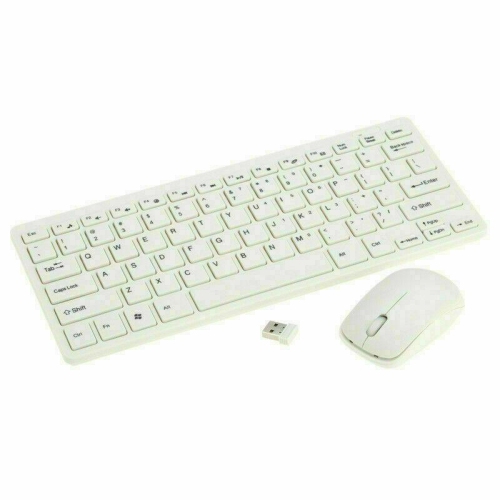
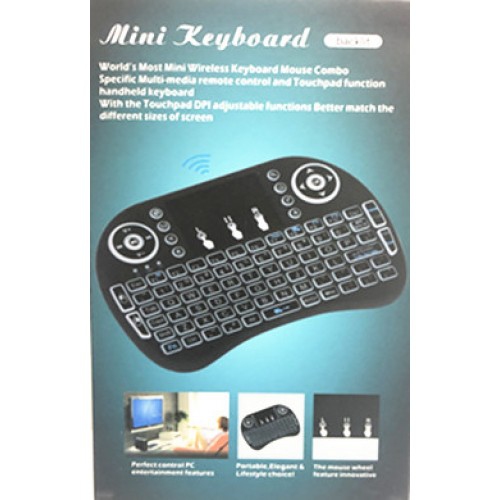
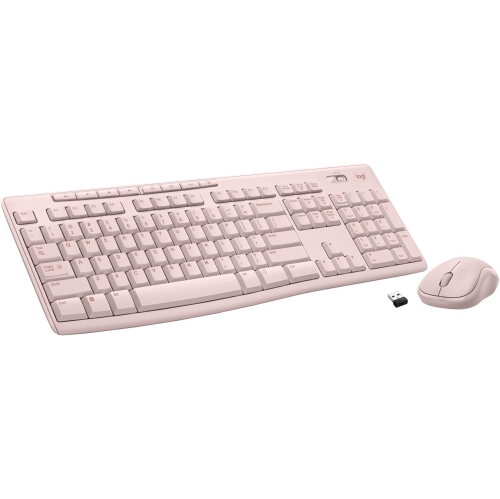
Wireless keyboards with an integrated touchpad combine typing and mouse-style navigation in one device, making them useful wherever a separate mouse would be awkward to use. The touchpad moves the pointer across the screen, while taps, dedicated buttons, or supported gestures handle actions such as selecting an app, scrolling through a page, and opening a menu. This all-in-one layout is particularly practical for a computer connected to a television: someone sitting on a sofa can search for a film, enter a password, or browse a media library without balancing a mouse on a cushion. It also suits compact desks, shared workspaces, and presentation setups where keeping the keyboard and pointing surface together simplifies everyday tasks. The best fit depends less on a single standout specification than on the device being controlled, the amount of typing involved, and the space where the keyboard will sit. A larger layout with well-spaced keys generally makes longer searches and messages more comfortable, while a small handheld design favours brief text entry and remote-style navigation. Neither format should be assumed to work with every smart TV, streaming device, or operating system. A television may accept keyboard input in some apps but offer limited pointer support elsewhere, and a streaming device may not support a wireless keyboard at all. Compatibility details therefore matter as much as the keyboard’s shape. For desktop work that involves precise spreadsheet selections, detailed image adjustments, or extended pointer use, a separate mouse may provide better control. Collections of best wireless keyboards and mice offer a useful point of comparison for those who prefer two separate input devices. An integrated touchpad, by contrast, keeps navigation within easy reach of the keys and removes the need for a dedicated mouse surface, a meaningful advantage for occasional computing away from a conventional desk.
Wireless connection type helps determine how smoothly a keyboard fits into an existing setup. Models that use a USB receiver typically connect through a compatible USB port, while Bluetooth models pair with a host device that supports Bluetooth keyboards and the required pointing functions. A USB receiver occupies a port and needs a suitable connection; a device with only USB-C ports may require a compatible adapter. Bluetooth can leave USB ports free, but pairing options, wake behaviour, and touchpad support depend on the keyboard and host device. Some keyboards support more than one connection method or allow switching between paired devices, though these features are not universal. Advertised wireless range is also different from guaranteed performance in a room. Furniture, nearby wireless traffic, and a receiver tucked behind a television or metal computer case can affect the connection. For a living room setup, reliable input from the usual seat matters more than the greatest stated distance. Touchpad size and placement deserve similar attention. A generous surface gives fingers more room to move, while distinct left- and right-click buttons can make selection clearer for people accustomed to a mouse. Supported gestures may include two-finger scrolling or zooming, but their behaviour can vary by operating system and app. A touchpad positioned beside the keys feels different from one below them, especially when the keyboard rests on a lap rather than a table. Palm rejection, where supported, can help limit accidental pointer movement during typing. Key spacing, travel, and legible lettering contribute to comfort as well: shallow laptop-style keys offer a different feel from taller keys with a more pronounced press. Backlighting can make legends easier to see in a dim media room, although it also draws power. Clearly marked volume controls, playback shortcuts, and navigation keys can reduce the steps needed for everyday entertainment tasks when those functions are supported by the connected device.
Construction and everyday handling influence how useful a wireless touchpad keyboard remains over time. Plastic housings can keep weight manageable for passing the keyboard between seats, while some designs use metal panels for added rigidity. Material alone does not establish durability; a firm chassis, stable keys, and a secure battery cover are equally relevant to frequent handling. A thin keyboard may slip easily into a drawer, but a slightly deeper body can provide a steadier grip. Rubber feet help limit sliding on a desk or coffee table, and a sufficiently rigid underside makes lap use more stable. For prolonged typing, a supported surface with relaxed shoulders and neutral wrists is generally more comfortable than holding the keyboard in mid-air. Compact handheld keyboards are better suited to entering a search term or selecting a programme than drafting a lengthy document. Layout also affects fit: arrow keys, function keys, and a number pad take up space, so smaller designs may omit them or place their functions behind key combinations. English and French typing needs can make the physical key layout and operating-system language settings important considerations for Canadian households. Power arrangements vary between replaceable batteries and built-in rechargeable batteries. Replaceable batteries allow a fresh set to be fitted when needed, while rechargeable designs require access to a suitable charging cable and power source. Battery-life estimates depend on usage, wireless settings, and features such as illumination; automatic sleep and an accessible power switch can help limit unnecessary battery drain. Care is usually straightforward when the manufacturer’s directions are followed. Turn the keyboard off before cleaning, keep liquids away from openings, and remove dust and fingerprints with an appropriate soft cloth rather than spraying cleaner directly onto the keys or touchpad. A consistent storage spot also helps protect the keyboard from being sat on or knocked from a sofa arm. For students with limited desk space, households using a media computer, or someone receiving a practical technology gift, the most useful design is one that matches the connected device and the way it will actually be handled.
Wireless connection type helps determine how smoothly a keyboard fits into an existing setup. Models that use a USB receiver typically connect through a compatible USB port, while Bluetooth models pair with a host device that supports Bluetooth keyboards and the required pointing functions. A USB receiver occupies a port and needs a suitable connection; a device with only USB-C ports may require a compatible adapter. Bluetooth can leave USB ports free, but pairing options, wake behaviour, and touchpad support depend on the keyboard and host device. Some keyboards support more than one connection method or allow switching between paired devices, though these features are not universal. Advertised wireless range is also different from guaranteed performance in a room. Furniture, nearby wireless traffic, and a receiver tucked behind a television or metal computer case can affect the connection. For a living room setup, reliable input from the usual seat matters more than the greatest stated distance. Touchpad size and placement deserve similar attention. A generous surface gives fingers more room to move, while distinct left- and right-click buttons can make selection clearer for people accustomed to a mouse. Supported gestures may include two-finger scrolling or zooming, but their behaviour can vary by operating system and app. A touchpad positioned beside the keys feels different from one below them, especially when the keyboard rests on a lap rather than a table. Palm rejection, where supported, can help limit accidental pointer movement during typing. Key spacing, travel, and legible lettering contribute to comfort as well: shallow laptop-style keys offer a different feel from taller keys with a more pronounced press. Backlighting can make legends easier to see in a dim media room, although it also draws power. Clearly marked volume controls, playback shortcuts, and navigation keys can reduce the steps needed for everyday entertainment tasks when those functions are supported by the connected device.
Construction and everyday handling influence how useful a wireless touchpad keyboard remains over time. Plastic housings can keep weight manageable for passing the keyboard between seats, while some designs use metal panels for added rigidity. Material alone does not establish durability; a firm chassis, stable keys, and a secure battery cover are equally relevant to frequent handling. A thin keyboard may slip easily into a drawer, but a slightly deeper body can provide a steadier grip. Rubber feet help limit sliding on a desk or coffee table, and a sufficiently rigid underside makes lap use more stable. For prolonged typing, a supported surface with relaxed shoulders and neutral wrists is generally more comfortable than holding the keyboard in mid-air. Compact handheld keyboards are better suited to entering a search term or selecting a programme than drafting a lengthy document. Layout also affects fit: arrow keys, function keys, and a number pad take up space, so smaller designs may omit them or place their functions behind key combinations. English and French typing needs can make the physical key layout and operating-system language settings important considerations for Canadian households. Power arrangements vary between replaceable batteries and built-in rechargeable batteries. Replaceable batteries allow a fresh set to be fitted when needed, while rechargeable designs require access to a suitable charging cable and power source. Battery-life estimates depend on usage, wireless settings, and features such as illumination; automatic sleep and an accessible power switch can help limit unnecessary battery drain. Care is usually straightforward when the manufacturer’s directions are followed. Turn the keyboard off before cleaning, keep liquids away from openings, and remove dust and fingerprints with an appropriate soft cloth rather than spraying cleaner directly onto the keys or touchpad. A consistent storage spot also helps protect the keyboard from being sat on or knocked from a sofa arm. For students with limited desk space, households using a media computer, or someone receiving a practical technology gift, the most useful design is one that matches the connected device and the way it will actually be handled.
Top selling and popular products
-
 Your price for this item is $39.99
 -
 Your price for this item is $56.37
 -
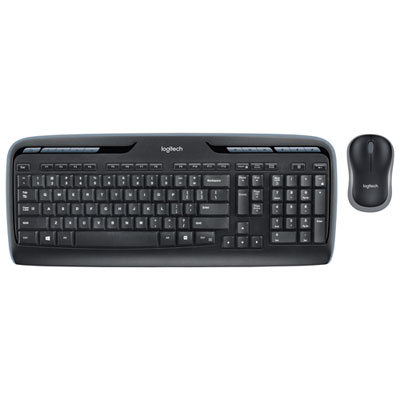 Your price for this item is $59.99
 -
 Your price for this item is $59.99
 -
 Your price for this item is $69.98
 -
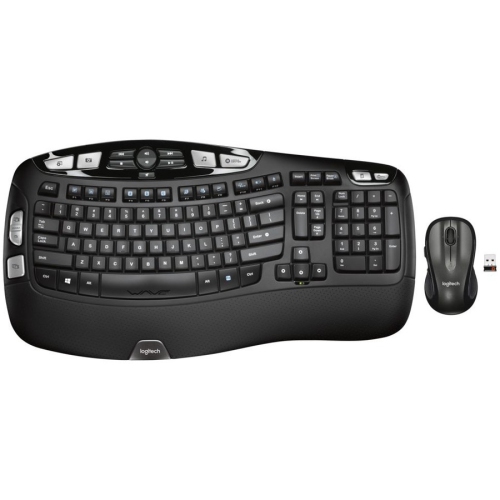 Your price for this item is $126.49
 -
 Your price for this item is $99.99
 -
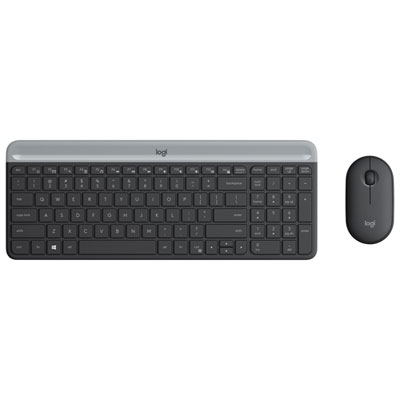 Your price for this item is $69.99
Discover more categories related to Wireless Keyboards With Mouse Touchpad
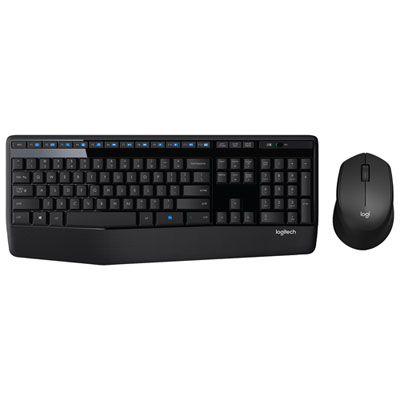
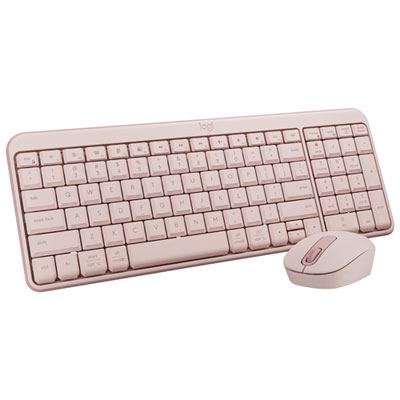
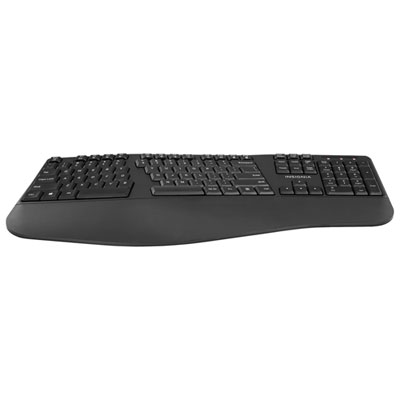
Top Collections:
Pokemon Centers, Kindle Devices, Best Budget Office Chairs, Apple iPhones 16, Best Laptops for Writers, iPhone 15 Apple, Canon G7X Cameras, Refurbished Apple Laptops, Alarm Clock, Motorola Razr Phones
Some products may be subject to Environmental Handling Fees
(EHF) depending on your province.
Learn more about EHFs.