iPad Mini Keyboard And Mice
An iPad Mini is a great tablet for reading, surfing the web, and watching videos. It's also a great device for typing documents and sending emails. If you're going to be doing any of these things on your iPad Mini, you'll want to get a keyboard and mouse.
Sort
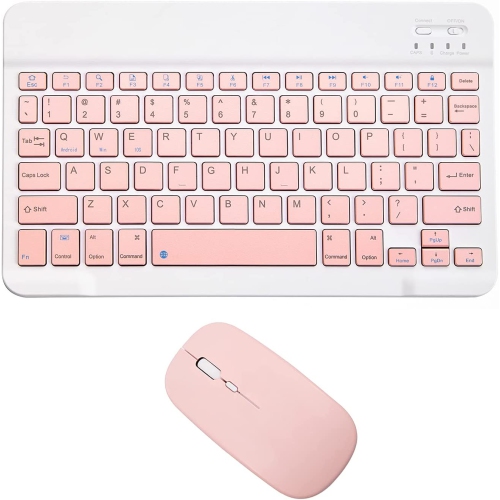
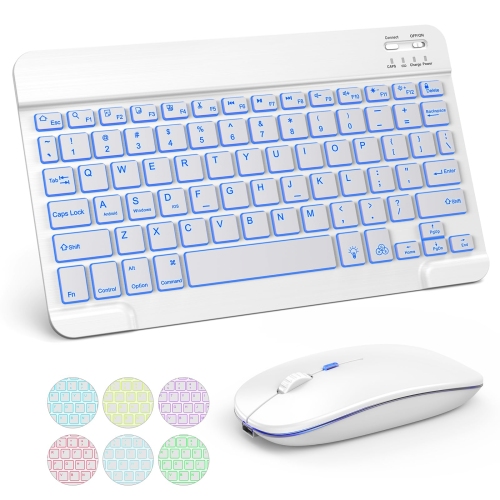
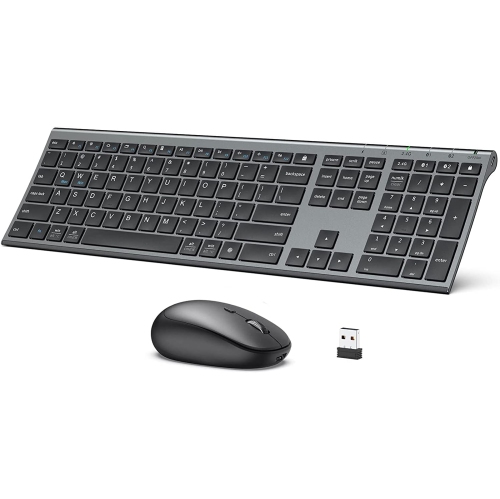
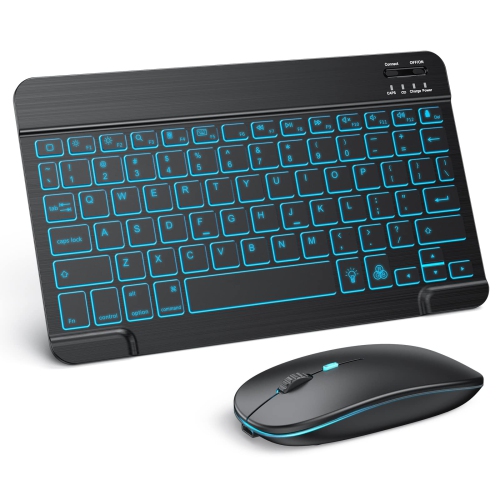
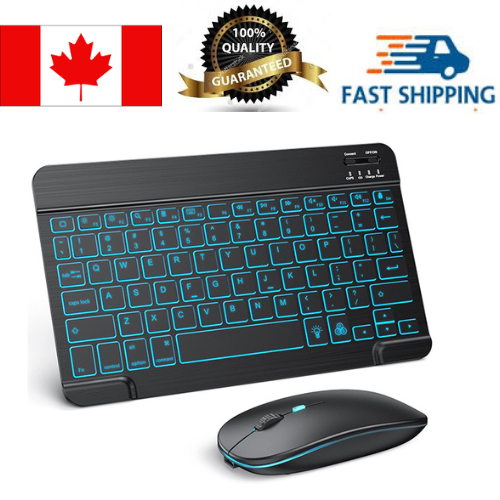
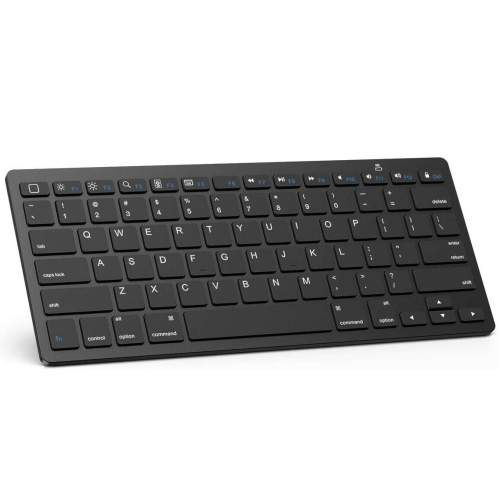
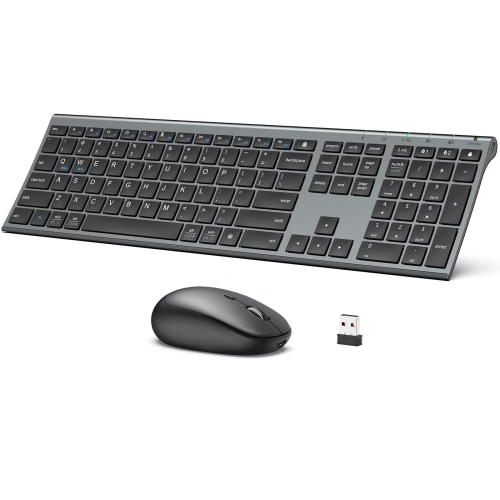
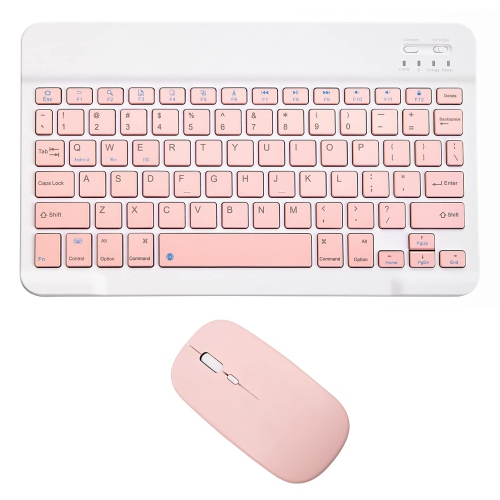
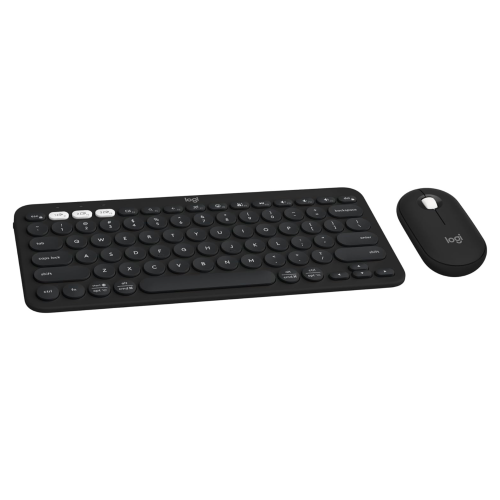
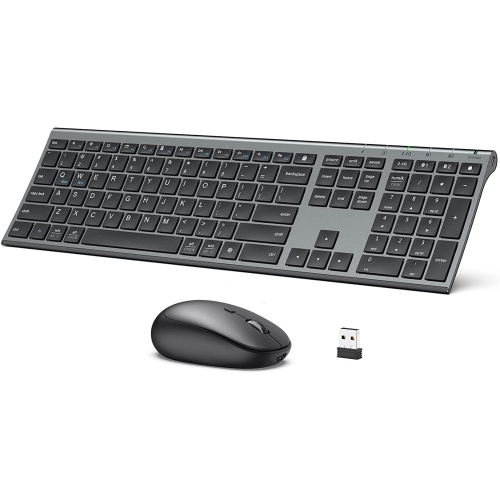
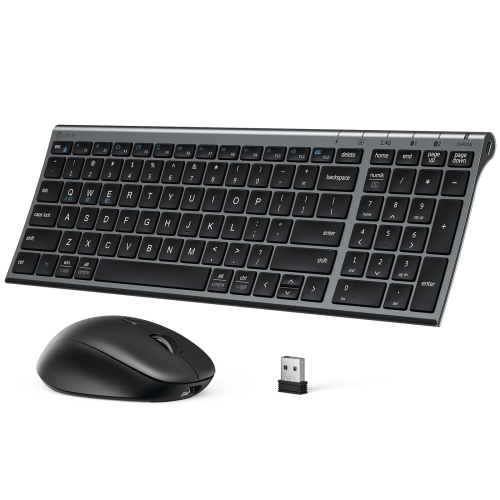
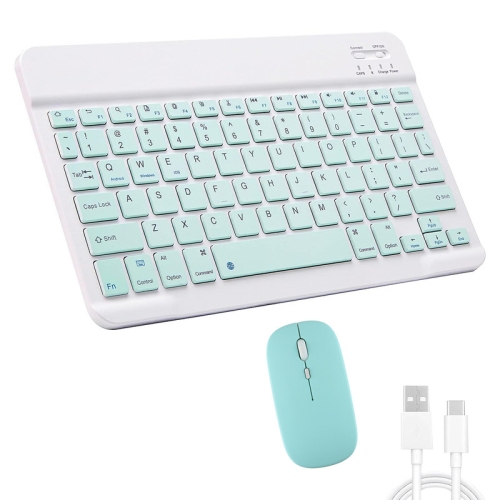
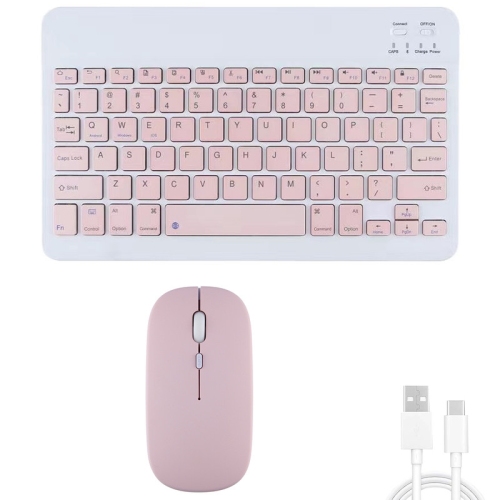
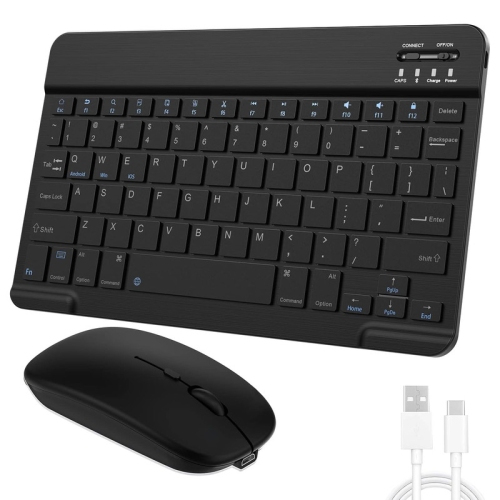
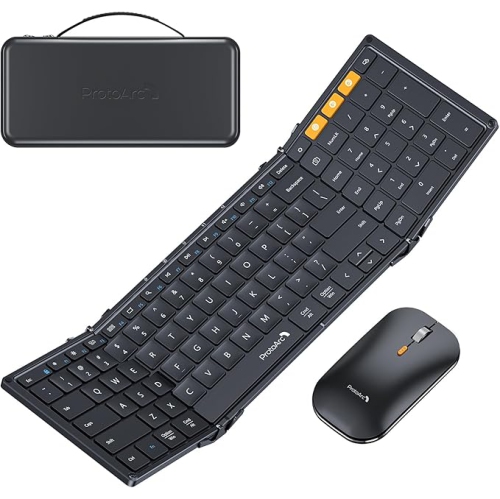
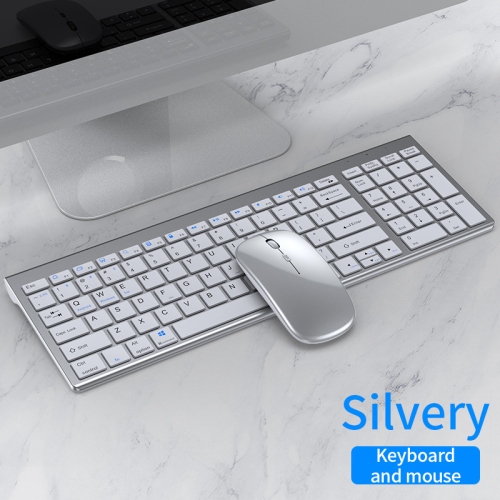
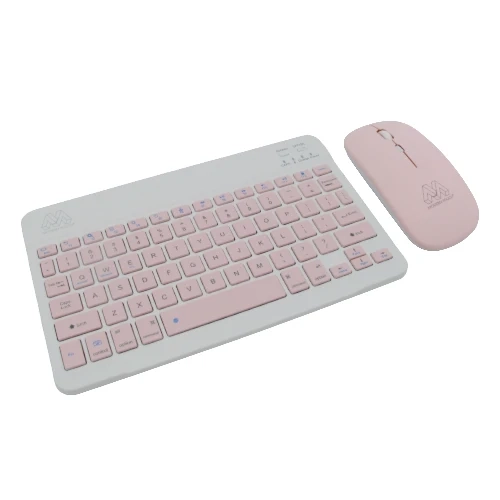
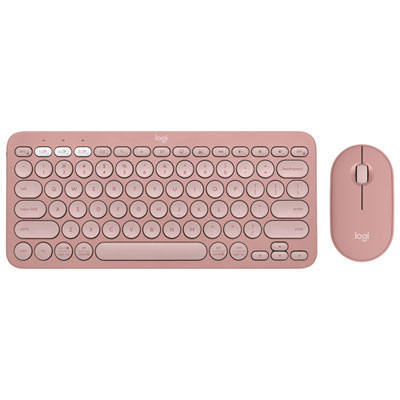
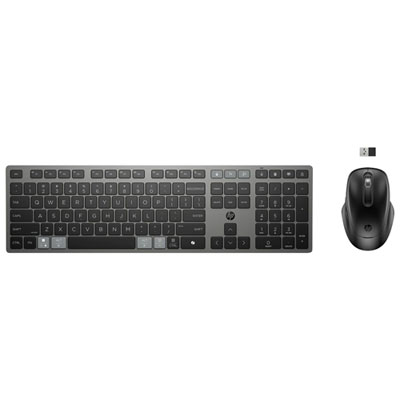
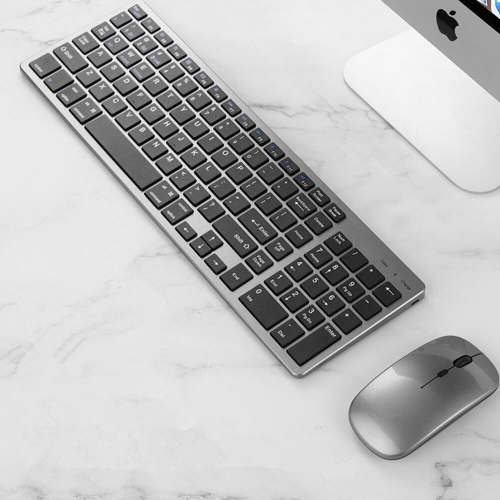
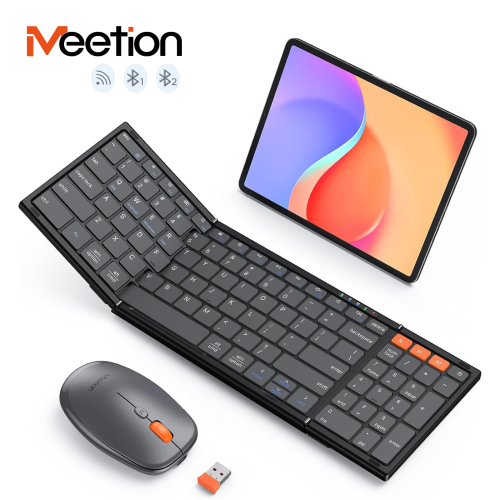
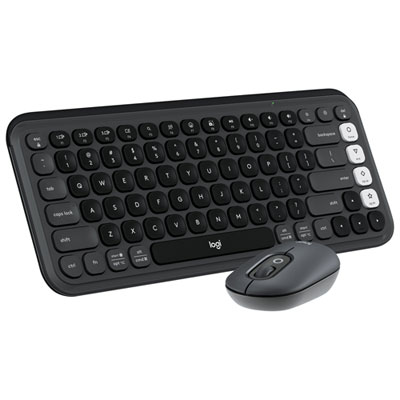
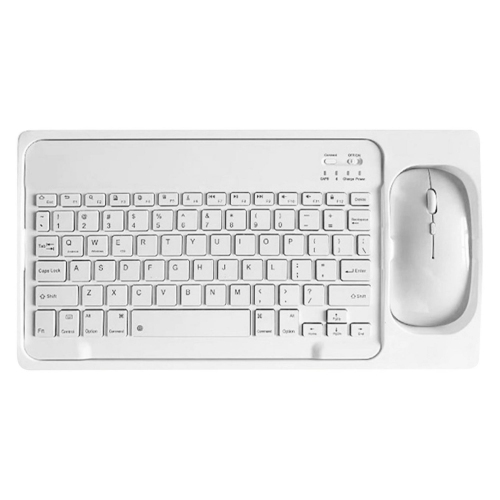
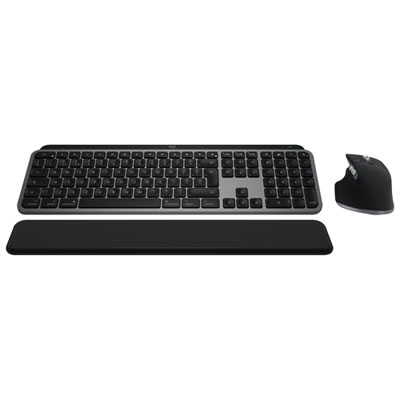
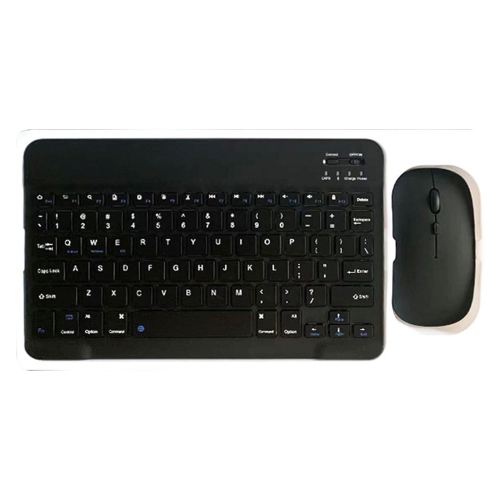
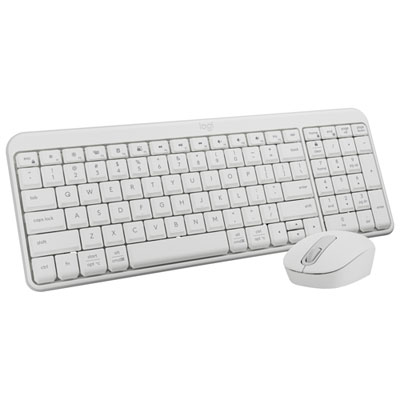
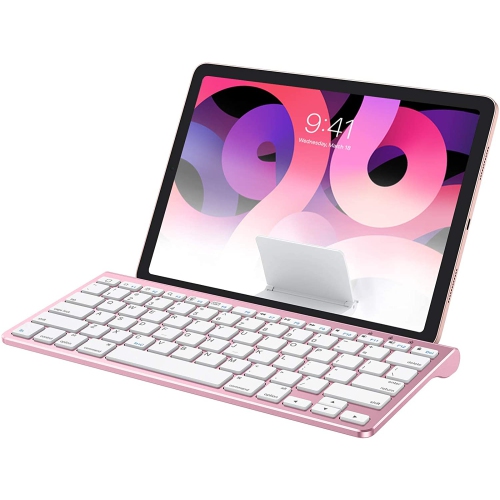
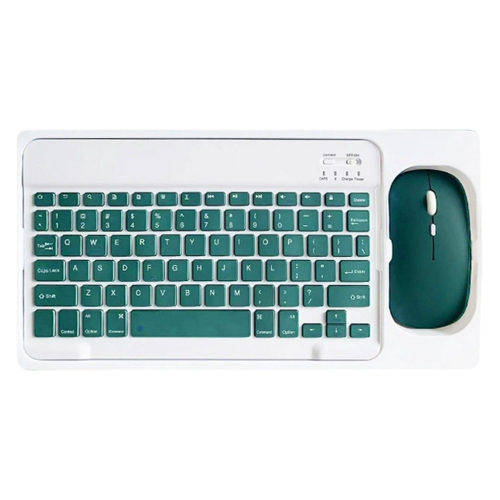
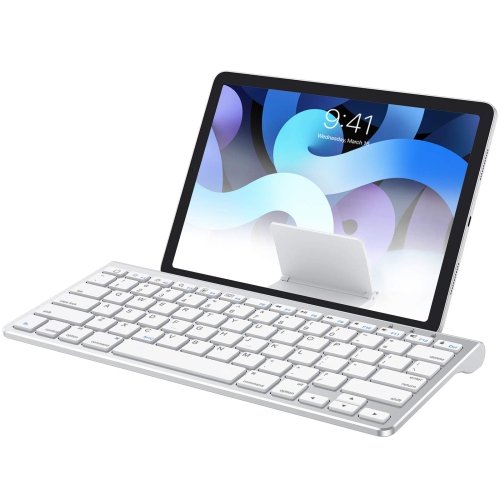
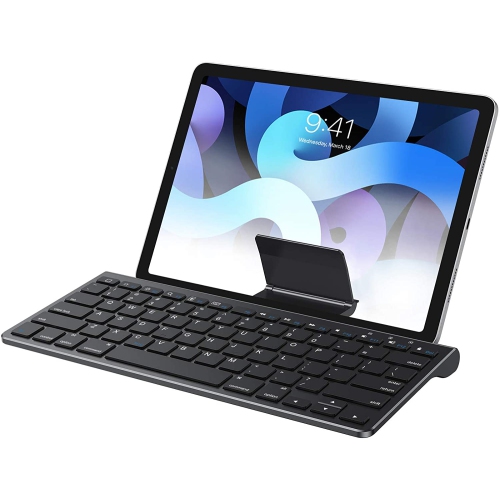
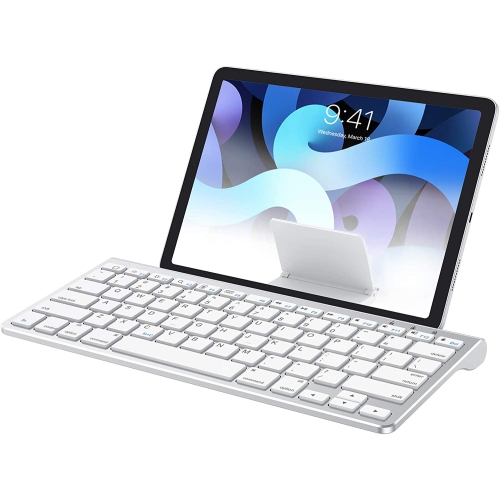
More comfortable typing and navigation for your iPad mini
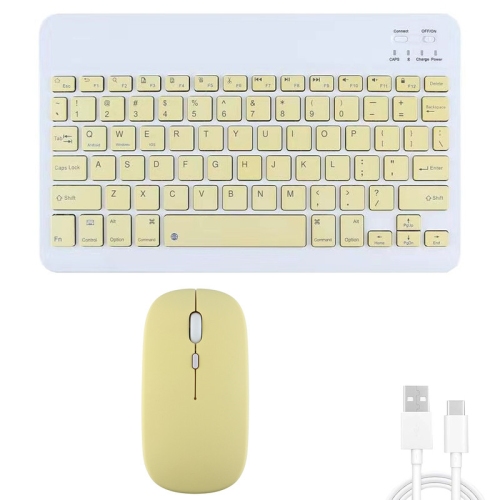
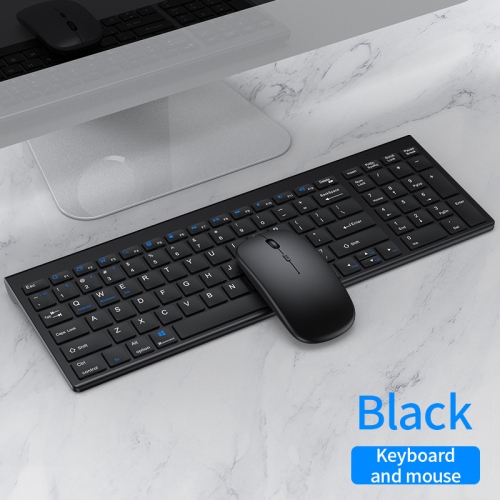
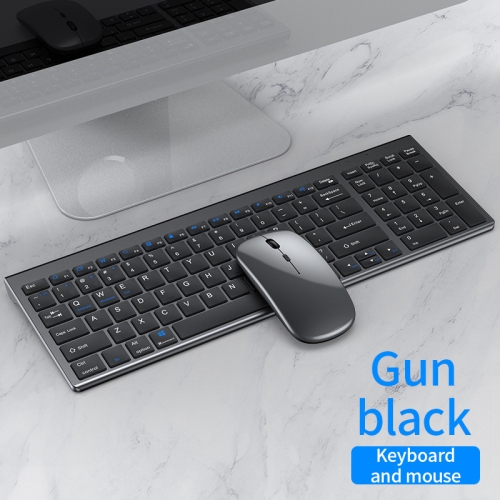
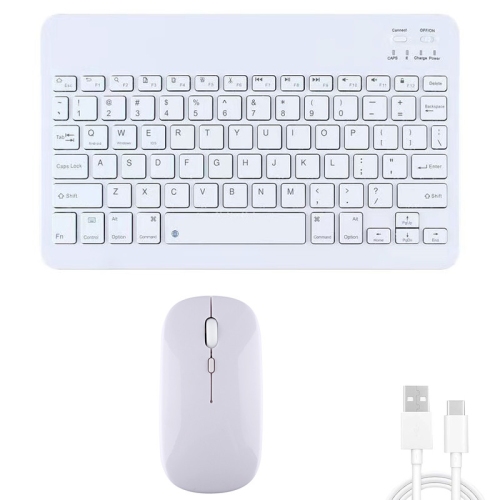
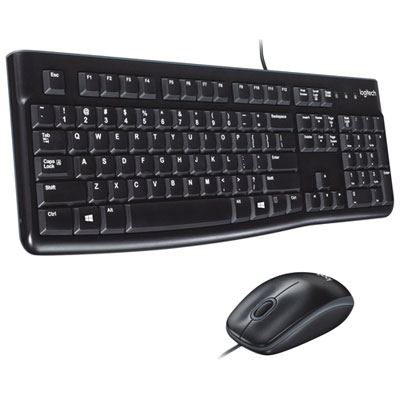
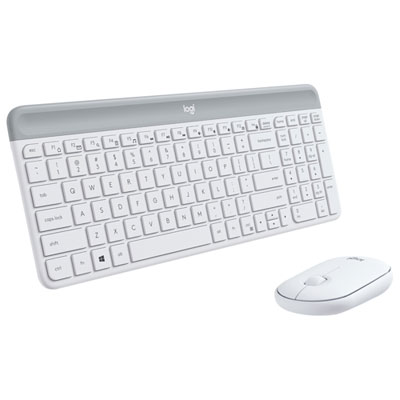
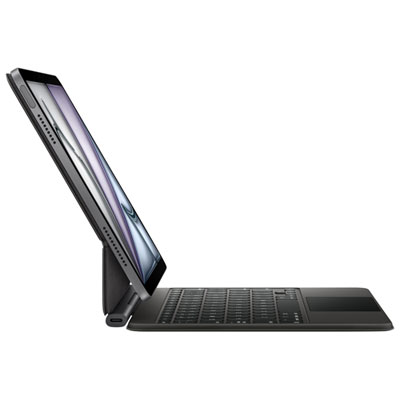
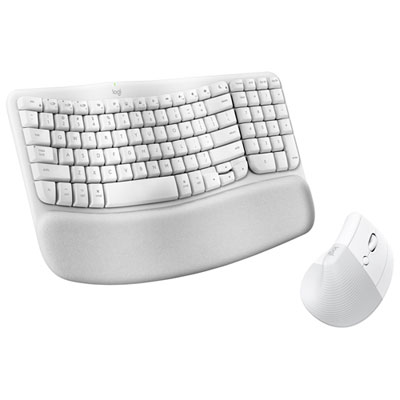
iPad mini keyboards and mice bring familiar typing and pointer controls to a compact tablet, making longer messages, document edits, and everyday navigation more comfortable. With a supported version of iPadOS, an iPad mini can connect to compatible Bluetooth keyboards and mice; wired accessories depend on the tablet’s port, connection requirements, and any adapter involved. Wireless connections leave the charging port free and allow the keyboard or mouse to sit wherever it feels comfortable on a desk. Wired connections avoid a separate pairing step, although some accessories may need additional power through a suitable hub or adapter. Compatibility involves more than whether an accessory connects: the tablet generation, installed software, keyboard layout, and physical fit all matter. A standalone keyboard can work alongside a separate tablet stand, while a keyboard case combines typing support with a fitted cover. Cases need to match the exact iPad mini generation so that the camera opening, buttons, charging port, and attachment points line up properly. A similar screen size does not guarantee a suitable fit, and a keyboard designed around another tablet’s dedicated connector should not be assumed to work. Compact layouts keep the setup easy to carry, but the smaller spacing can feel different from a desktop keyboard, particularly around punctuation and navigation keys. A wider standalone keyboard may suit someone who writes lengthy assignments or handles frequent email, while a smaller detachable design can leave more room in a bag. Key travel, spacing, and the shape of the keycaps influence how typing feels over a full session. Backlit keys can make letters easier to distinguish in a dim room, though lighting adds to battery use. For writing that includes French accents or frequent symbols, the physical layout and selected software language deserve attention as well. Shortcut support varies by app, but compatible keyboards can make common actions such as copying text, switching between apps, and searching more direct.
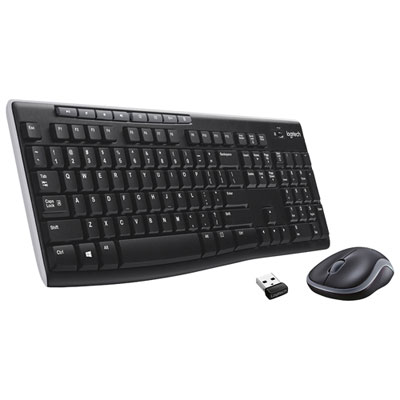
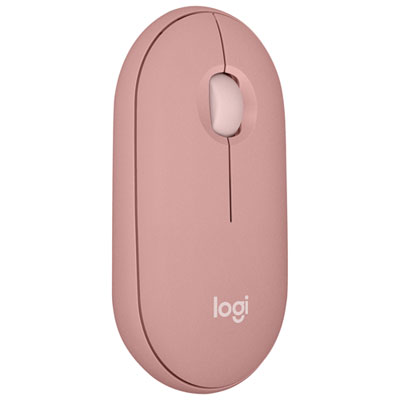
A mouse adds a different kind of control, especially when selecting text, moving between spreadsheet cells, or working through menus while the tablet rests on a stand. Pointer support depends on the installed software, and the experience is not identical to using a desktop computer. Some apps offer more extensive pointer interactions than others, so a mouse is best viewed as another input option rather than a replacement for every touch gesture. A keyboard with an integrated trackpad keeps typing and pointer movement together, whereas a separate mouse gives the hand more freedom to move beside the keyboard. For a small desk, a compact mouse and keyboard can leave space for a notebook or charging cable; for a longer work session, a larger mouse may provide a more comfortable resting position for the hand. Shape matters as much as size. A symmetrical design may suit either hand, while a contoured design generally favours one hand and should be chosen accordingly. Button placement, click resistance, and scroll-wheel feel are useful distinctions for anyone moving between short taps and longer stretches of document work. Quiet-click designs can be helpful in shared study areas or at a kitchen table where someone else is reading. Tracking performance also depends on the surface, and a mouse pad offers a predictable surface when a glossy tabletop causes uneven movement. Bluetooth models connect without occupying the tablet’s port, while mice that rely on a wireless receiver require a compatible connection for that receiver. Multi-device switching can be useful for someone sharing accessories between a tablet and another computer, provided the accessory supports the intended connections. The stand completes the setup: a stable base and adjustable viewing angle help keep the screen readable without crowding the typing area. A case that works well on a table may feel less steady on a lap, particularly when tapping near the top of the screen, so the intended setting matters.
Materials, construction, and everyday care influence how well iPad mini keyboard and mouse accessories hold up to repeated use. Rigid plastic housings can keep weight manageable, while metal-bodied keyboards may feel more substantial on a desk and add weight to a travel bag. Fabric-covered cases offer a different texture from smooth, wipeable finishes, but seams and textured surfaces can collect crumbs or lint. Reinforced corners and a secure closure can help a keyboard case handle routine trips between home, school, and work, although a fitted cover should not be treated as a guarantee against damage. Hinges, folding sections, and detachable mounting points deserve attention because these parts move whenever the setup is opened, packed, or adjusted. For cleaning, disconnect wired accessories or switch wireless models off, then follow the manufacturer’s care directions. A soft, lint-free cloth can remove surface marks, while loose debris around keys is easier to manage before it builds up. Liquids should stay away from openings, and cleaners should never be sprayed directly onto a keyboard or mouse. Rechargeable accessories reduce the need to carry spare batteries, but their charging connections and expected battery life still affect day-to-day convenience; models with replaceable batteries call for a different packing routine. An accessible power switch and automatic sleep function can also be useful when accessories spend time in a bag. These details matter to students taking notes between classes, commuters answering messages away from a desk, and anyone using a tablet for writing alongside reading or video calls. As a gift, a keyboard or mouse is most useful when it matches the recipient’s tablet generation, preferred language layout, and usual workspace rather than simply matching its colour. For a setup built around a different tablet, iPad Air M2 Keyboards is a related category, but fitted cases and model-specific attachments are not interchangeable with iPad mini accessories. The most practical combination leaves enough room to type, keeps the screen supported, and packs away without adding unnecessary bulk.
Top selling and popular products
-
 Your price for this item is $39.99
-
 Your price for this item is $50.49
-
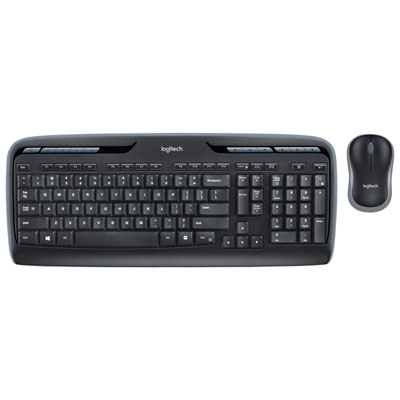 Your price for this item is $59.99
-
 Your price for this item is $59.99
-
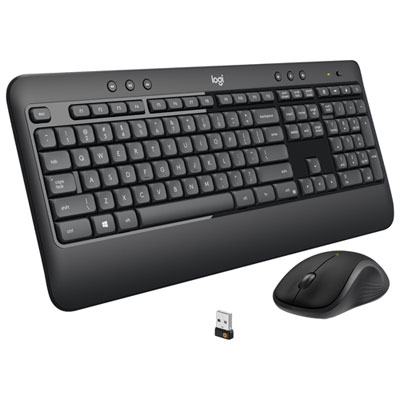 Your price for this item is $69.99
-
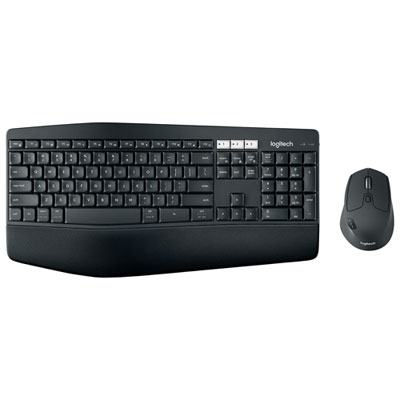 Your price for this item is $129.99
-
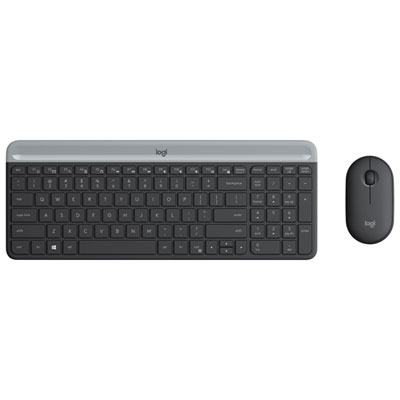 Your price for this item is $69.99
-
 Your price for this item is $20.98
Discover more categories related to iPad Mini Keyboard And Mice
Top Collections:
Best Black Friday Deals This Year, Best Black Friday Deals On Electronics, Kindle Devices, Pokemon Centers, Best Black Friday Deals On Apple Products, Best Cameras for Sports Photography, Dyson Airwrap, Pokémon 30th Celebration Cards, Apple iPhone 17 Pro, Canon G7X Cameras
Some products may be subject to Environmental Handling Fees
(EHF) depending on your province.
Learn more about EHFs.