UPS for Networks
Ensure uninterrupted power supply for your network devices with our selection of UPS systems designed to keep your equipment running smoothly during unexpected outages. Whether you're looking to protect your home office setup or keep your business network up and running, we have a range of UPS solutions to meet your needs. Find the perfect UPS for networks that offers reliable backup power and surge protection to safeguard your valuable electronics.
Sort
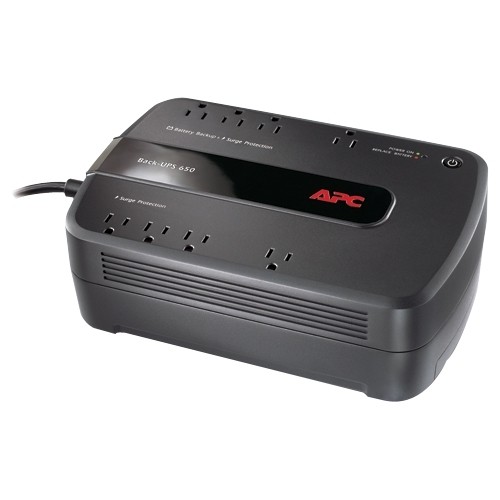
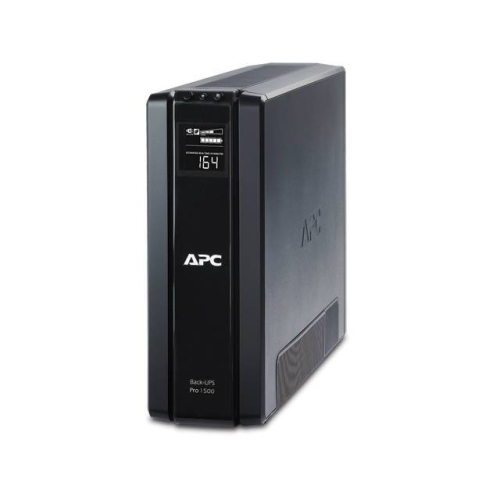
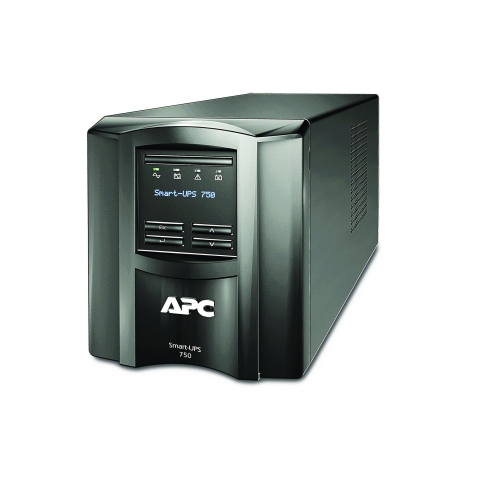
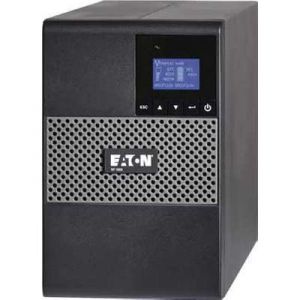
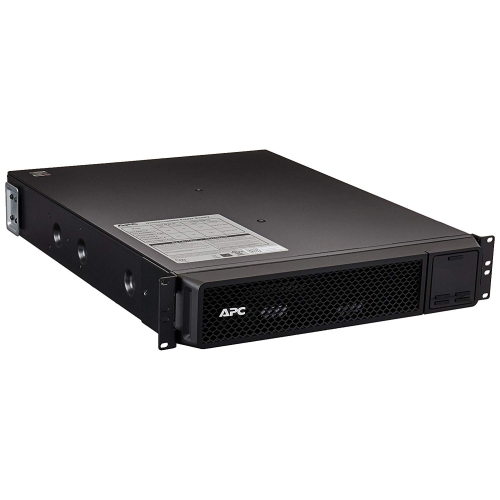
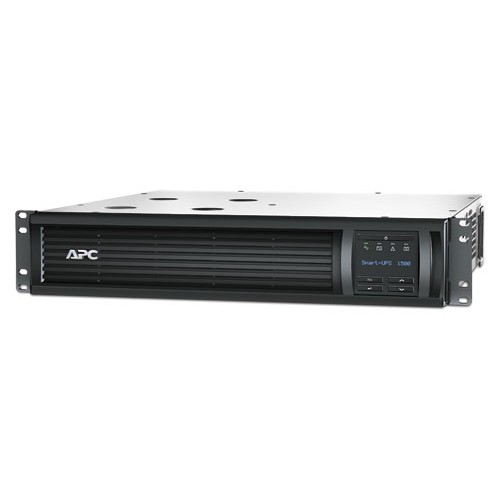
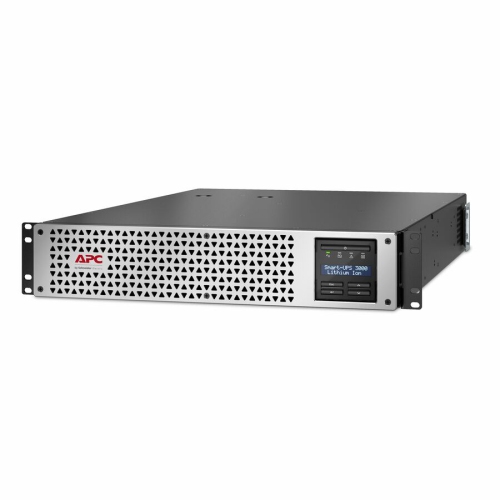
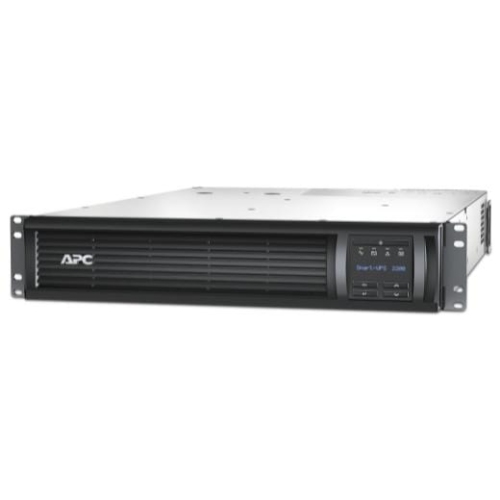
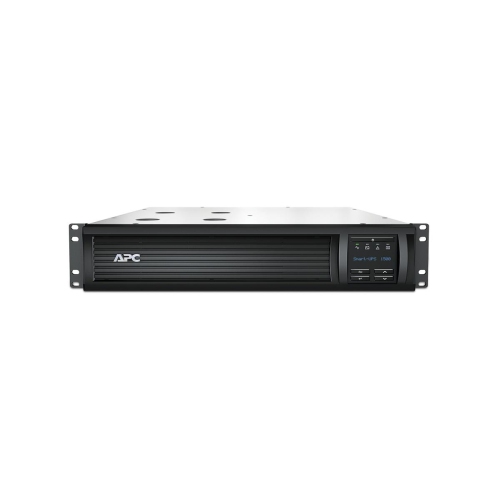
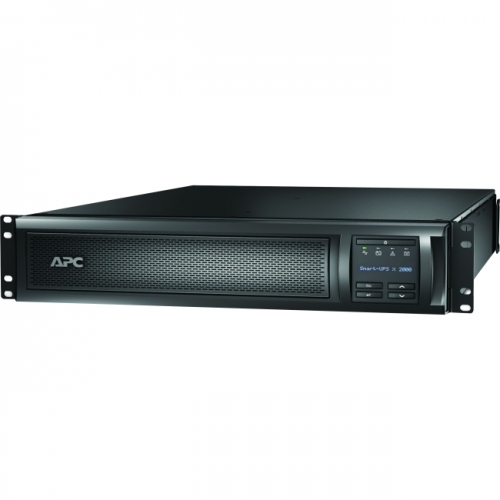

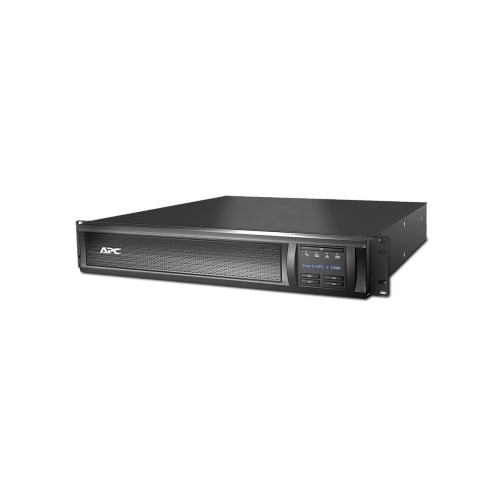
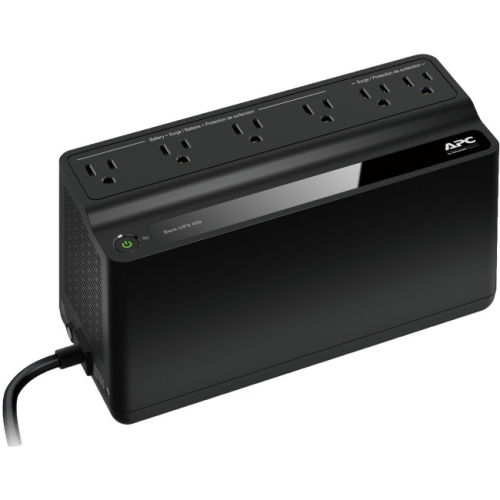
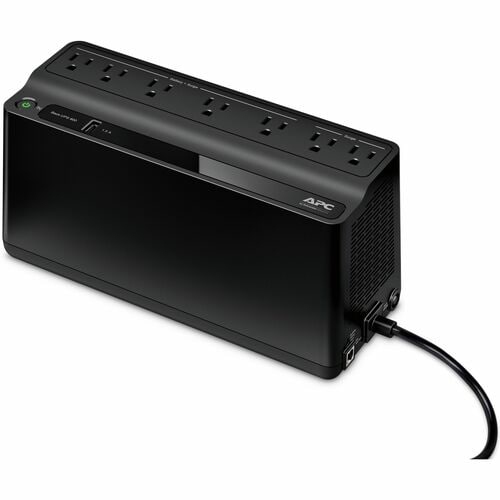
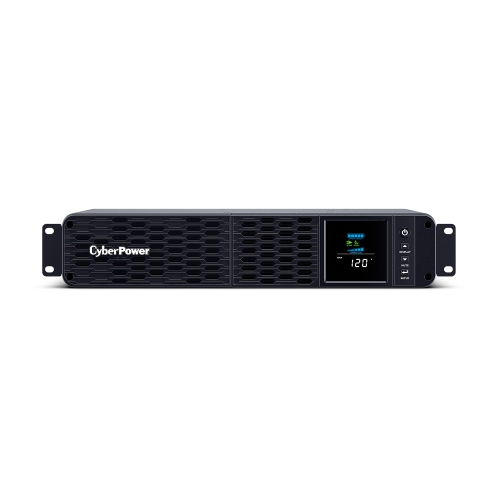
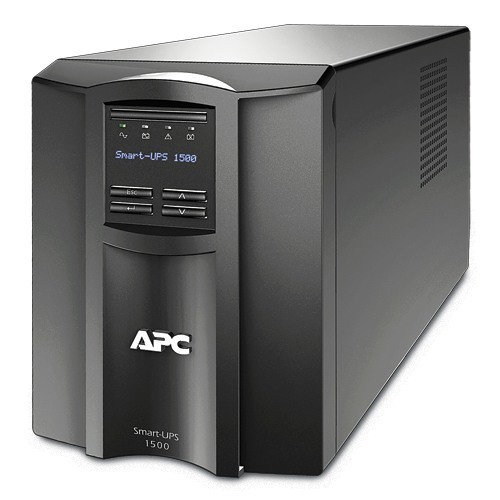
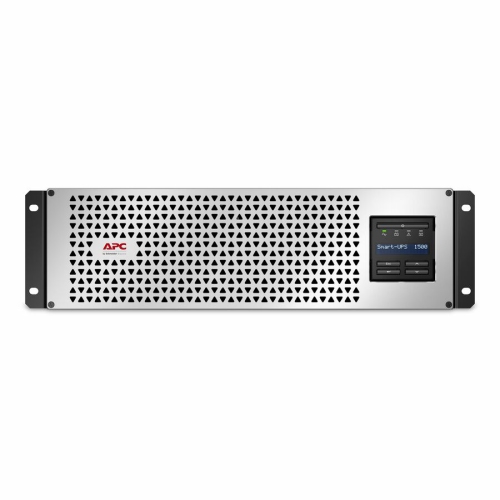
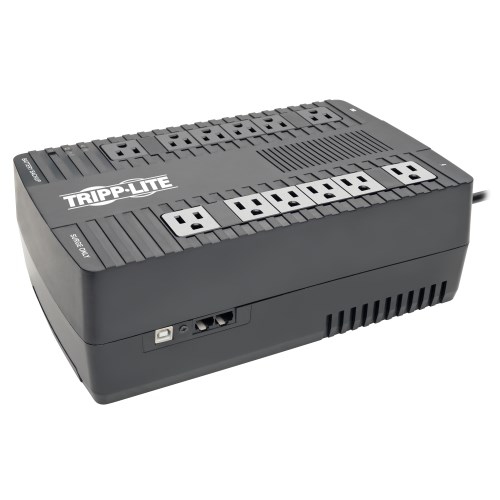
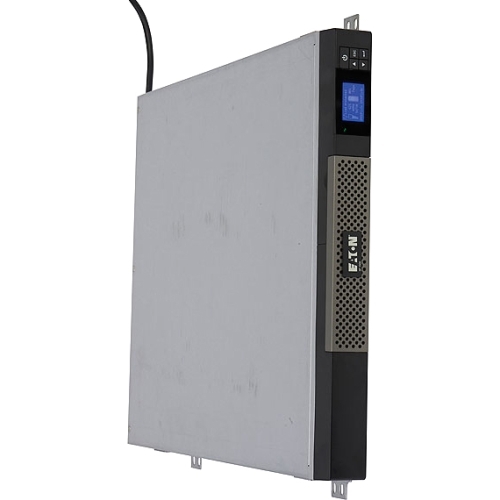




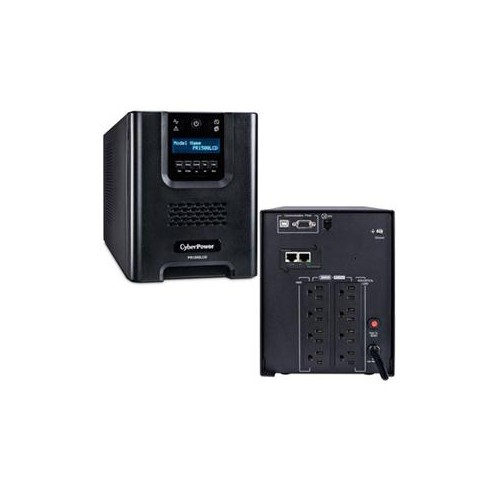
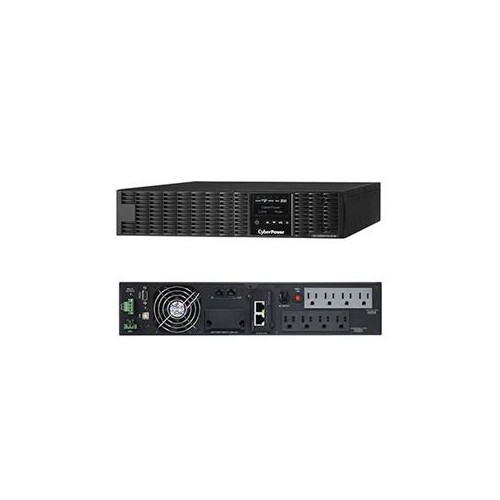
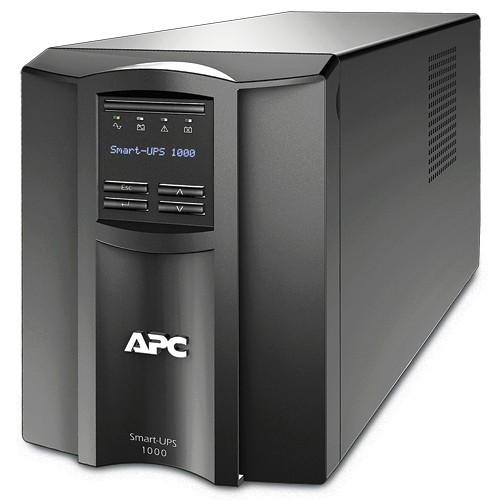

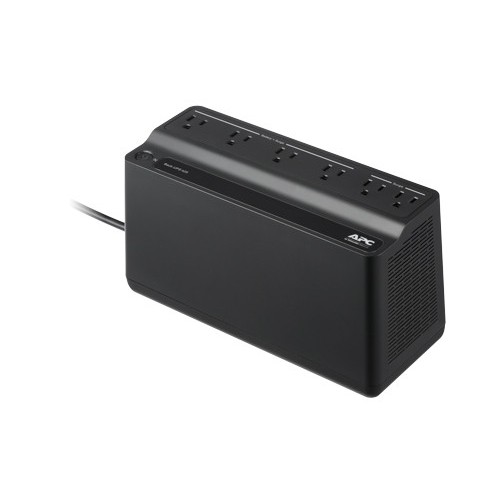
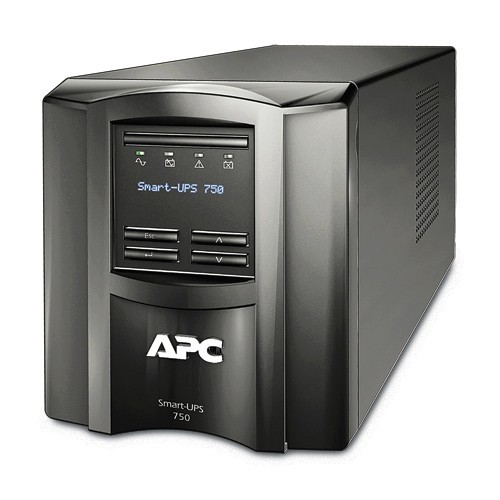

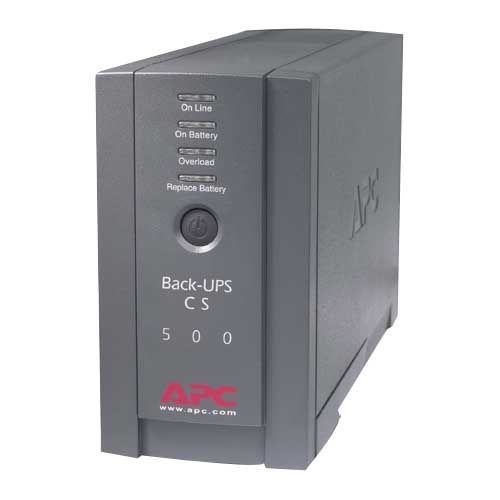
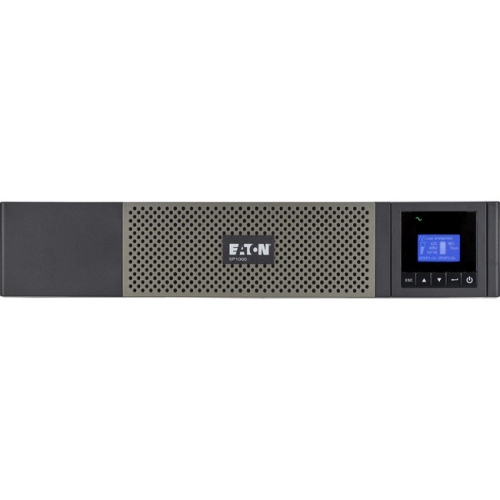
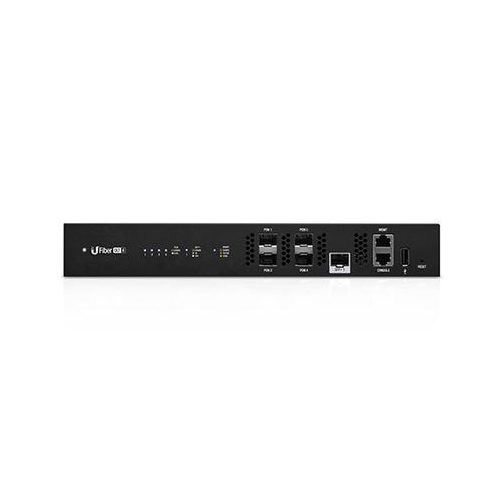



Stay connected through outages with backup power and protection
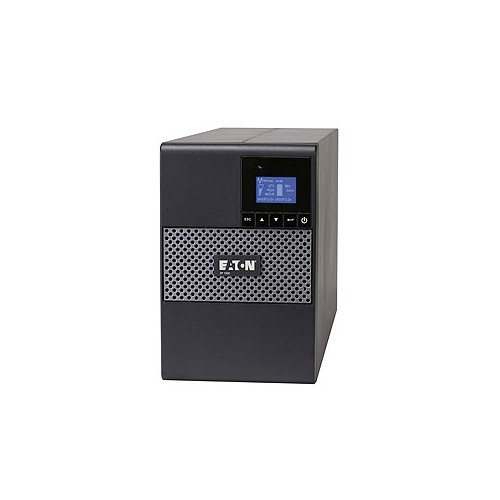
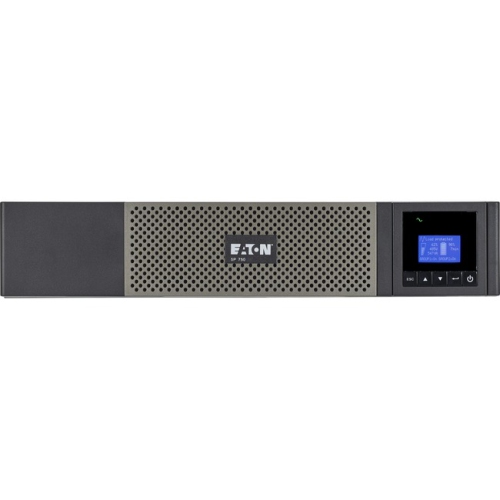
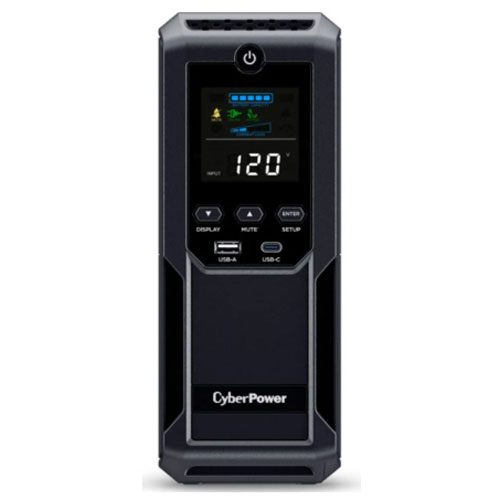
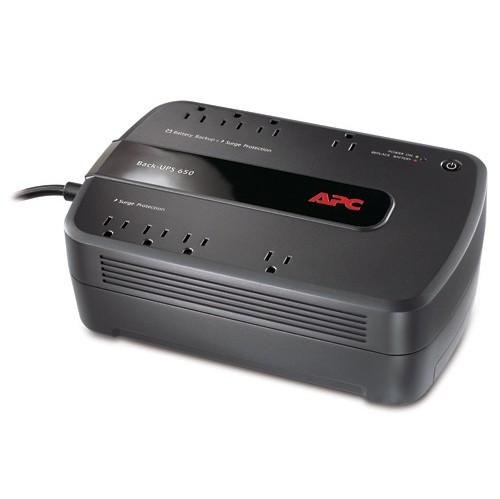
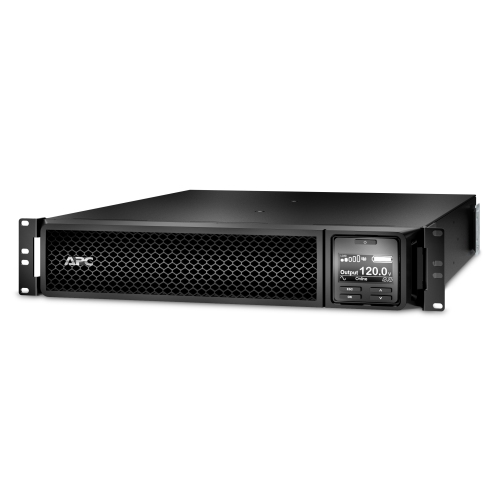
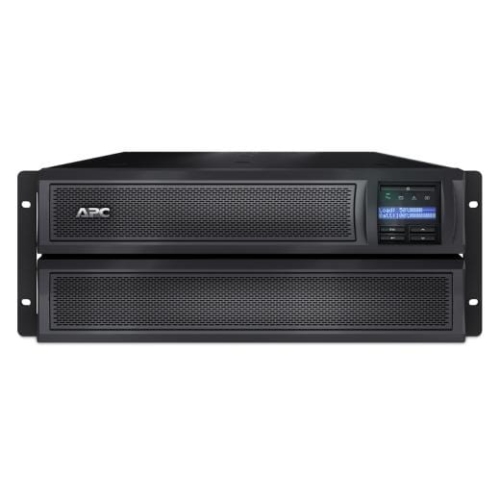
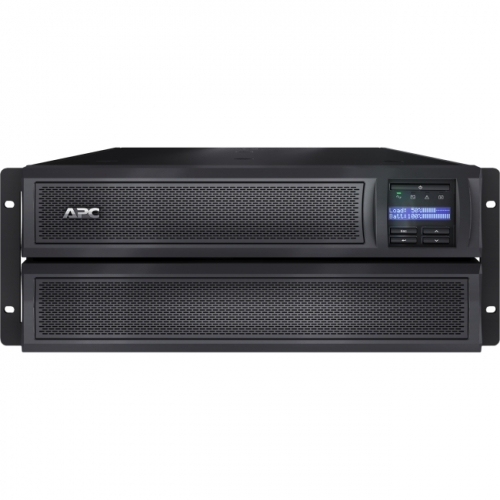
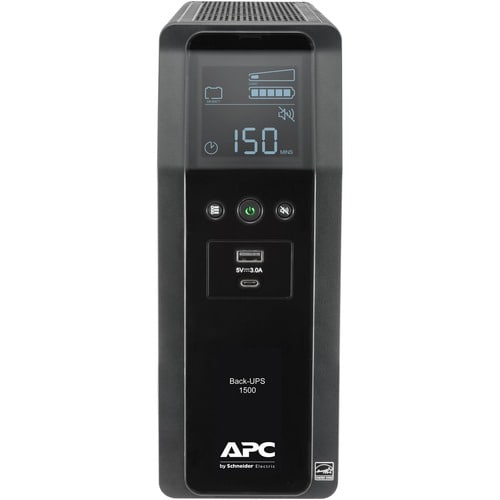
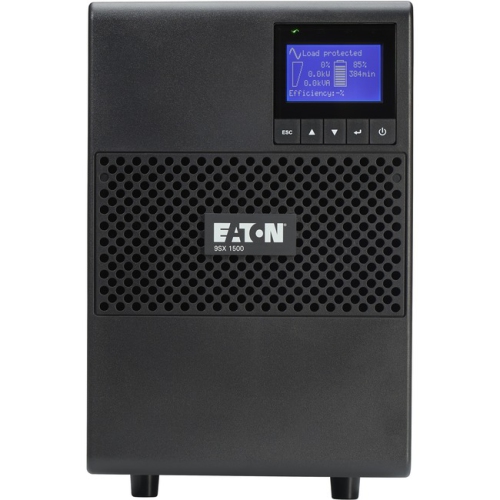
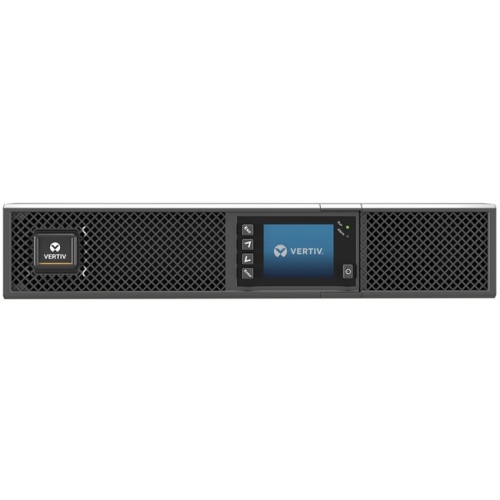
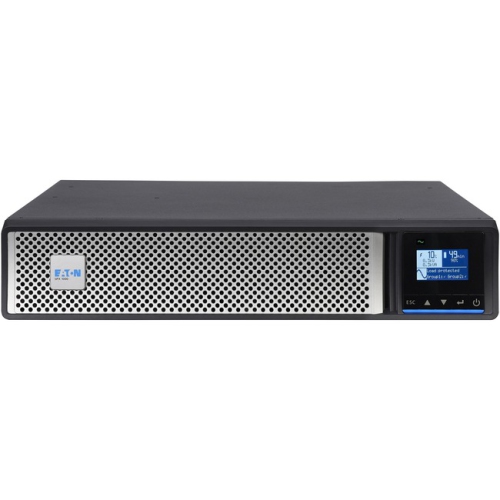
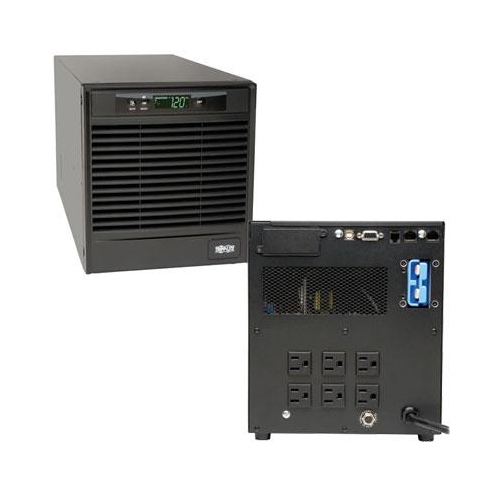
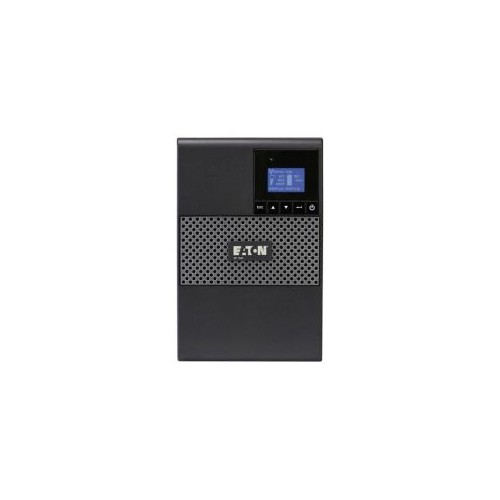
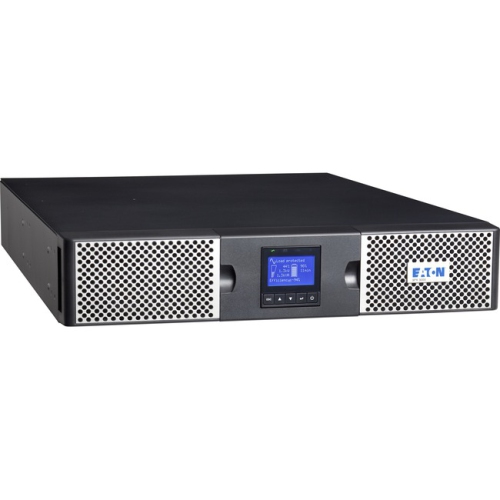
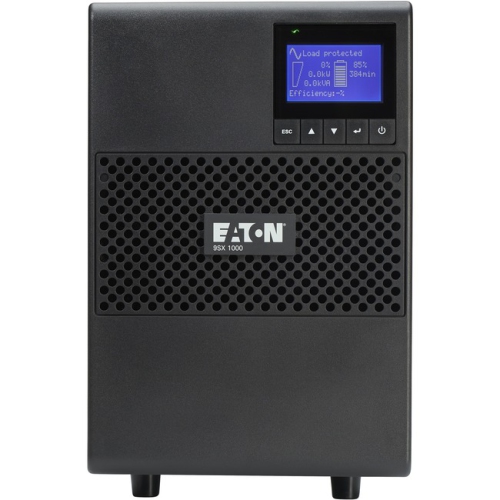
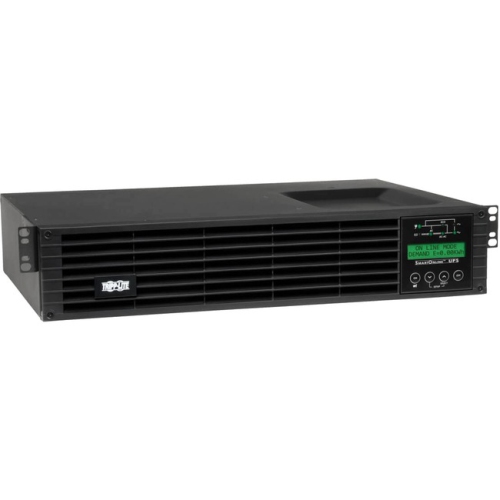
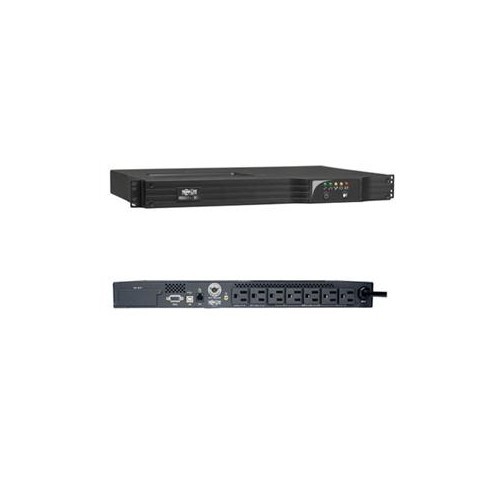
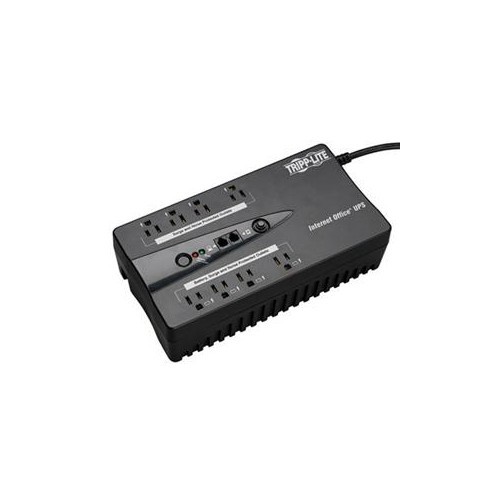
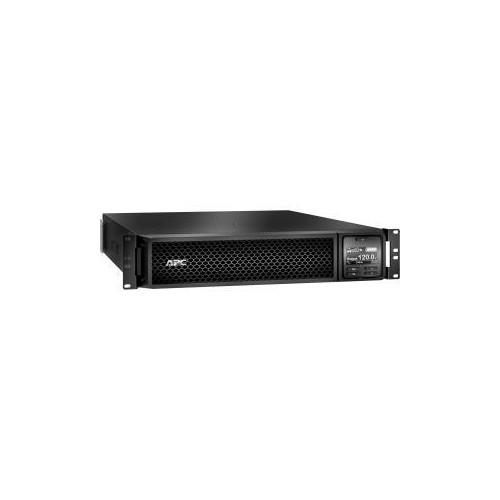
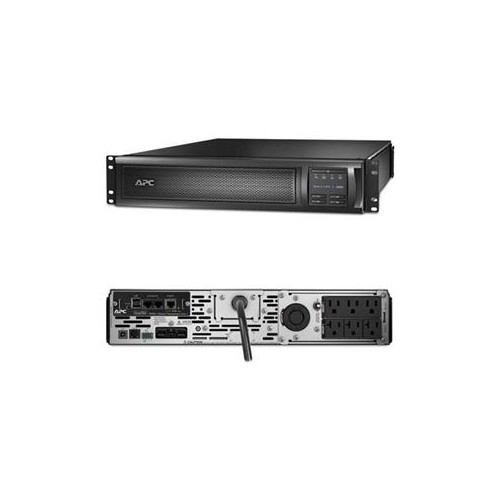
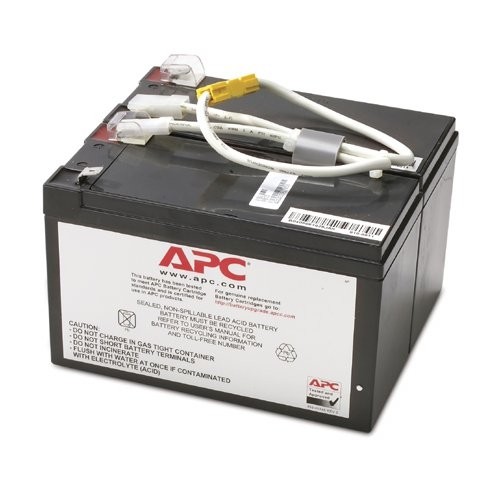
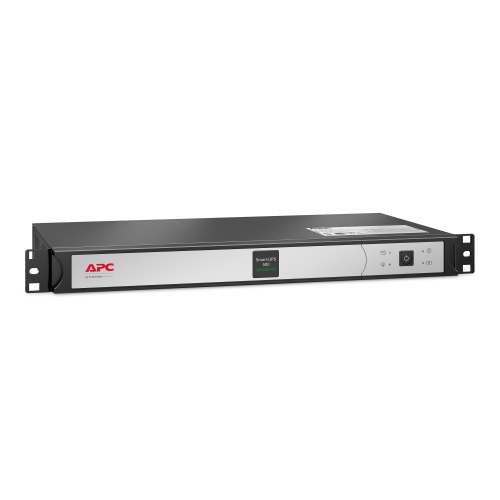
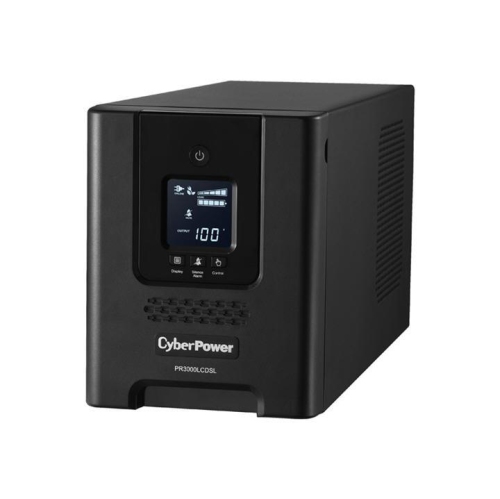
A UPS for networks provides battery backup and surge protection for the equipment that keeps a home, office, retail space, or small business connected. During a brief power interruption, it can keep a modem, router, network switch, wireless access point, or other essential networking equipment operating long enough to avoid a dropped connection and an abrupt shutdown. That extra time can make a noticeable difference: a video meeting may continue, cloud files can finish syncing, a point-of-sale system may remain available, and connected security devices can stay online instead of going dark. A network UPS also helps protect sensitive electronics from power disturbances such as voltage spikes, brownouts, and electrical noise that may cause unexpected restarts or shorten the life of networking hardware. When a switch supplies Power over Ethernet (PoE), battery backup can be especially useful because it may help keep compatible security cameras, IP phones, intercoms, and wireless access points powered through the network. Before choosing a unit, make a list of everything that needs backup and check the power draw of each device. Capacity is commonly expressed in volt-amperes (VA) and watts, and both ratings matter: the UPS must be able to support the combined load without being pushed to its limit. Allowing some headroom can accommodate an additional access point, a replacement router, or other equipment added later. Runtime depends on the connected load and battery capacity, so a lower-power setup may remain online considerably longer than a fully loaded one. The goal is not always to keep every device running for hours; in many installations, the practical aim is to bridge short outages, ride through flickering power, and provide enough time for an orderly shutdown when an interruption lasts longer. In a home office, that might mean keeping internet service and a work computer connected while the weather causes a brief local outage. In a shop or professional office, it may mean protecting the network switch and communications equipment that support daily operations. A compact tower can suit a desk, media cabinet, or small communications area, while a rack-mount design can fit more naturally into a structured wiring cabinet or server rack. Leave adequate clearance around the unit, avoid overloading a single outlet group, and follow the manufacturer’s guidance for ventilation and battery replacement. A UPS is also a thoughtful practical gift for someone setting up a home office, gaming room, workshop, small studio, or connected home, particularly when reliable internet access is important for work, study, entertainment, or staying in touch.
The right UPS for networks depends on the type of equipment being backed up, the way it is installed, and how much control is needed when nobody is on site. Line-interactive models can help compensate for some low- or high-voltage conditions without immediately switching to battery, while units with pure sine wave output may be preferred for sensitive equipment or systems with power supplies that require a cleaner waveform. Review the specifications of the connected networking hardware, especially when a setup includes a high-performance switch, multiple PoE devices, storage equipment, or communications equipment with a higher starting demand. Count the number and type of outlets as well: some outlets may provide battery backup, while others offer surge protection only, and certain models separate outlets into groups that can be managed independently. Smart outlets and automatic reboot features can be helpful in an unattended installation. If a router or switch becomes unresponsive, a compatible UPS may be able to cycle power to that device remotely, reducing the need for an in-person visit. For larger offices, managed buildings, and distributed networks, a network management card or SNMP-compatible monitoring option can provide remote visibility into battery condition, load level, input voltage, runtime estimates, and power events. Alerts can help an administrator respond before a battery reaches the end of its available runtime, while automatic shutdown software can protect connected computers and servers during an extended outage. These features are less important for a simple modem-and-router setup, but they can be valuable when a network supports cameras, access control, phone systems, point-of-sale terminals, or other equipment that must be monitored outside regular hours. It is also worth considering audible alarms, display information, replaceable batteries, warranty coverage, and the availability of compatible replacement batteries. Equipment placement matters during the cooler months and throughout the rest of the year: keep the UPS in a dry, temperature-controlled area, away from heat sources, moisture, dust buildup, and cramped spaces that restrict airflow. If the installation also requires additional power distribution for rack equipment, explore Network Pdus to help organize connections in a communications cabinet or equipment rack. A well-matched UPS will not make an internet connection faster, but it can help maintain that connection when the electrical supply is unstable, protect the equipment that distributes it, and give people more control over how their network responds to a power failure.
The right UPS for networks depends on the type of equipment being backed up, the way it is installed, and how much control is needed when nobody is on site. Line-interactive models can help compensate for some low- or high-voltage conditions without immediately switching to battery, while units with pure sine wave output may be preferred for sensitive equipment or systems with power supplies that require a cleaner waveform. Review the specifications of the connected networking hardware, especially when a setup includes a high-performance switch, multiple PoE devices, storage equipment, or communications equipment with a higher starting demand. Count the number and type of outlets as well: some outlets may provide battery backup, while others offer surge protection only, and certain models separate outlets into groups that can be managed independently. Smart outlets and automatic reboot features can be helpful in an unattended installation. If a router or switch becomes unresponsive, a compatible UPS may be able to cycle power to that device remotely, reducing the need for an in-person visit. For larger offices, managed buildings, and distributed networks, a network management card or SNMP-compatible monitoring option can provide remote visibility into battery condition, load level, input voltage, runtime estimates, and power events. Alerts can help an administrator respond before a battery reaches the end of its available runtime, while automatic shutdown software can protect connected computers and servers during an extended outage. These features are less important for a simple modem-and-router setup, but they can be valuable when a network supports cameras, access control, phone systems, point-of-sale terminals, or other equipment that must be monitored outside regular hours. It is also worth considering audible alarms, display information, replaceable batteries, warranty coverage, and the availability of compatible replacement batteries. Equipment placement matters during the cooler months and throughout the rest of the year: keep the UPS in a dry, temperature-controlled area, away from heat sources, moisture, dust buildup, and cramped spaces that restrict airflow. If the installation also requires additional power distribution for rack equipment, explore Network Pdus to help organize connections in a communications cabinet or equipment rack. A well-matched UPS will not make an internet connection faster, but it can help maintain that connection when the electrical supply is unstable, protect the equipment that distributes it, and give people more control over how their network responds to a power failure.
Top selling and popular products
-
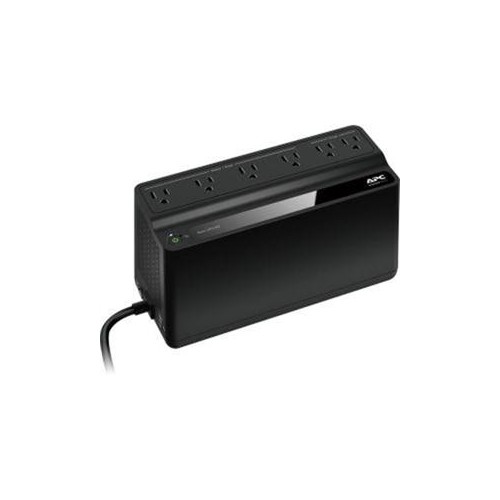 Your price for this item is $106.68
 -
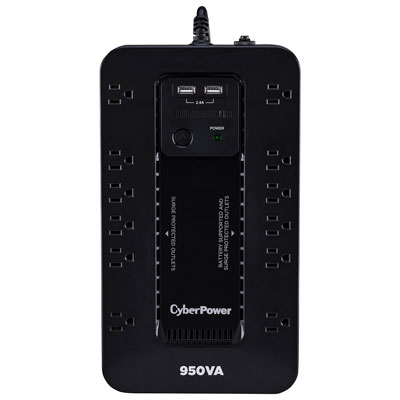 Your price for this item is $149.99
 -
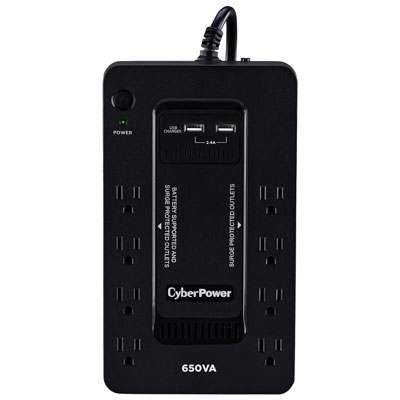 Your price for this item is $99.99
 -
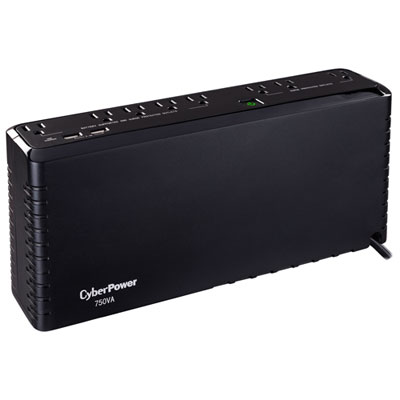 Your price for this item is $119.99
 -
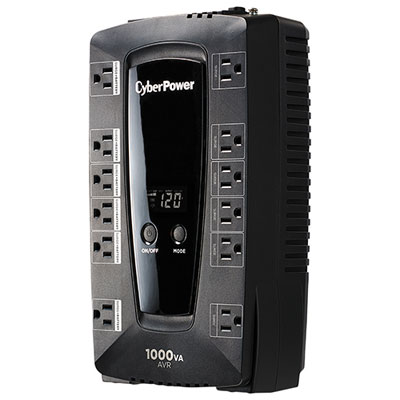 Your price for this item is $149.99
 -
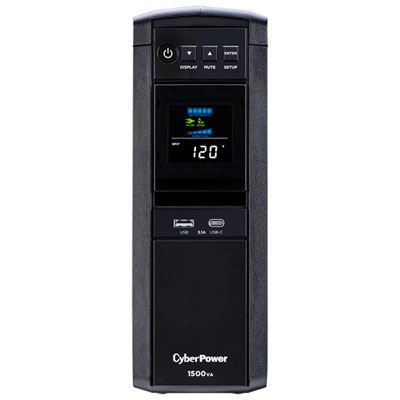 Your price for this item is $299.99
 -
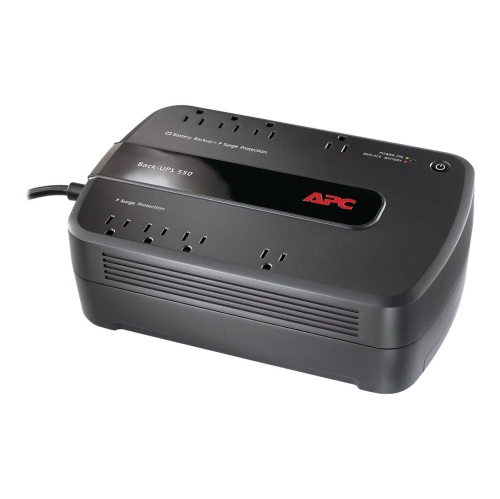 Your price for this item is $170.99
 -
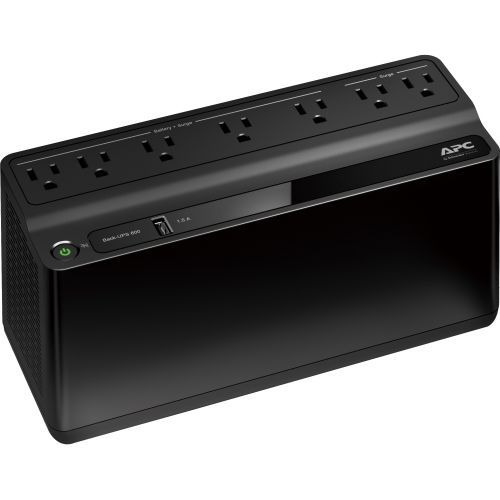 Your price for this item is $171.53
Discover more categories related to UPS for Networks

Top Collections:
Pokemon Centers, Kindle Devices, Best Budget Office Chairs, Apple iPhones 16, Best Laptops for Writers, iPhone 15 Apple, Canon G7X Cameras, Refurbished Apple Laptops, Alarm Clock, Motorola Razr Phones
Some products may be subject to Environmental Handling Fees
(EHF) depending on your province.
Learn more about EHFs.