USBs 2.0
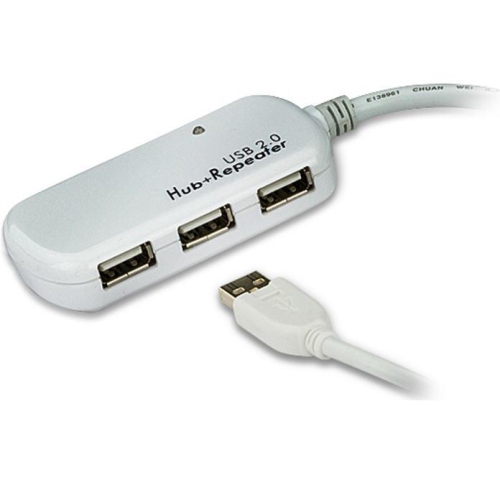
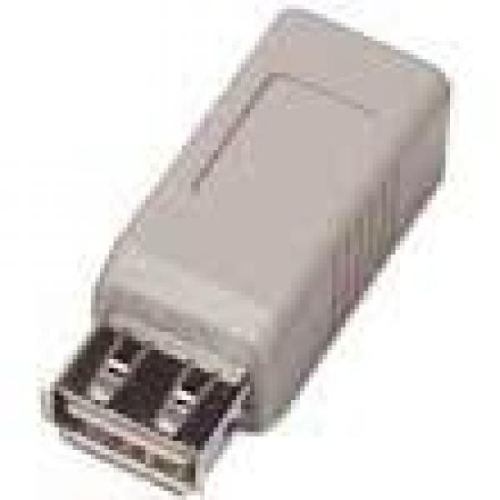
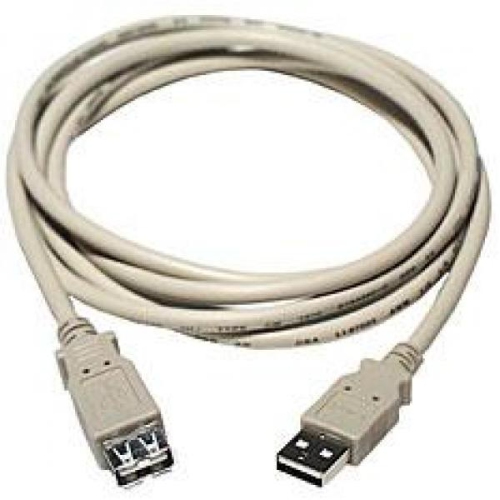
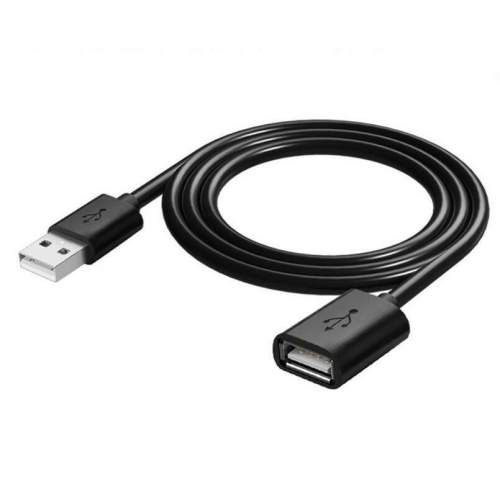
USB 2.0 technology has become a staple in the world of electronics, offering fast data transfer speeds and reliable connectivity for a wide range of devices. Whether you're looking to connect your peripherals, transfer files quickly, or charge your devices efficiently, USB 2.0 cables and adapters are essential accessories to have on hand. Explore our selection of USB 2.0 products to find the perfect solution for your needs, ensuring seamless connectivity and enhanced productivity in all your devices.
Sort



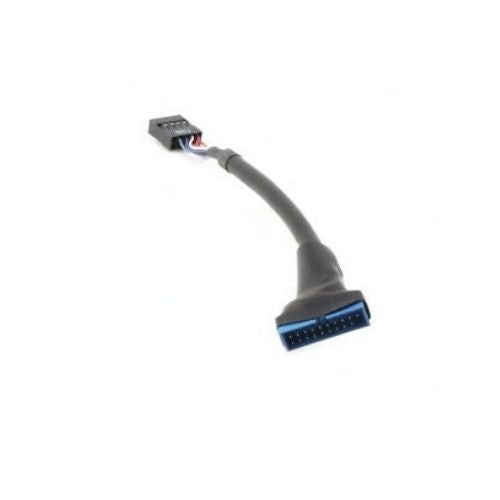
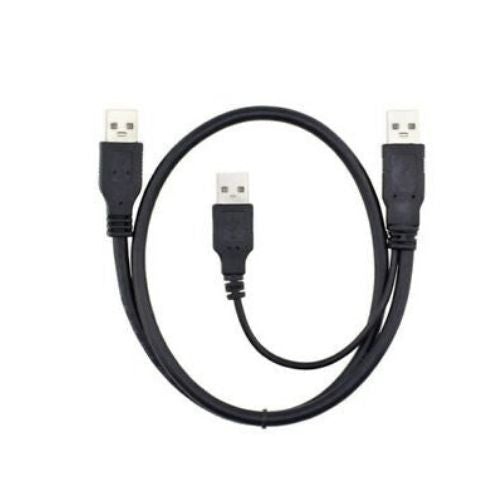
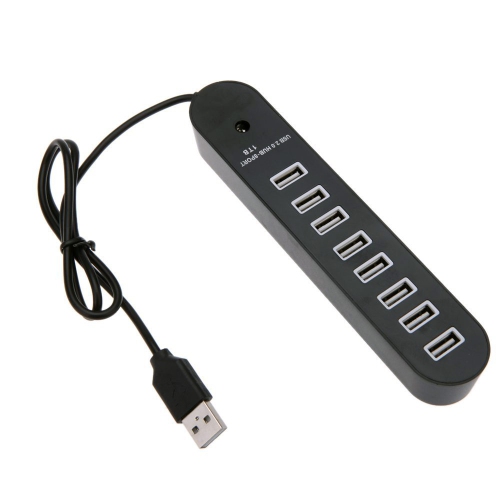
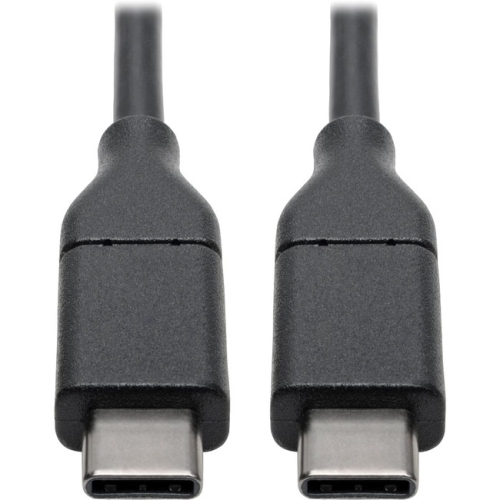
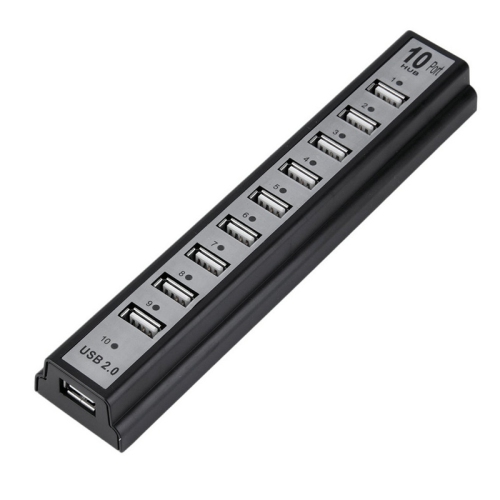
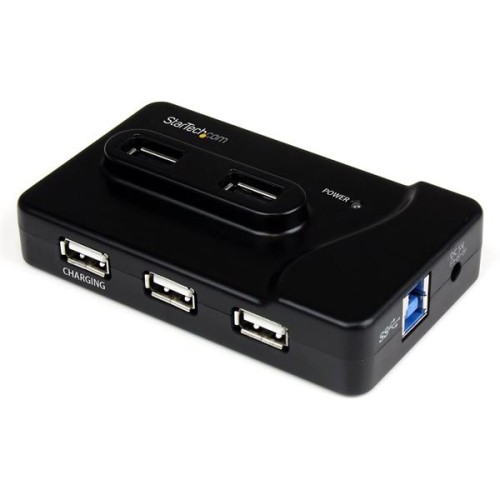
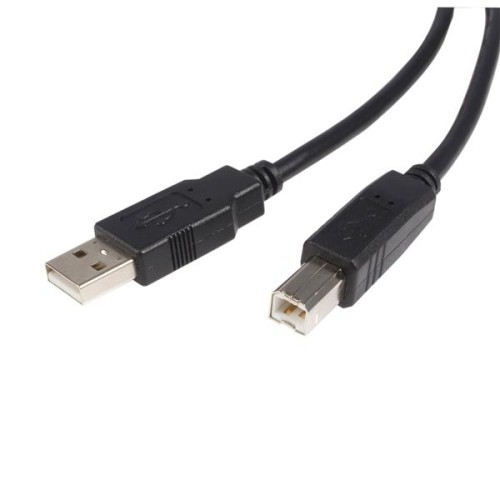
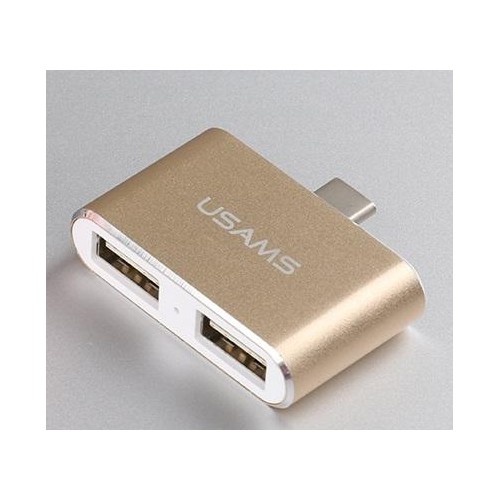
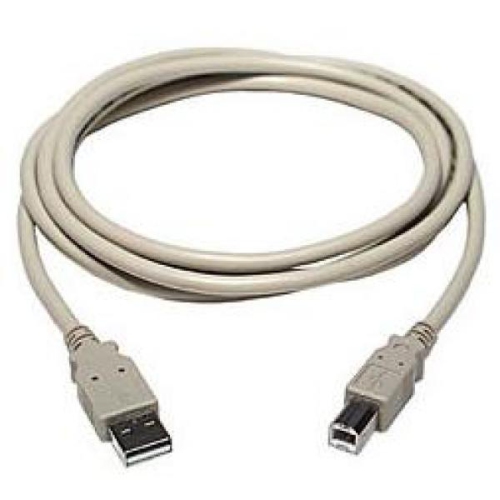
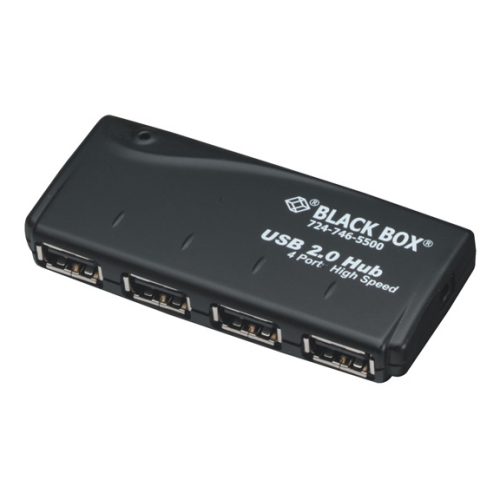

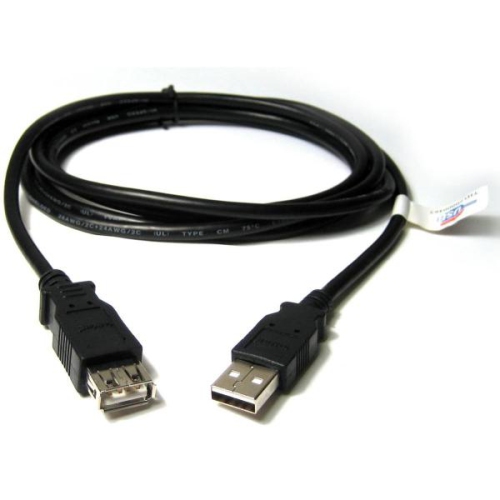
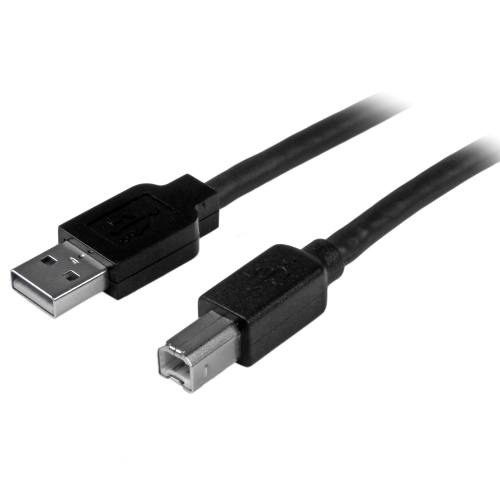
![ETGUUDS Long USB C to USB C Cable [20Ft, 1-Pack], 20 Foot USB 2.0 Type C to Type C Charging Cable, Nylon Braided Cord](https://multimedia.bbycastatic.ca/multimedia/products/500x500/188/18890/18890803.jpeg)

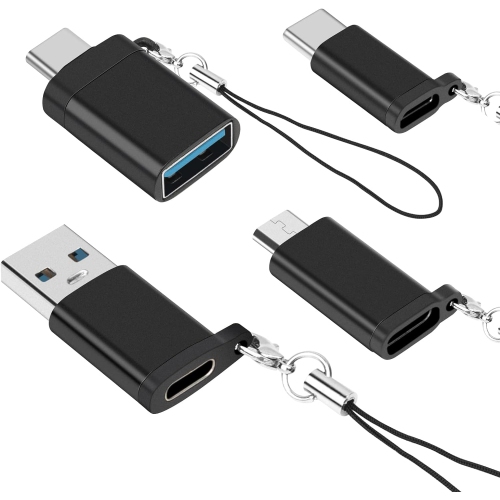
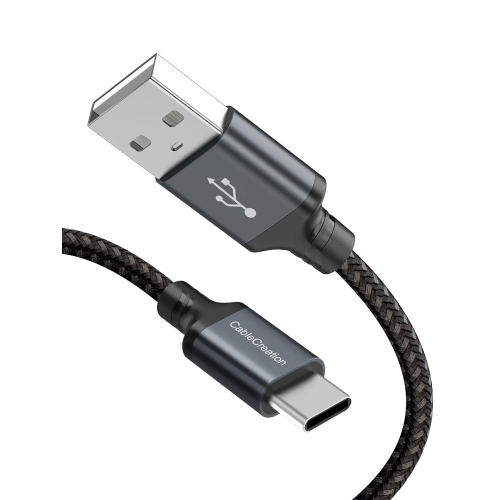

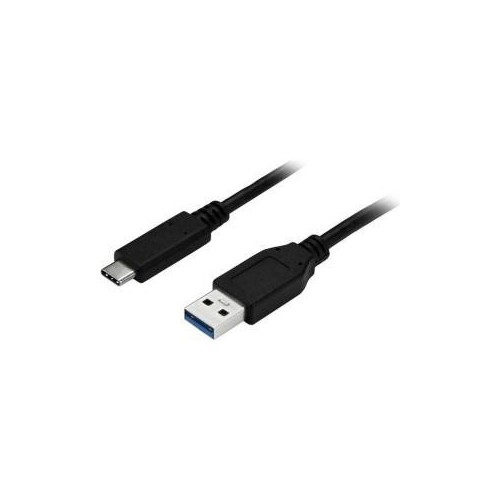
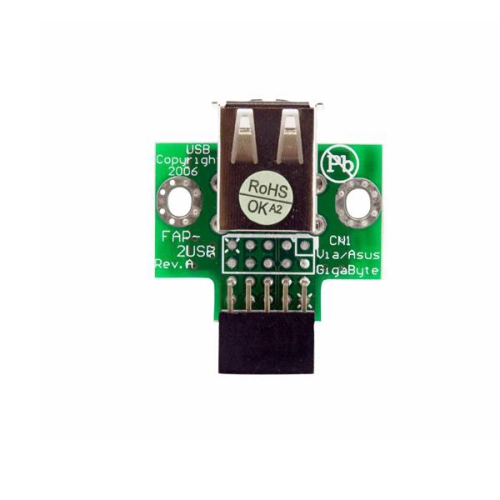
![DOLAER USB C to USB Adapter, Type C to USB Adapter [2 Pack] 3.0 USB Type C Male to USB Female, USB C Female to USB Male Adapter Otg Converter](https://multimedia.bbycastatic.ca/multimedia/products/500x500/174/17466/17466444.jpeg)
![UNKNOWN Printer Cable - USB Printer Cable 20 Feet Printer Cable to USB [Aluminum Shell, Nylon Braided] High-Speed Printer](https://multimedia.bbycastatic.ca/multimedia/products/500x500/181/18144/18144236.jpeg)

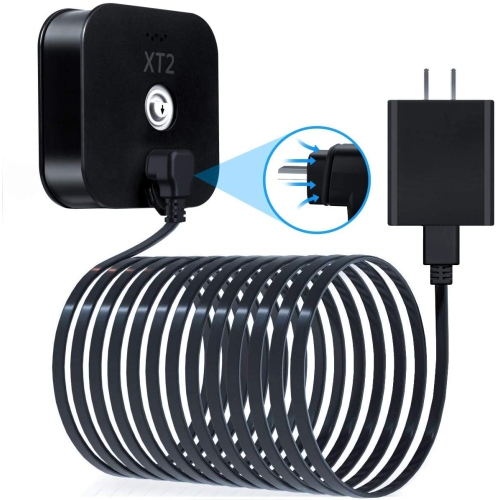
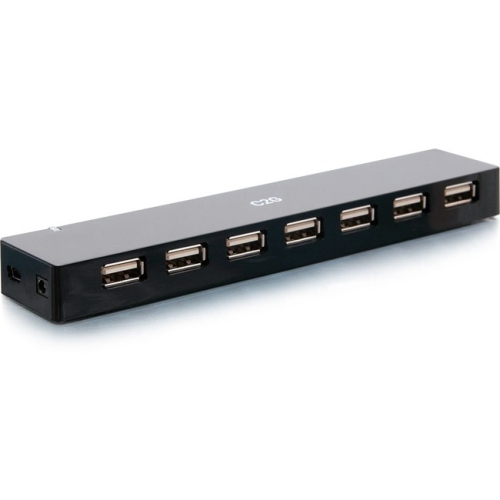
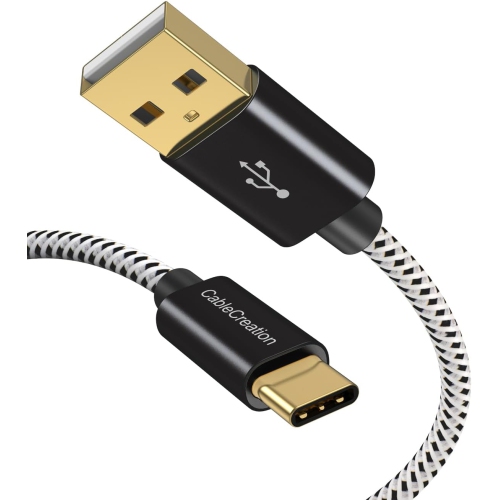
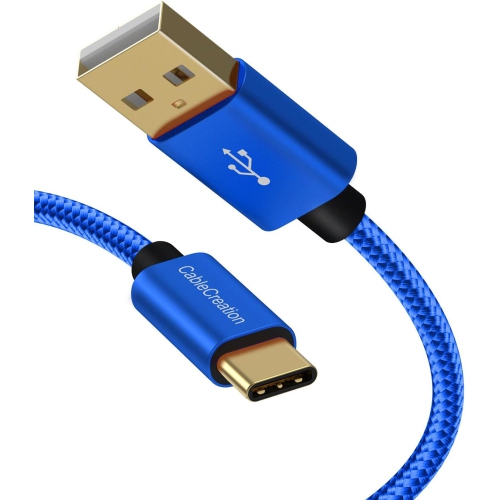
Everyday connections, charging, and cable compatibility explained
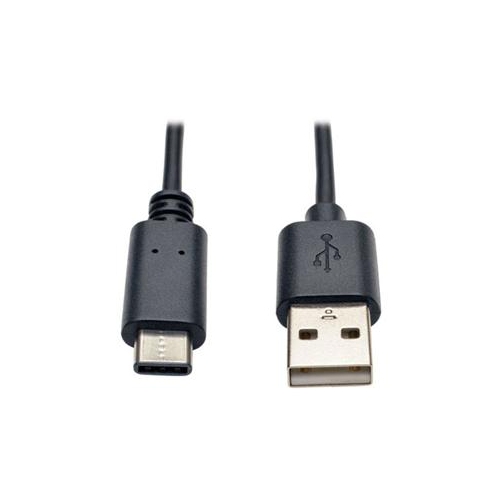
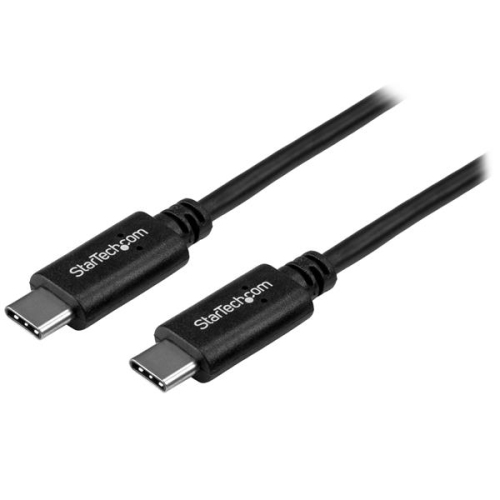
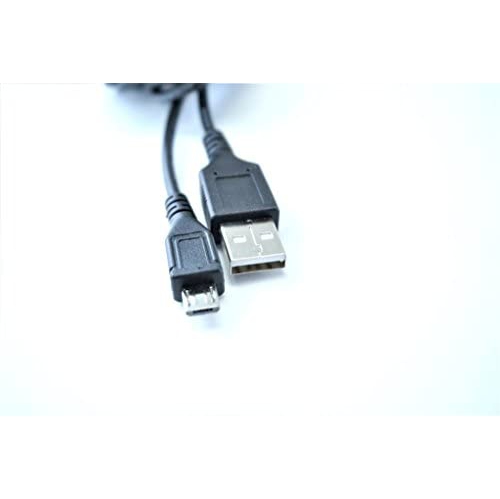
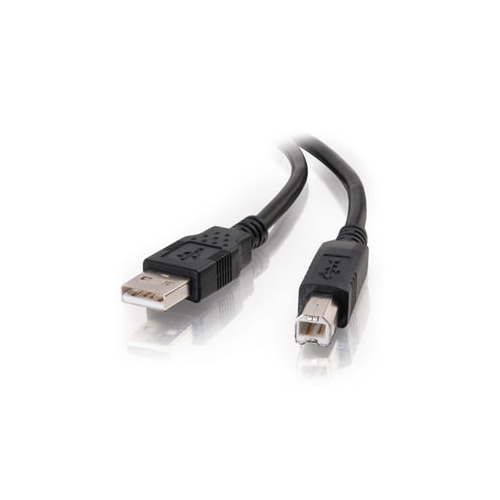
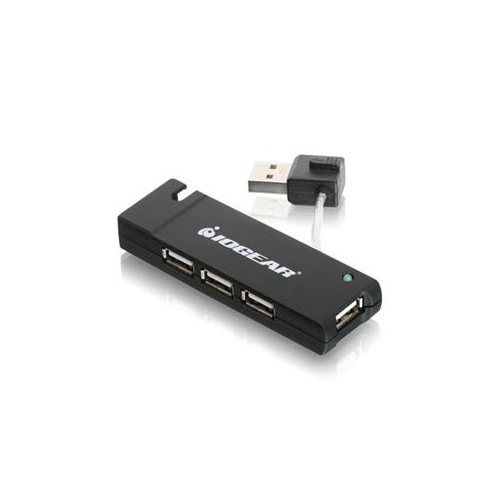
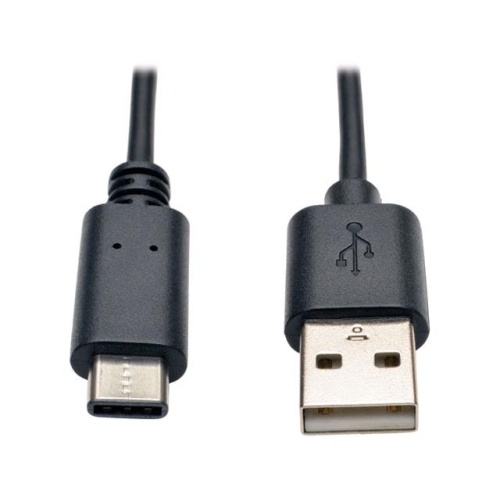
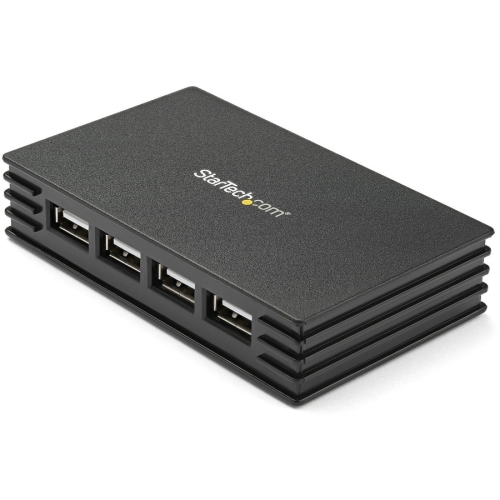
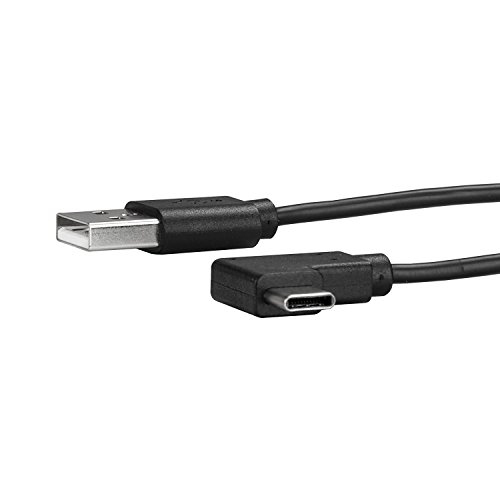
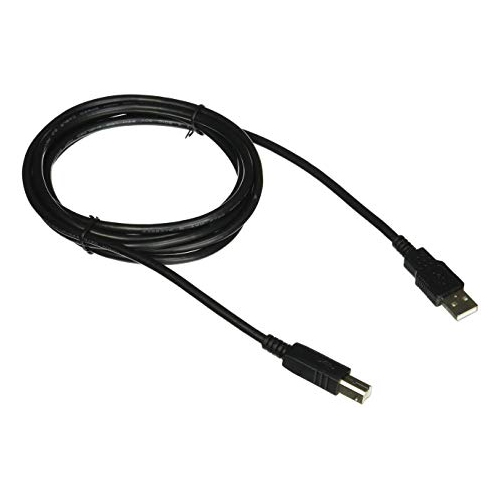
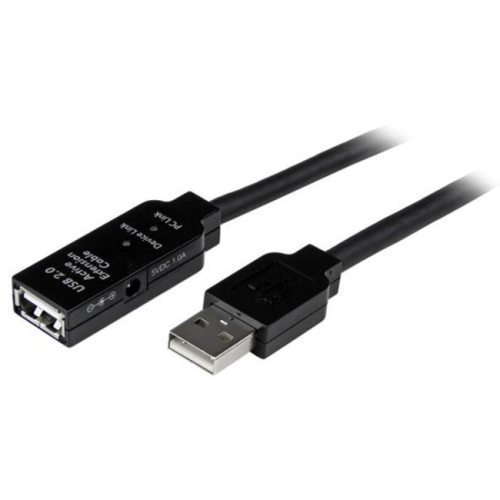
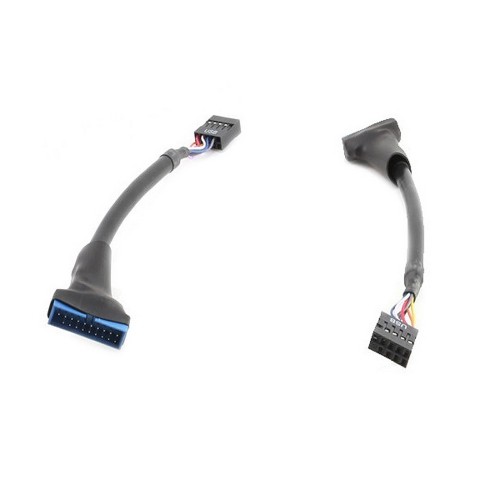
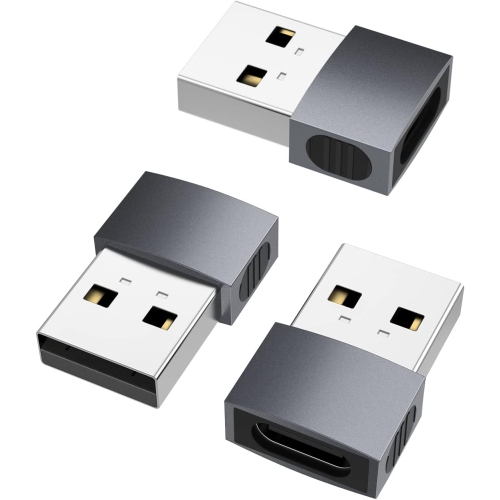
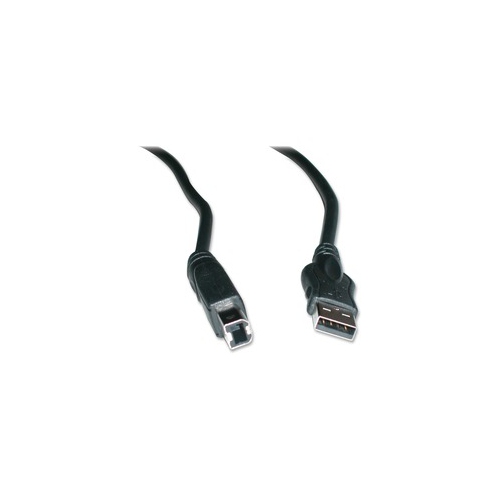
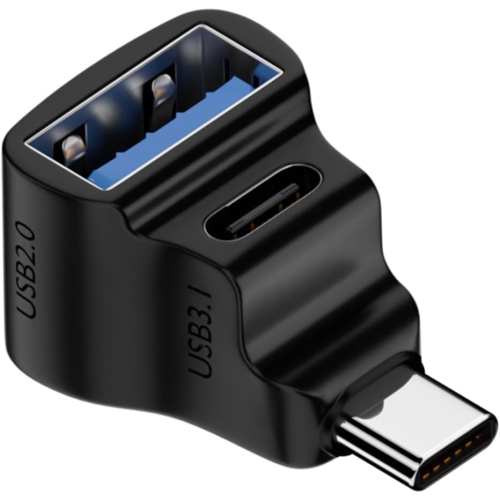
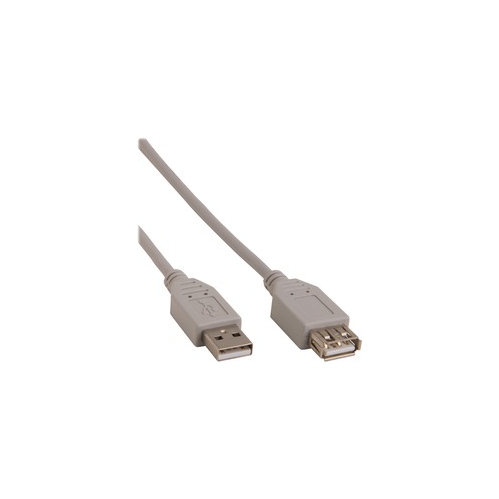
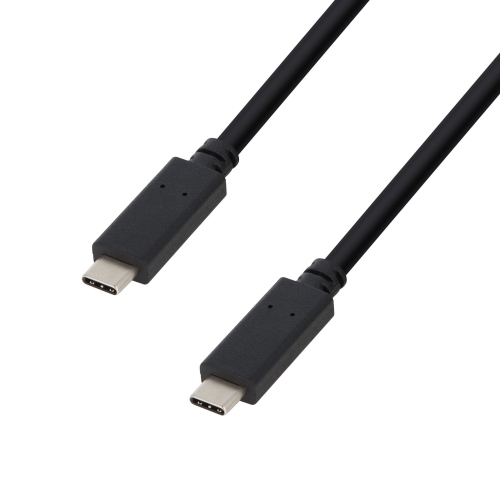
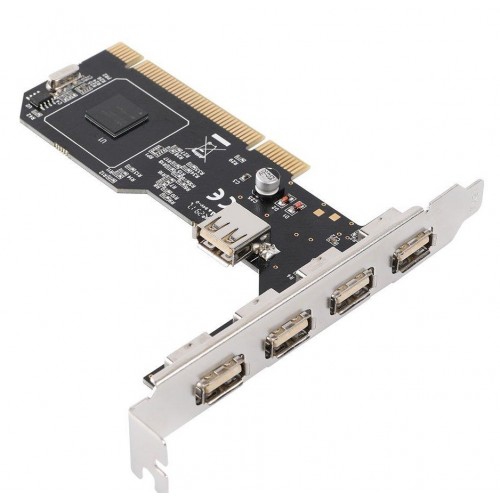
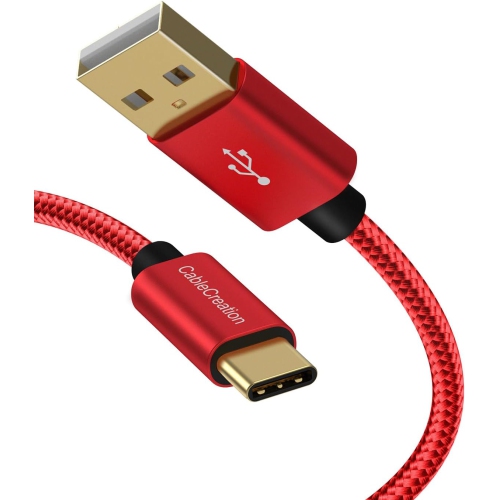
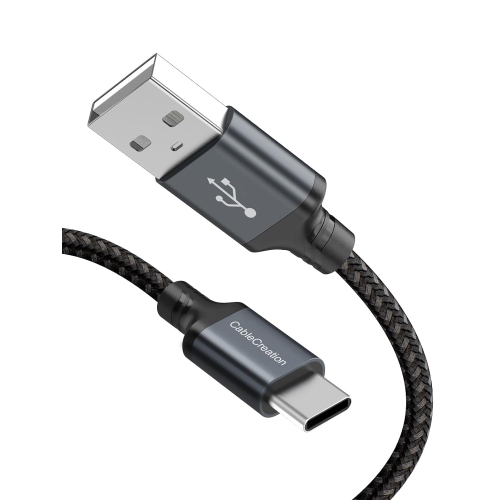
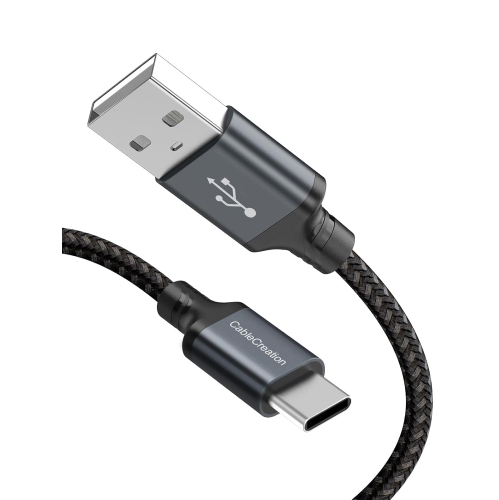
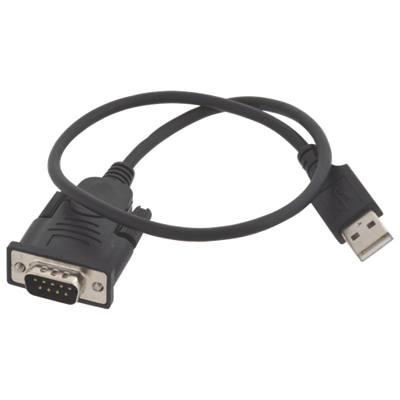
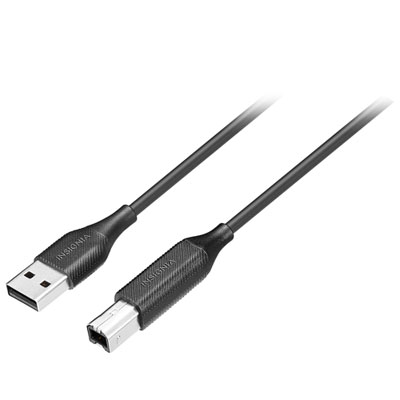
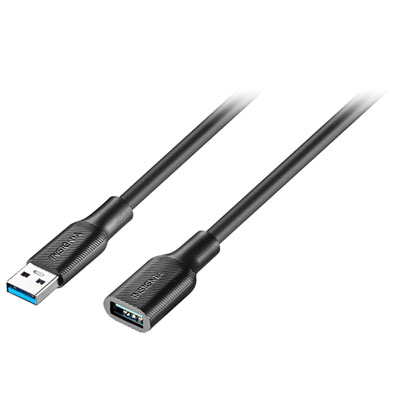
USB 2.0 products remain useful for everyday connections where dependable performance matters more than the fastest possible transfer rate. In practical terms, USB 2.0 supports data speeds of up to 480 Mbps under ideal conditions, although actual speeds can be lower depending on the device, cable, storage medium, operating system, and files being transferred. That is generally sufficient for connecting a keyboard, mouse, printer, game controller, card reader, basic webcam, or other simple accessory. USB 2.0 cables are also commonly used for charging phones, tablets, headphones, cameras, portable speakers, and other rechargeable devices, provided the connector and power requirements match. You may see USB-A connectors, which have the familiar rectangular shape found on many older computers, chargers, hubs, and accessories, as well as USB-C connectors with a smaller, reversible oval design. A USB-C connector does not automatically mean high-speed data or video support; a USB-C 2.0 cable still operates at USB 2.0 data rates. This distinction is easy to overlook when replacing a misplaced cable, especially when several cables in a drawer look nearly identical. USB 2.0 can be a sensible choice for keeping a home office organised, connecting a printer to a desktop computer, powering a desk lamp or small accessory, or maintaining a reliable charging setup beside a bed, sofa, or work area. It can also be handy in a family room, where a longer cable helps keep a controller or personal device within reach without moving furniture. For a student setting up a first desk, a remote worker refreshing a workstation, or someone assembling a travel kit, these products offer straightforward connectivity for common equipment without adding unnecessary complexity.
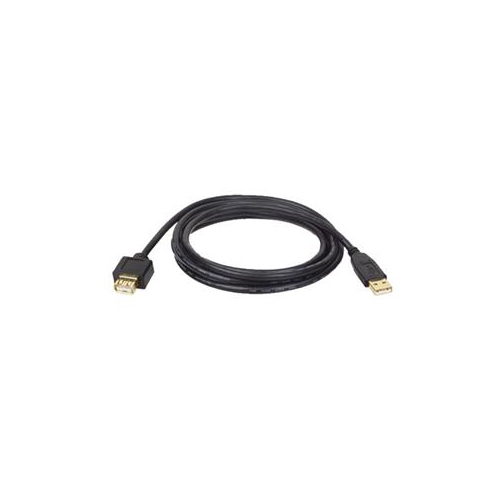
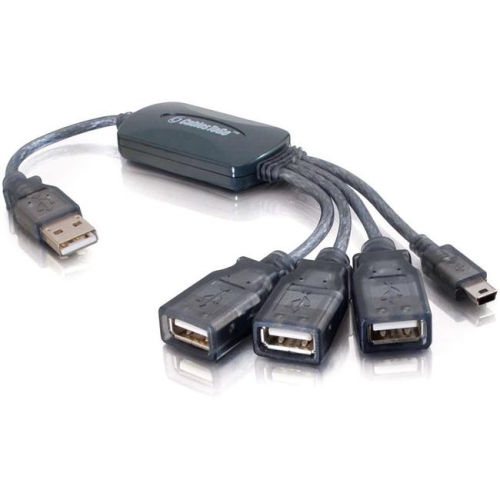
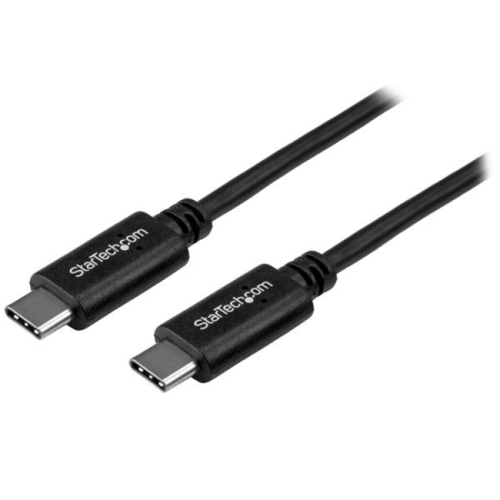
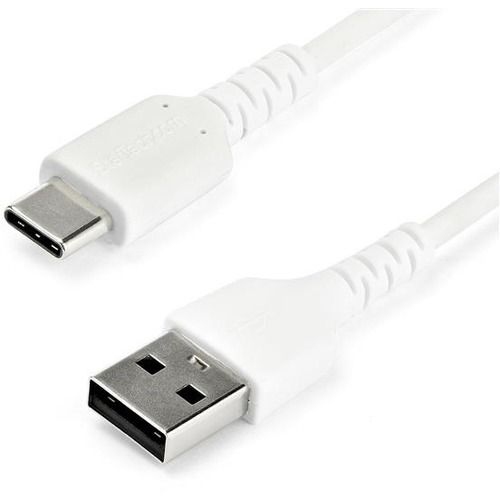
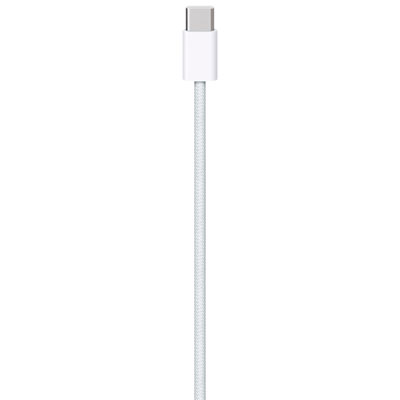
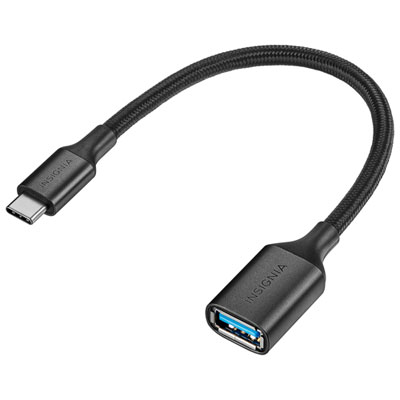
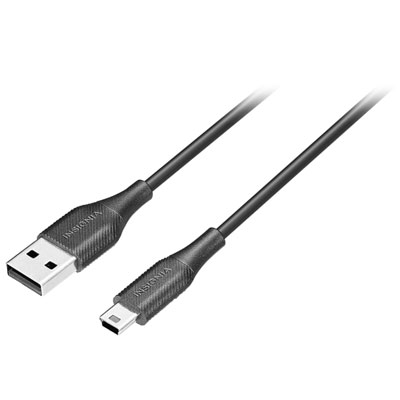
When choosing USBs 2.0, start with the connector on each end and the task you need to complete. A USB-A to USB-C cable is useful when connecting a newer phone or accessory to an older computer, wall charger, power bank, or hub with a USB-A port. A USB-C to USB-C cable suits devices that use USB-C ports at both ends, but it should still be checked for its charging and data specifications. Micro-USB remains present on some older electronics, cameras, controllers, speakers, and other accessories, so identifying the exact port before buying can save the frustration of receiving a cable that fits neither device. Cable length also makes a noticeable difference. A short cable helps reduce clutter when a charger and device sit side by side, while a longer cable can be more convenient for a bedside table, back-seat use, or a workspace where the outlet is not close to the device. Very long cables may be less convenient to store and can be more difficult to route neatly, so choose enough reach for the setup rather than simply choosing the longest option. Look for sturdy connectors, flexible insulation, strain relief around each plug, and a length that suits how the cable will be handled. If a cable will be packed in a laptop bag or travel pouch, a flexible design that coils without excessive kinking can make daily use easier. If it will remain behind a desk, a robust jacket and clearly identified ends can help prevent repeated bending and accidental swaps. Charging performance deserves separate attention from data speed. Some USB-C 2.0 cables support USB Power Delivery and may be rated for charging levels such as 60 W or 100 W, but not every USB 2.0 cable supports those levels. The charger, cable, and connected device must all support the required power profile, and the lowest-rated component limits the result. Always check the stated wattage rather than assuming that a USB-C plug or a USB 2.0 label confirms laptop-grade charging. A compatible cable can provide convenient power for a phone, tablet, or selected laptop, while an unsuitable one may charge slowly or fail to provide enough power under load.
USB 2.0 products are a practical addition to a household electronics drawer and can make useful gifts for students, new device owners, travellers, home-office users, and anyone who regularly finds themselves searching for the right cable. They are especially helpful when replacing a cable that has become frayed, been left behind in a hotel room, or disappeared into the back of a desk drawer. During the warmer months, a spare cable can travel in a vehicle, backpack, or cottage supply kit, while during the cooler months it can help keep charging equipment ready for commutes, study sessions, and evenings spent at home. These products are also convenient for setting up a guest room or preparing a shared charging station where family members use different devices. For routine file transfers, USB 2.0 is well suited to documents, photos, music, and other modest-sized files, although moving large video libraries or working with fast external solid-state drives will take longer than with newer USB standards. USB 2.0 cables generally should not be selected for connecting a laptop to an external monitor, since USB-C 2.0 commonly lacks DisplayPort Alternate Mode and does not normally carry a video signal. If your setup is intended to send an image to a monitor through USB, review the display and computer specifications carefully; a dedicated selection of USB Displays may be more appropriate for that purpose. For simple accessories and charging, however, USB 2.0 can be an uncomplicated solution that does exactly what many everyday devices require. Before placing an order, confirm the connector shape, cable length, power rating, intended data use, and device compatibility. Taking those few details into account helps ensure the cable you choose fits naturally into your routine, whether it stays permanently connected to a printer, travels with a tablet, or waits in a drawer as a dependable backup.
When choosing USBs 2.0, start with the connector on each end and the task you need to complete. A USB-A to USB-C cable is useful when connecting a newer phone or accessory to an older computer, wall charger, power bank, or hub with a USB-A port. A USB-C to USB-C cable suits devices that use USB-C ports at both ends, but it should still be checked for its charging and data specifications. Micro-USB remains present on some older electronics, cameras, controllers, speakers, and other accessories, so identifying the exact port before buying can save the frustration of receiving a cable that fits neither device. Cable length also makes a noticeable difference. A short cable helps reduce clutter when a charger and device sit side by side, while a longer cable can be more convenient for a bedside table, back-seat use, or a workspace where the outlet is not close to the device. Very long cables may be less convenient to store and can be more difficult to route neatly, so choose enough reach for the setup rather than simply choosing the longest option. Look for sturdy connectors, flexible insulation, strain relief around each plug, and a length that suits how the cable will be handled. If a cable will be packed in a laptop bag or travel pouch, a flexible design that coils without excessive kinking can make daily use easier. If it will remain behind a desk, a robust jacket and clearly identified ends can help prevent repeated bending and accidental swaps. Charging performance deserves separate attention from data speed. Some USB-C 2.0 cables support USB Power Delivery and may be rated for charging levels such as 60 W or 100 W, but not every USB 2.0 cable supports those levels. The charger, cable, and connected device must all support the required power profile, and the lowest-rated component limits the result. Always check the stated wattage rather than assuming that a USB-C plug or a USB 2.0 label confirms laptop-grade charging. A compatible cable can provide convenient power for a phone, tablet, or selected laptop, while an unsuitable one may charge slowly or fail to provide enough power under load.
USB 2.0 products are a practical addition to a household electronics drawer and can make useful gifts for students, new device owners, travellers, home-office users, and anyone who regularly finds themselves searching for the right cable. They are especially helpful when replacing a cable that has become frayed, been left behind in a hotel room, or disappeared into the back of a desk drawer. During the warmer months, a spare cable can travel in a vehicle, backpack, or cottage supply kit, while during the cooler months it can help keep charging equipment ready for commutes, study sessions, and evenings spent at home. These products are also convenient for setting up a guest room or preparing a shared charging station where family members use different devices. For routine file transfers, USB 2.0 is well suited to documents, photos, music, and other modest-sized files, although moving large video libraries or working with fast external solid-state drives will take longer than with newer USB standards. USB 2.0 cables generally should not be selected for connecting a laptop to an external monitor, since USB-C 2.0 commonly lacks DisplayPort Alternate Mode and does not normally carry a video signal. If your setup is intended to send an image to a monitor through USB, review the display and computer specifications carefully; a dedicated selection of USB Displays may be more appropriate for that purpose. For simple accessories and charging, however, USB 2.0 can be an uncomplicated solution that does exactly what many everyday devices require. Before placing an order, confirm the connector shape, cable length, power rating, intended data use, and device compatibility. Taking those few details into account helps ensure the cable you choose fits naturally into your routine, whether it stays permanently connected to a printer, travels with a tablet, or waits in a drawer as a dependable backup.
Top selling and popular products
-
 Your price for this item is $39.99
 -
 Your price for this item is $24.99
 -
 Your price for this item is $19.99
 -
 Your price for this item is $29.99
 -
 Your price for this item is $29.99
 -
 Your price for this item is $19.99
 -
 Your price for this item is $24.99
 -
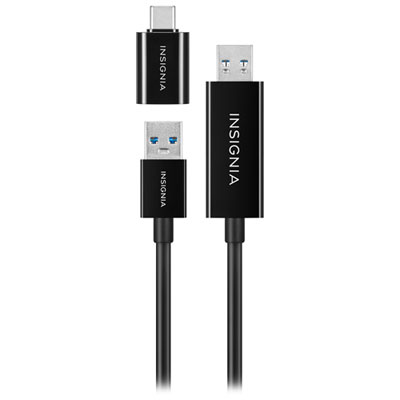 Your price for this item is $44.97
Discover more categories related to USBs 2.0
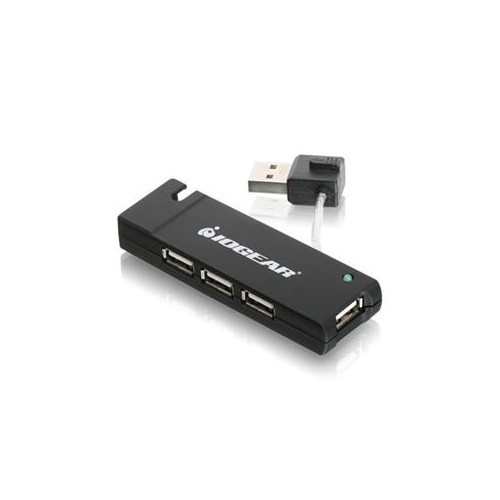
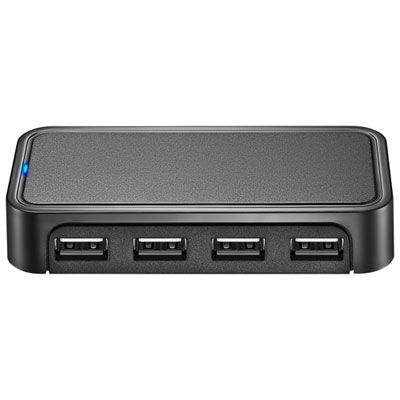

Top Collections:
Pokemon Centers, Budget 4K TVs, Kindle Devices, Canon G7X Cameras, Apple iPhones 16, iPhone 15 Apple, Laptops for Business Work, Flip Phones, Xiaomi Phones, Refurbished Apple Laptops
Some products may be subject to Environmental Handling Fees
(EHF) depending on your province.
Learn more about EHFs.