High Quality Laptop Stands
A laptop stand is a simple device, but it can make a big difference in your comfort and productivity when you're working on your laptop. A good stand will keep your computer cool, dry, and stable. It will also allow you to position it in a way that makes it easy to type and move around the screen. Here are some high-quality laptop stands on the market today.
Sort



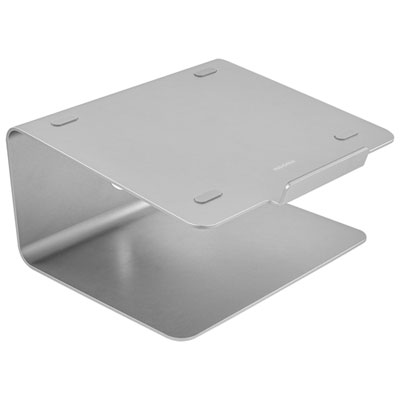

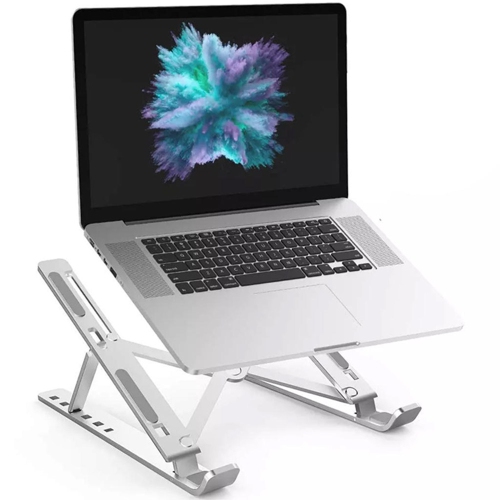

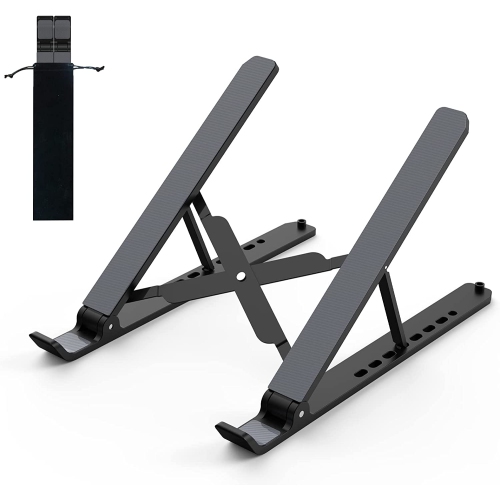
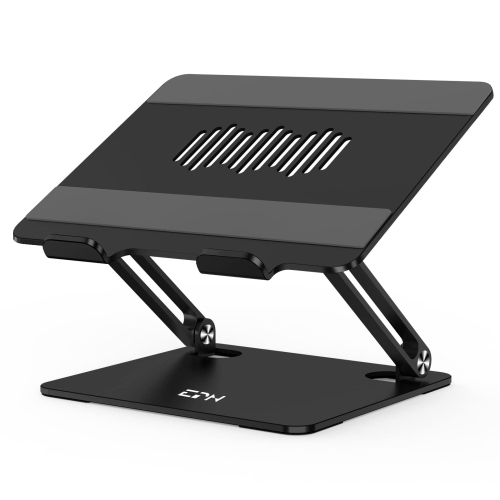
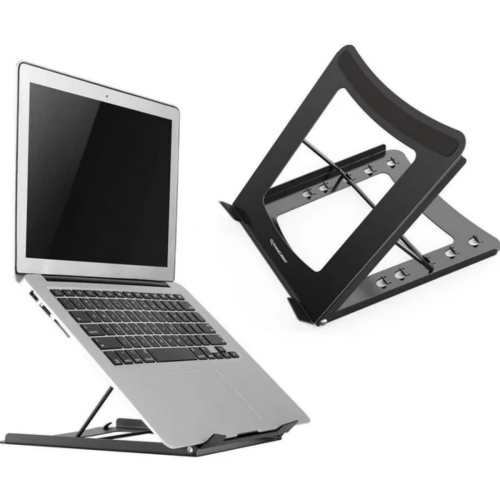
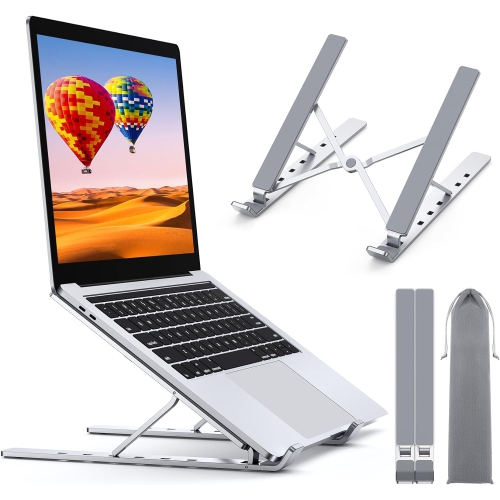
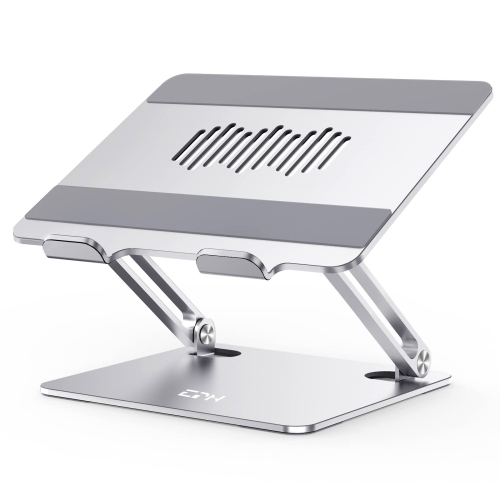

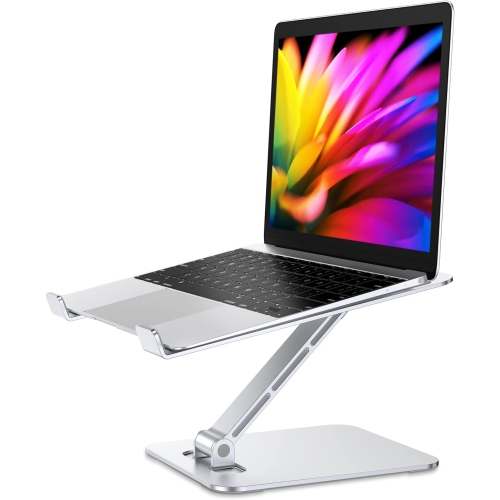
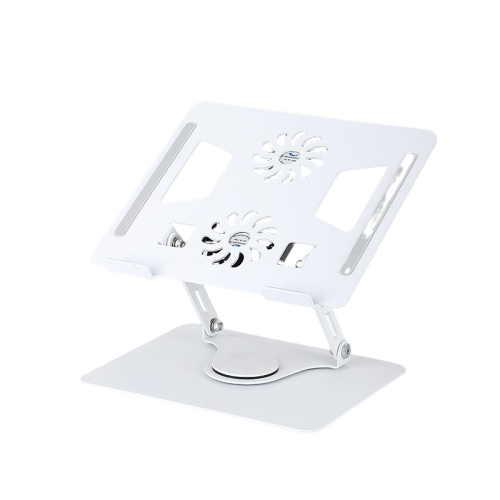
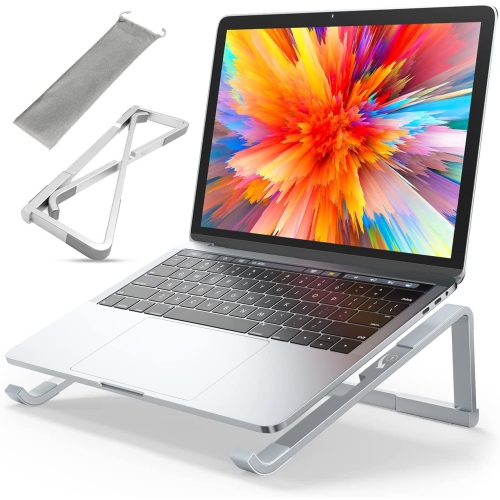


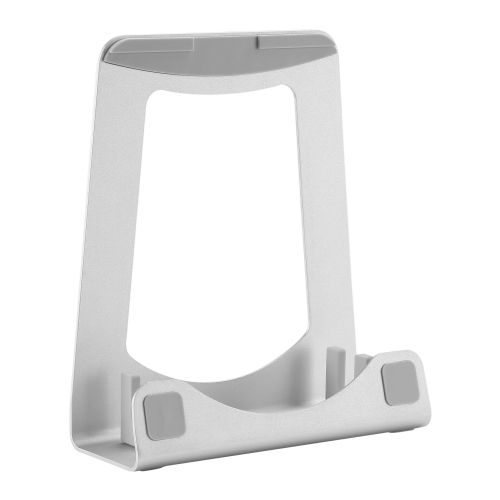
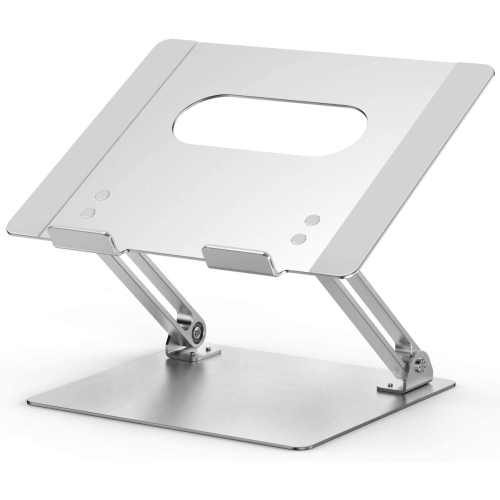
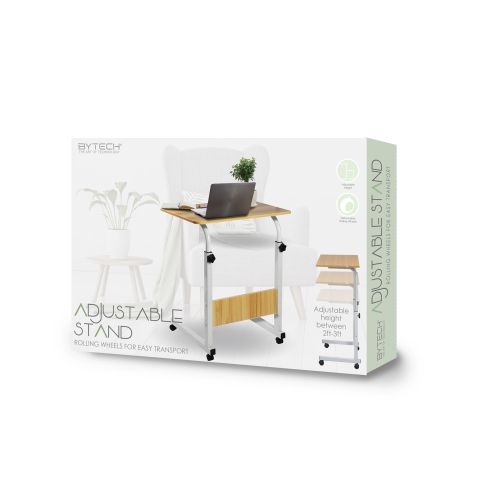
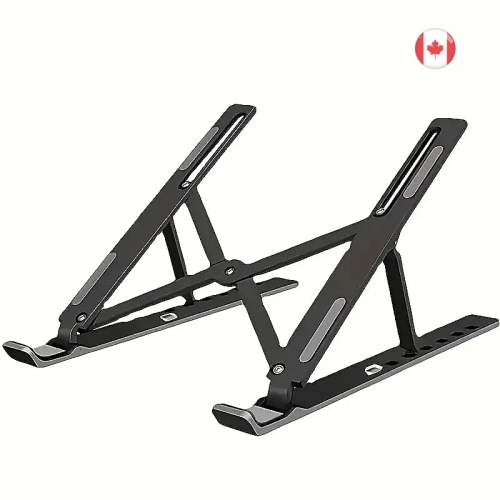
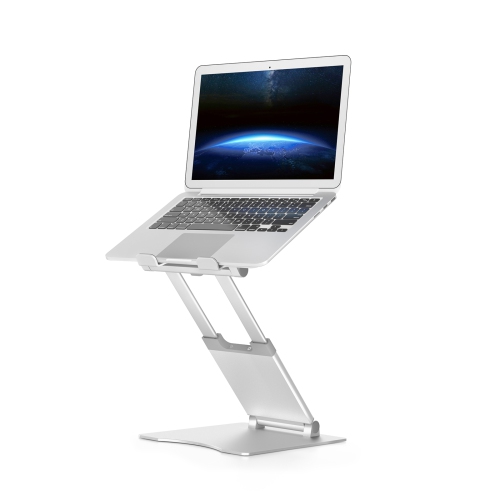

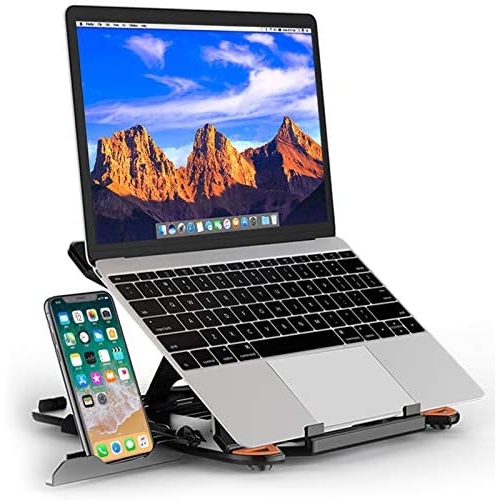
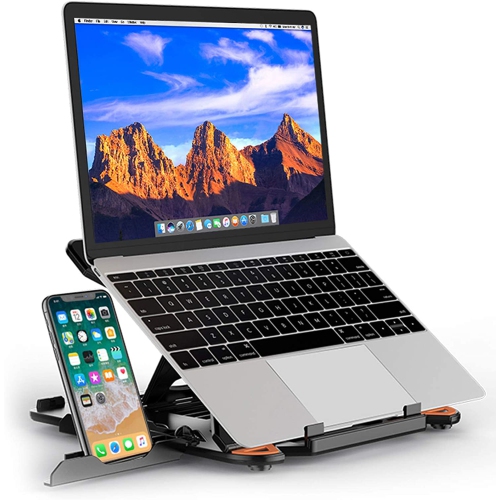
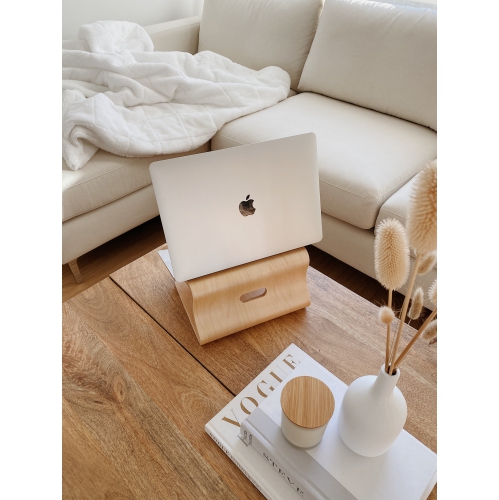
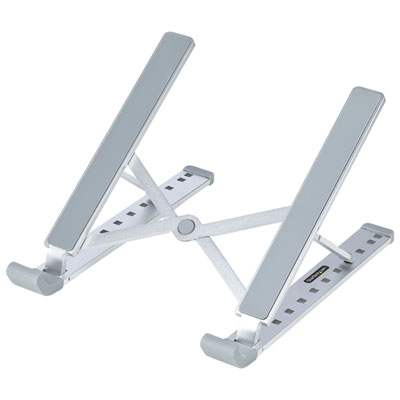
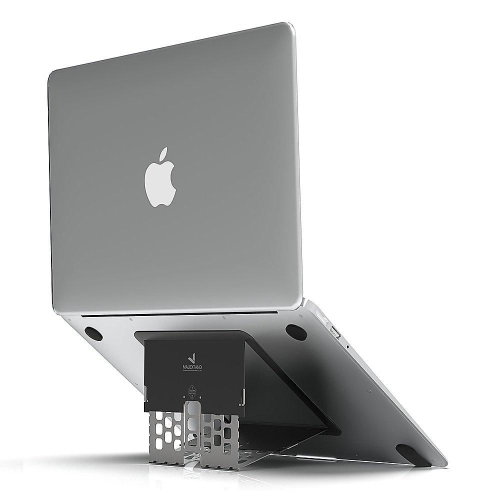

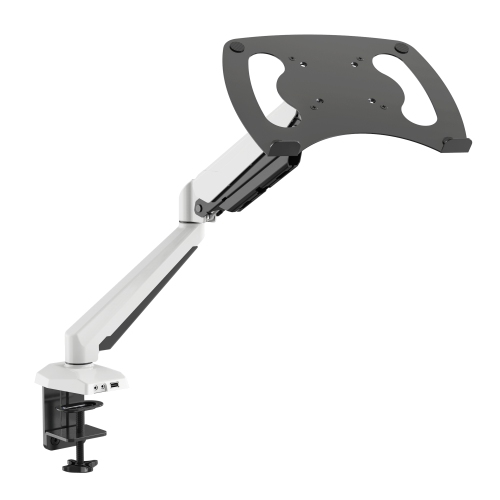
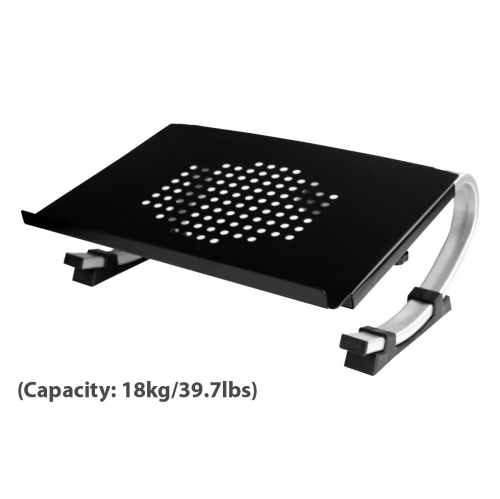
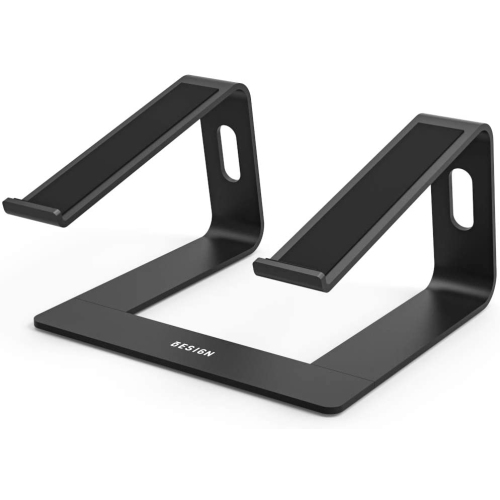
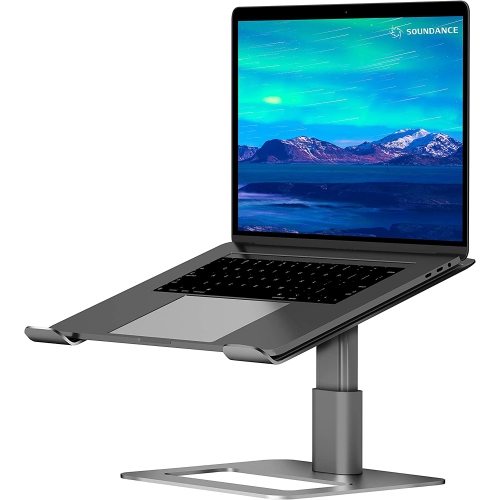
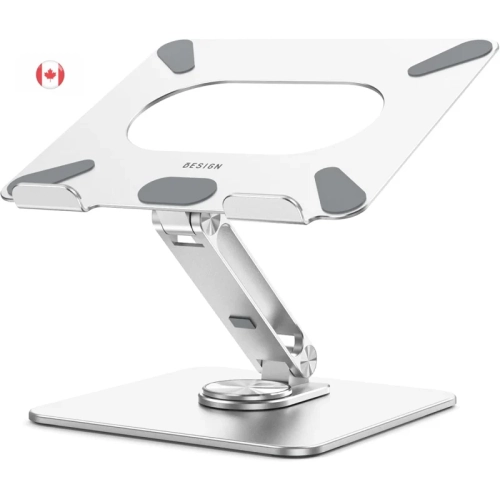
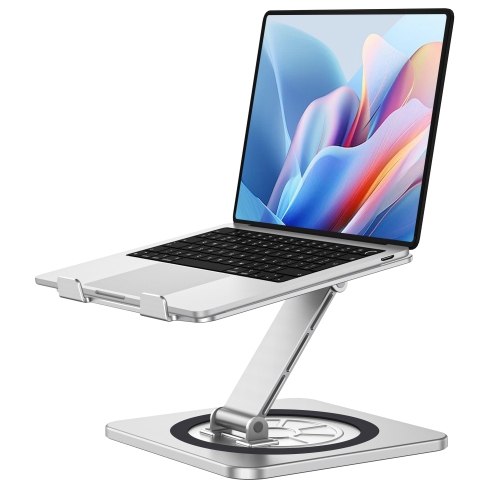
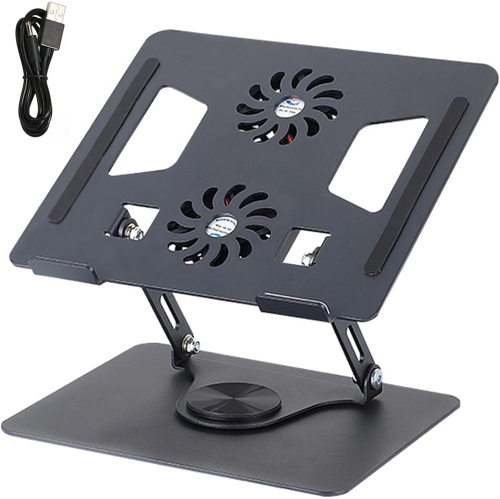
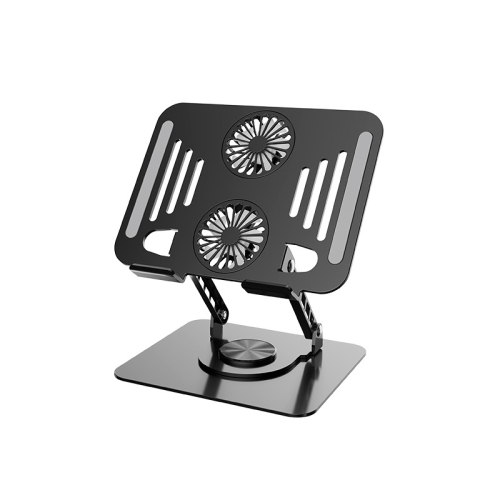

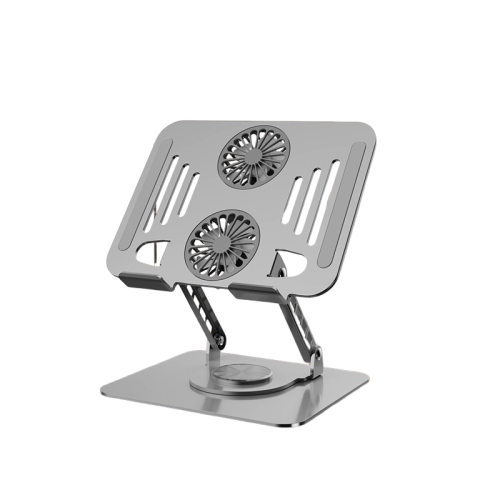
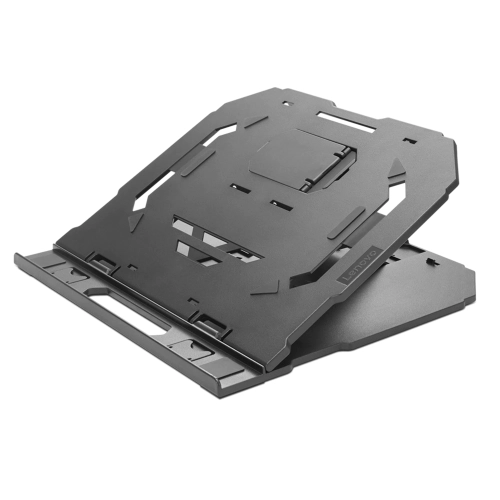
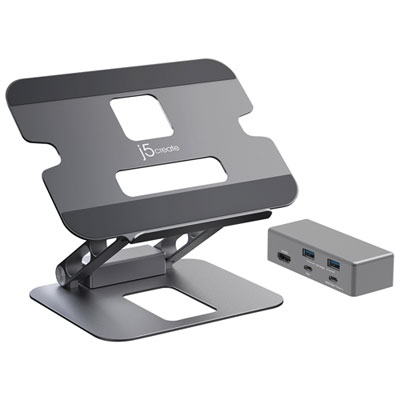
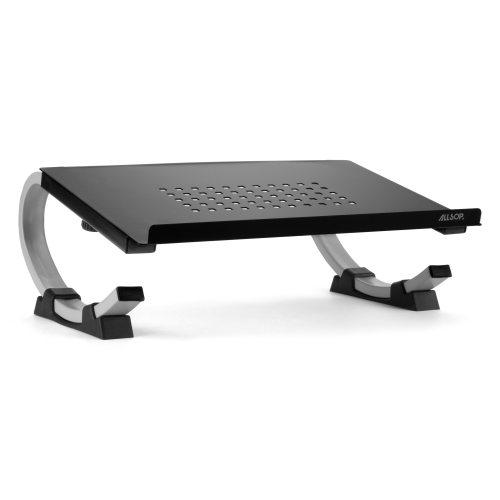
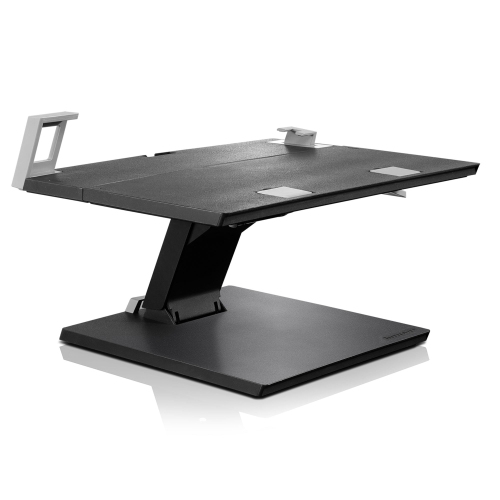
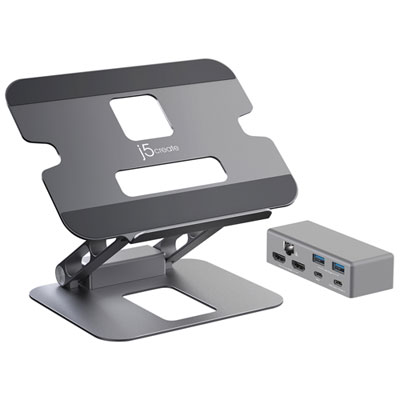
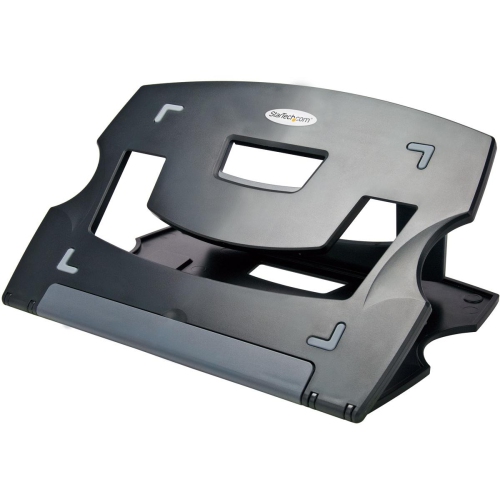
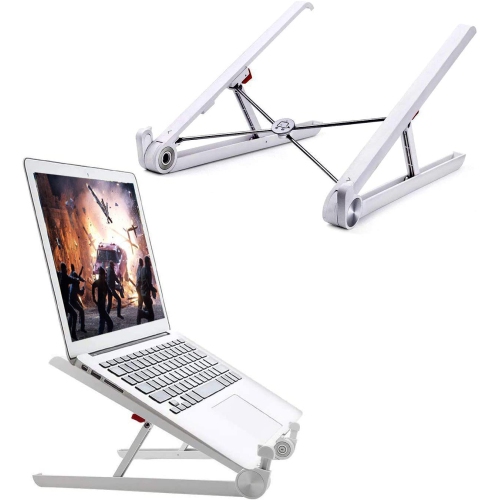
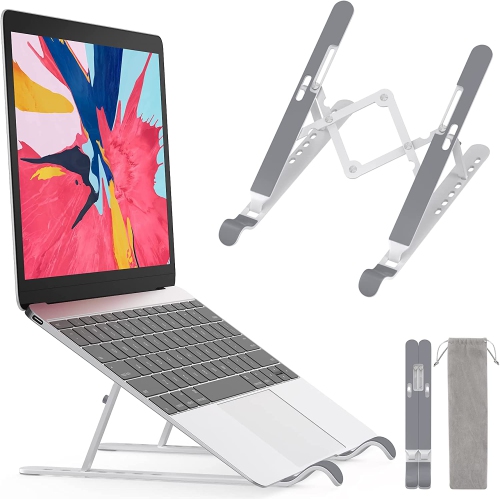
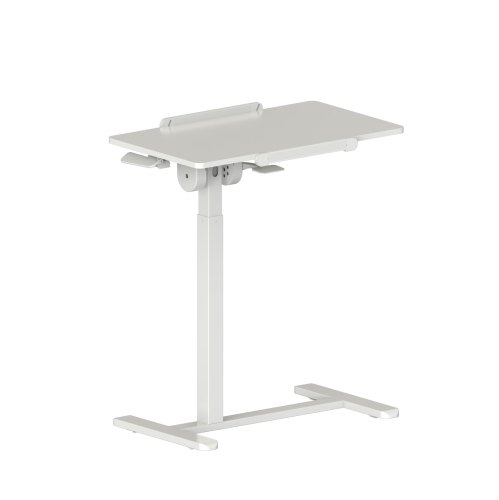
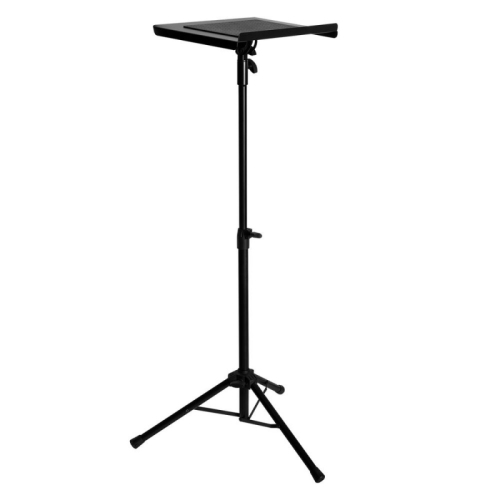
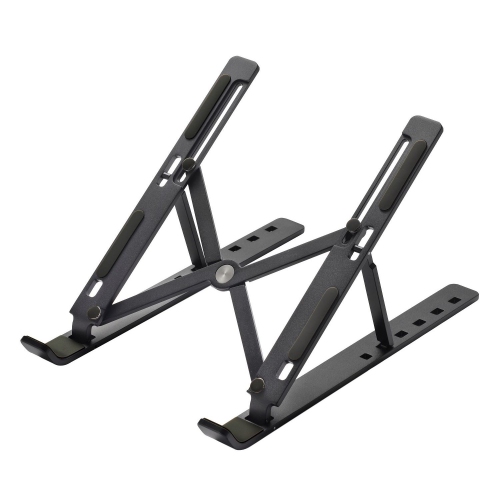
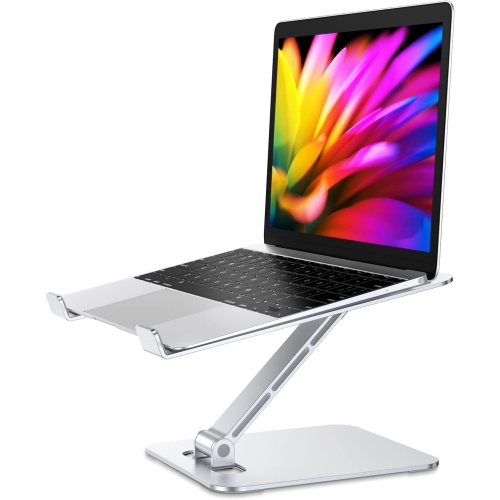
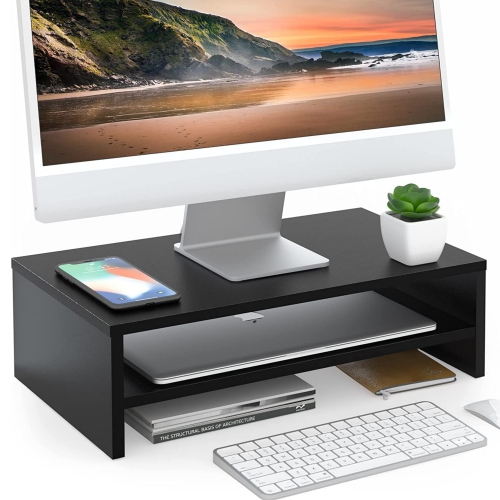
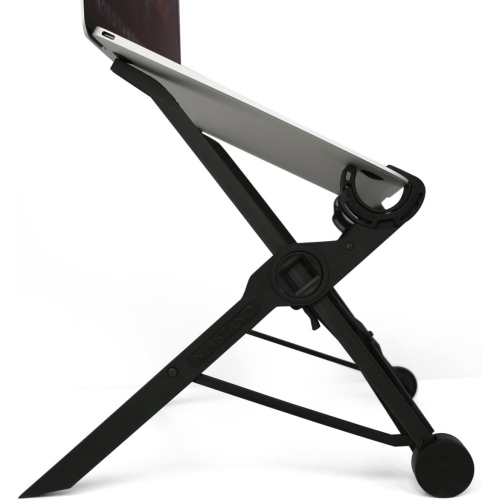
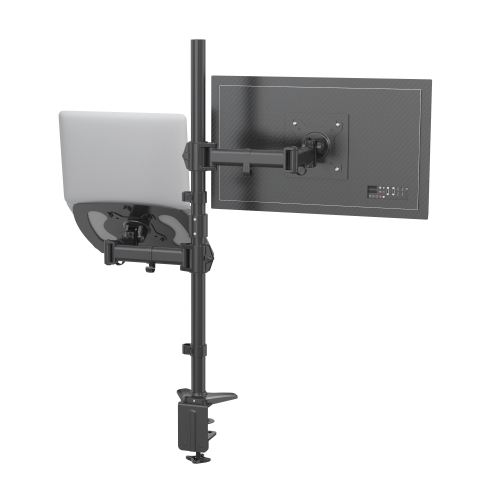
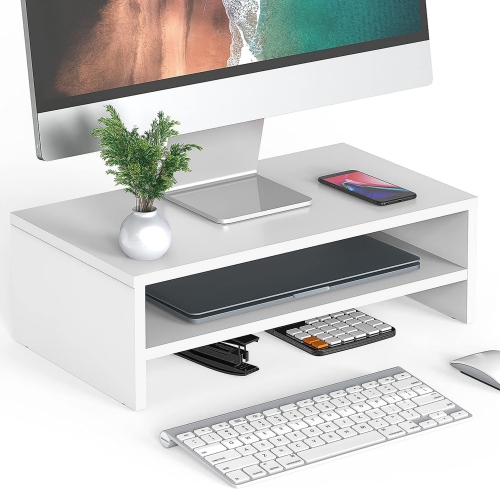
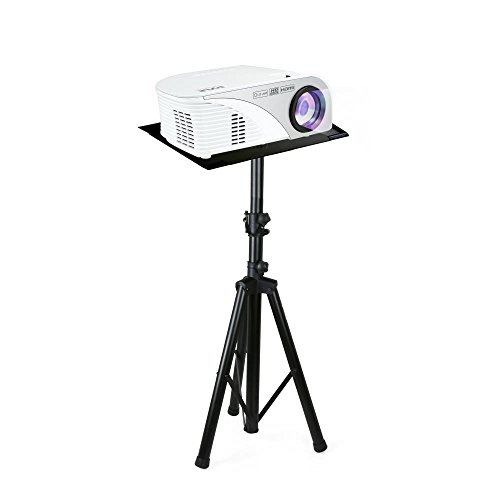
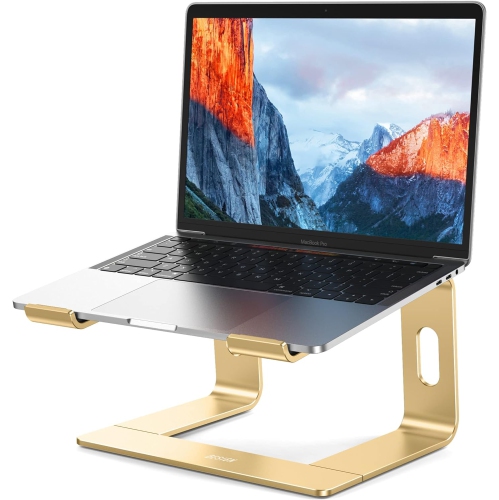
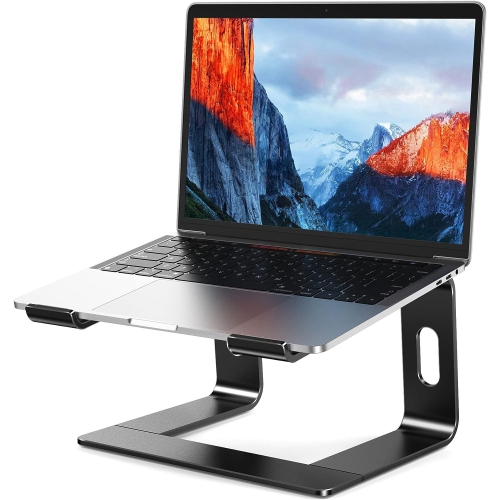
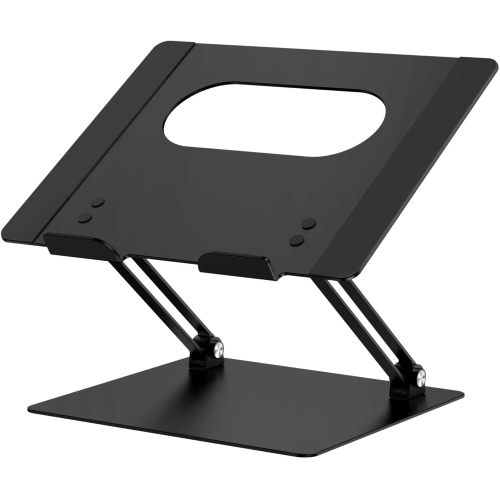
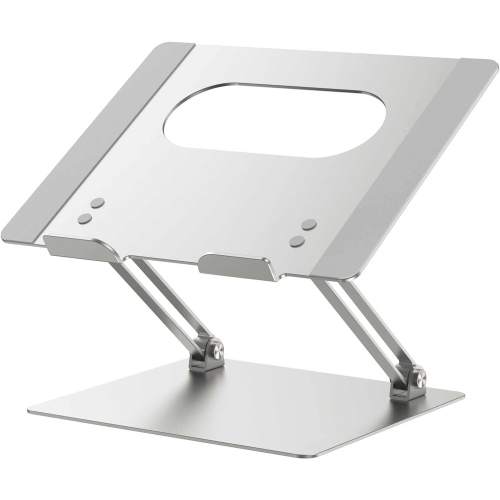
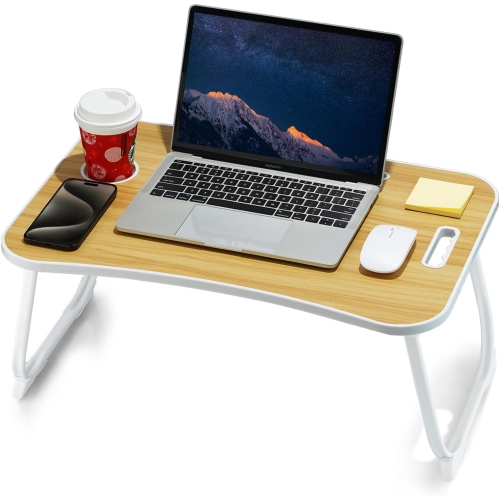
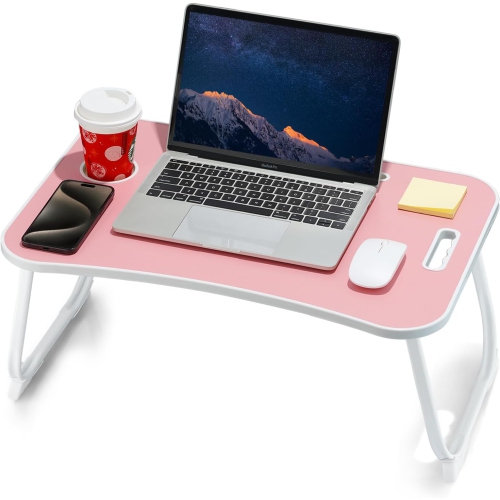
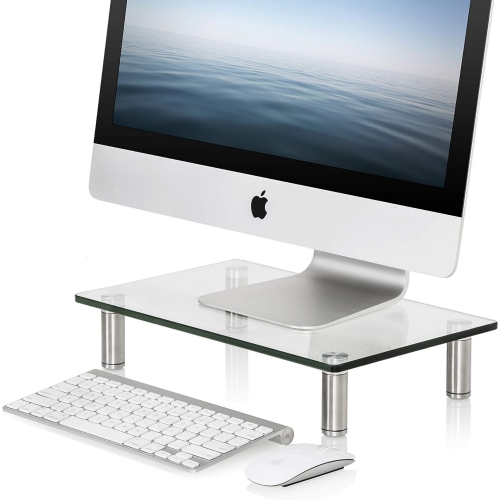
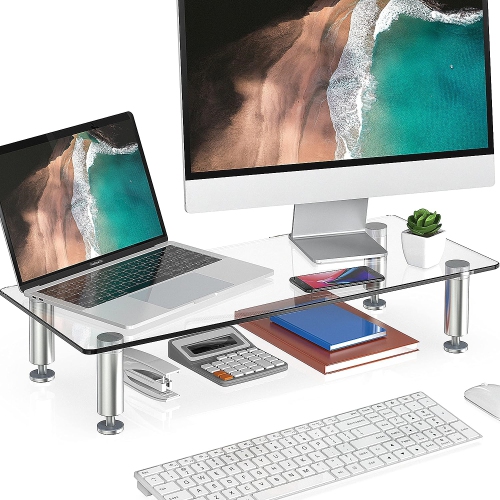


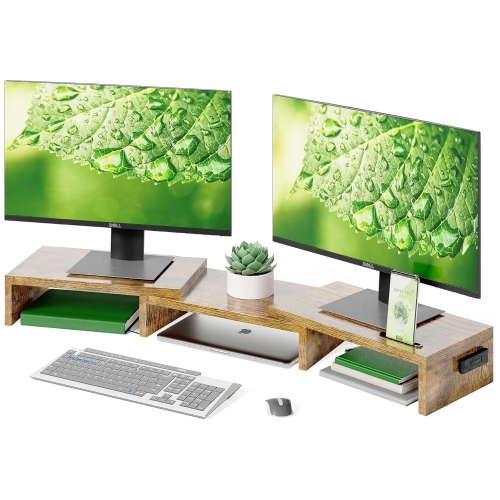
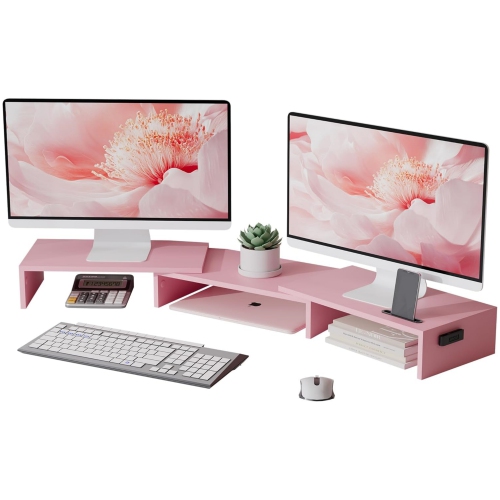
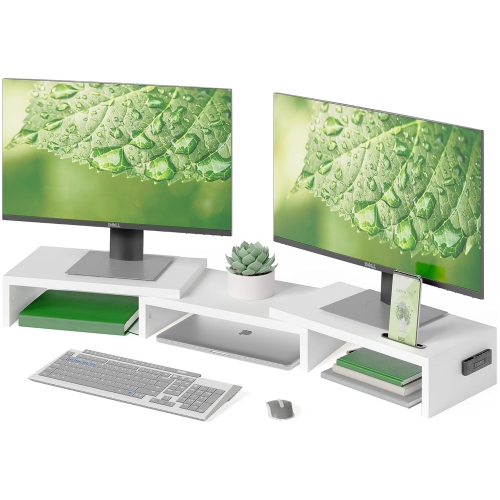
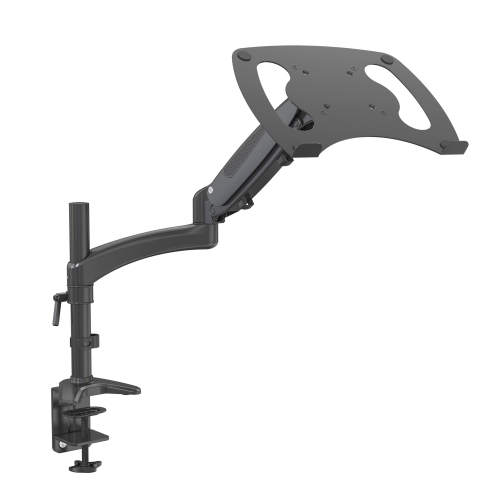
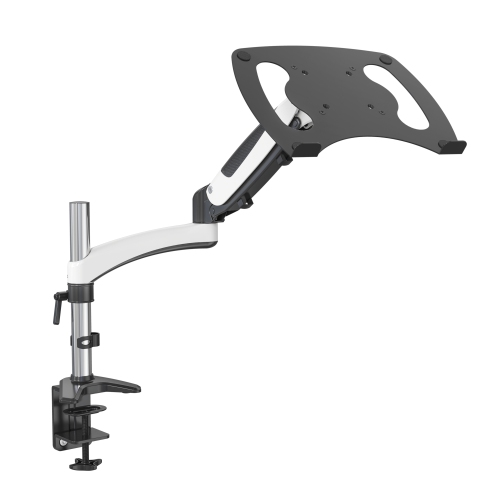
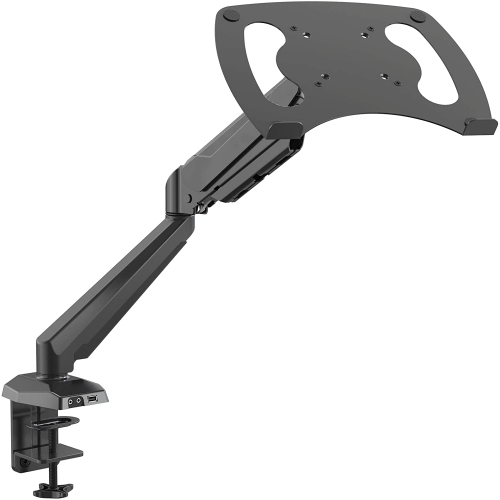

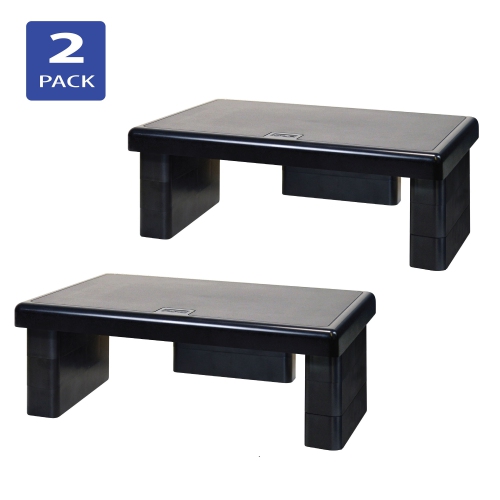
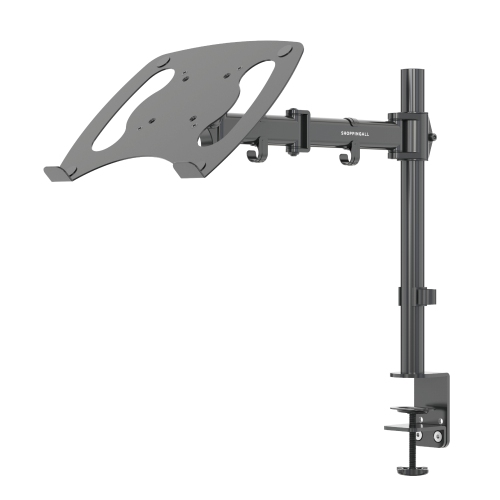
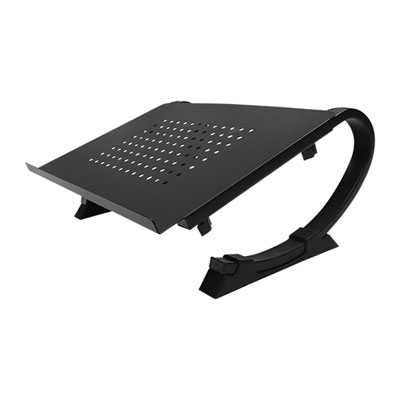
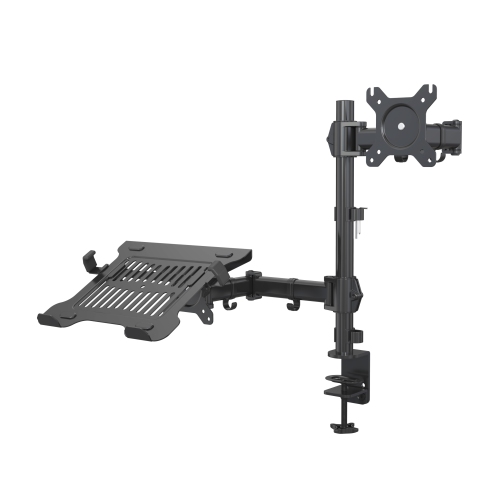
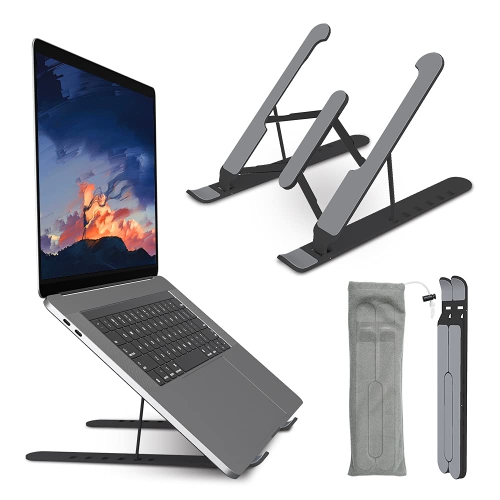
A more comfortable, organized setup for work and study
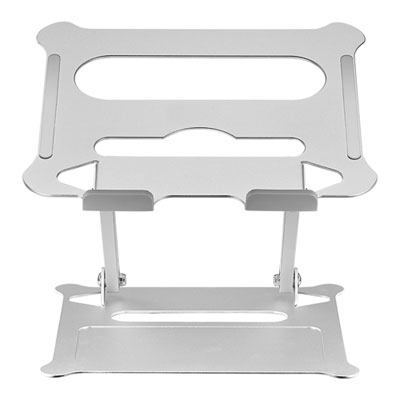
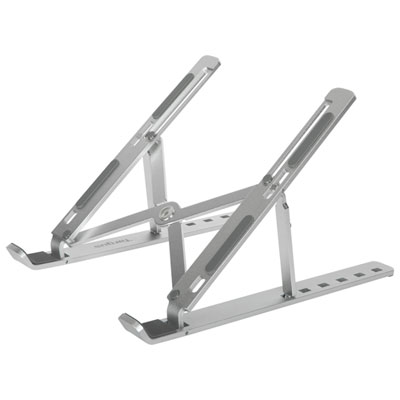
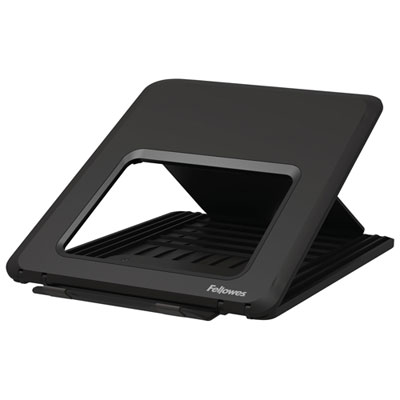
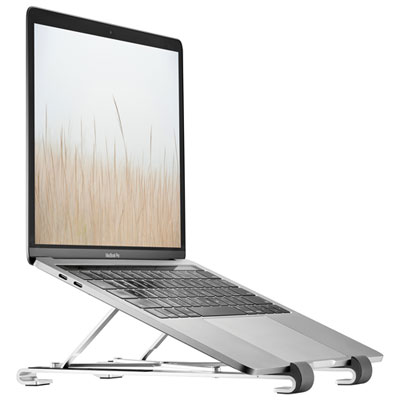
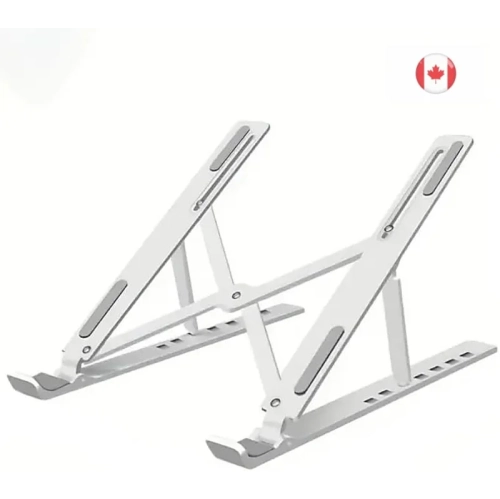
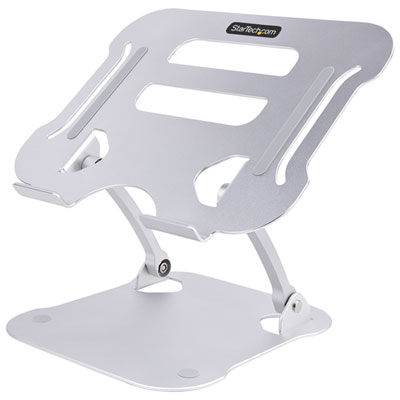
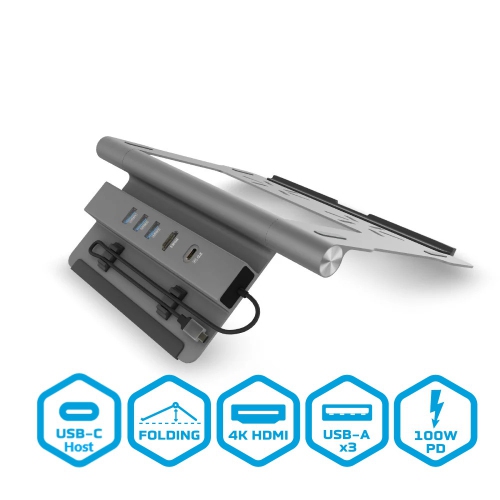
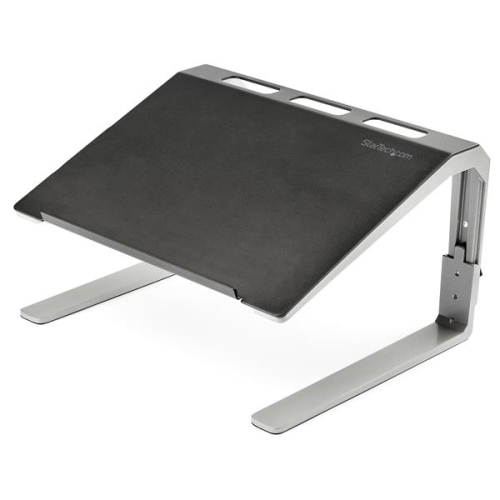
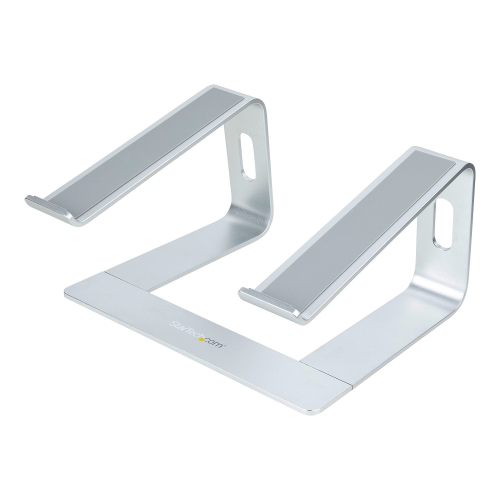
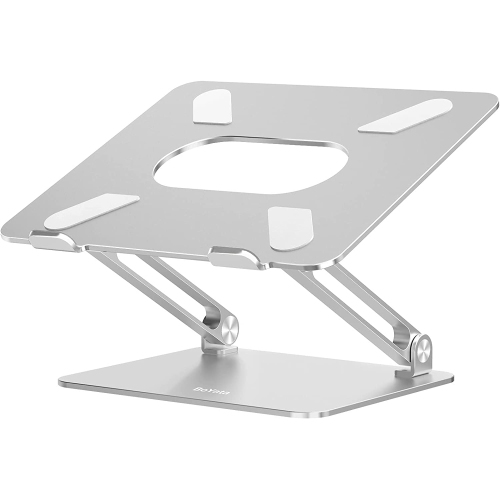
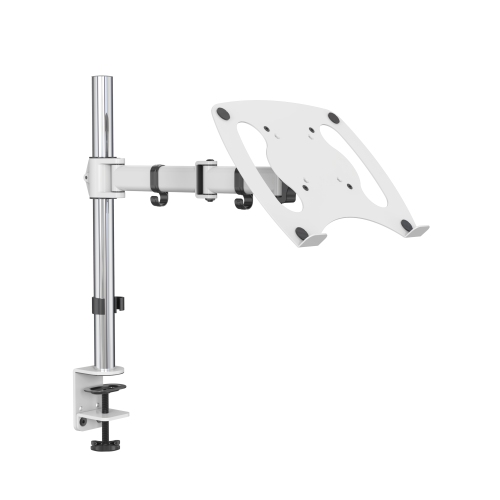
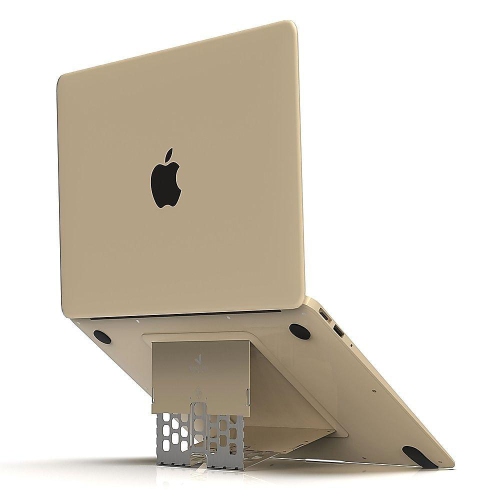
High-quality laptop stands can make a noticeable difference to the way a desk feels and functions. By raising a laptop screen closer to eye level, a stand can encourage a more comfortable head and neck position, especially during long workdays, study sessions, video calls or creative projects. A raised screen also leaves room beneath the display for a full-size keyboard, notebook or other desk essentials, helping turn a compact surface into a more organized workstation. When browsing Laptop Stands, consider how the stand will fit into your everyday routine rather than choosing based on appearance alone. A fixed stand may be ideal for a permanent home office where the laptop stays in one place, while a folding or collapsible design is better suited to shared workspaces, classrooms, kitchens or travel. Adjustable models offer more flexibility for different users and seating positions, allowing the screen height and viewing angle to be adapted throughout the day. This can be particularly useful in households where a stand may be shared by adults, students and remote workers. A sturdy base, balanced weight distribution and dependable hinges are important details because a stand should remain steady while you type, connect accessories or adjust the display. Look for a design that supports the size and weight of your laptop, with enough surface area to keep the device securely positioned without blocking ports or interfering with ventilation.
Materials and construction are also central to finding a laptop stand that feels reliable over time. Metal stands, including aluminium designs, are often valued for their rigid structure, clean appearance and ability to stay stable on a desk. Wood can bring a warmer, more furniture-like look to a home office, while well-made reinforced plastic may offer a lighter option for students or commuters. Whatever the material, examine the contact points that touch the laptop and desk. Soft pads or rubber grips can help reduce sliding and protect surfaces from scuffs, while a broad base can help prevent wobbling during typing. Ventilation deserves attention as well. An open platform or a design with space beneath the laptop allows air to circulate around the underside of the device, which may help manage heat during demanding tasks such as video editing, gaming, photo work or extended video calls. A stand does not replace the laptop’s own cooling system, but keeping vents unobstructed is a sensible part of a well-planned setup. Adjustable height and tilt can help position the top of the screen nearer to eye level, although the ideal position depends on the user’s chair, desk and posture. If the laptop keyboard will be used regularly, a moderate angle and secure support are essential. For a more ergonomic arrangement, pairing the stand with an external keyboard and mouse can let the user keep the screen elevated while placing the hands and wrists in a more natural position. Check the stand’s folded dimensions if it will be carried in a backpack, briefcase or tote, and consider its weight alongside chargers, notebooks and other daily essentials.
Laptop stands suit a wide range of users, from professionals working at home to students moving between lectures, libraries and study areas. They can also be useful for people who alternate between a desk and a dining table, or for anyone creating a compact workstation in a smaller room. During the warmer seasons and into the cooler months, a flexible stand can make it easier to move work between a home office, a bright living space or a quiet corner without rebuilding the entire setup. Travellers may appreciate a lightweight model that folds flat, while gamers and content creators may prefer a heavier design with a wide platform and strong support for extended sessions. A stand can be a thoughtful gift for a new graduate, a first-time remote worker or someone setting up a home office, particularly when paired with a keyboard, mouse, webcam or desk lamp. It is also a practical choice for households that share one laptop among several people, since an adjustable model can accommodate different heights and seating arrangements. Before purchasing, measure the available desk space and compare the laptop’s dimensions with the stand’s platform. Think about the number and placement of ports, whether the laptop opens easily while elevated, and whether the design leaves enough room for cables to reach power, monitors or other accessories. The best choice combines secure support, comfortable viewing, suitable ventilation and a form that matches the way the laptop is actually used. With the right fit, a laptop stand can bring order to a busy desk, make a portable computer more comfortable to use and create a polished workspace for work, learning or leisure.
Materials and construction are also central to finding a laptop stand that feels reliable over time. Metal stands, including aluminium designs, are often valued for their rigid structure, clean appearance and ability to stay stable on a desk. Wood can bring a warmer, more furniture-like look to a home office, while well-made reinforced plastic may offer a lighter option for students or commuters. Whatever the material, examine the contact points that touch the laptop and desk. Soft pads or rubber grips can help reduce sliding and protect surfaces from scuffs, while a broad base can help prevent wobbling during typing. Ventilation deserves attention as well. An open platform or a design with space beneath the laptop allows air to circulate around the underside of the device, which may help manage heat during demanding tasks such as video editing, gaming, photo work or extended video calls. A stand does not replace the laptop’s own cooling system, but keeping vents unobstructed is a sensible part of a well-planned setup. Adjustable height and tilt can help position the top of the screen nearer to eye level, although the ideal position depends on the user’s chair, desk and posture. If the laptop keyboard will be used regularly, a moderate angle and secure support are essential. For a more ergonomic arrangement, pairing the stand with an external keyboard and mouse can let the user keep the screen elevated while placing the hands and wrists in a more natural position. Check the stand’s folded dimensions if it will be carried in a backpack, briefcase or tote, and consider its weight alongside chargers, notebooks and other daily essentials.
Laptop stands suit a wide range of users, from professionals working at home to students moving between lectures, libraries and study areas. They can also be useful for people who alternate between a desk and a dining table, or for anyone creating a compact workstation in a smaller room. During the warmer seasons and into the cooler months, a flexible stand can make it easier to move work between a home office, a bright living space or a quiet corner without rebuilding the entire setup. Travellers may appreciate a lightweight model that folds flat, while gamers and content creators may prefer a heavier design with a wide platform and strong support for extended sessions. A stand can be a thoughtful gift for a new graduate, a first-time remote worker or someone setting up a home office, particularly when paired with a keyboard, mouse, webcam or desk lamp. It is also a practical choice for households that share one laptop among several people, since an adjustable model can accommodate different heights and seating arrangements. Before purchasing, measure the available desk space and compare the laptop’s dimensions with the stand’s platform. Think about the number and placement of ports, whether the laptop opens easily while elevated, and whether the design leaves enough room for cables to reach power, monitors or other accessories. The best choice combines secure support, comfortable viewing, suitable ventilation and a form that matches the way the laptop is actually used. With the right fit, a laptop stand can bring order to a busy desk, make a portable computer more comfortable to use and create a polished workspace for work, learning or leisure.
Top selling and popular products
-
 Your price for this item is $149.99
 -
 Your price for this item is $69.99
 -
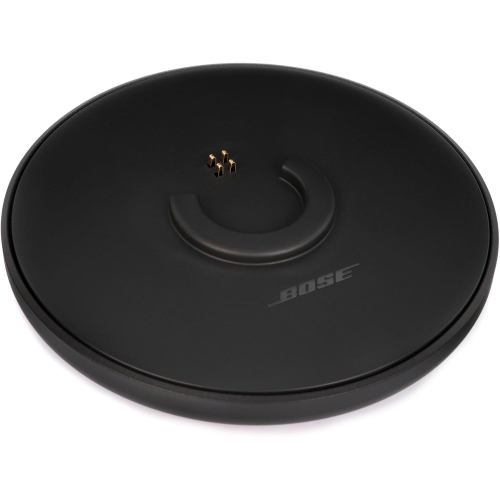 Your price for this item is $35
 -
 Your price for this item is $59.99
 -
 Your price for this item is $179.99
 -
 Your price for this item is $209.99
 -
 Your price for this item is $89.99
 -
 Your price for this item is $154.99
Discover more categories related to High Quality Laptop Stands
Top Collections:
Pokemon Centers, Kindle Devices, Best Budget Office Chairs, Apple iPhones 16, Canon G7X Cameras, iPhone 15 Apple, Alarm Clock, Refurbished Apple Laptops, Flip Phones, Best Laptops for Writers
Some products may be subject to Environmental Handling Fees
(EHF) depending on your province.
Learn more about EHFs.