Video Call Devices
Stay connected with friends, family, and colleagues no matter the distance with this wide selection of video call devices. Whether you're looking to upgrade your current setup or dive into the world of video calling for the first time, we have the perfect device to suit your needs. From webcams and conference cameras to all-in-one systems and smart displays, this range of video call devices offers crystal-clear audio and high-definition video quality.
Sort

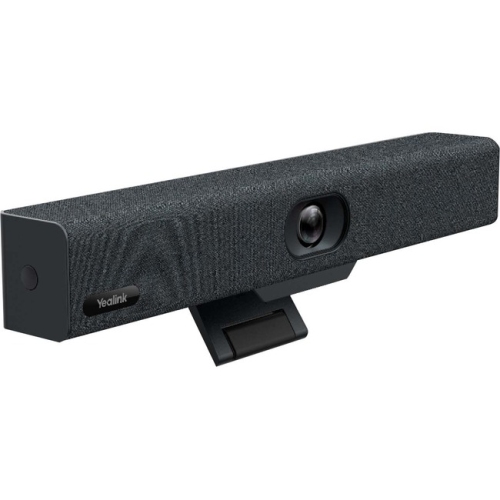

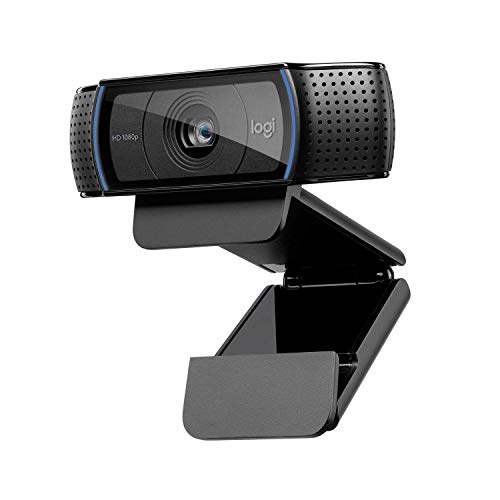
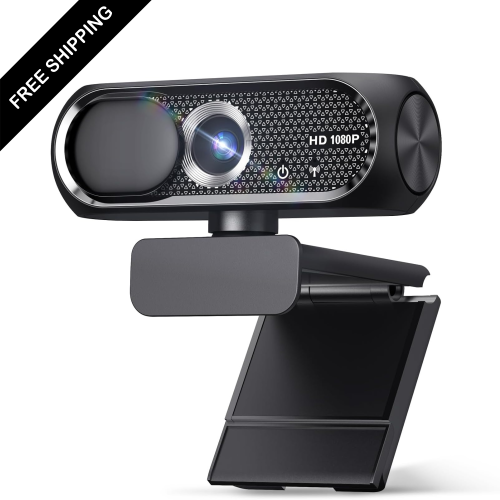
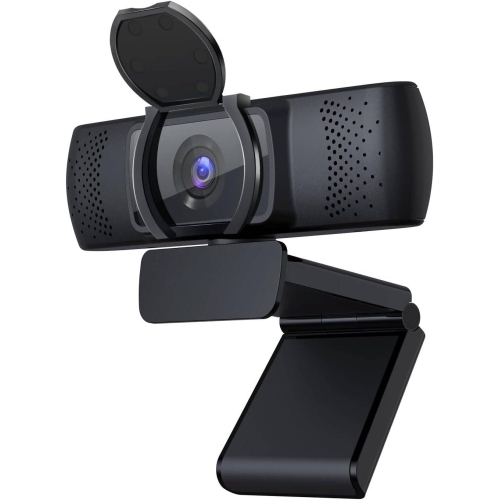
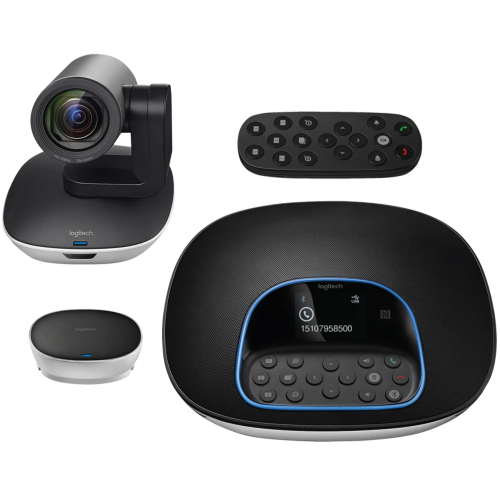
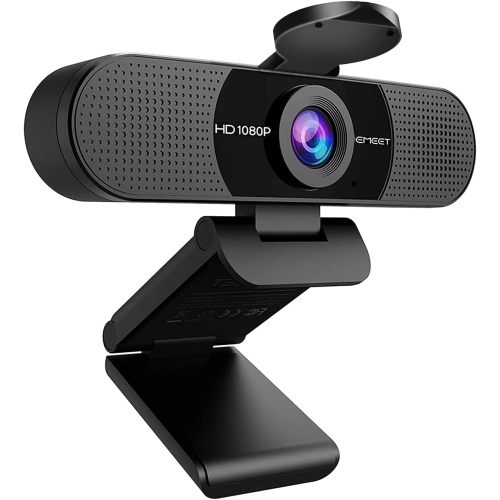
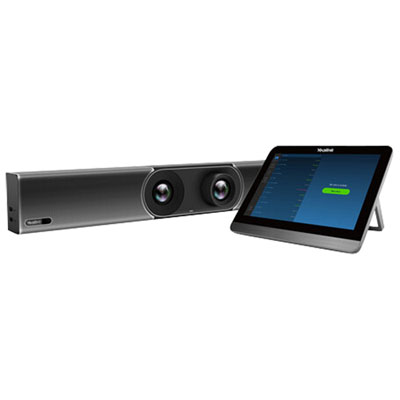





![EMEET C960 1080P Webcam With Dual Microphones [Employee of 3m-scotch-brite] I love cleaning with this scrub sponge!](https://multimedia.bbycastatic.ca/multimedia/products/500x500/201/20183/20183752.jpeg)
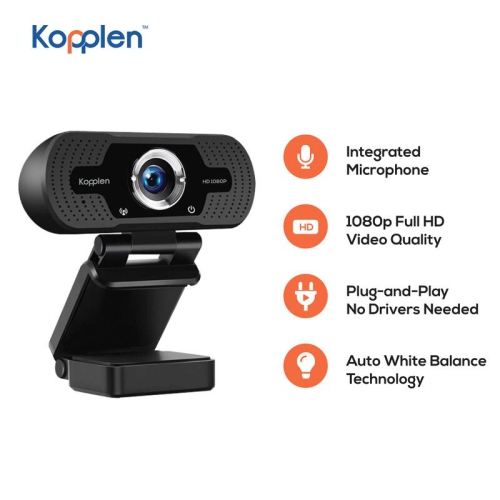
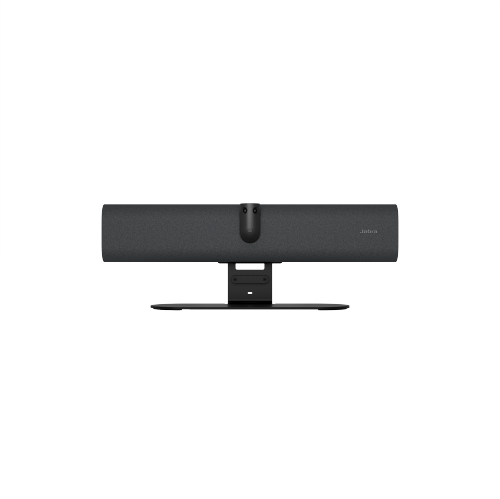

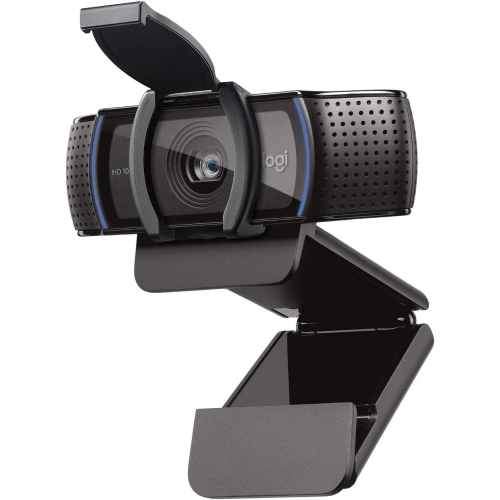
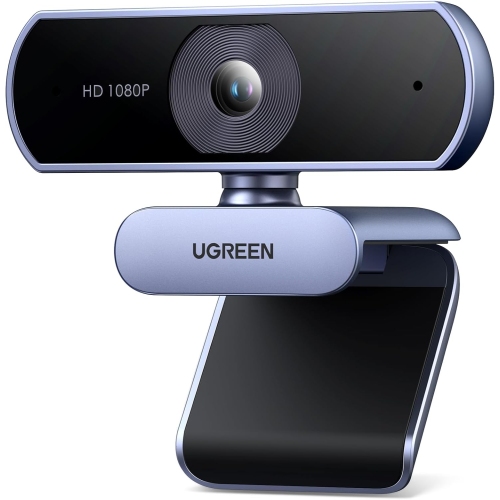
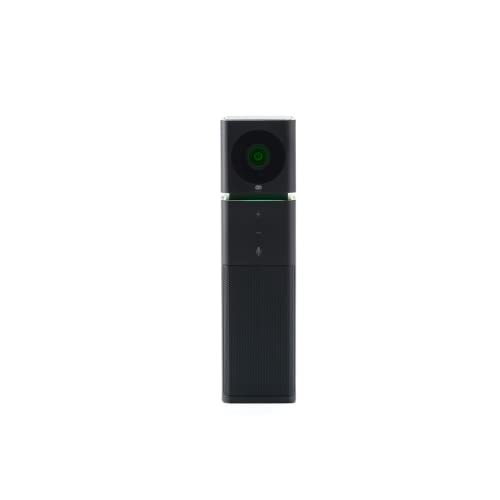
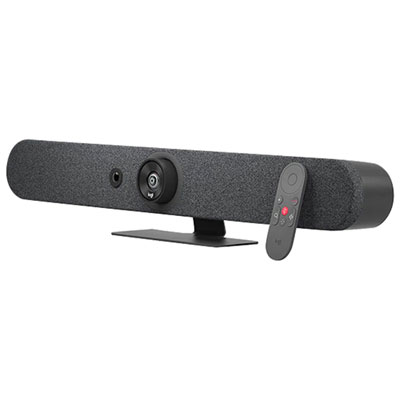
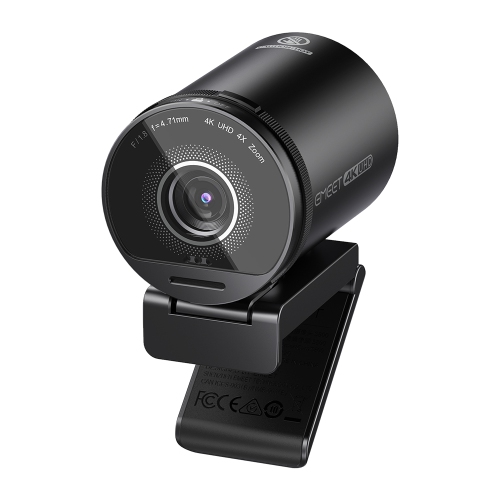
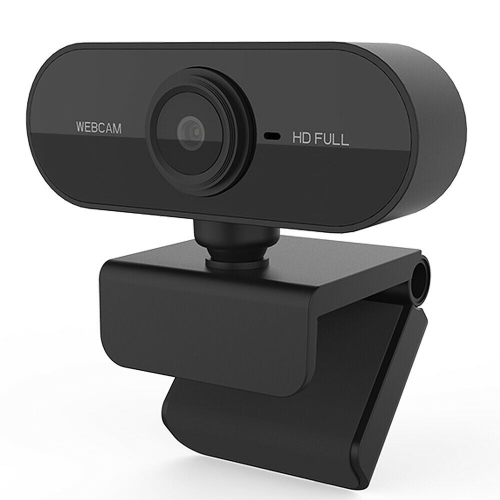
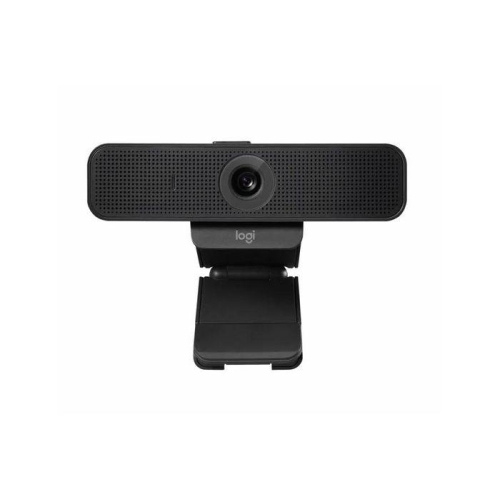
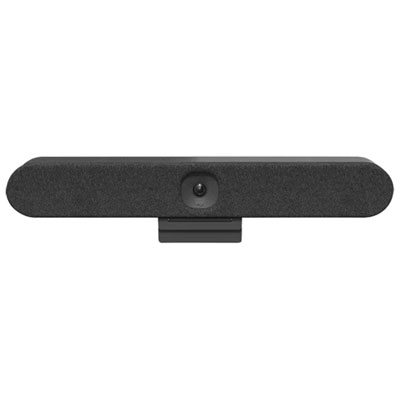
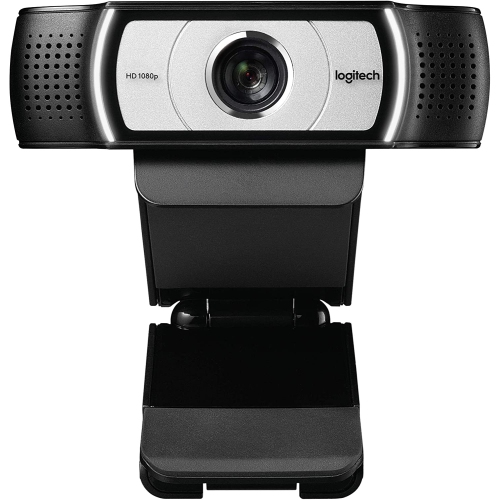
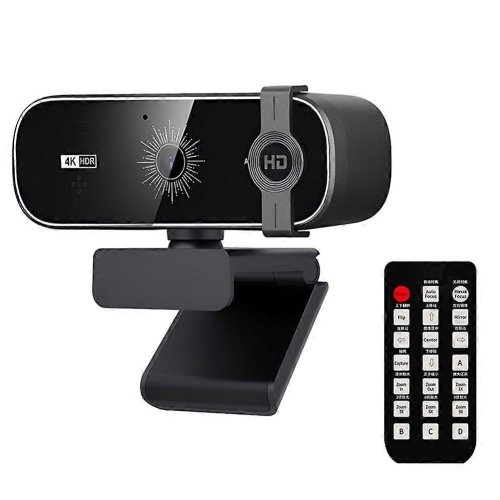


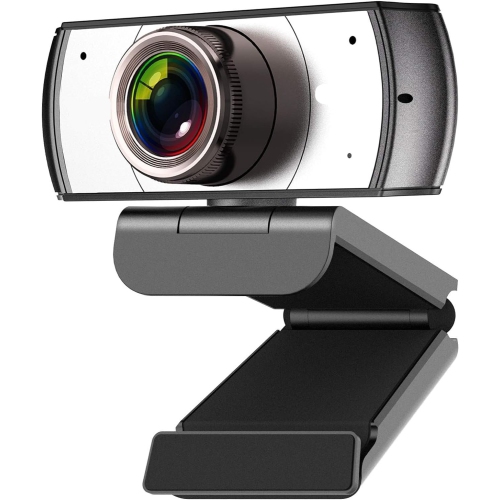
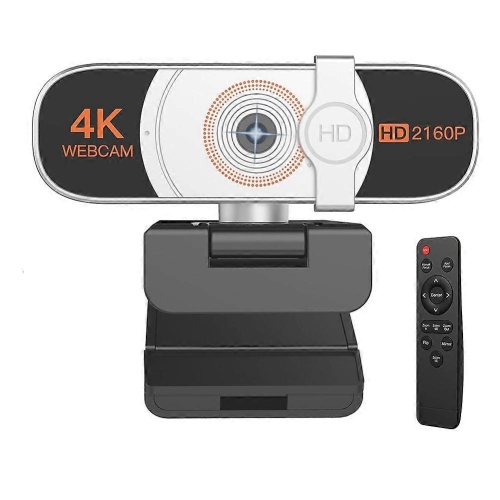
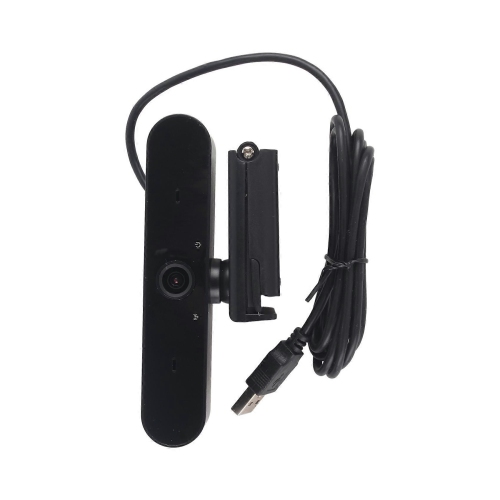
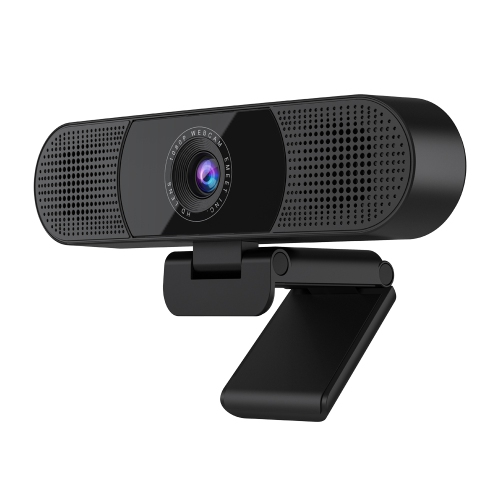

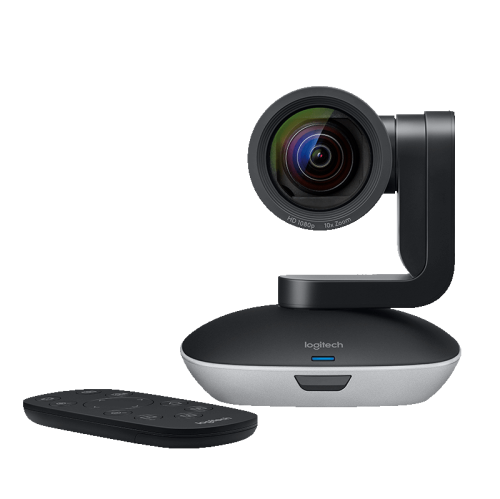
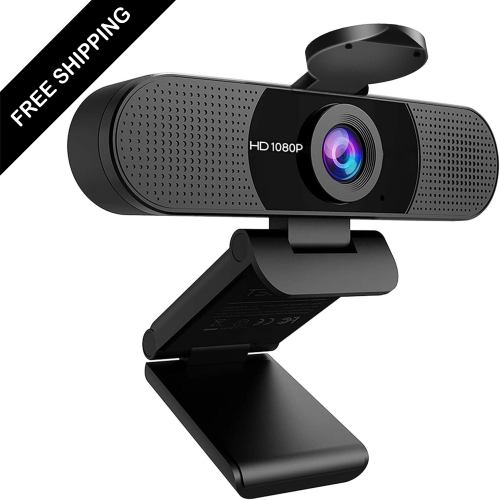
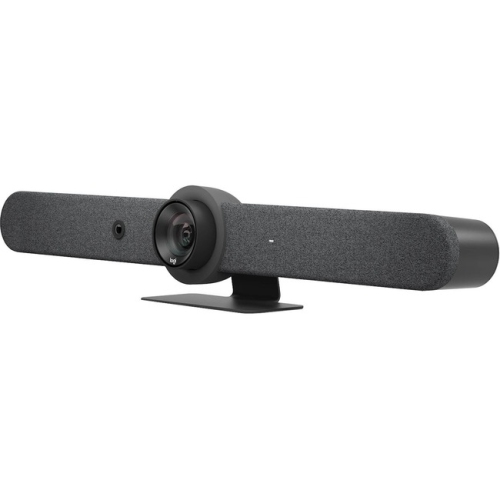
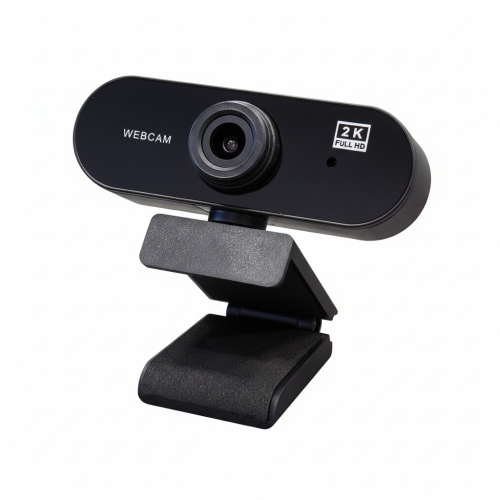
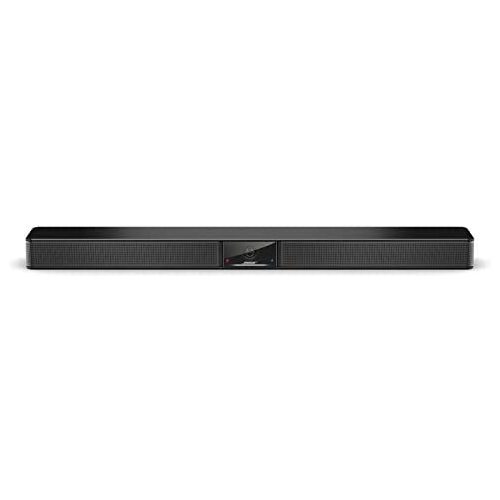
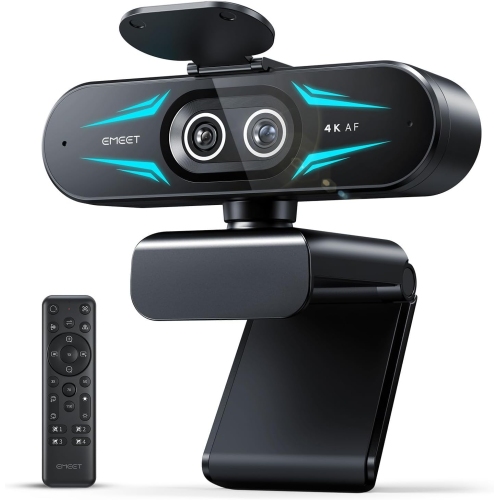
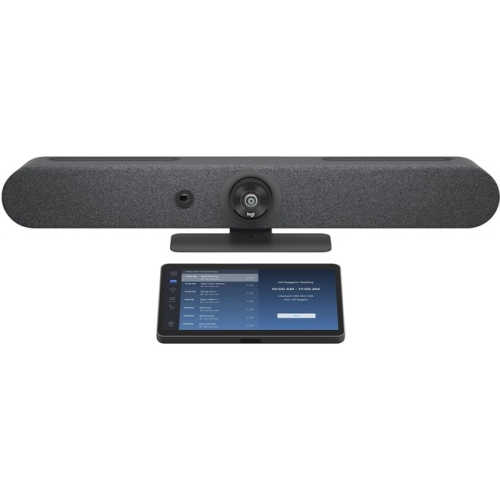
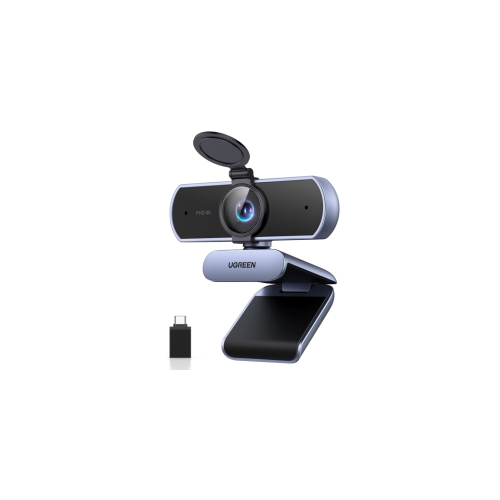
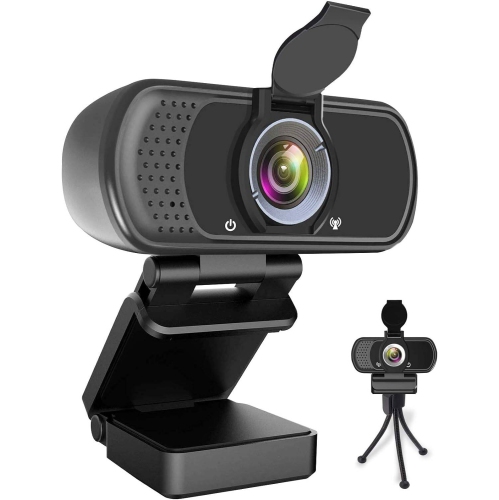
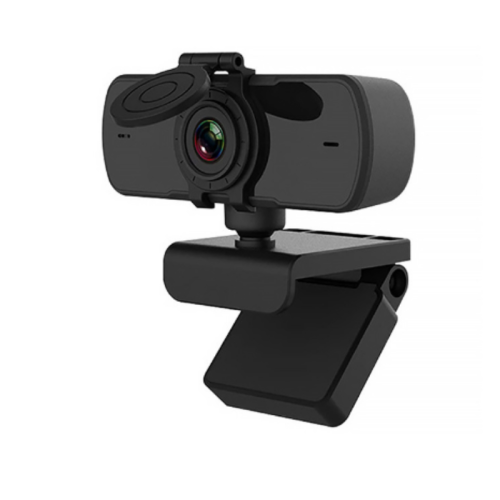
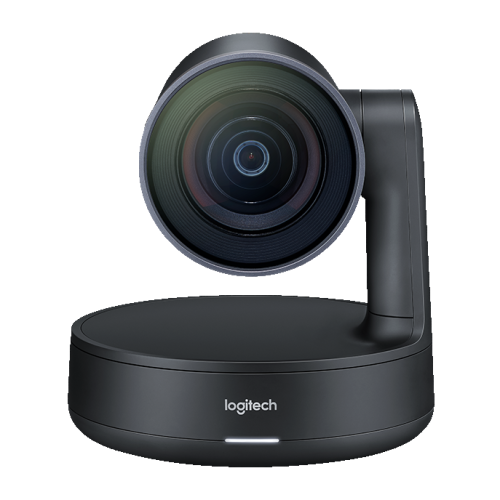
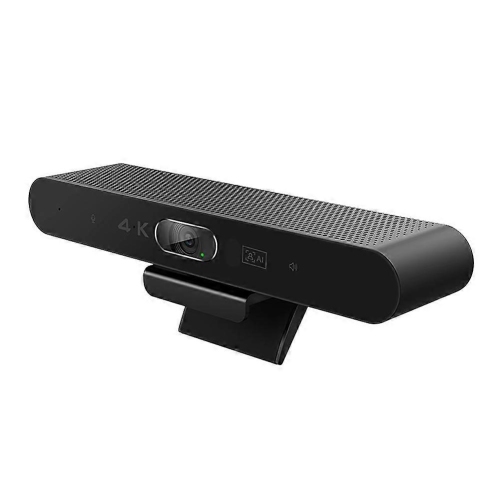
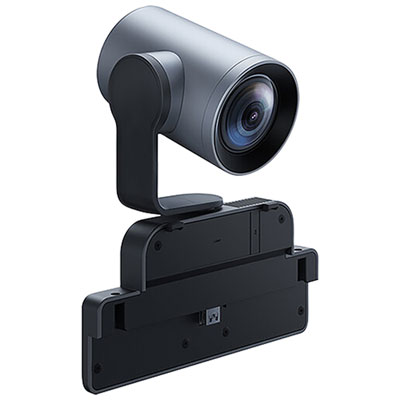
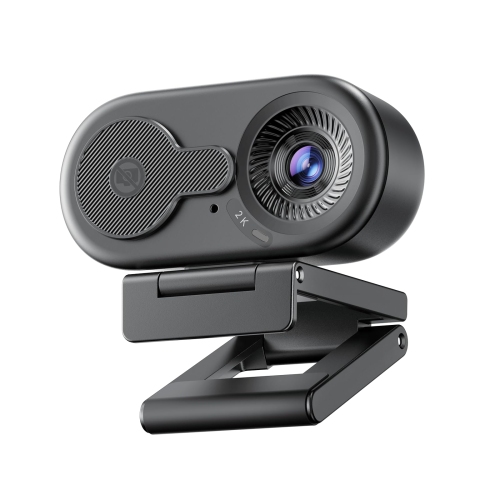
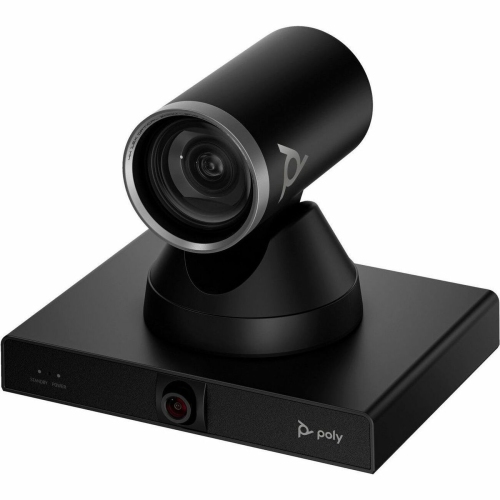
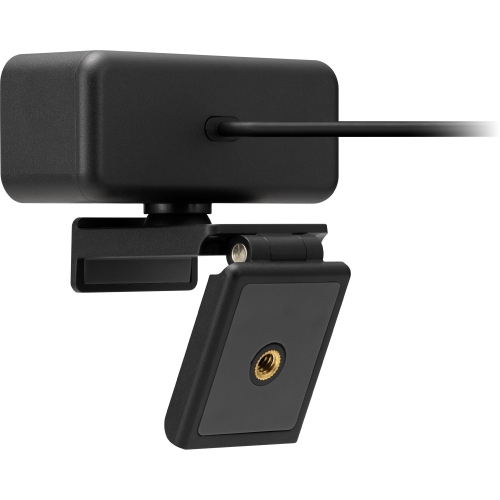

The right setup makes staying connected feel more natural
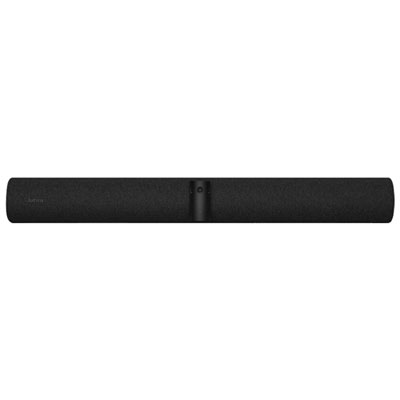
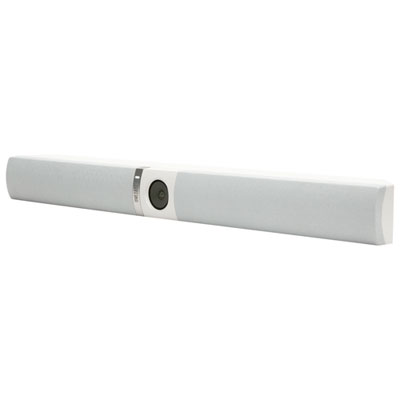
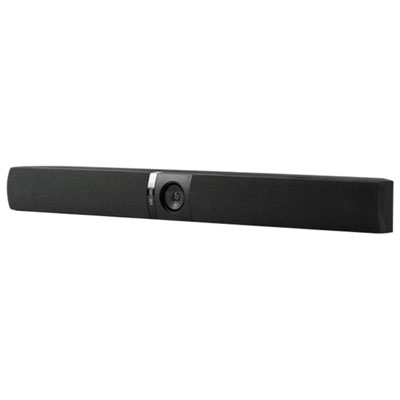
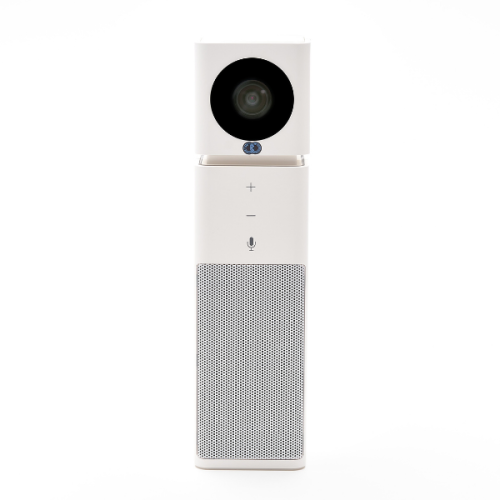
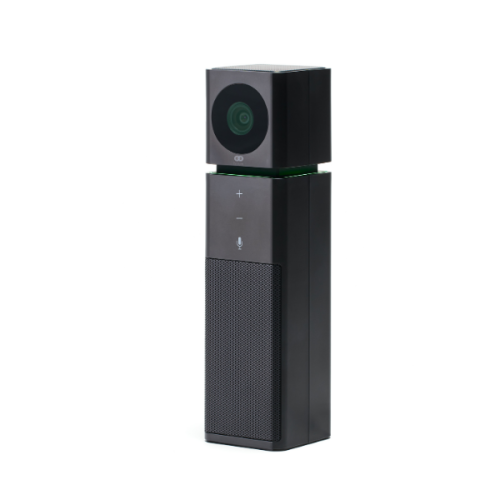
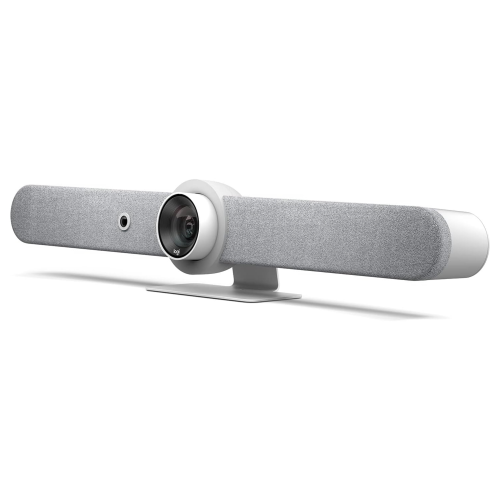
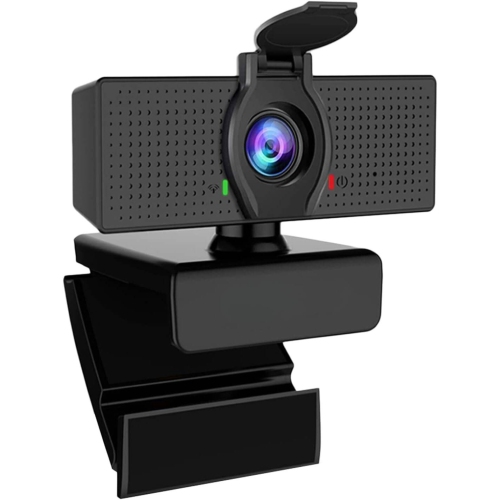
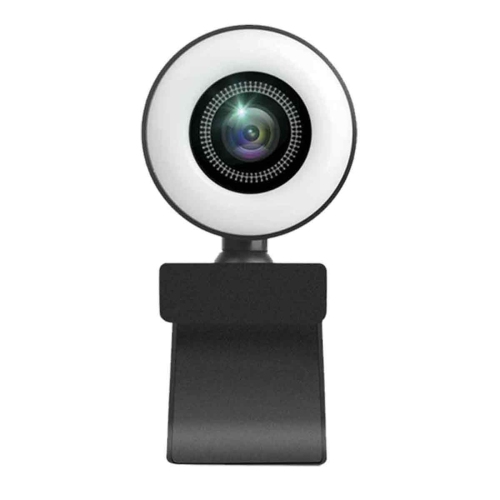
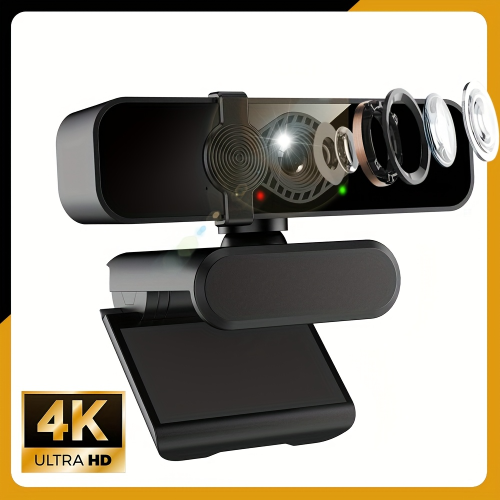
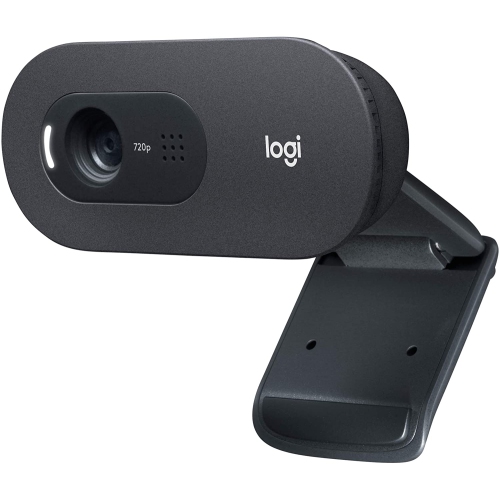
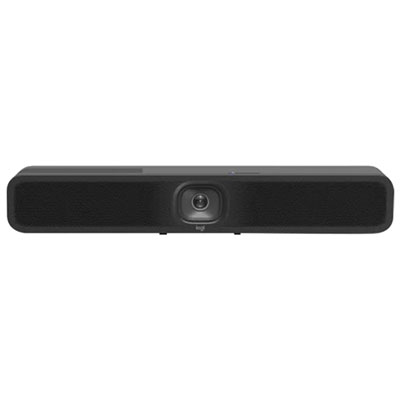
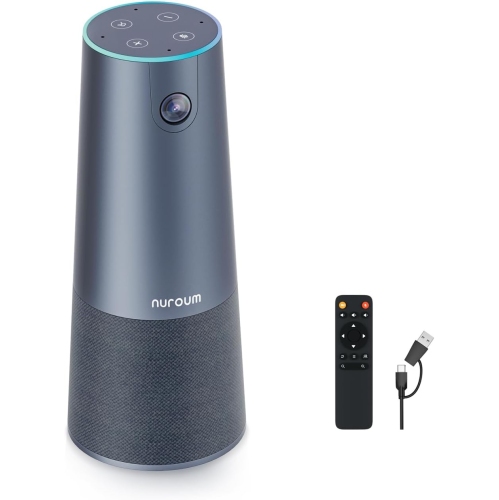
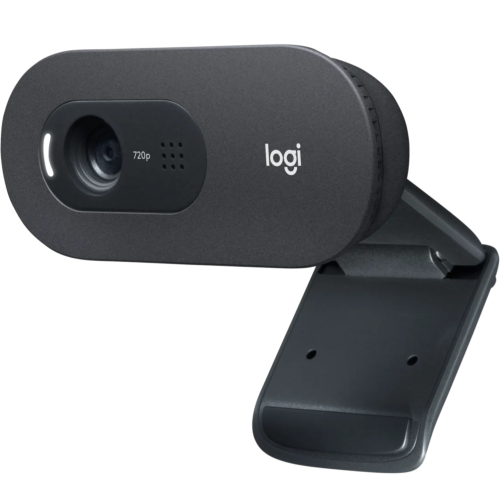
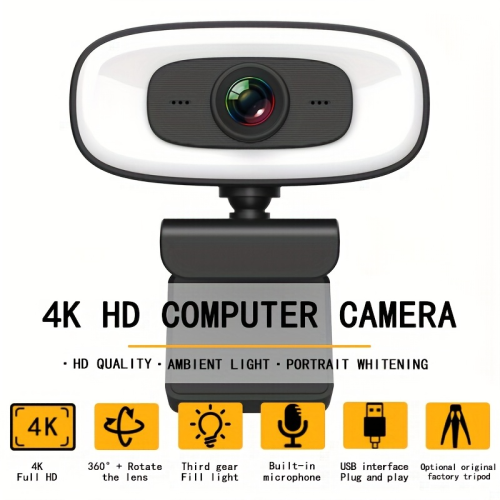
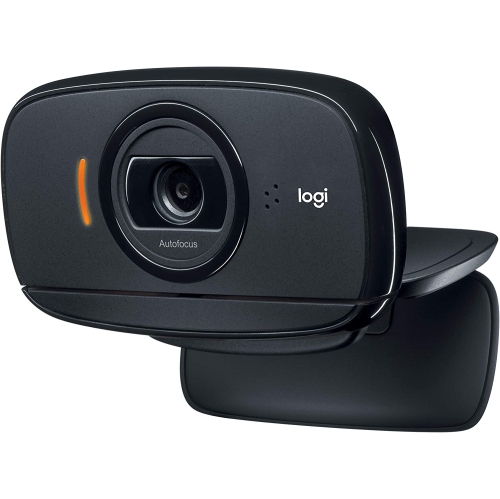
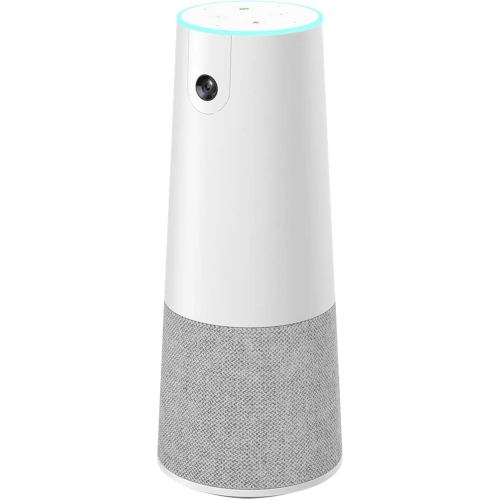
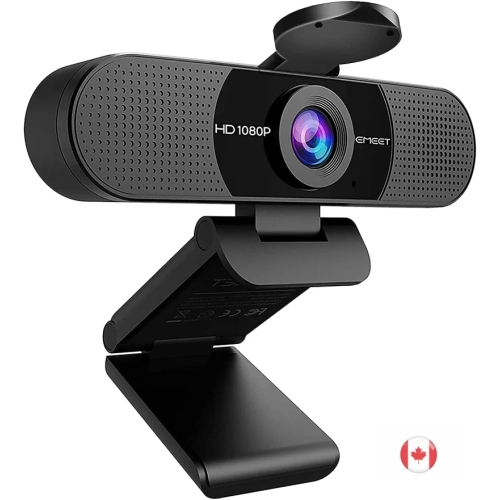
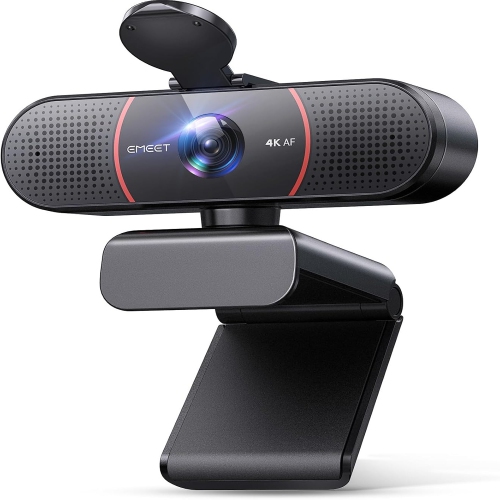
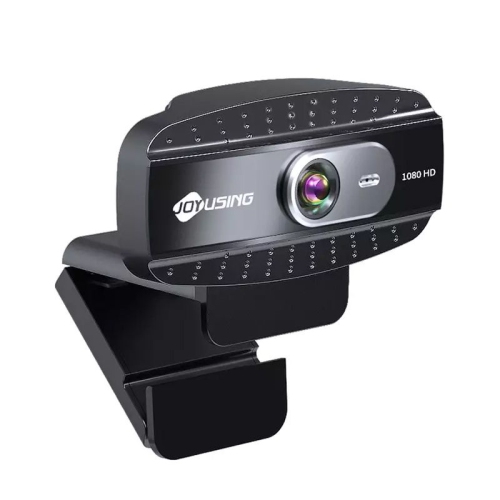
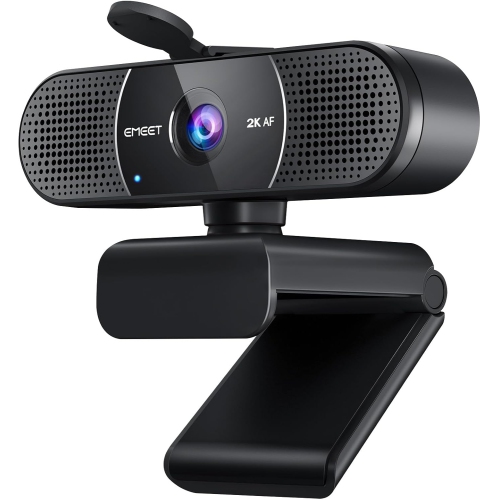
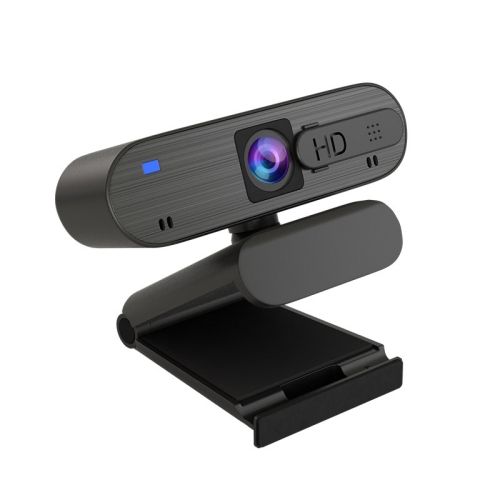
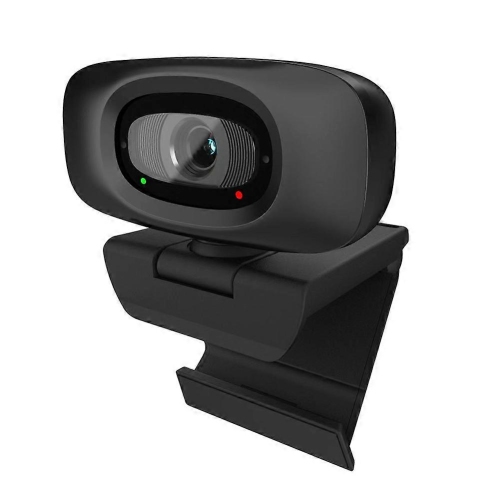
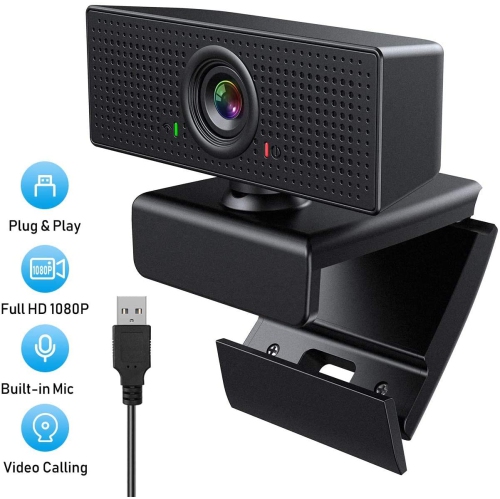
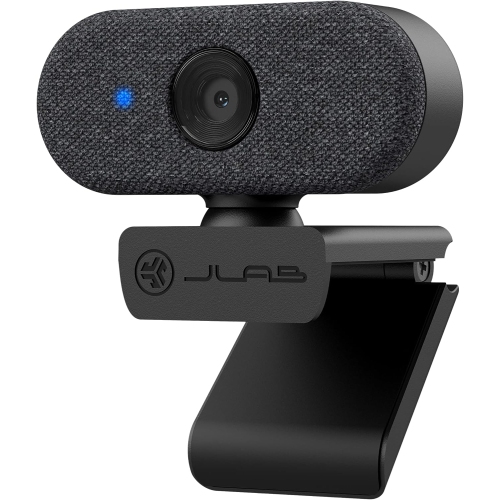
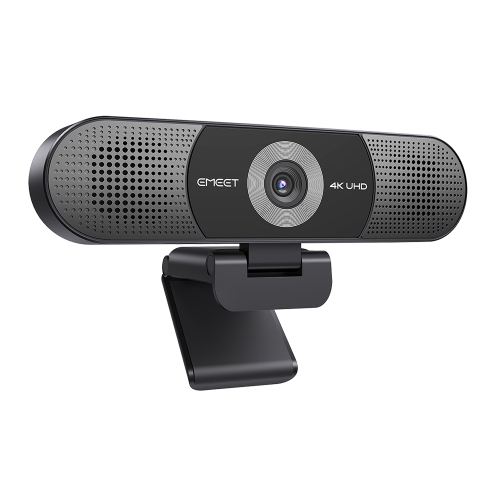
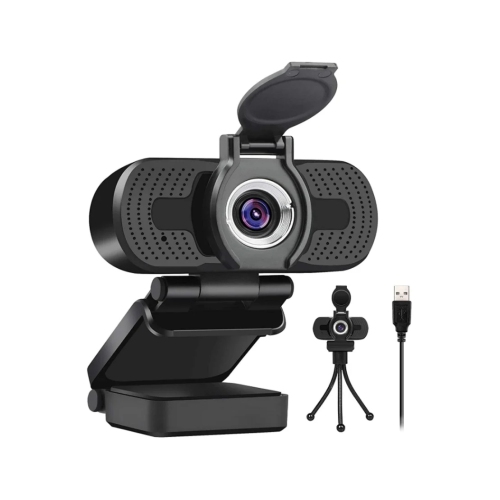
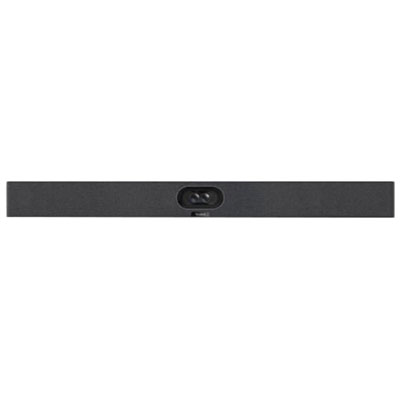
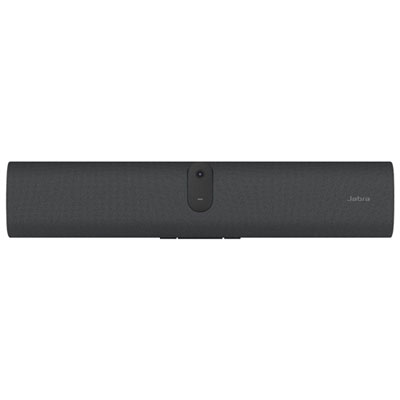
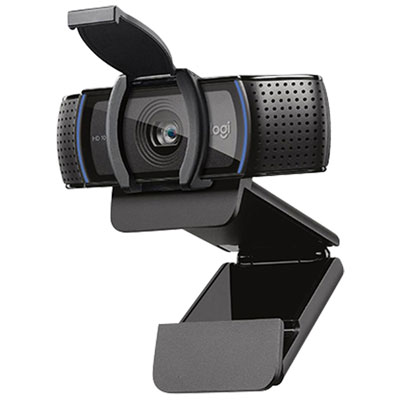
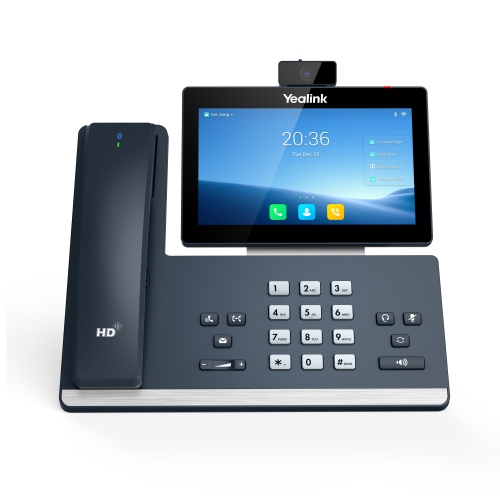
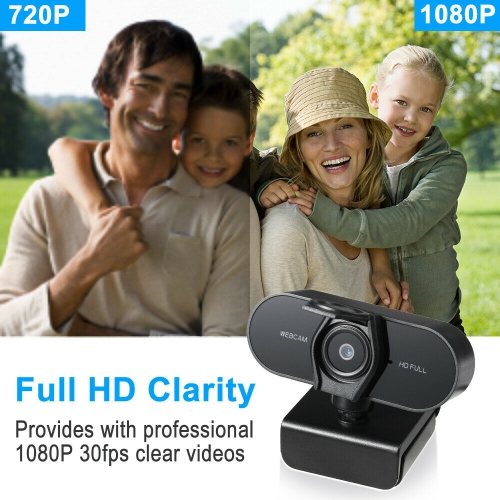
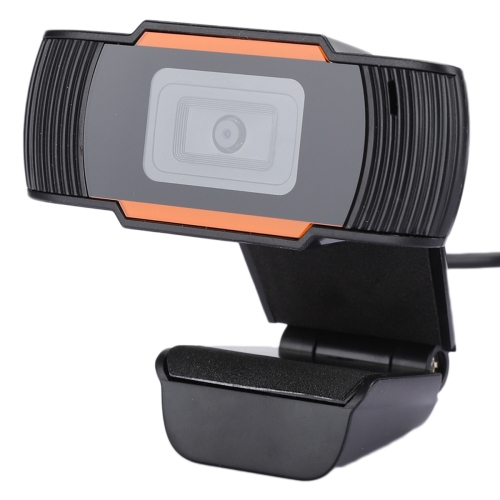
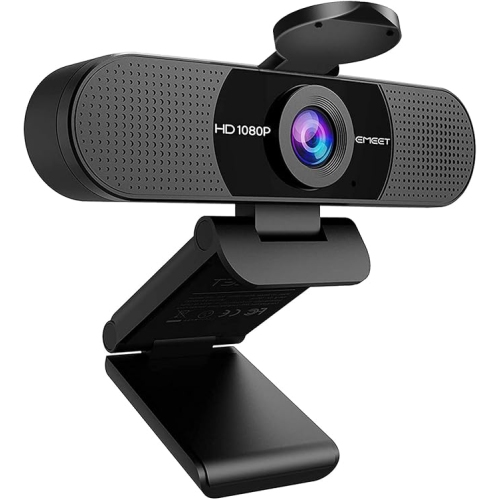
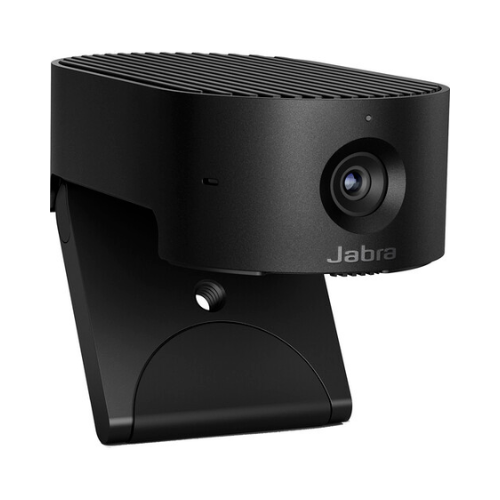
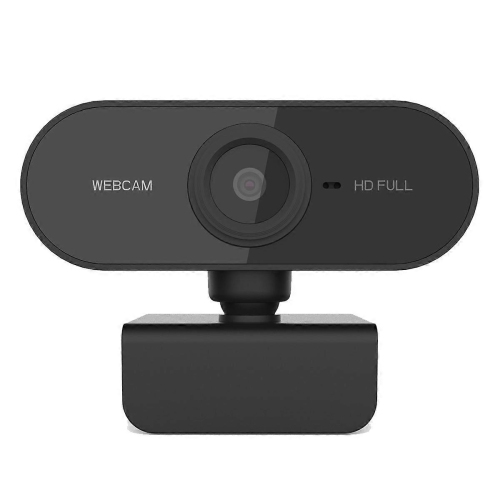
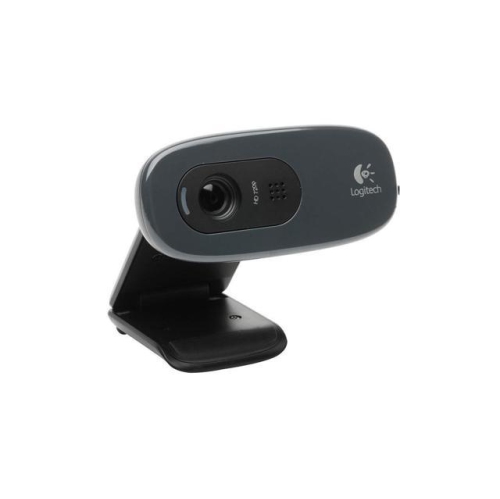
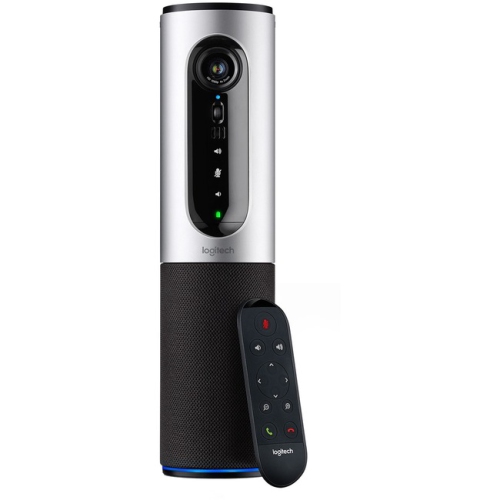
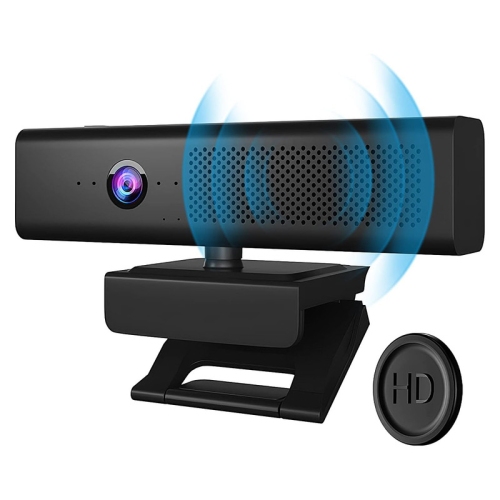
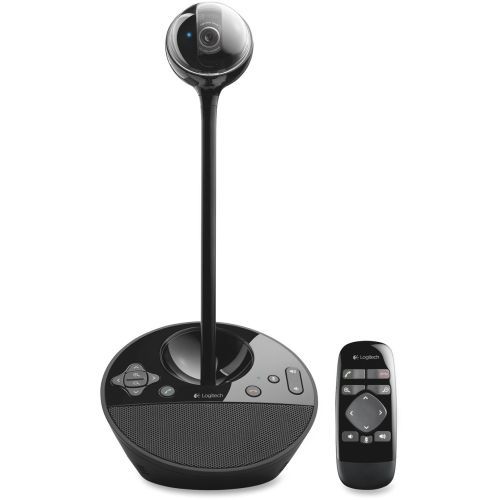
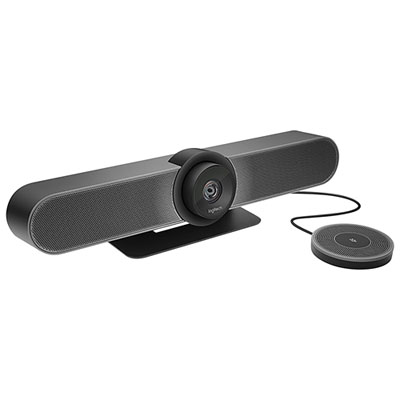
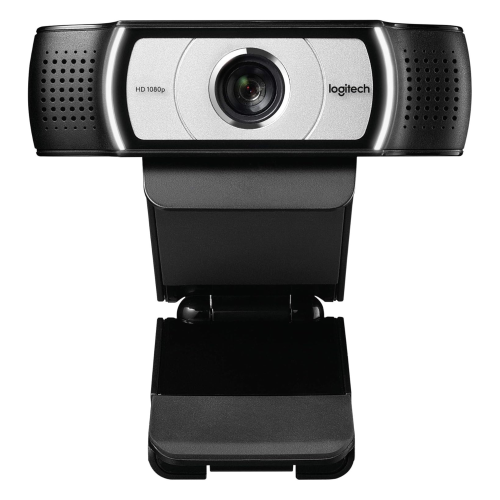
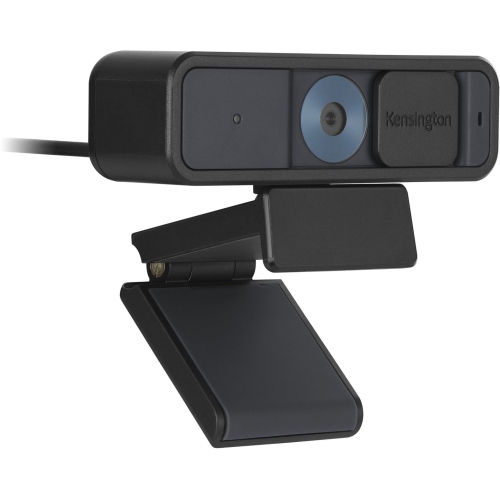
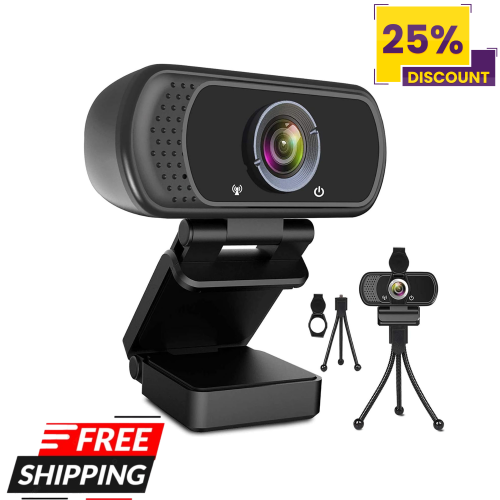
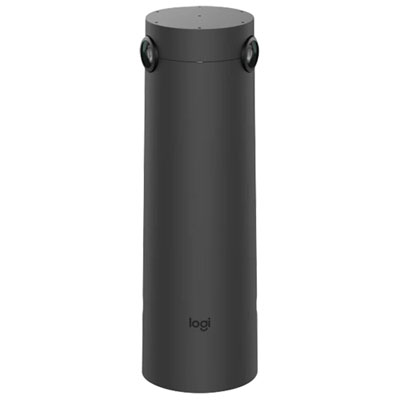
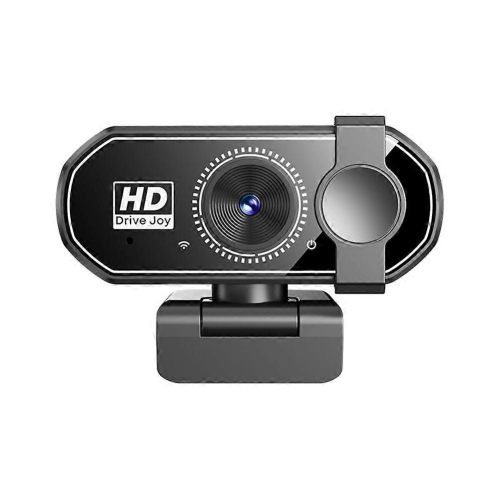
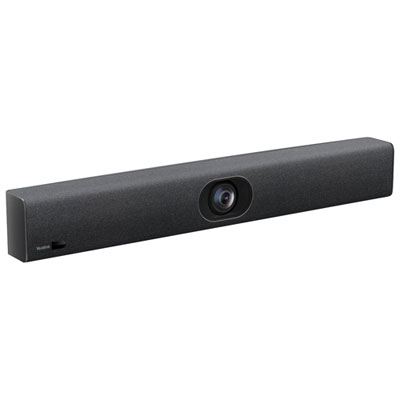
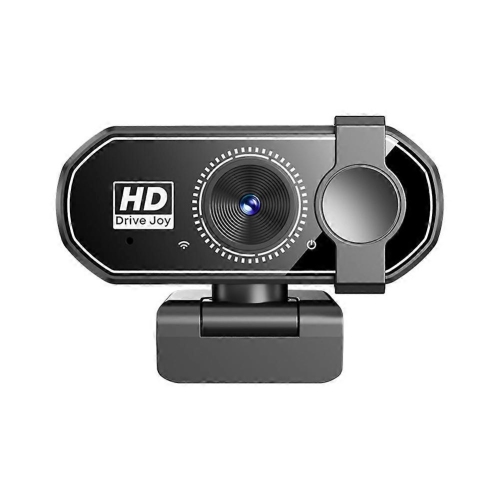
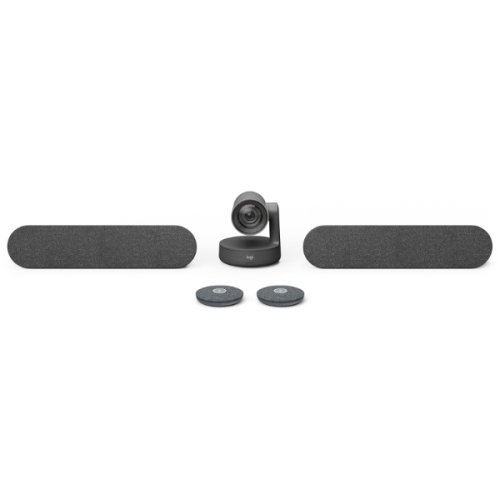
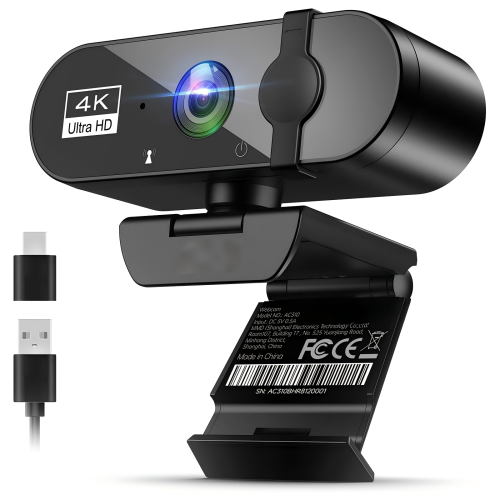
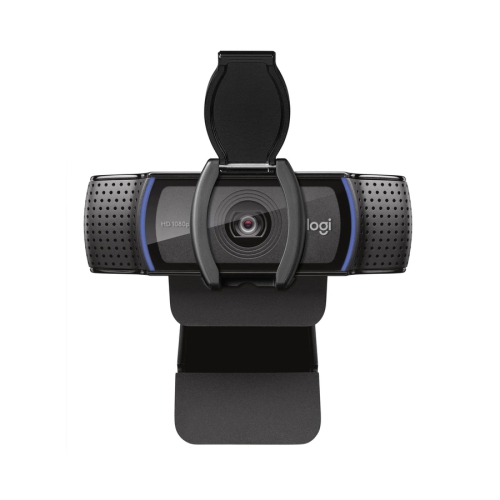
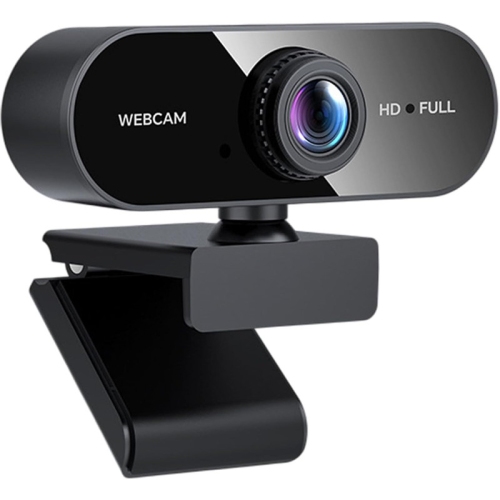
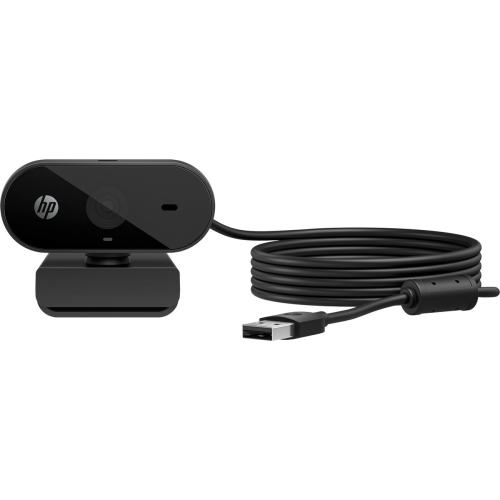
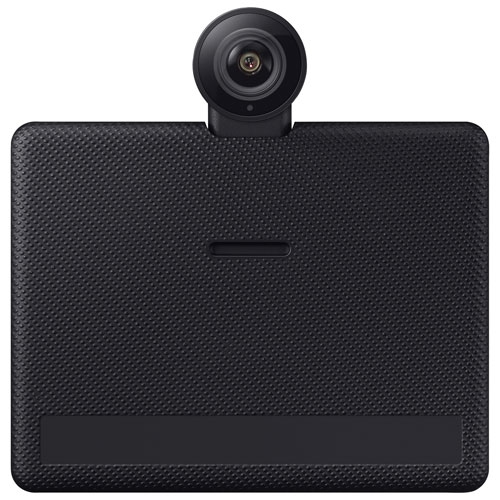
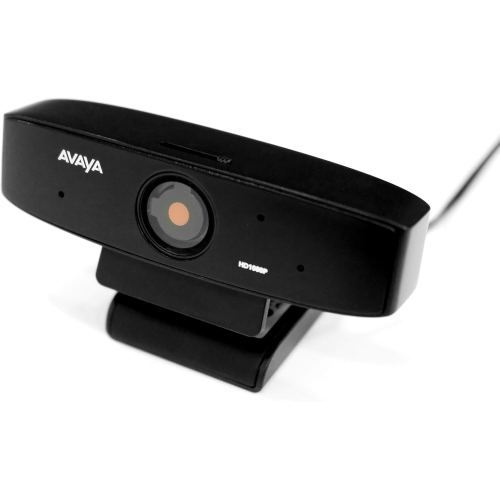
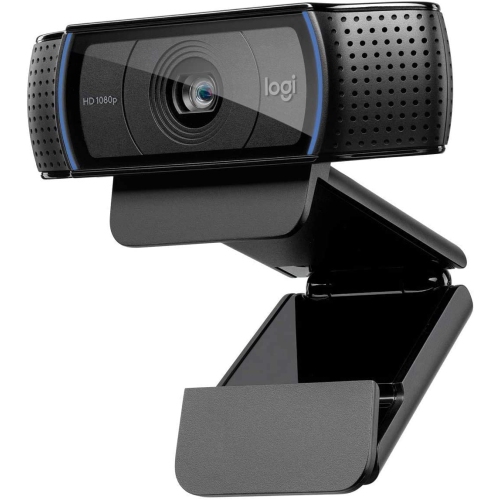
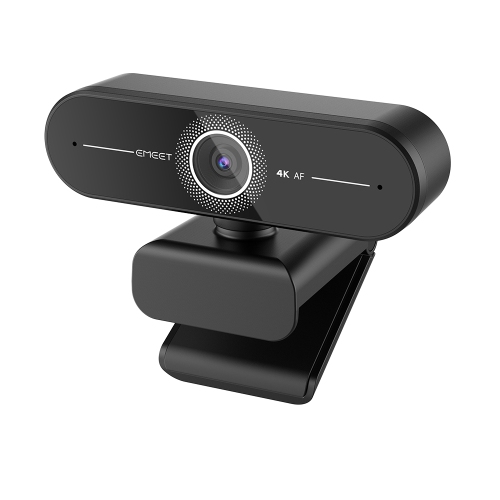
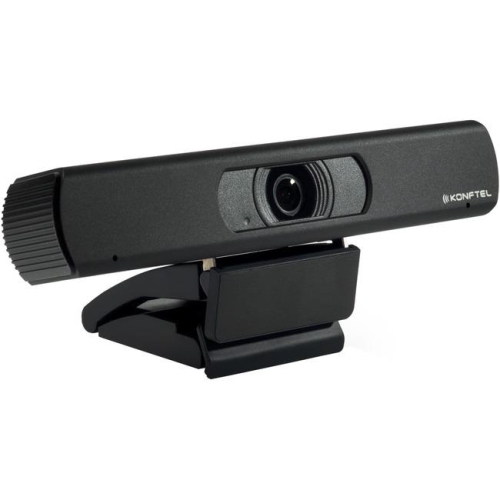
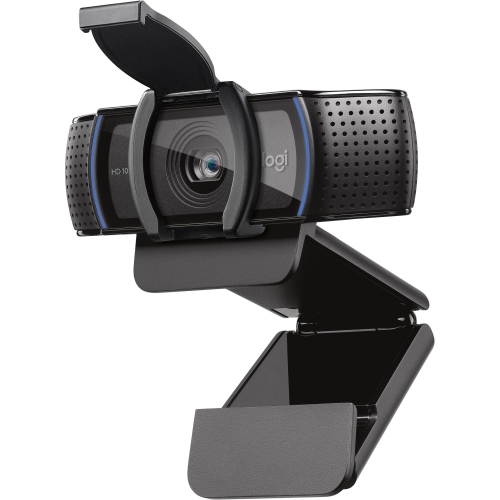
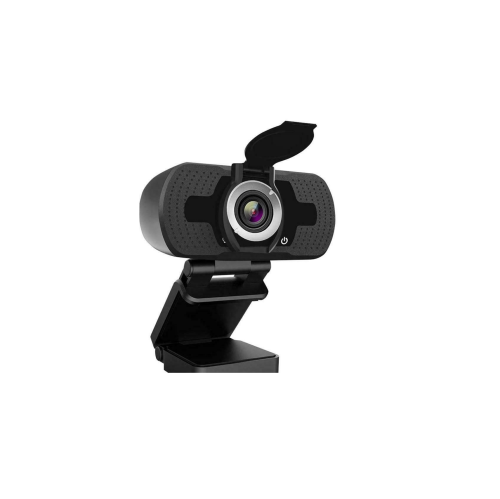
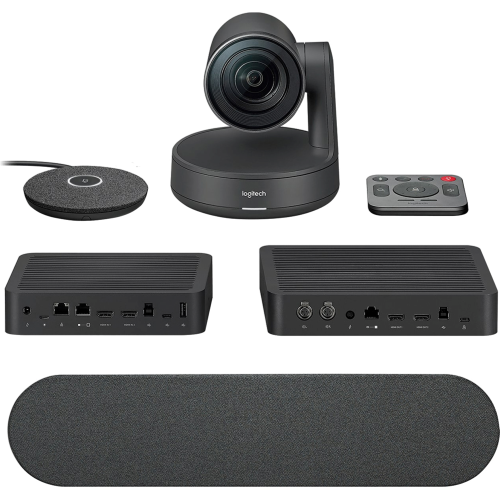
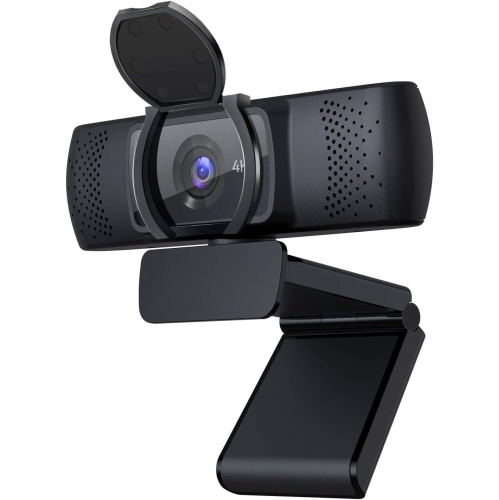
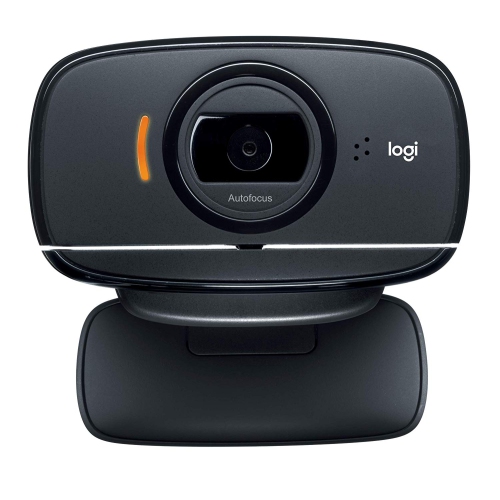
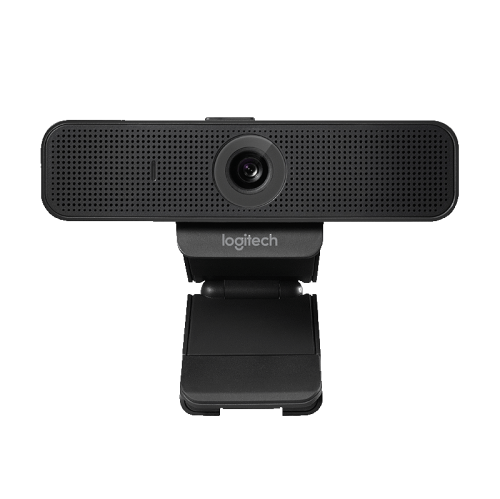
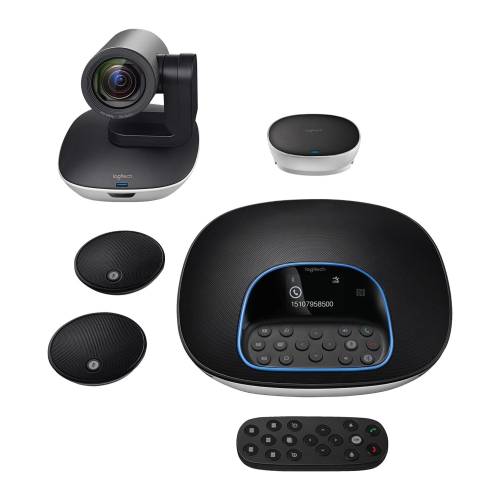
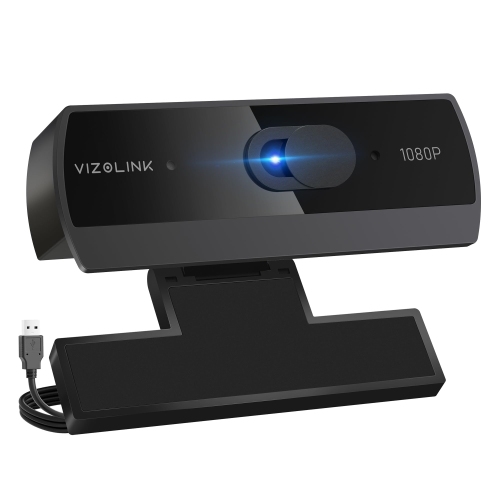
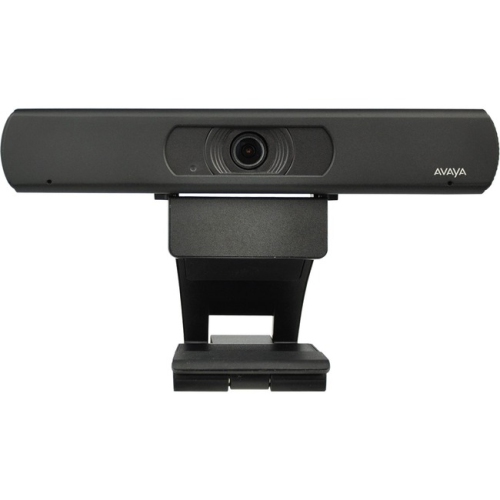
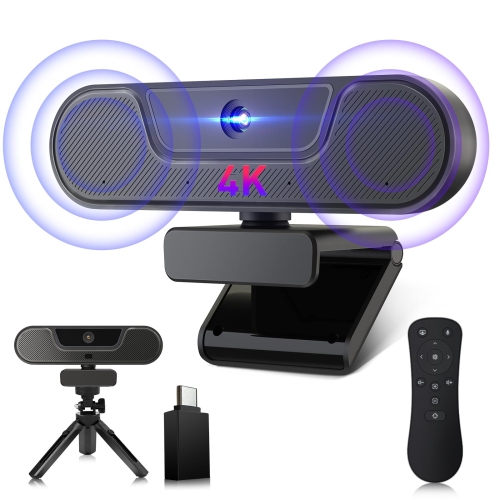
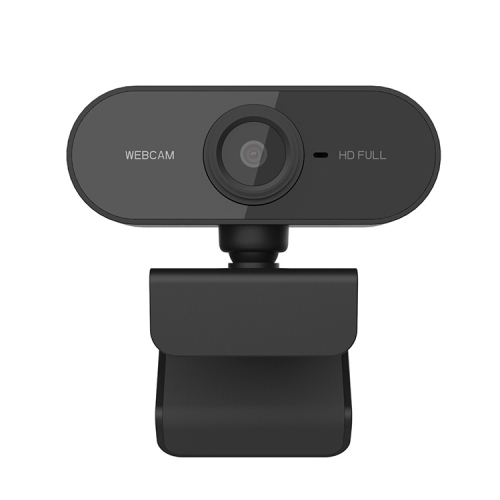
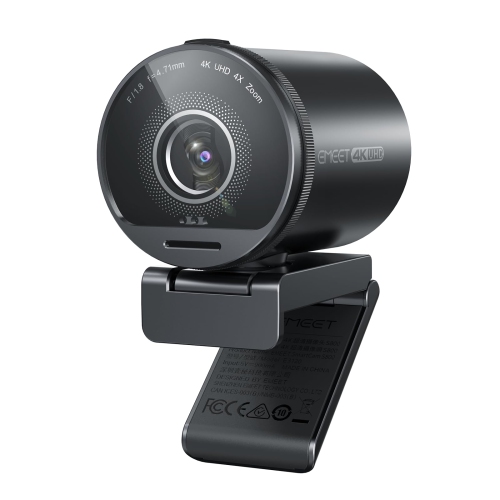
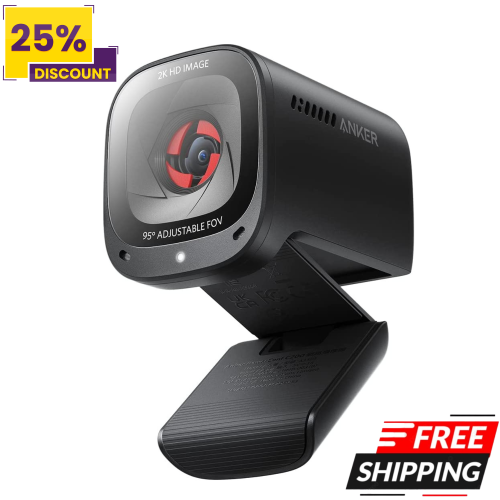
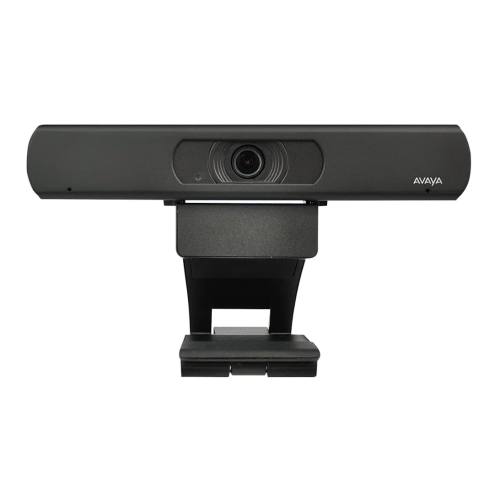
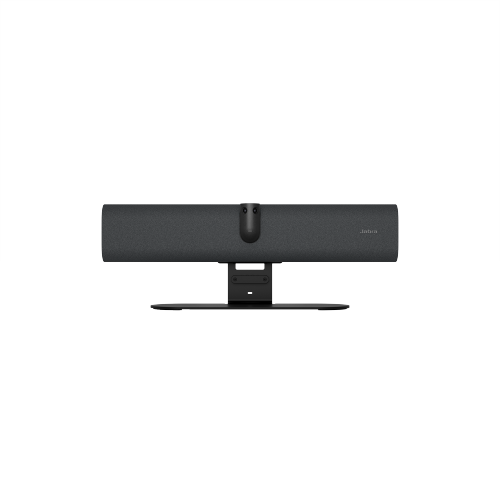
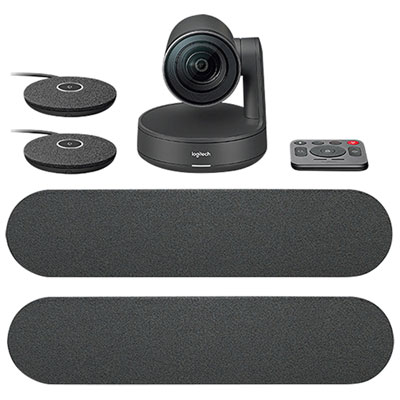
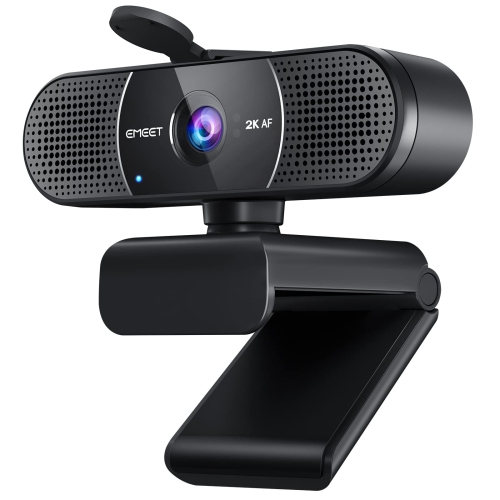
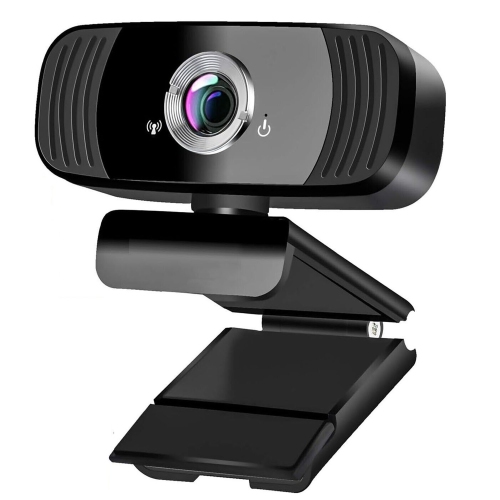
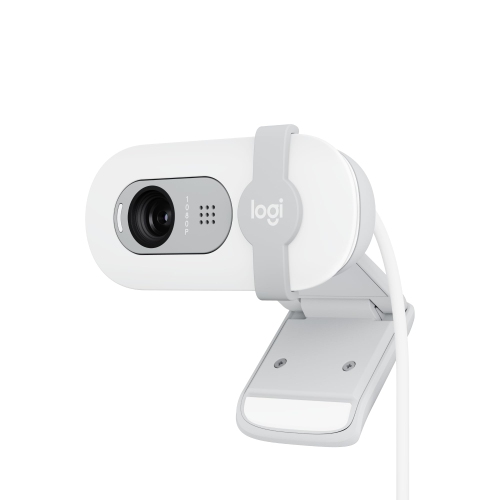
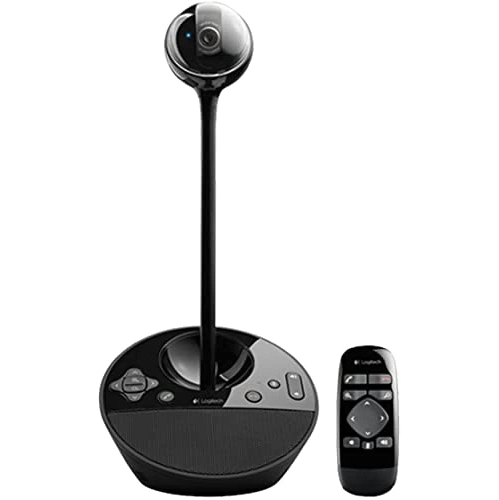
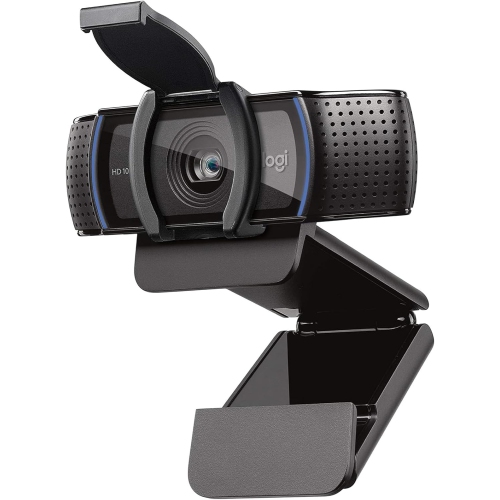
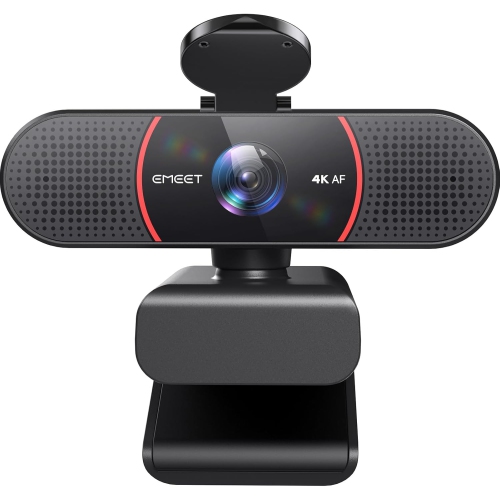
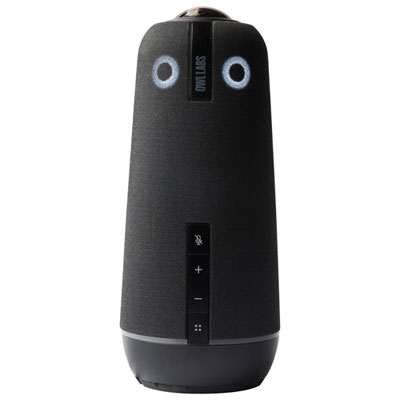
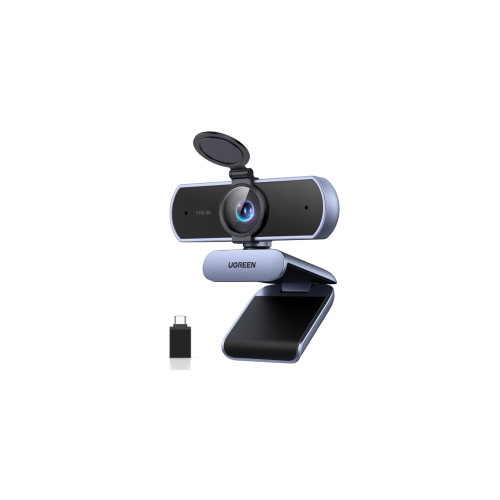
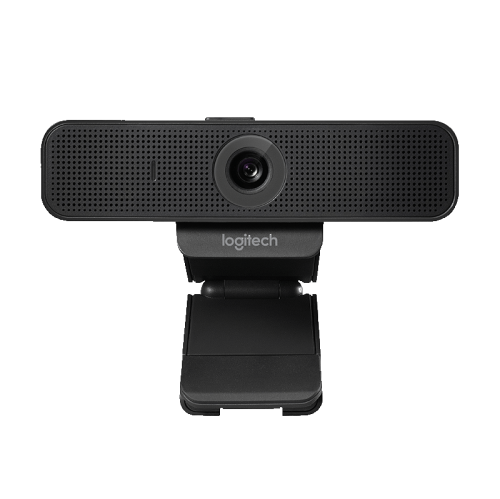
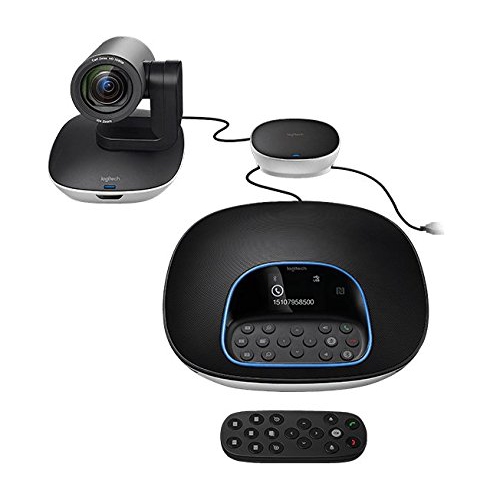
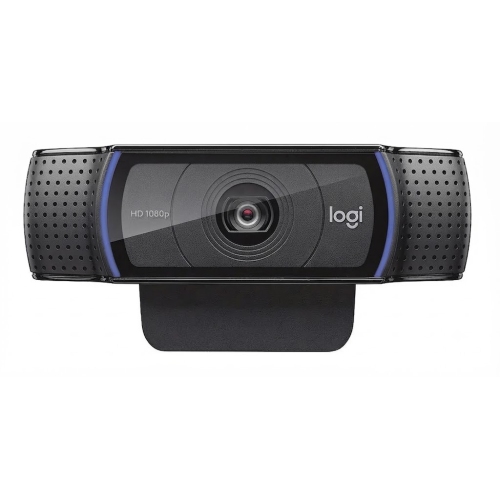
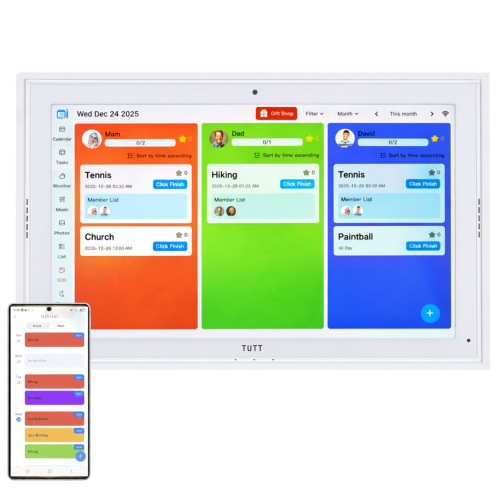
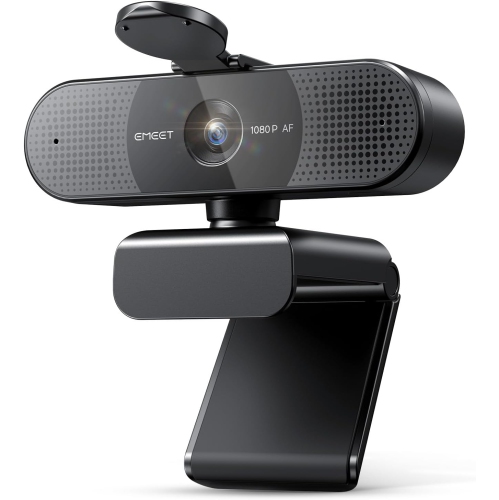
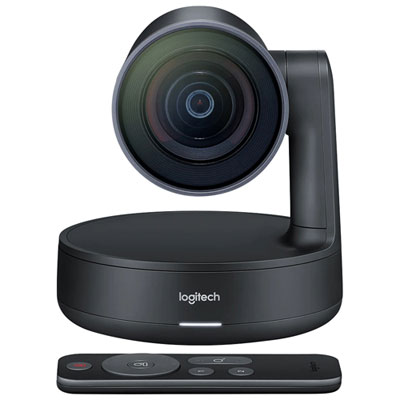
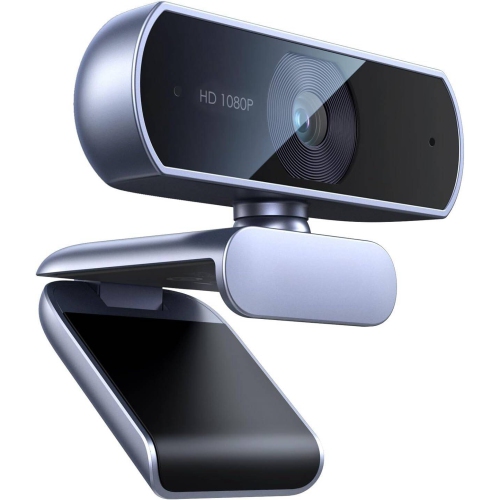
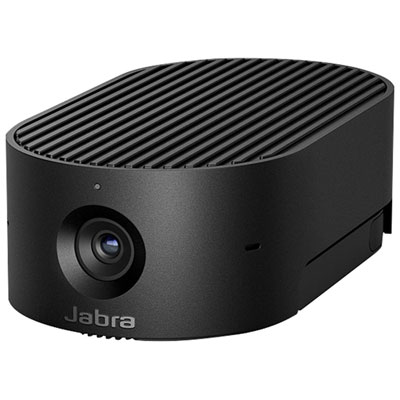
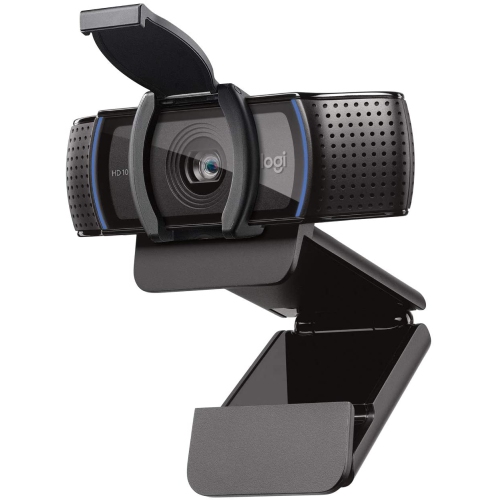
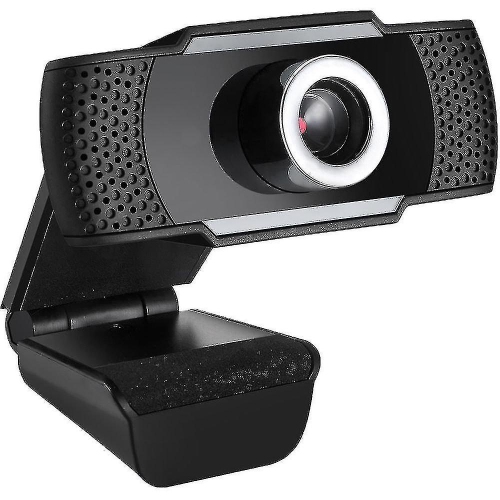
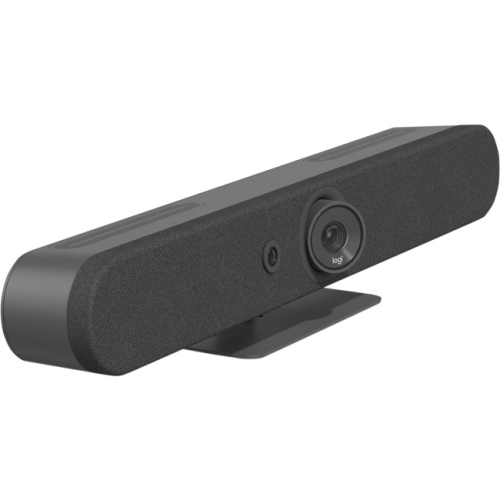
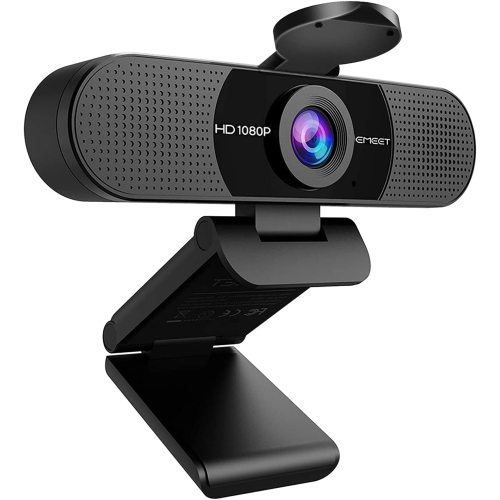
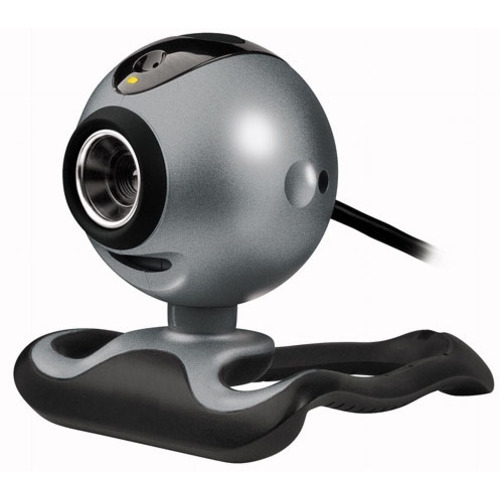
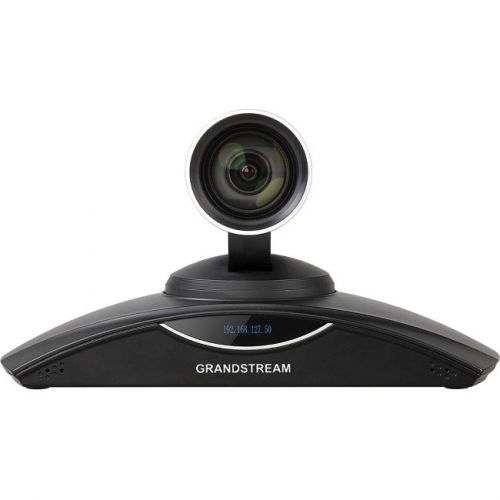
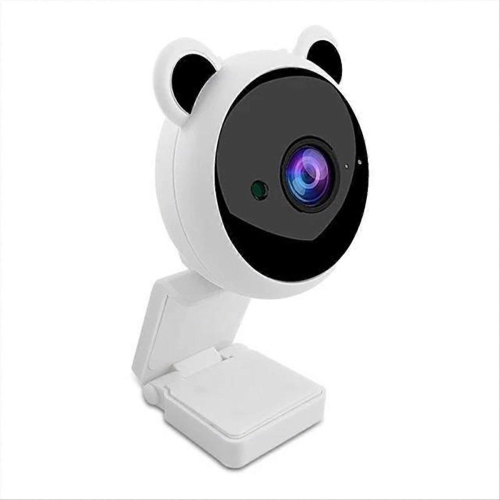
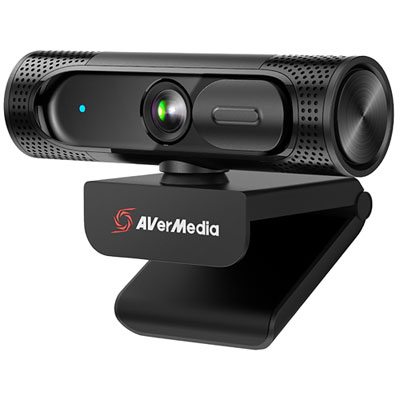
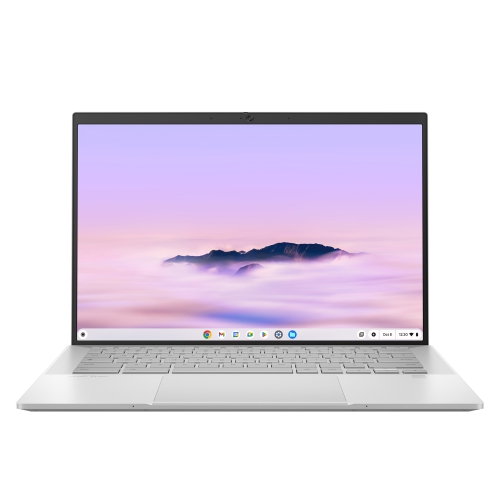
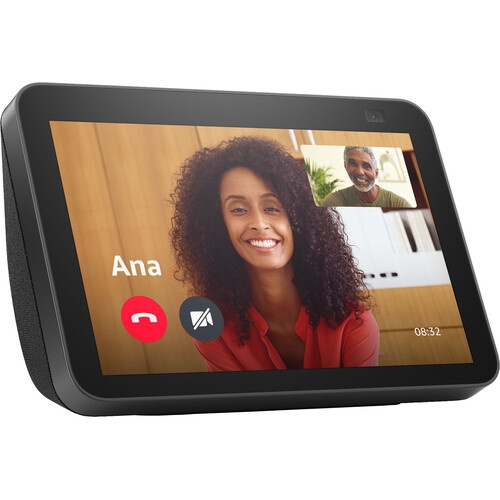
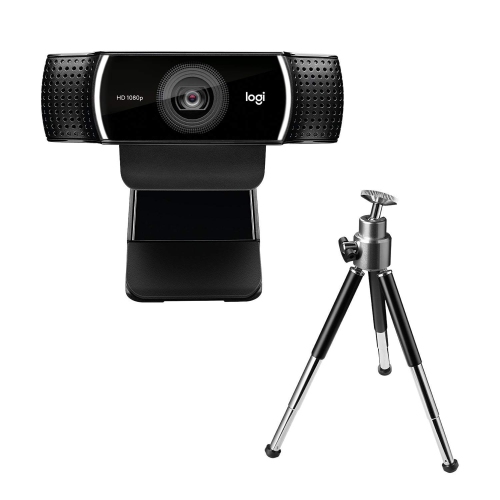
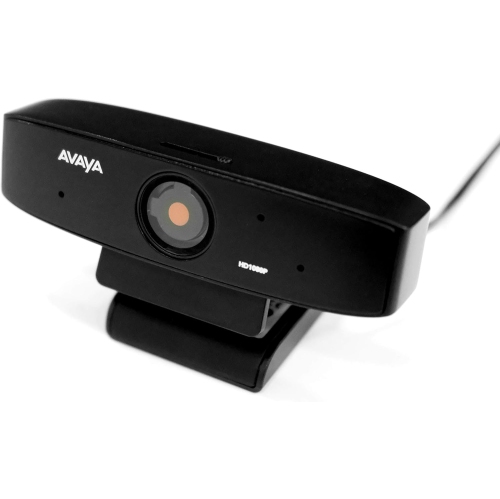
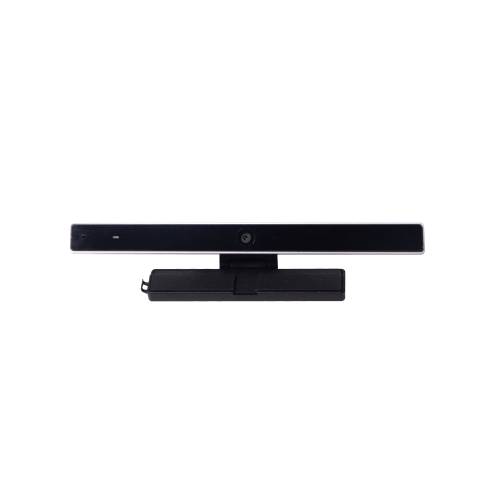
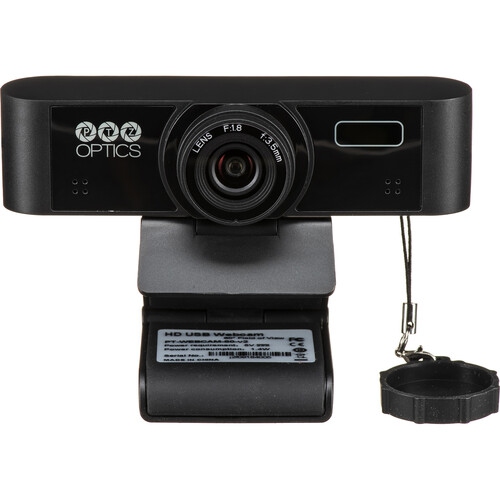
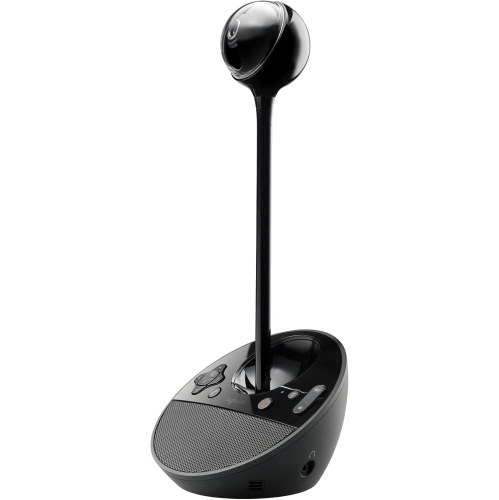
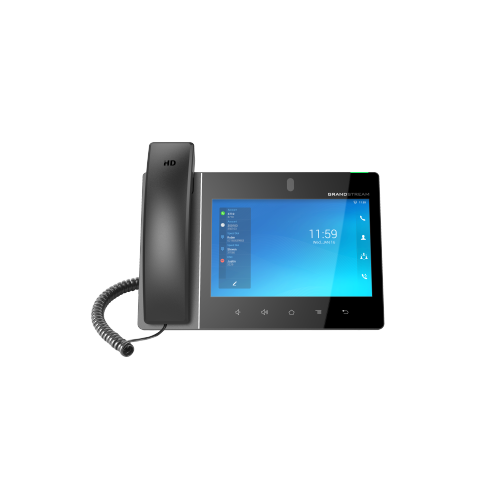
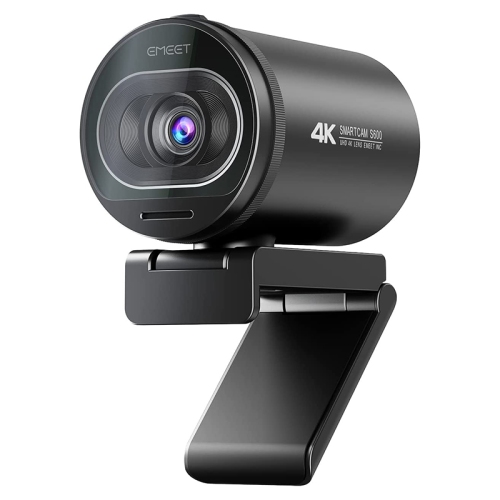
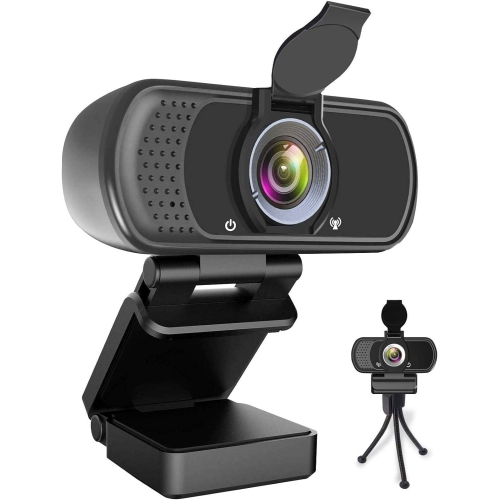
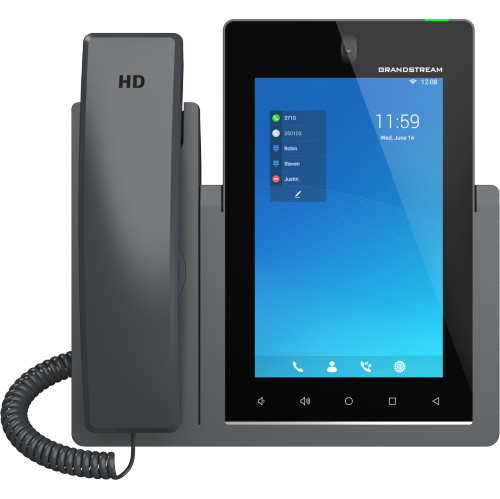
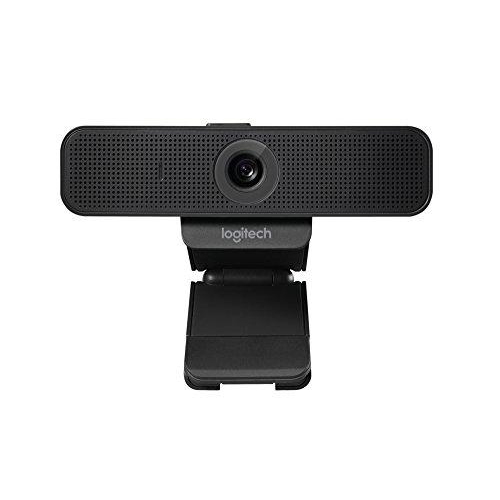
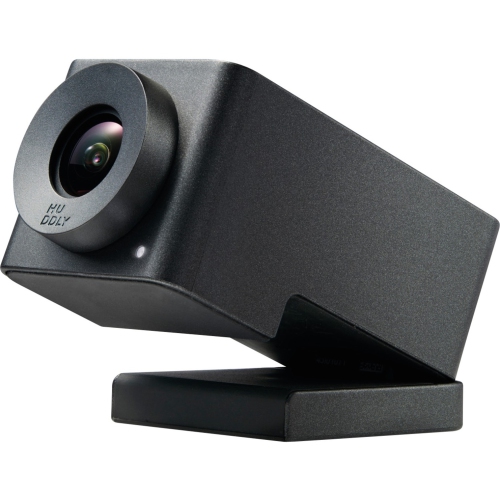
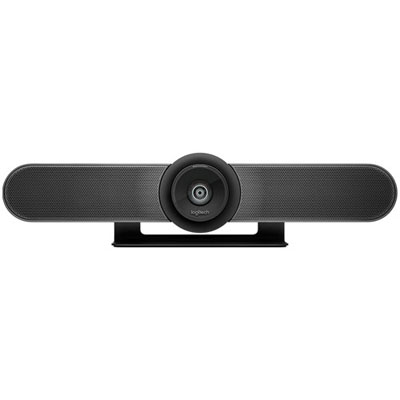
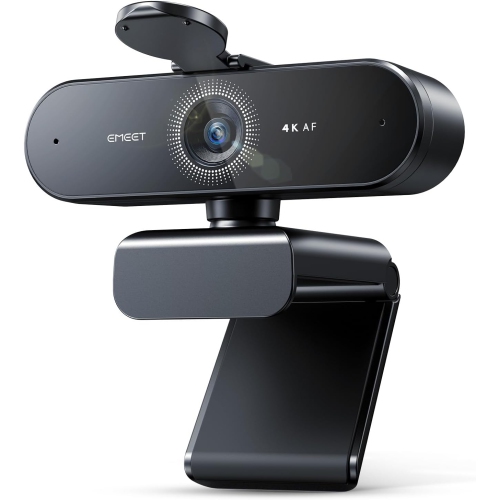
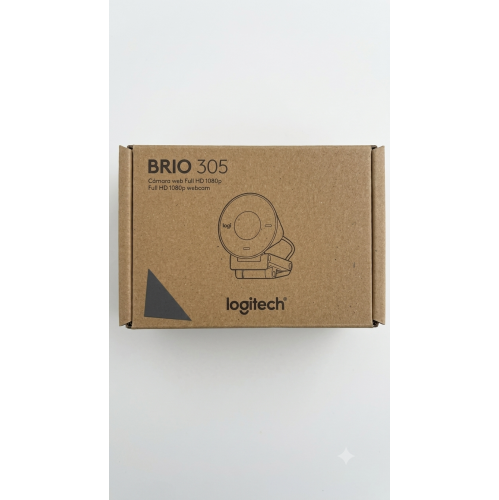
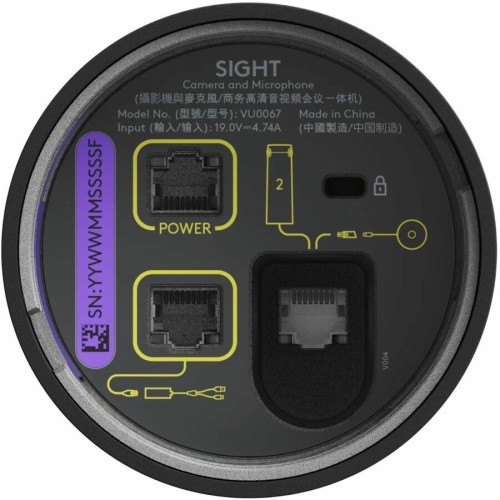
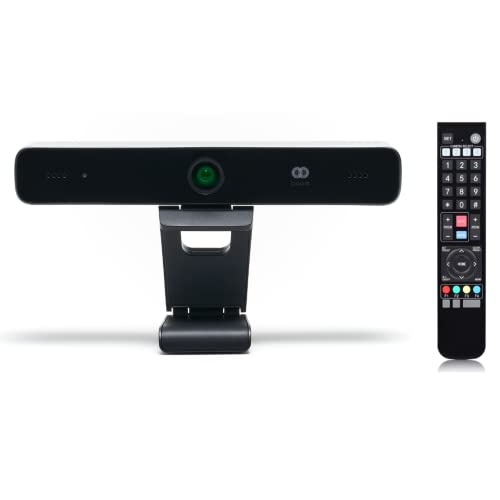
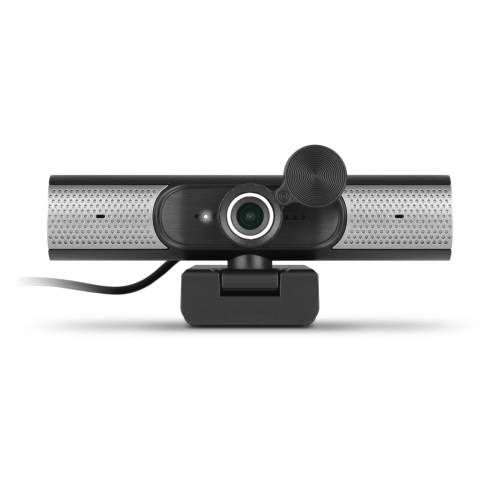
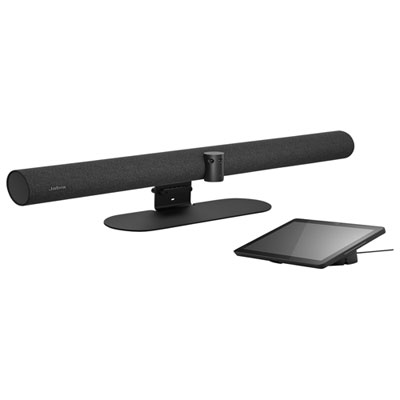
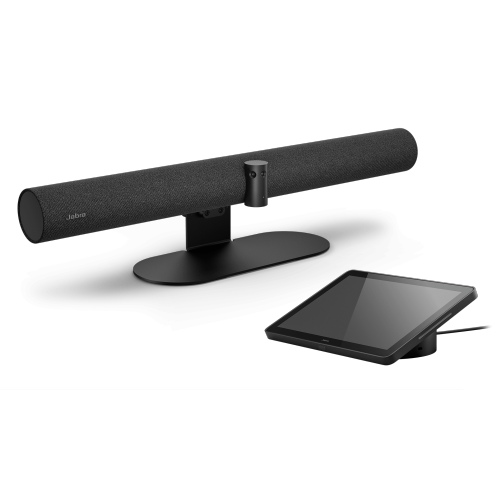
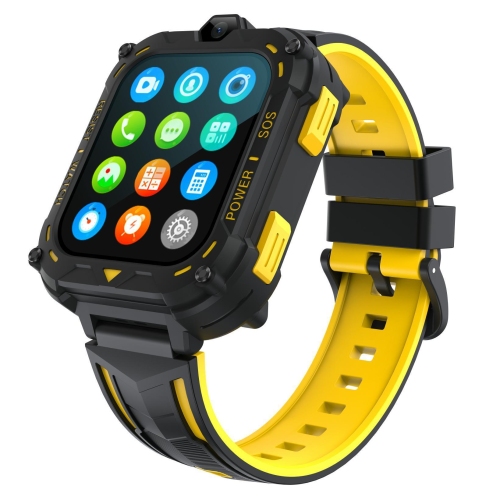
Video call devices make it easier to stay close when work, family commitments, distance, or mobility make in-person visits difficult. This category includes standalone smart displays with built-in cameras and screens, webcams that connect to computers, portable devices for video calls, and specialized interfaces that bring calls to a television. Each type is designed for a slightly different routine. A standalone display can sit on a kitchen counter, bedside table, or home office desk, giving users a dedicated place to make and receive calls without opening a laptop. A webcam can add video calling to a desktop computer or improve the camera experience on a laptop, with features such as high-definition video, a wide viewing angle, built-in microphones, automatic light adjustment, and framing that helps keep the speaker centred as they move. Devices that connect to a television are especially useful for people who prefer a large screen, since faces and conversation details are easier to see from across a room. When browsing Video Call Devices, consider where the device will be used, how much space is available, whether it needs to be moved between rooms, and how comfortable the user is with menus, passwords, and app settings. A simple setup can make the difference between a device that becomes part of a daily routine and one that stays in its box.
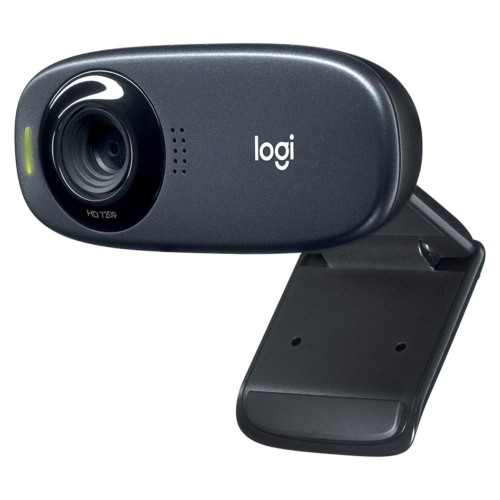
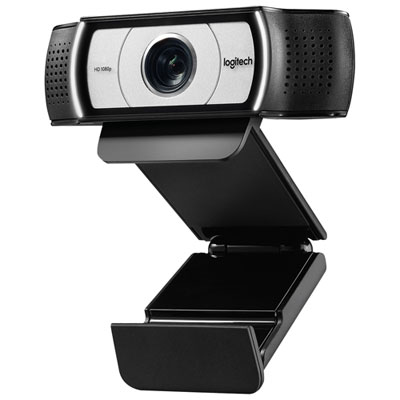
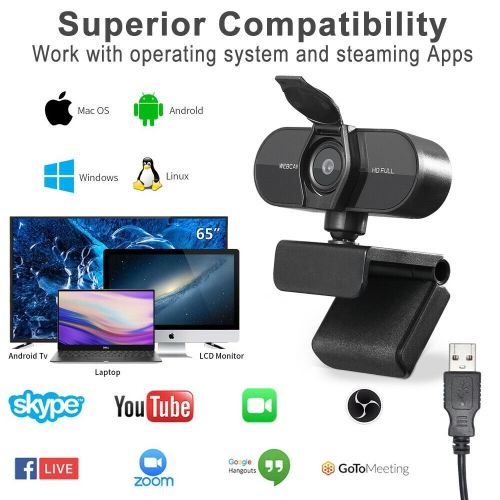
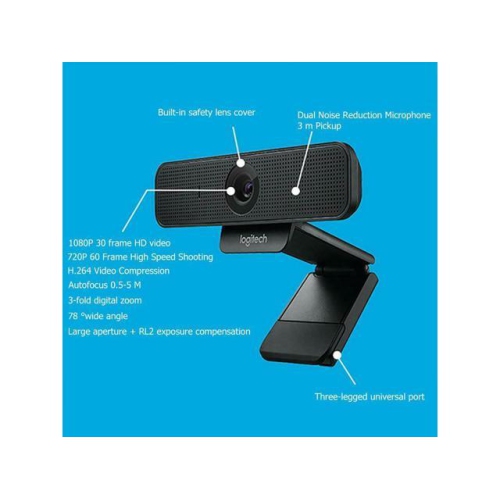
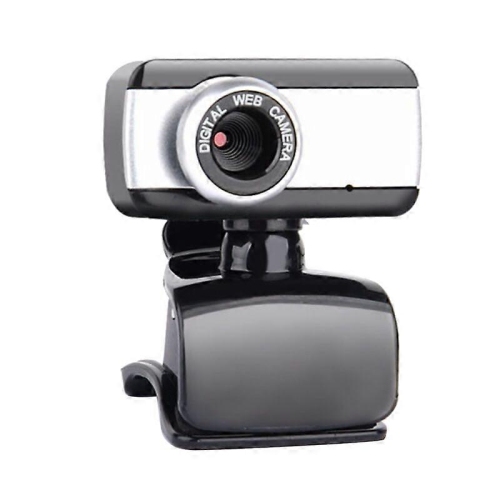
For older adults, people with limited technology experience, or anyone who finds small screens and crowded menus frustrating, ease of use deserves as much attention as camera quality. Look for clear on-screen instructions, large buttons, straightforward call controls, accessible volume settings, and a setup process that can be completed with help from a family member or caregiver. Some dedicated video calling interfaces are designed to connect directly to a television, allowing calls to appear on a familiar screen without requiring the user to manage a separate computer. Others offer a compact touchscreen that can remain ready in a central location, making it simple to accept a call from a child, grandchild, friend, or care provider. Families may also appreciate features that support remote assistance, contact management, privacy controls, and automatic call answering when appropriate for the household. For a home office, a webcam with a flexible clip can attach to a monitor or laptop and provide a more polished image for meetings, interviews, classes, and collaborative work. Check compatibility with the computer or display, connection type, operating system, calling services, and available ports before purchasing. It is also worth considering microphone placement, speaker volume, privacy shutters, camera covers, and whether the device performs well in a room with a bright window or uneven lighting. For portable options, explore Portable Devices For Video Calls when a user needs to move from a desk to a living room, bedroom, or shared workspace.
Video call devices can be thoughtful gifts for grandparents, relatives living alone, students away from home, remote workers, and families who want a more natural way to keep in touch during the cooler months. A larger screen can bring warmth to a conversation, showing familiar expressions clearly while everyone talks from their own home. Grandparents may use a simple display to read stories to children, share a meal virtually, or join family celebrations without navigating a complicated computer. Students and travellers can choose a portable option for calls from a dorm room, hotel, or temporary workspace, while professionals may value a webcam that helps them appear clear and well framed during long meetings. Before giving one as a gift, think about the recipient’s internet connection, available power outlets, preferred screen size, hearing or vision needs, and the amount of setup support they will have. A short test call, saved contact list, and clearly labelled power cable can make first use much less intimidating. Placement matters as well: a camera at eye level creates a more comfortable conversation, while a quiet area away from strong backlighting can improve both sound and picture quality. Whether the goal is a friendly catch-up, a work meeting, a virtual appointment, or a regular check-in with family, the right device can make video calling feel less like a technical task and more like sitting together in the same room.
For older adults, people with limited technology experience, or anyone who finds small screens and crowded menus frustrating, ease of use deserves as much attention as camera quality. Look for clear on-screen instructions, large buttons, straightforward call controls, accessible volume settings, and a setup process that can be completed with help from a family member or caregiver. Some dedicated video calling interfaces are designed to connect directly to a television, allowing calls to appear on a familiar screen without requiring the user to manage a separate computer. Others offer a compact touchscreen that can remain ready in a central location, making it simple to accept a call from a child, grandchild, friend, or care provider. Families may also appreciate features that support remote assistance, contact management, privacy controls, and automatic call answering when appropriate for the household. For a home office, a webcam with a flexible clip can attach to a monitor or laptop and provide a more polished image for meetings, interviews, classes, and collaborative work. Check compatibility with the computer or display, connection type, operating system, calling services, and available ports before purchasing. It is also worth considering microphone placement, speaker volume, privacy shutters, camera covers, and whether the device performs well in a room with a bright window or uneven lighting. For portable options, explore Portable Devices For Video Calls when a user needs to move from a desk to a living room, bedroom, or shared workspace.
Video call devices can be thoughtful gifts for grandparents, relatives living alone, students away from home, remote workers, and families who want a more natural way to keep in touch during the cooler months. A larger screen can bring warmth to a conversation, showing familiar expressions clearly while everyone talks from their own home. Grandparents may use a simple display to read stories to children, share a meal virtually, or join family celebrations without navigating a complicated computer. Students and travellers can choose a portable option for calls from a dorm room, hotel, or temporary workspace, while professionals may value a webcam that helps them appear clear and well framed during long meetings. Before giving one as a gift, think about the recipient’s internet connection, available power outlets, preferred screen size, hearing or vision needs, and the amount of setup support they will have. A short test call, saved contact list, and clearly labelled power cable can make first use much less intimidating. Placement matters as well: a camera at eye level creates a more comfortable conversation, while a quiet area away from strong backlighting can improve both sound and picture quality. Whether the goal is a friendly catch-up, a work meeting, a virtual appointment, or a regular check-in with family, the right device can make video calling feel less like a technical task and more like sitting together in the same room.
Top selling and popular products
-
 Your price for this item is $79.99
 -
 Your price for this item is $123.44
 -
 Your price for this item is $27.98
 -
 Your price for this item is $48.49
 -
 Your price for this item is $149.99
 -
 Your price for this item is $249.99
 -
 Your price for this item is $49.99
 -
 Your price for this item is $34.99
Discover more categories related to Video Call Devices

Top Collections:
Pokemon Centers, Best Cameras for Sports Photography, Kindle Devices, Samsung Galaxy Phones, Canon G7X Cameras, Pokémon 30th Celebration Cards, Refurbished Apple Laptops, iPhone 15 Apple, Laptops for Students, Budget Smartphones
Some products may be subject to Environmental Handling Fees
(EHF) depending on your province.
Learn more about EHFs.