Webcams for Smart TVs
Upgrade your Smart TV experience with high-quality webcams designed specifically for seamless video calls, online meetings, and virtual gatherings. Whether you're catching up with loved ones, attending virtual events, or collaborating with colleagues, our selection of webcams for Smart TVs ensures crystal-clear video and audio performance. With easy setup and compatibility with popular Smart TV models, these webcams are the perfect addition to enhance your entertainment and communication needs. Say goodbye to blurry video and muffled audio - step into the world of immersive video calling with our top-notch webcams for Smart TVs.
Sort

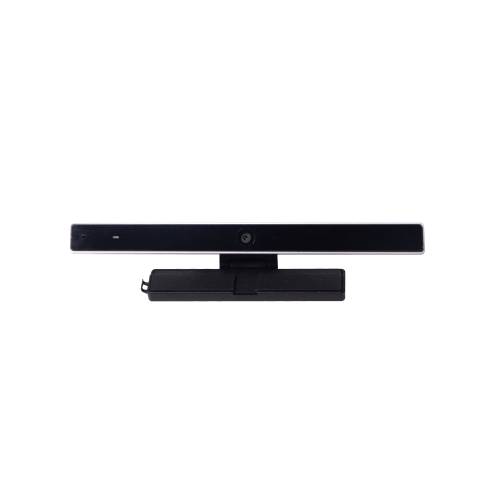

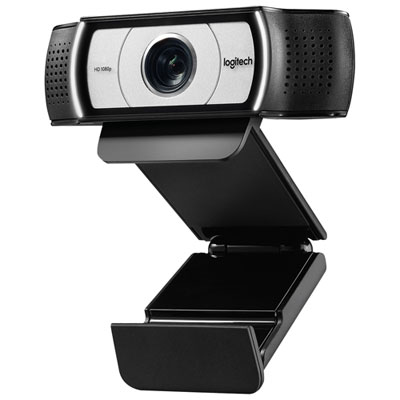
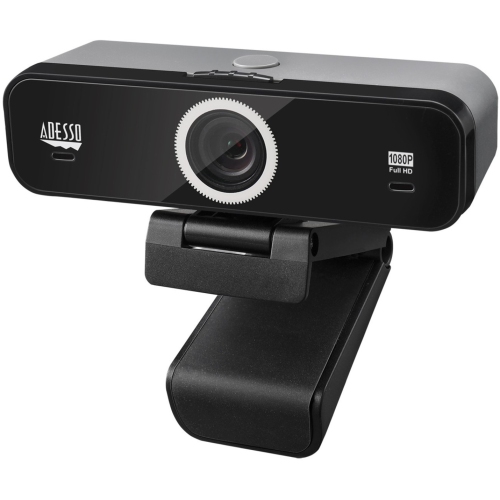
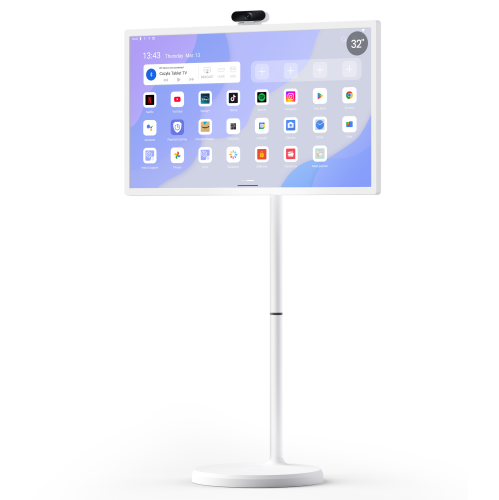
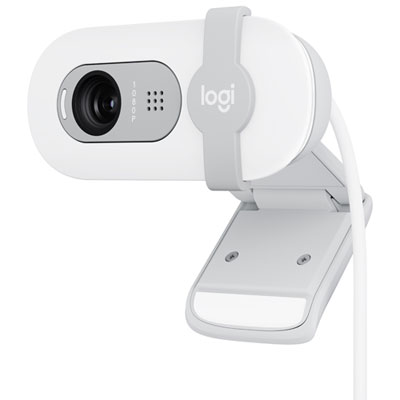
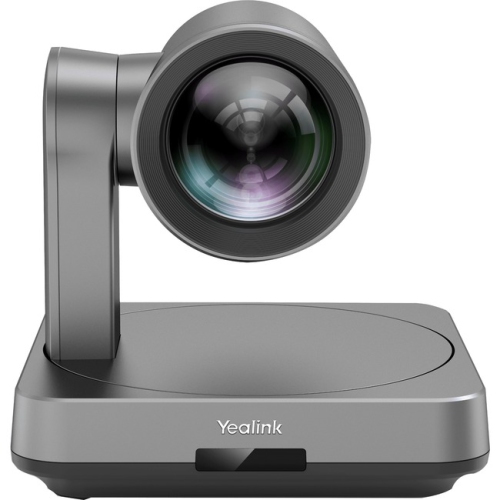
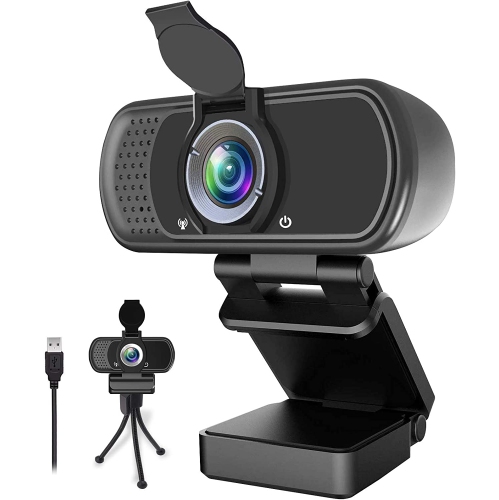
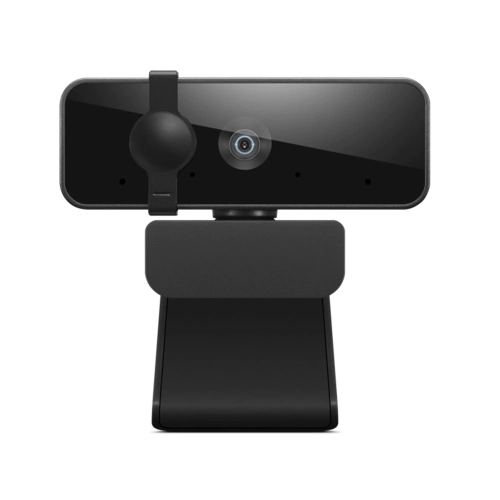

Big-screen video calls need more than a USB port
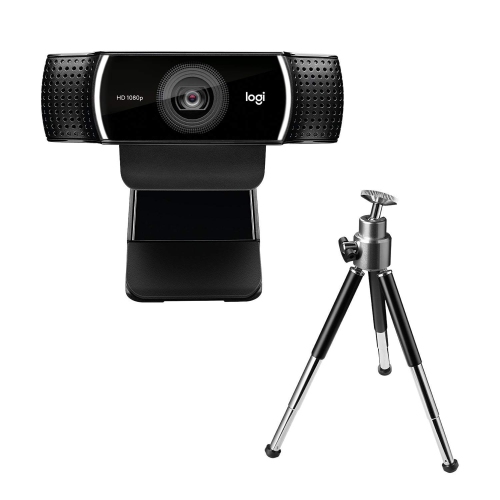
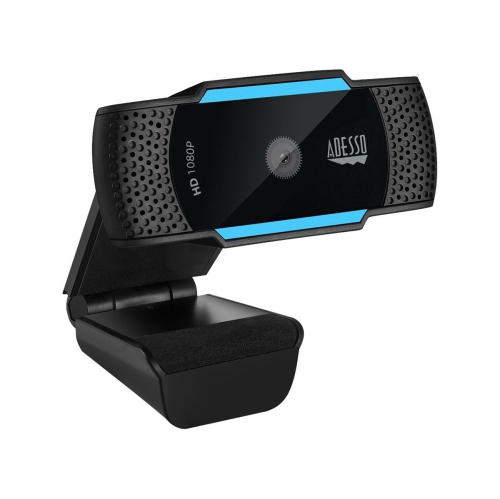
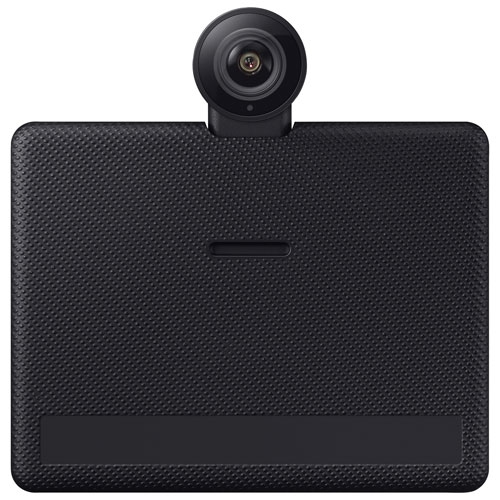
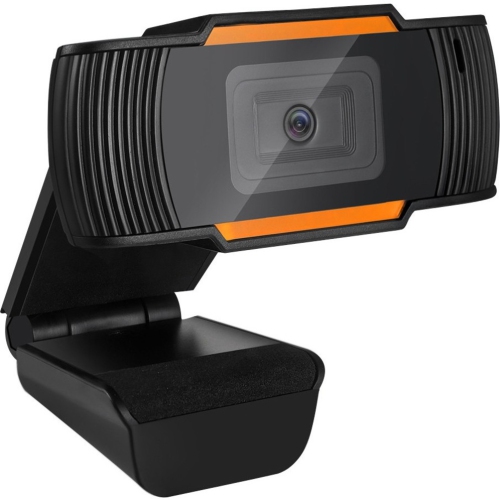
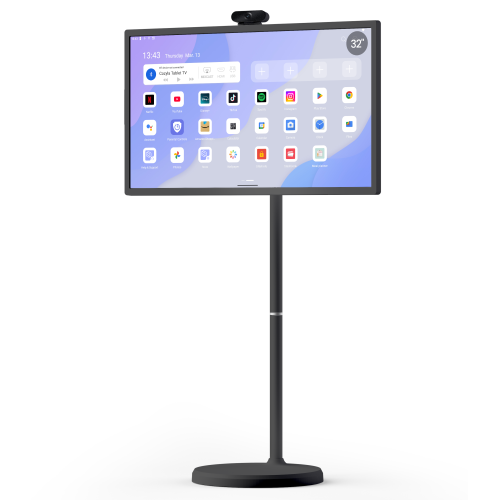
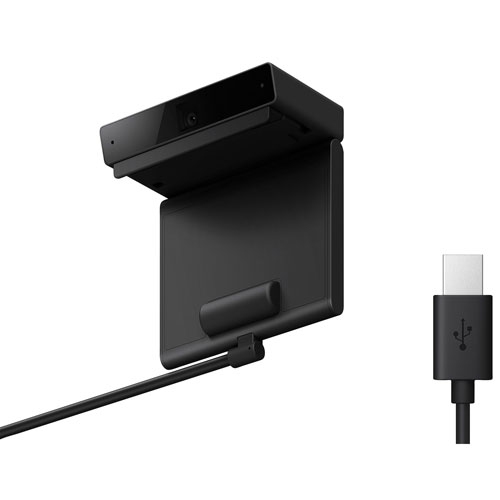
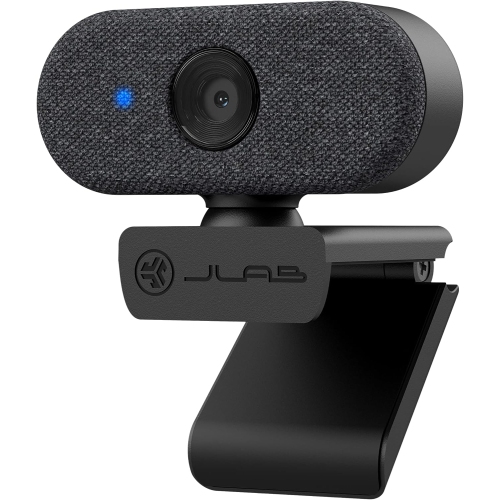
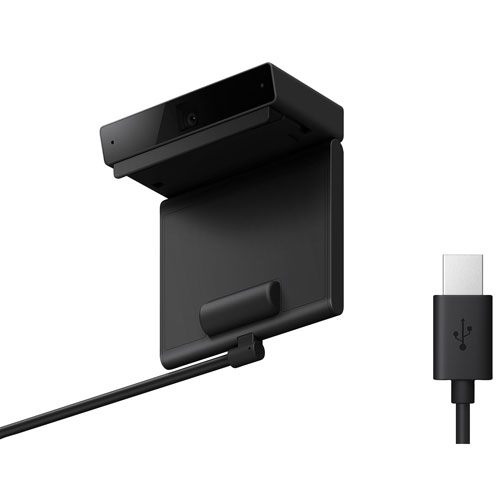
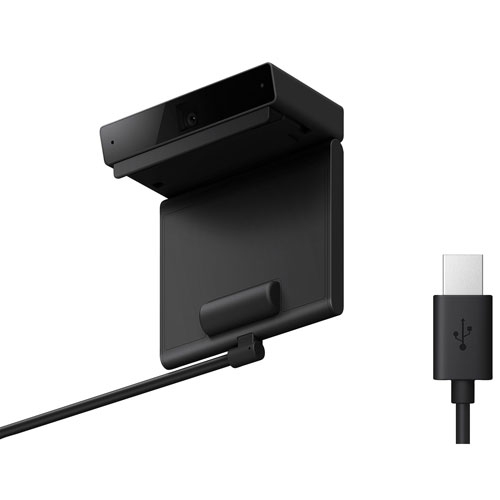
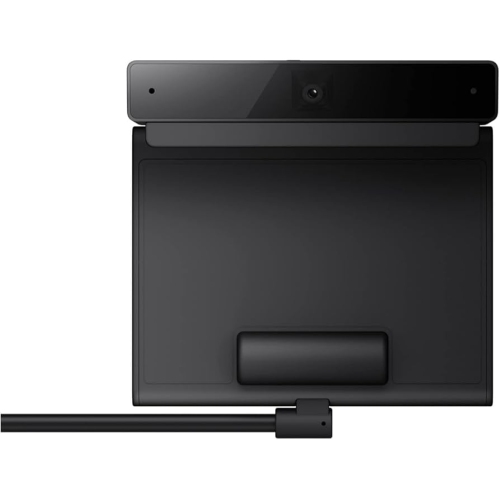
Webcams for smart TVs bring video conversations to a larger screen, giving families, friends, and colleagues more room to see one another without gathering around a laptop. A living-room setup can make a shared birthday call feel more relaxed, keep several people visible during a family catch-up, or provide a comfortable display for a remote lesson. The key is compatibility: a USB webcam works directly with a smart TV only when the television’s hardware, operating system, and supported apps can accept and use an external camera. A USB port alone does not confirm webcam support, since some television ports are intended for storage devices, media playback, or power. USB Video Class, often shortened to UVC, is a common standard for external webcams, but a UVC-compatible camera still needs explicit support from the TV and the intended video-calling app. Some televisions support only particular camera accessories, while others offer no direct webcam functionality. Even when an app is accessible through a TV browser, it may not have permission or technical support to use a connected camera or microphone. Compatibility information for the television model, camera, and calling service is therefore more useful than a general plug-and-play claim. Where direct connection is not supported, a compatible computer connected to the TV through HDMI can provide an alternative: the webcam connects to the computer, the calling app runs there, and the television acts as the larger display. That arrangement is different from plugging a webcam into the TV itself, and an ordinary USB-to-HDMI adapter does not add camera support to a television. These distinctions matter for anyone furnishing a shared family space, setting up a home office with a large display, or choosing a webcam as a gift for relatives. A camera suited to the actual calling setup is more useful than one chosen solely for its highest resolution.
Picture quality depends on how a webcam handles the room, not just the number of pixels listed in its specifications. Full HD 1080p can provide clear video for everyday calls, while 4K capture can offer more detail or greater flexibility for cropping when the connected device and software support it. A higher-resolution camera does not guarantee that callers will receive a 4K picture; the app, connection quality, and service settings may limit transmitted resolution. Likewise, a large television makes the incoming picture easier to see but does not improve the outgoing image captured by the webcam. For people seated across a living room, field of view and focus range are especially important. A wider lens can fit a couple or several family members on a sofa, although an overly broad view may include more of the room than intended and make faces appear smaller. A narrower view can suit a single person seated closer to the screen. Autofocus can help when someone leans forward to show a drawing or moves between seats, while a fixed-focus camera can work well when everyone stays within its specified focus range. Some webcams offer automatic framing, but that feature may depend on companion software that cannot run on a television. The same limitation can apply to background effects, zoom controls, and image adjustments. Smooth capture at 30 frames per second is generally suitable for conversation, with higher supported frame rates offering potential benefits for movement-based uses. Lighting also has a noticeable effect: a softly lit face is easier to see than a person silhouetted against a bright window. Automatic exposure and white balance can help manage uneven light and keep colours looking natural, though they cannot fully make up for a poorly lit seating area. For setups that also involve broadcasting from a computer, Webcams for Streaming offers a related category to explore, with the same need to verify support for each intended device and application.
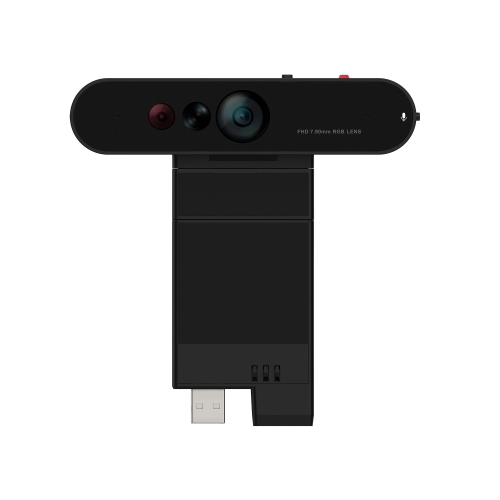
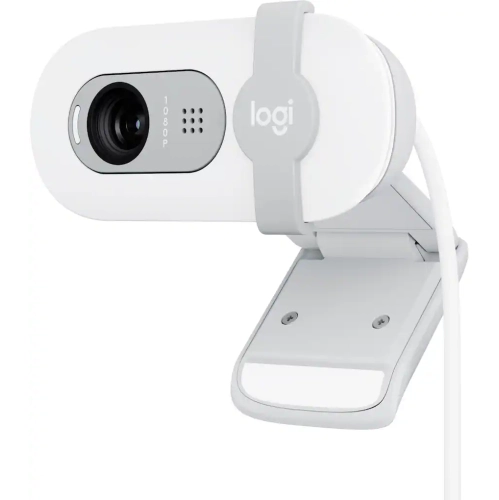
Sound, mounting, and everyday handling often determine how comfortable a TV webcam is to use over time. Built-in microphones vary in pickup range, and a microphone designed for someone sitting at a desk may struggle to capture voices clearly from a sofa several metres away. Multiple microphones, directional pickup, and noise-reduction features can help in suitable conditions, but performance still depends on room acoustics and the calling app. Television speakers can also feed sound back towards the microphone, so effective echo cancellation matters for natural conversation. A room with rugs, curtains, and upholstered furniture will generally produce less reflected sound than a mostly bare space. Physical fit deserves equal attention. Many webcams have lightweight plastic housings, adjustable clips, and padded contact points; some also include metal hinges or a threaded socket for a separate stand. A mount should suit the television’s thickness and shape without pressing against the display panel, covering ventilation openings, or blocking a remote-control sensor. Thin screen edges and curved backs can make a separate shelf or tripod a better fit than a screen-top clip. Positioning the lens near seated eye level can make conversations feel more direct, while a camera placed far above the screen may produce an awkward downward angle. Cable length needs to accommodate the route to the supported device without leaving the connector under tension or creating a trip hazard. Longer USB runs may require a suitable active extension, and compatibility can vary with resolution and power requirements. For care, a clean, dry microfibre cloth can lift dust and fingerprints from the lens, with cleaning handled according to the camera manufacturer’s directions. Gentle hinge adjustments and a cable routed away from pinching points help protect the parts that receive the most handling. A physical privacy shutter provides a visible way to cover the lens between calls, although it does not necessarily mute the microphone. Together, practical audio pickup, a secure mount, supported controls, and straightforward privacy features make a webcam better suited to regular use on a shared household screen.
Picture quality depends on how a webcam handles the room, not just the number of pixels listed in its specifications. Full HD 1080p can provide clear video for everyday calls, while 4K capture can offer more detail or greater flexibility for cropping when the connected device and software support it. A higher-resolution camera does not guarantee that callers will receive a 4K picture; the app, connection quality, and service settings may limit transmitted resolution. Likewise, a large television makes the incoming picture easier to see but does not improve the outgoing image captured by the webcam. For people seated across a living room, field of view and focus range are especially important. A wider lens can fit a couple or several family members on a sofa, although an overly broad view may include more of the room than intended and make faces appear smaller. A narrower view can suit a single person seated closer to the screen. Autofocus can help when someone leans forward to show a drawing or moves between seats, while a fixed-focus camera can work well when everyone stays within its specified focus range. Some webcams offer automatic framing, but that feature may depend on companion software that cannot run on a television. The same limitation can apply to background effects, zoom controls, and image adjustments. Smooth capture at 30 frames per second is generally suitable for conversation, with higher supported frame rates offering potential benefits for movement-based uses. Lighting also has a noticeable effect: a softly lit face is easier to see than a person silhouetted against a bright window. Automatic exposure and white balance can help manage uneven light and keep colours looking natural, though they cannot fully make up for a poorly lit seating area. For setups that also involve broadcasting from a computer, Webcams for Streaming offers a related category to explore, with the same need to verify support for each intended device and application.
Sound, mounting, and everyday handling often determine how comfortable a TV webcam is to use over time. Built-in microphones vary in pickup range, and a microphone designed for someone sitting at a desk may struggle to capture voices clearly from a sofa several metres away. Multiple microphones, directional pickup, and noise-reduction features can help in suitable conditions, but performance still depends on room acoustics and the calling app. Television speakers can also feed sound back towards the microphone, so effective echo cancellation matters for natural conversation. A room with rugs, curtains, and upholstered furniture will generally produce less reflected sound than a mostly bare space. Physical fit deserves equal attention. Many webcams have lightweight plastic housings, adjustable clips, and padded contact points; some also include metal hinges or a threaded socket for a separate stand. A mount should suit the television’s thickness and shape without pressing against the display panel, covering ventilation openings, or blocking a remote-control sensor. Thin screen edges and curved backs can make a separate shelf or tripod a better fit than a screen-top clip. Positioning the lens near seated eye level can make conversations feel more direct, while a camera placed far above the screen may produce an awkward downward angle. Cable length needs to accommodate the route to the supported device without leaving the connector under tension or creating a trip hazard. Longer USB runs may require a suitable active extension, and compatibility can vary with resolution and power requirements. For care, a clean, dry microfibre cloth can lift dust and fingerprints from the lens, with cleaning handled according to the camera manufacturer’s directions. Gentle hinge adjustments and a cable routed away from pinching points help protect the parts that receive the most handling. A physical privacy shutter provides a visible way to cover the lens between calls, although it does not necessarily mute the microphone. Together, practical audio pickup, a secure mount, supported controls, and straightforward privacy features make a webcam better suited to regular use on a shared household screen.
Top selling and popular products
-
 Your price for this item is $79.99
 -
 Your price for this item is $123.44
 -
 Your price for this item is $39.99
 -
 Your price for this item is $48.49
 -
 Your price for this item is $149.99
 -
 Your price for this item is $249.99
 -
 Your price for this item is $49.99
 -
 Your price for this item is $34.99
Discover more categories related to Webcams for Smart TVs
Top Collections:
Pokemon Centers, Kindle Devices, Best Cameras for Sports Photography, Best Budget Office Chairs, Pokémon 30th Celebration Cards, Apple iPhones 16, Canon G7X Cameras, iPhone 15 Apple, Flip Phones, Samsung Galaxy Phones
Some products may be subject to Environmental Handling Fees
(EHF) depending on your province.
Learn more about EHFs.