Wi-Fi 6 AX1800
Experience a new level of wireless connectivity with WiFi 6 AX1800 technology. Designed to support the demands of modern homes and offices, WiFi 6 AX1800 routers and devices help you stay connected across all your favorite gadgets. Whether you're streaming, gaming, or working online, explore a range of options that bring reliable performance and advanced networking capabilities to your space. Discover how upgrading to WiFi 6 AX1800 can enhance your everyday digital experience.
Sort
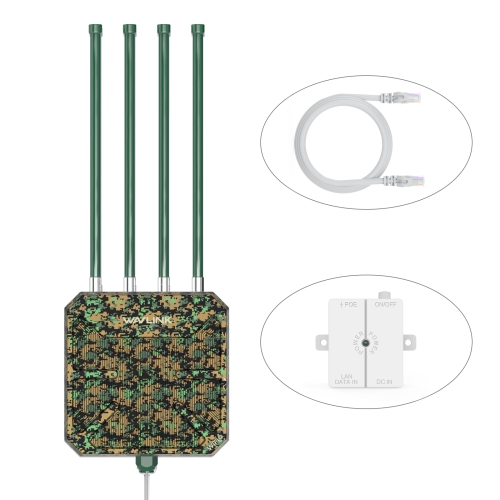

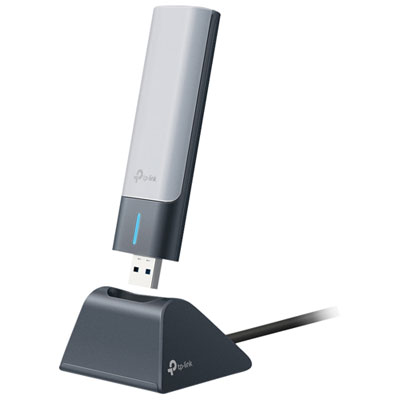
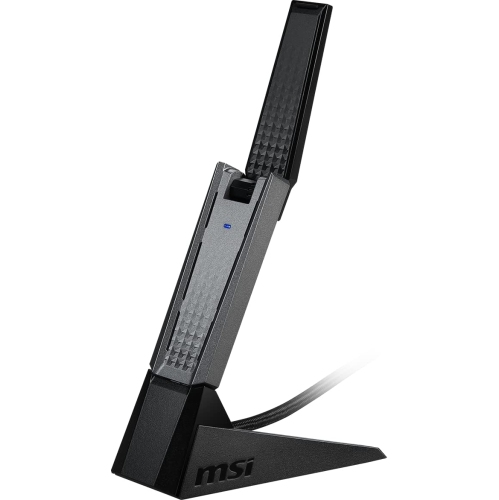
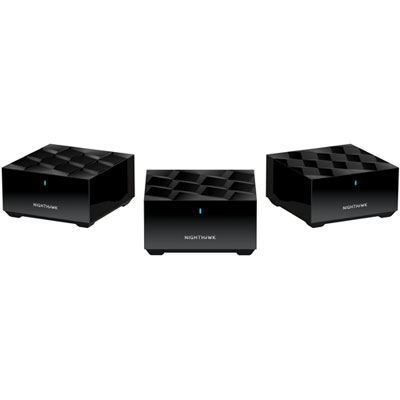
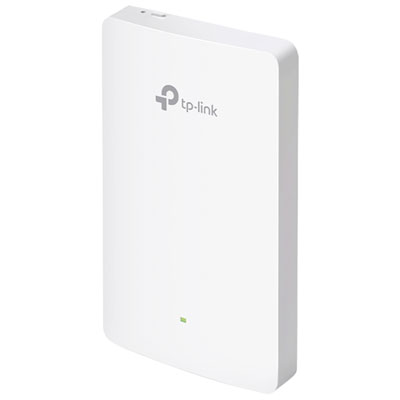
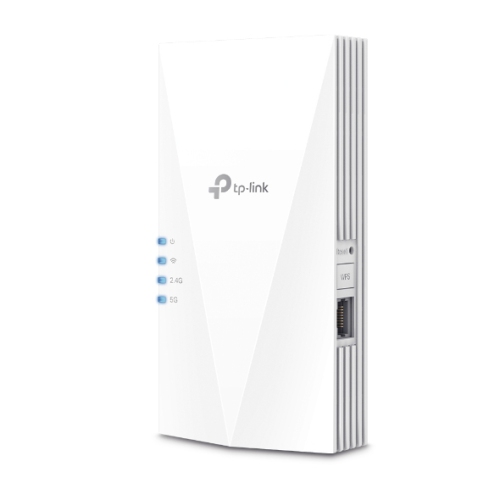
Why wireless speed ratings tell only part of the story
Wi-Fi 6 AX1800 refers to a class of dual-band wireless networking devices, including routers and access points, that support the Wi-Fi 6 standard, also called 802.11ax, with combined theoretical wireless speeds of approximately 1.8 Gbps. A typical AX1800 configuration offers up to 574 Mbps on the 2.4 GHz band and 1,201 Mbps on the 5 GHz band. Those figures describe the combined maximum connection rates across both bands, not the download speed available to a single device. Actual performance depends on the internet plan, the connected device, distance, interference, and the layout of the space. For everyday households, AX1800 networking can support a useful mix of activities: a video meeting at the kitchen table, a movie streaming in the living room, and phones and smart home devices sharing the connection. Wi-Fi 6 introduces technologies such as orthogonal frequency-division multiple access, or OFDMA, which helps compatible devices share wireless capacity more efficiently. Features such as multi-user MIMO can also help serve multiple compatible devices, although support and implementation vary. The practical benefit is better handling of busy networks rather than a promise that every connection will become faster. Older Wi-Fi devices can generally connect to a Wi-Fi 6 router using their supported wireless standards, but they do not gain every Wi-Fi 6 feature. AX1800 also does not mean 6 GHz connectivity; that band requires equipment that explicitly supports it, such as Wi-Fi 6E devices. Within the broader selection of Wi-Fi 6 Routers, AX1800 is a performance class suited to many everyday networking needs. It can be a practical match for browsing, schoolwork, streaming, and connected home controls, provided the coverage, wired connections, and internet service fit the household. A faster internet plan cannot remove a weak wireless signal, and a higher wireless rating cannot increase the speed supplied by the internet provider. That distinction matters when a household needs more consistent coverage rather than simply a larger speed figure on the packaging.
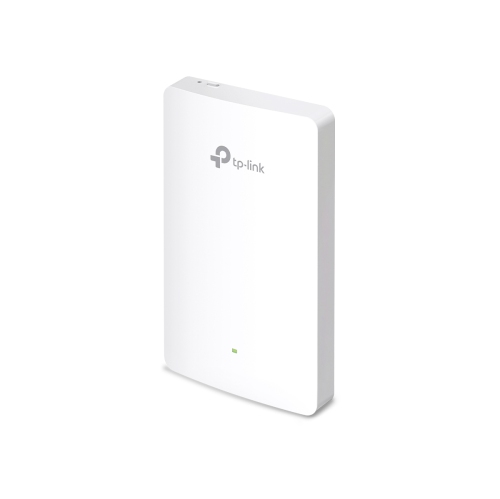
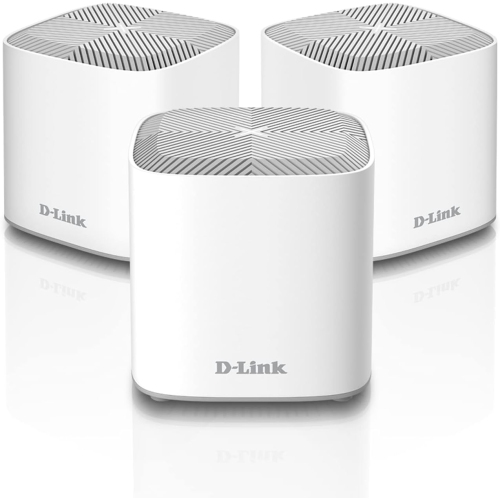
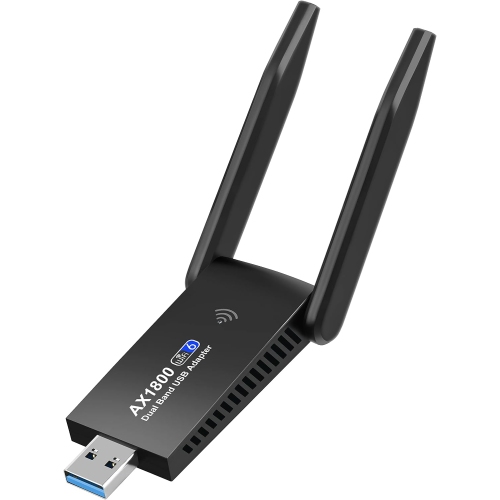
Coverage and physical fit are just as important as the AX1800 rating. An open apartment, a narrow townhouse, and a home office separated from the router by several walls can have very different networking needs, even with the same number of connected devices. The 2.4 GHz band generally reaches farther and passes through obstacles more readily, while 5 GHz often provides higher throughput at shorter distances. Concrete, brick, metal shelving, mirrors, and large appliances can weaken or redirect wireless signals. A central, open position on a shelf or desk usually gives a router a better starting point than a closed cabinet or a spot behind a television. Device type matters, too. A router manages traffic between the home network and the internet, while an access point typically adds wireless connectivity to an existing wired network. Some routers offer an access point mode, and some AX1800 devices belong to mesh systems designed to extend coverage through multiple nodes. Mesh compatibility is not universal, so the AX1800 label alone does not establish whether devices can work together. Wireless links between mesh nodes also use network capacity; supported wired backhaul can provide a separate path between them. For a detached workspace or a difficult room, the placement of the network connection may matter more than the advertised speed class. Physical designs range from upright housings with internal antennas to wider units with adjustable external antennas. Dimensions, cable clearance, mounting options, and the location of power outlets all affect how neatly a device fits into a room. Plastic housings are common, but casing thickness or antenna count alone does not establish coverage or durability. Clear ventilation openings and a stable surface support reliable day-to-day use. Routine care is straightforward: follow the manufacturer's cleaning instructions, disconnect power before cleaning, and keep liquid away from ports and vents. An accessible location also makes it easier to check cables or restart equipment without disturbing a shelf full of other electronics.
The most useful AX1800 features depend on how the network will be used. A household with a desktop computer, gaming console, or television may benefit from several Ethernet ports, since a wired connection can offer consistent performance without competing for wireless airtime. Port speed deserves attention alongside the wireless rating: Gigabit Ethernet connections can limit traffic passing through them to below the combined AX1800 wireless figure. An AX1800 router is not necessarily a modem, either, and many internet services still require a separate modem or provider-supplied gateway. Compatibility with that equipment and the provider's connection requirements helps determine whether the router can serve as the main network device or should operate in another supported mode. For remote workers and students, traffic-prioritization features may help manage competing activities, although they cannot create extra internet bandwidth. A household uploading large files while several people stream video has different demands from one mainly browsing and checking messages. Guest networking can give visitors internet access without sharing the main network credentials, while parental controls may offer scheduling or filtering tools where supported. Feature depth, account requirements, and app access vary, so a familiar interface and clearly described controls can be more useful than a long feature list. Security support also matters over the life of the device. WPA3, where available and compatible with connected devices, offers newer wireless security, while firmware updates address software issues and may improve operation. Some older smart home devices need compatible security settings or a 2.4 GHz connection during setup. Automatic band selection can simplify everyday connections, but separate band names may be helpful for particular devices when the networking equipment allows them. For shared homes, home offices, and families with a growing mix of connected screens and accessories, a well-matched Wi-Fi 6 AX1800 setup brings together suitable coverage, manageable controls, and enough connection capacity for ordinary routines. Its value lies in that overall fit, rather than the speed label alone.
Top selling and popular products
-
 Your price for this item is $169.68
-
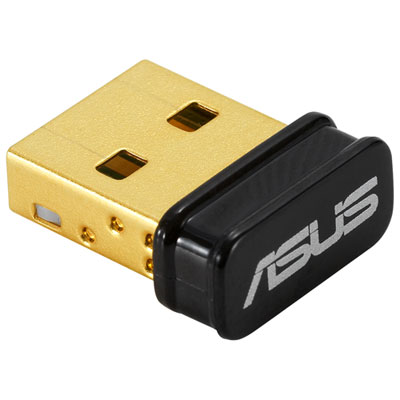 Your price for this item is $24.95
-
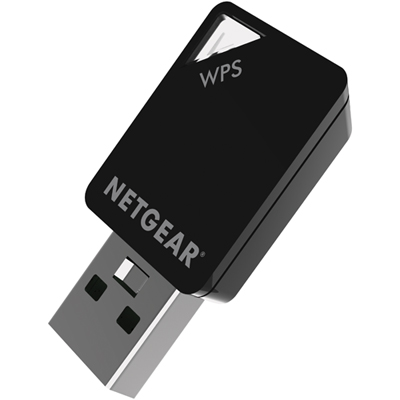 Your price for this item is $54.99
-
 Your price for this item is $91.68
-
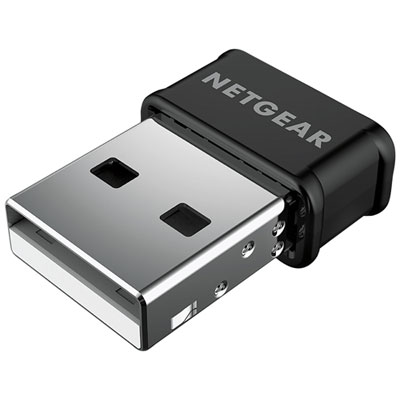 Your price for this item is $39.99
-
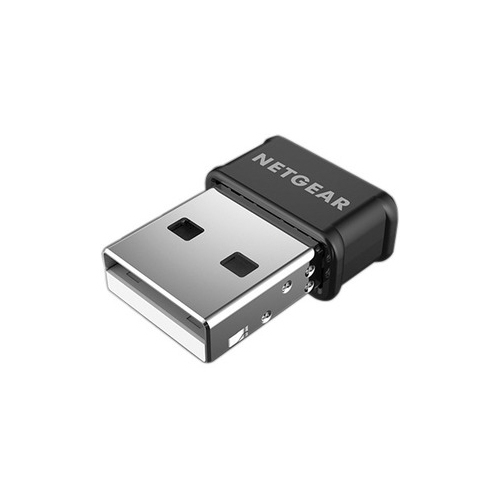 Your price for this item is $50.99
-
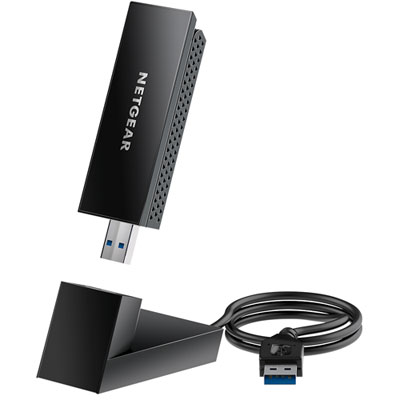 Your price for this item is $99.99
-
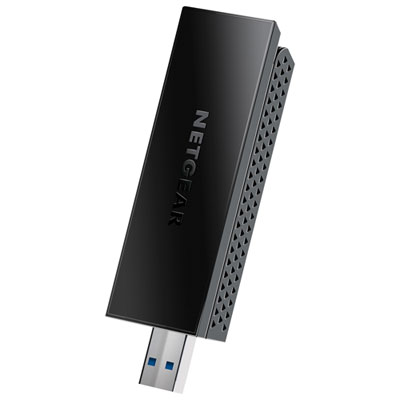 Your price for this item is $49.99
Discover more categories related to Wi-Fi 6 AX1800
Top Collections:
Best Black Friday Deals This Year, Best Black Friday Deals On Electronics, Kindle Devices, Pokemon Centers, Best Black Friday Deals On Apple Products, Best Cameras for Sports Photography, Dyson Airwrap, Pokémon 30th Celebration Cards, Apple iPhone 17 Pro, Canon G7X Cameras
Some products may be subject to Environmental Handling Fees
(EHF) depending on your province.
Learn more about EHFs.