Work From Home Tech Essentials
Upgrade your remote workspace with work from home tech essentials designed to keep you connected and productive throughout the day. Whether you're setting up a dedicated office or optimizing your current setup, the right technology can make all the difference. Discover a wide selection of devices and accessories that help streamline your workflow, enhance your comfort, and support seamless communication with colleagues and clients. Find everything you need to create an efficient and enjoyable work-from-home environment.
Sort


Your workday runs on more than a laptop
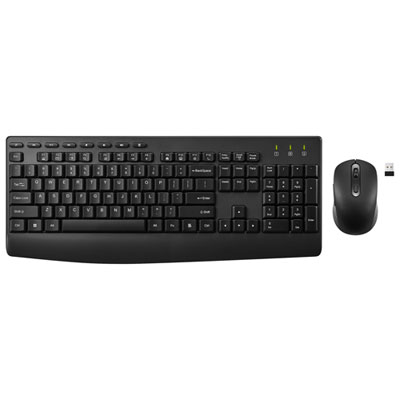
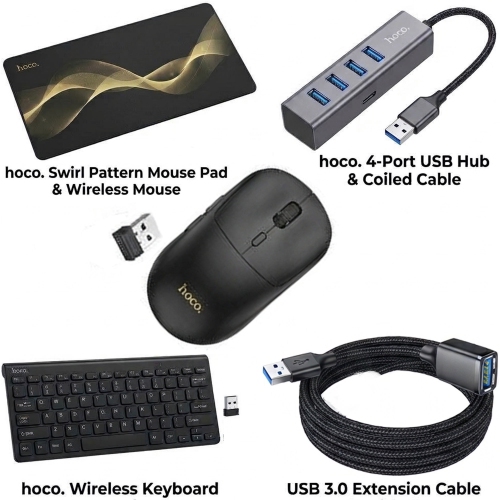
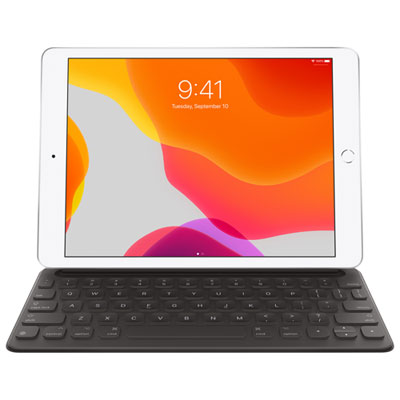
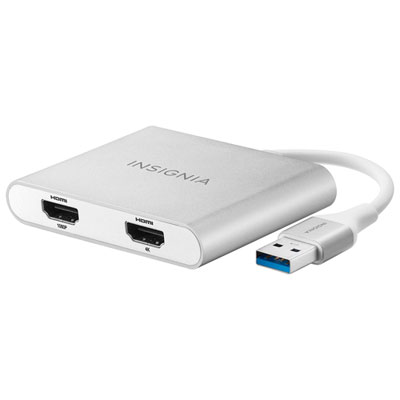
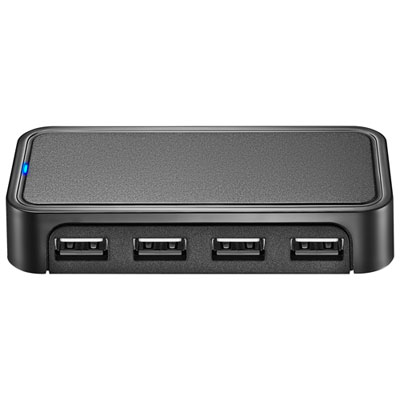
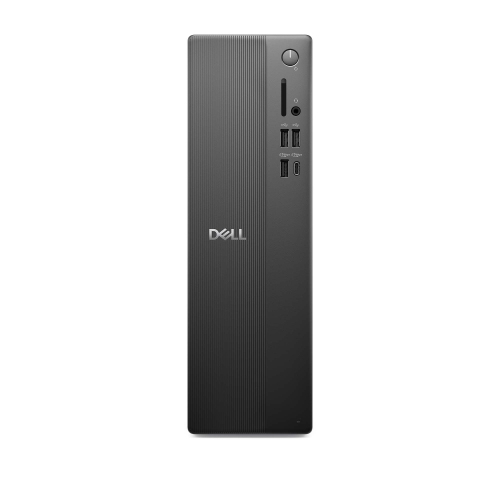
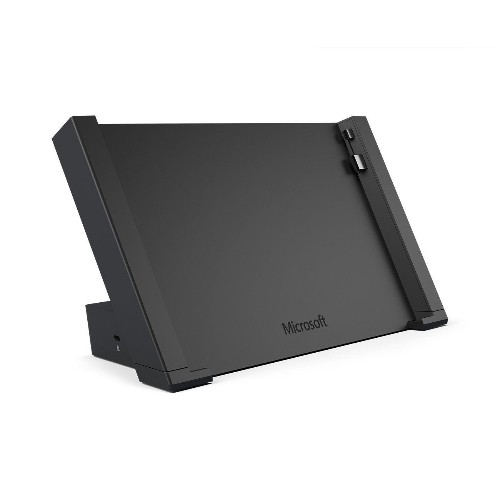
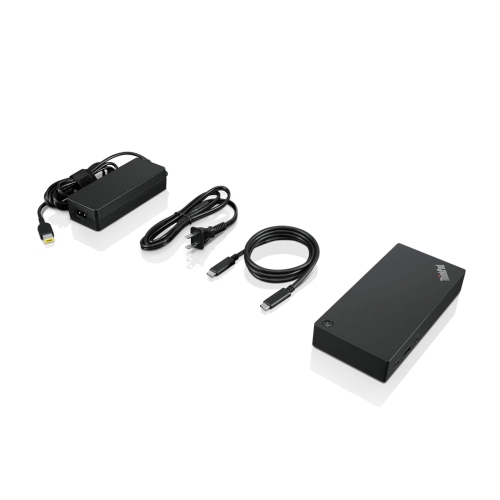
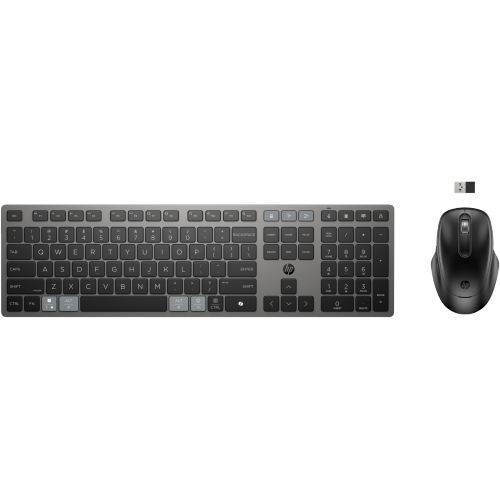
Work from home tech essentials bring together dependable computing, comfortable input devices, clear communication tools, and reliable connectivity. The right combination supports everyday tasks such as comparing spreadsheets, joining video meetings, reviewing documents, and moving between focused work and collaboration. A laptop suits a workday that moves between a dedicated office and a shared table, while a desktop computer can anchor a permanent workspace with room for connected displays and accessories. Processing power, memory, and storage needs depend on the work involved: browser-based administration has different demands from editing large video files or working with detailed design software. Compatibility with workplace applications and security requirements matters as much as hardware specifications. An external monitor creates space for a document beside a video call or a reference window beside a presentation, reducing the need to switch constantly between windows. Screen resolution, text clarity, brightness adjustment, and available connections all influence everyday usability. For photography and design, colour accuracy may be particularly important; for document-heavy work, comfortable text scaling and a screen that fits the viewing distance deserve attention. A compact keyboard can leave more room for a mouse on a narrow desktop, while a full-size layout with a number pad suits frequent data entry. Keyboard height, key feel, mouse size, and left- or right-handed use affect how naturally these tools fit into a working day. Wireless connections reduce cable clutter, while wired peripherals avoid battery charging and can suit a fixed workstation. A docking station can connect displays, storage, and peripherals through a single laptop connection, but its display support, charging output, and operating system compatibility need to match the computer. USB-C connectors do not all carry the same video, data, or charging capabilities. For hybrid workers, a lightweight mouse, protective laptop sleeve, and suitable charger can make the transition between home and office less cumbersome without duplicating an entire workspace.
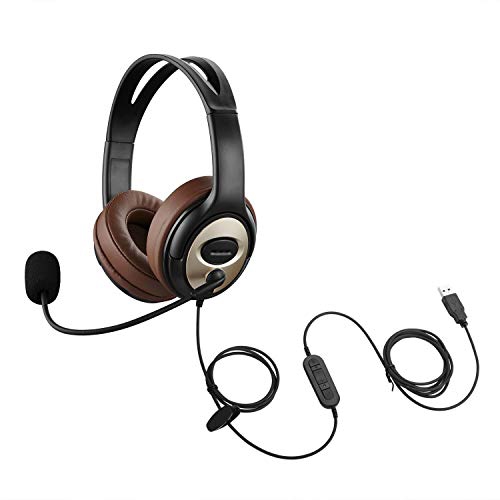
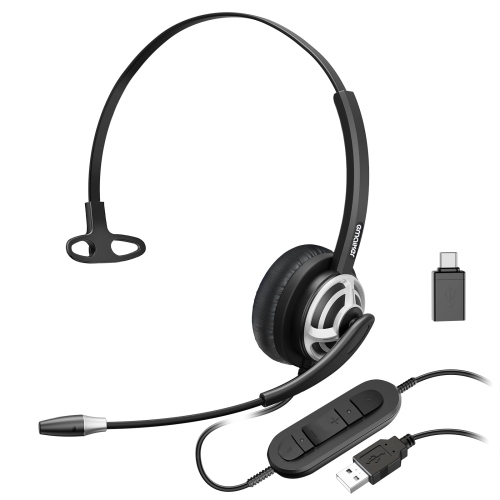
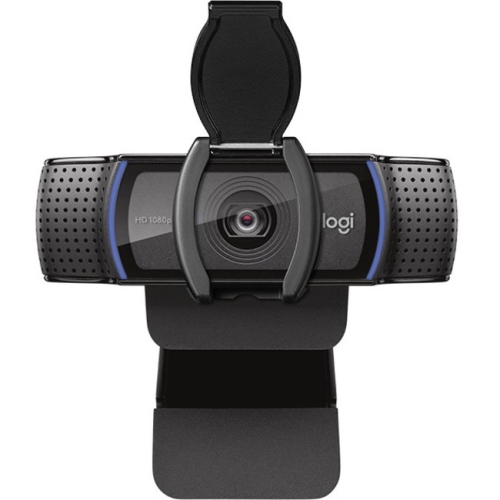
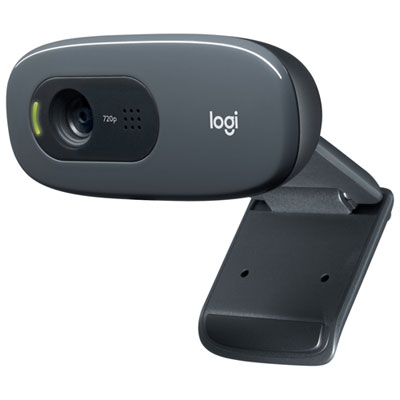
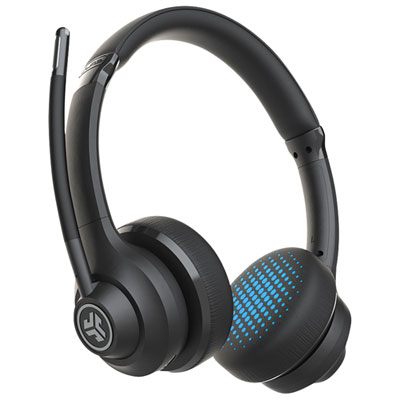
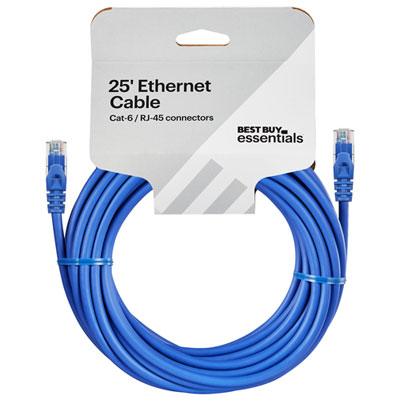
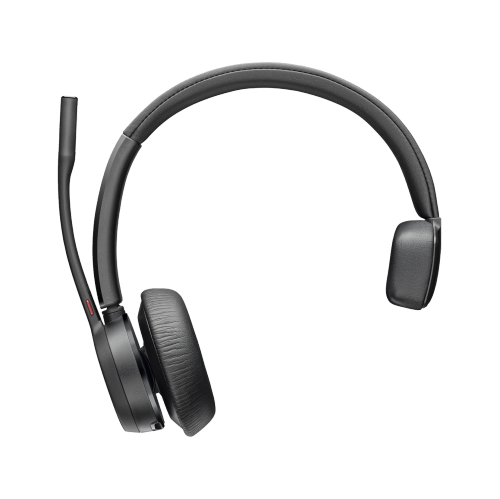
Clear sound and a well-framed picture help remote conversations feel more straightforward, whether the task is a brief team check-in or a detailed client presentation. Headphones with active noise cancellation can make steady background sounds less distracting, while a headset microphone positioned near the mouth can improve voice pickup compared with a microphone farther away on a desk. Neither feature makes a shared room silent, and microphone performance remains important when household activity is nearby. Comfortable ear cushions, manageable weight, accessible mute controls, and adequate battery life all matter during back-to-back calls. An external webcam offers more flexibility in positioning than a camera fixed to a laptop screen, especially when the laptop sits on a stand. Placing the camera close to eye level and using soft, front-facing light can produce a more natural image than relying on a bright window behind the chair. A separate microphone may suit frequent presentations, training sessions, or recorded work, although desk space and room acoustics influence its usefulness. Network reliability supports all of these tools. A wired Ethernet connection can provide a steady link at a fixed desk, while Wi-Fi is useful where running a cable is impractical. Router placement, walls, distance, and the number of connected devices can affect wireless performance; a newer router cannot by itself increase the speed of the internet service entering the home. Mesh networking can help extend coverage across a larger space, and compatible devices are needed to benefit from newer Wi-Fi features. For work that cannot easily pause, a cellular hotspot may provide a backup connection where service and the workplace’s security requirements allow it. Charging equipment and power protection also deserve space in the arrangement. Accessible outlets, correctly rated chargers, and neatly routed cables reduce awkward reaches and tangled connections. Surge protection and battery backup serve different purposes, with a suitable uninterruptible power supply providing time to save work during some power interruptions rather than supporting an entire workday.
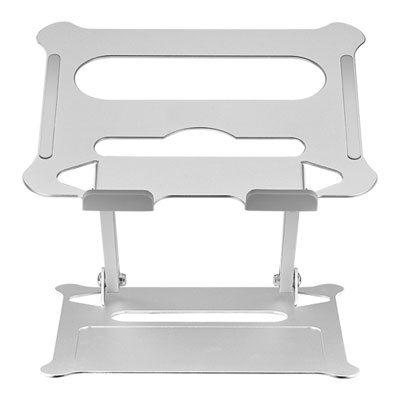
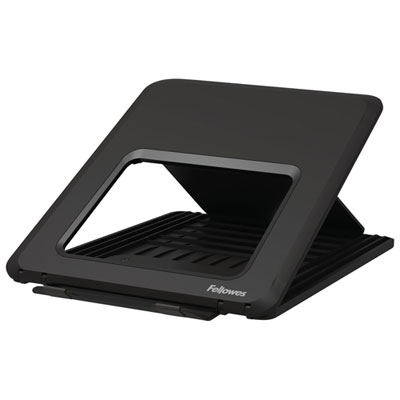
The physical fit of a home workspace shapes how comfortably its technology can be used. An adjustable chair allows changes to seat height and, depending on its design, seat depth, armrest position, and lower-back support. Those adjustments are useful when several people share a desk or when a workstation needs to accommodate different body proportions. A desk needs enough depth for a comfortable viewing distance as well as space for the keyboard, mouse, and tasks that still happen on paper. Height-adjustable designs offer flexibility to alternate between sitting and standing, but the usable height range, stability, and load capacity matter more than the label alone. Monitor arms and stands can free desktop space and help position a screen without stacking objects beneath it; mounting compatibility, display weight, and the desk’s construction determine whether an arm is a suitable fit. For the furnishings and accessories around the technology, Work From Home Essentials offers a broader starting point for completing the workspace. Materials and finishes influence both appearance and upkeep. Mesh chair backs allow airflow, upholstered seating adds texture, and smooth desk surfaces can be easier to wipe clean, though care requirements vary. Durable hinges, secure cable connections, stable bases, and replaceable wear components can matter when equipment is used every day. Routine care is usually straightforward: keep ventilation openings clear, remove dust gently, and follow the manufacturer’s cleaning directions for screens, cushions, and finishes. Liquids should stay away from ports and powered equipment. In a shared room, compact accessories and accessible cable storage make it easier to put work away without rebuilding every connection the next morning. For someone starting a remote role or setting up a first home office, a thoughtfully chosen accessory can also make a useful gift when its fit and compatibility are known. The most practical arrangement supports the person, their daily tasks, and the space they actually have.
Top selling and popular products
-
 Your price for this item is $129.99
-
 Your price for this item is $59.99
-
 Your price for this item is $44.99
-
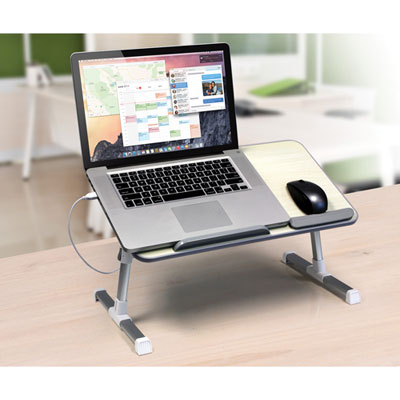 Your price for this item is $59.99
-
 Your price for this item is $96.61
-
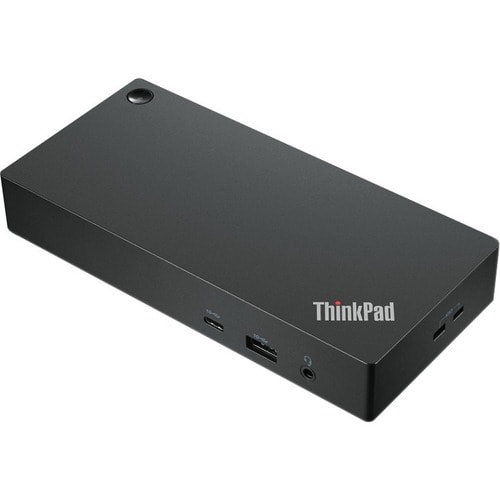 Your price for this item is $179.99
-
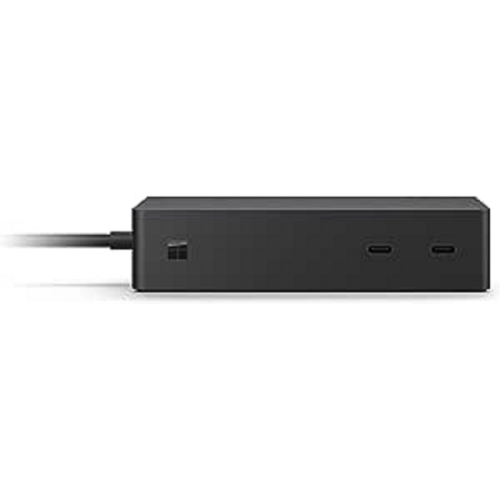 Your price for this item is $209.99
-
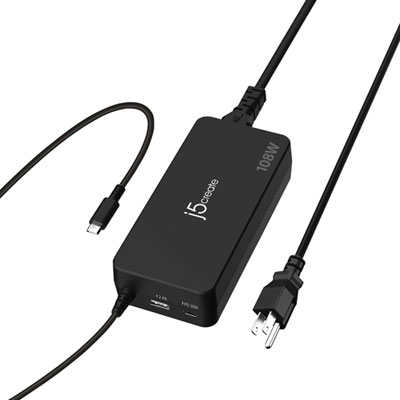 Your price for this item is $59.99
Discover more categories related to Work From Home Tech Essentials
Top Collections:
Best Black Friday Deals This Year, Best Black Friday Deals On Electronics, Kindle Devices, Dyson Airwrap, Best Cameras for Sports Photography, Best Budget Office Chairs, Canon G7X Cameras, PS5 Pro Consoles, Best Black Friday Deals On Apple Products, XBOX One S Consoles
Some products may be subject to Environmental Handling Fees
(EHF) depending on your province.
Learn more about EHFs.