Home Office Tech Essentials
Transform your workspace with home office tech essentials designed to help you stay organized, connected, and productive throughout your workday. Whether you're setting up a dedicated office or upgrading your current setup, the right technology can make all the difference. Explore a wide selection of must-have devices and accessories that bring efficiency and comfort to your home office environment. Find everything you need to create a streamlined and effective workspace with the latest in home office tech essentials.
Sort


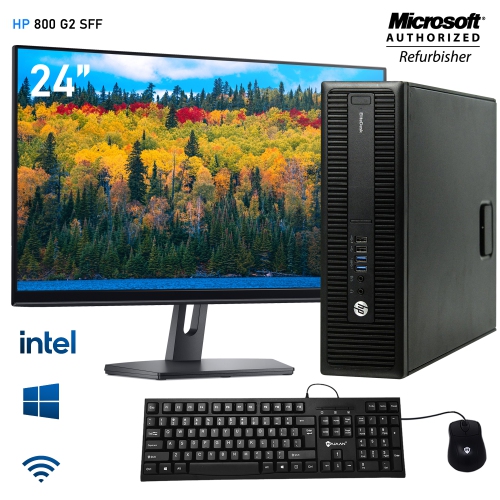
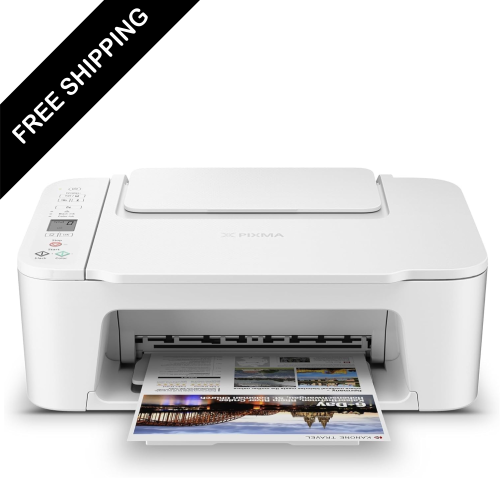
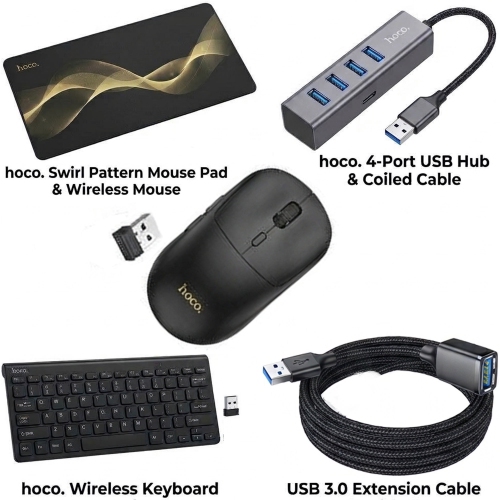
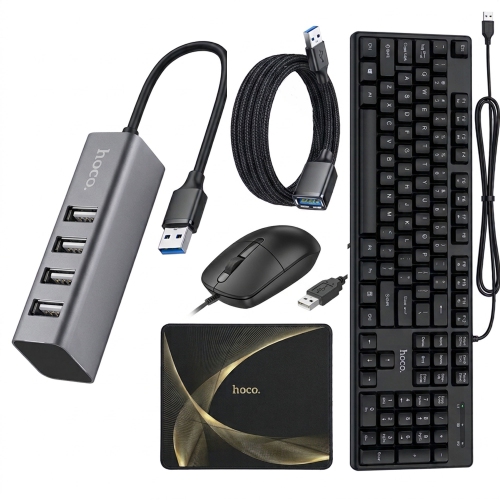

A smoother workday starts with a well-matched setup
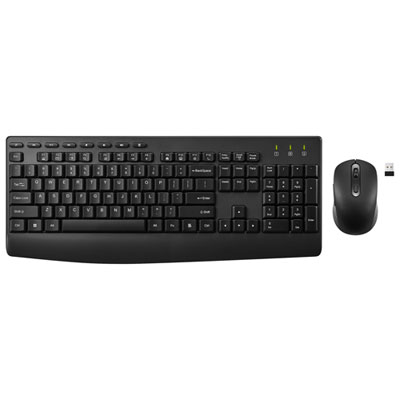
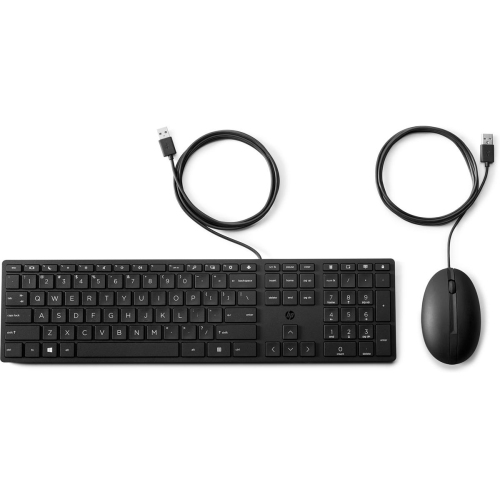
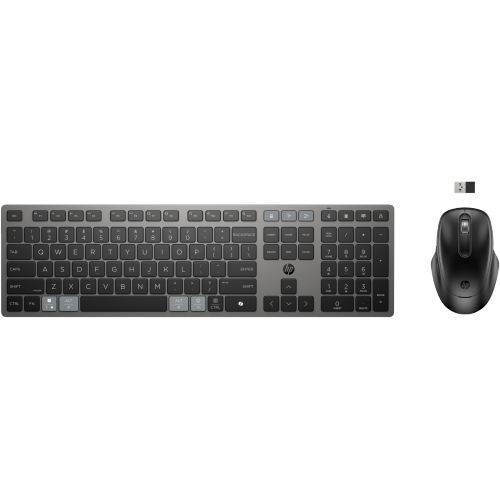
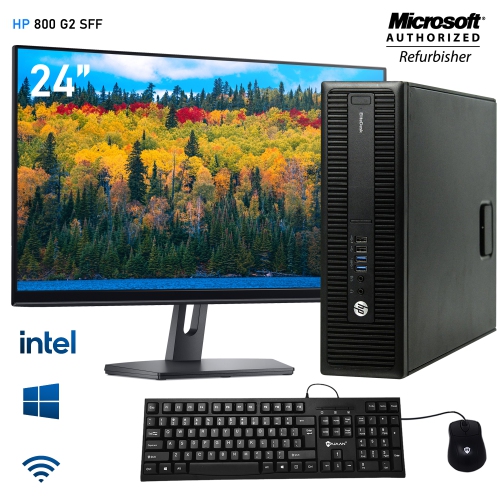
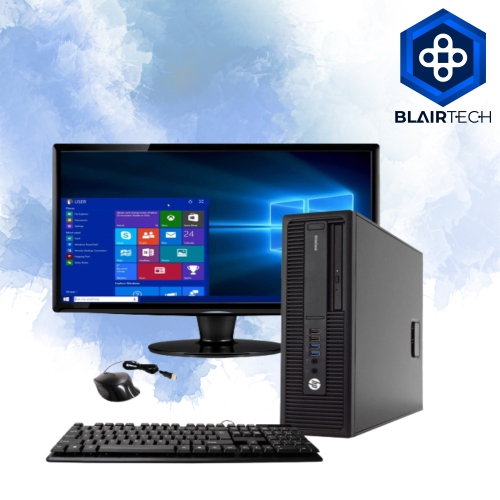
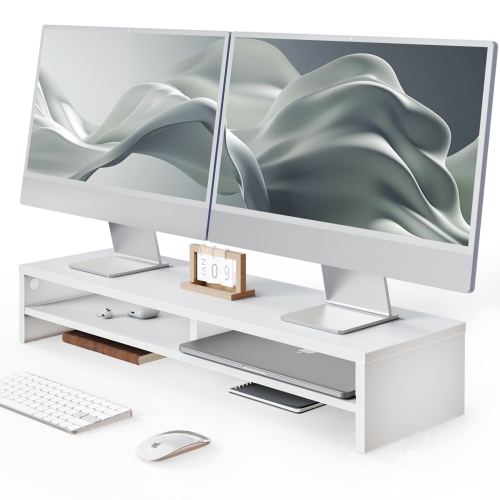
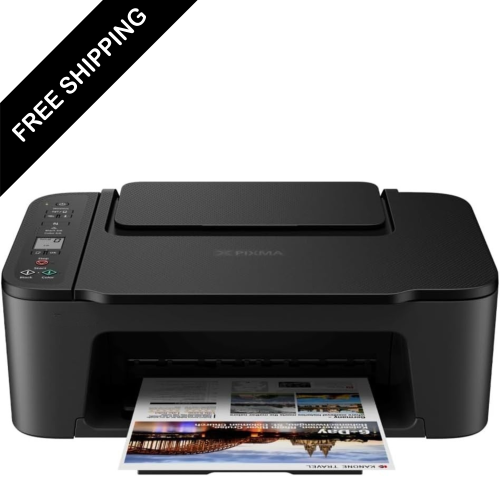
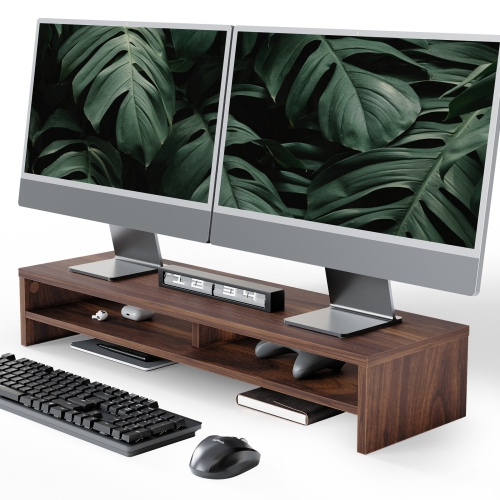
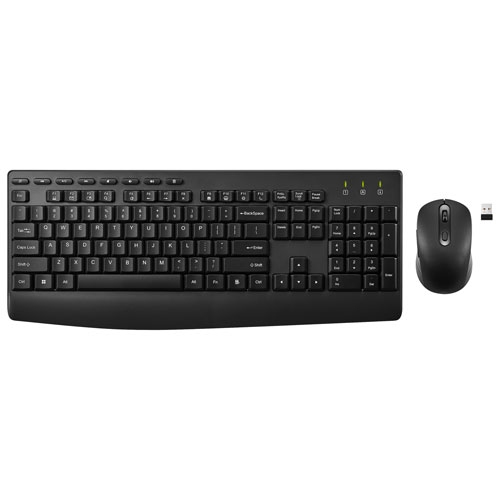
Home office tech essentials include a computer suited to daily tasks, a readable display, comfortable input devices, reliable connectivity, and clear audio and video for meetings. Together, these categories support everything from answering emails and preparing presentations to editing images, managing accounts, or working across several documents. Laptops suit people who move between a dedicated office and a shared living space, while desktop computers offer a stationary setup with separate displays and peripherals. Processor performance, memory, storage capacity, and software compatibility matter differently depending on the workload: browser-based administration has different demands from video editing, technical drawing, or working with large datasets. A computer that handles several open applications comfortably can make the transition between a spreadsheet, a video call, and a shared document feel more fluid. Monitors extend that workspace, making it possible to keep reference material visible beside the task at hand rather than repeatedly switching windows. Screen size needs to work with desktop depth and viewing distance, while resolution and text scaling influence how comfortably small type can be read. For visual work, colour accuracy and consistent screen brightness may matter more than the fastest refresh rate. Adjustable stands and compatible monitor arms allow more flexibility in positioning, although mounting patterns, display weight, and desktop construction all affect fit. Keyboards and mice shape the everyday feel of the workspace just as much as the screen. Compact layouts leave more room for mouse movement, full-size keyboards provide a dedicated number pad, and programmable controls can simplify repetitive actions. Quieter keys can be useful in a shared room, while key spacing, mouse shape, and left- or right-handed use influence comfort during longer sessions. Wrist supports and adjustable accessories offer additional positioning options, but their usefulness depends on the person and the arrangement of the work surface. For someone balancing frequent typing with detailed spreadsheet work, a comfortable keyboard and enough room to move the mouse can be more valuable than a crowded desktop filled with seldom-used accessories.
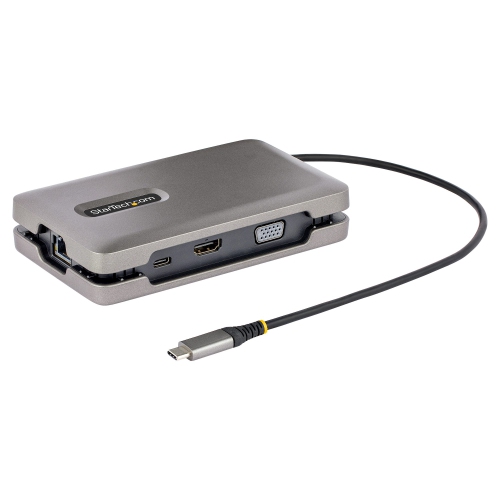
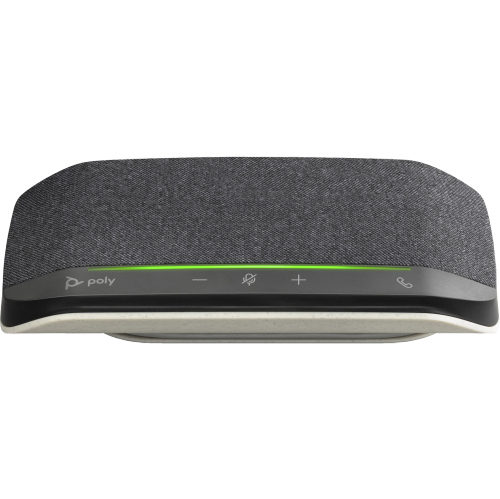
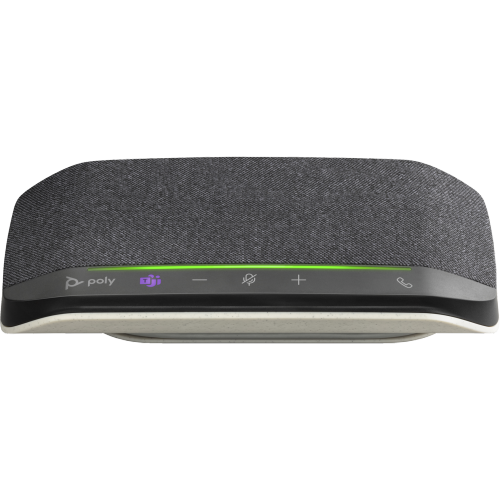
Clear communication is another part of a practical home office setup. Webcams, microphones, headsets, and speakers serve different working styles, from a quiet room used for occasional meetings to a busy household where calls run throughout the day. Webcam placement near eye level helps create a natural meeting view, while a suitable field of view keeps the focus on the person rather than the entire room. Resolution is only one consideration: even lighting, reliable autofocus, and microphone placement also affect how clearly colleagues can see and hear a speaker. A privacy shutter provides a physical cover for the camera when it is not in use. Headsets keep meeting audio close and can reduce how much conversation carries into shared spaces. Over-ear and on-ear designs feel different during extended wear, and adjustable headbands, ear cushion materials, and overall weight all influence fit. Active noise cancellation is designed to reduce certain background sounds for the listener; microphone noise reduction addresses the sound sent to other people on a call. Neither feature makes every setting silent. Separate microphones and speakers can suit a private office, especially when several people occasionally gather around one screen. Task lighting supports paper-based work and keyboard visibility, with adjustable brightness and positioning helping to limit reflections on a display. A light placed in front of or slightly beside the face generally produces a clearer camera image than a bright window directly behind it. Connectivity ties these components together. Docking stations and hubs can bring display connections, USB accessories, networking, and charging to one location, reducing the number of cables connected separately to a laptop. Compatibility depends on more than the connector’s shape: USB-C ports vary in their support for video output, data transfer, and power delivery. The computer, dock, cables, and displays must support the intended arrangement. Wired Ethernet offers an alternative to Wi-Fi where a suitable connection is accessible, while wireless performance depends partly on distance, walls, network equipment, and competing traffic.
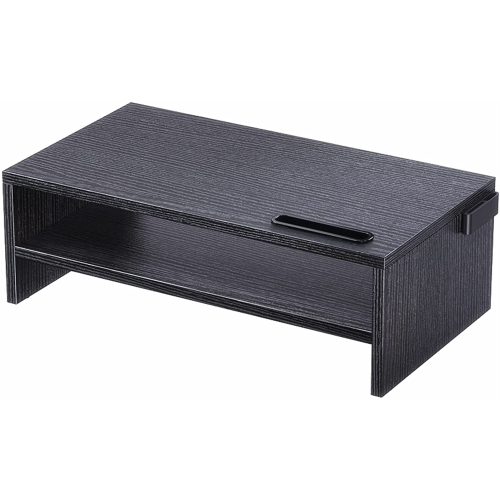
The most useful home office accessories also account for the physical space and the routines that keep it working. A shallow work surface may need a compact stand or a carefully positioned monitor arm, while a shared table benefits from equipment that is easy to disconnect and put away. Cable length, outlet placement, and clearance behind a screen affect whether a setup feels orderly or awkward. Cable channels, clips, and sleeves can organize connections without leaving cords stretched across walkways or pulled tightly against ports. Materials matter at these everyday contact points: metal stands can provide rigidity, plastic housings vary in construction, and flexible cable jackets need room to bend without sharp kinks. Stable bases, secure connectors, and replaceable ear cushions can contribute to longer service life, depending on the design. Care is usually straightforward but device-specific. Screens may have coatings that need gentle cleaning, keyboards collect dust between keys, and computer ventilation openings need to remain unobstructed. Cleaning methods should match the manufacturer’s care guidance, with liquids kept away from openings and electrical connections. Power protection and file storage serve different purposes within the workspace. A surge protector is intended to help protect connected equipment from certain voltage spikes, while an uninterruptible power supply can provide temporary battery power for supported devices during an outage. Runtime depends on battery capacity and the connected load. External storage and appropriately configured backup services provide ways to retain additional copies of important files; simply moving a document off a computer does not create a backup if only one copy remains. These practical details matter to remote employees, students, freelancers, and people running a business from home. Tech accessories can also make thoughtful gifts for someone establishing a workspace, particularly when their computer connections, available space, and preferences are known. For furniture and other workspace foundations that complement the technology, Home Office Essentials brings the wider setup into focus, from a supportive place to sit to room for the tools used every day.
Top selling and popular products
-
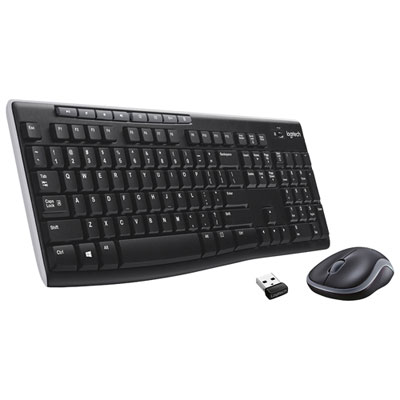 Your price for this item is $24.99
-
 Your price for this item is $56.37
-
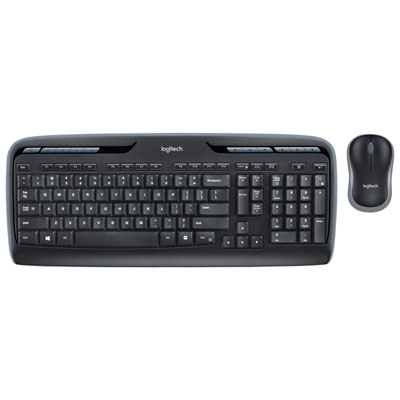 Your price for this item is $59.99
-
 Your price for this item is $59.99
-
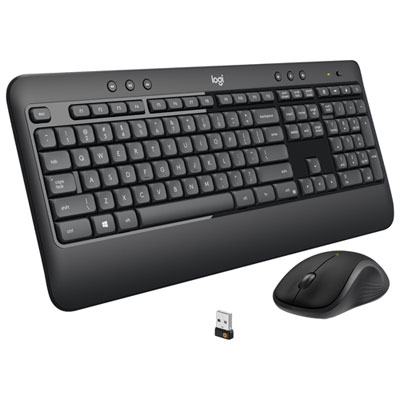 Your price for this item is $49.99
-
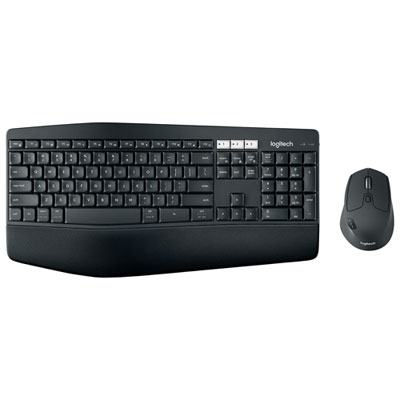 Your price for this item is $99.99
-
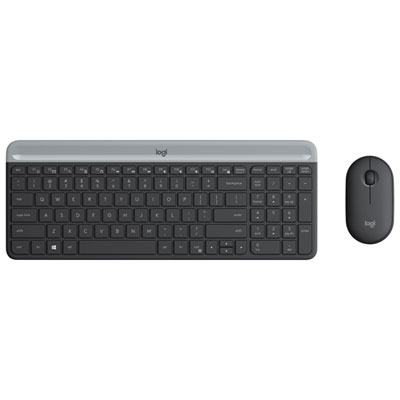 Your price for this item is $49.99
-
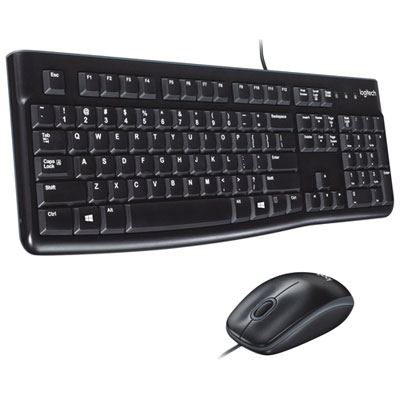 Your price for this item is $20.98
Discover more categories related to Home Office Tech Essentials
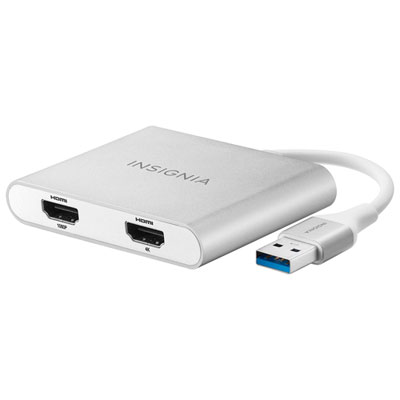
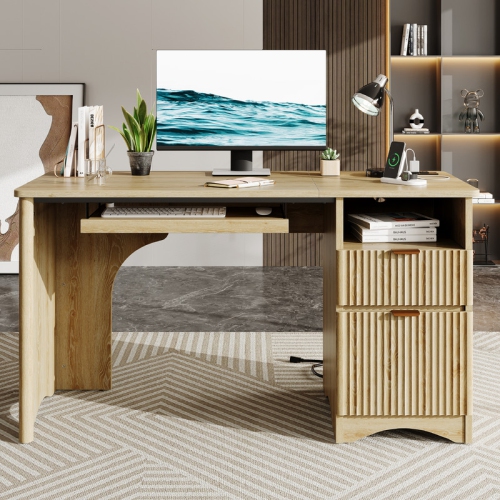
Top Collections:
Best Black Friday Deals This Year, Best Black Friday Deals On Electronics, Kindle Devices, Dyson Airwrap, Best Cameras for Sports Photography, Best Budget Office Chairs, Canon G7X Cameras, PS5 Pro Consoles, Best Black Friday Deals On Apple Products, XBOX One S Consoles
Some products may be subject to Environmental Handling Fees
(EHF) depending on your province.
Learn more about EHFs.