Cyber Monday Deals Coming Soon
Our Cyber Monday Sale returns in December 2026. In the meantime, shop our current top deals below.

Cyber Monday Deals On Webcams
Get ready to upgrade your video chat game with the best Cyber Monday deals on webcams. Whether you're working from home, attending virtual meetings, or staying connected with loved ones, a quality webcam is essential for clear and crisp video calls. At Best Buy Canada, we've got you covered with a wide selection of webcams at unbeatable prices this Cyber Monday. Don't miss out on these incredible deals—it's time to take your video conferencing experience to the next level! Remember, our Low Price Guarantee means you can shop confidently knowing that you'll find the best price at Best Buy, all year round. We encourage you to check our website frequently for the most up-to-date information on our latest offers and savings opportunities.

Clearer webcam calls take more than higher resolution
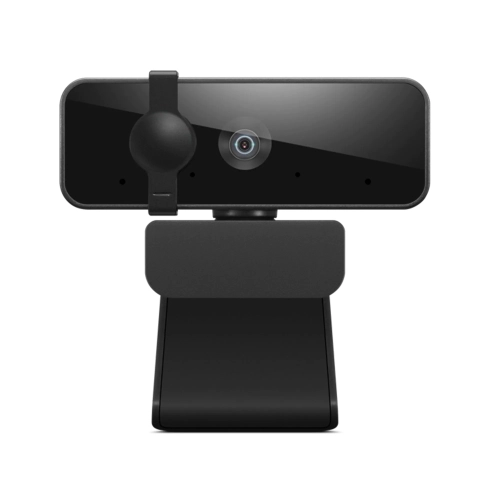
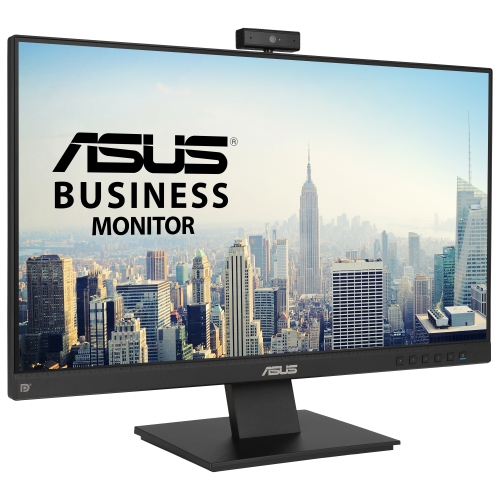
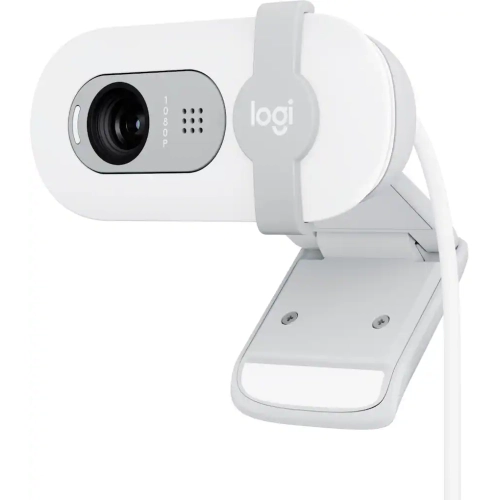
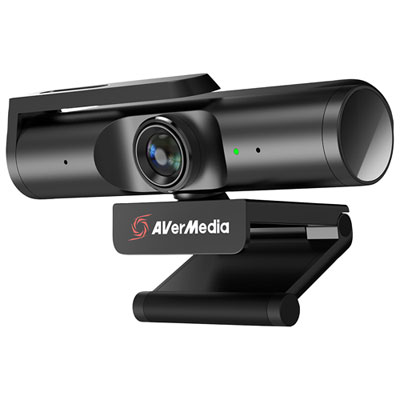
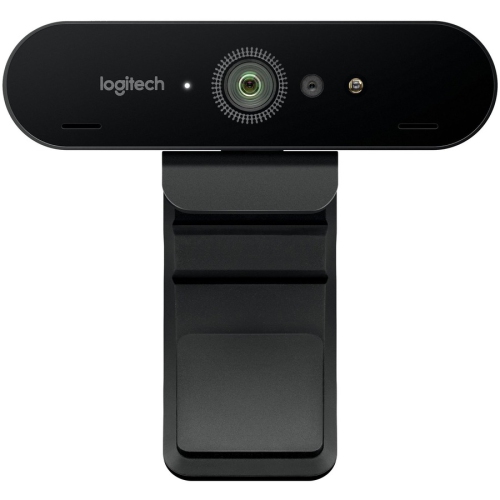
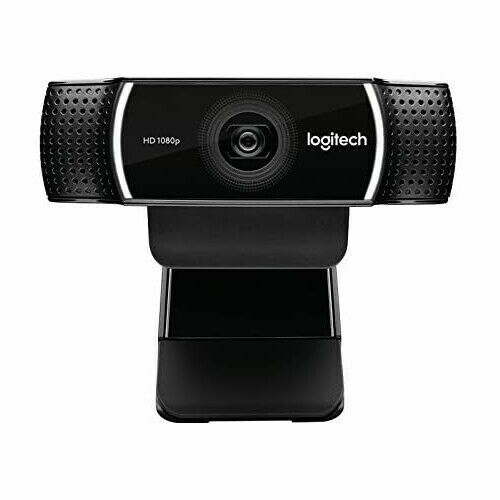
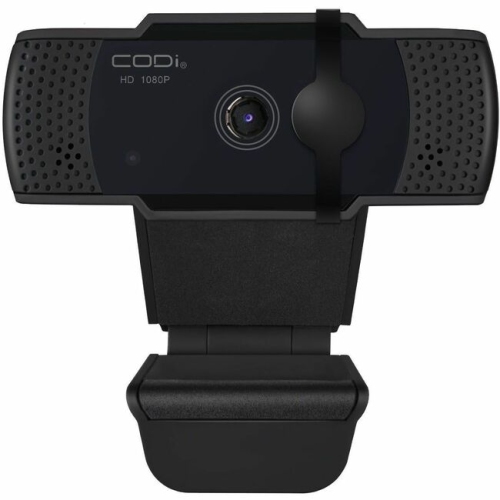
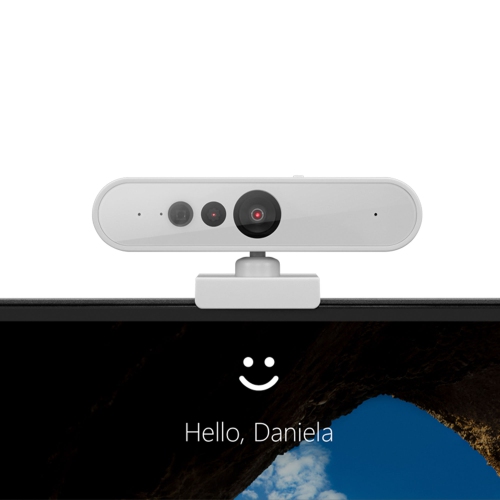
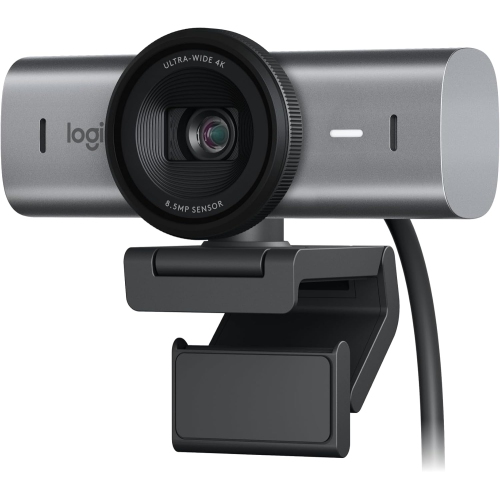
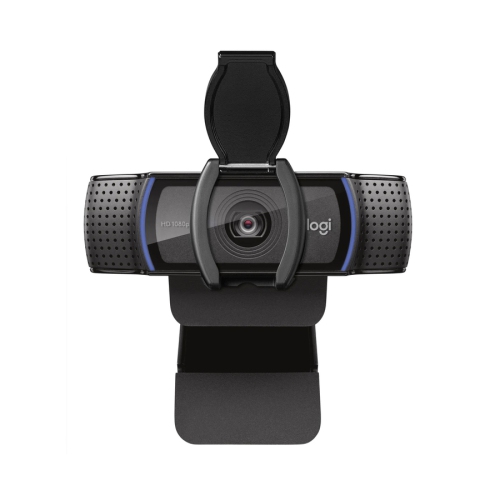
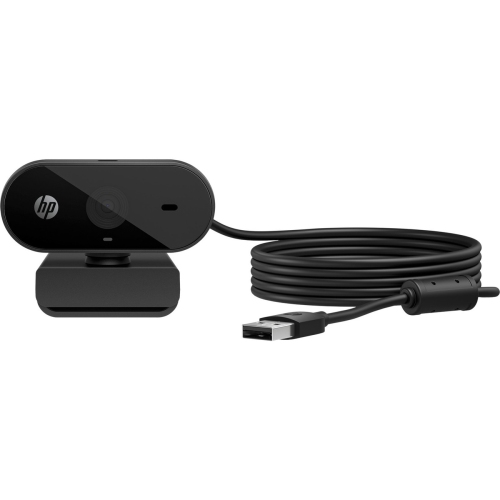
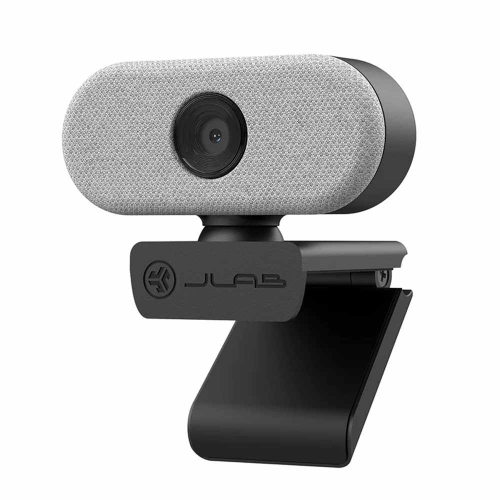
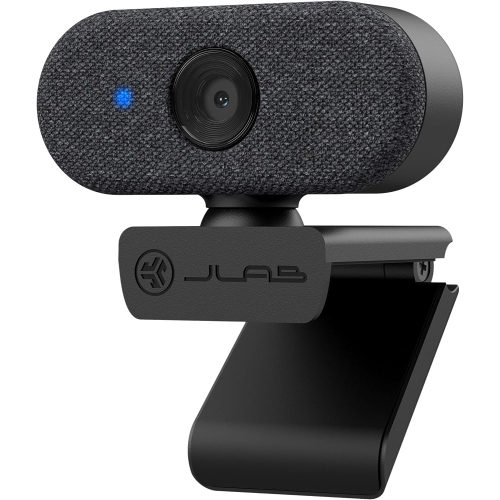
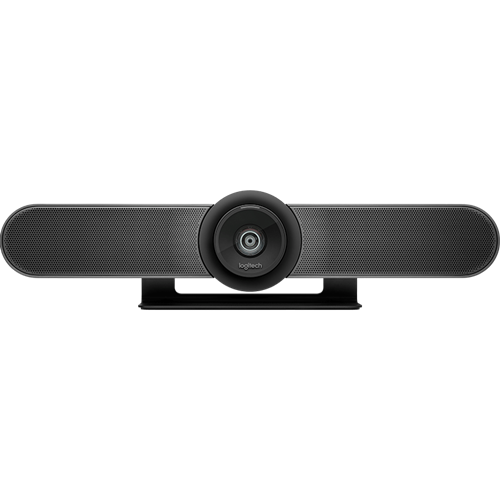
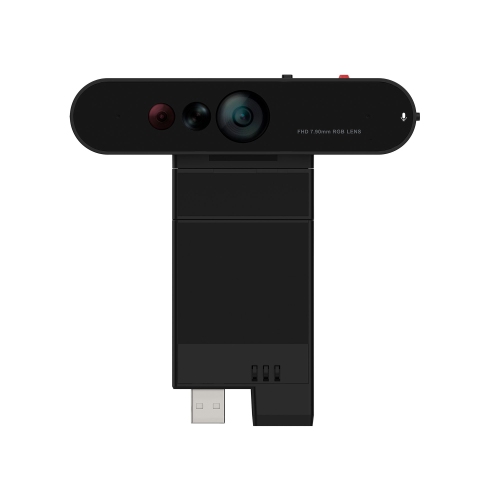
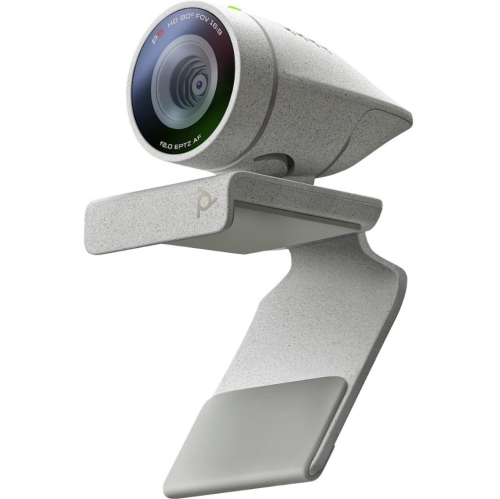
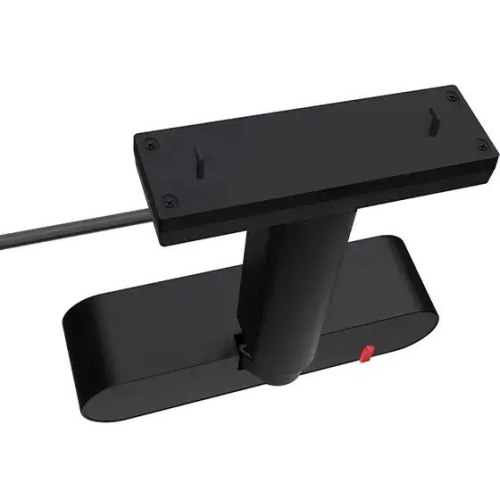
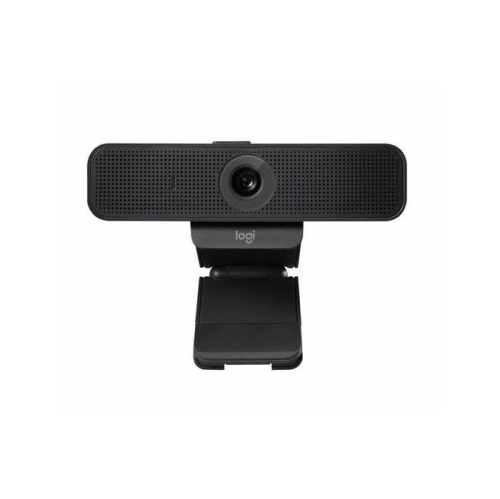
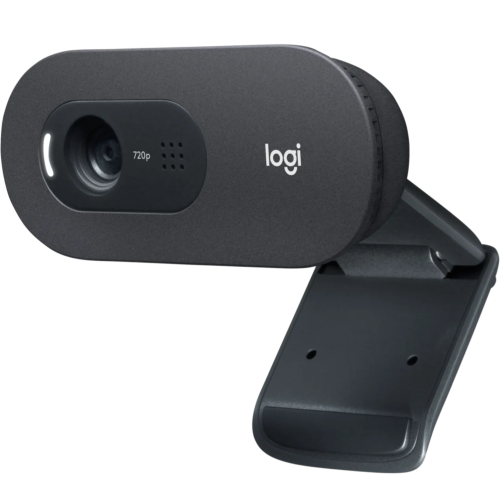
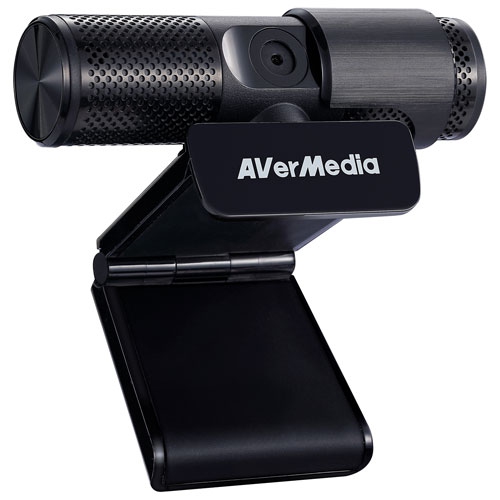
A webcam’s field of view determines how much of the room appears in the picture, so the right fit depends on both the space and the people using it. A narrower view can keep attention on one person and leave less background visible. A wider view may suit two people sharing a desk, a family gathered for a call, or an instructor demonstrating movements with enough space around them. In a small home office, a very wide lens can show more of the room than intended; adjustable framing or digital cropping may help, sometimes at the expense of detail. Mounting is equally important. Many webcams use a hinged clip that rests on the top edge of a display, often with padded contact points to improve grip and protect the surface. The mount should fit the screen without pressing against the display panel or covering a built-in camera. A tilting head helps position the lens at eye level, and a compatible tripod socket offers another option when the monitor is too high, too low, or off to one side. Cable length affects placement too, particularly with a desktop tower under the desk or a monitor on an adjustable arm. USB-A and USB-C describe connector types, but connector shape alone does not confirm the connection speed or power support. Checking the webcam’s requirements against the computer, adapter, or hub helps avoid an otherwise suitable camera being limited by the connection. Many webcams support basic plug-and-play use, while features such as manual exposure, saved framing, and background adjustments may require additional software. Operating system support and application compatibility deserve attention, especially on a work computer where software installation is restricted. Built-in microphones are convenient for casual calls, but their results depend on distance, room acoustics, and surrounding sound. A headset can keep speech more distinct in a shared space and reduce the chance of speaker audio feeding back into the call. Microphone noise reduction may soften keyboard clicks or a steady fan, but it should not be expected to remove every distracting sound.
Materials, handling, and simple care influence how well a webcam stands up to repeated use. Lightweight plastic housings are common and place little weight on a laptop lid, while some designs incorporate metal components for a firmer feel. The strength of the hinge, the stability of the clip, and the support around the cable connection often matter more than the housing material alone. A camera that travels between home and an office benefits from a compact shape and a protective pouch that keeps the lens away from keys, chargers, and loose accessories. Dust and fingerprints can soften the image, so gentle cleaning with a clean microfibre cloth helps maintain clarity; any cleaning solution should follow the manufacturer’s directions. Avoid pulling a webcam free by its cable or forcing a clip beyond its intended range. For privacy, a physical lens cover provides a visible barrier when the camera is not needed, though it does not necessarily mute a built-in microphone. Camera and microphone permissions remain separate settings worth checking in the computer and calling application. For students, a webcam can make a study session easier to follow when handwritten notes or a project need to be shared. For remote workers, consistent framing and dependable speech capture support interviews, presentations, and routine check-ins. Streamers may place more emphasis on smooth motion, manual controls, and compatibility with broadcasting software. As a gift, a webcam can be useful for a relative who enjoys family video calls or someone setting up a first desktop workspace, provided the connection and mounting style suit their equipment. Webcams are primarily designed to send video through a connected device; for filming away from a desk, Cyber Monday Deals Camcorders covers a different camera category suited to dedicated video capture. For everyday webcam use, placing the lens near eye level, keeping a light source in front of the face, and leaving the microphone unobstructed can make a noticeable difference. A comfortable, stable setup lets the camera support the conversation rather than draw attention to itself.
Top selling and popular products
-
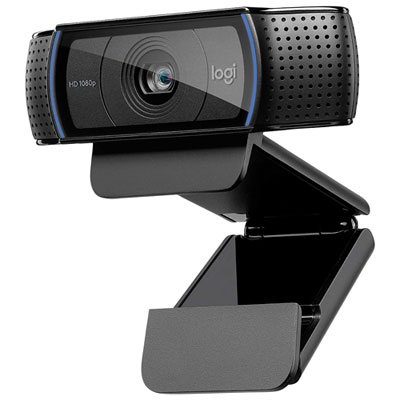 Your price for this item is $79.99
-
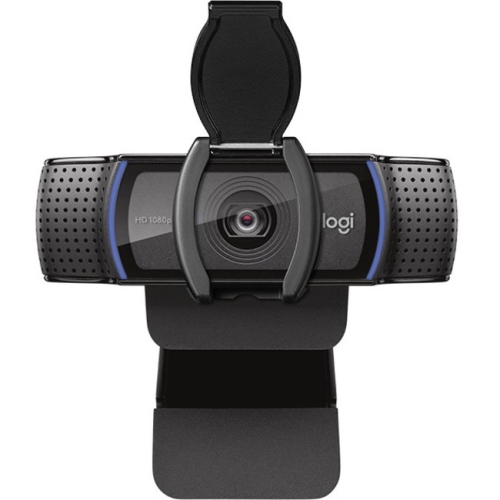 Your price for this item is $123.44
-
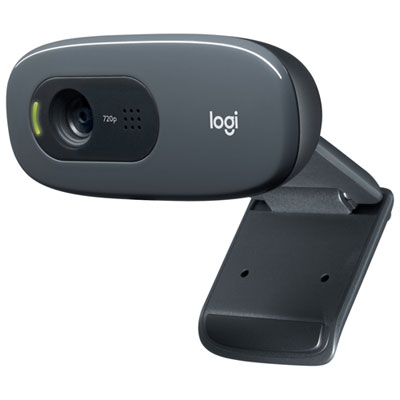 Your price for this item is $39.99
-
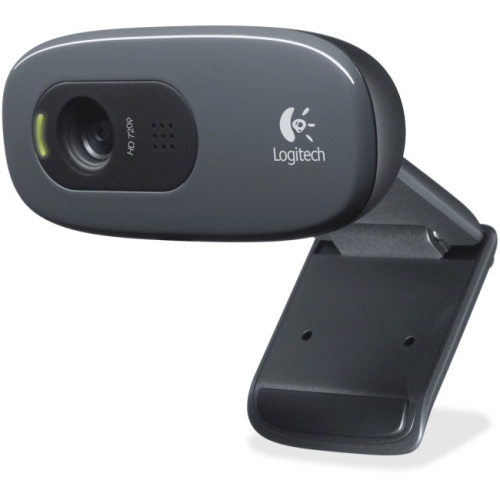 Your price for this item is $48.49
-
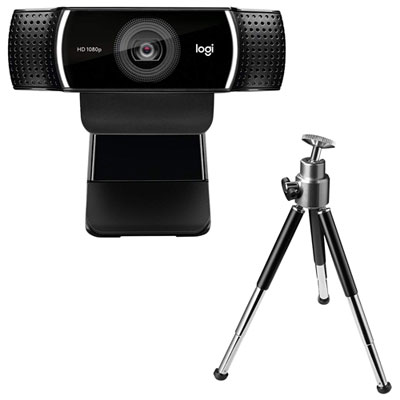 Your price for this item is $149.99
-
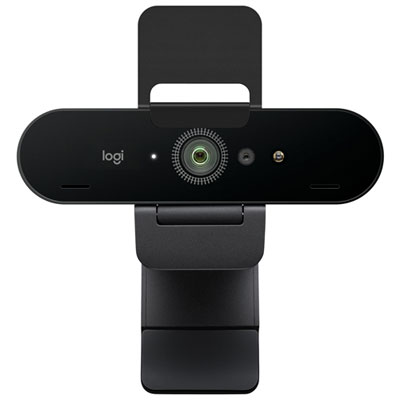 Your price for this item is $249.99
-
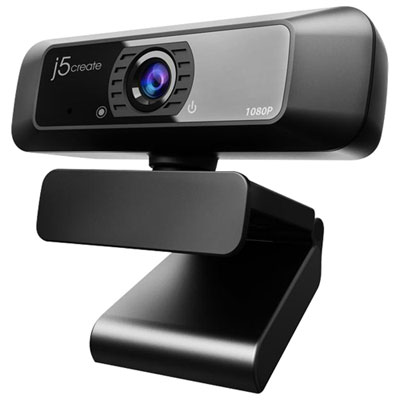 Your price for this item is $49.99
-
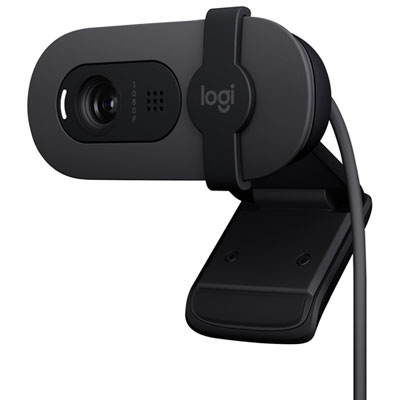 Your price for this item is $34.99