Daily Work Essentials for Home Office
Daily work essentials for home office help create a productive and comfortable workspace, making it easier to stay focused throughout the day. From ergonomic furniture to reliable technology, the right tools can transform any area into an efficient workstation. Explore a variety of options designed to support your workflow, keep you organized, and enhance your daily routine. Find everything you need to build a home office that fits your personal style and meets your professional needs.
Sort

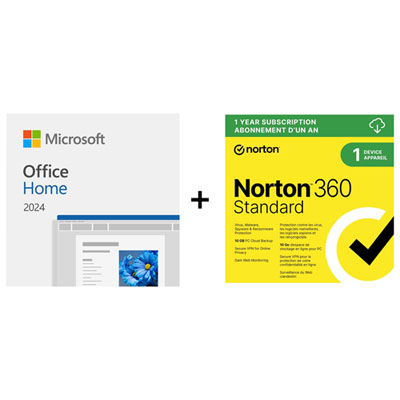








A workspace that fits how you actually work
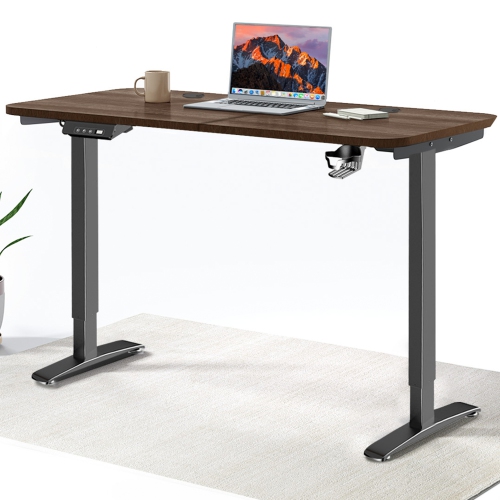
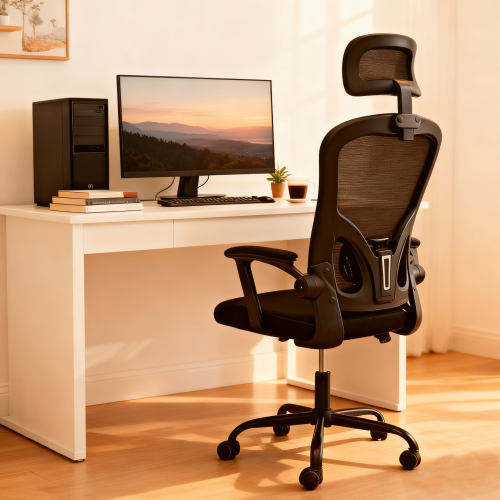
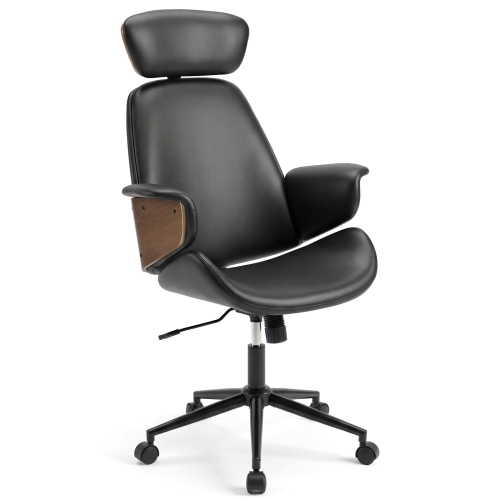
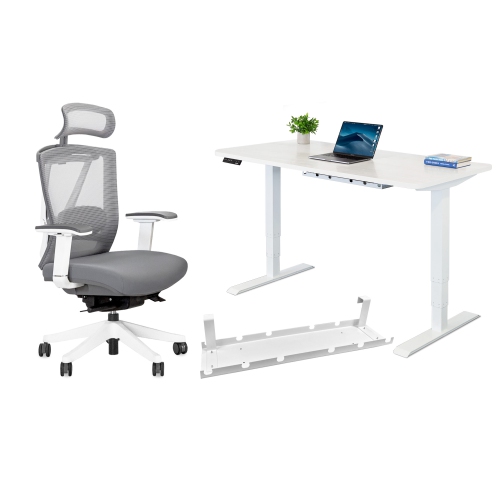
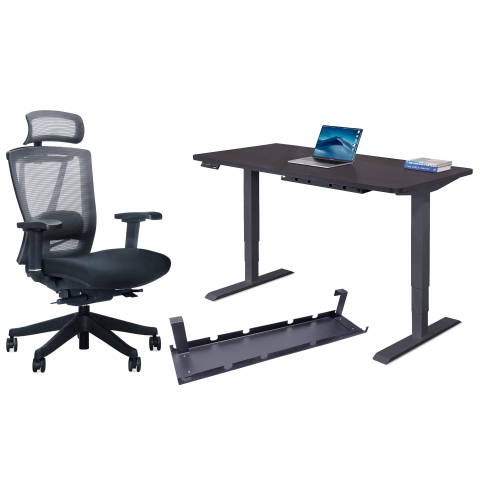
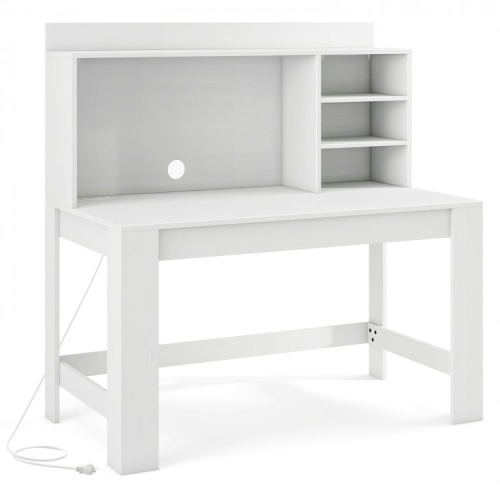
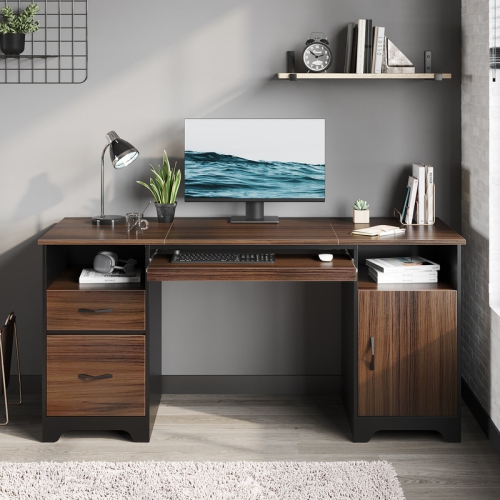
Daily work essentials for a home office bring together comfortable furniture, dependable technology, and practical organization to support everyday tasks. The right combination depends on how the space is used: a full day of spreadsheets calls for a different arrangement than occasional email at a shared family desk. A useful starting point is a work surface with enough depth for a screen, keyboard, and mouse while leaving room for a notebook or paperwork. Check the space beneath the desk as carefully as the desktop; drawers, support bars, and storage units should not crowd the legs or prevent a chair from moving freely. An adjustable office chair can help accommodate different heights and working positions, particularly when its seat height, backrest, and armrests suit both the user and the desk. Feet should rest comfortably on the floor or a footrest, with shoulders relaxed and frequently used controls within easy reach. For shared workstations, simple adjustment controls make it easier to change the fit between users. Height-adjustable furniture offers flexibility for people who prefer to alternate positions, provided the surface can accommodate the equipment and cables throughout its range of movement. Materials also influence daily use and care. Laminate surfaces are generally straightforward to wipe down, while wood finishes may require more attention to moisture and cleaning instructions. Mesh chair backs allow airflow, and upholstered seating offers a different feel that may suit personal comfort preferences. Sturdy frames, secure joints, smooth drawer runners, and clearly stated weight capacities are useful details when considering durability. In a small room, a compact footprint and accessible storage can matter more than a wide desktop. In a multipurpose space, furniture that leaves pathways clear and keeps work materials contained helps a desk function without taking over the room. Allow space for the chair to pull back, drawers to open, and doors to swing without obstruction, especially when the work area sits beside a bed or dining table.
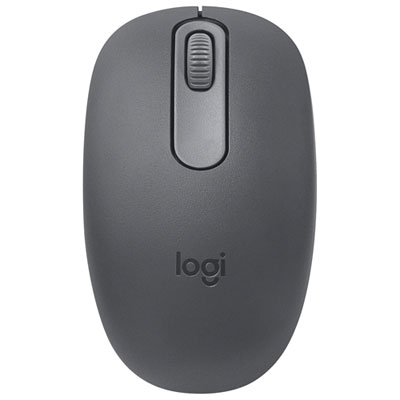
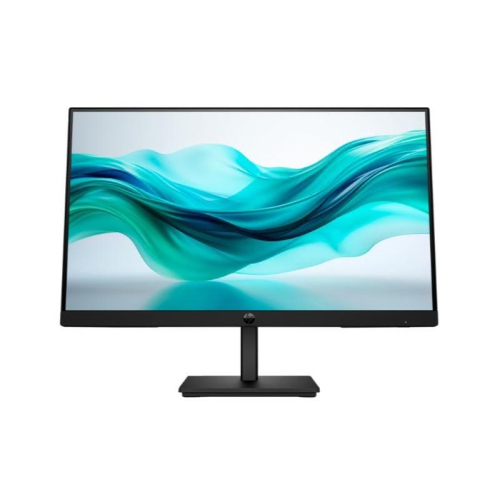
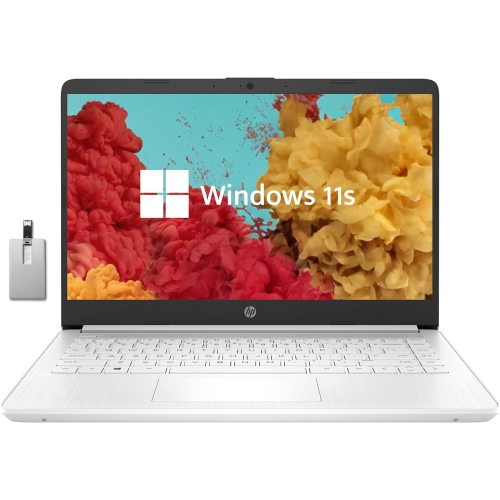
Reliable computing and comfortable screen placement form the centre of most home office routines. Everyday email, document editing, online meetings, and browser-based tools have different demands from detailed design work or large data sets, so computer capabilities should match the workload. Portability matters for someone who moves between rooms or splits time between home and another workplace, while a stationary arrangement may suit a dedicated desk. A separate monitor can make documents easier to view, and additional screen space can help when comparing a report with a spreadsheet or keeping reference material beside a video call. Screen size should suit the available desk depth and viewing distance rather than simply filling the surface. A laptop stand or monitor arm can improve placement, but its dimensions, mounting requirements, and weight limits need to match the equipment. Raising a laptop generally makes a separate keyboard and mouse useful for keeping the screen and hands at comfortable heights. Input devices should feel manageable during repeated use, with enough space for natural mouse movement and a keyboard layout that suits familiar tasks. Connections deserve equal attention: a docking station or hub must support the computer’s ports, required display connections, and charging needs. A connector that fits physically does not necessarily support every display or power function. Stable internet access supports file transfers and meetings, whether through Wi-Fi or a wired connection, and router placement can affect coverage at the desk. For calls, a clearly positioned microphone and comfortable headset can help keep conversations focused, especially when other people share the home. A webcam placed near eye level and lighting directed towards the face can make video easier to see without relying on a bright window behind the screen. Adjustable task lighting also helps illuminate printed pages without casting glare across a display. Keeping charging connections accessible makes it easier to move between focused desk work and calls without repeatedly reaching behind furniture.
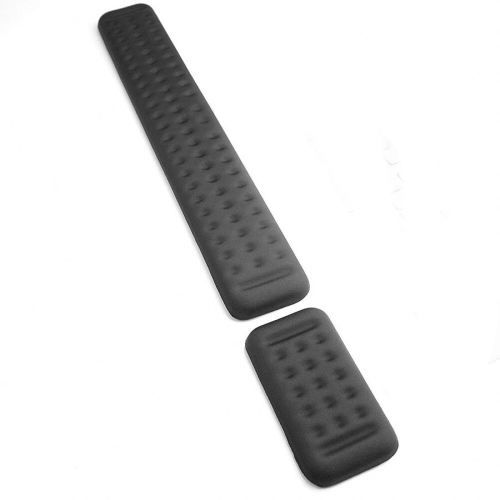
Small organization and care details often determine how smoothly a home office works from one day to the next. A place for incoming papers, a drawer for writing supplies, and a designated charging area reduce the need to clear the entire desk before starting a task. Storage works best when it reflects what is actually used: frequently handled documents belong close by, while occasional reference materials can sit farther from the main work surface. Closed storage can keep visual clutter out of a shared room, and a lockable compartment may be useful for personal records or confidential paperwork. Cable clips, sleeves, and trays can keep cords from trailing through legroom, provided they leave enough slack for equipment movement and do not pinch or sharply bend cables. Power accessories should match the connected equipment’s electrical requirements and be used according to their instructions, without overloading outlets or linking power bars together. A desk mat can define the keyboard and mouse area while helping protect the surface from everyday wear; its texture and cleaning requirements should suit the way the desk is used. Care is usually easier when it becomes part of the routine: remove crumbs from the keyboard, dust around equipment vents, and clean screens only with methods approved by the manufacturer. Avoid spraying liquid directly onto electronics, and follow furniture care directions rather than assuming one cleaner suits every finish. For someone starting a remote role, studying from home, or replacing a makeshift workspace, practical accessories can also make thoughtful gifts when dimensions, device compatibility, and personal preferences are known. A broader selection of Work From Home Office Setup Essentials brings these categories together. The most useful daily arrangement is one in which seating fits, technology supports the workload, and everyday supplies have a dependable place, leaving enough clear space to open a notebook and get started.
Top selling and popular products
-
 Your price for this item is $199.99
-
 Your price for this item is $189.99
-
 Your price for this item is $144.99
-
 Your price for this item is $39.99
-
 Your price for this item is $45.59
-
 Your price for this item is $209.99
-
 Your price for this item is $129.99
-
 Your price for this item is $163.99
Discover more categories related to Daily Work Essentials for Home Office
Top Collections:
Best Black Friday Deals This Year, Best Black Friday Deals On Electronics, Kindle Devices, Dyson Airwrap, Best Cameras for Sports Photography, Best Budget Office Chairs, Canon G7X Cameras, PS5 Pro Consoles, Best Black Friday Deals On Apple Products, XBOX One S Consoles
Some products may be subject to Environmental Handling Fees
(EHF) depending on your province.
Learn more about EHFs.