Dymo LabelWriter 4XL
Discover efficient labeling solutions with the Dymo LabelWriter 4XL. Ideal for both home and office use, this versatile label printer streamlines your organization and shipping tasks. Easily create professional-looking labels to keep everything in order, from files and folders to packages and storage containers. Find the Dymo LabelWriter 4XL that fits your needs and experience hassle-free labeling every time.
Sort

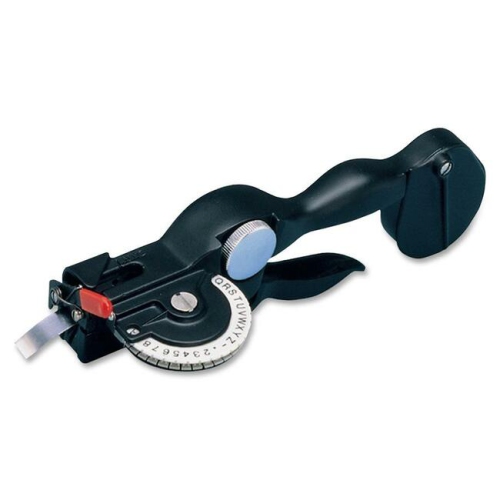
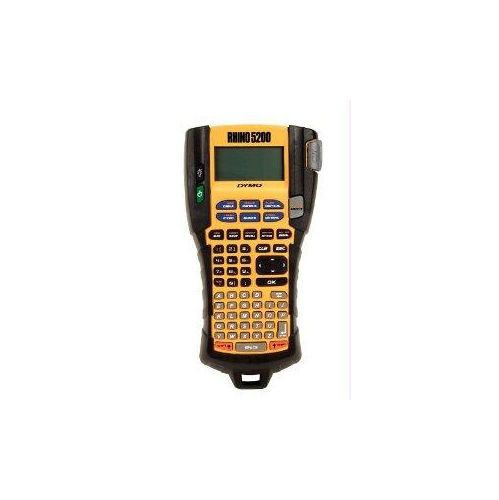
Clear shipping labels without the ink or toner
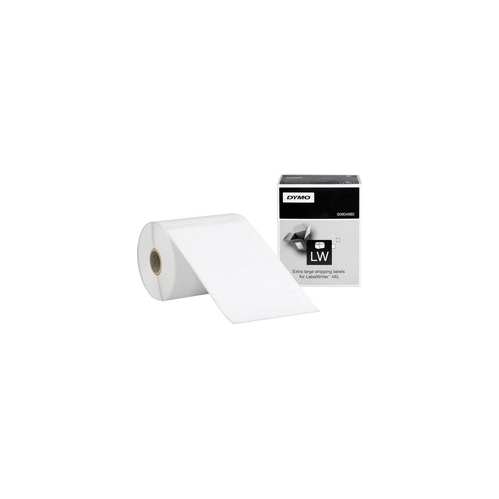
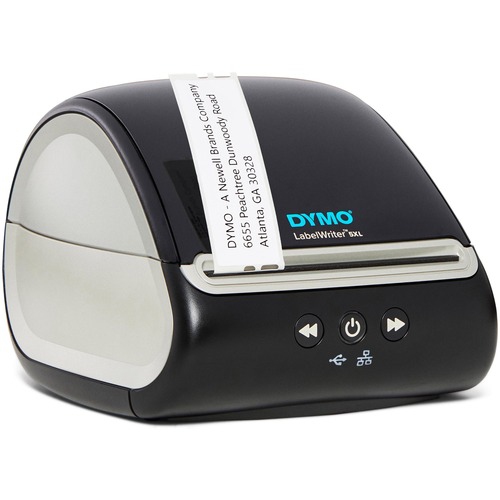
Wide-format direct thermal label printers produce shipping labels, warehouse identification, and barcodes without ink or toner. Instead, a thermal printhead activates a coating on the label surface, creating dark text and graphics as the material passes through the printer. This makes the category useful for online sellers, small businesses, stockrooms, and home offices that regularly prepare parcels. The familiar 4 x 6 inch shipping format provides room for a delivery address, routing information, tracking numbers, and machine-readable codes on a single adhesive label. It also fits neatly on many mailing boxes and parcel bags without requiring a full sheet of office paper. A dedicated label printer can sit beside a packing bench, allowing a finished parcel to move from weighing and measuring to labelling with fewer interruptions. For a seller sending handmade goods, that might mean printing one label after an order is packed; for a busy dispatch desk, it might mean producing a batch arranged in the same sequence as the parcels awaiting collection. Print clarity matters in both situations. A 300 dpi resolution can provide well-defined address text and detailed barcodes when the label file, print settings, and material are suitable. Actual output also depends on the condition of the printhead and the quality of the original document. Enlarging a blurry screenshot does not create the same result as printing a correctly sized shipping file. Likewise, rated print speed is only one part of a productive workflow: the time needed to process a file, feed labels, and apply them to packages also affects how quickly orders leave the packing table. These printers are intended for practical, repeatable identification rather than colour artwork or full-page documents. Their appeal lies in producing a clear label at the point where it is needed, whether that is beside a shelf of outgoing orders, at a receiving counter, or in a compact workspace where a larger office printer would interrupt the packing process.
Label material and fit are as important as the printer itself. Direct thermal rolls have a heat-sensitive face material, an adhesive layer, and a backing liner that separates from the finished label. Ordinary paper rolls without the appropriate thermal coating will not produce the intended image, while a roll that looks close in size may still feed incorrectly if its core, outside diameter, spacing, or sensing marks do not match the printer’s requirements. Matching supplies from the Dymo Printer Labels page to the printer’s stated specifications helps distinguish a suitable roll from one intended for a different printing system. Width alone is not enough to establish compatibility, and support for one shipping-label format does not necessarily mean every smaller address or barcode label will work. Intended use also affects the best material choice. Standard paper labels are commonly used on cartons and mailing envelopes, while applications involving frequent handling, abrasion, or moisture may call for specially rated materials, provided the printer supports them. Adhesive performance varies with the receiving surface: clean, smooth cardboard presents a different challenge from dusty packaging, textured plastic, or a curved container. Permanent adhesives suit labels expected to remain attached throughout handling, whereas removable adhesives can be useful for temporary identification when both the label and the surface are suitable. A shipping label needs a flat area large enough to keep its barcode clear of seams, corners, and tape wrinkles. Placing a code across the edge of a box can make an otherwise sharp print difficult to scan. Direct thermal images can also darken or fade with exposure to heat, strong light, or certain chemicals, so these labels are not automatically suitable for long-term records or demanding industrial use. Unused rolls benefit from protective storage away from direct light and contamination. For parcels, shelf markers, and short-term inventory identification, the right combination of face material, adhesive, and label dimensions helps keep information readable for its intended lifespan.
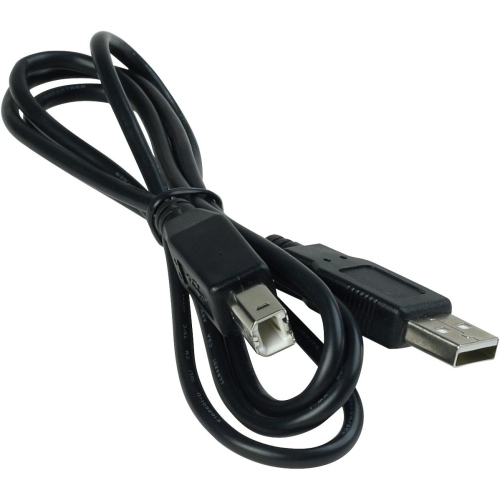
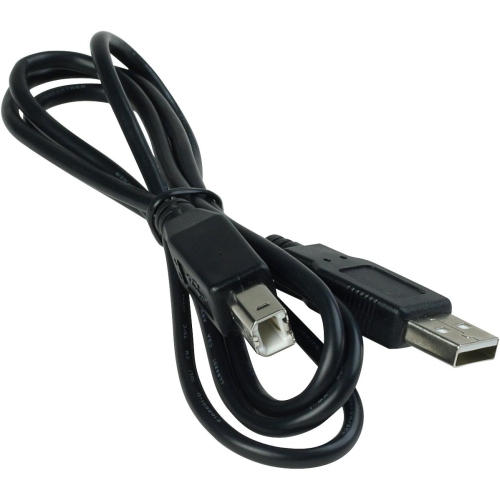
Connection options, software support, and everyday upkeep determine how comfortably a label printer fits into an existing workspace. A USB-connected printer is suited to a fixed packing station, but a USB connection alone does not confirm compatibility with every computer or application. Supported operating-system versions, available drivers, and the way shipping software sends print jobs all matter, particularly when connecting older hardware to a newer computer. Some applications produce a correctly sized label directly, while others provide a downloadable document that needs to retain its original dimensions during printing. Unwanted scaling, wide margins, or an incorrect page orientation can shrink a barcode or cut off part of an address even when the printer is working properly. Consistent templates help businesses keep names, stock codes, and other variable information in the same position from one label to the next. They are especially useful where several people share a packing station or where similar-looking parcels must remain easy to distinguish. Physical layout deserves attention as well. Space for opening the cover, loading a roll, and collecting printed labels makes a compact printer easier to use than a crowded corner with cables stretched across the worktop. Durability depends partly on workload and care: adhesive residue, paper dust, and debris along the label path can contribute to feeding problems or gaps in the printed image. Cleaning methods and intervals should follow the manufacturer’s directions, since abrasive tools or unsuitable liquids can damage sensitive components. This type of equipment is particularly relevant to independent retailers, makers, office administrators, and teams handling regular parcel dispatch or stock identification. It can also be a practical gift for someone establishing a small business, although computer compatibility and their preferred label format matter more than appearance. A printer matched to the actual workload, supported label supplies, and available software can make routine identification more orderly without adding unnecessary complexity to the packing desk.
Top selling and popular products
-
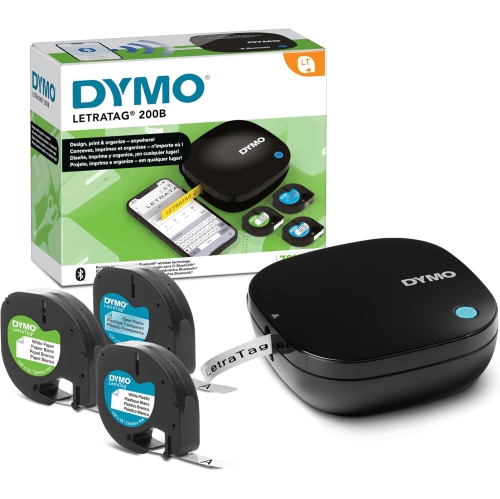 Your price for this item is $57
-
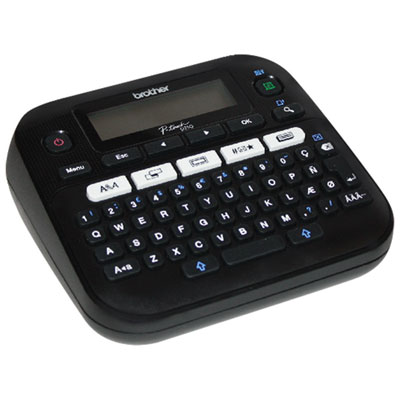 Your price for this item is $44.99
-
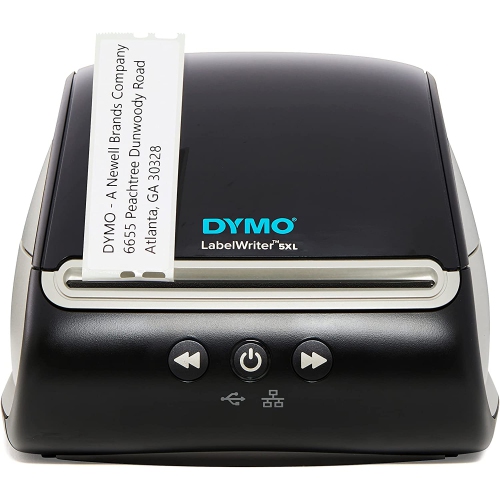 Your price for this item is $427.68
-
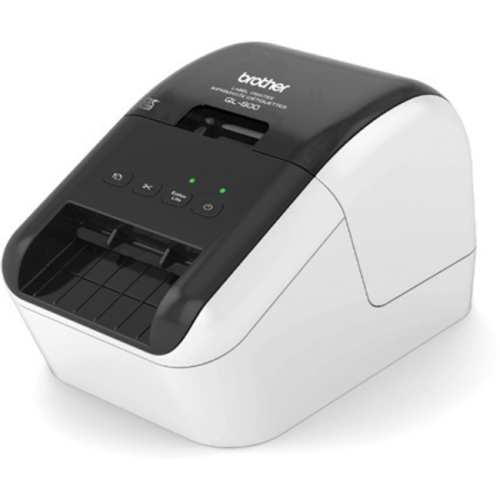 Your price for this item is $172.3
-
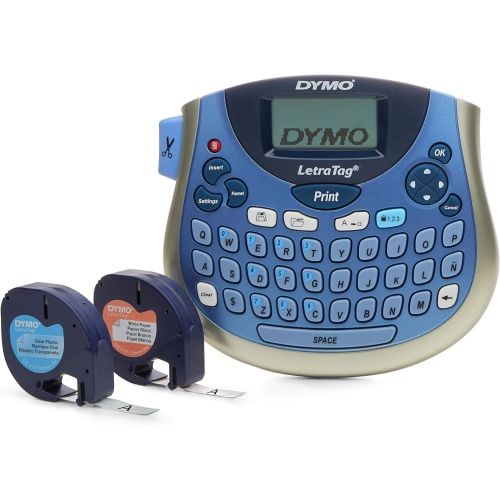 Your price for this item is $69.9
-
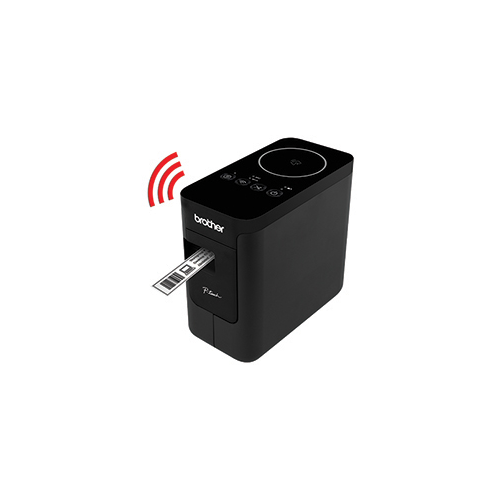 Your price for this item is $158.99
-
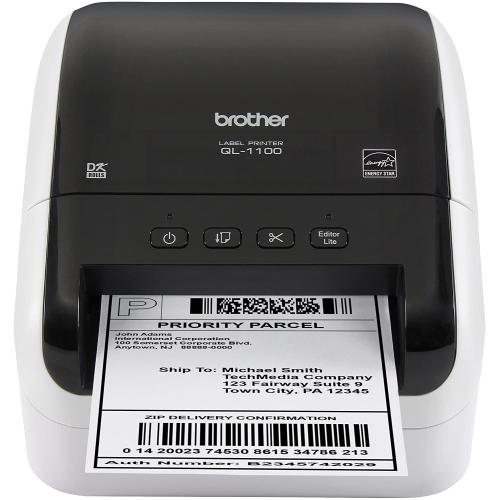 Your price for this item is $395
-
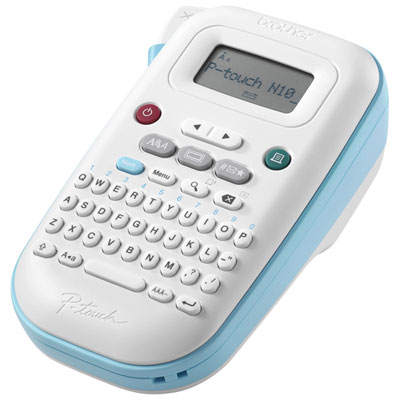 Your price for this item is $39.99
Discover more categories related to Dymo LabelWriter 4XL

Top Collections:
Best Black Friday Deals This Year, Best Black Friday Deals On Electronics, Kindle Devices, Pokemon Centers, Best Black Friday Deals On Apple Products, Best Cameras for Sports Photography, Dyson Airwrap, Pokémon 30th Celebration Cards, Apple iPhone 17 Pro, Canon G7X Cameras
Some products may be subject to Environmental Handling Fees
(EHF) depending on your province.
Learn more about EHFs.