Thick Photo Papers
Thick Photo Paper is the perfect choice for anyone looking to create impressive, high-quality prints at home or in the office. Ideal for preserving memories, crafting creative projects, or showcasing professional portfolios, this durable paper ensures your photos look vibrant and feel substantial. Explore a wide selection of options designed to bring out the best in your images, whether you’re printing family portraits, artistic shots, or important presentations. Discover how Thick Photo Paper can help you achieve stunning results with every print.
Sort
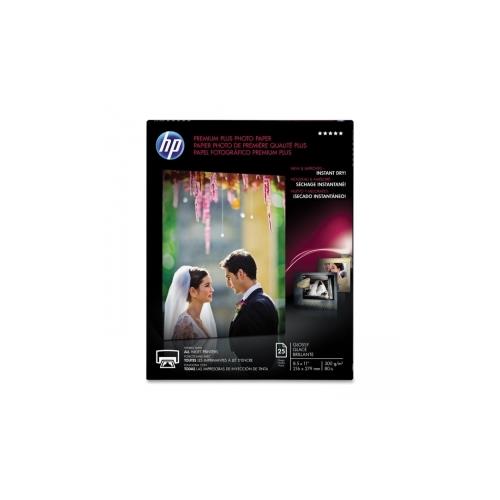
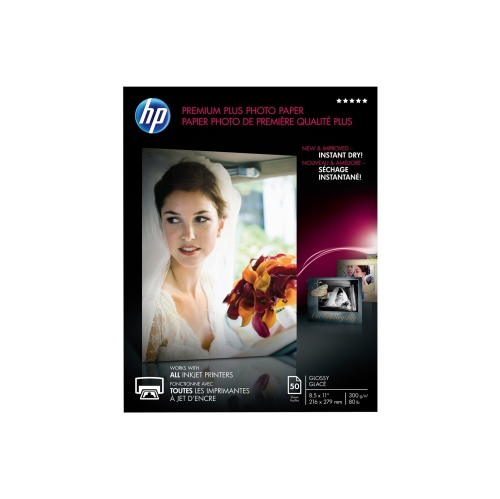


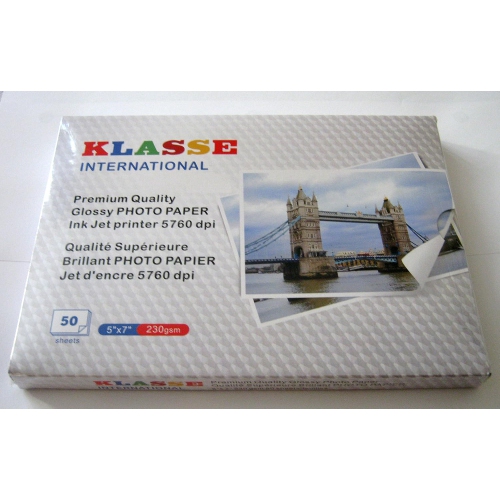
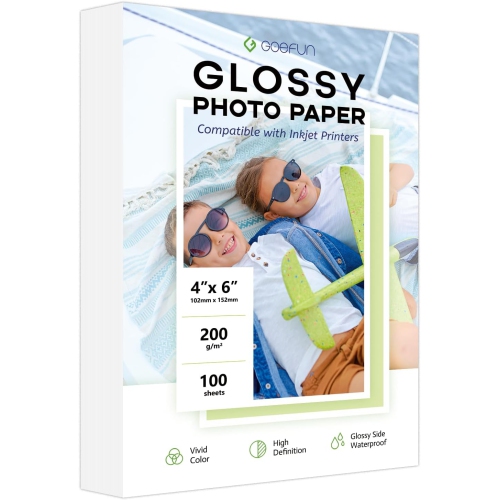


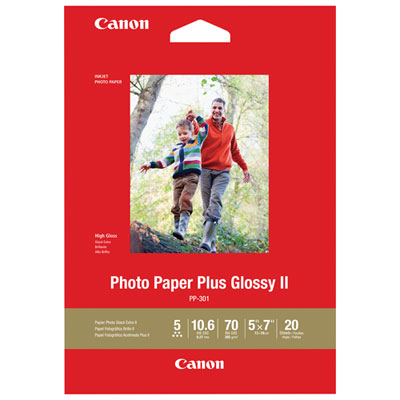

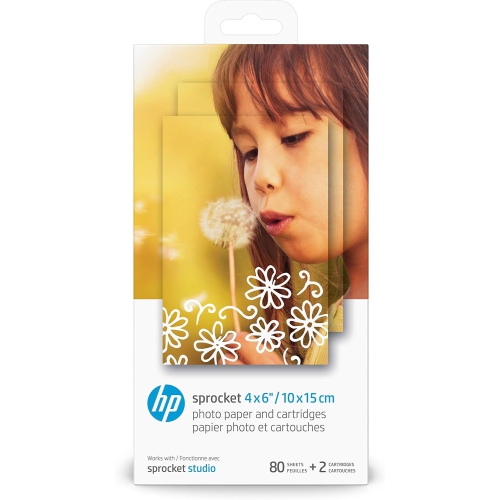
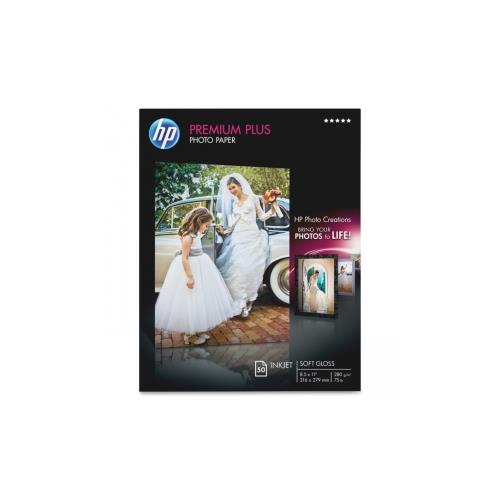
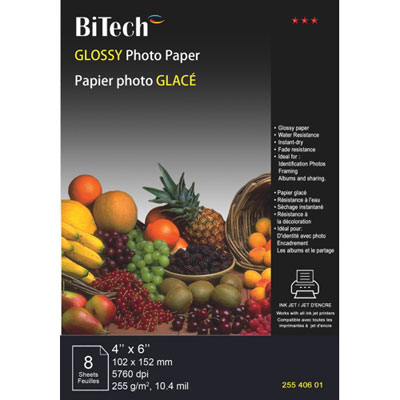

How paper weight and finish shape photo prints
Thick photo paper gives printed images a substantial feel, whether the print is meant to stand on a desk, sit behind a mat or be passed from hand to hand. Many heavyweight photo papers fall in the 200 to 300 grams per square metre (gsm) range, and heavier fine-art sheets can exceed 300 gsm. Another common reference point is a thickness of 10 mil, or about 0.25 mm. Neither figure is a universal cutoff: gsm measures weight per unit of area, while mil measures physical thickness, with one mil equal to one-thousandth of an inch. Two papers with the same gsm can differ in thickness and stiffness because of how their bases are made and coated. A resin-coated photo paper typically has a paper core sealed between thin layers of resin, with an ink-receiving coating on the print side. It tends to have a smooth, even surface that feels familiar to anyone who has handled a lab print. Fine-art photo papers can have a cotton fibre or refined wood pulp base, with surfaces ranging from smooth to lightly textured. Finish is separate from thickness and often makes the more visible difference. Glossy paper can give a sharply lit portrait deep-looking blacks and crisp reflections in the eyes, but the surface can also catch the light from a nearby window. Lustre and satin finishes offer a softer sheen, useful for portraits that will be handled or viewed from different angles. Matte paper keeps surface reflections low, which suits a black-and-white street scene or a softly lit portrait on an open shelf. A smooth matte surface holds fine details without adding a visible texture, while a textured sheet can give an image of brushwork or fabric a more tactile quality. Paper tone matters, too: a warm white can lend a softer look to pale areas, while a brighter white can give highlights a crisper appearance.
How a thick sheet fits the printer matters as much as how it feels in the hand. A printer’s supported media specifications may list a maximum thickness, a weight range or both, and those limits can vary by tray or feed path. A stiff sheet may not bend easily around the rollers in a standard tray, even if its weight falls within a listed range. A rear or manual feed can provide a straighter path on printers designed to take heavier media that way, but the presence of a rear tray alone does not establish compatibility. Paper intended for an inkjet printer is not interchangeable with paper made for a laser printer; a laser model needs media rated for its heat-based printing process. On an inkjet printer, the coating also needs to suit the ink, and a media setting or colour profile matched to the paper, printer and ink can help keep skin tones and shadow detail from shifting. Sheet size plays a different role. A 4 × 6 inch photo slips into many standard album pockets, but the pocket still needs enough room for the sheet’s thickness. An 8 × 10 inch portrait may fit the outer dimensions of a frame while losing part of the image behind the mat, so the size of the visible opening matters as much as the listed frame size. A little white space around the image can keep a close crop from crowding the mat and give fingers a place to grip during framing. Precut sheets suit standard frames and repeat print sizes, while Photo Paper Rolls offer more flexibility for panoramas and custom lengths on printers that support roll media. With rolls, the printer’s supported width and thickness still matter, and a finished print may retain some curl.
The extra body of thick photo paper is most noticeable when a print is handled outside a frame. A photographer laying out proofs on a table can move them around without the sheets flopping as easily, and a family portrait handed to a relative feels more like a finished keepsake than an image on ordinary printer paper. Thicker sheets also work well for portfolios, framed gifts and reproductions of illustrations, although a stack of them takes up more room in an album or presentation sleeve. Weight does not make a print waterproof, scratchproof or fade-resistant. A glossy surface may show fingerprints, and a textured matte surface can pick up scuffs if finished prints rub against one another. Holding a print by its edges with clean, dry hands helps protect the image, especially when dark areas extend to the border. A print that feels dry to the touch may still need more time before it goes into a sleeve, a stack or a frame, so the paper maker’s drying guidance is more useful than touch alone. For albums, photo-safe sleeves keep neighbouring prints from rubbing. For display behind glass, a mat or spacer keeps the printed surface from resting against the glazing. The thickness of the print, mat and backing also needs to fit inside the frame without forcing it closed. Unused sheets are best kept flat in their original packaging, where the printable surface is protected from dust and the corners are less likely to bend. For photographs intended to last, the paper and ink combination, storage and exposure to direct sunlight matter more than weight alone. A framed wedding portrait, a set of family photos for an album or a single print of a meaningful place can all benefit from a heavier sheet, but the right finish and fit depend on how the recipient will handle, store or display the image.
Top selling and popular products
-
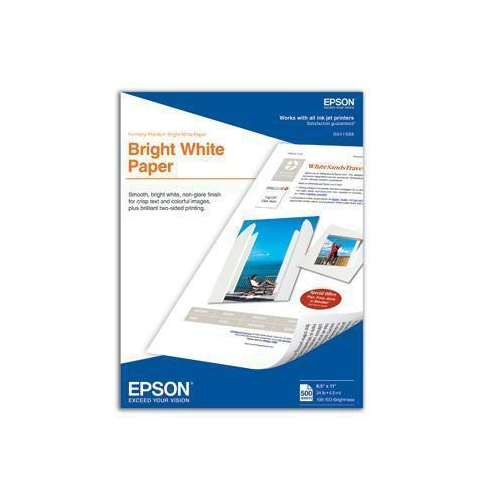 Your price for this item is $33.37
-
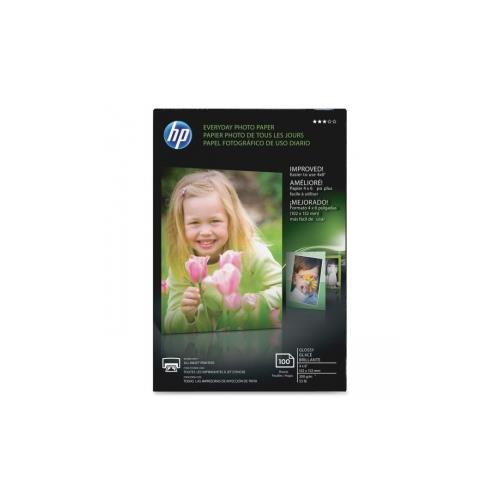 Your price for this item is $24.68
-
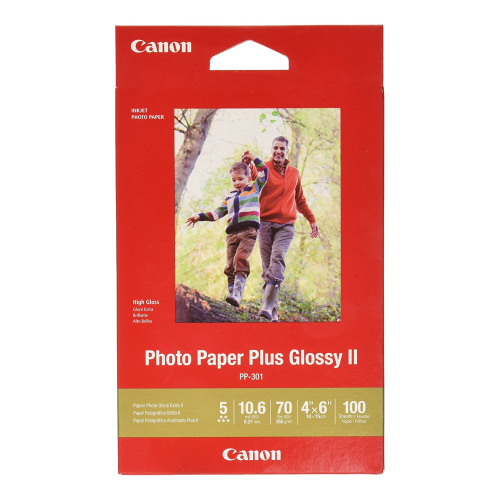 Your price for this item is $43.79
-
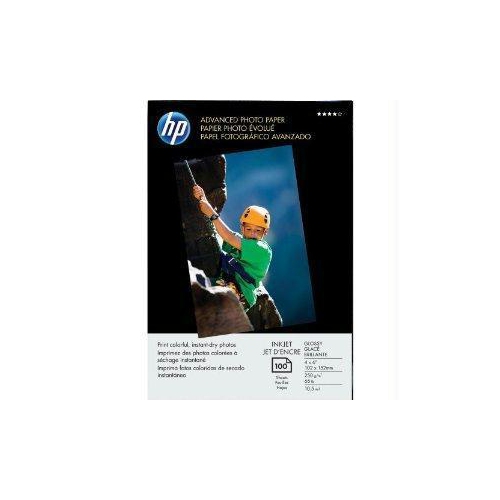 Your price for this item is $31.68
-
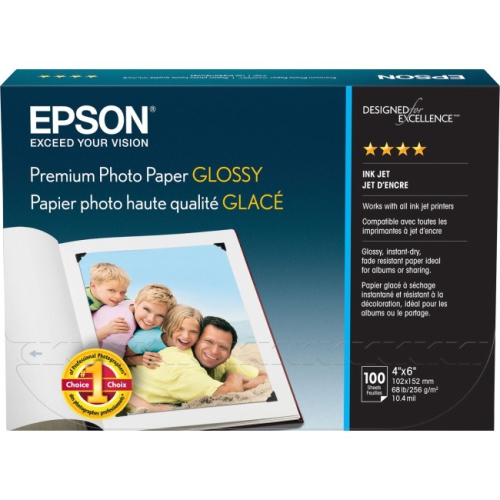 Your price for this item is $20.68
-
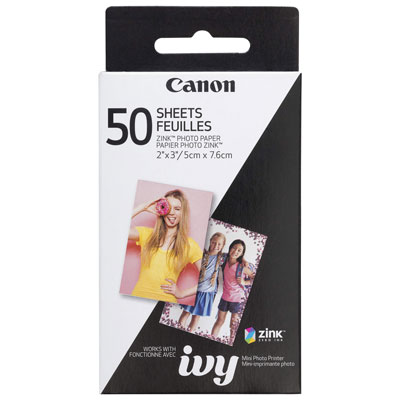 Your price for this item is $39.99
-
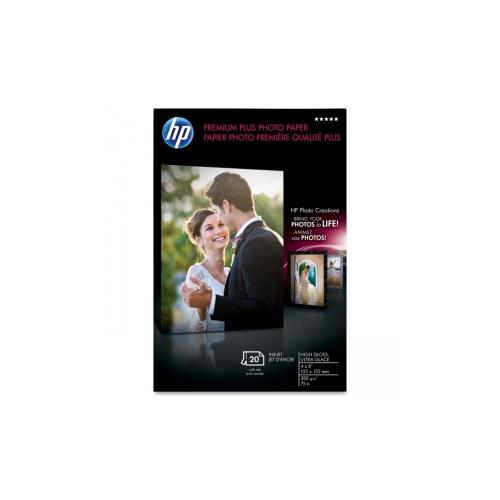 Your price for this item is $28.99
-
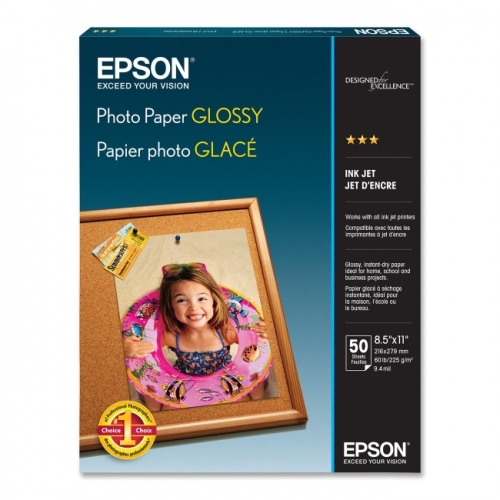 Your price for this item is $65.68
Discover more categories related to Thick Photo Papers

Top Collections:
Best Black Friday Deals This Year, Best Black Friday Deals On Electronics, Kindle Devices, Dyson Airwrap, Best Cameras for Sports Photography, Best Black Friday Deals On Apple Products, PS5 Pro Consoles, Portable Snow Blowers, Canon G7X Cameras, Pokémon 30th Celebration Cards
Some products may be subject to Environmental Handling Fees
(EHF) depending on your province.
Learn more about EHFs.