Printable Address Labels
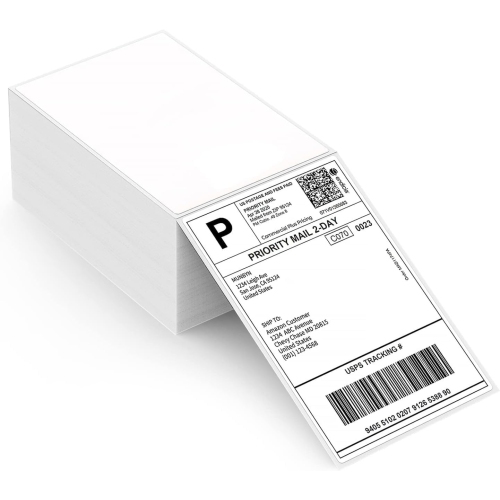
Organizing your mail has never been easier with our collection of Printable Address Labels. Whether you're sending out invitations, organizing your home office, or simply need to label your packages, these versatile labels are here to simplify your life. With a wide range of sizes and designs available, you can choose the perfect label to suit your needs. Say goodbye to messy handwriting and hello to professional-looking labels that will make a lasting impression. Explore our selection of printable address labels today and bring a touch of efficiency and style to all your mailing needs. Also check out our Printing Supplies and Compact Inkjet Printers for even more great options!
Sort
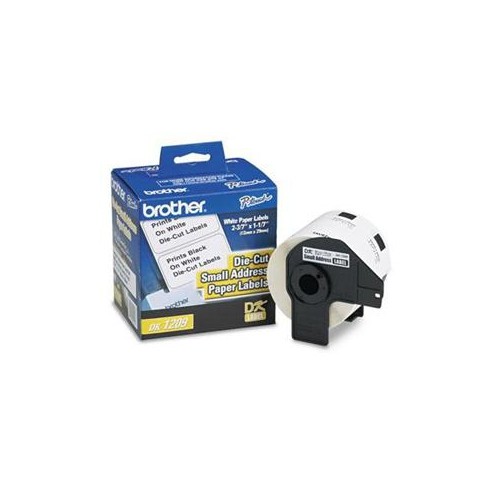
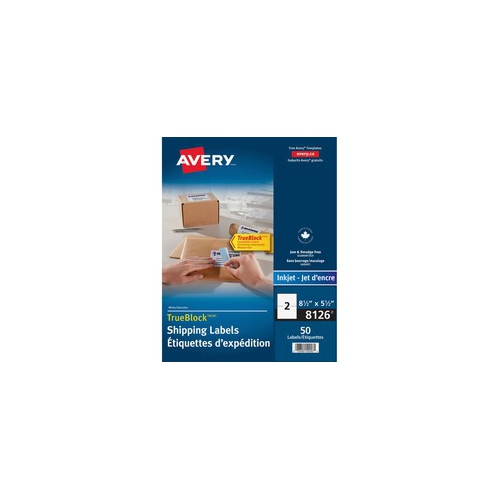
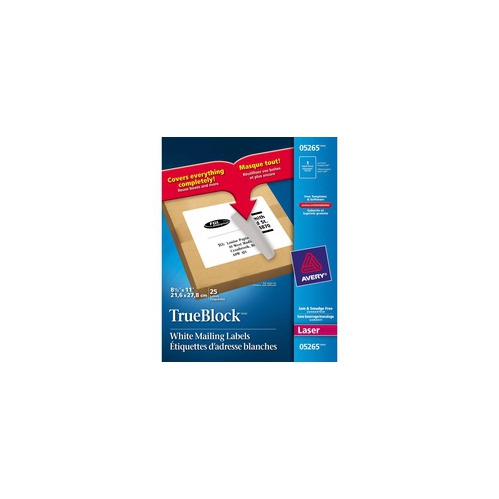
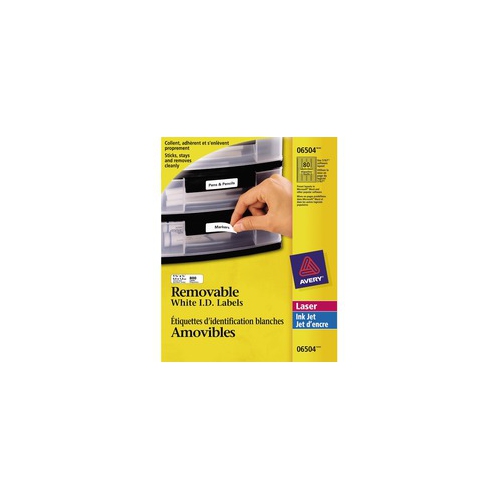
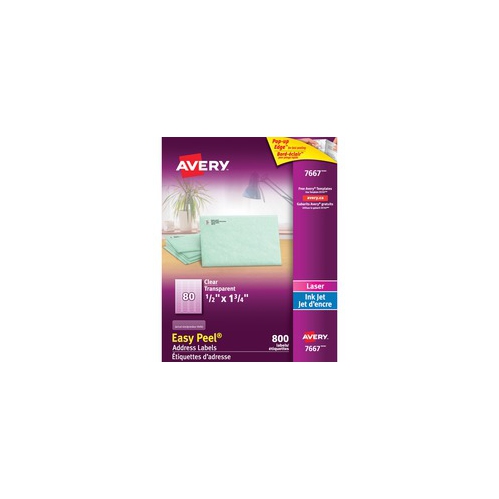
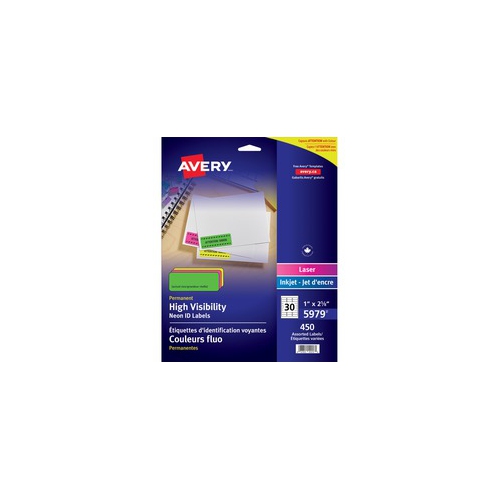
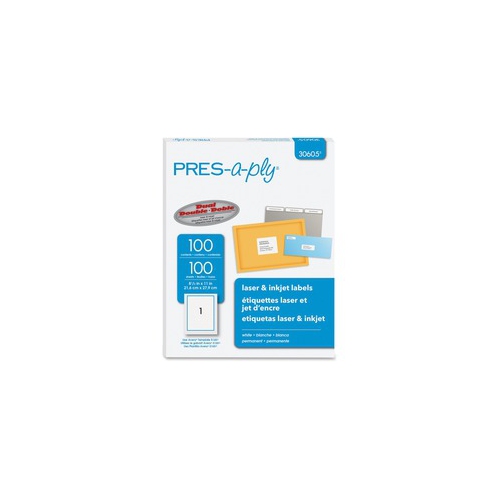
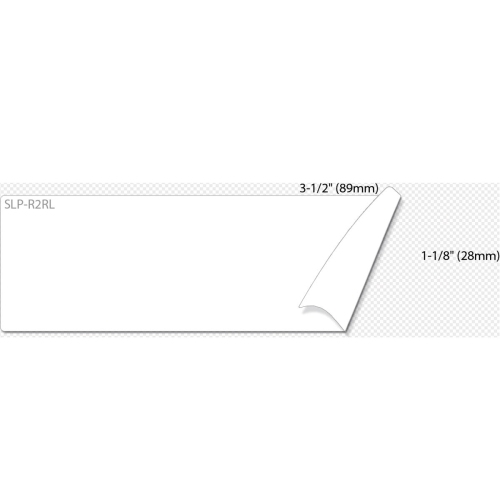
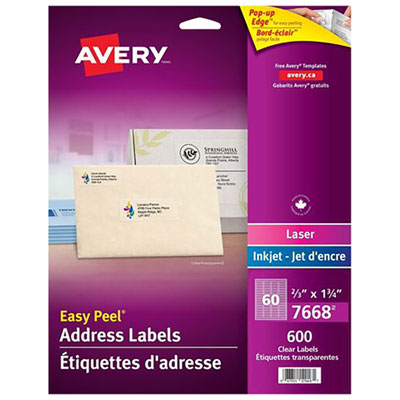
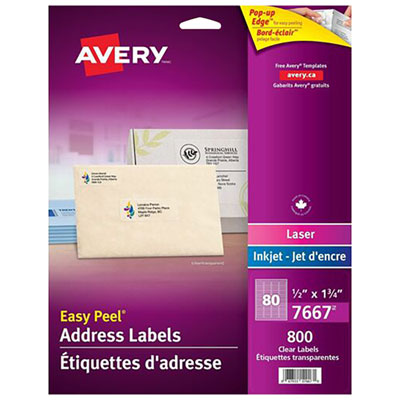

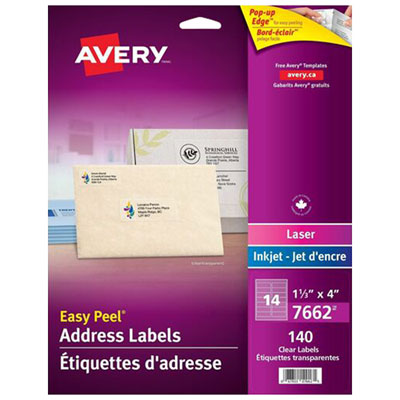
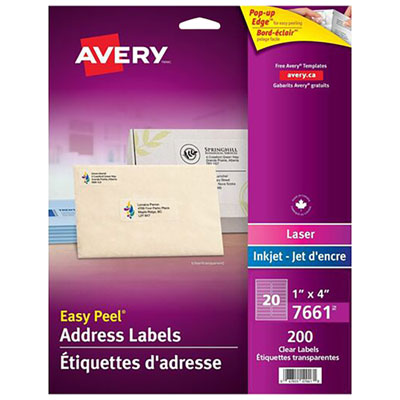
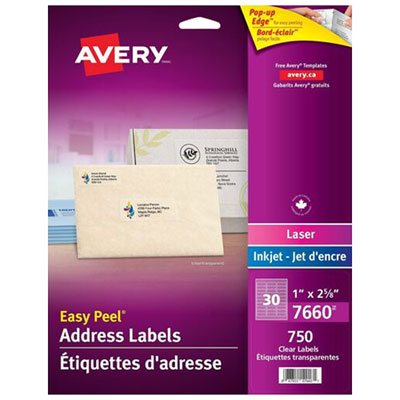
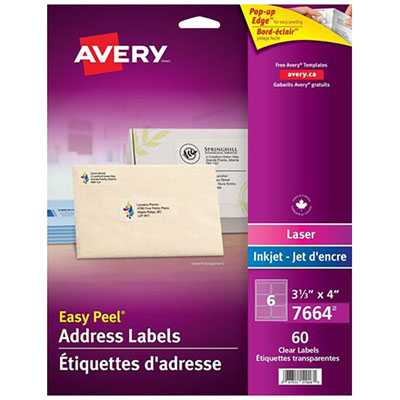

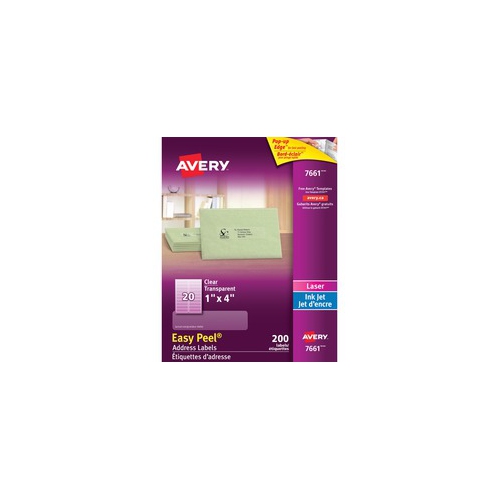
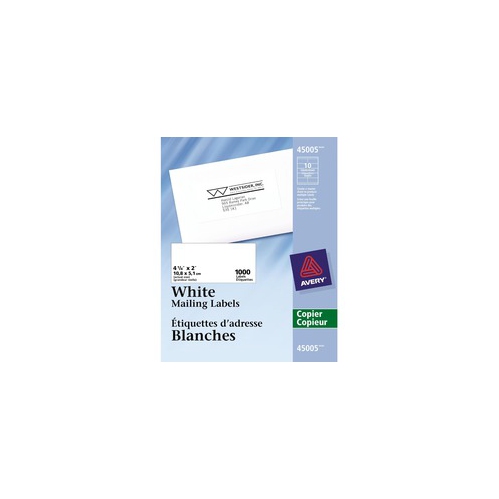
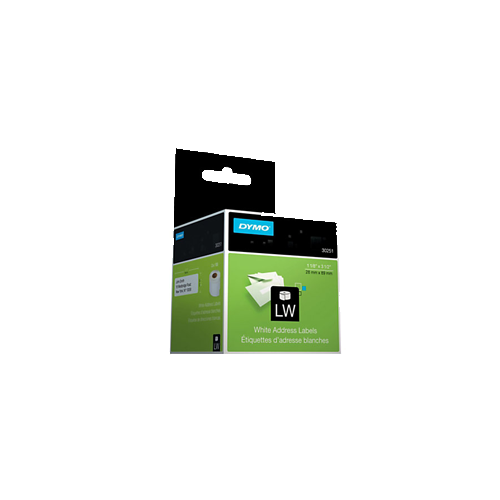
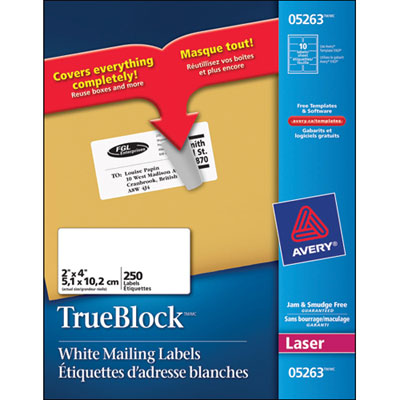
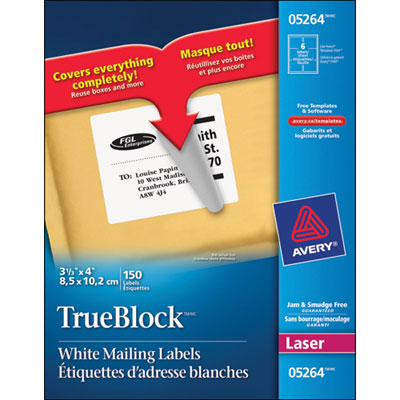
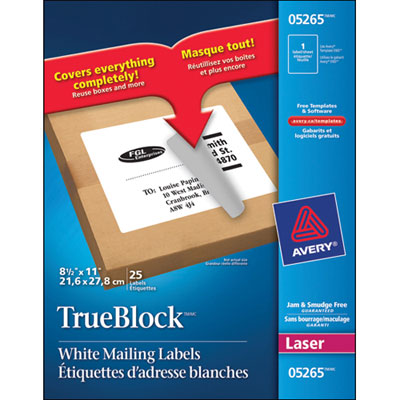
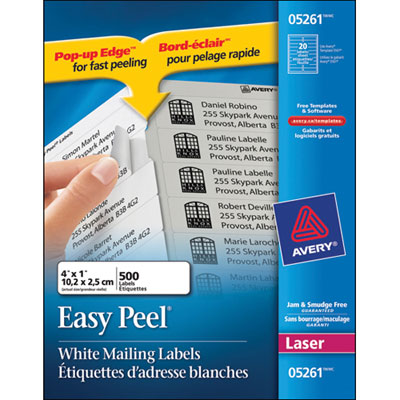
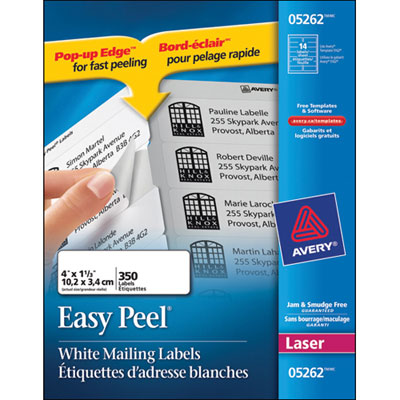
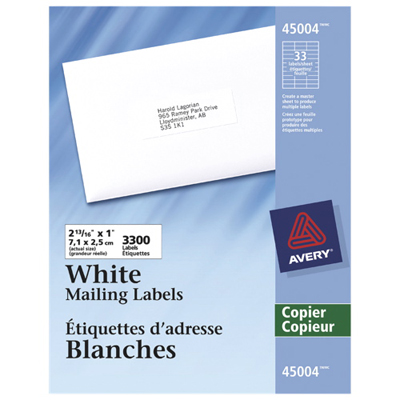
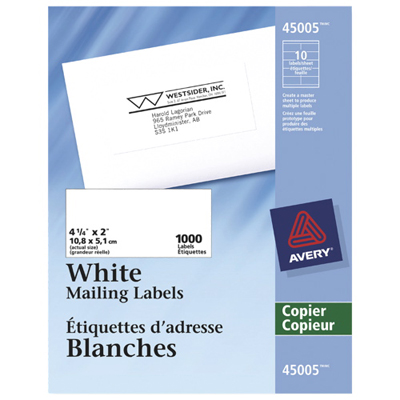
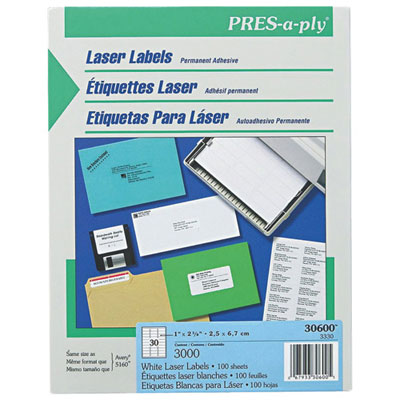
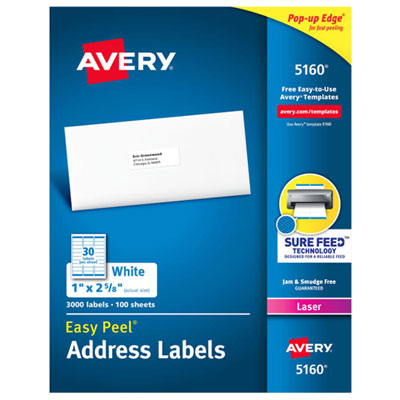
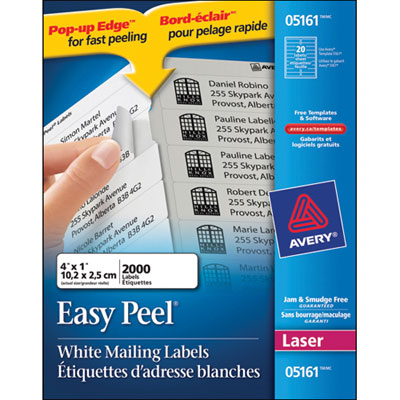
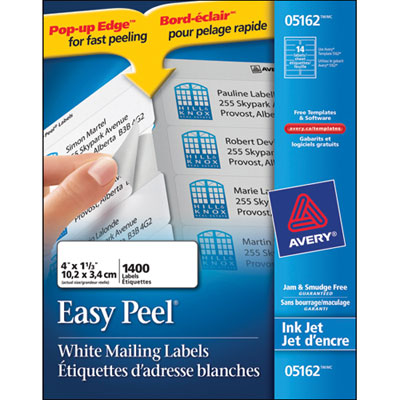
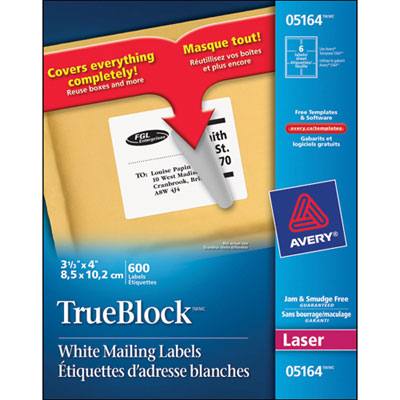
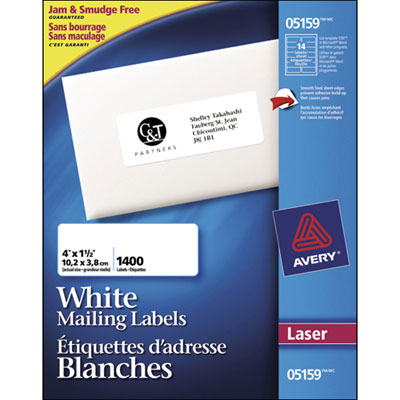
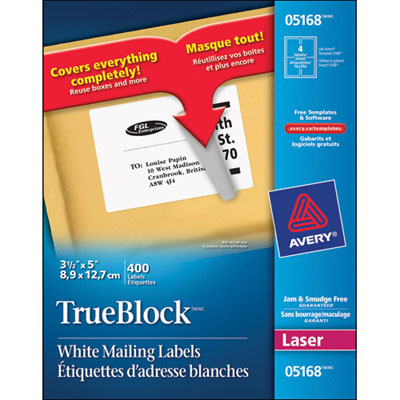
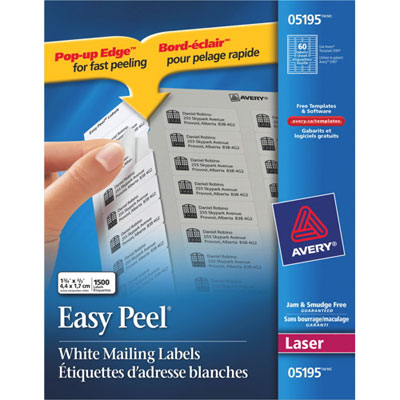
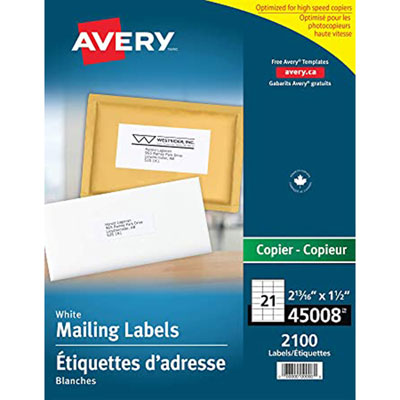
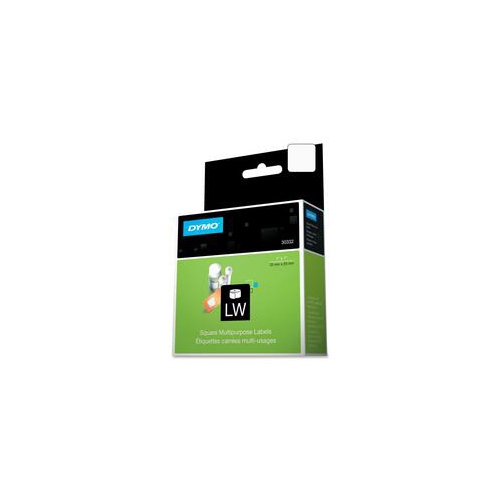
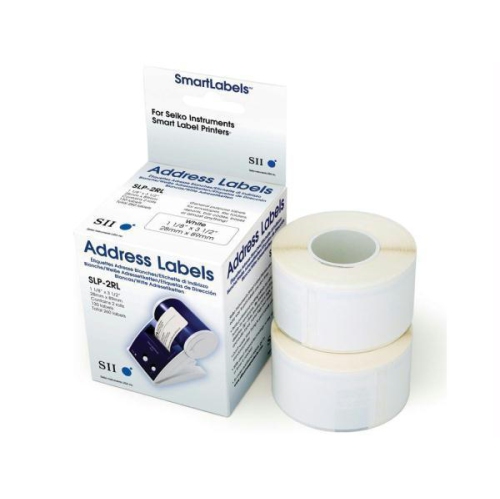

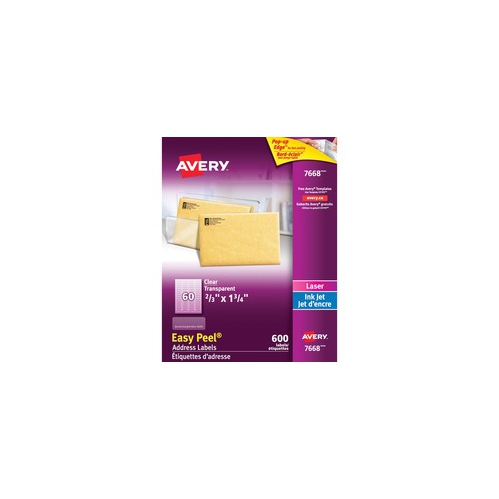
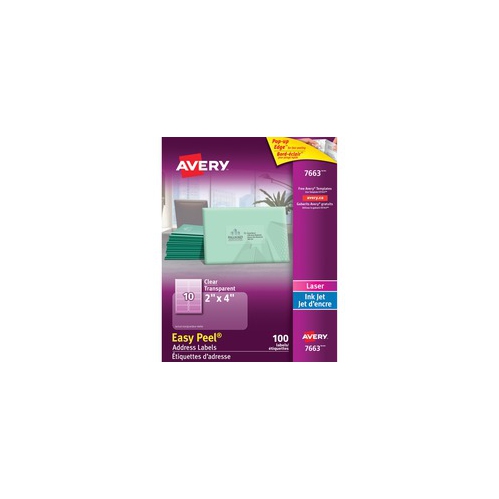
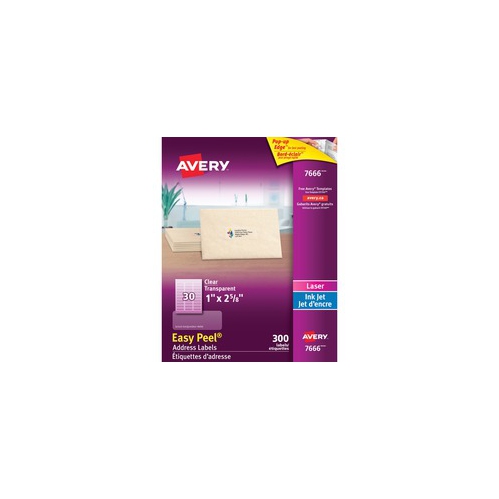

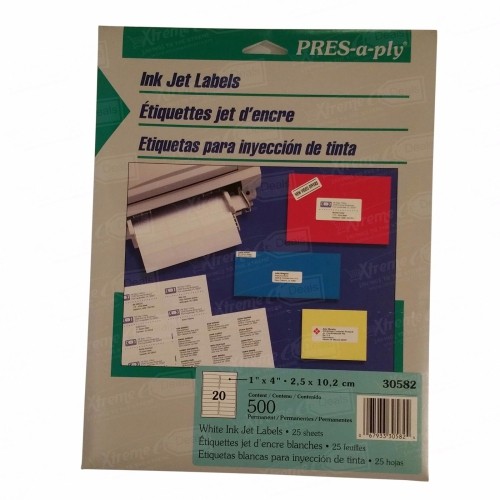
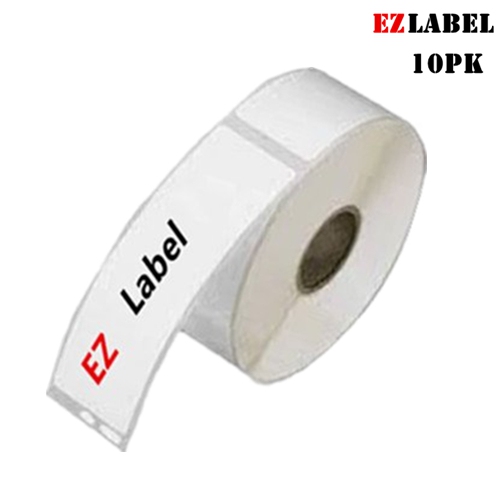
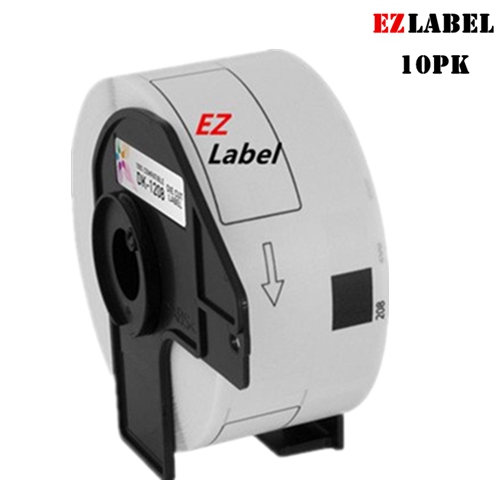
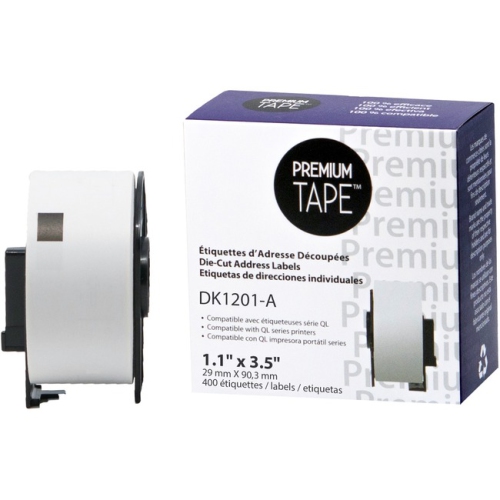
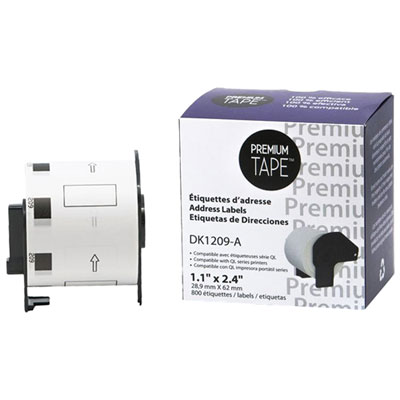
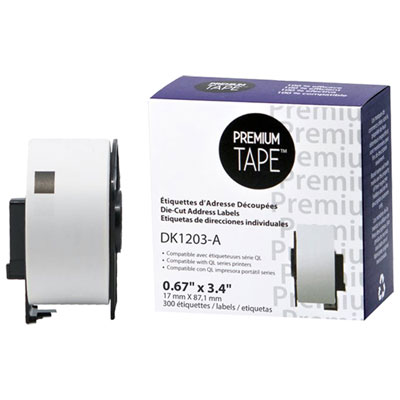
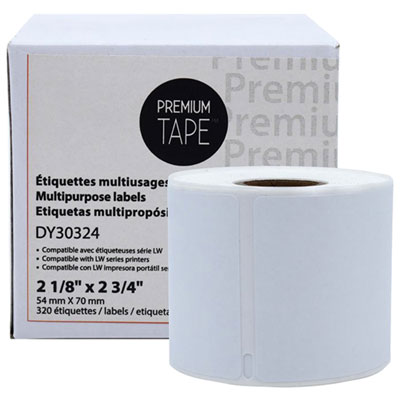
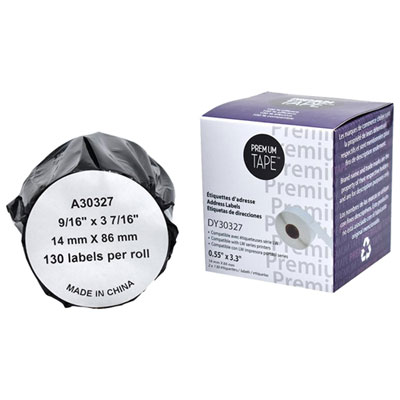
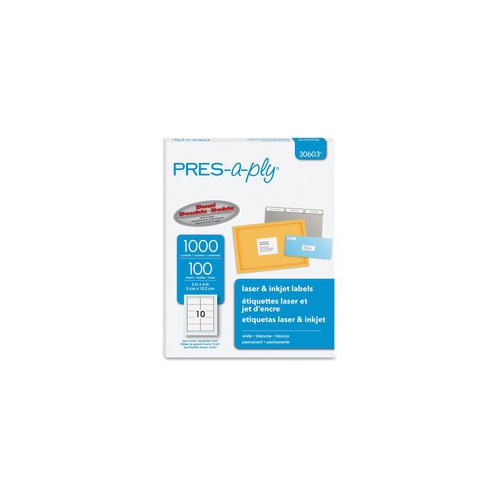

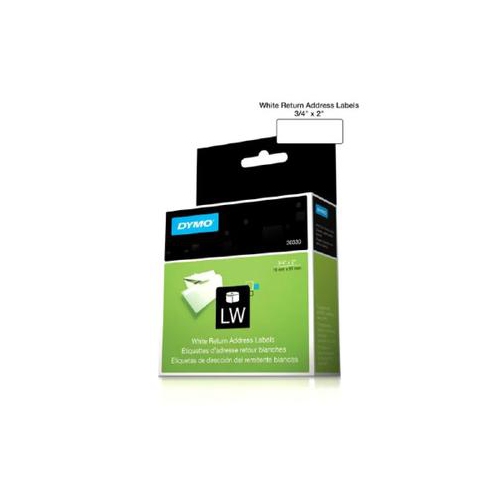
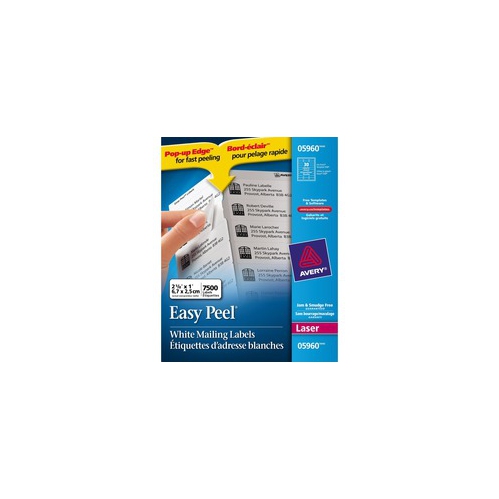
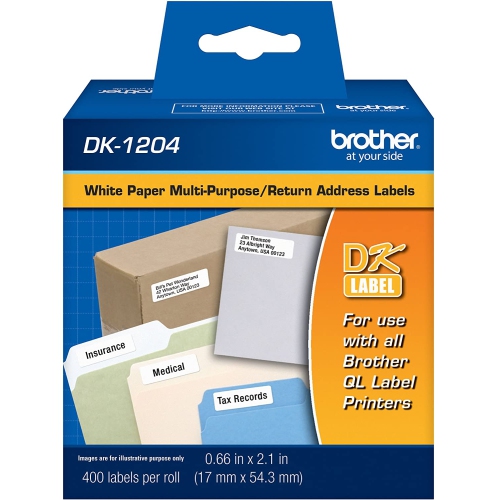
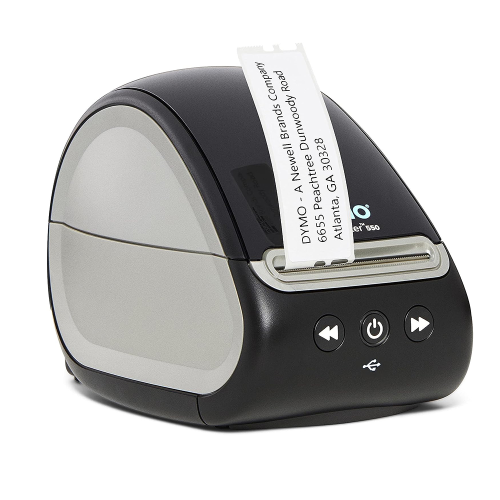
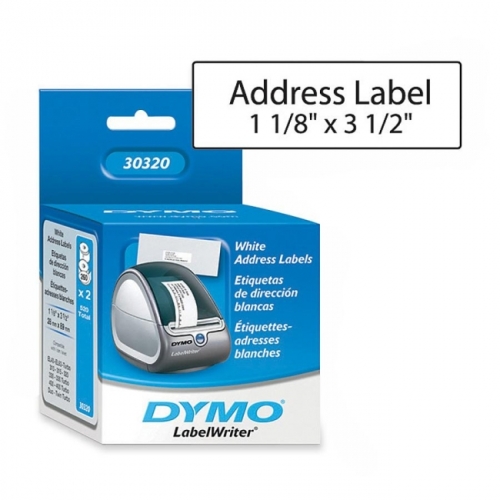
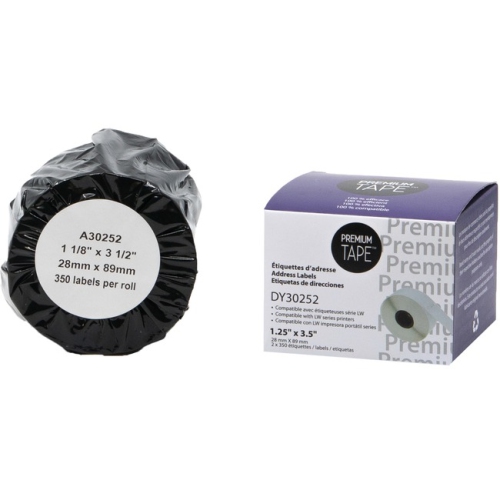
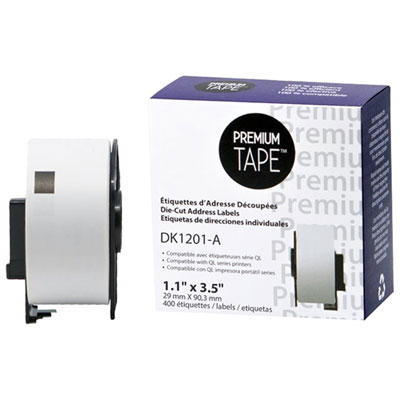
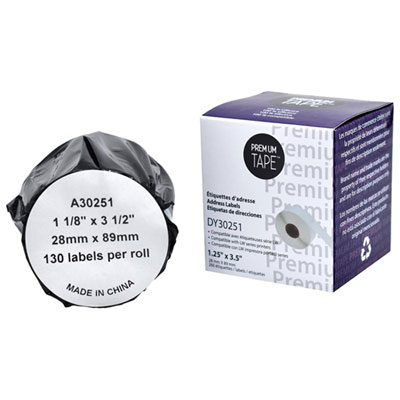
Clear mailing details start with the right label fit
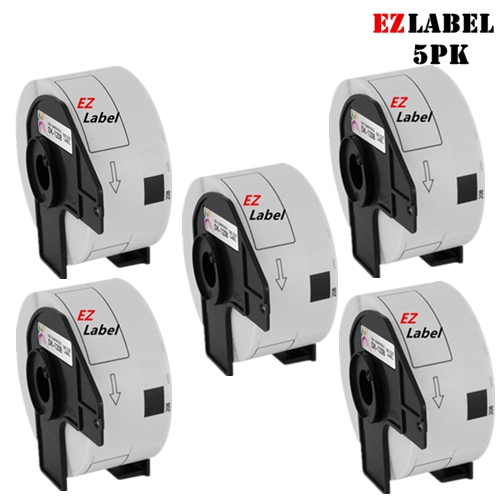
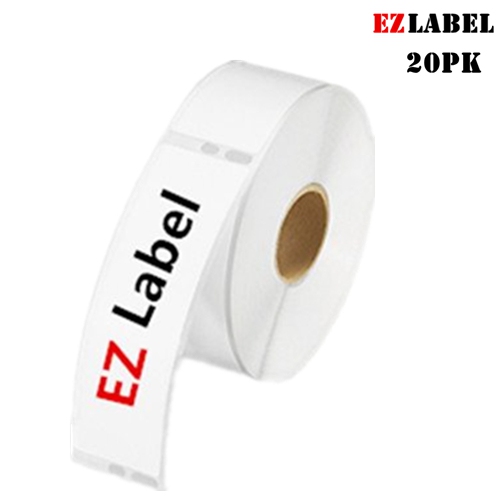
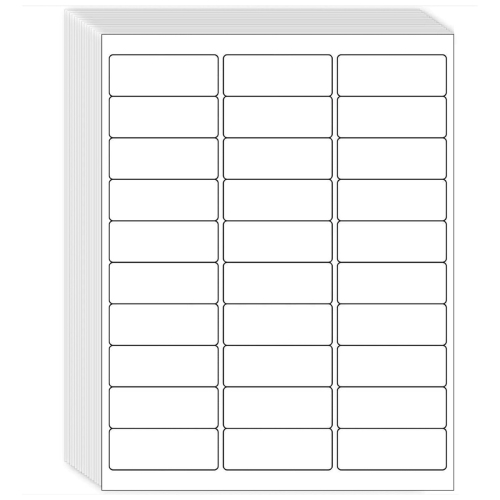
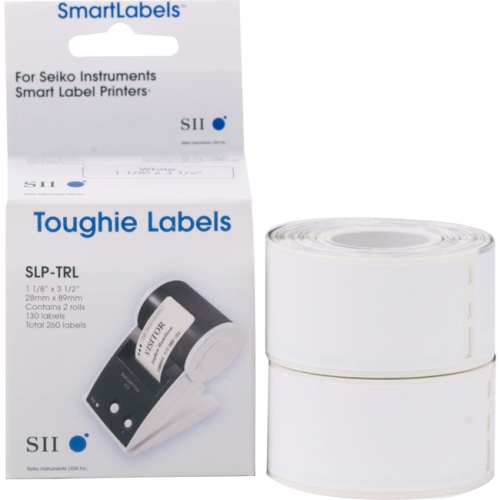
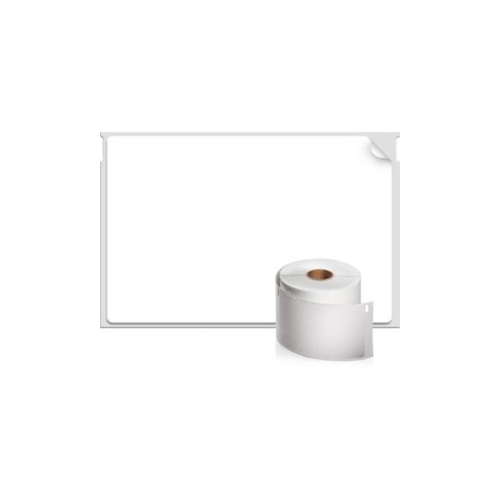
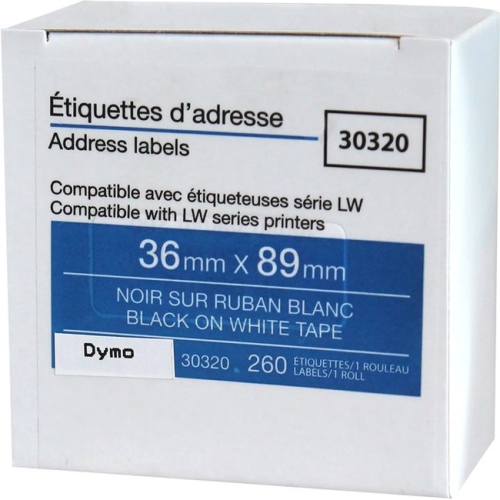
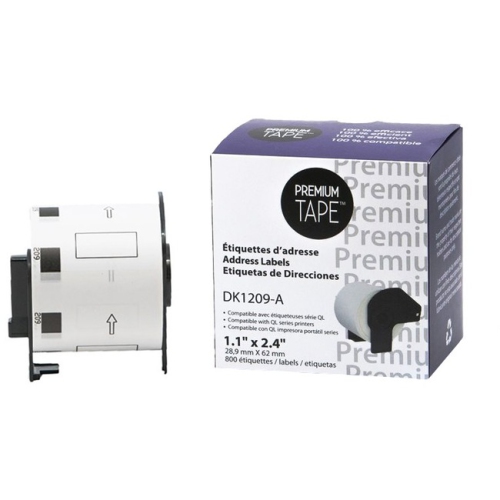
Printable address labels give envelopes and parcels a clear, consistent finish, whether they carry a single thank-you card or a full batch of business correspondence. A neatly printed name, street address, municipality, province, and postal code can make a small envelope easier to read without competing with the rest of its design. For a home office, labels turn a saved contact list into ready-to-apply mailing details; for a small business, they help keep customer shipments, invoices, and return addresses uniform. Their usefulness extends to wedding invitations, announcements, club newsletters, and correspondence sent by schools or community groups. The most suitable format depends on both the amount of information and the space on the envelope or package. Compact rectangles work well for short return addresses, while larger layouts leave room for apartment numbers, business names, or international address details without squeezing the text. A label that looks spacious on a large mailer can overwhelm a small invitation envelope, so its dimensions matter as much as its shape. Standard letter-size sheets fit many home and office printers, while rolls are generally intended for compatible label printers; the two formats are not interchangeable. Sheet layouts also vary in the number of labels they hold and the spacing between them. Those differences affect how easily a design lines up with the cut edges and whether an existing address template will fit. For households sending occasional correspondence, a familiar sheet layout can keep the task straightforward. For offices preparing repeated mailings, a consistent format makes it easier to reuse saved files and maintain the same appearance across batches. Readability remains the priority: clear type, comfortable spacing, and enough contrast between the address and the label surface usually contribute more than an elaborate design. A restrained layout also leaves more flexibility for longer names and addresses that do not fit neatly into a short line.
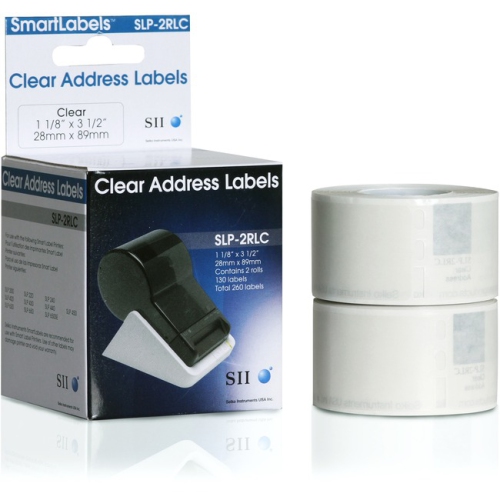
Material and finish shape both the appearance and the performance of printable address labels. White paper offers a familiar background for black text and suits everyday envelopes, while clear film allows more of the surface underneath to show through. On a coloured envelope, that transparent effect can look understated, although the printed address still needs enough contrast to remain legible. Most standard home and office printers do not print white ink, so a clear label does not automatically provide a readable background for dark stationery. Matte finishes tend to keep reflections low, while glossy surfaces add sheen and may call for particular printer settings or compatible inks. Paper labels are generally suited to routine mailing and dry handling. Film constructions can offer greater resistance to tearing or moisture, but those properties depend on the individual label material, coating, and printed image; a durable face material alone does not make every printed address waterproof. Printer compatibility is equally important. Inkjet labels are made to receive liquid ink, while laser-compatible sheets must withstand the printing process used by a laser printer. Some label sheets support both technologies, but that compatibility should be stated rather than assumed. Using the right media helps reduce smearing, poor toner adhesion, and feeding problems. Adhesive choice matters once the label leaves the printer. Permanent adhesive is intended to stay in place during ordinary handling, while removable versions are better suited to applications where clean removal is a priority and the surface permits it. Smooth envelopes and flat cartons typically provide a more reliable contact area than heavily textured paper, dusty packaging, or uneven seams. A label needs room to sit flat, with its edges fully attached rather than folded across a corner. Larger address blocks also benefit from a smooth position on the package, where folds, closures, and packing tape will not obscure important details. For mailing, secure attachment and clear printing work together.
The details of a label’s layout can make routine printing feel much more manageable. A compatible template accounts for margins, label dimensions, and the gaps between each position on the sheet, helping an address land where it belongs rather than drift towards a cut edge. Small differences in scaling can become noticeable over a full page, so printing at the intended size matters when working from a saved document or PDF. A plain-paper test placed behind an unused label sheet can reveal alignment issues before adhesive sheets go through the printer. Mail merge support is useful for repeated correspondence because it brings names and addresses from a contact file into a consistent design, though unusually long entries still need enough room. A family sending invitations might use one layout for guest addresses and a smaller matching format for return details. A home-based seller might keep separate files for customer addresses and the business return address, reducing the need to rebuild each mailing from scratch. Offices looking for a polished, coordinated finish may also find Professional Address Labels relevant to their correspondence needs. Ease of peeling is another practical consideration, especially when applying many labels in one sitting; backing designs that expose an edge can make the process less fiddly. Storage and handling help preserve that convenience. Keeping unused sheets flat in their original packaging protects their edges from curling and keeps dust away from the adhesive. Inkjet printing may need drying time before the surface is touched or stacked, depending on the ink and coating. Partially used sheets need particular care, since not every printer or label manufacturer permits them to pass through again. Together, suitable materials, a well-matched template, and a format that fits the actual mailing task help printable address labels earn their place among everyday office supplies, from a handful of personal envelopes to regular batches of customer correspondence.
Material and finish shape both the appearance and the performance of printable address labels. White paper offers a familiar background for black text and suits everyday envelopes, while clear film allows more of the surface underneath to show through. On a coloured envelope, that transparent effect can look understated, although the printed address still needs enough contrast to remain legible. Most standard home and office printers do not print white ink, so a clear label does not automatically provide a readable background for dark stationery. Matte finishes tend to keep reflections low, while glossy surfaces add sheen and may call for particular printer settings or compatible inks. Paper labels are generally suited to routine mailing and dry handling. Film constructions can offer greater resistance to tearing or moisture, but those properties depend on the individual label material, coating, and printed image; a durable face material alone does not make every printed address waterproof. Printer compatibility is equally important. Inkjet labels are made to receive liquid ink, while laser-compatible sheets must withstand the printing process used by a laser printer. Some label sheets support both technologies, but that compatibility should be stated rather than assumed. Using the right media helps reduce smearing, poor toner adhesion, and feeding problems. Adhesive choice matters once the label leaves the printer. Permanent adhesive is intended to stay in place during ordinary handling, while removable versions are better suited to applications where clean removal is a priority and the surface permits it. Smooth envelopes and flat cartons typically provide a more reliable contact area than heavily textured paper, dusty packaging, or uneven seams. A label needs room to sit flat, with its edges fully attached rather than folded across a corner. Larger address blocks also benefit from a smooth position on the package, where folds, closures, and packing tape will not obscure important details. For mailing, secure attachment and clear printing work together.
The details of a label’s layout can make routine printing feel much more manageable. A compatible template accounts for margins, label dimensions, and the gaps between each position on the sheet, helping an address land where it belongs rather than drift towards a cut edge. Small differences in scaling can become noticeable over a full page, so printing at the intended size matters when working from a saved document or PDF. A plain-paper test placed behind an unused label sheet can reveal alignment issues before adhesive sheets go through the printer. Mail merge support is useful for repeated correspondence because it brings names and addresses from a contact file into a consistent design, though unusually long entries still need enough room. A family sending invitations might use one layout for guest addresses and a smaller matching format for return details. A home-based seller might keep separate files for customer addresses and the business return address, reducing the need to rebuild each mailing from scratch. Offices looking for a polished, coordinated finish may also find Professional Address Labels relevant to their correspondence needs. Ease of peeling is another practical consideration, especially when applying many labels in one sitting; backing designs that expose an edge can make the process less fiddly. Storage and handling help preserve that convenience. Keeping unused sheets flat in their original packaging protects their edges from curling and keeps dust away from the adhesive. Inkjet printing may need drying time before the surface is touched or stacked, depending on the ink and coating. Partially used sheets need particular care, since not every printer or label manufacturer permits them to pass through again. Together, suitable materials, a well-matched template, and a format that fits the actual mailing task help printable address labels earn their place among everyday office supplies, from a handful of personal envelopes to regular batches of customer correspondence.
Top selling and popular products
-
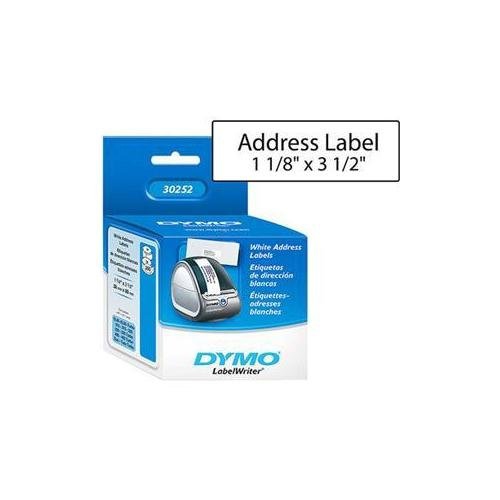 Your price for this item is $26.68
 -
 Your price for this item is $70.99
 -
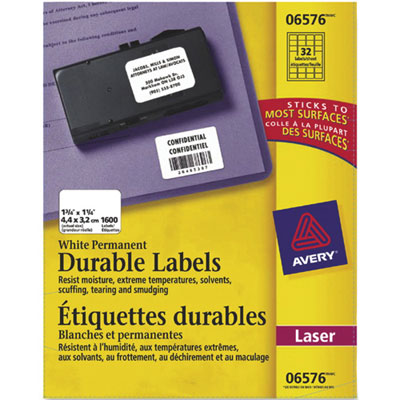 Your price for this item is $70.99
 -
 Your price for this item is $64.99
 -
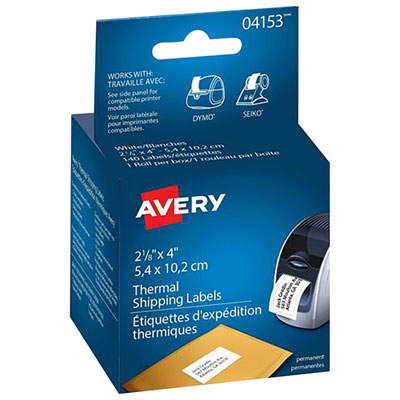 Your price for this item is $30.99
 -
 Your price for this item is $26.99
 -
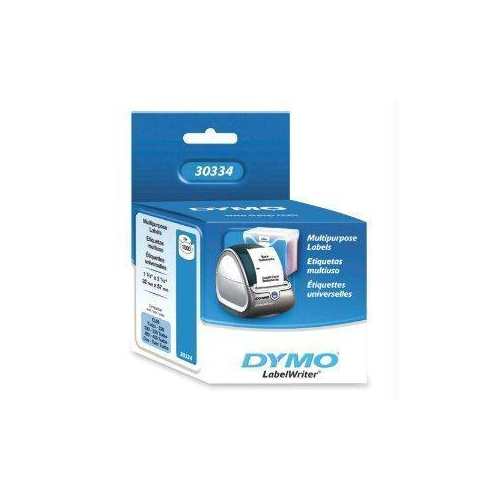 Your price for this item is $76.68
 -
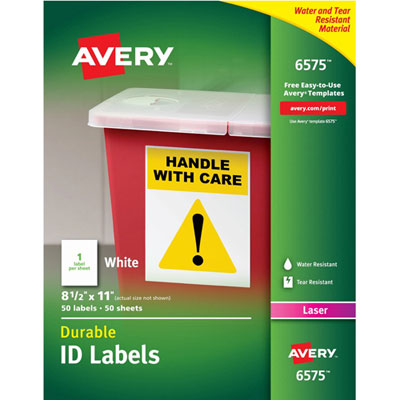 Your price for this item is $70.99
Discover more categories related to Printable Address Labels
Top Collections:
Pokemon Centers, Kindle Devices, Best Budget Office Chairs, Apple iPhones 16, Best Laptops for Writers, iPhone 15 Apple, Canon G7X Cameras, Refurbished Apple Laptops, Alarm Clock, Motorola Razr Phones
Some products may be subject to Environmental Handling Fees
(EHF) depending on your province.
Learn more about EHFs.