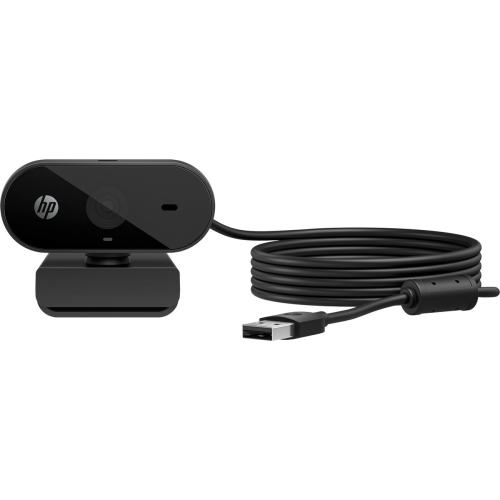
Student Webcams for Virtual Lectures
Student Webcams For Virtual Lectures are essential tools for students who need to participate in online classes and remote learning sessions. With the right webcam, connecting with teachers and classmates becomes more engaging and interactive. Explore a range of options designed to support clear video calls, making it easier to attend lectures, collaborate on group projects, and stay connected throughout the school year. Find Student Webcams For Virtual Lectures that suit your needs and help you make the most of your online learning experience.
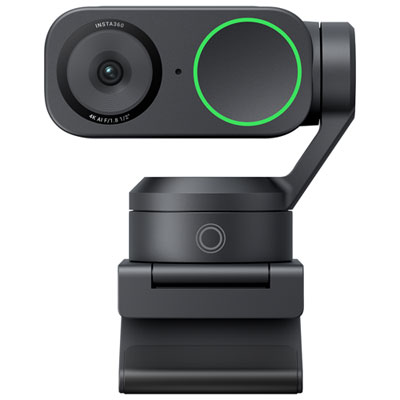
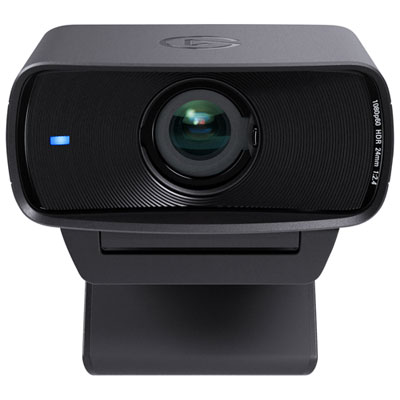
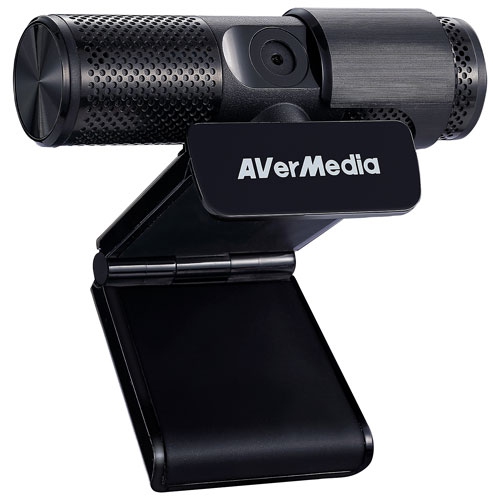
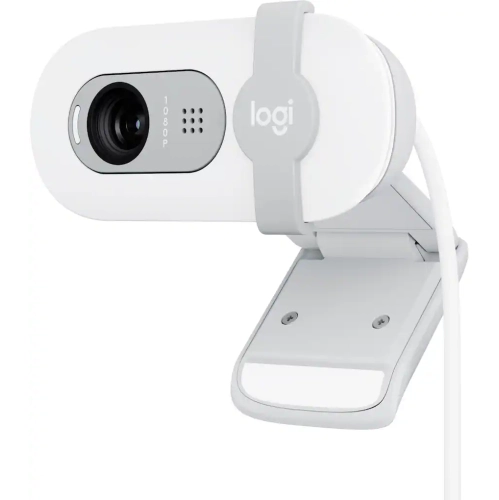
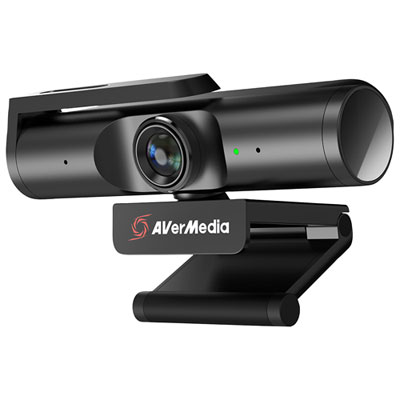
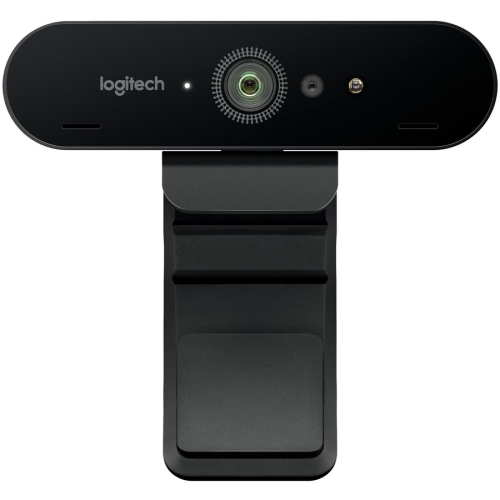
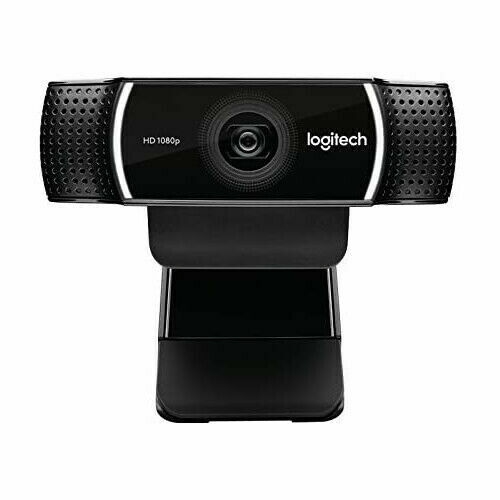
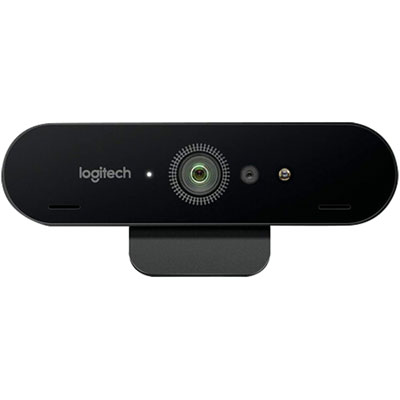

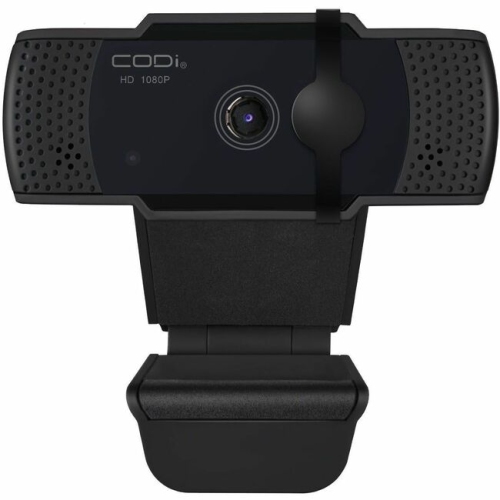
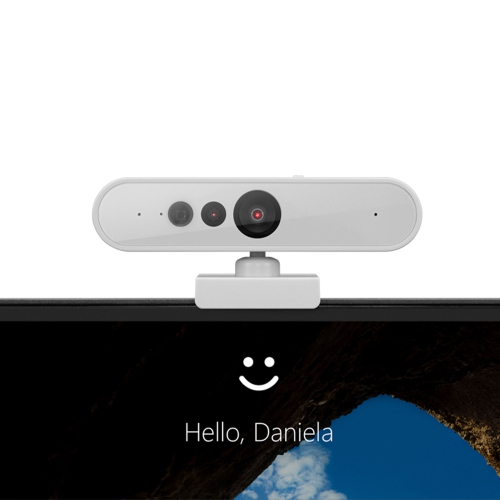
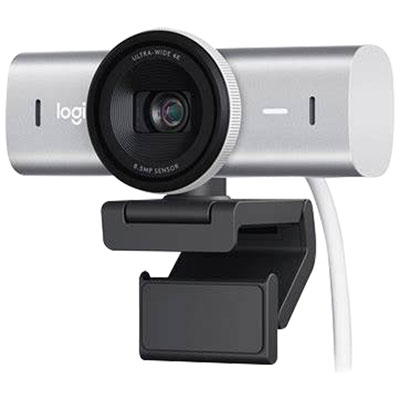
Clearer connections for lectures, assignments, and student life
Gifting a webcam is a thoughtful gesture for students heading off to college, starting a new grade, or preparing for an important online course. Parents, grandparents, and friends often look for practical gifts that support a student’s success, and a dependable webcam fits the bill perfectly. It's not just about academic use—many students use webcams to catch up with friends and family, join online clubs, or explore creative pursuits like streaming and digital art classes. When choosing a webcam, consider factors like compatibility with different devices, ease of installation, and the type of connectivity required. Some students might benefit from models with privacy shutters for peace of mind, while others may prioritize portability for use on the go. For those seeking more guidance on selecting the right webcam for educational needs, the Webcams for Student's Online Classes page offers additional insights and options tailored specifically for students navigating the world of online learning. A well-chosen webcam is an investment in clear communication and academic confidence, helping students make the most of every virtual learning opportunity as they transition from the slower pace of early summer into the lively rhythm of a new school year.
FAQ
What features should students look for in a webcam for virtual lectures?
Students should consider webcams with high-definition video quality (at least 720p or 1080p), built-in microphones, low-light correction, and plug-and-play compatibility with common operating systems. Autofocus and a wide field of view can also enhance the virtual learning experience.
Are external webcams better than built-in laptop cameras for online classes?
External webcams often provide superior video and audio quality compared to most built-in laptop cameras. They typically offer higher resolution, better low-light performance, and more flexible positioning, making them a popular choice for students attending virtual lectures.
Do student webcams require special software to work with online learning platforms?
Most modern webcams are plug-and-play and do not require additional software to function with popular online learning platforms like Zoom, Microsoft Teams, or Google Meet. However, some advanced models may offer optional software for enhanced features.
Can webcams be used with both Windows and Mac computers?
Yes, most student webcams are compatible with both Windows and Mac computers. It's important to check the product specifications to ensure compatibility with your specific operating system.
How important is microphone quality in a webcam for virtual lectures?
Microphone quality is important for clear communication during virtual lectures. Many webcams include built-in microphones that reduce background noise and capture voice clearly. For the best audio experience, some students may choose to use an external headset or microphone alongside their webcam.
Top selling and popular products
-
 Your price for this item is $79.99
 -
 Your price for this item is $123.44
 -
 Your price for this item is $27.98
 -
 Your price for this item is $48.49
 -
 Your price for this item is $149.99
 -
 Your price for this item is $249.99
 -
 Your price for this item is $49.99
 -
 Your price for this item is $34.99