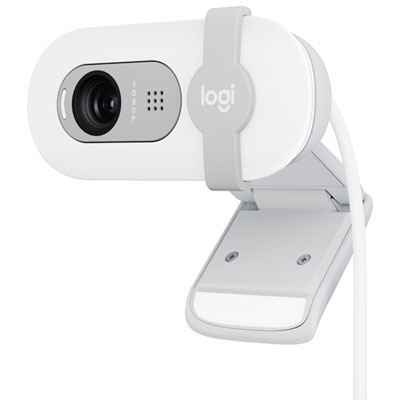
Webcams for Remote Classes
Webcams for remote classes help make online learning more engaging and interactive. Whether you’re a student attending virtual lectures or a teacher hosting digital lessons, the right webcam can ensure clear video during every session. Explore a variety of webcams for remote classes to find options suited for different setups, needs, and budgets, so you can stay connected and participate confidently in your virtual classroom.
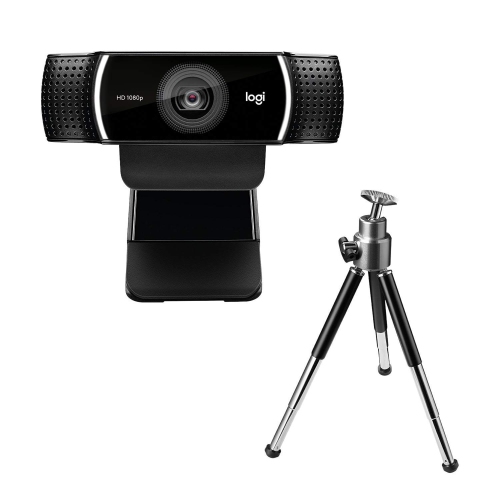
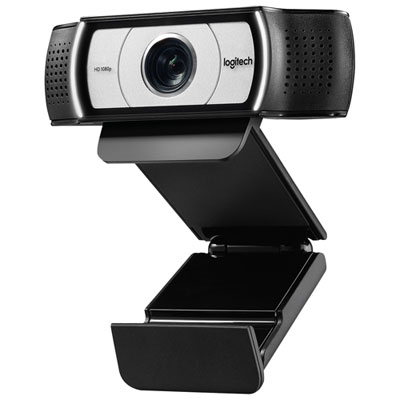

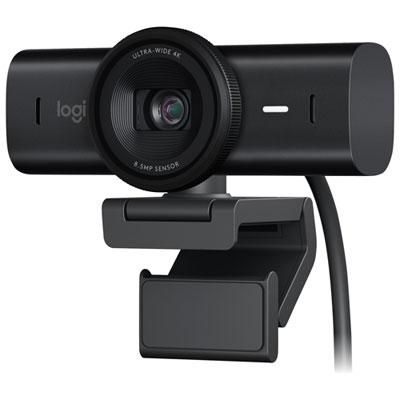
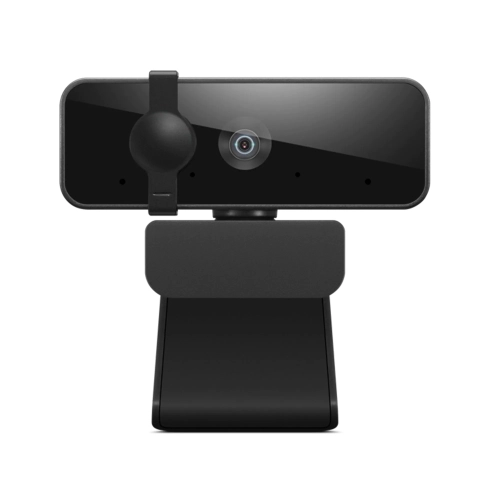
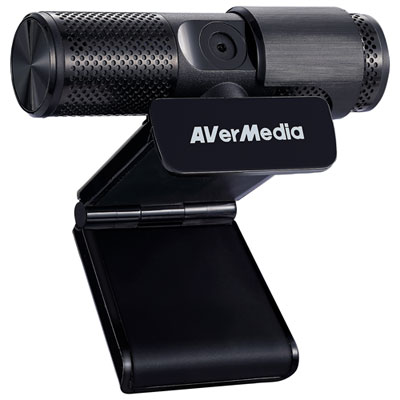
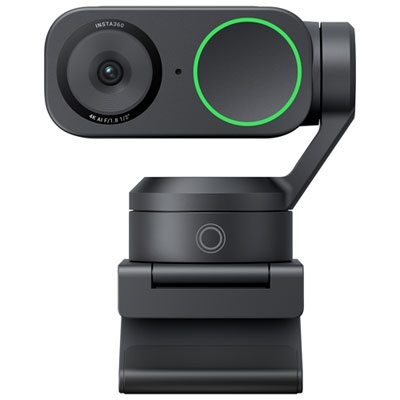
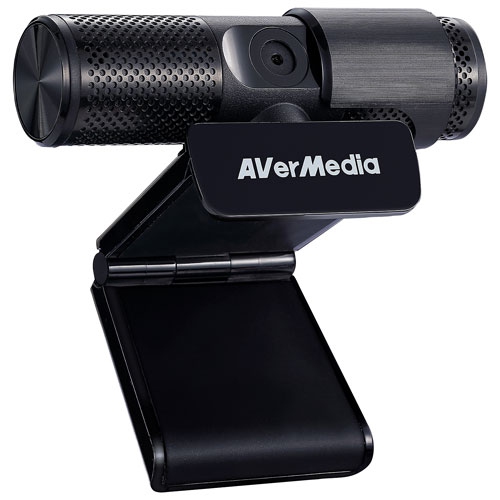
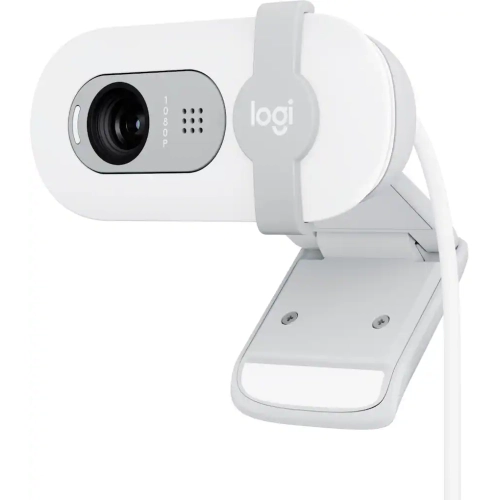
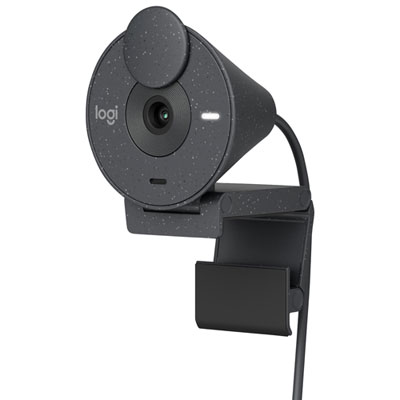
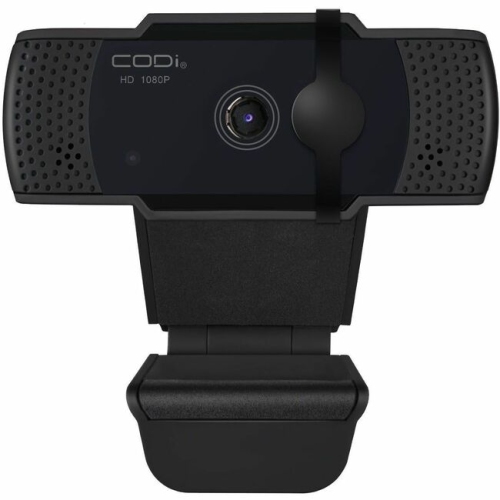
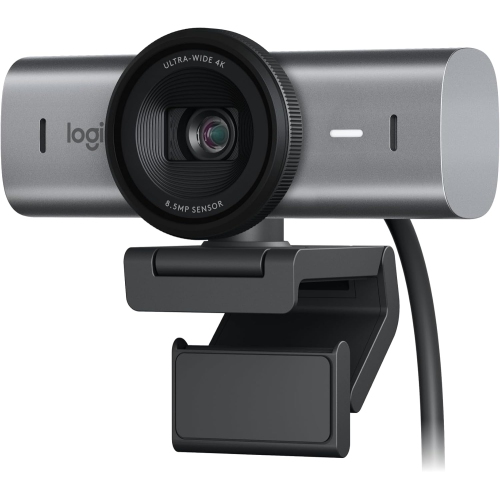
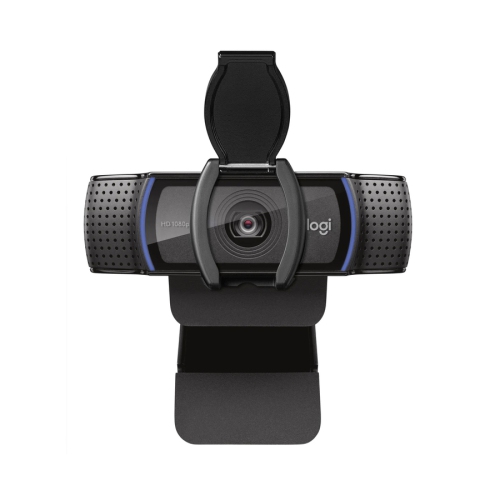
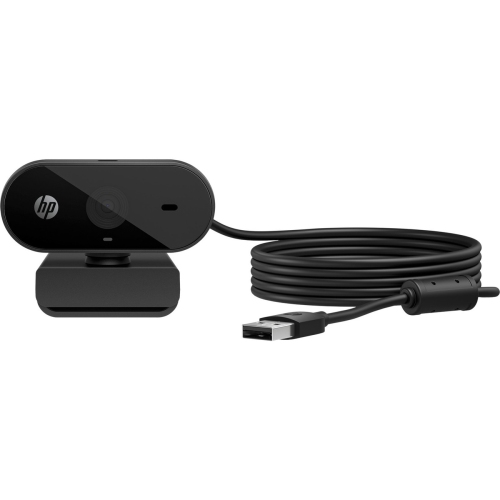
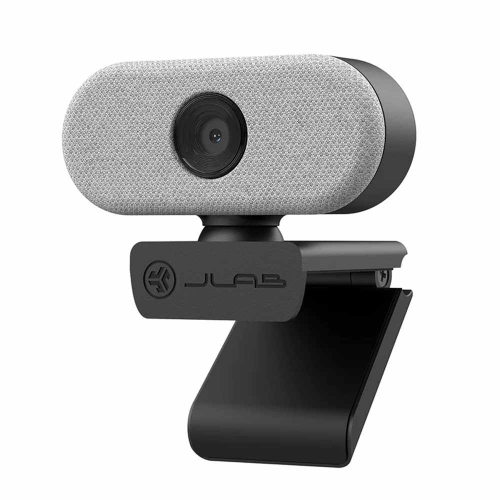
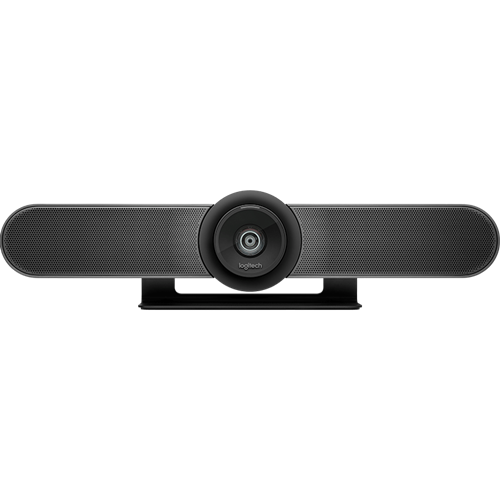
Clear video helps lessons and connections feel closer
Webcams for remote classes are not just practical tools—they can also be thoughtful gifts for students heading into a new school year, for educators who need reliable equipment, or for anyone participating in online courses or workshops. A best buy webcam can support everything from daily attendance and presentations to virtual clubs, tutoring sessions, and extracurricular activities. Parents gifting a webcam to a student might picture their child confidently answering a question in class, while educators may appreciate a device that keeps them connected with their students no matter the season. With so many options available, it’s important to consider resolution, field of view, mounting options, and compatibility with popular video conferencing platforms. For those seeking more guidance, the Webcams for Student's Online Classes page offers curated recommendations tailored to the unique needs of remote learners. Whether upgrading an existing setup or starting fresh, the right webcam can help ensure every lesson, group discussion, and virtual celebration is captured clearly and confidently—making remote learning more engaging and effective throughout the year.
FAQ
What features should I look for in a webcam for remote classes?
When choosing a webcam for remote classes, consider features such as high-definition video quality (at least 720p or 1080p), built-in microphones, autofocus, low-light correction, and compatibility with your computer's operating system and preferred video conferencing platforms.
Do I need an external microphone if my webcam has one built in?
Many webcams come with built-in microphones that are suitable for basic communication during remote classes. However, if you require higher audio clarity or plan to participate in discussions frequently, you might benefit from using an external microphone for improved sound quality.
Are plug-and-play webcams easy to set up for online learning?
Yes, most modern webcams are plug-and-play, meaning they can be connected to your computer via USB and used immediately without the need for additional software installation. This makes them convenient and user-friendly for students and teachers alike.
Can I use a webcam with both laptops and desktop computers?
Webcams are generally compatible with both laptops and desktop computers as long as the device has a USB port and supports the webcam's drivers. Always check the compatibility information provided by the manufacturer to ensure it works with your specific device.
How important is resolution when selecting a webcam for virtual classes?
Resolution is important because it affects how clearly you appear on screen. A higher resolution, such as 1080p, provides sharper and more detailed video, which can enhance communication during virtual classes. However, even a 720p webcam can offer satisfactory quality for most online learning needs.
Top selling and popular products
-
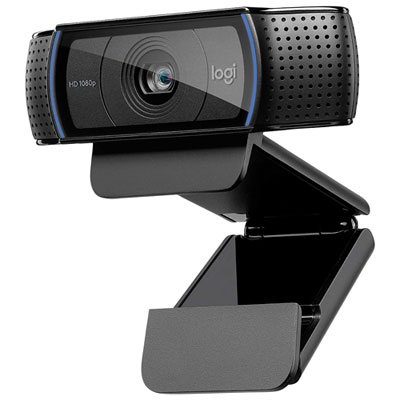 Your price for this item is $99.99
-
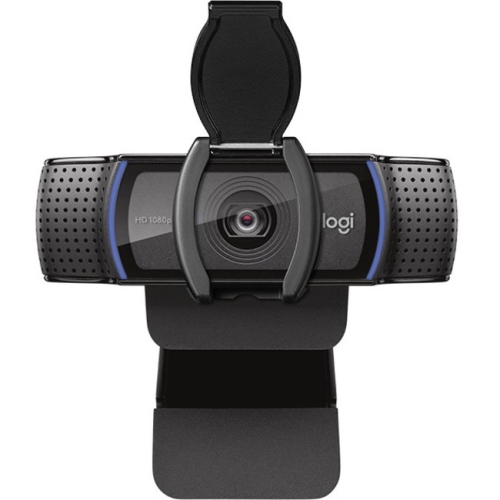 Your price for this item is $123.44
-
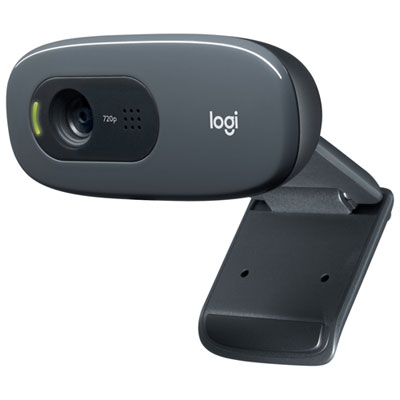 Your price for this item is $39.99
-
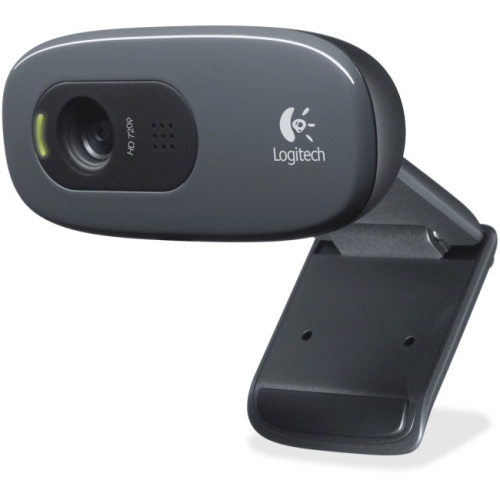 Your price for this item is $36.99
-
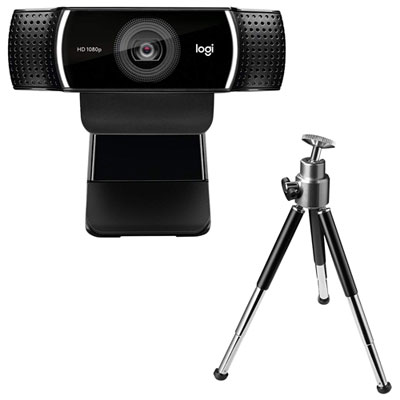 Your price for this item is $149.99
-
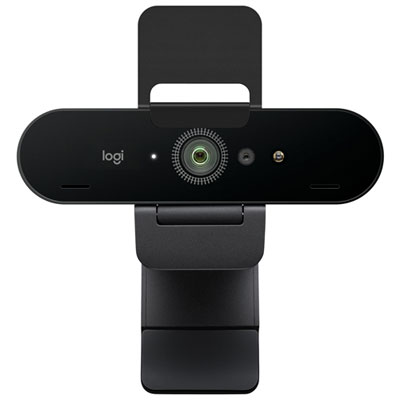 Your price for this item is $199.99
-
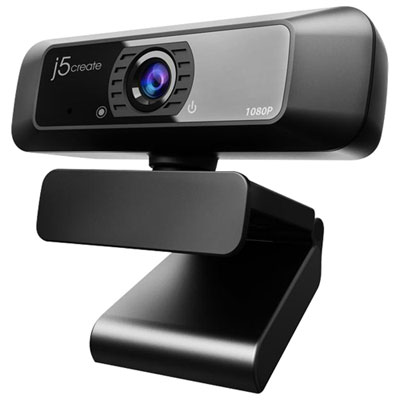 Your price for this item is $49.99
-
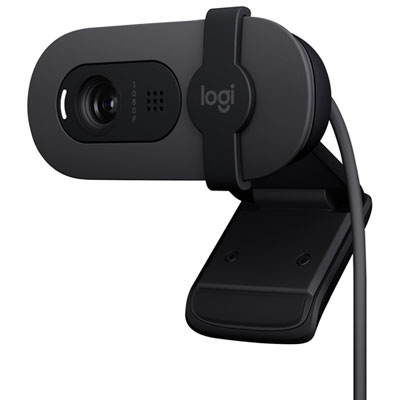 Your price for this item is $59.99