Fast Tablets
Looking for a lightning-fast tablet that can keep up with your on-the-go lifestyle? Look no further! Our collection of fast tablets is designed to deliver the ultimate performance and speed, ensuring you never miss a beat. Whether you're browsing the web, streaming your favorite shows, or tackling work tasks on the fly, these high-speed tablets will take your productivity and entertainment to new heights. Get ready to experience seamless multitasking, quick app launches, and smooth navigation with our selection of fast tablets.
Sort


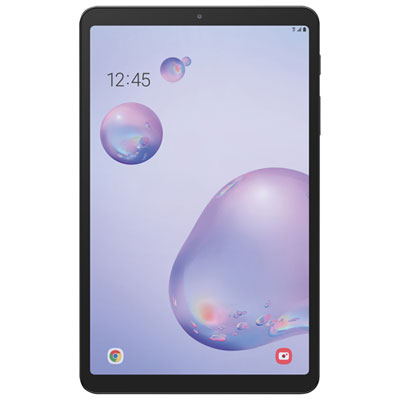
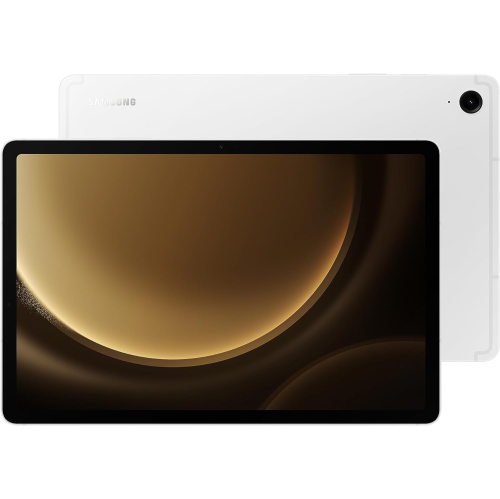
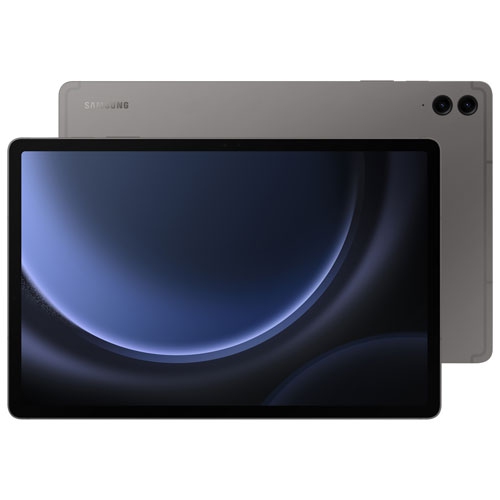
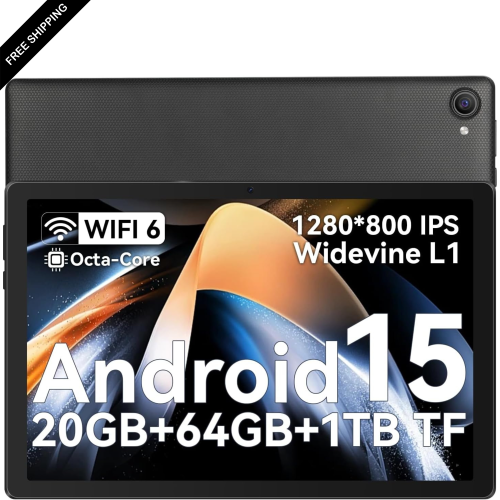






Why tablet speed depends on more than processing power
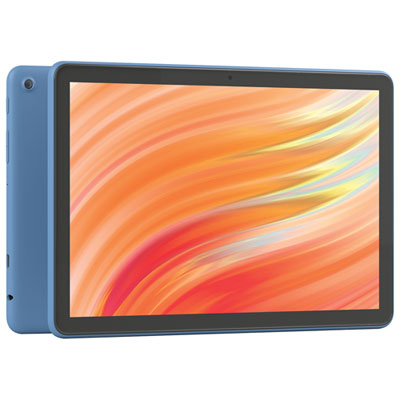
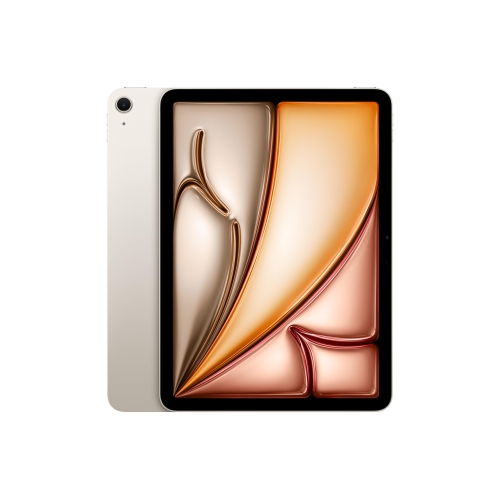
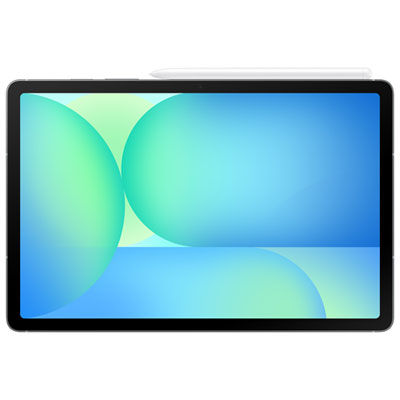
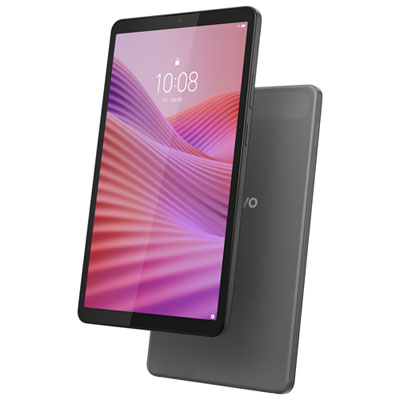
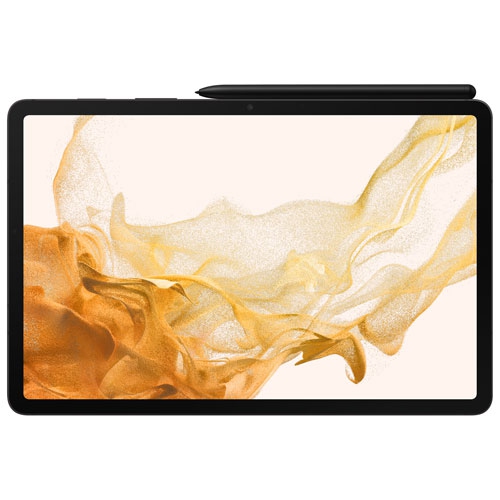
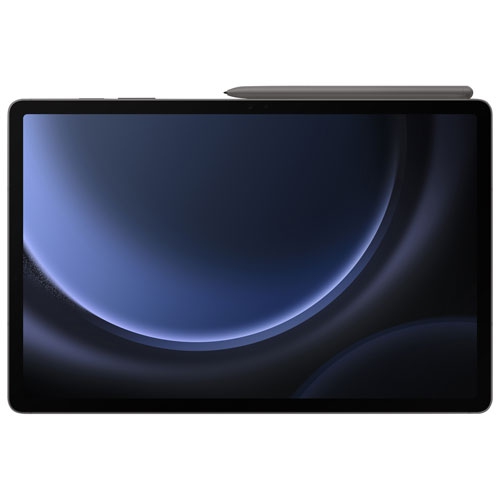
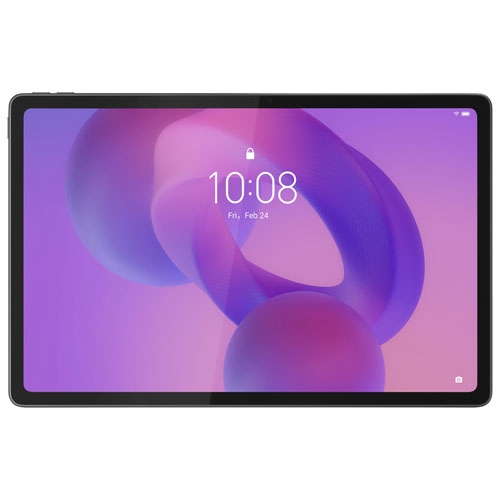
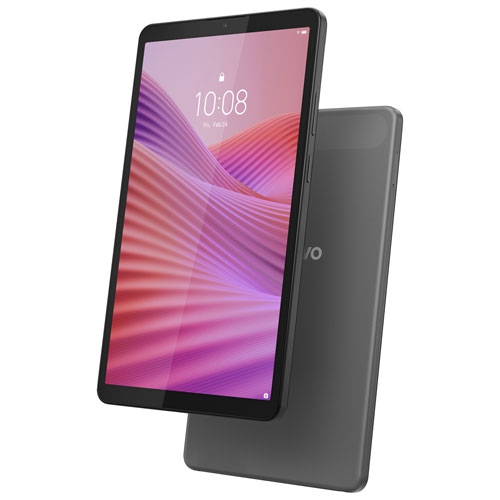
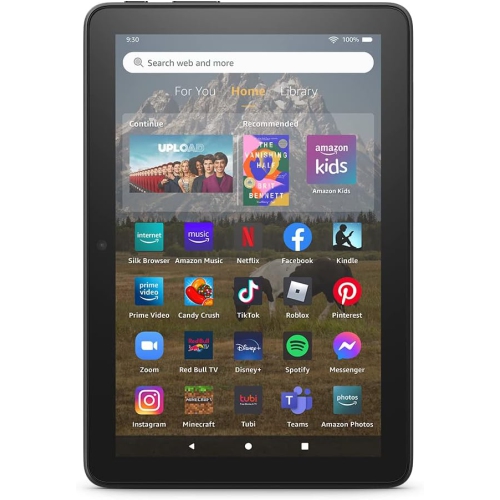
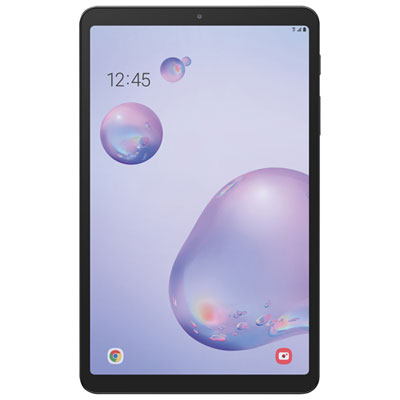
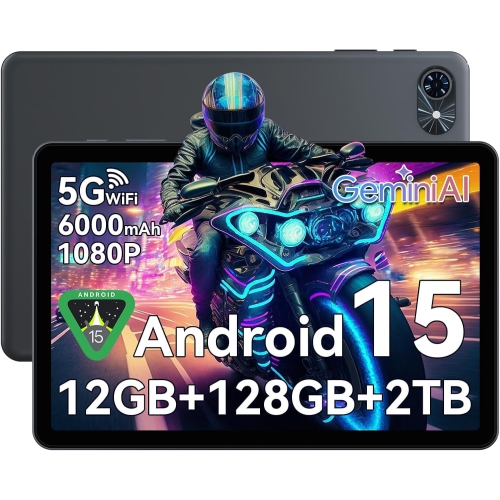
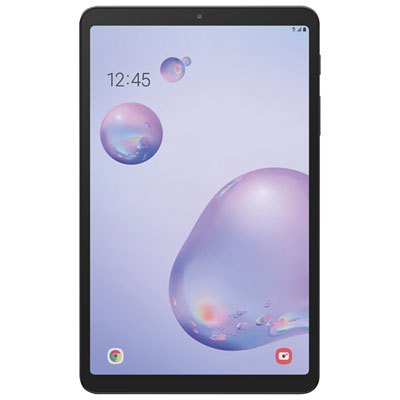
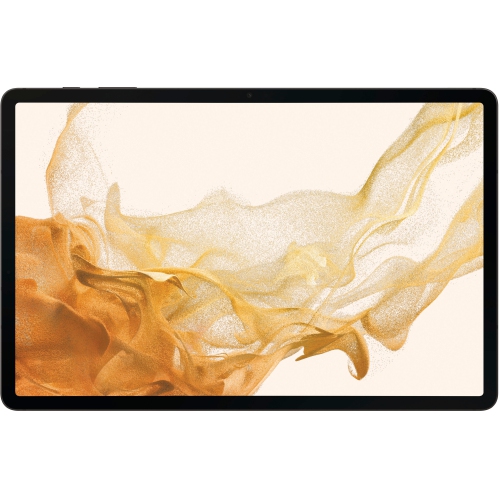
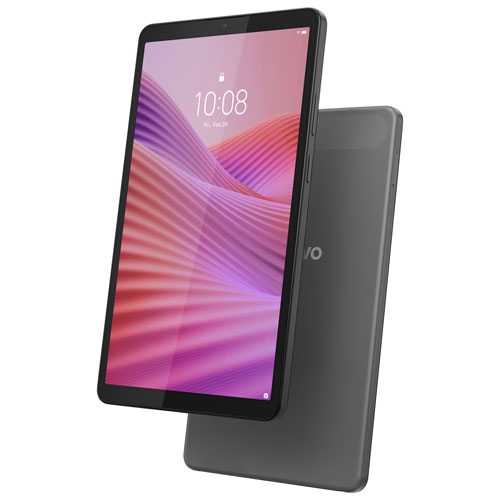
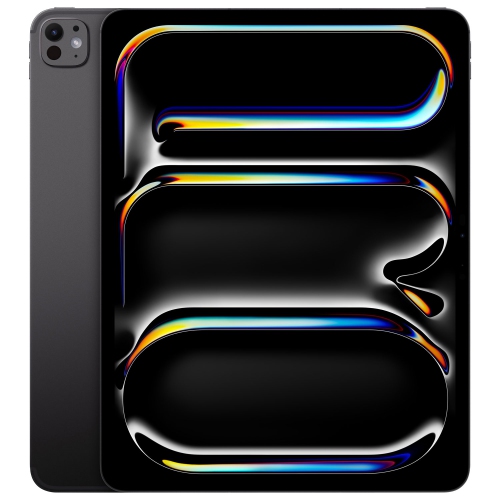
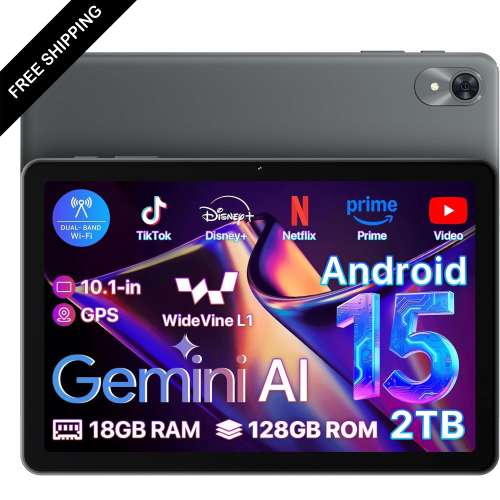
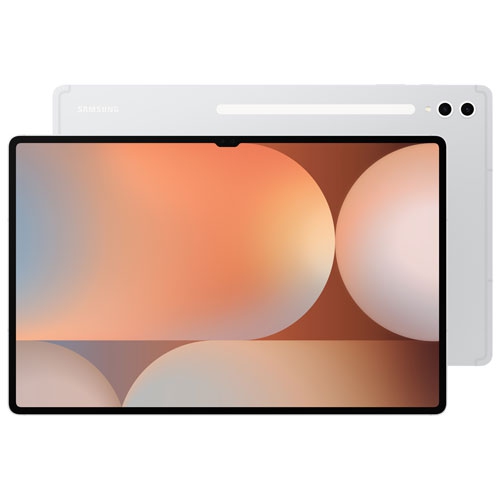
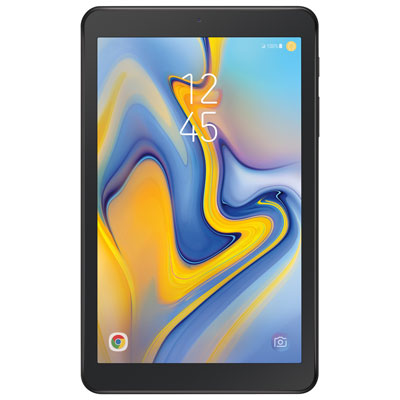
Fast tablets combine responsive processors, sufficient memory and quick storage to keep everyday tasks moving without frequent pauses. Their speed is most noticeable in ordinary moments: opening a large presentation before a meeting, switching from handwritten notes to a video call, or moving through a photo library while choosing images to edit. For more demanding work, a capable processor and graphics hardware help with video editing, detailed illustration, complex games and other applications that handle substantial amounts of data. Memory, often listed as RAM, gives active applications room to work; more memory can help maintain responsiveness when several supported apps are open, although results also depend on the operating system and software. Storage capacity determines how much space there is for downloaded films, games, documents and creative projects, while storage performance influences how quickly apps launch and files load. No single specification tells the whole story. A tablet that feels quick for reading and streaming may perform differently when exporting a long video or running a graphically demanding game. Cooling design matters during extended sessions because heat can cause a processor to reduce its speed. For students, professionals and families, the practical benefit is a device that keeps pace with its intended workload, whether that means annotating course readings, reviewing spreadsheets or sharing a screen during a remote lesson. Software compatibility is just as important as processing power: some tablet applications offer different features from their desktop counterparts, and support for split-screen layouts, external displays and background tasks varies. A fast tablet works best when its hardware, apps and input options suit the tasks it will handle regularly. That balance makes performance relevant beyond benchmark numbers, bringing smoother transitions and fewer interruptions to work, study and entertainment without assuming that every household needs the same level of computing power.
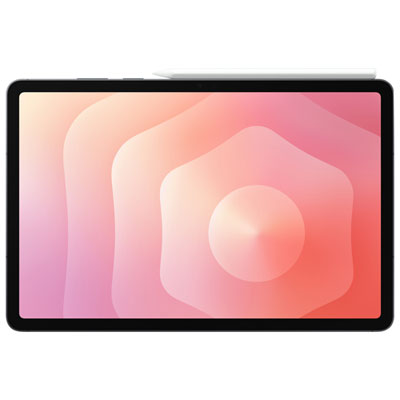
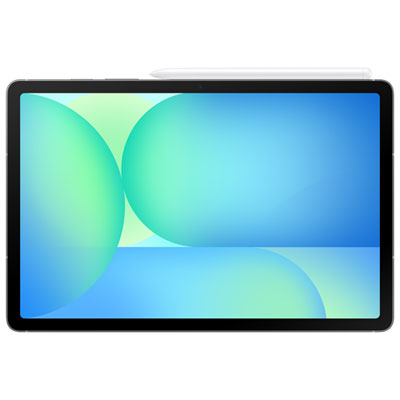
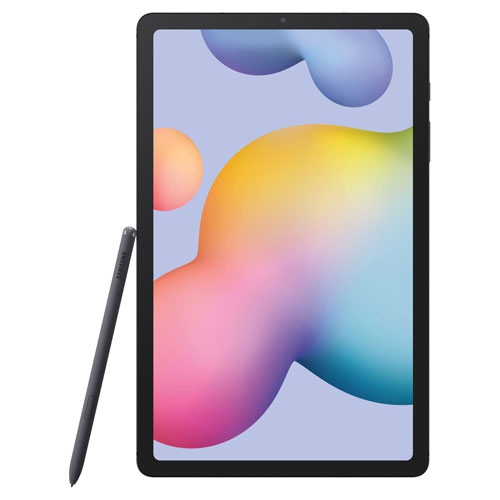
Display quality and touch responsiveness shape how fast a tablet feels in the hand. A higher refresh rate can make supported animations, scrolling and gameplay look smoother, but it does not make every app finish its work faster. Game frame rates also depend on graphics performance, software settings and the demands of the game itself. For drawing and handwriting, low input latency and a compatible active stylus can help digital ink follow the tip closely, making it easier to sketch a curved line or mark up a document with precision. Stylus compatibility, charging methods and supported features differ, so a pen designed for one tablet may not work with another. Screen size changes the experience as well. A compact tablet is easier to hold while reading on public transit or playing a game with both hands, while a larger display gives documents, drawing canvases and side-by-side apps more room. Resolution affects detail, brightness helps with visibility in well-lit spaces, and reflections can influence comfort near a window. For readers and anyone who spends long stretches reviewing text, adjustable brightness and a comfortable text size matter alongside speed. Streaming and online play add another layer: a capable tablet still relies on a suitable internet connection for video quality, downloads and responsive online interactions. Wi-Fi performance depends on the tablet, router, signal strength and network traffic, while cellular connectivity requires a compatible model and service plan. Local processing speed and connection speed are different, which explains why a downloaded film may play smoothly even when an online video pauses. Battery life is similarly tied to use. High brightness, demanding games, video calls and creative applications can draw more power than reading or light browsing. Charging support, charger compatibility and the ability to connect useful accessories all contribute to how comfortably a tablet fits into a full day. A responsive touchscreen is valuable, but so is enough battery capacity to finish a lecture, entertain a child on a journey or review a project away from a power outlet.
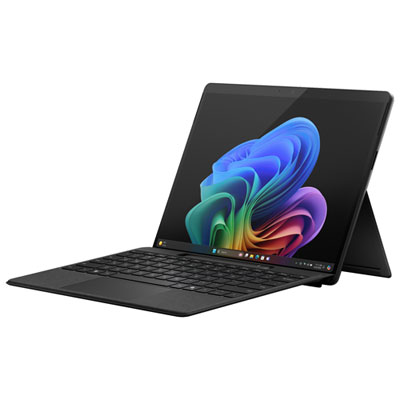
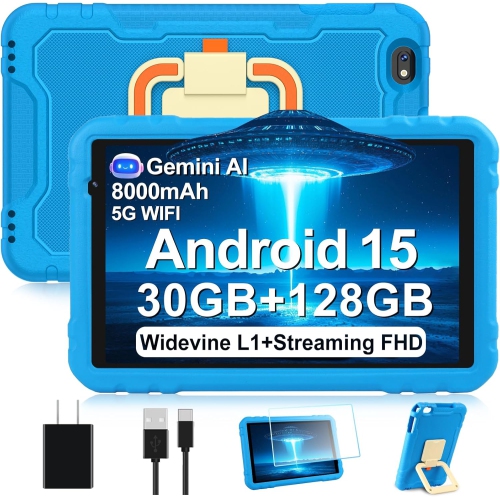
The physical design of a fast tablet deserves as much attention as its internal hardware, especially when it travels between a desk, a backpack and the sofa. Metal housings can provide a firm, refined feel, while some designs use plastic or mixed materials to balance weight and handling. Front glass remains vulnerable to scratches and impact, regardless of processing power. A well-fitting protective case can add grip and cushion everyday knocks, and a screen protector may help limit surface scratches. Cases should match the tablet’s dimensions, camera placement, buttons and ports rather than screen size alone. A stable stand makes video calls and hands-free viewing more comfortable; a keyboard cover can make longer messages and assignments easier to type, although it also adds weight. For people who write extensively, use specialised desktop software or need more built-in connections, Fast Laptops offer another format to consider alongside the touch-first convenience of a tablet. Tablet care is straightforward but important: use a soft, lint-free cloth, follow the manufacturer’s cleaning directions and keep moisture away from openings. Avoid leaving the device in a hot vehicle or under blankets during demanding tasks, and keep charging ports free of debris without inserting metal tools. Water resistance is not universal, so use near a kitchen sink or outdoors calls for attention to the device’s stated protection rating. Regular software updates support security and may improve reliability, while backing up files helps protect schoolwork, photographs and creative projects if the device is lost or damaged. As gifts, fast tablets can suit a student who takes digital notes, an artist who likes to sketch away from a desk, a frequent traveller who downloads entertainment or a relative who enjoys video calls and reading. The most useful fit depends on familiar software, comfortable handling, accessibility features and the activities the recipient genuinely enjoys. For shared household use, supported profiles and parental controls can also help keep personal files, settings and age-appropriate activities organised.
Display quality and touch responsiveness shape how fast a tablet feels in the hand. A higher refresh rate can make supported animations, scrolling and gameplay look smoother, but it does not make every app finish its work faster. Game frame rates also depend on graphics performance, software settings and the demands of the game itself. For drawing and handwriting, low input latency and a compatible active stylus can help digital ink follow the tip closely, making it easier to sketch a curved line or mark up a document with precision. Stylus compatibility, charging methods and supported features differ, so a pen designed for one tablet may not work with another. Screen size changes the experience as well. A compact tablet is easier to hold while reading on public transit or playing a game with both hands, while a larger display gives documents, drawing canvases and side-by-side apps more room. Resolution affects detail, brightness helps with visibility in well-lit spaces, and reflections can influence comfort near a window. For readers and anyone who spends long stretches reviewing text, adjustable brightness and a comfortable text size matter alongside speed. Streaming and online play add another layer: a capable tablet still relies on a suitable internet connection for video quality, downloads and responsive online interactions. Wi-Fi performance depends on the tablet, router, signal strength and network traffic, while cellular connectivity requires a compatible model and service plan. Local processing speed and connection speed are different, which explains why a downloaded film may play smoothly even when an online video pauses. Battery life is similarly tied to use. High brightness, demanding games, video calls and creative applications can draw more power than reading or light browsing. Charging support, charger compatibility and the ability to connect useful accessories all contribute to how comfortably a tablet fits into a full day. A responsive touchscreen is valuable, but so is enough battery capacity to finish a lecture, entertain a child on a journey or review a project away from a power outlet.
The physical design of a fast tablet deserves as much attention as its internal hardware, especially when it travels between a desk, a backpack and the sofa. Metal housings can provide a firm, refined feel, while some designs use plastic or mixed materials to balance weight and handling. Front glass remains vulnerable to scratches and impact, regardless of processing power. A well-fitting protective case can add grip and cushion everyday knocks, and a screen protector may help limit surface scratches. Cases should match the tablet’s dimensions, camera placement, buttons and ports rather than screen size alone. A stable stand makes video calls and hands-free viewing more comfortable; a keyboard cover can make longer messages and assignments easier to type, although it also adds weight. For people who write extensively, use specialised desktop software or need more built-in connections, Fast Laptops offer another format to consider alongside the touch-first convenience of a tablet. Tablet care is straightforward but important: use a soft, lint-free cloth, follow the manufacturer’s cleaning directions and keep moisture away from openings. Avoid leaving the device in a hot vehicle or under blankets during demanding tasks, and keep charging ports free of debris without inserting metal tools. Water resistance is not universal, so use near a kitchen sink or outdoors calls for attention to the device’s stated protection rating. Regular software updates support security and may improve reliability, while backing up files helps protect schoolwork, photographs and creative projects if the device is lost or damaged. As gifts, fast tablets can suit a student who takes digital notes, an artist who likes to sketch away from a desk, a frequent traveller who downloads entertainment or a relative who enjoys video calls and reading. The most useful fit depends on familiar software, comfortable handling, accessibility features and the activities the recipient genuinely enjoys. For shared household use, supported profiles and parental controls can also help keep personal files, settings and age-appropriate activities organised.
Top selling and popular products
-
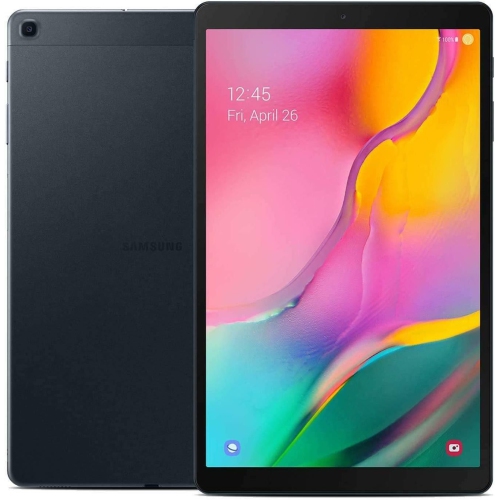 Your price for this item is $301.99
 -
 Your price for this item is $499.99
 -
 Your price for this item is $199.95
 -
 Your price for this item is $325
 -
 Your price for this item is $579.99
 -
 Your price for this item is $139.99
 -
 Your price for this item is $119.99
 -
 Your price for this item is $799.99
Discover more categories related to Fast Tablets

Top Collections:
Pokemon Centers, Budget 4K TVs, Best Budget Office Chairs, Kindle Devices, Canon G7X Cameras, Apple iPhones 16, iPhone 15 Apple, Laptops for Business Work, Xiaomi Phones, Flip Phones
Some products may be subject to Environmental Handling Fees
(EHF) depending on your province.
Learn more about EHFs.