Plated HDMI Cables
Elevate your home entertainment experience with a plated HDMI cable, designed to deliver crisp audio and stunning visuals with ease. These cables are an essential component for anyone looking to connect high-definition devices such as TVs, gaming consoles, or Blu-ray players. With their robust construction and enhanced signal transmission capabilities, plated HDMI cables ensure a seamless connection that supports the latest in digital technology. Whether you're setting up a new home theater system or upgrading your current setup, these cables offer reliability and performance that bring your favorite movies, games, and shows to life.
Sort

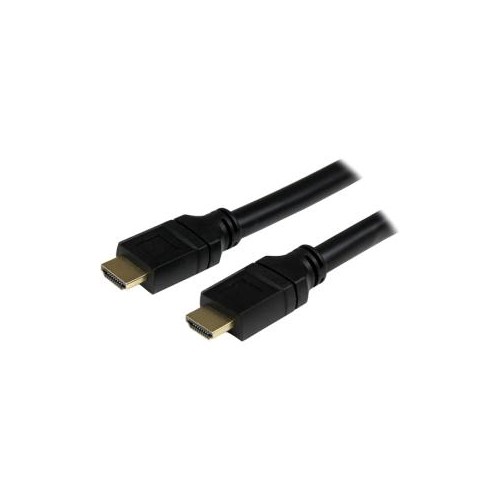
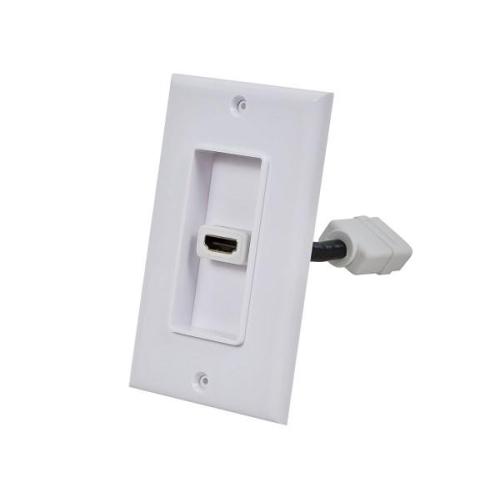
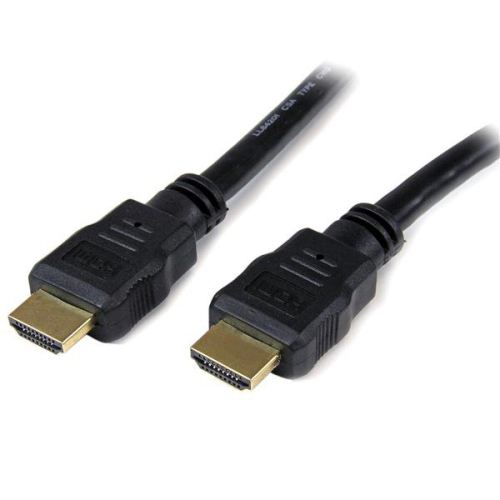
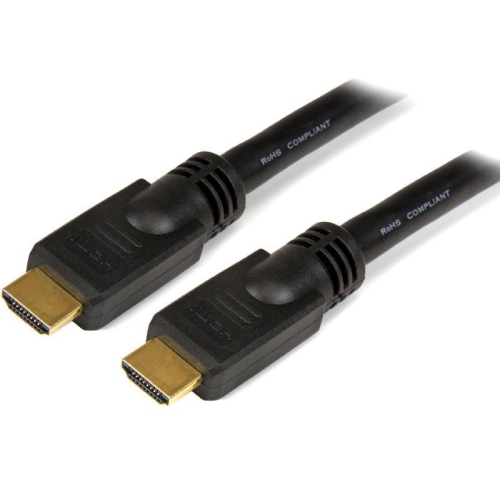
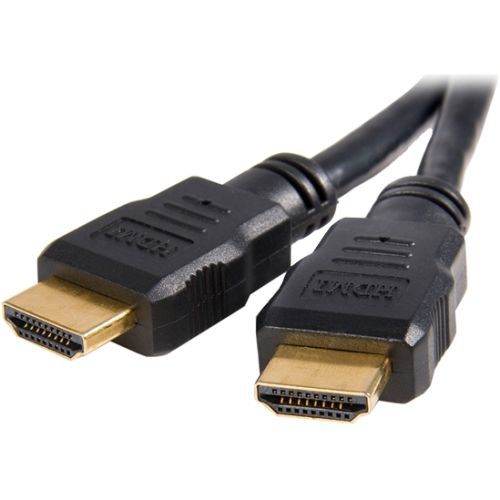
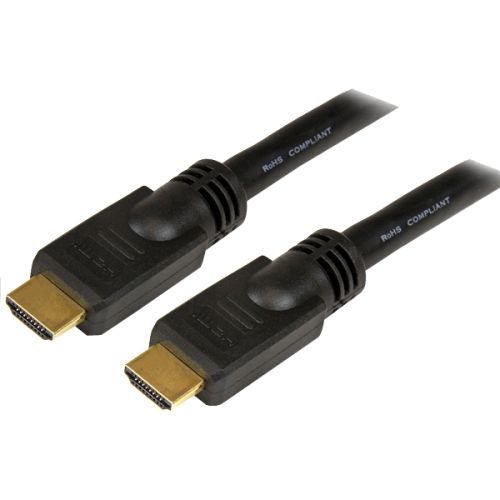
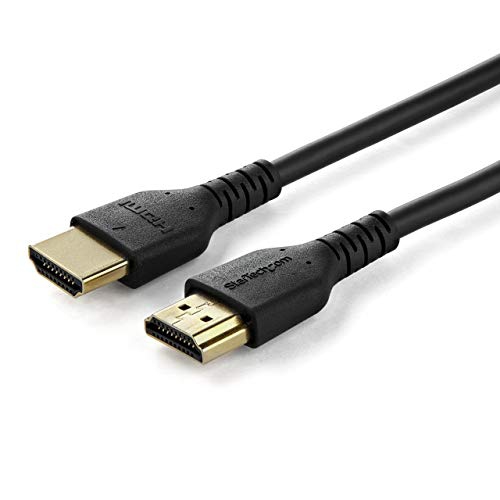

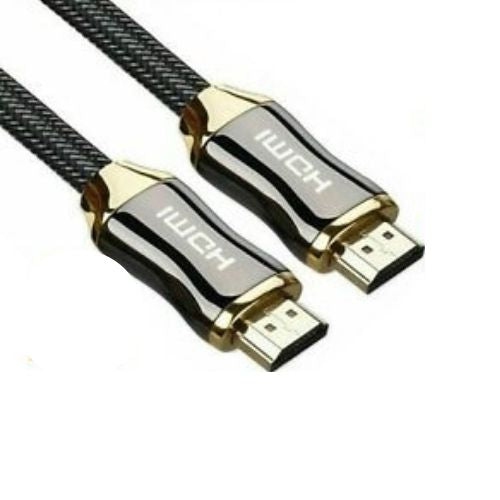
Why connector protection matters for dependable HDMI connections
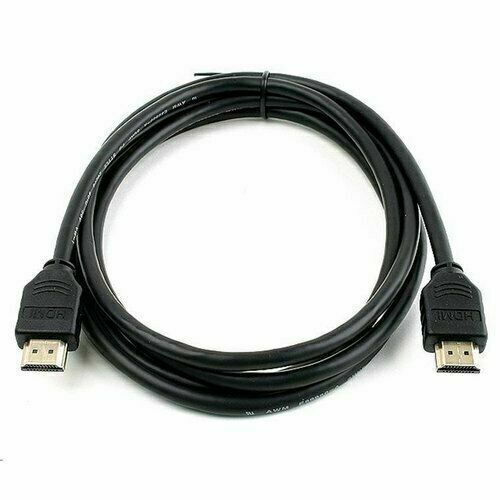
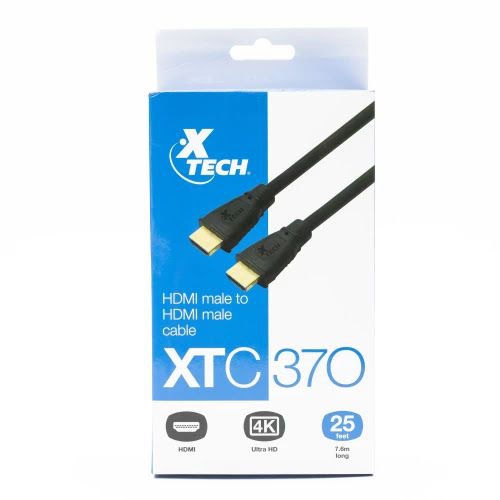
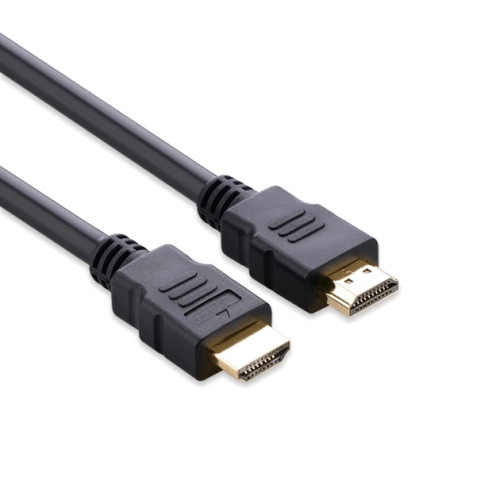
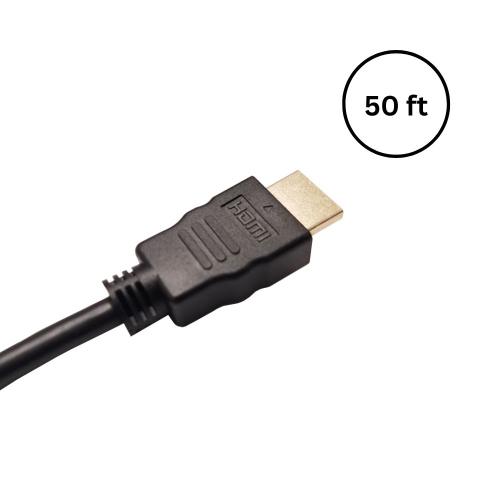
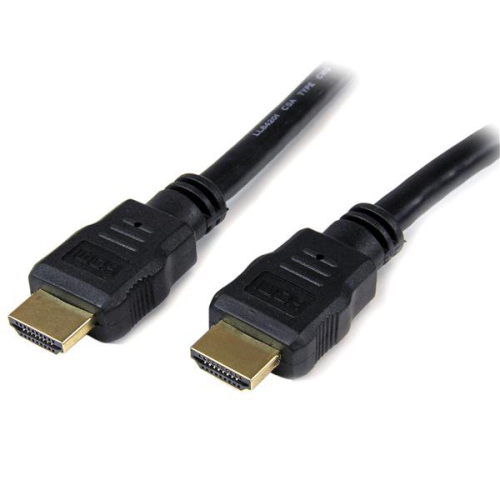
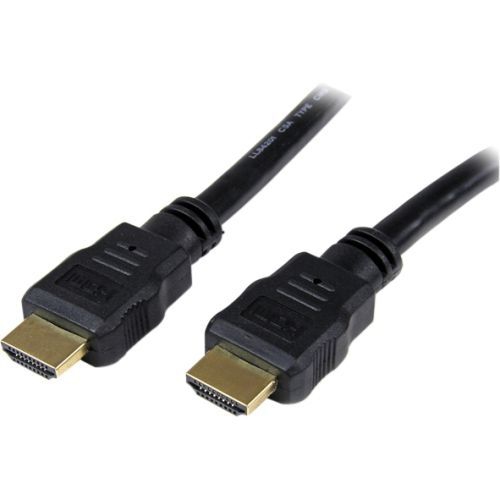
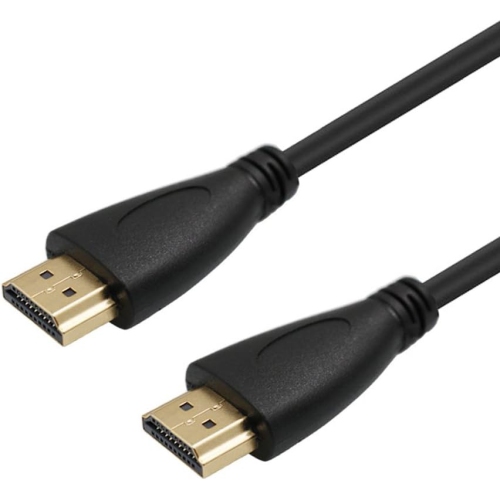
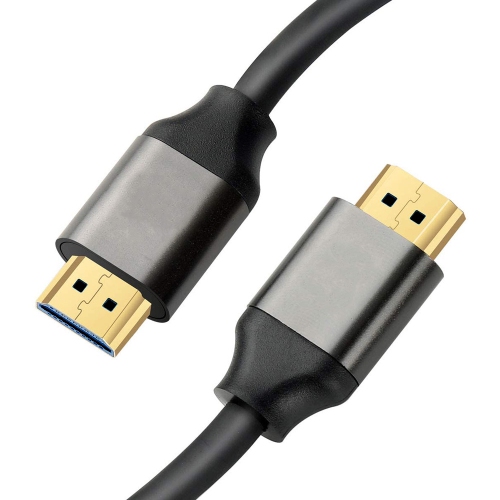
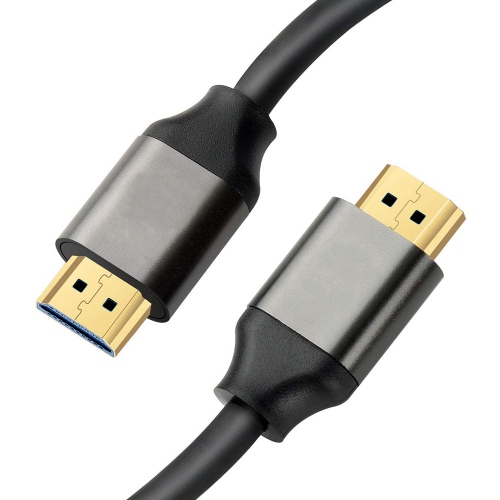
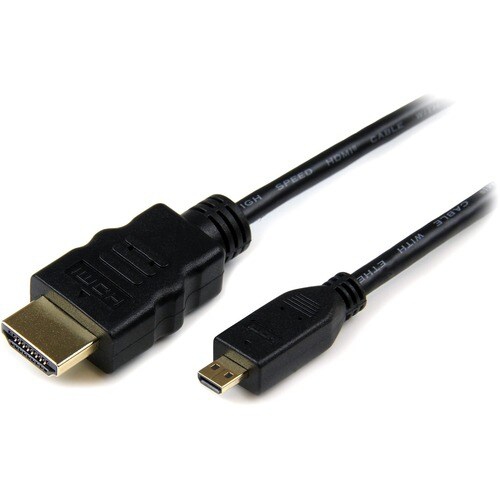
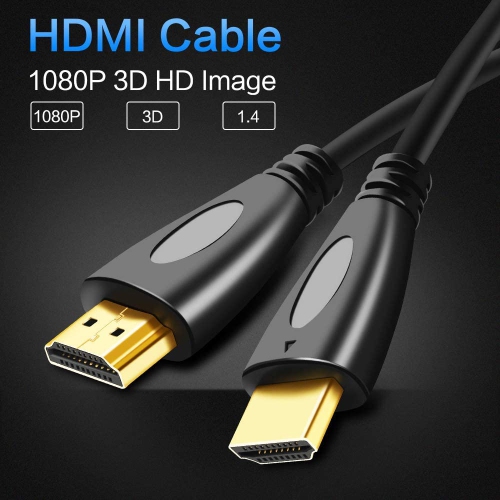
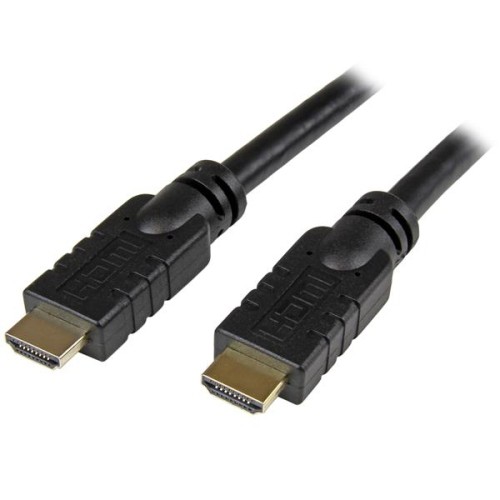
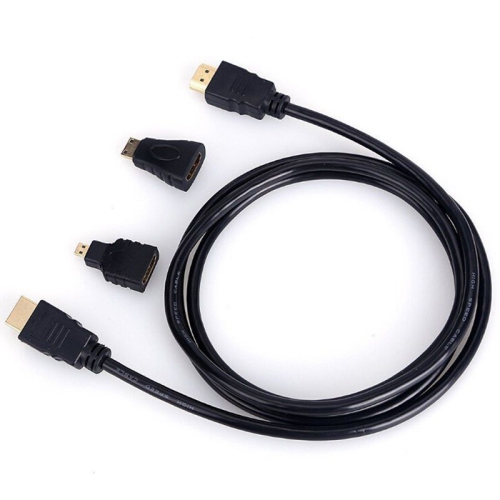
Plated HDMI cables are a practical choice for connecting home entertainment and computer equipment, with connectors finished in a thin layer of metal—most commonly gold—to help resist oxidation, tarnishing and corrosion. That protective coating can be useful in rooms where cables are handled often, in homes with higher humidity, or near coastal areas where salty air may affect exposed metal over time. It is important to understand what plating does and does not do: because HDMI carries digital data, a plated connector does not automatically produce a sharper image, richer colours or clearer sound than a well-made cable with a standard connector. When an HDMI connection is working properly, the source device sends digital information that arrives at the display as intended. The main benefits of a plated connector relate to contact durability and resistance to surface corrosion, helping maintain a dependable connection through repeated setup changes. These cables can be used with televisions, monitors, projectors, soundbars, AV receivers, game consoles, streaming devices, Blu-ray players, desktop computers and laptops equipped with the appropriate HDMI port. They are especially useful when a cable needs to be connected behind a television stand, inside an entertainment cabinet or along a desk where access is limited and unplugging the cable may be inconvenient. A plated HDMI cable can also be a thoughtful practical gift for someone setting up a new television, upgrading a gaming space, organizing a home office or building a more polished media room. Rather than choosing based only on the connector finish, consider the complete cable design and the requirements of the devices being connected.
The first consideration is HDMI specification and bandwidth. Different HDMI cables support different combinations of resolution, refresh rate, HDR features and gaming capabilities, so match the cable to the equipment and the way it will be used. A basic television connection for everyday viewing may have different needs from a gaming setup intended for high frame rates, a computer monitor running at a high resolution or a home theatre system passing both video and audio through an AV receiver. Checking the HDMI ports on the source and display is a useful starting point, since the capabilities of the cable matter only when they align with the capabilities of both connected devices. Length is equally important. Measure the route from one port to the other, allowing enough room to make a gentle bend without putting tension on the connectors. A short cable can help keep a compact desk or wall-mounted television tidy, while a longer cable may be more convenient for a projector, a device mounted on a different shelf or a console positioned across the room. Avoid buying a much longer cable than necessary if a shorter option will provide a cleaner installation, but leave a little extra slack so the cable can be moved without pulling on the ports. Cable construction also deserves attention. A flexible jacket is easier to route around furniture, while a braided exterior or thicker protective covering may suit busy areas where the cable is moved, packed away or exposed to occasional rubbing. Strain relief at each end can help protect the point where the cable meets the connector. For installations in narrow spaces, you can also explore Flat HDMI Cables, which may sit more neatly beneath rugs, along baseboards or behind low-profile furniture.
A well-planned HDMI connection is often less about adding features and more about avoiding common setup frustrations. Before ordering, identify every device in the signal path and note whether the cable will carry video only or video and audio together. If a soundbar or receiver is involved, account for the extra connections rather than measuring only from the television to the main source. Check whether the television is mounted close to the wall, whether the ports face downward or sideways and whether nearby furniture leaves enough space for the connector housing. A plated connector can be reassuring in a location where the cable will remain connected for a long time, while a flexible jacket may be more valuable for a console that is regularly moved between rooms. For a desktop setup, measure from the computer to the monitor with the desk in its normal position, including space for cable management and future adjustments. During the warmer season and through the cooler months, these cables can support everything from movie nights and televised events to game sessions, presentations and remote work, making them useful across a wide range of everyday setups. If a display shows intermittent signal loss, sparkles, a blank screen or missing audio, first reseat both connectors and confirm that the television is set to the correct input. Inspect the cable for sharp bends or visible damage, then verify that the selected HDMI port and device settings support the desired resolution and refresh rate. Choosing the right length, specification and construction provides a more dependable installation, while the plated finish adds an extra layer of protection at the connection points without promising picture or sound improvements that HDMI technology does not provide.
The first consideration is HDMI specification and bandwidth. Different HDMI cables support different combinations of resolution, refresh rate, HDR features and gaming capabilities, so match the cable to the equipment and the way it will be used. A basic television connection for everyday viewing may have different needs from a gaming setup intended for high frame rates, a computer monitor running at a high resolution or a home theatre system passing both video and audio through an AV receiver. Checking the HDMI ports on the source and display is a useful starting point, since the capabilities of the cable matter only when they align with the capabilities of both connected devices. Length is equally important. Measure the route from one port to the other, allowing enough room to make a gentle bend without putting tension on the connectors. A short cable can help keep a compact desk or wall-mounted television tidy, while a longer cable may be more convenient for a projector, a device mounted on a different shelf or a console positioned across the room. Avoid buying a much longer cable than necessary if a shorter option will provide a cleaner installation, but leave a little extra slack so the cable can be moved without pulling on the ports. Cable construction also deserves attention. A flexible jacket is easier to route around furniture, while a braided exterior or thicker protective covering may suit busy areas where the cable is moved, packed away or exposed to occasional rubbing. Strain relief at each end can help protect the point where the cable meets the connector. For installations in narrow spaces, you can also explore Flat HDMI Cables, which may sit more neatly beneath rugs, along baseboards or behind low-profile furniture.
A well-planned HDMI connection is often less about adding features and more about avoiding common setup frustrations. Before ordering, identify every device in the signal path and note whether the cable will carry video only or video and audio together. If a soundbar or receiver is involved, account for the extra connections rather than measuring only from the television to the main source. Check whether the television is mounted close to the wall, whether the ports face downward or sideways and whether nearby furniture leaves enough space for the connector housing. A plated connector can be reassuring in a location where the cable will remain connected for a long time, while a flexible jacket may be more valuable for a console that is regularly moved between rooms. For a desktop setup, measure from the computer to the monitor with the desk in its normal position, including space for cable management and future adjustments. During the warmer season and through the cooler months, these cables can support everything from movie nights and televised events to game sessions, presentations and remote work, making them useful across a wide range of everyday setups. If a display shows intermittent signal loss, sparkles, a blank screen or missing audio, first reseat both connectors and confirm that the television is set to the correct input. Inspect the cable for sharp bends or visible damage, then verify that the selected HDMI port and device settings support the desired resolution and refresh rate. Choosing the right length, specification and construction provides a more dependable installation, while the plated finish adds an extra layer of protection at the connection points without promising picture or sound improvements that HDMI technology does not provide.
Top selling and popular products
-
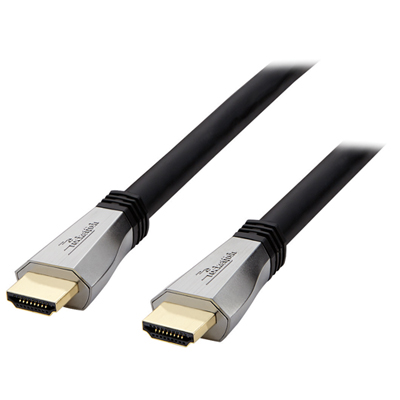 Your price for this item is $119.99
 -
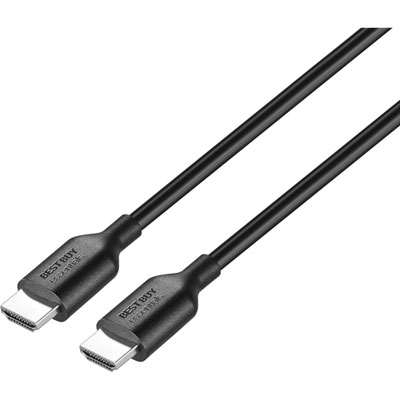 Your price for this item is $9.99
 -
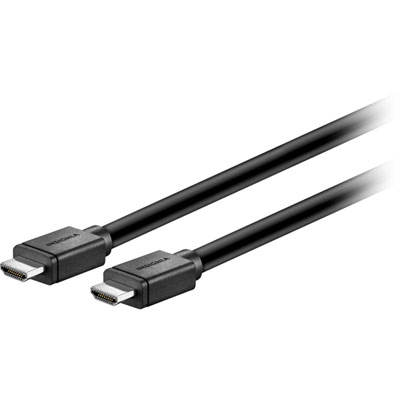 Your price for this item is $129.99
 -
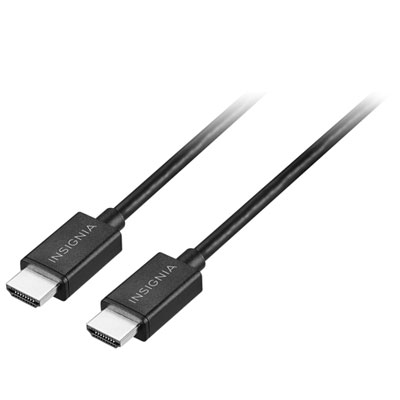 Your price for this item is $19.99
 -
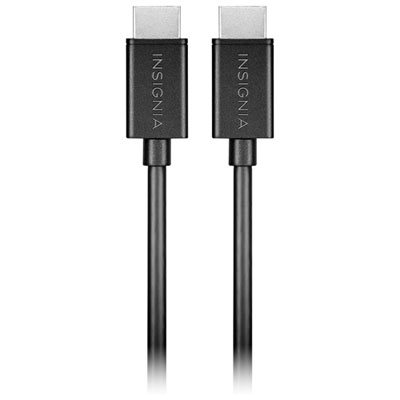 Your price for this item is $29.99
 -
![BDA / POWER A HDMI Cable Ps5 10 Ft [Power A]](https://multimedia.bbycastatic.ca/multimedia/products/500x500/176/17616/17616431.jpeg) Your price for this item is $59.99
Your price for this item is $59.99 -
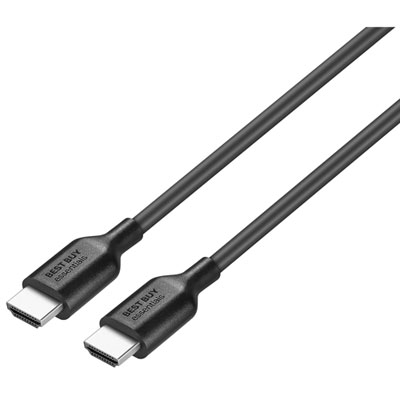 Your price for this item is $19.99
 -
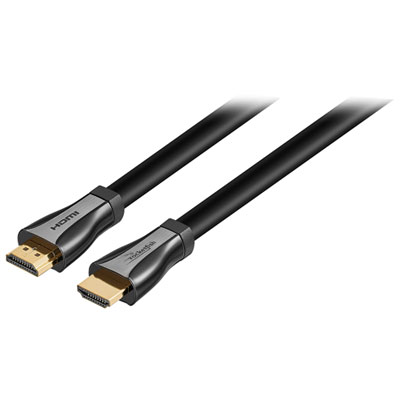 Your price for this item is $119.99
Discover more categories related to Plated HDMI Cables
Top Collections:
Pokemon Centers, Kindle Devices, Best Budget Office Chairs, Apple iPhones 16, Best Laptops for Writers, iPhone 15 Apple, Canon G7X Cameras, Refurbished Apple Laptops, Alarm Clock, Motorola Razr Phones
Some products may be subject to Environmental Handling Fees
(EHF) depending on your province.
Learn more about EHFs.