SENSE-U Monitors
Discover peace of mind with the SENSE-U monitor, designed to help you stay connected and informed. Whether at home or on the go, these innovative devices offer an extra layer of reassurance for parents and caregivers. Explore a range of SENSE-U monitor options to find the perfect fit for your needs and lifestyle. Shop now to experience added confidence and convenience every day.
Sort
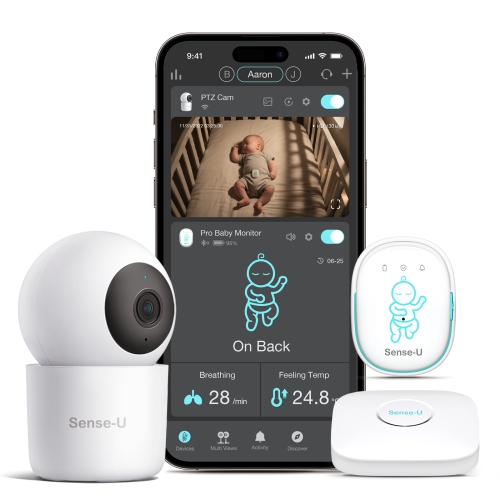
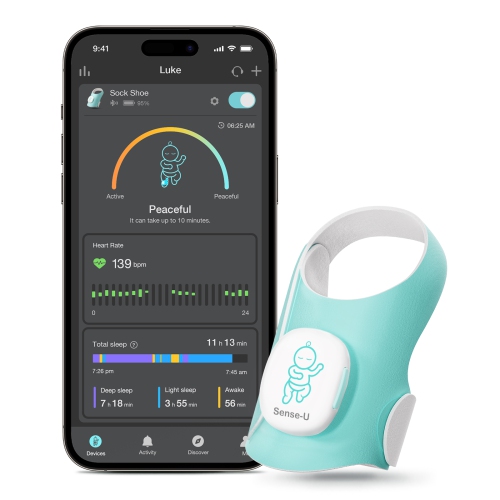
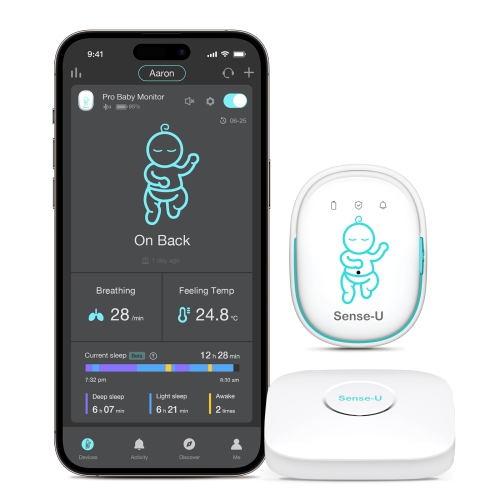
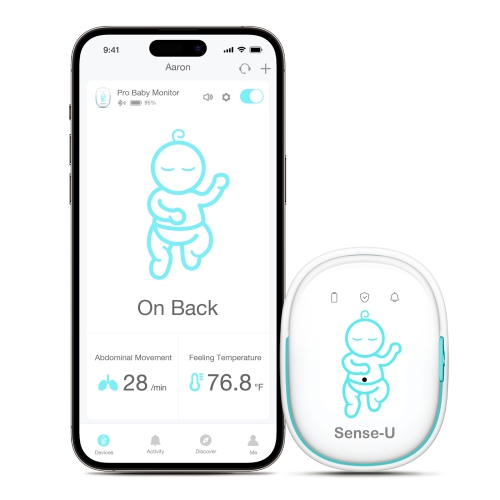
What wearable baby monitors can and cannot tell you
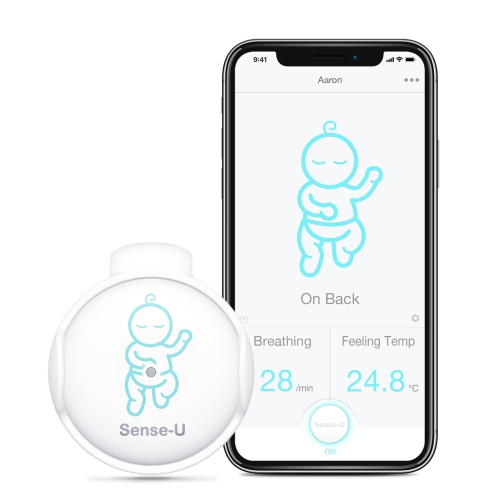
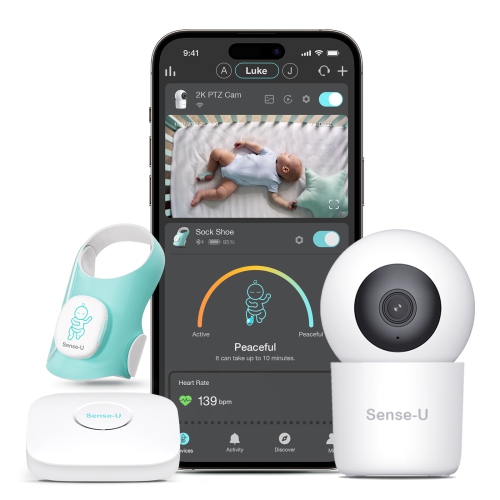
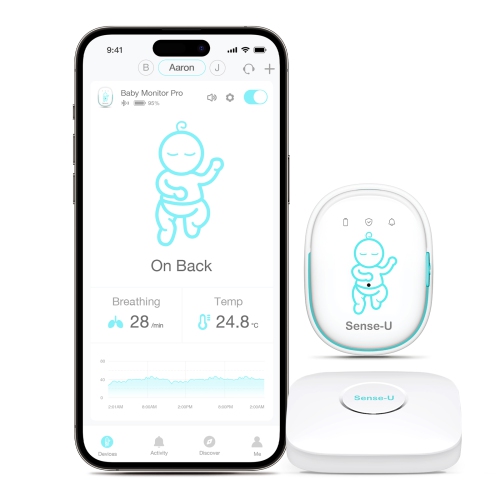
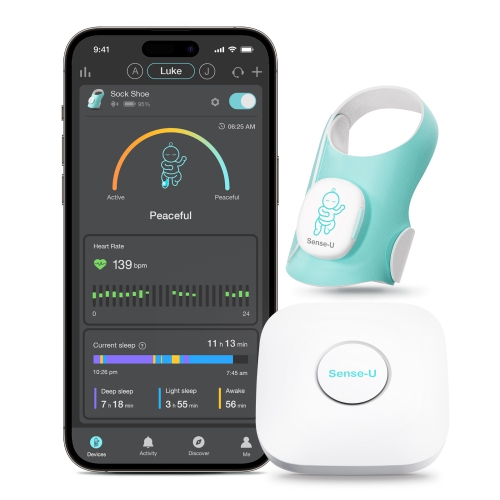
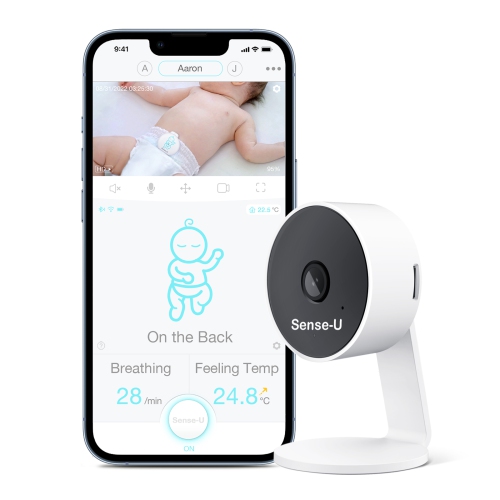
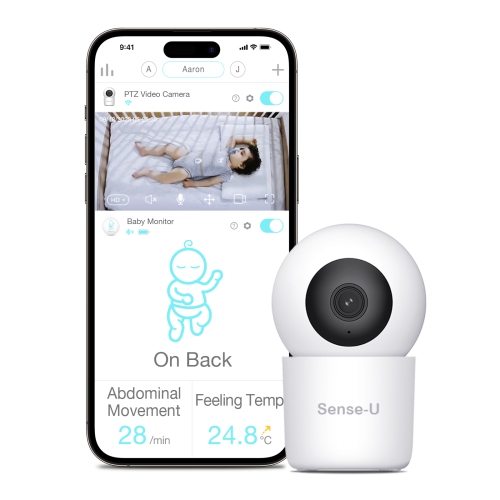
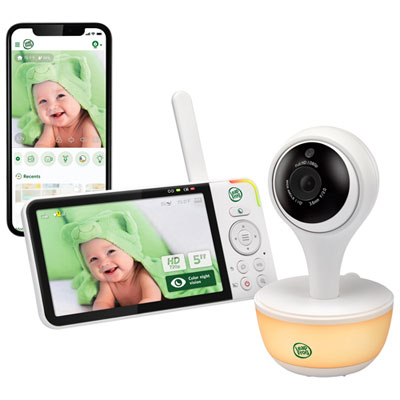
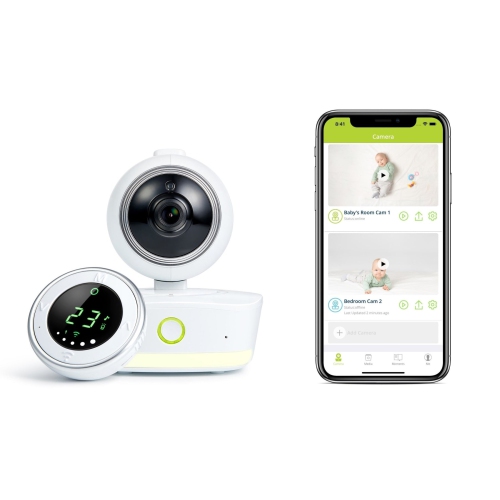
Wearable baby monitors give parents and caregivers another way to stay aware of a baby’s movements during naps and overnight sleep. Unlike an audio monitor that carries sounds from the nursery, a clip-on monitor uses sensors near the baby’s abdomen to track breathing-related movement. Depending on the design, it may also report sleeping position and a temperature reading taken near the body. These measurements describe different things: abdominal movement is not the same as oxygen level, and a reading near the skin is not a substitute for a clinical thermometer. A connected app can bring supported readings and notifications together on a compatible smartphone, making it easier to notice a change while folding laundry nearby or settling into another room. Some wearable monitors can provide an on-device vibration or audible alert when their sensors register a qualifying event, while others rely on a nearby receiver or phone connection. Alert types, timing, and delivery vary, so the details matter more than a broad promise of reassurance. A position notification, for example, may indicate that a baby has rolled onto their stomach; it does not physically prevent rolling or make an unsuitable sleep setup safe. These devices are intended to supplement attentive caregiving, not replace supervision, diagnose a condition, or prevent sudden infant death syndrome. Babies should still be placed on their backs for sleep on a firm, flat surface in an appropriate crib, cradle, or bassinet, with the sleep space kept free of pillows, loose blankets, and soft objects. For families who want both movement information and a view of the crib, a wearable monitor and a compatible video monitor can offer complementary functions. The wearable gathers sensor readings at its attachment point, while the camera provides a visual check and, where supported, nursery audio. Neither view tells the whole story, but understanding what each component measures helps set realistic expectations for everyday use.
Fit and attachment are central to how a wearable baby monitor performs. A small sensor needs to sit in the position specified by its manufacturer, whether that means fastening to a nappy waistband or an approved area of sleepwear. An attachment that shifts as a baby kicks, stretches, or rolls may interrupt readings or create unnecessary alerts. Supported age ranges, size requirements, clothing compatibility, and placement directions are therefore useful points of comparison, especially for newborns or babies approaching a new stage of movement. A snug attachment should never mean adding pressure against the skin, modifying the clip, or introducing a loose part into the sleep space. Compact housings and smooth edges can make routine handling easier, while the clip’s construction affects how securely it stays in place through repeated changes. Where material details are provided, they can help caregivers assess surfaces that may touch clothing or skin and understand any cleaning restrictions. Daily care is practical rather than complicated: follow the stated cleaning method, keep moisture away from openings unless the device is specifically designed to tolerate it, and inspect the housing and attachment for cracks or wear. A monitor that is easily removed before a change or bath is simpler to work into an established routine. It should not go through the laundry unless its instructions expressly permit that treatment. Battery design also shapes everyday convenience. Rechargeable sensors need a dependable charging routine, while models with replaceable batteries require the specified battery type and a securely closed compartment. Batteries, particularly button cells, must remain out of children’s reach. Low-battery notifications are useful, but they still depend on someone noticing and acting on them. Caregivers sharing duties may find it helpful to establish who checks the attachment, confirms the connection, and handles charging. That small handover can prevent a familiar mix-up: one person assuming the sensor is ready because the other used it earlier.
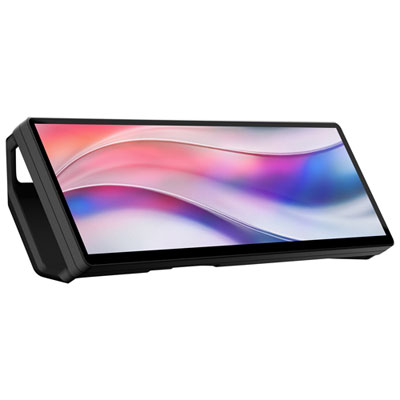
Connectivity determines how information travels from the nursery to the person caring for the baby. A direct Bluetooth connection generally requires a compatible phone within the supported range; a system with a separate base station may handle the sensor connection locally and use Wi-Fi for remote app access. Those arrangements are not interchangeable, and walls, floor layouts, network interruptions, and phone settings can affect their performance. For a household with bedrooms on a different floor from the main living area, connection-loss alerts and clear status indicators may be especially useful. App compatibility, account-sharing options, notification permissions, and behaviour when a phone is silenced all deserve attention before a monitor becomes part of a sleep routine. Some apps offer sleep summaries or movement histories, which can help caregivers spot recurring patterns without turning every reading into a medical conclusion. Persistent concerns about breathing, illness, or unusual sleep behaviour belong with a healthcare professional rather than an app interpretation. Video features add another set of practical differences. Night vision can help show the crib without switching on a lamp, while adjustable camera angles can make placement more flexible. Cry detection, two-way audio, and recorded clips are optional capabilities, not features to assume every camera includes. Cameras should be mounted securely, with all cords kept well away from the crib and out of reach. Account security matters too: strong passwords, supported software updates, and carefully managed sharing permissions help limit access to household video and readings. In a room that also serves as a home office, Hub Monitors have a separate role as computer displays rather than baby-monitoring equipment. For baby monitoring itself, the most useful setup is one that fits the household’s phones, sleeping arrangements, and caregiving habits without unnecessary complexity. A wearable or combined video setup can be a thoughtful gift for expectant or new parents when their preferences and device compatibility are known, particularly if several caregivers will need to use it confidently.
Fit and attachment are central to how a wearable baby monitor performs. A small sensor needs to sit in the position specified by its manufacturer, whether that means fastening to a nappy waistband or an approved area of sleepwear. An attachment that shifts as a baby kicks, stretches, or rolls may interrupt readings or create unnecessary alerts. Supported age ranges, size requirements, clothing compatibility, and placement directions are therefore useful points of comparison, especially for newborns or babies approaching a new stage of movement. A snug attachment should never mean adding pressure against the skin, modifying the clip, or introducing a loose part into the sleep space. Compact housings and smooth edges can make routine handling easier, while the clip’s construction affects how securely it stays in place through repeated changes. Where material details are provided, they can help caregivers assess surfaces that may touch clothing or skin and understand any cleaning restrictions. Daily care is practical rather than complicated: follow the stated cleaning method, keep moisture away from openings unless the device is specifically designed to tolerate it, and inspect the housing and attachment for cracks or wear. A monitor that is easily removed before a change or bath is simpler to work into an established routine. It should not go through the laundry unless its instructions expressly permit that treatment. Battery design also shapes everyday convenience. Rechargeable sensors need a dependable charging routine, while models with replaceable batteries require the specified battery type and a securely closed compartment. Batteries, particularly button cells, must remain out of children’s reach. Low-battery notifications are useful, but they still depend on someone noticing and acting on them. Caregivers sharing duties may find it helpful to establish who checks the attachment, confirms the connection, and handles charging. That small handover can prevent a familiar mix-up: one person assuming the sensor is ready because the other used it earlier.
Connectivity determines how information travels from the nursery to the person caring for the baby. A direct Bluetooth connection generally requires a compatible phone within the supported range; a system with a separate base station may handle the sensor connection locally and use Wi-Fi for remote app access. Those arrangements are not interchangeable, and walls, floor layouts, network interruptions, and phone settings can affect their performance. For a household with bedrooms on a different floor from the main living area, connection-loss alerts and clear status indicators may be especially useful. App compatibility, account-sharing options, notification permissions, and behaviour when a phone is silenced all deserve attention before a monitor becomes part of a sleep routine. Some apps offer sleep summaries or movement histories, which can help caregivers spot recurring patterns without turning every reading into a medical conclusion. Persistent concerns about breathing, illness, or unusual sleep behaviour belong with a healthcare professional rather than an app interpretation. Video features add another set of practical differences. Night vision can help show the crib without switching on a lamp, while adjustable camera angles can make placement more flexible. Cry detection, two-way audio, and recorded clips are optional capabilities, not features to assume every camera includes. Cameras should be mounted securely, with all cords kept well away from the crib and out of reach. Account security matters too: strong passwords, supported software updates, and carefully managed sharing permissions help limit access to household video and readings. In a room that also serves as a home office, Hub Monitors have a separate role as computer displays rather than baby-monitoring equipment. For baby monitoring itself, the most useful setup is one that fits the household’s phones, sleeping arrangements, and caregiving habits without unnecessary complexity. A wearable or combined video setup can be a thoughtful gift for expectant or new parents when their preferences and device compatibility are known, particularly if several caregivers will need to use it confidently.
Top selling and popular products
-
 Your price for this item is $429.99
 -
 Your price for this item is $499.99
 -
 Your price for this item is $449.99
 -
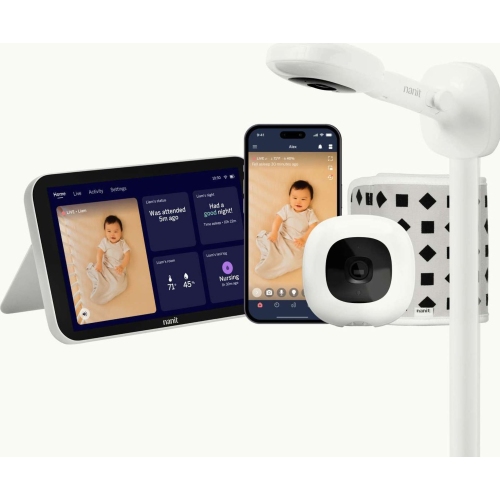 Your price for this item is $679.99
 -
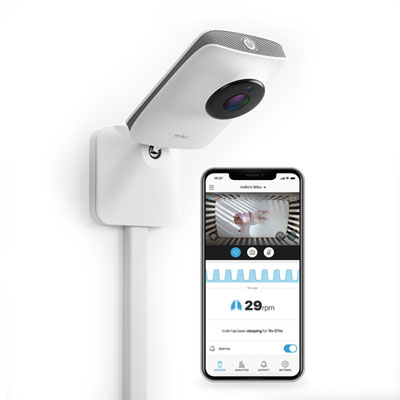 Your price for this item is $539.99
 -
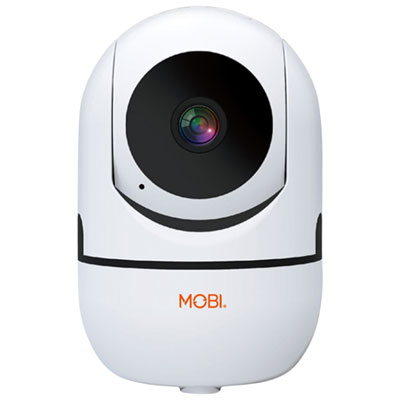 Your price for this item is $74.95
 -
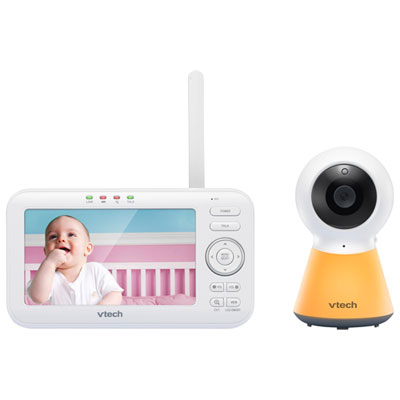 Your price for this item is $119.99
 -
 Your price for this item is $199.99
Discover more categories related to SENSE-U Monitors
Top Collections:
Pokemon Centers, Best Cameras for Sports Photography, Kindle Devices, Samsung Galaxy Phones, Canon G7X Cameras, Pokémon 30th Celebration Cards, Refurbished Apple Laptops, iPhone 15 Apple, Laptops for Students, Budget Smartphones
Some products may be subject to Environmental Handling Fees
(EHF) depending on your province.
Learn more about EHFs.