Cameras for Content Creators
Cameras for Content Creators are designed to help you capture high-quality photos and videos, whether you’re streaming, vlogging, or building your online presence. With a wide variety of models to choose from, it’s easy to find the right fit for your unique style and creative needs. Explore options that offer versatility and reliability, making it simple to share your story with clarity and impact. Find the perfect cameras for content creators and take your projects to the next level.
Sort
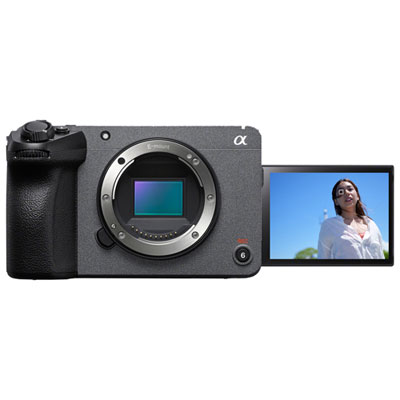
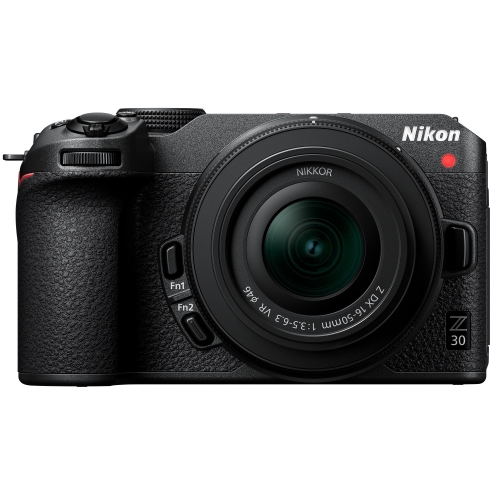
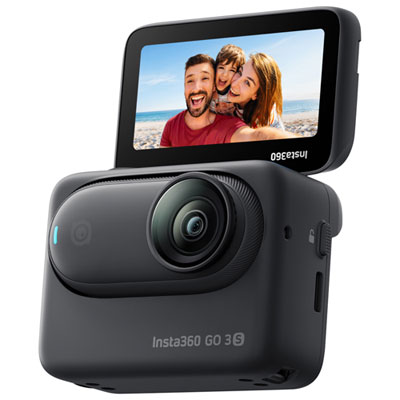
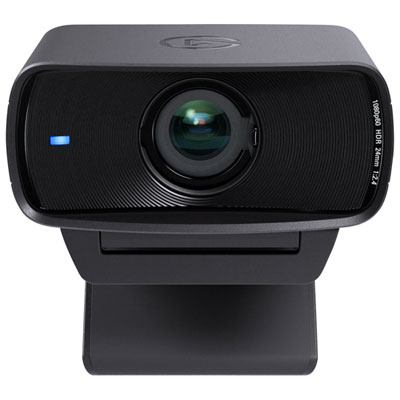
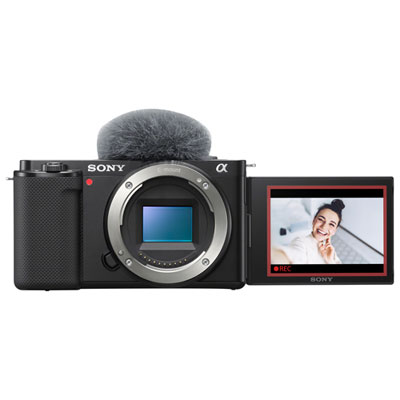
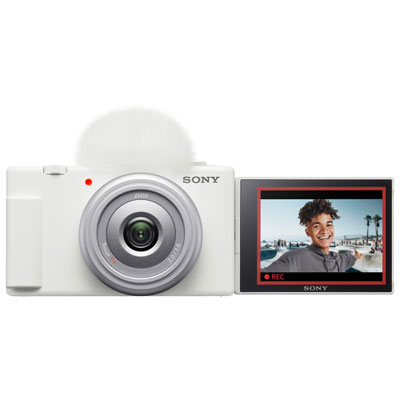
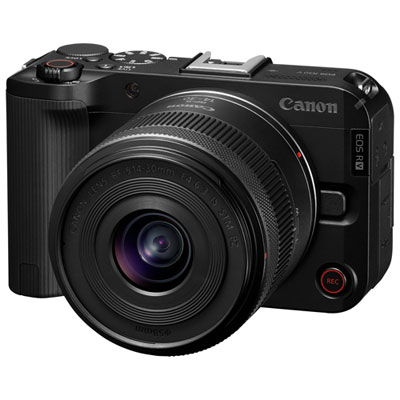
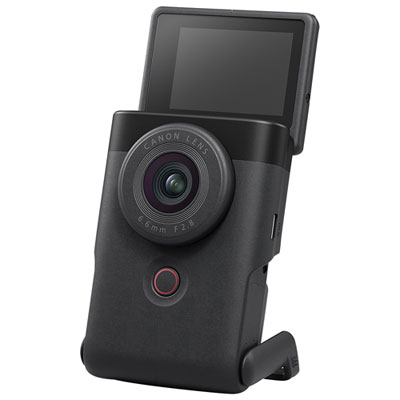
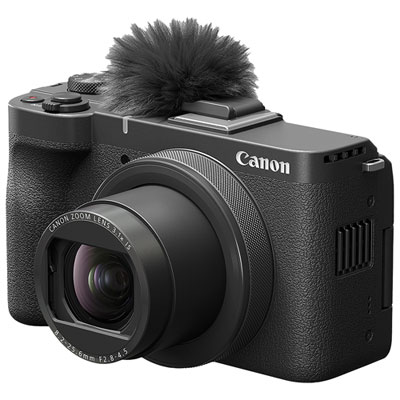
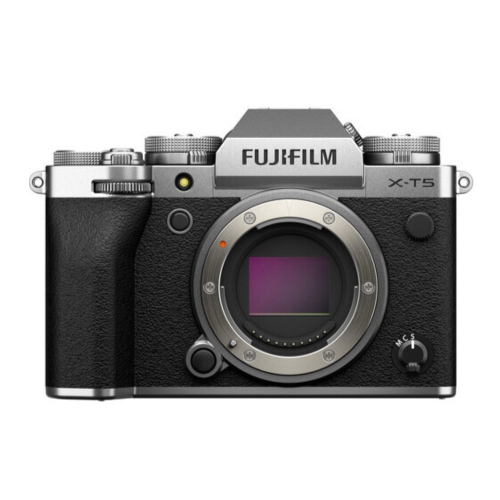
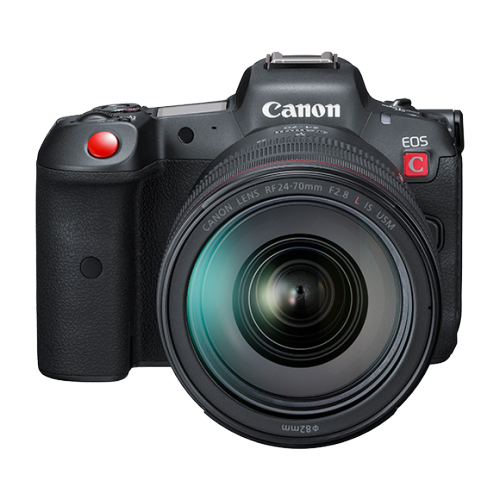
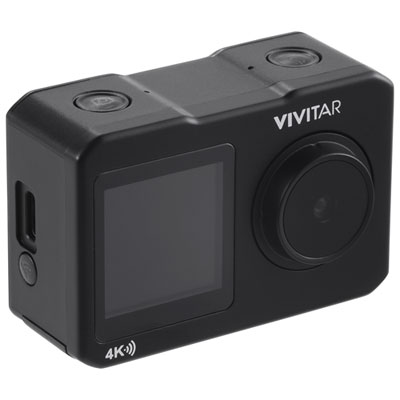

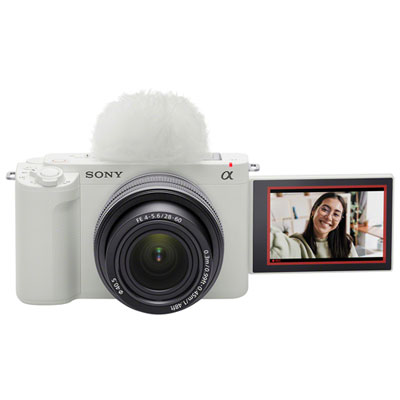
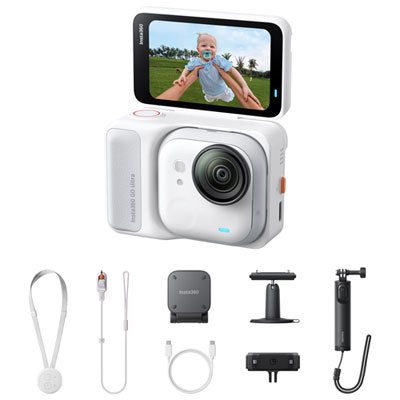
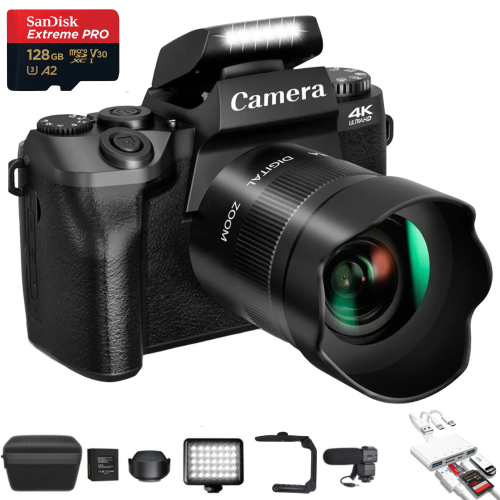
Camera features that fit the way you film
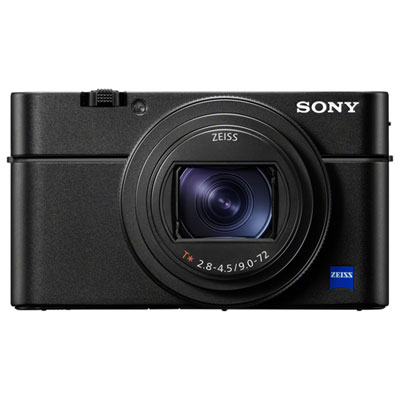
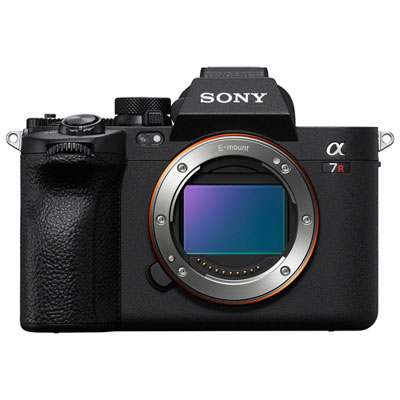
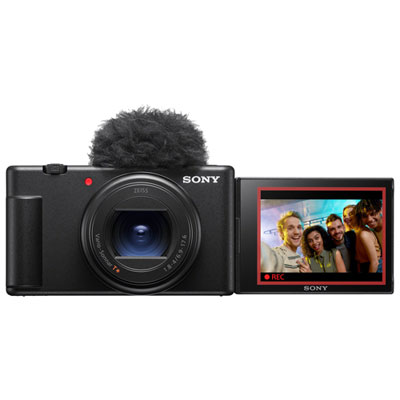
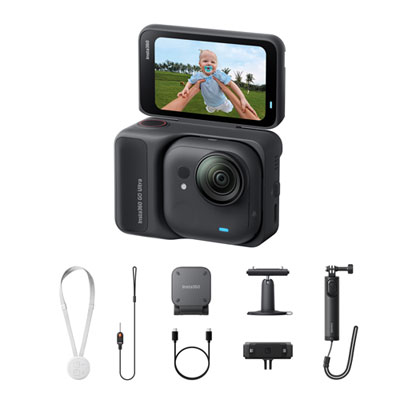
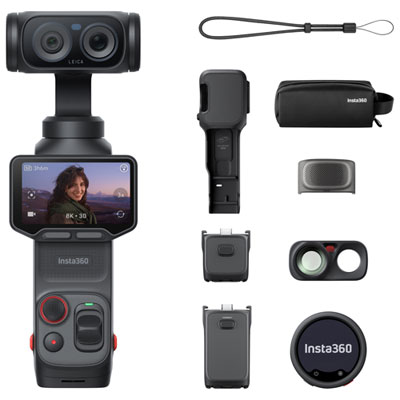
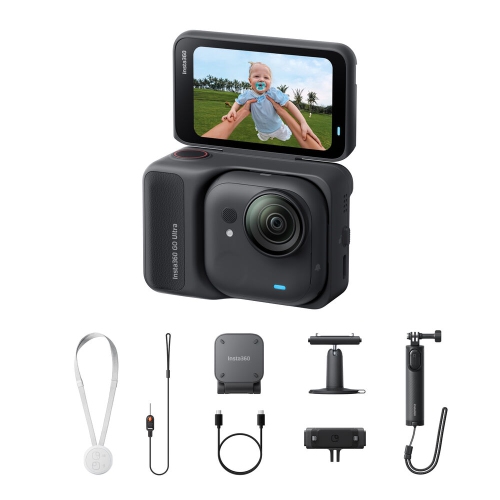
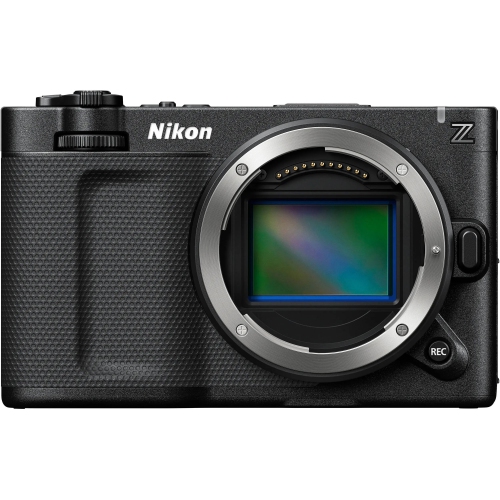
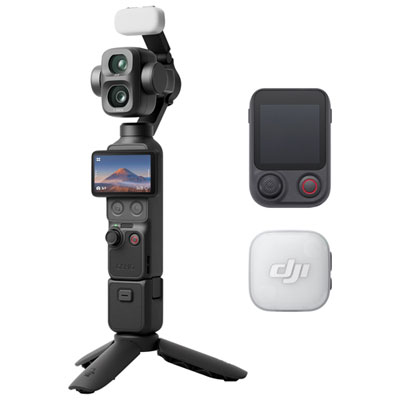
Cameras for content creators bring together the image quality, sound options, and practical controls used to turn everyday ideas into watchable videos and compelling photos. The category spans compact cameras with built-in lenses, interchangeable-lens mirrorless cameras, action cameras, and pocket-sized cameras with integrated gimbals. Each format suits a different rhythm of creating. A compact camera can move easily from a desktop setup to a café interview, while a mirrorless camera offers room to change lenses for portraits, detailed product shots, or a wider view of a small studio. Action cameras favour hands-free perspectives and movement, with mounting options suited to activities where holding a camera would be impractical. Gimbal cameras use a motorized mechanism to help smooth handheld movement, making them useful for walk-throughs and moving presentations. For someone filming alone, a screen that faces forward makes it easier to check framing without stepping behind the camera. A comfortable grip, accessible record button, and clearly arranged controls also matter when a short clip turns into an afternoon of shooting. Camera size is only part of portability: the lens, battery, microphone, and support equipment all contribute to the kit being carried. A lightweight body with a large lens can feel quite different from a small camera with everything built in. Sensor size and lens design influence the finished image, too. A larger sensor can offer advantages in low light and greater control over background blur, although aperture, lighting, and shooting distance also affect the result. A wide view can fit a creator and their workspace into the frame, while a closer perspective can highlight brushstrokes, jewellery details, or the texture of a finished dish. For creators who also take still photos, reliable autofocus and comfortable handling help the same camera serve for thumbnail portraits, project documentation, and images shared alongside video.
Video features become most meaningful when connected to what happens in front of the lens. For a presenter seated at a desk, dependable face and eye detection can help maintain focus while they lean forward or lift an object into view. Someone demonstrating a small craft may benefit from close-focusing capability and controls that make it easier to shift attention between their face and their hands. Autofocus behaviour varies by camera, lens, and shooting mode, so subject tracking and focus transitions are distinct considerations rather than interchangeable promises. Resolution describes the detail captured in a video, with 4K providing room for detailed playback and some cropping when the finished project uses a lower resolution. Frame rate affects the appearance of movement: higher frame rates can support slow-motion footage when captured and edited in compatible settings. Those modes may also change the crop, autofocus options, or recording duration. Stabilization is another important distinction. Optical, in-body, and electronic systems work differently, and electronic stabilization may narrow the view. None removes every bounce from a walking shot, particularly when the camera is held at arm’s length. For longer interviews, tutorials, and recorded presentations, battery endurance, heat management, and any continuous recording limits can matter more than a headline resolution figure. Clear speech deserves equal attention. Built-in microphones are convenient for spontaneous clips, while an external microphone input offers more flexibility for dialogue, voice demonstrations, and interviews. A headphone connection, where supported, allows sound checks during recording rather than after a take is finished. Creators producing longer videos may also find relevant formats among cameras for YouTube content creators. Manual exposure, accessible audio levels, and a screen that remains visible when a microphone is attached can make a fixed filming setup easier to use. Colour profiles and advanced recording formats offer additional editing flexibility on compatible cameras, but they can also require more storage, processing power, and familiarity with colour correction. Straightforward automatic modes remain useful for creators who want a quicker path from filming to sharing.
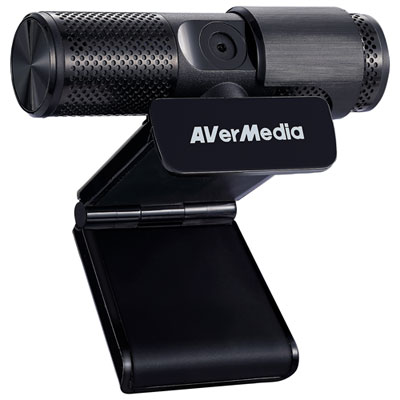
The day-to-day experience of using a creator camera extends beyond the moment the record button is pressed. A camera used for vertical clips benefits from practical portrait-orientation handling, whether that involves rotating the body, using a suitable mount, or cropping footage during editing. Screen movement and cable placement affect how comfortably that setup works. For livestreaming or webcam use, connection methods, supported output resolutions, audio routing, and power requirements depend on the camera and the receiving device; a USB socket alone does not guarantee every streaming function. Wi-Fi and Bluetooth can support remote controls or transfers on compatible models, while wired transfers may be more practical for large video files. Memory card requirements also vary with recording settings, especially for higher data rates, making the specified card format and speed rating important parts of a dependable setup. Physical construction deserves similar attention. Bodies may combine reinforced plastics, metal alloys, textured grips, and articulated screens, with different balances of weight and rigidity. Weather resistance is model-specific and should not be confused with waterproofing; protective housings and port-cover requirements also vary. A padded bag protects the camera during transport, while a wrist or neck strap helps keep it secure between takes. Routine care is straightforward but worthwhile: remove loose dust with an appropriate blower, use lens-safe cleaning materials, keep connection ports free of debris, and follow the manufacturer’s battery and storage instructions. Avoiding unnecessary pressure on an extended lens or open screen helps protect moving parts. These practical details matter to students documenting projects, small-business owners photographing their work, hobbyists sharing a skill, and experienced creators refining a regular production routine. As a gift, a camera is especially personal because comfort, existing lenses, editing habits, and preferred subjects influence its usefulness. A well-matched format supports the recipient’s way of creating, whether that means filming a conversation across a kitchen table, capturing a painting from the first pencil mark, or recording a polished presentation in a dedicated workspace.
Top selling and popular products
-
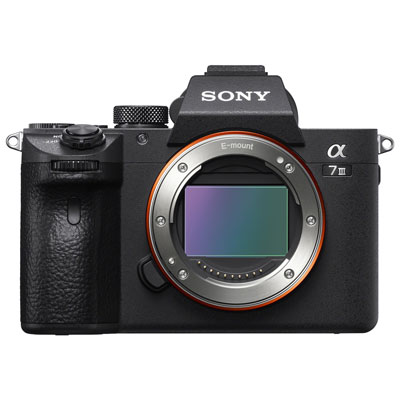 Your price for this item is $1799.99
-
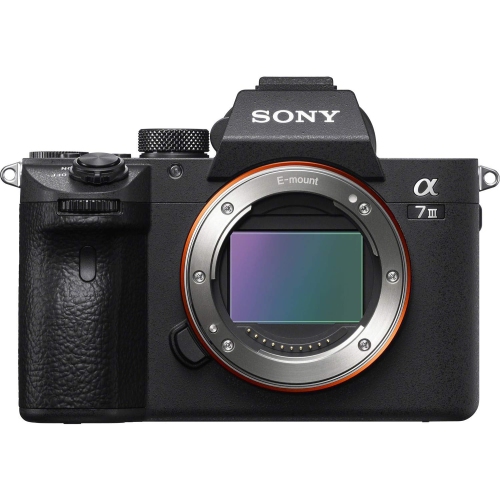 Your price for this item is $1899
-
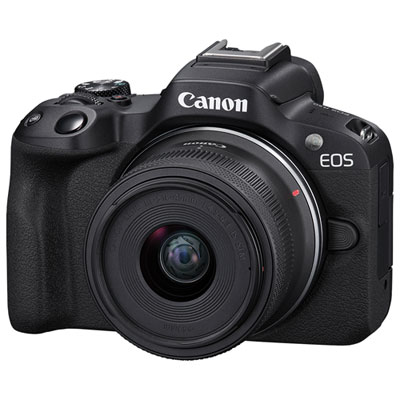 Your price for this item is $949.99
-
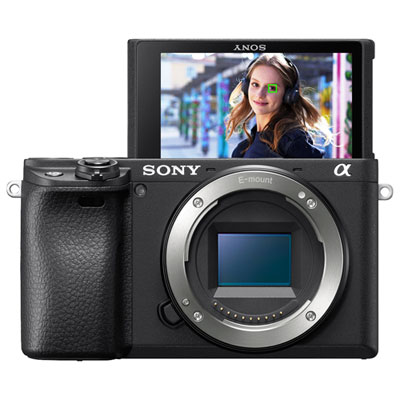 Your price for this item is $1049.99
-
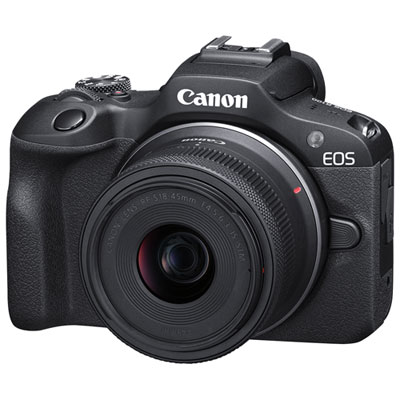 Your price for this item is $599.99
-
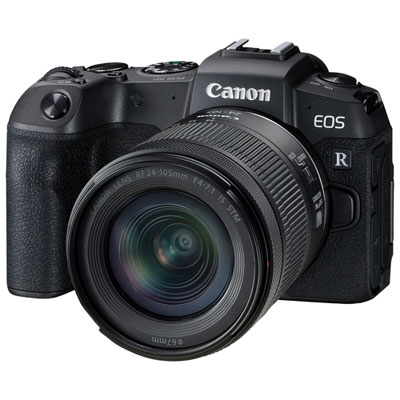 Your price for this item is $1299.99
-
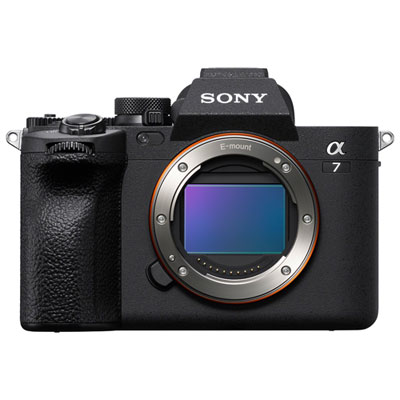 Your price for this item is $2699.99
-
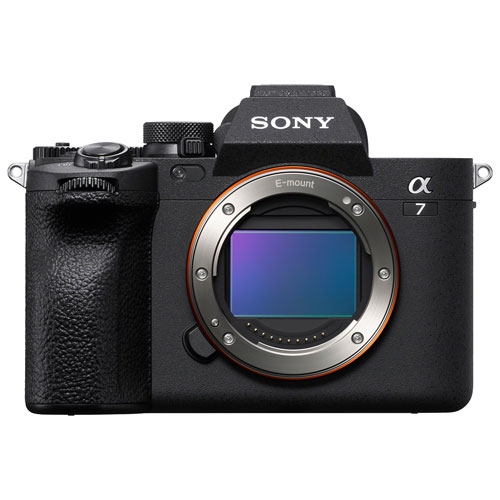 Your price for this item is $2469.99
Discover more categories related to Cameras for Content Creators
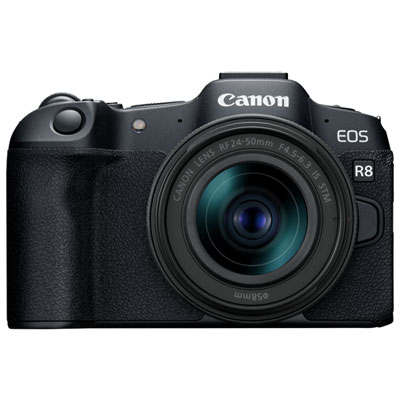
Top Collections:
Best Black Friday Deals This Year, Best Black Friday Deals On Electronics, Kindle Devices, Pokemon Centers, Best Black Friday Deals On Apple Products, Best Cameras for Sports Photography, Dyson Airwrap, Pokémon 30th Celebration Cards, Apple iPhone 17 Pro, Canon G7X Cameras
Some products may be subject to Environmental Handling Fees
(EHF) depending on your province.
Learn more about EHFs.