Card Reader Writers
Card Reader Writer devices offer a convenient solution for transferring, accessing, and managing digital files across multiple platforms. Whether you are working with photos, videos, documents, or other data, these versatile tools help streamline your workflow and keep your important information at your fingertips. Explore a range of Card Reader Writer options designed to support various memory card formats and connectivity needs, making them an essential accessory for both personal and professional use. Find the right Card Reader Writer to enhance your digital experience and simplify your data management tasks.
Sort




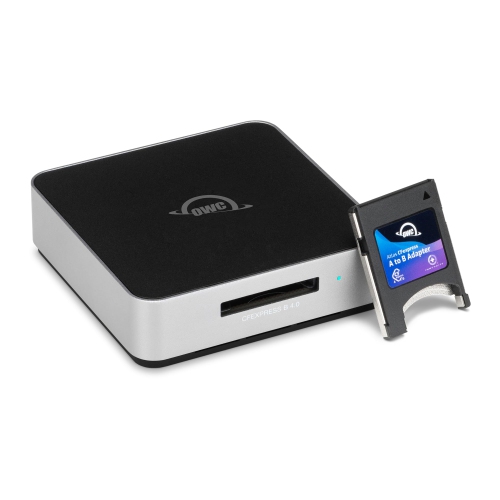

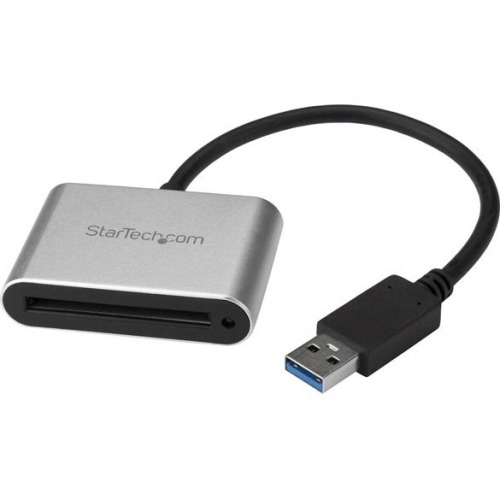
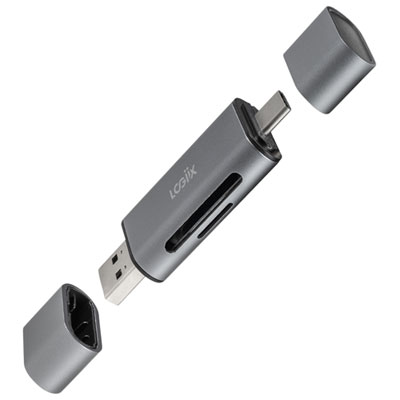

Why card compatibility matters for everyday file transfers
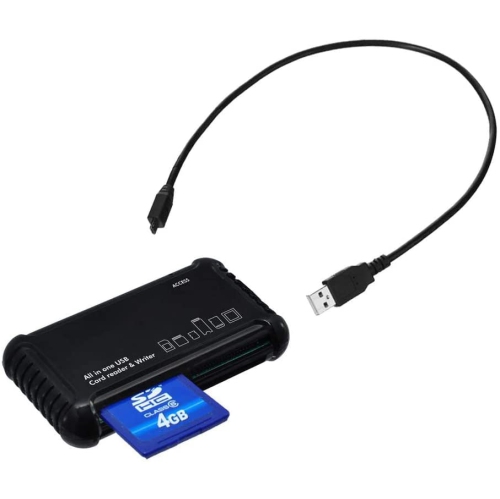
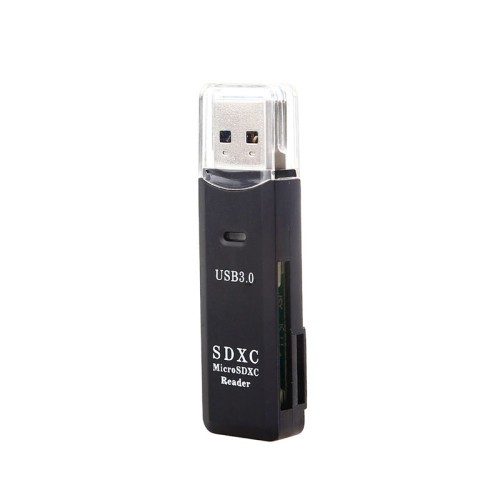
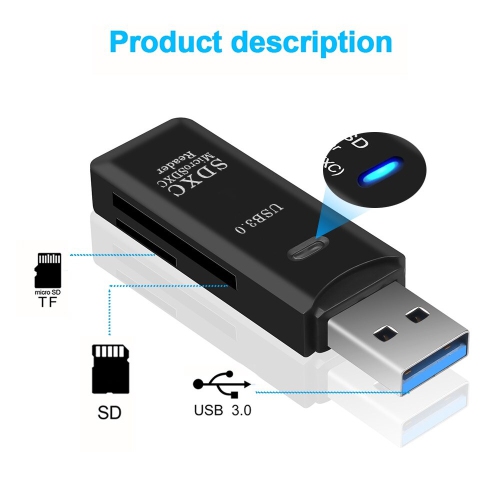
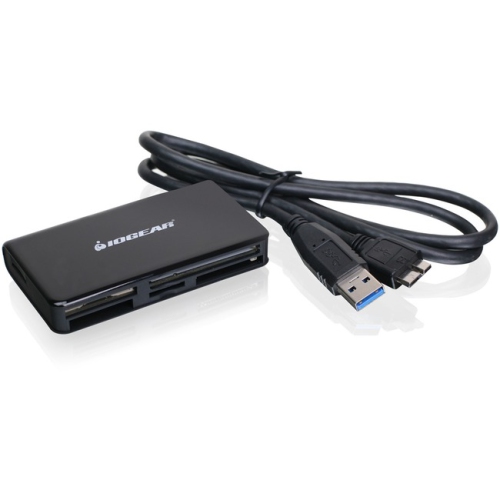
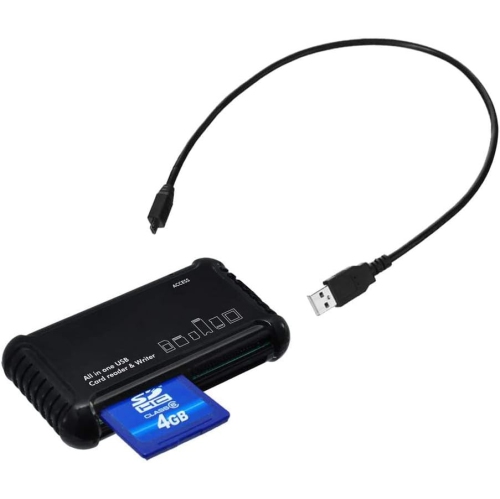
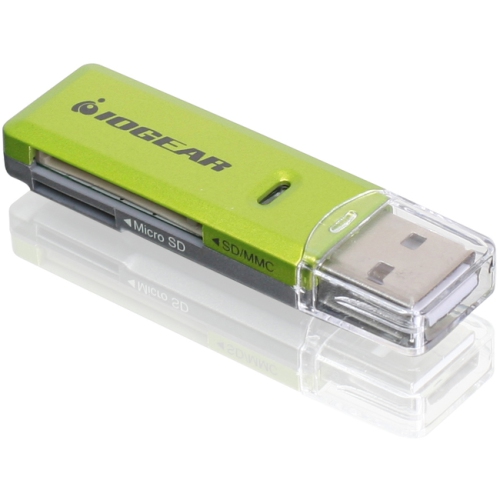
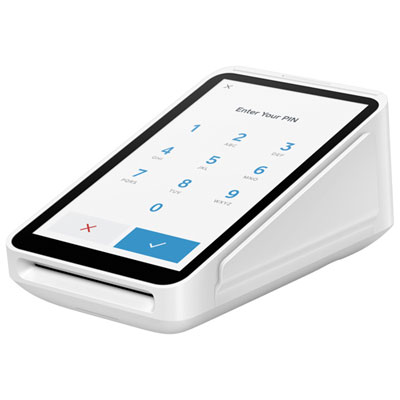
Card reader writers are devices that read data from compatible cards and, where supported, write data back to them. For everyday computer use, this usually means moving photos, videos, audio, and documents between a memory card and a laptop or desktop. A photographer might use one to copy a full shoot from a camera card, while a student might transfer project files or load media onto a card for a compatible device. Reading lets the computer access existing files; writing allows it to save, copy, or update files on the card. Those functions depend on the card, reader, operating system, and any required software working together. Memory card reader writers are different from smart card readers used for identification or secure sign-in, and neither should be assumed to function as a payment terminal. Some specialized readers support contact or contactless smart cards, but their capabilities depend on the supported card technology and application. For photo and file transfers, the main consideration is the exact memory card format. Full-size SD cards and smaller microSD cards need matching slots or a suitable adapter, while CompactFlash, CFast, and CFexpress require their own compatible connections. Similar names do not mean interchangeable designs: CFexpress Type A and Type B cards, for example, have different dimensions and need the correct reader. Support for SD, SDHC, and SDXC also matters, particularly when working with higher-capacity cards. A slot that physically accepts a card does not, by itself, confirm support for every capacity or standard within that format. For a household with a camera, an audio recorder, and several small devices, a multi-format reader can bring several transfer tasks into one place. Someone working with a single card type may prefer a simpler reader with only the connection needed. The right fit starts with the cards already in use and the devices that will receive the files.
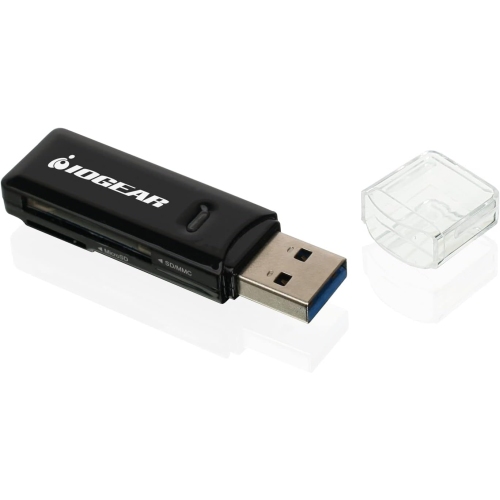
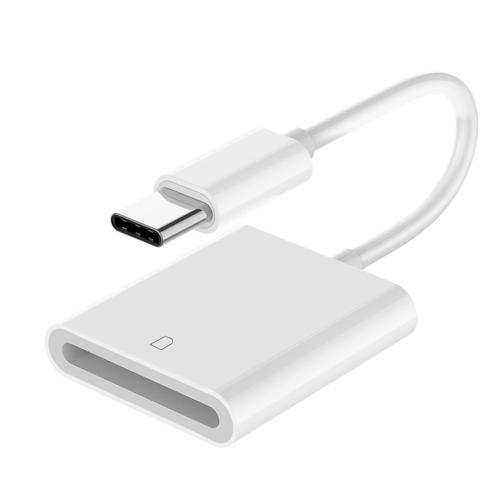
Connection type and transfer performance shape how a card reader writer fits into a daily routine. USB-A remains useful for many desktop computers and older laptops, while USB-C connects directly to many newer computers and compatible mobile devices. The shape of a USB-C connector does not establish its transfer speed, so the supported USB standard is worth distinguishing from the physical plug. A reader connected through an adapter, dock, or hub also depends on that connection’s capabilities. For large photo libraries or long video clips, transfer speed is limited by the slowest part of the path: the memory card, reader, cable, computer port, or destination drive. A fast reader cannot make a slower card write data faster than the card supports, and a fast card may not reach its potential through a slower connection. SD bus support, including UHS-I and UHS-II, is another useful distinction when matching equipment. Compatible UHS-II cards can work at reduced speeds in UHS-I readers, but reaching their higher transfer rates requires the appropriate reader and host connection. Advertised read and write figures can differ, and actual results vary with file sizes and the equipment involved. Copying a folder of small documents is a different task from transferring several large video files. Readers with multiple slots can be convenient for mixed card collections, although not every design allows simultaneous transfers between slots. Operating system compatibility also deserves attention, especially for phones, tablets, or managed workplace computers. Many standard USB memory card readers work without a separate driver on supported systems, but mobile connections can depend on power requirements, file system support, and the device’s file-management features. Smart card readers may require dedicated drivers, certificates, or application software. For laptop bags and shared workspaces, Portable Card Readers can keep the setup compact, while a desktop reader with a short cable can place the card slot within easy reach without requiring access to the back of a computer.
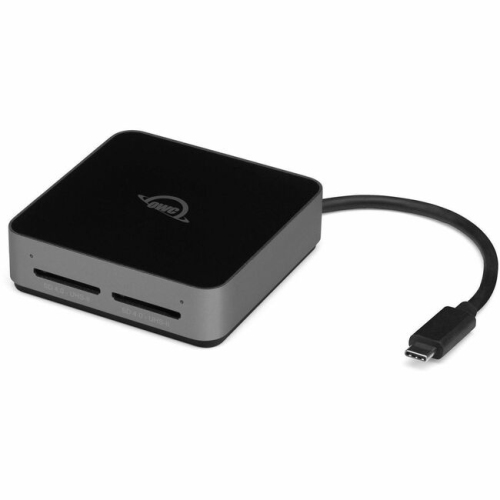
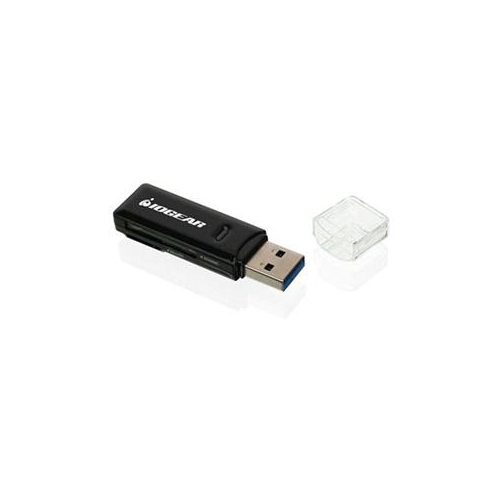
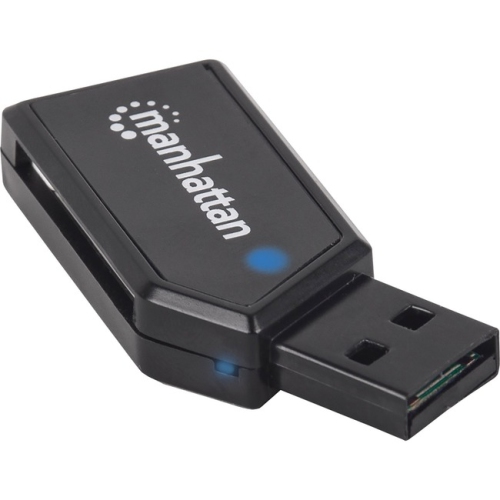
Physical design makes a noticeable difference when a card reader writer is handled regularly. Plastic housings can keep weight down, while metal housings may offer a firmer feel and help distribute heat; overall durability still depends on construction, connector quality, and how the device is used. A capped connector can be useful in a bag, provided the cap stays secure, while a tethered cable gives more flexibility around closely spaced computer ports. Direct-plug readers take up little space but can put leverage on a port if bumped, particularly when a card projects from the side. On a desk, a stable base and clearly marked slots make repeated transfers easier. Cards should slide into the correct slot without force, with their contacts facing the direction indicated by the reader. Bent pins, damaged connectors, and loose cables can interrupt a transfer, so gentle handling matters more than a heavy-looking case. Keep slots free of debris, store the reader away from liquids, and follow its cleaning instructions rather than introducing moisture into the openings. During a transfer, leave the card seated and avoid disconnecting the reader until the process has finished. Using the operating system’s eject function before removal helps ensure pending writes are complete. For important photos or work files, copying them to the computer and checking that they open correctly before clearing the card provides a practical safeguard; a separate backup adds another layer of protection. Formatting should be done with care because it can remove access to existing files, and cards used in cameras or other dedicated devices may need to be formatted in that device for reliable operation. As a gift for a photographer, student, content creator, or frequent traveller, a reader is most useful when its slots and connector match equipment the recipient already owns. Clear compatibility, comfortable handling, and dependable transfers are the details that turn this small accessory into a useful part of a larger setup.
Top selling and popular products
-
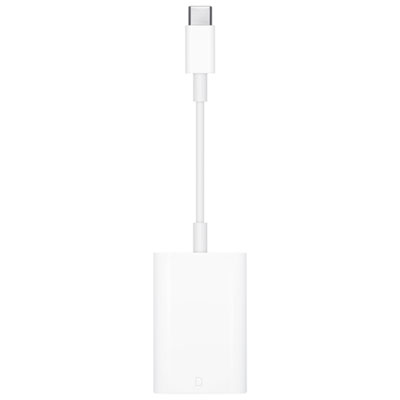 Your price for this item is $49
-
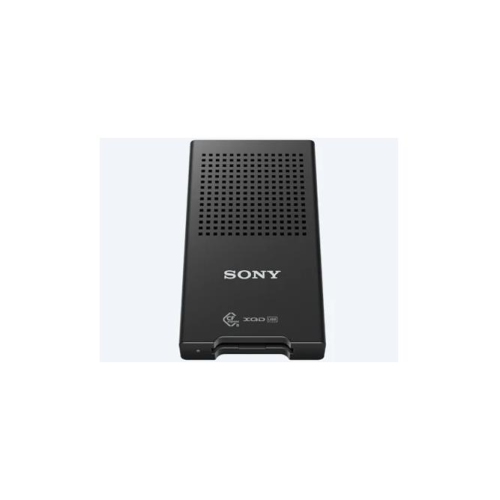 Your price for this item is $179.99
-
 Your price for this item is $39.68
-
 Your price for this item is $68.68
-
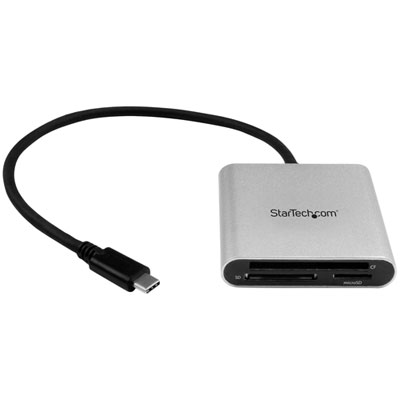 Your price for this item is $57.99
-
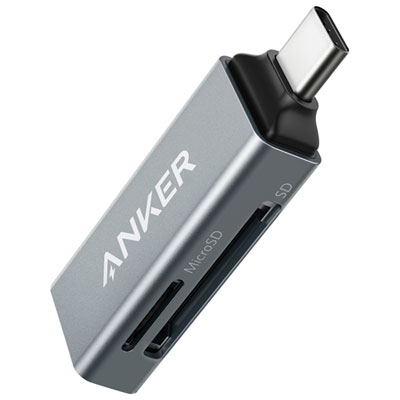 Your price for this item is $39.99
-
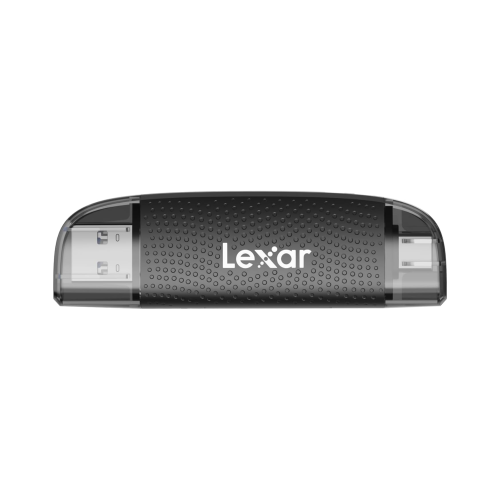 Your price for this item is $48.68
-
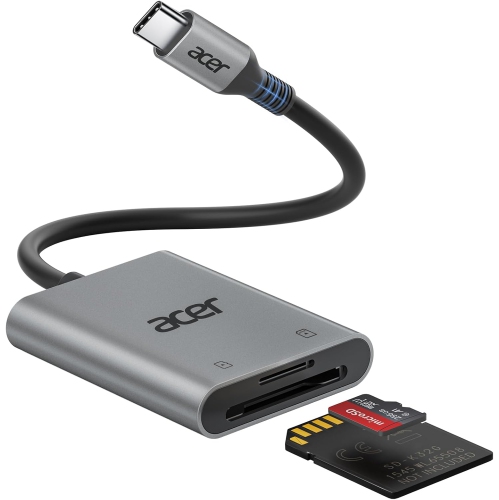 Your price for this item is $13.99
Discover more categories related to Card Reader Writers
Top Collections:
Best Black Friday Deals This Year, Best Black Friday Deals On Electronics, Kindle Devices, Pokemon Centers, Best Black Friday Deals On Apple Products, Best Cameras for Sports Photography, Dyson Airwrap, Pokémon 30th Celebration Cards, Apple iPhone 17 Pro, Canon G7X Cameras
Some products may be subject to Environmental Handling Fees
(EHF) depending on your province.
Learn more about EHFs.