Canon Cameras for YouTube
Whether you're a YouTuber, a vlogger, or just want to capture some great moments on your camera, this list is for you. These Canon cameras are some of the best on the market and offer features that make them great for creating YouTube videos. Here are some Canon cameras for YouTube available on the market.
Sort
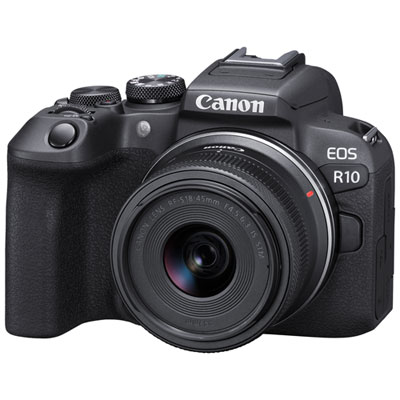

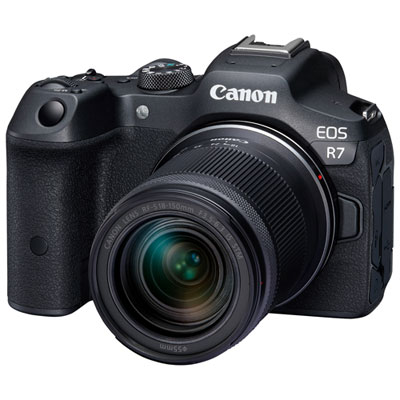
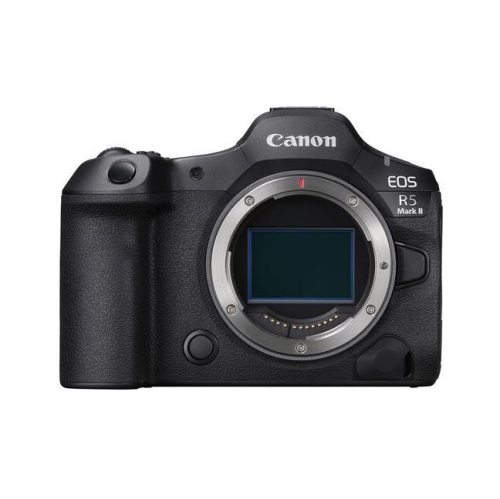
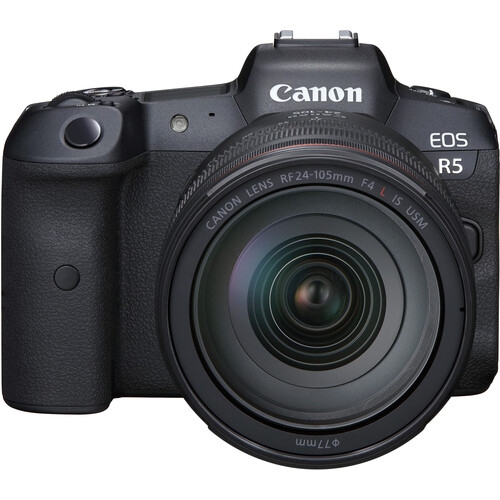
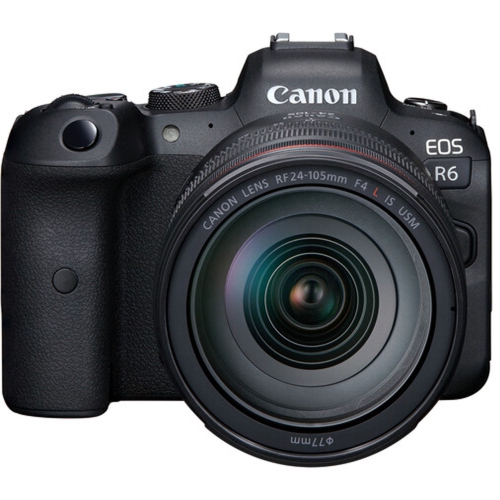
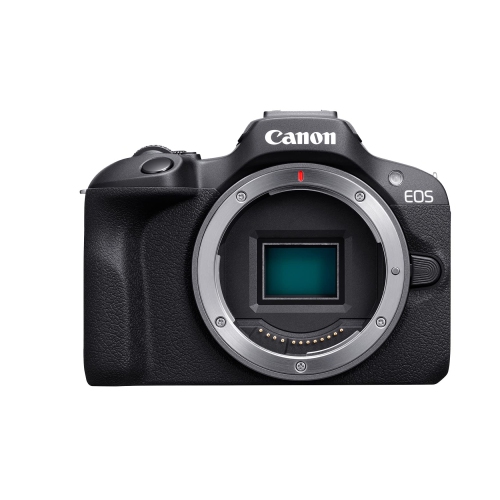
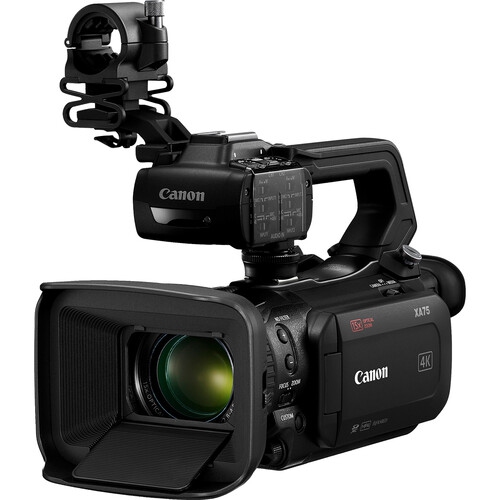
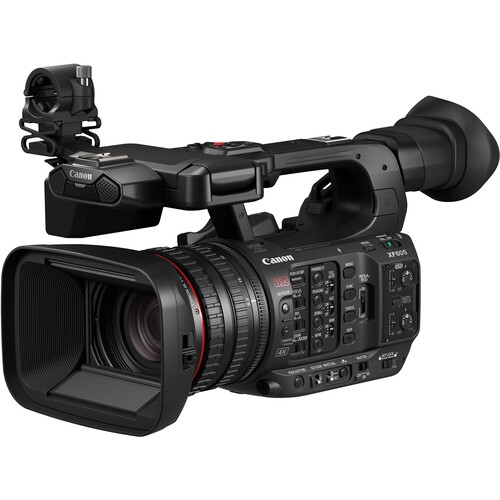
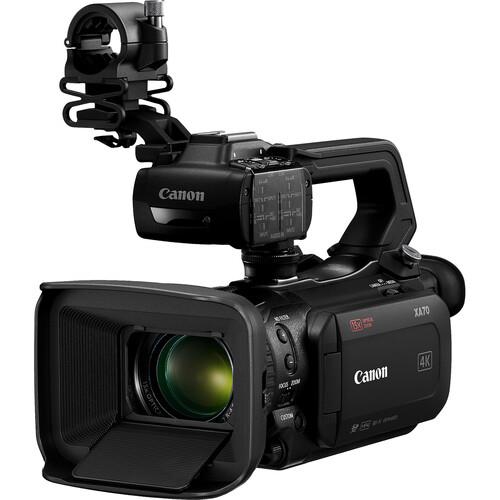
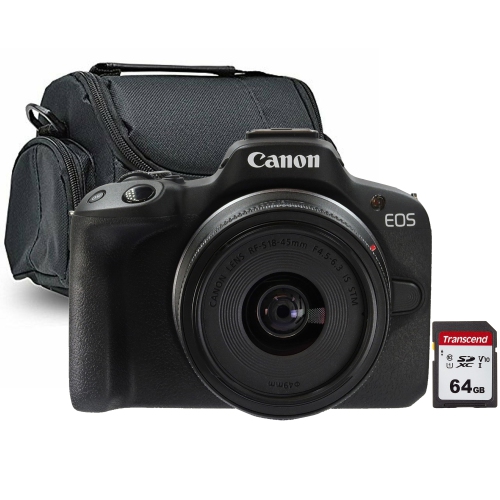
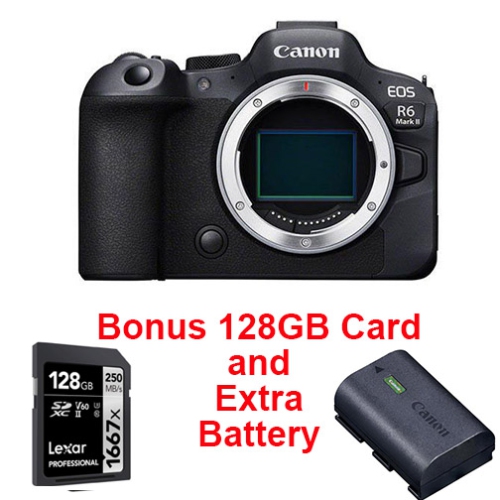
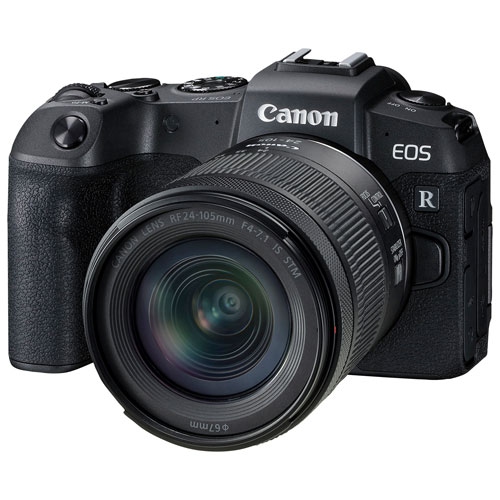
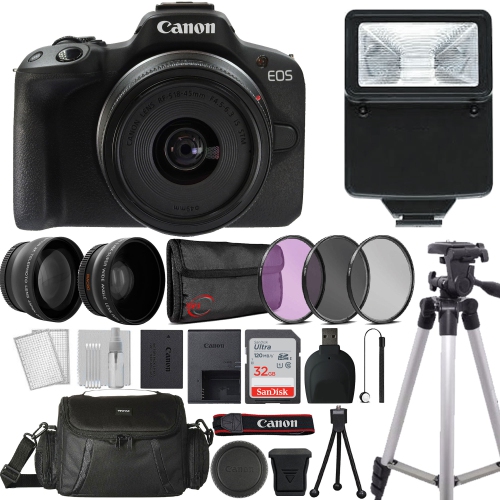
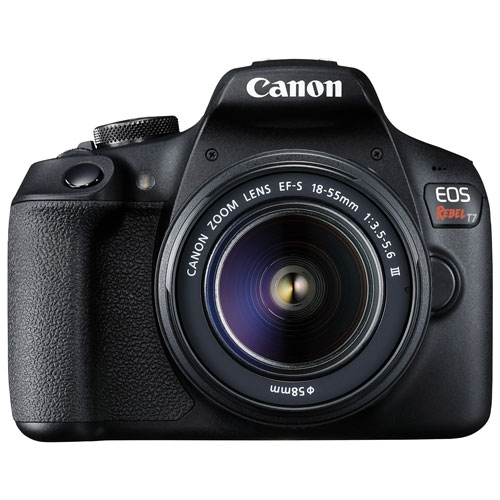
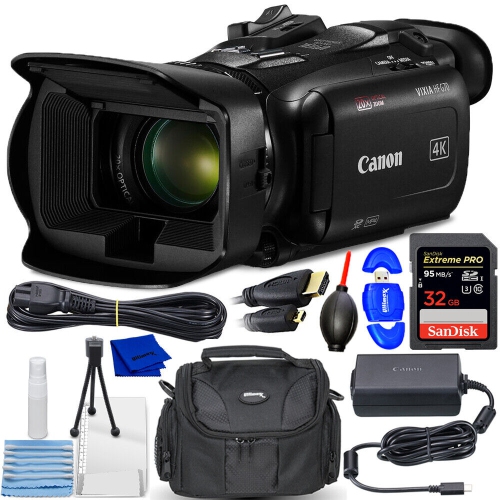
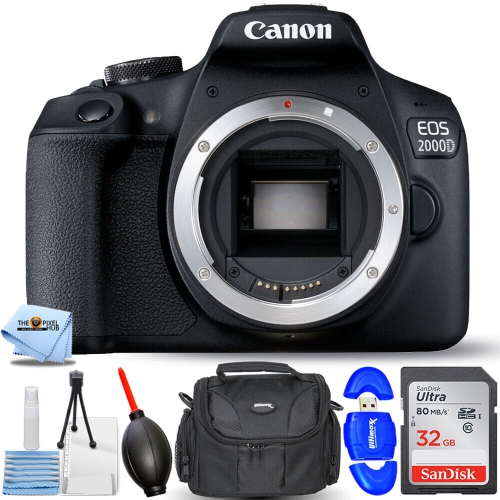
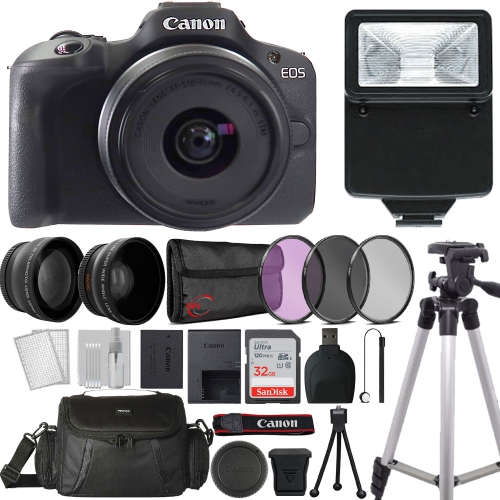
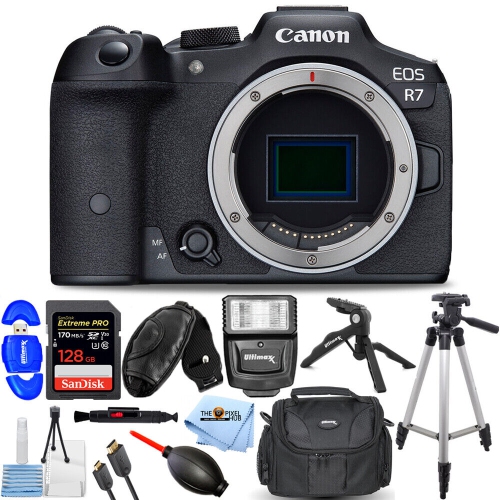
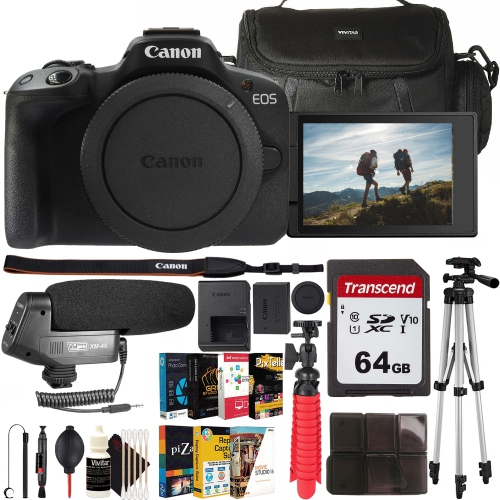
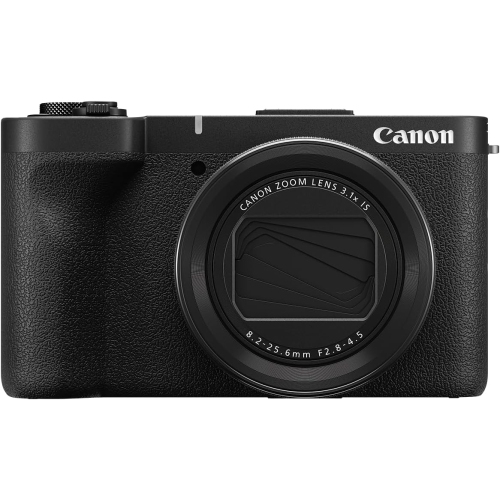
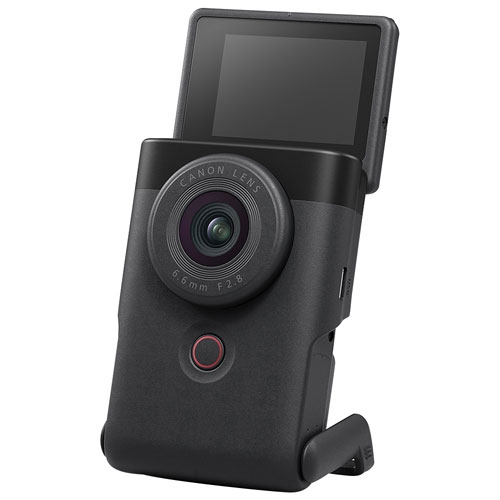

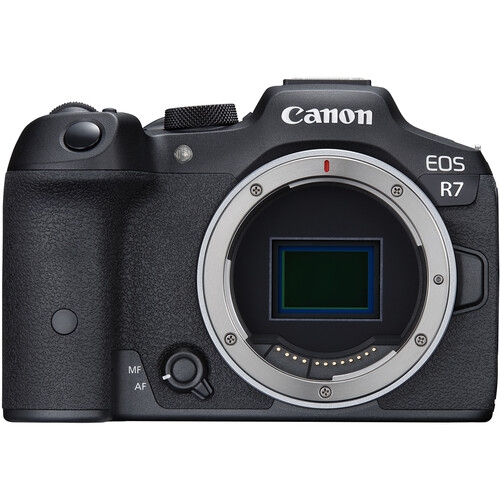
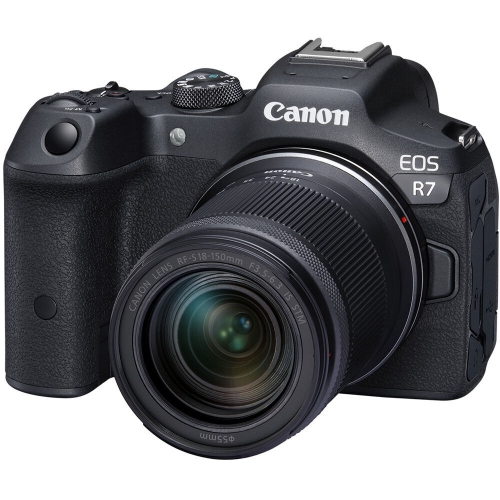
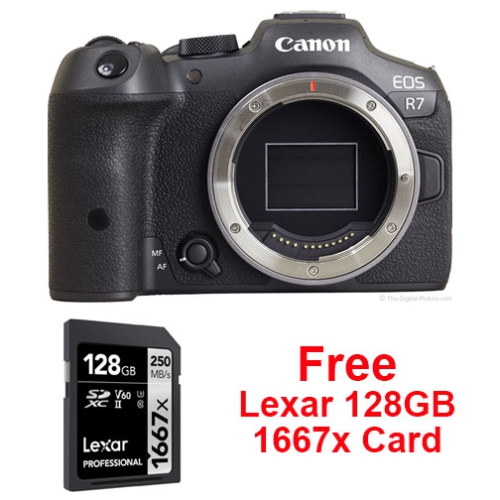
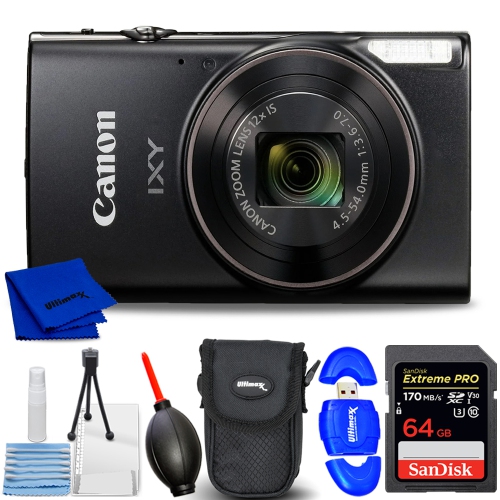
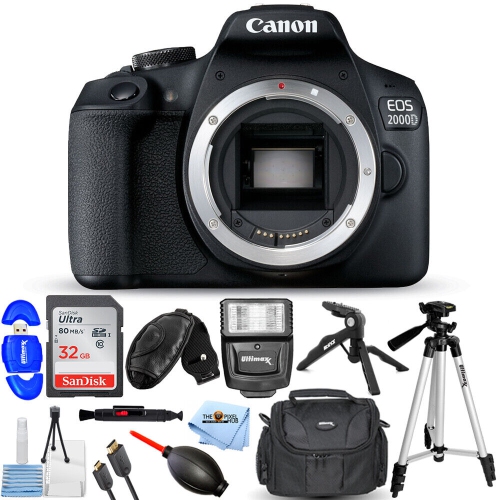
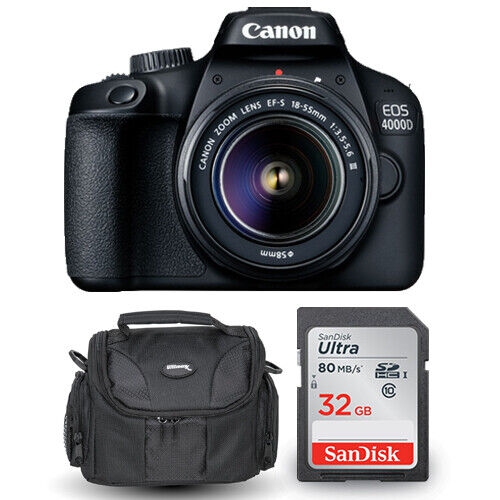
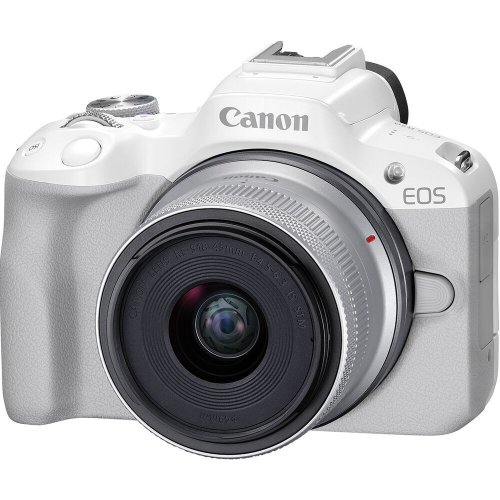
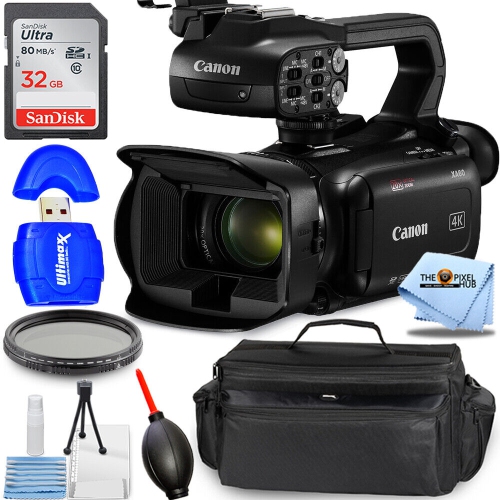
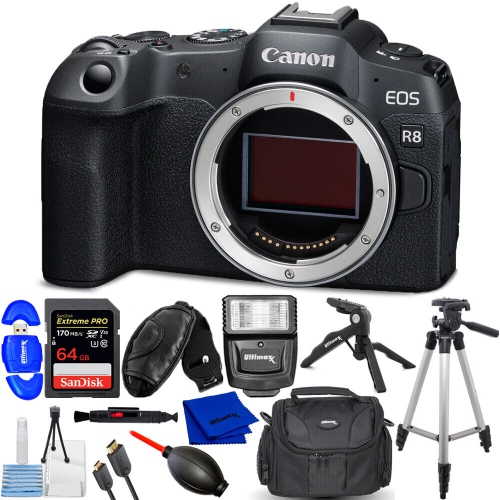
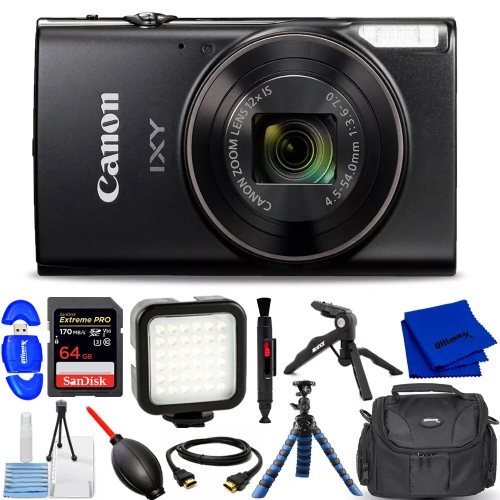
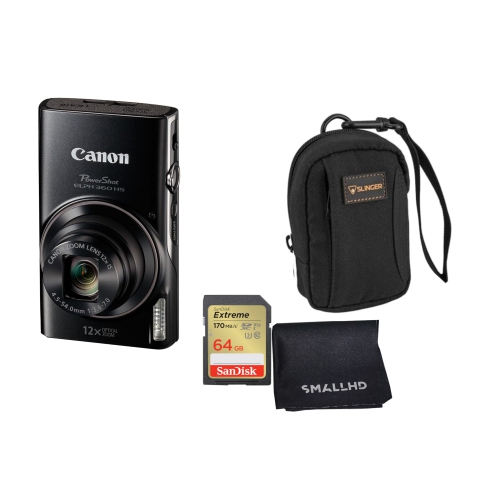
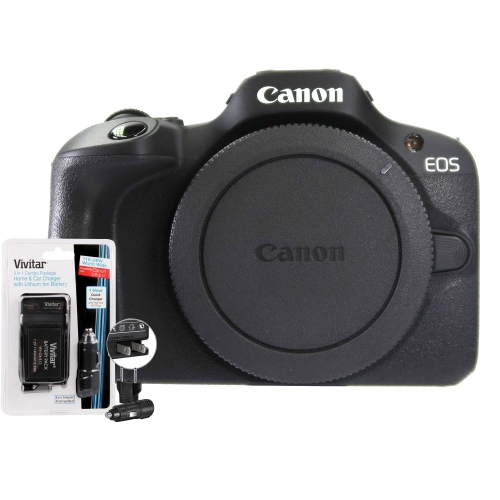
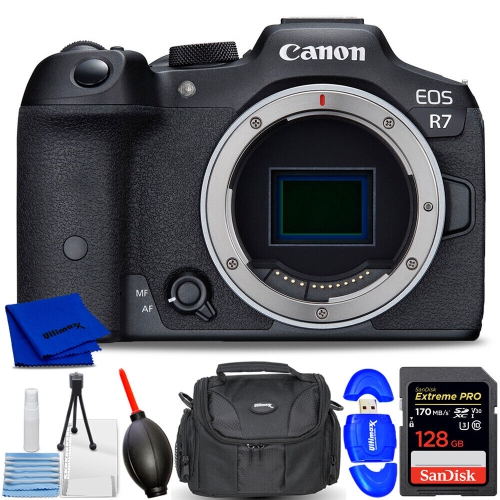
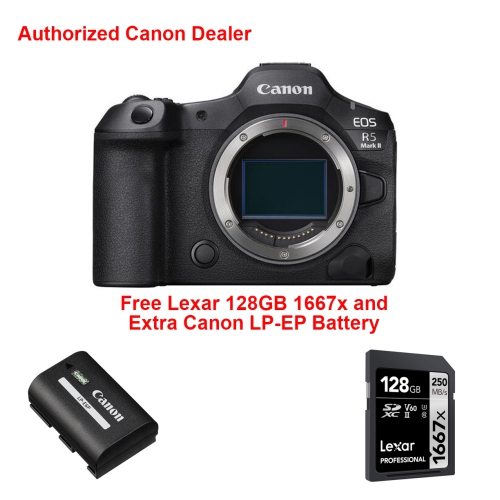
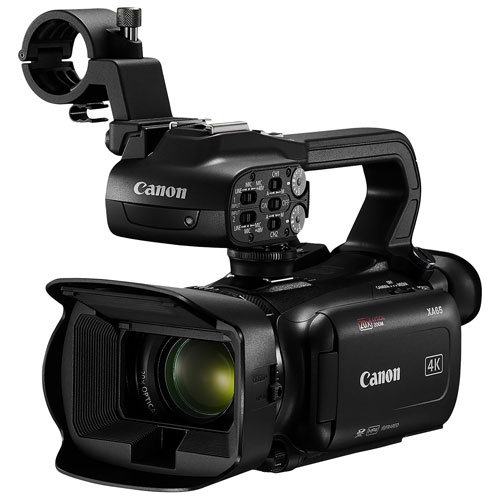
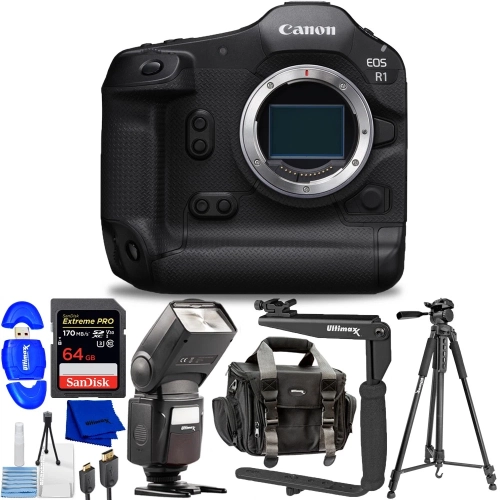
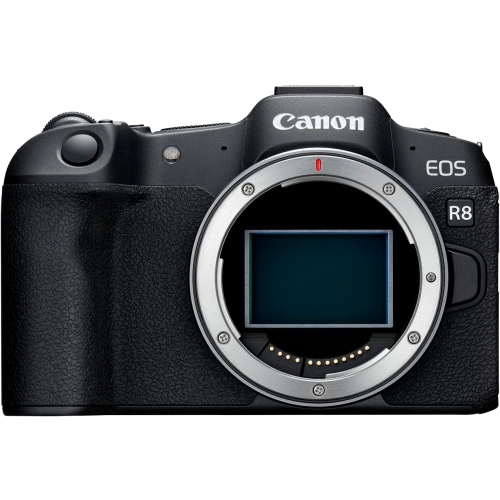
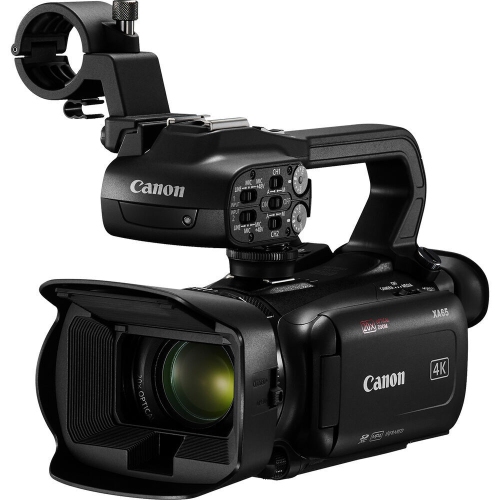
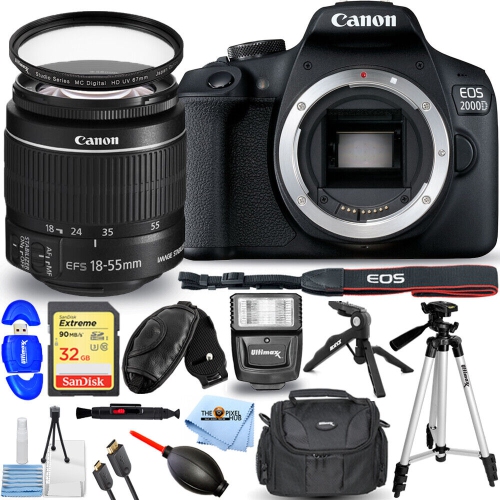
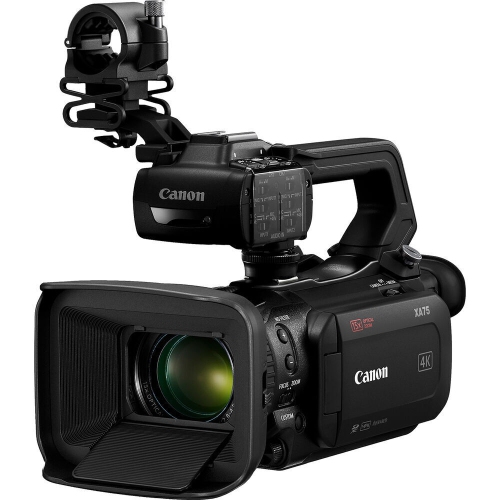
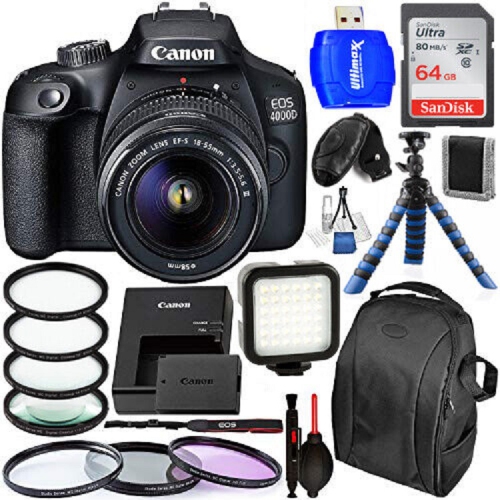
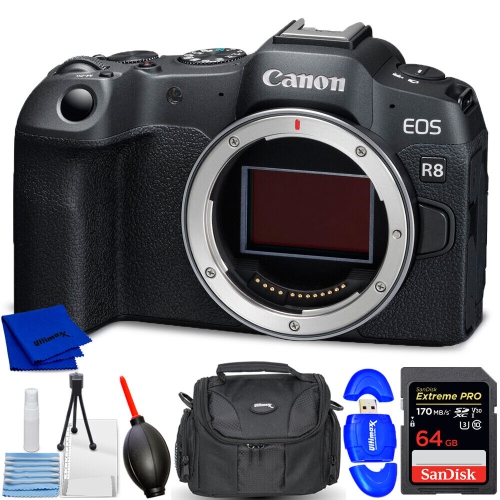
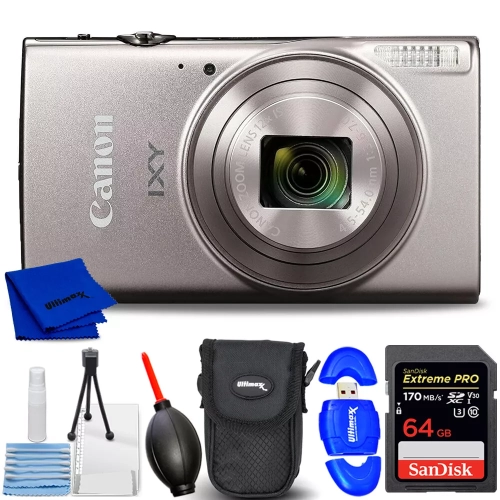
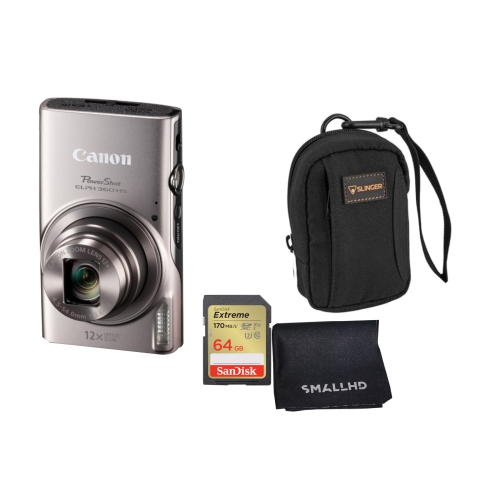
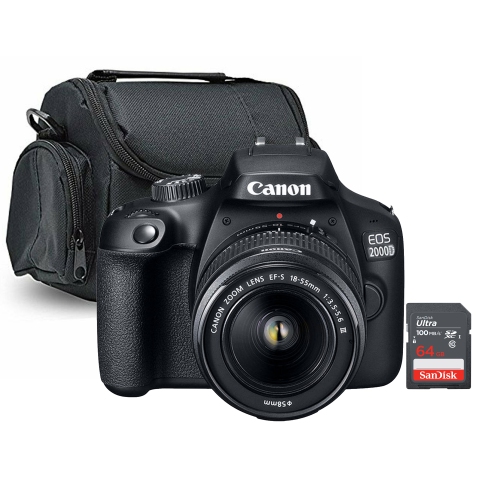
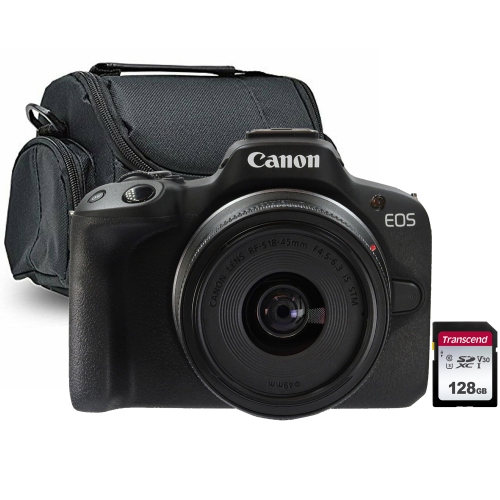
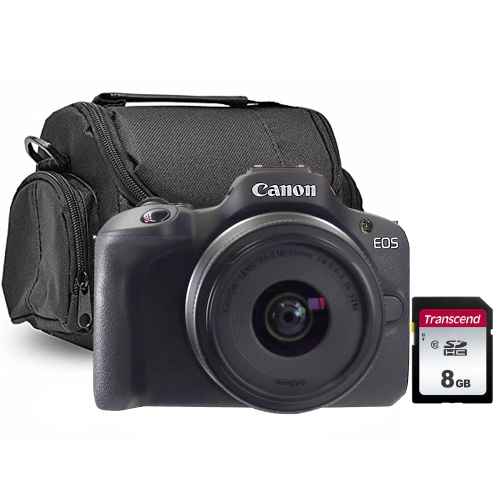
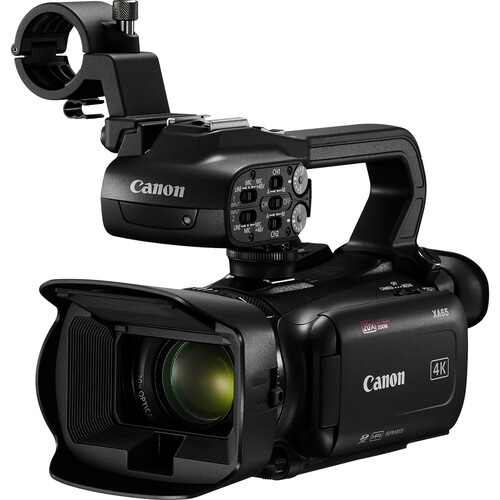
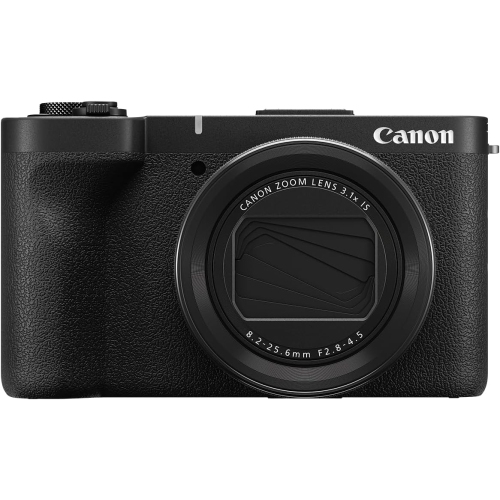
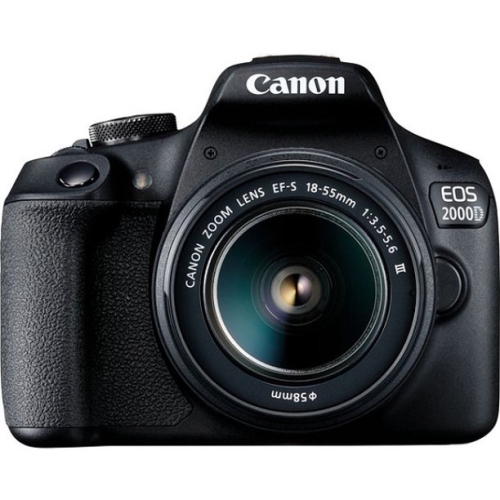
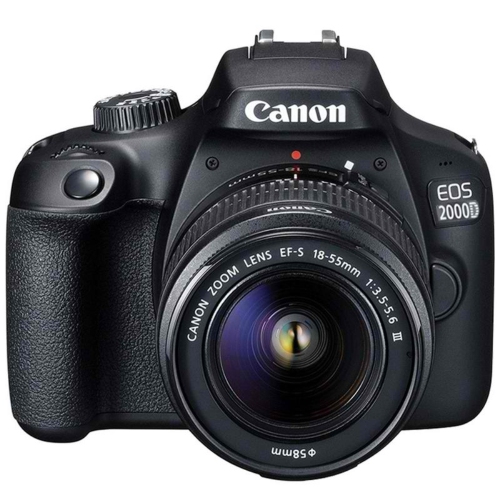
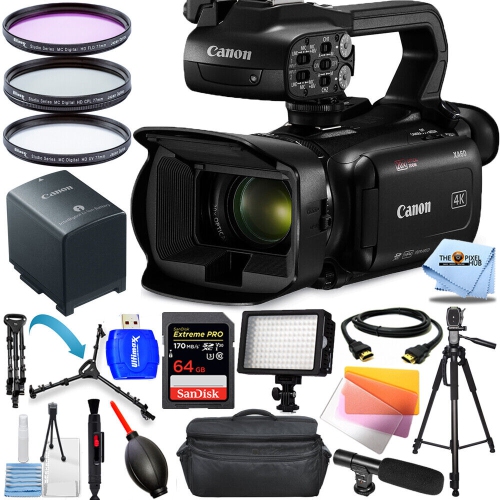
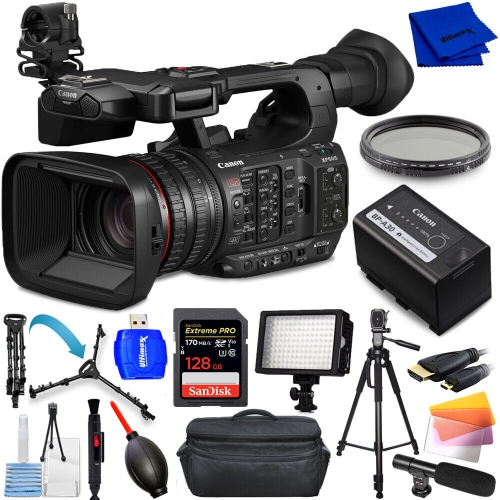
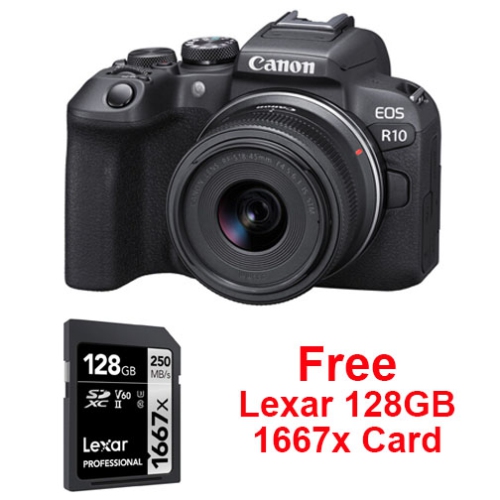
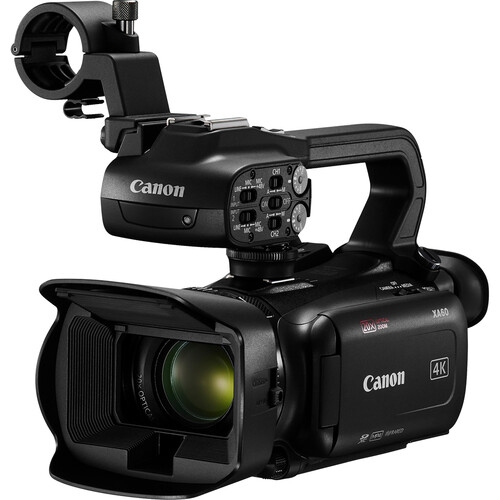
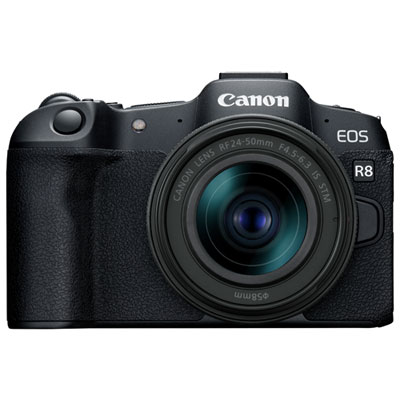
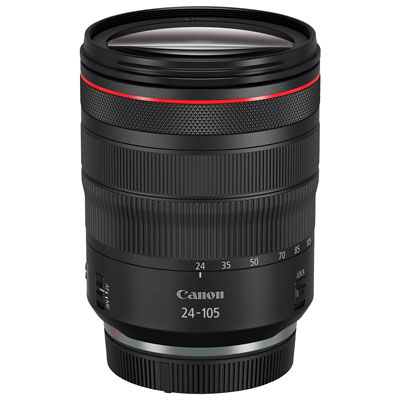
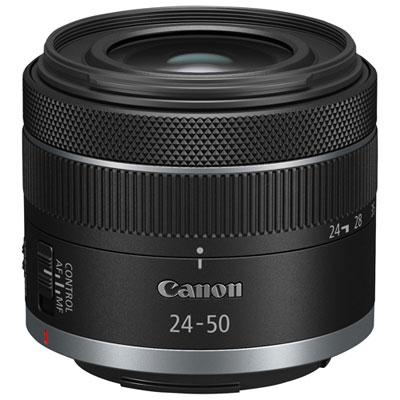
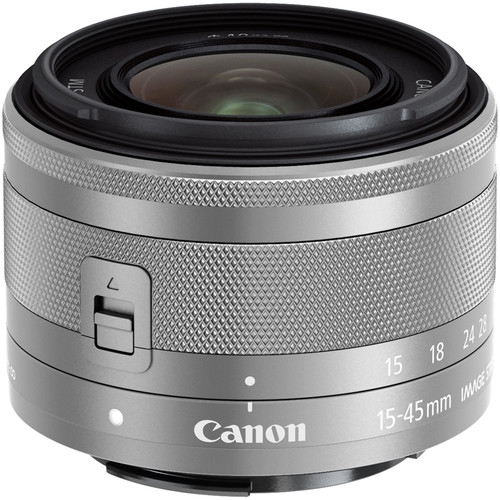
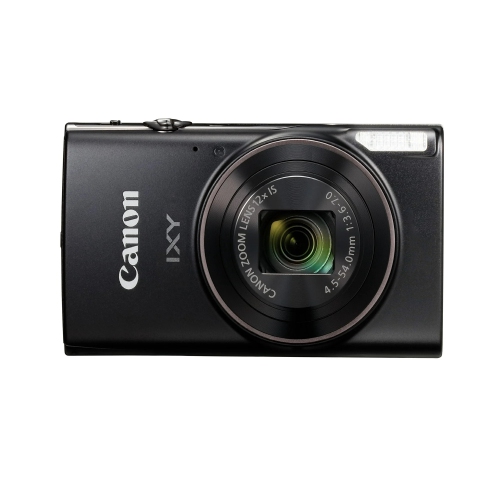
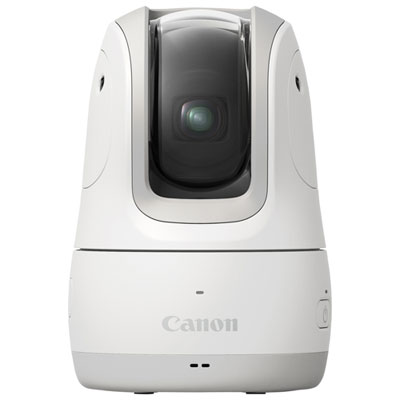
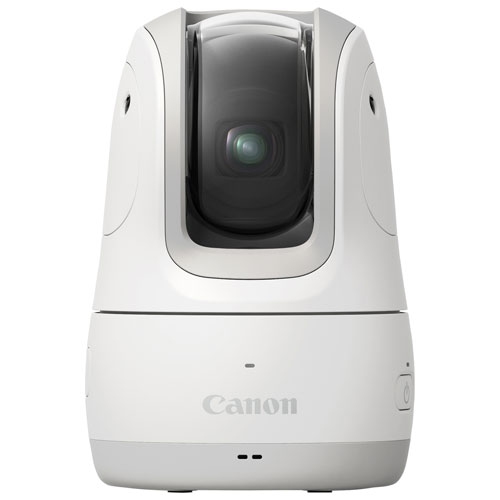
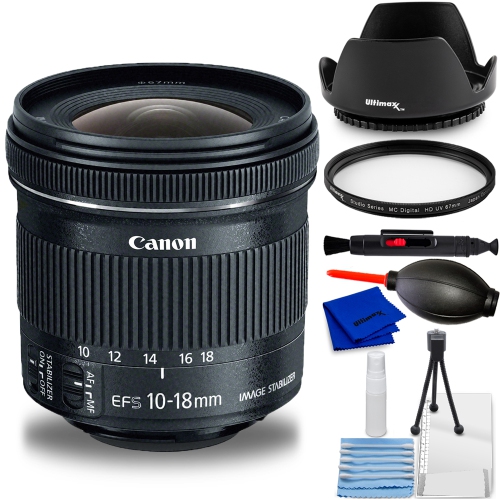

Your filming style shapes which camera features matter
Cameras for YouTube bring together video quality, dependable autofocus, and practical handling for everything from a first cooking channel to a carefully lit interview series. The most useful features depend on how the footage is made: a creator speaking across a desk has different needs from someone filming a walking tour or demonstrating a craft from above. Compact cameras with built-in lenses keep the setup simple and easy to carry, while interchangeable-lens cameras offer flexibility as subjects and filming styles change. Mirrorless designs can suit both stationary productions and handheld work, with capabilities that vary by model. Detailed 4K video allows room for cropping when the finished video is delivered at a lower resolution, although the available frame rates, image crop, and heat limits deserve attention. Full HD remains useful for straightforward presentations, longer conversations, and projects where smaller files make editing more manageable. A screen that turns towards the person on camera makes solo framing easier, especially when checking the space above a head or keeping a tabletop demonstration in view. Face and eye detection can help maintain focus during a spoken presentation; for a close-up demonstration, useful autofocus also needs to shift smoothly between the presenter and the object being shown. Touch controls and accessible buttons can make those changes less disruptive. Clear status indicators are valuable when the camera sits beyond arm’s reach, while an external microphone connection gives creators more control over sound. None of these features is universal, so the combination matters more than a single headline specification. For a channel built around conversations, reliable focus and clear speech may contribute more to the finished result than the highest available resolution. For fast-moving subjects, frame-rate options and autofocus tracking become more important. A camera that also takes still photos can support thumbnail images, channel portraits, and behind-the-scenes pictures without requiring a separate photography setup.
Lens choice and camera placement shape the look of a video as much as resolution does. A wide field of view helps fit a presenter and their workspace into the frame in a small room, though placing a very wide lens too close to a face can exaggerate facial proportions. A more moderate perspective often suits seated interviews and demonstrations filmed from a little farther away. Zoom lenses allow framing changes without moving the tripod, while fixed-focal-length lenses can offer a wide maximum aperture for lower-light filming and softer backgrounds. That background separation can draw attention to a speaker, but a very shallow depth of field may leave parts of a craft project or meal out of focus. Larger sensors can offer advantages in low light and greater control over background blur, although lens aperture, lighting, and camera settings also affect the result. Soft light from a window or a diffused lamp can make skin tones and fine details easier to capture. Stabilization is another useful consideration for handheld clips, but its operation differs between camera bodies and lenses. Electronic stabilization may crop the image, and no stabilization system completely replaces careful handling or a suitable support. A secure tripod is particularly helpful for overhead work, repeated takes, and longer presentations where the framing should stay consistent. Audio deserves equally close attention. Built-in microphones are convenient for casual clips, but they can pick up room echo, handling noise, and nearby appliances. A compatible external microphone placed closer to the speaker can improve speech clarity, while a headphone connection, where provided, allows sound monitoring during filming. Compatibility includes the connection type and any power requirements, not simply whether a microphone can be mounted on the camera. For live broadcasts or video calls, some cameras support a direct USB connection, while others need an HDMI capture device and additional setup. Supported output resolution, clean video output, and power options all affect how comfortably a camera fits into a desktop production space.
Everyday usability becomes especially noticeable after several takes or a full afternoon of filming. A comfortable grip, readable controls, and manageable weight help when a camera moves between a desk, a kitchen counter, and a shoulder bag. The weight of an interchangeable lens also affects balance, particularly on a small tripod or handheld support. Camera bodies may combine engineered plastics with metal components, while lenses contain glass elements and moving mechanisms that benefit from careful handling. A sturdy outer finish does not mean a camera is waterproof, and any stated resistance to dust or moisture applies only under the manufacturer’s specified conditions, often with compatible lenses and accessories. During the cooler months, allowing a cold camera to warm gradually inside its closed bag can help reduce condensation when coming indoors. Lens caps, padded dividers, and a secure strap help protect equipment in transit; a blower and suitable lens-cleaning materials are preferable to clothing or household cleaners on optical surfaces. Battery endurance and storage requirements also influence longer sessions. Higher-resolution video generally needs more storage, and the memory card must meet the camera’s requirements for the selected video mode. Spare batteries can reduce interruptions, while supported external power may suit lengthy stationary sessions; a USB port alone does not guarantee that a camera can operate continuously from external power. Keeping files backed up after a shoot protects work that may be difficult to repeat. These practical details matter to students making presentations, musicians filming performances, hobbyists sharing techniques, and small-business owners demonstrating their work. Cameras can also make thoughtful gifts for aspiring creators, particularly when their preferred subjects, existing lenses, and comfort with manual controls are understood. A lightweight built-in-lens design may suit someone who values simplicity, whereas an interchangeable-lens body may better fit someone developing a more involved setup. The wider selection of Digital Cameras for YouTube Videos provides another place to explore camera types for different filming needs. Across these uses, a well-matched camera supports a repeatable routine: comfortable framing, intelligible sound, consistent focus, and footage that works with the creator’s editing tools.
Lens choice and camera placement shape the look of a video as much as resolution does. A wide field of view helps fit a presenter and their workspace into the frame in a small room, though placing a very wide lens too close to a face can exaggerate facial proportions. A more moderate perspective often suits seated interviews and demonstrations filmed from a little farther away. Zoom lenses allow framing changes without moving the tripod, while fixed-focal-length lenses can offer a wide maximum aperture for lower-light filming and softer backgrounds. That background separation can draw attention to a speaker, but a very shallow depth of field may leave parts of a craft project or meal out of focus. Larger sensors can offer advantages in low light and greater control over background blur, although lens aperture, lighting, and camera settings also affect the result. Soft light from a window or a diffused lamp can make skin tones and fine details easier to capture. Stabilization is another useful consideration for handheld clips, but its operation differs between camera bodies and lenses. Electronic stabilization may crop the image, and no stabilization system completely replaces careful handling or a suitable support. A secure tripod is particularly helpful for overhead work, repeated takes, and longer presentations where the framing should stay consistent. Audio deserves equally close attention. Built-in microphones are convenient for casual clips, but they can pick up room echo, handling noise, and nearby appliances. A compatible external microphone placed closer to the speaker can improve speech clarity, while a headphone connection, where provided, allows sound monitoring during filming. Compatibility includes the connection type and any power requirements, not simply whether a microphone can be mounted on the camera. For live broadcasts or video calls, some cameras support a direct USB connection, while others need an HDMI capture device and additional setup. Supported output resolution, clean video output, and power options all affect how comfortably a camera fits into a desktop production space.
Everyday usability becomes especially noticeable after several takes or a full afternoon of filming. A comfortable grip, readable controls, and manageable weight help when a camera moves between a desk, a kitchen counter, and a shoulder bag. The weight of an interchangeable lens also affects balance, particularly on a small tripod or handheld support. Camera bodies may combine engineered plastics with metal components, while lenses contain glass elements and moving mechanisms that benefit from careful handling. A sturdy outer finish does not mean a camera is waterproof, and any stated resistance to dust or moisture applies only under the manufacturer’s specified conditions, often with compatible lenses and accessories. During the cooler months, allowing a cold camera to warm gradually inside its closed bag can help reduce condensation when coming indoors. Lens caps, padded dividers, and a secure strap help protect equipment in transit; a blower and suitable lens-cleaning materials are preferable to clothing or household cleaners on optical surfaces. Battery endurance and storage requirements also influence longer sessions. Higher-resolution video generally needs more storage, and the memory card must meet the camera’s requirements for the selected video mode. Spare batteries can reduce interruptions, while supported external power may suit lengthy stationary sessions; a USB port alone does not guarantee that a camera can operate continuously from external power. Keeping files backed up after a shoot protects work that may be difficult to repeat. These practical details matter to students making presentations, musicians filming performances, hobbyists sharing techniques, and small-business owners demonstrating their work. Cameras can also make thoughtful gifts for aspiring creators, particularly when their preferred subjects, existing lenses, and comfort with manual controls are understood. A lightweight built-in-lens design may suit someone who values simplicity, whereas an interchangeable-lens body may better fit someone developing a more involved setup. The wider selection of Digital Cameras for YouTube Videos provides another place to explore camera types for different filming needs. Across these uses, a well-matched camera supports a repeatable routine: comfortable framing, intelligible sound, consistent focus, and footage that works with the creator’s editing tools.
Top selling and popular products
-
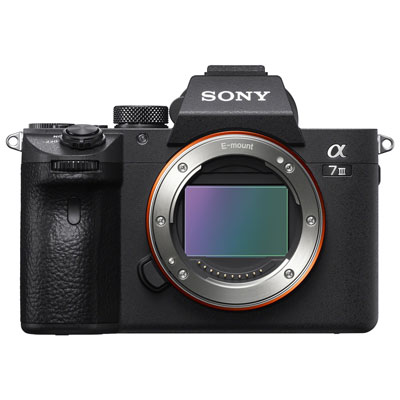 Your price for this item is $1899.99
 -
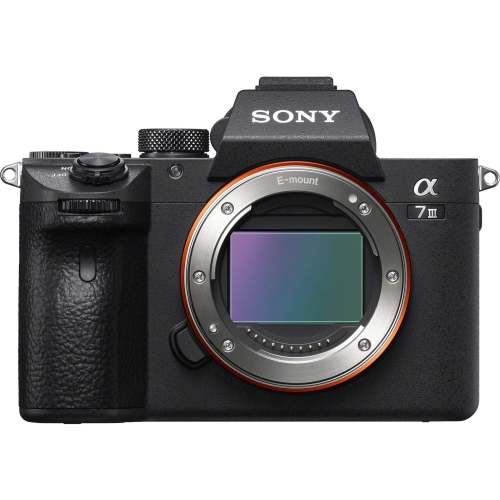 Your price for this item is $1899
 -
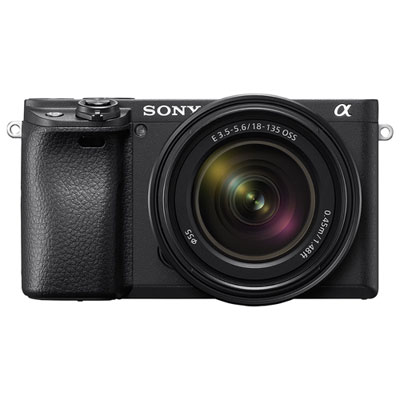 Your price for this item is $1749.99
 -
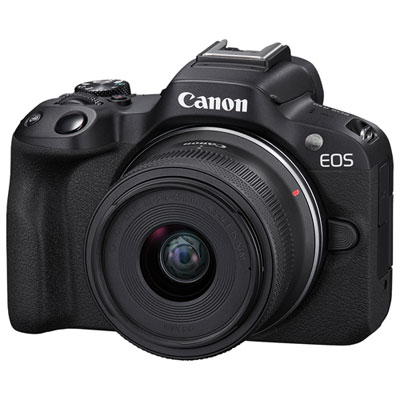 Your price for this item is $999.99
 -
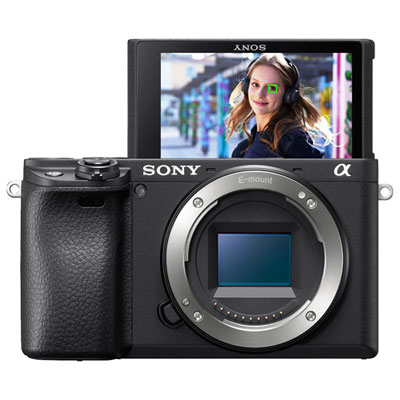 Your price for this item is $1249.99
 -
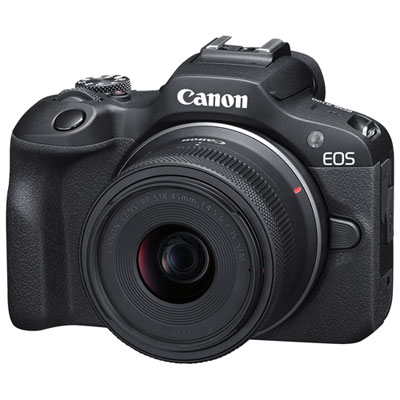 Your price for this item is $749.99
 -
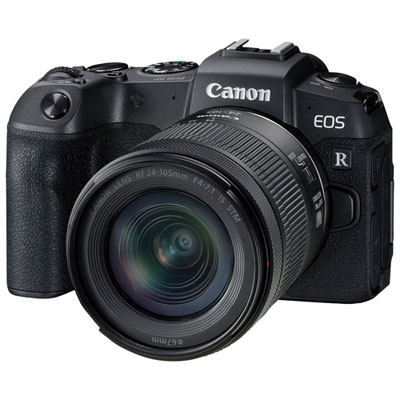 Your price for this item is $1499.99
 -
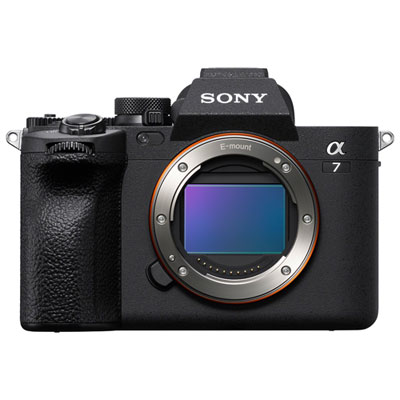 Your price for this item is $2699.99
Discover more categories related to Canon Cameras for YouTube
Top Collections:
Pokemon Centers, Kindle Devices, Best Budget Office Chairs, Apple iPhones 16, Best Laptops for Writers, iPhone 15 Apple, Canon G7X Cameras, Refurbished Apple Laptops, Alarm Clock, Motorola Razr Phones
Some products may be subject to Environmental Handling Fees
(EHF) depending on your province.
Learn more about EHFs.