Compact Travel Docking Stations
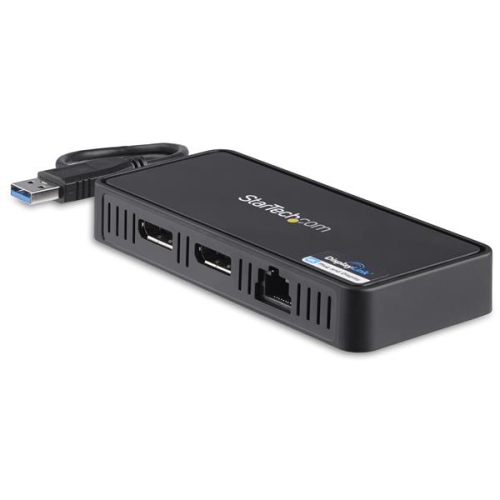
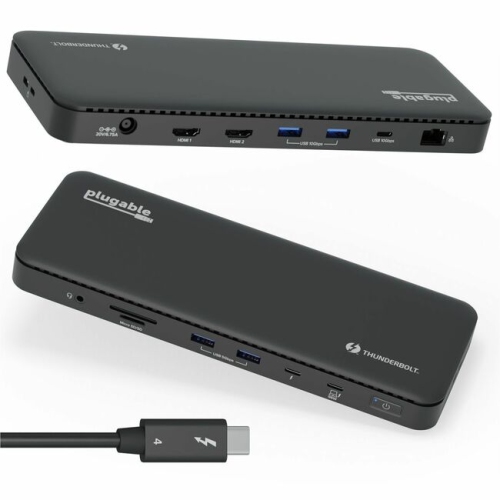
Compact travel docking stations offer a convenient solution for connecting multiple devices while on the go. Ideal for business trips, vacations, or remote work setups, these portable accessories help keep your workspace organized and efficient. Explore a wide selection of compact travel docking stations designed to fit easily into your bag and simplify your tech experience wherever your travels take you.
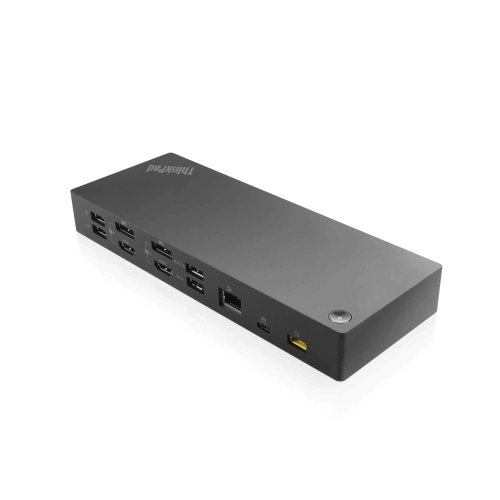
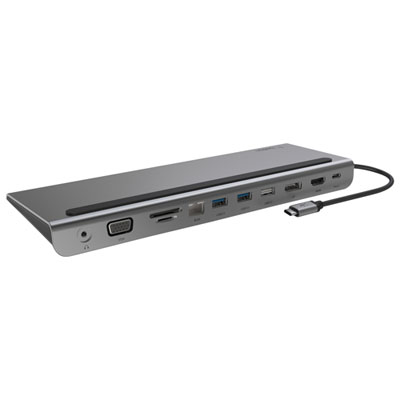
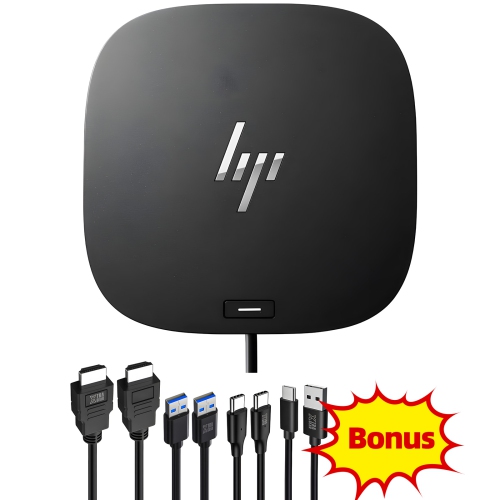
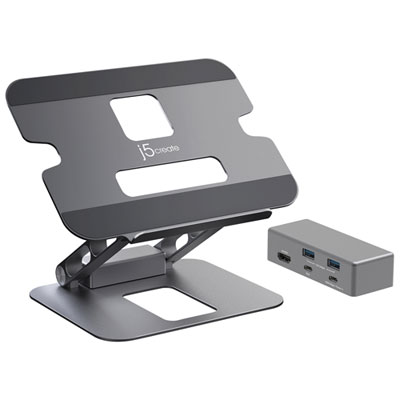
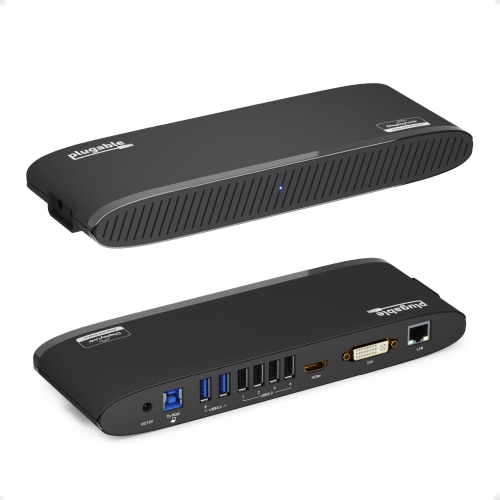
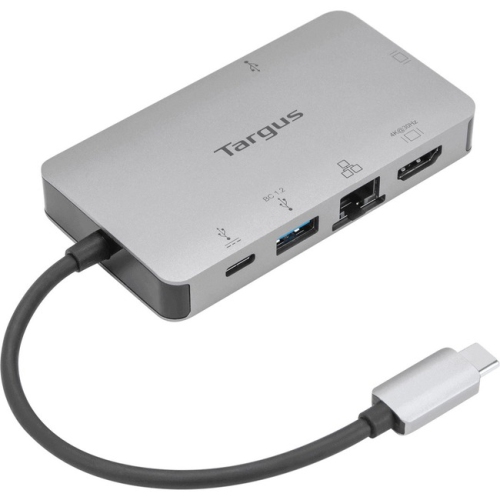
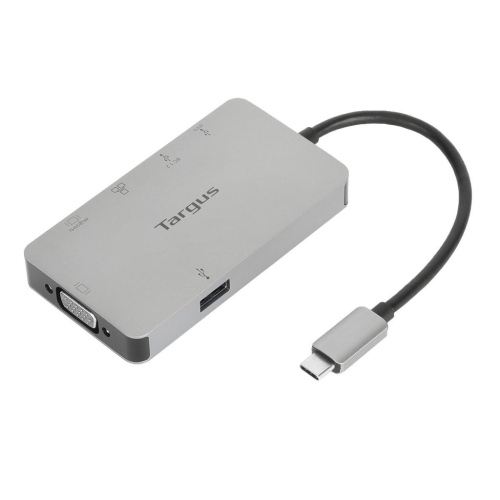
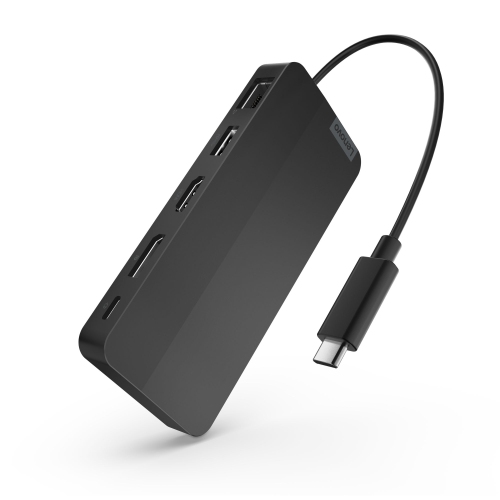
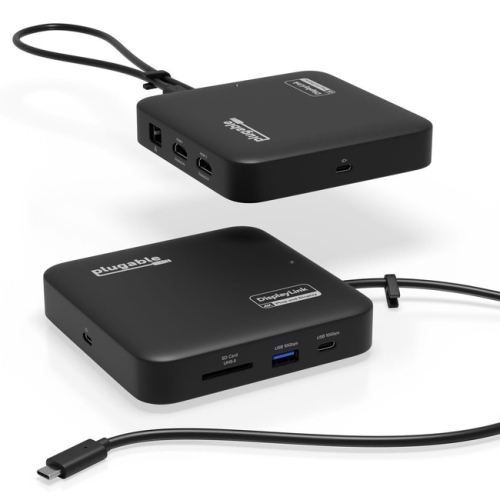
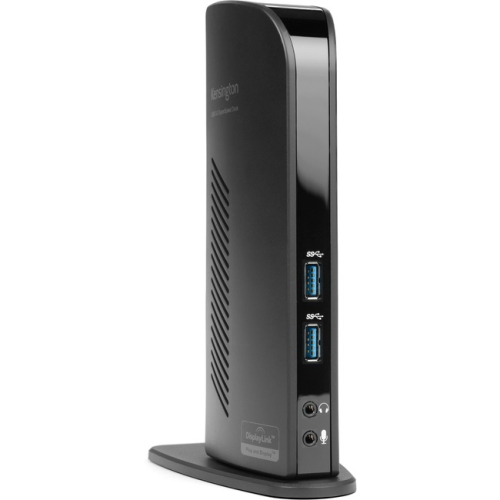
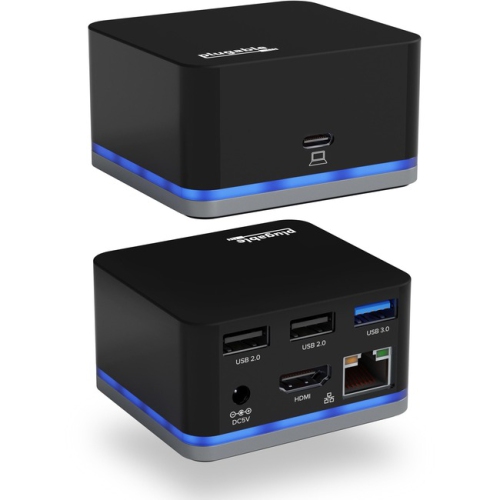
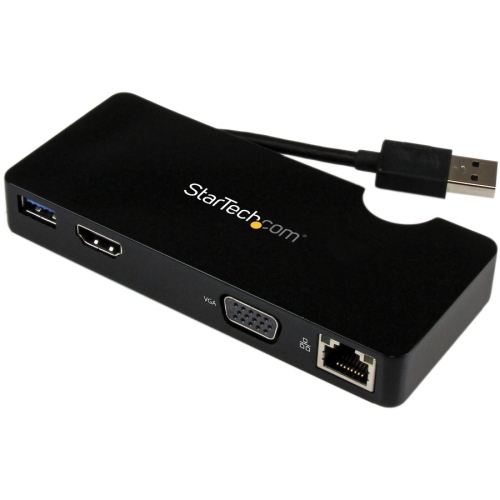

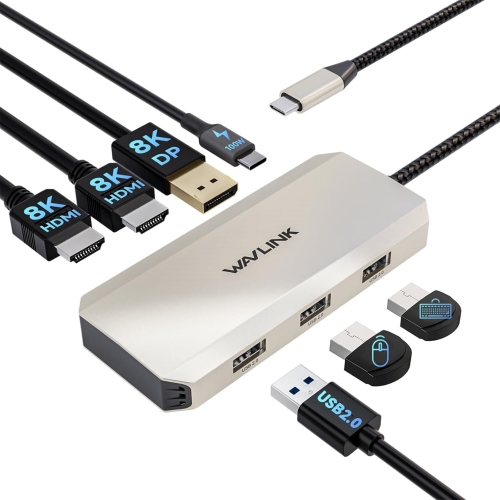
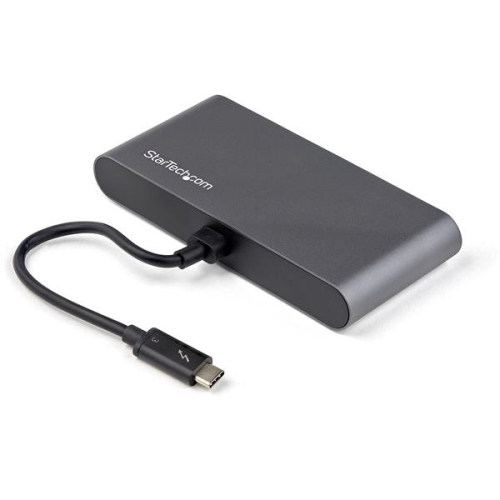
Portable connectivity for productive work wherever you set up
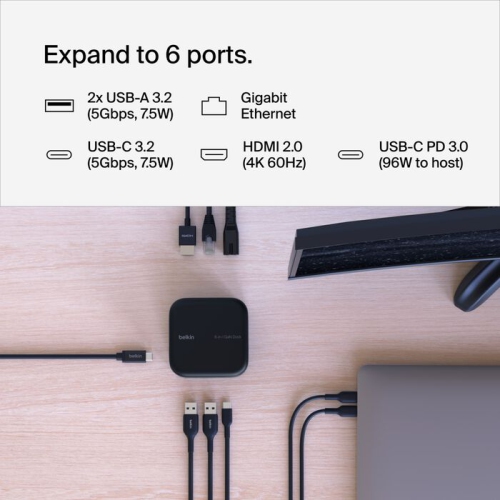
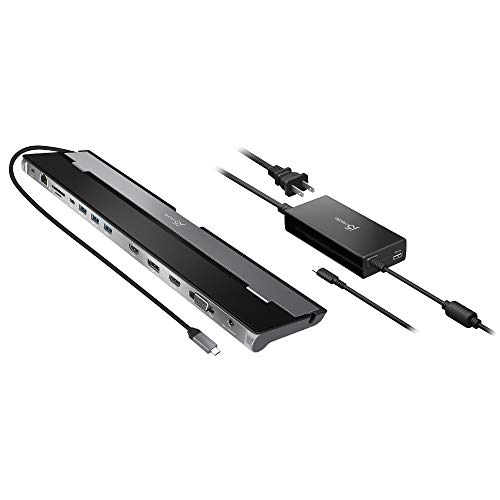
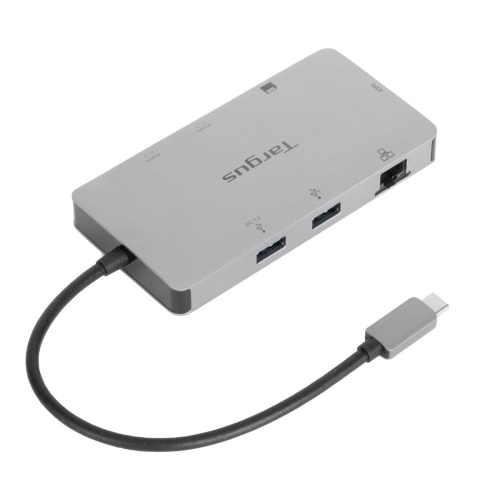
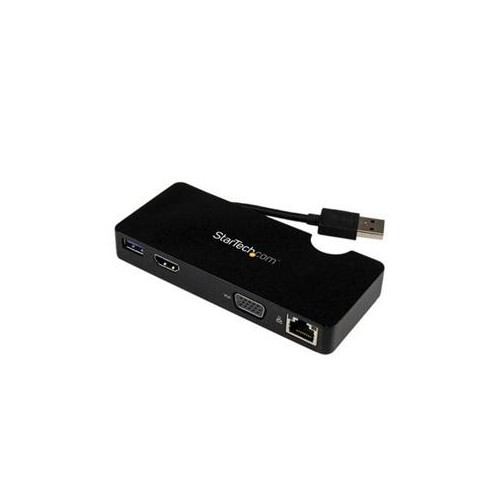
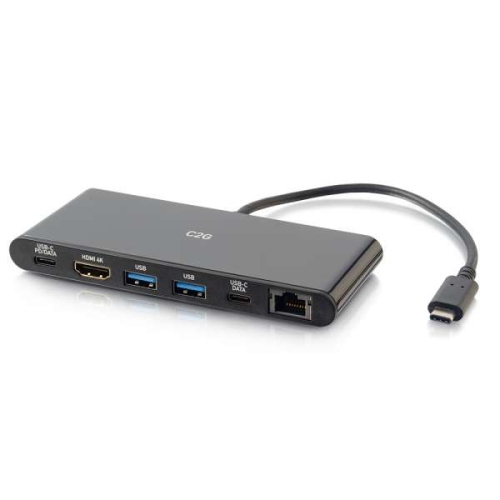
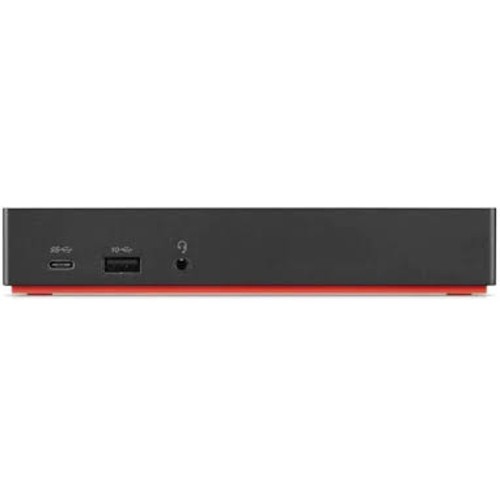
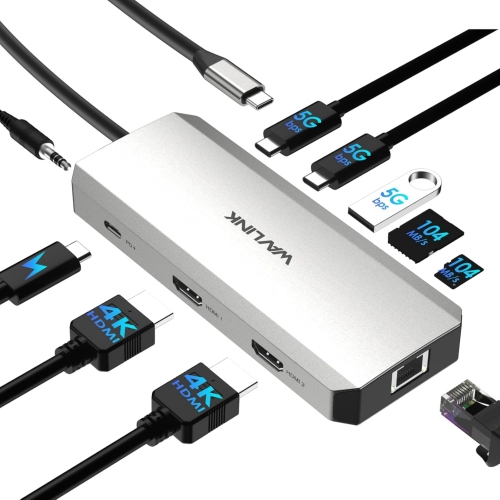
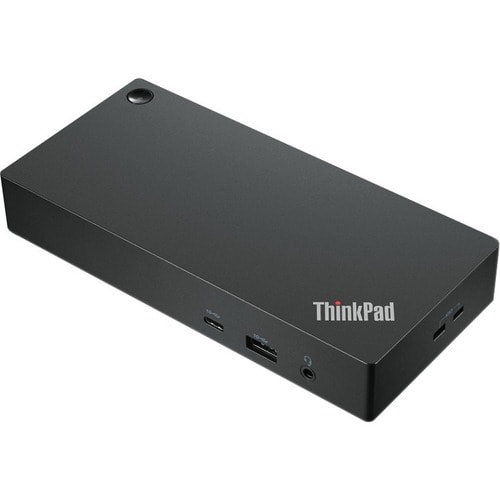
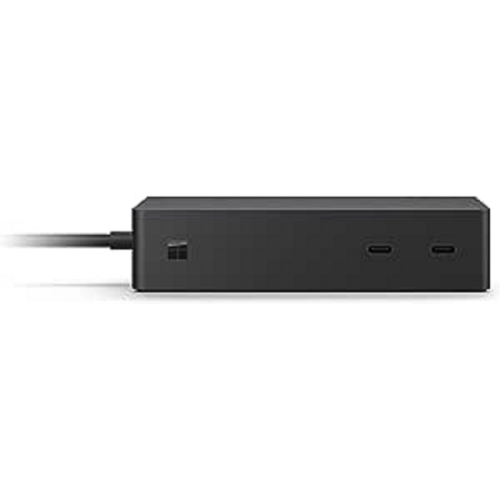
When selecting a compact travel docking station, there are several factors worth considering to ensure it meets your specific needs. Port selection is key: some users may need multiple USB-A and USB-C ports for connecting various devices, while others might prioritize HDMI or DisplayPort for external monitors. If you often transfer photos or videos, an integrated SD card reader can be a huge time-saver, and for those who rely on wired internet, an Ethernet port is a must-have. Power delivery is another crucial consideration—look for a model that supports pass-through charging so your laptop or tablet can stay powered up while you work. Size and weight also matter, especially if you’re packing light for a weekend getaway or business trip. Many compact docking stations are designed to slip easily into a backpack or even a pocket, making them an unobtrusive companion for any journey. These devices also make practical and thoughtful gifts for students heading off to university, professionals with busy travel schedules, or anyone who values a tidy and efficient workspace, no matter where they set up. For those interested in exploring a wider variety of options, including full-sized solutions for a more permanent setup, you can browse even more choices on the Laptop Docks page.
The versatility of compact travel docking stations extends beyond business trips and study sessions—they’re equally useful for creative professionals, gamers, and anyone who enjoys a flexible lifestyle. Imagine editing photos from a patio table as the leaves begin to change, or setting up a dual-monitor workstation in a cozy café as the air turns crisp. These docking stations empower you to customize your digital environment wherever you are, reducing clutter and eliminating the need to carry multiple adapters. As technology continues to evolve, the demand for streamlined, all-in-one connectivity solutions grows, making these devices a smart investment for anyone who values convenience and adaptability. Whether you’re preparing for a new school year, gearing up for fall conferences, or simply want to make the most of your mobile devices during weekend getaways, a compact travel docking station can help you stay connected and productive throughout the changing seasons.
FAQ
What devices are compatible with compact travel docking stations?
Most compact travel docking stations are designed to work with a wide range of laptops, tablets, and smartphones that support USB-C or Thunderbolt connections. Always check the compatibility details to ensure your device is supported.
What ports are commonly included on compact travel docking stations?
Compact travel docking stations typically feature a mix of USB-A, USB-C, HDMI, Ethernet, SD card readers, and audio jacks. The exact configuration varies by model, so you can choose one that fits your connectivity needs.
Can I use a compact travel docking station to connect multiple monitors?
Many compact travel docking stations support connecting one or more external monitors via HDMI or DisplayPort. The number of supported displays depends on the dock's specifications and your device's capabilities.
Are compact travel docking stations suitable for charging devices?
Yes, most compact travel docking stations offer pass-through charging for laptops and other devices via USB-C Power Delivery. This allows you to charge your device while using the dock for connectivity.
How do I set up a compact travel docking station?
Setting up a compact travel docking station is usually straightforward: simply connect it to your laptop or compatible device using the provided cable, then plug in your peripherals such as monitors, keyboards, and mice. Some docks may require driver installation depending on your operating system.
Top selling and popular products
-
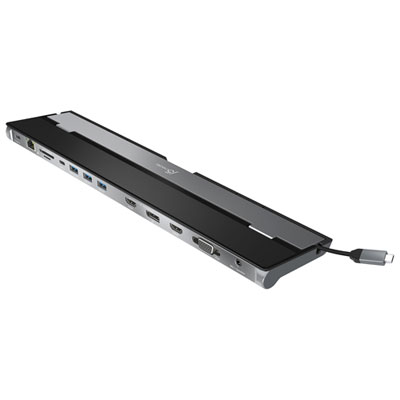 Your price for this item is $129.99
-
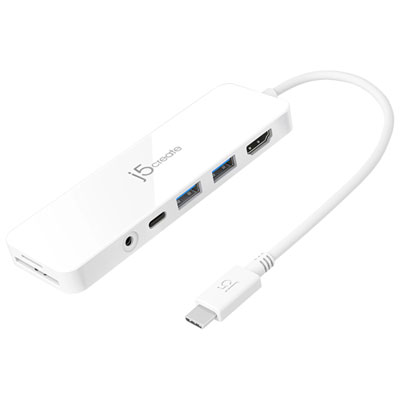 Your price for this item is $59.99
-
 Your price for this item is $44.99
-
 Your price for this item is $59.99
-
 Your price for this item is $96.61
-
 Your price for this item is $179.99
-
 Your price for this item is $209.99
-
 Your price for this item is $59.99