4 Port Poe Switches
If you're looking to expand your network capabilities with efficient power over Ethernet connectivity, this selection of 4-port PoE switches offers a reliable solution for businesses and home offices alike. With the ability to power and connect multiple devices simultaneously, these switches provide seamless integration for your networking needs. Whether you're looking to enhance your security cameras, IP phones, or access points, this range of 4-port PoE switches is designed to streamline your setup and maximize efficiency.
Sort
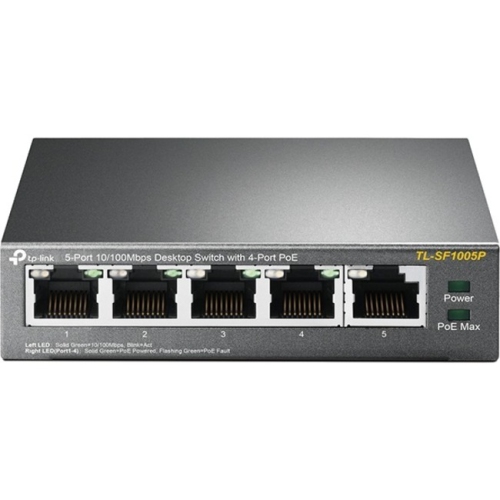
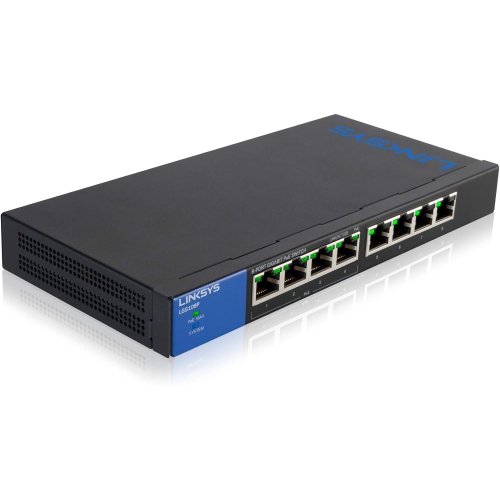
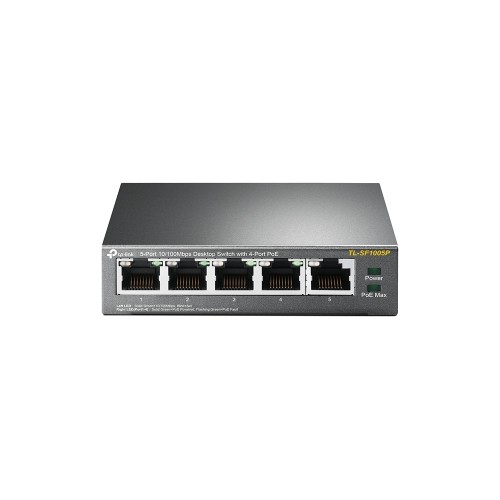
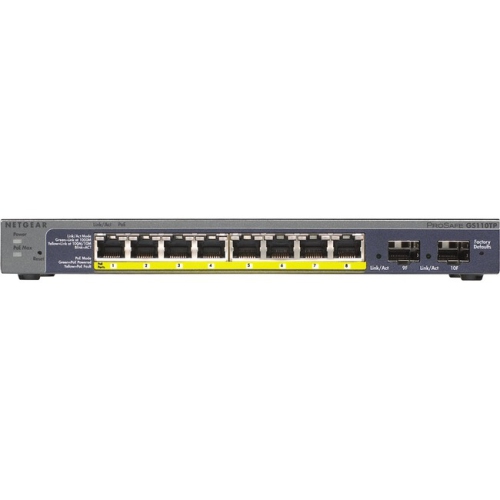
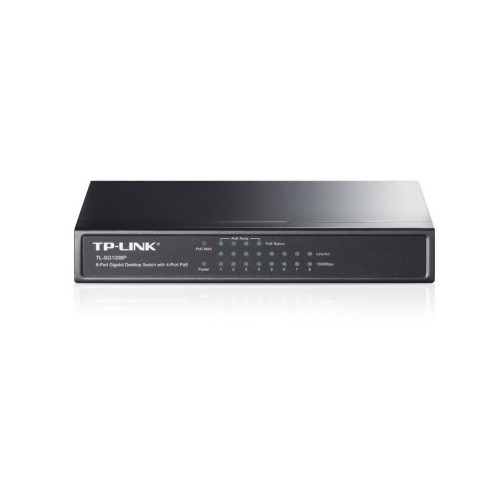
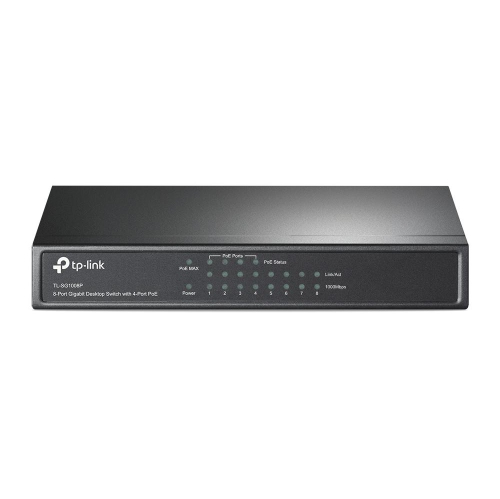
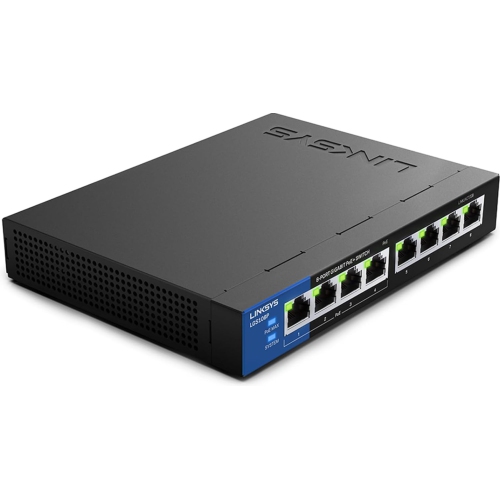
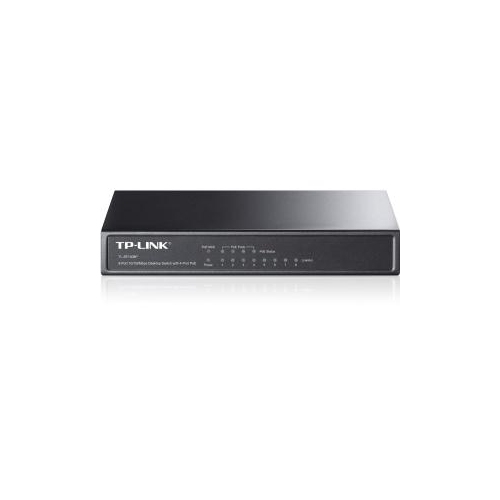
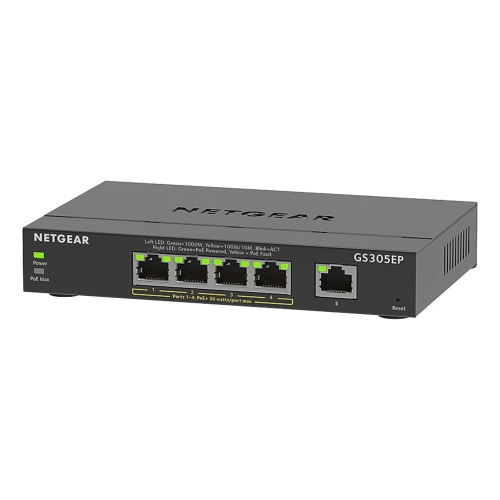
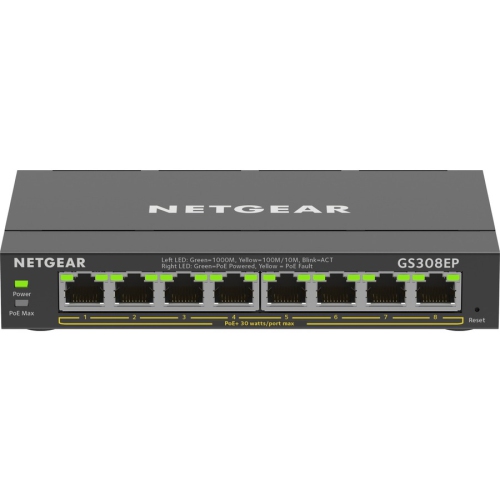
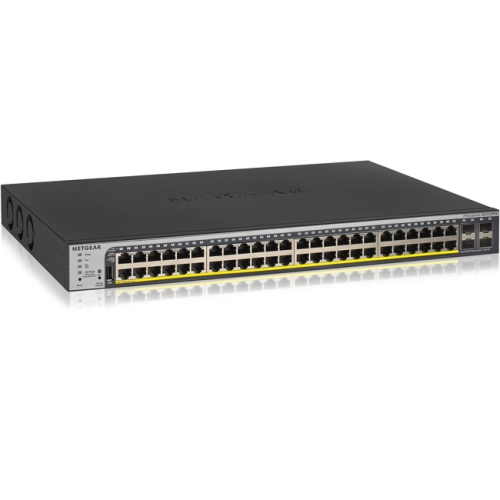
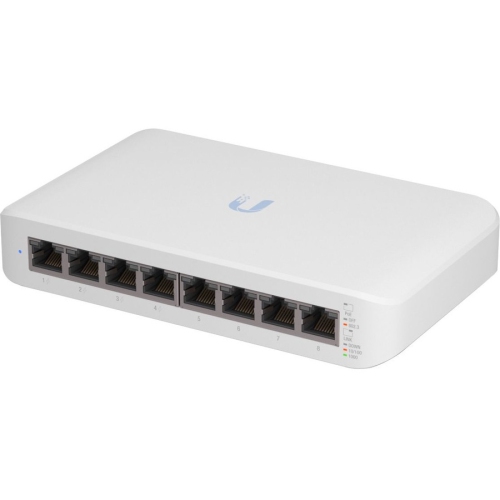
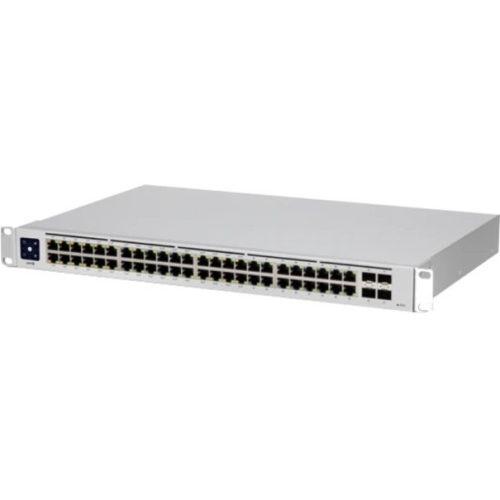
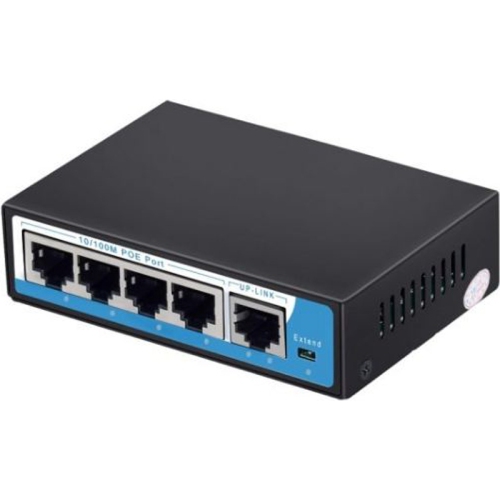
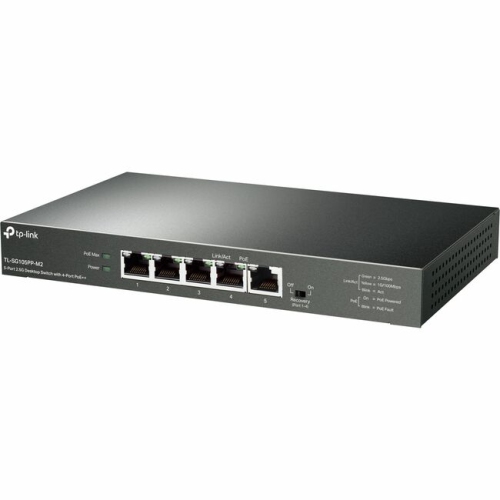
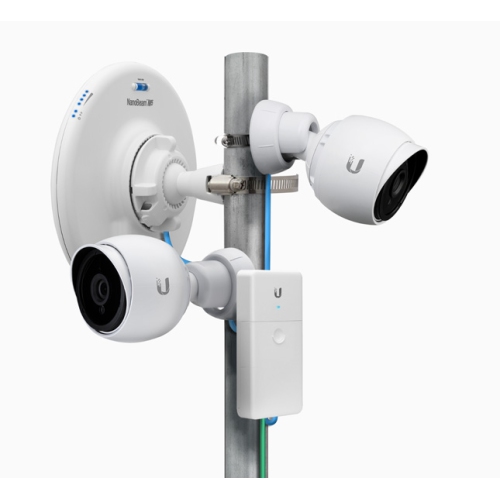
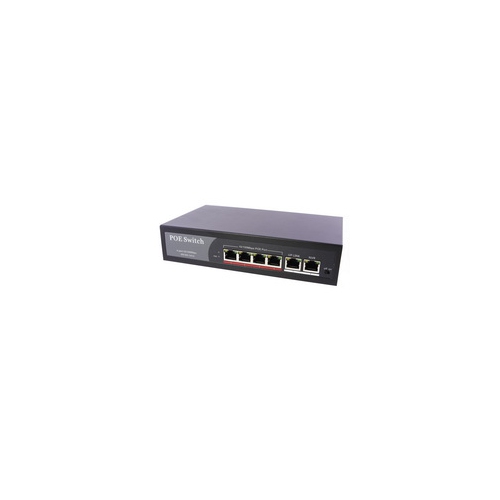
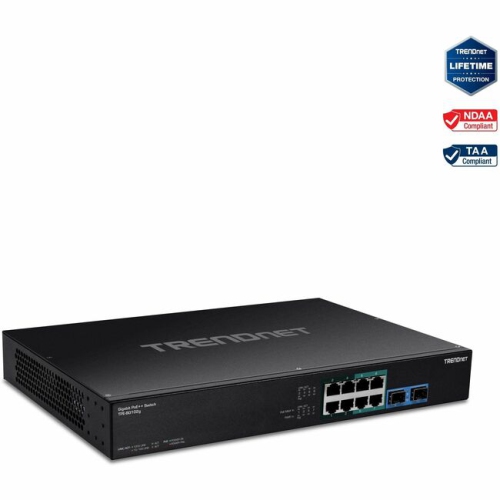
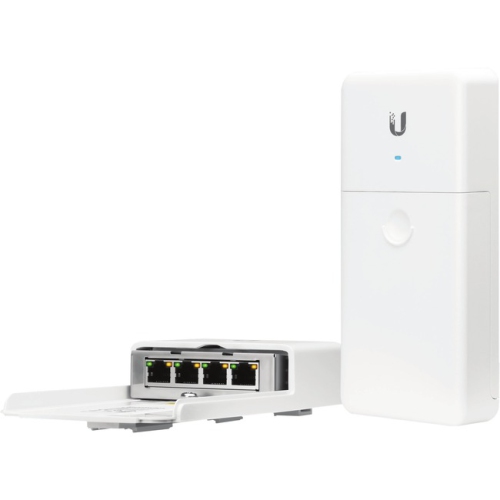
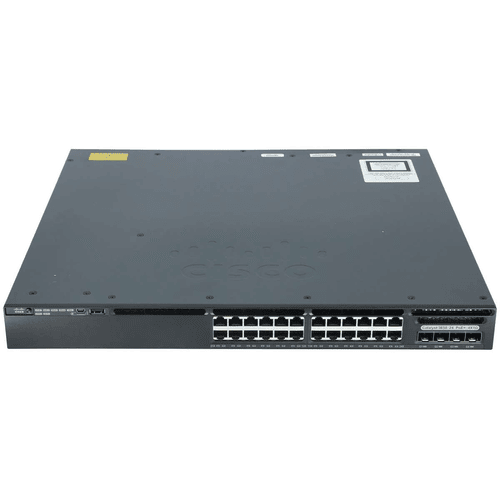
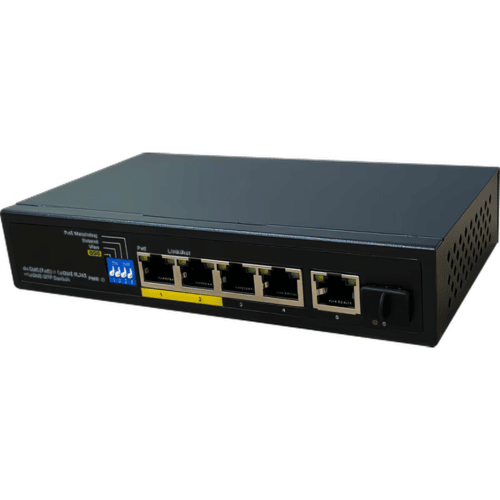
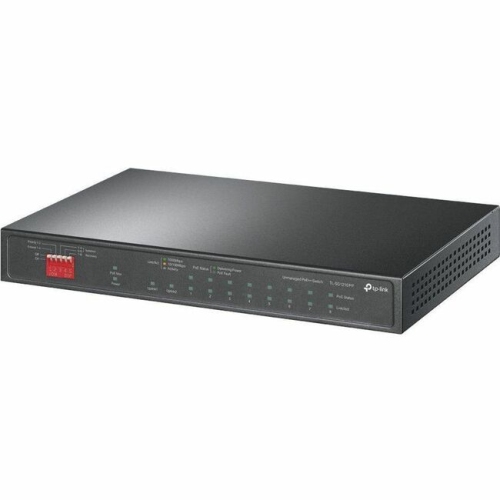
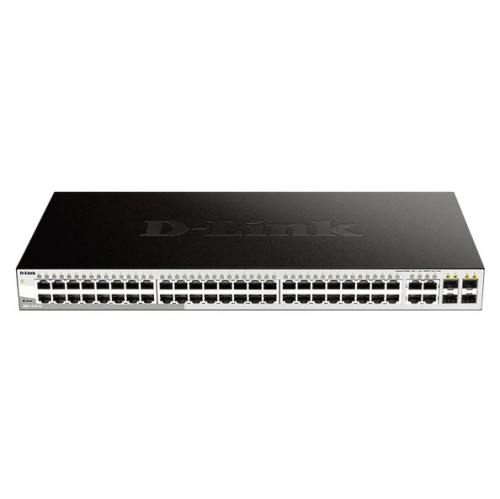
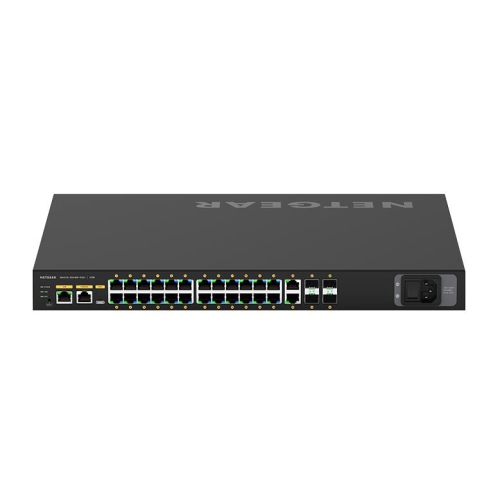
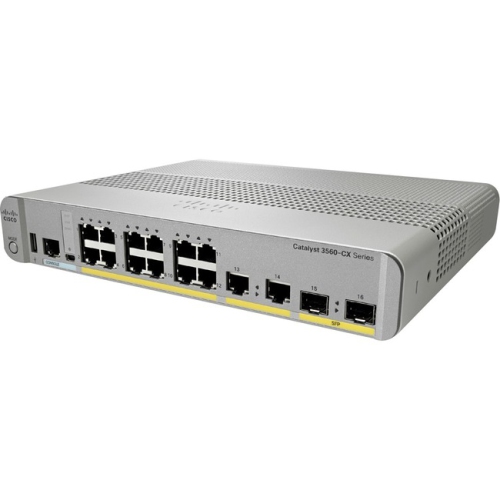
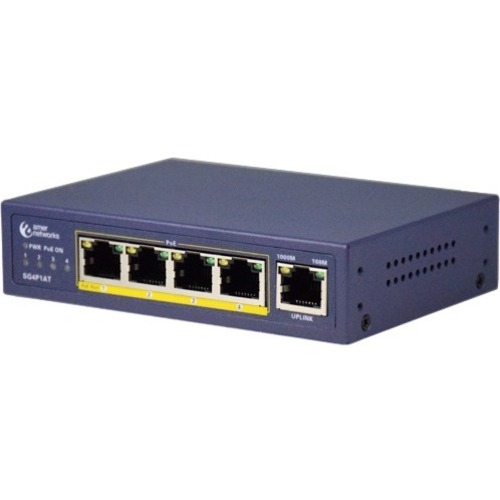
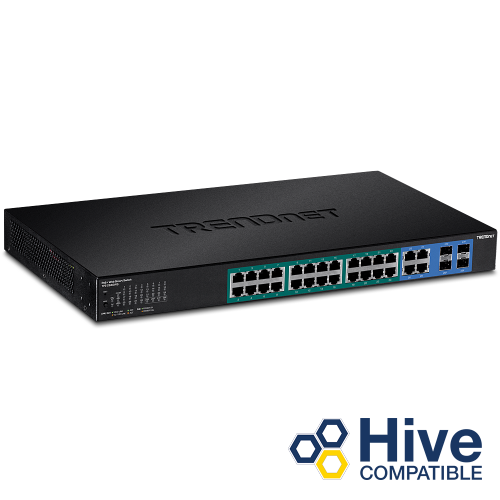
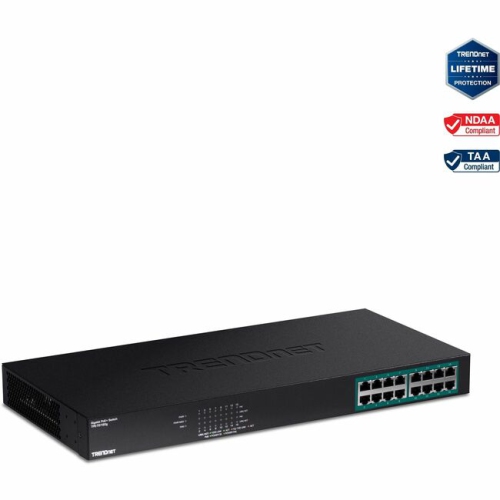
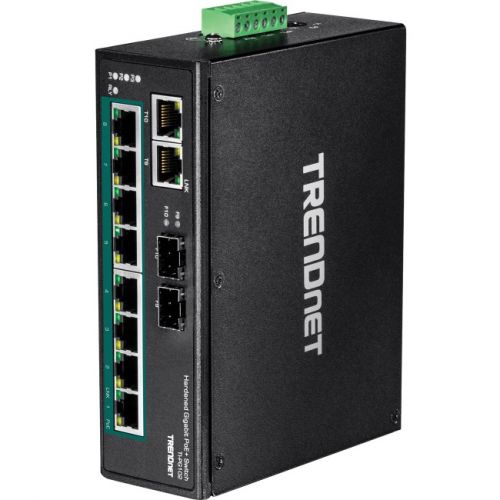
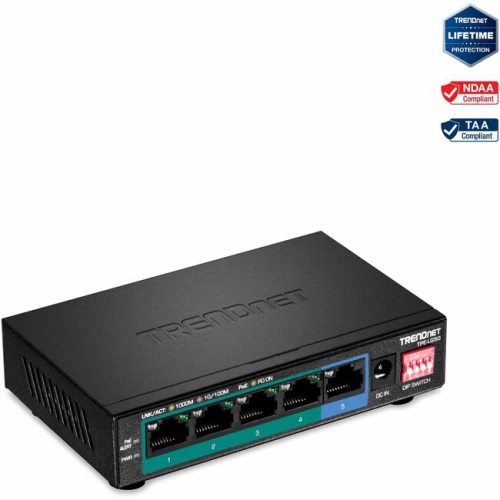
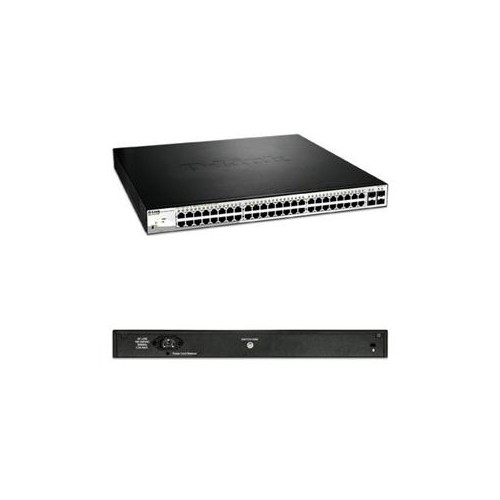

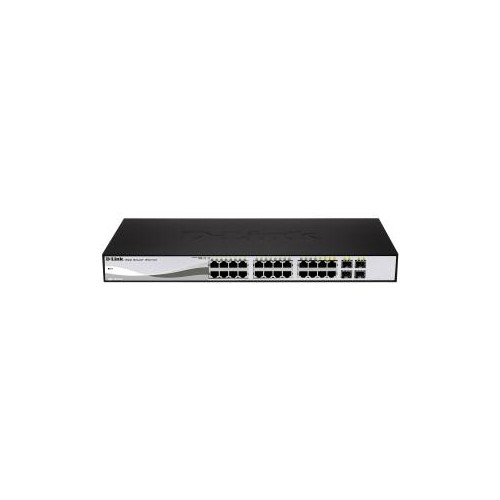
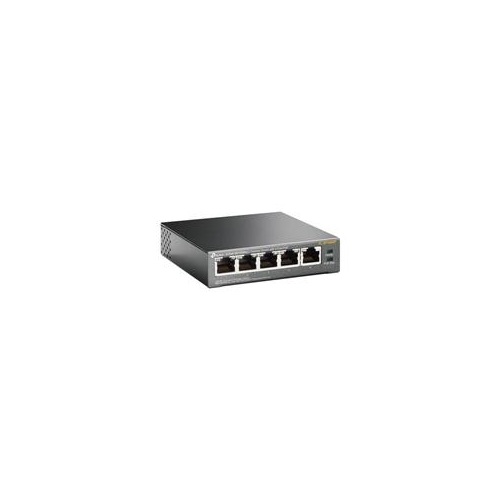
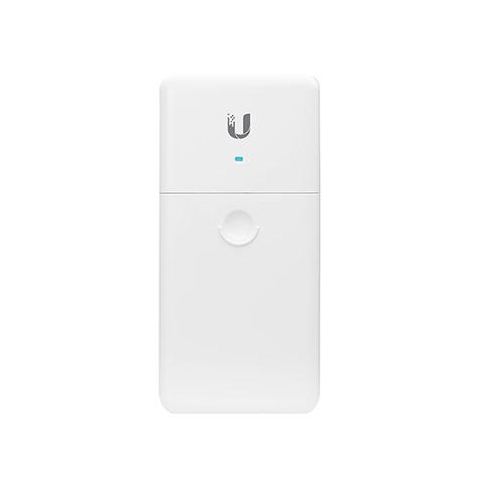
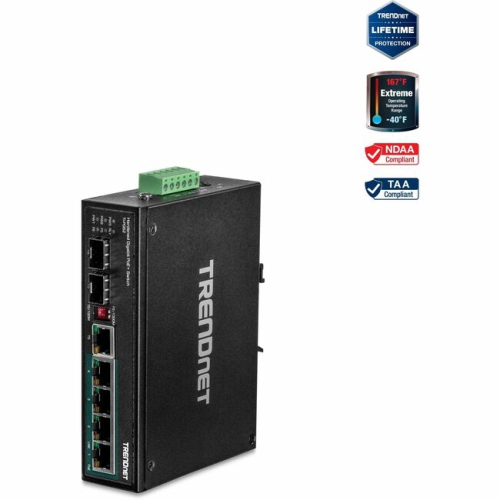
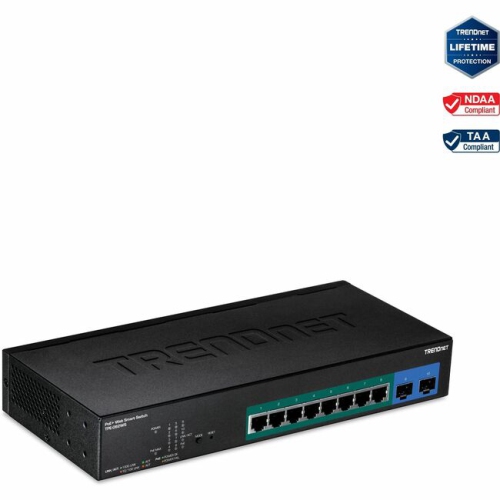
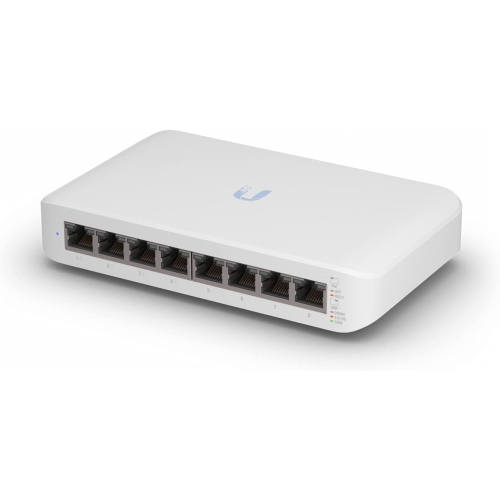
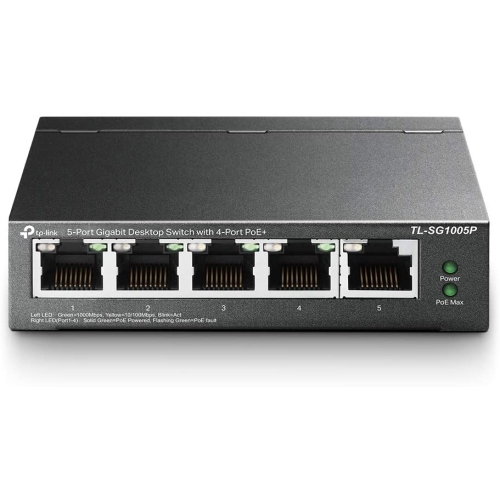
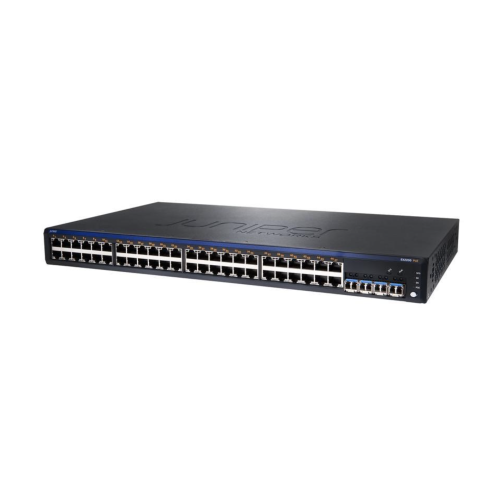
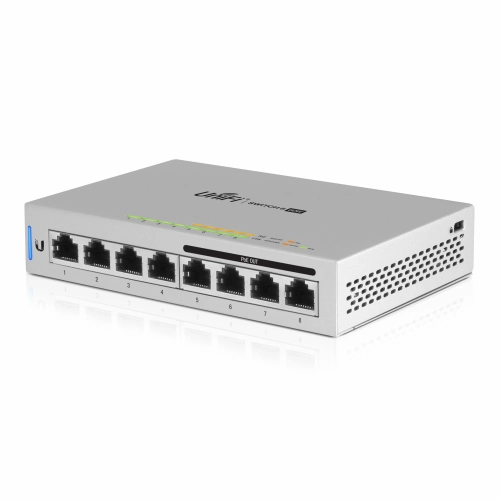
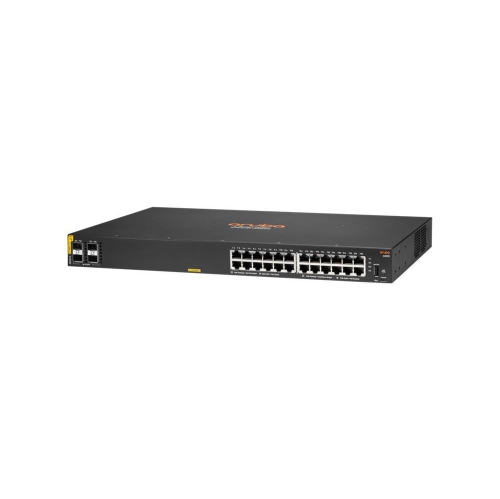
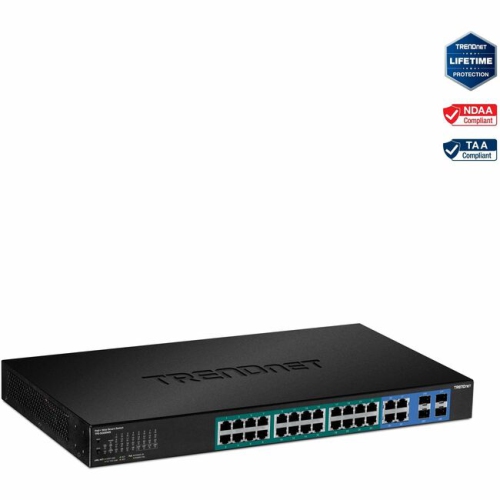
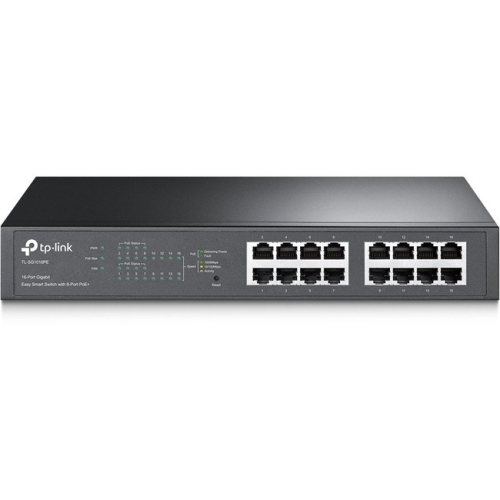
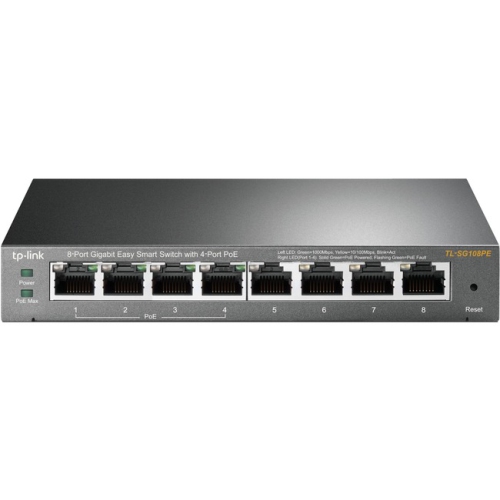
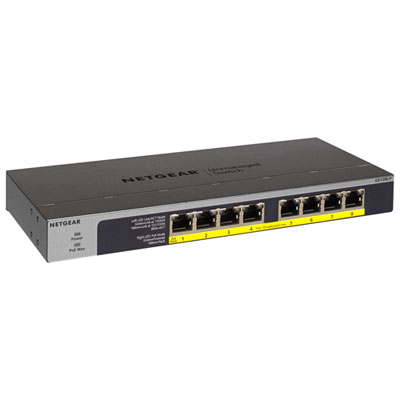

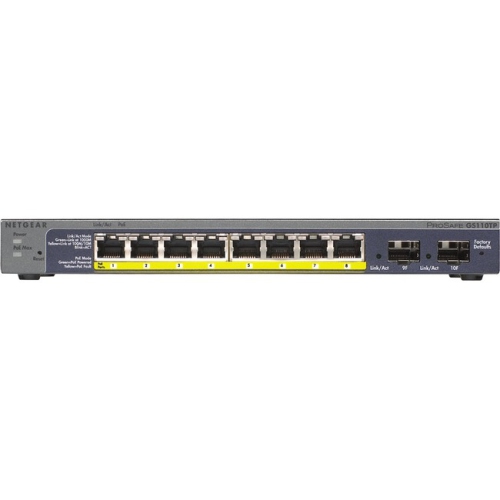
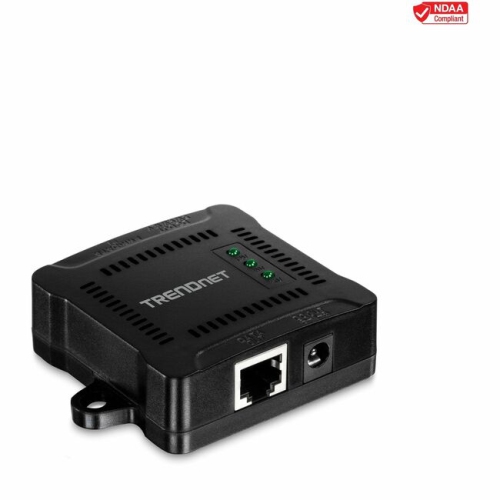

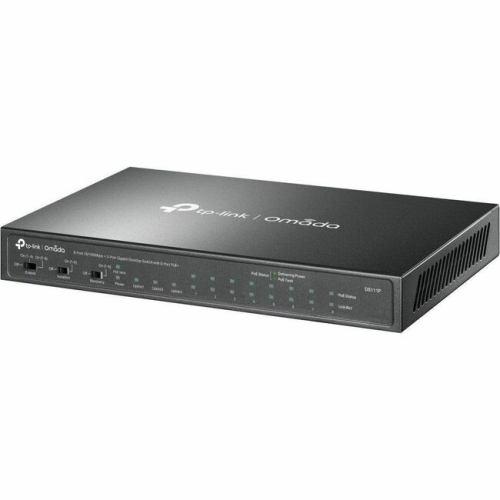
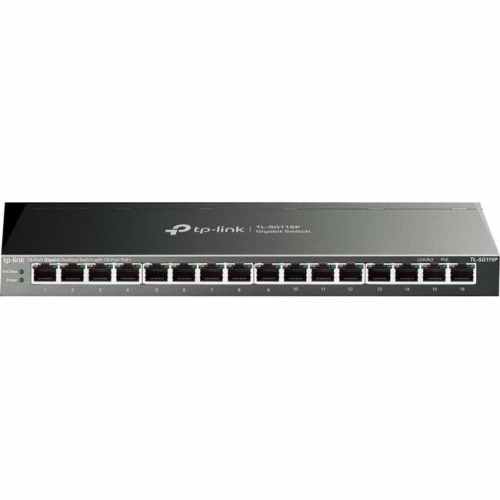
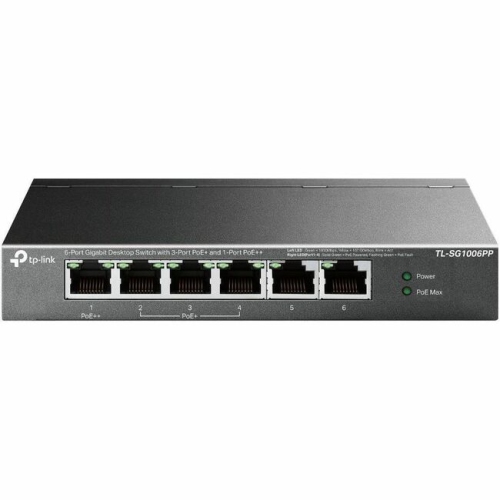
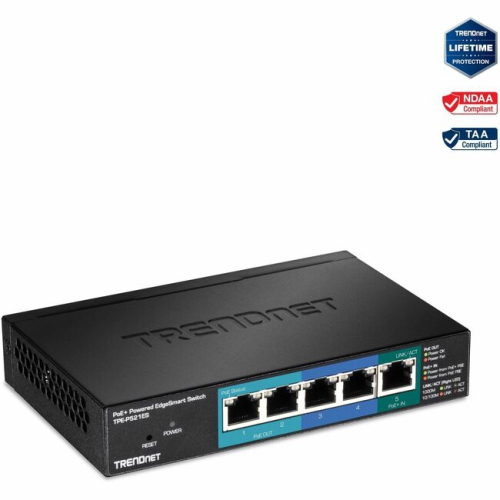
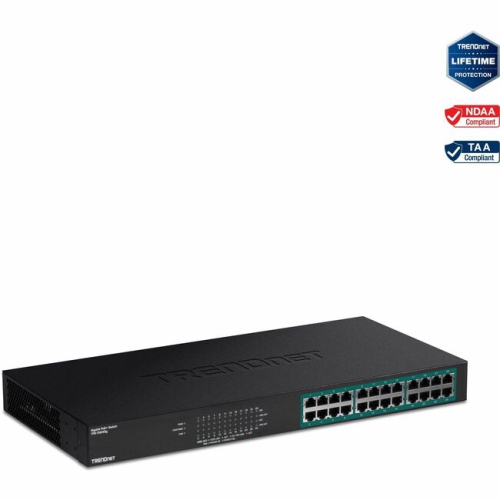
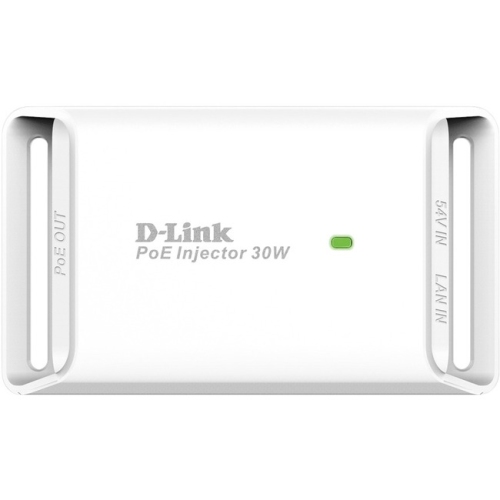
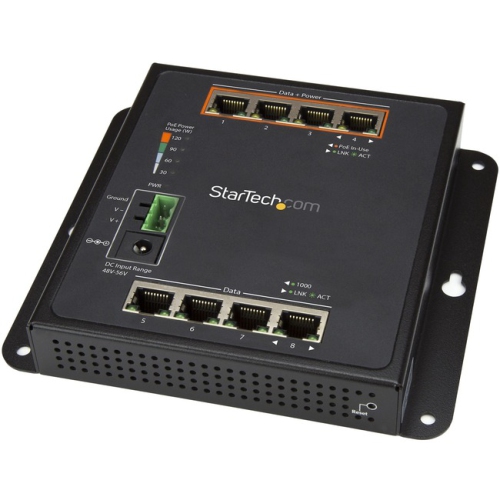
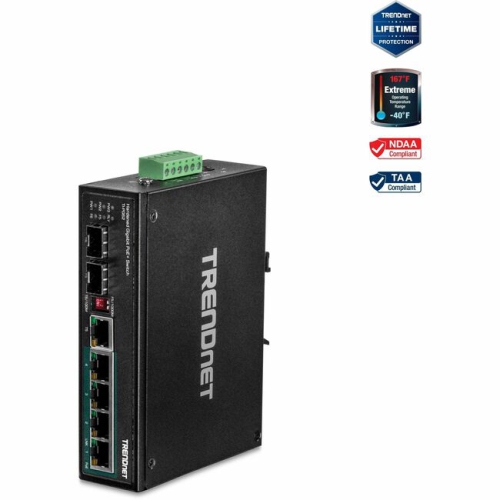
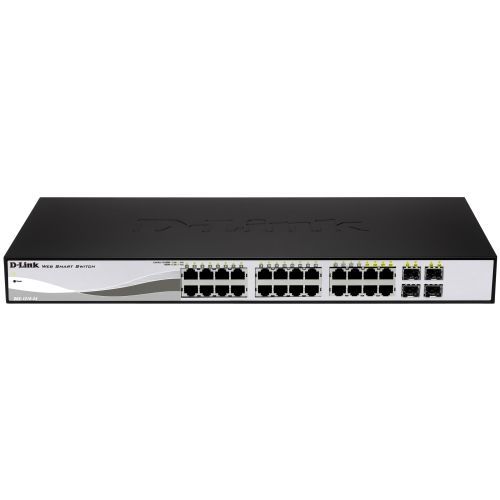
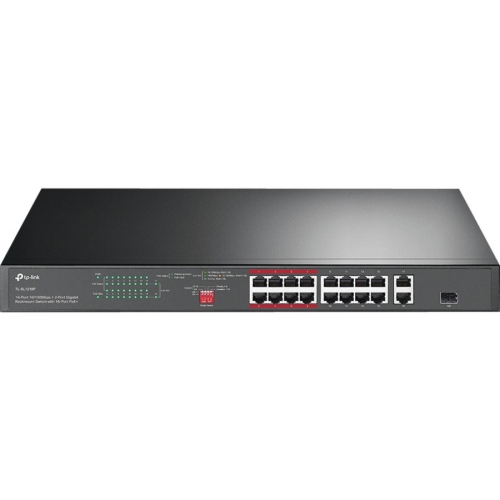
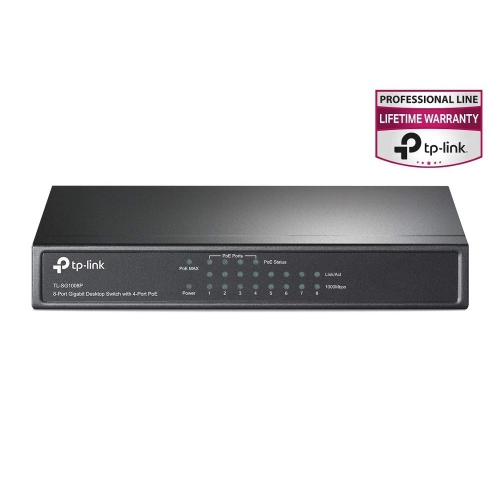
Power multiple network devices through one Ethernet connection
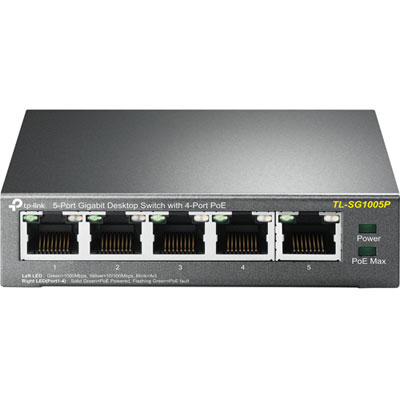
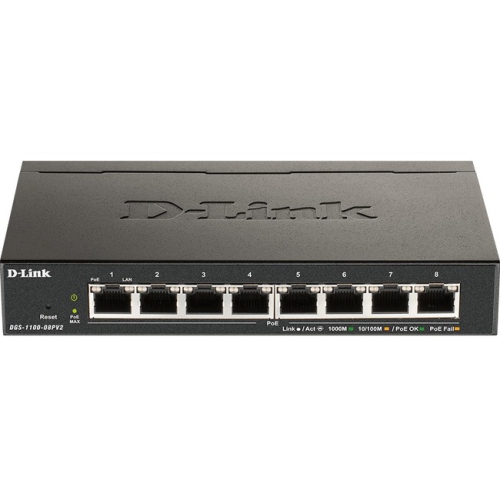
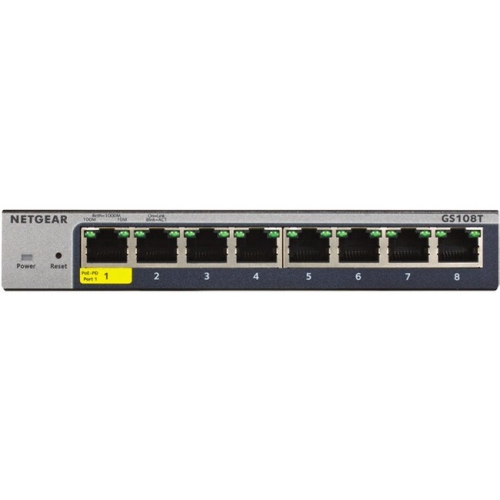
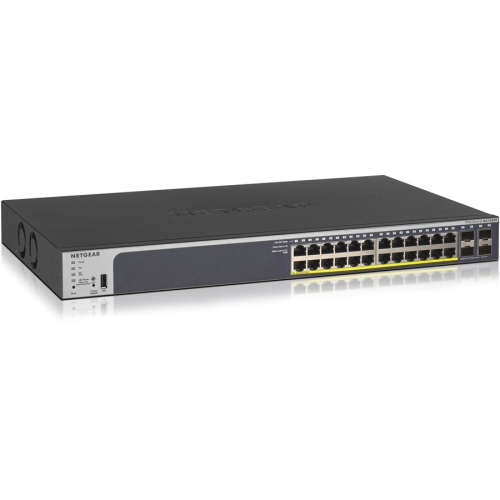
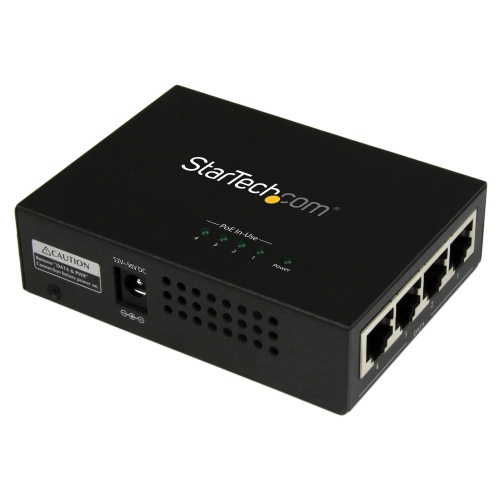
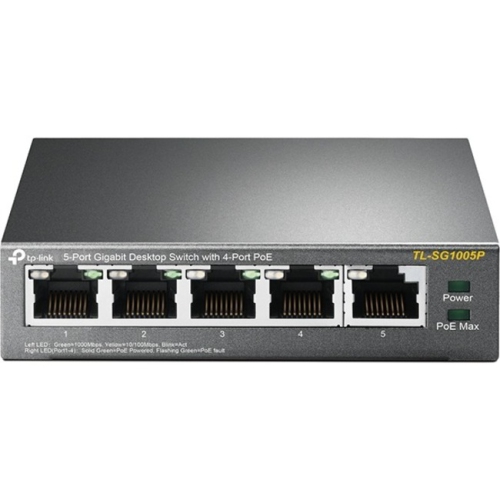
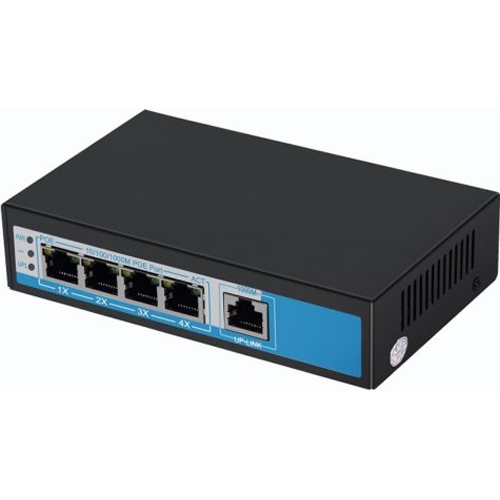
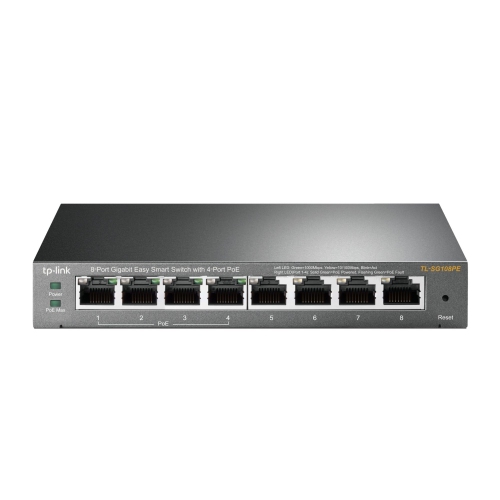
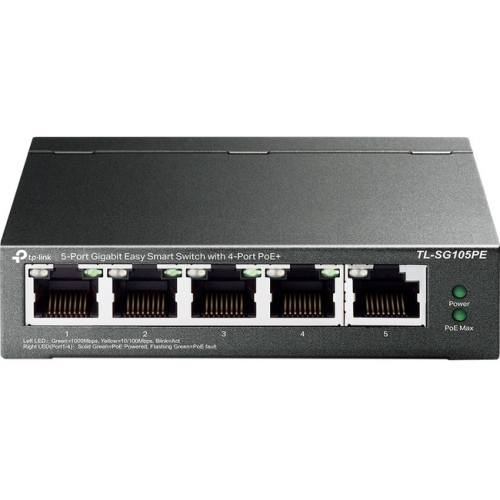
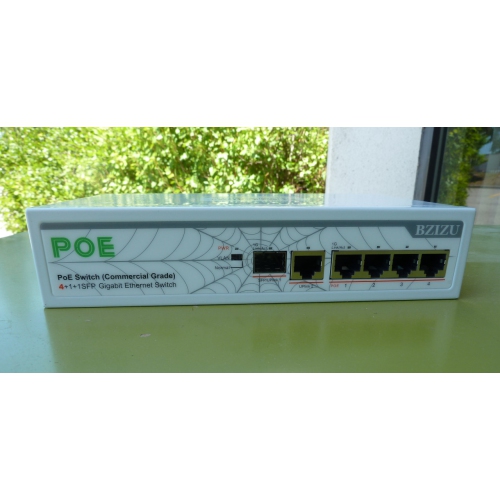
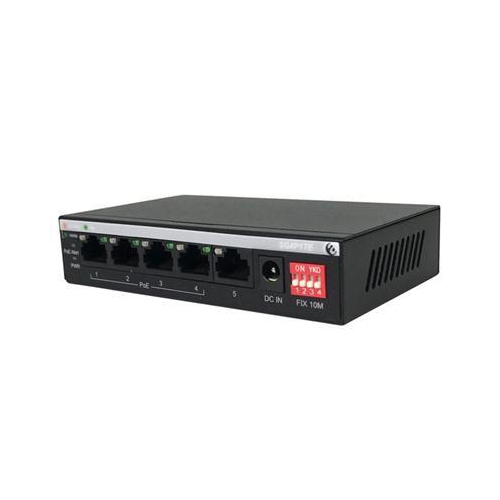
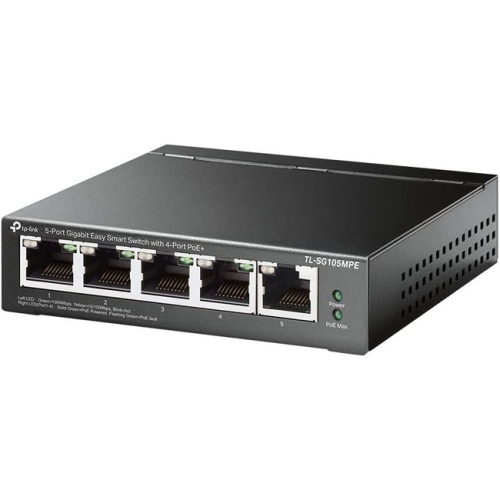
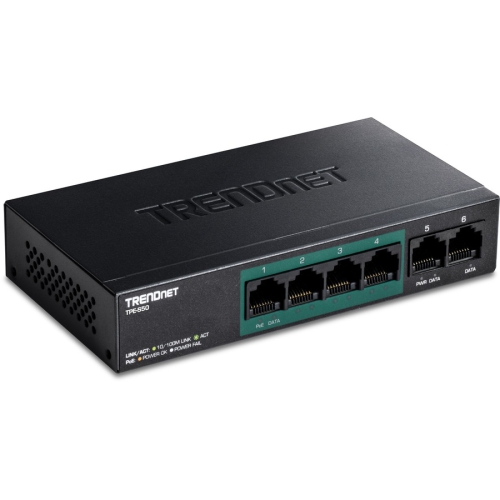
A 4 Port PoE switch is a practical way to connect and power up to four compatible network devices through Ethernet cabling. PoE, or Power over Ethernet, sends network data and electrical power along the same cable, so devices such as IP security cameras, wireless access points, VoIP phones, intercoms, and other network hardware can often operate without a separate power adapter at each location. This can make a noticeable difference in rooms where wall outlets are limited, on ceilings where plugs are inconvenient, or in spaces where a tidy installation matters. A switch described as having four PoE ports will commonly have five physical Ethernet ports in total: four PoE-enabled ports for connected devices and one uplink port for connecting the switch to a router, network recorder, or existing network. Before choosing one, check the port layout and confirm that the uplink connection suits your setup. A compact desktop model may be convenient beside a router or computer, while a sturdier metal housing may be better suited to a utility room, office cabinet, workshop, or surveillance installation. Some switches are plug-and-play and begin forwarding data as soon as they are connected, while managed options may provide additional controls such as VLAN support, traffic prioritization, port monitoring, and the ability to configure or troubleshoot devices remotely. If you are comparing different configurations, the broader selection of Powers Over Ethernet Switches can help you consider port counts and feature levels beyond a four-port arrangement.
Power capacity is one of the most important details when shopping for 4 Port PoE switches. Each switch has a total PoE power budget, measured in watts, and that budget is shared by the connected devices. A switch with a 65 W budget, for example, may be able to power four lower-draw devices, but the available power must be compared with the requirements of the cameras, access points, or phones you plan to install. Look for each device’s power requirement and allow some headroom rather than matching the figures exactly. It is also useful to understand PoE standards. IEEE 802.3af, commonly called PoE, supports lower-power devices; IEEE 802.3at, often called PoE+, provides more power for equipment with greater demands; and some specialized devices may require a higher-power standard. The switch and connected device should use compatible standards, and passive PoE should not be treated as interchangeable with standard-based PoE unless the specifications clearly confirm compatibility. Speed is another consideration. Gigabit Ethernet can be a sensible choice for several high-resolution cameras, busy access points, file transfers, or a home office where multiple people share the connection. Fast Ethernet may be sufficient for simpler devices with modest data needs, but the network speed is limited by the slowest relevant component, including the switch port, cable, router, and connected equipment. Check whether the switch supports full-duplex operation, automatic negotiation, and the cable category recommended for your installation. For longer cable runs, remember that standard Ethernet is generally designed for distances up to about 100 metres between active network devices; if cameras or access points are farther away, a model with an appropriate long-range mode, an intermediate switch, fibre equipment, or another network extension solution may be required. Long-range modes can also reduce link speed, so confirm the manufacturer’s specifications before planning a distant installation.
These switches are useful for homeowners, renters with permission to install networking equipment, small businesses, property managers, and anyone building a straightforward wired network for several powered devices. A homeowner might use four PoE ports for cameras covering a front entrance, driveway, backyard, and side passage, with one uplink cable running back to the router or network video recorder. In a home office, the same type of switch could connect a wireless access point, desk phone, conference camera, and another compatible device while keeping power adapters off the floor. A small shop, studio, or reception area may use it for cameras and a VoIP phone, while a workshop or detached space could benefit from a single cable run to a ceiling-mounted access point and other network equipment. Because PoE sends power and data through one cable, installation can be cleaner, but cable placement still deserves care. Keep Ethernet cable away from sharp edges, avoid tight bends, label both ends, and use cable rated for the location, especially when routing through walls, ceilings, damp areas, or spaces with changing temperatures. Outdoor cameras and access points generally need weather-rated housings and suitable outdoor cable; an indoor switch alone does not make an outdoor installation safe. Also consider heat, ventilation, noise, mounting options, and backup power. A switch placed in a warm cabinet with no airflow may not perform as reliably as one installed in a well-ventilated location, and a compact uninterruptible power supply can help keep connected devices operating during a brief power interruption. When selecting among 4 Port PoE switches, make a simple list of the devices you need to connect, their PoE standards, their individual wattage, the combined power requirement, the desired network speed, and the approximate cable lengths. That checklist makes it easier to choose a switch that fits the installation today while leaving practical room for an additional camera, access point, phone, or other compatible device later.
Power capacity is one of the most important details when shopping for 4 Port PoE switches. Each switch has a total PoE power budget, measured in watts, and that budget is shared by the connected devices. A switch with a 65 W budget, for example, may be able to power four lower-draw devices, but the available power must be compared with the requirements of the cameras, access points, or phones you plan to install. Look for each device’s power requirement and allow some headroom rather than matching the figures exactly. It is also useful to understand PoE standards. IEEE 802.3af, commonly called PoE, supports lower-power devices; IEEE 802.3at, often called PoE+, provides more power for equipment with greater demands; and some specialized devices may require a higher-power standard. The switch and connected device should use compatible standards, and passive PoE should not be treated as interchangeable with standard-based PoE unless the specifications clearly confirm compatibility. Speed is another consideration. Gigabit Ethernet can be a sensible choice for several high-resolution cameras, busy access points, file transfers, or a home office where multiple people share the connection. Fast Ethernet may be sufficient for simpler devices with modest data needs, but the network speed is limited by the slowest relevant component, including the switch port, cable, router, and connected equipment. Check whether the switch supports full-duplex operation, automatic negotiation, and the cable category recommended for your installation. For longer cable runs, remember that standard Ethernet is generally designed for distances up to about 100 metres between active network devices; if cameras or access points are farther away, a model with an appropriate long-range mode, an intermediate switch, fibre equipment, or another network extension solution may be required. Long-range modes can also reduce link speed, so confirm the manufacturer’s specifications before planning a distant installation.
These switches are useful for homeowners, renters with permission to install networking equipment, small businesses, property managers, and anyone building a straightforward wired network for several powered devices. A homeowner might use four PoE ports for cameras covering a front entrance, driveway, backyard, and side passage, with one uplink cable running back to the router or network video recorder. In a home office, the same type of switch could connect a wireless access point, desk phone, conference camera, and another compatible device while keeping power adapters off the floor. A small shop, studio, or reception area may use it for cameras and a VoIP phone, while a workshop or detached space could benefit from a single cable run to a ceiling-mounted access point and other network equipment. Because PoE sends power and data through one cable, installation can be cleaner, but cable placement still deserves care. Keep Ethernet cable away from sharp edges, avoid tight bends, label both ends, and use cable rated for the location, especially when routing through walls, ceilings, damp areas, or spaces with changing temperatures. Outdoor cameras and access points generally need weather-rated housings and suitable outdoor cable; an indoor switch alone does not make an outdoor installation safe. Also consider heat, ventilation, noise, mounting options, and backup power. A switch placed in a warm cabinet with no airflow may not perform as reliably as one installed in a well-ventilated location, and a compact uninterruptible power supply can help keep connected devices operating during a brief power interruption. When selecting among 4 Port PoE switches, make a simple list of the devices you need to connect, their PoE standards, their individual wattage, the combined power requirement, the desired network speed, and the approximate cable lengths. That checklist makes it easier to choose a switch that fits the installation today while leaving practical room for an additional camera, access point, phone, or other compatible device later.
Top selling and popular products
-
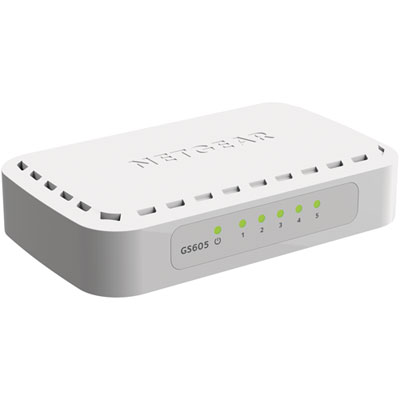 Your price for this item is $34.99
 -
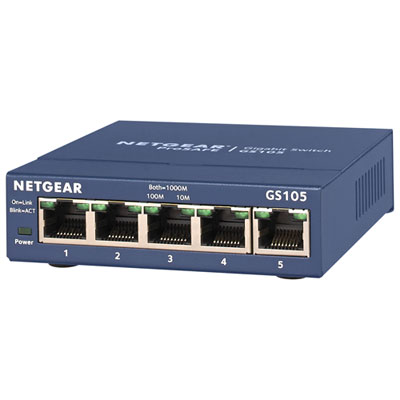 Your price for this item is $44.99
 -
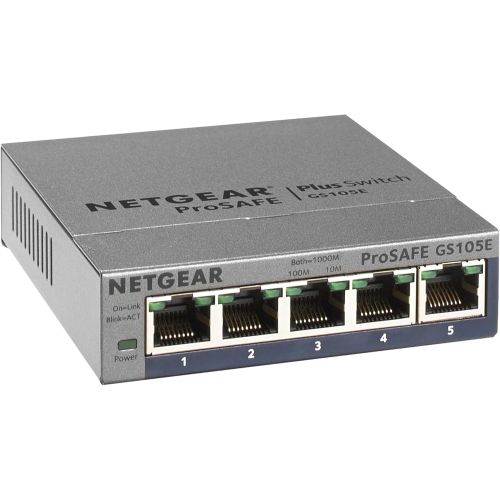 Your price for this item is $52.68
 -
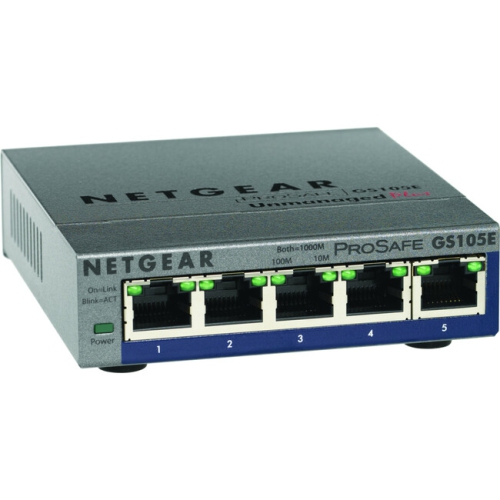 Your price for this item is $76.99
 -
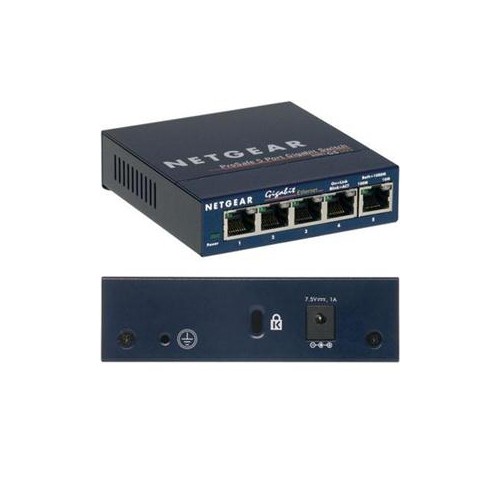 Your price for this item is $49.68
 -
 Your price for this item is $52.68
 -
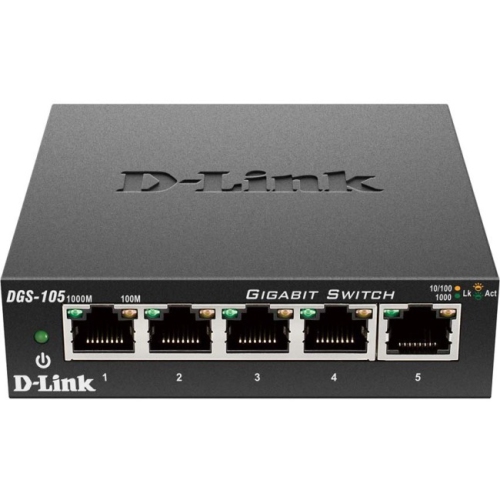 Your price for this item is $24.99
 -
 Your price for this item is $49.99
Discover more categories related to 4 Port Poe Switches
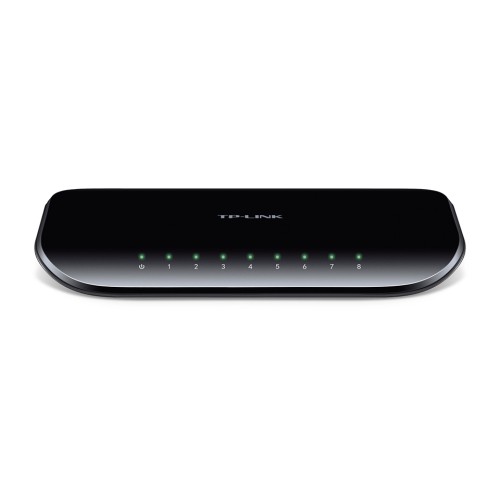
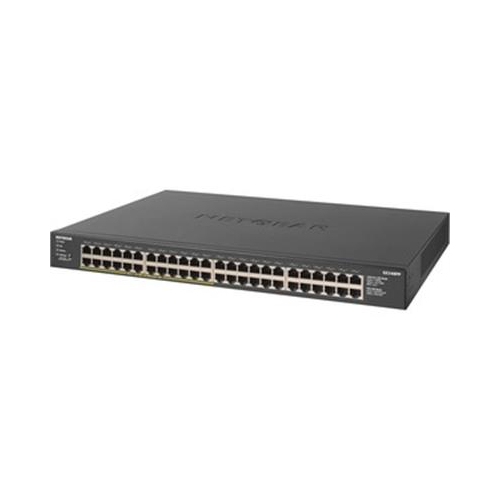
Top Collections:
Pokemon Centers, Kindle Devices, Best Budget Office Chairs, Apple iPhones 16, Best Laptops for Writers, iPhone 15 Apple, Canon G7X Cameras, Refurbished Apple Laptops, Alarm Clock, Motorola Razr Phones
Some products may be subject to Environmental Handling Fees
(EHF) depending on your province.
Learn more about EHFs.