5 Port Gigabit Ethernet Switches
5 Port Gigabit Ethernet Switches offer a reliable solution for expanding your wired network at home or in the office. Perfect for connecting multiple devices such as computers, printers, gaming consoles, and smart TVs, these switches help streamline your connectivity needs with ease. Designed for both speed and efficiency, 5 Port Gigabit Ethernet Switches are ideal for users looking to enhance their network performance without complicated setups. Explore a variety of options to find the right fit for your space and enjoy seamless, high-speed connections across all your essential devices.
Sort

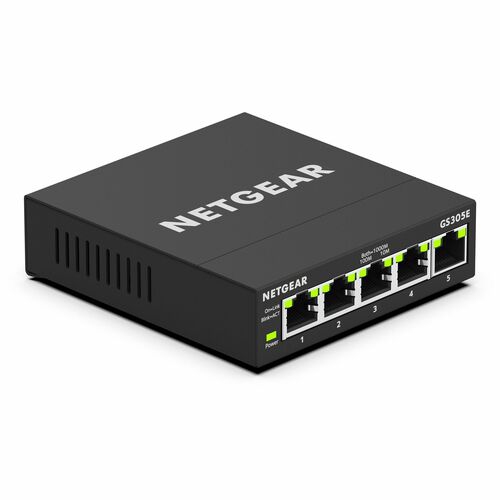
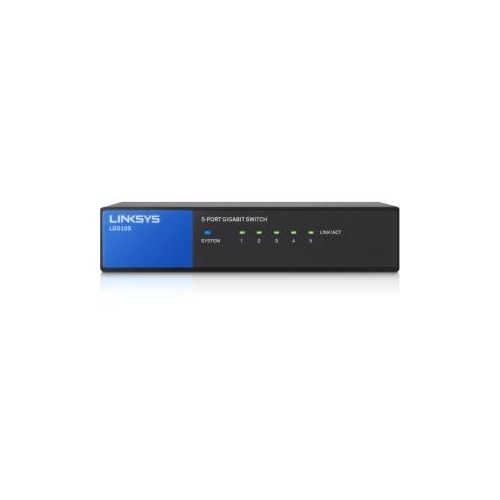
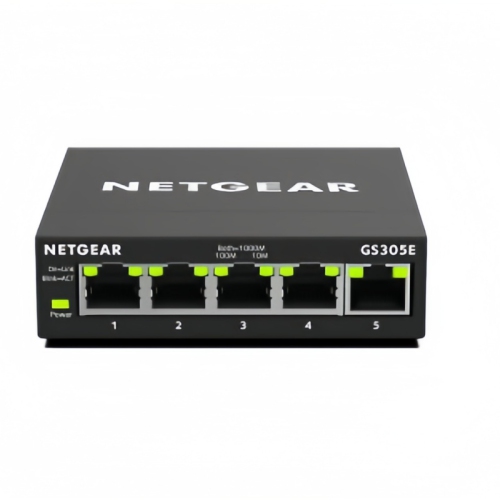
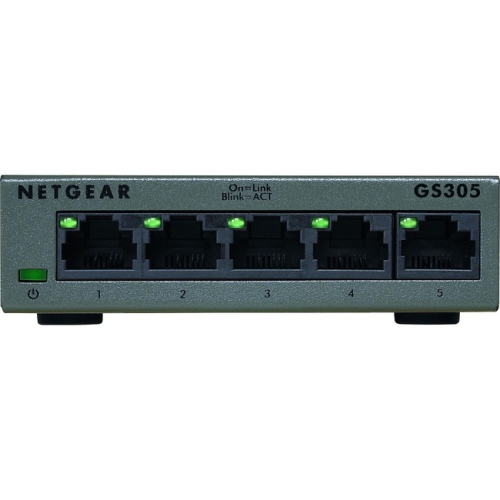

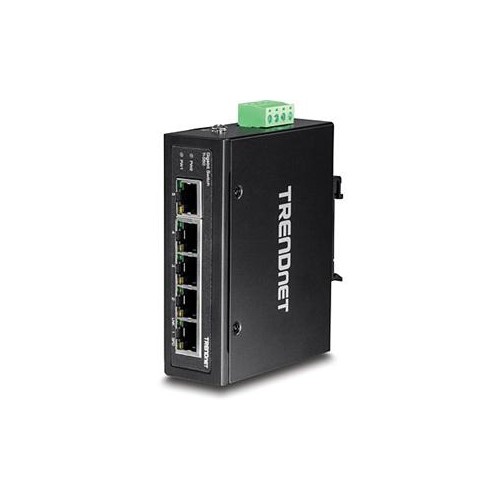
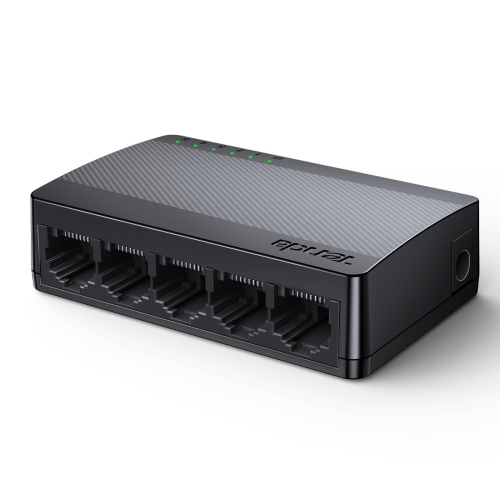
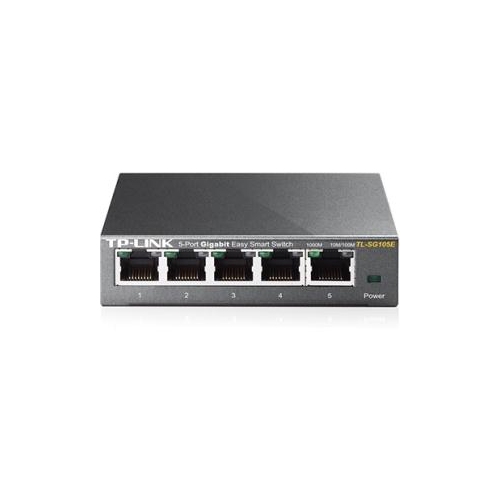

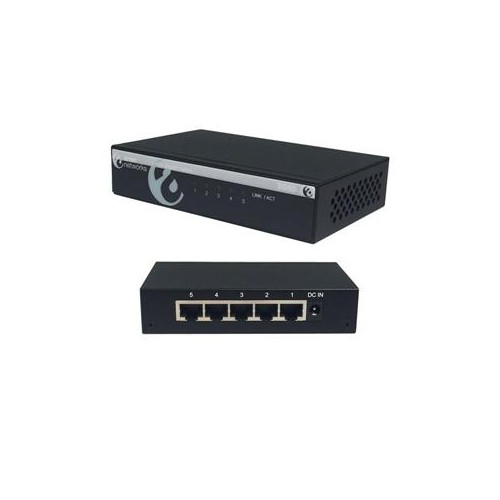
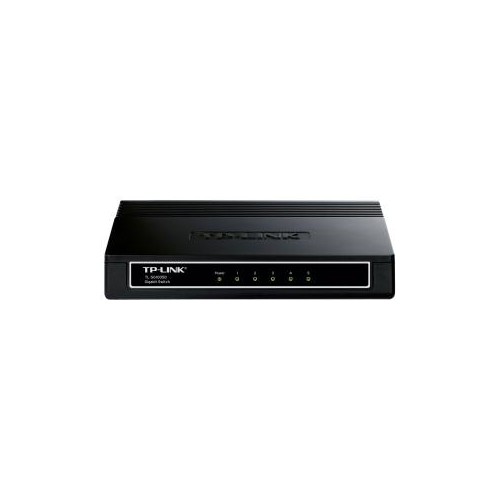
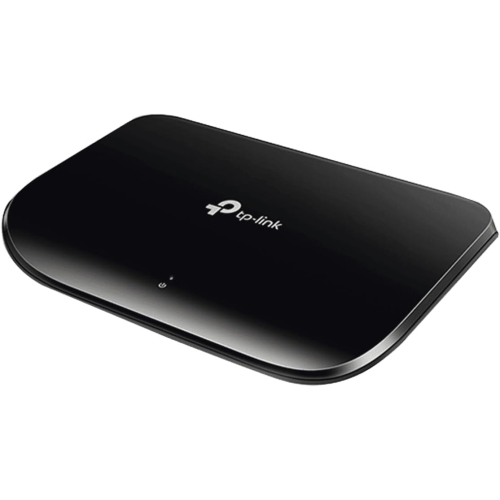
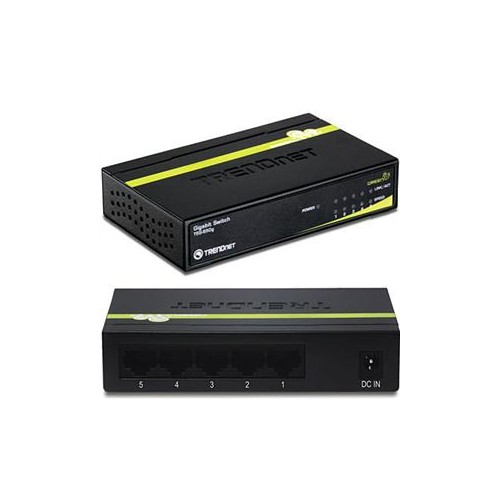
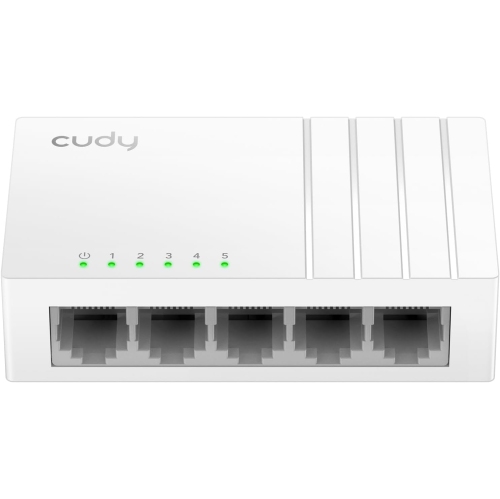
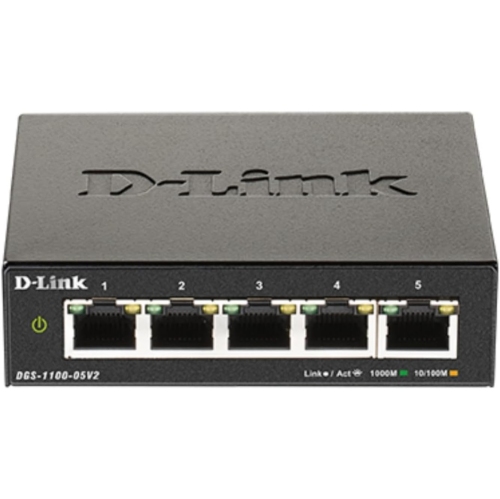

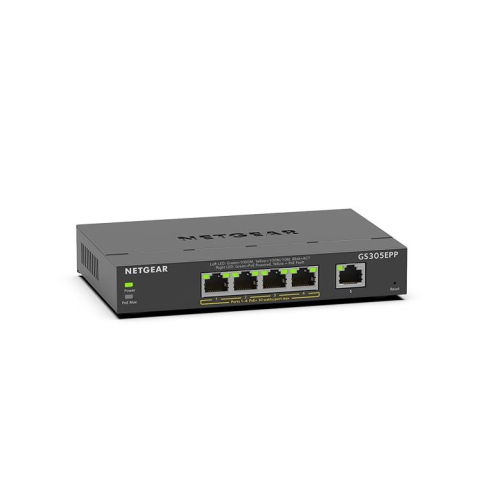

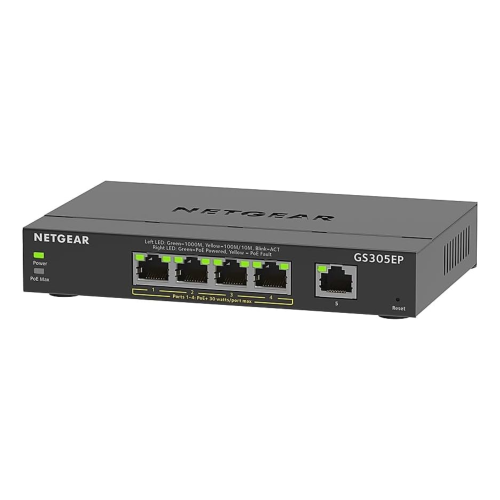
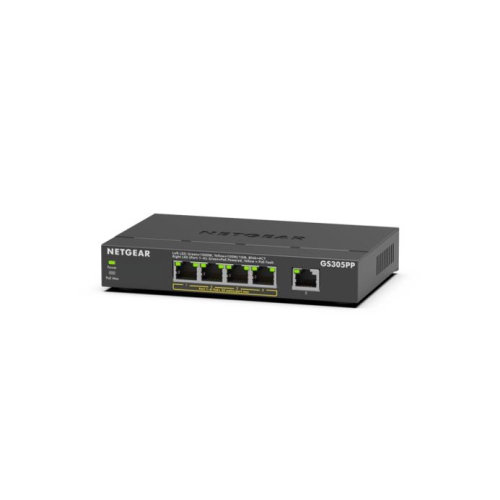
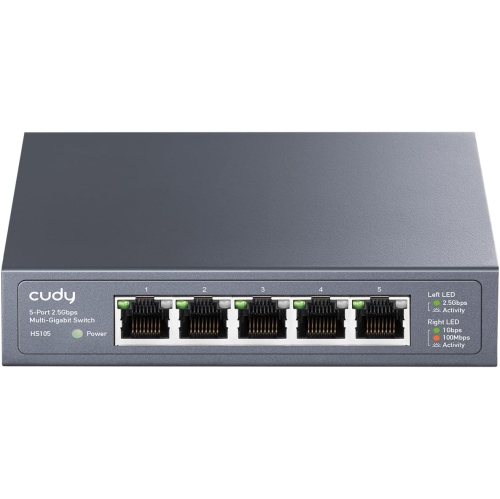
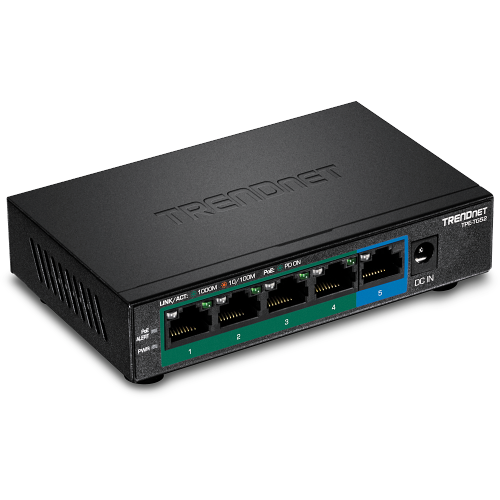
Four extra wired connections without a bulky setup
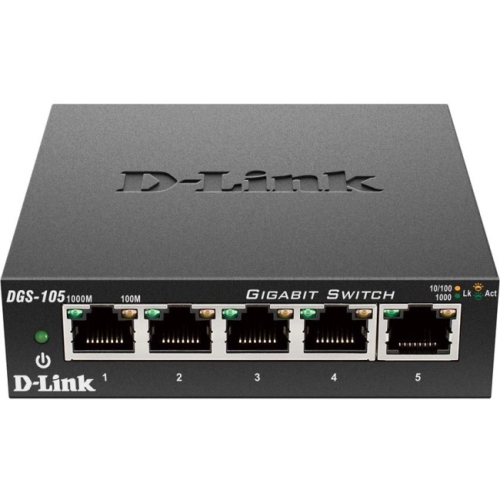
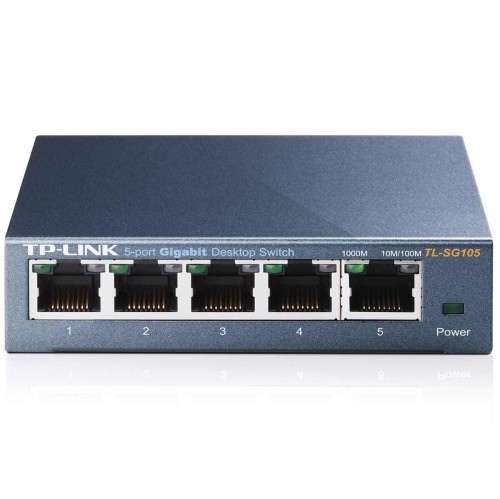
A 5-port gigabit Ethernet switch adds wired network connections to a home or small office, giving computers, gaming consoles, smart TVs, printers, and network storage a shared connection to an existing local network. Its five Ethernet ports typically support 10/100/1000 Mbps connections, with each port negotiating a compatible speed with the connected device. In a typical setup, one port connects to the router, leaving four ports for additional wired devices. This makes the compact five-port format a practical fit for a desk with a desktop computer, a docking station, and a network printer, or a media cabinet where a television and console share a single cable run back to the router. Unlike a passive cable splitter, an Ethernet switch actively forwards network traffic to the appropriate ports, allowing multiple devices to communicate at once. It does not replace a router, provide an internet subscription, or create Wi-Fi on its own. Instead, it extends the wired side of the network already in place. Gigabit refers to a nominal connection rate of 1,000 Mbps per port, not a guaranteed internet download speed. Actual performance depends on the internet plan, router, cabling, connected hardware, and traffic sharing the connection. Devices connected through the switch also share its uplink to the router when accessing the internet or other parts of the network. For local tasks, such as transferring photos from a desktop to network storage connected to the same switch, traffic can stay within the switch rather than travelling through the router. A wired connection can reduce exposure to wireless interference and help deliver consistent performance for video calls, online play, and streaming, although it cannot remove delays caused elsewhere on the network. For households with several fixed devices in one room, or small workspaces with too few router ports, this size offers useful expansion without the footprint of larger networking equipment.
The differences between 5-port gigabit Ethernet switches often come down to how much control the network needs and how the connected equipment receives power. Unmanaged switches are designed for straightforward use: connect the power supply, attach the router and devices with suitable Ethernet cables, and the switch handles ordinary traffic forwarding without manual configuration. They suit shared study spaces, home offices, and entertainment setups where the priority is simply adding reliable wired connections. Managed and smart-managed versions may offer features such as virtual LANs, traffic monitoring, and configurable Quality of Service, depending on the model. Virtual LAN support can help separate groups of devices when the rest of the network supports the necessary configuration. Quality of Service can prioritize selected traffic during congestion, but it does not create extra bandwidth or automatically improve every application. These features are more relevant to users who want deliberate control over their network than to someone connecting a television and a computer. Power over Ethernet, usually shortened to PoE, is another important distinction. A standard non-PoE switch carries data but does not supply operating power to an attached camera, wireless access point, or phone through the Ethernet cable. A compatible PoE switch can carry both power and data to supported devices, reducing the need for a separate power outlet at each endpoint. Compatibility depends on the PoE standard, the power available per port, and the total power budget across all powered ports. Not every port on a five-port PoE switch necessarily supplies power, and a device that accepts Ethernet data does not necessarily accept PoE. The switch itself also needs a supported power source, commonly an external adapter, unless it is specifically designed to receive power another way. Auto-negotiation and automatic cable crossover detection are common conveniences that simplify connections, while link and activity lights provide a quick indication that a cable connection is active. Port-speed indicators, where included, can also help distinguish a gigabit link from a slower connection.
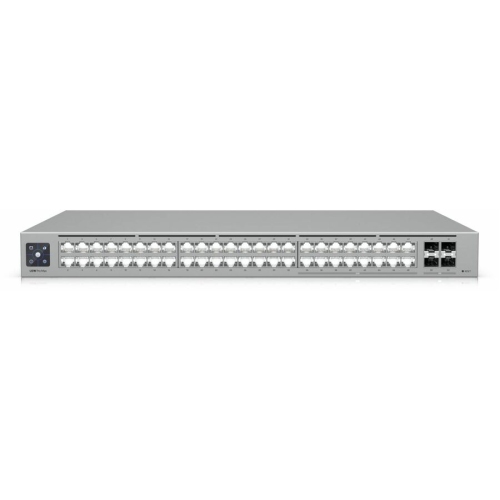
Physical design matters when a switch will sit beside a monitor, behind a television, or on a shelf with other equipment. Plastic housings are generally lightweight and well suited to stationary indoor use, while metal enclosures can provide a sturdier exterior and help dissipate heat. Neither material alone establishes long-term reliability; ventilation, build quality, power-supply quality, and placement all contribute. Many compact five-port switches are fanless, making them a quiet fit for bedrooms, study areas, and workspaces where fan noise would be distracting. Dimensions should account for more than the enclosure itself, since Ethernet plugs, cable bends, and the power connector need clearance. Front-facing ports can make frequent changes easier, while a different port layout may keep cables less visible on a desk. Wall-mount slots, where provided, offer another placement option, but mounting hardware and orientation should follow the manufacturer’s directions. A stable surface, unobstructed ventilation openings, and cables routed without sharp bends help keep the setup orderly and reduce strain on the sockets. Routine care is generally limited to keeping the unit dry and removing surface dust according to its care instructions, with power disconnected before cleaning. Sound Cat5e or Cat6 cabling is suitable for gigabit Ethernet over supported cable runs; damaged connectors, poor terminations, or older connected hardware can cause a link to negotiate below gigabit speed. For a remote worker, a small switch can bring a wired computer, compatible desk phone, and printer together near the workspace. For a shared living room, it can keep fixed entertainment devices connected while leaving Wi-Fi for phones and other portable equipment. Five ports are most useful when the connection count remains modest, so the router uplink and any planned additions belong in that count. Larger workplaces with many cable runs, desks, or access points may be better served by 48 Port Gigabit Ethernet Switches, while the five-port format remains a compact choice for expanding connectivity in a single room or small work area.
The differences between 5-port gigabit Ethernet switches often come down to how much control the network needs and how the connected equipment receives power. Unmanaged switches are designed for straightforward use: connect the power supply, attach the router and devices with suitable Ethernet cables, and the switch handles ordinary traffic forwarding without manual configuration. They suit shared study spaces, home offices, and entertainment setups where the priority is simply adding reliable wired connections. Managed and smart-managed versions may offer features such as virtual LANs, traffic monitoring, and configurable Quality of Service, depending on the model. Virtual LAN support can help separate groups of devices when the rest of the network supports the necessary configuration. Quality of Service can prioritize selected traffic during congestion, but it does not create extra bandwidth or automatically improve every application. These features are more relevant to users who want deliberate control over their network than to someone connecting a television and a computer. Power over Ethernet, usually shortened to PoE, is another important distinction. A standard non-PoE switch carries data but does not supply operating power to an attached camera, wireless access point, or phone through the Ethernet cable. A compatible PoE switch can carry both power and data to supported devices, reducing the need for a separate power outlet at each endpoint. Compatibility depends on the PoE standard, the power available per port, and the total power budget across all powered ports. Not every port on a five-port PoE switch necessarily supplies power, and a device that accepts Ethernet data does not necessarily accept PoE. The switch itself also needs a supported power source, commonly an external adapter, unless it is specifically designed to receive power another way. Auto-negotiation and automatic cable crossover detection are common conveniences that simplify connections, while link and activity lights provide a quick indication that a cable connection is active. Port-speed indicators, where included, can also help distinguish a gigabit link from a slower connection.
Physical design matters when a switch will sit beside a monitor, behind a television, or on a shelf with other equipment. Plastic housings are generally lightweight and well suited to stationary indoor use, while metal enclosures can provide a sturdier exterior and help dissipate heat. Neither material alone establishes long-term reliability; ventilation, build quality, power-supply quality, and placement all contribute. Many compact five-port switches are fanless, making them a quiet fit for bedrooms, study areas, and workspaces where fan noise would be distracting. Dimensions should account for more than the enclosure itself, since Ethernet plugs, cable bends, and the power connector need clearance. Front-facing ports can make frequent changes easier, while a different port layout may keep cables less visible on a desk. Wall-mount slots, where provided, offer another placement option, but mounting hardware and orientation should follow the manufacturer’s directions. A stable surface, unobstructed ventilation openings, and cables routed without sharp bends help keep the setup orderly and reduce strain on the sockets. Routine care is generally limited to keeping the unit dry and removing surface dust according to its care instructions, with power disconnected before cleaning. Sound Cat5e or Cat6 cabling is suitable for gigabit Ethernet over supported cable runs; damaged connectors, poor terminations, or older connected hardware can cause a link to negotiate below gigabit speed. For a remote worker, a small switch can bring a wired computer, compatible desk phone, and printer together near the workspace. For a shared living room, it can keep fixed entertainment devices connected while leaving Wi-Fi for phones and other portable equipment. Five ports are most useful when the connection count remains modest, so the router uplink and any planned additions belong in that count. Larger workplaces with many cable runs, desks, or access points may be better served by 48 Port Gigabit Ethernet Switches, while the five-port format remains a compact choice for expanding connectivity in a single room or small work area.
Top selling and popular products
-
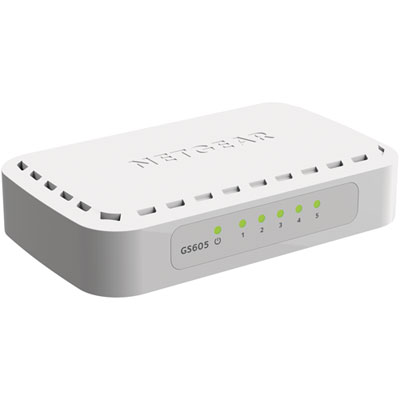 Your price for this item is $34.99
-
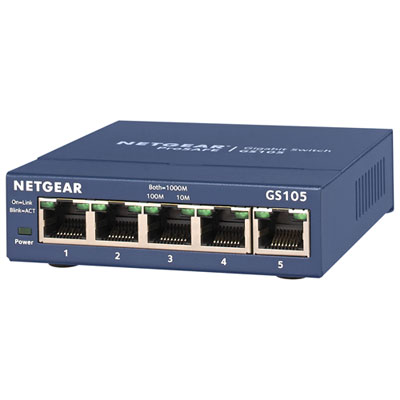 Your price for this item is $54.99
-
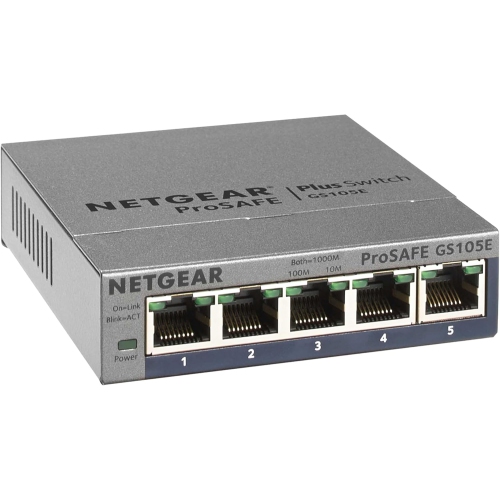 Your price for this item is $72.37
-
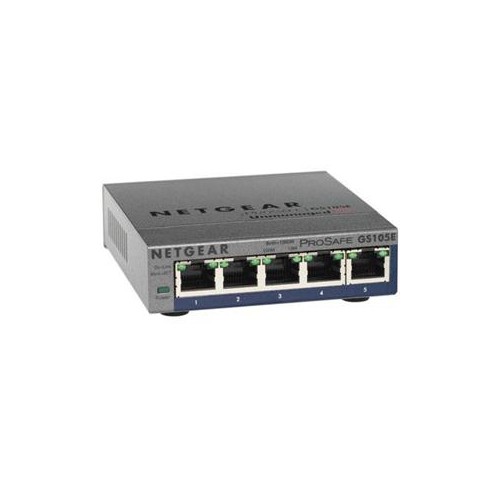 Your price for this item is $62.68
-
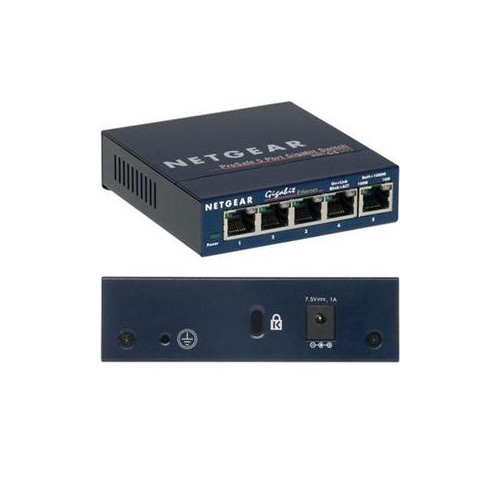 Your price for this item is $59.68
-
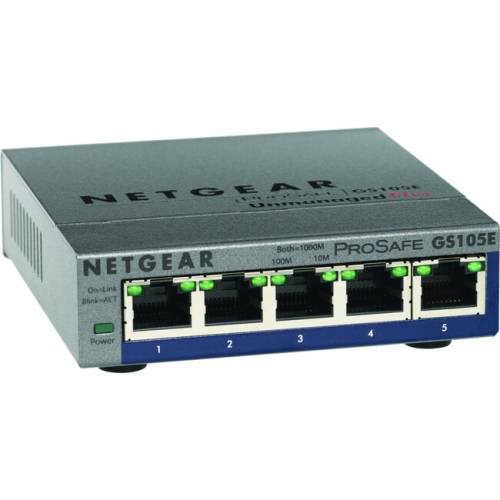 Your price for this item is $76.99
-
 Your price for this item is $25.49
-
 Your price for this item is $57.99
Discover more categories related to 5 Port Gigabit Ethernet Switches

Top Collections:
Pokemon Centers, Kindle Devices, Best Cameras for Sports Photography, Pokémon 30th Celebration Cards, Apple iPhones 16, Canon G7X Cameras, iPhone 15 Apple, Flip Phones, Samsung Galaxy Phones, Alarm Clock
Some products may be subject to Environmental Handling Fees
(EHF) depending on your province.
Learn more about EHFs.