5 Port Switches
Our selection of 5 port switches offers a convenient and efficient solution for connecting multiple devices to your network with ease. Whether you're looking to enhance your gaming setup, streamline your home office, or improve connectivity in a small business environment, these switches provide fast and reliable data transfer speeds. Explore our range of 5 port switches to find the perfect networking solution for your needs.
Sort





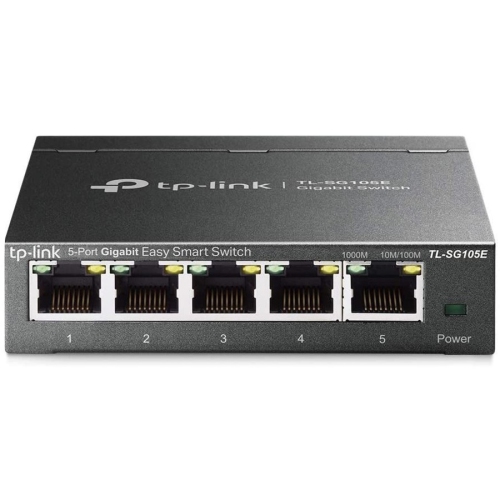

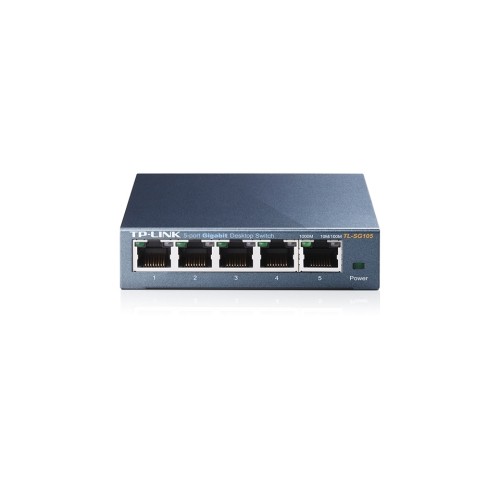
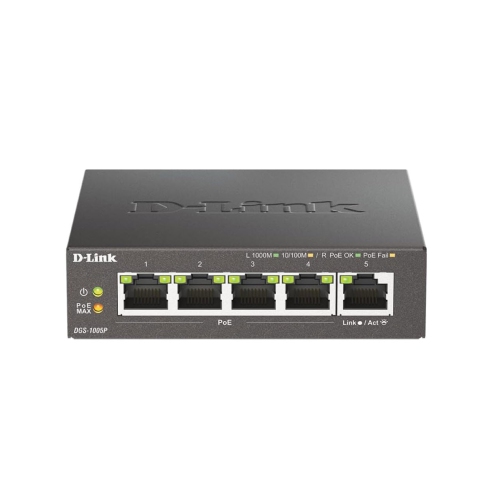
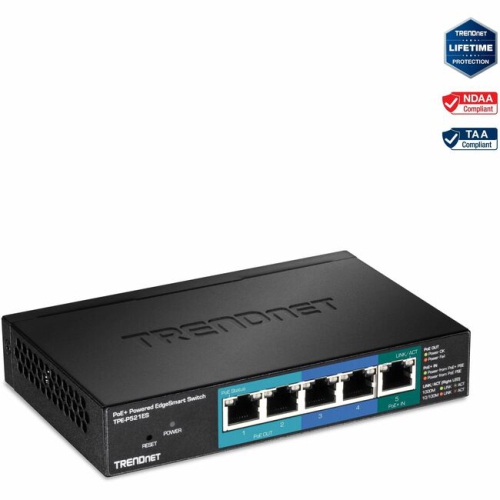
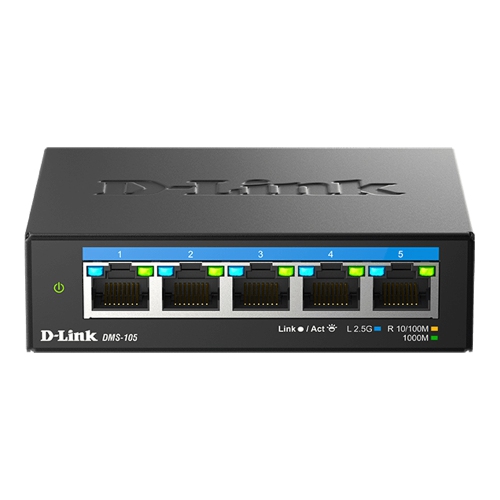
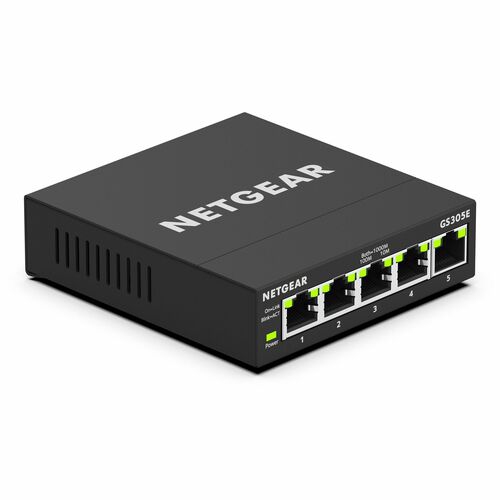


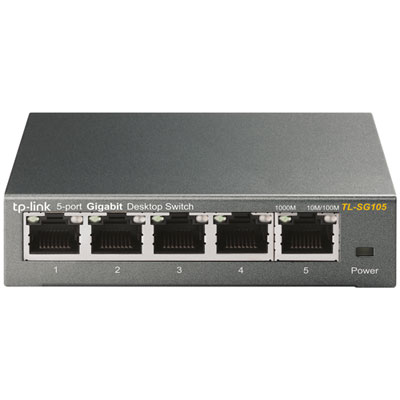
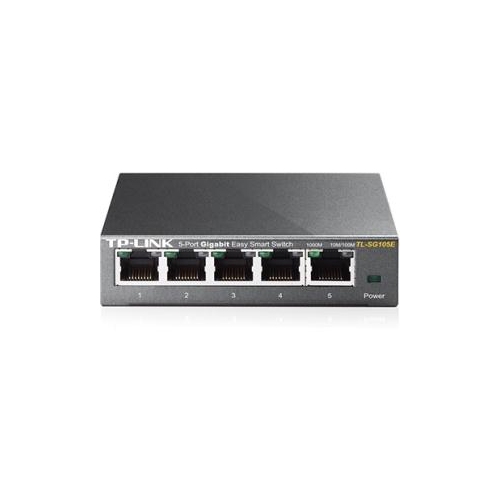









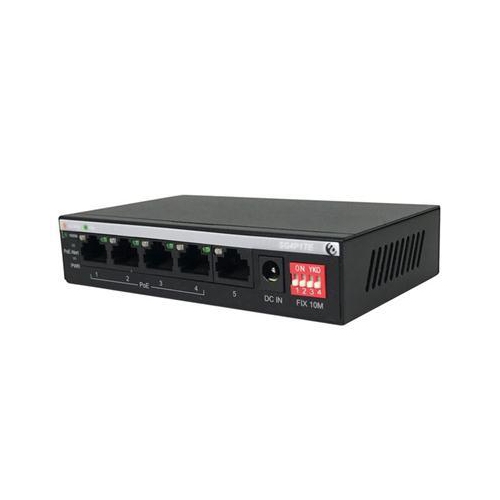
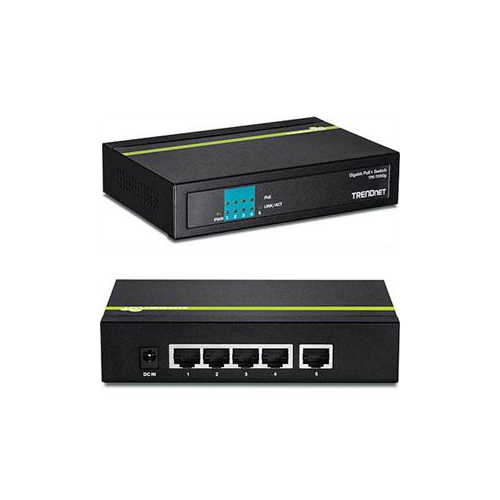

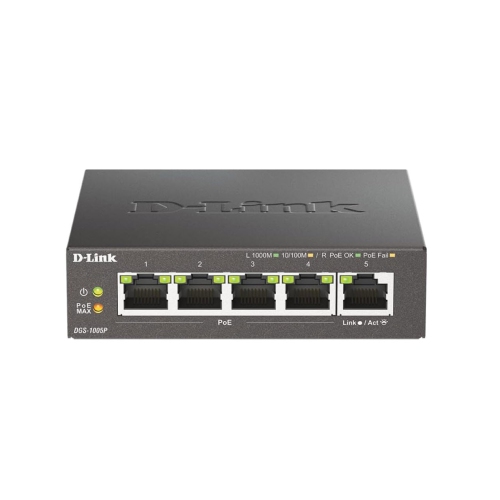
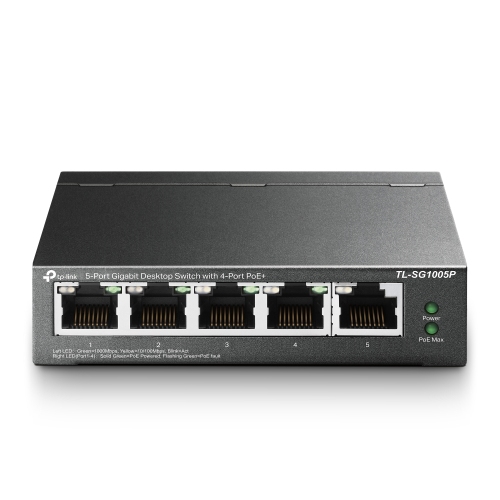
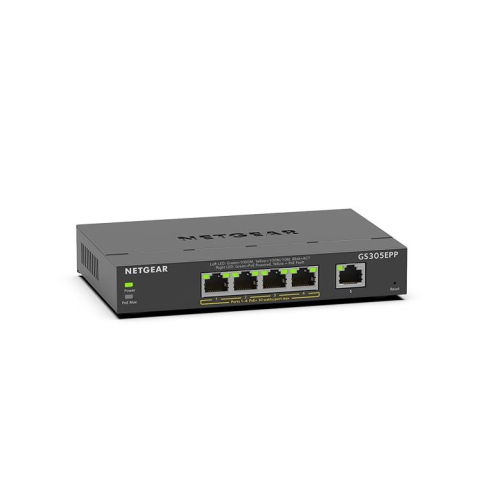


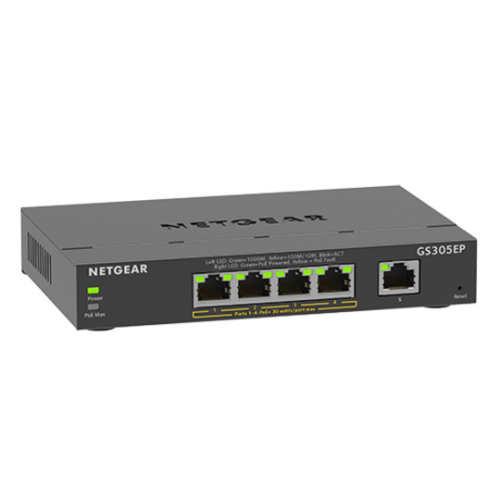





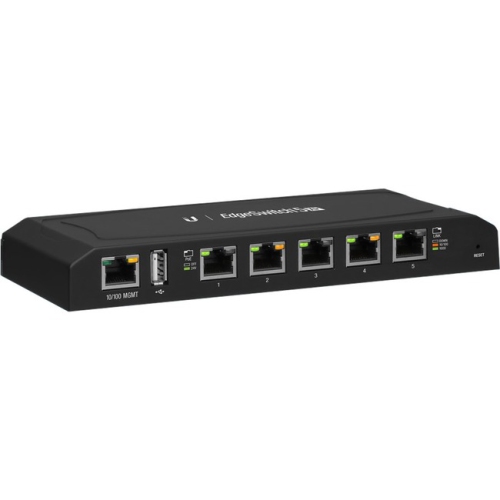

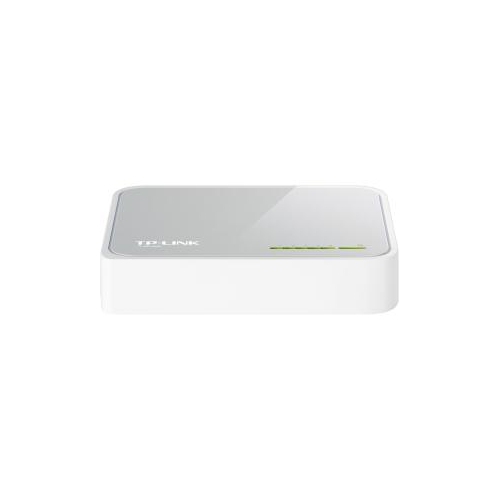
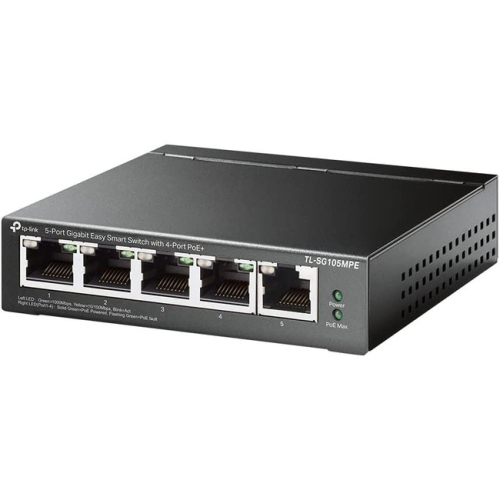
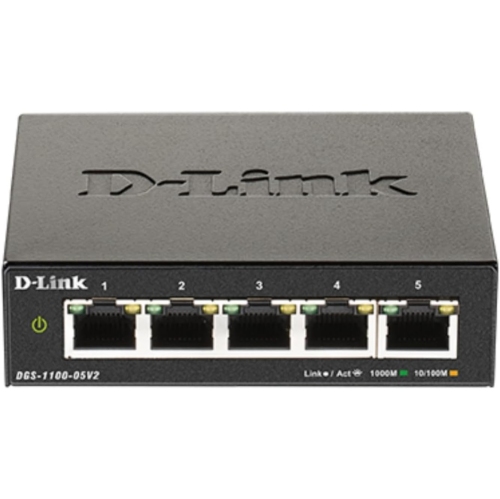
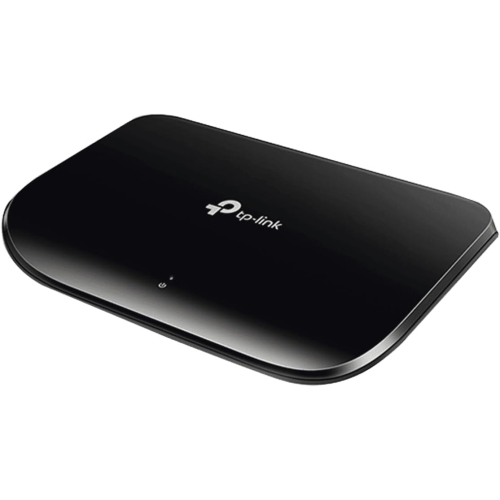
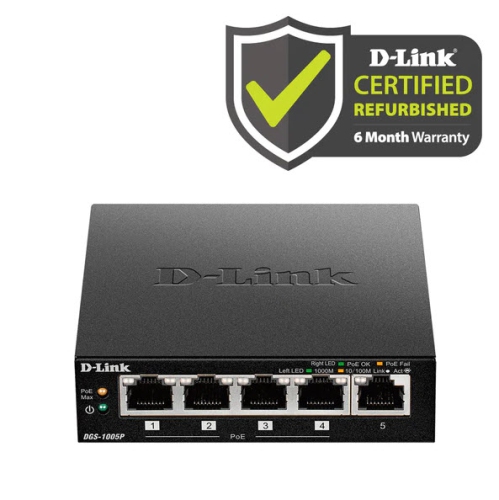
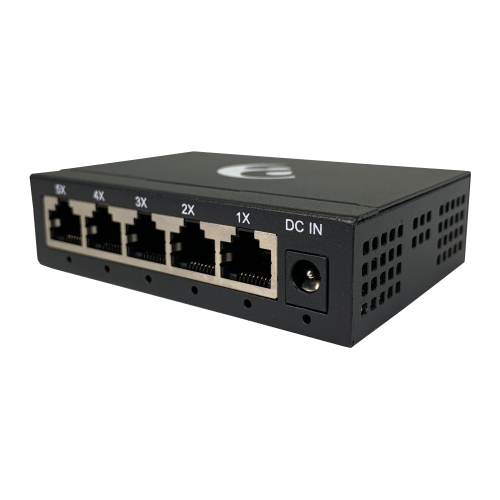
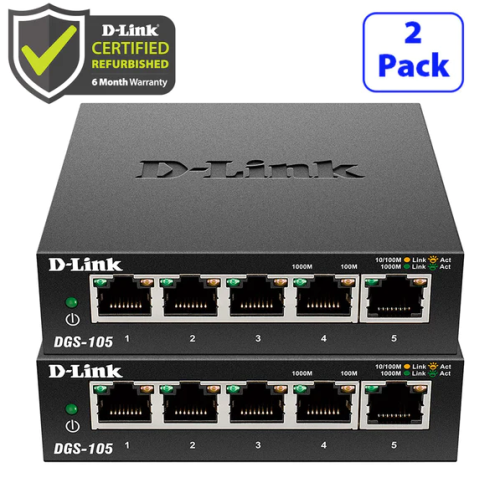


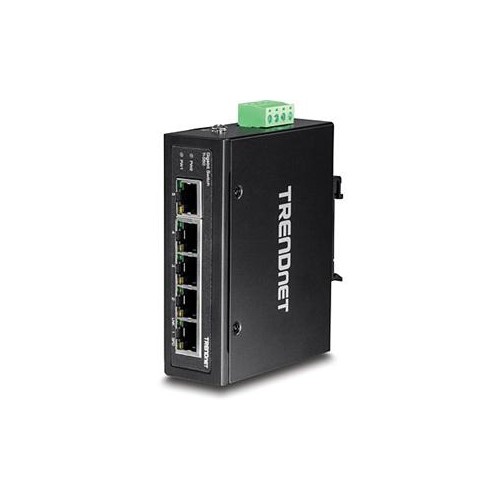
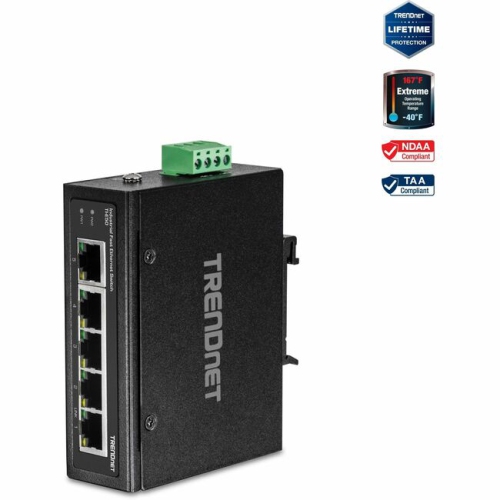

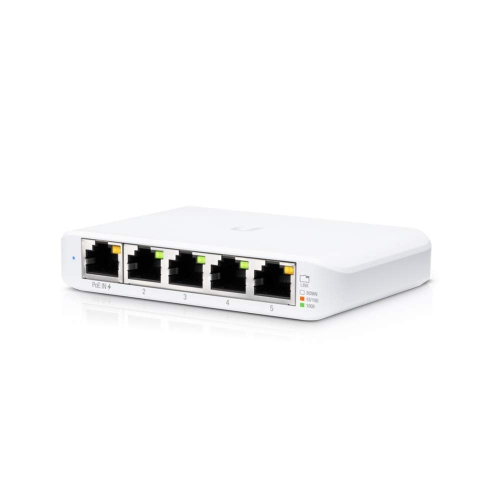
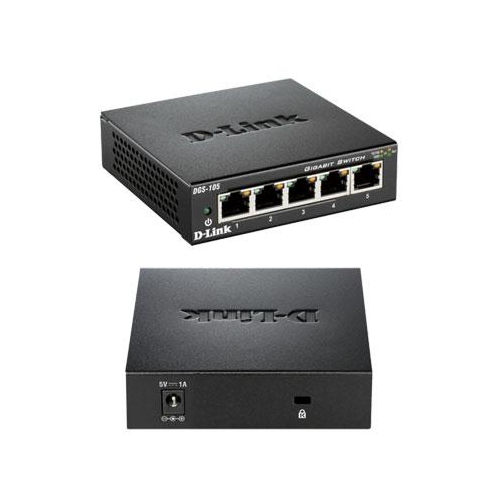











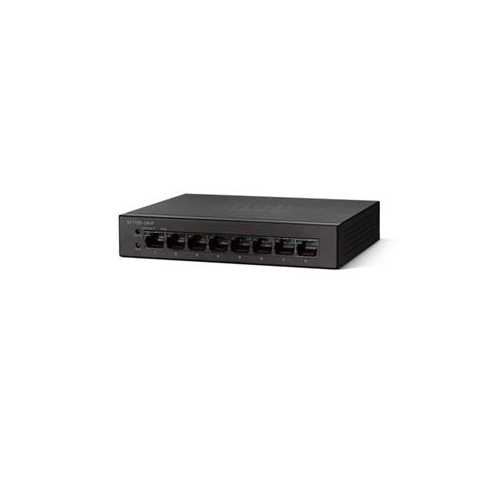
Four wired devices sharing one cable to your router
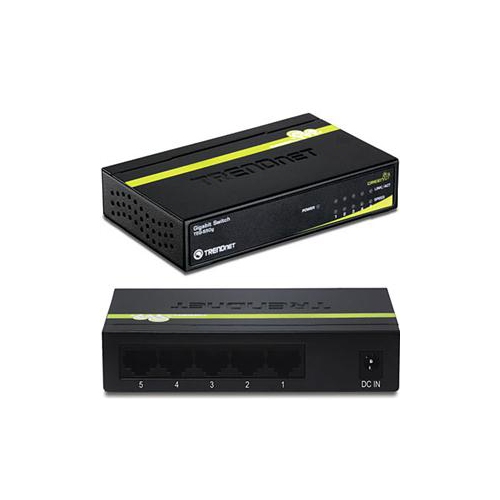
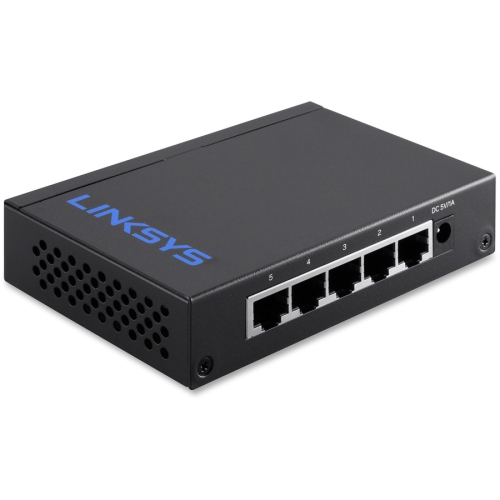
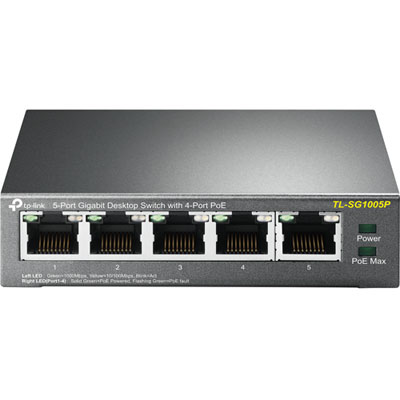
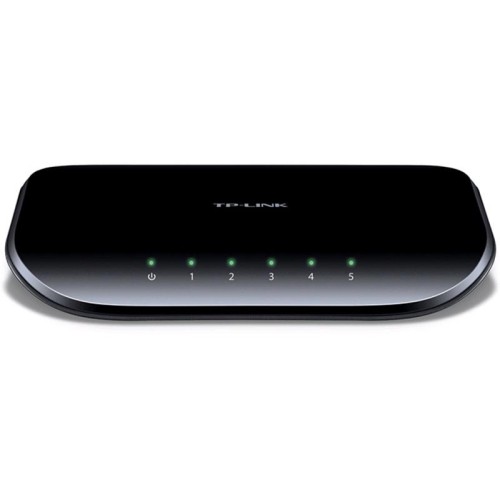
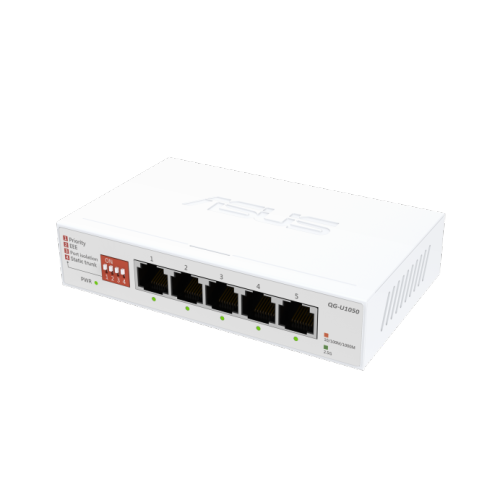
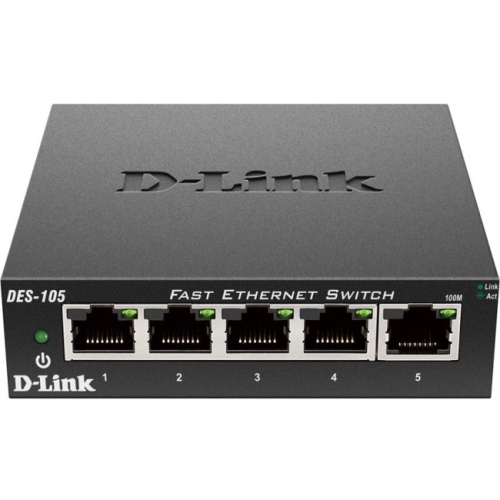
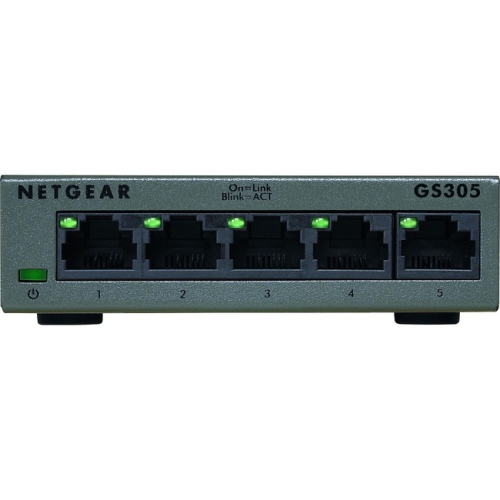
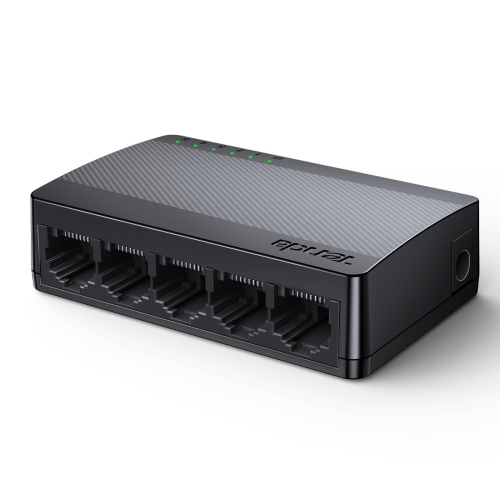
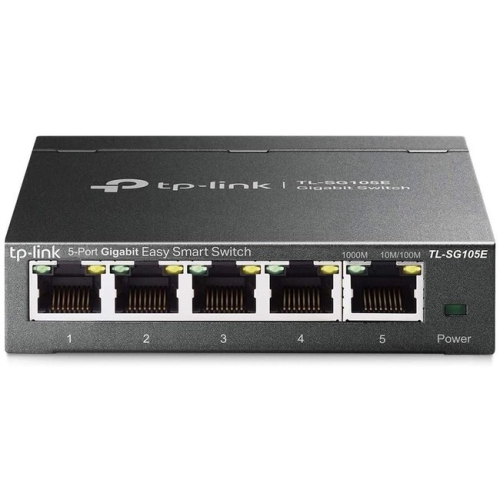
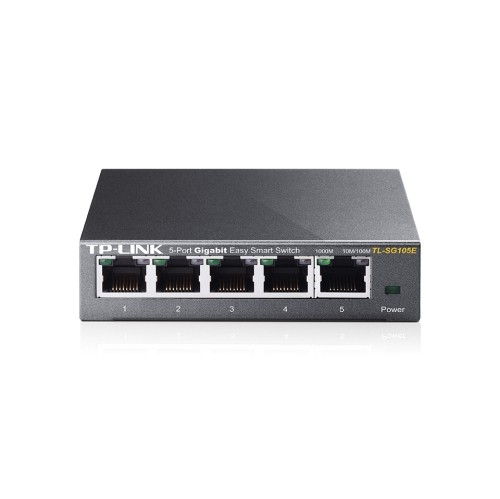
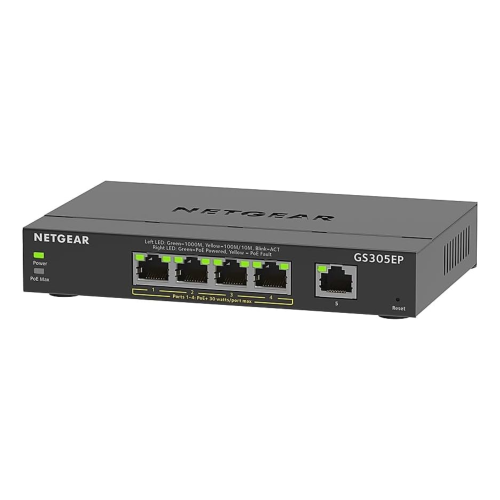
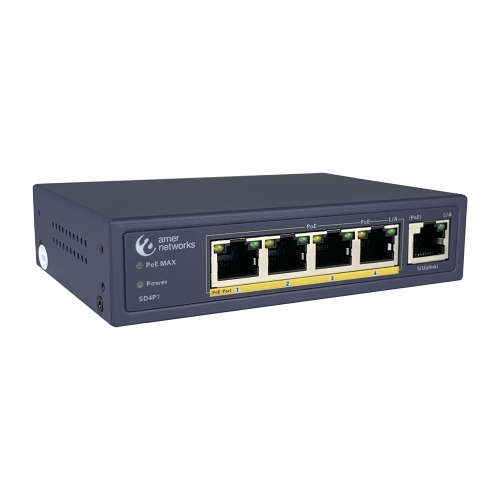
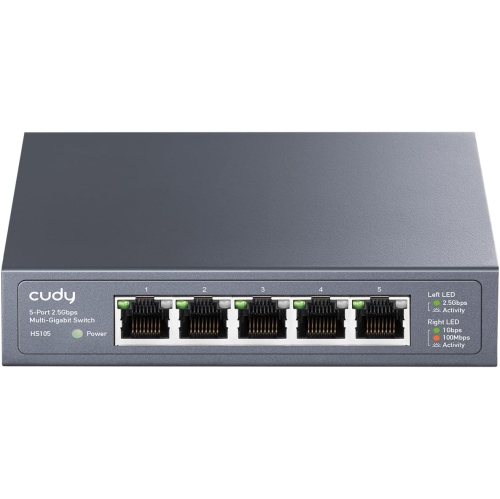
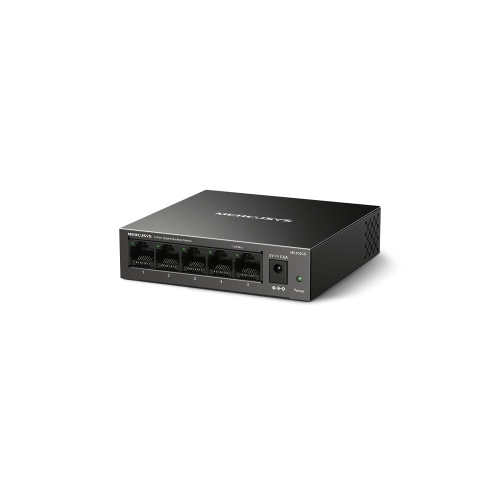
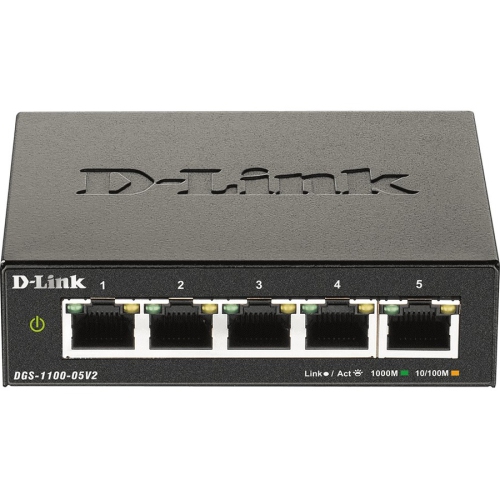
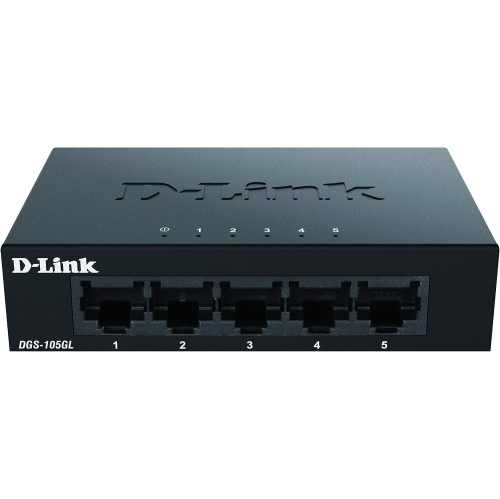
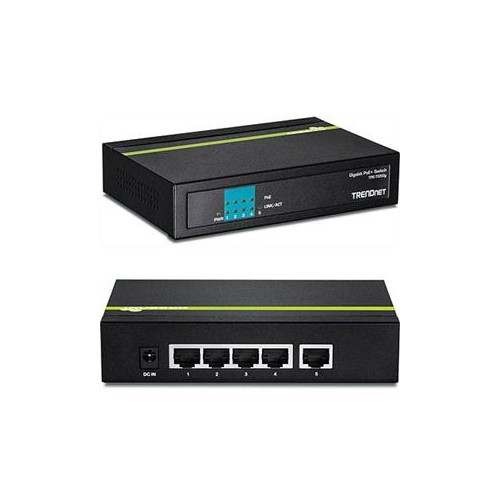
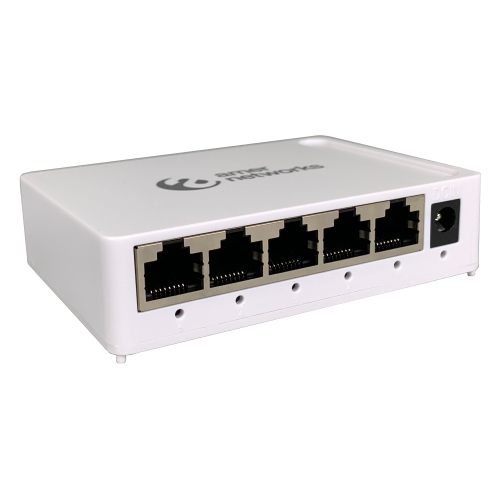
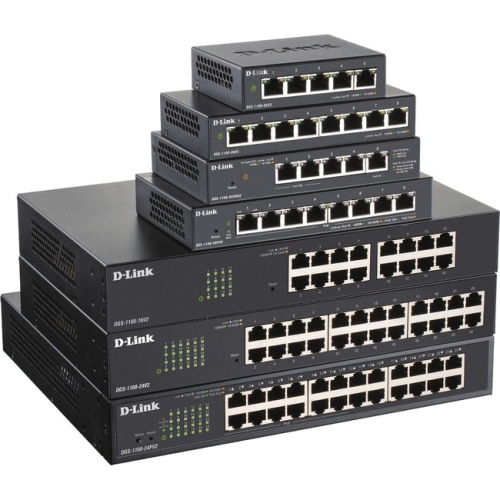
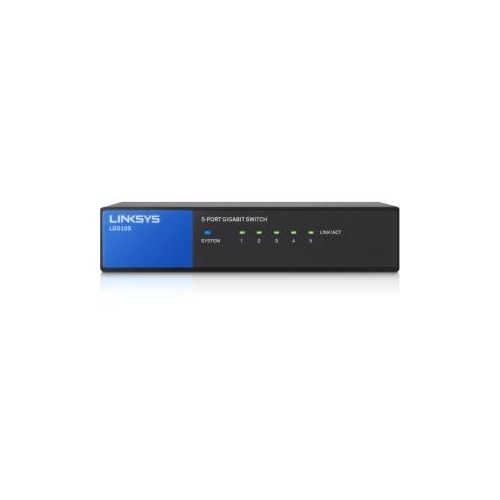
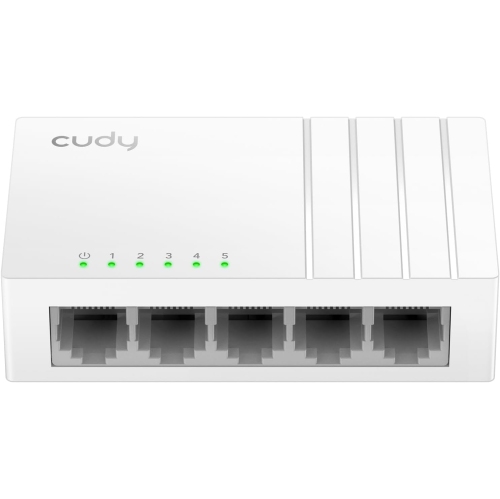
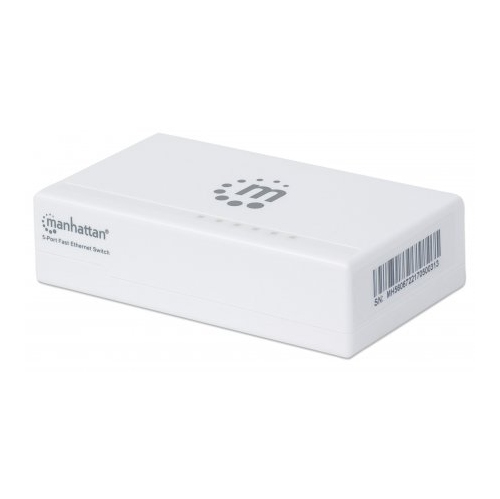
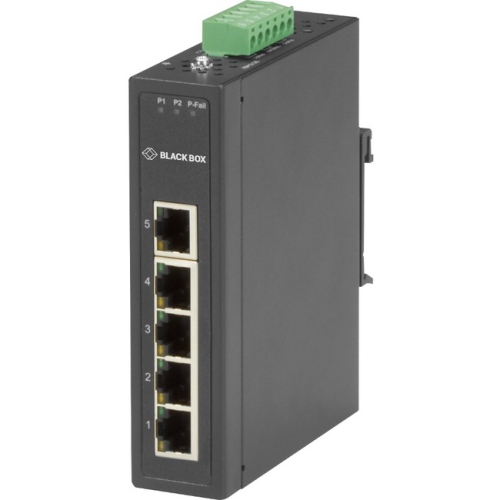
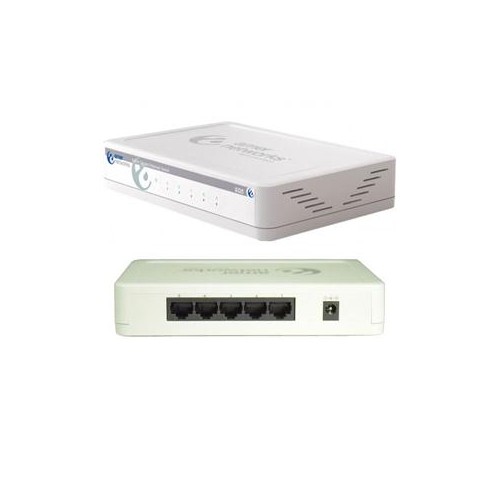
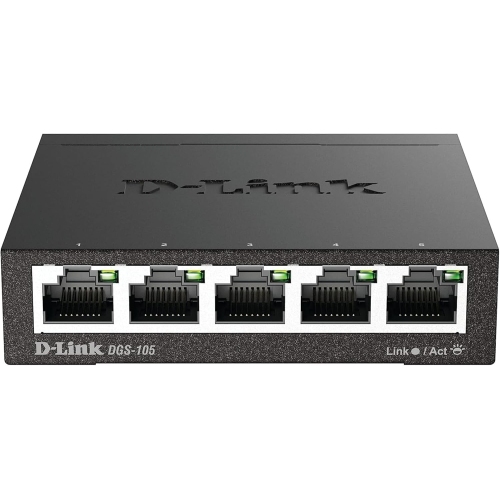
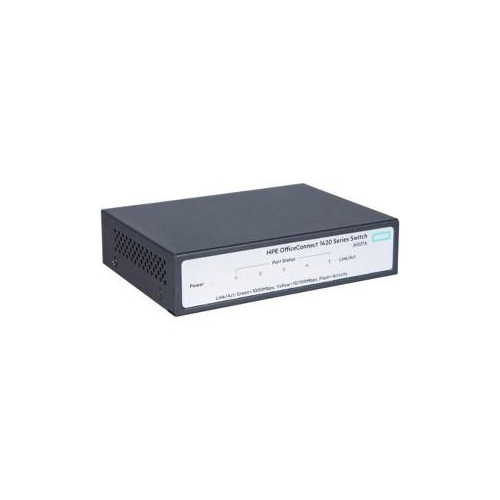
A 5-port Ethernet switch adds wired network connections to a home or small office without requiring a separate cable run back to the router for every device. In a typical setup, one of its five ports connects to the router, leaving four ports for devices such as a desktop computer, gaming console, smart television, or network printer. This makes 5-port switches a practical fit for spaces where several wired devices sit close together: an entertainment unit, a shared study area, or a home office with a computer and network storage drive. Unlike a router, an Ethernet switch does not normally assign internet addresses, provide Wi-Fi, or manage the connection to an internet service provider. Its main job is to pass data between connected devices on the local network, with the router providing access to the internet. A wired connection can reduce the variability caused by wireless interference or distance from an access point, although overall performance still depends on the internet plan, router, cabling, and connected equipment. For example, a switch behind a television can connect a console, streaming device, and television through one existing network cable, keeping their traffic off the wireless connection. In an office, it can bring a workstation and network printer onto the same local network while leaving room for another wired device. Gigabit Ethernet is a common specification in this category, with 10/100/1000 Mbps ports that negotiate a compatible speed with connected equipment. Gigabit connections generally provide ample bandwidth for individual 4K streams, online gaming, and everyday office tasks, but they do not make a slower internet service faster. Devices accessing the router through the same switch also share the bandwidth of its uplink connection. That distinction matters in households where large downloads, cloud backups, and video calls happen at the same time. For equipment grouped in one room, a compact five-port network switch offers a straightforward way to extend an existing wired network while keeping the layout manageable.
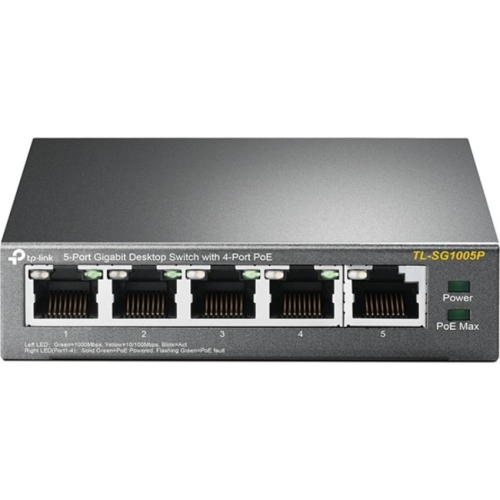
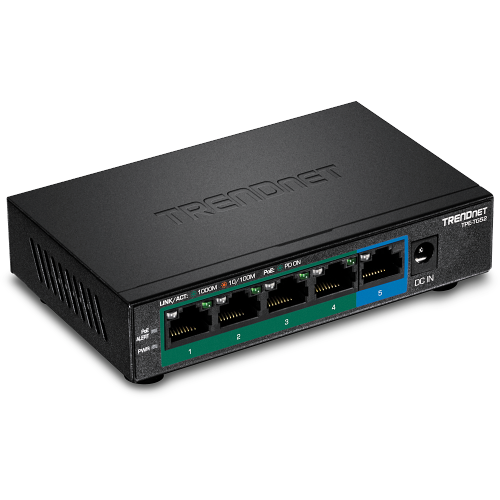
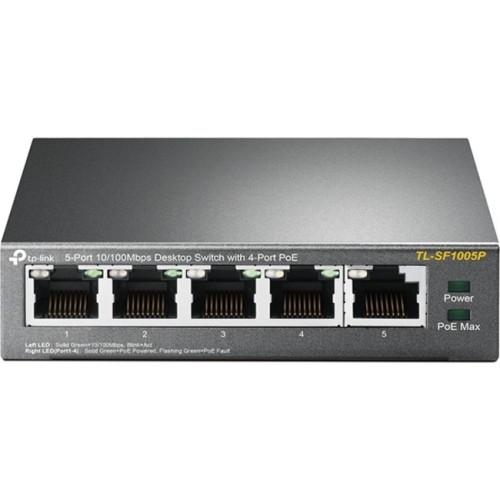
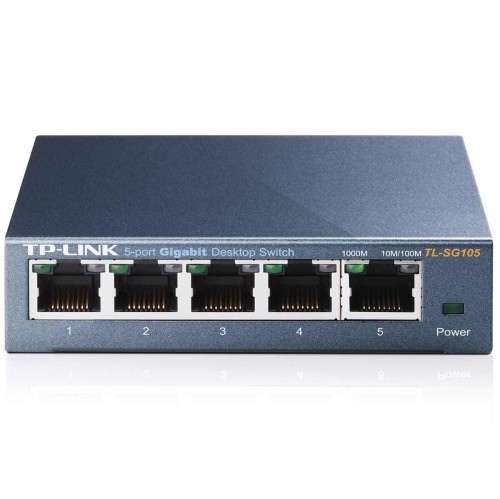
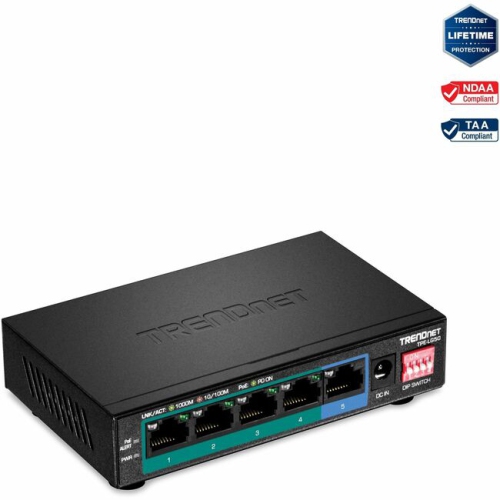
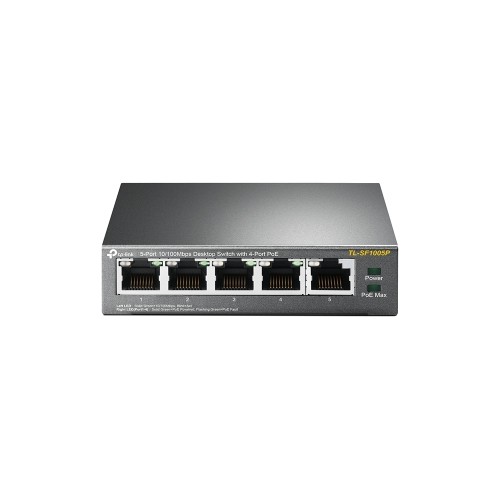
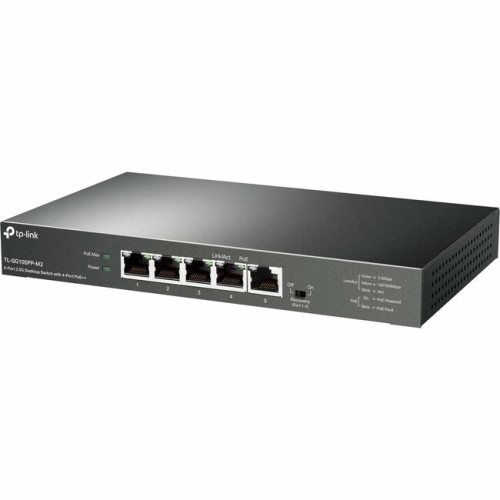
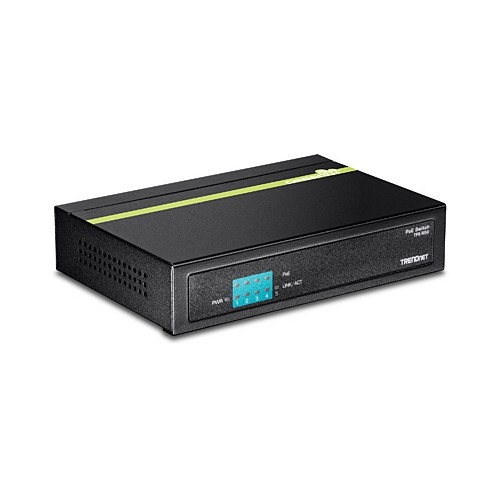
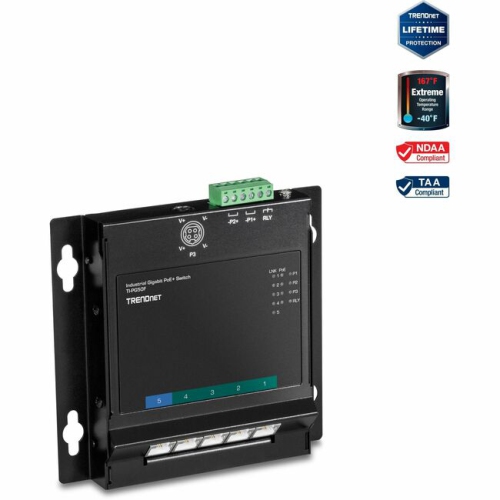
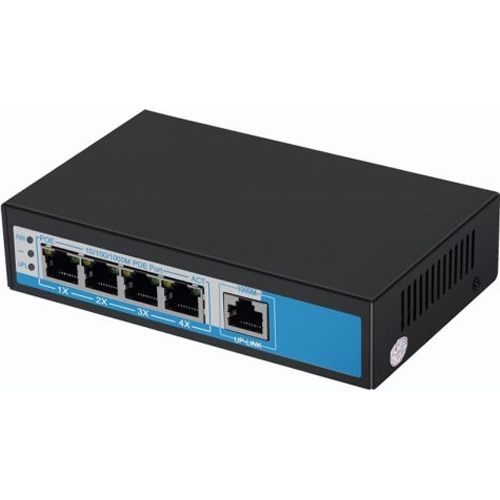
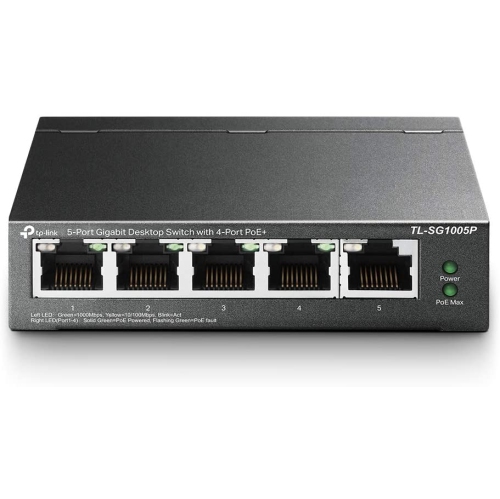
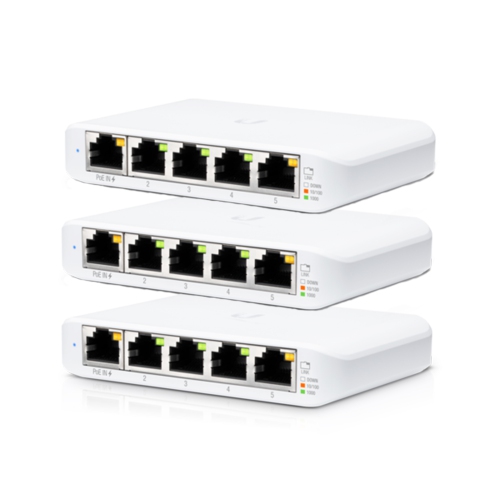
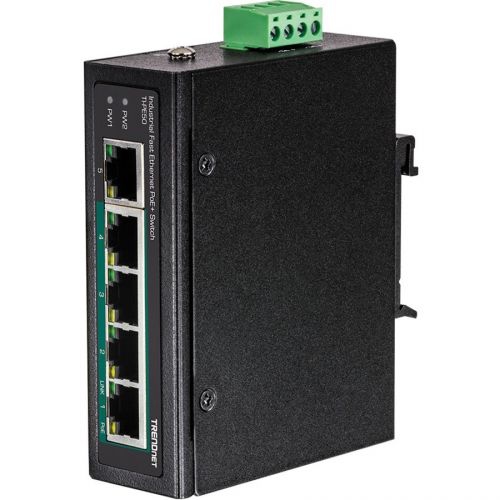
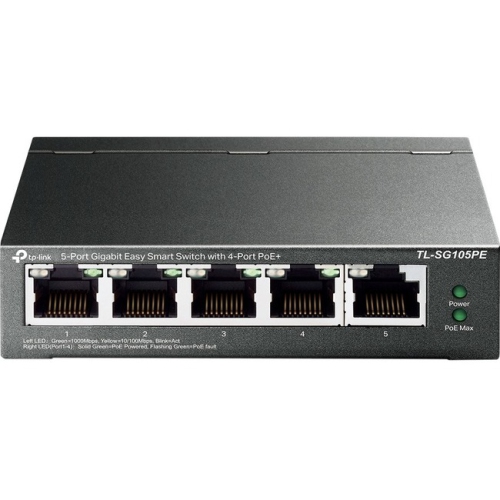
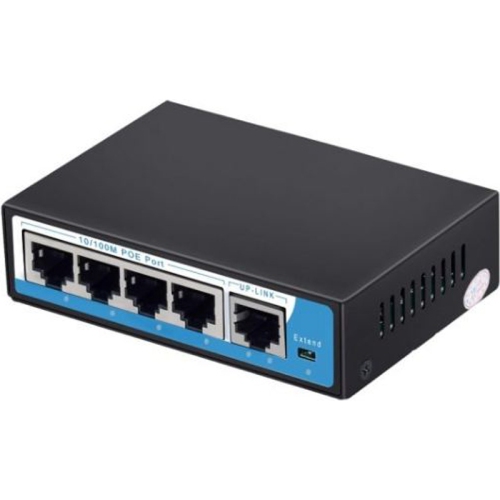
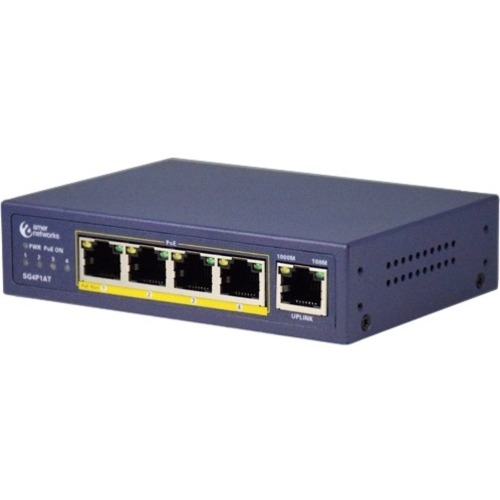
Port speed, management features, and power delivery distinguish the main types of 5-port switches. Basic Fast Ethernet models have ports rated up to 100 Mbps, while Gigabit models support up to 1,000 Mbps per port; multi-gigabit options can support higher rates when the rest of the connection is compatible. The slowest link along a data path limits that path’s speed, so faster ports are most useful when paired with suitable network adapters, cables, and upstream equipment. A network storage drive used for large photo libraries or video projects may benefit from higher local transfer speeds even when the internet connection is much slower. For many homes, an unmanaged 5-port switch is the simplest arrangement: connect its power supply, attach Ethernet cables, and let it handle ordinary network traffic without a configuration screen. Smart or managed switches offer additional controls, which may include virtual local area networks, traffic monitoring, and configurable Quality of Service settings. These features suit users who need more control over a small office or a more involved home network, but their capabilities vary by model. Quality of Service can prioritize certain traffic when supported and configured appropriately; it does not add bandwidth to an overloaded connection. Power over Ethernet, usually shortened to PoE, is another important distinction. A PoE switch can send both data and electrical power through an Ethernet cable to compatible equipment, such as an access point, IP camera, or internet phone. This can simplify installation where the connected device is far from an electrical outlet, though the switch itself still needs a suitable power source. Not every port on a five-port PoE switch necessarily supplies power. Compatibility depends on the supported PoE standard, the power allowed per port, and the switch’s total power budget. A camera and access point operating together must fit within those limits. Standard non-PoE ports provide data connectivity but do not power attached devices. Matching these features to the intended use helps distinguish a simple desktop network expansion from a setup that also needs device power or traffic controls.
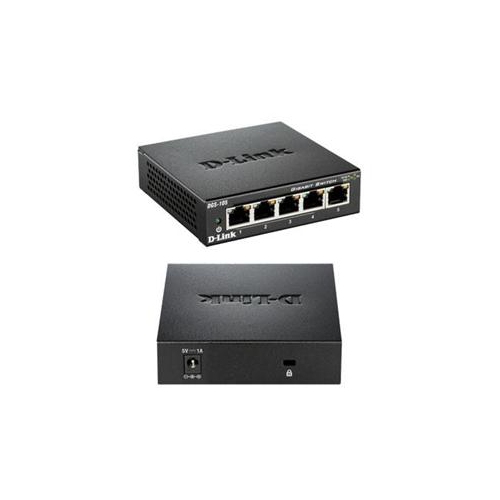
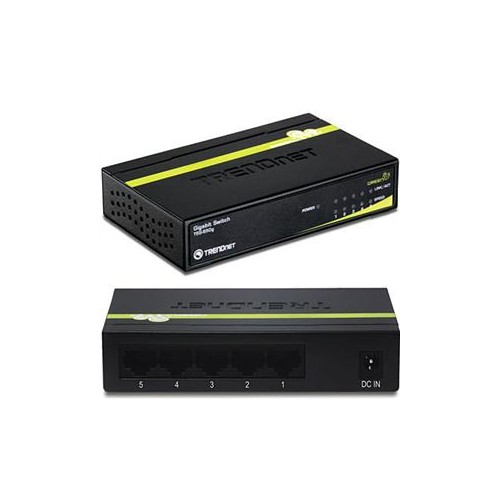
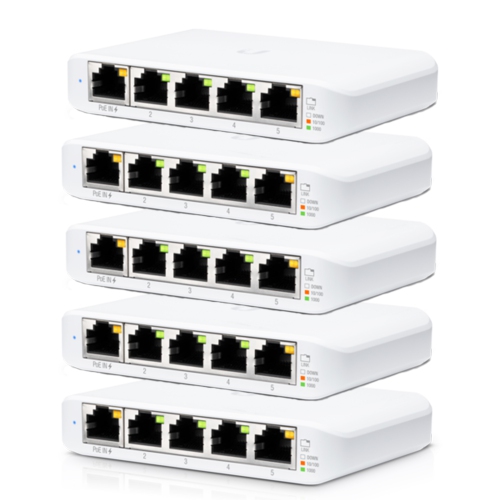
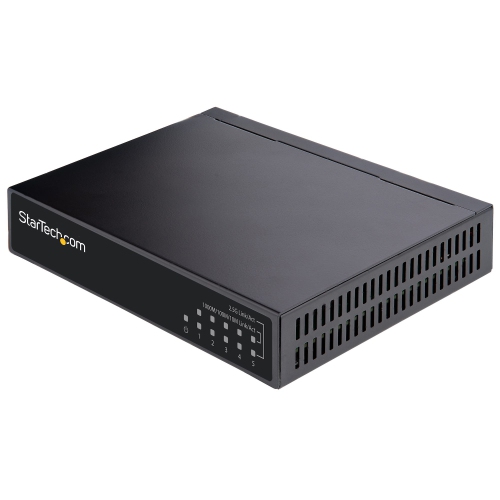
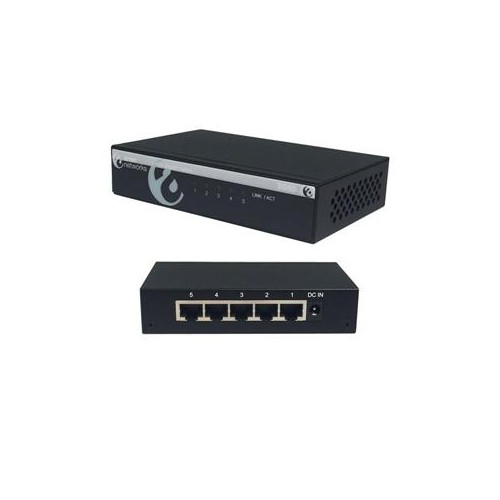
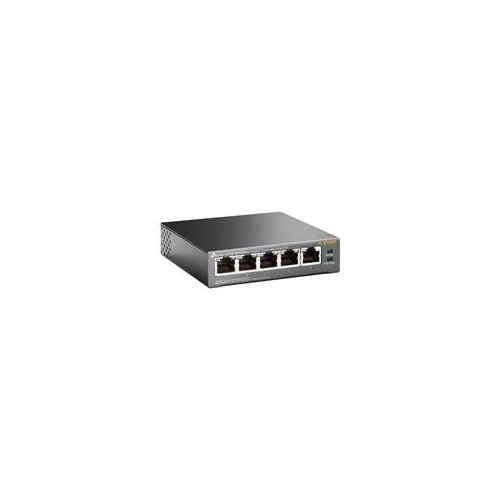
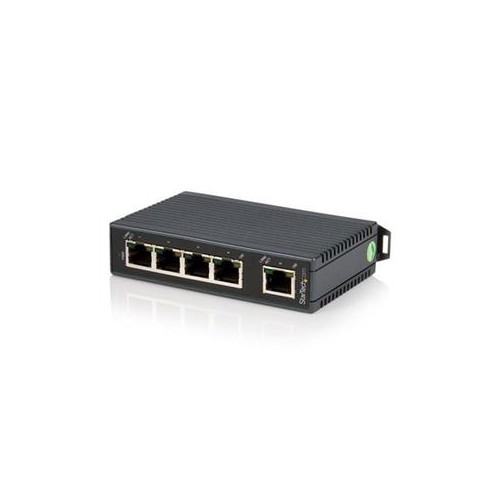
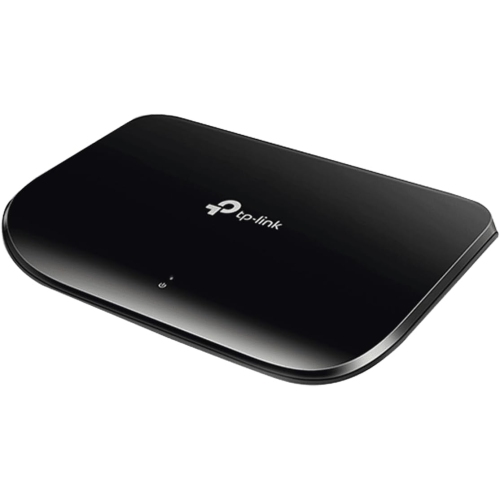
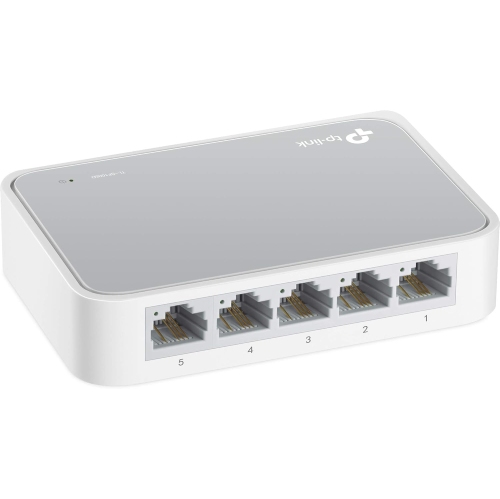
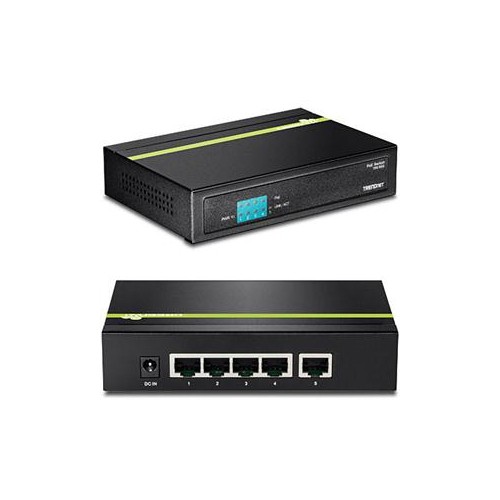
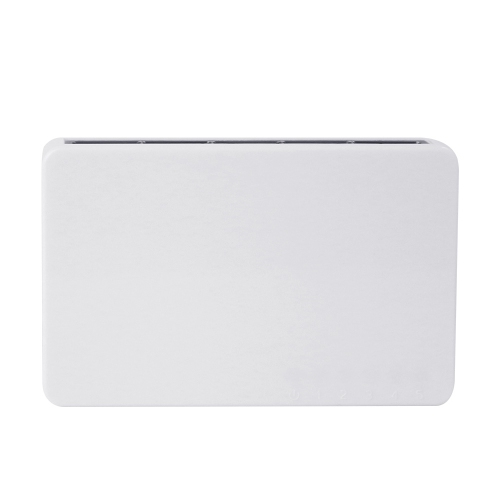
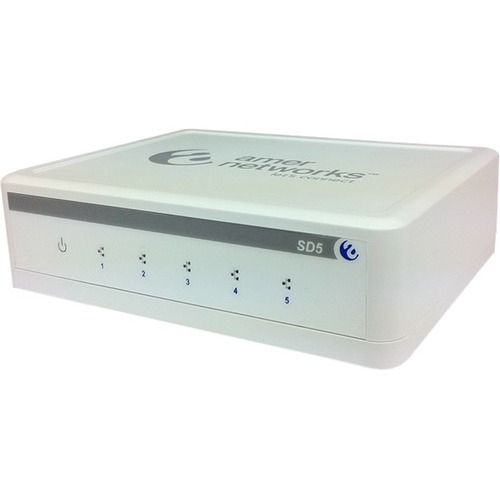
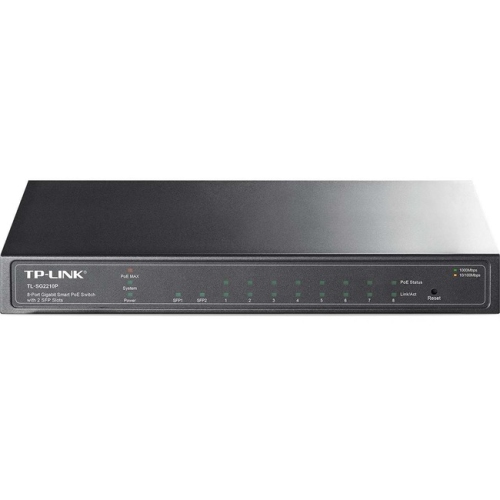
The physical design of a 5-port switch matters when it will sit beside a monitor, tuck into an entertainment unit, or mount near a structured wiring panel. Plastic housings are lightweight and can suit a stationary desktop setup, while metal housings offer a sturdier exterior and can help transfer heat away from internal components. Case material alone does not determine reliability; ventilation, operating temperature, power supply quality, and placement also affect long-term performance. Many compact switches use a fanless design, making them well suited to bedrooms, quiet offices, and television areas where fan noise would be distracting. Port placement is worth considering alongside the case dimensions. Front-facing ports make connections easy to check and change, while rear-facing ports can keep cables less visible on a desk. Indicator lights help show whether a connection is active and, on some designs, its negotiated speed, although bright lights may be noticeable in a dark room. A small enclosure still needs space for Ethernet plugs, cable bends, and the power connector. Wall mounting requires a design that supports it and suitable mounting hardware; an ordinary desktop case should not be assumed to have mounting points. For most Gigabit connections, properly installed Cat5e or Cat6 cabling is suitable, with standard copper Ethernet runs generally limited to 100 metres between active devices. Intact connector clips, clearly labelled cables, and gentle bends make a compact installation easier to maintain. Care is usually limited to keeping the casing and ventilation openings free of dust, following the manufacturer’s cleaning instructions, and keeping liquids away from the unit and power supply. Avoid covering the switch with papers or placing it against equipment that gives off substantial heat. Five ports work well for a small cluster of devices, but the router connection counts towards that total, so future additions deserve some thought. Larger offices, extensive camera installations, or wiring panels serving many rooms may call for a different scale of equipment, including 48 Port Switches. For a modest home or office network, the appeal of a five-port design is its compact footprint and useful balance of connections, with speed, power features, and housing matched to the space it serves.
Port speed, management features, and power delivery distinguish the main types of 5-port switches. Basic Fast Ethernet models have ports rated up to 100 Mbps, while Gigabit models support up to 1,000 Mbps per port; multi-gigabit options can support higher rates when the rest of the connection is compatible. The slowest link along a data path limits that path’s speed, so faster ports are most useful when paired with suitable network adapters, cables, and upstream equipment. A network storage drive used for large photo libraries or video projects may benefit from higher local transfer speeds even when the internet connection is much slower. For many homes, an unmanaged 5-port switch is the simplest arrangement: connect its power supply, attach Ethernet cables, and let it handle ordinary network traffic without a configuration screen. Smart or managed switches offer additional controls, which may include virtual local area networks, traffic monitoring, and configurable Quality of Service settings. These features suit users who need more control over a small office or a more involved home network, but their capabilities vary by model. Quality of Service can prioritize certain traffic when supported and configured appropriately; it does not add bandwidth to an overloaded connection. Power over Ethernet, usually shortened to PoE, is another important distinction. A PoE switch can send both data and electrical power through an Ethernet cable to compatible equipment, such as an access point, IP camera, or internet phone. This can simplify installation where the connected device is far from an electrical outlet, though the switch itself still needs a suitable power source. Not every port on a five-port PoE switch necessarily supplies power. Compatibility depends on the supported PoE standard, the power allowed per port, and the switch’s total power budget. A camera and access point operating together must fit within those limits. Standard non-PoE ports provide data connectivity but do not power attached devices. Matching these features to the intended use helps distinguish a simple desktop network expansion from a setup that also needs device power or traffic controls.
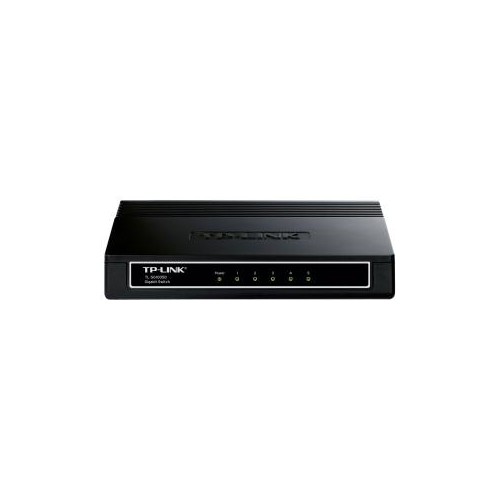
The physical design of a 5-port switch matters when it will sit beside a monitor, tuck into an entertainment unit, or mount near a structured wiring panel. Plastic housings are lightweight and can suit a stationary desktop setup, while metal housings offer a sturdier exterior and can help transfer heat away from internal components. Case material alone does not determine reliability; ventilation, operating temperature, power supply quality, and placement also affect long-term performance. Many compact switches use a fanless design, making them well suited to bedrooms, quiet offices, and television areas where fan noise would be distracting. Port placement is worth considering alongside the case dimensions. Front-facing ports make connections easy to check and change, while rear-facing ports can keep cables less visible on a desk. Indicator lights help show whether a connection is active and, on some designs, its negotiated speed, although bright lights may be noticeable in a dark room. A small enclosure still needs space for Ethernet plugs, cable bends, and the power connector. Wall mounting requires a design that supports it and suitable mounting hardware; an ordinary desktop case should not be assumed to have mounting points. For most Gigabit connections, properly installed Cat5e or Cat6 cabling is suitable, with standard copper Ethernet runs generally limited to 100 metres between active devices. Intact connector clips, clearly labelled cables, and gentle bends make a compact installation easier to maintain. Care is usually limited to keeping the casing and ventilation openings free of dust, following the manufacturer’s cleaning instructions, and keeping liquids away from the unit and power supply. Avoid covering the switch with papers or placing it against equipment that gives off substantial heat. Five ports work well for a small cluster of devices, but the router connection counts towards that total, so future additions deserve some thought. Larger offices, extensive camera installations, or wiring panels serving many rooms may call for a different scale of equipment, including 48 Port Switches. For a modest home or office network, the appeal of a five-port design is its compact footprint and useful balance of connections, with speed, power features, and housing matched to the space it serves.
Top selling and popular products
-
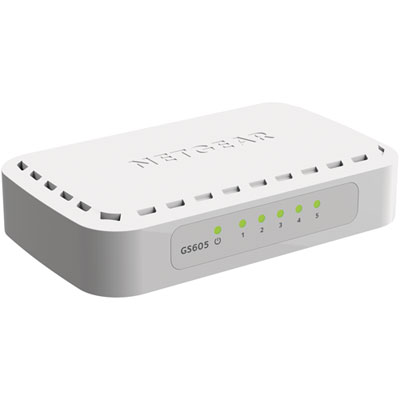 Your price for this item is $34.99
-
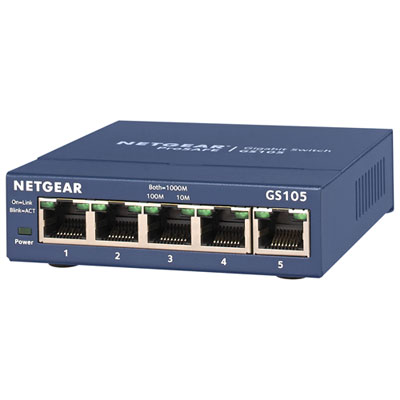 Your price for this item is $54.99
-
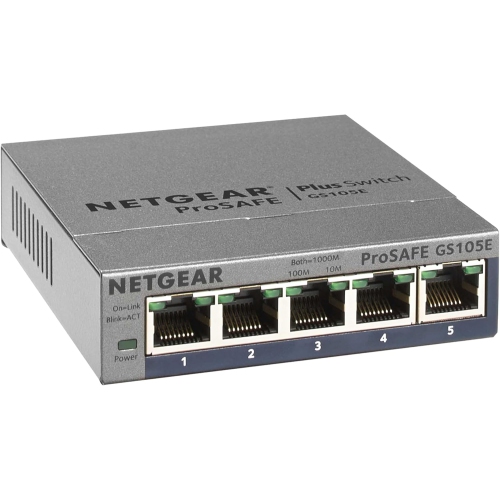 Your price for this item is $72.37
-
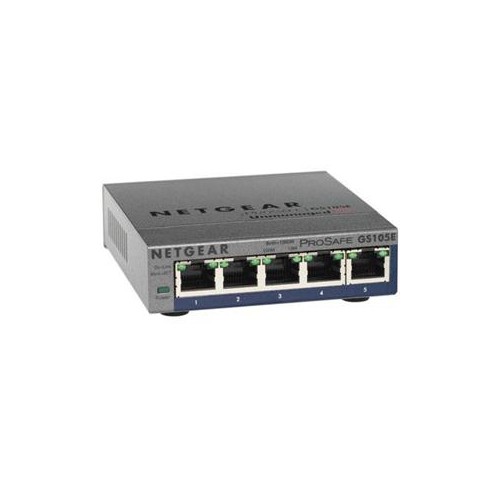 Your price for this item is $62.68
-
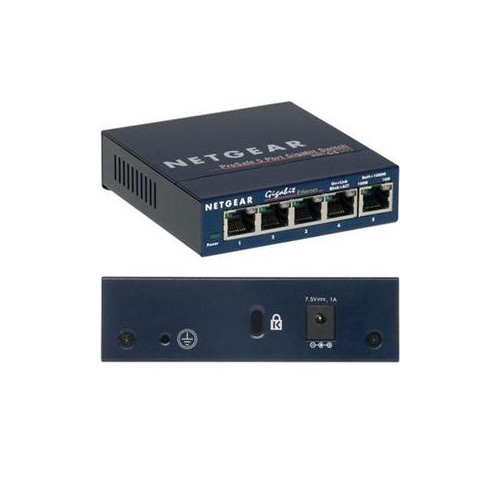 Your price for this item is $59.68
-
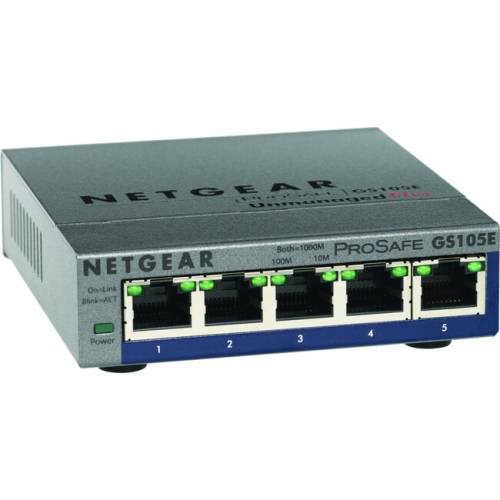 Your price for this item is $76.99
-
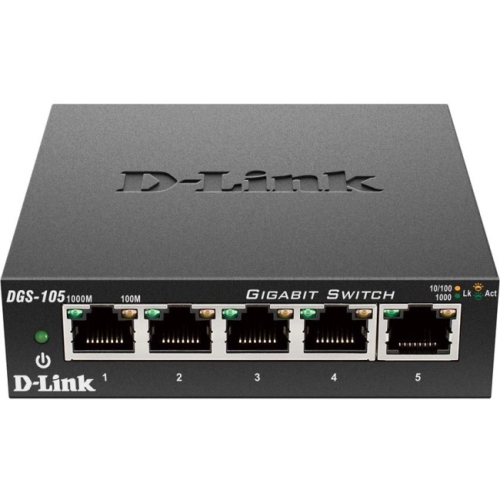 Your price for this item is $25.49
-
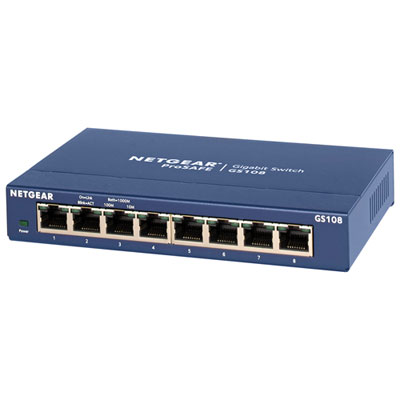 Your price for this item is $57.99
Discover more categories related to 5 Port Switches
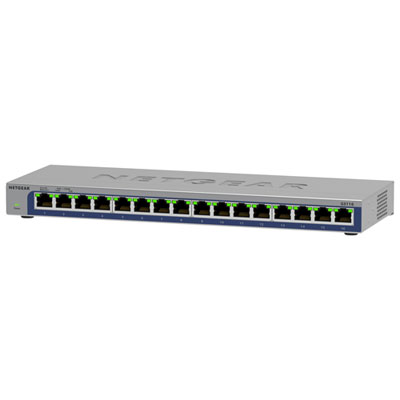
Top Collections:
Pokemon Centers, Kindle Devices, Best Cameras for Sports Photography, Pokémon 30th Celebration Cards, Apple iPhones 16, Canon G7X Cameras, iPhone 15 Apple, Flip Phones, Samsung Galaxy Phones, Alarm Clock
Some products may be subject to Environmental Handling Fees
(EHF) depending on your province.
Learn more about EHFs.