Wireless Docking Stations
Wireless Docking Station solutions offer a convenient way to streamline your workspace and enhance productivity. Designed for seamless connectivity, these versatile devices make it easy to connect multiple peripherals and devices without the hassle of tangled cords. Whether you're looking to expand your laptop's capabilities or create a clutter-free desk setup, a Wireless Docking Station provides the flexibility and efficiency that modern lifestyles demand. Explore a range of options to find the perfect fit for your home office, remote work setup, or professional environment.
Sort
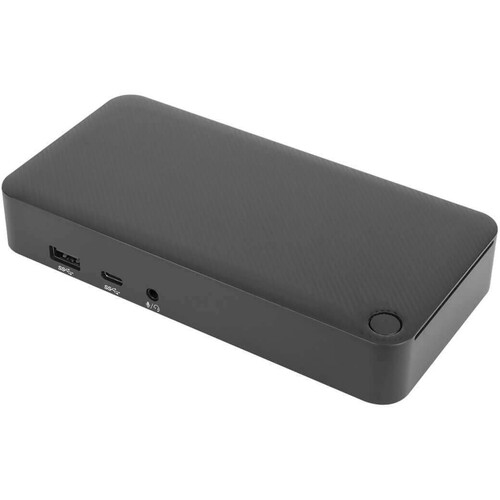
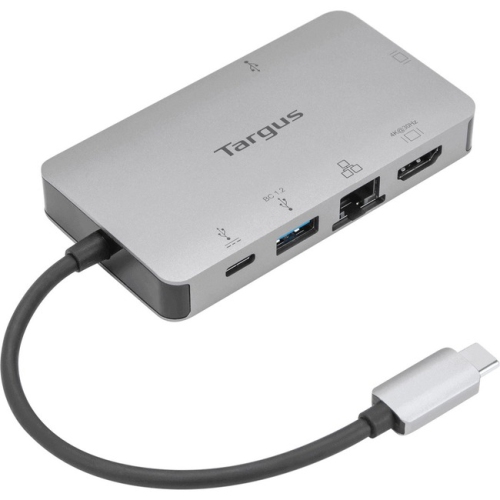
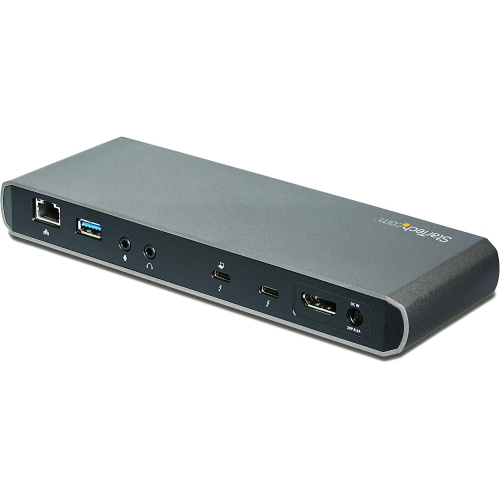
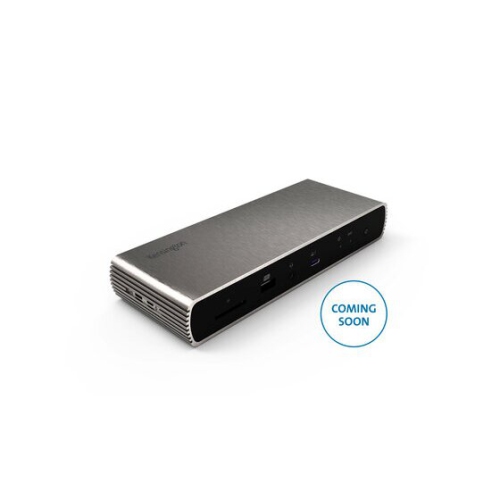
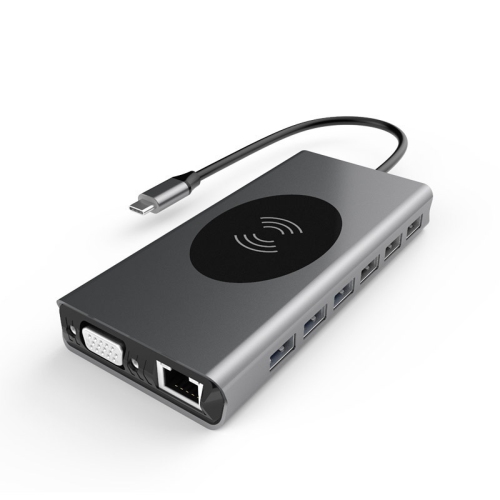
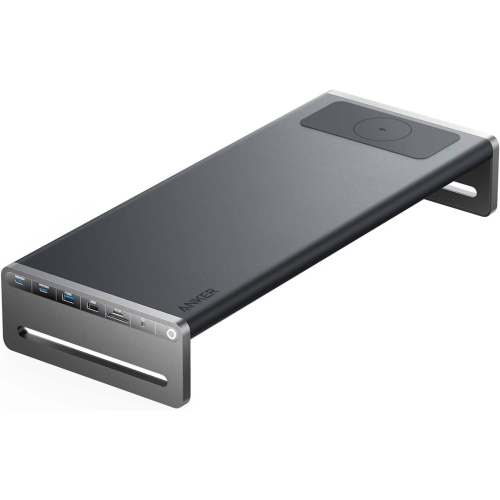
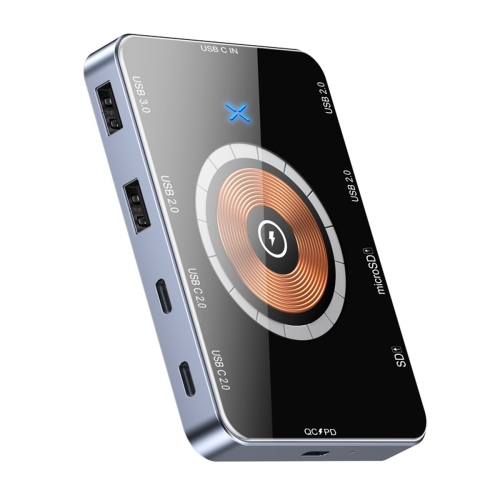
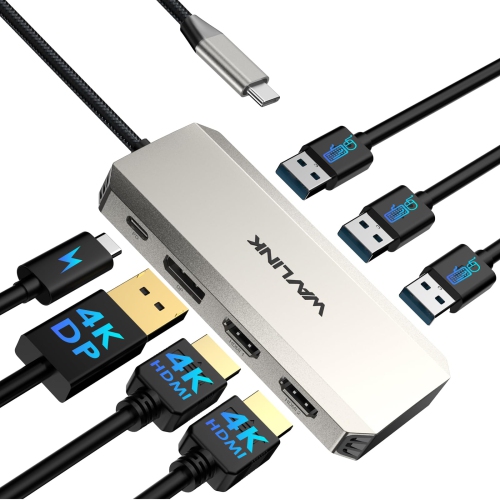
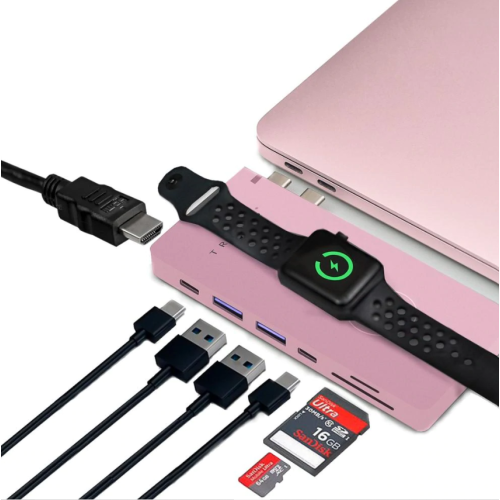
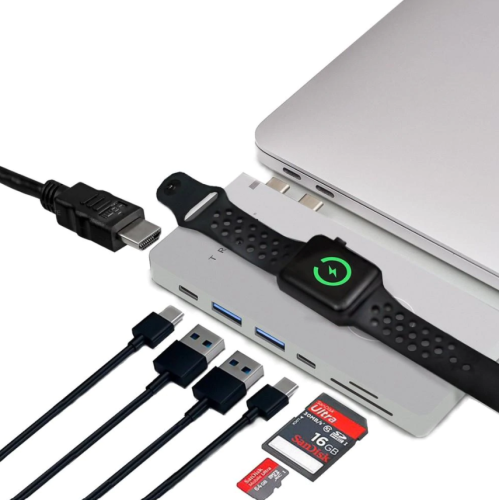
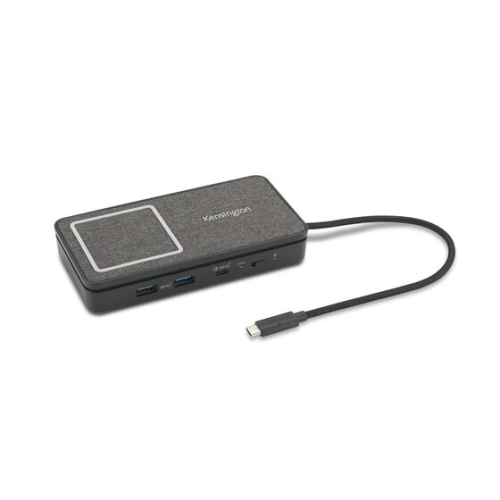
Seamless connections for flexible work and home setups
Wireless docking stations have quickly become an essential accessory in both professional and home environments, offering a seamless and clutter-free way to connect laptops with monitors, keyboards, mice, and other peripherals. As more people embrace flexible work arrangements—whether setting up a dedicated office at home, moving between meeting rooms, or hot-desking in a dynamic workplace—wireless docking technology delivers the flexibility to create a desktop-like experience without the need for multiple cables. Using advanced connection technologies such as Wi-Fi or WiGig, these stations allow for automatic, secure pairing between your laptop and your workstation the moment you arrive. This makes them a practical solution for anyone looking to streamline their workspace, reduce cable mess, and switch between locations with minimal setup time. As the weather warms and routines shift during the summer and fall, the convenience of a wireless docking station means you can easily transition from your home office to a patio, shared workspace, or even a cottage setup, all while keeping your devices connected and your workflow uninterrupted.
Choosing the right wireless docking station involves considering several factors to ensure it fits your specific needs. Compatibility is key—look for stations that support your laptop’s operating system and connection standards, whether you’re running Windows, macOS, or another platform. The number and type of ports matter as well; if you regularly use multiple monitors, external hard drives, or specialized peripherals, opt for a docking station that offers ample connectivity options. Audio and video performance can also vary, so those who rely on crisp displays or need the best noise free docking station for video calls and streaming will want to prioritize models with robust signal stability and minimal interference. Wireless docking stations make an excellent gift for students heading off to university, professionals upgrading their work-from-home setup, or anyone who appreciates a tidy, efficient workspace. The cable-free design is especially appealing for those who value mobility and want to avoid the hassle of plugging and unplugging devices throughout the day. For those with more compact needs or who are frequently on the go, consider exploring Mini Docking Stations for even greater portability.
Wireless docking stations are not to be confused with wireless charging pads, which are designed solely to power up devices like smartphones and headphones. Instead, these stations act as a central hub, connecting your laptop wirelessly to monitors, printers, external storage, and network resources, making them indispensable for multitaskers and those working with large files or creative applications. With the right setup, you can walk into your workspace and instantly access all your devices without fumbling for cables or adapters. This level of convenience is especially valuable during busier seasons, when schedules are packed with meetings, travel, or family activities. Whether you’re upgrading your own technology or searching for a thoughtful gift, a wireless docking station offers a blend of practicality, innovation, and simplicity that enhances productivity and keeps your workspace looking clean and modern.
Choosing the right wireless docking station involves considering several factors to ensure it fits your specific needs. Compatibility is key—look for stations that support your laptop’s operating system and connection standards, whether you’re running Windows, macOS, or another platform. The number and type of ports matter as well; if you regularly use multiple monitors, external hard drives, or specialized peripherals, opt for a docking station that offers ample connectivity options. Audio and video performance can also vary, so those who rely on crisp displays or need the best noise free docking station for video calls and streaming will want to prioritize models with robust signal stability and minimal interference. Wireless docking stations make an excellent gift for students heading off to university, professionals upgrading their work-from-home setup, or anyone who appreciates a tidy, efficient workspace. The cable-free design is especially appealing for those who value mobility and want to avoid the hassle of plugging and unplugging devices throughout the day. For those with more compact needs or who are frequently on the go, consider exploring Mini Docking Stations for even greater portability.
Wireless docking stations are not to be confused with wireless charging pads, which are designed solely to power up devices like smartphones and headphones. Instead, these stations act as a central hub, connecting your laptop wirelessly to monitors, printers, external storage, and network resources, making them indispensable for multitaskers and those working with large files or creative applications. With the right setup, you can walk into your workspace and instantly access all your devices without fumbling for cables or adapters. This level of convenience is especially valuable during busier seasons, when schedules are packed with meetings, travel, or family activities. Whether you’re upgrading your own technology or searching for a thoughtful gift, a wireless docking station offers a blend of practicality, innovation, and simplicity that enhances productivity and keeps your workspace looking clean and modern.
Top selling and popular products
-
 Your price for this item is $149.99
 -
 Your price for this item is $69.99
 -
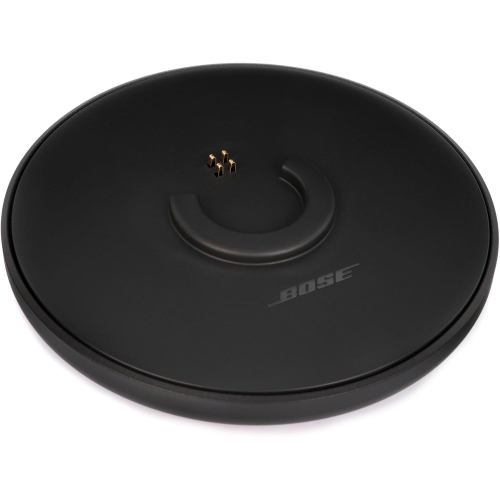 Your price for this item is $35
 -
 Your price for this item is $59.99
 -
 Your price for this item is $179.99
 -
 Your price for this item is $209.99
 -
 Your price for this item is $89.99
 -
 Your price for this item is $154.99
Discover more categories related to Wireless Docking Stations
Top Collections:
Pokemon Centers, Kindle Devices, Best Budget Office Chairs, Apple iPhones 16, Best Laptops for Writers, iPhone 15 Apple, Canon G7X Cameras, Refurbished Apple Laptops, Alarm Clock, Motorola Razr Phones
Some products may be subject to Environmental Handling Fees
(EHF) depending on your province.
Learn more about EHFs.