Epson All In One Printers
Find the perfect solution for your home office or workspace with an Epson all in one printer. Designed to handle a variety of tasks, these versatile printers can help streamline your daily printing, scanning, and copying needs. Whether you're preparing documents for work, school projects, or personal use, an Epson all in one printer offers reliable performance and convenience. Explore a range of options to suit different requirements and enjoy seamless functionality for every task.
Sort
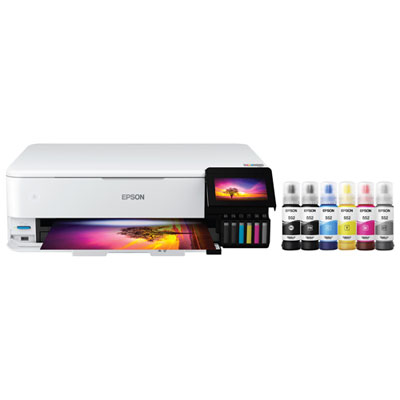
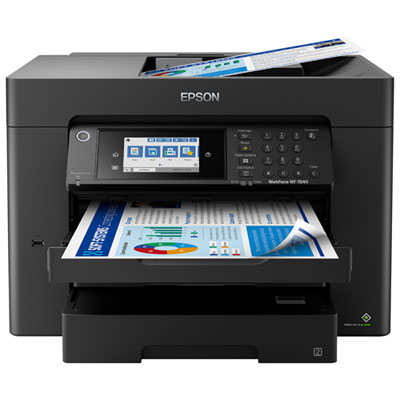
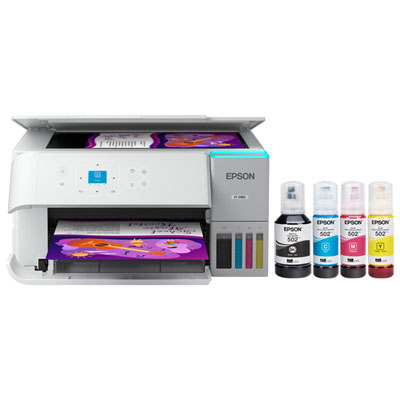
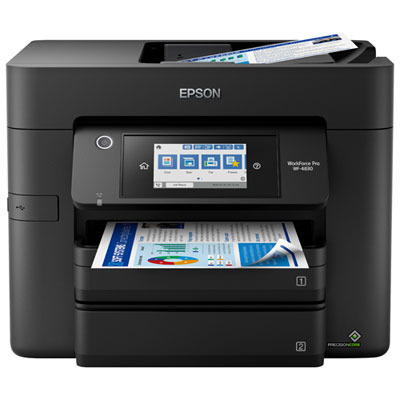
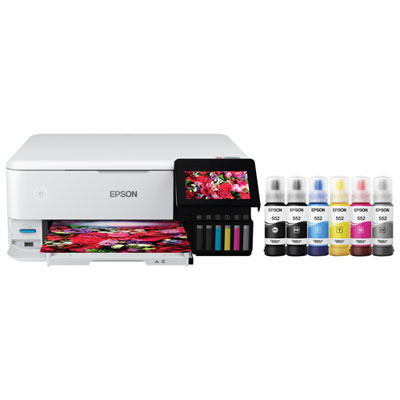
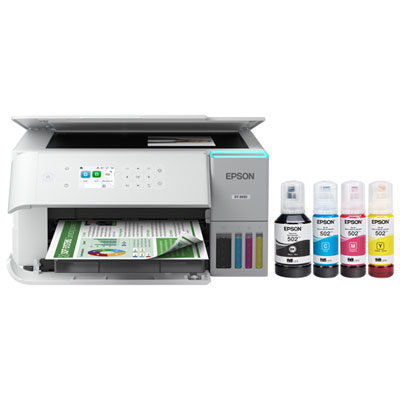
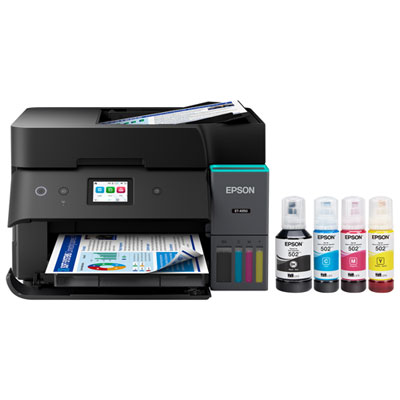

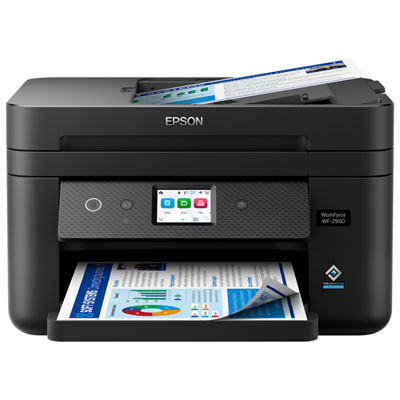
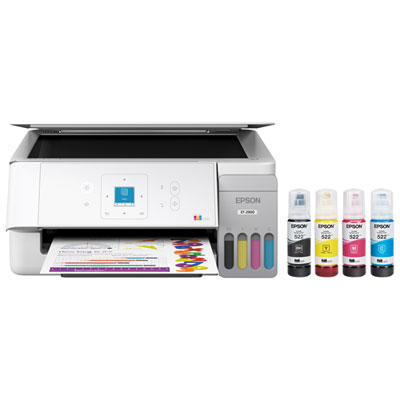
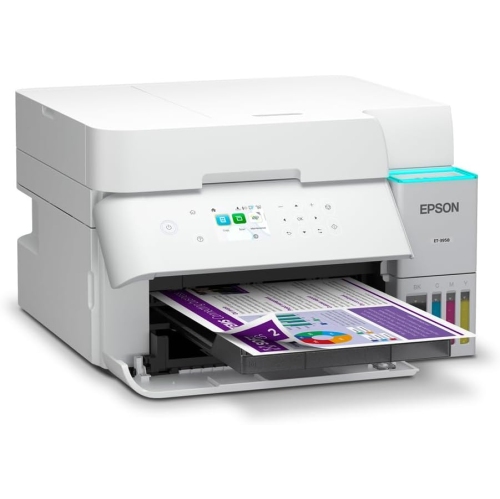
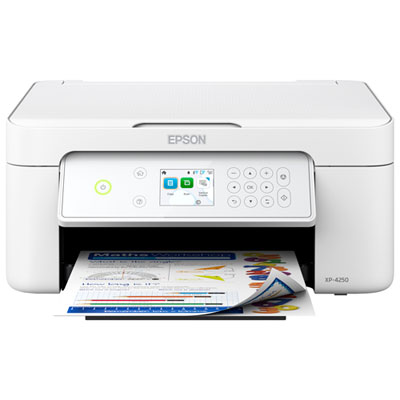
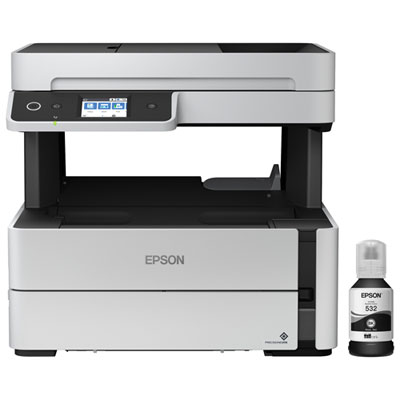
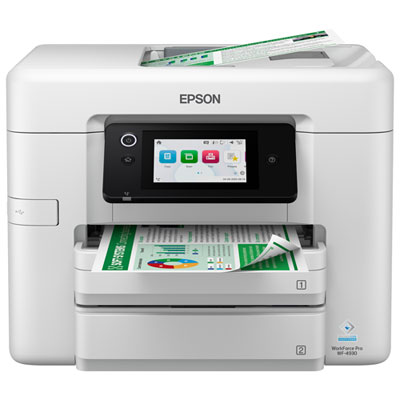
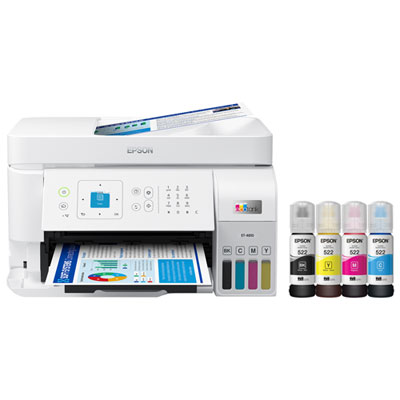
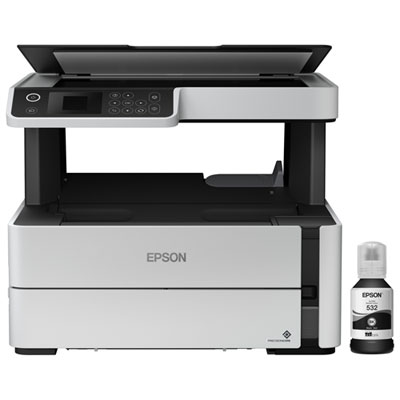
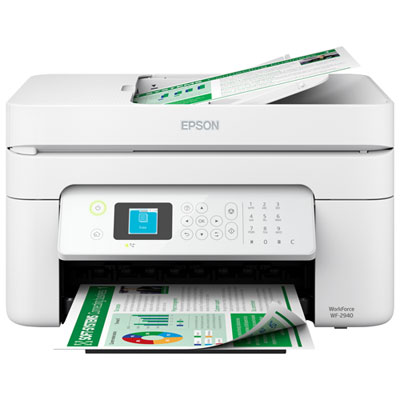
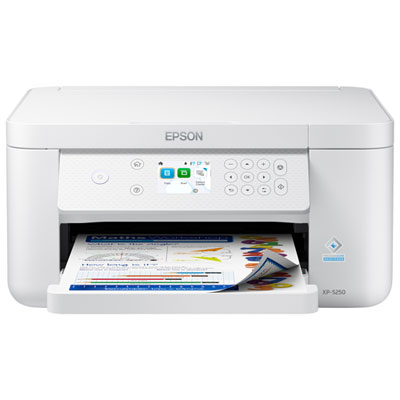
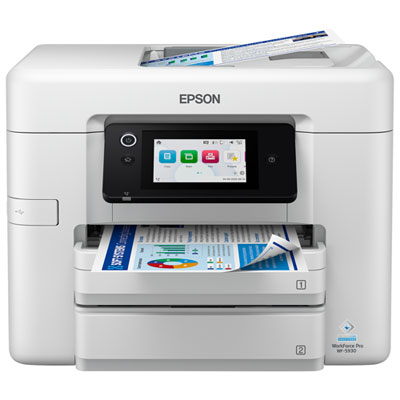
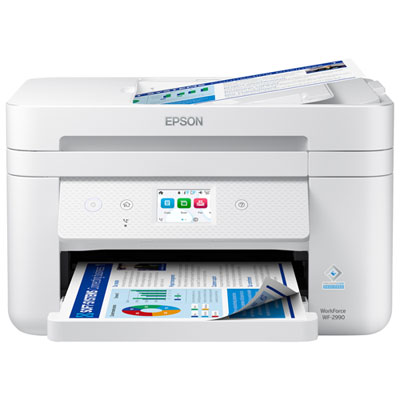
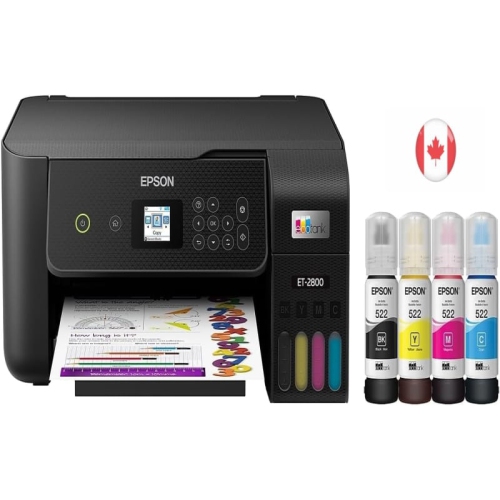
What everyday paperwork and photos need from a printer
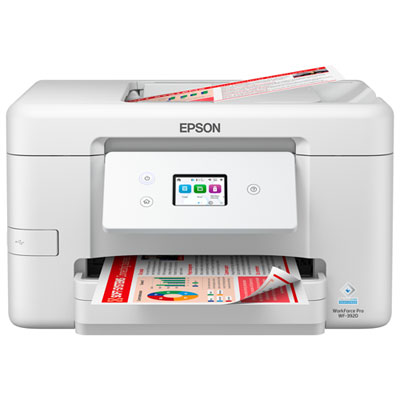
All-in-one inkjet printers combine printing, scanning, and copying in a single machine, with faxing included on some models. That combination suits homes where a printer handles everything from school assignments and return labels to signed forms and family photographs. It also gives a home office a central place for preparing meeting notes, copying receipts, and turning paper records into digital files. The most useful configuration depends on the work passing through it: occasional household documents call for different capabilities than a steady stream of reports, colour presentations, or detailed images. A flatbed scanner accommodates individual sheets and bound pages that can rest safely on the glass, while an automatic document feeder makes multipage paperwork less hands-on. These are distinct features, and a feeder does not necessarily scan both sides of a page automatically. Likewise, automatic two-sided printing applies to printed output rather than scanning or copying unless those functions are expressly supported. Paper handling makes a noticeable difference in everyday use. An enclosed paper cassette keeps a stack neatly contained, while a rear feed can provide a separate path for supported photo paper, envelopes, or specialty media. Some machines accommodate larger sheets for layouts, charts, and creative projects, but maximum print size and maximum scan size can differ. Physical fit matters as much as the footprint listed in the specifications. A printer needs space for its output tray, room above the scanner lid, and access to any rear feed or maintenance panels. On a shared desk, a compact body can leave more space for a laptop and writing area; on a dedicated cabinet, larger paper capacity may be more useful. The cabinet itself should be stable and able to support the machine securely. Keeping frequently used controls and the paper tray within easy reach helps make repeated tasks comfortable, particularly when several people share the same workspace.
Print quality involves more than a resolution figure. Text documents benefit from sharp character edges and clear small print, while colour charts need readable labels and well-separated shades. Photographs place different demands on a printer, including smooth gradients, natural skin tones, and detail in both bright and dark areas. Ink formulation, paper finish, print settings, and the original image all influence the result. Plain paper is suited to everyday documents, while compatible coated photo paper is designed to handle ink differently and can produce a more polished image. Glossy finishes emphasize contrast and vivid colour; matte finishes reduce reflections and offer a softer appearance. Borderless printing is useful for photographs and certain creative layouts, although supported dimensions and paper types vary by model. Cardstock, labels, and envelopes also need to fall within the machine’s stated media specifications, including thickness and feed requirements. Connectivity determines how easily those documents and images reach the printer. Wi-Fi can let several compatible computers and mobile devices share one machine without a separate cable for each device. Mobile printing may work through a supported app or an operating system’s built-in printing feature, while Wi-Fi Direct, where included, can connect a compatible device without routing the job through a wireless router. A USB connection remains useful for a nearby computer, and Ethernet on equipped models provides a wired connection to a local network. Support for particular operating systems, wireless bands, and mobile features varies, so compatibility matters when a household uses a mix of devices. Scanning options deserve similar attention. A clear scan of a signed permission form has different requirements from a detailed copy of an old photograph. Adjustable resolution, colour settings, and file formats help match the result to its purpose. Searchable documents require compatible text-recognition software or services; scanning alone does not automatically make the words editable. For repeated office tasks, a readable display and straightforward controls can make copying, checking settings, and clearing routine messages less cumbersome.
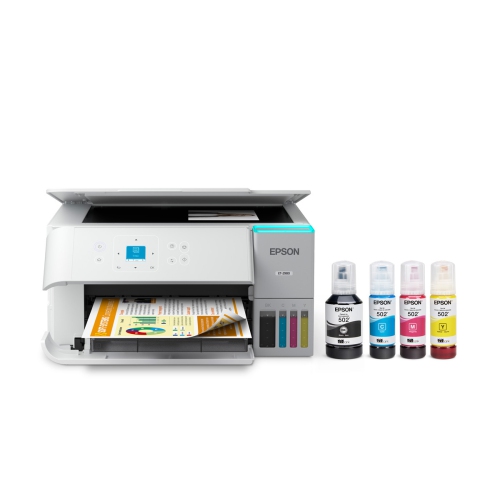
Ink systems are another important distinction among all-in-one printers. Cartridge-based designs use replaceable ink cartridges, while refillable-tank designs store ink in built-in reservoirs filled from compatible bottles. Both require the correct ink for the machine, and the replacement process should follow the manufacturer’s directions. Separate colour supplies can allow one depleted colour to be replenished without replacing the others, though the arrangement varies. Households and home offices interested in refillable-tank designs can explore Epson ET Printers as a related printer range. How often a printer runs, how much colour appears on each page, and which quality settings are used all affect ink consumption. Published page yields are measured under defined test conditions and do not promise the same result for every mix of photographs, forms, and graphics. A dependable routine also includes basic care. Most desktop machines have moulded plastic housings, scanner glass, and internal rollers that benefit from careful handling rather than harsh cleaning. A soft cloth used as directed can remove dust from the exterior, while clean scanner glass helps prevent marks from appearing on copies and scans. Liquids should not be sprayed into openings, and internal parts should only be cleaned using approved procedures. Paper stored flat in a dry location is less likely to curl or feed unevenly; correctly positioned tray guides help keep sheets straight without squeezing them. For inkjet machines, regular use and the built-in maintenance functions can help address nozzle issues, but repeated cleaning cycles consume ink and should not replace troubleshooting a persistent problem. Following the prescribed shutdown process allows the printer to complete its normal parking routine. Durability also depends on matching the workload to the machine’s intended use. Recommended monthly print volume is a more practical measure of an ongoing workload than a maximum duty-cycle figure. With suitable paper handling, accessible supplies, and functions that reflect everyday tasks, an all-in-one printer can serve as a practical shared tool for studying, household administration, creative projects, and business paperwork.
Top selling and popular products
-
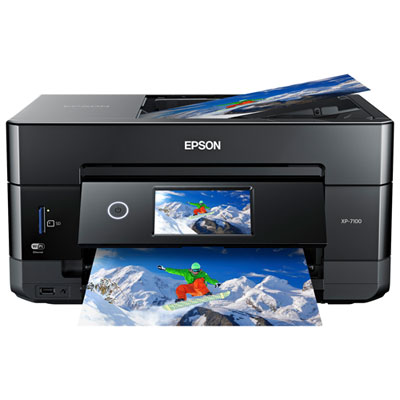 Your price for this item is $249.99
-
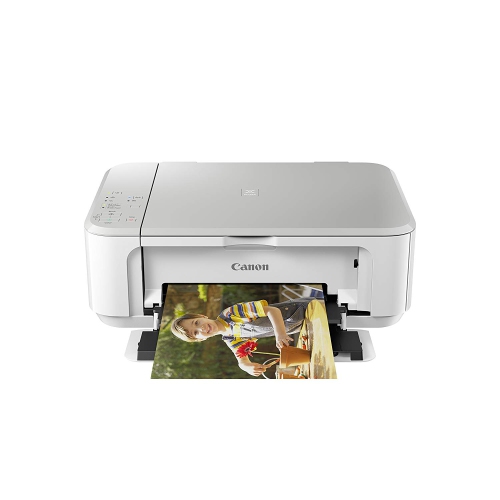 Your price for this item is $69.95
-
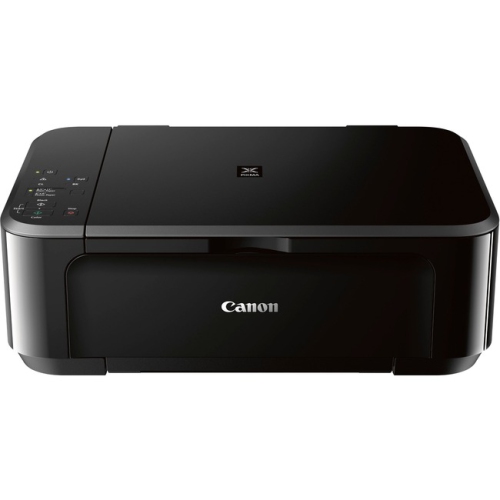 Your price for this item is $67.5
-
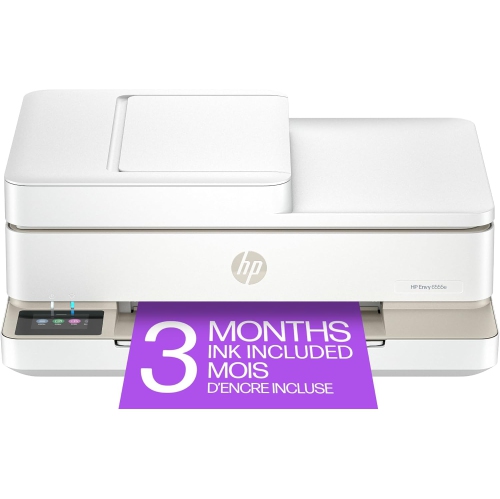 Your price for this item is $214.79
-
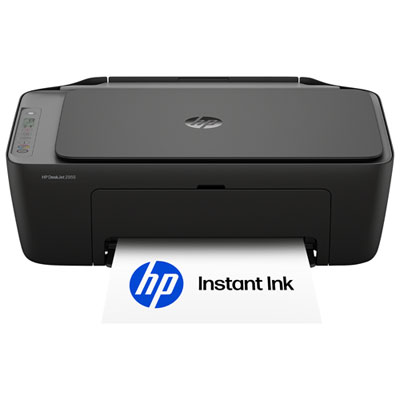 Your price for this item is $99.99
-
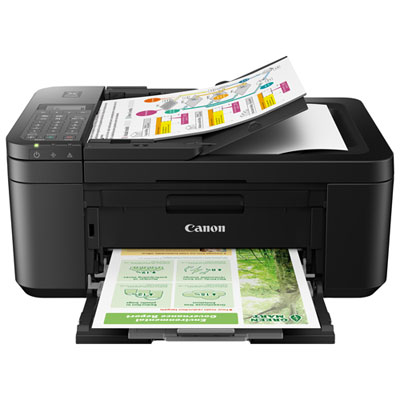 Your price for this item is $149.99
-
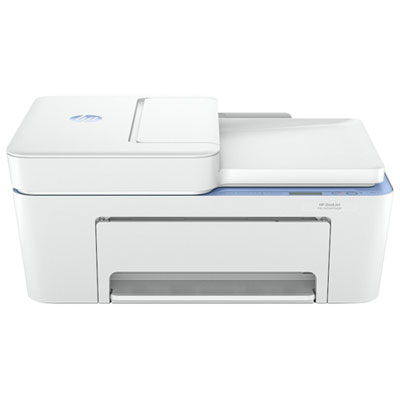 Your price for this item is $49.99
-
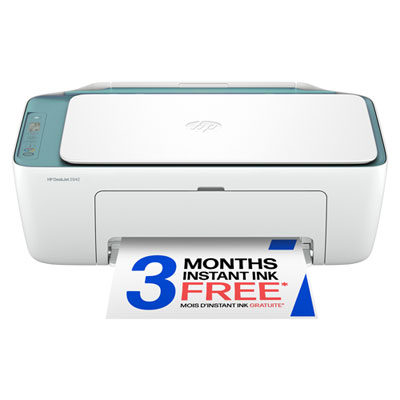 Your price for this item is $49.99
Discover more categories related to Epson All In One Printers
Top Collections:
Best Black Friday Deals This Year, Best Black Friday Deals On Electronics, Kindle Devices, Pokemon Centers, Best Black Friday Deals On Apple Products, Best Cameras for Sports Photography, Dyson Airwrap, Pokémon 30th Celebration Cards, Apple iPhone 17 Pro, Canon G7X Cameras
Some products may be subject to Environmental Handling Fees
(EHF) depending on your province.
Learn more about EHFs.