Ethernet Adapters for 2-In-1 Laptop
Upgrade your connectivity with an ethernet adapter for 2-in-1 laptop to enjoy reliable wired network access wherever you work or play. Perfect for users who need a stable internet connection, these adapters are designed to easily connect your versatile device to high-speed networks. Whether you're streaming, video conferencing, or transferring large files, an ethernet adapter for 2-in-1 laptop helps ensure smooth and efficient performance. Explore a variety of options to find the right fit for your needs and maximize your productivity on the go.
Sort
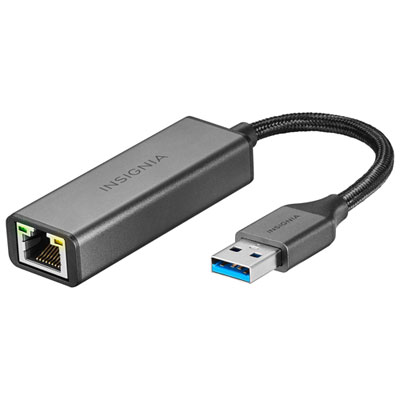
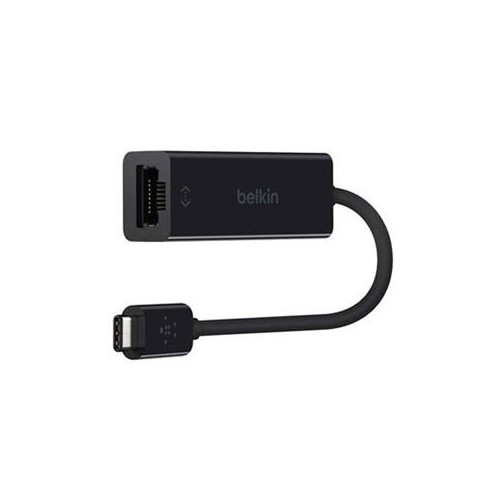
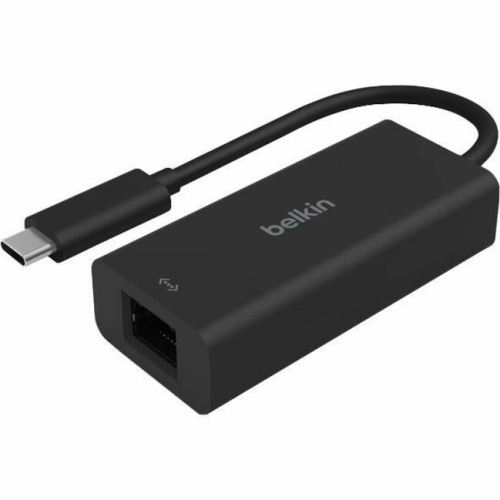
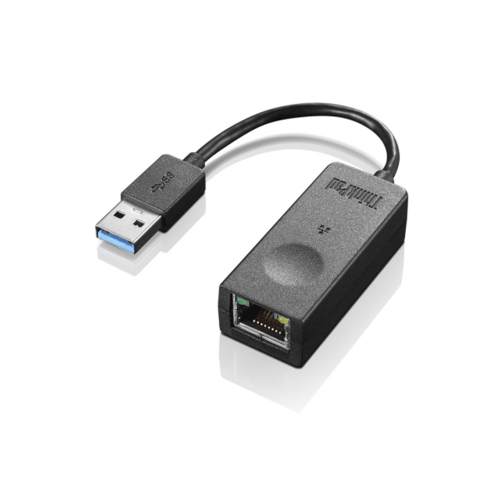
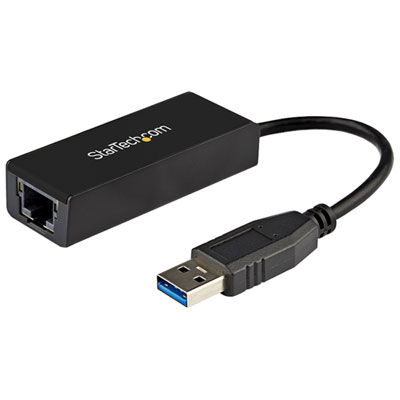
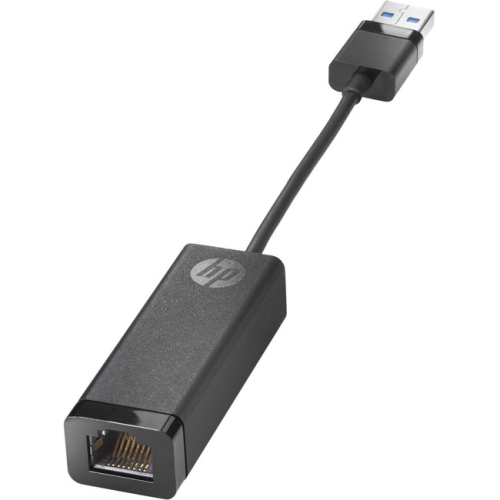
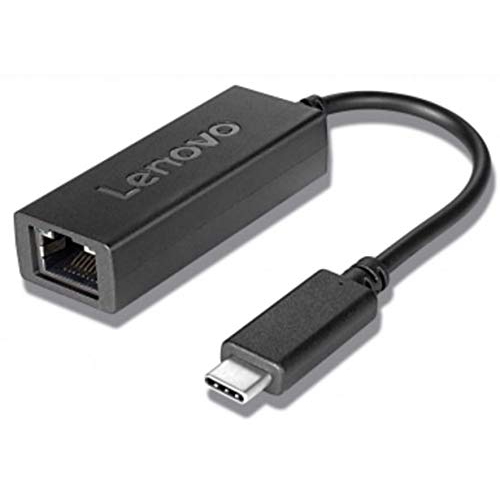
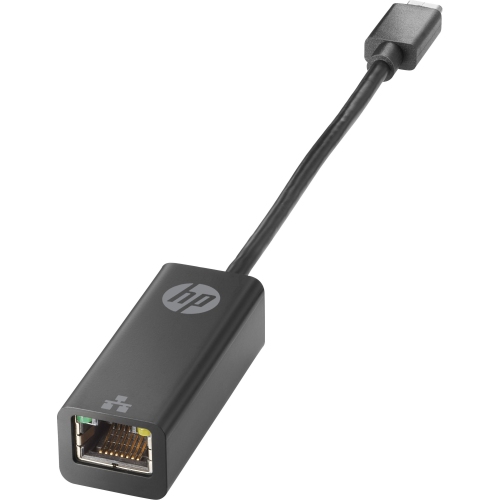

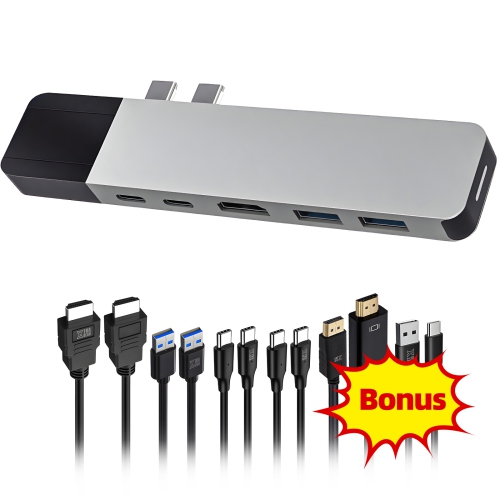
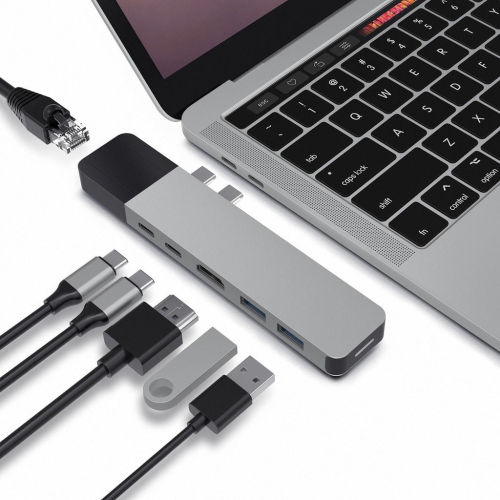
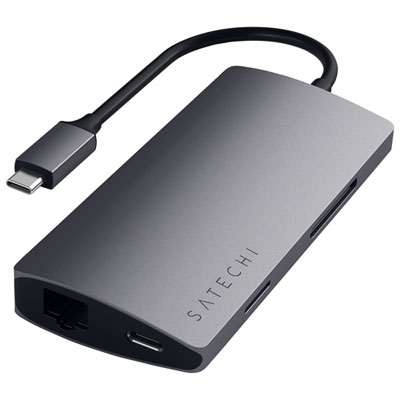
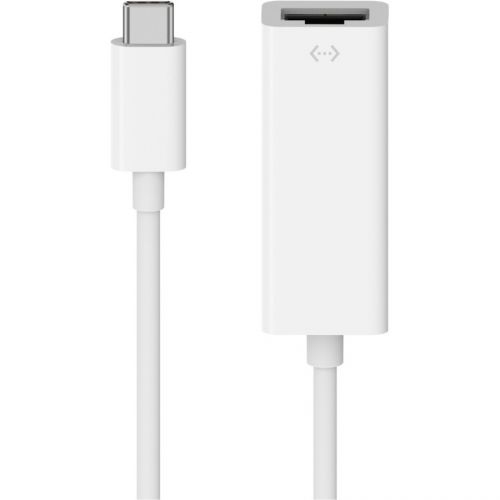

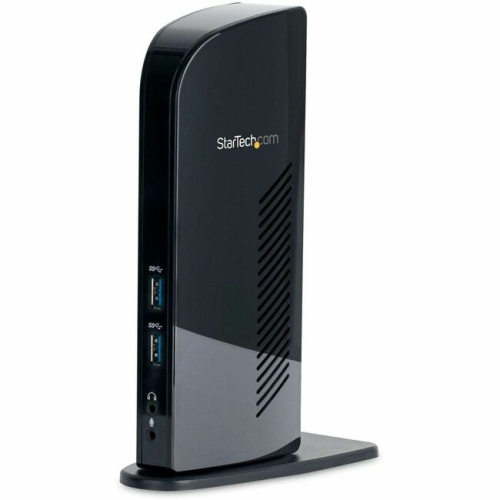
A dependable wired connection for work, study and travel
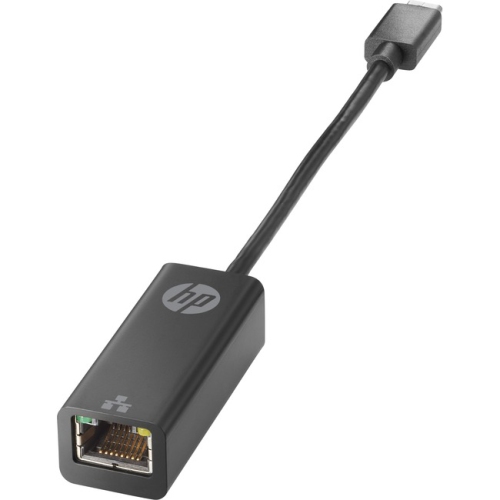
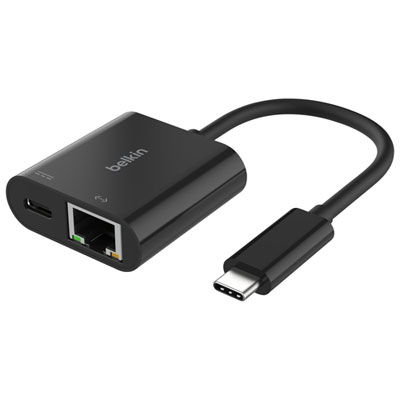
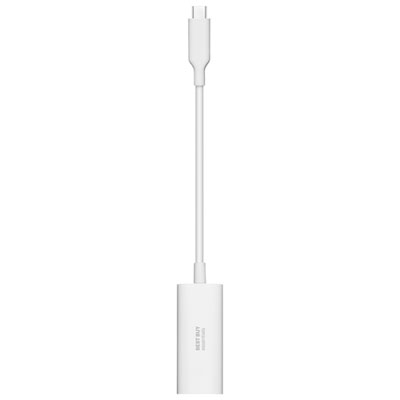
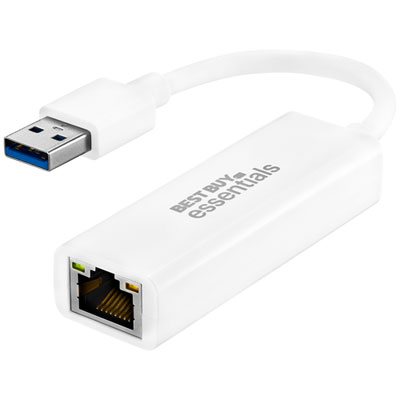
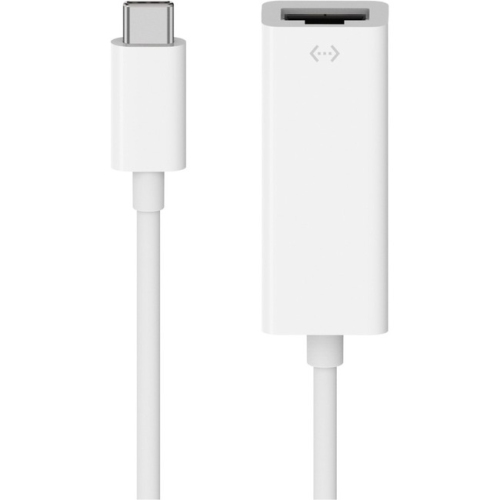
Ethernet adapters for 2-in-1 laptops provide a simple way to connect a convertible computer to a wired network when the device does not include a built-in Ethernet port. Many slim 2-in-1 laptops are designed around wireless connectivity and compact USB ports, making an external adapter useful at home, in the office, in a classroom or while travelling. A wired connection can offer dependable performance for video meetings, cloud-based work, online learning, large downloads, streaming and other activities that benefit from a steady link. Instead of relying on a wireless signal that may weaken across rooms or become crowded in a busy household, an Ethernet adapter connects the laptop directly to a router, modem or network switch with a compatible Ethernet cable. For a complete setup, browse Ethernet Cables for Laptop in a suitable length for the space between the 2-in-1 laptop and the network equipment. These adapters are generally small enough to keep in a laptop sleeve, desk drawer or travel pouch, and many are designed to work as plug-and-play accessories on supported operating systems. That makes them especially practical for people who move between tablet and laptop modes throughout the day, as well as anyone who wants a reliable wired option without replacing their computer.
The first consideration is the connector that plugs into the 2-in-1 laptop. USB-C is common on newer models and may be reversible, which makes it convenient to connect without checking the orientation. USB-A remains widely used on older laptops, docking stations and other computer accessories. A dual-connector or interchangeable design can offer broader compatibility, particularly in households where more than one person uses the adapter or where a laptop is upgraded in the future. Before choosing, check the ports on the specific 2-in-1 laptop and confirm that the adapter supports its operating system. Some models install automatically through built-in drivers, while others may require a driver download or a brief setup process. It is also worth checking whether the laptop’s USB-C port supports data transfer; not every USB-C-shaped port offers identical functions. Speed is another important detail. Gigabit Ethernet supports wired network speeds of up to 1,000 Mbps under suitable conditions, while 2.5 Gigabit Ethernet adapters can support up to 2,500 Mbps when the laptop, router, network switch and internet service are all compatible. A faster adapter will not increase a slower internet plan, but it can be useful for high-speed home networks, moving large files between computers or accessing network storage. For everyday browsing, email and standard office work, a Gigabit adapter may provide all the performance needed. For demanding transfers and newer networking equipment, a 2.5 Gigabit option can provide additional headroom.
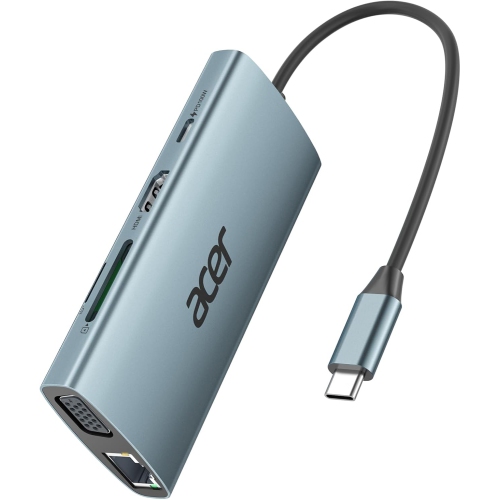
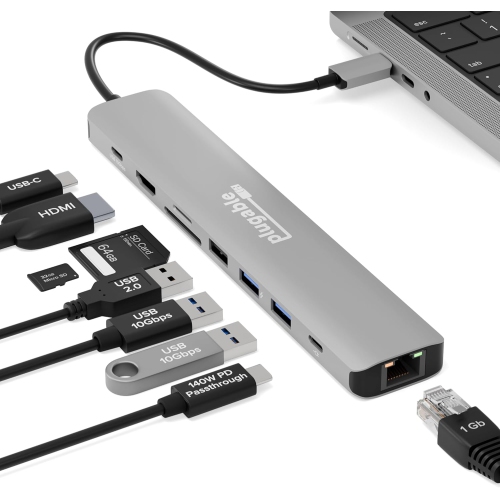
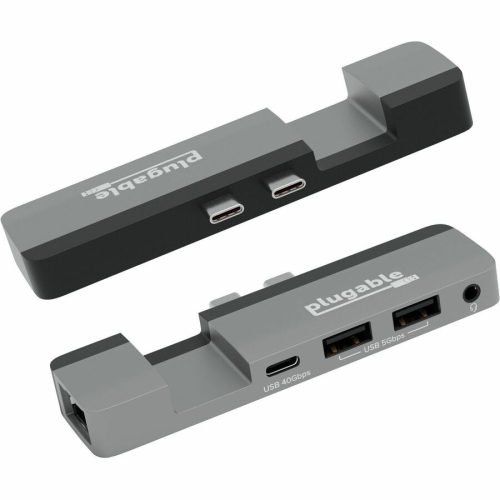
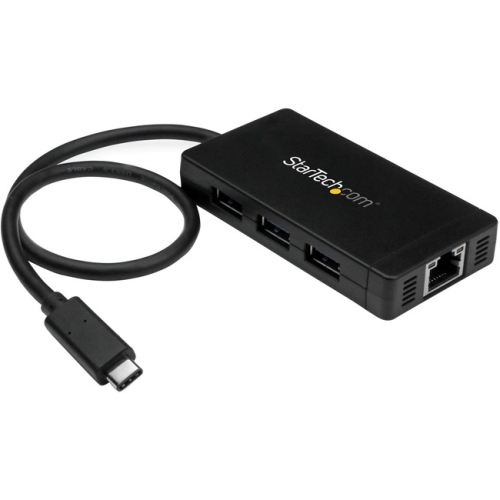
Physical design matters when an adapter is used with a portable 2-in-1 laptop. A short, flexible cable between the connector and the Ethernet port can help reduce strain on the laptop’s USB port, especially when the computer is placed on a desk beside a router. A compact dongle can be convenient for occasional use, while a slightly more substantial housing may be preferable for frequent travel or regular connection and disconnection. Look for a sturdy enclosure, secure connector and clear indicator lights if it is helpful to see network activity at a glance. An adapter with a USB-C connector may occupy the only available USB-C port on a laptop, so it is important to consider how other accessories will be used. If the 2-in-1 laptop is often connected to a charger, external display, mouse or storage drive, a multiport hub with Ethernet may be more suitable than a single-purpose adapter. However, a dedicated Ethernet adapter is usually easier to pack and may be the better fit when a wired connection is only needed occasionally. Some USB-C hubs also support power delivery, allowing the laptop to charge while connected to Ethernet and other peripherals, but charging capacity and port support can vary. Confirm the specifications before relying on this arrangement for a workday or study session. When connecting, insert the adapter into the appropriate USB port, attach an Ethernet cable to the network port and allow the laptop to detect the wired connection. If the connection does not appear, checking the driver, restarting the network settings or trying another cable can often identify the issue.
These accessories are useful for remote workers who need a consistent connection for meetings, students attending online classes, travellers staying in hotels with wired internet and families setting up a temporary workstation in a room with a weak wireless signal. They can also be a thoughtful practical gift for someone starting school, moving into a home office or using a compact 2-in-1 laptop as their main computer. A small adapter takes little room in a backpack and can provide reassurance when wireless service is unreliable, particularly during travel or in shared buildings where many devices compete for bandwidth. During the warmer months, it can support a portable workstation at a cottage or vacation property where the router is located away from the most comfortable place to work; during the cooler months, it can help create a dependable indoor study or work setup without adding bulky equipment. For the best match, consider the laptop’s USB connector, operating system, available ports, required network speed and how often the adapter will be carried. Choosing an Ethernet adapter that aligns with those details helps a 2-in-1 laptop stay flexible in tablet mode while still offering the stability and performance of a wired network when it matters.
The first consideration is the connector that plugs into the 2-in-1 laptop. USB-C is common on newer models and may be reversible, which makes it convenient to connect without checking the orientation. USB-A remains widely used on older laptops, docking stations and other computer accessories. A dual-connector or interchangeable design can offer broader compatibility, particularly in households where more than one person uses the adapter or where a laptop is upgraded in the future. Before choosing, check the ports on the specific 2-in-1 laptop and confirm that the adapter supports its operating system. Some models install automatically through built-in drivers, while others may require a driver download or a brief setup process. It is also worth checking whether the laptop’s USB-C port supports data transfer; not every USB-C-shaped port offers identical functions. Speed is another important detail. Gigabit Ethernet supports wired network speeds of up to 1,000 Mbps under suitable conditions, while 2.5 Gigabit Ethernet adapters can support up to 2,500 Mbps when the laptop, router, network switch and internet service are all compatible. A faster adapter will not increase a slower internet plan, but it can be useful for high-speed home networks, moving large files between computers or accessing network storage. For everyday browsing, email and standard office work, a Gigabit adapter may provide all the performance needed. For demanding transfers and newer networking equipment, a 2.5 Gigabit option can provide additional headroom.
Physical design matters when an adapter is used with a portable 2-in-1 laptop. A short, flexible cable between the connector and the Ethernet port can help reduce strain on the laptop’s USB port, especially when the computer is placed on a desk beside a router. A compact dongle can be convenient for occasional use, while a slightly more substantial housing may be preferable for frequent travel or regular connection and disconnection. Look for a sturdy enclosure, secure connector and clear indicator lights if it is helpful to see network activity at a glance. An adapter with a USB-C connector may occupy the only available USB-C port on a laptop, so it is important to consider how other accessories will be used. If the 2-in-1 laptop is often connected to a charger, external display, mouse or storage drive, a multiport hub with Ethernet may be more suitable than a single-purpose adapter. However, a dedicated Ethernet adapter is usually easier to pack and may be the better fit when a wired connection is only needed occasionally. Some USB-C hubs also support power delivery, allowing the laptop to charge while connected to Ethernet and other peripherals, but charging capacity and port support can vary. Confirm the specifications before relying on this arrangement for a workday or study session. When connecting, insert the adapter into the appropriate USB port, attach an Ethernet cable to the network port and allow the laptop to detect the wired connection. If the connection does not appear, checking the driver, restarting the network settings or trying another cable can often identify the issue.
These accessories are useful for remote workers who need a consistent connection for meetings, students attending online classes, travellers staying in hotels with wired internet and families setting up a temporary workstation in a room with a weak wireless signal. They can also be a thoughtful practical gift for someone starting school, moving into a home office or using a compact 2-in-1 laptop as their main computer. A small adapter takes little room in a backpack and can provide reassurance when wireless service is unreliable, particularly during travel or in shared buildings where many devices compete for bandwidth. During the warmer months, it can support a portable workstation at a cottage or vacation property where the router is located away from the most comfortable place to work; during the cooler months, it can help create a dependable indoor study or work setup without adding bulky equipment. For the best match, consider the laptop’s USB connector, operating system, available ports, required network speed and how often the adapter will be carried. Choosing an Ethernet adapter that aligns with those details helps a 2-in-1 laptop stay flexible in tablet mode while still offering the stability and performance of a wired network when it matters.
Top selling and popular products
-
 Your price for this item is $49.99
 -
 Your price for this item is $65.99
 -
 Your price for this item is $19.98
 -
 Your price for this item is $29.99
 -
 Your price for this item is $99.99
 -
 Your price for this item is $79.99
 -
 Your price for this item is $19.99
 -
 Your price for this item is $104.99
Discover more categories related to Ethernet Adapters for 2-In-1 Laptop
Top Collections:
Pokemon Centers, Kindle Devices, Best Budget Office Chairs, Apple iPhones 16, Best Laptops for Writers, iPhone 15 Apple, Canon G7X Cameras, Refurbished Apple Laptops, Alarm Clock, Motorola Razr Phones
Some products may be subject to Environmental Handling Fees
(EHF) depending on your province.
Learn more about EHFs.