Printer Ethernet Adapters
Printer Ethernet Adapter solutions make it easy to connect your printer to a wired network for reliable and efficient performance. Whether setting up a home office or streamlining workflows in a business environment, these adapters offer a straightforward way to enhance connectivity. With Printer Ethernet Adapter options available for a range of printer models, you can enjoy seamless integration into your existing setup and ensure smooth printing from multiple devices across your network. Find the right adapter to keep your printing tasks running smoothly and efficiently.
Sort

Shared printing without leaving a desktop computer on
Printer Ethernet adapters connect compatible printers to a wired local area network (LAN), usually through a print server that bridges a printer’s USB or parallel connection to Ethernet. This lets supported computers send print jobs across the network rather than connecting directly to the printer with a USB cable. A dedicated print server handles the network connection, so sharing does not depend on a separate desktop computer remaining switched on. For a home office, that can mean placing a shared printer beside a filing cabinet instead of beside a laptop. In a small workplace, it can give several desks access to a central printer for invoices, shipping documents, forms, and reports. The printer still needs to be switched on, and the adapter or print server needs any power source specified for it. Computers connected through Wi-Fi may also reach the printer when their wireless connection and the printer’s wired connection belong to the same permitted local network. This makes wired printer sharing useful even when not every computer has an Ethernet socket. The important distinction is that an Ethernet connection provides a route for print data; it does not automatically make every printer compatible with every computer. Printer support, software requirements, and network printing features all matter. A printer with a built-in Ethernet port may already have the necessary network hardware, while a USB-only printer generally needs a compatible print server rather than a passive cable. Parallel-connected printers require hardware designed for their particular interface. These differences explain why printer Ethernet adapters can look similar yet serve different purposes. The most suitable type matches both the printer’s connection and the way documents are sent, whether that means occasional household printing, shared administrative work, or a dedicated workstation that produces the same forms throughout the day. A clearly documented compatibility list is often more useful than a familiar-looking connector alone.
Compatibility starts with the printer’s exact connection type, but it also includes how the printer processes a job. A USB printer normally acts as a peripheral, while a USB print server supplies the host functionality needed to communicate with it. A conventional USB-to-Ethernet adapter intended to give a computer a network port does not usually provide that printer-hosting function. The broader selection of Ethernet Adapters includes computer-networking accessories, so the intended role of an adapter matters as much as its plugs and sockets. An RJ45 Ethernet port identifies a common physical network connection, not a guarantee of printer support. Some print servers work with standard network printing protocols; others require a setup utility or additional software on each computer. Support for the computer’s operating system and the printer’s required drivers is therefore worth checking together. Printers that depend heavily on computer-side processing may have more restrictive compatibility than models with their own supported print languages. Multifunction printers need particular attention because successful printing does not necessarily mean that scanning, faxing, ink-level reporting, or maintenance tools will work through the same connection. A shared device used mainly for paperwork may suit print-only access, while a household that regularly scans signed forms may need broader functionality. Two-way communication can also affect whether a computer receives paper-out warnings or other status messages. With older parallel printers, connector style and supported communication modes deserve the same care as software compatibility. For offices with several computers, the number of supported printers, simultaneous connections, and available configuration options can affect daily use. Network speed ratings should be considered in context: a faster Ethernet link does not make the printer’s paper feed, image processing, or print engine run faster. Large graphics files may benefit from an efficient connection, but dependable driver support and accurate job handling are often more noticeable than a higher headline network speed.
Physical fit and everyday durability matter once the technical requirements are clear. Compact plastic housings are common for light desktop use, while some print servers use metal enclosures that may better suit fixed installations or busier work areas. Enclosure material alone does not establish durability; secure sockets, sound cable support, suitable ventilation, and the manufacturer’s operating specifications also contribute. A short cable can reduce clutter beside a printer, but it still needs enough slack to open an access panel, pull out a paper tray, or move the machine for maintenance without tugging on the connectors. A rigid adapter projecting from a rear port may be awkward when the printer sits close to a wall. A separate box with flexible leads can offer more placement freedom, although it also needs a stable resting place and, where required, access to a power outlet. Power requirements vary, so a USB connection should not be assumed to supply all the power a print server needs. Ethernet cable length, cable condition, and routing also influence the installation. Leads kept clear of chair wheels, cabinet doors, and busy walkways are less likely to suffer repeated strain. For care, a dry, soft cloth and clear ventilation openings are generally more appropriate than sprays near ports; the hardware manufacturer’s cleaning directions take precedence. Day-to-day convenience also depends on a consistent network address and clear printer naming. An address reservation can help supported computers continue finding the print server after a network restart, while a descriptive printer name makes it easier to choose the correct queue. In shared workplaces, access controls and supported firmware updates deserve attention, and printer-sharing hardware should not be exposed directly to the public internet. A short test document followed by a typical work file can help reveal missing features or unreliable job handling. For anyone sharing a printer across a home office, reception desk, or small team, the strongest fit combines verified compatibility, practical placement, and network features that match the work being printed.
Top selling and popular products
-
 Your price for this item is $49.99
-
 Your price for this item is $65.99
-
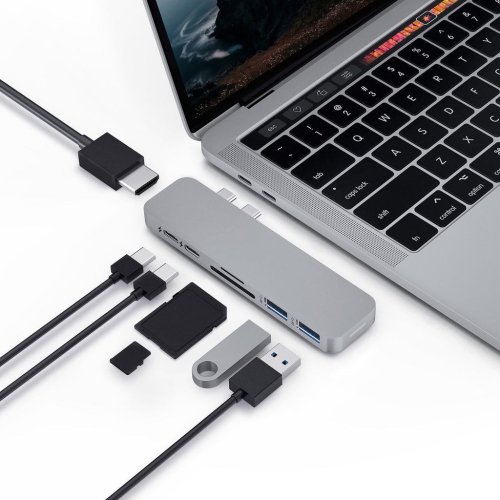 Your price for this item is $19.98
-
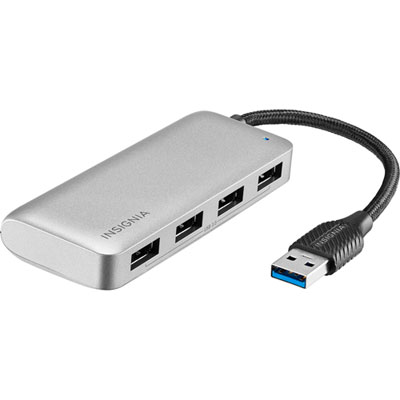 Your price for this item is $29.99
-
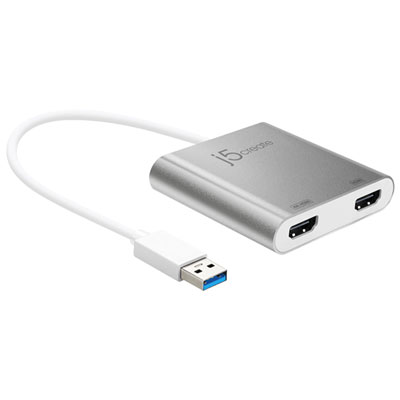 Your price for this item is $99.99
-
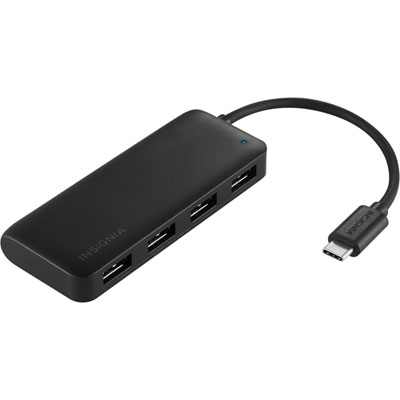 Your price for this item is $19.99
-
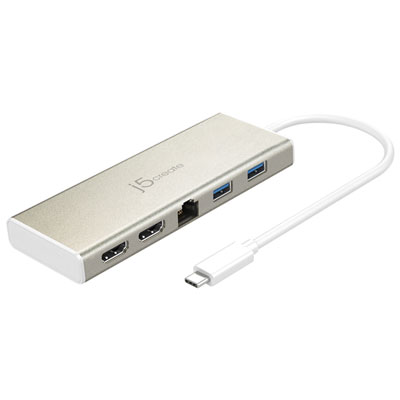 Your price for this item is $104.99
-
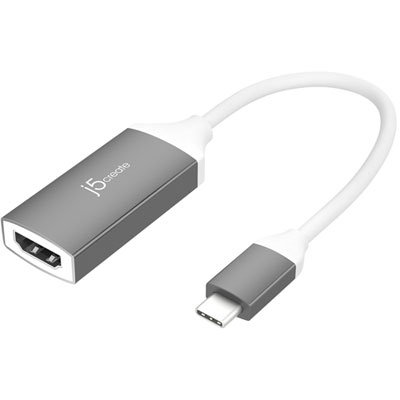 Your price for this item is $39.99
Discover more categories related to Printer Ethernet Adapters
Top Collections:
Best Black Friday Deals This Year, Best Black Friday Deals On Electronics, Kindle Devices, Pokemon Centers, Best Black Friday Deals On Apple Products, Best Cameras for Sports Photography, Dyson Airwrap, Pokémon 30th Celebration Cards, Apple iPhone 17 Pro, Canon G7X Cameras
Some products may be subject to Environmental Handling Fees
(EHF) depending on your province.
Learn more about EHFs.