Full Size iPad Keyboards
Enhance your productivity and typing experience with a Full Size iPad Keyboard, designed to bring comfort and efficiency to your workflow. Whether you're working, studying, or simply browsing, these keyboards offer a seamless way to get more done on your iPad. Discover options that pair easily and provide the familiar feel of a traditional keyboard, making it easy to transition from desktop to tablet. Find the perfect Full Size iPad Keyboard to match your needs and elevate your daily tasks.
Sort


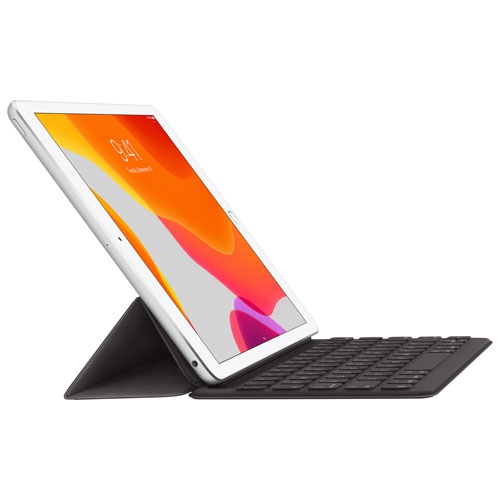
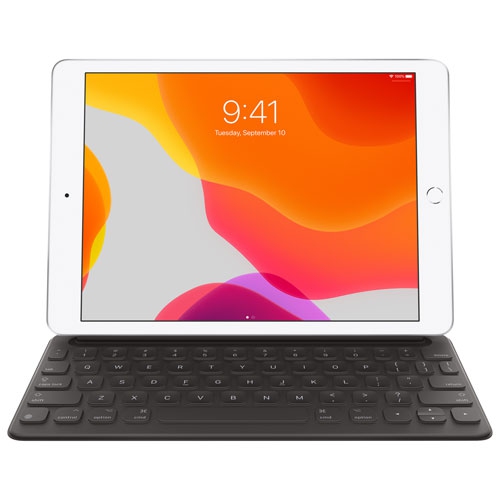
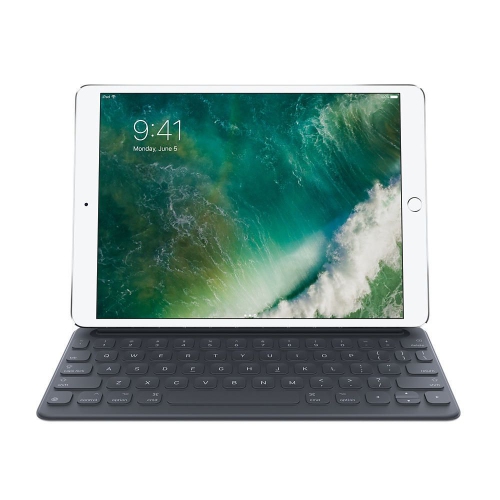
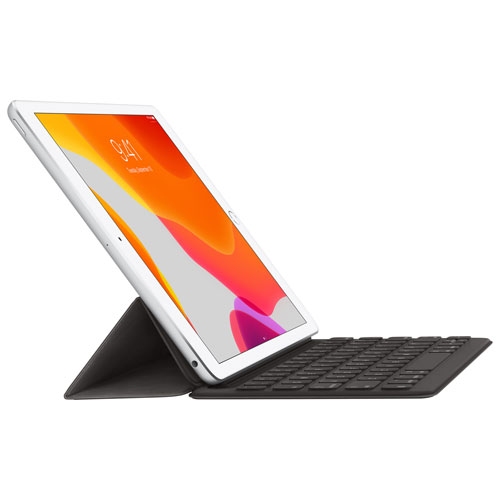
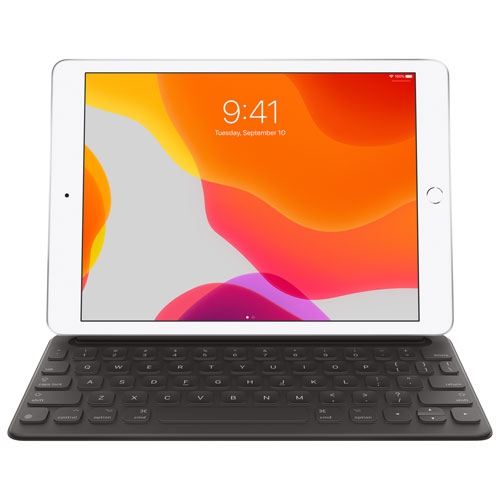
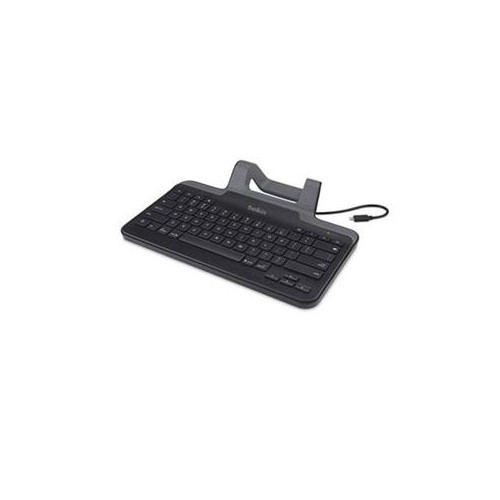
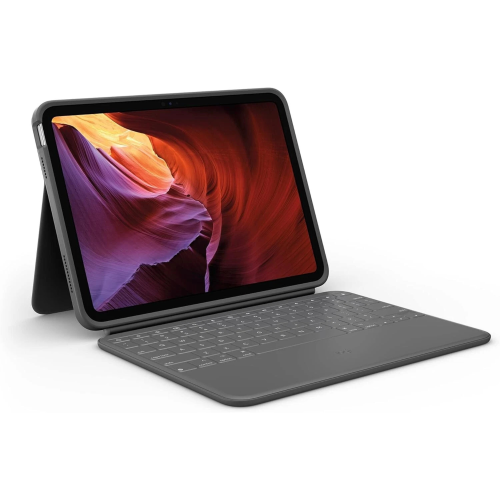
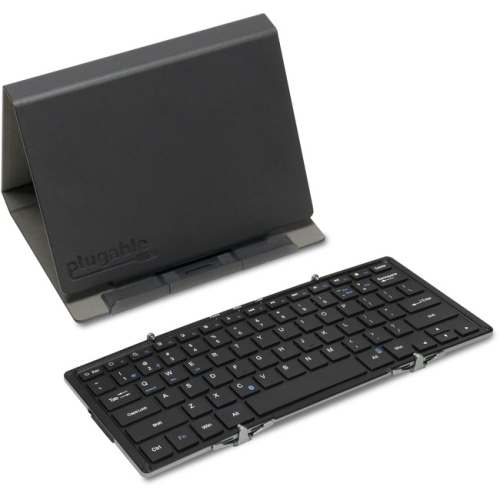
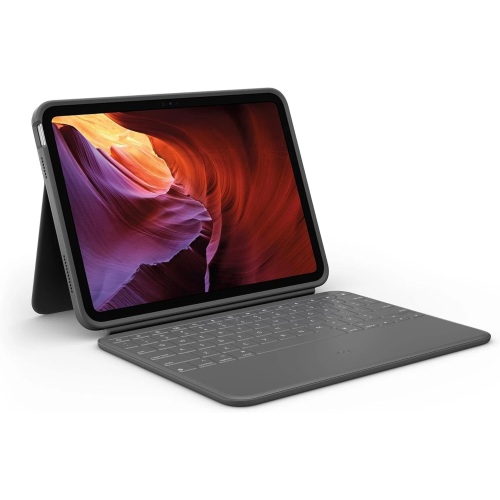
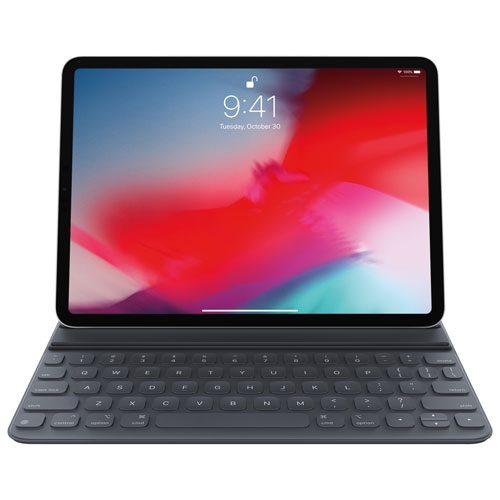
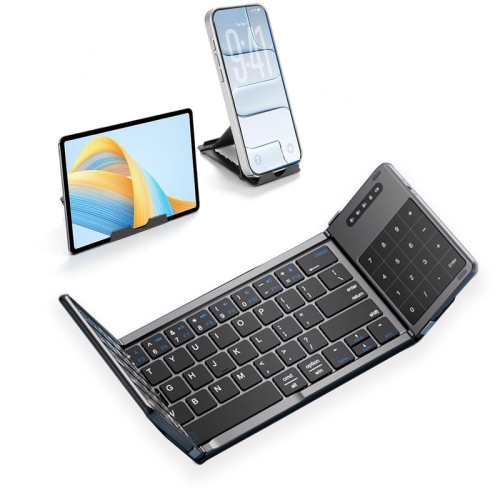
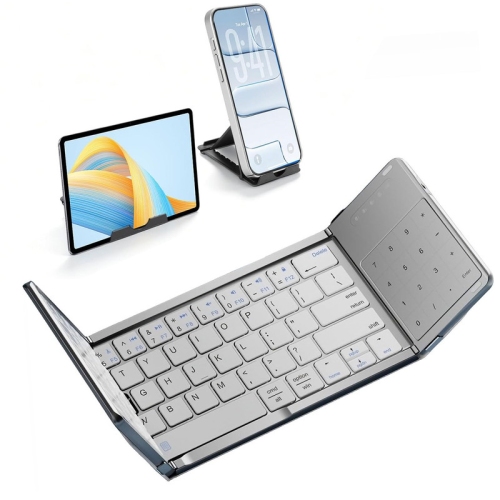
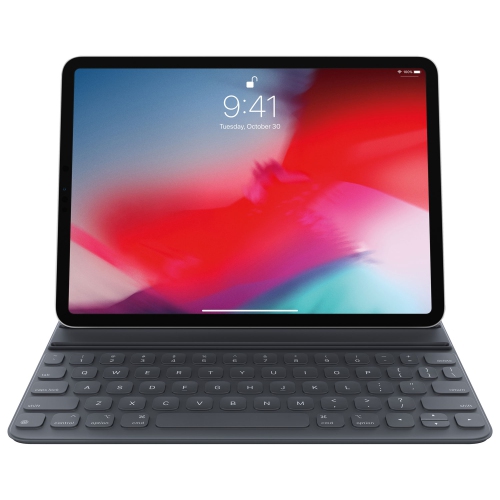
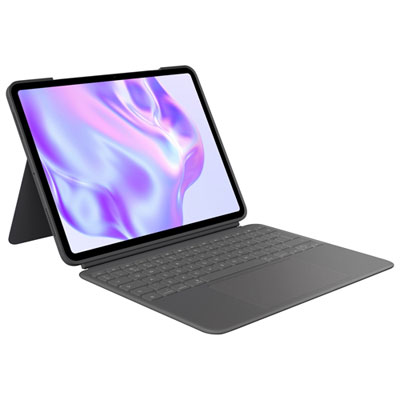
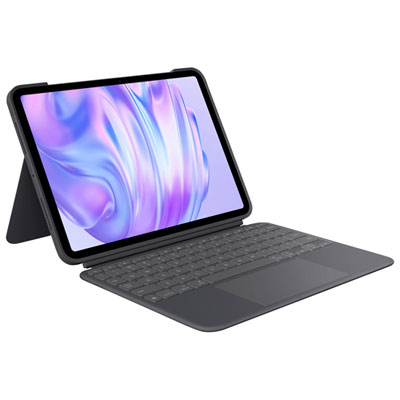
Familiar key spacing for longer iPad writing sessions
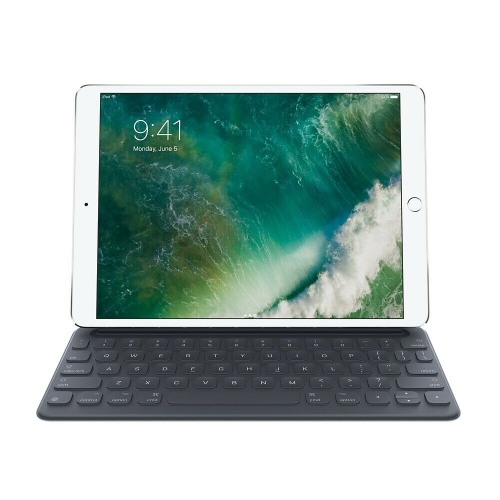
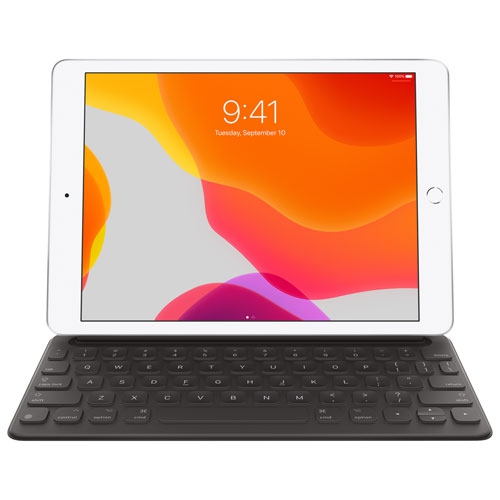
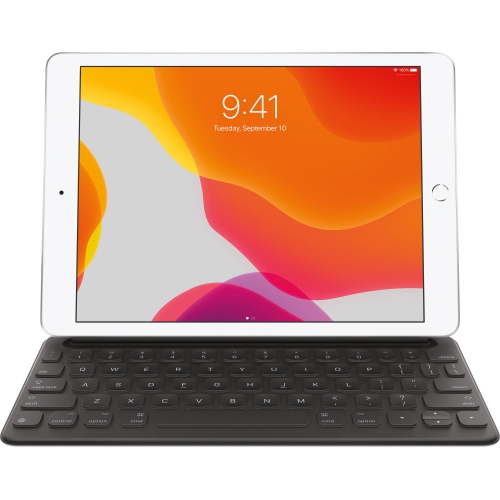
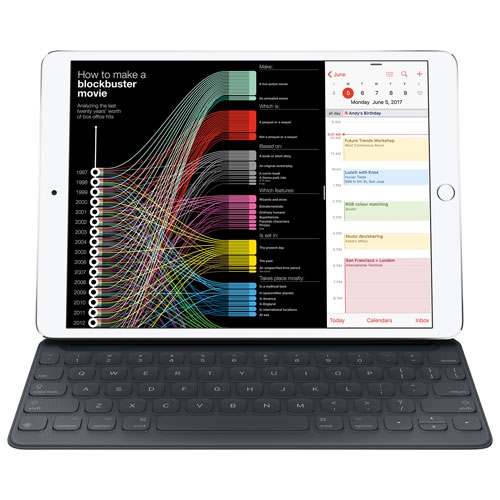
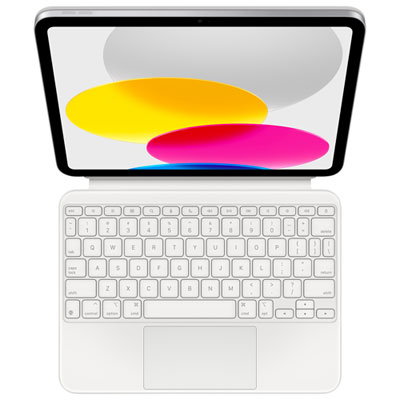
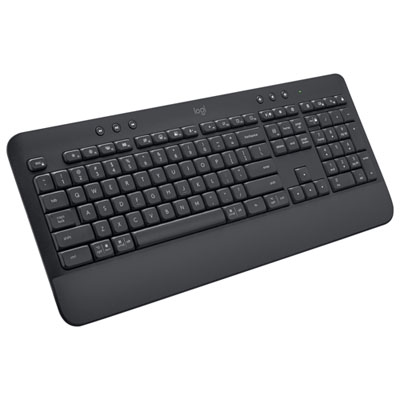
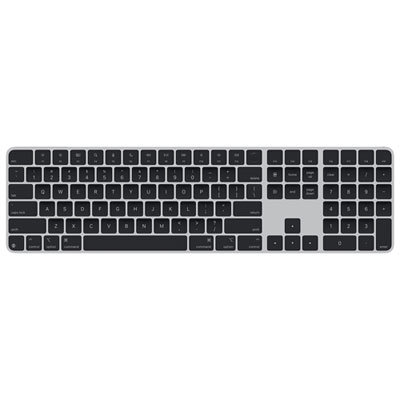
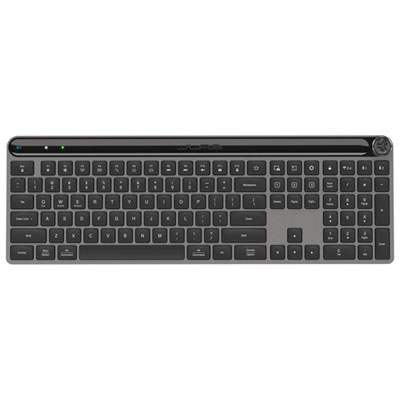
Full-size iPad keyboards bring a more familiar typing layout to a tablet, giving everyday writing tasks room beyond the onscreen keys. They suit everything from answering a long email and taking lecture notes to revising a résumé or working through a spreadsheet. In this category, “full-size” generally describes the size and spacing of the main typing keys, rather than a guarantee of a separate numeric keypad or a desktop keyboard’s complete layout. Many tablet keyboards retain standard-sized letter keys while using smaller function keys, arrow keys, or punctuation keys to fit a portable frame. That distinction matters for anyone who types by touch, enters figures frequently, or moves between a desktop computer and an iPad throughout the day. A familiar QWERTY layout can make that transition easier, while well-separated keys help reduce accidental presses during longer writing sessions. Key travel, the distance a key moves when pressed, also affects the feel: shallow keys offer a light, laptop-like action, while slightly deeper travel can provide more noticeable feedback. Neither is automatically better; comfort depends on typing habits and the firmness of the keyboard’s base. For shared offices, libraries, and study spaces, a quieter key mechanism may be just as useful as a spacious layout. Backlighting can improve key visibility in a dim room, although it is not a feature of every keyboard. Shortcut keys for volume, playback, screen brightness, or navigation can reduce interruptions when supported by the tablet and its software. A built-in trackpad adds pointer control and compatible gestures, making it easier to move between text, documents, and apps without repeatedly reaching for the screen. Students, writers, administrative staff, and people who manage everyday paperwork on a tablet may all appreciate this kind of setup. It can also be a thoughtful gift for someone who already uses an iPad for typing-heavy tasks, provided the keyboard matches their device and preferred way of working.
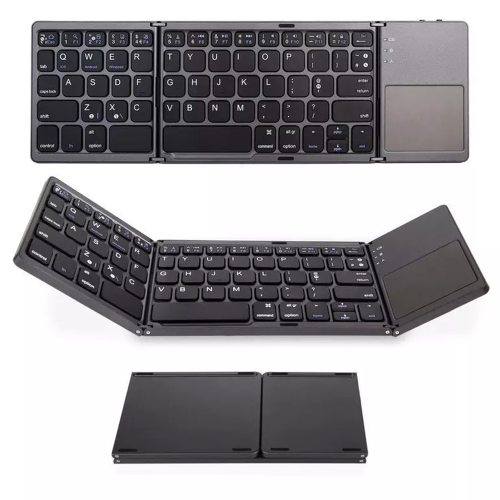
Fit and connection type shape how a full-size iPad keyboard works in daily use. A keyboard case needs to match the tablet’s exact model and generation, not simply its stated screen size. Devices with similar display measurements can have different dimensions, camera placements, buttons, or connector positions, so a close visual resemblance does not establish compatibility. A properly fitted case leaves charging ports, speakers, and controls accessible, while any stylus storage or charging provision needs to suit the tablet and stylus combination. Standalone keyboards are less dependent on the tablet’s physical dimensions, but their wireless connection, operating system support, and shortcut functions still need to be compatible. Bluetooth keyboards offer flexibility because they can sit separately from the screen, allowing the tablet to rest on a stand at a more comfortable viewing height. Some can switch between paired devices, a useful feature for a desk shared by a tablet and a computer. They also need their own power source, whether that means replaceable batteries or a rechargeable internal battery. Battery life varies with usage, backlighting, and power-saving settings, and a rechargeable keyboard adds another charging routine to consider. Keyboards designed for a compatible Smart Connector receive power and communicate through that connection, without Bluetooth pairing or separate keyboard charging. Their suitability depends on the precise tablet model and connector design. The physical support system matters just as much as the connection. A kickstand can offer a range of screen angles but may require substantial space behind the tablet, which can feel cramped on a narrow lecture desk. A hinged design may occupy less depth, though stability depends on its construction and the tablet’s weight. Detachable keyboards make it easier to switch from writing to handheld reading. For commuters and anyone whose main priority is carrying less, Lightweight Portable iPad Keyboards offer a related category to explore alongside full-size layouts. The most useful balance is enough typing room for regular work without adding more bulk than a daily bag can comfortably accommodate.
Materials, protection, and care help distinguish keyboards that feel similar on a feature list. Plastic housings can keep weight manageable, while aluminium components may provide a firmer feel and a more rigid base. Neither material alone establishes durability; hinge quality, attachment strength, key construction, and the way the keyboard is carried also matter. Fabric-covered surfaces can feel pleasant against the hand but may retain dust or marks differently from smooth finishes. Synthetic covers are often easy to wipe, although textured surfaces and seams can need extra attention. Keyboard cases may cover the screen, back, or edges, but the extent of protection varies considerably. A cover that prevents scratches in a bag should not be assumed to provide drop protection, and an exposed-edge design leaves more of the tablet uncovered. Raised edges, reinforced corners, and clearly stated protection features are worth distinguishing from a slim folio’s basic coverage. At a desk, a stable base and a screen angle that limits glare can matter more than a rugged shell. For travel between classrooms or meeting rooms, a secure closure and a sleeve with room for the combined tablet and keyboard can make carrying the setup simpler. Routine care is usually straightforward: disconnect or switch off the keyboard before cleaning, remove loose debris gently, and follow the manufacturer’s directions for the surface materials. A soft, lint-free cloth is generally useful, while liquids should never be sprayed directly onto keys, seams, or connectors. Keep drinks away from the typing area unless the keyboard has a clearly stated level of spill resistance, and do not treat that rating as permission to immerse it. Charging cables and other hard accessories are best kept from pressing against keys or the screen inside a packed bag. For longer sessions, placing the keyboard on a stable surface with relaxed shoulders and wrists helps create a more comfortable workspace. Whether the task is a short message or several pages of notes, the right combination of key spacing, support, connection, and protection lets a tablet serve as a practical writing setup without giving up its usefulness for reading, drawing, and touch-based apps.
Fit and connection type shape how a full-size iPad keyboard works in daily use. A keyboard case needs to match the tablet’s exact model and generation, not simply its stated screen size. Devices with similar display measurements can have different dimensions, camera placements, buttons, or connector positions, so a close visual resemblance does not establish compatibility. A properly fitted case leaves charging ports, speakers, and controls accessible, while any stylus storage or charging provision needs to suit the tablet and stylus combination. Standalone keyboards are less dependent on the tablet’s physical dimensions, but their wireless connection, operating system support, and shortcut functions still need to be compatible. Bluetooth keyboards offer flexibility because they can sit separately from the screen, allowing the tablet to rest on a stand at a more comfortable viewing height. Some can switch between paired devices, a useful feature for a desk shared by a tablet and a computer. They also need their own power source, whether that means replaceable batteries or a rechargeable internal battery. Battery life varies with usage, backlighting, and power-saving settings, and a rechargeable keyboard adds another charging routine to consider. Keyboards designed for a compatible Smart Connector receive power and communicate through that connection, without Bluetooth pairing or separate keyboard charging. Their suitability depends on the precise tablet model and connector design. The physical support system matters just as much as the connection. A kickstand can offer a range of screen angles but may require substantial space behind the tablet, which can feel cramped on a narrow lecture desk. A hinged design may occupy less depth, though stability depends on its construction and the tablet’s weight. Detachable keyboards make it easier to switch from writing to handheld reading. For commuters and anyone whose main priority is carrying less, Lightweight Portable iPad Keyboards offer a related category to explore alongside full-size layouts. The most useful balance is enough typing room for regular work without adding more bulk than a daily bag can comfortably accommodate.
Materials, protection, and care help distinguish keyboards that feel similar on a feature list. Plastic housings can keep weight manageable, while aluminium components may provide a firmer feel and a more rigid base. Neither material alone establishes durability; hinge quality, attachment strength, key construction, and the way the keyboard is carried also matter. Fabric-covered surfaces can feel pleasant against the hand but may retain dust or marks differently from smooth finishes. Synthetic covers are often easy to wipe, although textured surfaces and seams can need extra attention. Keyboard cases may cover the screen, back, or edges, but the extent of protection varies considerably. A cover that prevents scratches in a bag should not be assumed to provide drop protection, and an exposed-edge design leaves more of the tablet uncovered. Raised edges, reinforced corners, and clearly stated protection features are worth distinguishing from a slim folio’s basic coverage. At a desk, a stable base and a screen angle that limits glare can matter more than a rugged shell. For travel between classrooms or meeting rooms, a secure closure and a sleeve with room for the combined tablet and keyboard can make carrying the setup simpler. Routine care is usually straightforward: disconnect or switch off the keyboard before cleaning, remove loose debris gently, and follow the manufacturer’s directions for the surface materials. A soft, lint-free cloth is generally useful, while liquids should never be sprayed directly onto keys, seams, or connectors. Keep drinks away from the typing area unless the keyboard has a clearly stated level of spill resistance, and do not treat that rating as permission to immerse it. Charging cables and other hard accessories are best kept from pressing against keys or the screen inside a packed bag. For longer sessions, placing the keyboard on a stable surface with relaxed shoulders and wrists helps create a more comfortable workspace. Whether the task is a short message or several pages of notes, the right combination of key spacing, support, connection, and protection lets a tablet serve as a practical writing setup without giving up its usefulness for reading, drawing, and touch-based apps.
Top selling and popular products
-
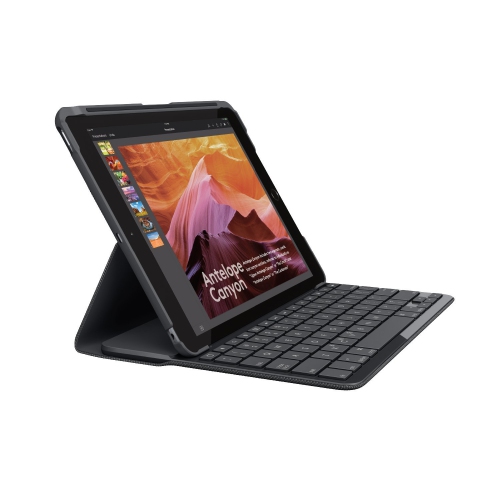 Your price for this item is $89.99
 -
 Your price for this item is $49.99
 -
 Your price for this item is $79.99
 -
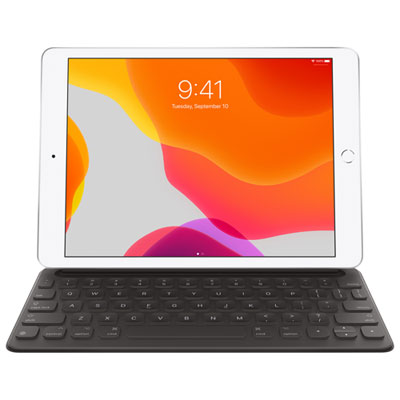 Your price for this item is $218.97
 -
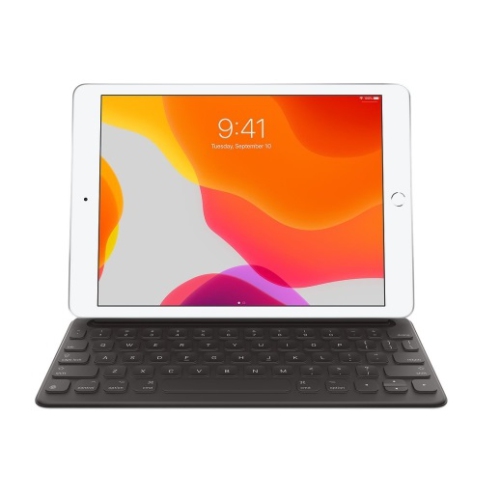 Your price for this item is $49.99
 -
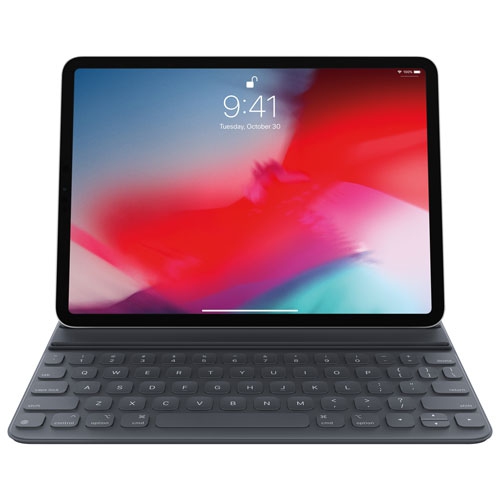 Your price for this item is $199
 -
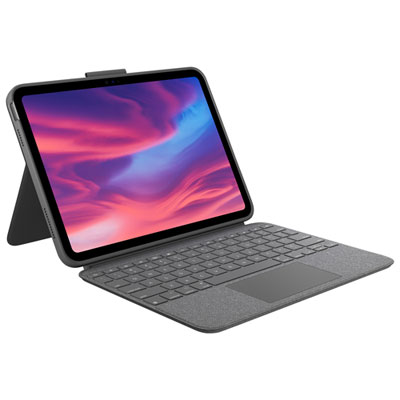 Your price for this item is $219.99
 -
 Your price for this item is $329.99
Discover more categories related to Full Size iPad Keyboards
Top Collections:
Pokemon Centers, Best Cameras for Sports Photography, Kindle Devices, Samsung Galaxy Phones, Canon G7X Cameras, Pokémon 30th Celebration Cards, Refurbished Apple Laptops, iPhone 15 Apple, Laptops for Students, Budget Smartphones
Some products may be subject to Environmental Handling Fees
(EHF) depending on your province.
Learn more about EHFs.