Gaming Keycaps Sets Under $50
If you're a gamer, you know that the keyboard is an essential part of your setup. The right keys can make all the difference between winning and losing, and the wrong keys can ruin your game. Here are some of the best gaming keycaps under $50 on the market today.
Sort


Keyboard layout and material shape the right keycap choice
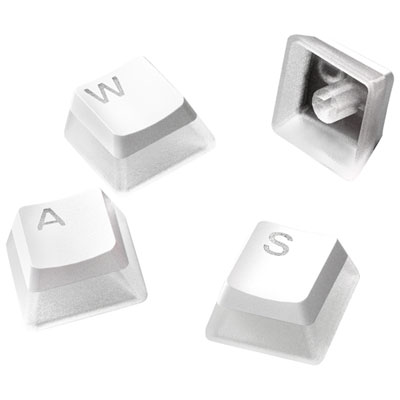
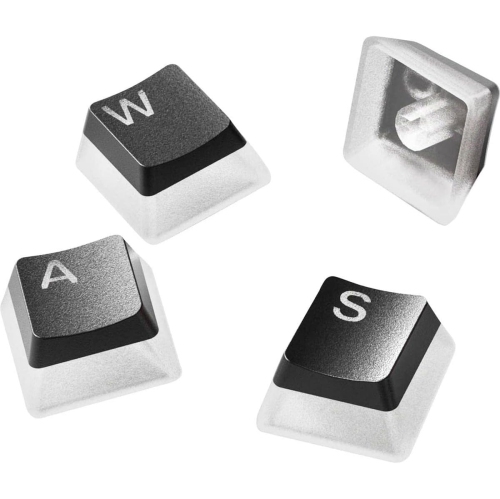
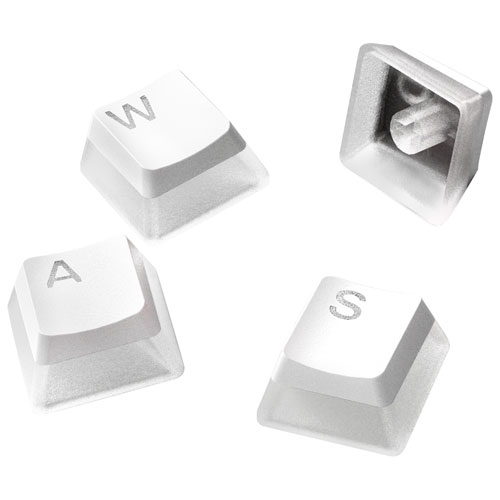
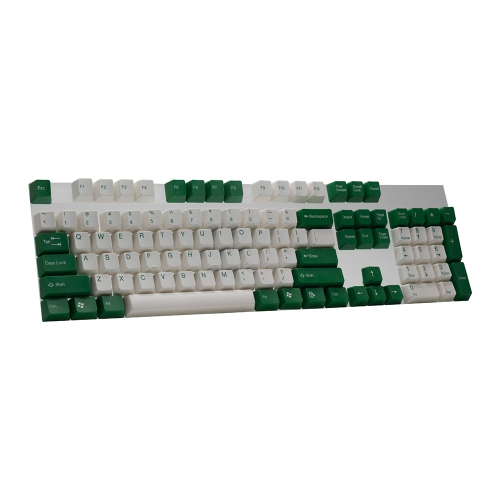
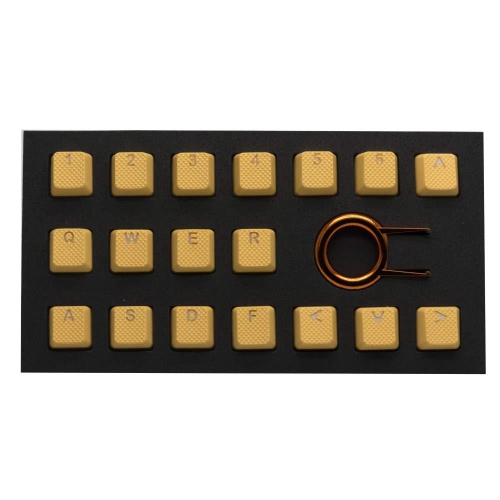
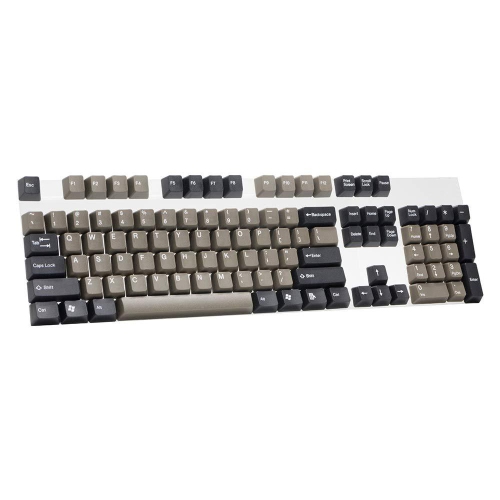
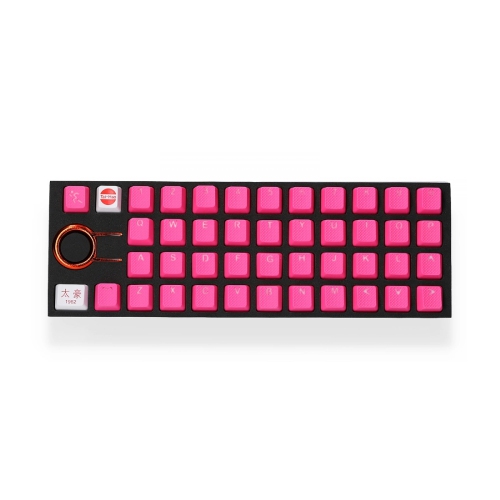
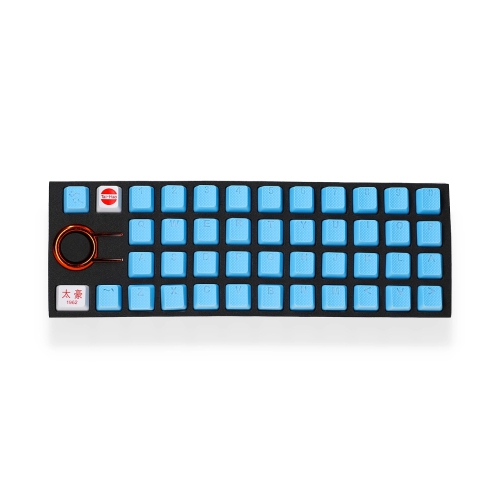
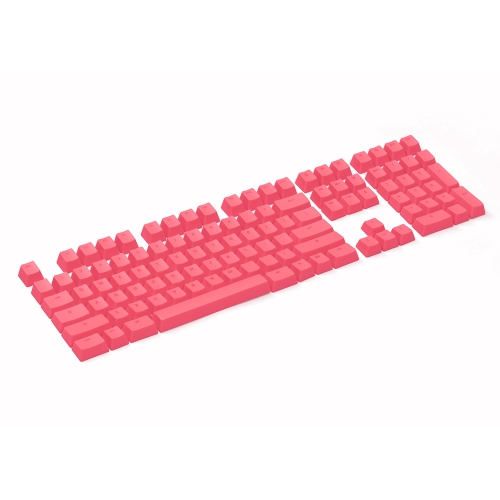
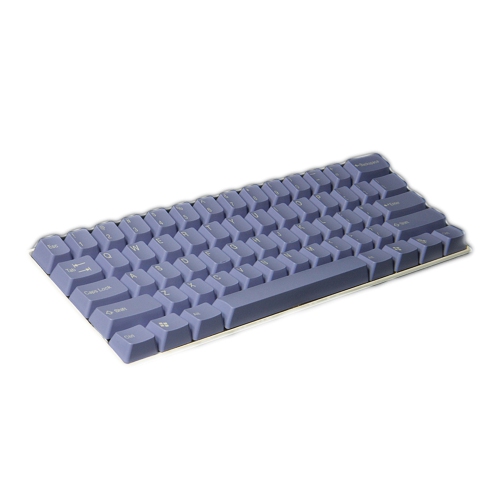
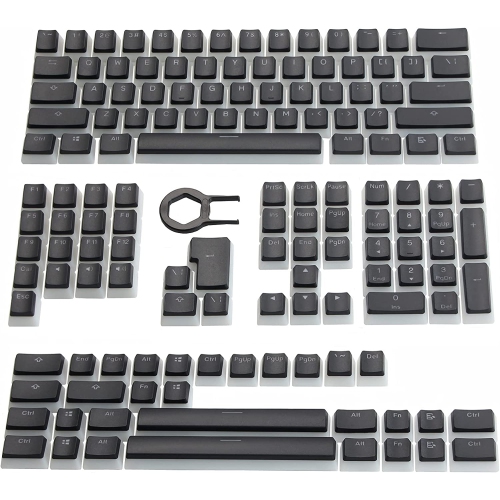
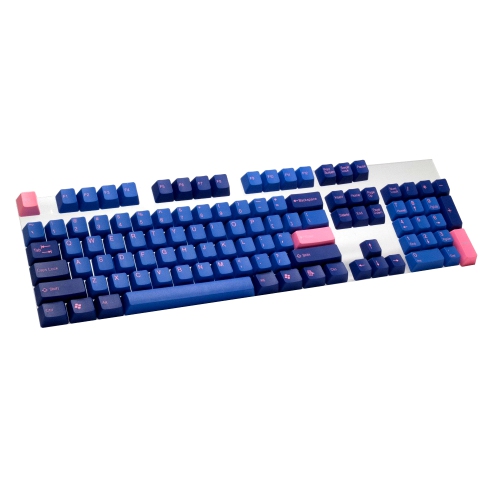
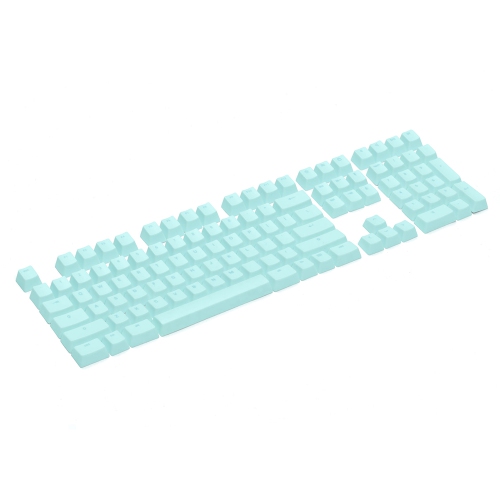
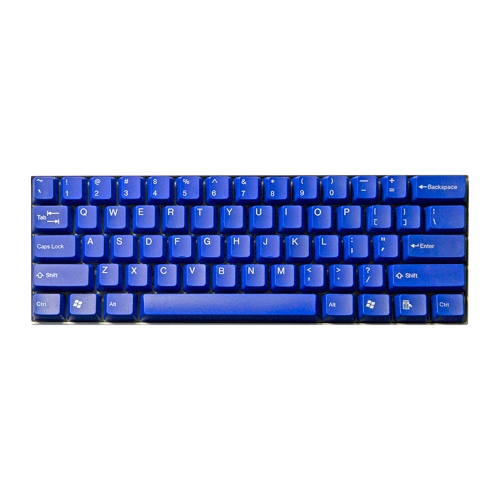
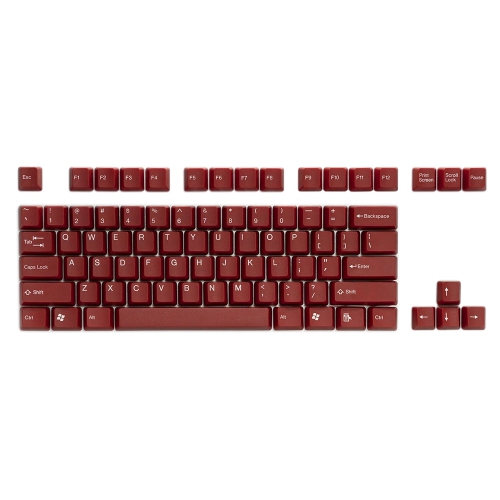
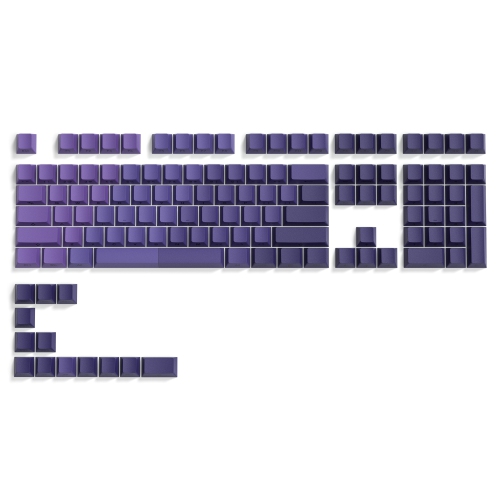
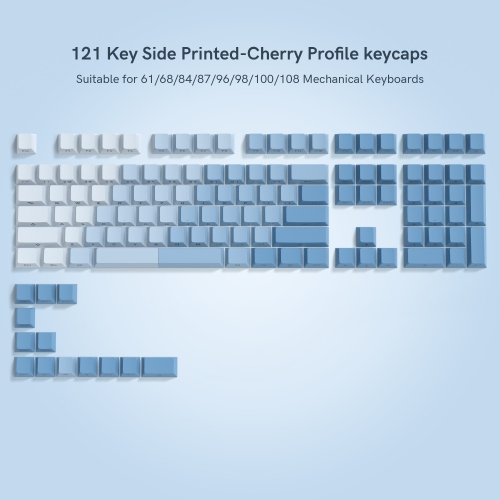
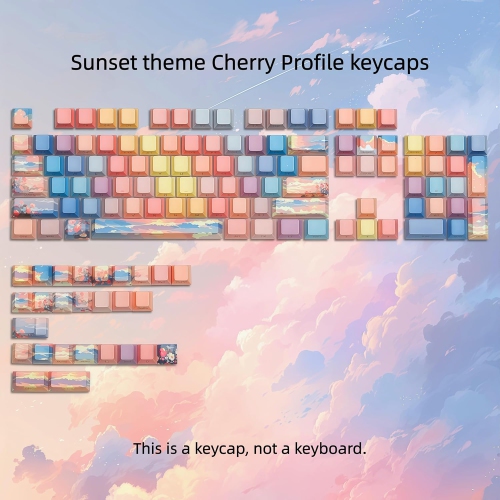
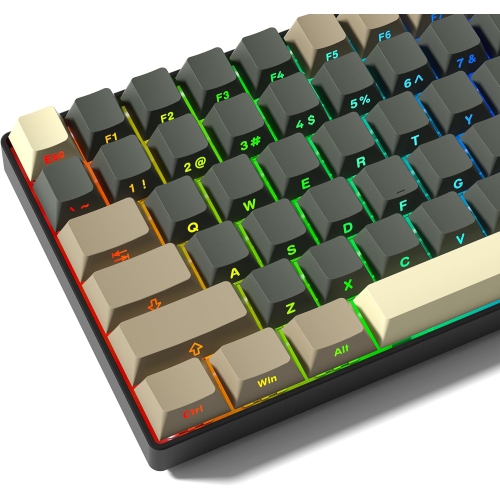
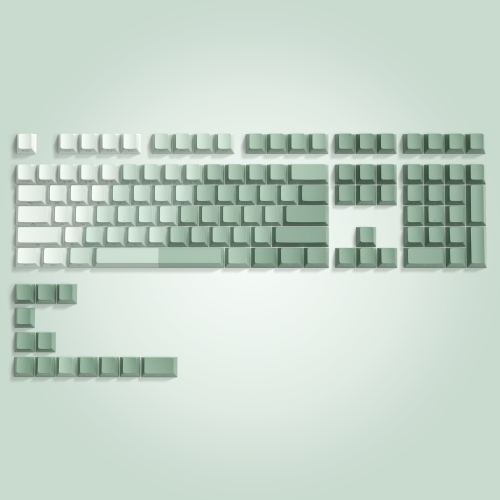
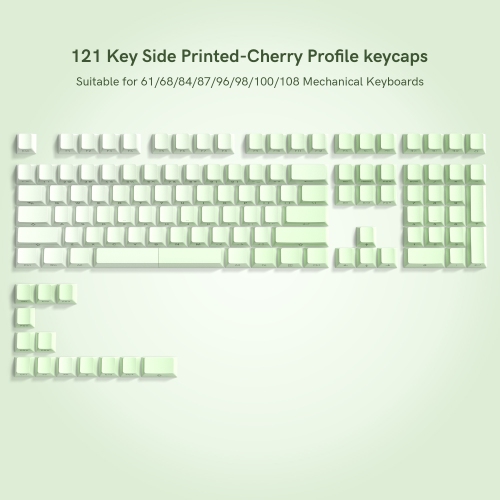
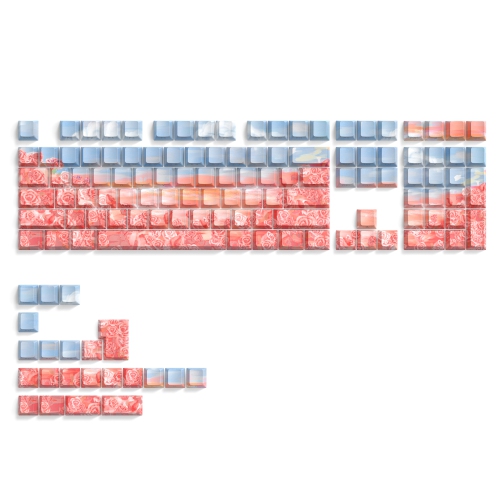
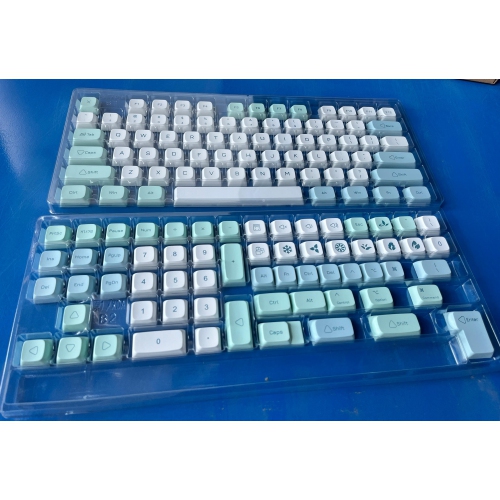
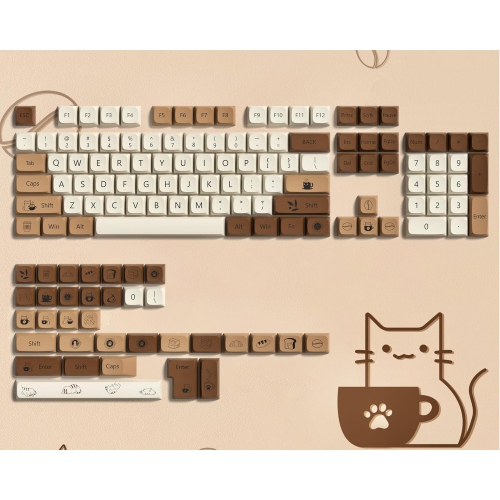
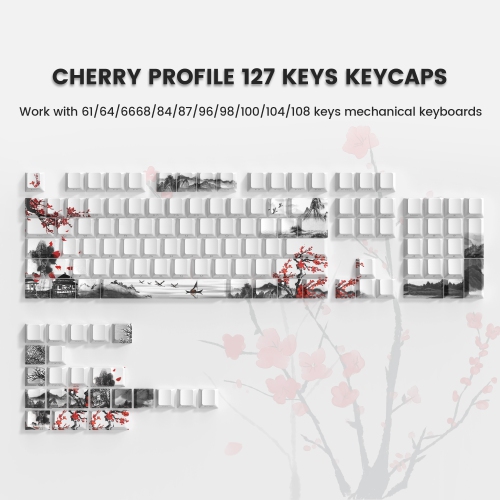
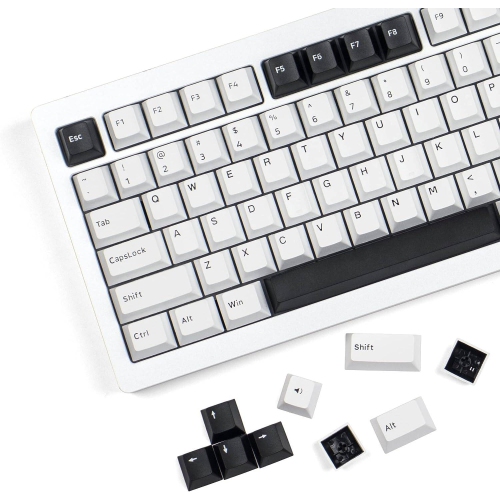
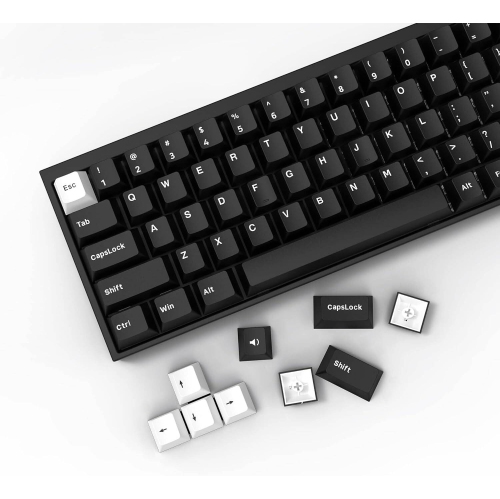
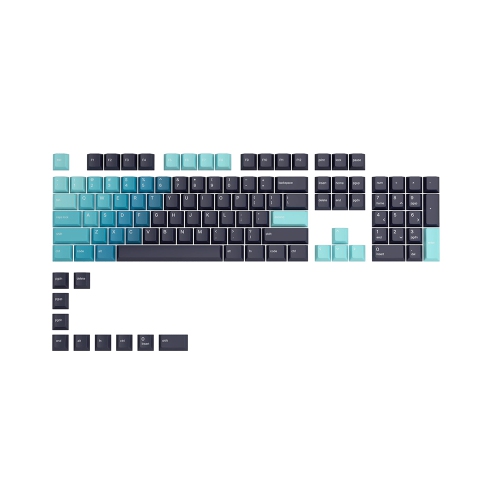
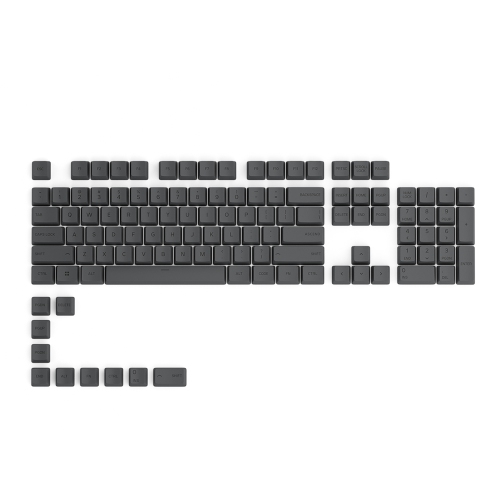
Gaming keycap sets under $50 offer a simple way to change the look and feel of a mechanical or compatible gaming keyboard without replacing the entire board. A fresh set can add colour to a desk setup, create a more cohesive theme, or make frequently used keys easier to identify during a long gaming session. When comparing options, start with your keyboard’s layout and size. Compact 60% keyboards omit the function row, navigation cluster, and number pad, while 75% and 80% layouts retain more of those keys in a smaller footprint. Full-size keyboards include the complete number pad and may require additional key sizes for the bottom row, Shift keys, Enter key, Backspace key, and spacebar. ANSI and ISO layouts also use different Enter and left Shift shapes, so checking the original keyboard’s arrangement is essential before ordering. Most mechanical keyboards use a standard cross-shaped stem, but compatibility can still vary by layout, stabilizer placement, and non-standard keys. A quick look at the keyboard manufacturer’s specifications or the original keycap measurements can help prevent surprises, especially when replacing a compact board or a model with an unusual spacebar. For shoppers building a first gaming setup, a keycap set can be a practical gift that feels personal without requiring knowledge of a recipient’s exact game library. It can also be a thoughtful upgrade for a student, streamer, office worker, or PC enthusiast who spends hours typing, chatting, editing, or playing at a desk during the cooler months.
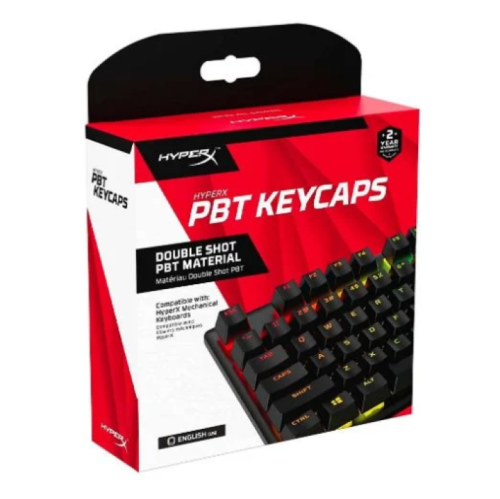
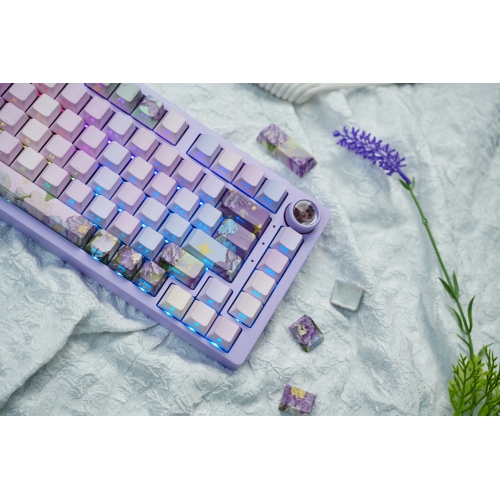
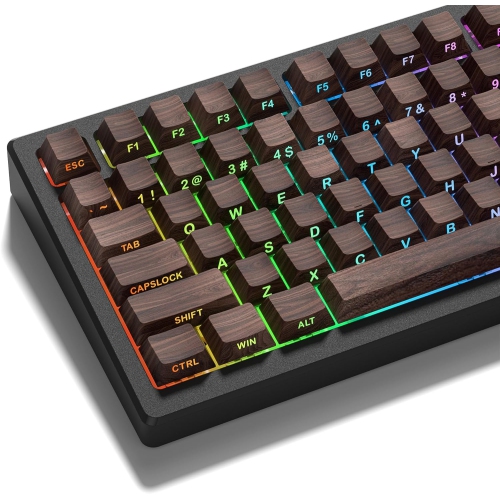
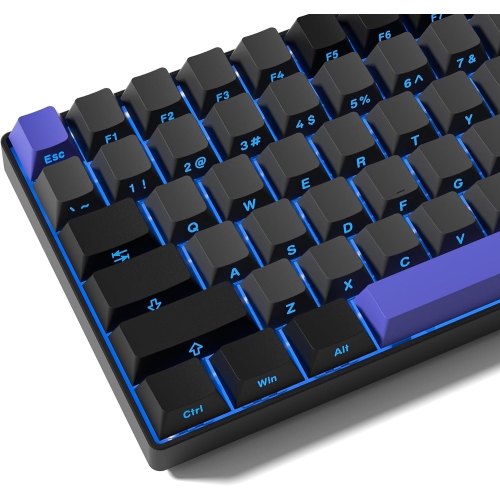
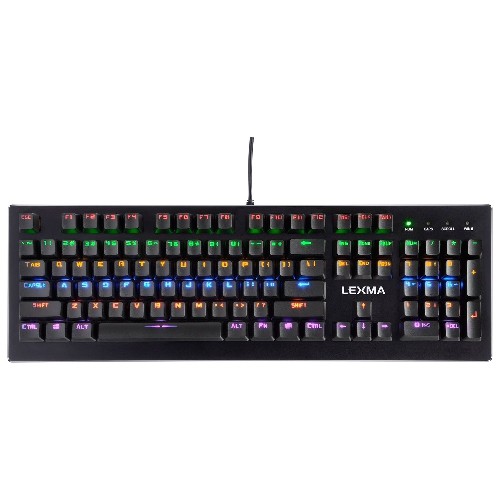
Material has a noticeable effect on the way keycaps feel beneath your fingers. PBT keycaps are popular with gamers because they generally have a slightly textured surface and tend to resist the polished appearance that can develop on heavily used ABS caps. That texture can provide a dry, secure feel across movement keys and action clusters, even during an intense match. ABS keycaps can offer vivid colours, a smoother finish, and crisp-looking designs, making them appealing for colourful themed setups and users who want a bright, bold visual change. Neither material tells the whole story, since thickness, moulding quality, surface texture, and printing method all influence the final experience. Double-shot construction forms the legend from a separate piece of plastic, helping characters remain defined through regular use. Printed or coated legends can still look appealing, but shoppers who type and play frequently may want to pay closer attention to how the characters are applied. For keyboards with backlighting, shine-through legends allow light to pass through the letters and symbols, making the layout easier to see in a darker room while allowing RGB effects to show through. Translucent or double-layer designs can make lighting appear especially bright, while opaque caps create a softer, more understated effect. Think about the lighting on the keyboard itself, too: north-facing and south-facing LEDs can interact differently with certain keycap profiles, and a thick cap may affect how clearly the light spreads. OEM-profile sets are a familiar choice for many gaming keyboards, while sculpted profiles with different heights between rows can provide a distinctive typing feel. Uniform profiles offer more freedom to rearrange keys, but changing the height or shape of the original set may take some adjustment.
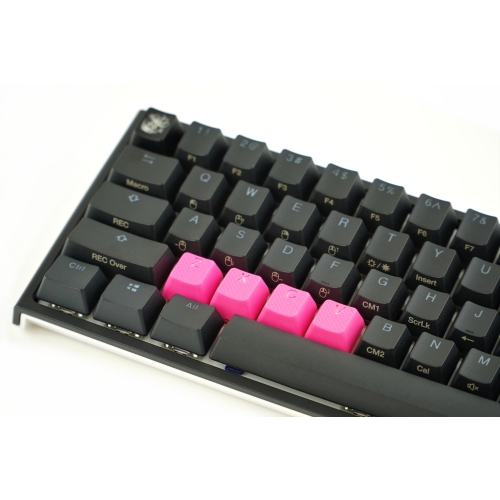
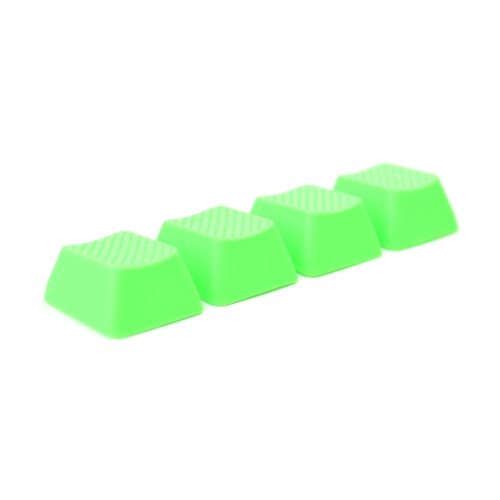
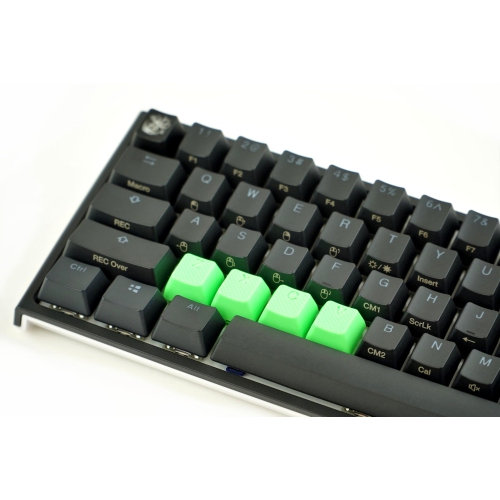
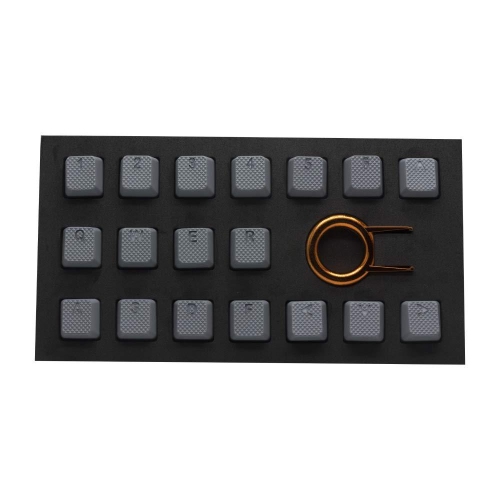
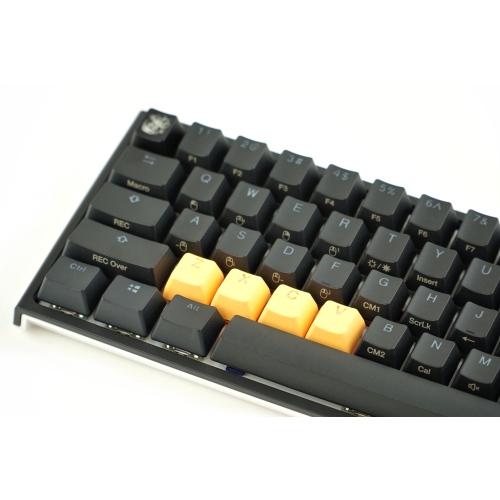
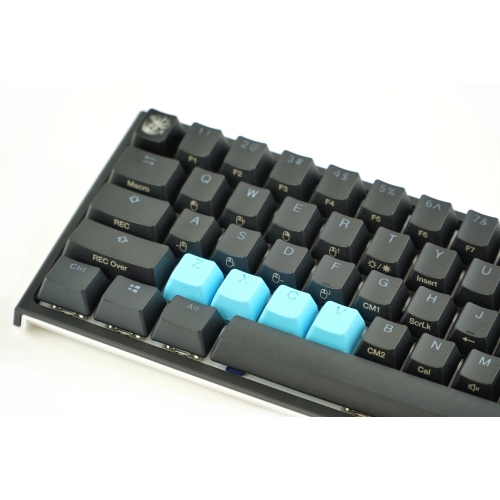
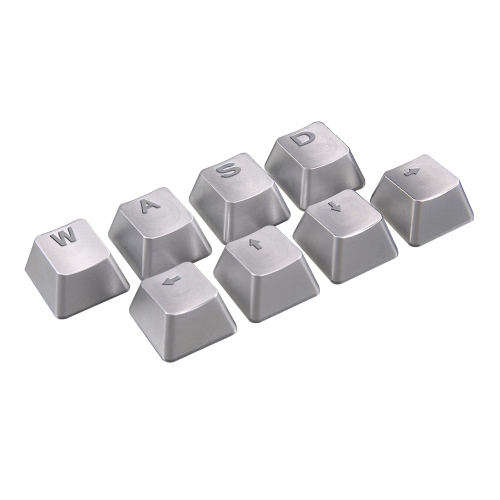
A good keycap set should suit the way the keyboard is used, not just match the colour of the rest of the desk. Gamers who rely on quick movement may appreciate textured accent caps for W, A, S, and D, or for other frequently pressed keys, as these can make an important cluster easier to locate by touch. Rubberized caps may provide extra grip on selected keys, while novelty shapes and bright accent colours can help separate controls from the rest of the board. For someone who alternates between gaming and writing, a balanced set with clear legends, comfortable edges, and a consistent profile may be more useful than a highly decorative design. Consider whether the set includes enough keys for the keyboard size, replacement modifiers, alternate colour options, and a suitable spacebar. Some sets are designed around a particular layout and may leave gaps on a larger or smaller board. It is also worth checking whether the keycaps sit properly over the keyboard’s switches and stabilizers, since loose or poorly matched caps can wobble, interfere with neighbouring keys, or make a familiar board feel awkward. Under-$50 sets are well suited to experimenting with a new visual style, refreshing a well-used keyboard, or preparing a desk for longer indoor gaming sessions as the weather cools. If a complete keyboard upgrade is also part of the plan, browse Wired Gaming Keyboards Under $50 to compare ready-to-use options. Whether the goal is brighter backlighting, a more tactile surface, easier key recognition, or a coordinated gaming station, the right keycap set can deliver a noticeable change while keeping the project straightforward and affordable.
Material has a noticeable effect on the way keycaps feel beneath your fingers. PBT keycaps are popular with gamers because they generally have a slightly textured surface and tend to resist the polished appearance that can develop on heavily used ABS caps. That texture can provide a dry, secure feel across movement keys and action clusters, even during an intense match. ABS keycaps can offer vivid colours, a smoother finish, and crisp-looking designs, making them appealing for colourful themed setups and users who want a bright, bold visual change. Neither material tells the whole story, since thickness, moulding quality, surface texture, and printing method all influence the final experience. Double-shot construction forms the legend from a separate piece of plastic, helping characters remain defined through regular use. Printed or coated legends can still look appealing, but shoppers who type and play frequently may want to pay closer attention to how the characters are applied. For keyboards with backlighting, shine-through legends allow light to pass through the letters and symbols, making the layout easier to see in a darker room while allowing RGB effects to show through. Translucent or double-layer designs can make lighting appear especially bright, while opaque caps create a softer, more understated effect. Think about the lighting on the keyboard itself, too: north-facing and south-facing LEDs can interact differently with certain keycap profiles, and a thick cap may affect how clearly the light spreads. OEM-profile sets are a familiar choice for many gaming keyboards, while sculpted profiles with different heights between rows can provide a distinctive typing feel. Uniform profiles offer more freedom to rearrange keys, but changing the height or shape of the original set may take some adjustment.
A good keycap set should suit the way the keyboard is used, not just match the colour of the rest of the desk. Gamers who rely on quick movement may appreciate textured accent caps for W, A, S, and D, or for other frequently pressed keys, as these can make an important cluster easier to locate by touch. Rubberized caps may provide extra grip on selected keys, while novelty shapes and bright accent colours can help separate controls from the rest of the board. For someone who alternates between gaming and writing, a balanced set with clear legends, comfortable edges, and a consistent profile may be more useful than a highly decorative design. Consider whether the set includes enough keys for the keyboard size, replacement modifiers, alternate colour options, and a suitable spacebar. Some sets are designed around a particular layout and may leave gaps on a larger or smaller board. It is also worth checking whether the keycaps sit properly over the keyboard’s switches and stabilizers, since loose or poorly matched caps can wobble, interfere with neighbouring keys, or make a familiar board feel awkward. Under-$50 sets are well suited to experimenting with a new visual style, refreshing a well-used keyboard, or preparing a desk for longer indoor gaming sessions as the weather cools. If a complete keyboard upgrade is also part of the plan, browse Wired Gaming Keyboards Under $50 to compare ready-to-use options. Whether the goal is brighter backlighting, a more tactile surface, easier key recognition, or a coordinated gaming station, the right keycap set can deliver a noticeable change while keeping the project straightforward and affordable.
Top selling and popular products
-
 Your price for this item is $39.99
 -
 Your price for this item is $76.98
 -
 Your price for this item is $94.99
 -
 Your price for this item is $319.99
 -
 Your price for this item is $364.99
 -
 Your price for this item is $119.99
 -
 Your price for this item is $124
 -
 Your price for this item is $94.99
Discover more categories related to Gaming Keycaps Sets Under $50
Top Collections:
Pokemon Centers, Budget 4K TVs, Kindle Devices, Canon G7X Cameras, Apple iPhones 16, iPhone 15 Apple, Laptops for Business Work, Flip Phones, Xiaomi Phones, Refurbished Apple Laptops
Some products may be subject to Environmental Handling Fees
(EHF) depending on your province.
Learn more about EHFs.