Keyboards for Htpc
Enhance your home theater PC (HTPC) experience with our wide selection of keyboards designed specifically for this purpose. Whether you're searching for a wireless option for seamless control from the comfort of your couch or a compact keyboard to fit in tight spaces, we've got you covered. Our HTPC keyboards offer a perfect blend of functionality and style, allowing you to effortlessly navigate through your favorite movies, TV shows, and music. With various features like backlit keys, built-in trackpads, and customizable shortcuts, finding the ideal keyboard to complement your HTPC setup has never been easier. Explore our range of keyboards today and take your entertainment center to the next level.
Sort
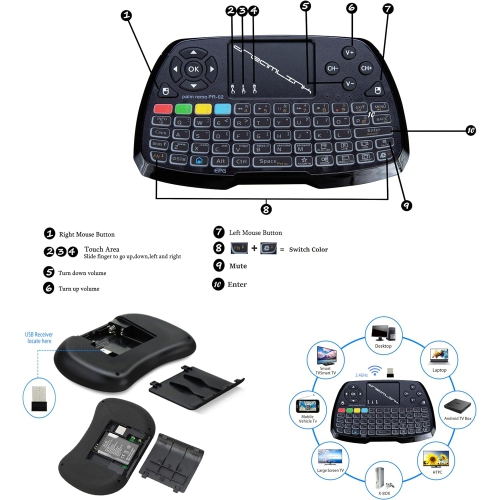
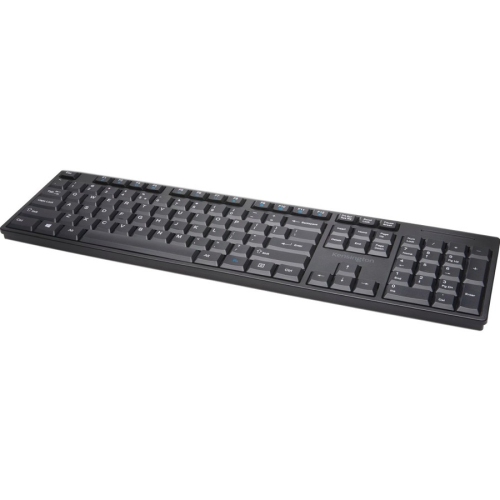
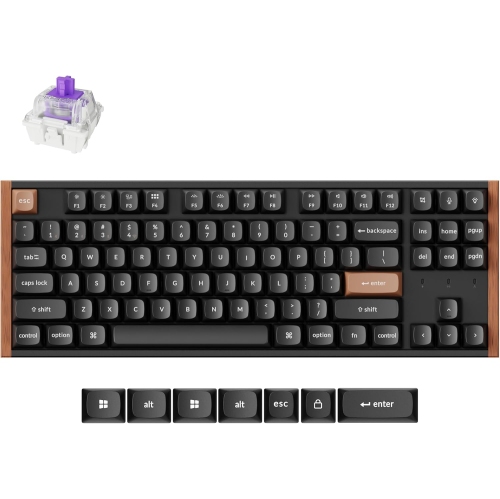
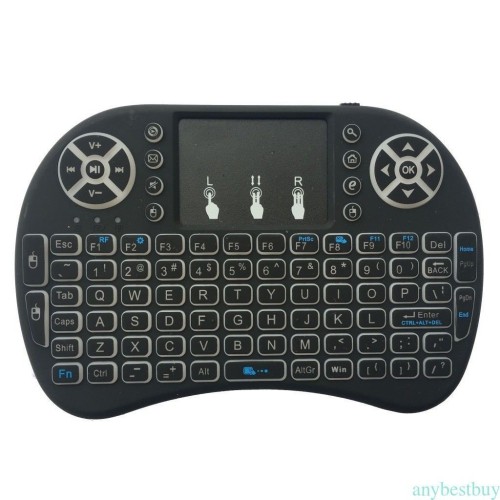
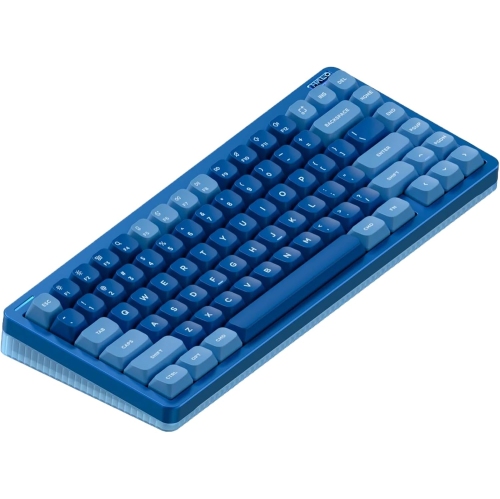
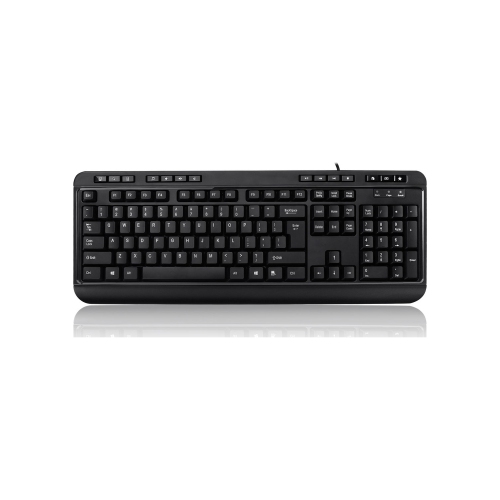
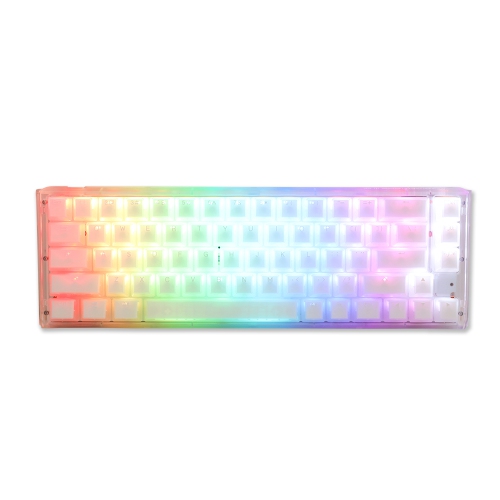
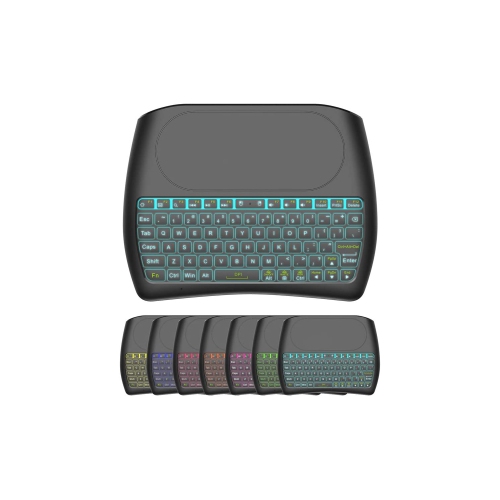
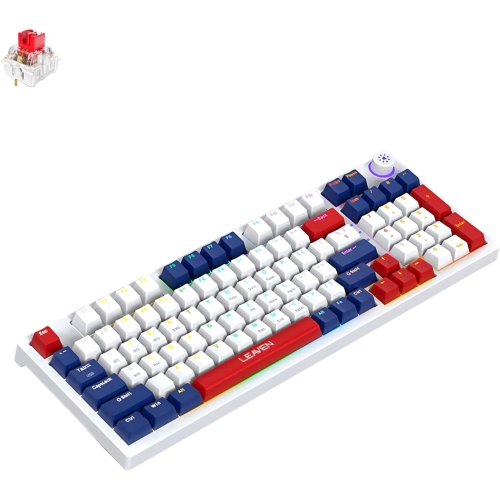

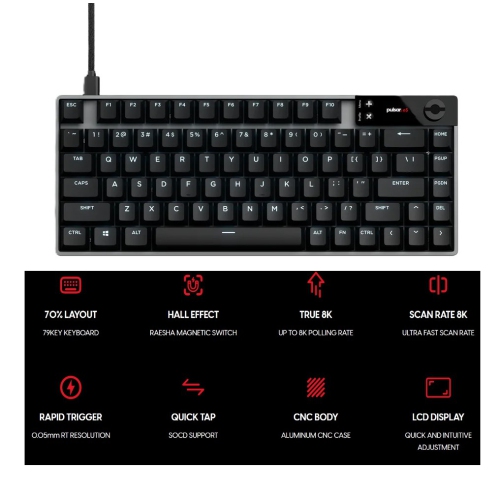
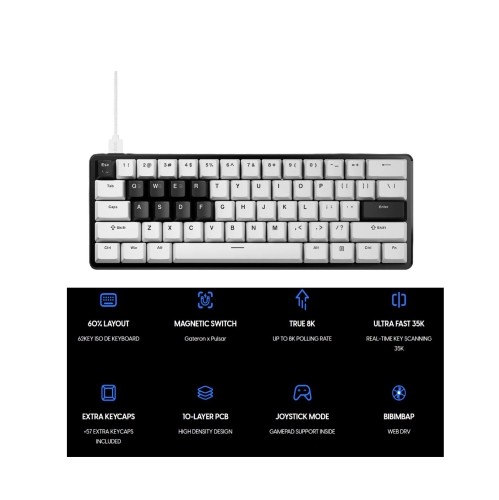
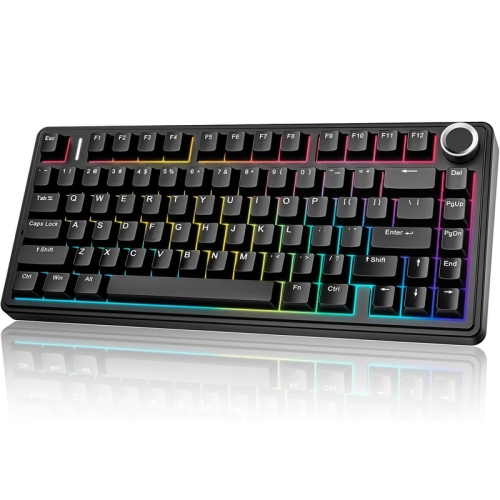
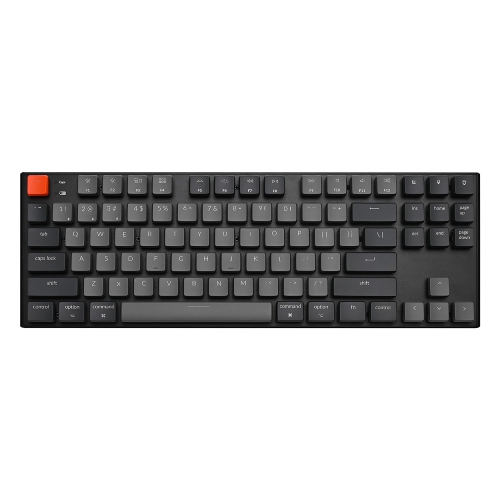
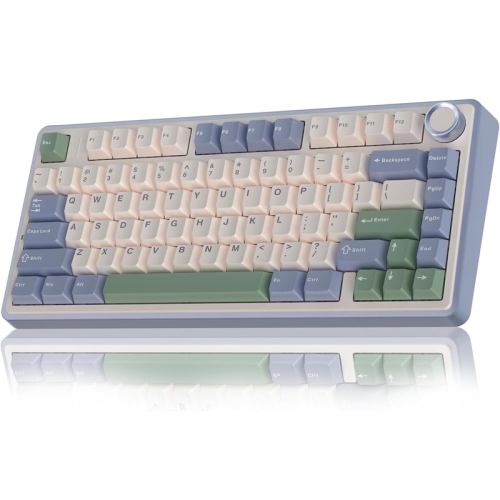
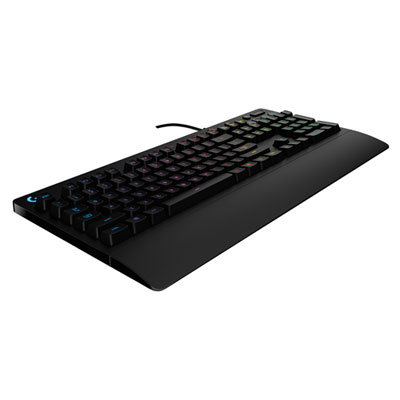
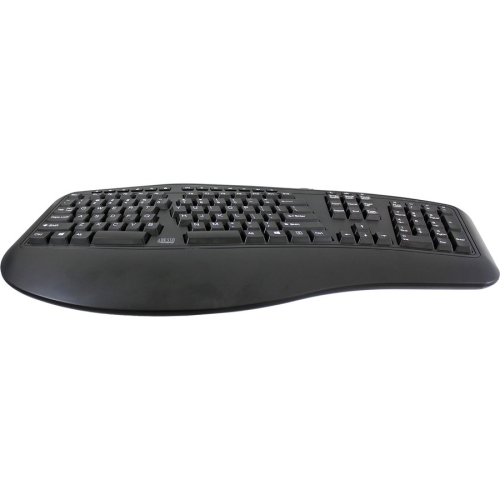
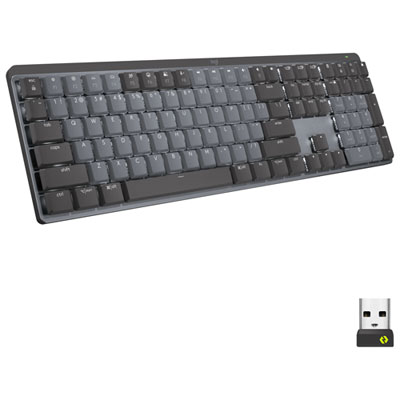
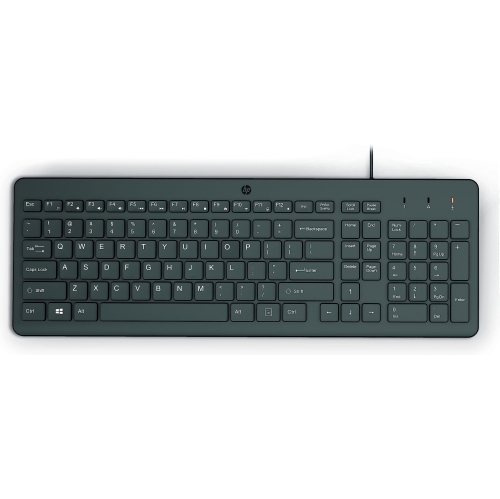
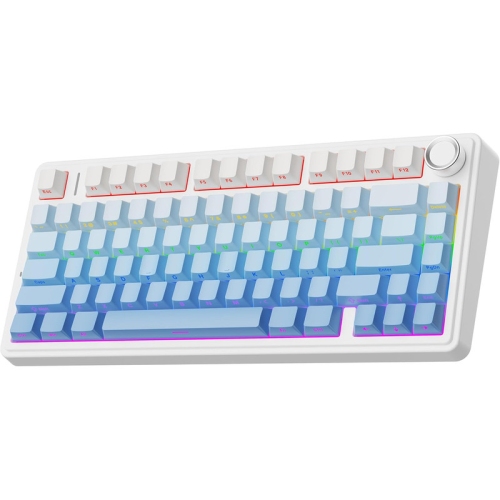
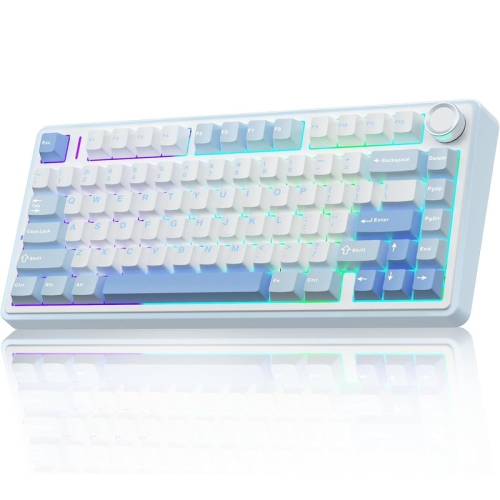
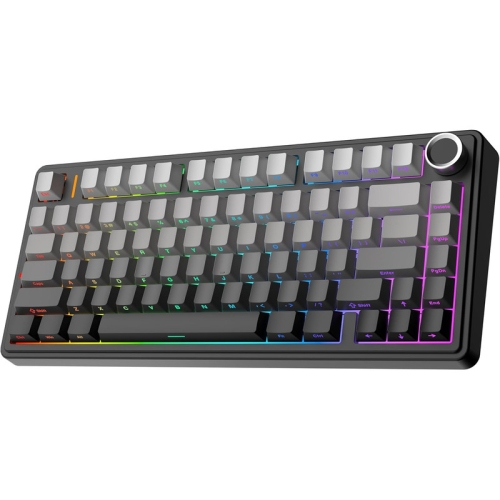
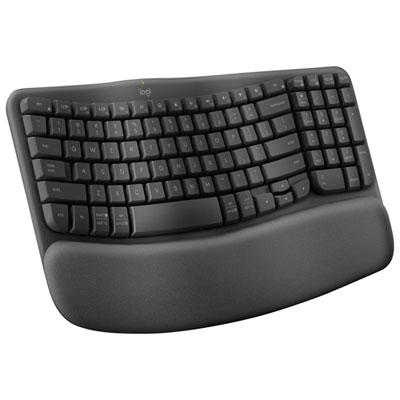
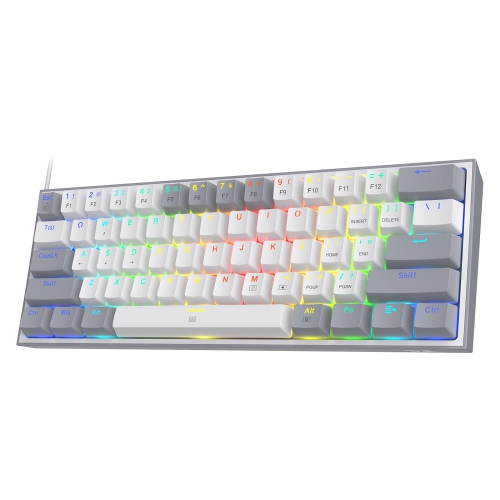
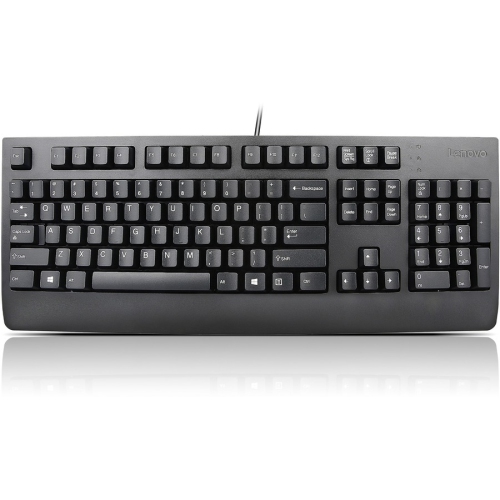
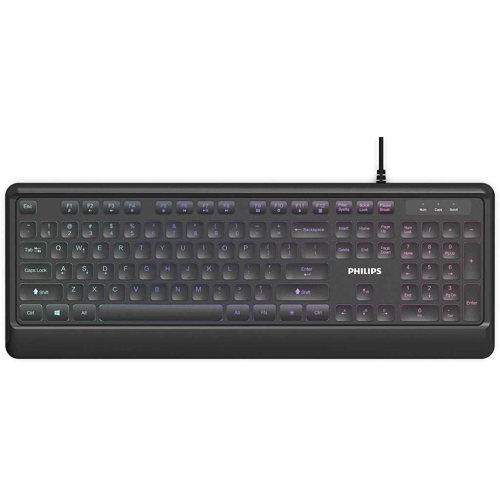
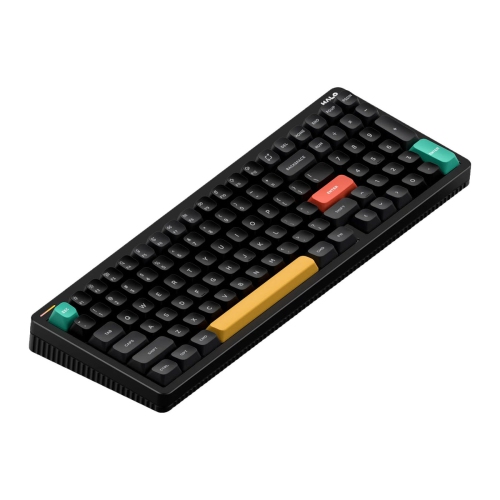
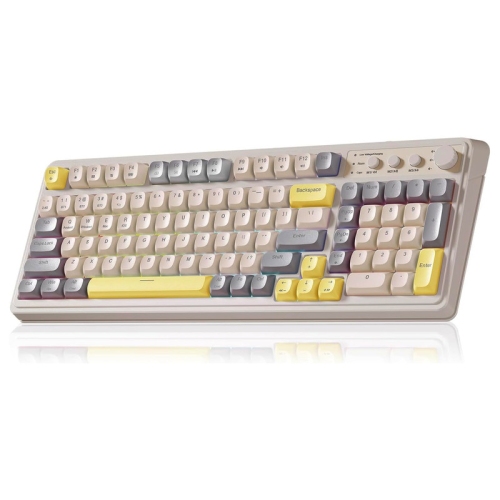
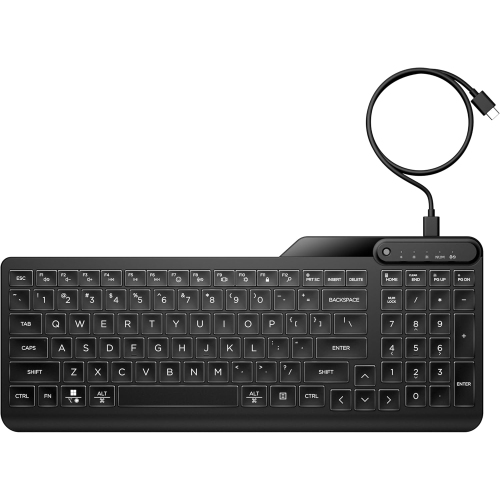
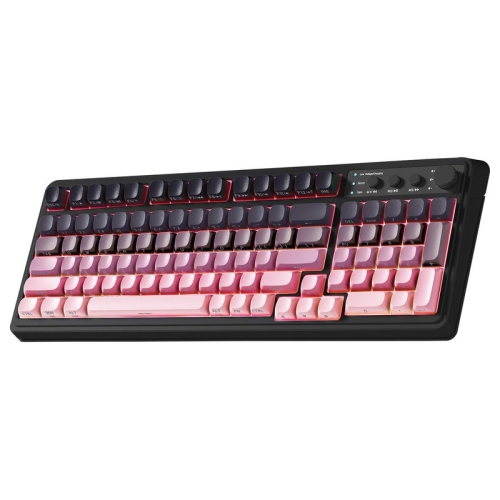
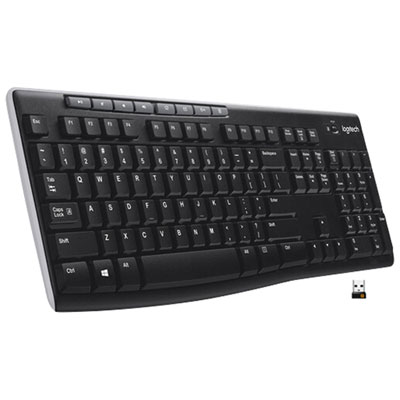
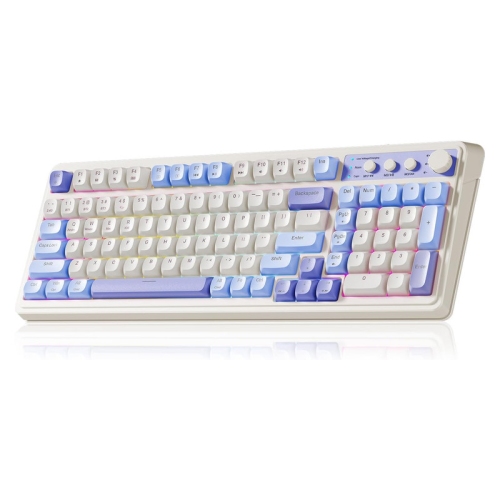
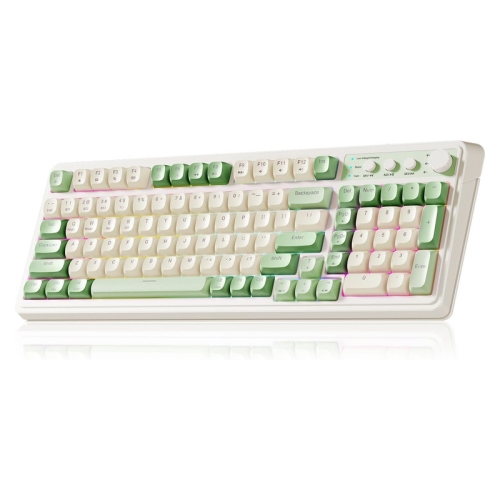
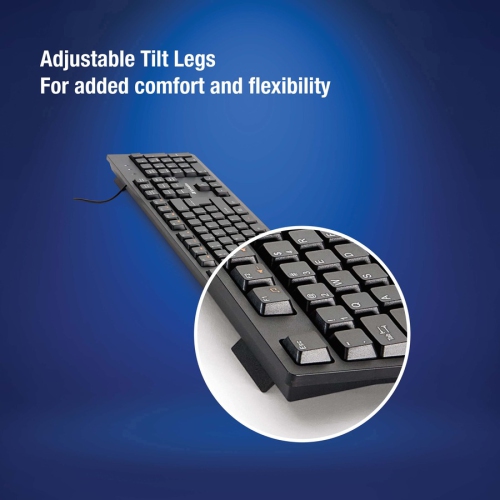
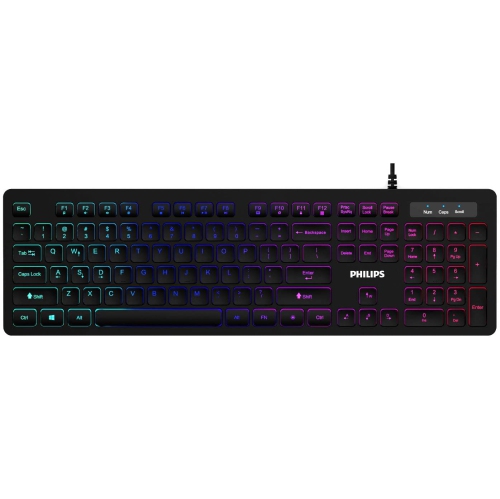
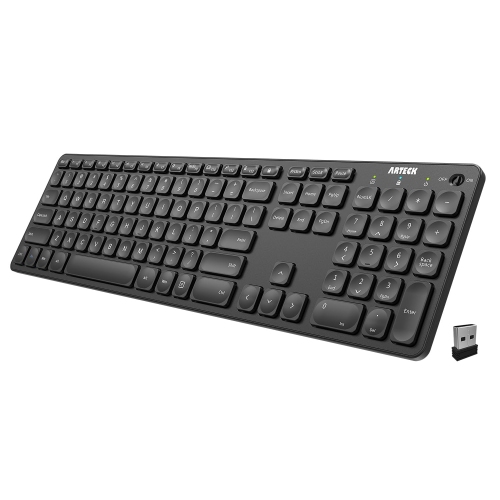
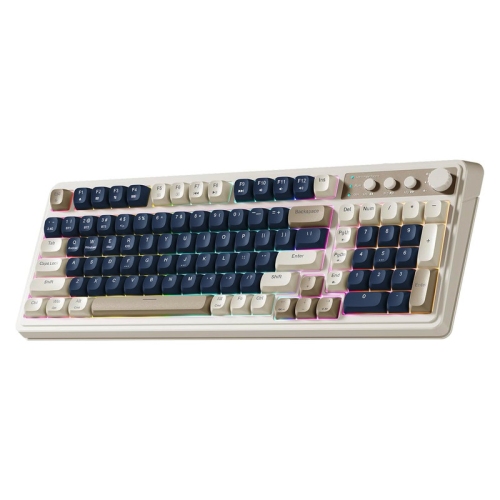
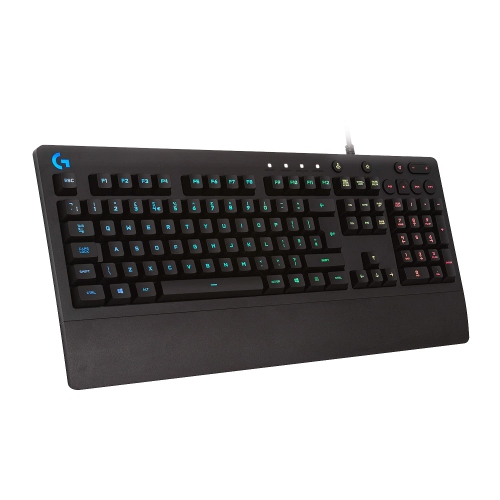
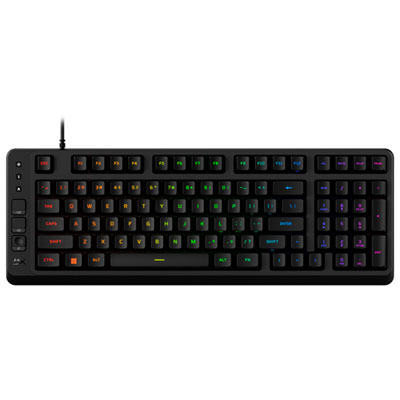
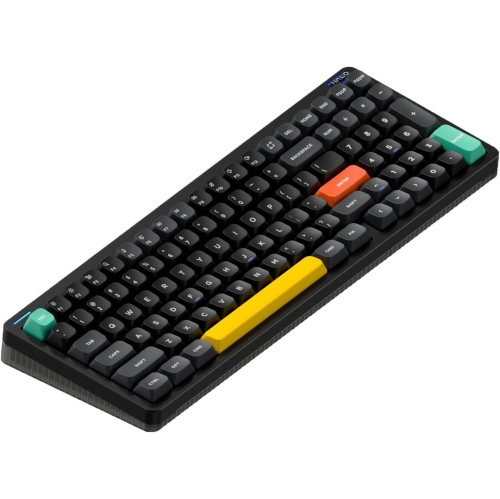
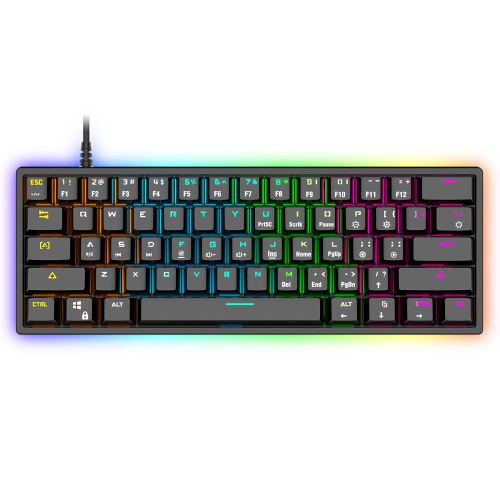
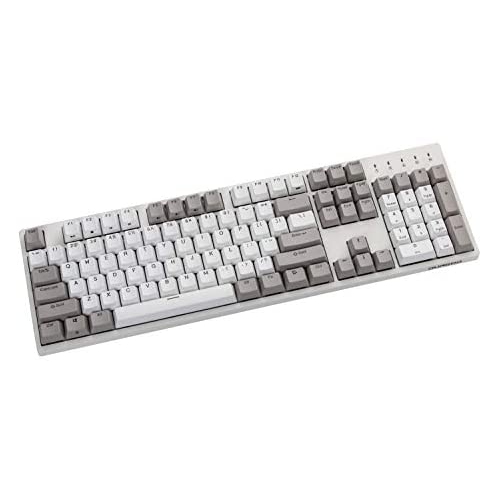
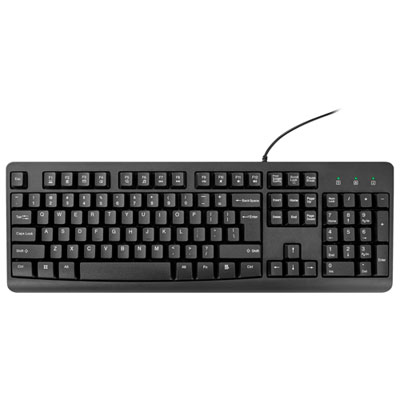
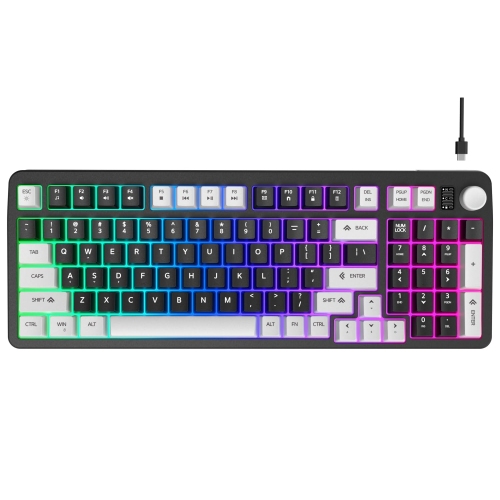

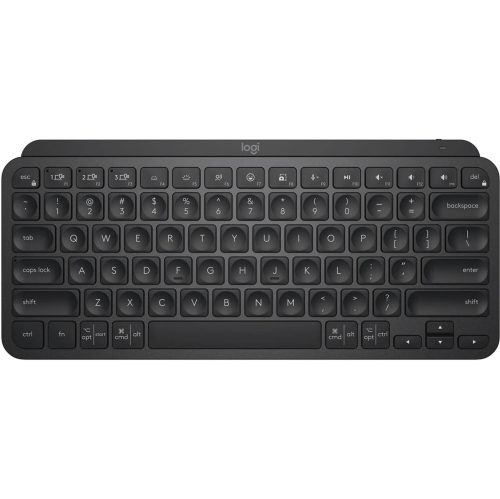
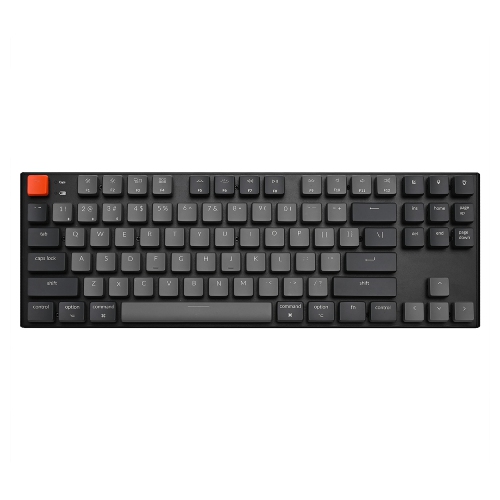

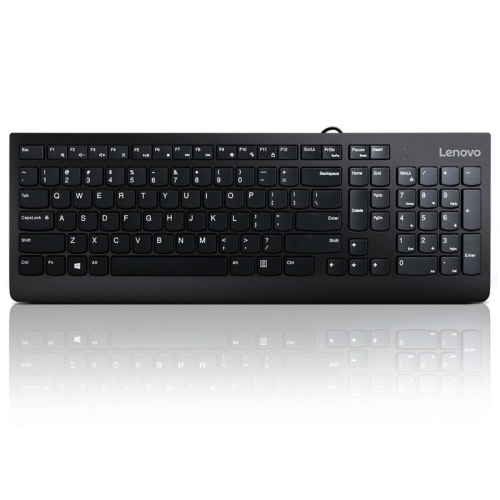
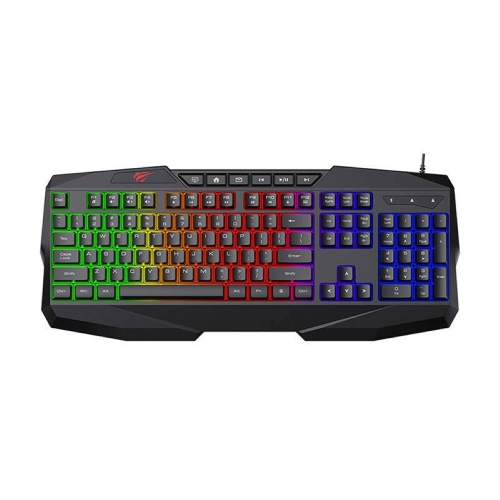
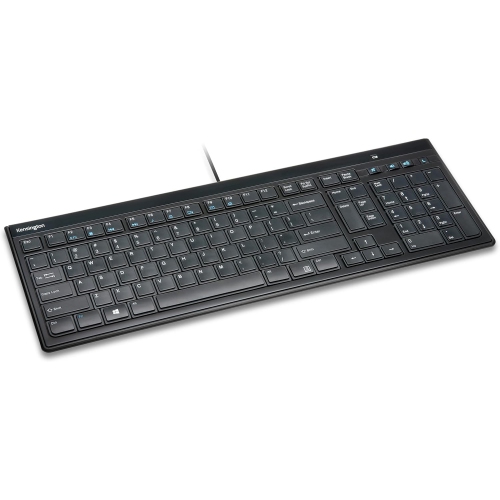
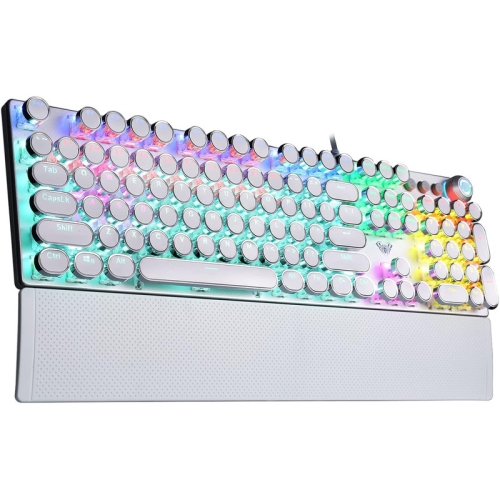
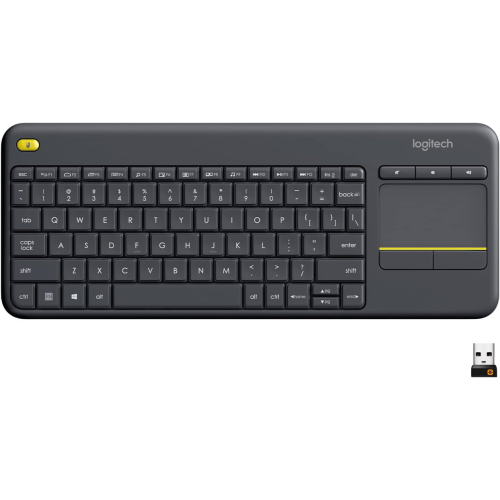
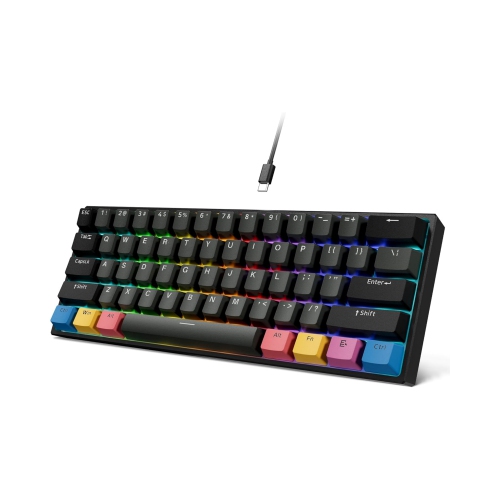
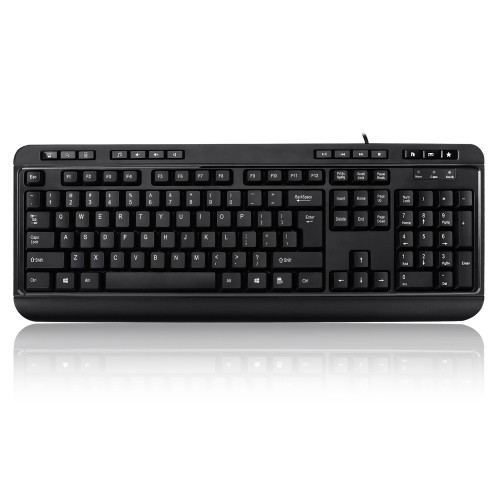

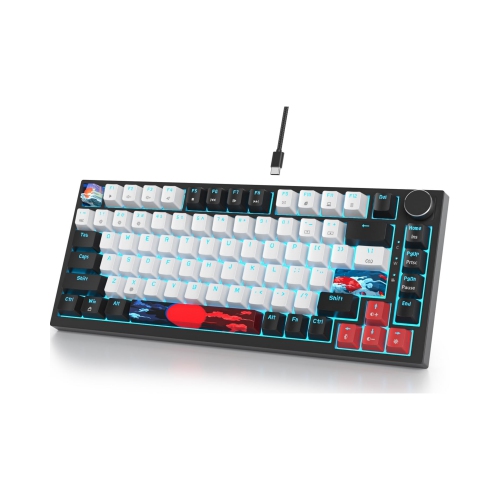
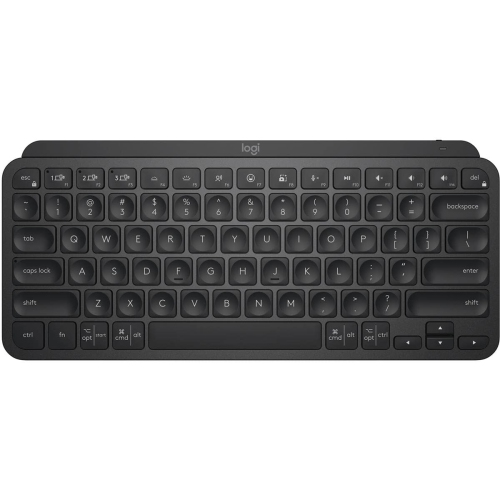
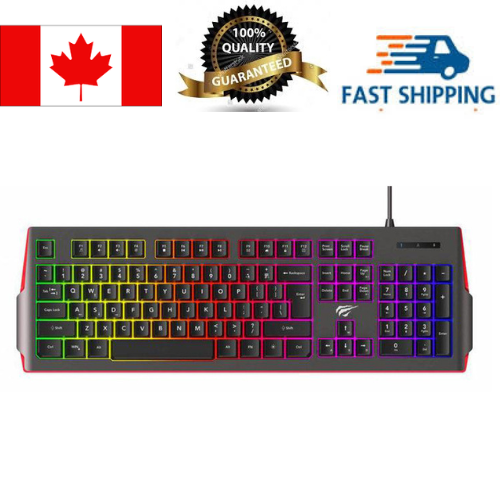
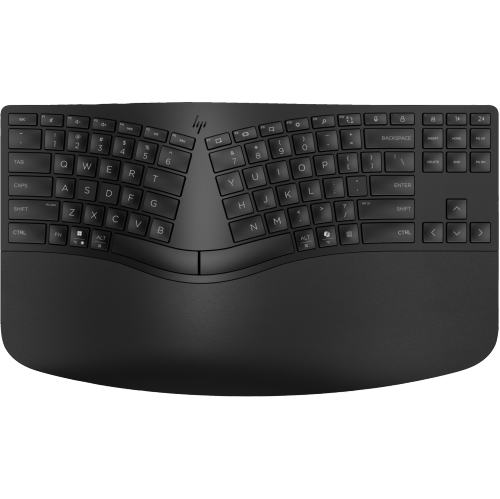
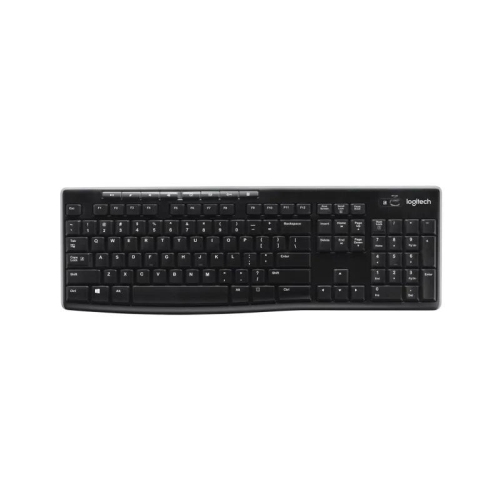
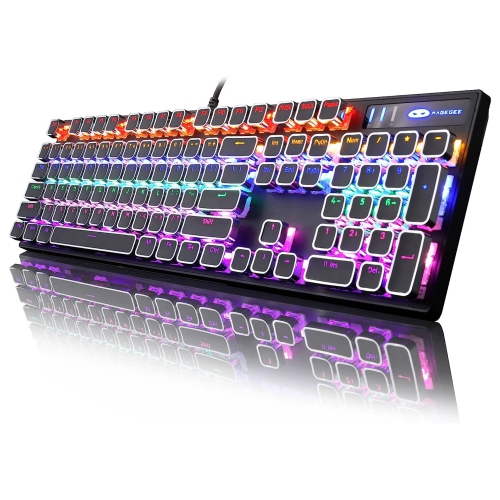

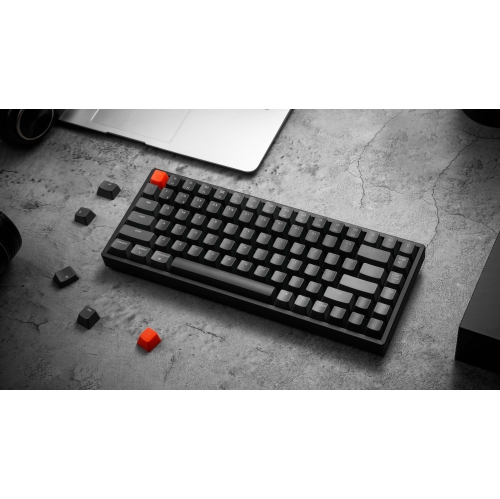
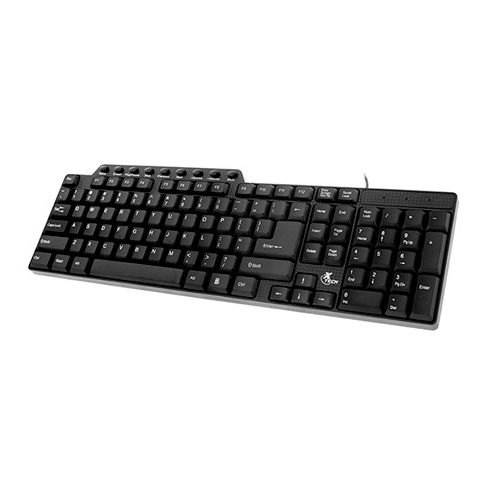
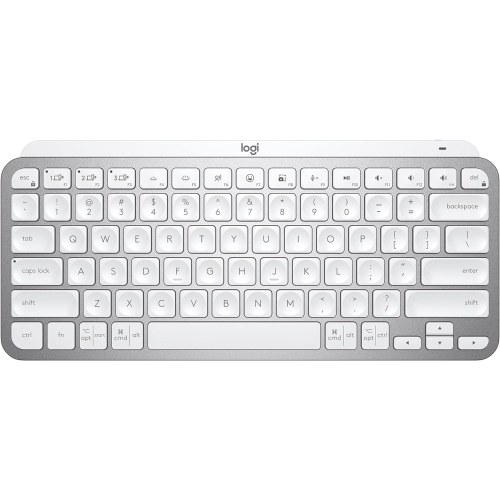

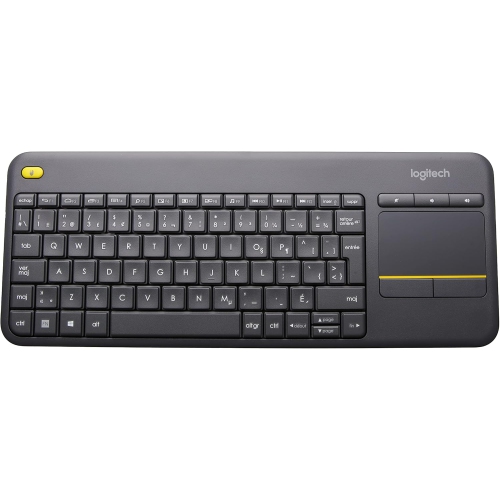
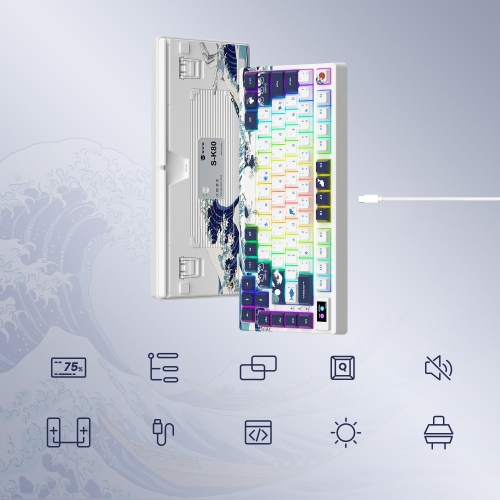
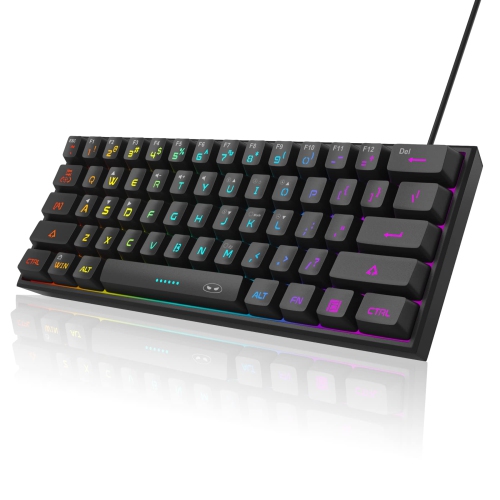
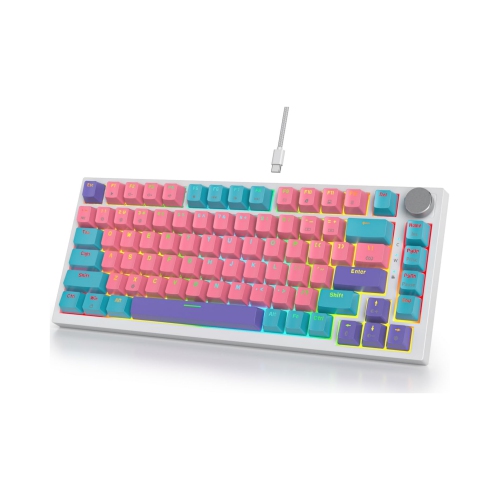
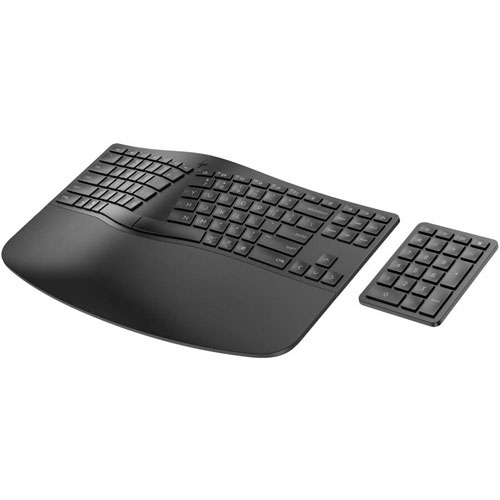
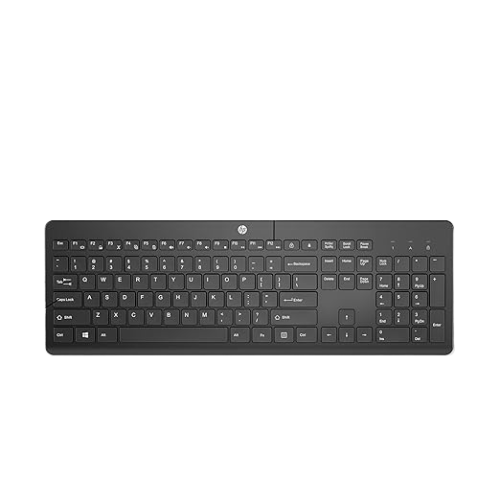
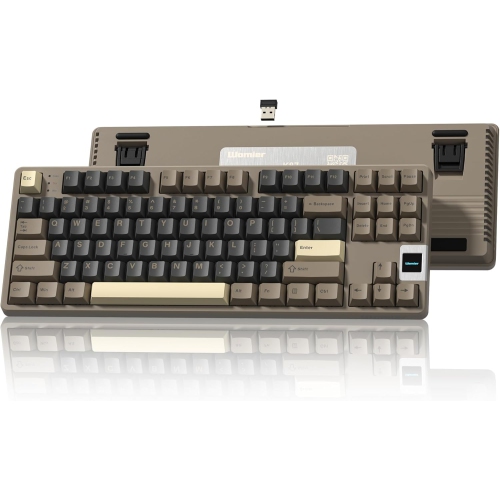
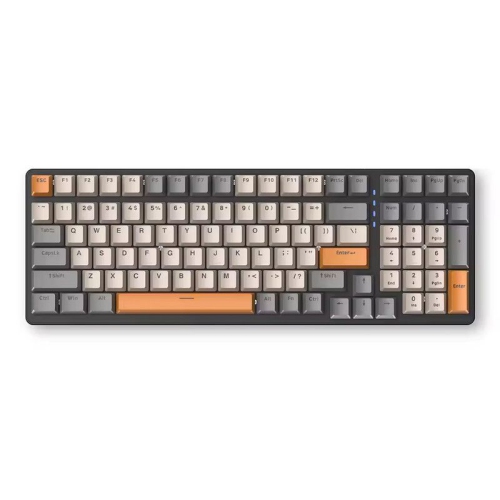

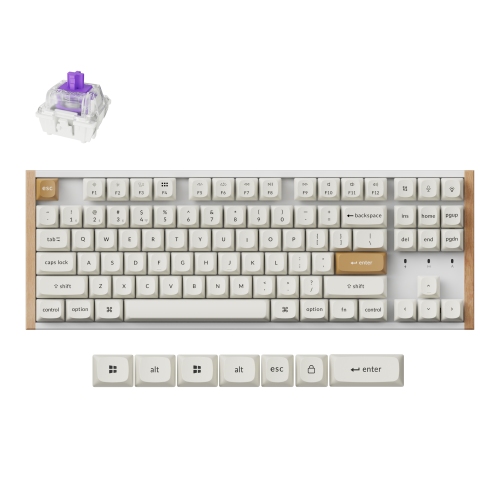
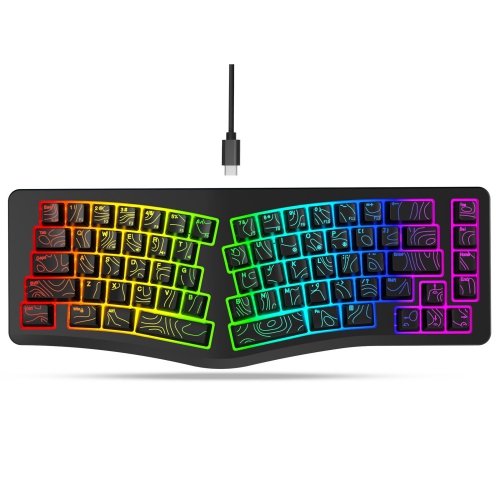
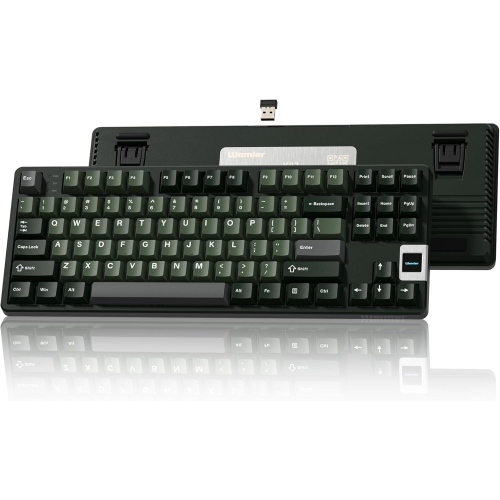
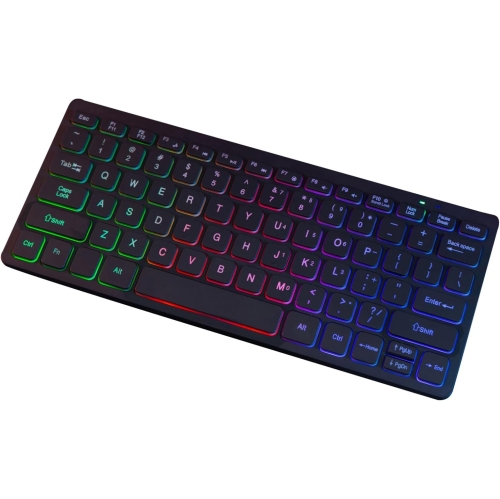
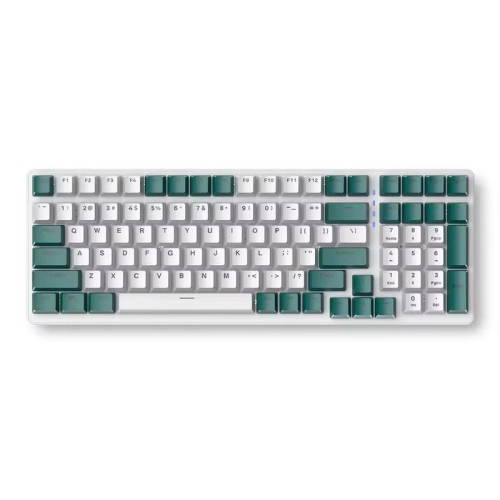
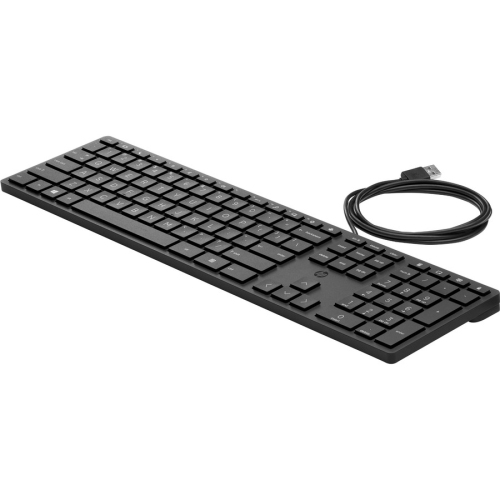
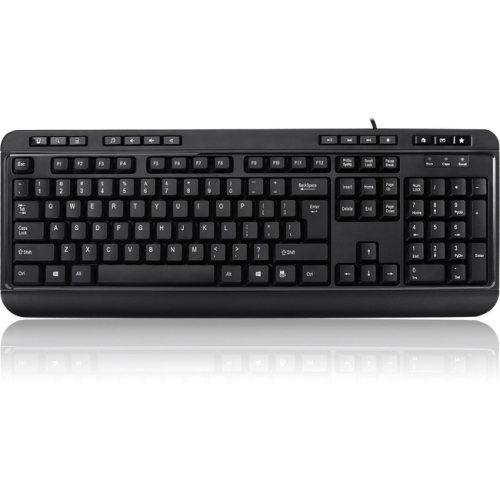

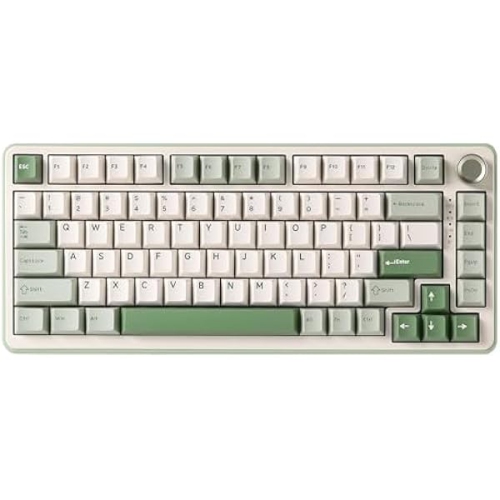
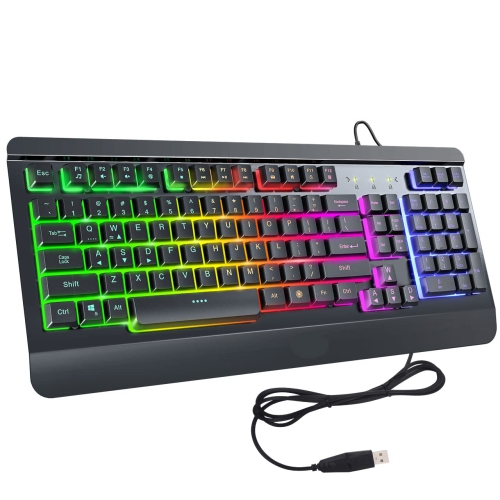
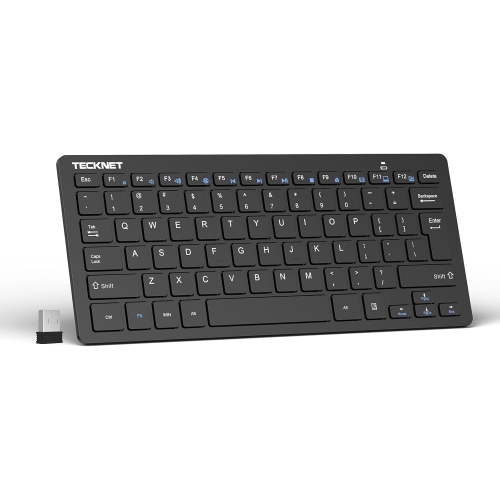
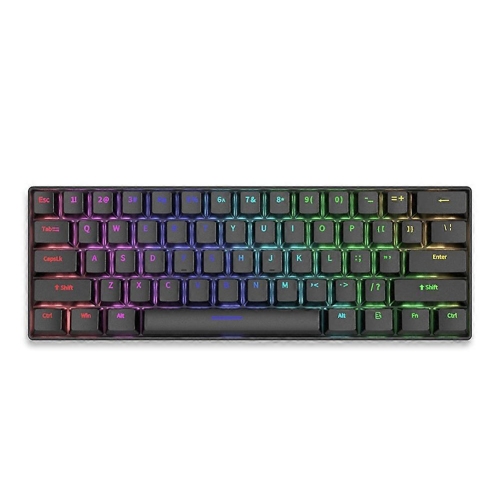
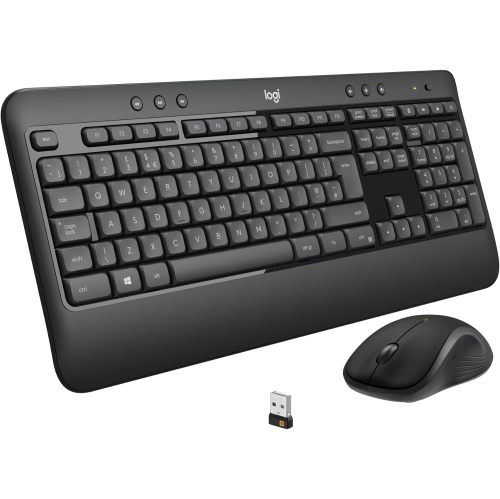
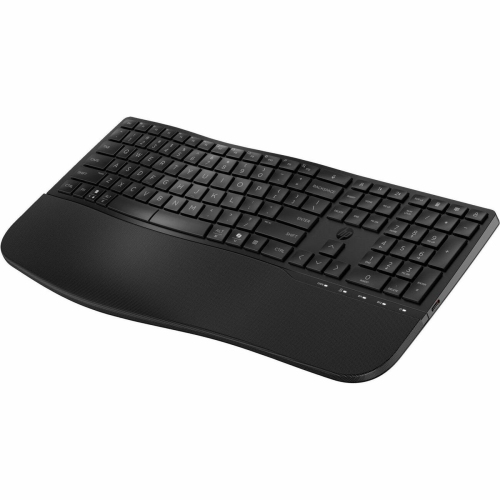
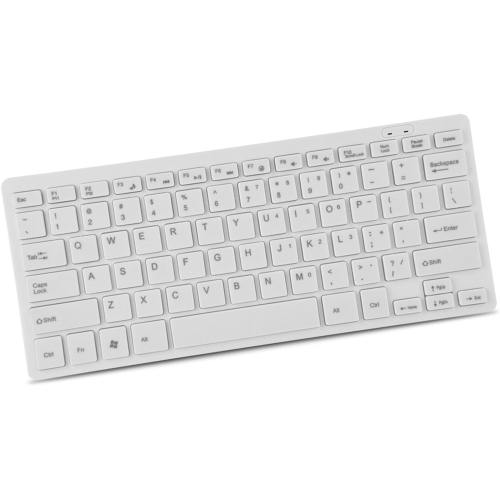
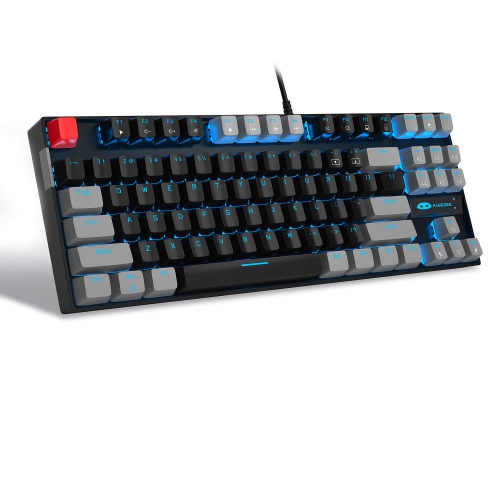

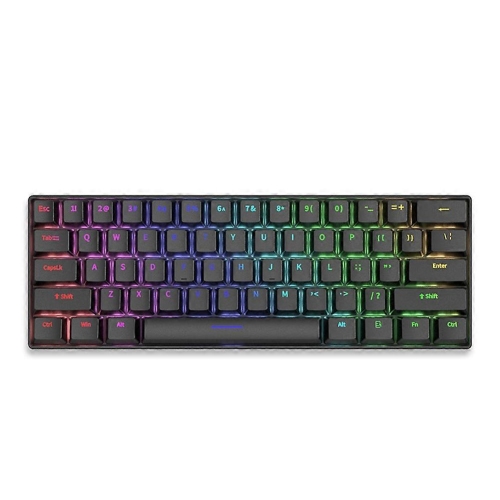
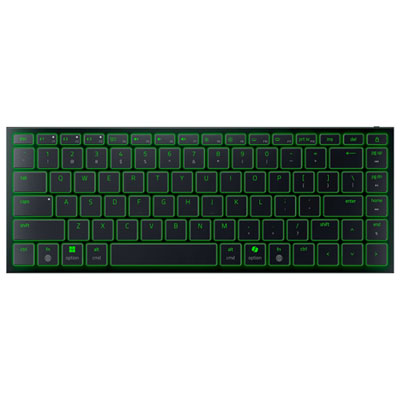
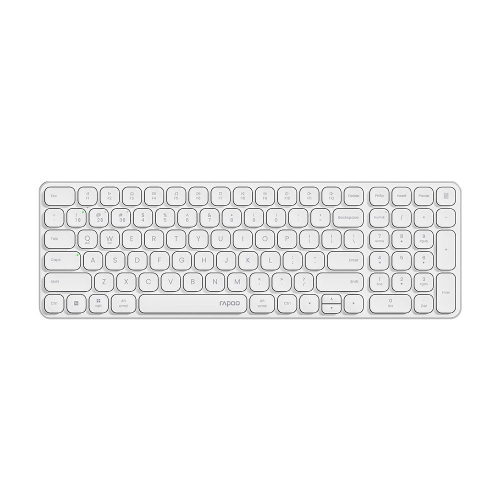
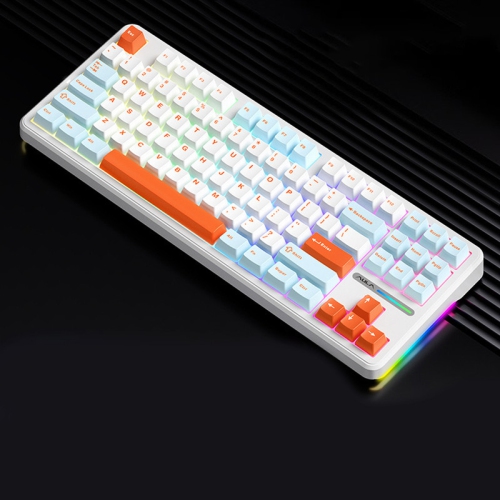
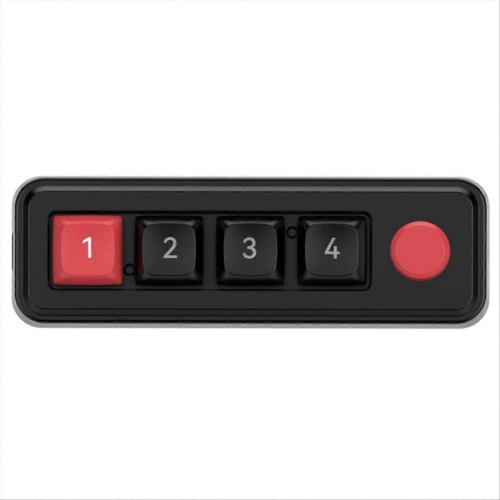
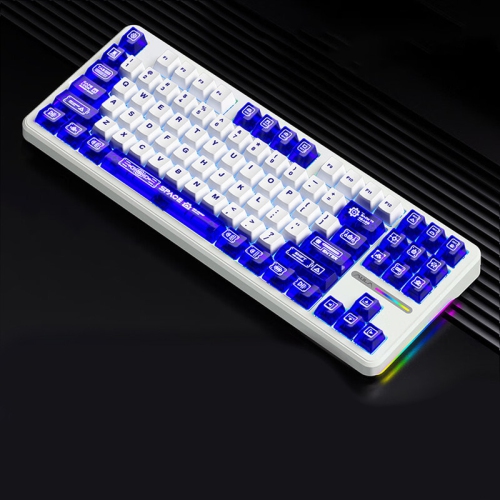
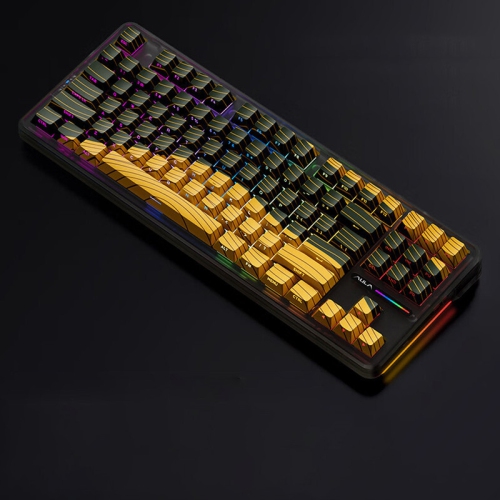
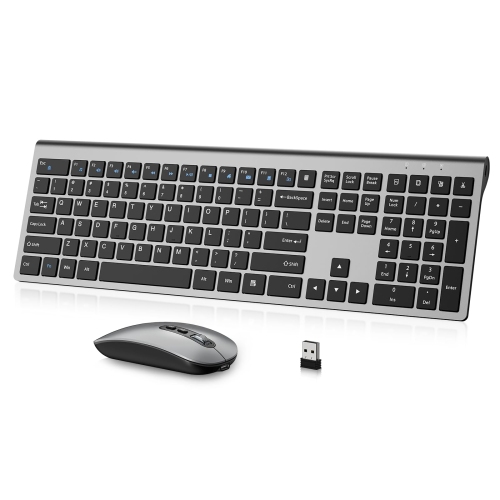
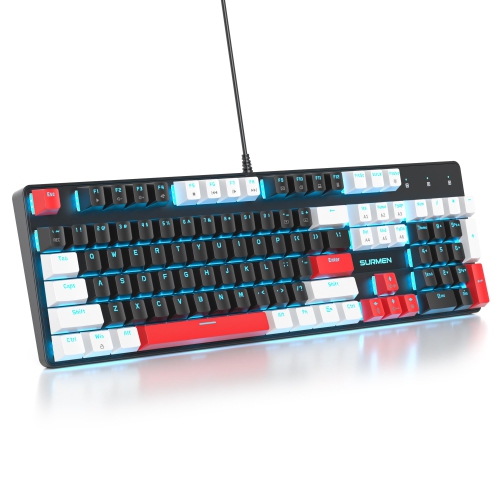

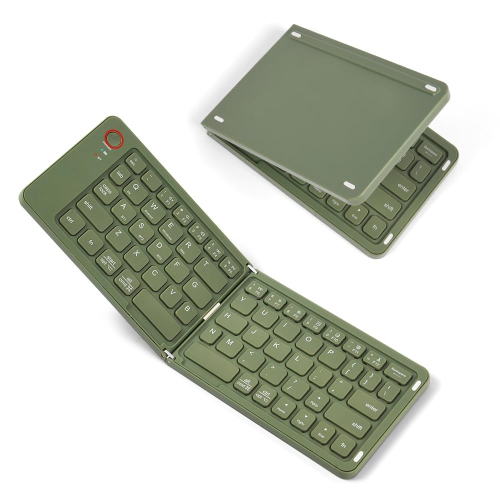
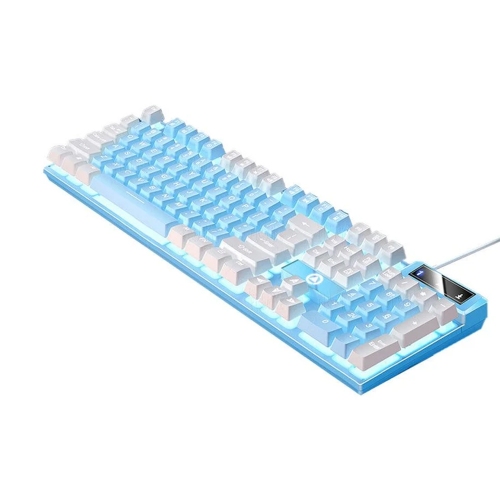
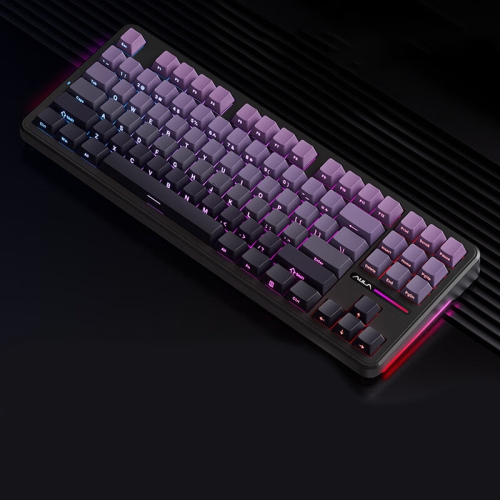
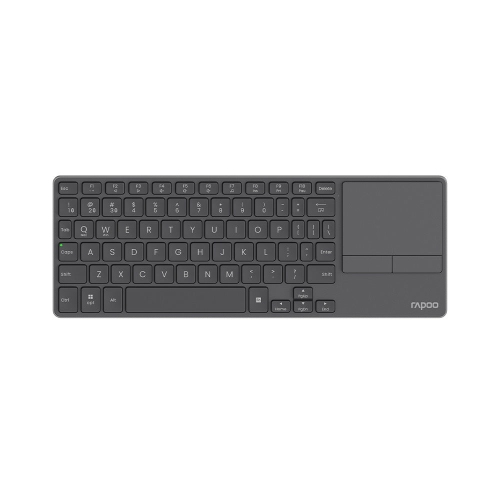
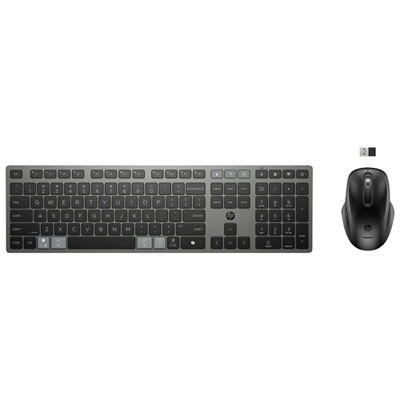
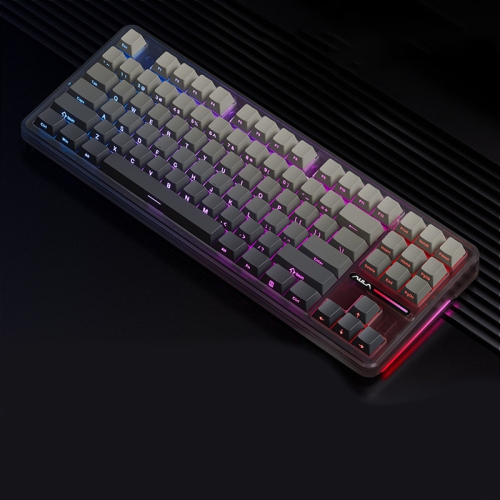
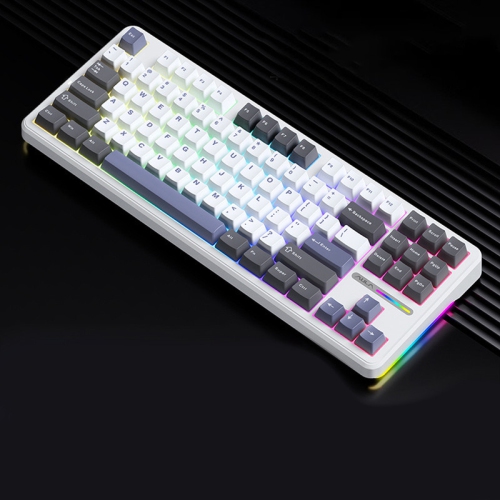
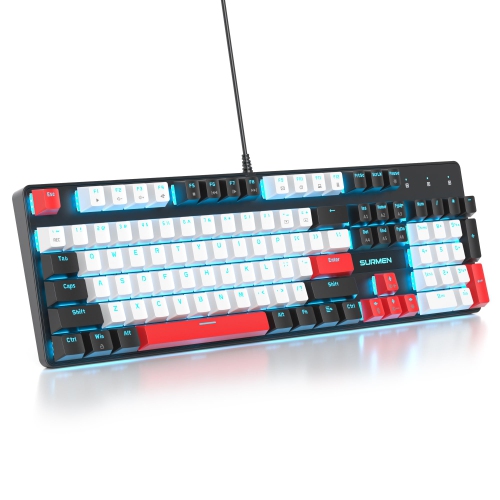
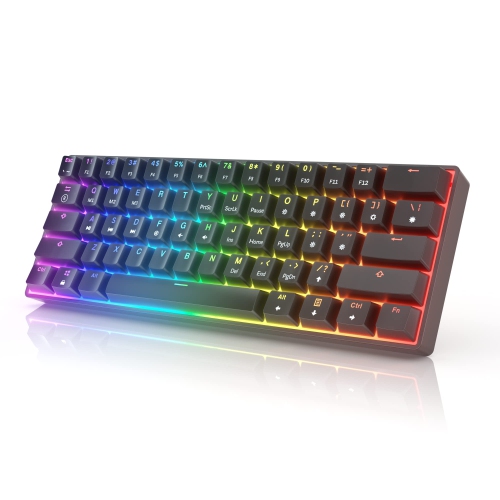
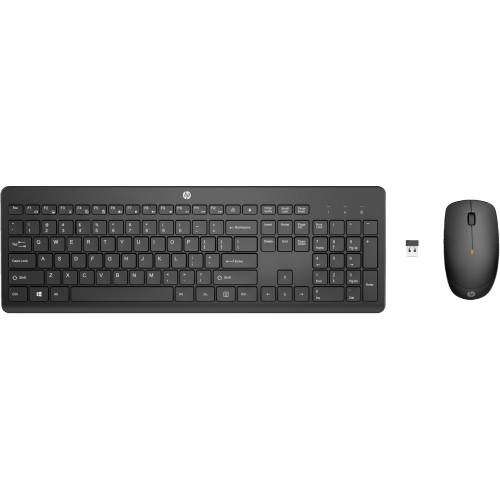
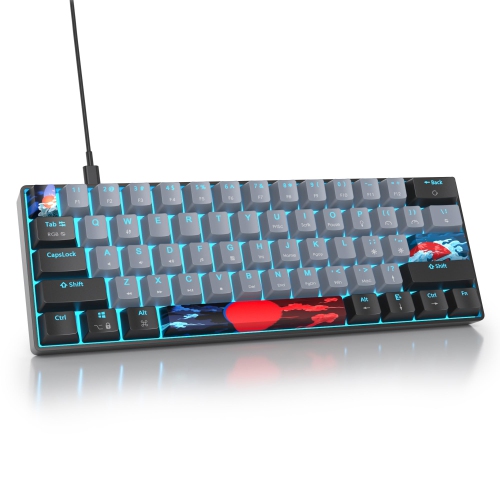
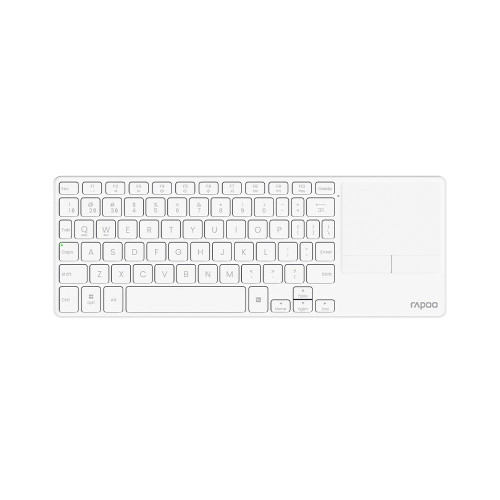
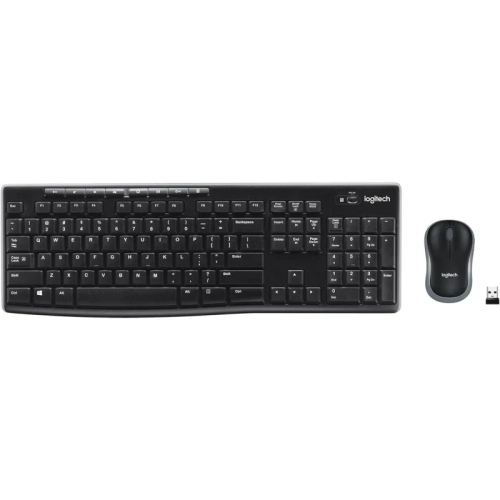
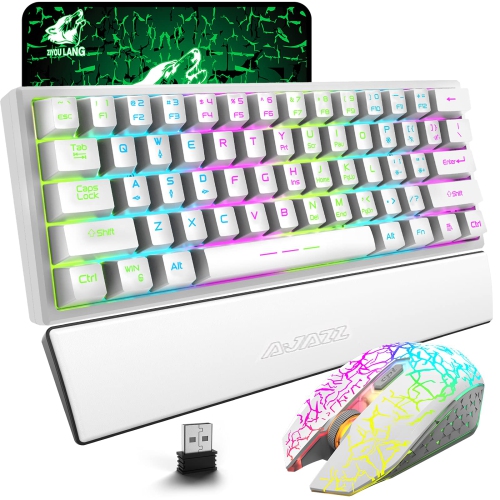
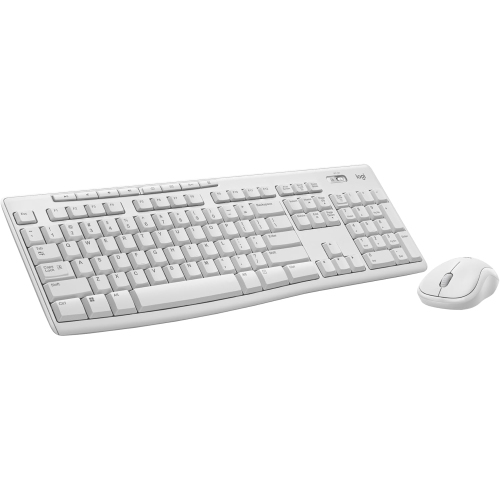

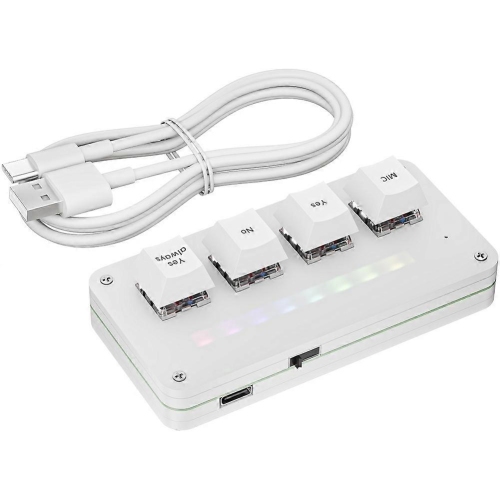
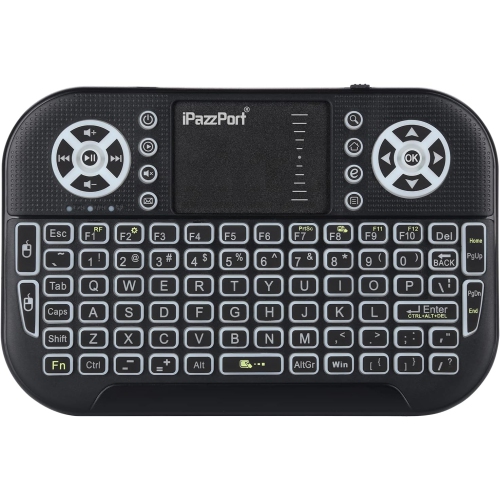

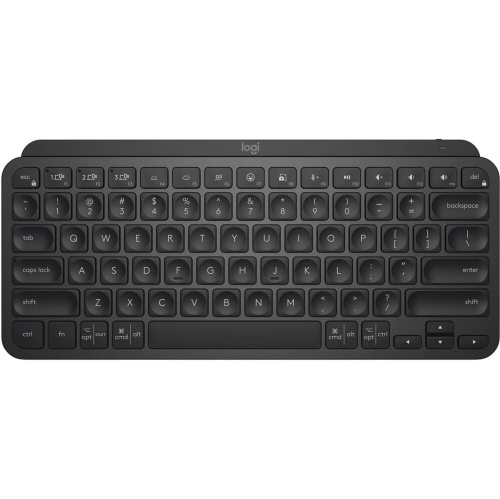
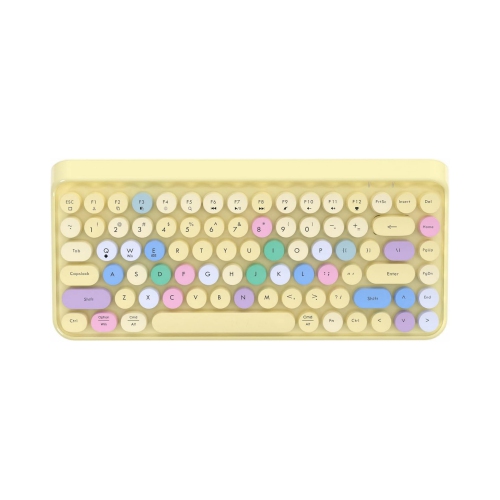

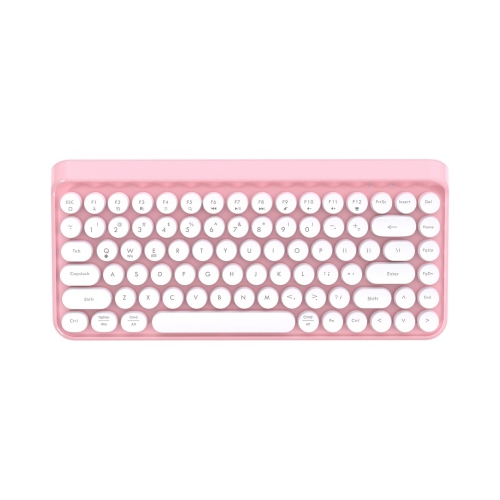
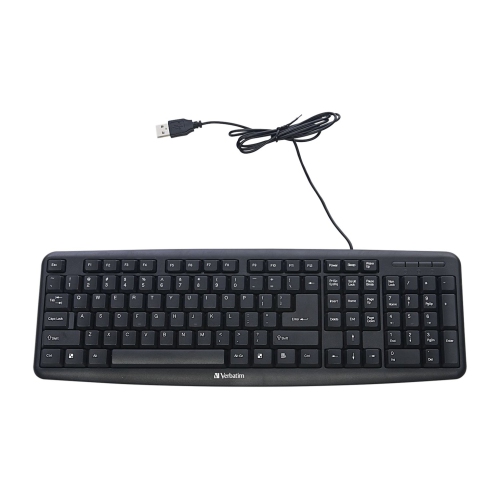
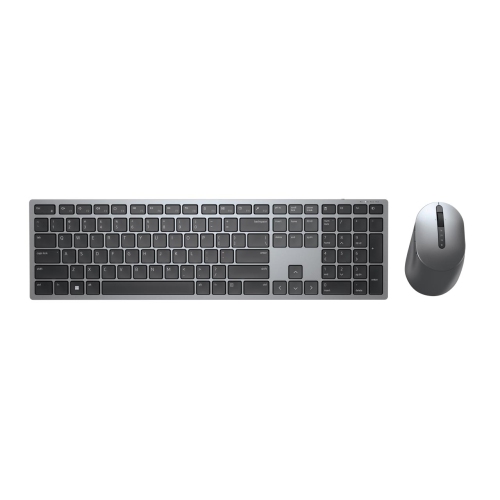
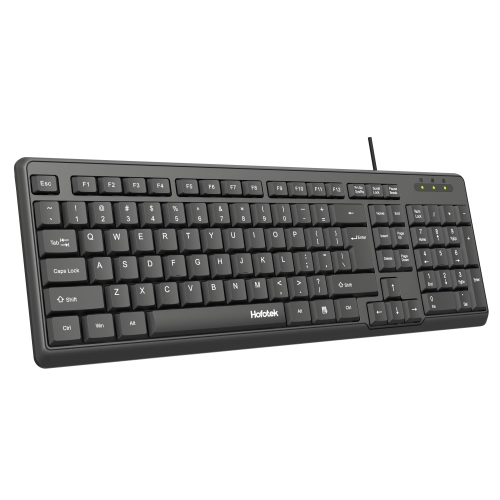
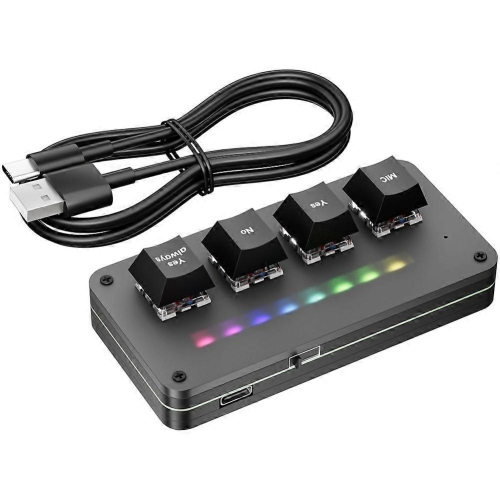
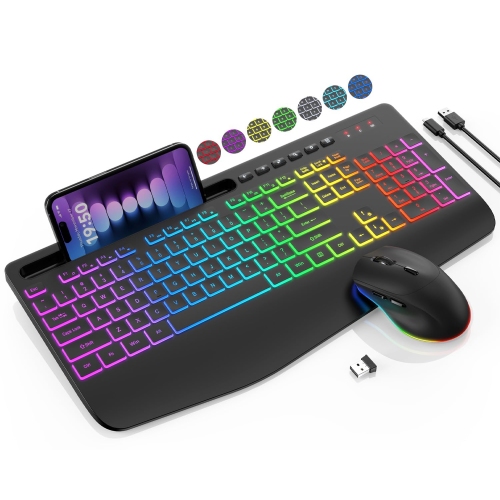
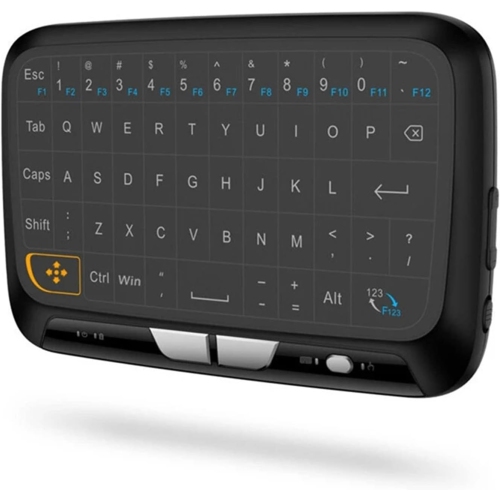
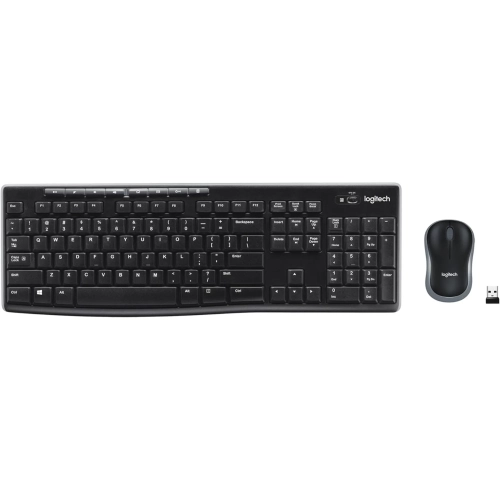
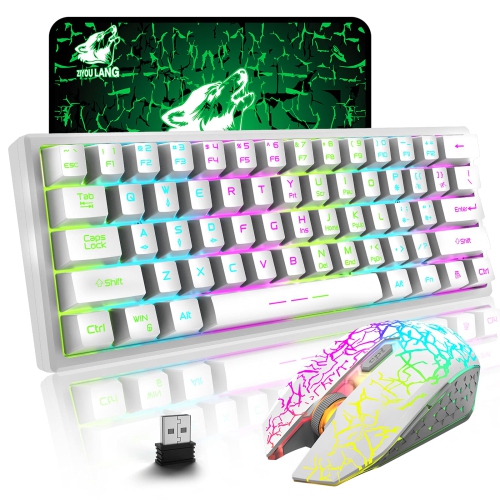
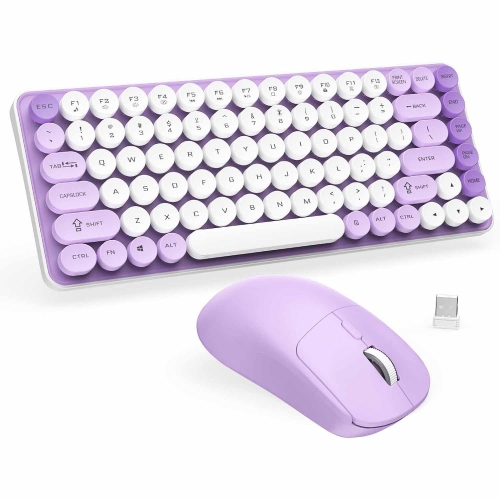
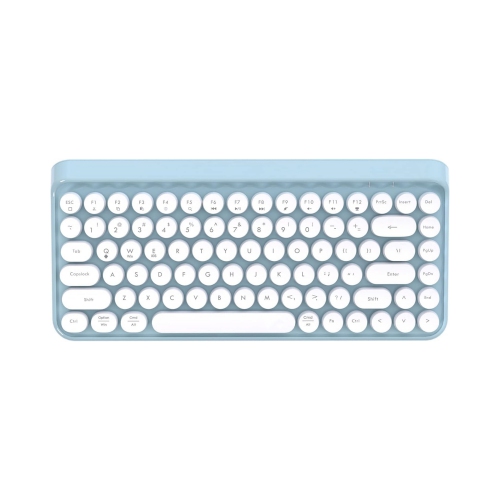
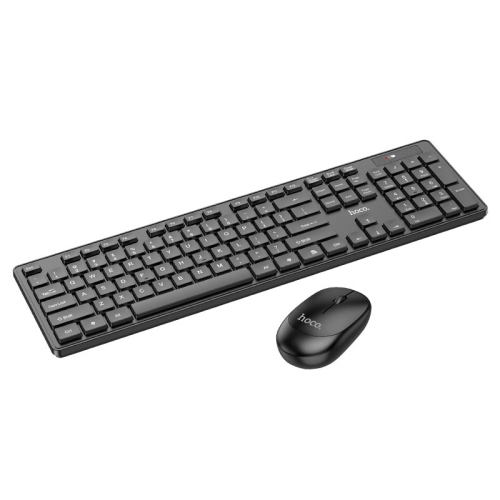
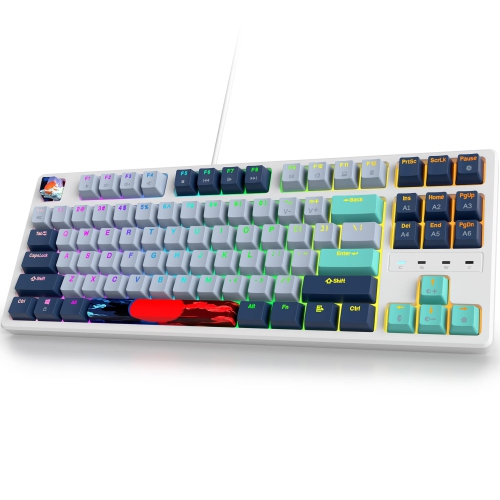
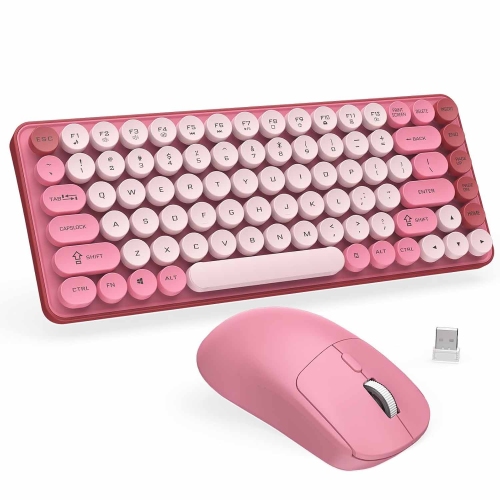
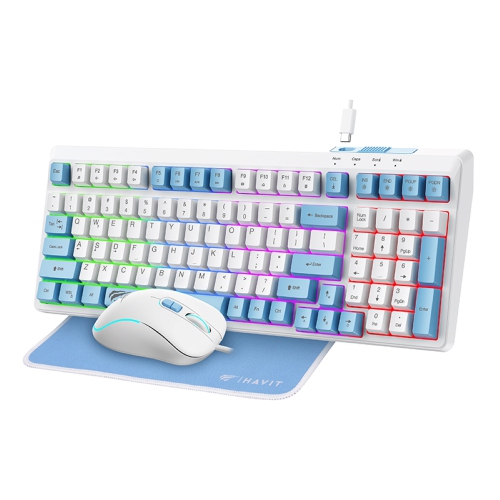
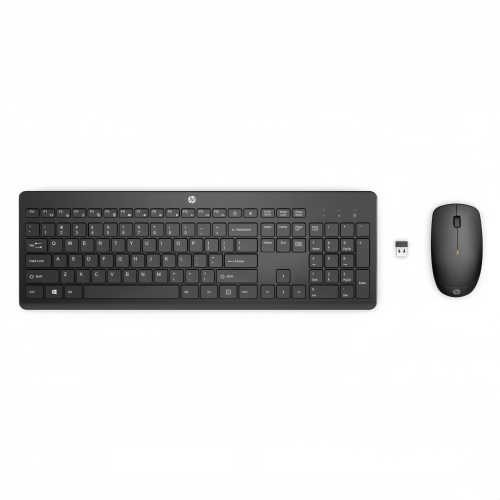
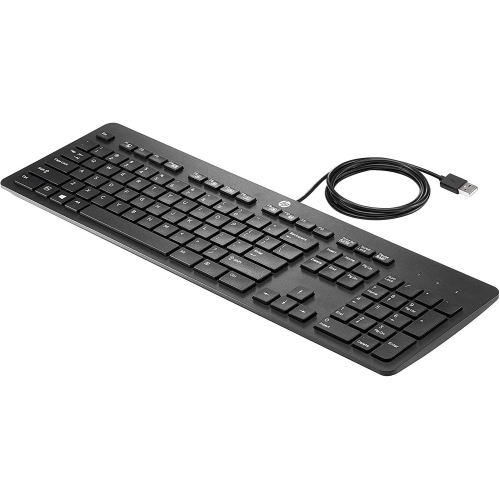
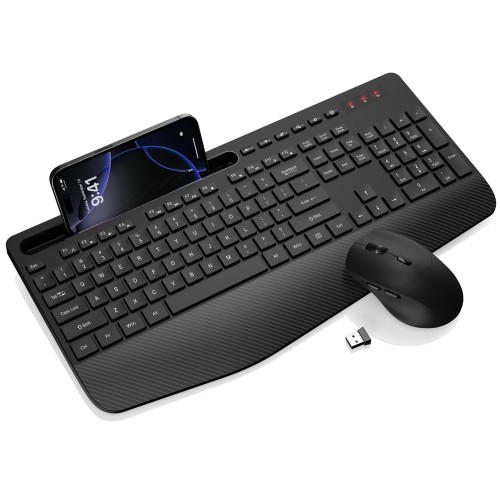
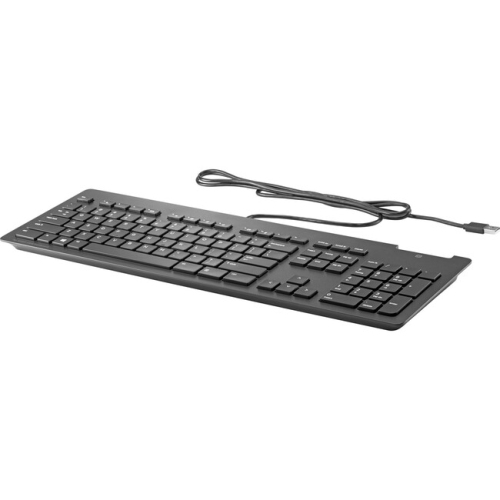
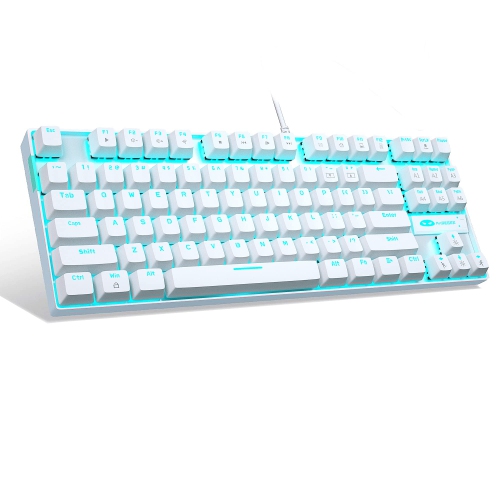
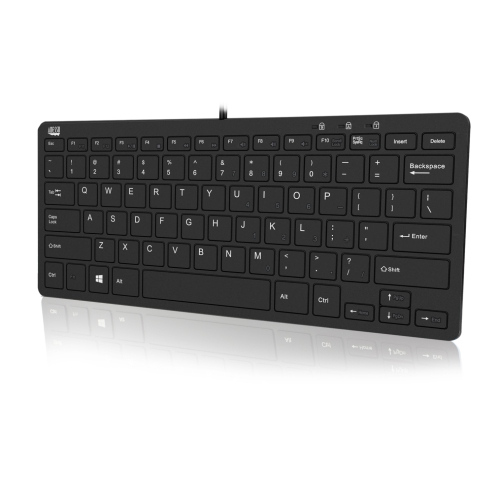
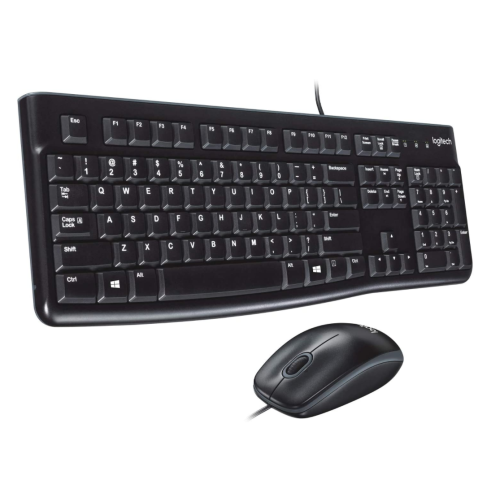
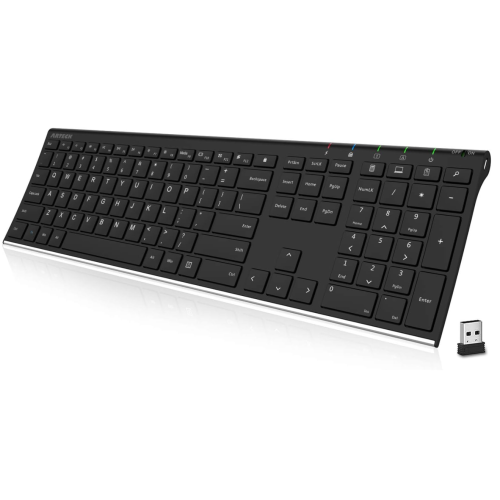
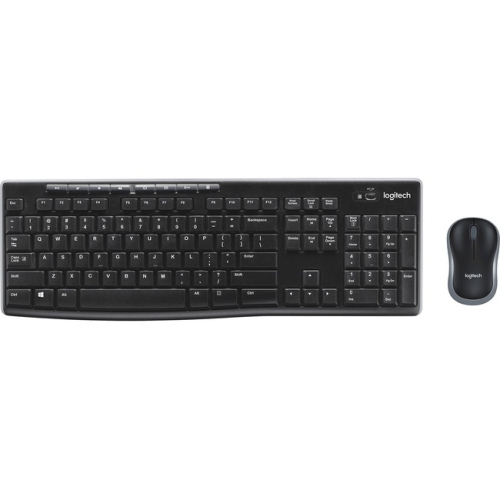
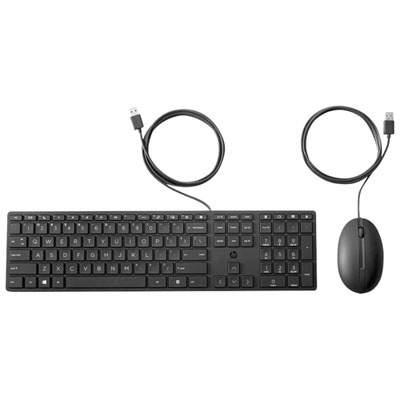
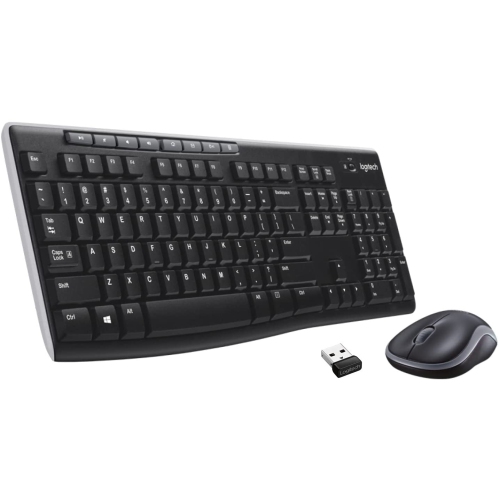
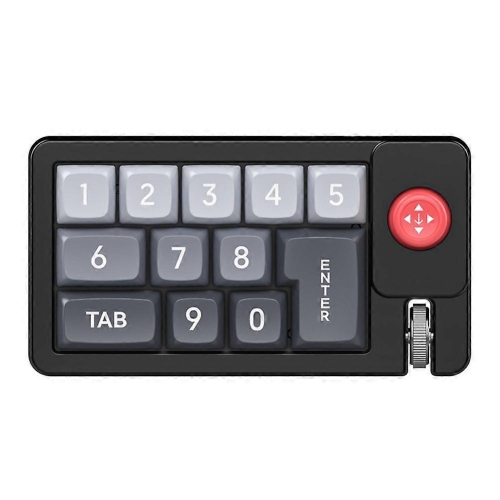
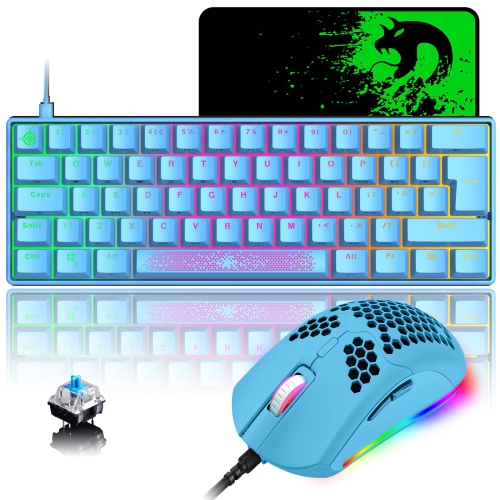
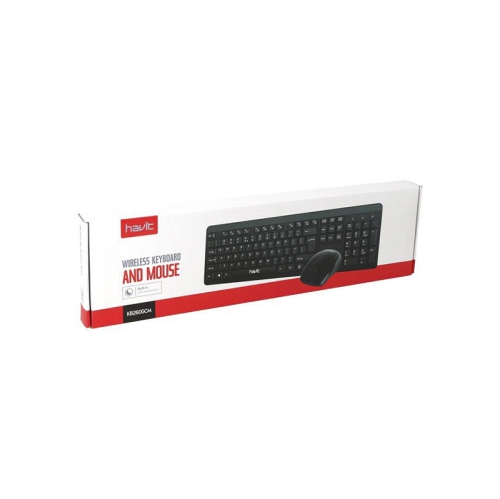
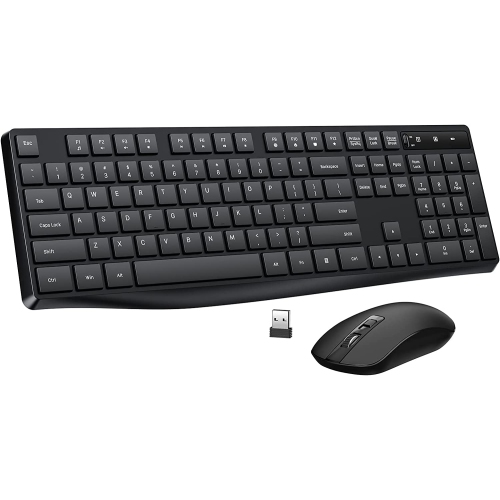
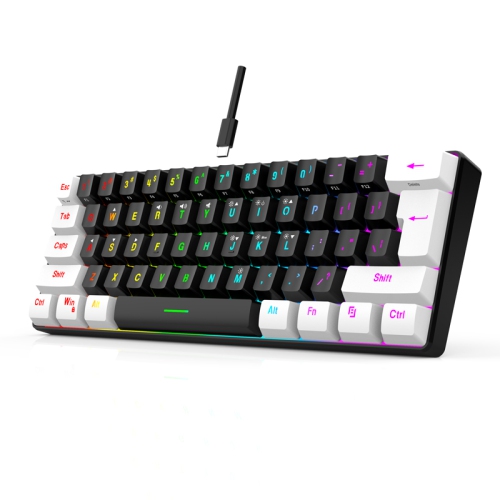
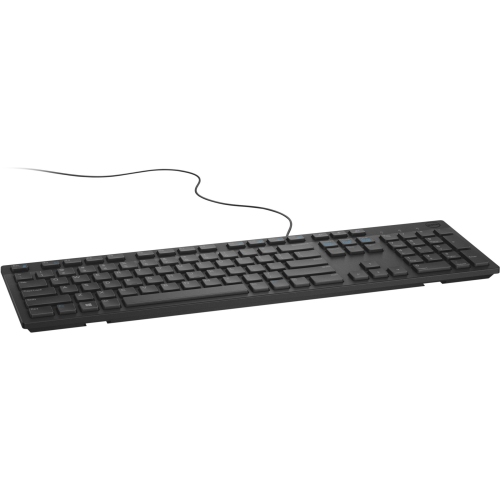
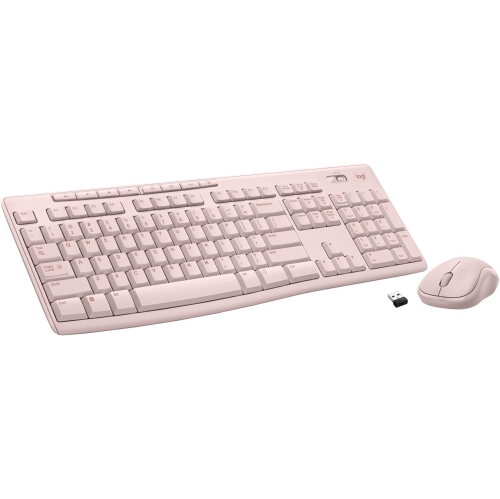
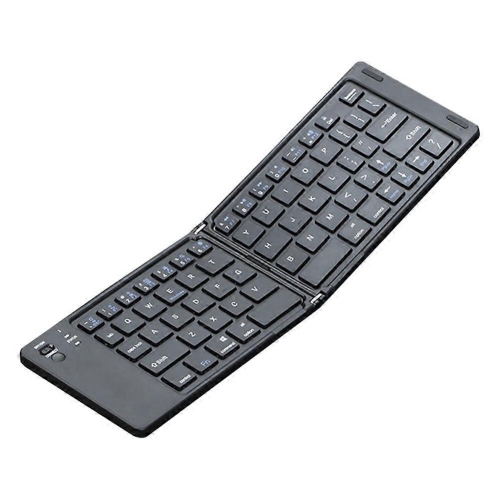
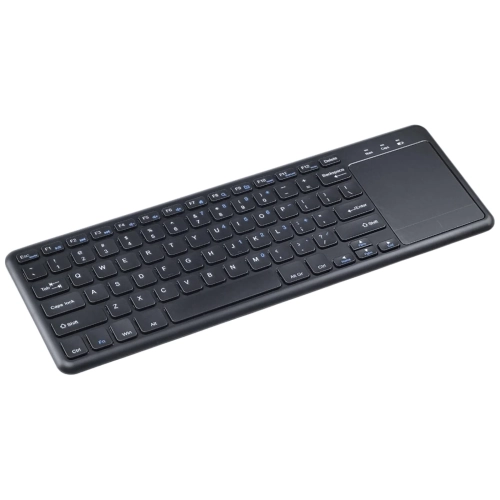
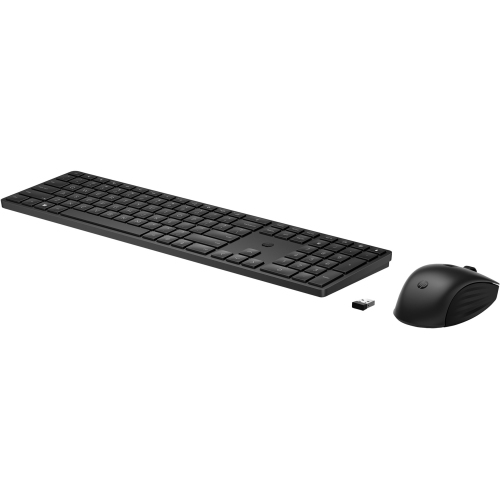
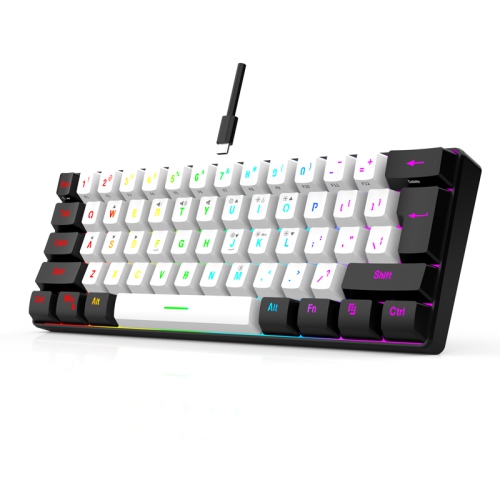
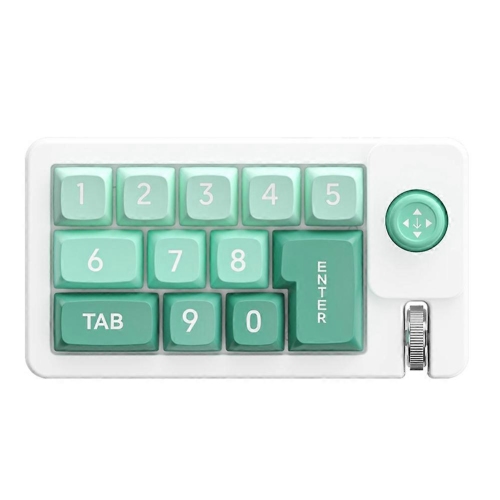
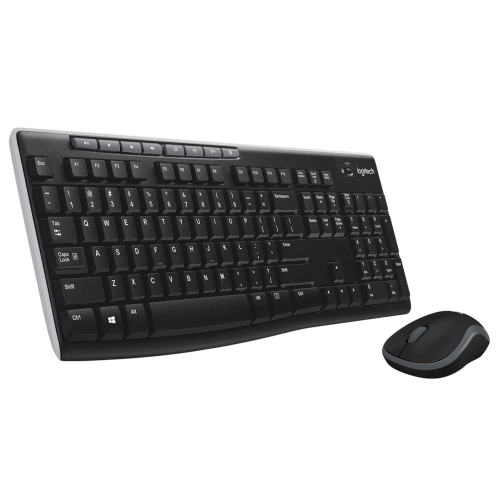
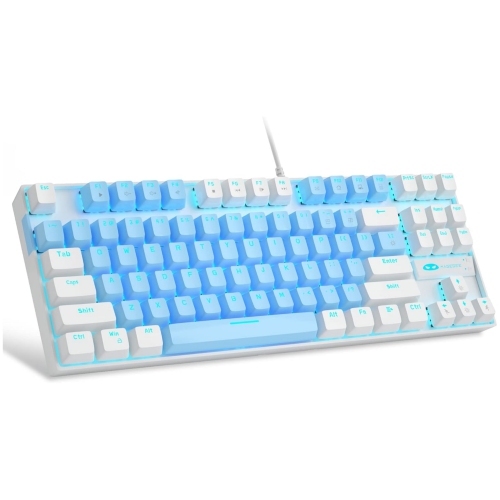
Comfortable control for home theatre PCs from across the room
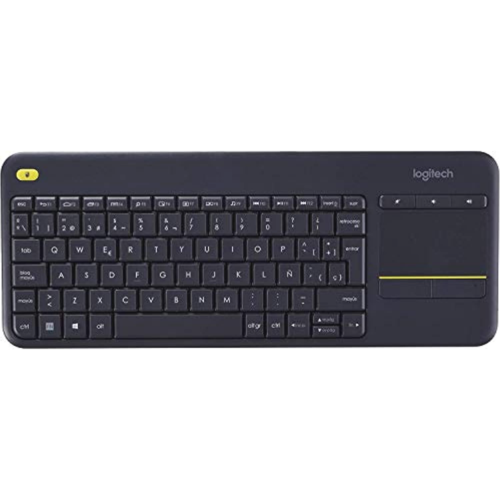
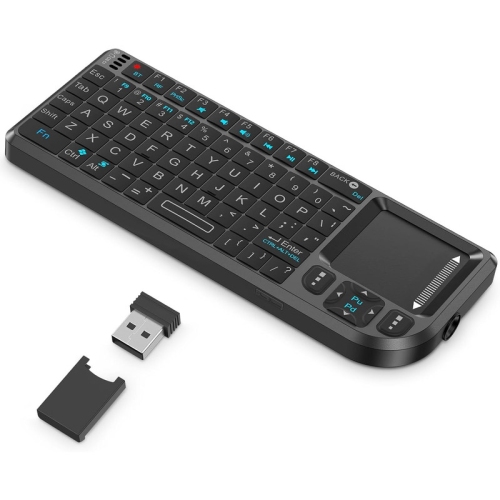
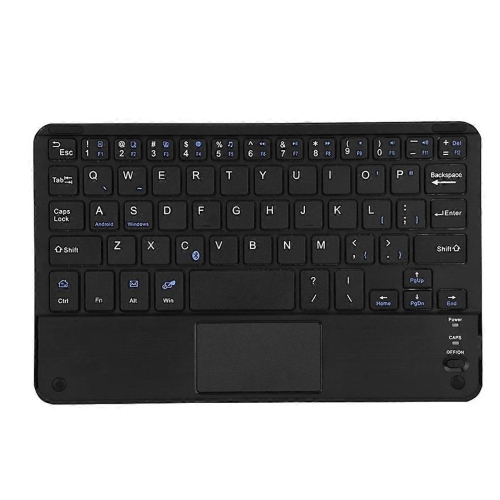
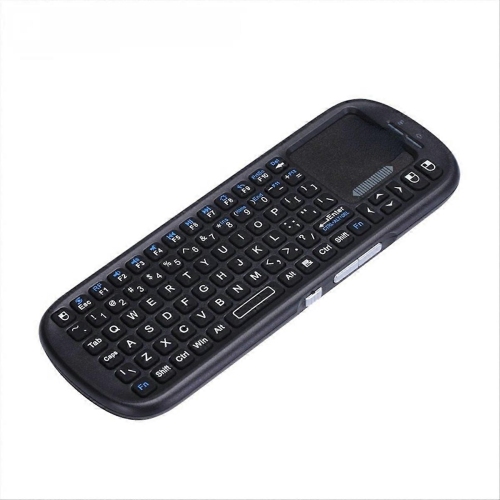
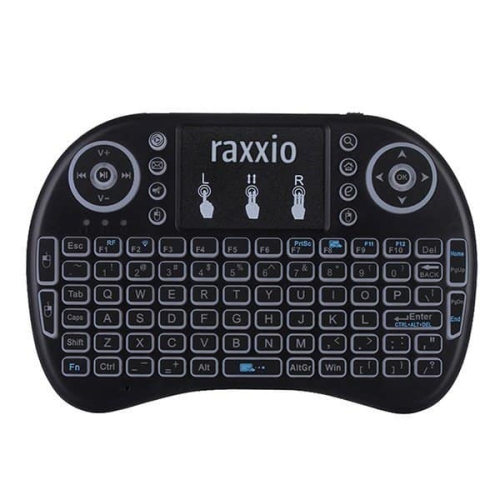
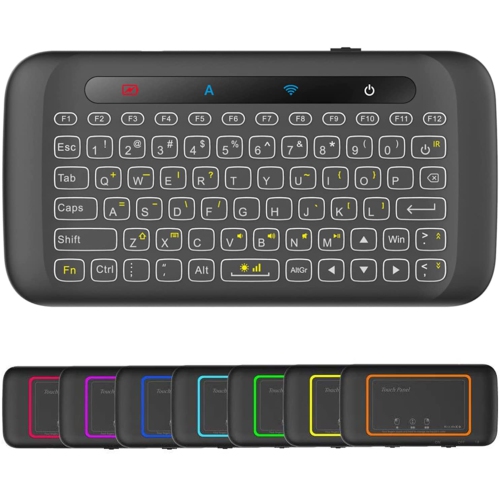
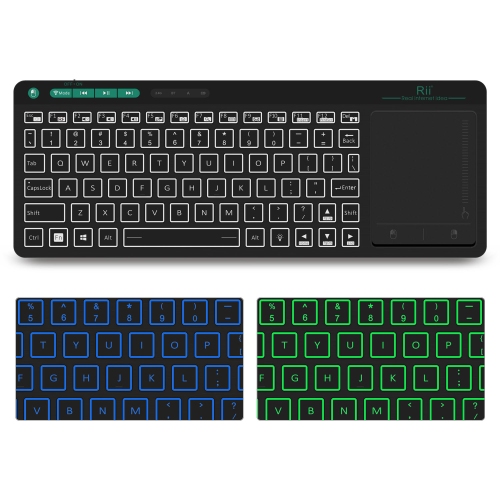
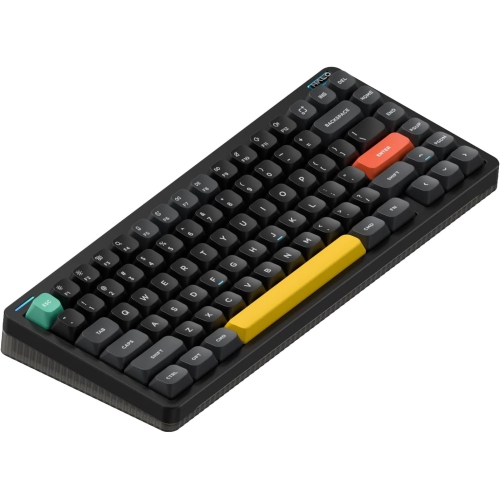
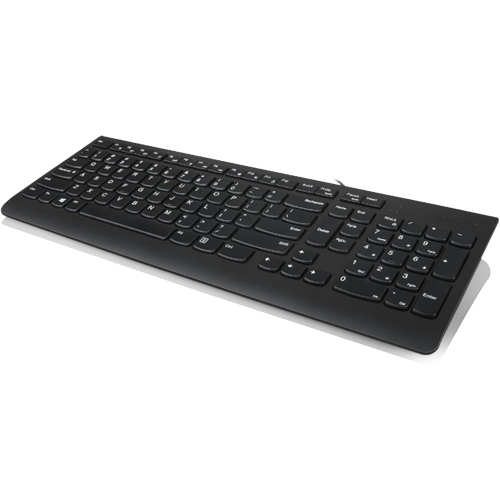
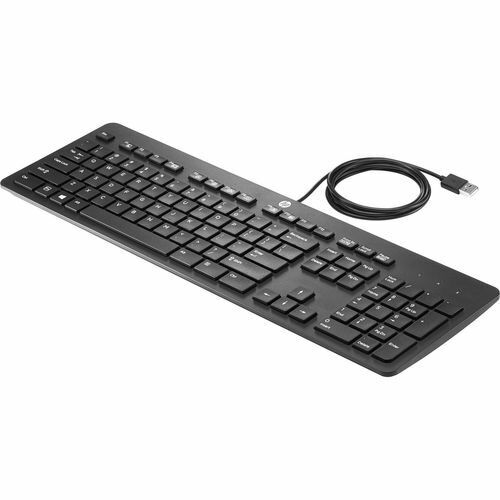
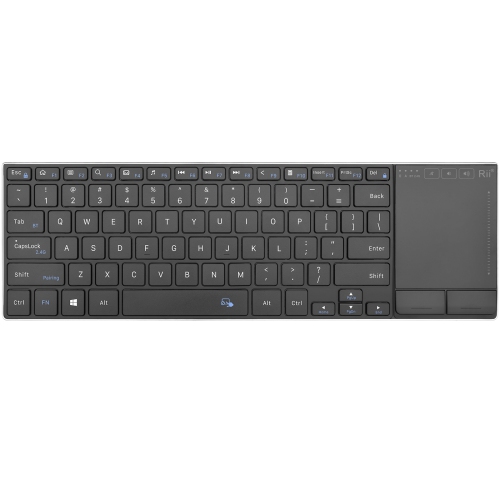
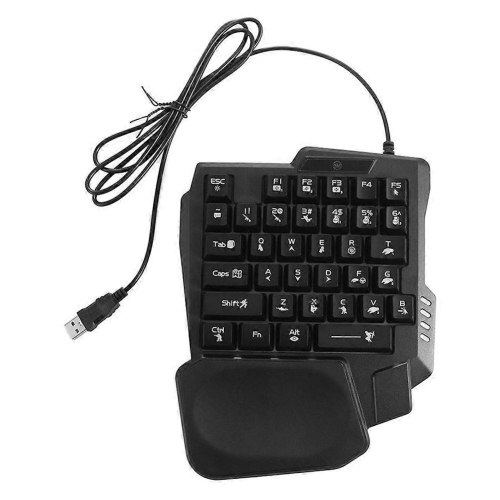
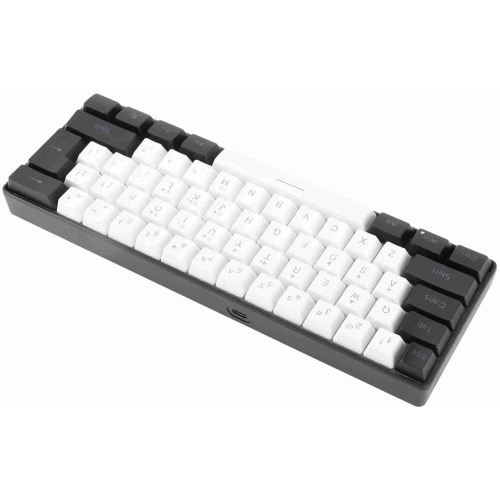
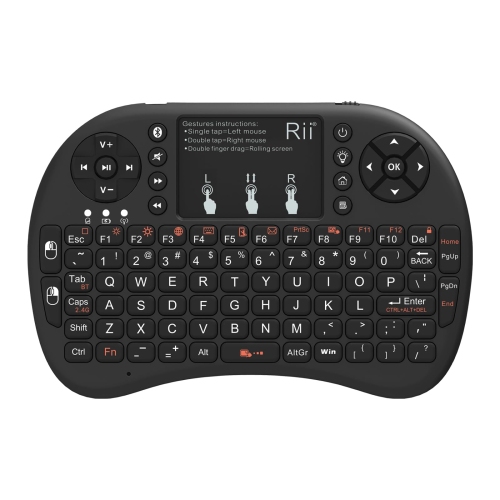
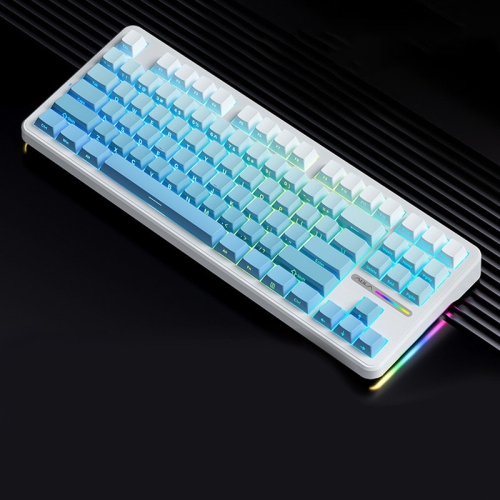
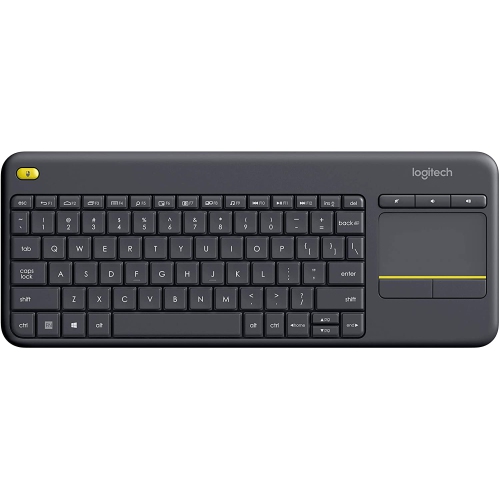
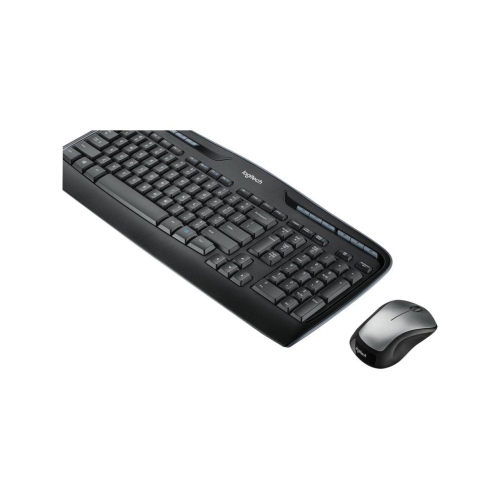
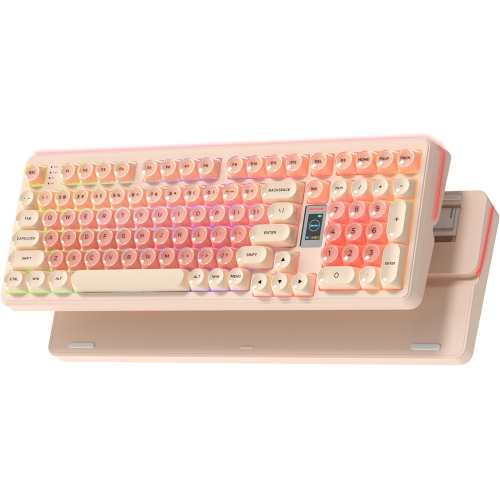
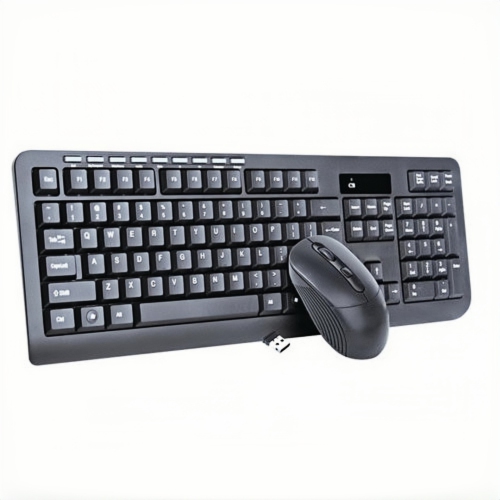
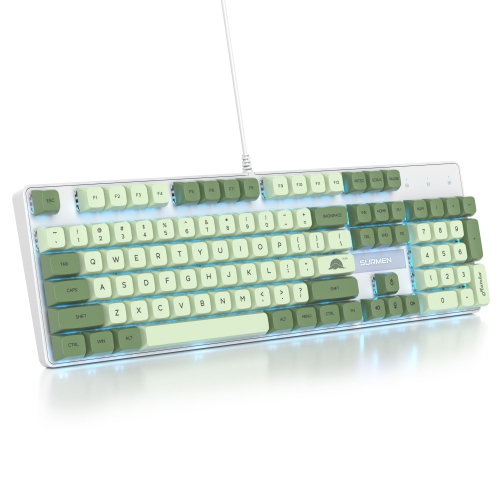
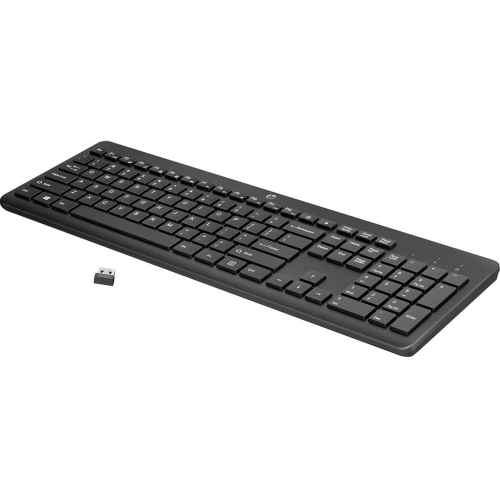
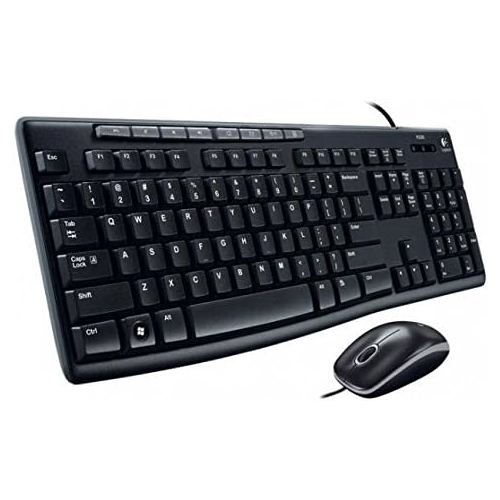
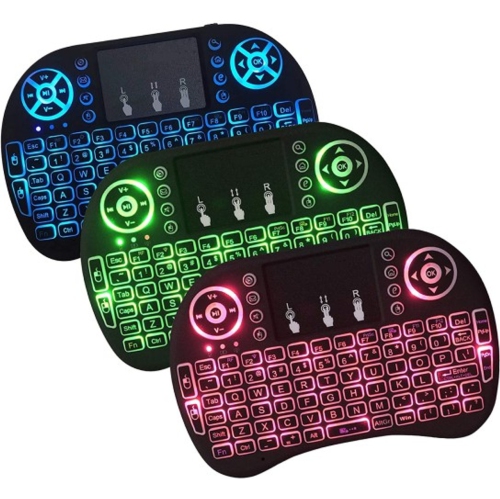
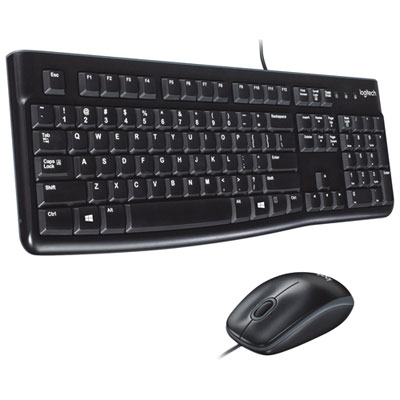
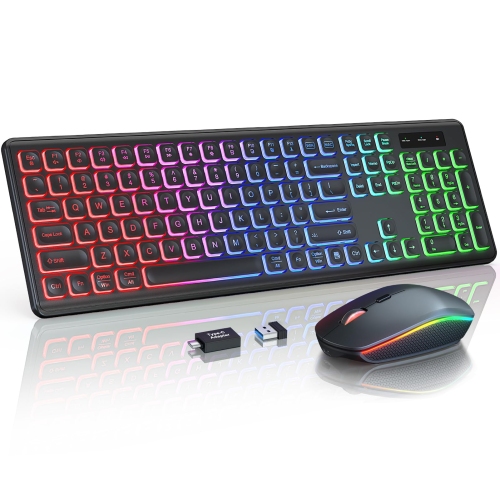
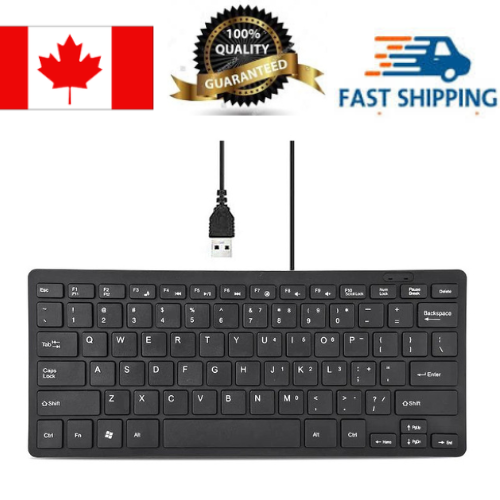
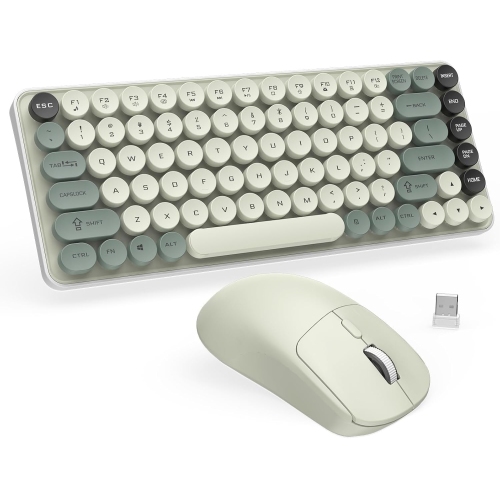
HTPC keyboards are designed to make it easier to control a home theatre PC from the comfort of a sofa, recliner, or bed. Unlike a standard desktop keyboard and mouse, these compact input devices often combine a keyboard with a built-in touchpad, mouse controls, or shortcut buttons in one handheld or lap-friendly design. That all-in-one format is useful when your computer is connected to a television and positioned across the room, where a traditional mouse needs a desk or coffee table to work properly. With an HTPC keyboard, you can search for a film, enter a password, browse streaming services, adjust settings, pause playback, or navigate web pages without getting up or balancing several separate accessories. Some models use a familiar, nearly full-size layout for longer typing sessions, while others have a smaller remote-style arrangement that is easier to hold in one hand. Choosing between these formats depends on how you use your home theatre PC: a full lap keyboard may feel more natural for browsing and entering text, while a handheld model can be convenient for quick searches and playback controls. These keyboards can be useful with compact computers, media centres, smart televisions, streaming setups, and other compatible devices that support keyboard input. They may also be a practical gift for someone who enjoys building a home cinema, watching downloaded media, playing casual games from the sofa, or using a television as a large computer display. During the cooler months, when movie nights and indoor entertainment become part of the regular routine, a comfortable wireless keyboard can help keep the entire setup relaxed and uncluttered.
Wireless performance is one of the most important considerations when selecting a keyboard for an HTPC. Many models connect through a small 2.4 GHz USB receiver, offering a straightforward plug-and-play experience with compatible computers and a dependable connection across a typical living room. Others use Bluetooth, which can be helpful when connecting directly to a compatible television, mini PC, tablet, or other device without occupying a USB port. Check the connectivity requirements of your HTPC before buying, including whether it has an available USB port, supports Bluetooth pairing, or requires a particular operating system. Wireless range also matters because the keyboard may be used several metres away from the computer. A reliable range gives you freedom to sit where the screen is easiest to see instead of positioning furniture around the PC. Integrated touchpads are especially valuable for home theatre use because they eliminate the need for a separate mouse and a flat surface. Look for a touchpad that is large enough for comfortable cursor movement, with responsive tapping, scrolling, and click functions. Dedicated media keys can make common actions quicker, while shortcut buttons for volume, playback, home screens, or search may reduce the need to navigate through on-screen menus. Key layout and spacing should not be overlooked. A compact design saves room and is easier to store beside a remote, but very small keys can take more time to get used to when entering longer searches or account details. If the keyboard will also be used for email, web browsing, schoolwork, or light gaming, a wider layout may be worth the extra size. For occasional navigation, a lightweight handheld model may be all that is needed. You can explore a broader range of layouts and features in Best Keyboards before narrowing your selection to an HTPC-friendly design.
Room lighting and power options can also influence everyday comfort. A backlit keyboard is helpful in a dim home theatre, where overhead lights may be turned down during a film or game. Illuminated keys can make it easier to find letters, numbers, and shortcut buttons without turning on a lamp or reaching for a phone. Some backlighting systems offer adjustable brightness, which allows you to use enough illumination for visibility without adding a distracting glow to the room. If you usually use the keyboard in a well-lit family room, backlighting may be less important than a comfortable shape and clear key legends. Consider how the keyboard is powered as well. Models that use replaceable batteries can operate for extended periods and are easy to refresh by keeping a spare set nearby. Rechargeable models reduce the need to replace batteries but need to be connected to power from time to time, so check charging methods, battery indicators, and whether the keyboard can be used while charging. A sturdy but lightweight construction is desirable for a device that may be moved between a sofa, coffee table, and media cabinet. A gently textured surface can make a handheld keyboard easier to grip, while a slim profile may slide neatly into a drawer when it is not in use. For shared households, simple controls and a familiar layout can help everyone navigate without a learning curve. For gaming or more frequent typing, key travel, responsiveness, and wrist comfort may deserve greater attention. Before purchasing, confirm compatibility with the operating system and media device, review the connection type, measure the approximate distance between the seating area and the HTPC, and think about where the keyboard will be stored between uses. The right choice should feel natural in the room: easy to pick up when a search is needed, steady enough for accurate typing, and capable of controlling your entertainment setup without adding clutter to the space.
Wireless performance is one of the most important considerations when selecting a keyboard for an HTPC. Many models connect through a small 2.4 GHz USB receiver, offering a straightforward plug-and-play experience with compatible computers and a dependable connection across a typical living room. Others use Bluetooth, which can be helpful when connecting directly to a compatible television, mini PC, tablet, or other device without occupying a USB port. Check the connectivity requirements of your HTPC before buying, including whether it has an available USB port, supports Bluetooth pairing, or requires a particular operating system. Wireless range also matters because the keyboard may be used several metres away from the computer. A reliable range gives you freedom to sit where the screen is easiest to see instead of positioning furniture around the PC. Integrated touchpads are especially valuable for home theatre use because they eliminate the need for a separate mouse and a flat surface. Look for a touchpad that is large enough for comfortable cursor movement, with responsive tapping, scrolling, and click functions. Dedicated media keys can make common actions quicker, while shortcut buttons for volume, playback, home screens, or search may reduce the need to navigate through on-screen menus. Key layout and spacing should not be overlooked. A compact design saves room and is easier to store beside a remote, but very small keys can take more time to get used to when entering longer searches or account details. If the keyboard will also be used for email, web browsing, schoolwork, or light gaming, a wider layout may be worth the extra size. For occasional navigation, a lightweight handheld model may be all that is needed. You can explore a broader range of layouts and features in Best Keyboards before narrowing your selection to an HTPC-friendly design.
Room lighting and power options can also influence everyday comfort. A backlit keyboard is helpful in a dim home theatre, where overhead lights may be turned down during a film or game. Illuminated keys can make it easier to find letters, numbers, and shortcut buttons without turning on a lamp or reaching for a phone. Some backlighting systems offer adjustable brightness, which allows you to use enough illumination for visibility without adding a distracting glow to the room. If you usually use the keyboard in a well-lit family room, backlighting may be less important than a comfortable shape and clear key legends. Consider how the keyboard is powered as well. Models that use replaceable batteries can operate for extended periods and are easy to refresh by keeping a spare set nearby. Rechargeable models reduce the need to replace batteries but need to be connected to power from time to time, so check charging methods, battery indicators, and whether the keyboard can be used while charging. A sturdy but lightweight construction is desirable for a device that may be moved between a sofa, coffee table, and media cabinet. A gently textured surface can make a handheld keyboard easier to grip, while a slim profile may slide neatly into a drawer when it is not in use. For shared households, simple controls and a familiar layout can help everyone navigate without a learning curve. For gaming or more frequent typing, key travel, responsiveness, and wrist comfort may deserve greater attention. Before purchasing, confirm compatibility with the operating system and media device, review the connection type, measure the approximate distance between the seating area and the HTPC, and think about where the keyboard will be stored between uses. The right choice should feel natural in the room: easy to pick up when a search is needed, steady enough for accurate typing, and capable of controlling your entertainment setup without adding clutter to the space.
Top selling and popular products
-
 Your price for this item is $39.99
 -
 Your price for this item is $49.72
 -
 Your price for this item is $159
 -
 Your price for this item is $219.99
 -
 Your price for this item is $189.99
 -
 Your price for this item is $44.99
 -
 Your price for this item is $29.99
 -
 Your price for this item is $159.99
Discover more categories related to Keyboards for Htpc

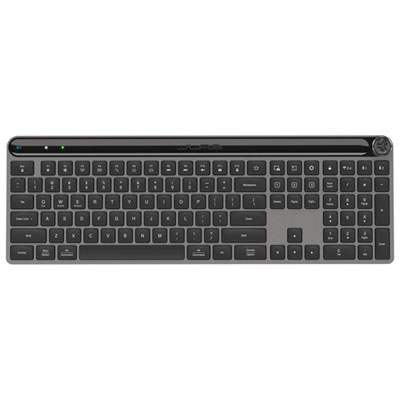
Top Collections:
Pokemon Centers, Best Cameras for Sports Photography, Kindle Devices, Samsung Galaxy Phones, Canon G7X Cameras, Pokémon 30th Celebration Cards, Refurbished Apple Laptops, iPhone 15 Apple, Laptops for Students, Budget Smartphones
Some products may be subject to Environmental Handling Fees
(EHF) depending on your province.
Learn more about EHFs.