Hard Drive RAM
Hard Drive RAM is essential for optimizing your computer’s performance and storage capabilities. Whether you’re upgrading your desktop, enhancing your laptop, or building a new system, finding the right components can make all the difference. Explore a wide selection of Hard Drive RAM to help boost speed, improve multitasking, and support all your digital needs. Discover options that fit various devices and requirements, making it easy to find the perfect solution for your setup.
Sort
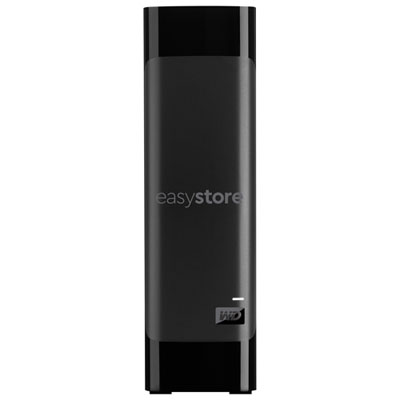
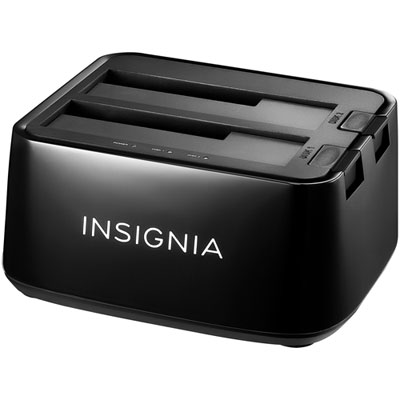
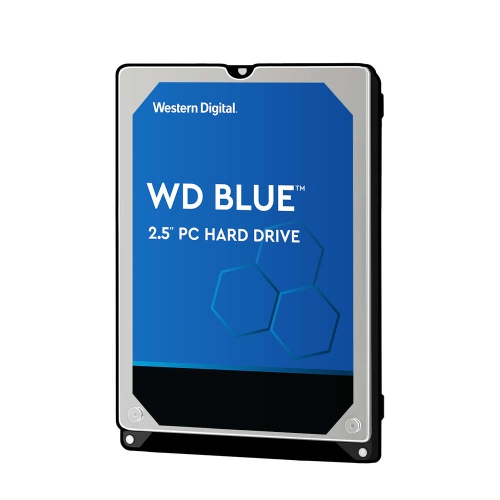
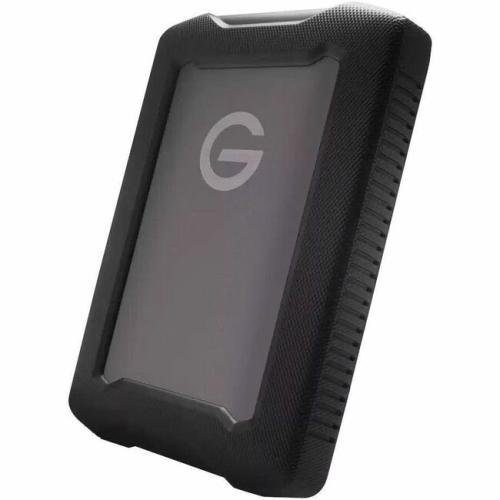
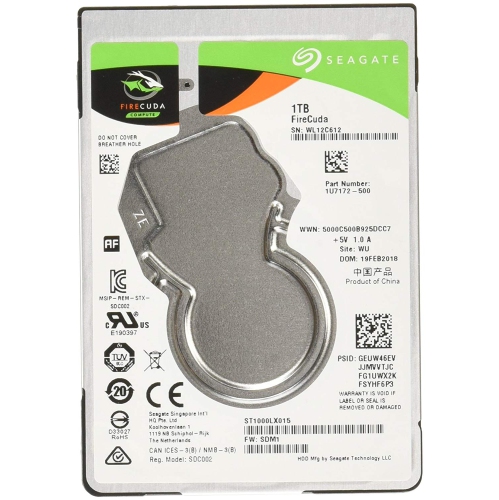
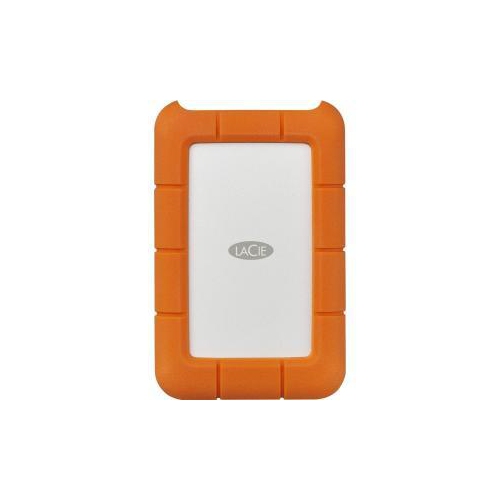
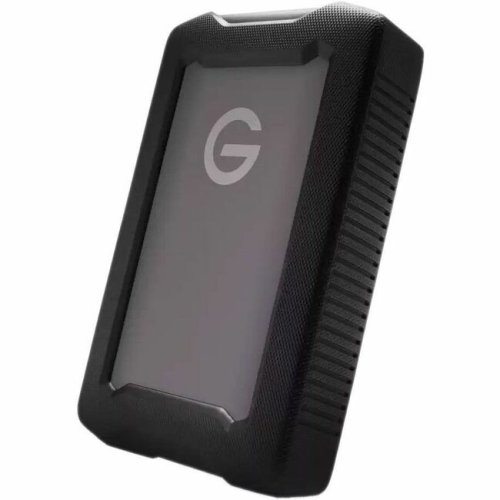
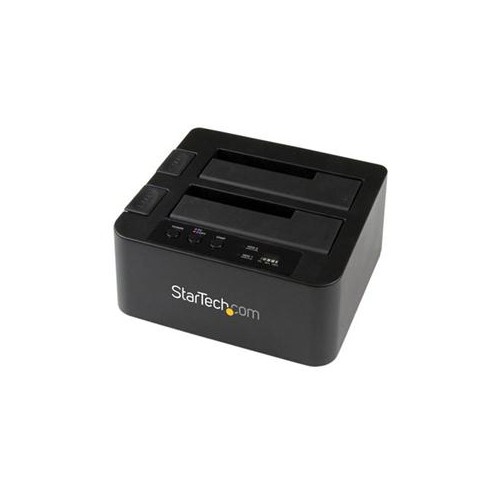

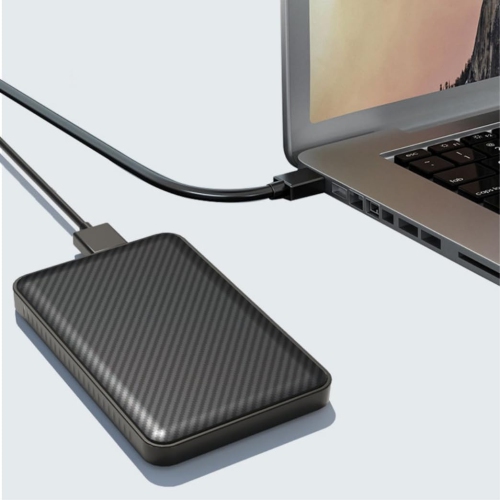
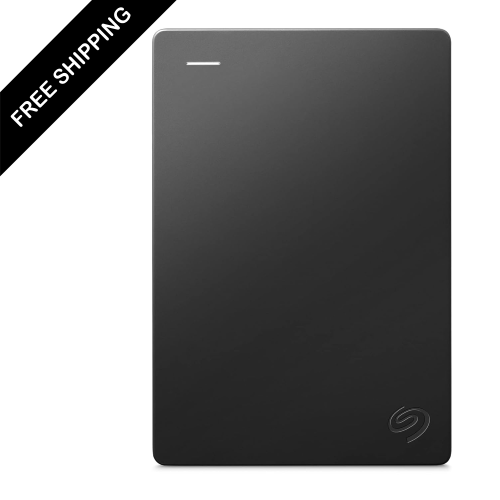

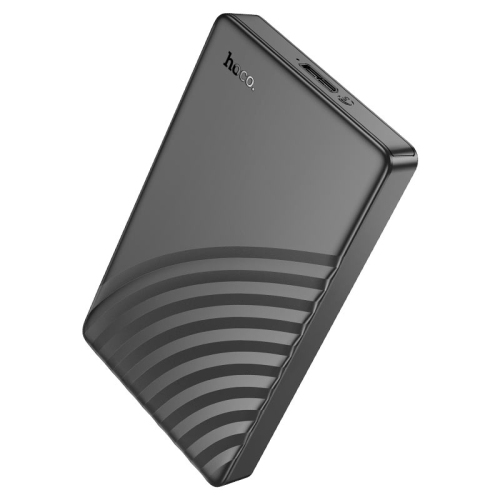
How RAM and storage shape everyday computer performance
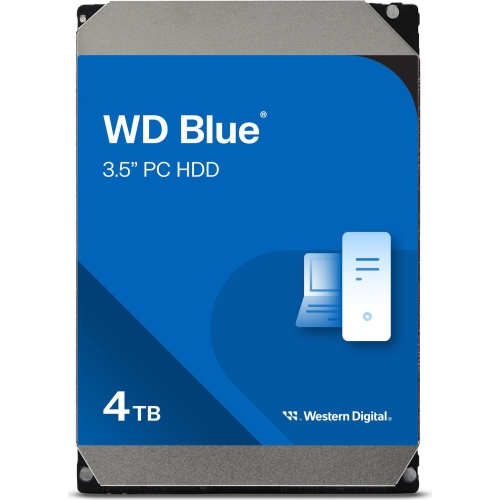
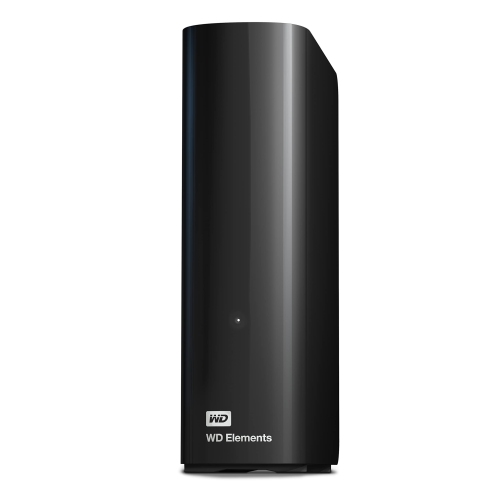
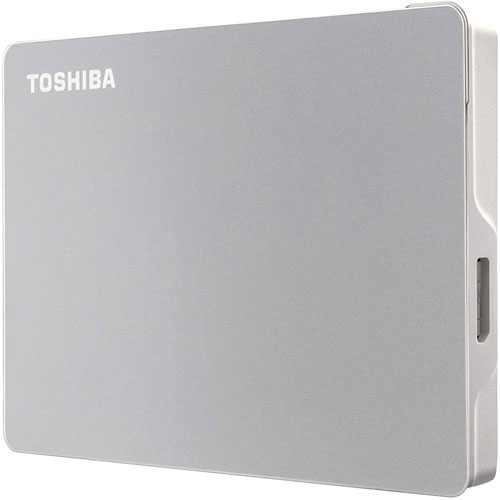
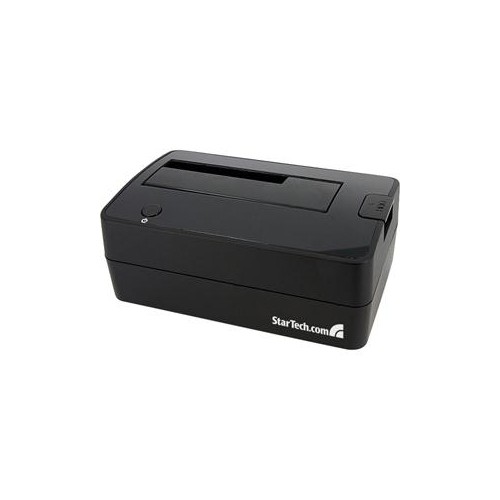
When you’re exploring options for upgrading or building a computer, understanding the roles of both hard drives and RAM is essential. These two components work in tandem to shape your everyday computing experience, whether you’re working from home, editing photos, gaming, or simply browsing the web. RAM, or Random Access Memory, serves as your system’s short-term memory, providing lightning-fast access to the applications and files you’re actively using. It’s what allows you to switch between browser tabs, run demanding software, or multitask without frustrating slowdowns. Hard drives—whether traditional HDDs or modern SSDs—are your long-term storage solution, holding onto your operating system, documents, photos, and all those files you want to keep safe for the long haul. The distinction is important: RAM is volatile, meaning its contents are wiped clean every time your computer powers down, while hard drives are non-volatile, preserving your data even when the system is off.
Choosing the right combination of RAM and hard drive space can make a world of difference, especially as the weather warms and many people take on new projects or prepare for back-to-school season. If you’re a creative professional working with large files, such as video editors or graphic designers, having ample RAM ensures smooth performance when rendering or multitasking, while a spacious and speedy hard drive gives you room to store your entire portfolio. Students and professionals alike benefit from the boost in productivity that comes with extra RAM, making it easier to run multiple programs for research, coursework, or meetings. For gamers, the right RAM and storage setup can help reduce load times and improve in-game performance, making every session feel more immersive. RAM upgrades are also a thoughtful gift for anyone with an older computer that’s starting to feel sluggish—sometimes a simple memory boost can breathe new life into a well-loved device. And for those who favour Apple computers, there are specialized memory options available; you can explore compatible choices on the Mac RAM page.
When shopping for hard drive and RAM products in Canada, consider your unique needs and how you use your computer day-to-day. If you’re looking for computer RAM in Canada, it’s important to match the right type and speed to your system’s motherboard, as well as to balance capacity with your software requirements. Meanwhile, choosing between a traditional hard drive and a solid-state drive (SSD) often comes down to the trade-off between storage space and speed—SSDs offer quicker boot times and file transfers, while HDDs provide more capacity at a lower price point. Many users opt for a combination, using a smaller SSD for the operating system and key applications, paired with a larger HDD for bulk storage. Whether you’re upgrading an existing system, building a new desktop, or finding the right gift for a tech enthusiast, investing in quality RAM and storage ensures your device keeps up with your ambitions throughout the year, from spring cleaning digital files to saving summer vacation photos. With the right components, you’ll enjoy a smoother, faster, and more reliable computing experience every day.
Choosing the right combination of RAM and hard drive space can make a world of difference, especially as the weather warms and many people take on new projects or prepare for back-to-school season. If you’re a creative professional working with large files, such as video editors or graphic designers, having ample RAM ensures smooth performance when rendering or multitasking, while a spacious and speedy hard drive gives you room to store your entire portfolio. Students and professionals alike benefit from the boost in productivity that comes with extra RAM, making it easier to run multiple programs for research, coursework, or meetings. For gamers, the right RAM and storage setup can help reduce load times and improve in-game performance, making every session feel more immersive. RAM upgrades are also a thoughtful gift for anyone with an older computer that’s starting to feel sluggish—sometimes a simple memory boost can breathe new life into a well-loved device. And for those who favour Apple computers, there are specialized memory options available; you can explore compatible choices on the Mac RAM page.
When shopping for hard drive and RAM products in Canada, consider your unique needs and how you use your computer day-to-day. If you’re looking for computer RAM in Canada, it’s important to match the right type and speed to your system’s motherboard, as well as to balance capacity with your software requirements. Meanwhile, choosing between a traditional hard drive and a solid-state drive (SSD) often comes down to the trade-off between storage space and speed—SSDs offer quicker boot times and file transfers, while HDDs provide more capacity at a lower price point. Many users opt for a combination, using a smaller SSD for the operating system and key applications, paired with a larger HDD for bulk storage. Whether you’re upgrading an existing system, building a new desktop, or finding the right gift for a tech enthusiast, investing in quality RAM and storage ensures your device keeps up with your ambitions throughout the year, from spring cleaning digital files to saving summer vacation photos. With the right components, you’ll enjoy a smoother, faster, and more reliable computing experience every day.
Top selling and popular products
-
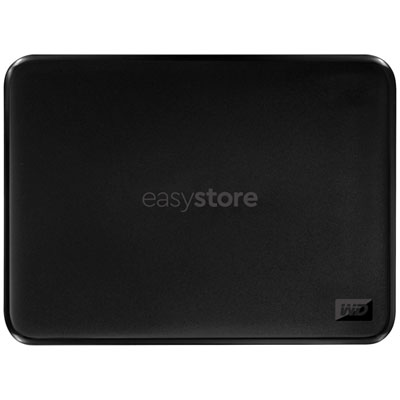 Your price for this item is $234.99
 -
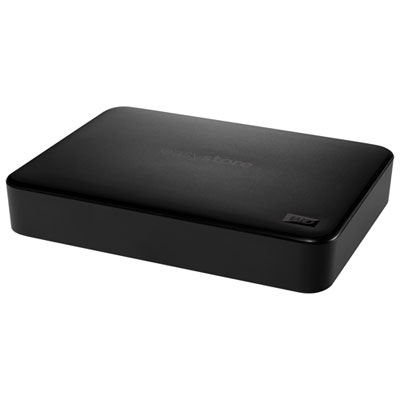 Your price for this item is $389.99
 -
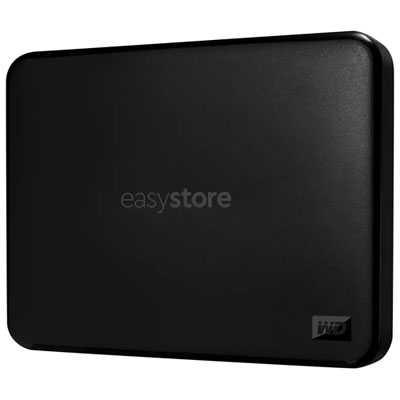 Your price for this item is $179.99
 -
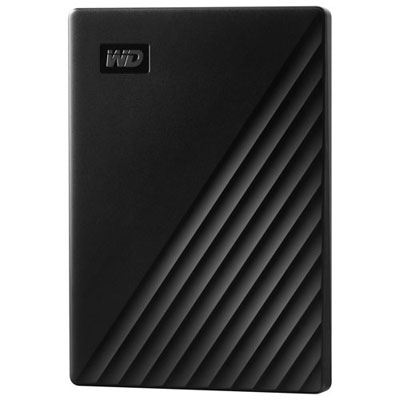 Your price for this item is $239.99
 -
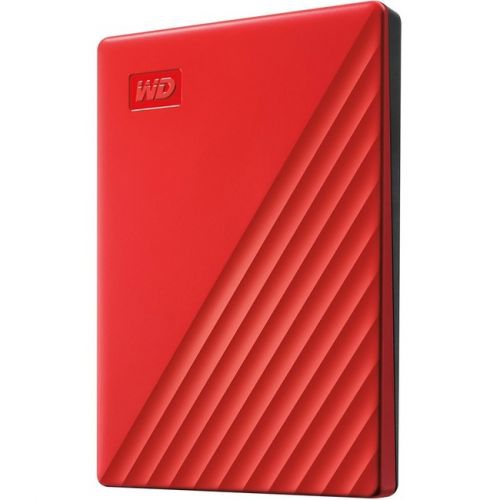 Your price for this item is $270.68
 -
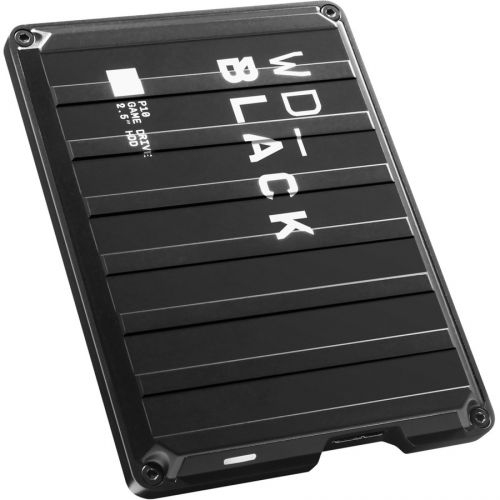 Your price for this item is $329.99
 -
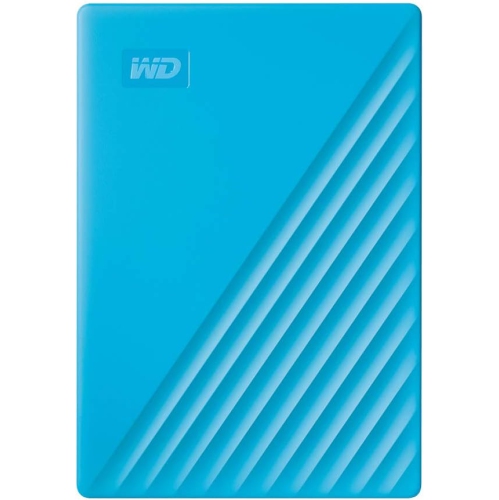 Your price for this item is $282.68
 -
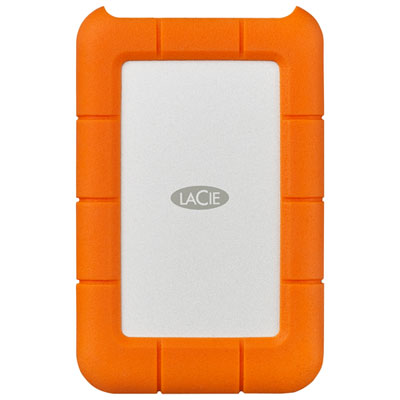 Your price for this item is $209.99
Discover more categories related to Hard Drive RAM
Top Collections:
Pokemon Centers, Kindle Devices, Best Budget Office Chairs, Apple iPhones 16, Best Laptops for Writers, iPhone 15 Apple, Canon G7X Cameras, Refurbished Apple Laptops, Alarm Clock, Motorola Razr Phones
Some products may be subject to Environmental Handling Fees
(EHF) depending on your province.
Learn more about EHFs.