Mac USB Hubs
Mac USB hubs provide a convenient solution for expanding the connectivity options of your Mac devices. Whether you need additional ports for accessories, external drives, or other peripherals, these hubs help streamline your workspace and keep you productive. Explore a wide selection of Mac USB hubs designed to support your tech needs and enhance the versatility of your setup. Find the ideal hub to keep all your devices connected and organized with ease.
Sort
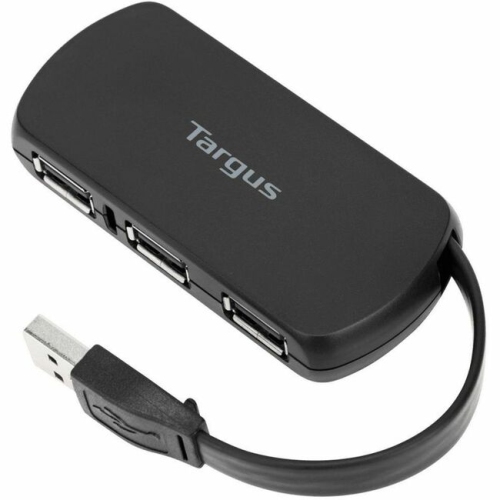
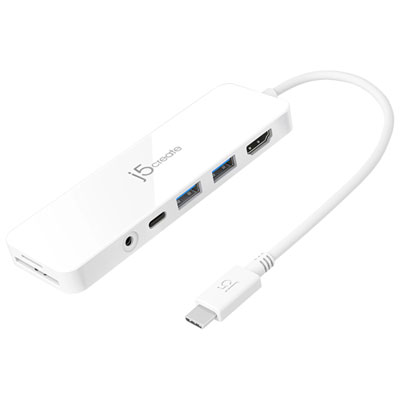
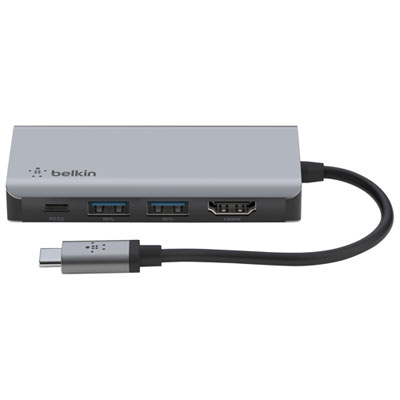
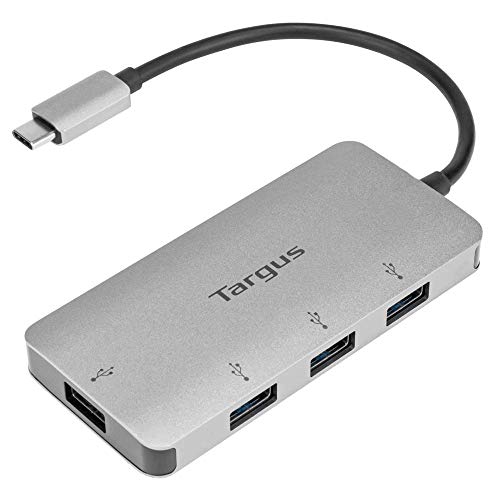
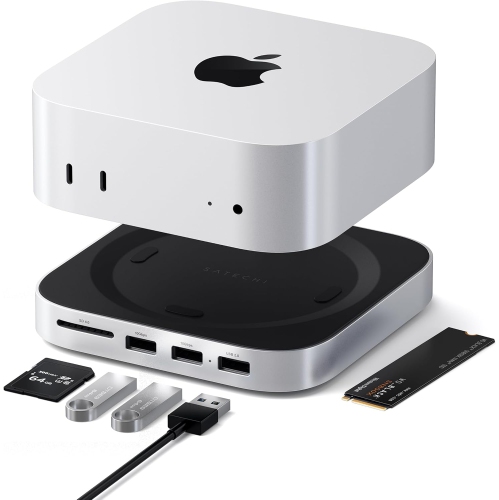

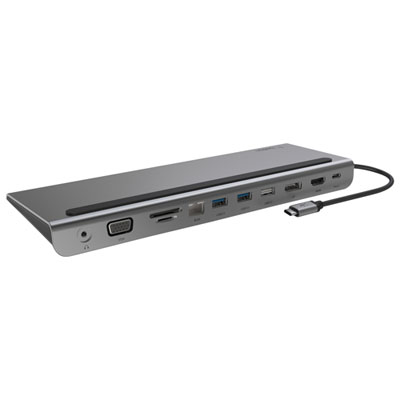
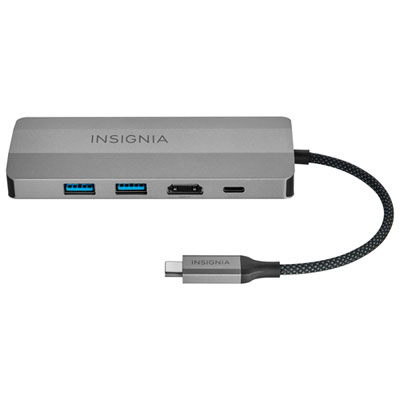
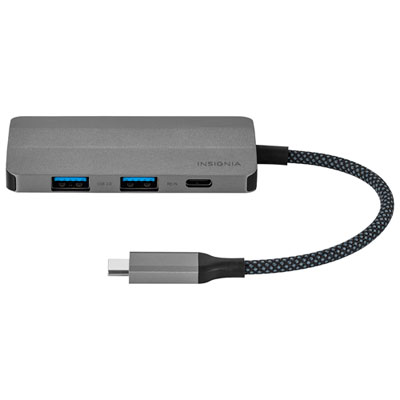
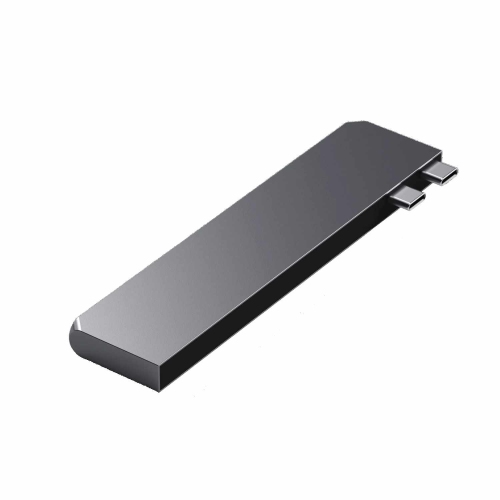
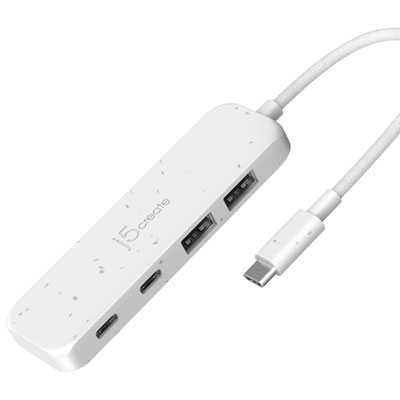
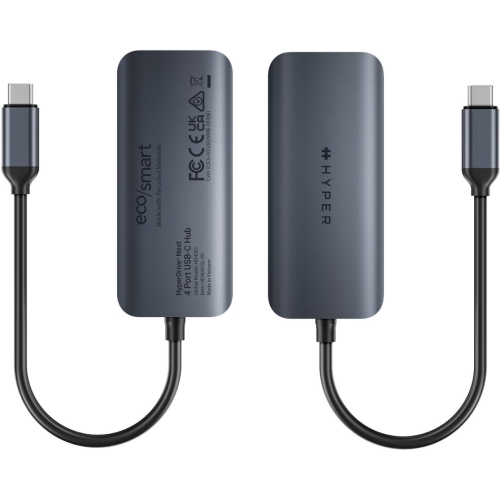
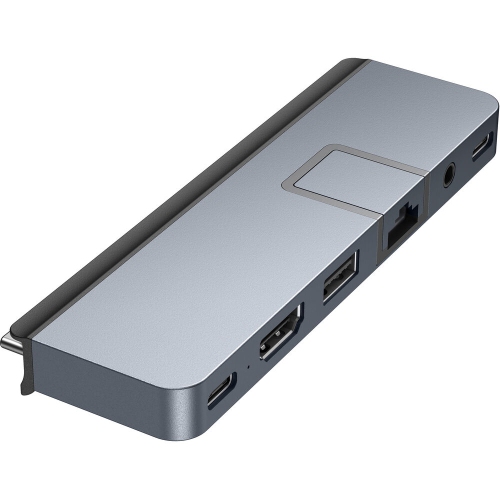
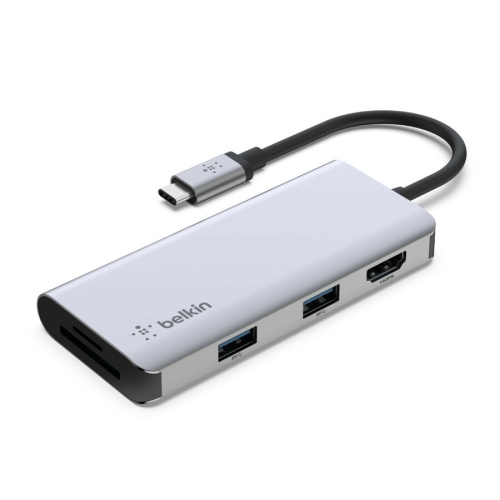
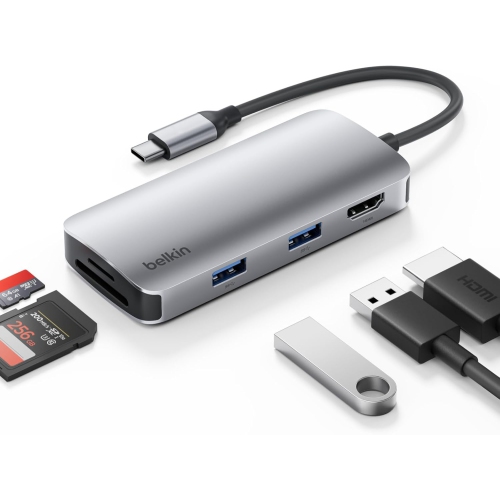
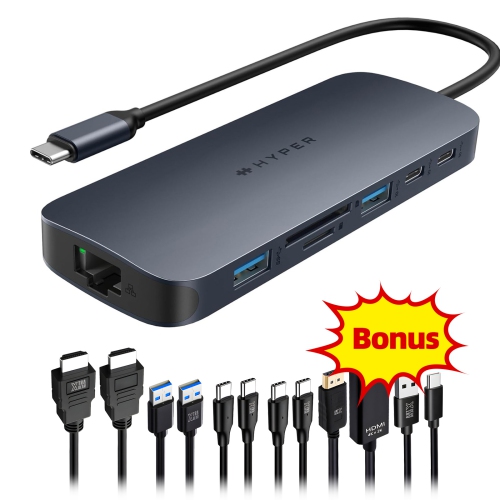

There’s more to Mac connectivity than port count
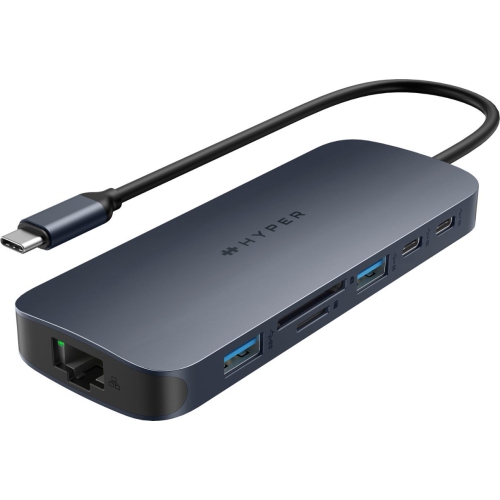
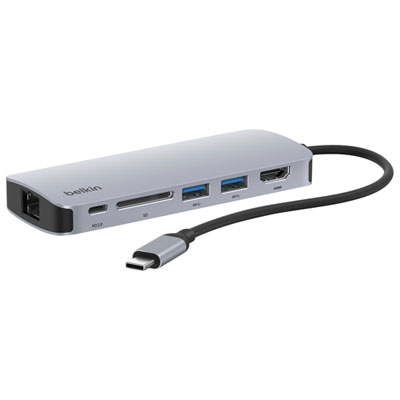
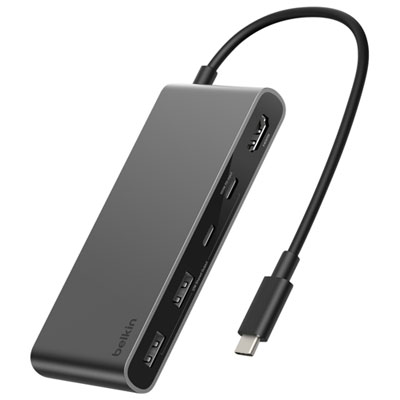
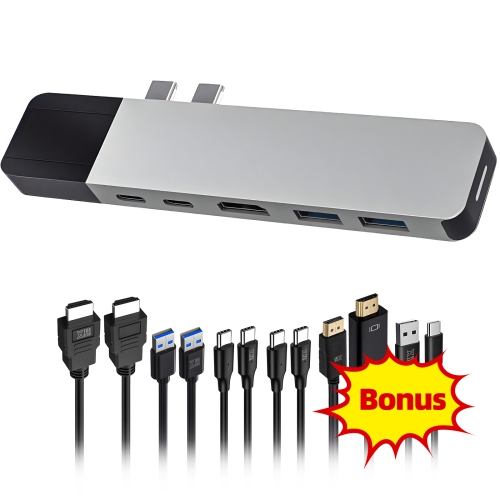
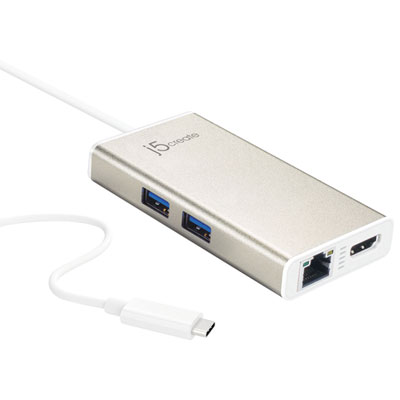
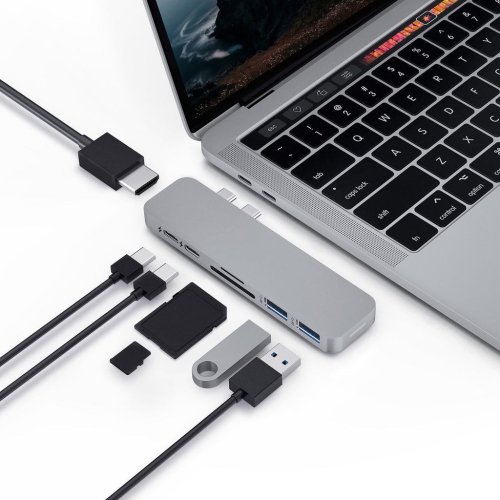
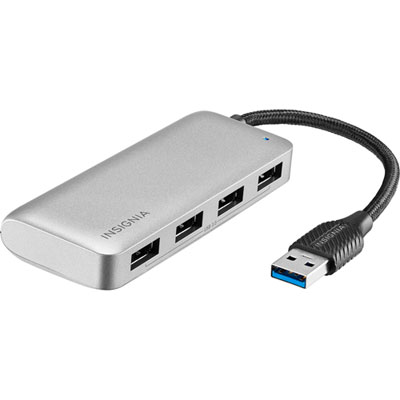
Mac USB hubs expand a compatible Mac computer’s connection options, adding ports for peripherals, external storage, memory cards, wired networking, and displays, depending on the hub’s design. They are useful when a laptop has fewer connections than a typical work setup needs: a keyboard and mouse, a portable drive, and a camera’s memory card can quickly compete for space. A compact hub can keep those connections together without requiring a separate adapter for each task. USB-A ports accommodate many familiar accessories, while USB-C ports may support data transfer, charging, or video, with capabilities varying by port. The connector’s shape alone does not establish what it can do. A USB-C socket labelled for power input, for example, may not accept a storage drive, while a data-only port may not support a monitor. Connection speed matters most when moving substantial files rather than using basic peripherals. Common advertised data rates include 5 Gbps and 10 Gbps, but actual transfer speeds depend on the computer, hub, cable, and connected device. Those figures describe connection bandwidth, not a guaranteed file-copy speed, and devices attached to the same hub generally share its upstream connection to the computer. For frequent transfers of large photo folders or video files, a Fast USB Hub can help keep that connection from becoming an unnecessary bottleneck. Card readers add another practical option for photographers and content creators, particularly when SD and microSD cards are part of their routine. Supported card standards and reader speeds still matter; a fast memory card cannot reach its full potential through a slower reader. For everyday office use, a simpler mix of USB ports may be enough, while a combination of card readers, display output, and Ethernet suits a work surface that serves several purposes.
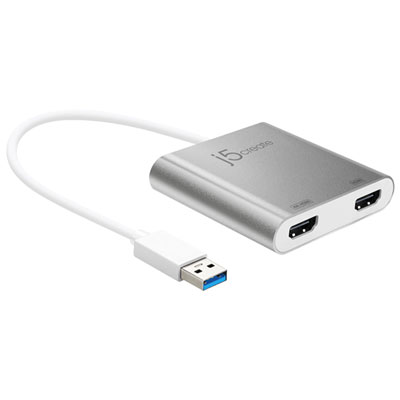
Display connections and power delivery are two of the biggest differences between a basic Mac USB hub and a more fully featured docking setup. An HDMI or DisplayPort output can connect a compatible computer to an external screen, creating room for a document beside a spreadsheet or a larger view of an editing timeline. Supported resolution and refresh rate need to match the complete connection, including the computer’s video capabilities, the hub, and the display cable. A specification such as 4K at 30 Hz is not interchangeable with 4K at 60 Hz; the higher refresh rate generally makes scrolling and pointer movement look smoother. Multiple display outputs also do not guarantee multiple independent extended screens on every Mac. The computer’s supported external-display count and the hub’s display technology both affect the result, and some multi-display setups require additional software. USB-C ports must support the appropriate video output for a compatible hub to carry that signal. Charging features deserve the same attention to detail. USB Power Delivery pass-through allows a suitable charger to supply power to the computer through a compatible hub, leaving another computer port free. However, the hub may reserve some incoming power for its own operation, so its maximum power input can differ from the power delivered to the laptop. Charger and cable ratings also affect charging performance. A data-only hub should not be assumed to charge the computer, and a laptop-charging input does not mean every accessory port provides high-power charging. Bus-powered hubs draw electricity from the host computer and suit many lightweight peripheral setups. A hub with a separate power supply can be helpful for several connected devices, particularly when their combined power needs exceed what the host connection can provide. Ethernet adds a wired network connection where wireless reception is inconsistent, although actual network performance also depends on the hub’s Ethernet rating, router, cabling, and internet service.
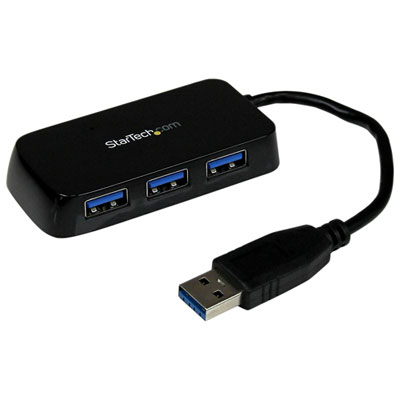
Physical design makes a noticeable difference when a hub moves between a home work surface, an office, and a laptop bag. Aluminum housings can provide a firm outer shell, while plastic housings may keep weight down; neither material alone determines reliability. Connector quality, cable reinforcement, port spacing, and the strain placed on the connection all contribute to everyday durability. A short, flexible host cable gives the hub some freedom to sit beside the computer and can reduce pressure from attached cables. Direct-connect designs offer a compact fit but need to match the computer’s port layout and may interfere with a protective case or an adjacent connection. Closely spaced ports can also become awkward when a wide flash drive sits beside another plug. These details matter for someone who regularly connects several accessories, not just someone filling every socket at once. At a shared work surface, a hub can gather a keyboard, mouse, network cable, and compatible display connection into a more manageable arrangement. For students, it can bridge the gap between a lightweight laptop and classroom peripherals; for photographers, it can keep card transfers and external storage close at hand. It can also make a thoughtful gift for someone whose computer connections and daily routines are known, since compatibility is more important than the highest port count. A travel-friendly shape, a cable that stores without sharp bends, and a protective pouch help keep connectors from catching on other belongings. Routine care is straightforward: disconnect the hub before cleaning, wipe the exterior with a soft, dry cloth, and keep liquids away from its ports. Gripping plugs rather than pulling on cables helps limit strain, while leaving the housing uncovered allows heat to dissipate. The most useful Mac USB hubs balance the connections someone actually uses with dependable fit, suitable power support, and enough bandwidth for the tasks sharing that single computer port.
Top selling and popular products
-
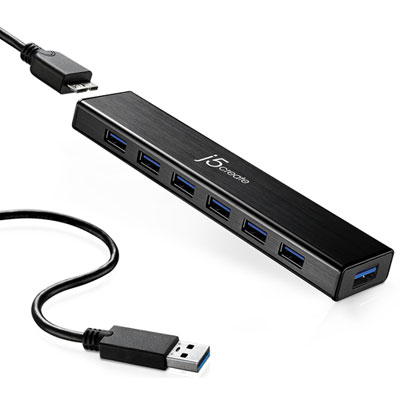 Your price for this item is $49.99
-
 Your price for this item is $65.99
-
 Your price for this item is $19.98
-
 Your price for this item is $29.99
-
 Your price for this item is $99.99
-
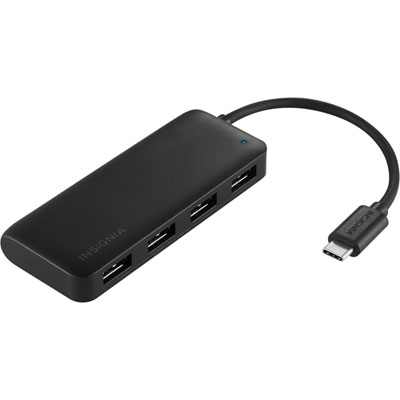 Your price for this item is $19.99
-
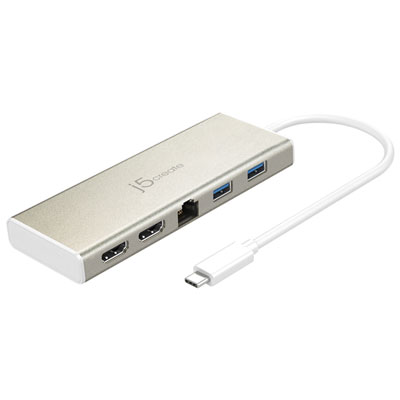 Your price for this item is $104.99
-
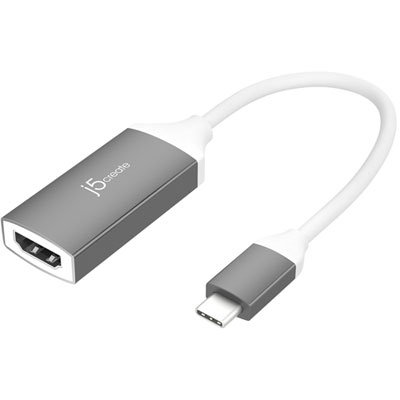 Your price for this item is $39.99
Discover more categories related to Mac USB Hubs
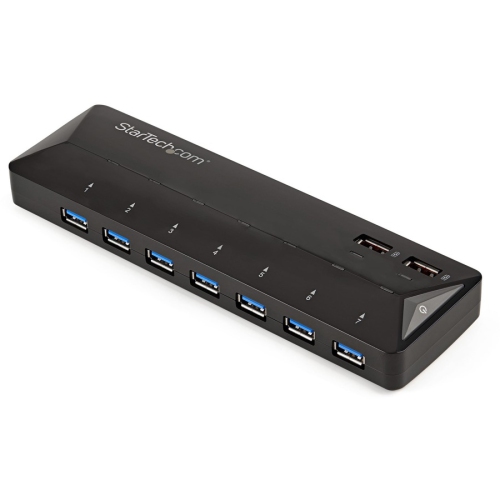
Top Collections:
Best Black Friday Deals This Year, Best Black Friday Deals On Electronics, Kindle Devices, Pokemon Centers, Best Black Friday Deals On Apple Products, Best Cameras for Sports Photography, Dyson Airwrap, Pokémon 30th Celebration Cards, Apple iPhone 17 Pro, Canon G7X Cameras
Some products may be subject to Environmental Handling Fees
(EHF) depending on your province.
Learn more about EHFs.