Network Setup
Setting up a reliable network in your home or office is essential for seamless connectivity and productivity. Whether you're a tech-savvy individual looking to optimize your network performance or a small business owner in need of a robust networking solution, our range of network setup products has you covered. From routers and modems to range extenders and networking cables, we offer everything you need to create a stable and efficient network environment. Explore our selection of networking products to find the right tools to enhance your connectivity experience.
Sort

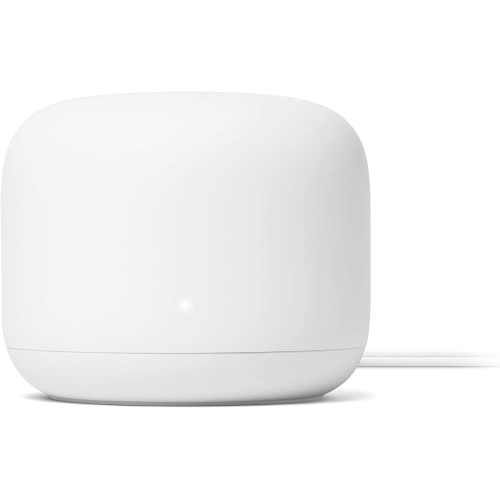
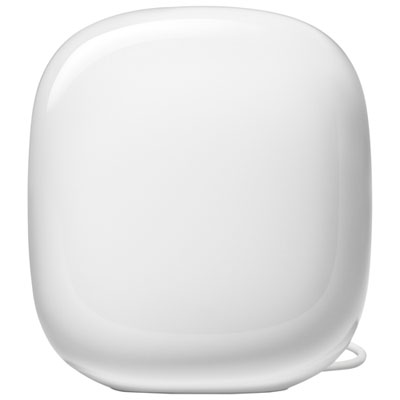
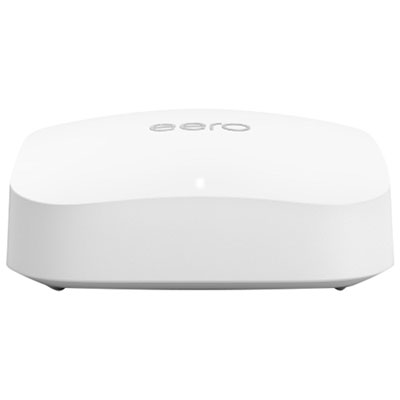
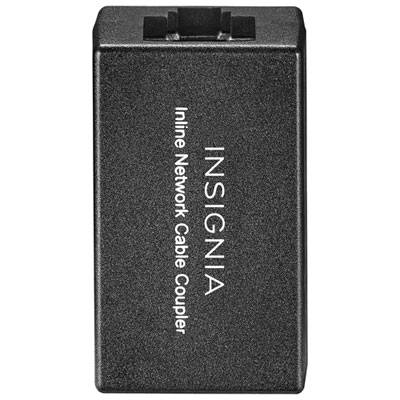
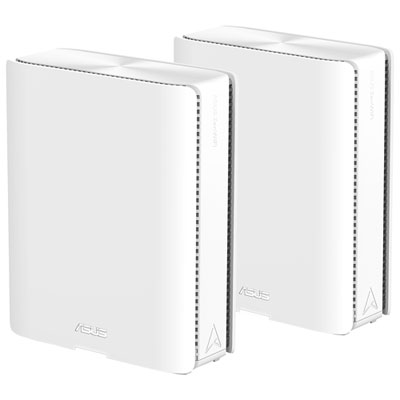
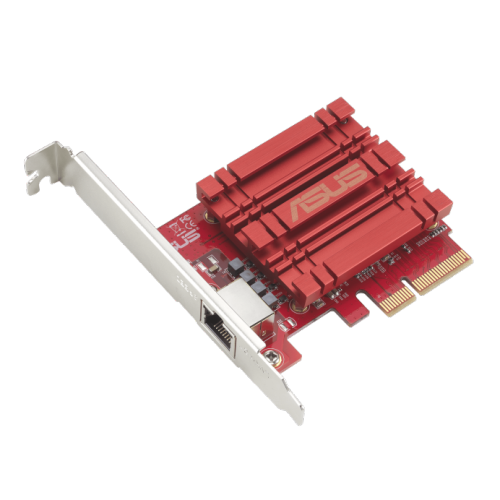
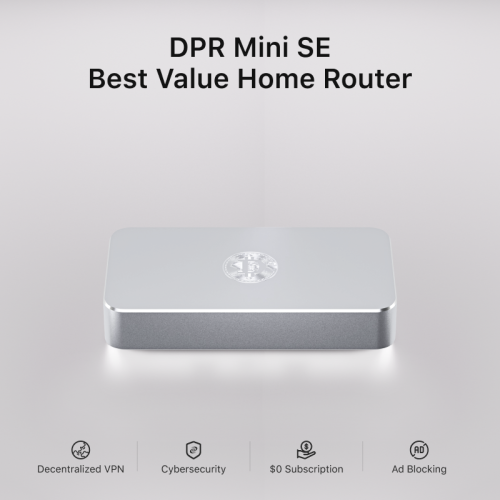
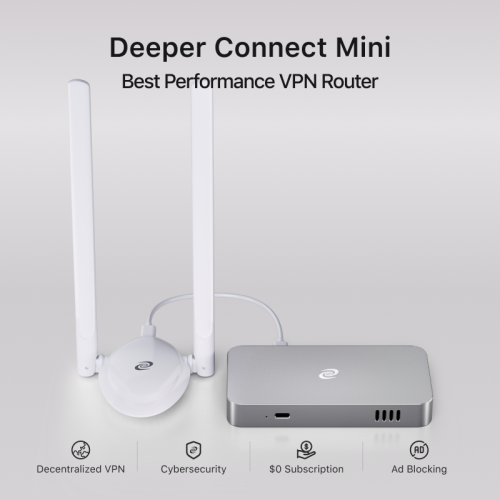


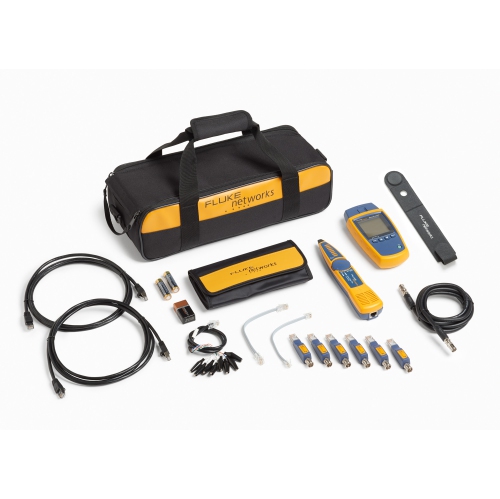

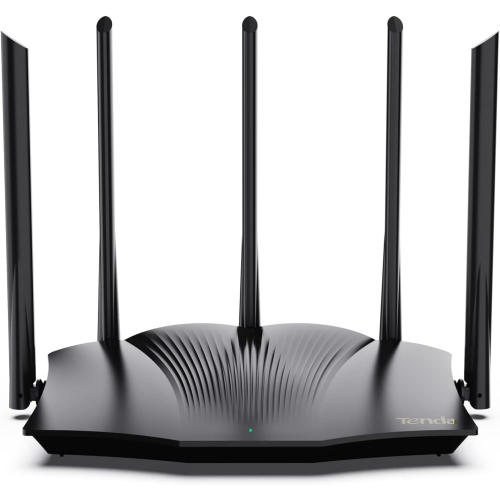
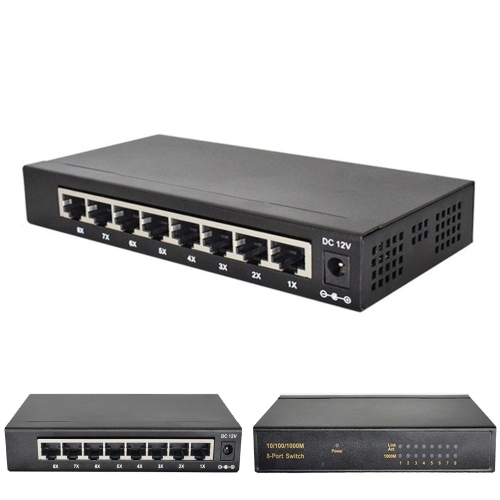
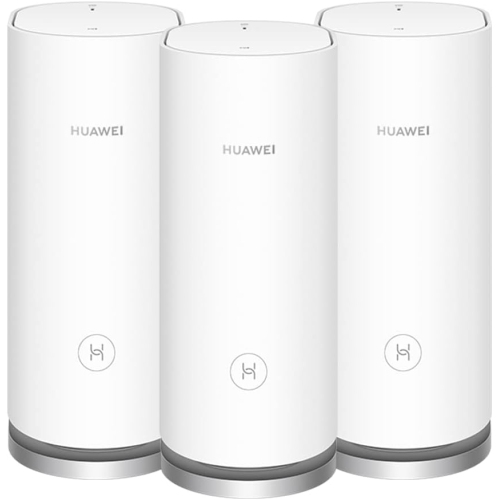







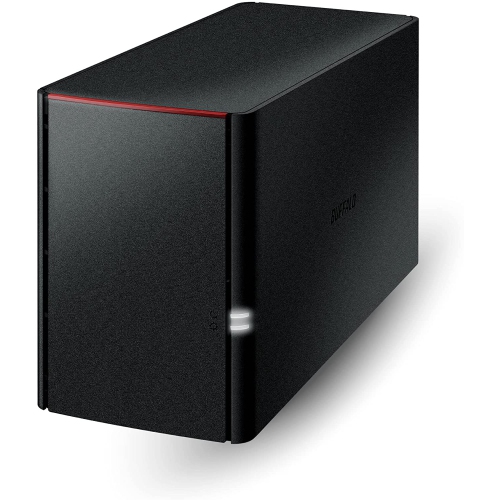
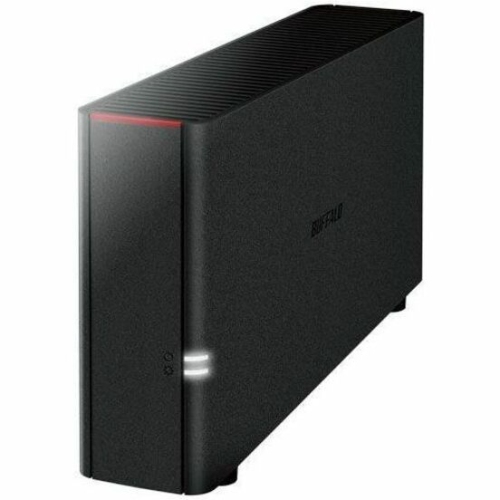
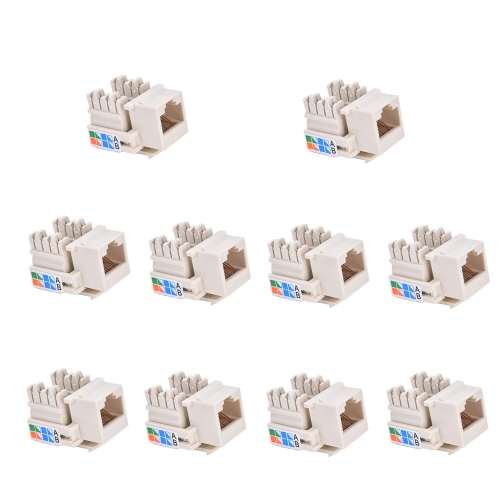
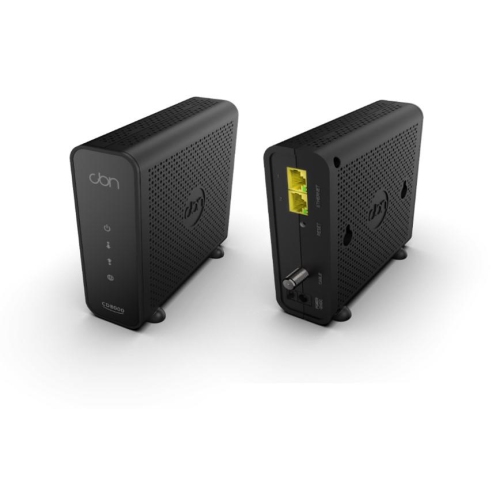






Reliable connections for busy homes and flexible workspaces
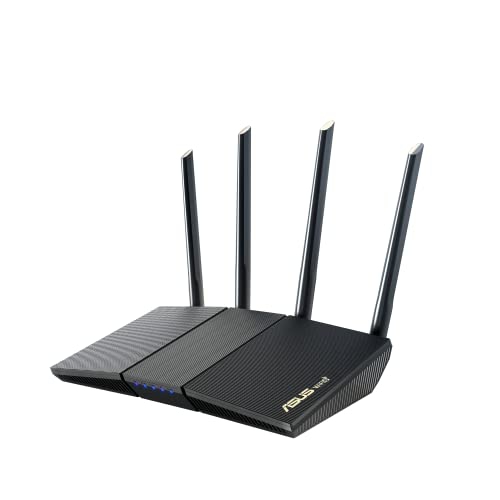
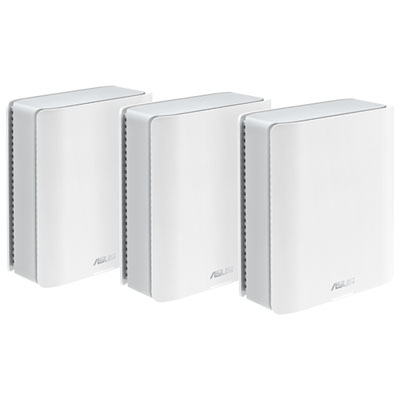
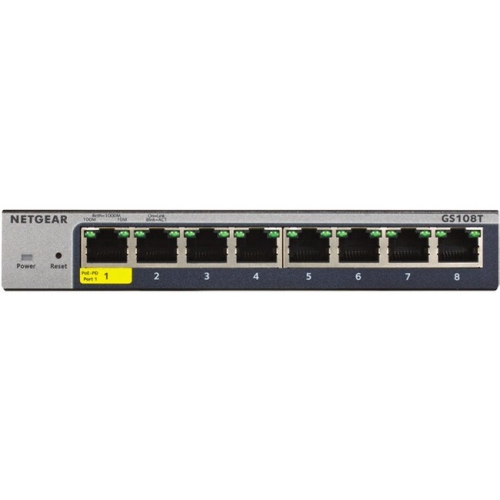
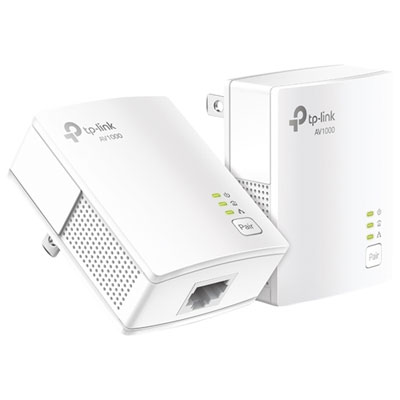
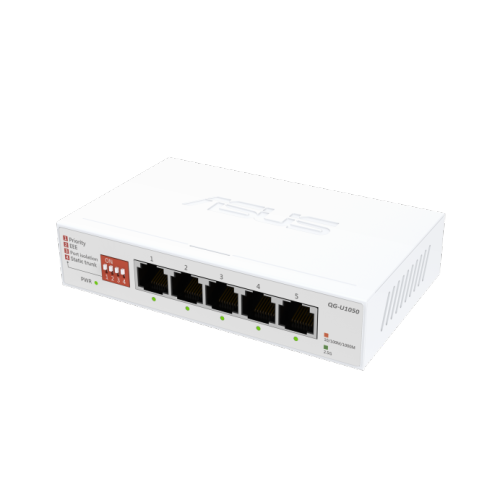
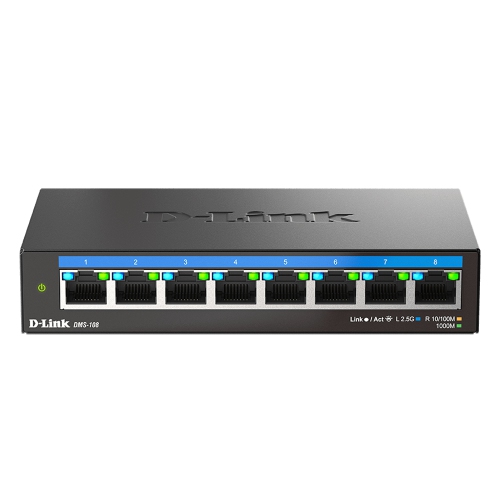
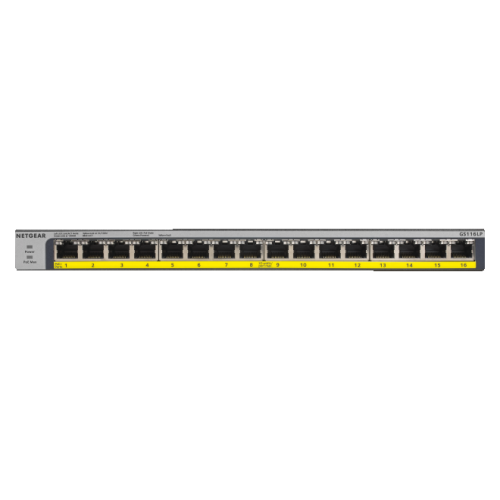
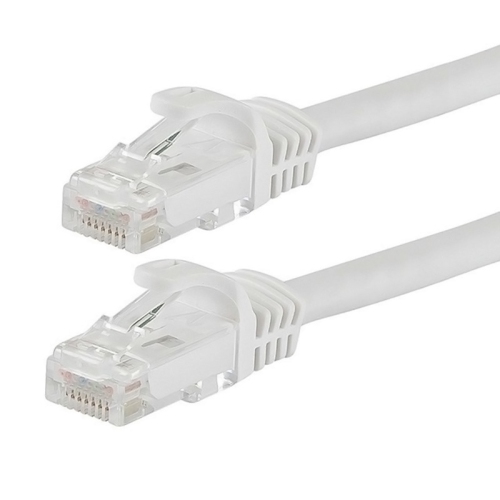
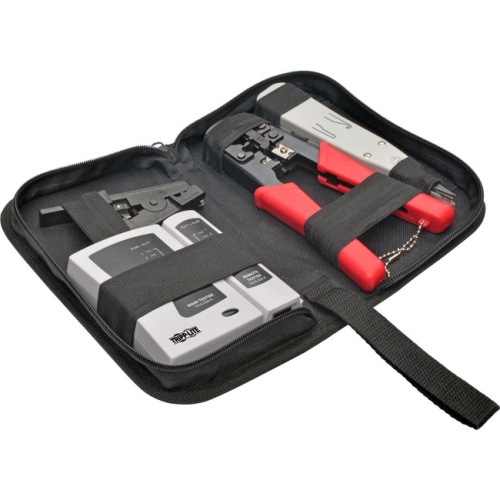
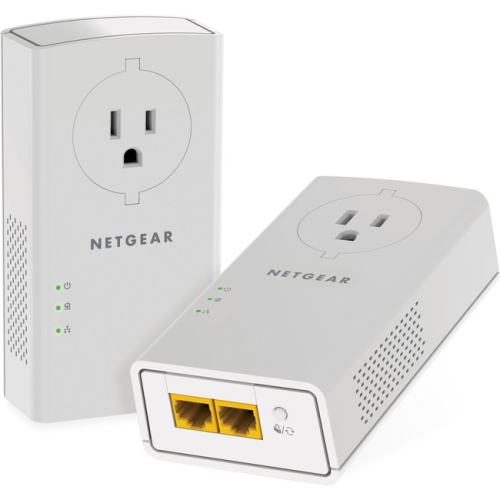
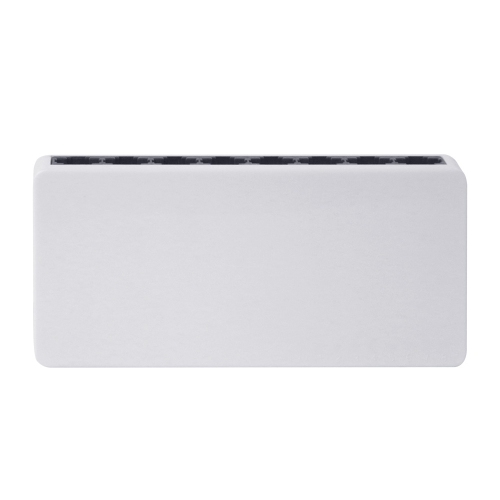
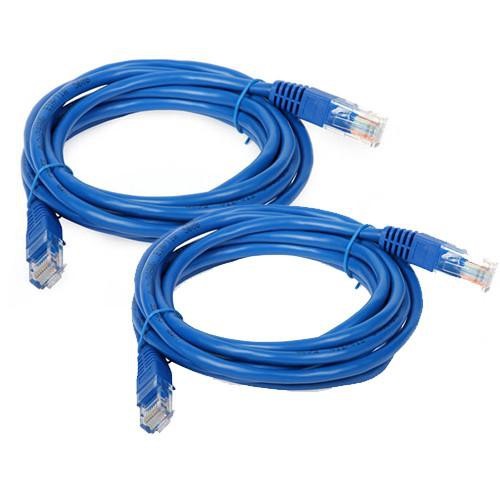
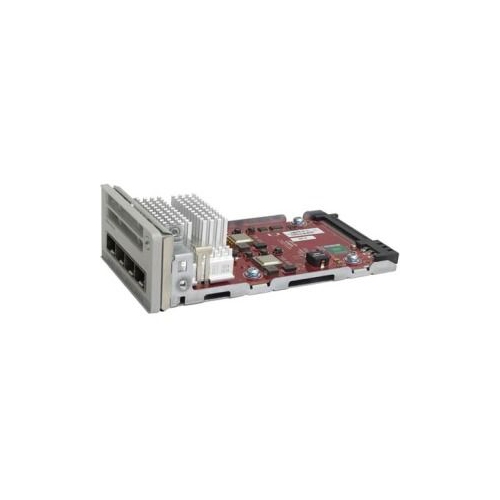
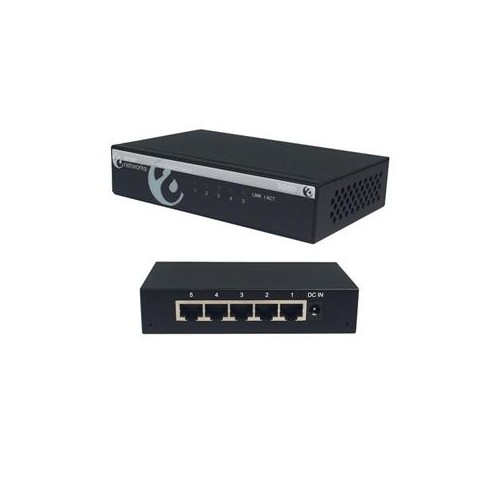
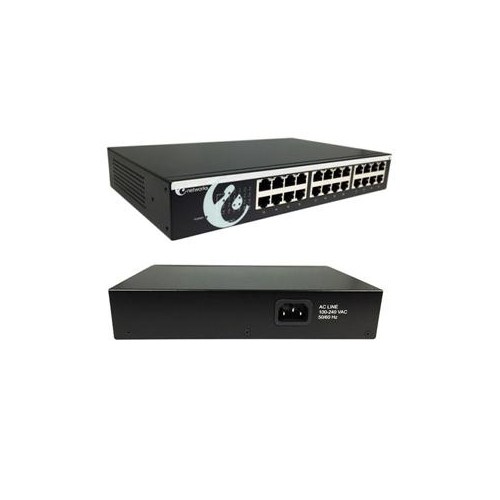
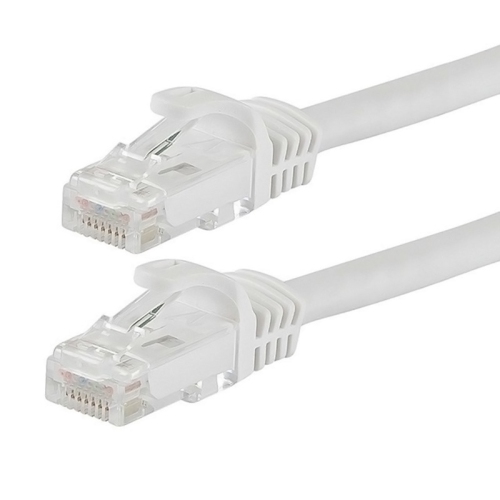
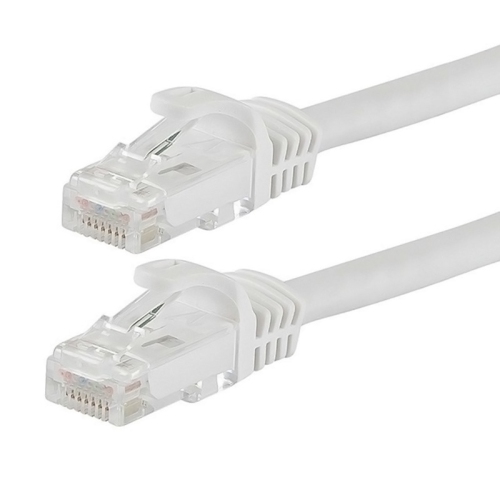
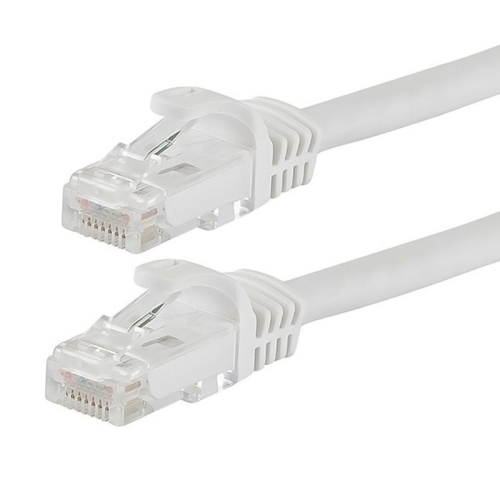
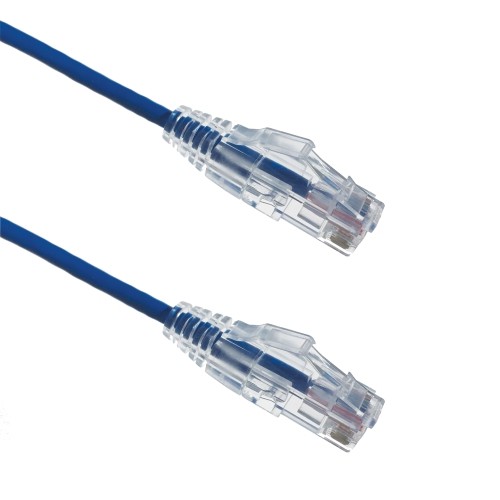
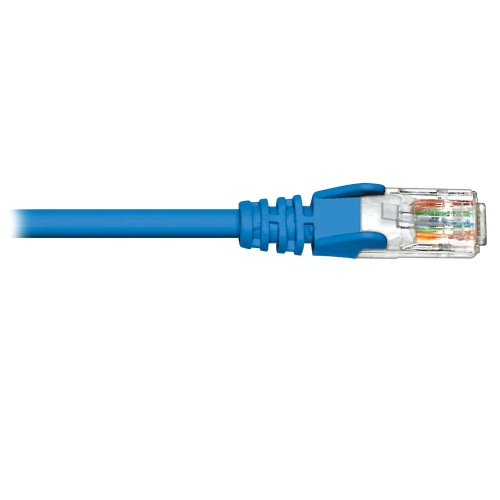
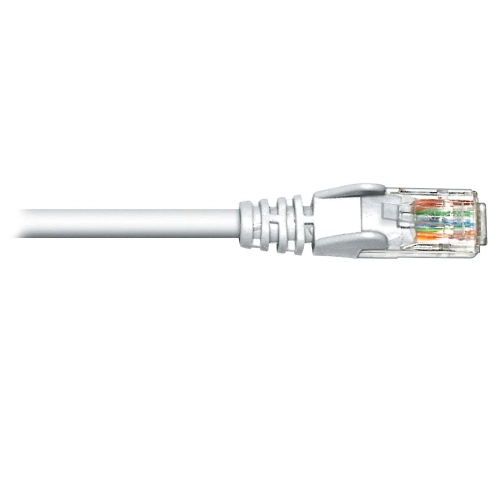
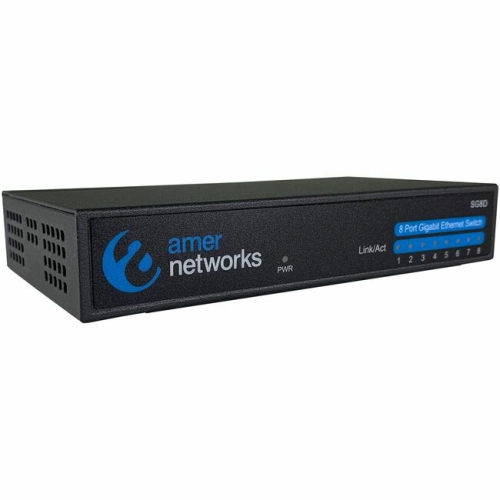
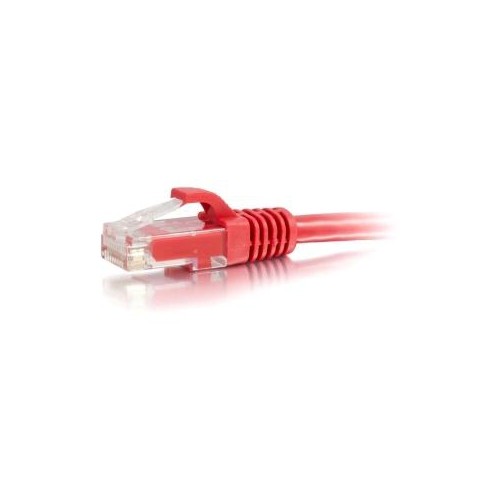
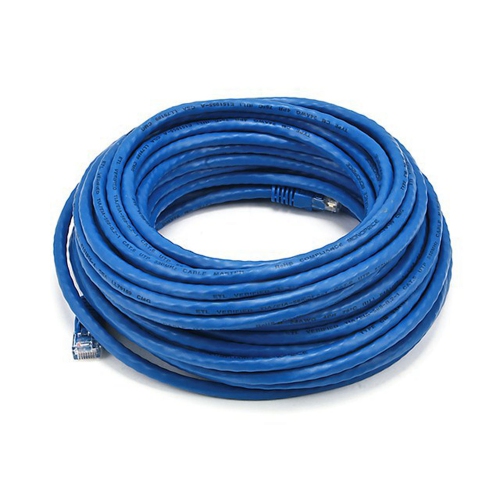
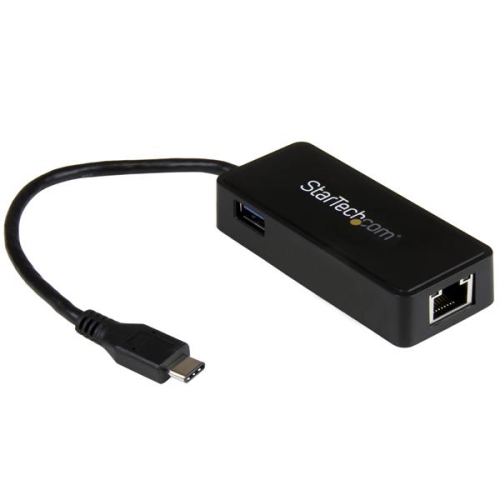
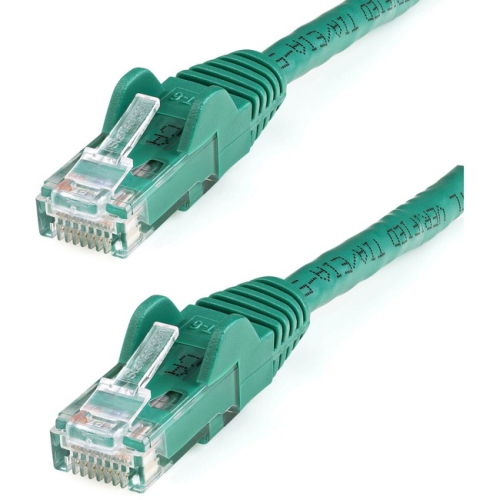
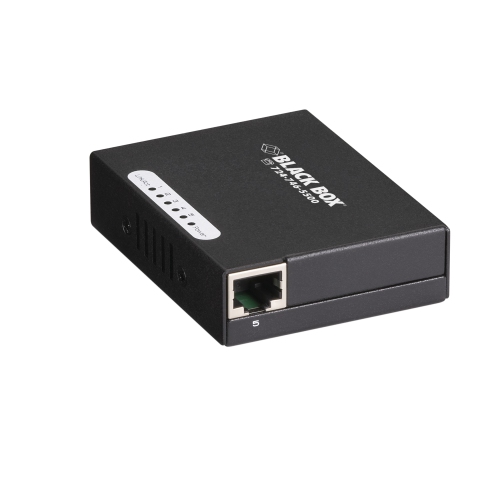
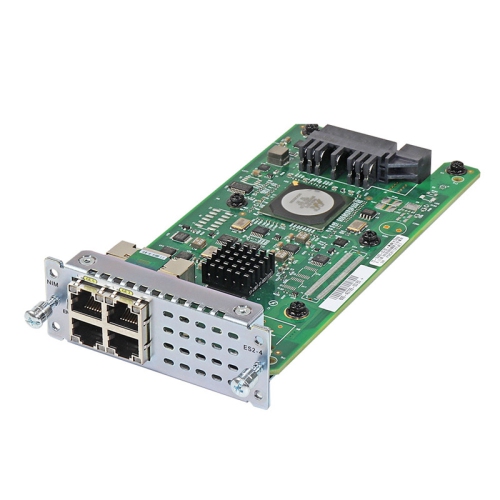
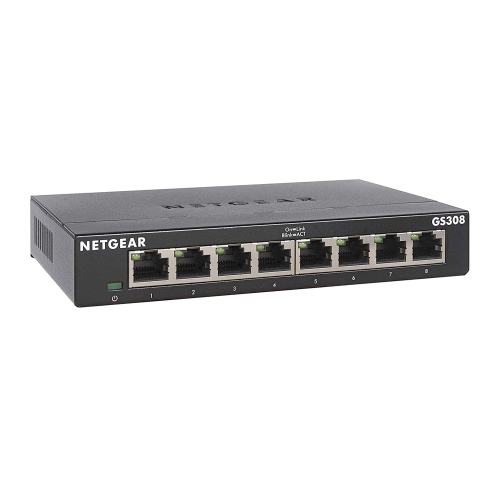
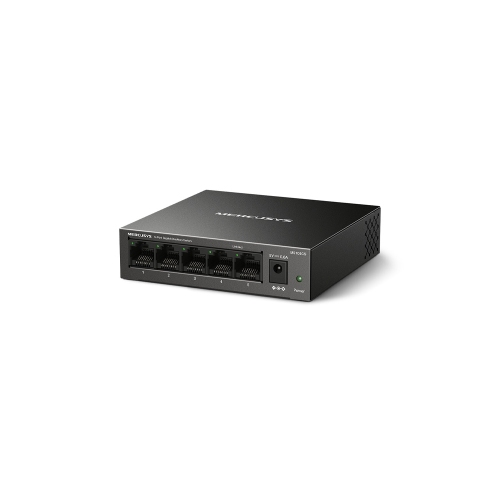
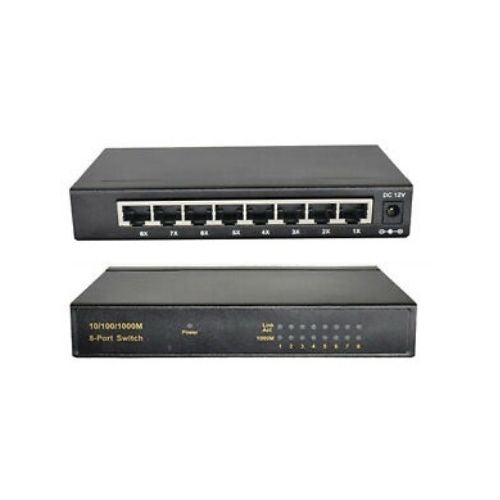
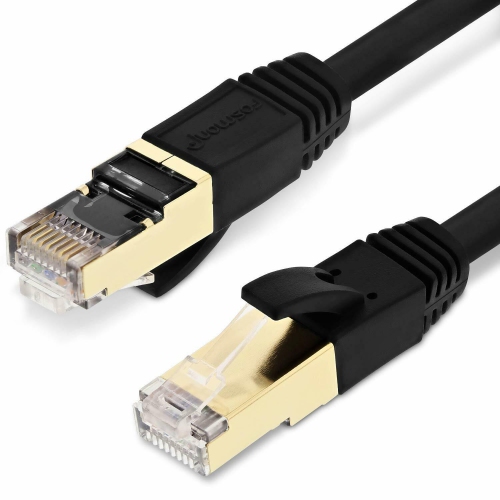
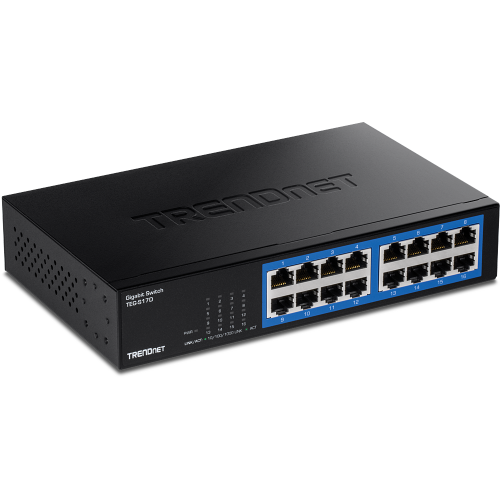
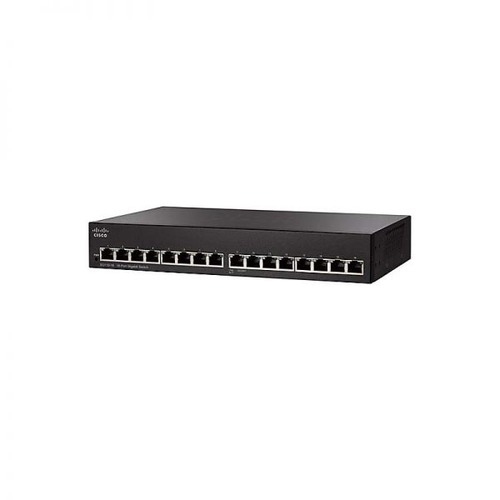
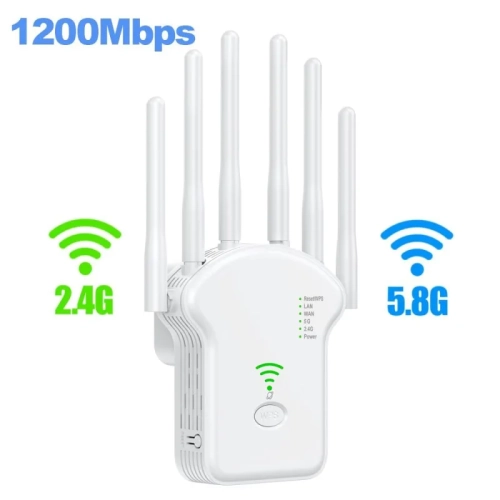
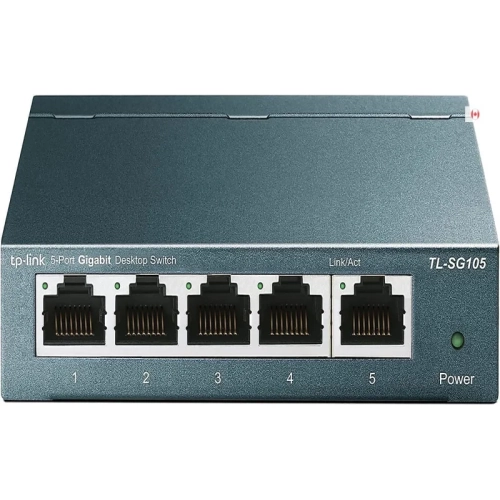
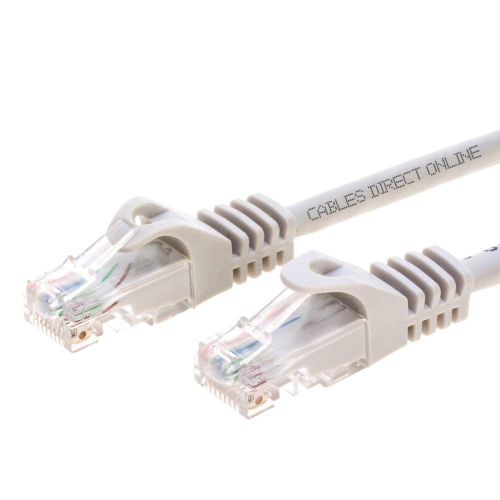
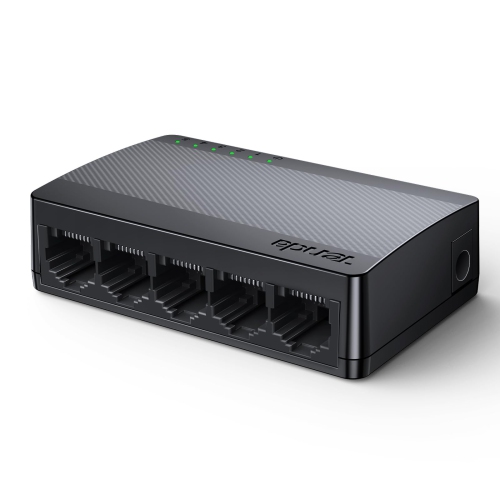
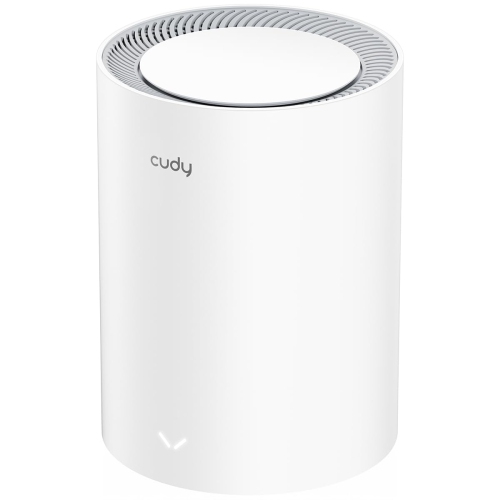
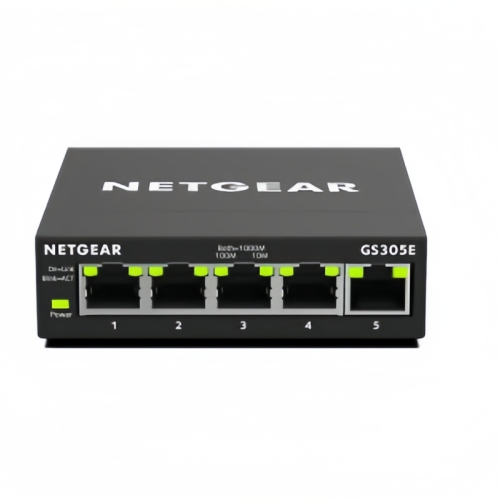
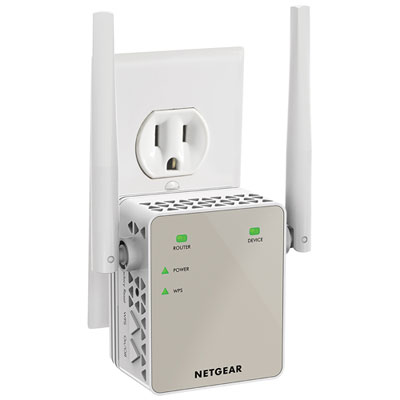
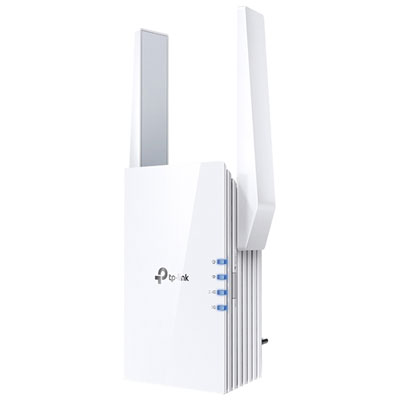
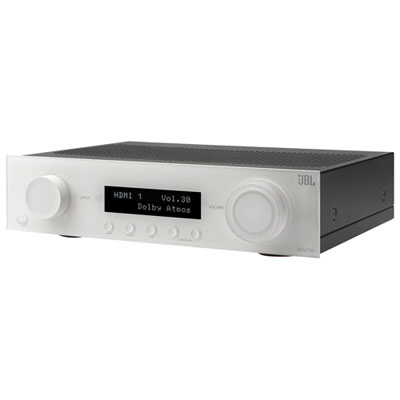
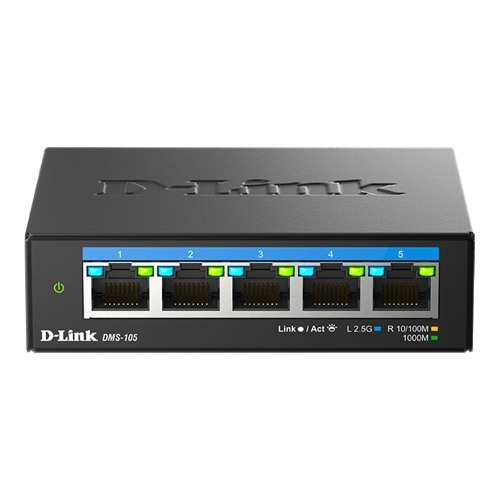
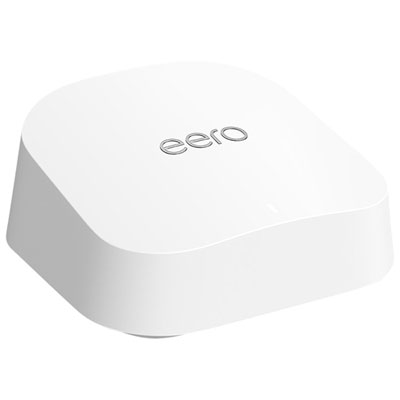
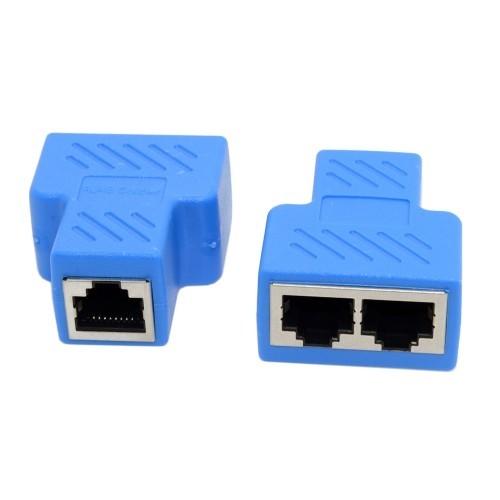
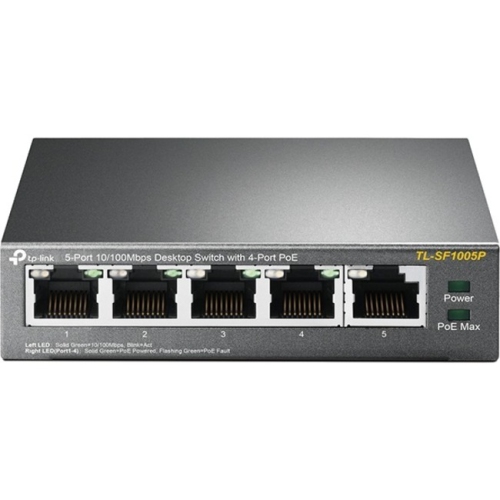
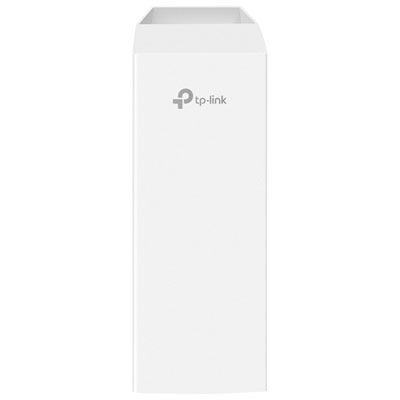
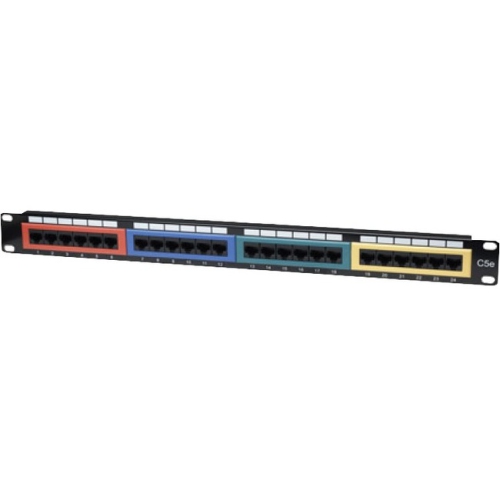
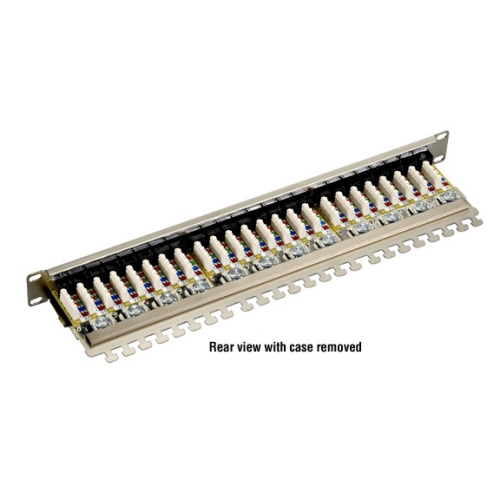
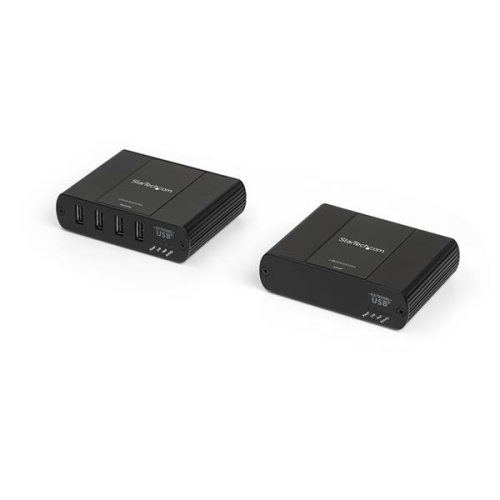
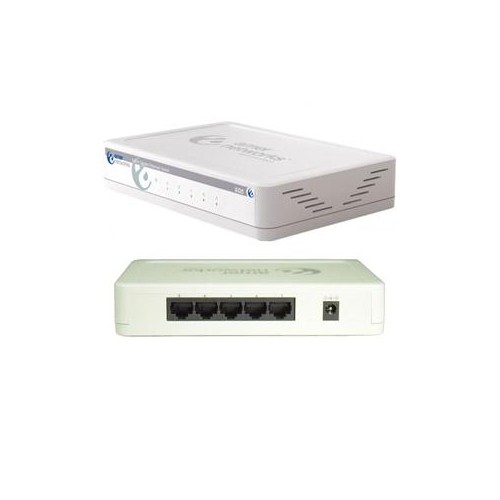
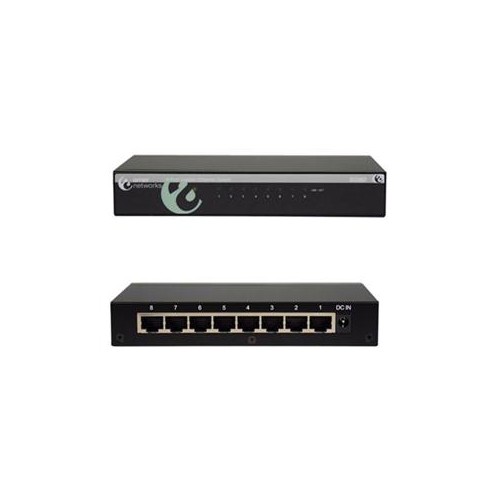
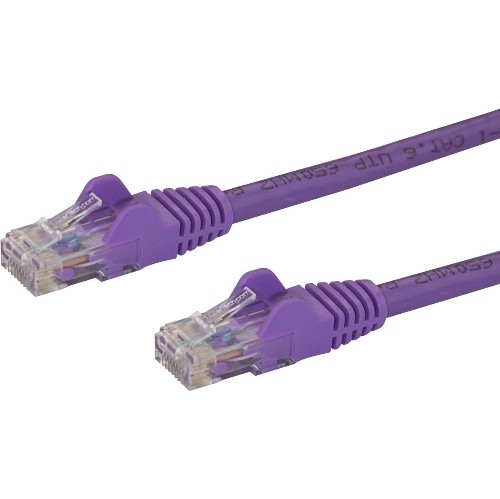
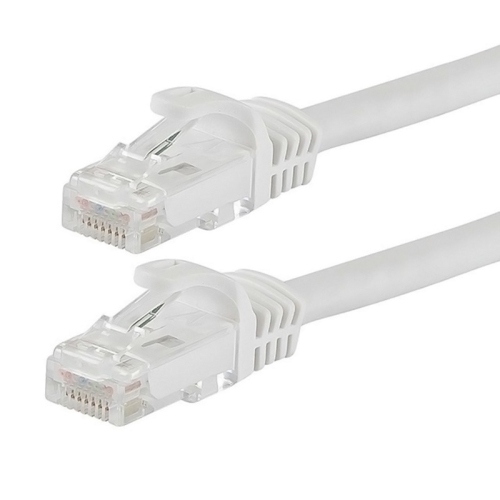
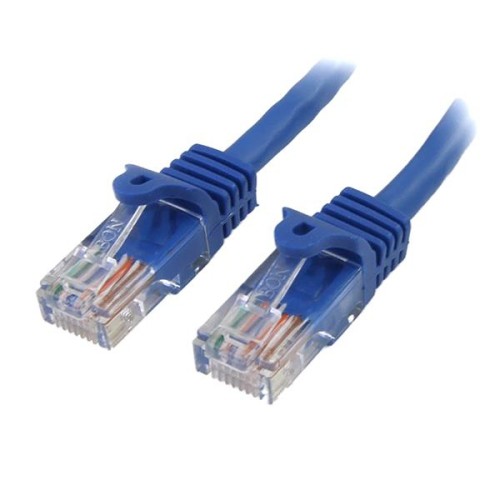
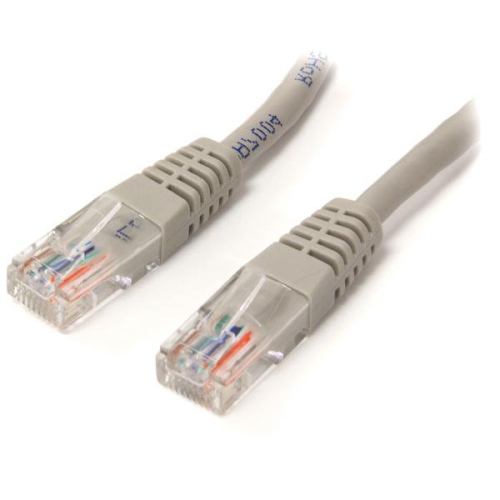
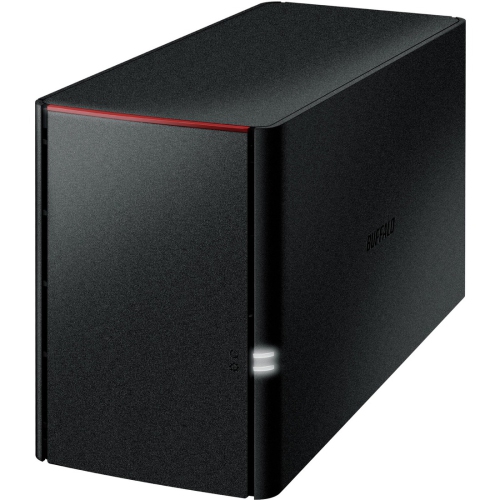
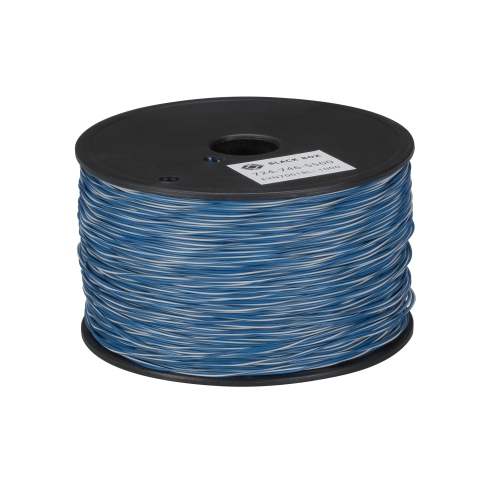
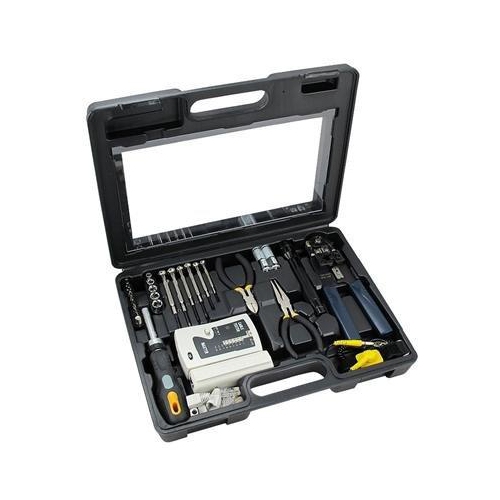
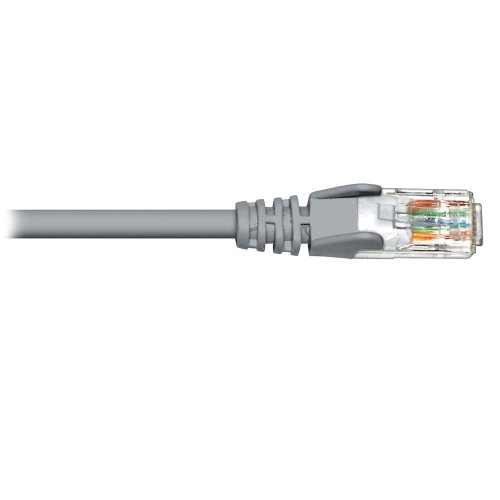
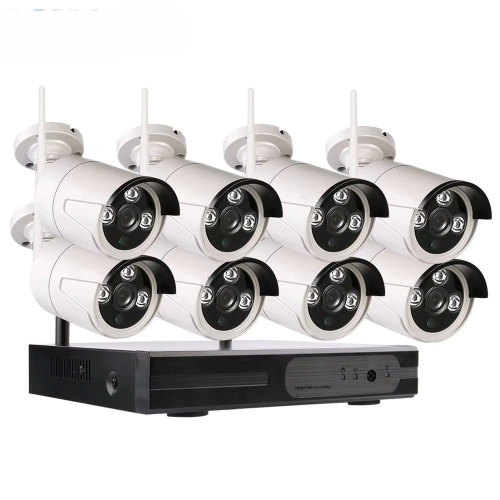
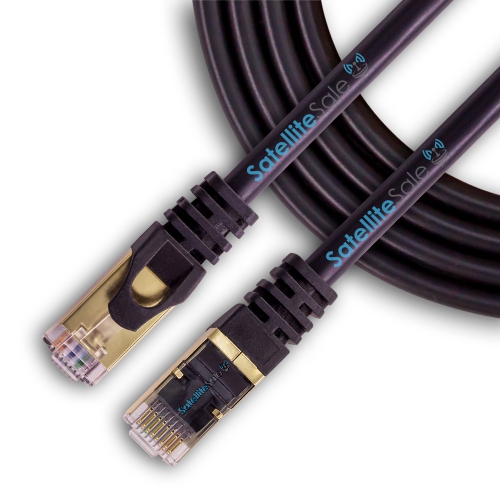
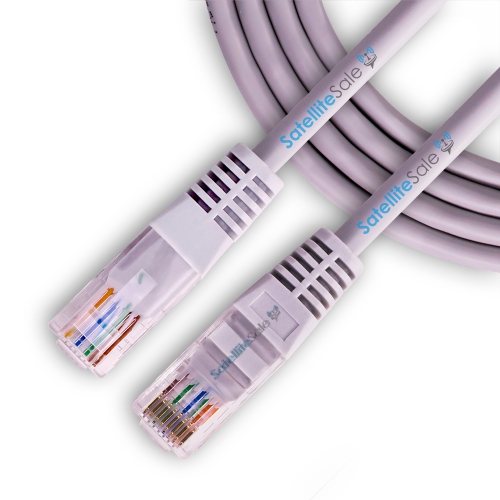
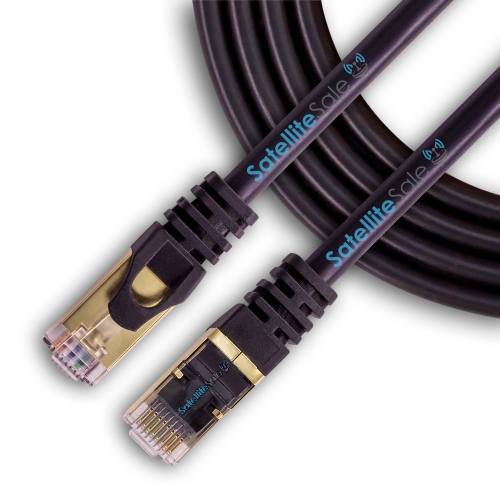
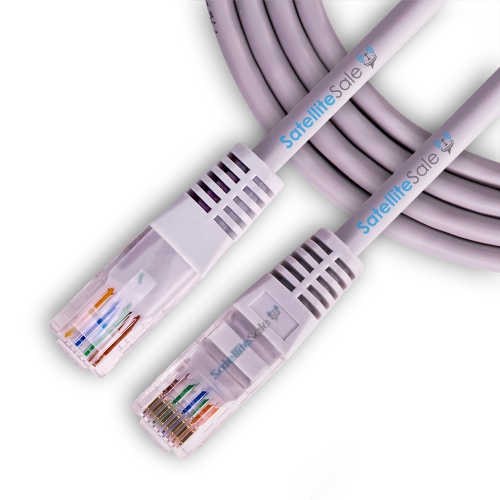
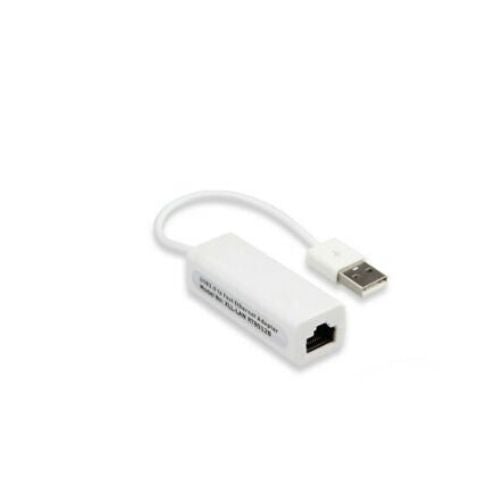
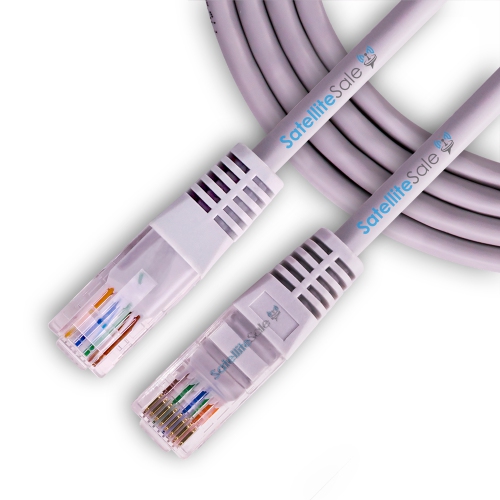
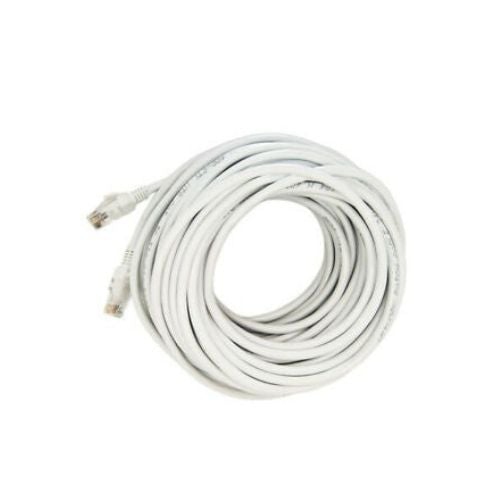
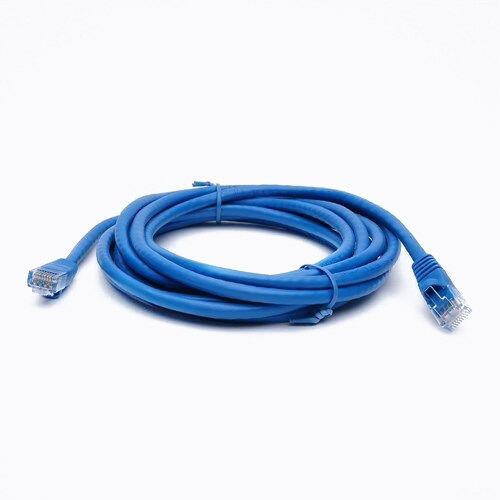
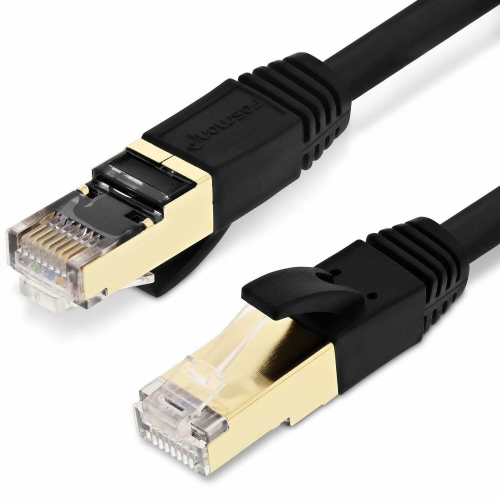
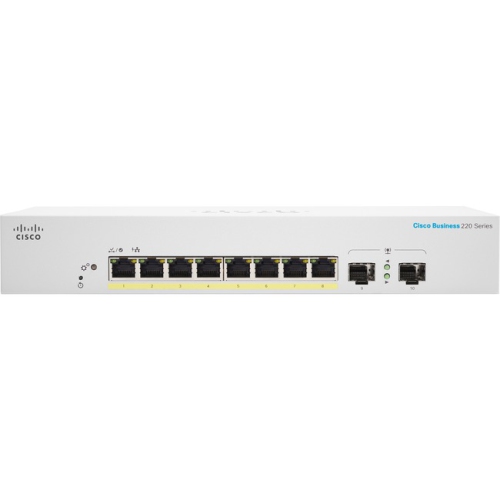
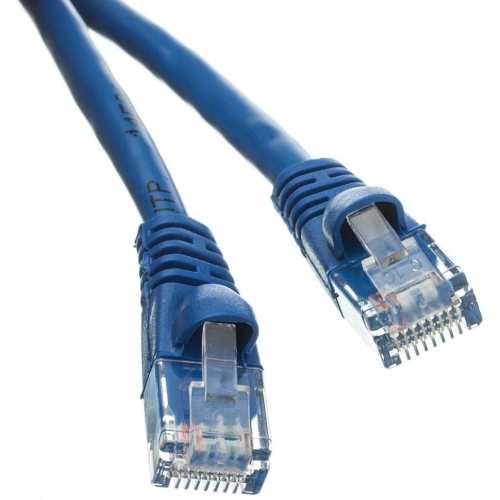
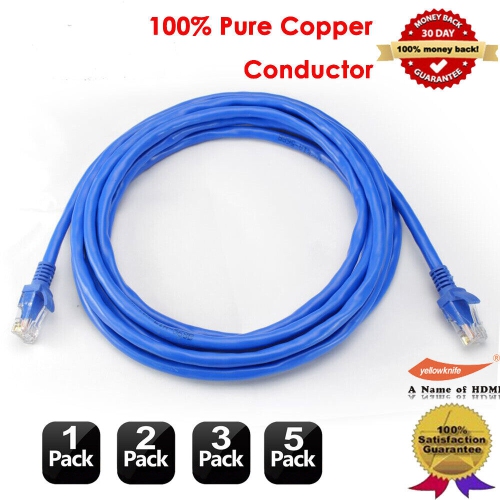
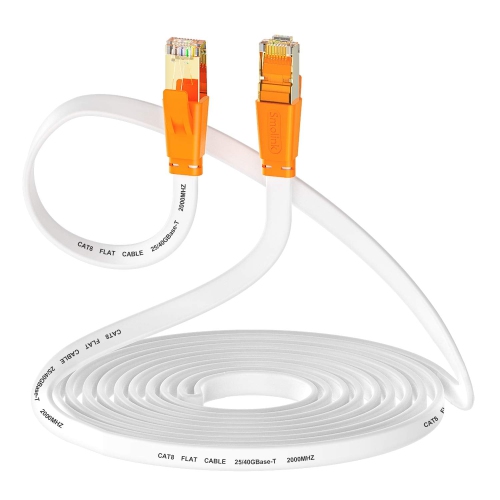
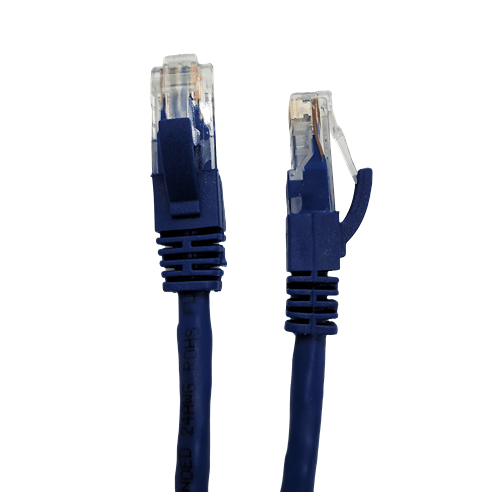
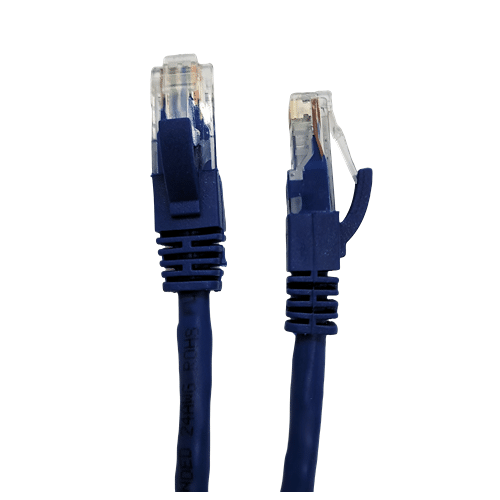
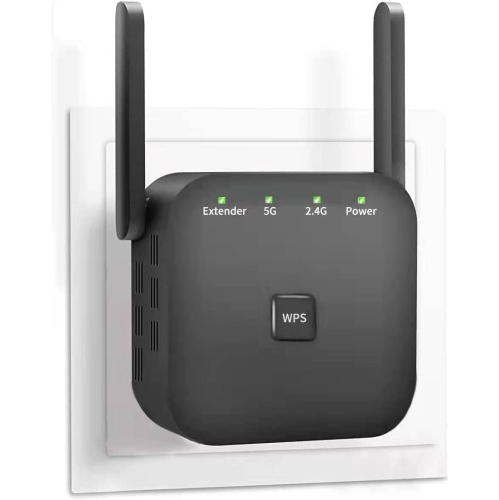
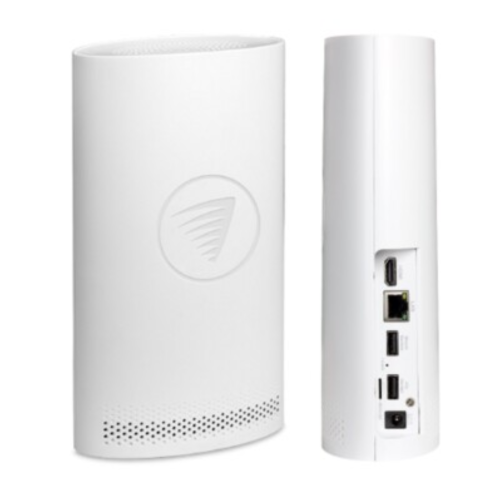
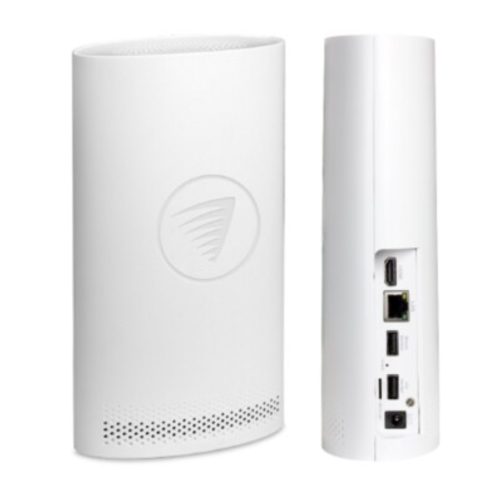
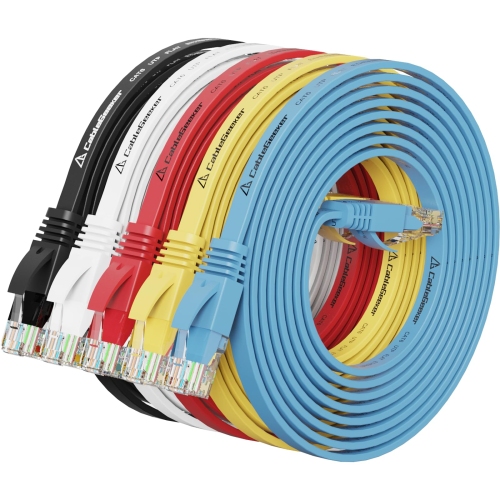
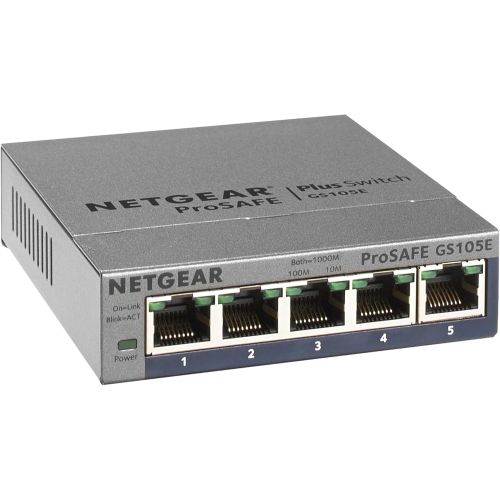
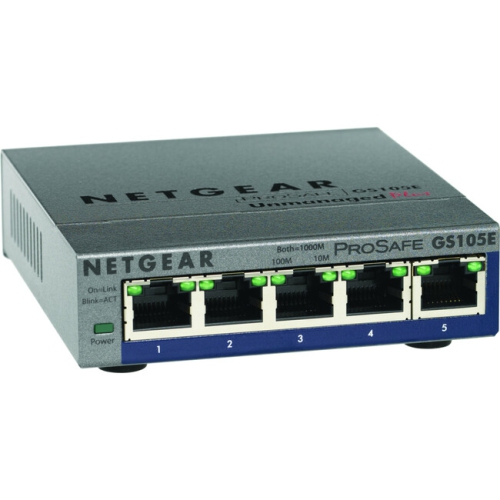
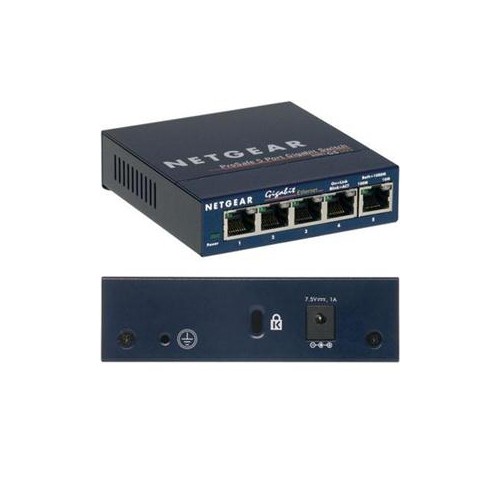
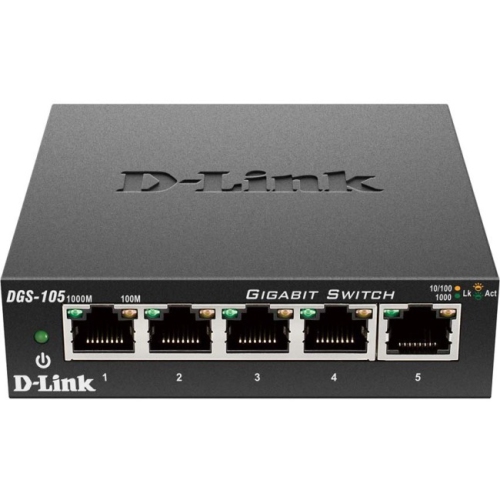
A dependable network setup helps bring every connected part of a home or small workspace together, from computers and streaming equipment to smart home devices, printers, game consoles and security accessories. The right products can make a noticeable difference in rooms where the signal needs to travel through several walls, in homes with multiple people online at once, or in workspaces where a steady connection matters throughout the day. A typical home network begins with an internet connection supplied through cable, DSL or fibre, followed by a modem or gateway that connects to the service line. A router then manages traffic between the internet and the devices in the home, creating a wireless network and providing wired connections through Ethernet ports. Some households use a combined modem-router unit, while others prefer separate equipment for more flexibility, coverage and control. When choosing products for a network setup, consider the speed of your internet plan, the size and layout of your home, the number of connected devices and the activities that place the greatest demand on the network. Video calls, cloud gaming, high-resolution streaming and large file transfers can all benefit from strong coverage and ample capacity. A compact space may only need a straightforward wireless solution, while a larger home with thick walls, more than one floor or a detached office may be better suited to a mesh network, additional access point or signal extender. Ethernet cables remain useful for stationary equipment because a wired connection can provide consistent performance and reduce wireless congestion. Network switches can also add more wired ports when a router does not offer enough connections for a media area, office or entertainment setup. Explore a wider range of options through Networking Solutions to compare equipment for different home layouts and connection needs.
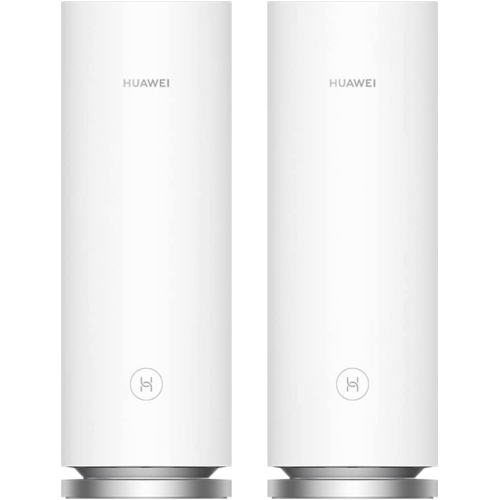
Physical connections and security settings are both important parts of a successful network setup. Begin by connecting the modem to the appropriate wall connection for the internet service, such as a coaxial cable for cable internet, a phone line for DSL or a fibre cord for fibre service, then connect the modem to power and allow its status lights to settle. Run an Ethernet cable from the modem’s internet or WAN connection to the router’s matching port, connect the router to power and give it time to start. A phone, tablet or computer can then connect to the temporary wireless network name shown on the router or its accompanying information. From there, the router’s app or web interface typically guides the setup process, including creating a network name, changing the administrator password and choosing a secure Wi-Fi password. Replacing default login details is an essential step because it helps prevent unauthorised access to the network’s settings. WPA3 security is a strong choice where supported, while WPA2 remains widely used on compatible devices. A password made from a long, memorable combination of words, numbers and symbols is generally easier to manage and more secure than a short, predictable phrase. It is also useful to create a separate guest network for visitors, keeping guest devices apart from computers, storage drives and other personal equipment. Place the router in an open, reasonably central location rather than inside a cabinet, behind large furniture or close to appliances that may interfere with the signal. Raising it from the floor and keeping its antennas positioned as recommended can also help coverage. For multi-level homes, a mesh system or additional access point can distribute the connection more evenly, reducing the familiar dead zone where a video call drops as someone walks down the hall or where a streaming device struggles in the far bedroom.
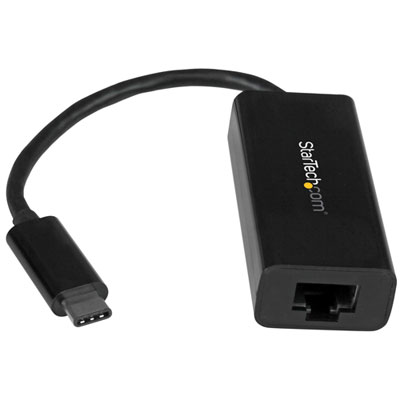
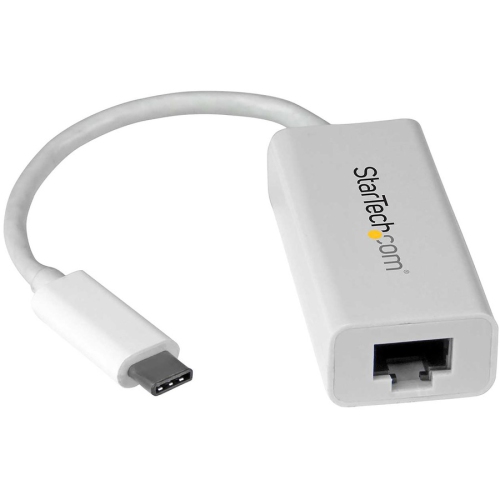
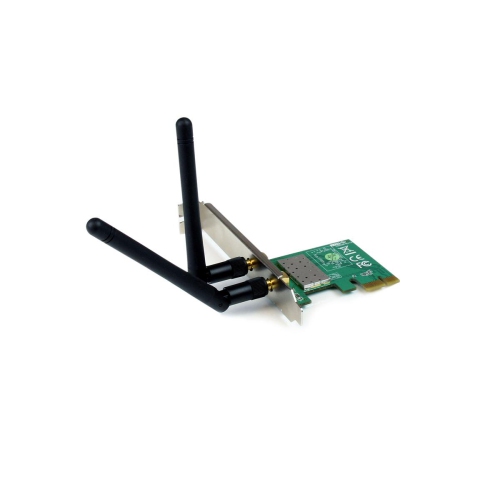
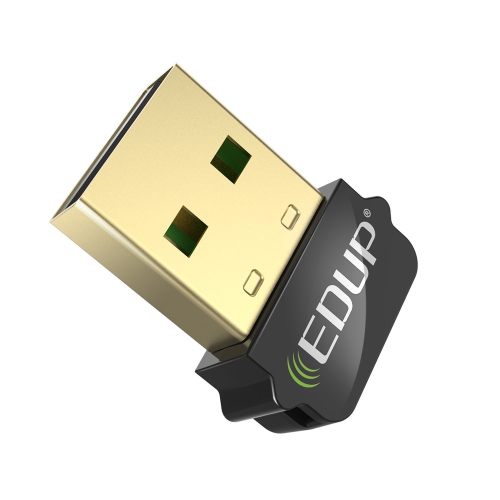
Network equipment can suit many different households, work styles and gifting occasions. Someone moving into a first apartment may appreciate a simple setup that is easy to install and manage without taking up much space. Families with several phones, laptops, televisions and connected accessories may look for broader coverage and the ability to handle many devices at the same time. Remote workers can benefit from reliable coverage near a desk, while students may value a setup that supports online classes, research, file sharing and entertainment without constant interruptions. A wired switch, Ethernet cable or wireless adapter can be a practical gift for a person building a home office, upgrading a gaming area or reorganising a media room. During the cooler months, when more activities take place indoors, dependable Wi-Fi can make it easier to stay connected from different rooms, but the best choice still depends on the home’s construction and the internet service already in place. Before purchasing, check whether the equipment supports your connection type, advertised internet speed and preferred security standard. Review the number of Ethernet ports, wireless bands, coverage claims, parental control options and compatibility with existing devices. It is also worth considering installation space, cable length and whether the equipment can be expanded later if the household adds a room, workspace or more connected devices. If a connection remains unreliable after positioning the router carefully, restarting the modem and router, updating their software and checking cables can help identify a basic issue; persistent problems may point to service limitations, interference or a need for additional coverage. With suitable equipment and sensible placement, a network setup can provide a smoother foundation for work, learning, entertainment and everyday connected living.
Physical connections and security settings are both important parts of a successful network setup. Begin by connecting the modem to the appropriate wall connection for the internet service, such as a coaxial cable for cable internet, a phone line for DSL or a fibre cord for fibre service, then connect the modem to power and allow its status lights to settle. Run an Ethernet cable from the modem’s internet or WAN connection to the router’s matching port, connect the router to power and give it time to start. A phone, tablet or computer can then connect to the temporary wireless network name shown on the router or its accompanying information. From there, the router’s app or web interface typically guides the setup process, including creating a network name, changing the administrator password and choosing a secure Wi-Fi password. Replacing default login details is an essential step because it helps prevent unauthorised access to the network’s settings. WPA3 security is a strong choice where supported, while WPA2 remains widely used on compatible devices. A password made from a long, memorable combination of words, numbers and symbols is generally easier to manage and more secure than a short, predictable phrase. It is also useful to create a separate guest network for visitors, keeping guest devices apart from computers, storage drives and other personal equipment. Place the router in an open, reasonably central location rather than inside a cabinet, behind large furniture or close to appliances that may interfere with the signal. Raising it from the floor and keeping its antennas positioned as recommended can also help coverage. For multi-level homes, a mesh system or additional access point can distribute the connection more evenly, reducing the familiar dead zone where a video call drops as someone walks down the hall or where a streaming device struggles in the far bedroom.
Network equipment can suit many different households, work styles and gifting occasions. Someone moving into a first apartment may appreciate a simple setup that is easy to install and manage without taking up much space. Families with several phones, laptops, televisions and connected accessories may look for broader coverage and the ability to handle many devices at the same time. Remote workers can benefit from reliable coverage near a desk, while students may value a setup that supports online classes, research, file sharing and entertainment without constant interruptions. A wired switch, Ethernet cable or wireless adapter can be a practical gift for a person building a home office, upgrading a gaming area or reorganising a media room. During the cooler months, when more activities take place indoors, dependable Wi-Fi can make it easier to stay connected from different rooms, but the best choice still depends on the home’s construction and the internet service already in place. Before purchasing, check whether the equipment supports your connection type, advertised internet speed and preferred security standard. Review the number of Ethernet ports, wireless bands, coverage claims, parental control options and compatibility with existing devices. It is also worth considering installation space, cable length and whether the equipment can be expanded later if the household adds a room, workspace or more connected devices. If a connection remains unreliable after positioning the router carefully, restarting the modem and router, updating their software and checking cables can help identify a basic issue; persistent problems may point to service limitations, interference or a need for additional coverage. With suitable equipment and sensible placement, a network setup can provide a smoother foundation for work, learning, entertainment and everyday connected living.
Top selling and popular products
-
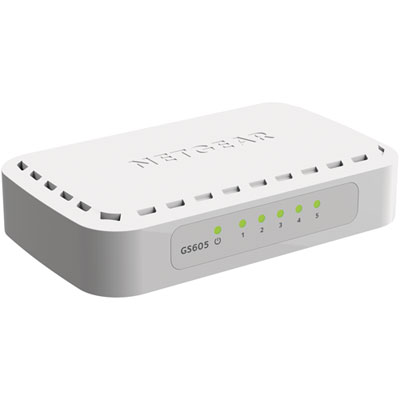 Your price for this item is $34.99
 -
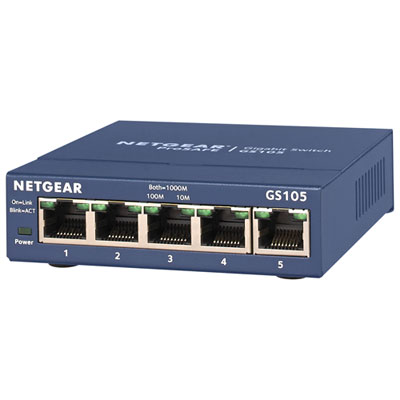 Your price for this item is $44.99
 -
 Your price for this item is $52.68
 -
 Your price for this item is $76.99
 -
 Your price for this item is $49.68
 -
 Your price for this item is $52.68
 -
 Your price for this item is $24.99
 -
 Your price for this item is $49.99
Discover more categories related to Network Setup
Top Collections:
Pokemon Centers, Kindle Devices, Best Budget Office Chairs, Apple iPhones 16, Best Laptops for Writers, iPhone 15 Apple, Canon G7X Cameras, Refurbished Apple Laptops, Alarm Clock, Motorola Razr Phones
Some products may be subject to Environmental Handling Fees
(EHF) depending on your province.
Learn more about EHFs.