Home Networking
Upgrade your home network with the latest in technology and connectivity solutions. From routers to range extenders, switches to adapters, our Home Networking collection offers everything you need to create a seamless and reliable network throughout your living space. Say goodbye to dead zones and slow connections as you browse our selection of high-quality networking products designed to keep you connected and online, no matter where you are in your home. Whether you're a casual internet user or a tech-savvy gamer, we have the tools to enhance your online experience and ensure smooth streaming, fast downloads, and lag-free gaming sessions.
Sort



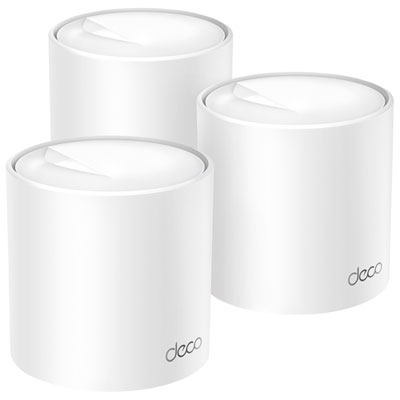
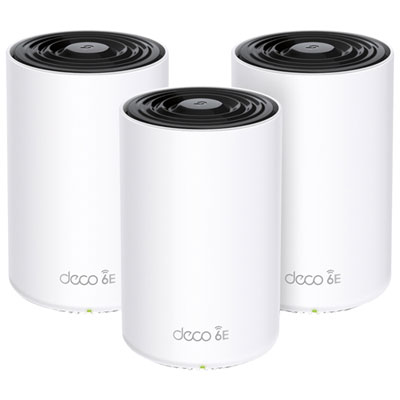
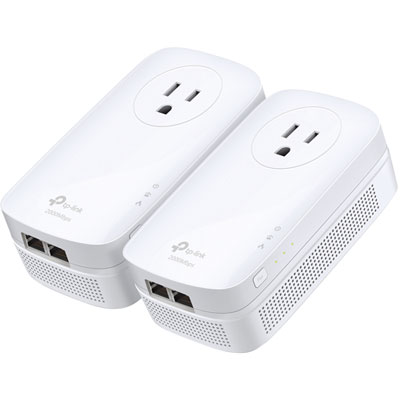
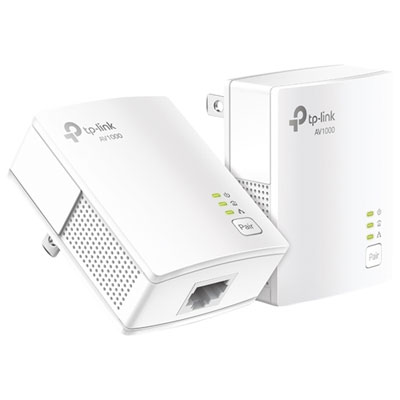


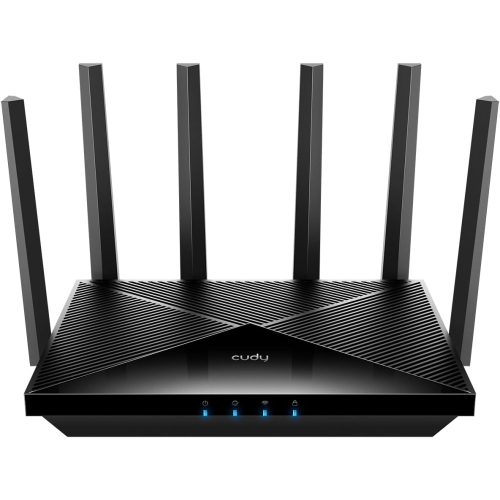
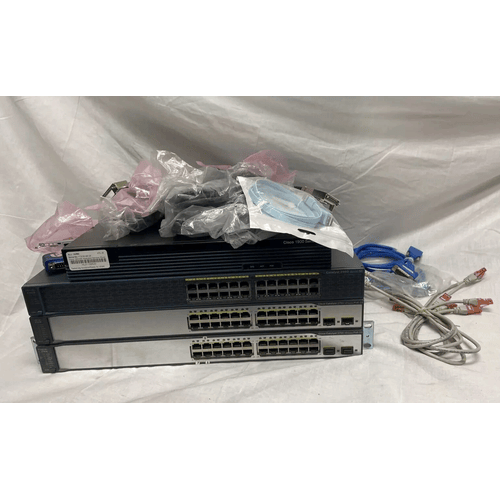
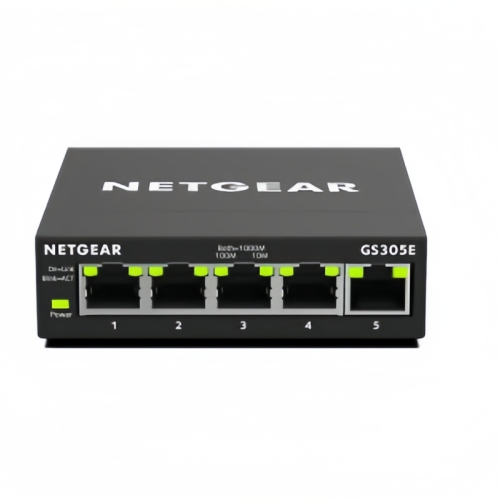

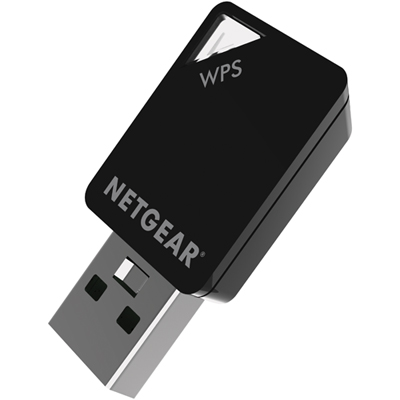
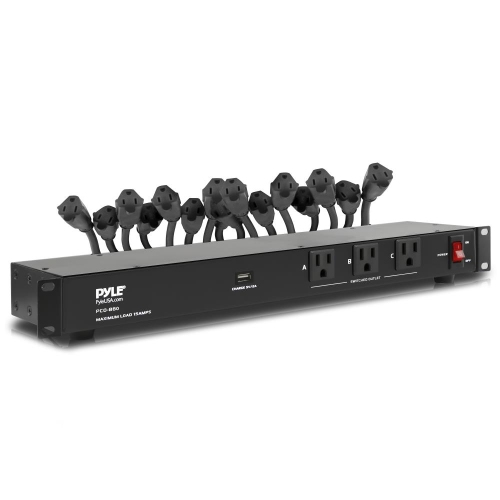
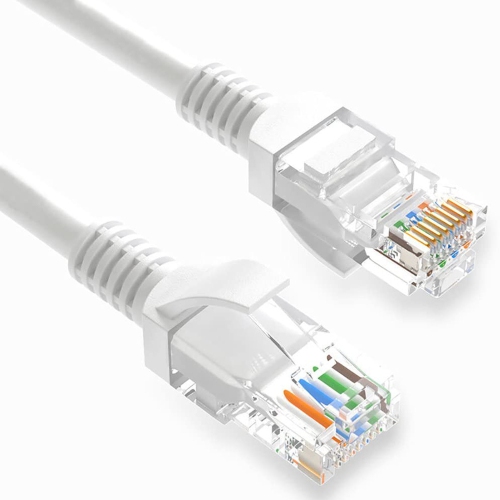
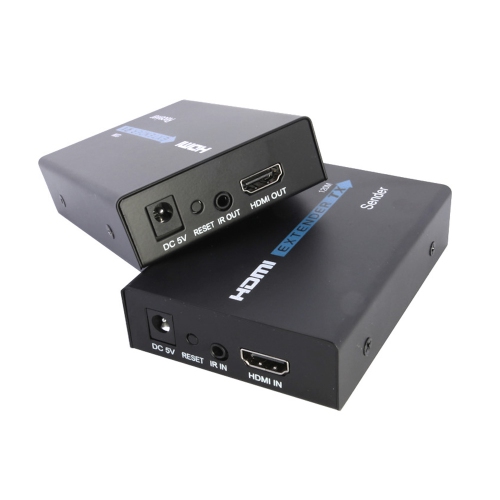
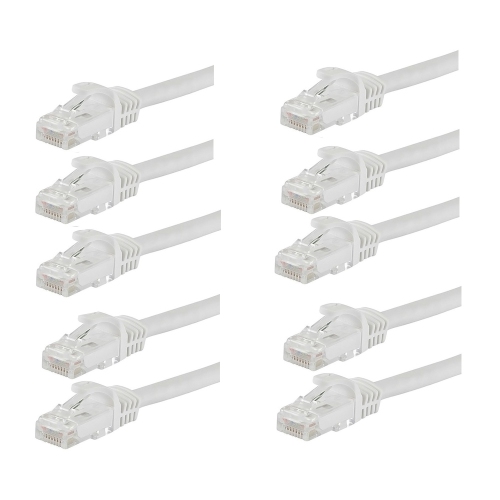







Why better connections take more than a faster router
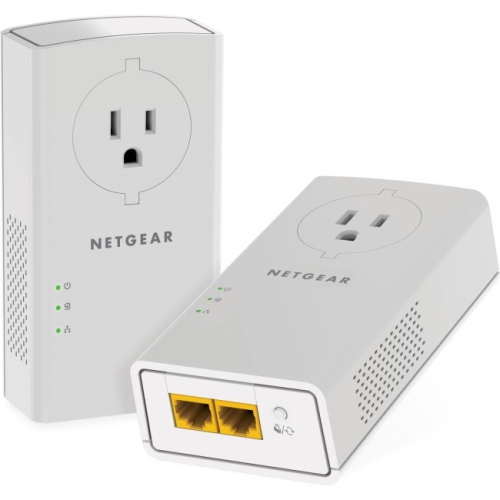
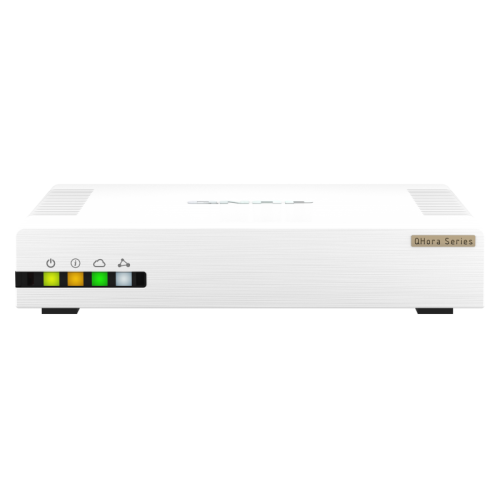
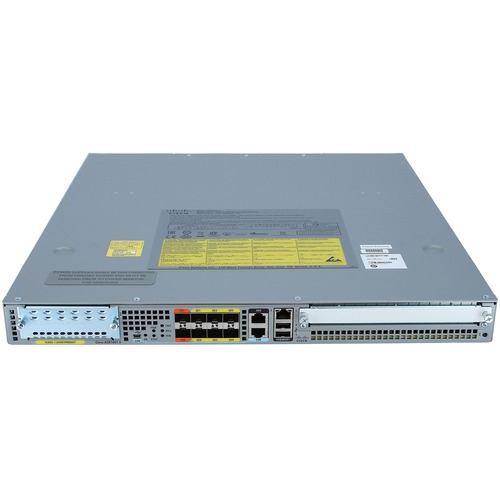
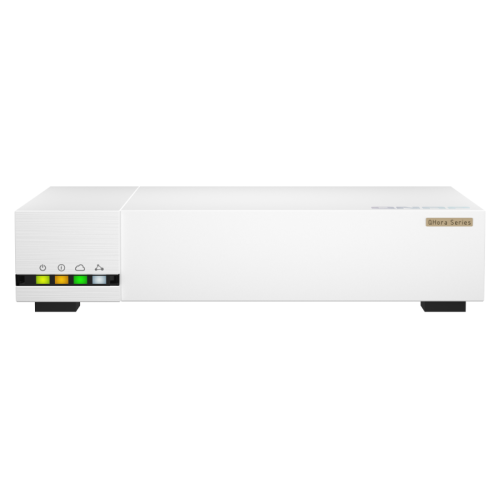
Home networking connects the devices in a household so they can share internet access, communicate with one another, and use resources such as printers or shared storage. A home network can use Wi-Fi, wired Ethernet connections, or a combination of both. Each type of networking equipment has a different role: a modem connects to a compatible internet service, a router directs traffic between the home network and the internet, and a network switch adds connections for wired devices. A wireless router also provides Wi-Fi, while access points and mesh systems can extend wireless access throughout the home. Some internet providers supply a single unit that combines modem and router functions; fibre services typically use an optical network terminal rather than a conventional modem. Understanding those distinctions helps keep an upgrade focused on what a household actually needs, whether that means stronger coverage upstairs or more Ethernet ports beside a desk. These products support everything from everyday browsing and video calls to multiplayer gaming, connected doorbells, and shared family entertainment. In a busy home, several demands often overlap: someone joins a meeting from a spare bedroom, a television streams in the living room, and a game console downloads a large update. The internet plan sets the capacity of the connection coming into the home, but the local network affects how effectively devices can use it. A faster router cannot increase the speed supplied by an internet plan, though suitable equipment can help address limitations within the home. Browsing Networking Solutions brings the broader range of connection options into view, from wireless coverage to wired expansion. For households setting up a first apartment, refreshing a home office, or connecting several floors, the most relevant features are the ones that match the layout, devices, and daily routines rather than simply the largest speed figure on the packaging.
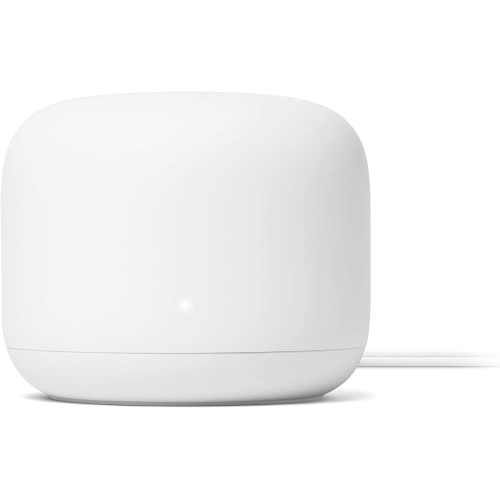
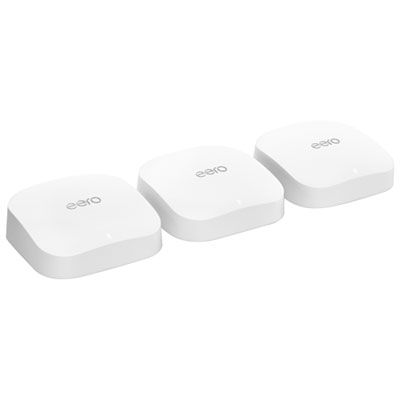
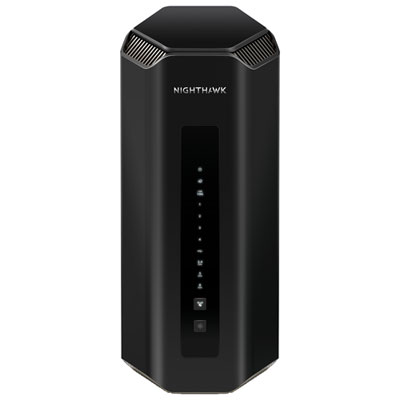
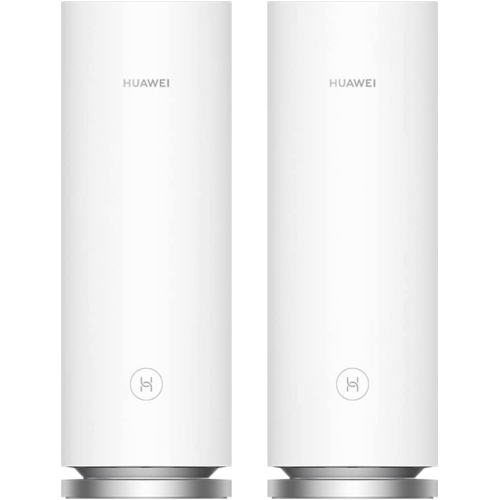
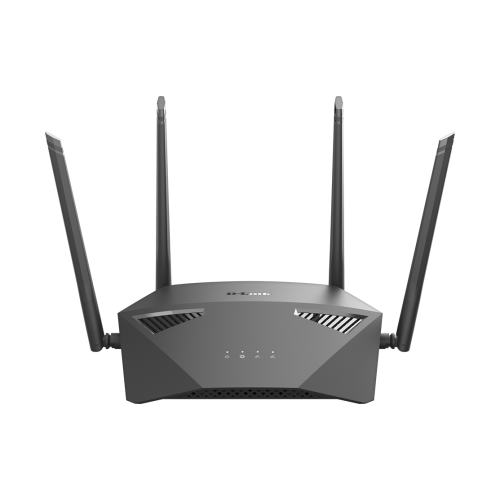
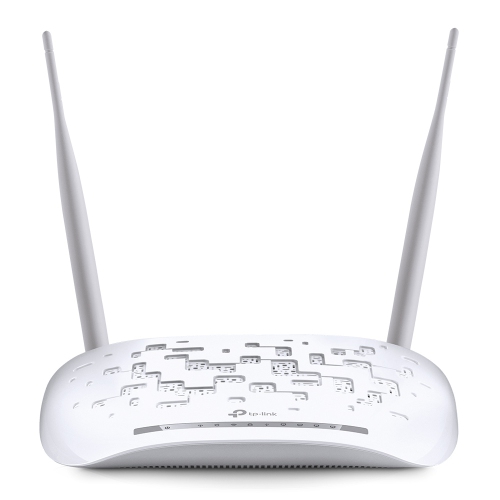
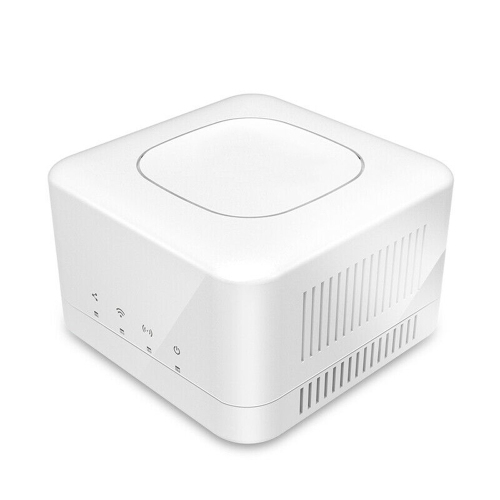
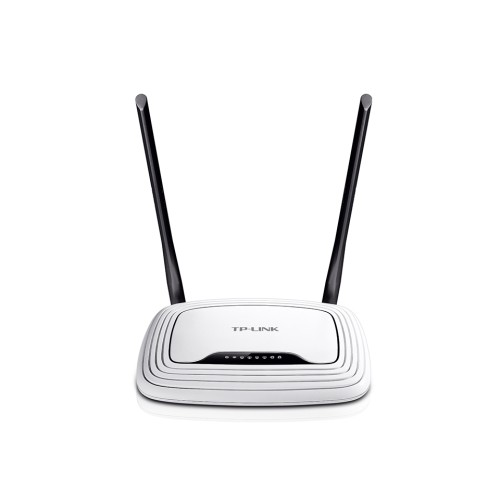
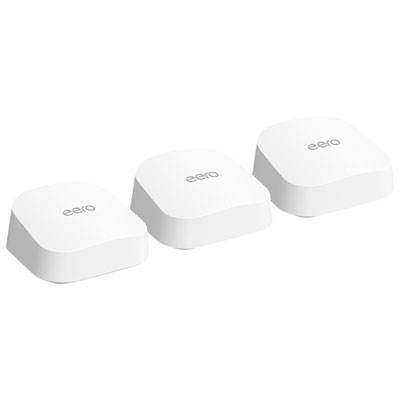
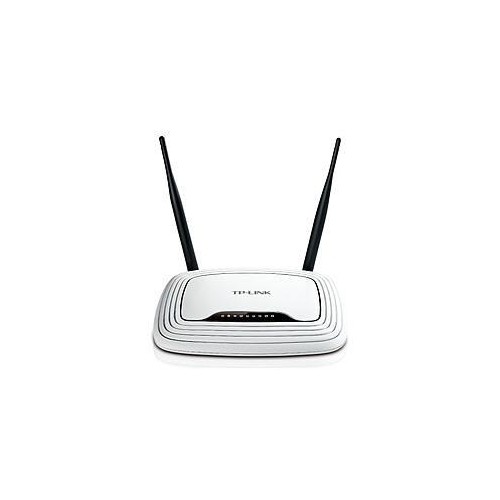
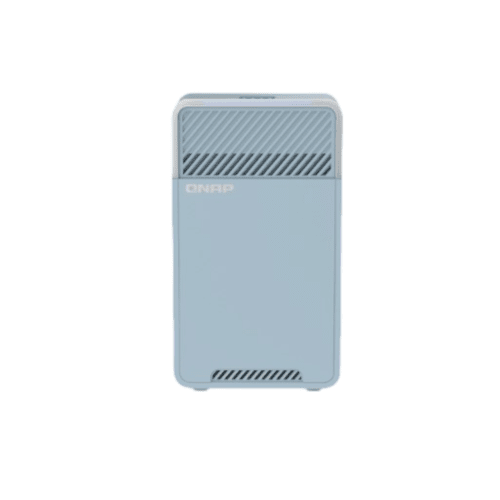
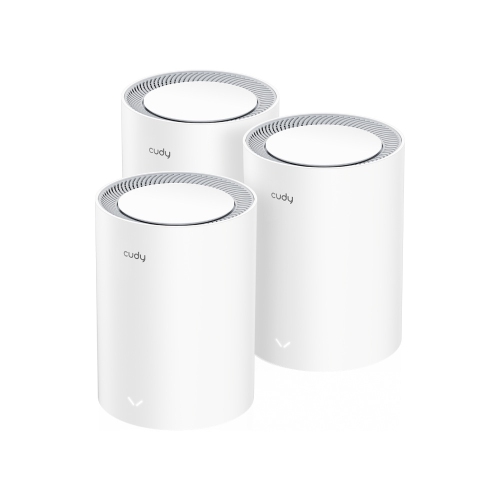
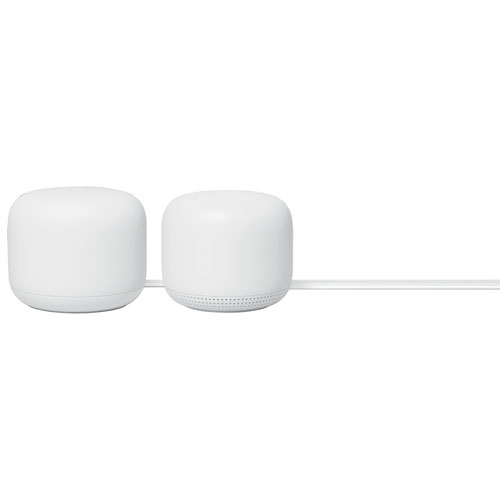
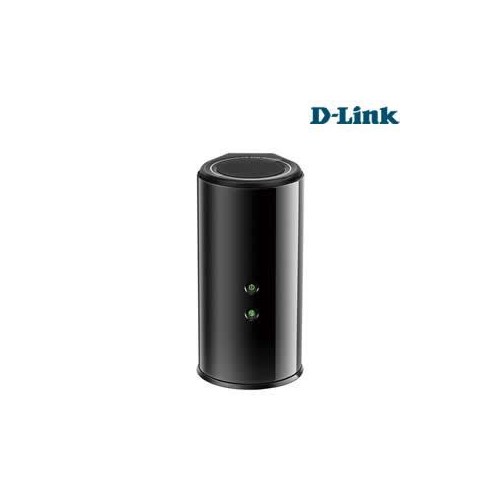
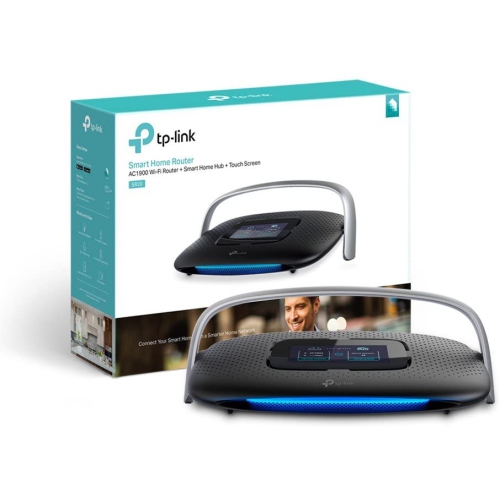
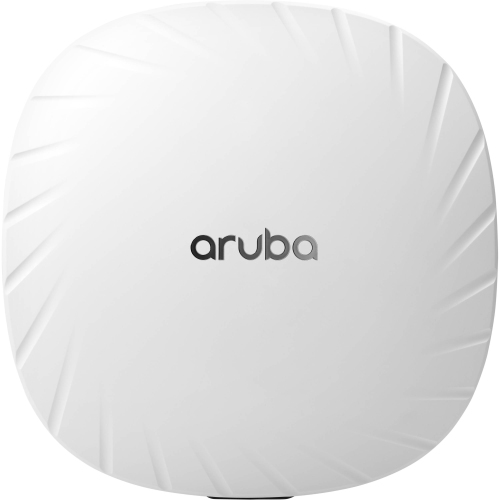
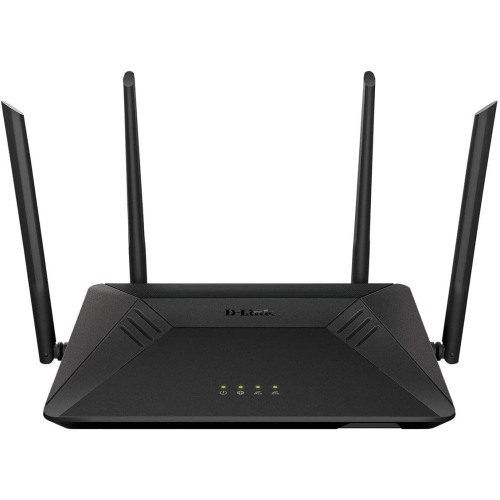
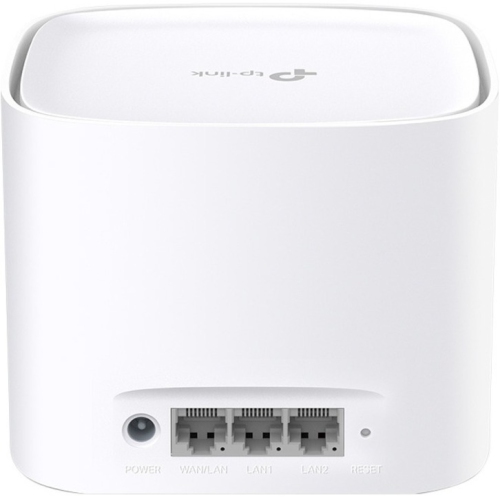
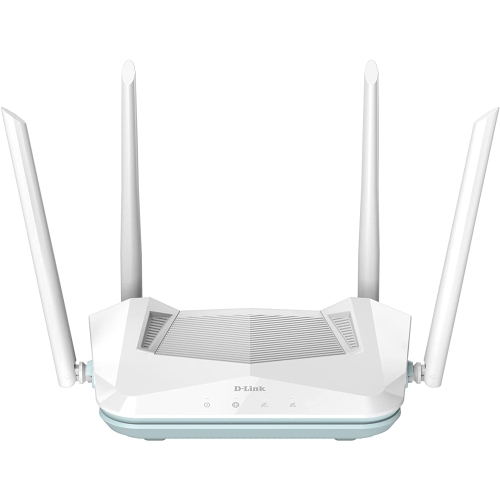
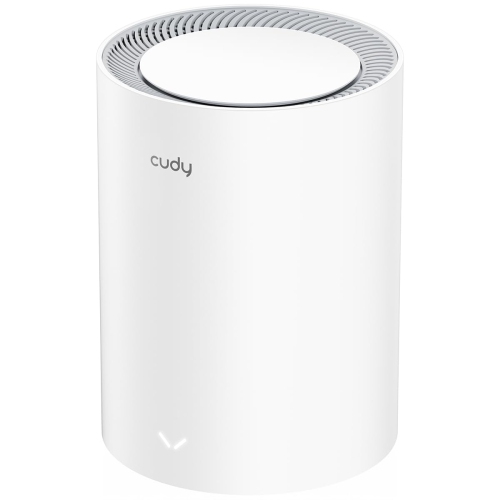
Wireless networking equipment is especially useful for phones, tablets, laptops, and smart home devices that move around or sit beyond convenient cable routes. Coverage depends on more than floor area: brick walls, concrete floors, metal ductwork, and the position of the internet connection can all affect how a signal travels. An open-plan condo and a narrow, three-storey house may need different arrangements even when their total living space is similar. A standalone wireless router can suit a smaller home with a practical central placement, while a mesh Wi-Fi system uses multiple units to provide coverage across a wider area under one network name. Mesh units still need a reliable connection to one another, either wirelessly or through supported Ethernet backhaul; placing a unit where there is already almost no signal may not solve a weak connection. Range extenders offer another way to reach a particular area, although performance and how devices move between connections depend on the equipment and configuration. Wireless access points are useful where Ethernet is already routed to a distant room or floor. Wi-Fi standards also matter, but their benefits depend on compatible connected devices. Newer standards can improve capacity and efficiency in busy households, while older devices remain subject to their own wireless capabilities. The 2.4 GHz band generally reaches farther but can be crowded, while 5 GHz offers more capacity over shorter distances. Equipment supporting 6 GHz can provide additional wireless capacity for compatible devices, with range and wall penetration still important considerations. Advertised wireless speeds are theoretical and may combine capacity across multiple bands, rather than describe the speed a single laptop will receive. For remote workers, students, and families streaming in separate rooms, steady connections and usable coverage often matter more than headline figures. Guest networks, parental controls, and traffic-management features can add convenience, but their functions vary. Compatibility with existing smart home devices is worth checking, particularly for accessories that connect only through 2.4 GHz Wi-Fi.
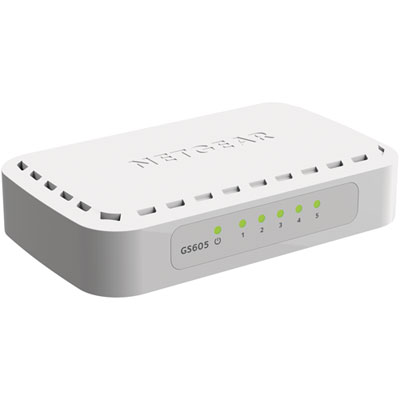
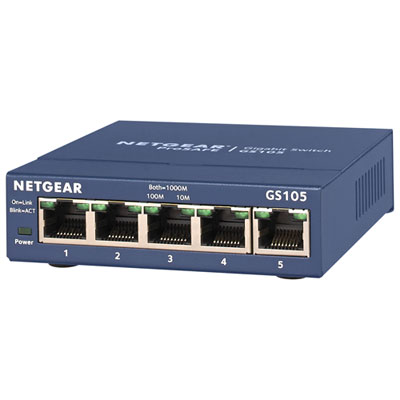
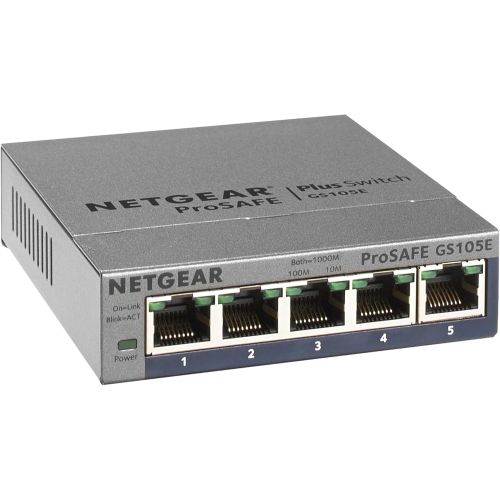
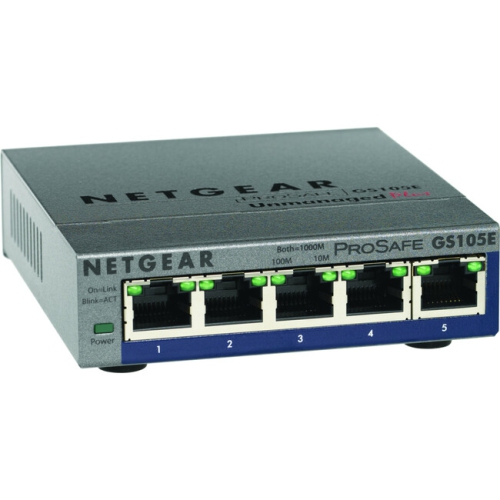
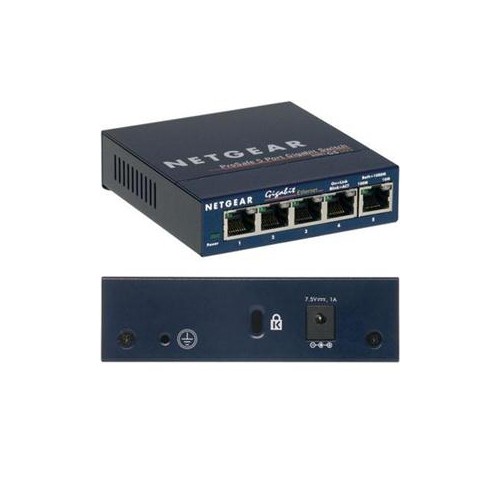
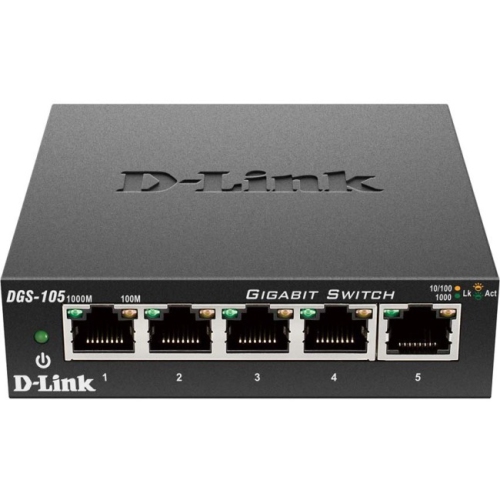
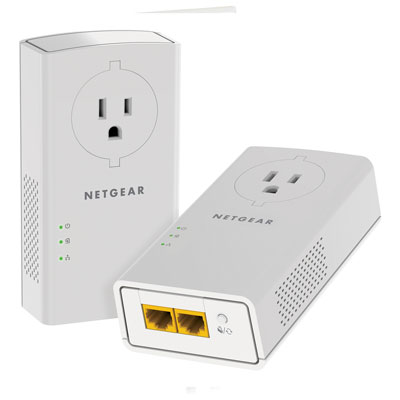
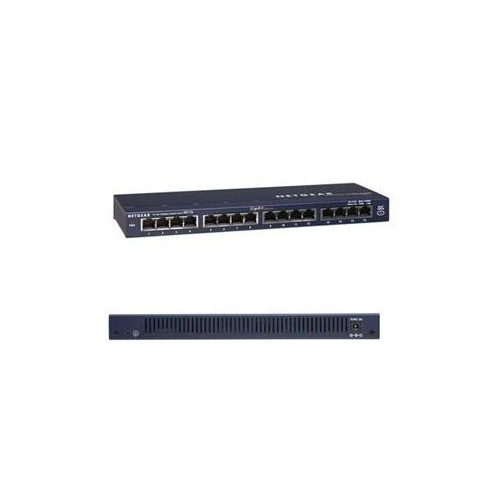
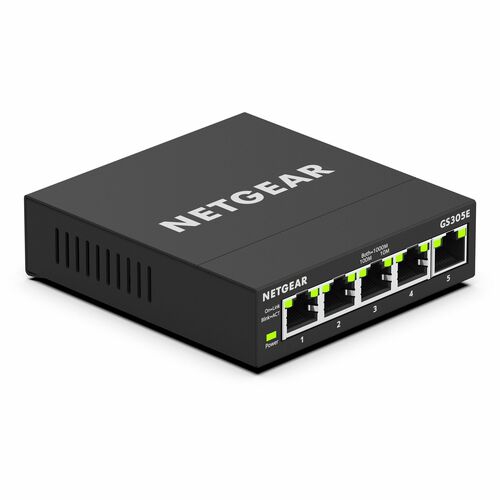
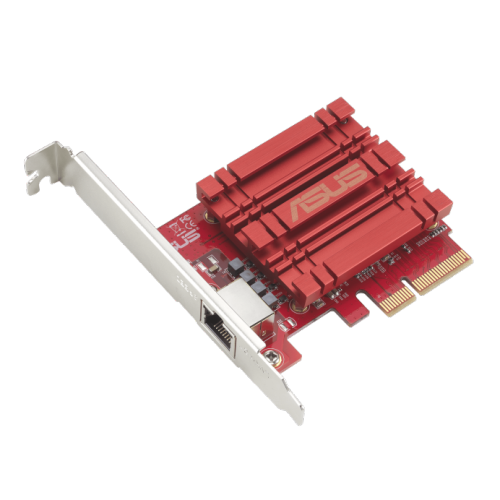
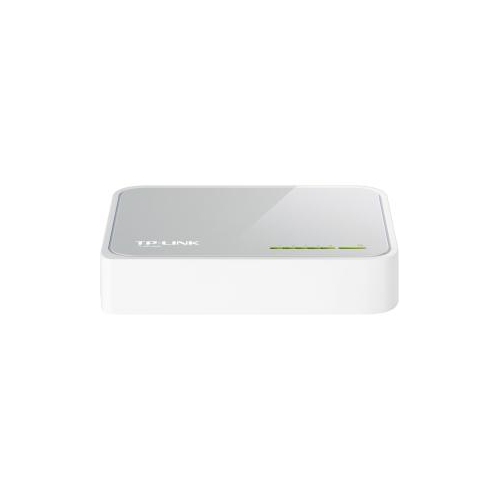
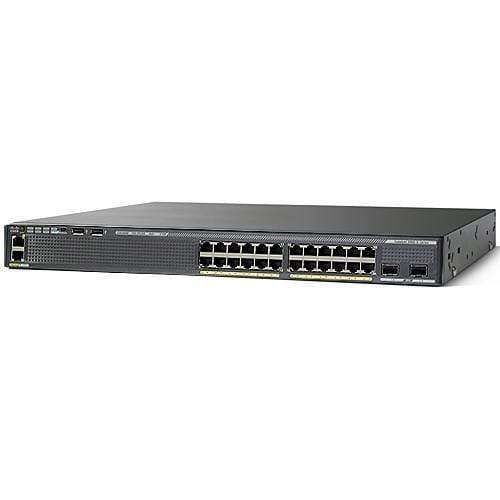
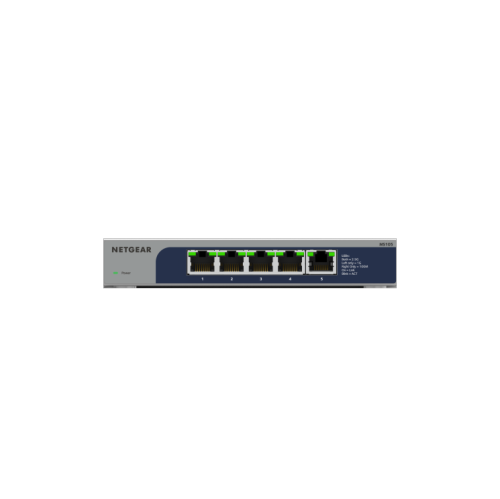
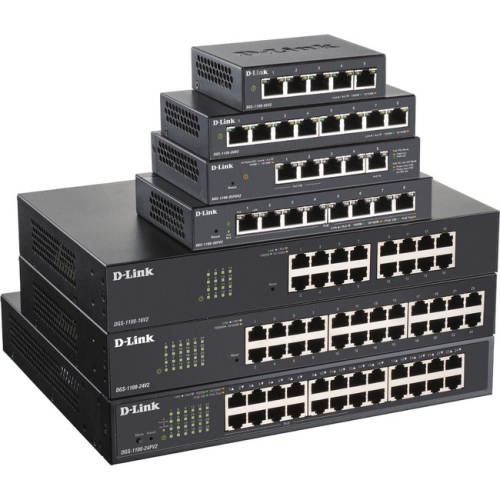
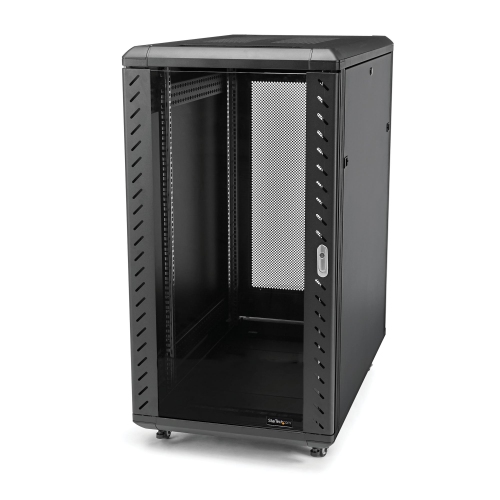
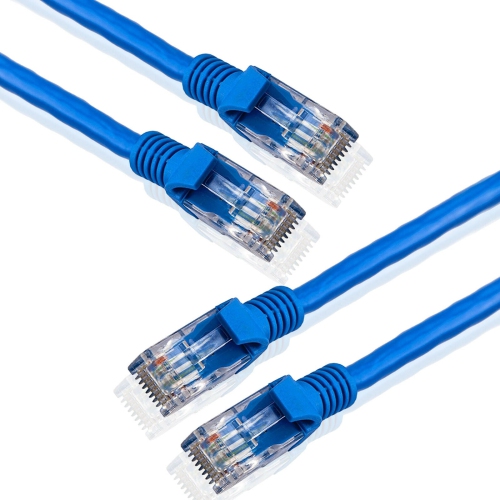
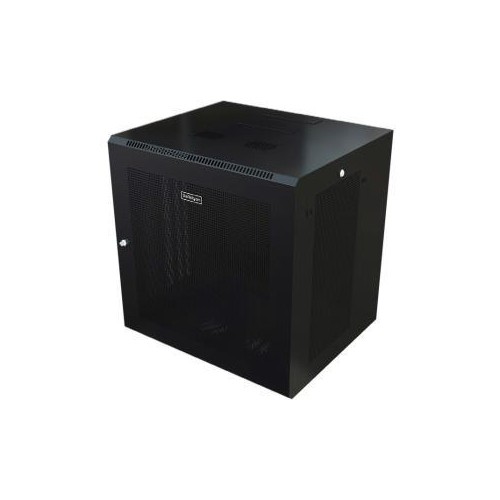
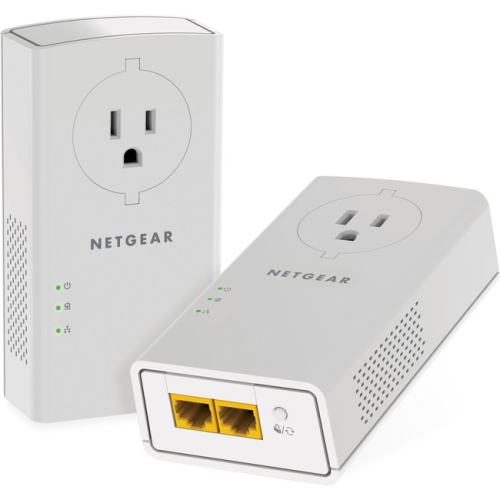
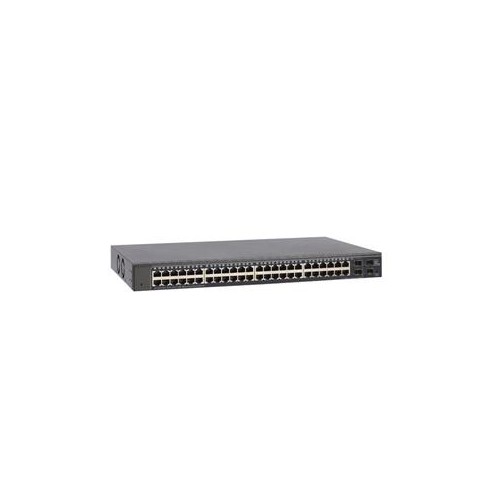
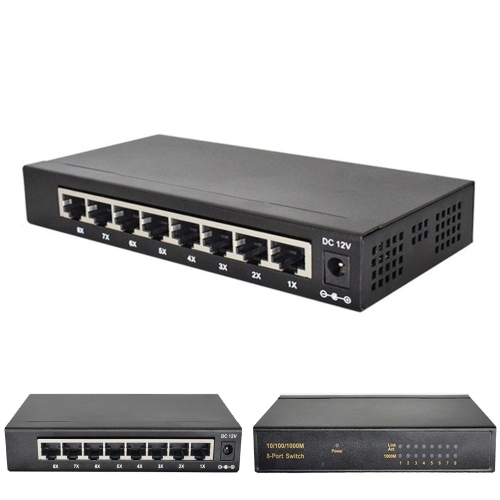
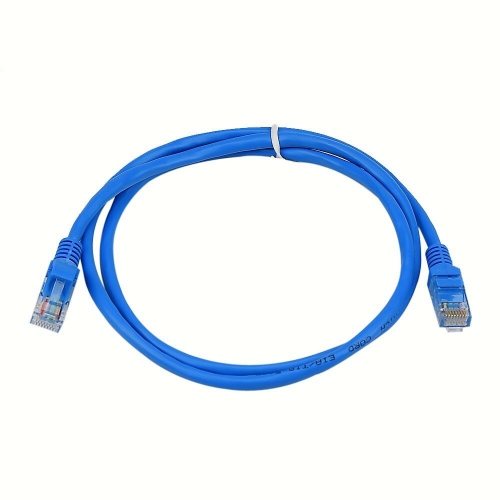
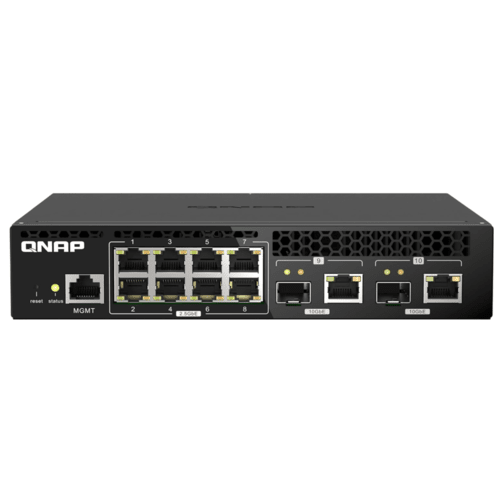
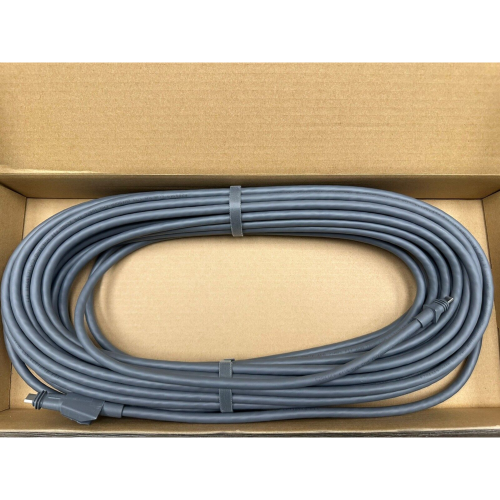
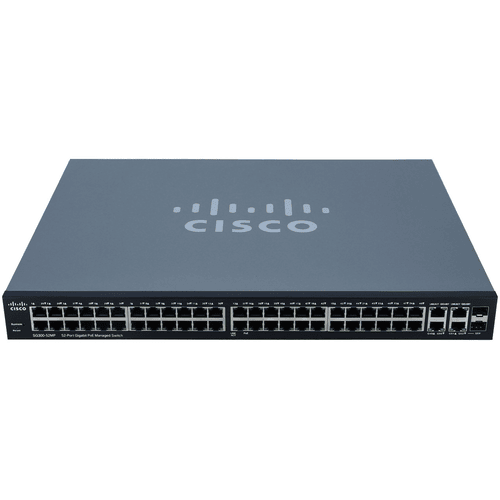
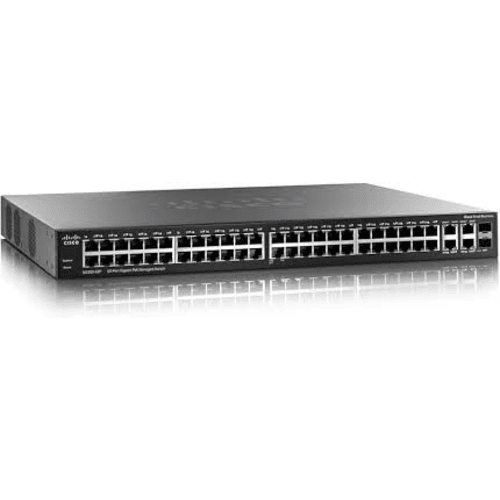
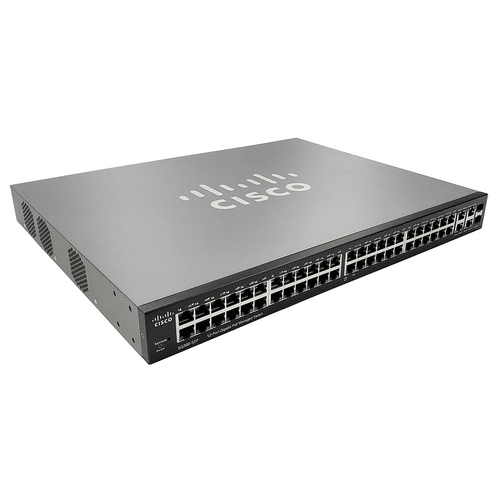
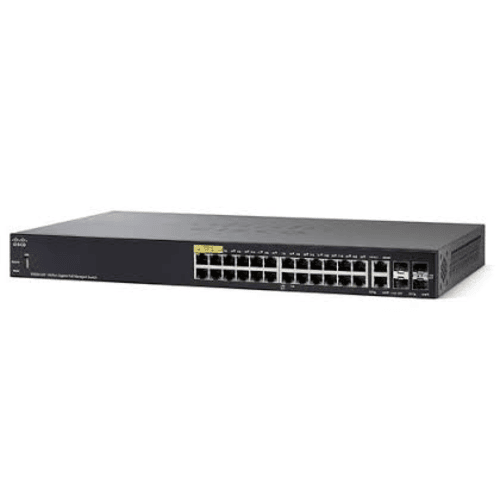
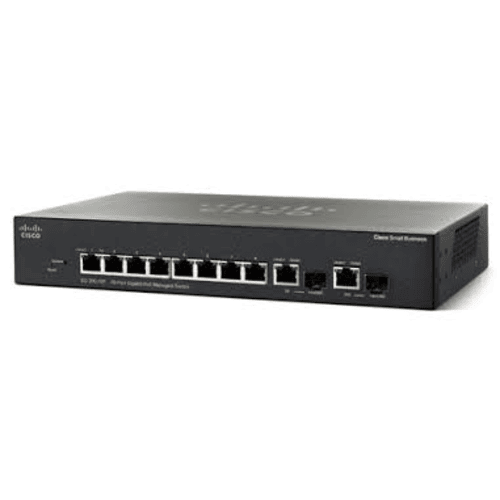
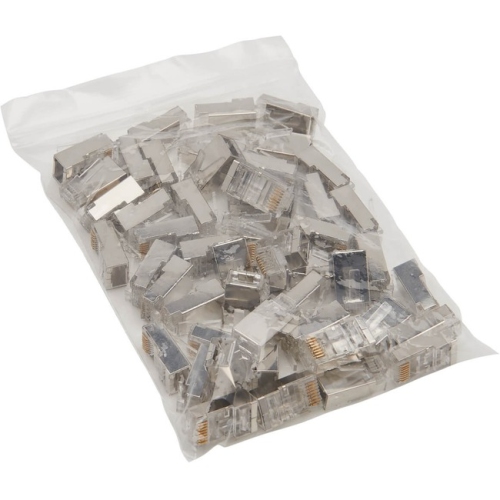
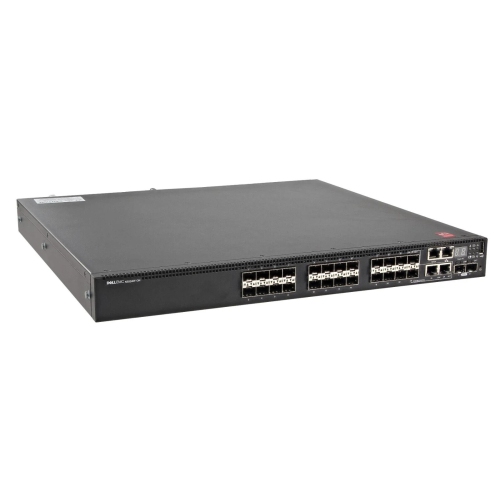
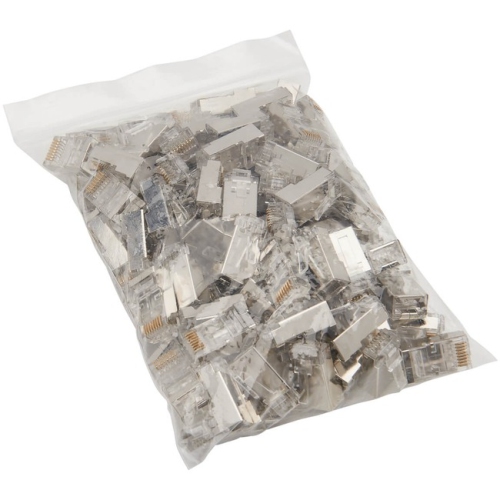
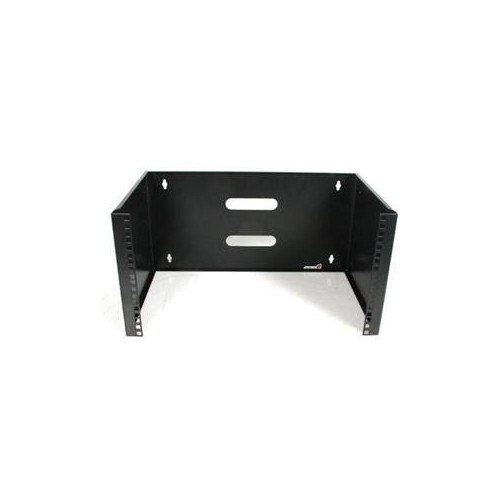
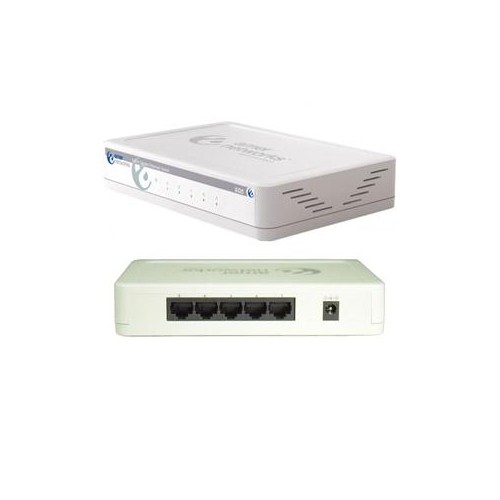
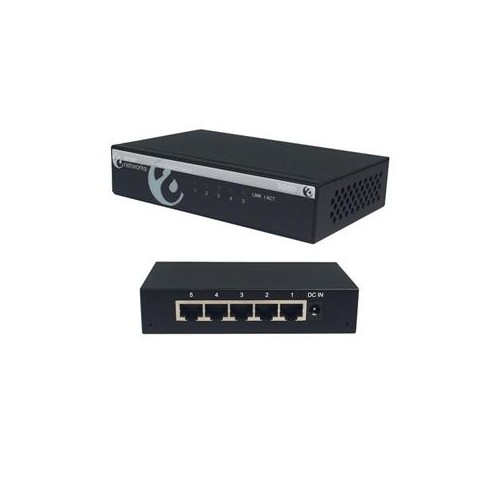
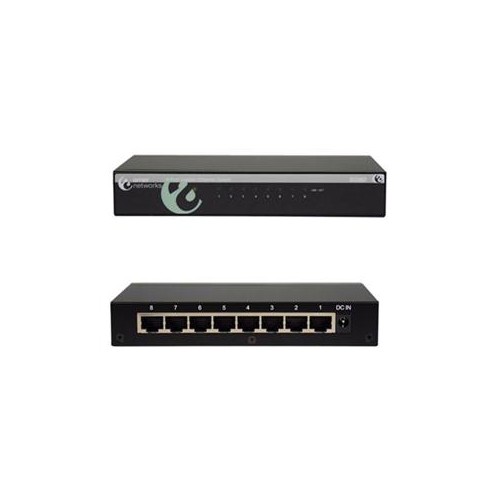
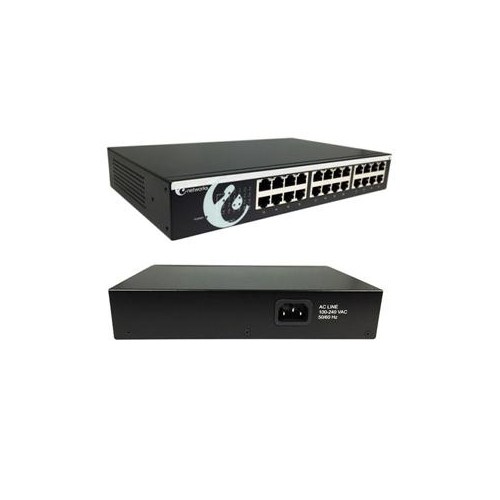
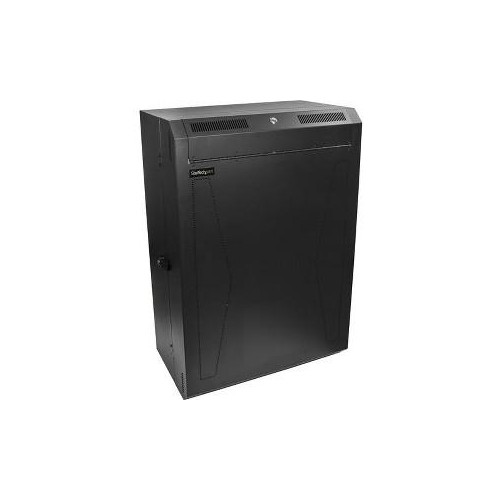
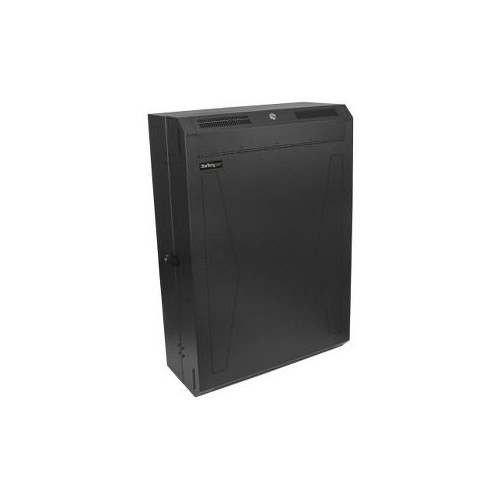
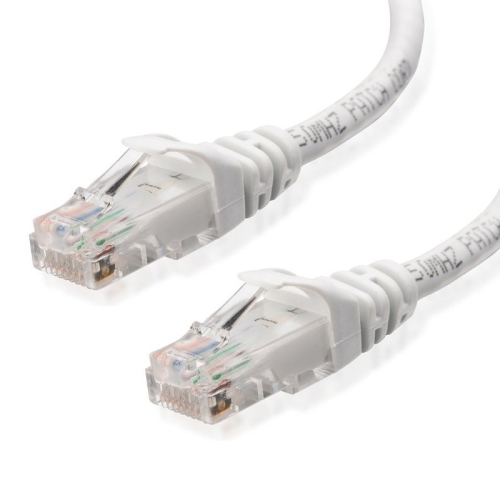
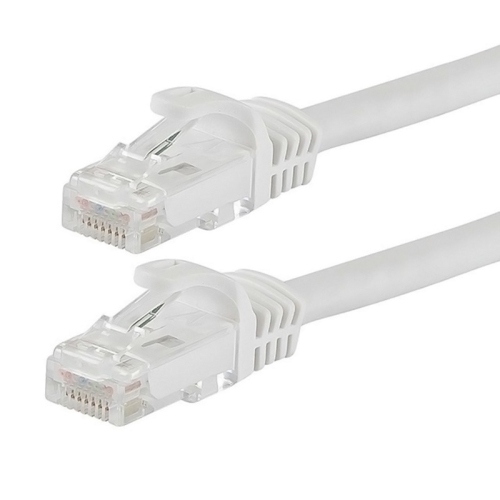
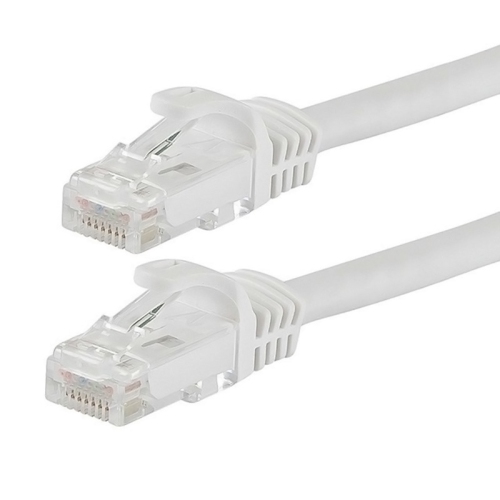
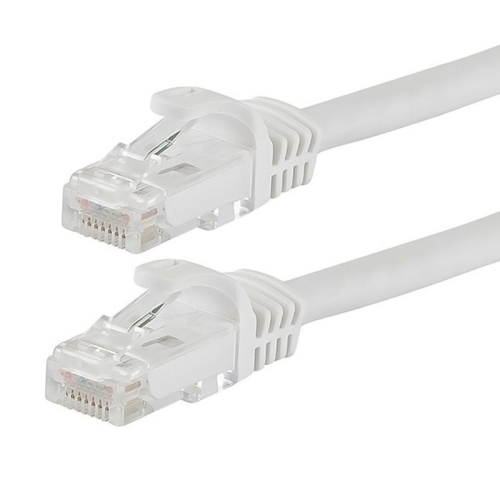
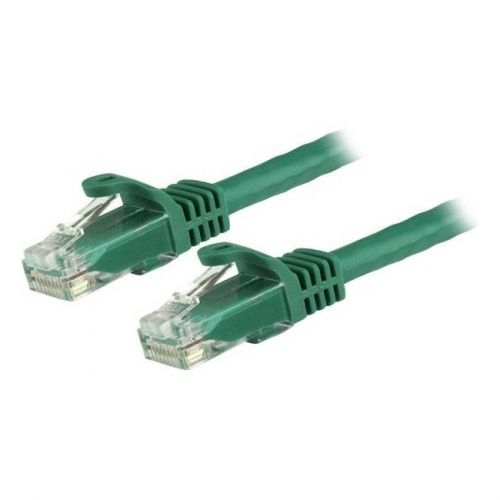
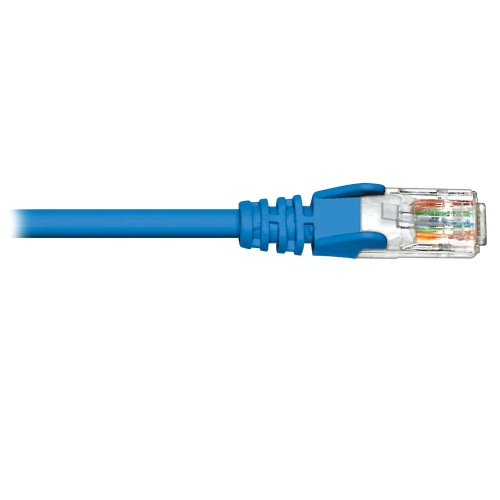
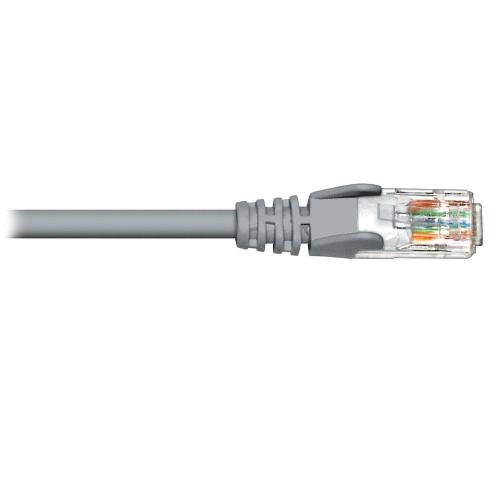
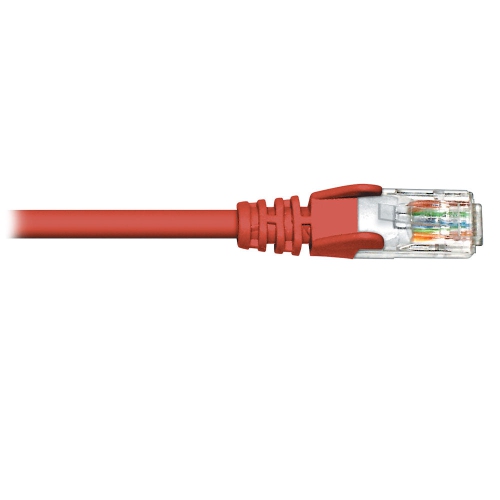
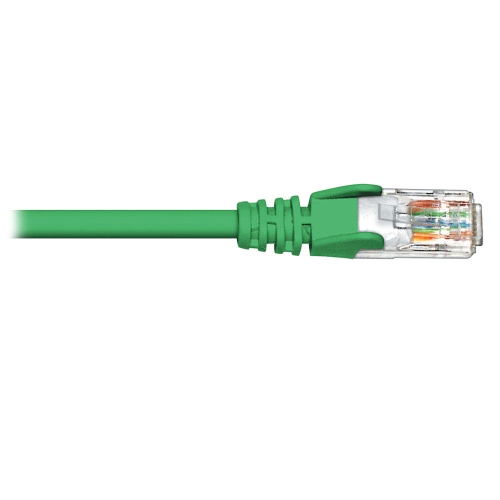
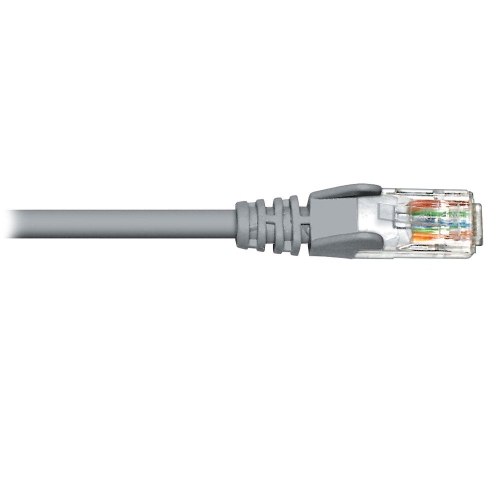
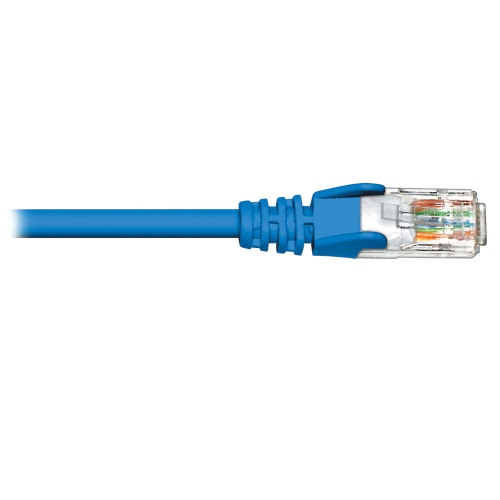
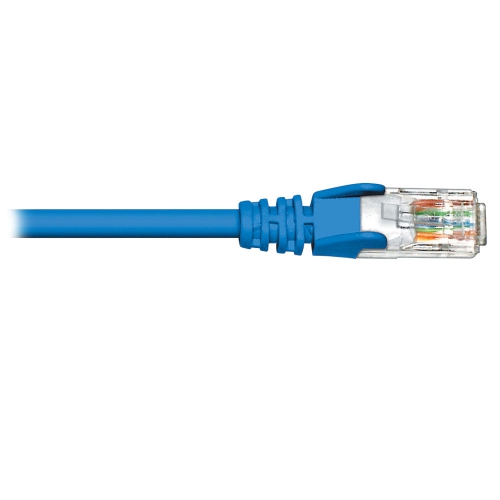
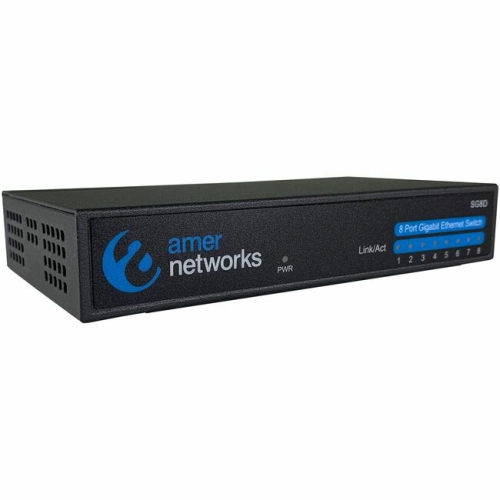
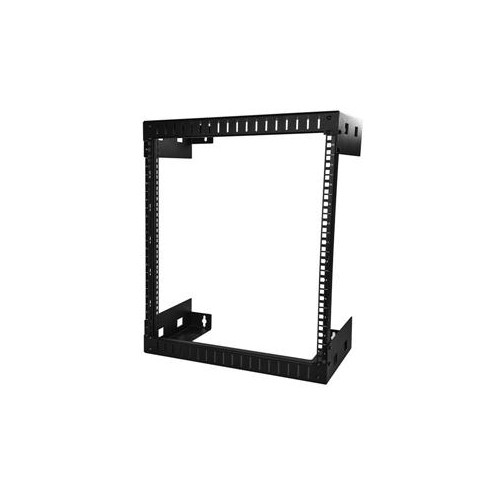
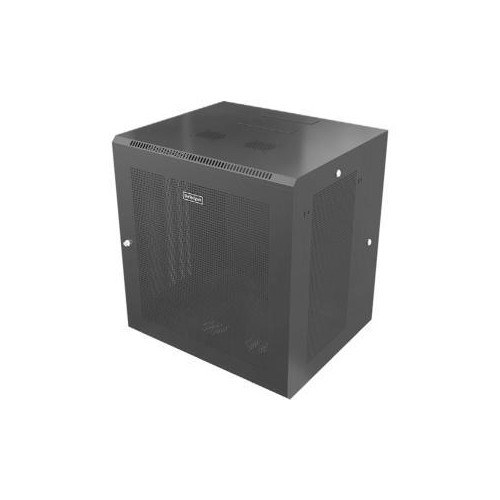
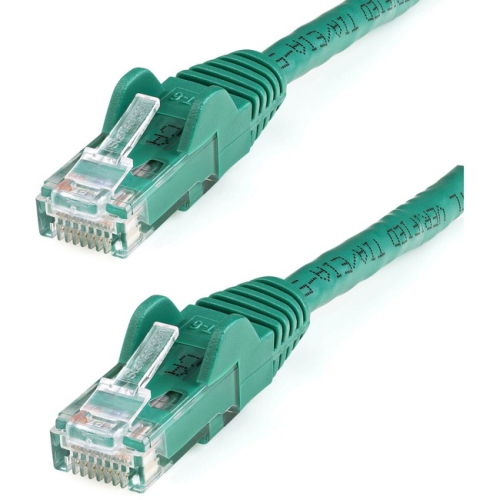
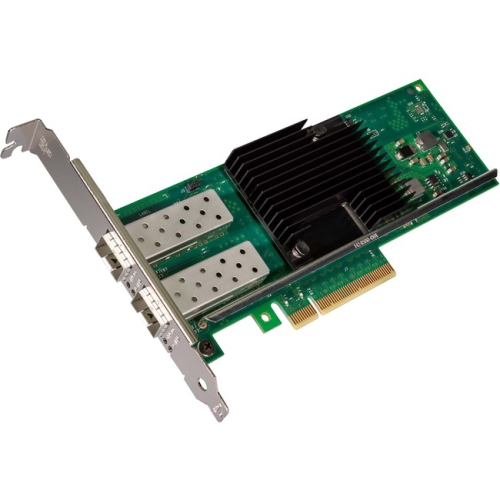
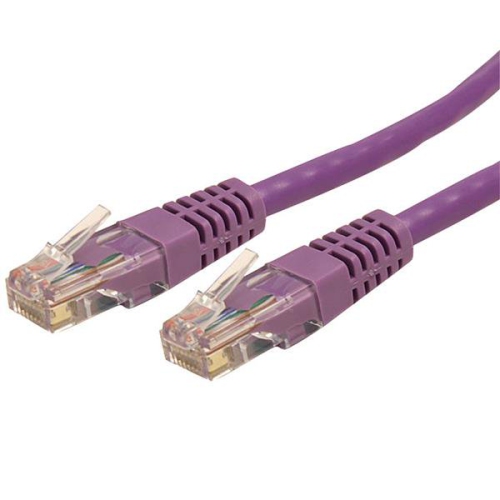
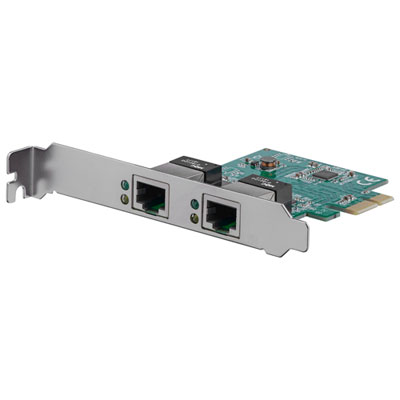
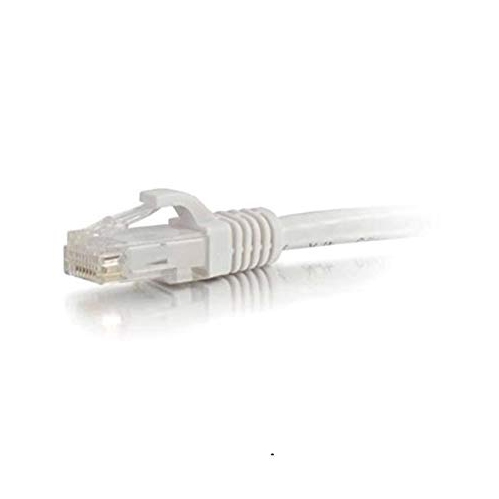
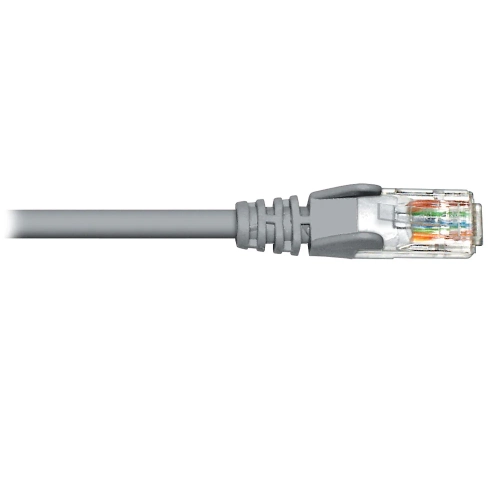
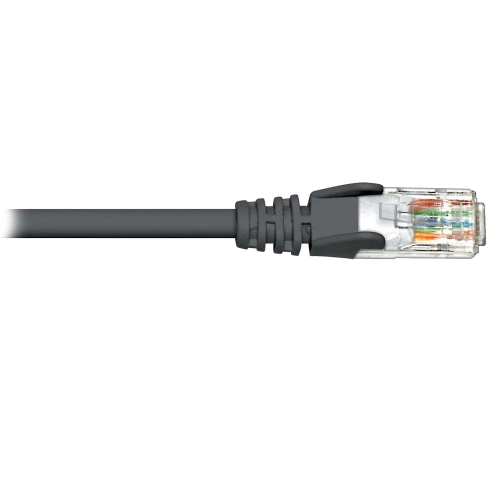
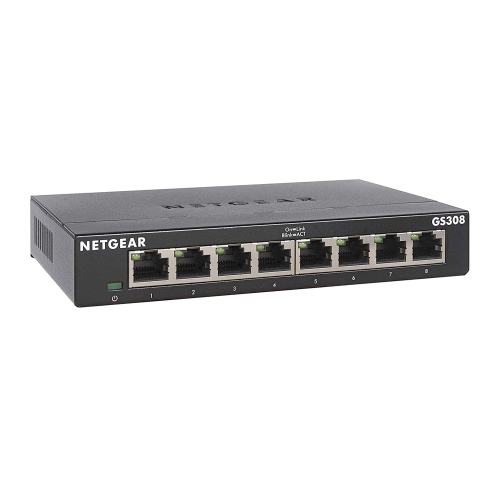
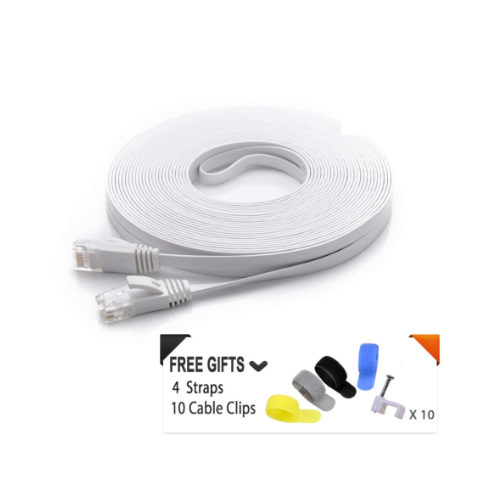
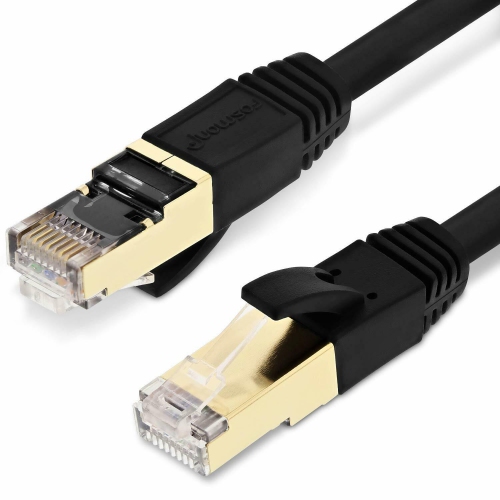
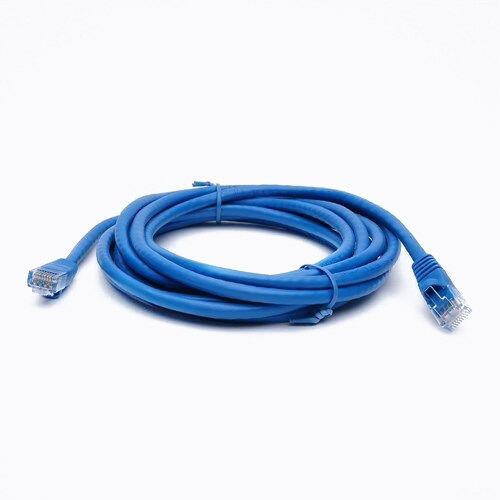
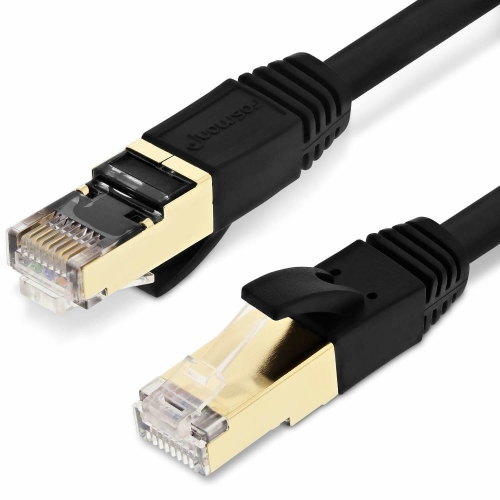
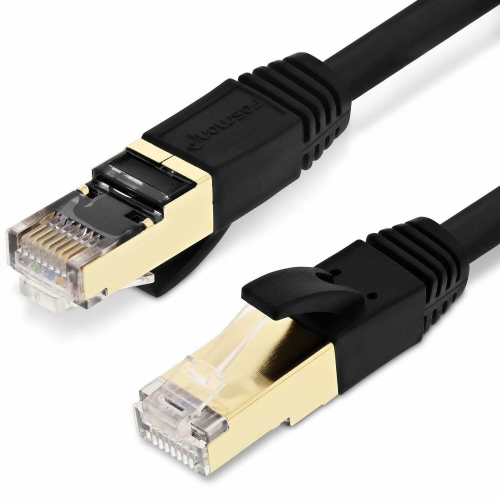
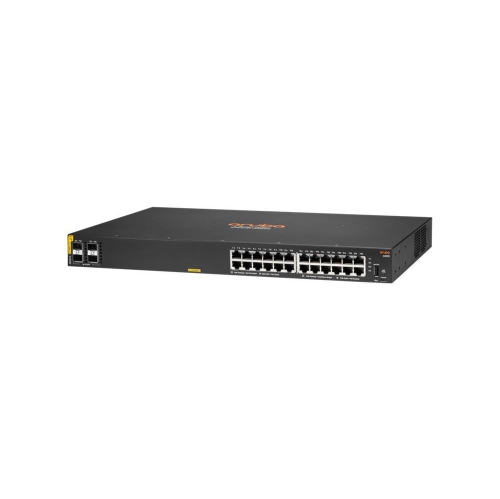
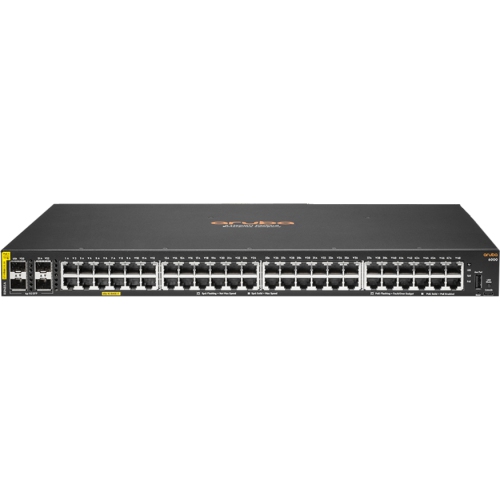
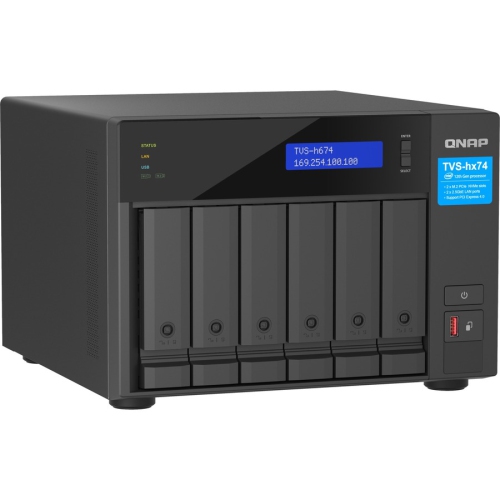
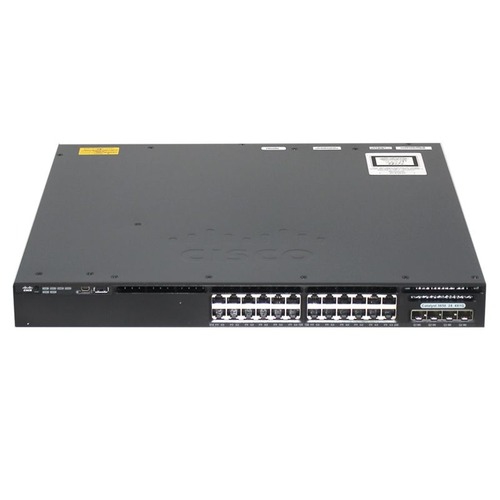
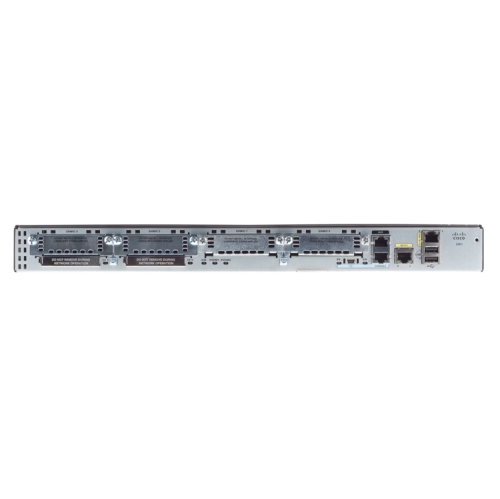
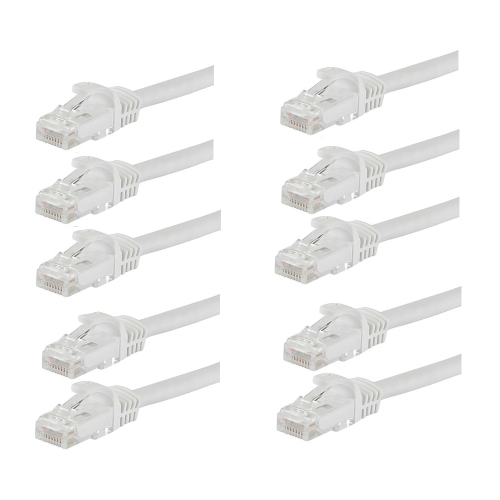
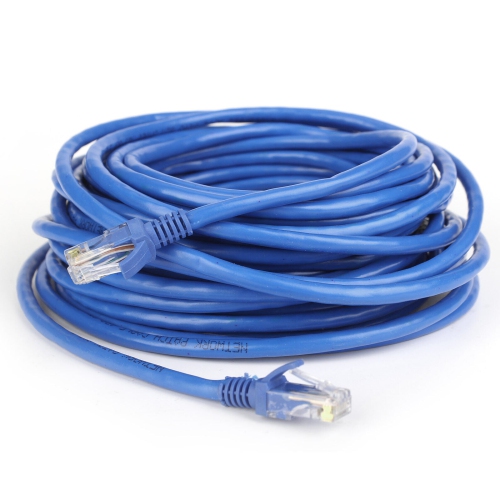
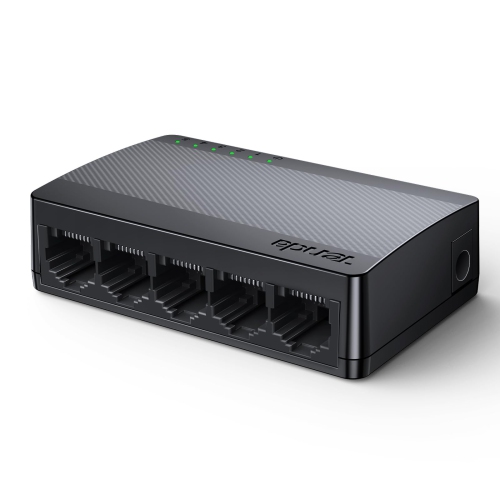
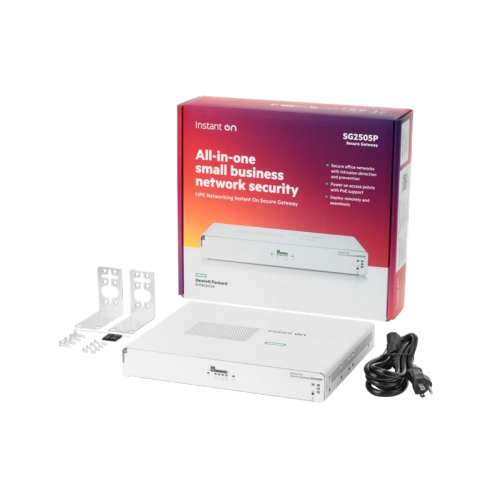
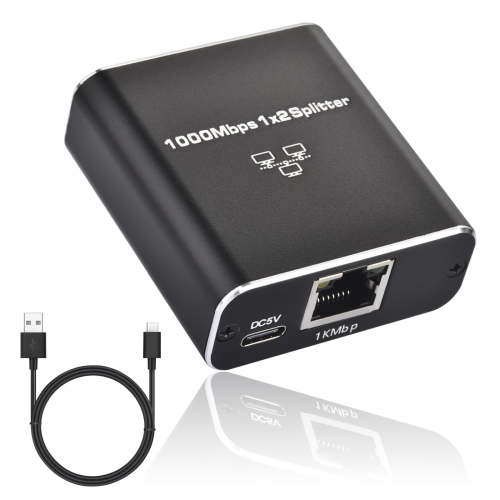
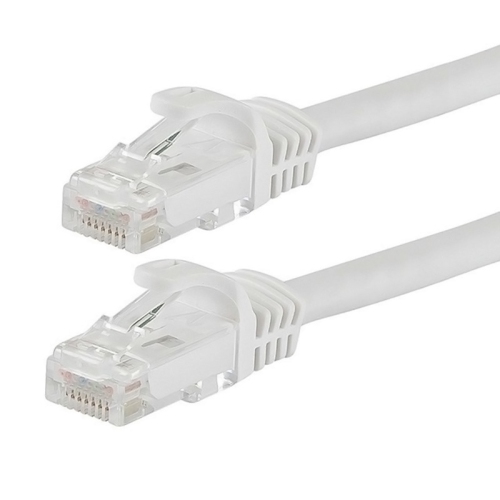
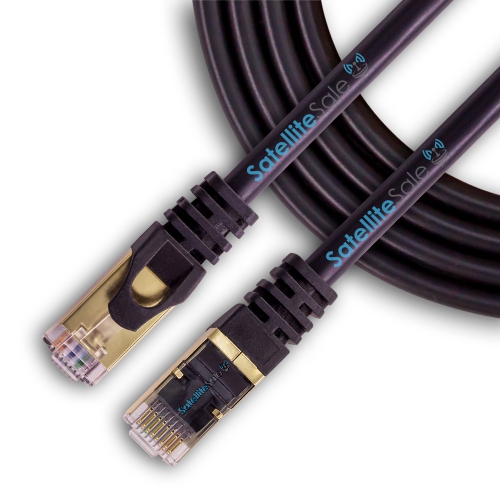
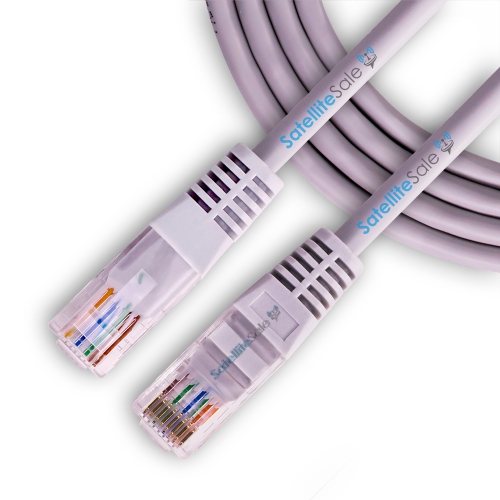
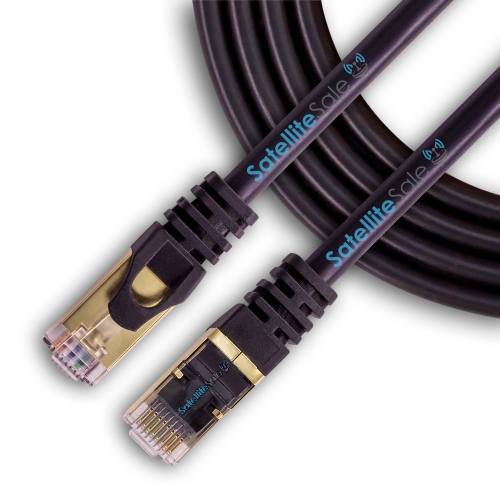
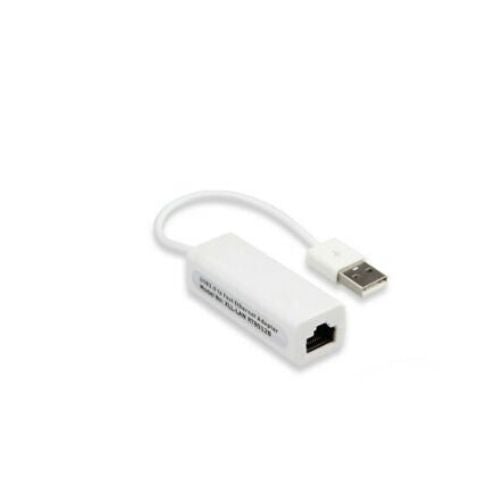
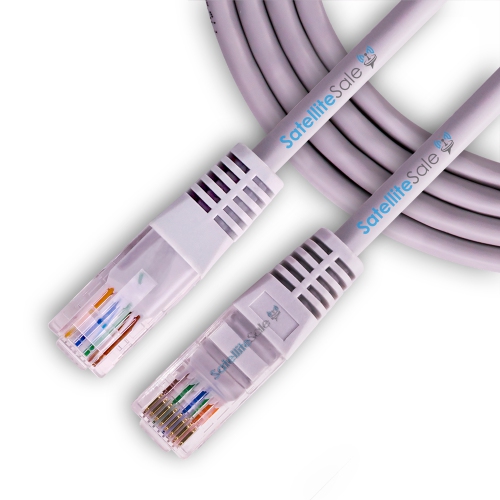
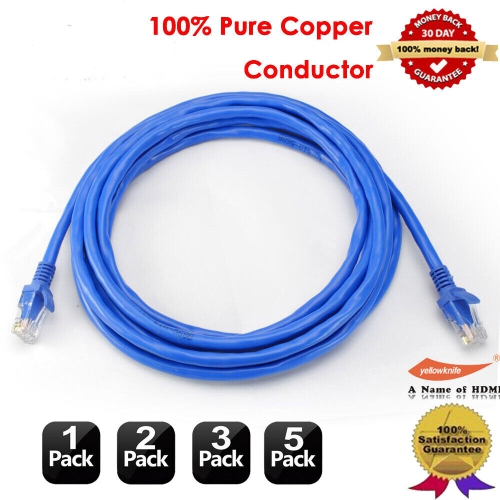
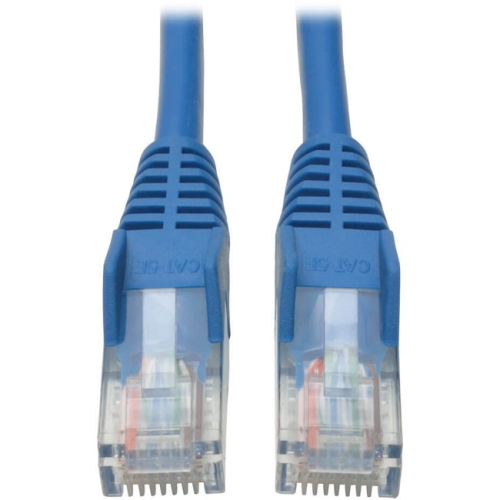
Wired home networking remains a practical choice for stationary equipment such as desktop computers, televisions, game consoles, and network storage. Ethernet can provide a consistent connection with less exposure to wireless interference, which is helpful during video meetings, large file transfers, or online play where responsiveness matters. A switch expands the number of wired connections, but its port speeds and the connection back to the router affect the capacity devices can share. Multi-gigabit ports are most useful when the other equipment and cabling in the connection support those speeds; a faster port alone does not speed up every device. Cable category, length, construction, and routing all contribute to a suitable setup. Cat 6 cabling is a common option for household connections, while Cat 6A can support 10-gigabit Ethernet over longer standard cable runs when properly installed. For permanent installations, solid-copper conductors and an appropriate in-wall cable rating are important considerations, along with local installation requirements. Flexible patch leads suit the shorter connections between wall outlets, switches, and devices. Cable jackets and connector strain relief help protect against everyday handling, though cords last better when kept clear of chair wheels, tight bends, and pinched furniture edges. Physical fit matters for networking hardware, too: shelves need enough space for connectors and ventilation, and wall-mounted units require a suitable mounting surface. Routers and switches generally have durable plastic or metal housings, but a closed cabinet can trap heat and may also weaken wireless coverage. Indoor equipment belongs in dry locations unless it is specifically rated for other conditions. Routine care usually involves keeping vents free of dust and following the manufacturer's cleaning instructions. Long-term usefulness also depends on security support, including firmware updates, strong administrator credentials, and suitable Wi-Fi encryption. App-based controls can make everyday management simpler, while browser-based settings may offer more flexibility for experienced users. For a shared household or a dedicated workspace, well-matched home networking equipment provides a foundation that can grow as more devices become part of daily life.
Wireless networking equipment is especially useful for phones, tablets, laptops, and smart home devices that move around or sit beyond convenient cable routes. Coverage depends on more than floor area: brick walls, concrete floors, metal ductwork, and the position of the internet connection can all affect how a signal travels. An open-plan condo and a narrow, three-storey house may need different arrangements even when their total living space is similar. A standalone wireless router can suit a smaller home with a practical central placement, while a mesh Wi-Fi system uses multiple units to provide coverage across a wider area under one network name. Mesh units still need a reliable connection to one another, either wirelessly or through supported Ethernet backhaul; placing a unit where there is already almost no signal may not solve a weak connection. Range extenders offer another way to reach a particular area, although performance and how devices move between connections depend on the equipment and configuration. Wireless access points are useful where Ethernet is already routed to a distant room or floor. Wi-Fi standards also matter, but their benefits depend on compatible connected devices. Newer standards can improve capacity and efficiency in busy households, while older devices remain subject to their own wireless capabilities. The 2.4 GHz band generally reaches farther but can be crowded, while 5 GHz offers more capacity over shorter distances. Equipment supporting 6 GHz can provide additional wireless capacity for compatible devices, with range and wall penetration still important considerations. Advertised wireless speeds are theoretical and may combine capacity across multiple bands, rather than describe the speed a single laptop will receive. For remote workers, students, and families streaming in separate rooms, steady connections and usable coverage often matter more than headline figures. Guest networks, parental controls, and traffic-management features can add convenience, but their functions vary. Compatibility with existing smart home devices is worth checking, particularly for accessories that connect only through 2.4 GHz Wi-Fi.
Wired home networking remains a practical choice for stationary equipment such as desktop computers, televisions, game consoles, and network storage. Ethernet can provide a consistent connection with less exposure to wireless interference, which is helpful during video meetings, large file transfers, or online play where responsiveness matters. A switch expands the number of wired connections, but its port speeds and the connection back to the router affect the capacity devices can share. Multi-gigabit ports are most useful when the other equipment and cabling in the connection support those speeds; a faster port alone does not speed up every device. Cable category, length, construction, and routing all contribute to a suitable setup. Cat 6 cabling is a common option for household connections, while Cat 6A can support 10-gigabit Ethernet over longer standard cable runs when properly installed. For permanent installations, solid-copper conductors and an appropriate in-wall cable rating are important considerations, along with local installation requirements. Flexible patch leads suit the shorter connections between wall outlets, switches, and devices. Cable jackets and connector strain relief help protect against everyday handling, though cords last better when kept clear of chair wheels, tight bends, and pinched furniture edges. Physical fit matters for networking hardware, too: shelves need enough space for connectors and ventilation, and wall-mounted units require a suitable mounting surface. Routers and switches generally have durable plastic or metal housings, but a closed cabinet can trap heat and may also weaken wireless coverage. Indoor equipment belongs in dry locations unless it is specifically rated for other conditions. Routine care usually involves keeping vents free of dust and following the manufacturer's cleaning instructions. Long-term usefulness also depends on security support, including firmware updates, strong administrator credentials, and suitable Wi-Fi encryption. App-based controls can make everyday management simpler, while browser-based settings may offer more flexibility for experienced users. For a shared household or a dedicated workspace, well-matched home networking equipment provides a foundation that can grow as more devices become part of daily life.
Top selling and popular products
-
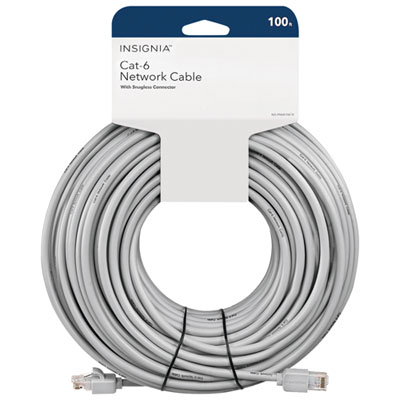 Your price for this item is $49.95
 -
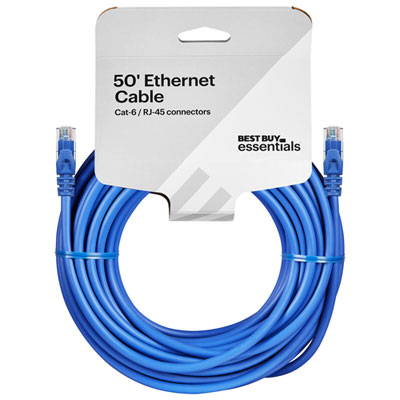 Your price for this item is $24.99
 -
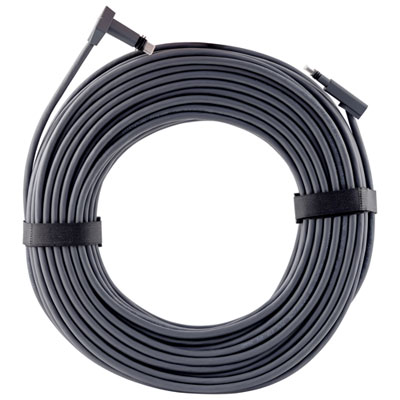 Your price for this item is $164.99
 -
 Your price for this item is $11.68
 -
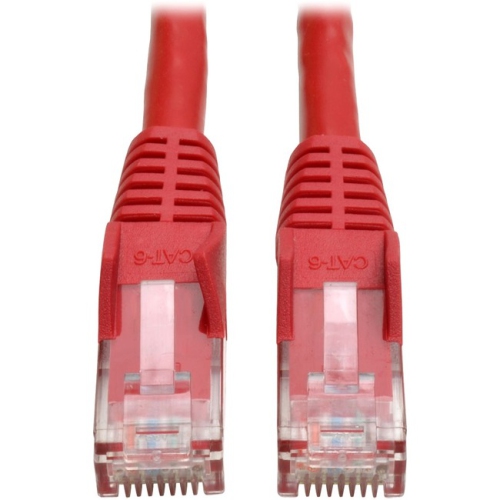 Your price for this item is $68.68
 -
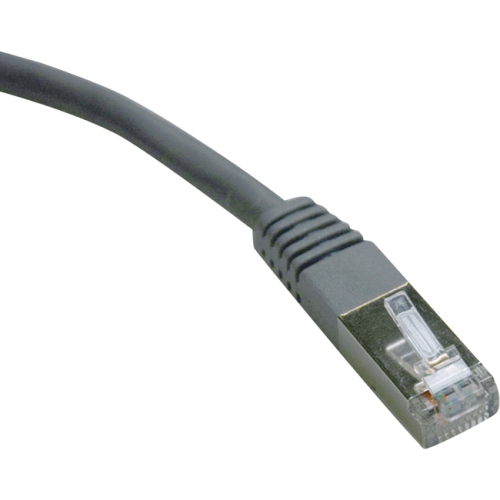 Your price for this item is $47.68
 -
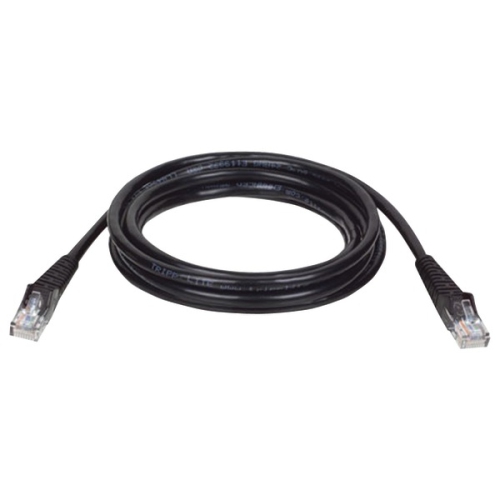 Your price for this item is $46.68
 -
 Your price for this item is $24.68
Discover more categories related to Home Networking
Top Collections:
Pokemon Centers, Kindle Devices, Best Budget Office Chairs, Apple iPhones 16, Best Laptops for Writers, iPhone 15 Apple, Canon G7X Cameras, Refurbished Apple Laptops, Alarm Clock, Motorola Razr Phones
Some products may be subject to Environmental Handling Fees
(EHF) depending on your province.
Learn more about EHFs.