Type C To USBs 3.0
Looking to connect your type C devices to USB 3.0 ports with ease and efficiency? Our selection of type C to USB 3.0 adapters offers the perfect solution for seamless data transfer and charging capabilities. Whether you need to sync your smartphone, tablet, or laptop with other devices, these adapters provide fast and reliable connectivity. Upgrade your tech accessories today and experience the convenience of converting type C to USB 3.0 effortlessly.
Sort
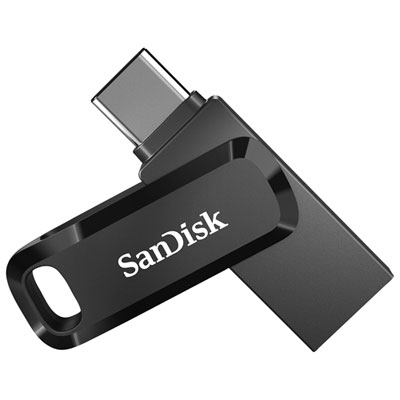
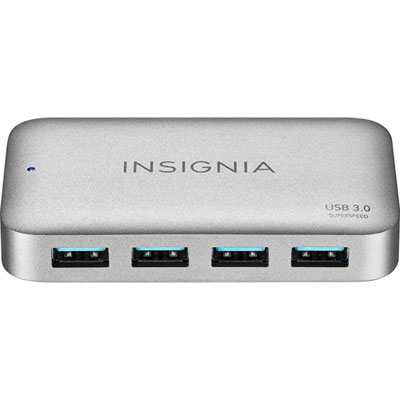
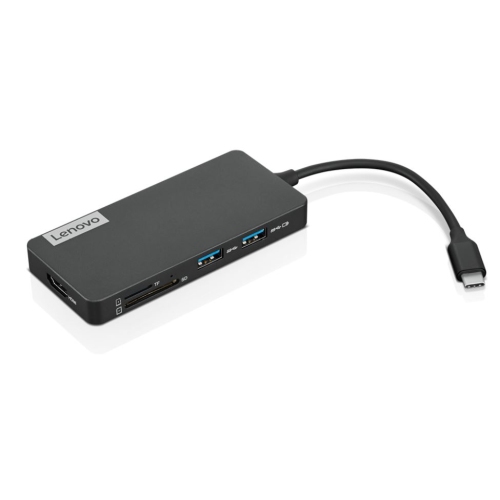
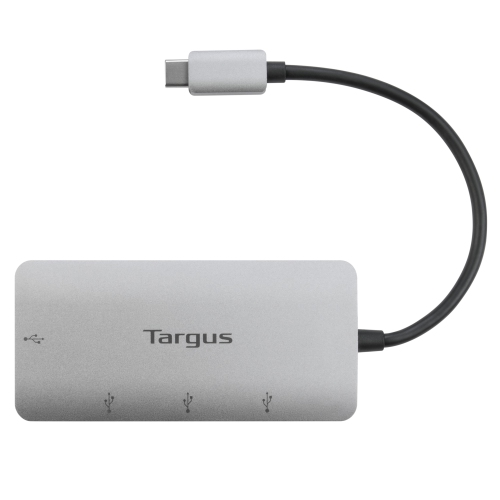
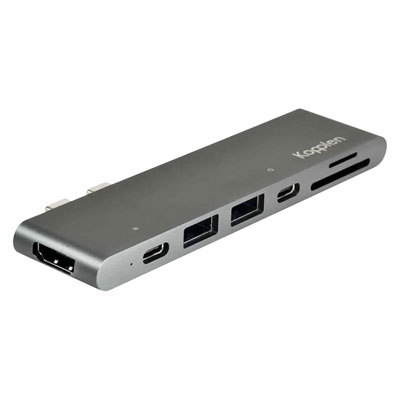
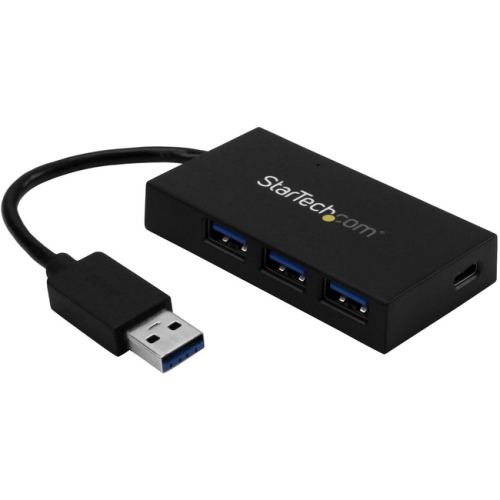
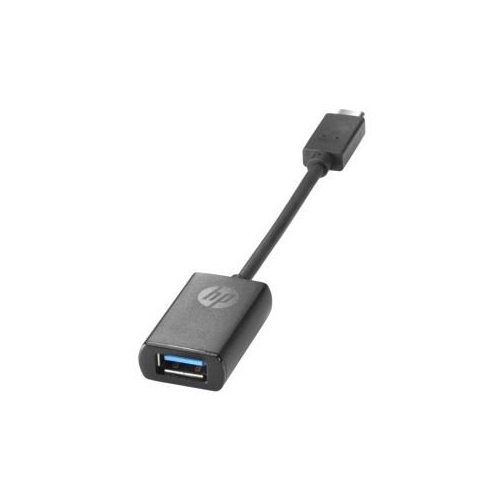
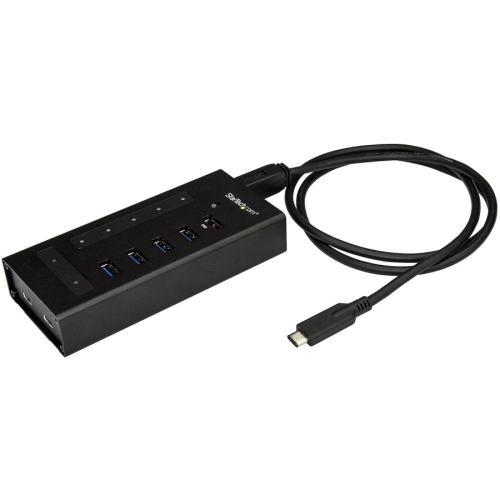
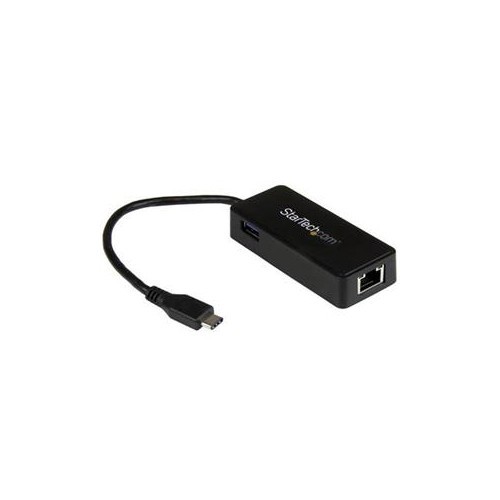
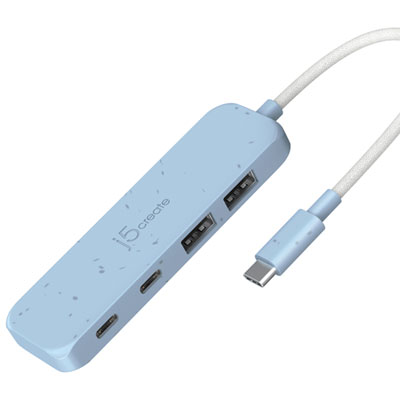
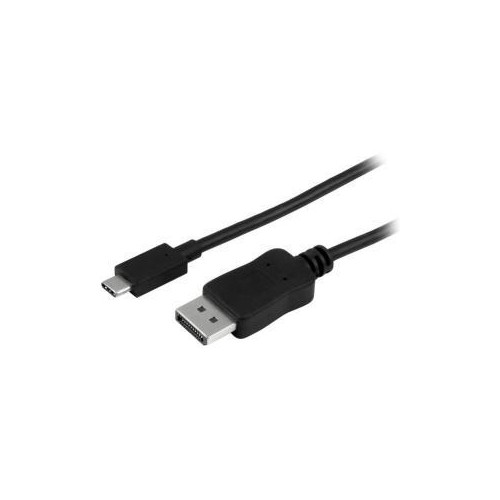
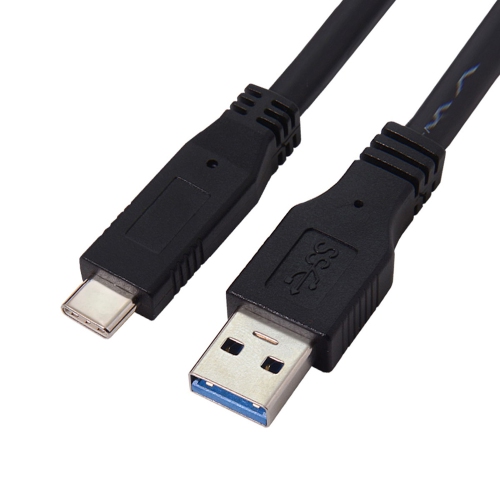
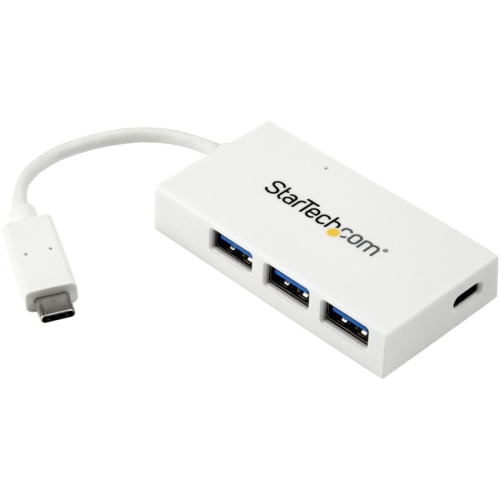
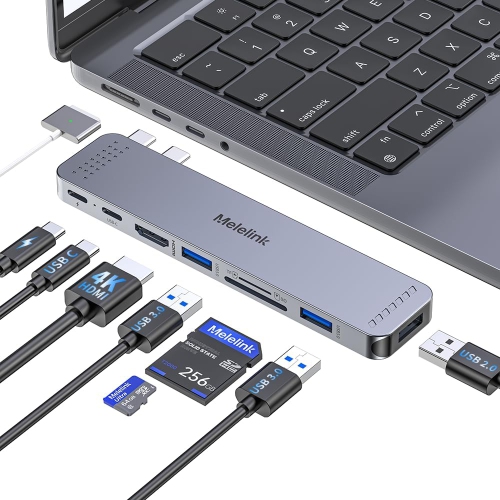
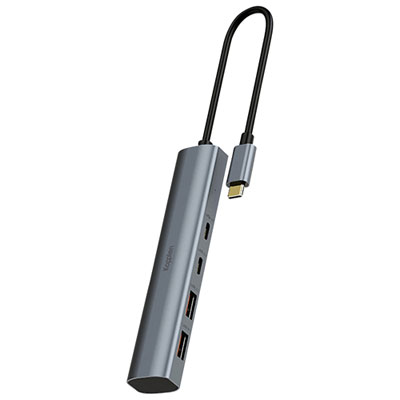
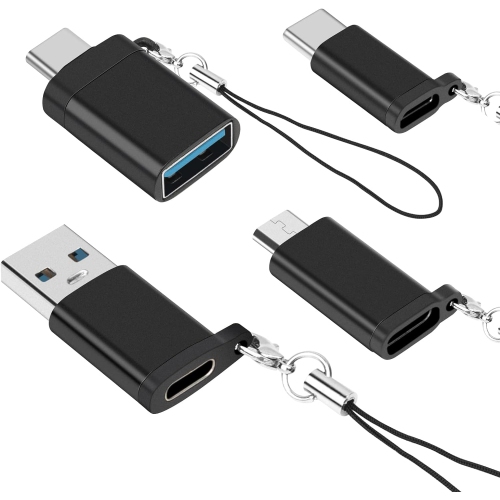
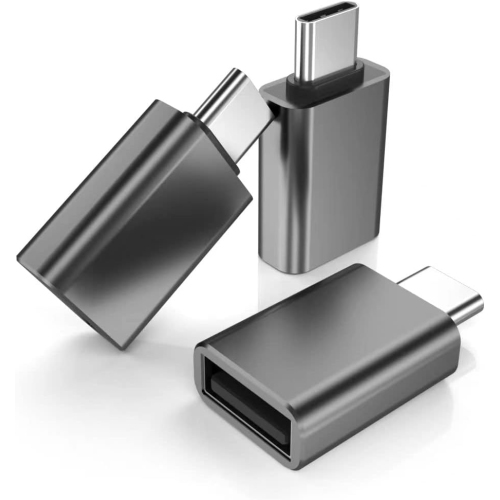


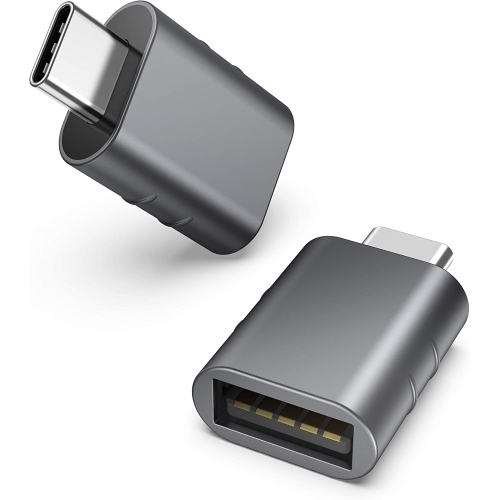
![DOLAER USB C to USB Adapter, Type C to USB Adapter [2 Pack] 3.0 USB Type C Male to USB Female, USB C Female to USB Male Adapter Otg Converter](https://multimedia.bbycastatic.ca/multimedia/products/500x500/174/17466/17466444.jpeg)

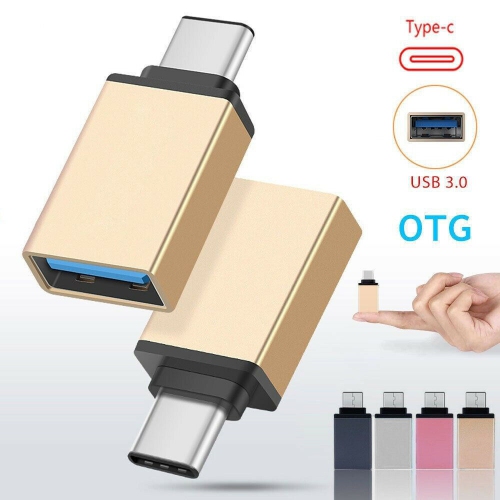
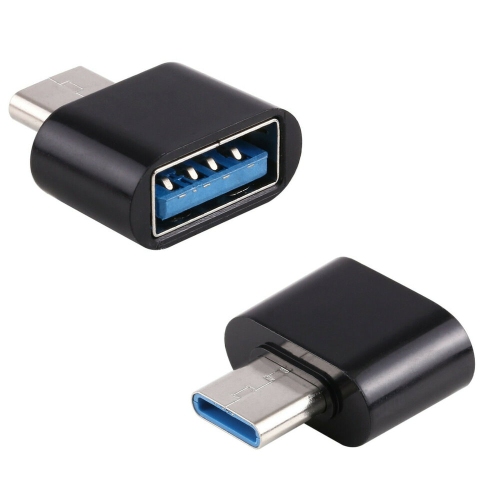
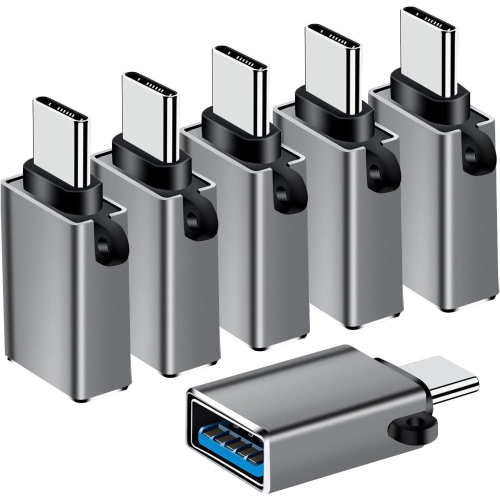
![NIERBO USB C to USB Adapter, Type C to USB Adapter [4 Pack] 3.0 USB Type-C Male to USB Female, USB C Female to USB Male Adapter Otg Converter For](https://multimedia.bbycastatic.ca/multimedia/products/500x500/174/17497/17497643.jpeg)
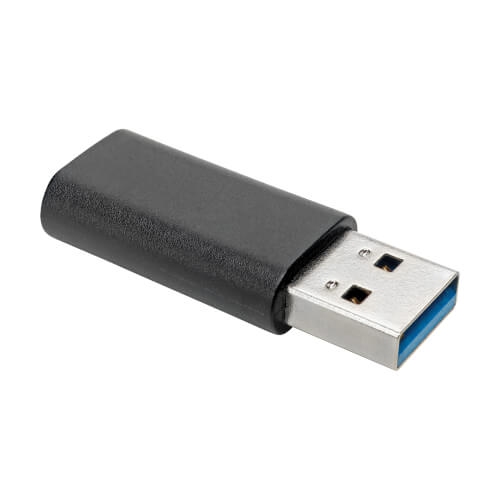
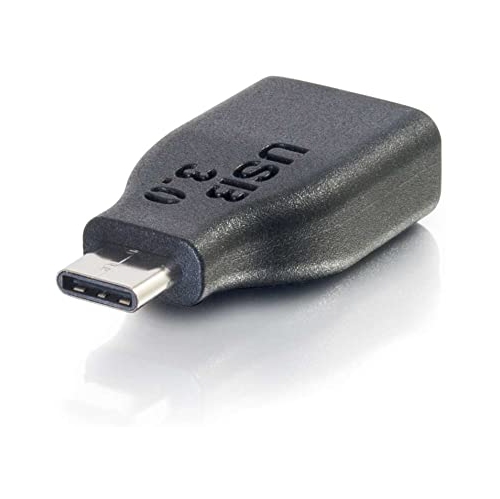
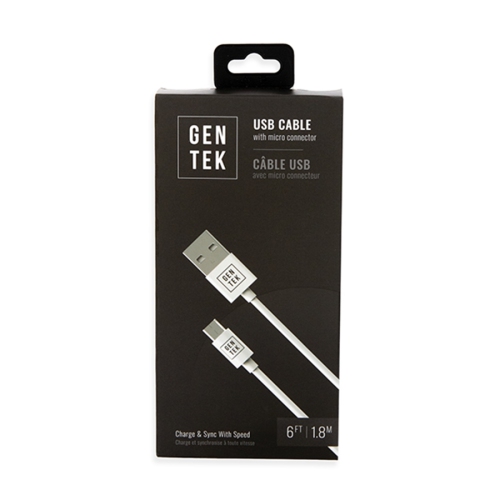
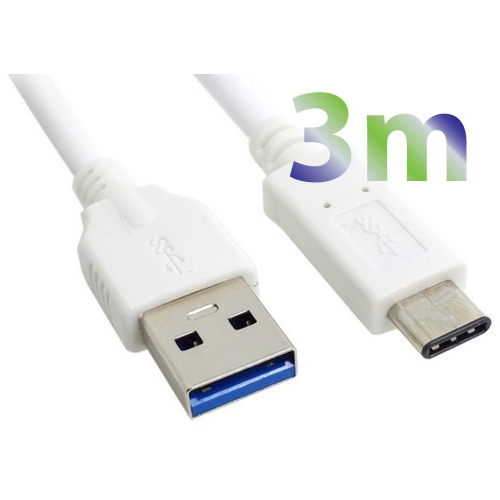

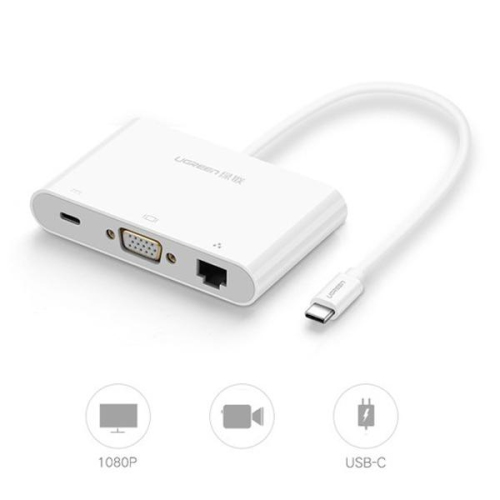
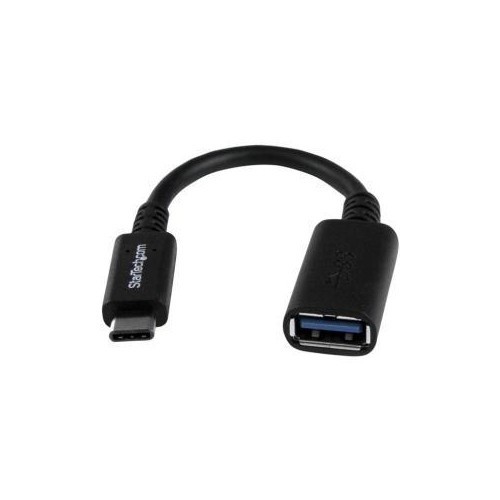
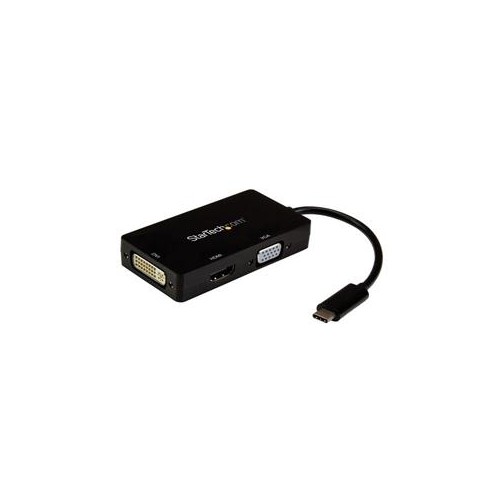
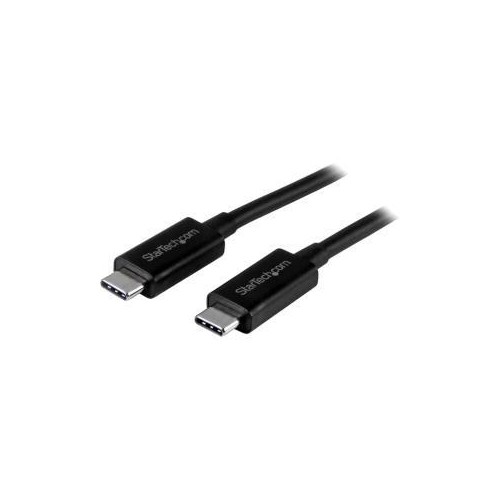

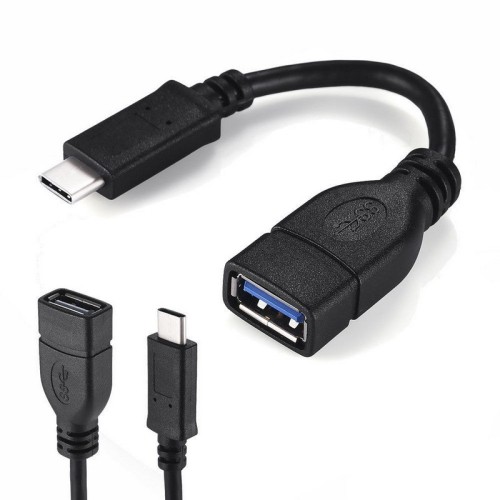
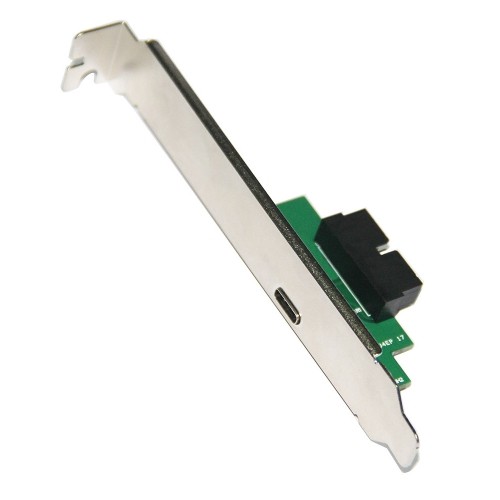
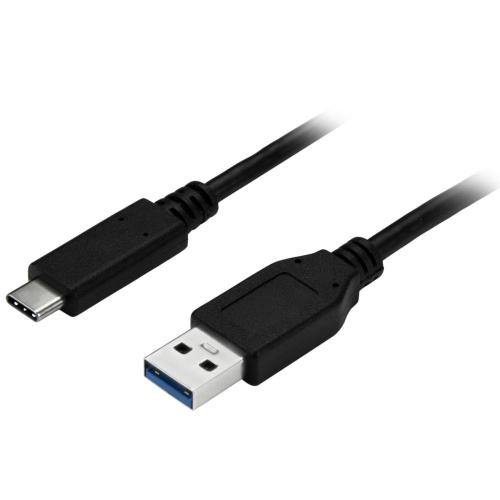
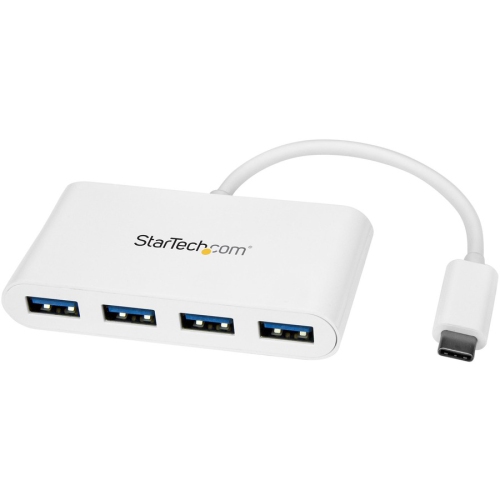


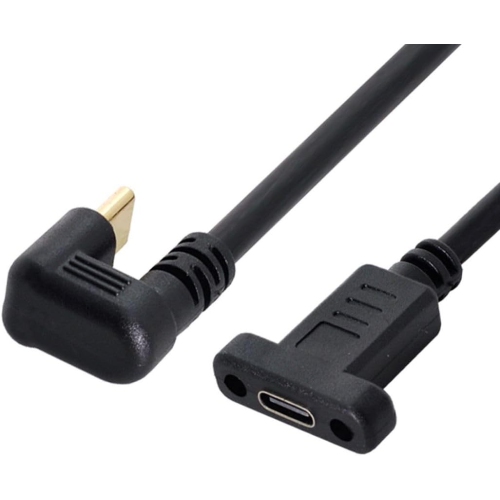
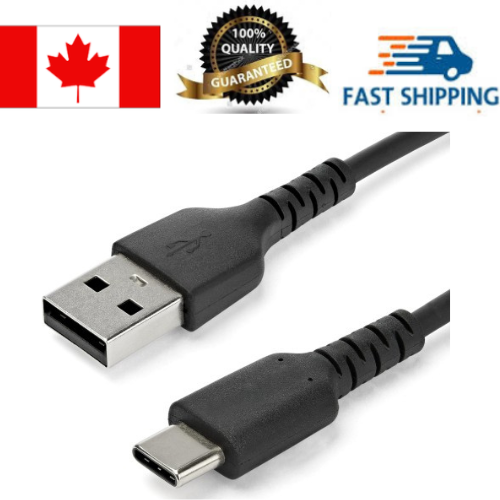
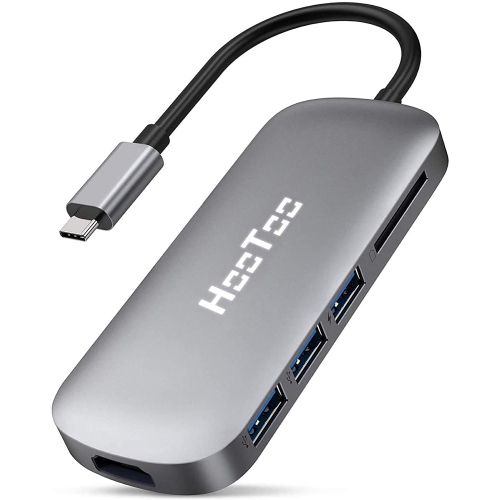

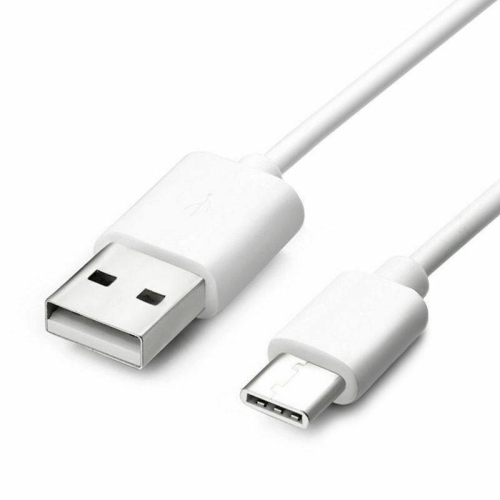
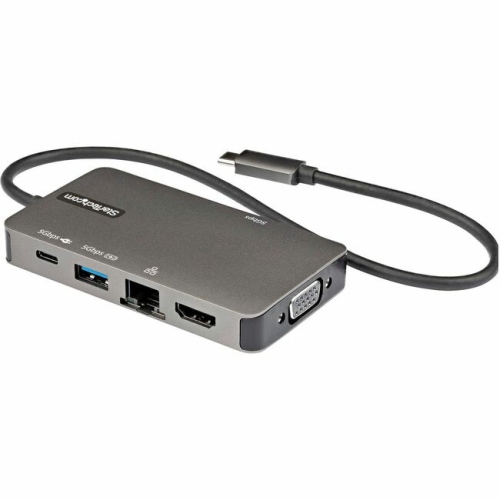
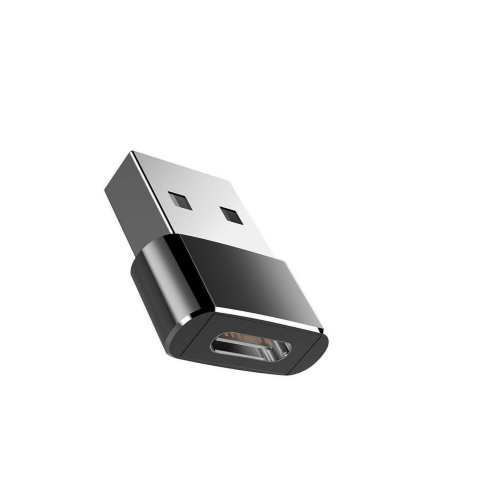
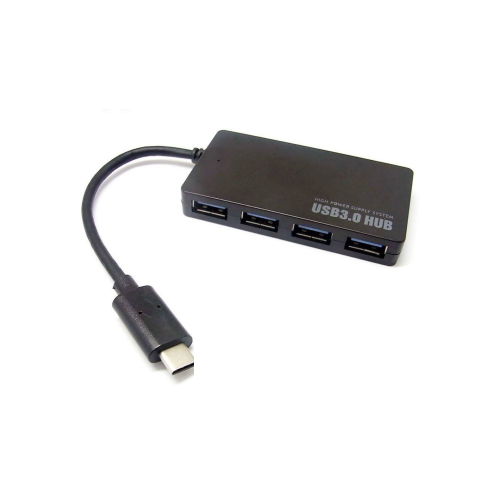
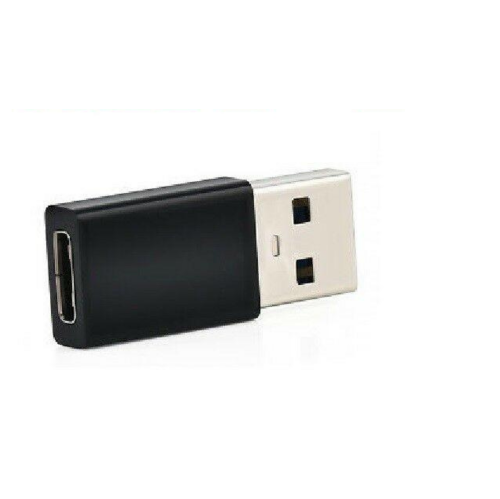
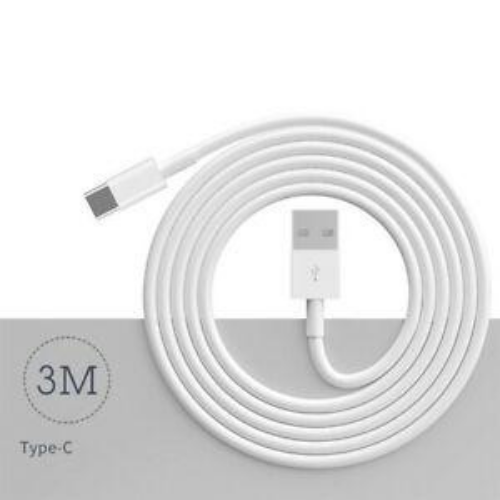
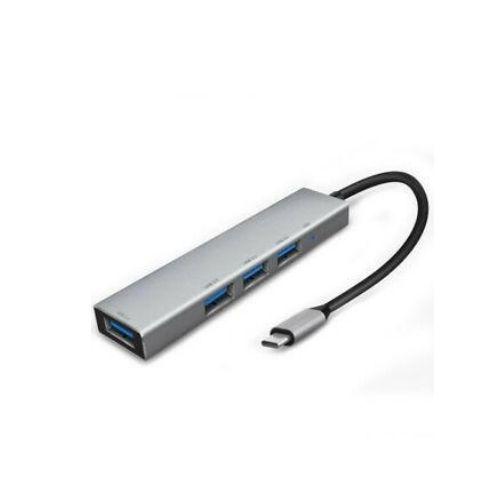
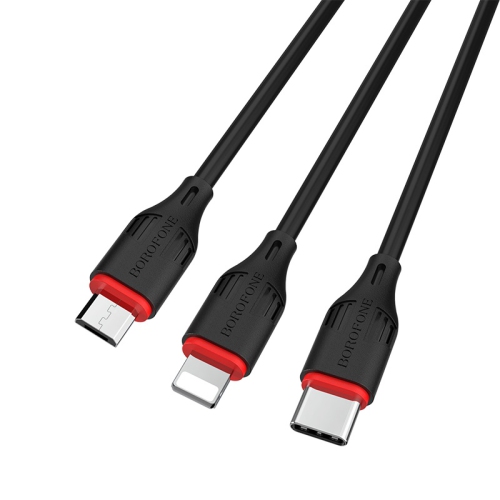
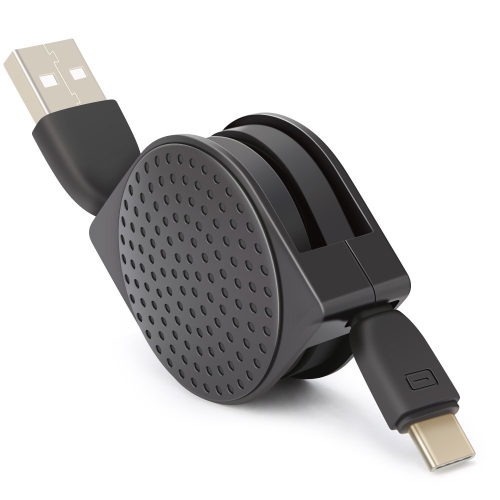
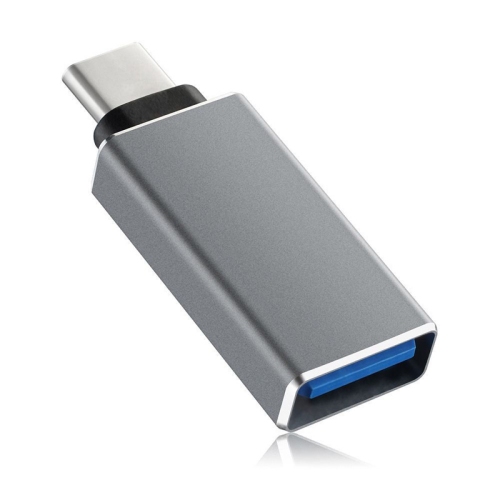
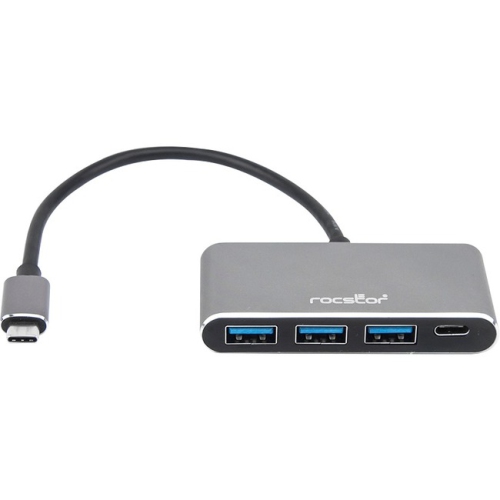
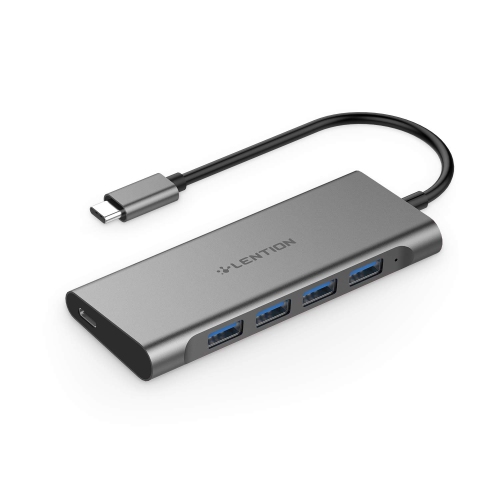
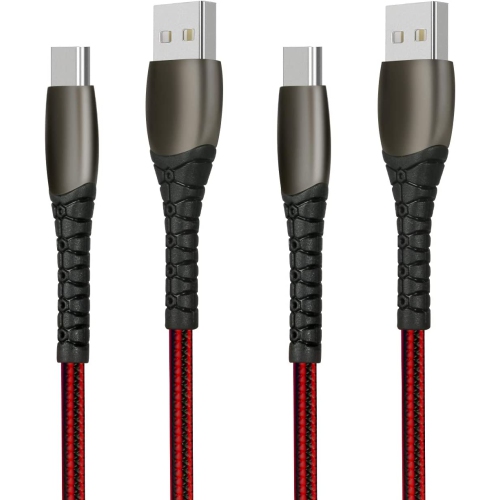
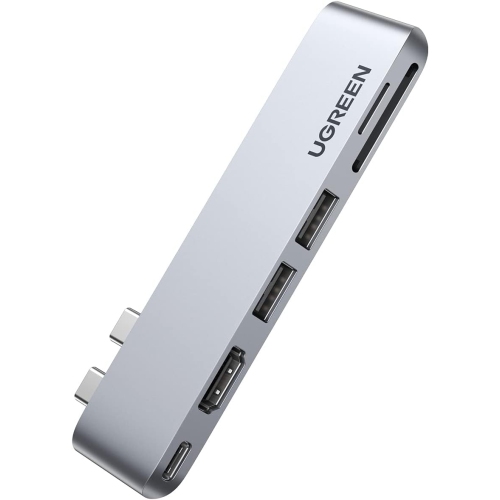
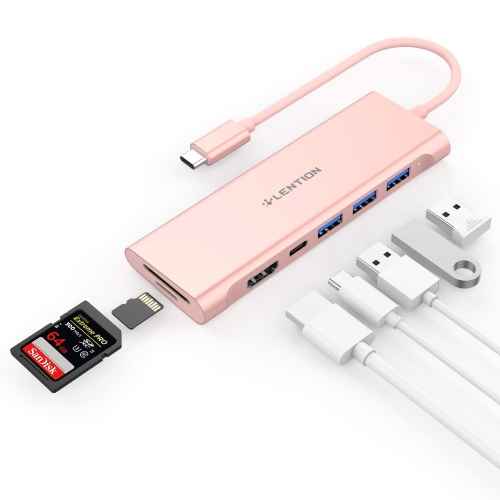
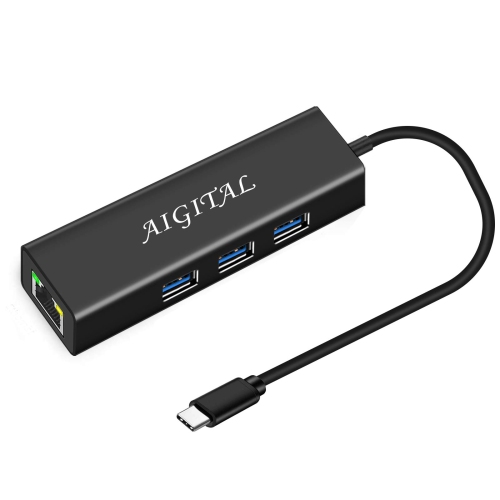
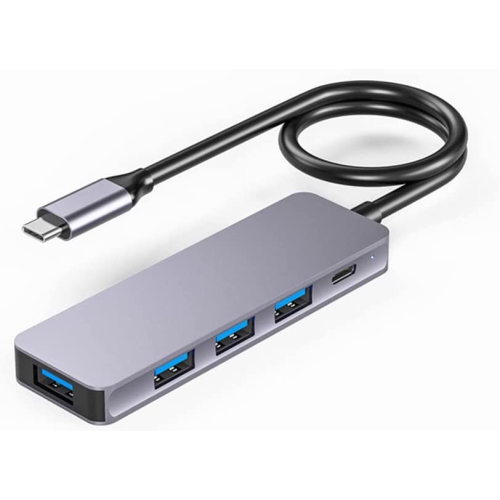
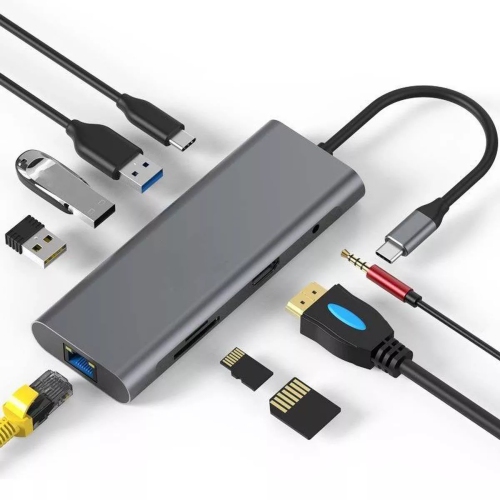
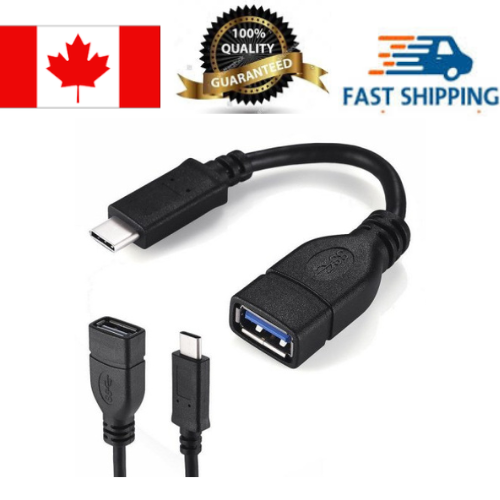
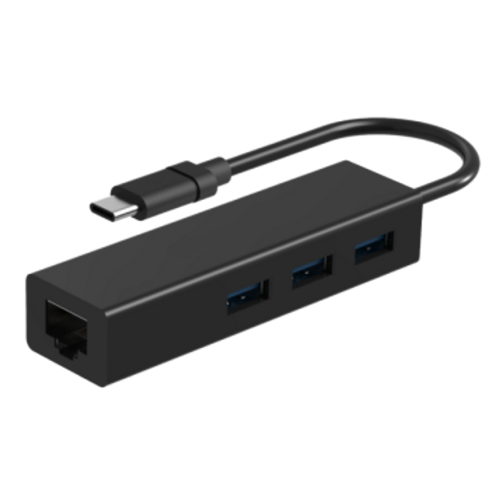
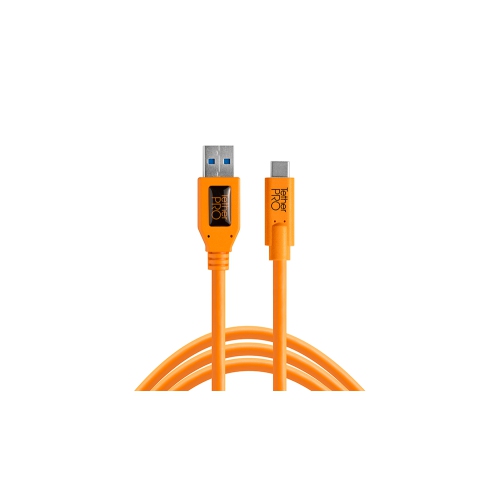
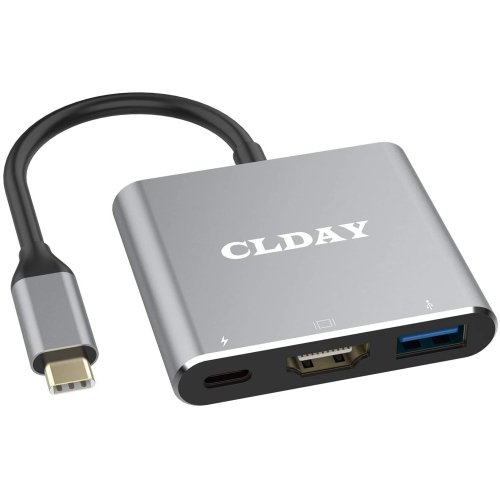
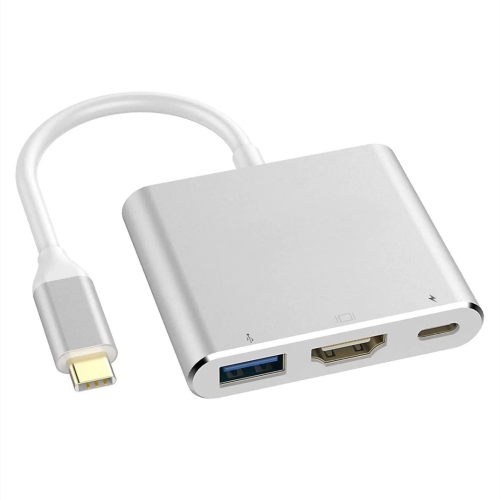
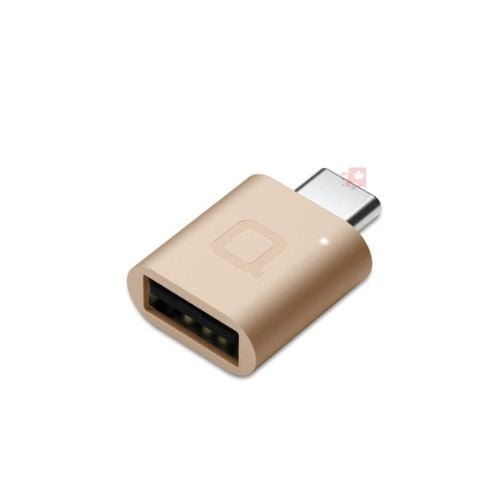
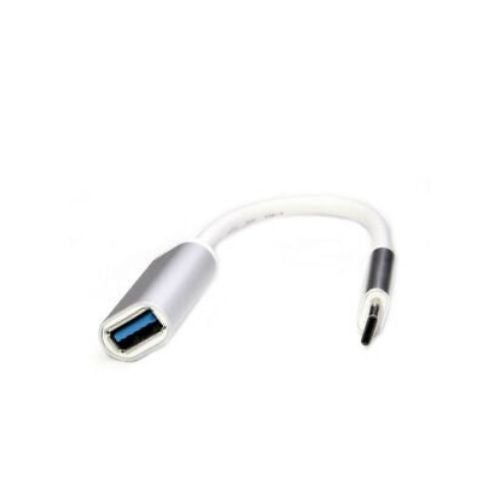
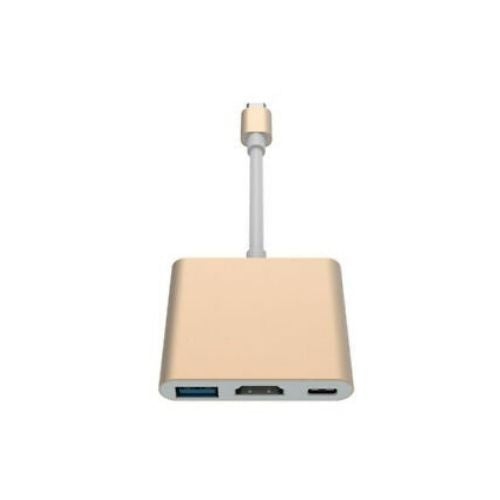
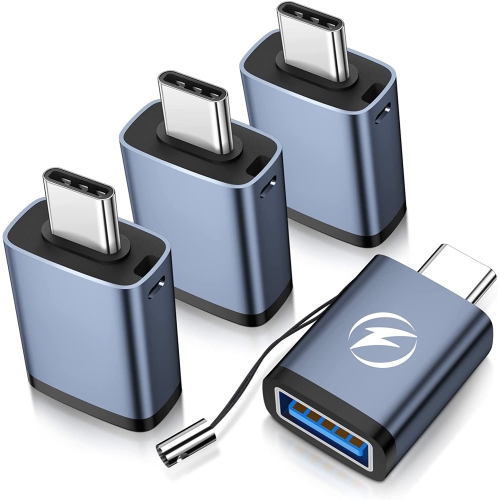
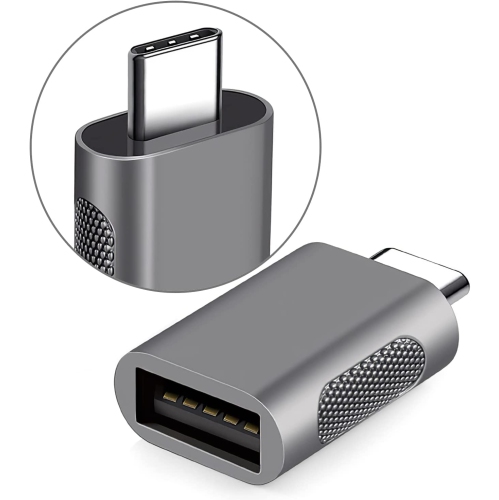
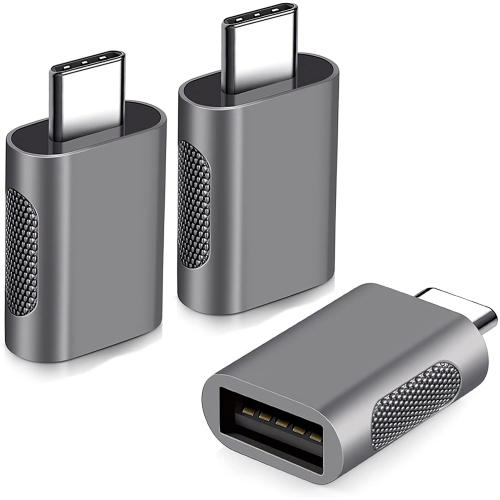
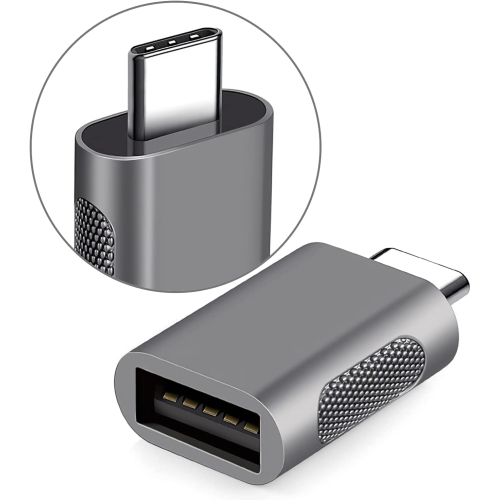
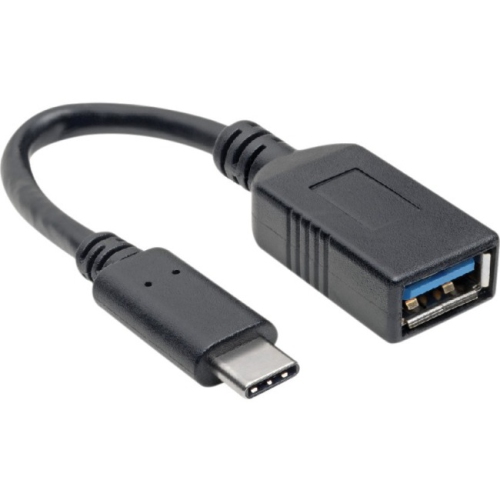
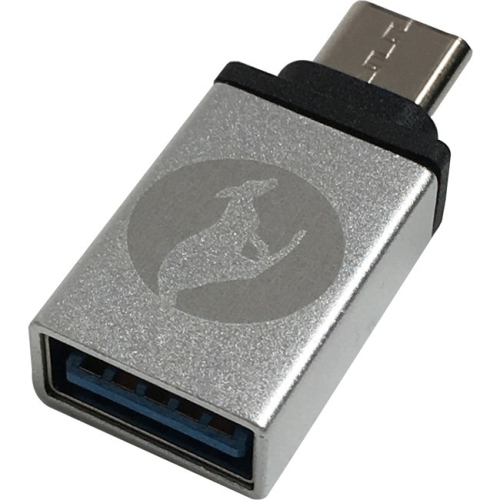
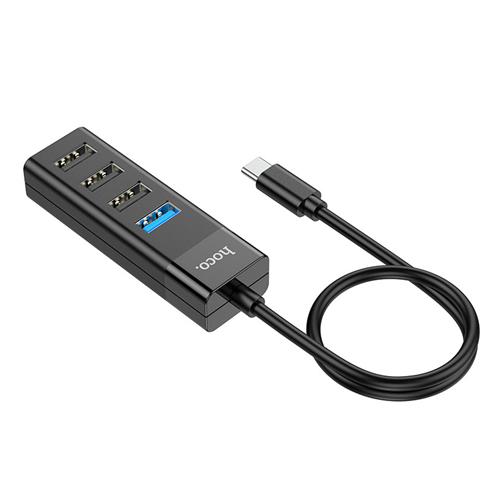
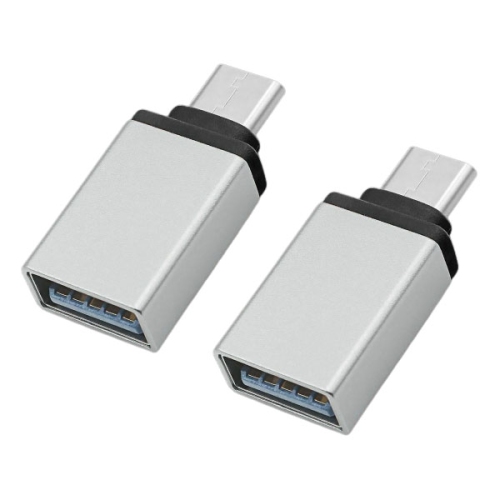
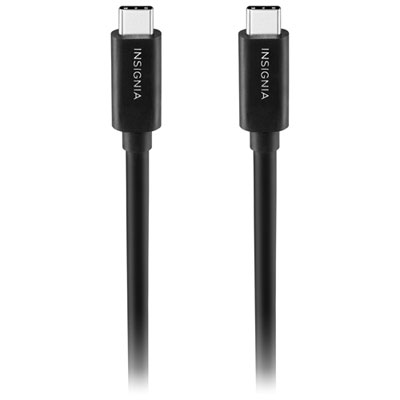

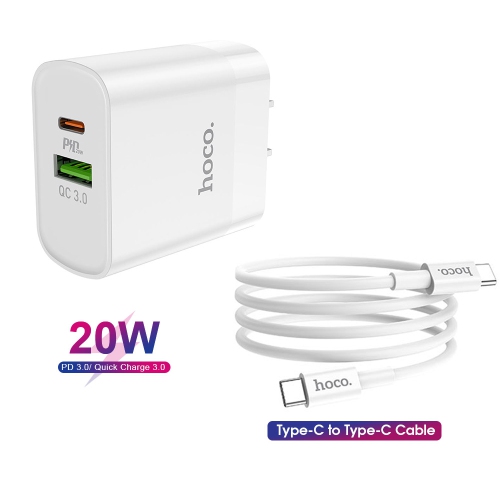
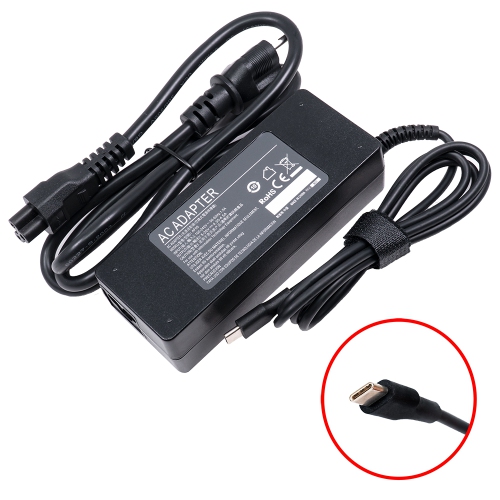


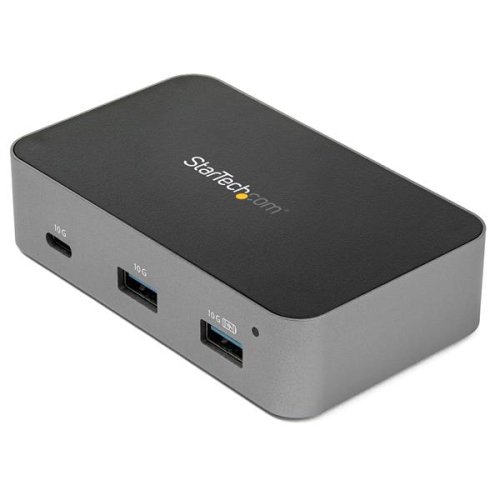
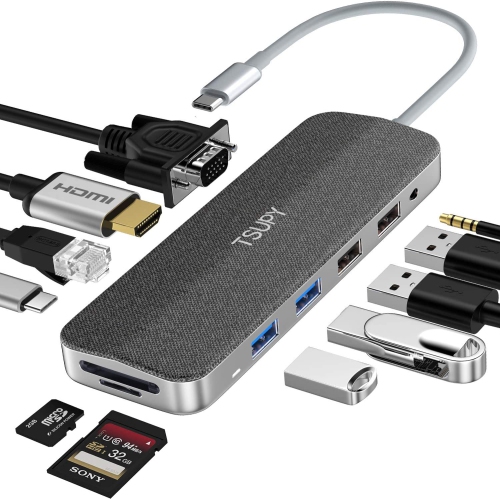

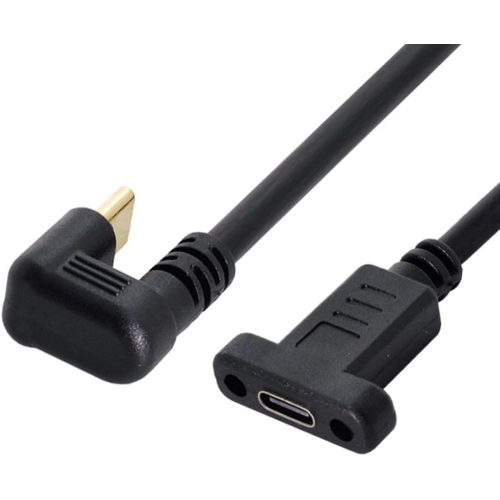
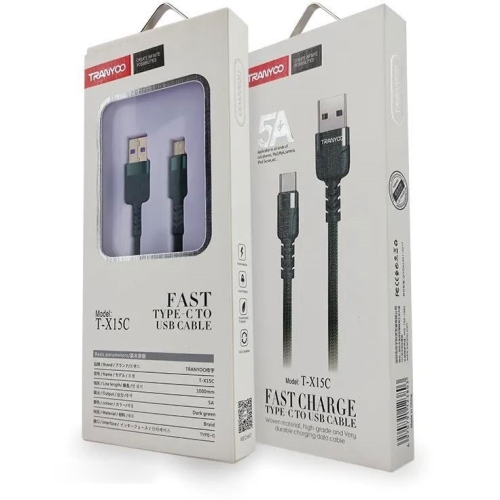
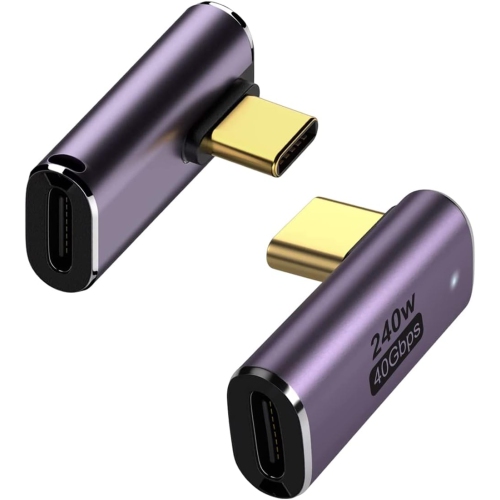
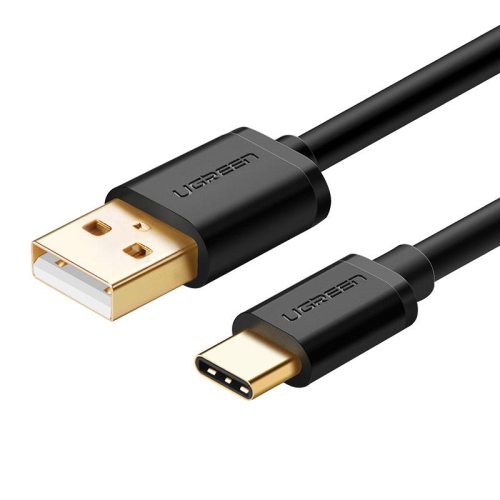
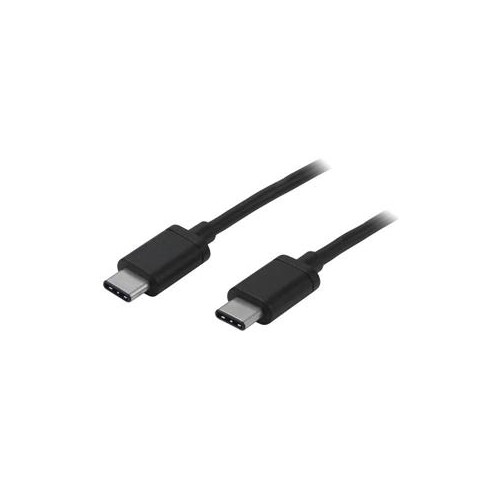
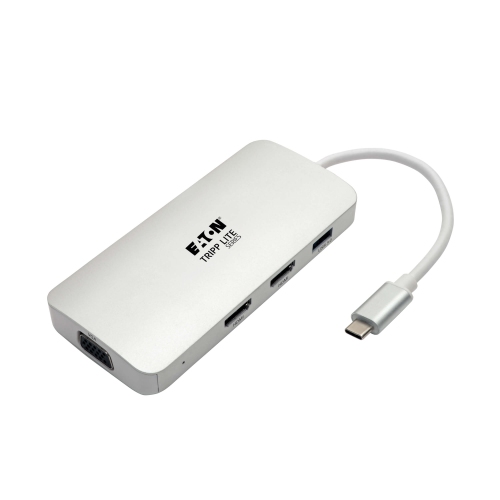
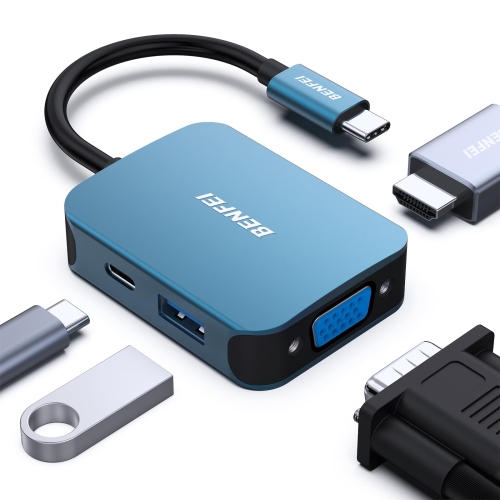
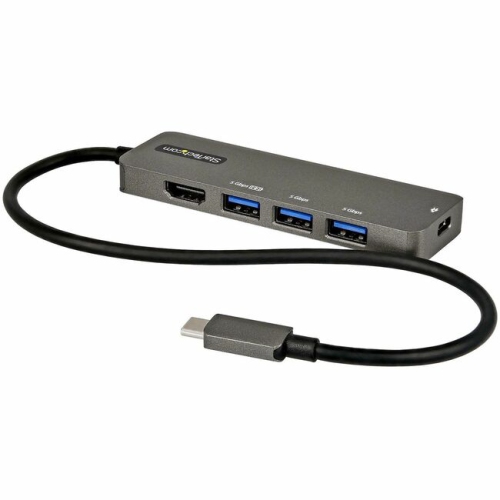
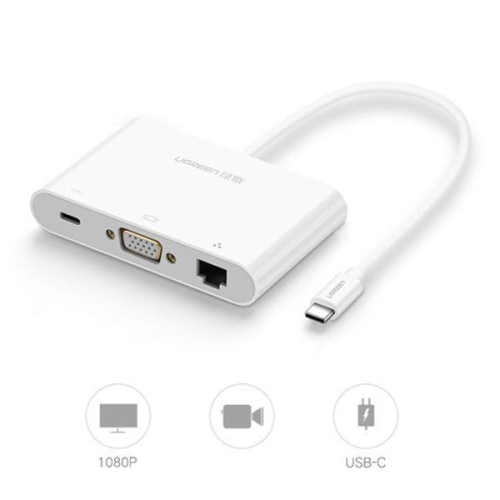
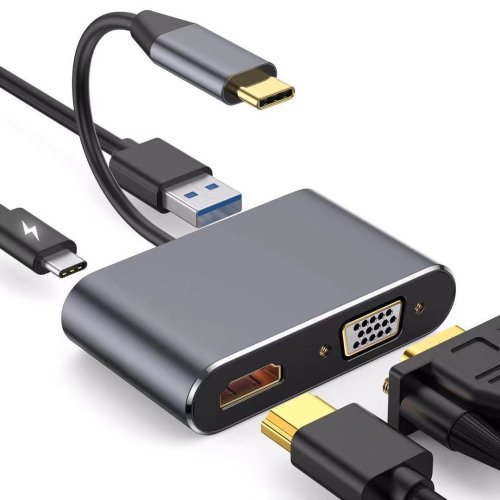
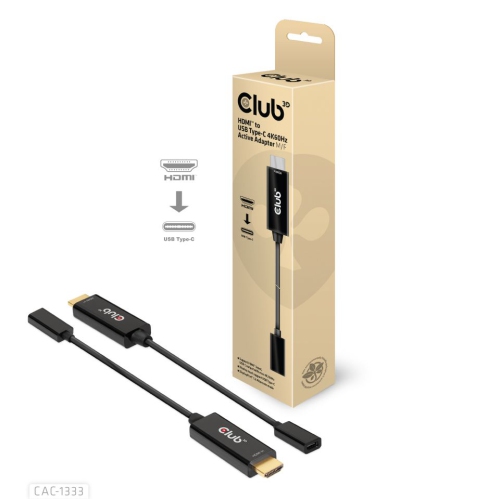
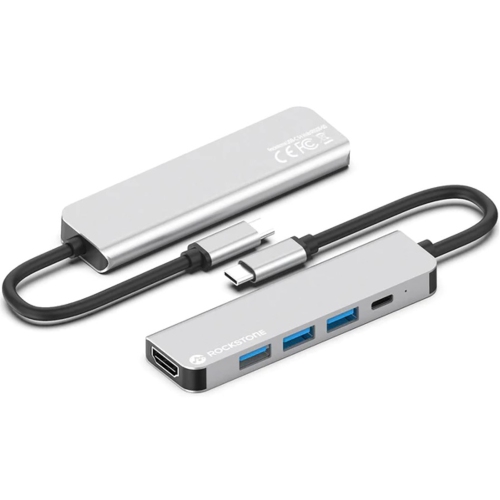
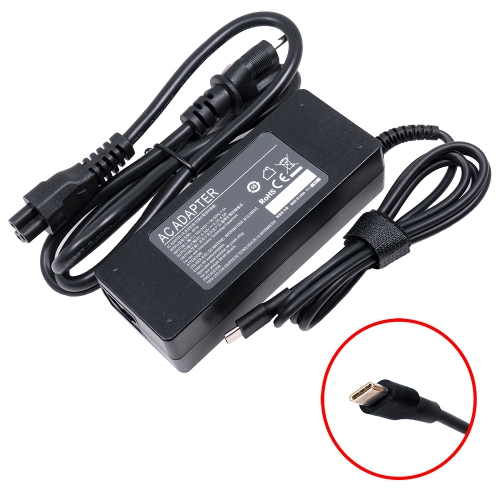
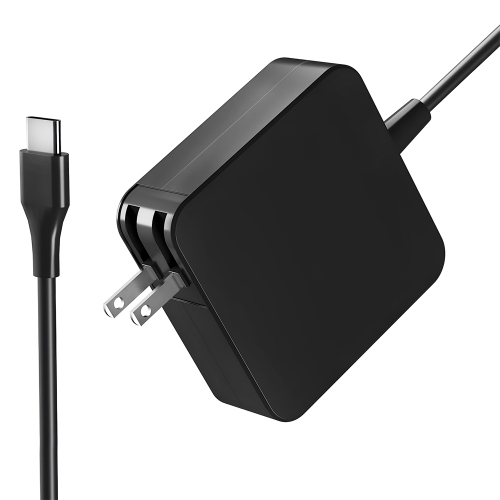

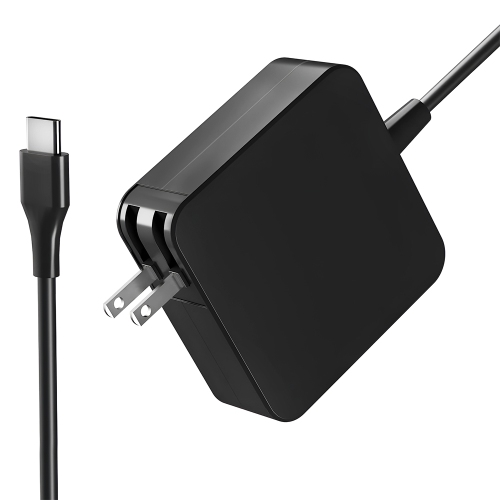
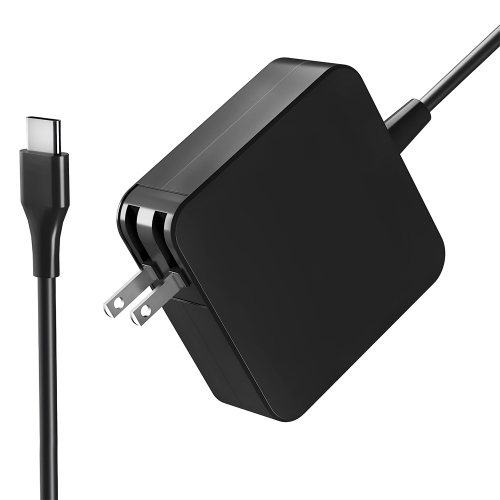
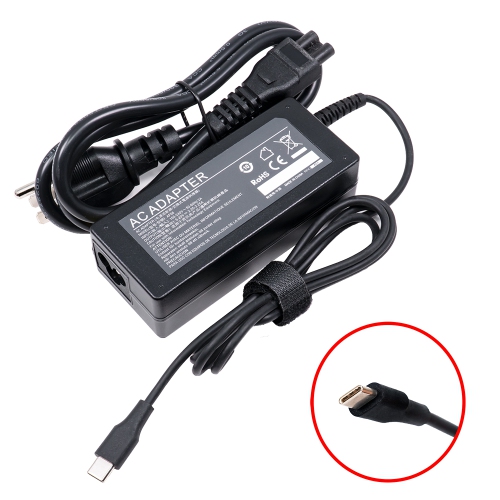
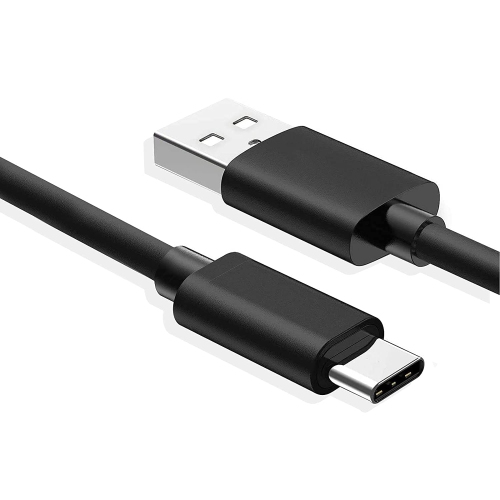
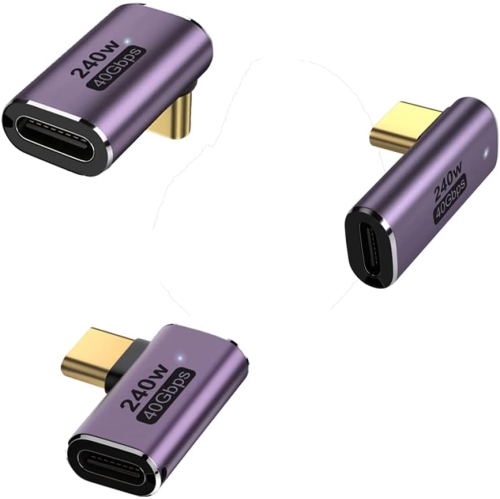
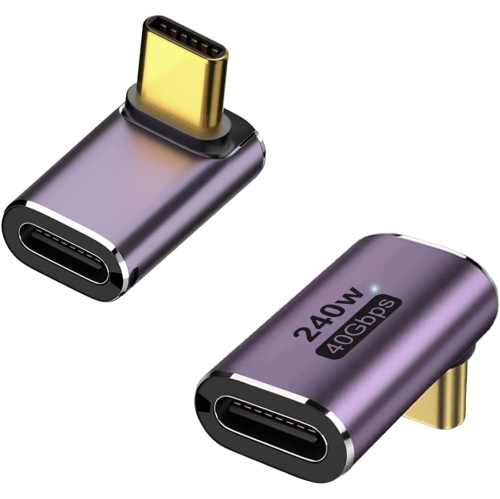
Bridge newer USB-C devices with older USB-A equipment
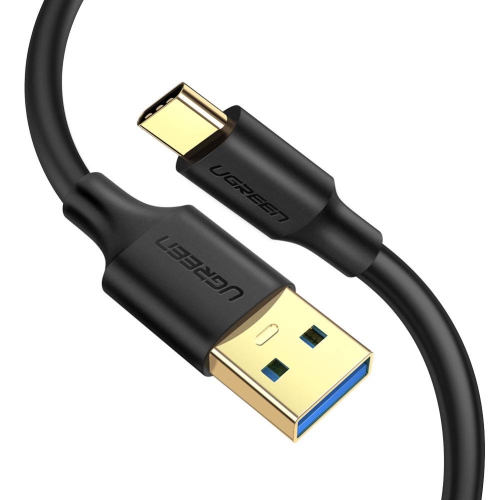
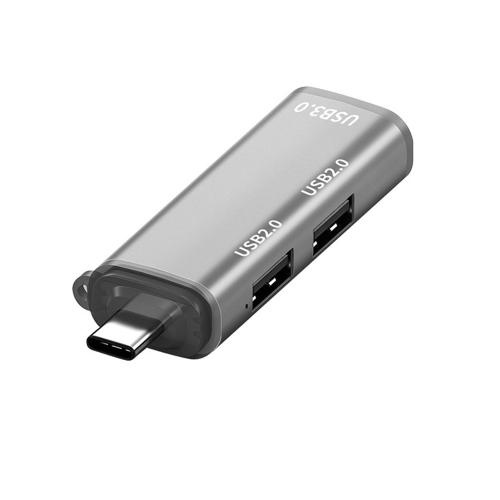
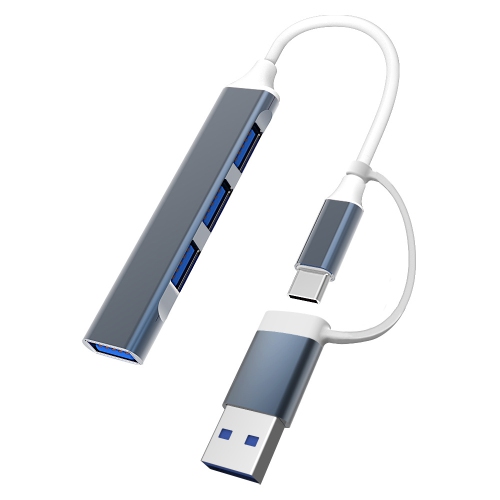
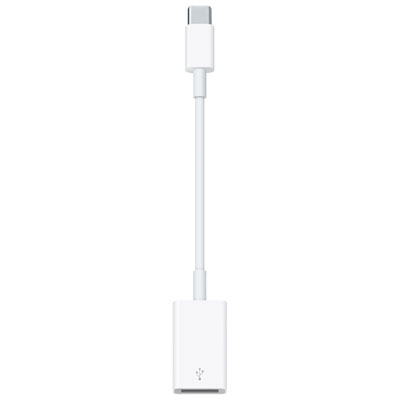
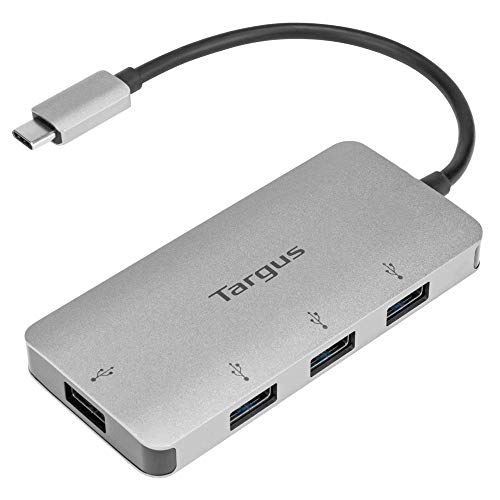
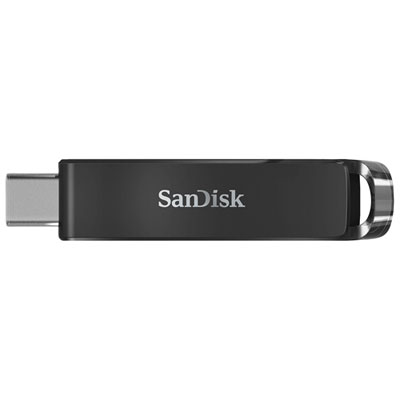
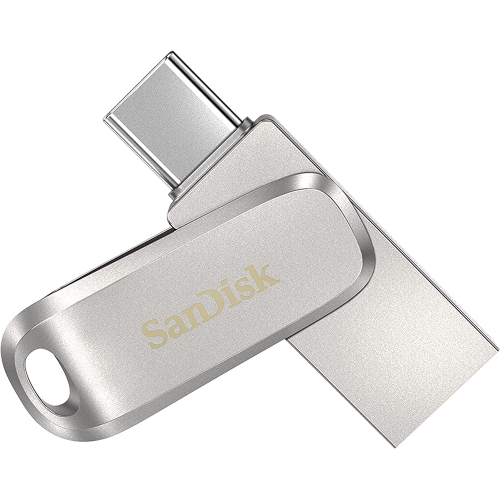
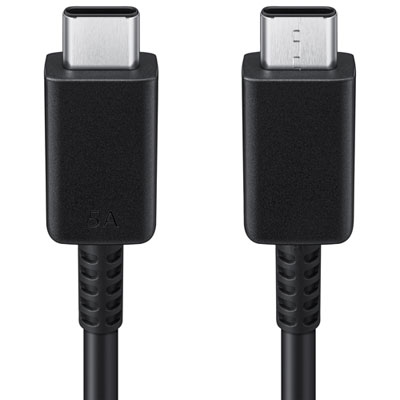
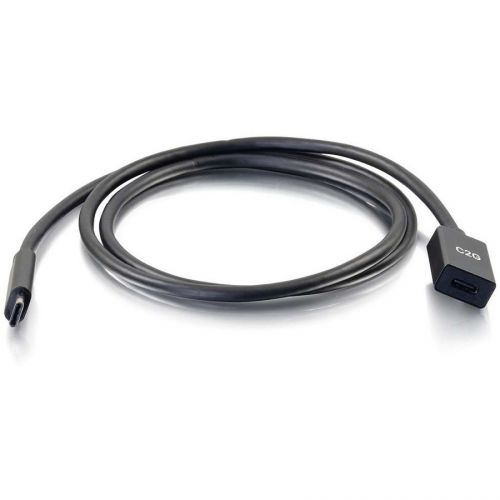
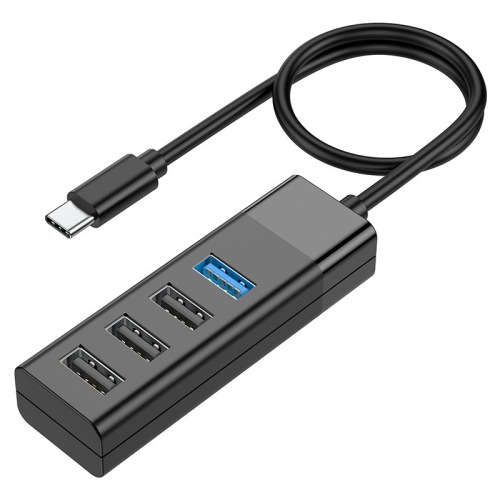
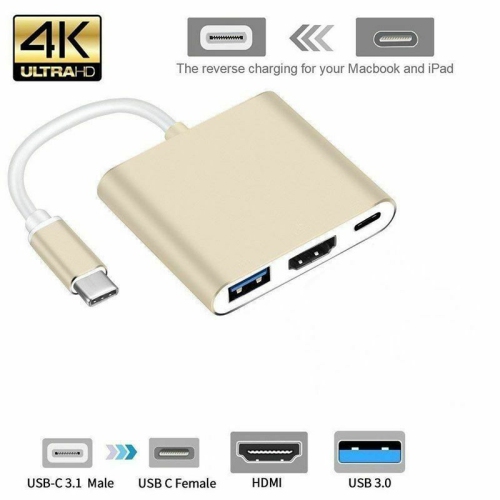
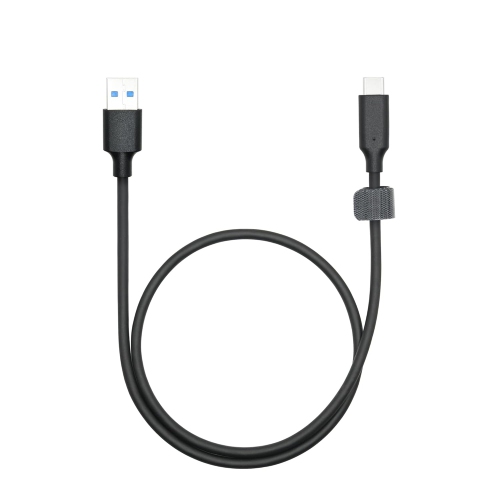
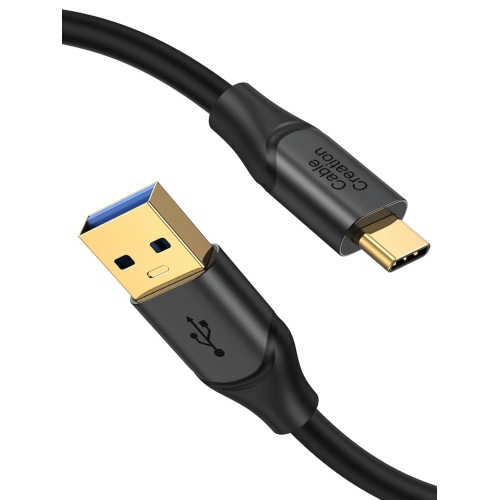
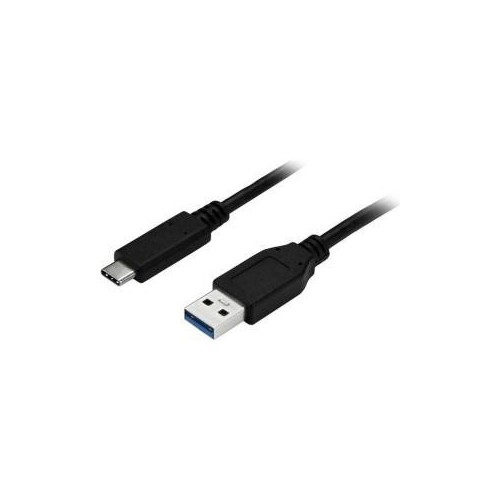
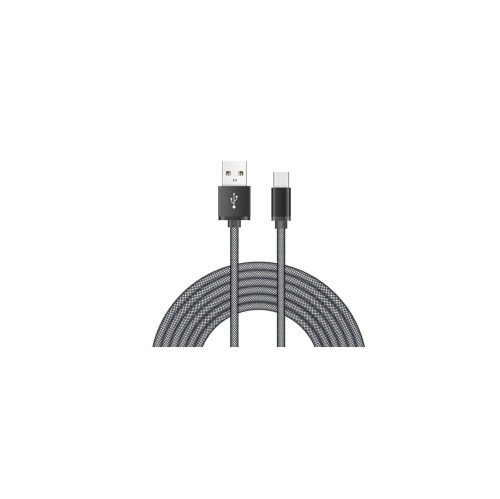
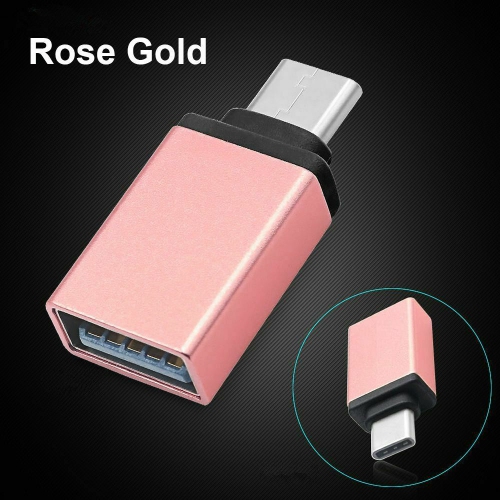
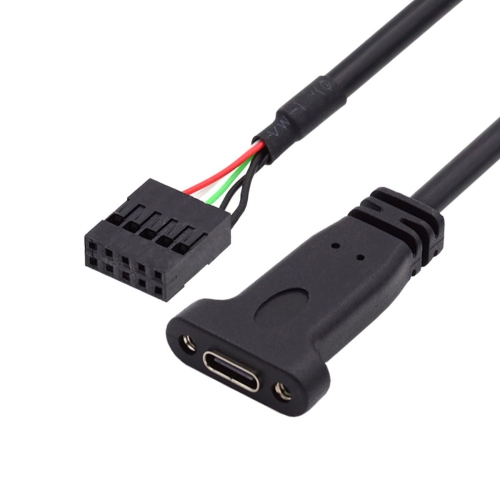
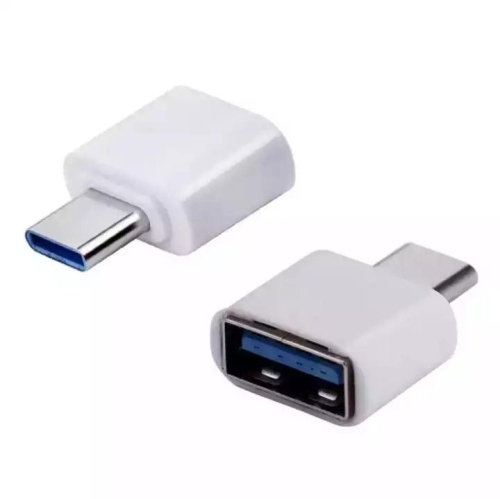
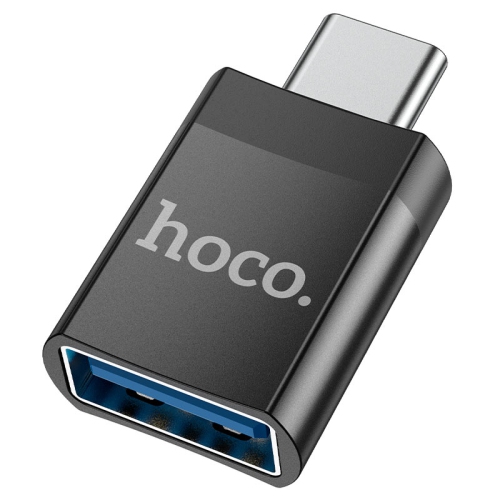
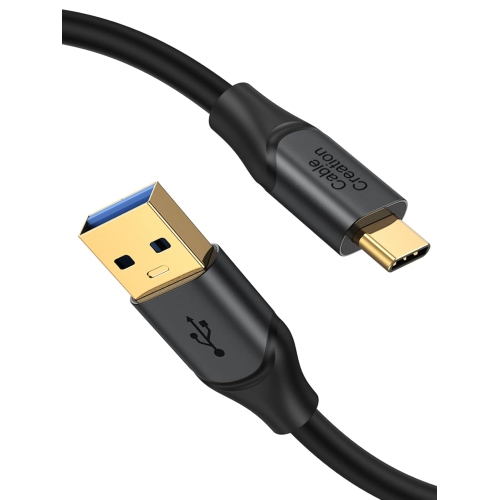
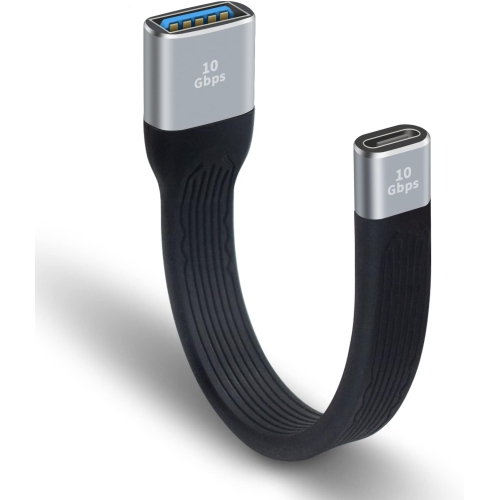
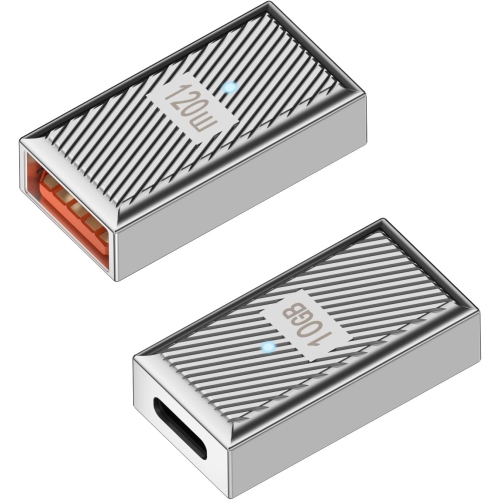
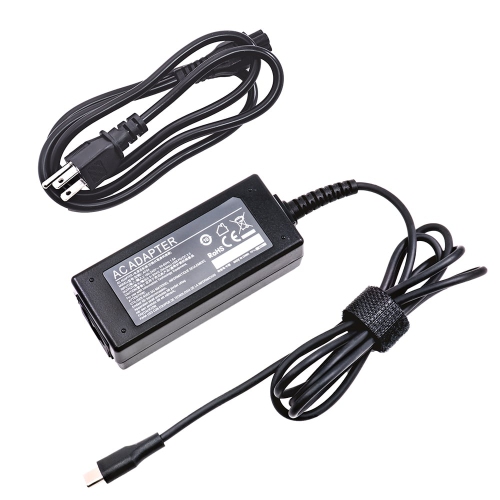
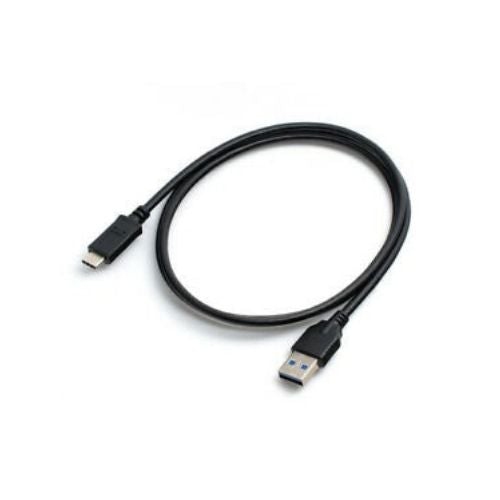
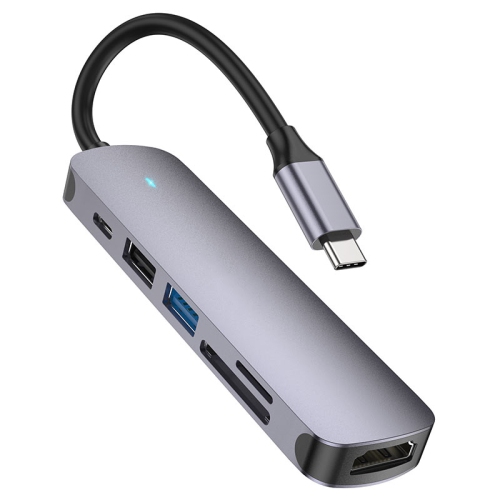
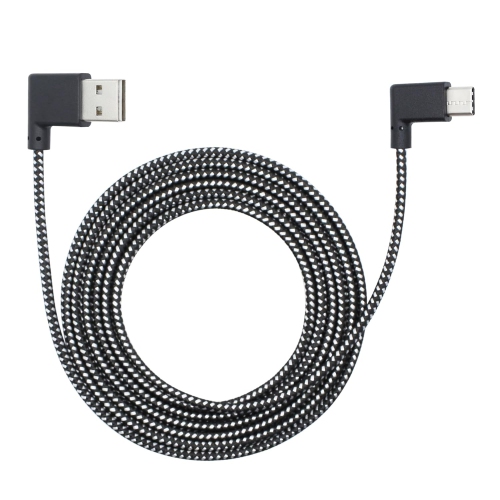
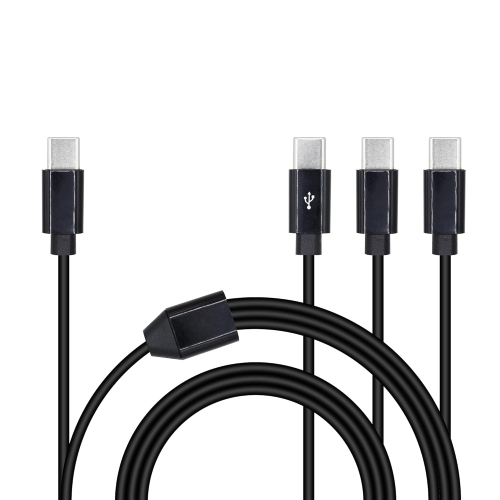
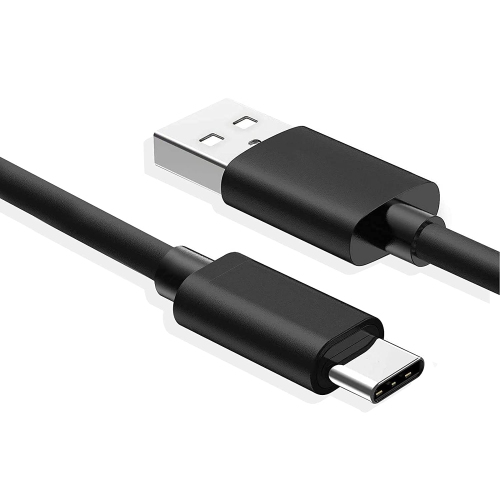
USB-C to USB 3.0 cables and adapters are practical connection accessories for bringing newer USB-C devices together with older USB-A equipment. The term “USB 3.0” generally refers to SuperSpeed USB with data transfer rates of up to 5Gbps, also known as USB 3.1 Gen 1 or USB 3.2 Gen 1 in newer naming systems. In everyday use, that speed can make a noticeable difference when moving photos, videos, music libraries, documents, or game files between compatible devices. A USB-C to USB-C cable is useful when both devices have USB-C ports, such as a laptop and a phone, a tablet and an external storage drive, or a computer and a USB-C hub. A USB-C to USB-A cable or adapter is better suited to connecting a USB-C phone, tablet, or computer to a traditional USB-A port found on many desktop computers, vehicle charging ports, wall chargers, keyboards, printers, and older accessories. Before choosing, check the ports on both ends of the connection rather than relying only on the shape of the plug. USB-C describes the connector, while USB 3.0 describes a performance standard; not every USB-C cable supports USB 3.0 speeds, and some are designed primarily for charging. This distinction is especially helpful when replacing a misplaced cable or adding a few spares to a home office, travel bag, bedside table, or family room.
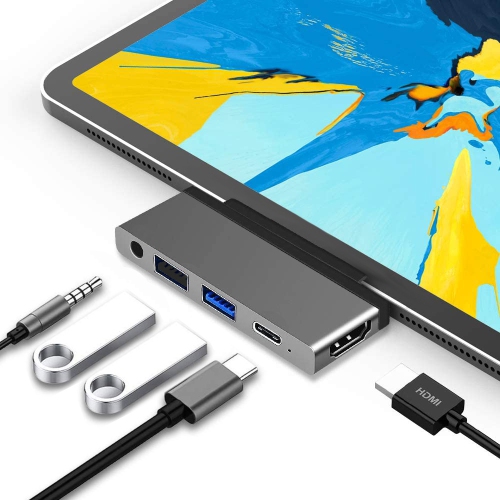
Charging capability is another important consideration. Depending on the cable, charger, and connected device, USB-C cables may support standard charging, faster charging, or USB Power Delivery at levels reaching 60W or 100W. The highest stated wattage is not automatically delivered in every setup: the power adapter, device, cable rating, and charging protocol must all be compatible. A phone may draw considerably less power than a laptop, while a compact computer may require a higher-rated cable for dependable charging during use. Look for clear specifications that state charging wattage, current support, and data speed, particularly when a cable will be used with a laptop, docking station, portable monitor, or external solid-state drive. Length also affects convenience. A shorter cable keeps a desk tidy and is easy to carry, while a longer cable can reach across a nightstand, behind a monitor, or from a vehicle console to a passenger’s seat. Braided coverings, reinforced connector housings, and flexible strain relief can be useful for cables that will be plugged in and unplugged frequently, although a well-made cable should still be stored without tight bends or knots. Some USB-C cables can carry video signals to a monitor, but video output is not guaranteed by USB-C or USB 3.0 alone. Confirm that the cable, computer, phone, and display all support the required video mode, resolution, and refresh rate before purchasing for a monitor connection.
These accessories suit students, commuters, remote workers, photographers, travellers, and anyone managing a mixture of newer and older electronics. A student might use one to transfer class files from a USB drive to a USB-C laptop, while a photographer could connect a card reader or storage device to a newer computer after returning from a weekend trip. At home, a USB-C to USB-A adapter can extend the useful life of a familiar keyboard, mouse, game controller, printer, or flash drive when a new computer has fewer traditional USB ports. For households with several devices, keeping one cable at a desk, one in a travel pouch, and another near a charger can prevent the familiar late-evening search through drawers for the right connector. These products can also make thoughtful, practical gifts for someone starting school, setting up a home office, upgrading a phone, or travelling with a laptop and accessories. If the equipment has a USB-A port and the new device uses USB-C, explore USB A To USB C Cables for connection options designed around that port combination. For a USB-C to USB 3.0 purchase, compare connector types, data-transfer speed, charging wattage, cable length, construction, and the devices you plan to connect. A cable rated for the task can make file transfers feel smoother, keep charging equipment organized, and help different generations of electronics work together through the cooler months and beyond.
Charging capability is another important consideration. Depending on the cable, charger, and connected device, USB-C cables may support standard charging, faster charging, or USB Power Delivery at levels reaching 60W or 100W. The highest stated wattage is not automatically delivered in every setup: the power adapter, device, cable rating, and charging protocol must all be compatible. A phone may draw considerably less power than a laptop, while a compact computer may require a higher-rated cable for dependable charging during use. Look for clear specifications that state charging wattage, current support, and data speed, particularly when a cable will be used with a laptop, docking station, portable monitor, or external solid-state drive. Length also affects convenience. A shorter cable keeps a desk tidy and is easy to carry, while a longer cable can reach across a nightstand, behind a monitor, or from a vehicle console to a passenger’s seat. Braided coverings, reinforced connector housings, and flexible strain relief can be useful for cables that will be plugged in and unplugged frequently, although a well-made cable should still be stored without tight bends or knots. Some USB-C cables can carry video signals to a monitor, but video output is not guaranteed by USB-C or USB 3.0 alone. Confirm that the cable, computer, phone, and display all support the required video mode, resolution, and refresh rate before purchasing for a monitor connection.
These accessories suit students, commuters, remote workers, photographers, travellers, and anyone managing a mixture of newer and older electronics. A student might use one to transfer class files from a USB drive to a USB-C laptop, while a photographer could connect a card reader or storage device to a newer computer after returning from a weekend trip. At home, a USB-C to USB-A adapter can extend the useful life of a familiar keyboard, mouse, game controller, printer, or flash drive when a new computer has fewer traditional USB ports. For households with several devices, keeping one cable at a desk, one in a travel pouch, and another near a charger can prevent the familiar late-evening search through drawers for the right connector. These products can also make thoughtful, practical gifts for someone starting school, setting up a home office, upgrading a phone, or travelling with a laptop and accessories. If the equipment has a USB-A port and the new device uses USB-C, explore USB A To USB C Cables for connection options designed around that port combination. For a USB-C to USB 3.0 purchase, compare connector types, data-transfer speed, charging wattage, cable length, construction, and the devices you plan to connect. A cable rated for the task can make file transfers feel smoother, keep charging equipment organized, and help different generations of electronics work together through the cooler months and beyond.
Top selling and popular products
-
 Your price for this item is $49.99
 -
 Your price for this item is $65.99
 -
 Your price for this item is $19.98
 -
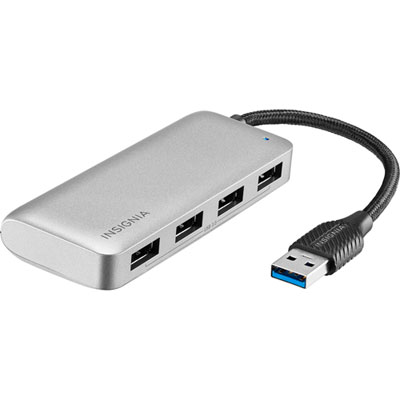 Your price for this item is $29.99
 -
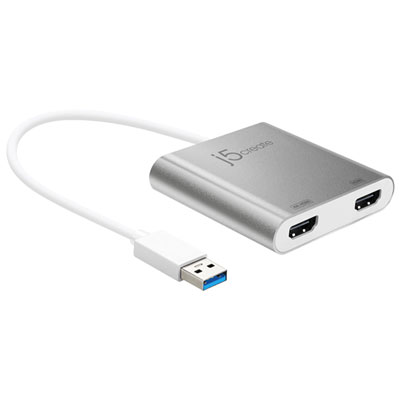 Your price for this item is $99.99
 -
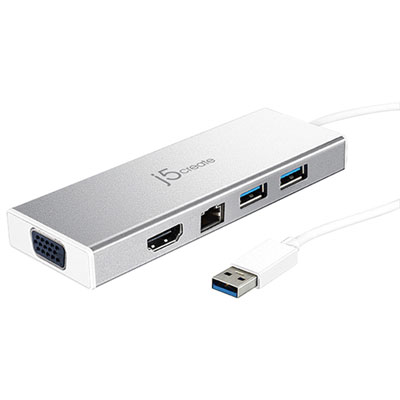 Your price for this item is $79.99
 -
 Your price for this item is $19.99
 -
 Your price for this item is $104.99
Discover more categories related to Type C To USBs 3.0
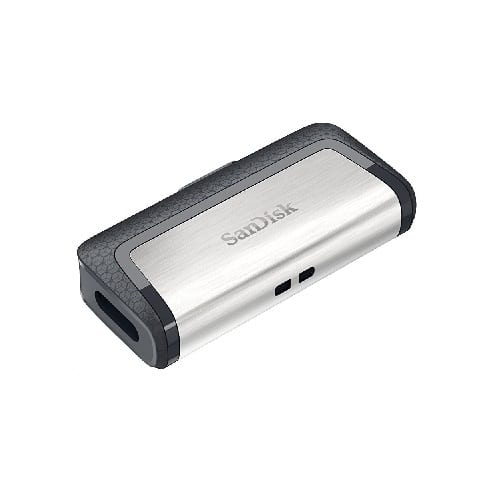
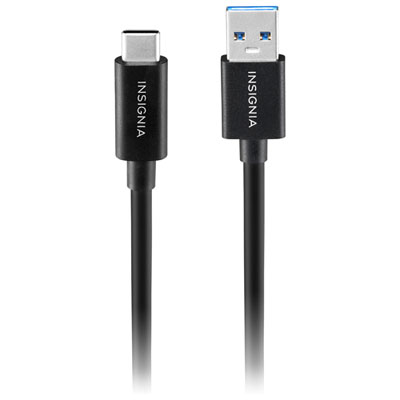
Top Collections:
Pokemon Centers, Kindle Devices, Best Budget Office Chairs, Apple iPhones 16, Best Laptops for Writers, iPhone 15 Apple, Canon G7X Cameras, Refurbished Apple Laptops, Alarm Clock, Motorola Razr Phones
Some products may be subject to Environmental Handling Fees
(EHF) depending on your province.
Learn more about EHFs.