USB C Webcams
Looking to enhance your video conferencing experience? Look no further than our collection of USB-C webcams. These powerful and versatile devices are designed to deliver crystal-clear video and audio, making them perfect for online meetings, virtual classes, or simply staying connected with loved ones. These webcams are compatible with most modern laptops and desktops, so you can be sure to find one that fits your needs.
Sort

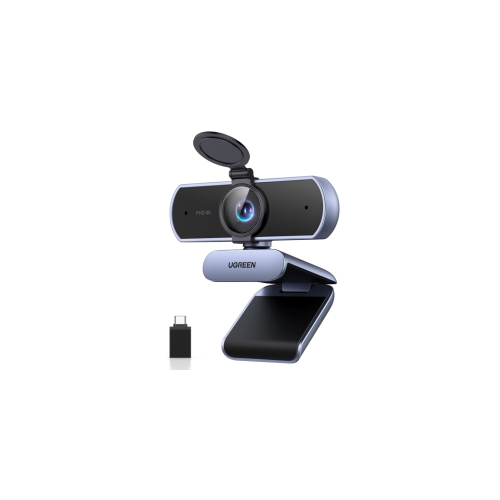
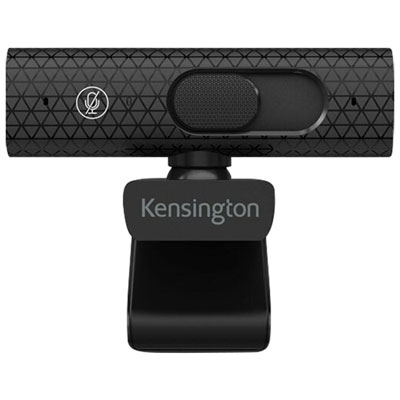
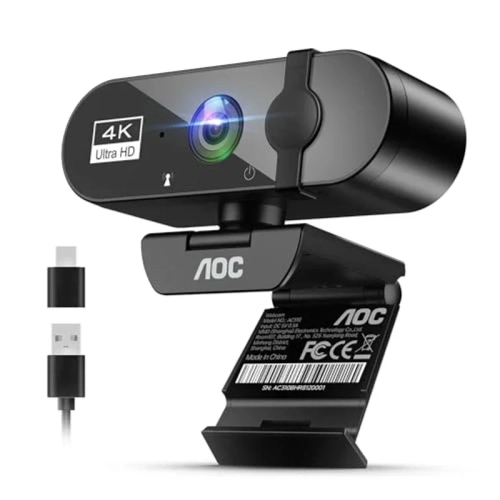
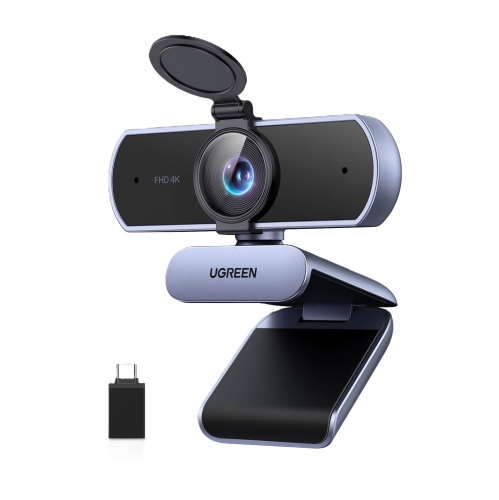

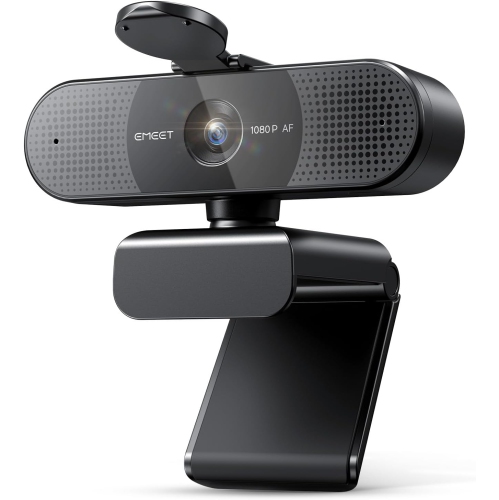
![EMEET C960 1080P Webcam With Dual Microphones [Employee of 3m-scotch-brite] I love cleaning with this scrub sponge!](https://multimedia.bbycastatic.ca/multimedia/products/500x500/201/20183/20183752.jpeg)
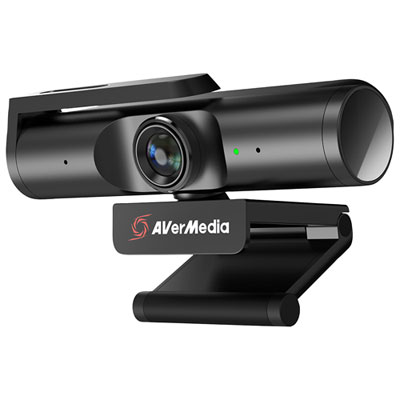
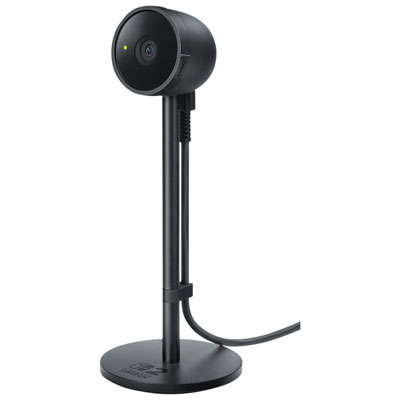
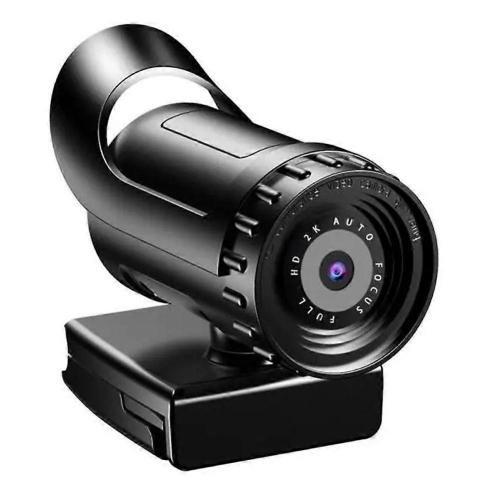
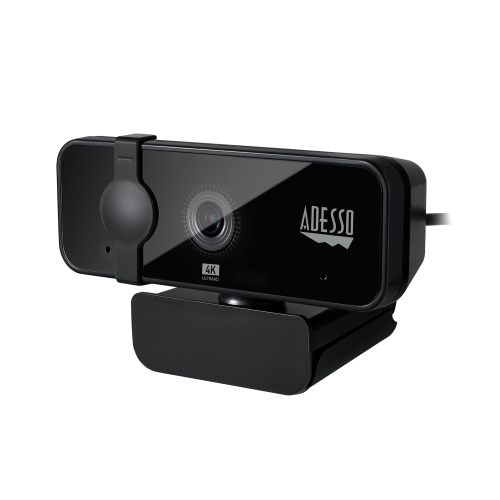
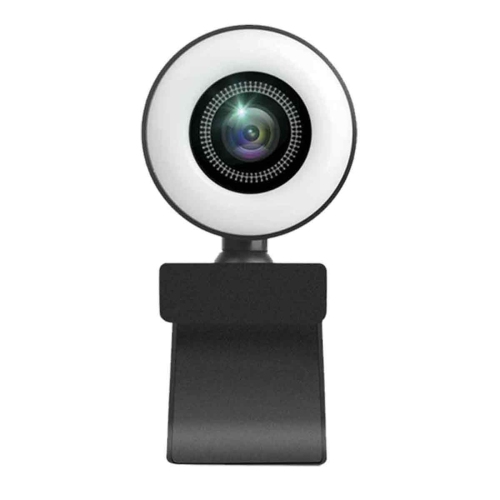
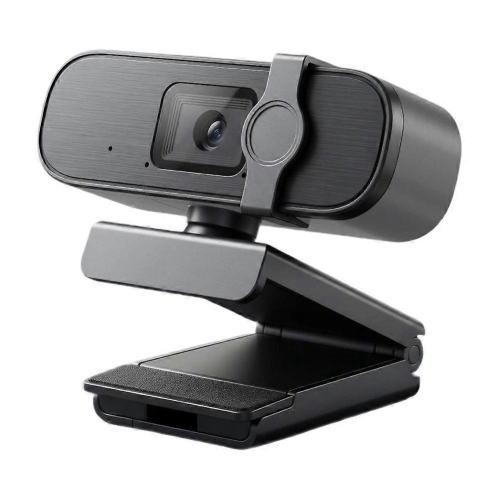
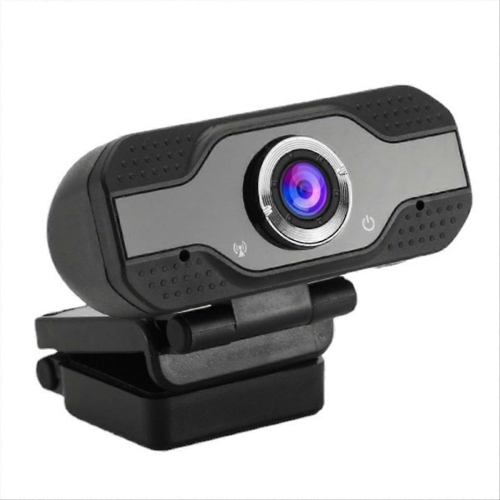
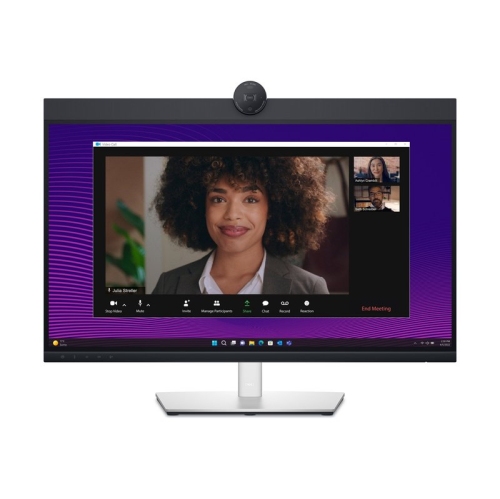
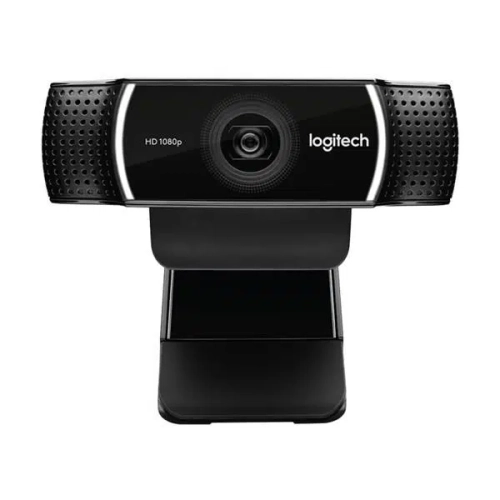
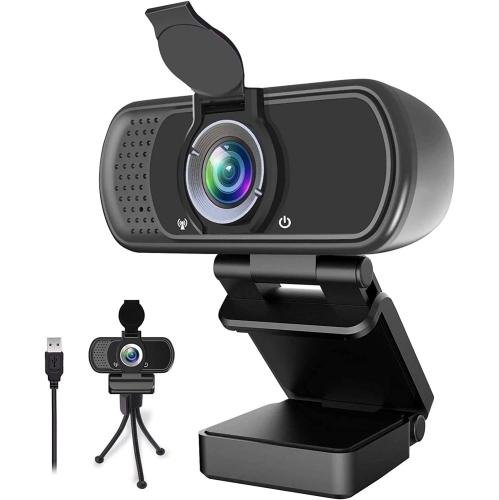
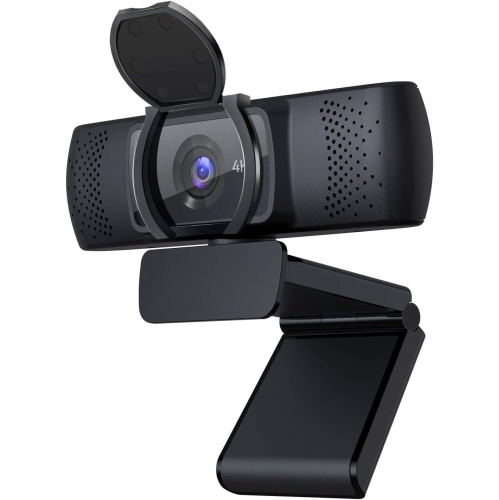
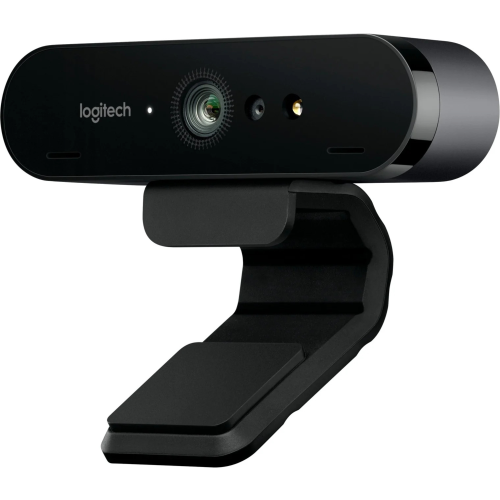

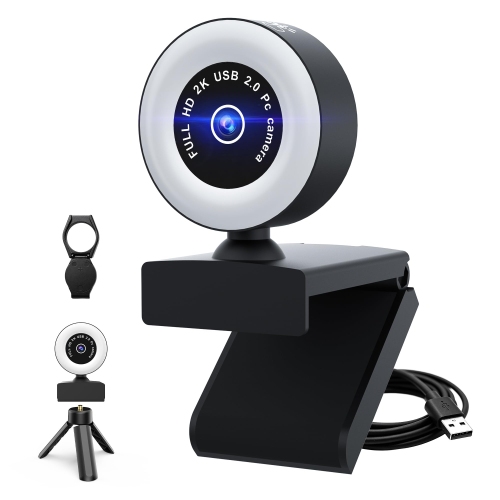
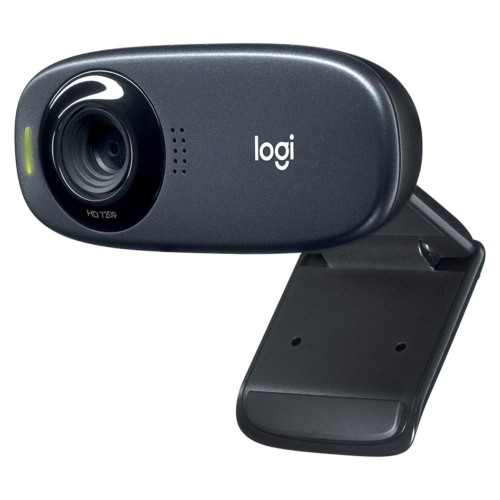
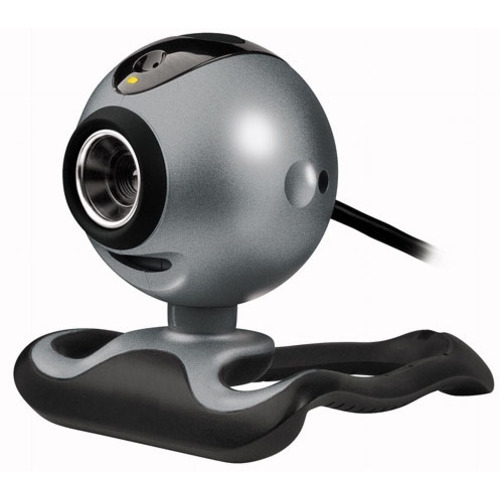
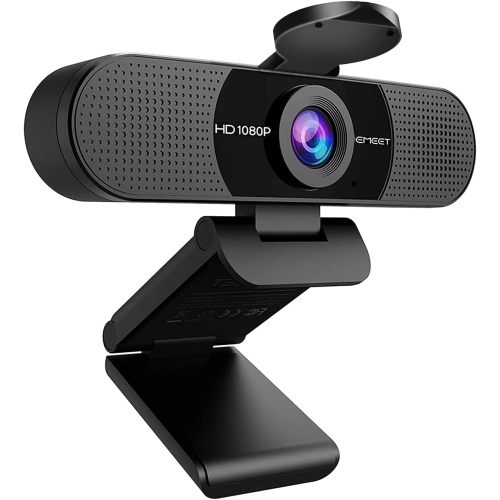



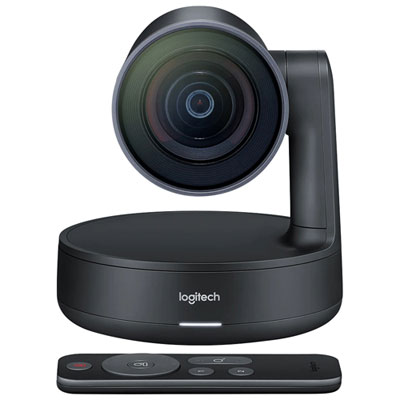
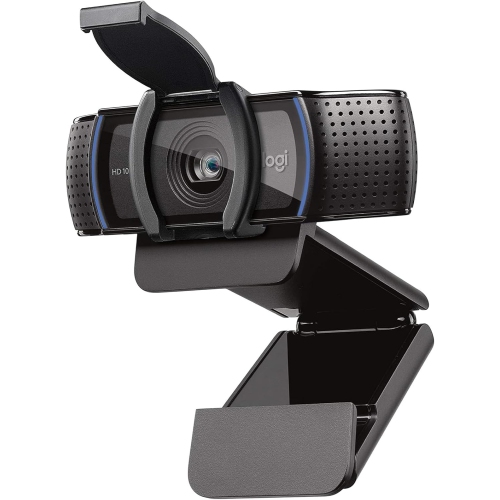
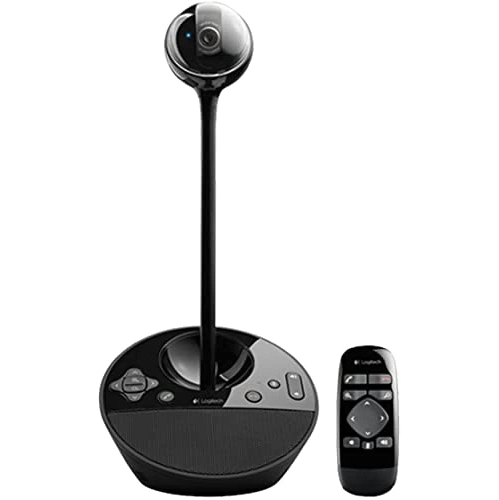
Better calls depend on image quality, sound, and setup
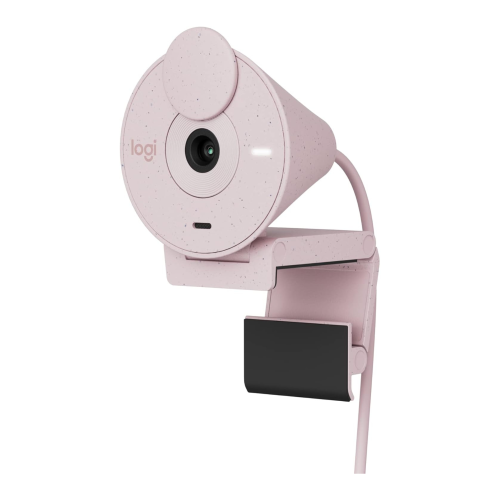
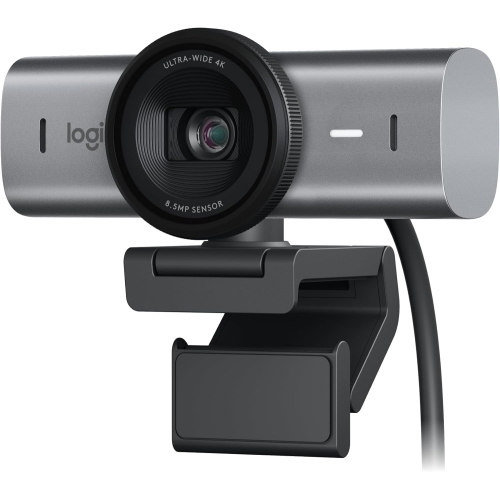
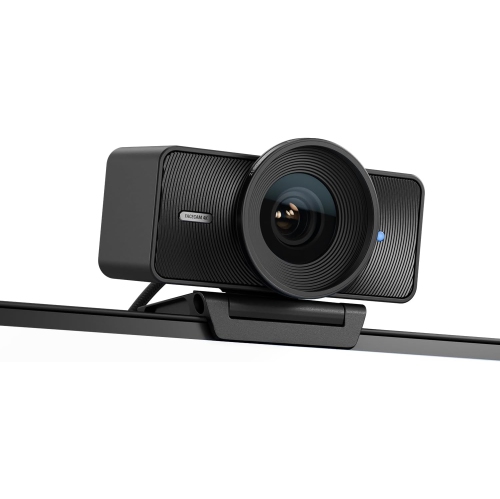
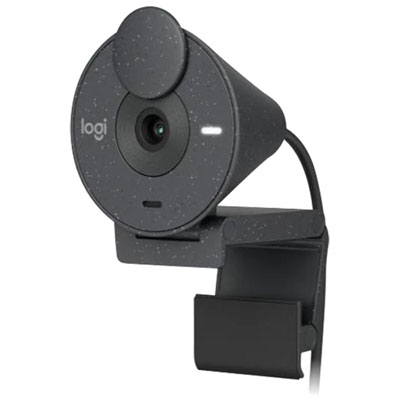
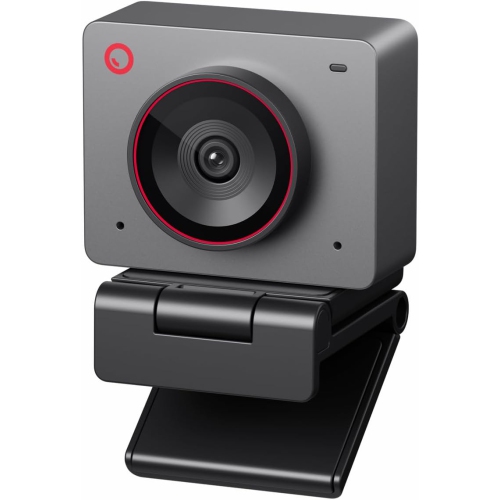
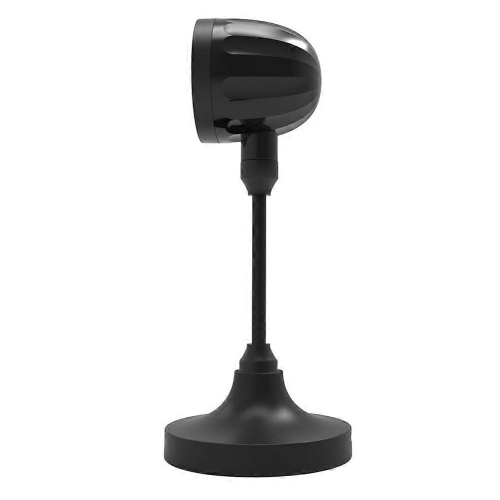
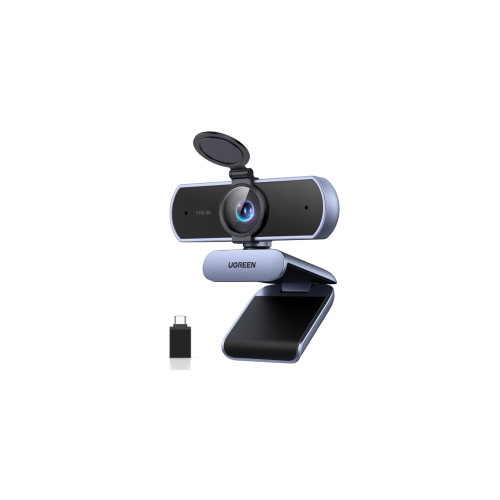
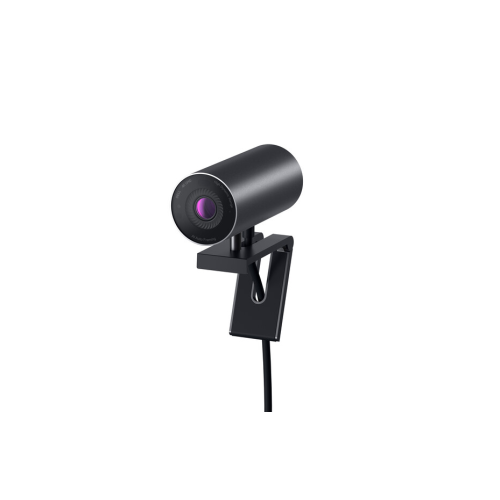
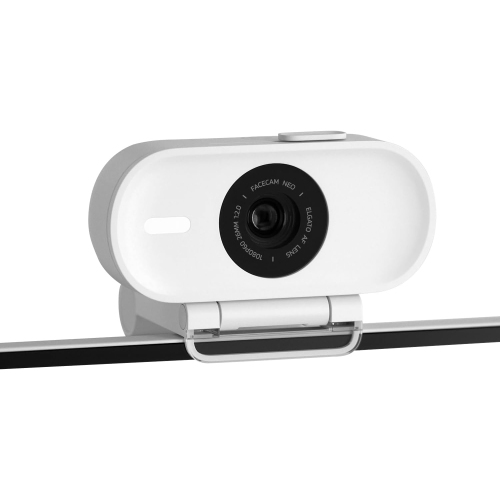
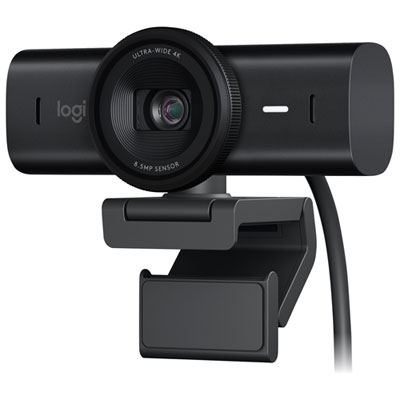
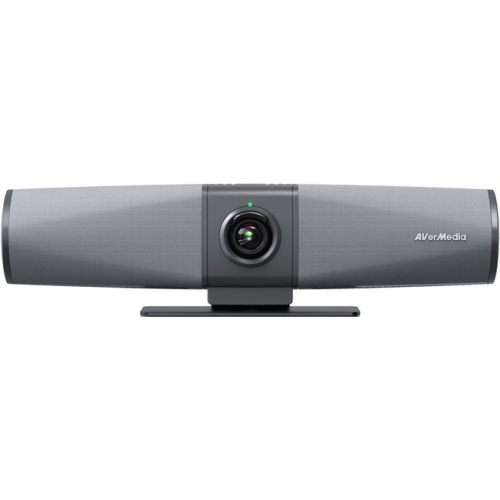
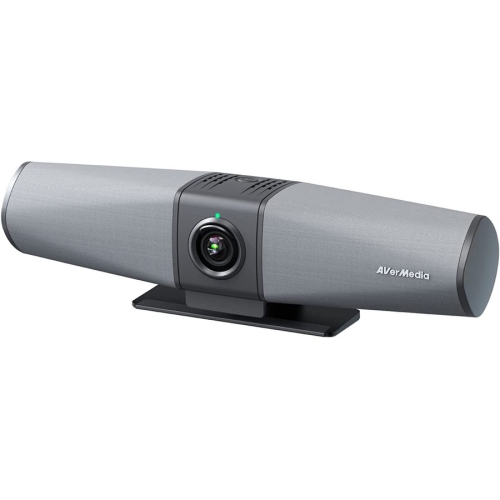
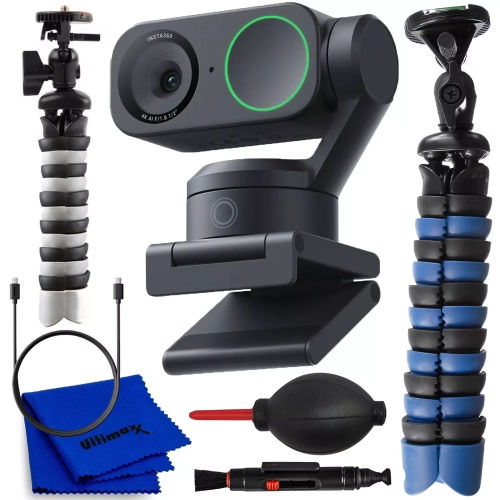
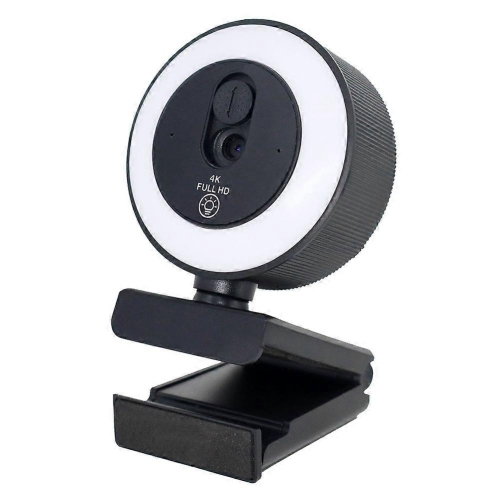
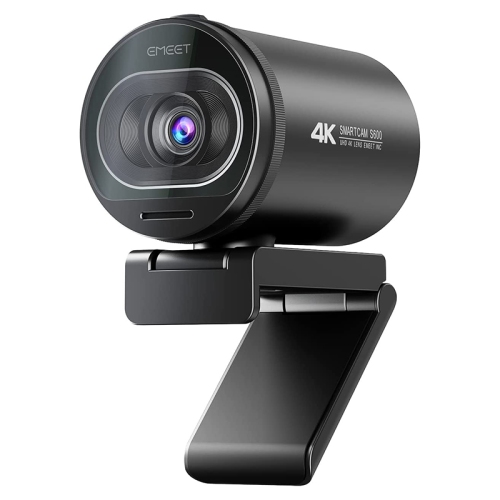
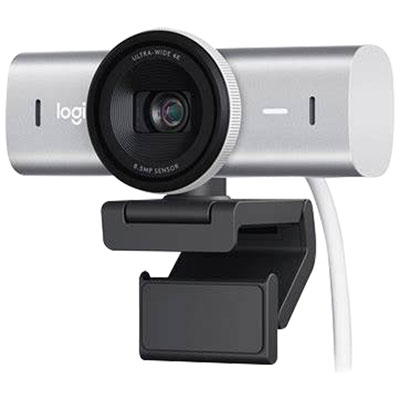
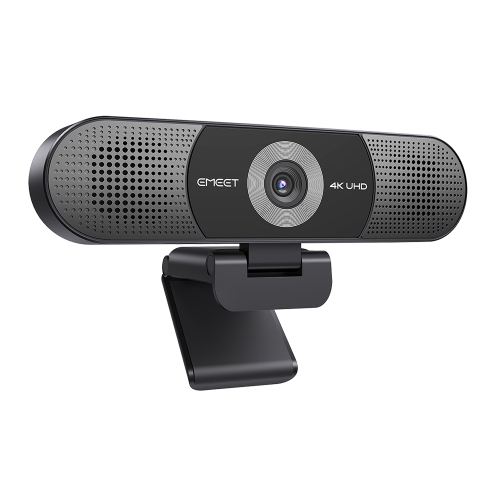
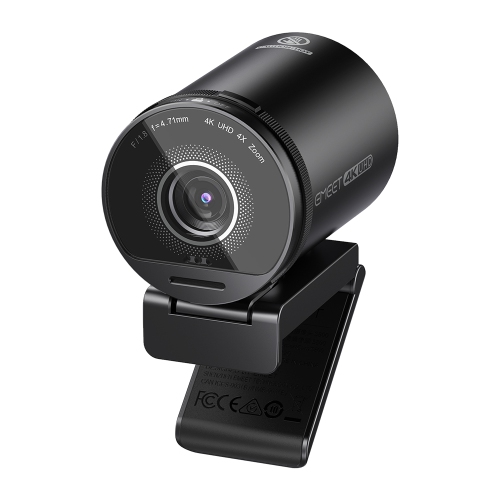
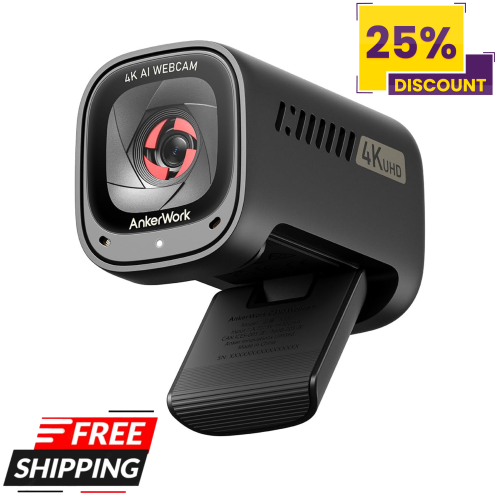
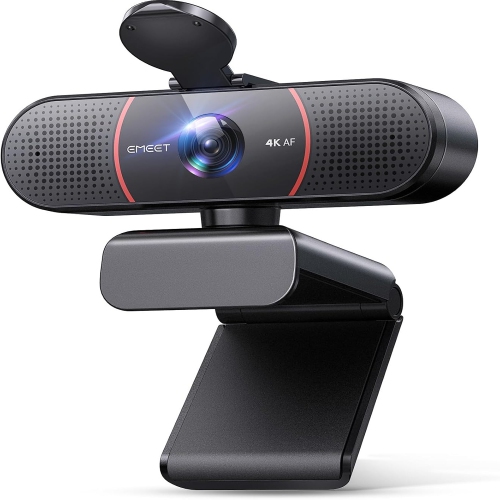
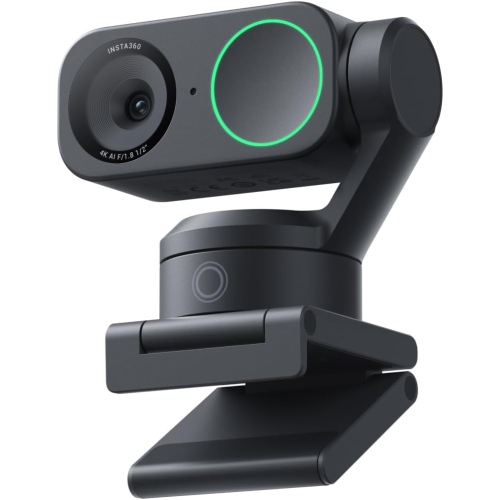
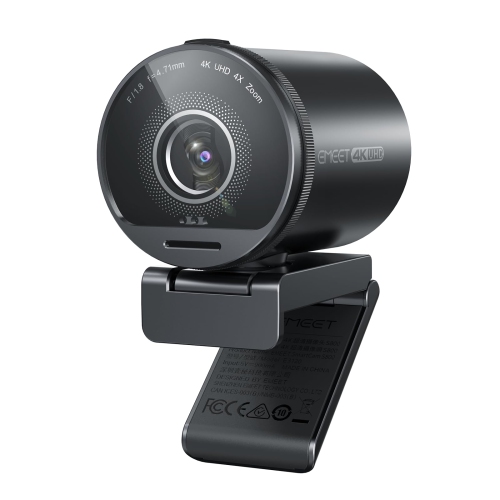
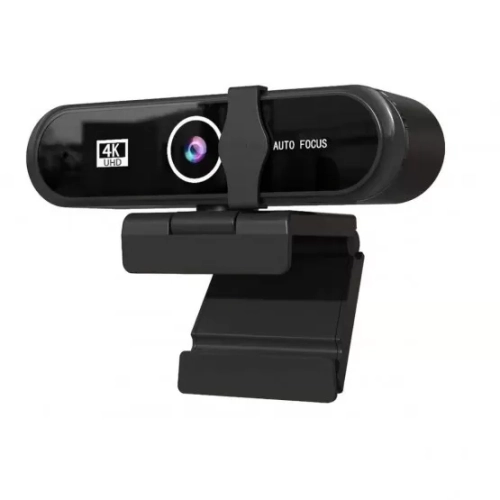
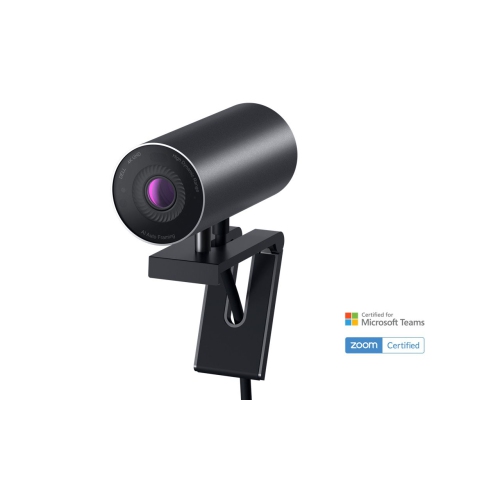
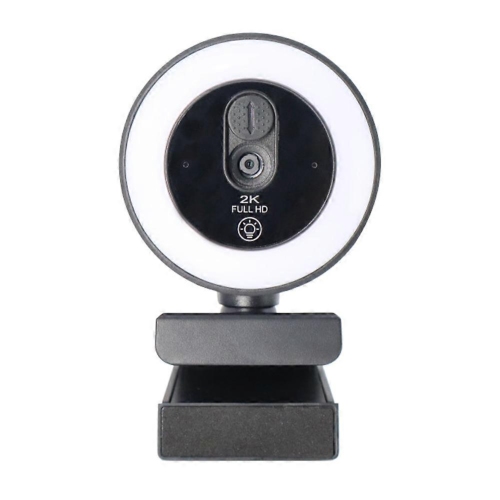
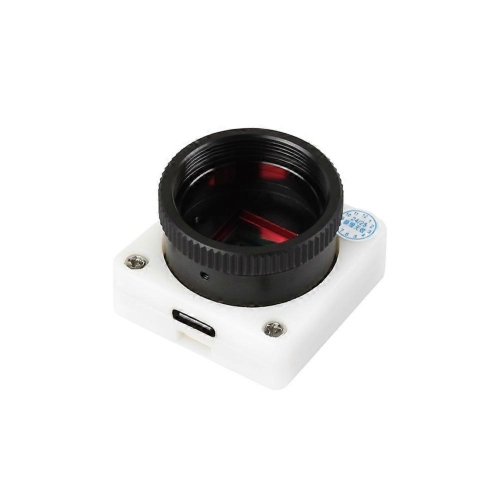
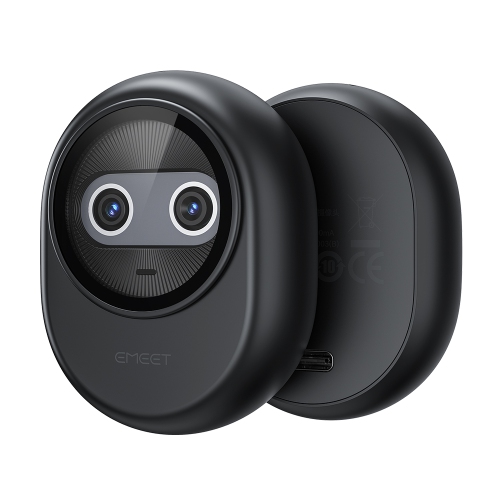
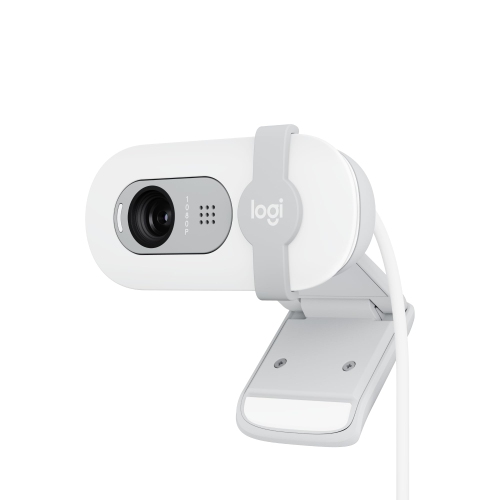
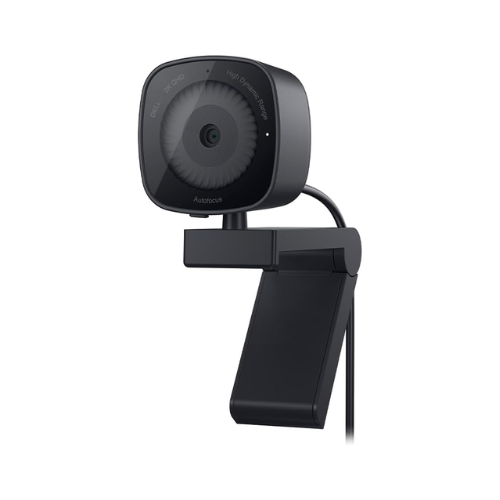
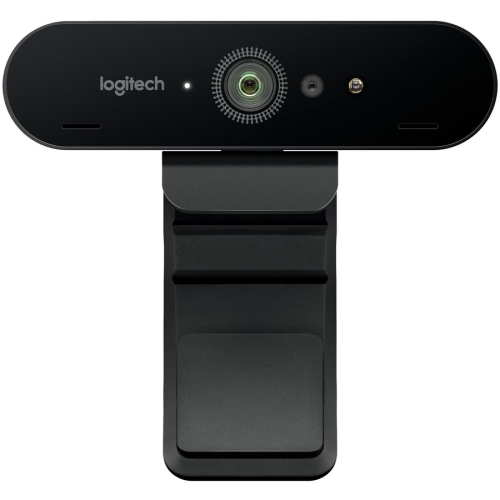
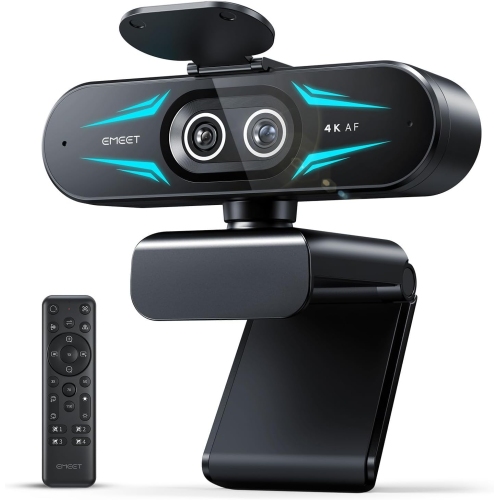
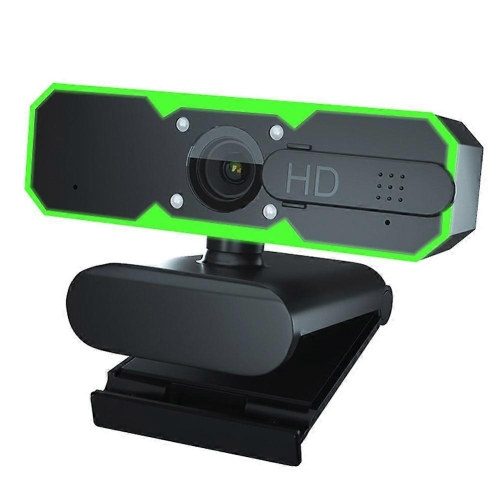
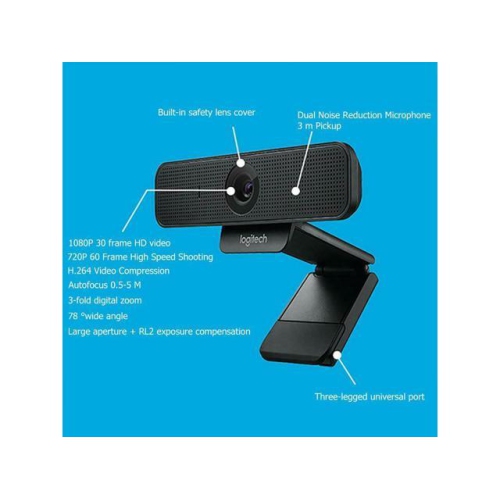
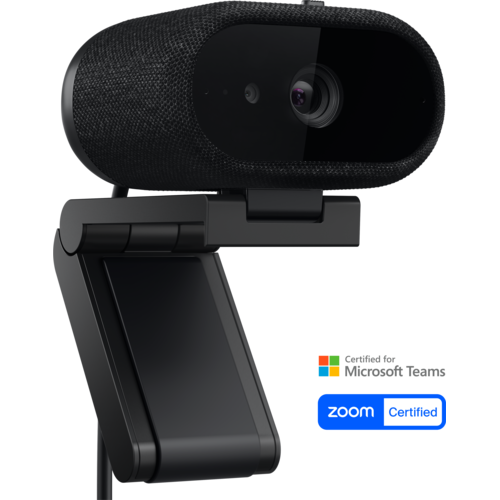
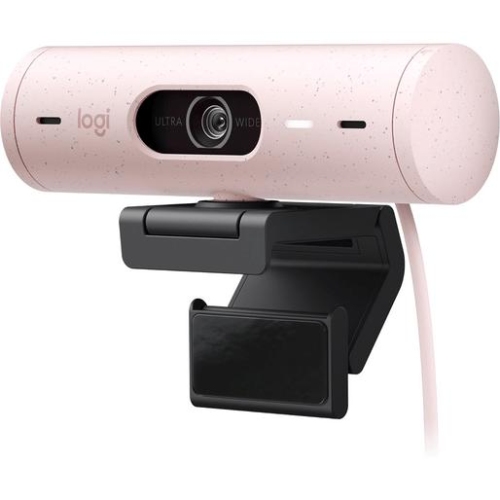
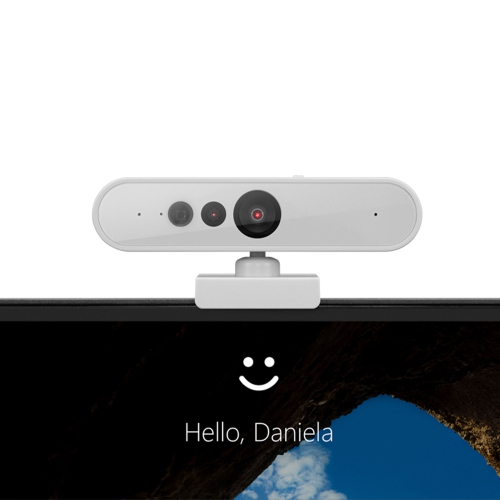
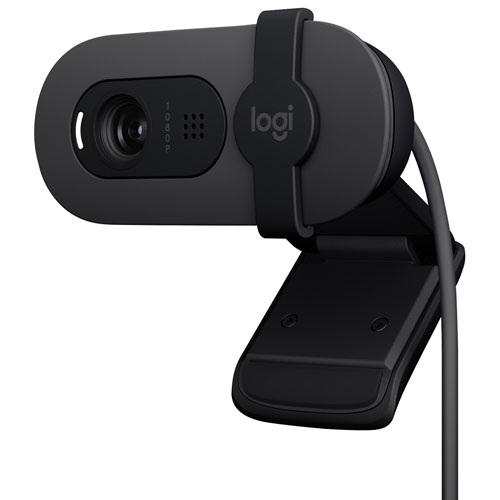
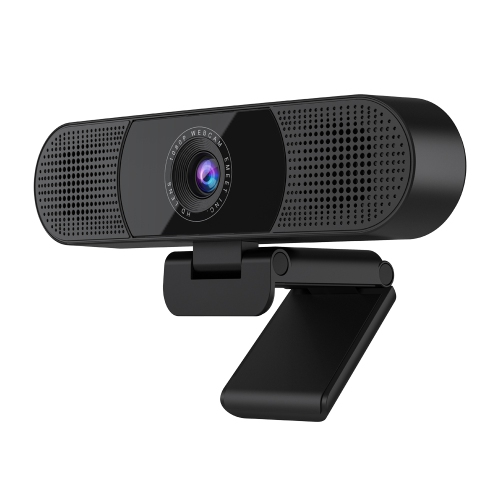
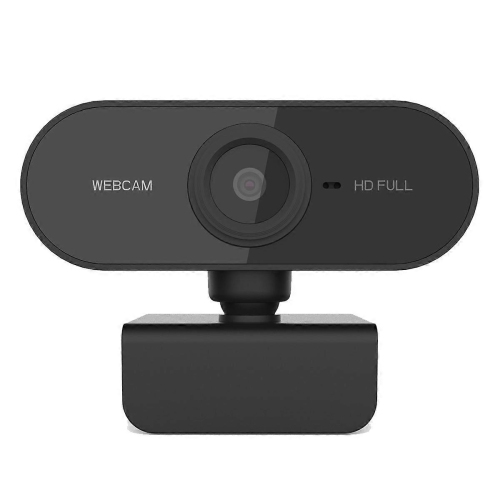
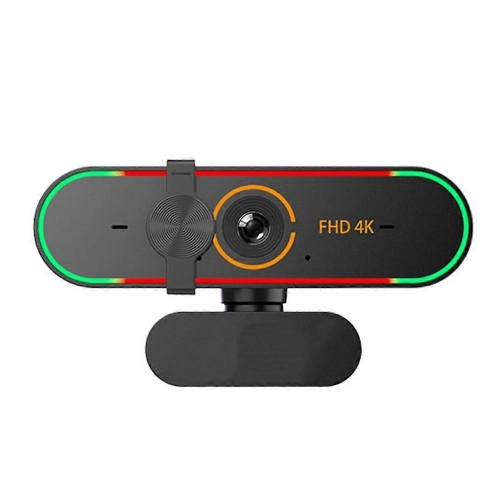
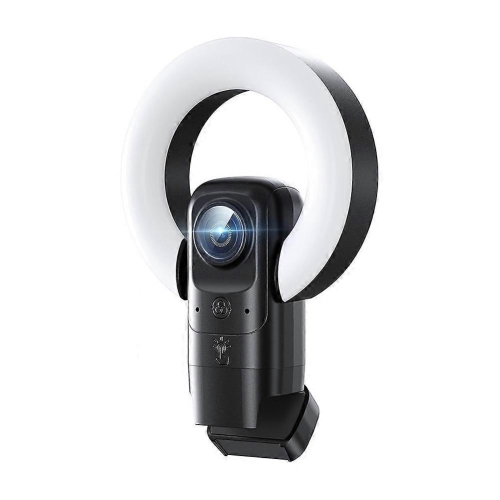
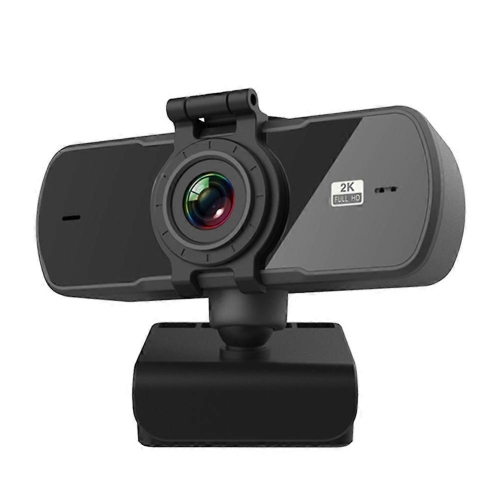
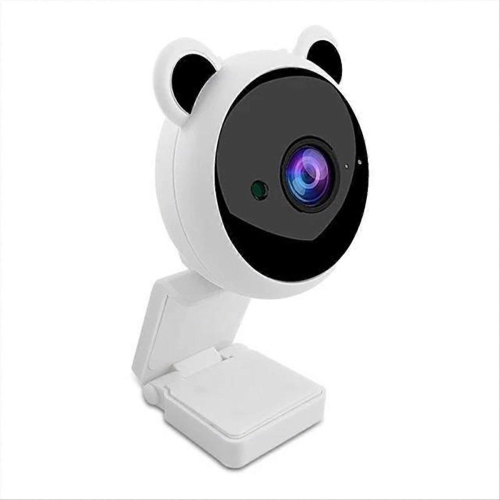
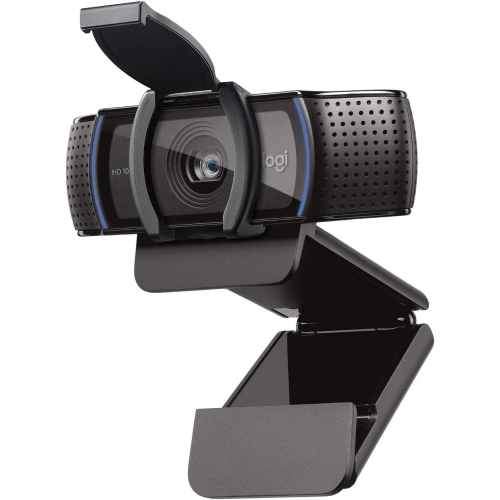
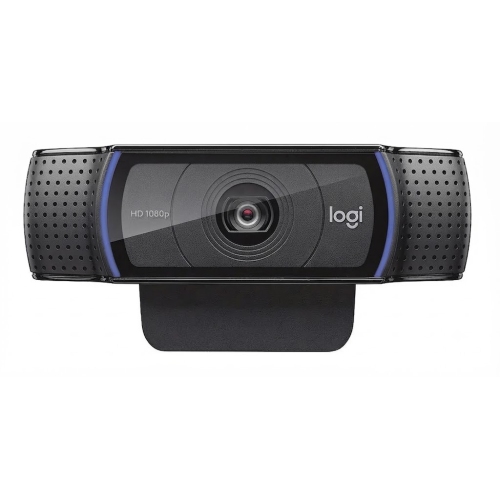
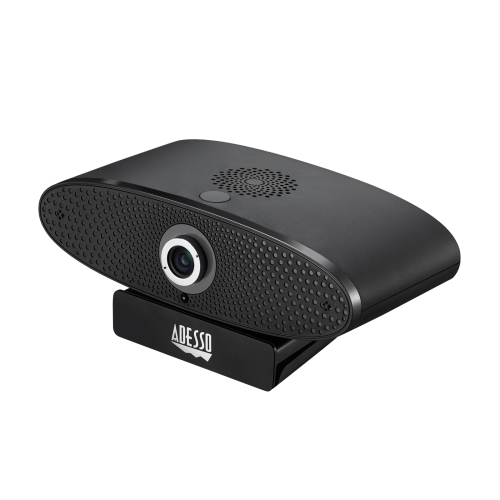
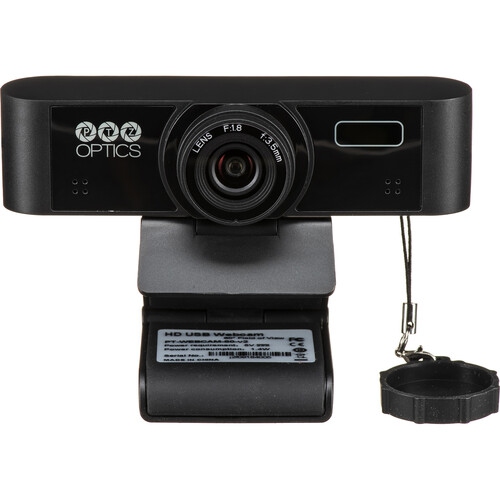
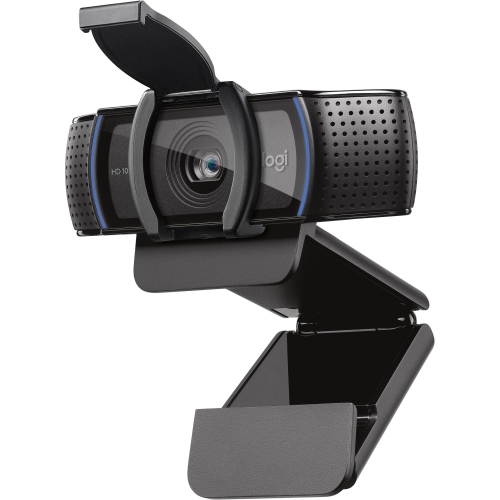
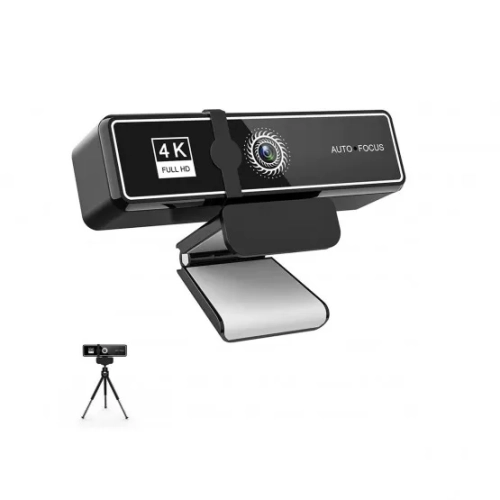
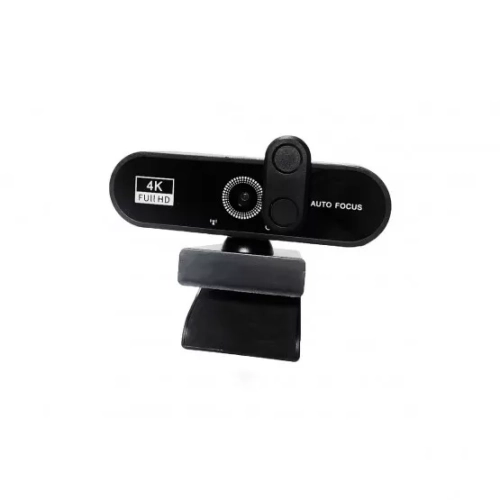
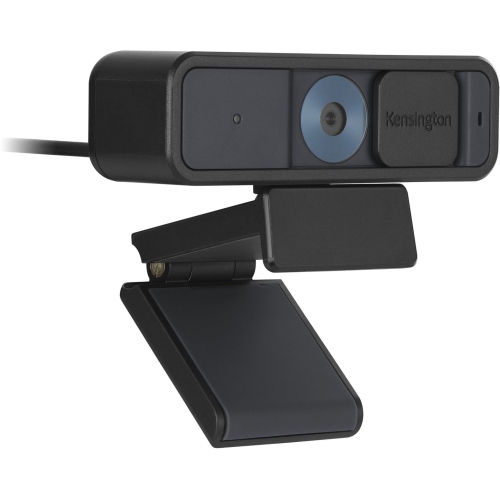
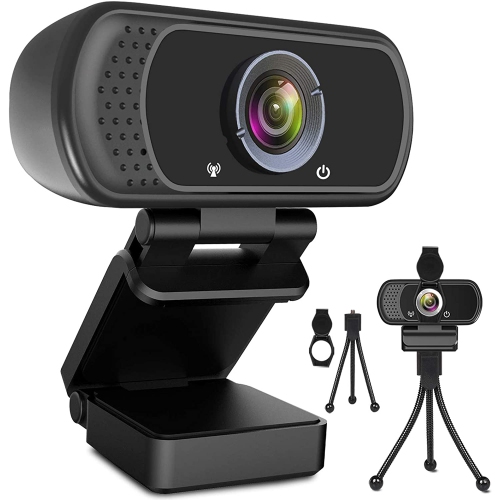
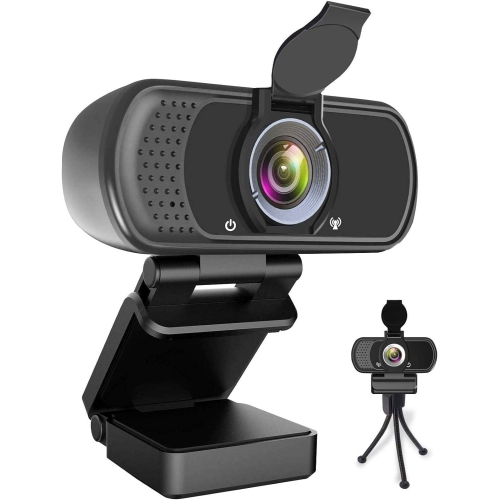
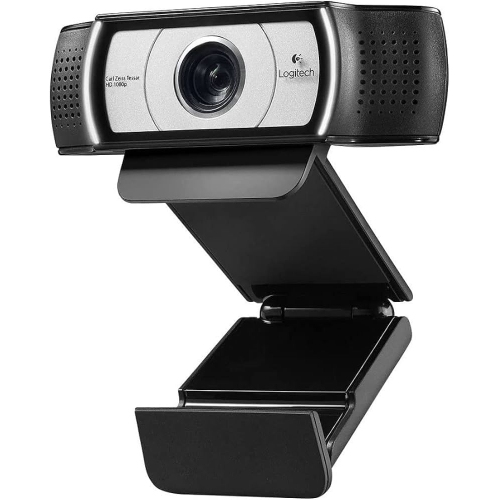
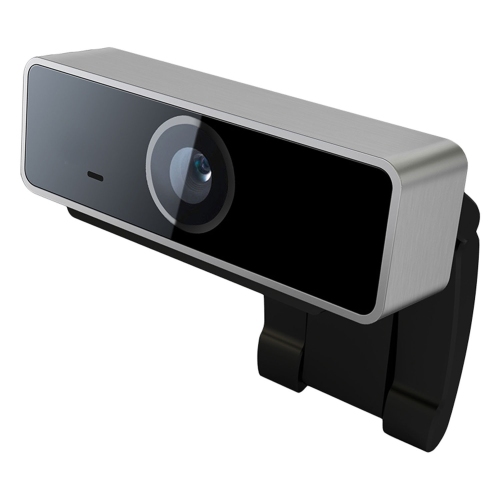
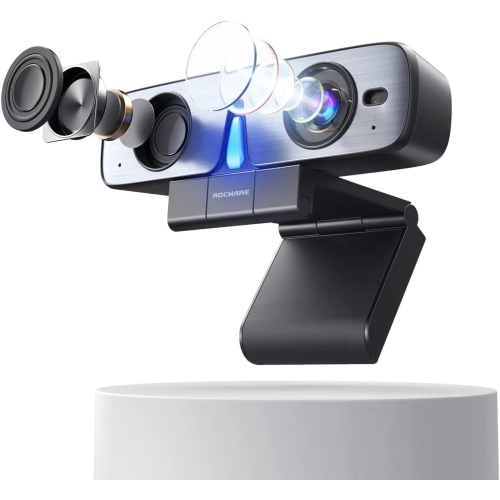
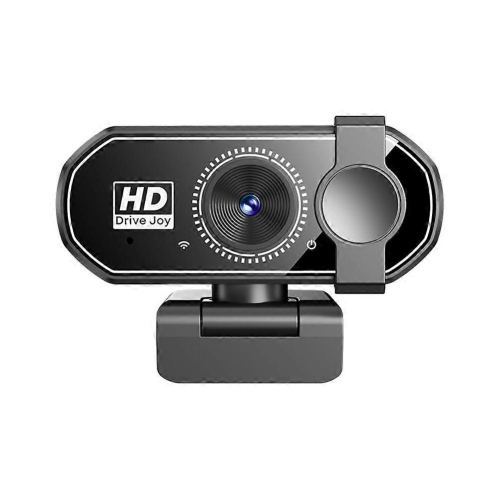
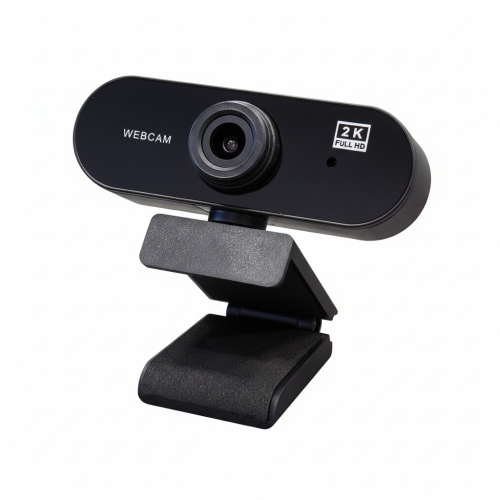
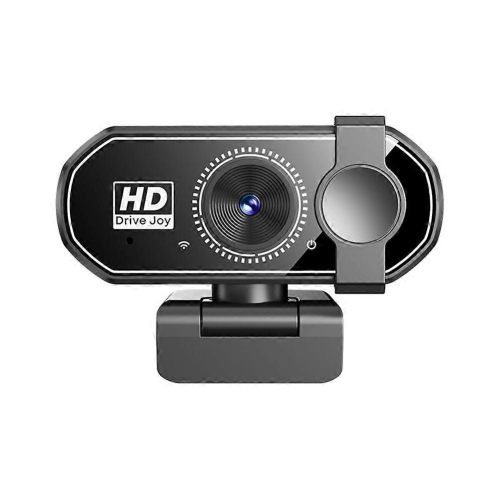
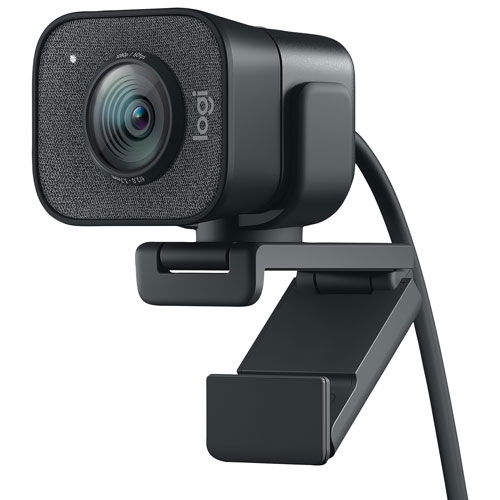
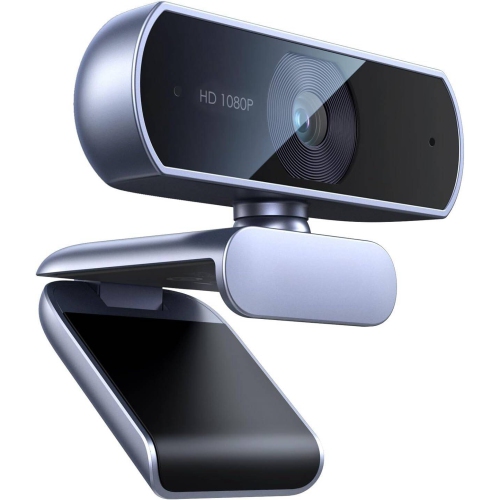
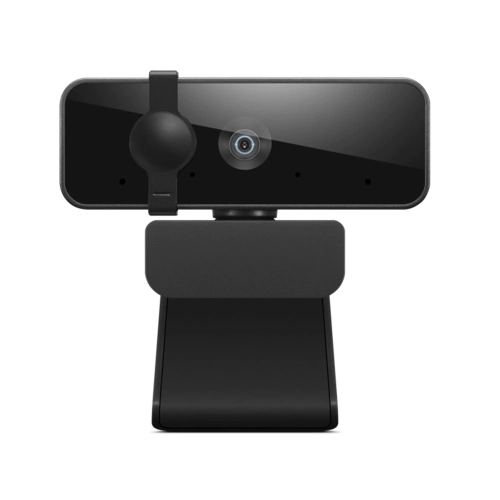
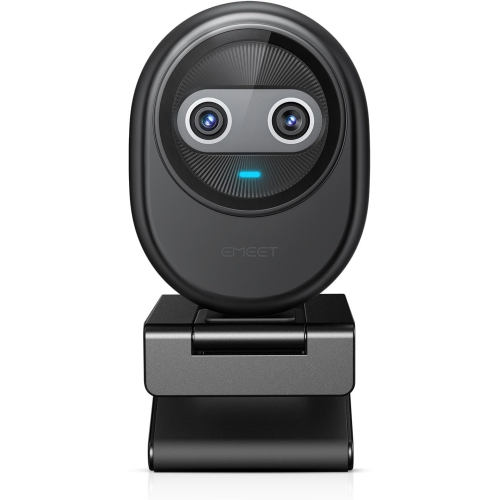
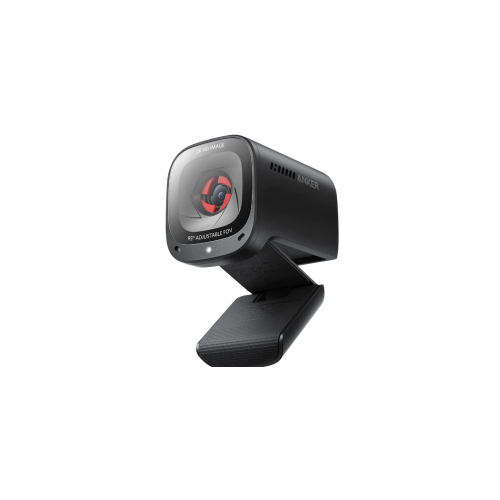
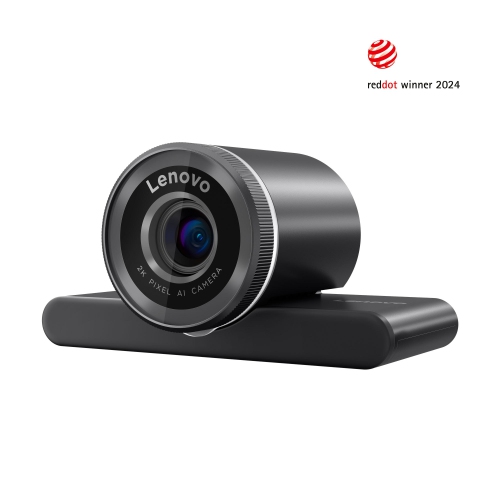
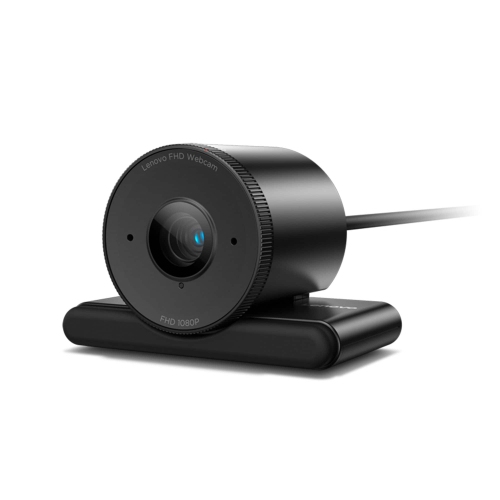
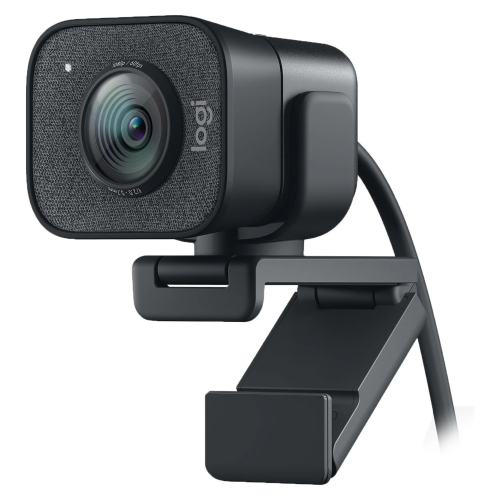
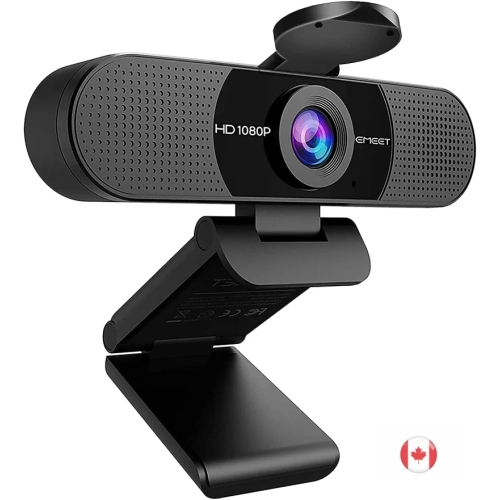
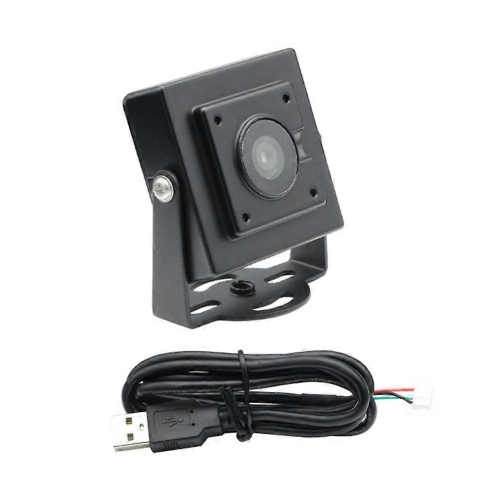
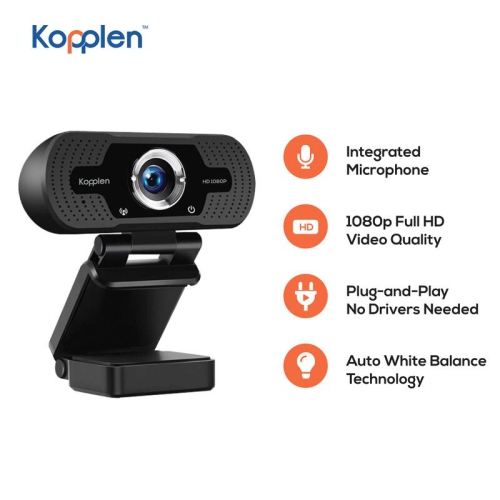
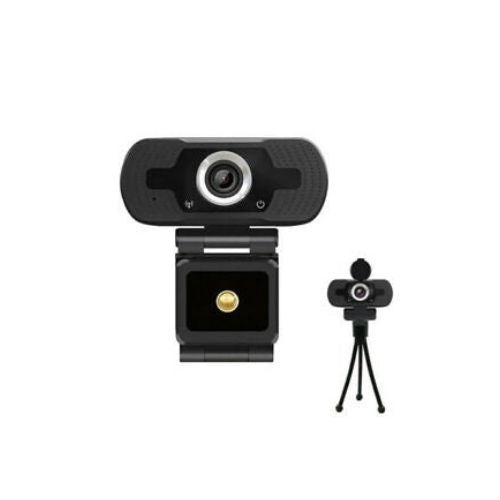
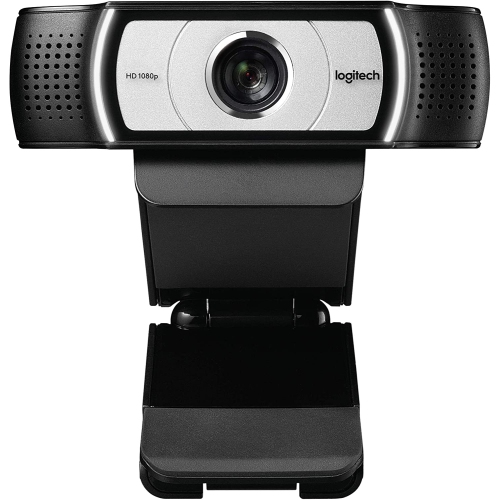
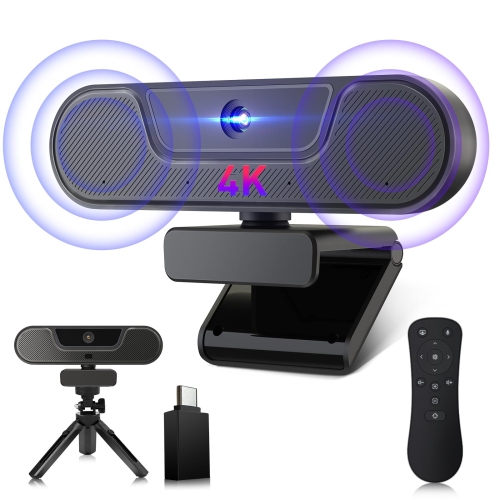
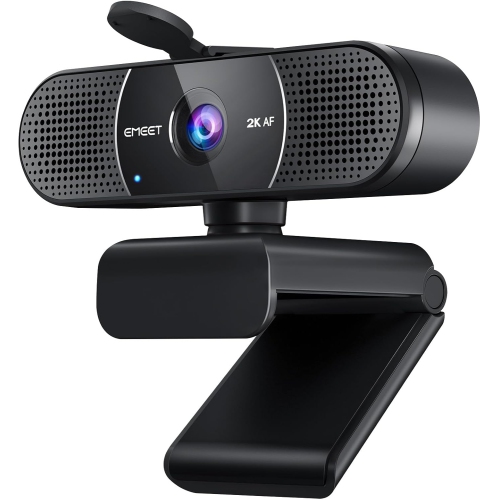
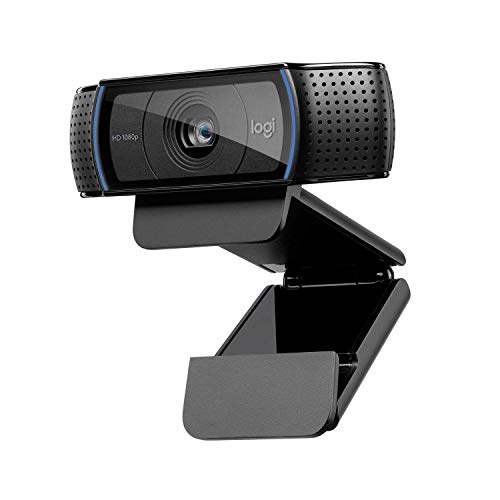
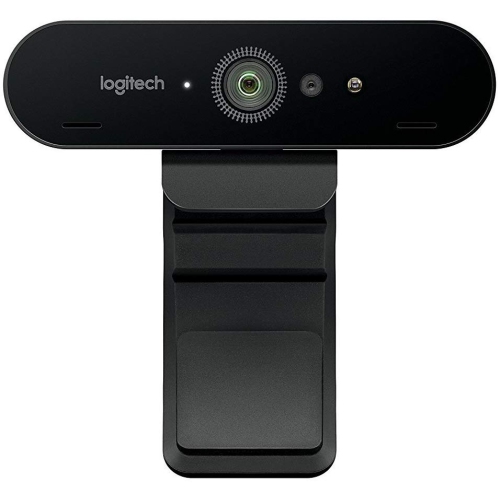
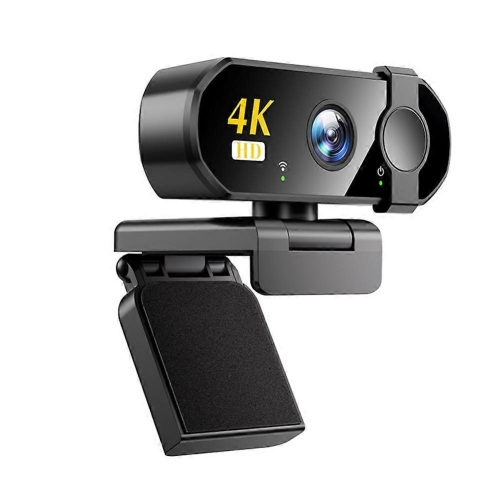
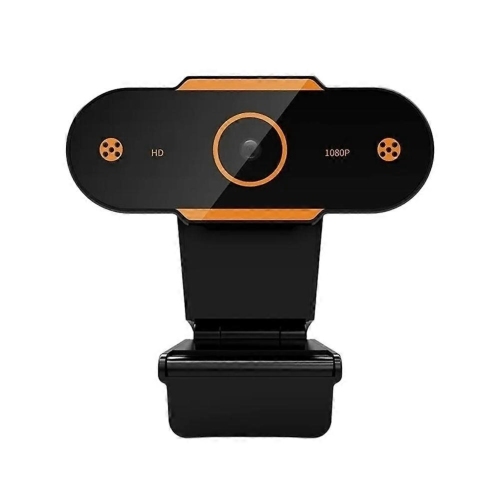
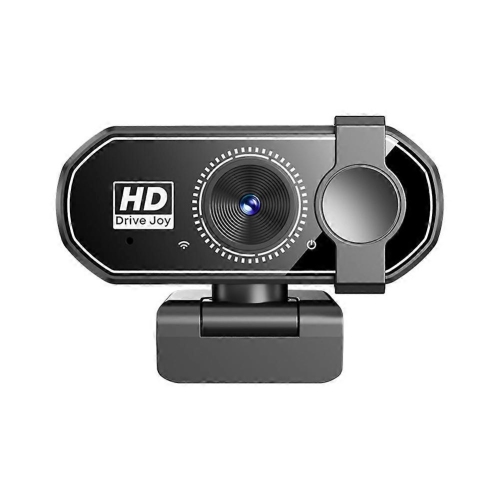
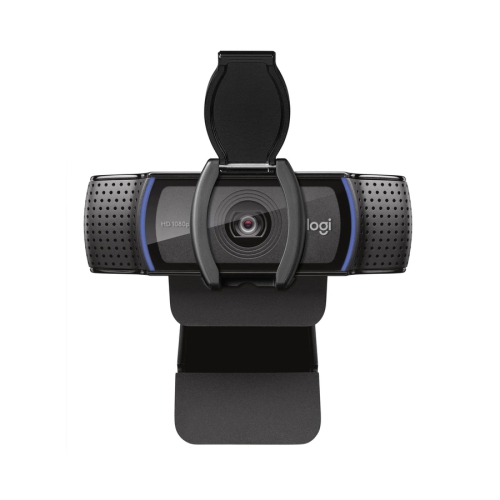
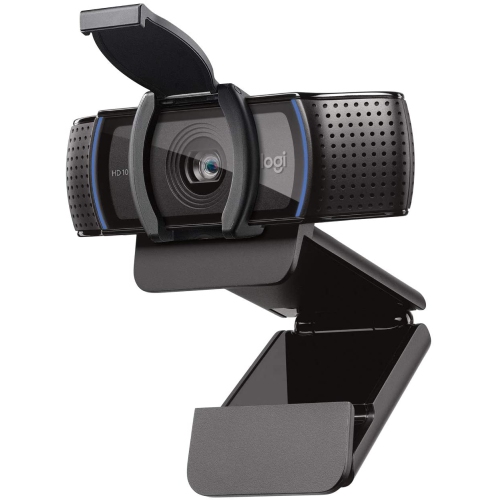
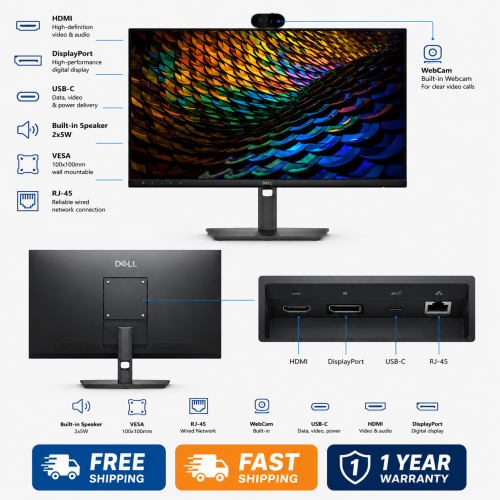
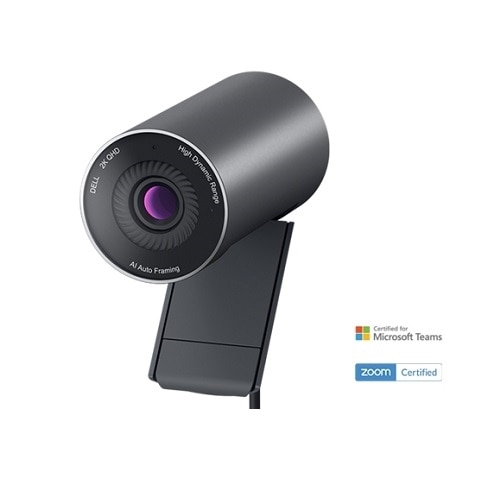
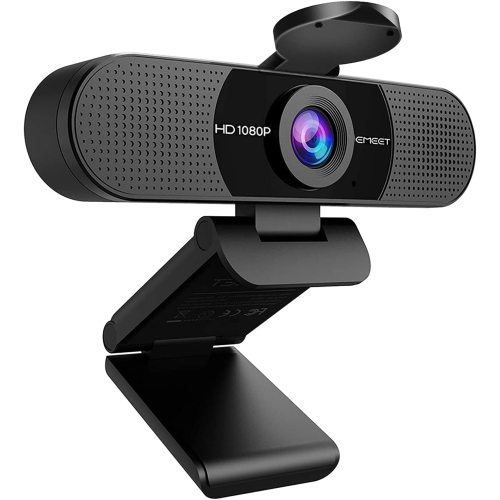
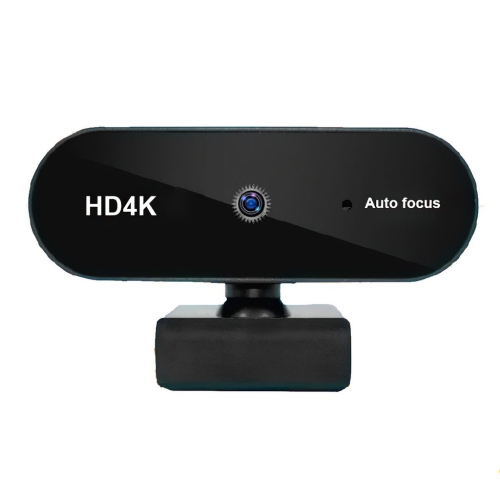
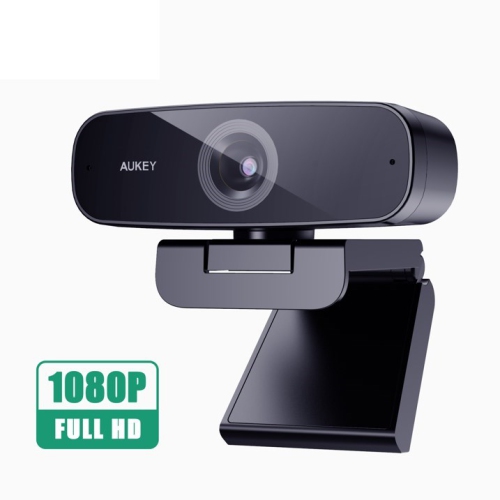
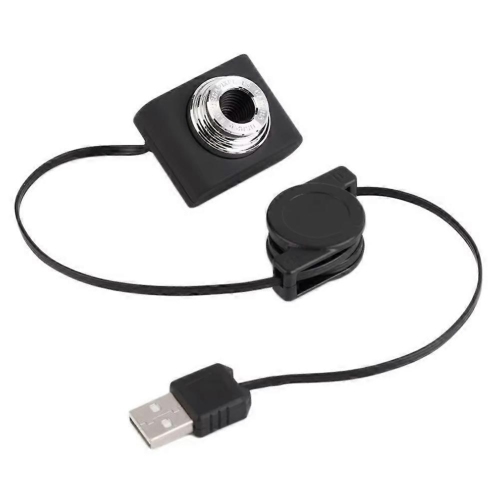
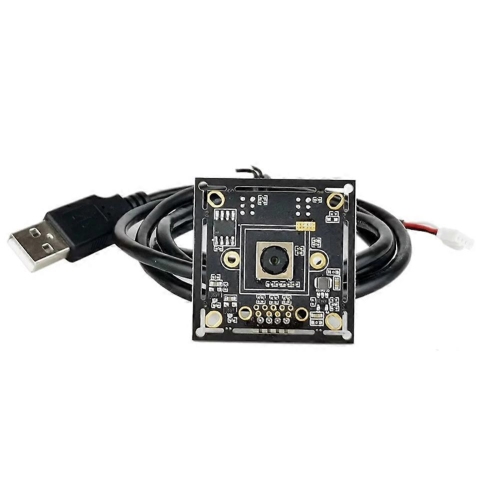
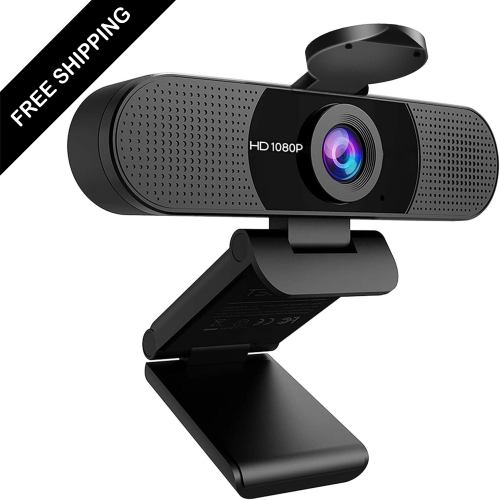
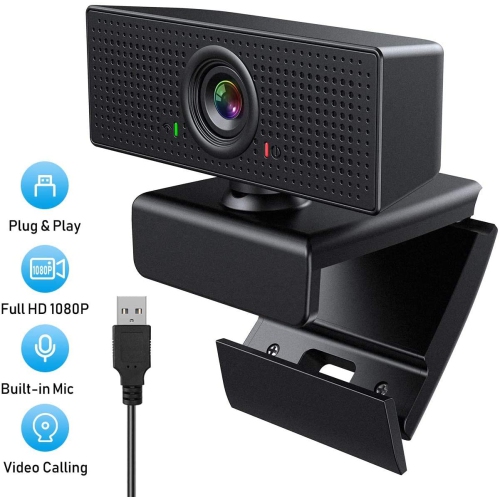
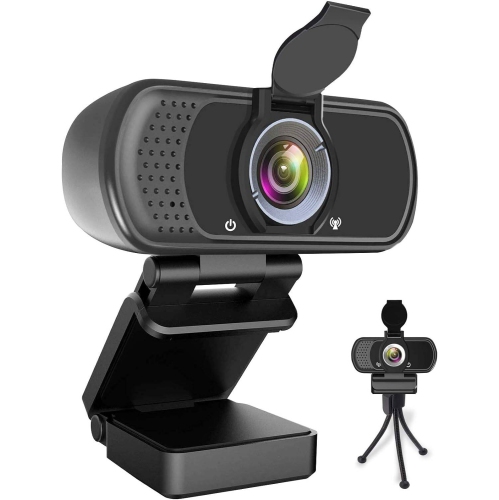
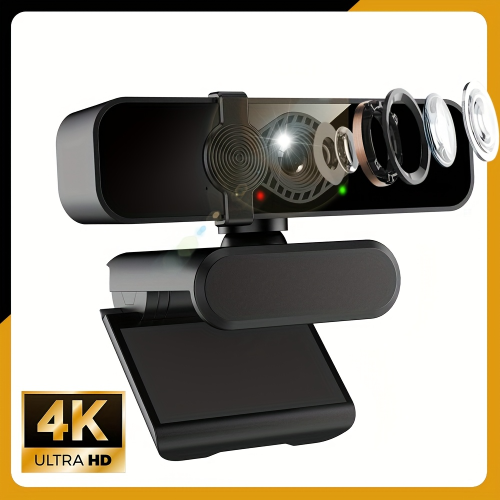
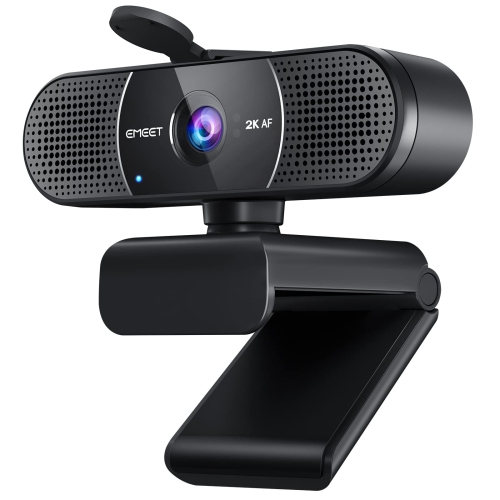
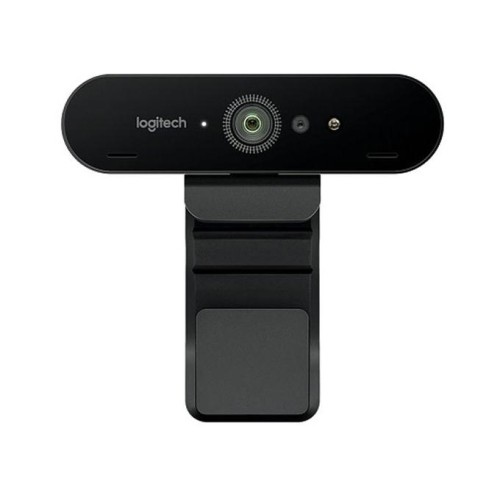
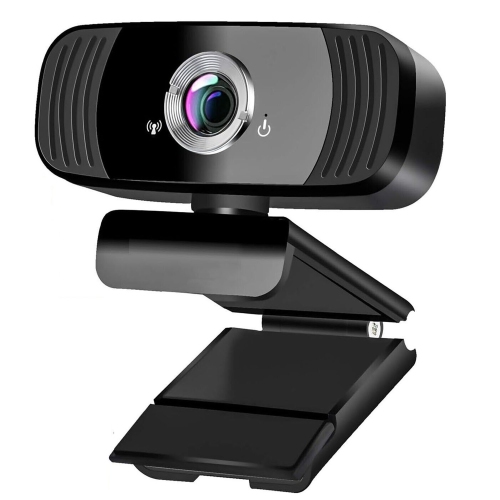
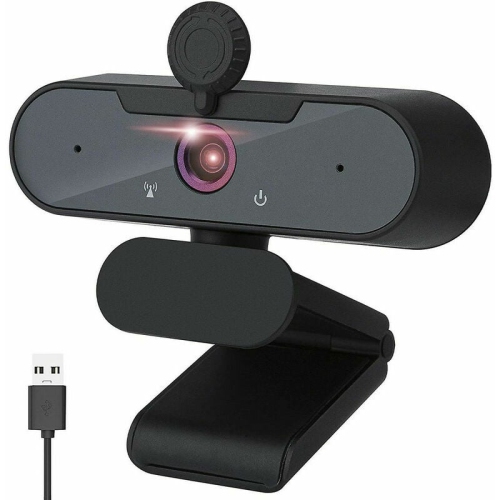
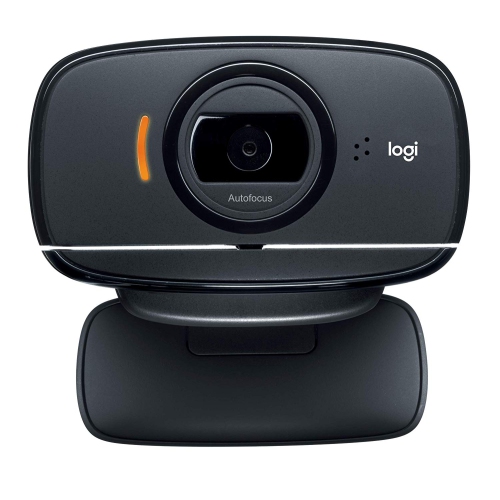
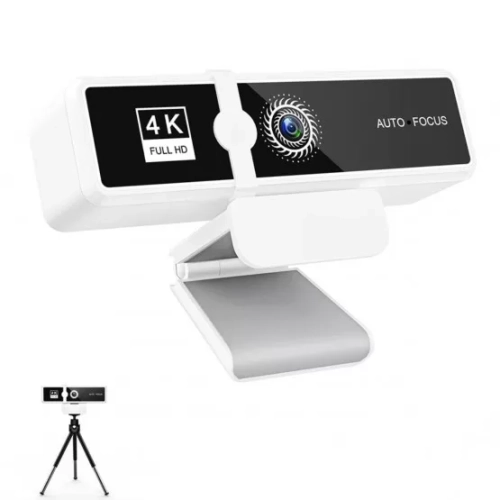
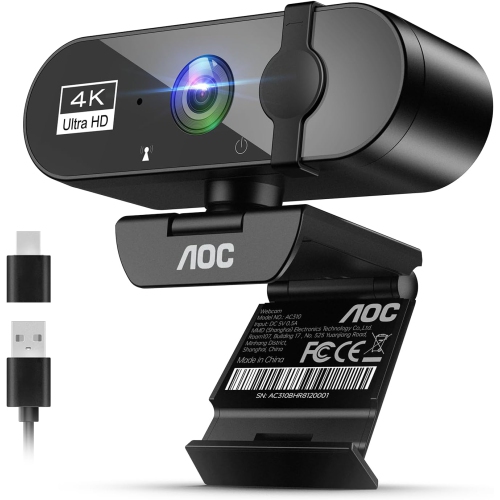
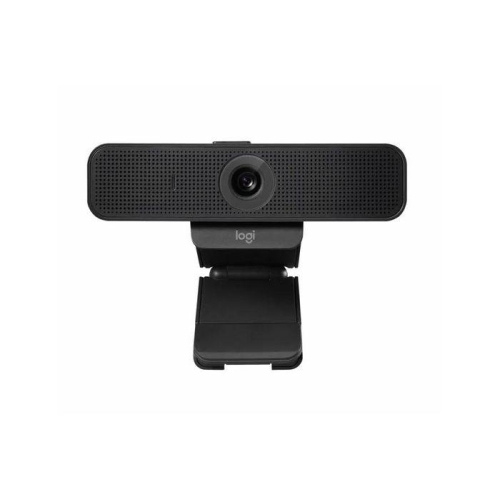
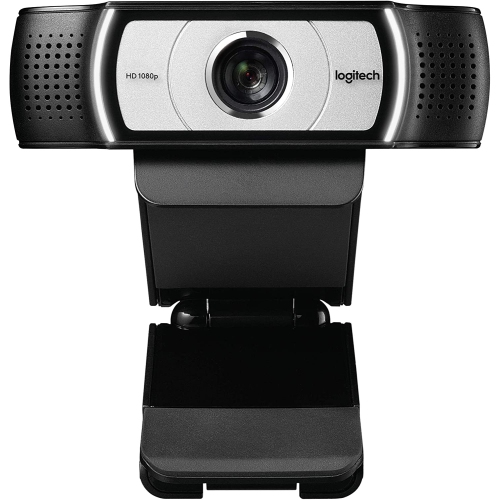
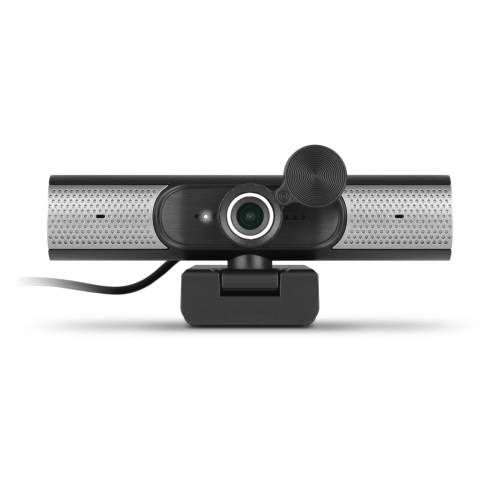
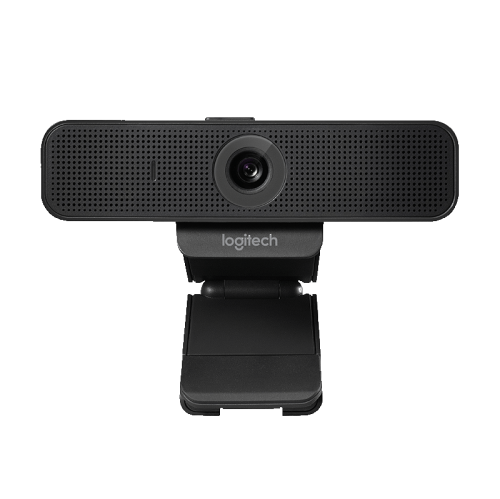
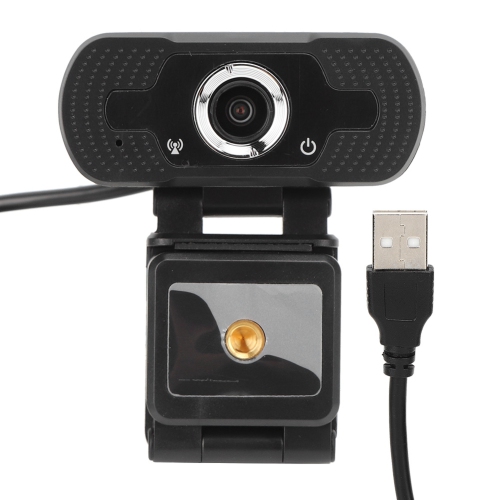
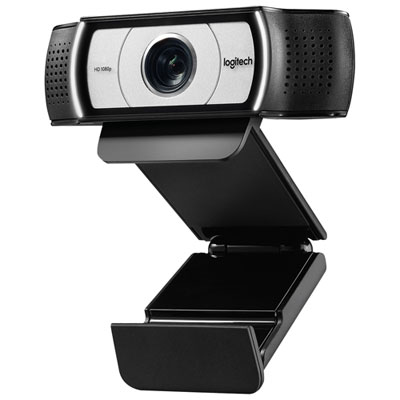
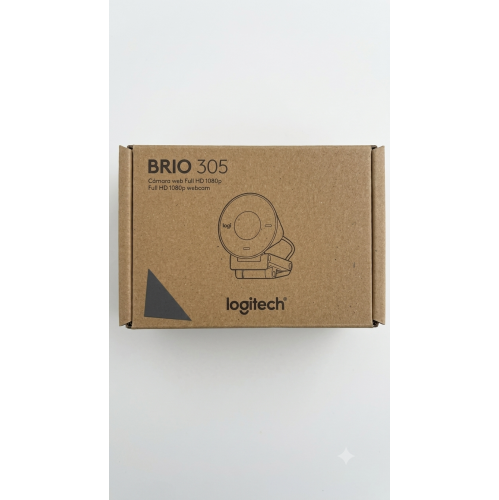
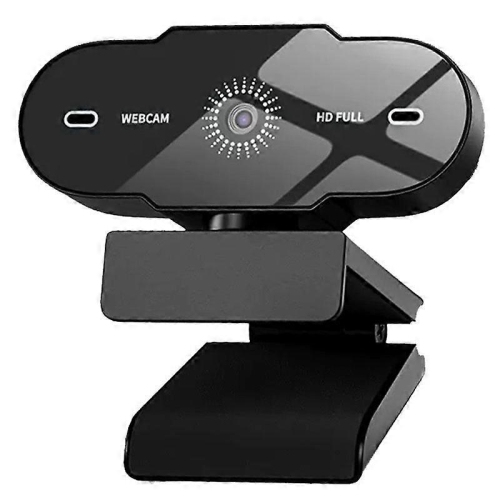
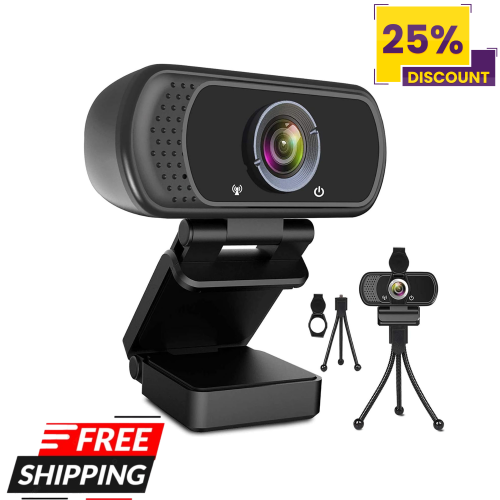
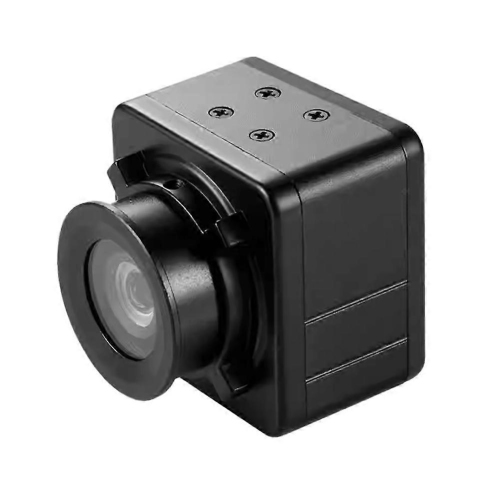
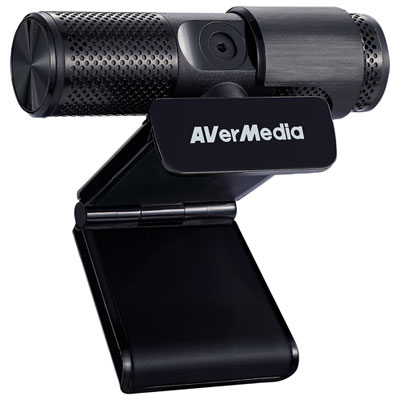
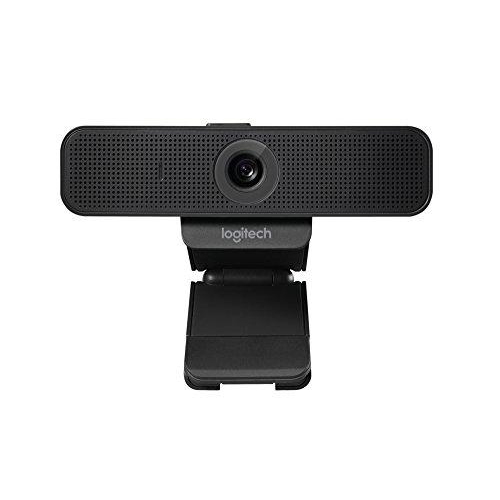
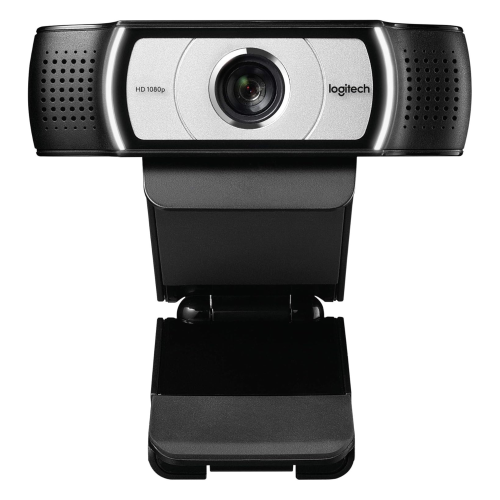
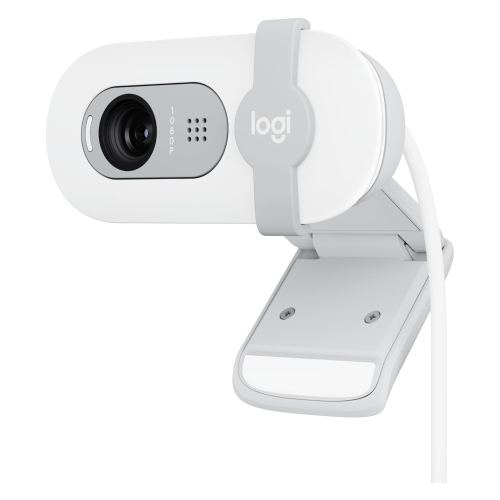
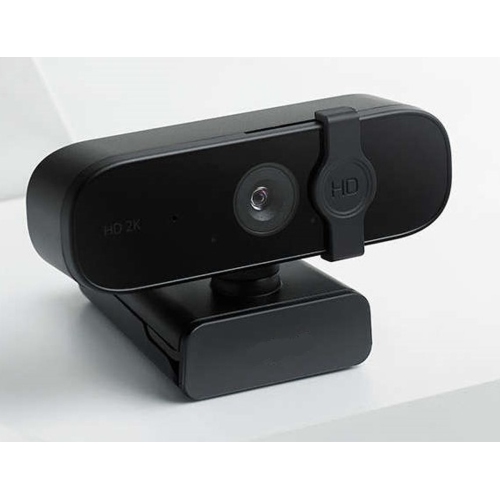
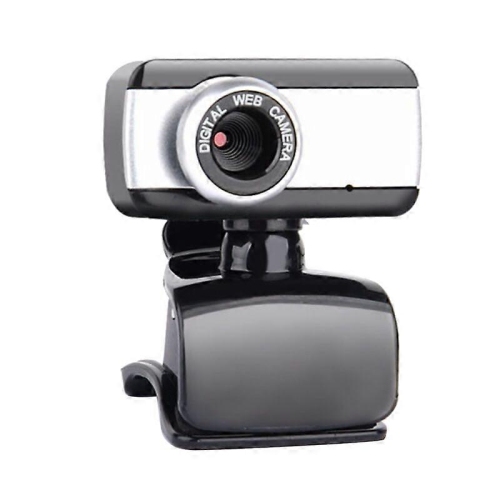
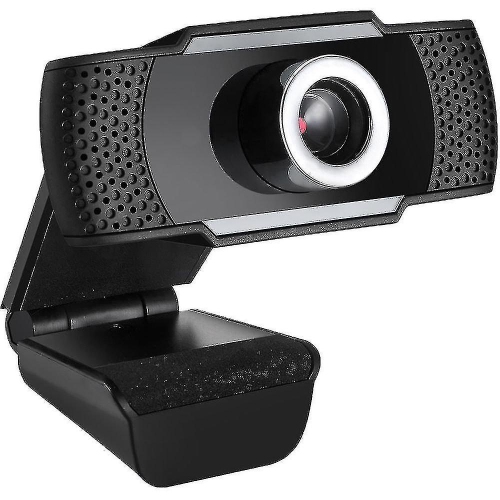
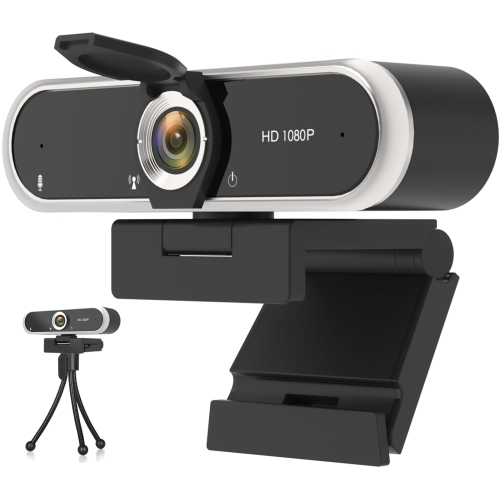
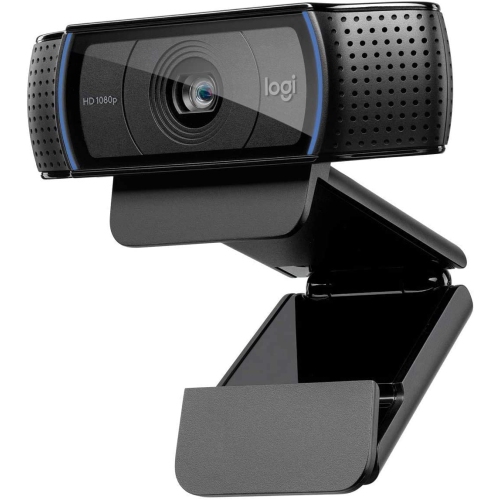
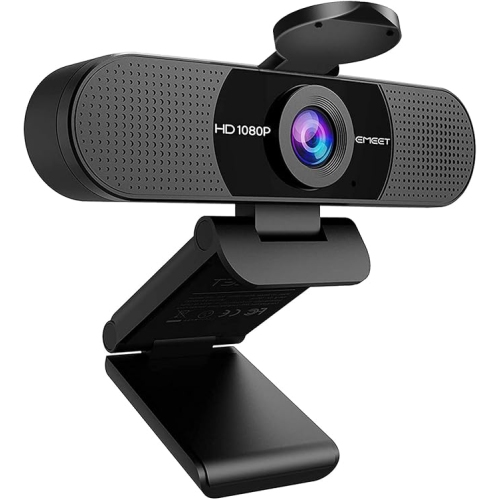
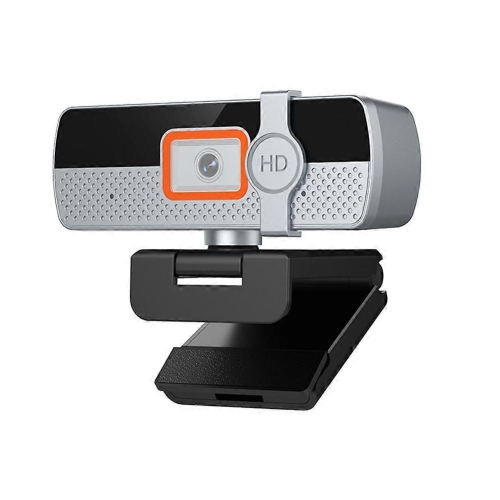
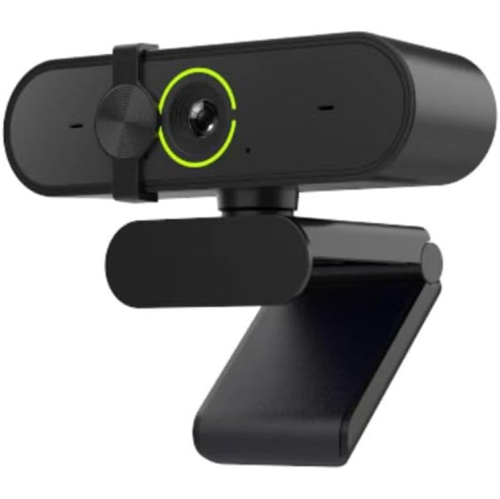
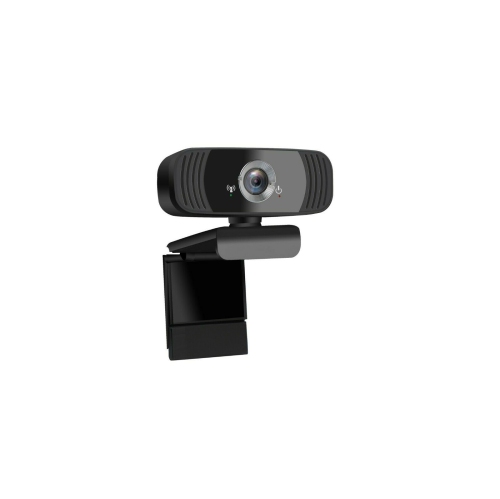
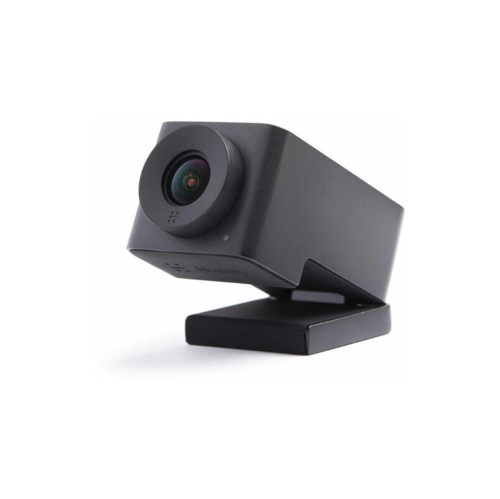
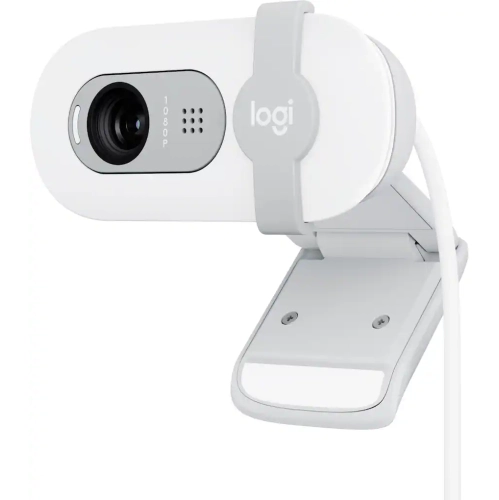
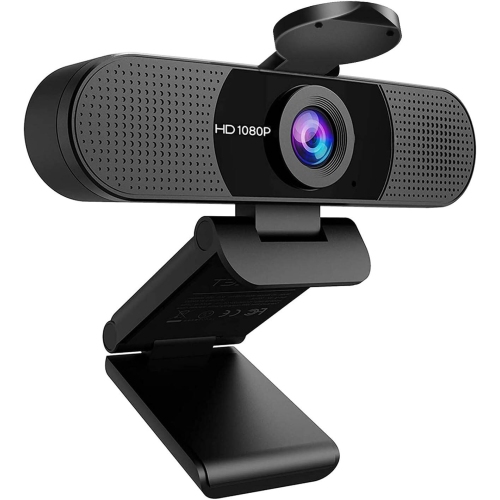
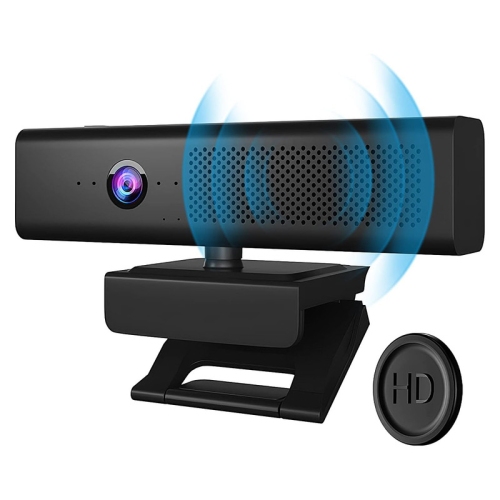
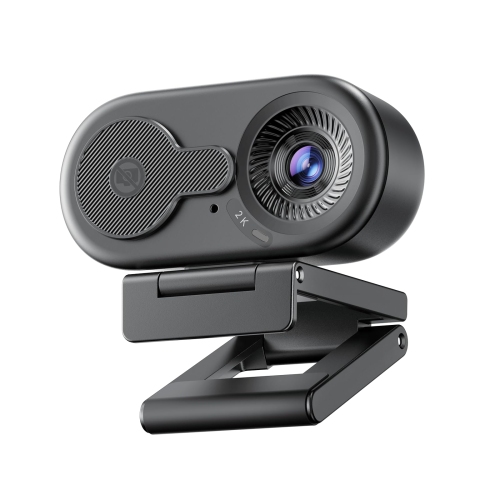
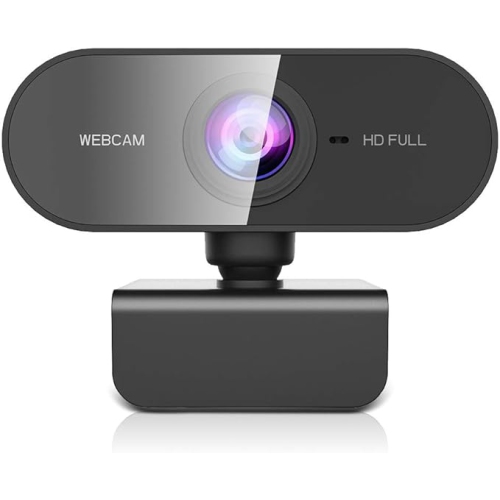
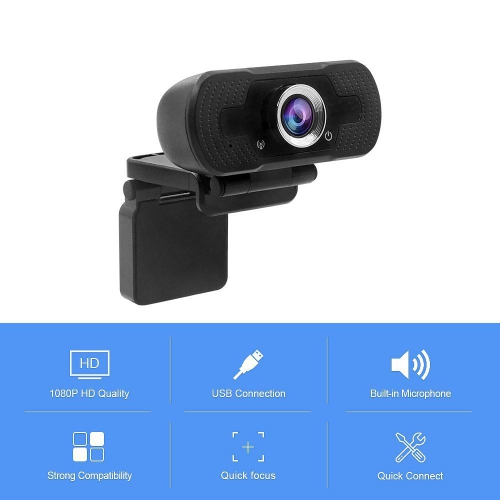
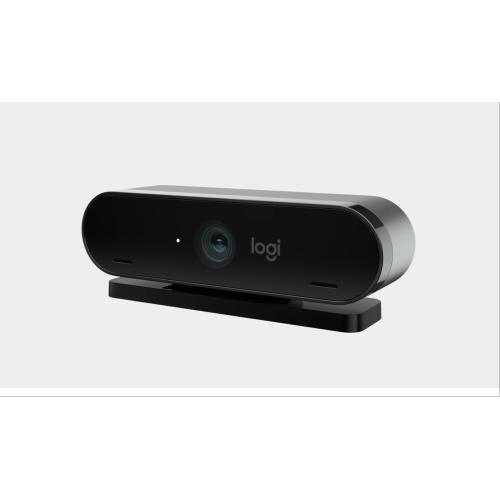
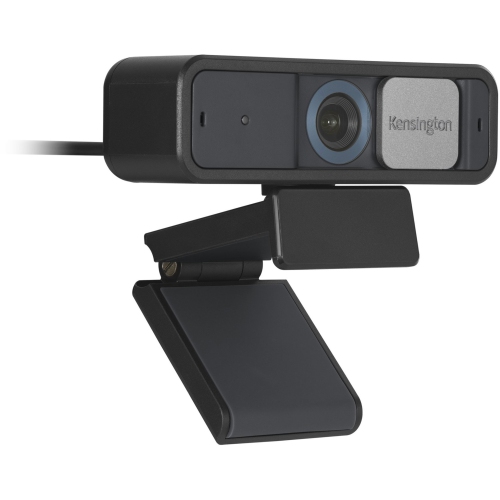
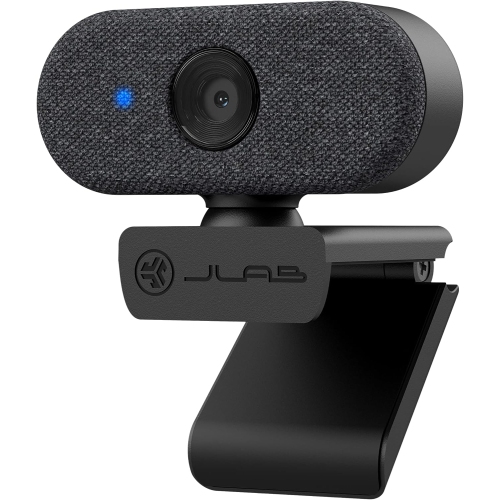
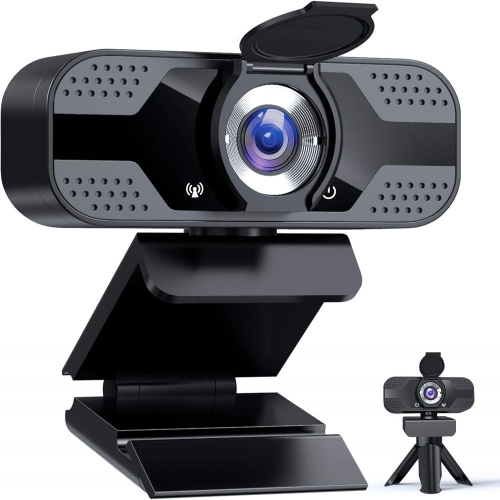
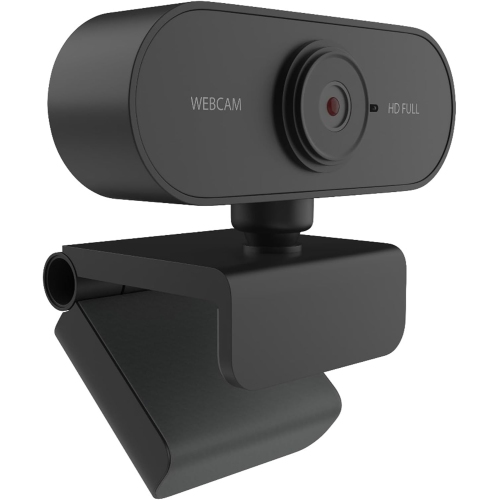
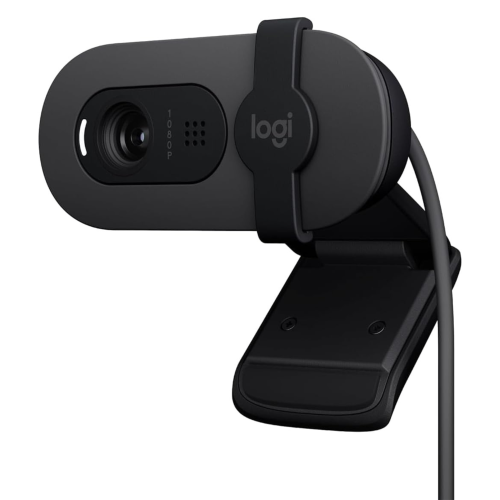
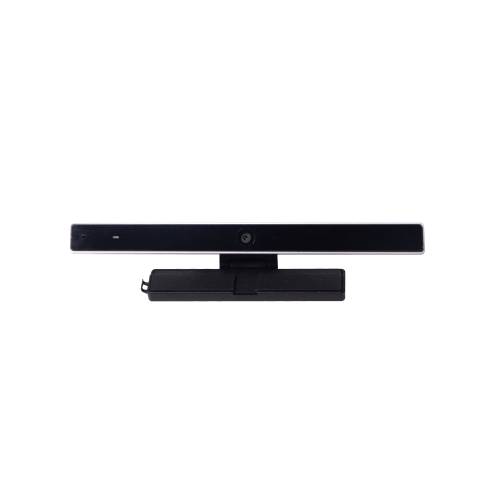
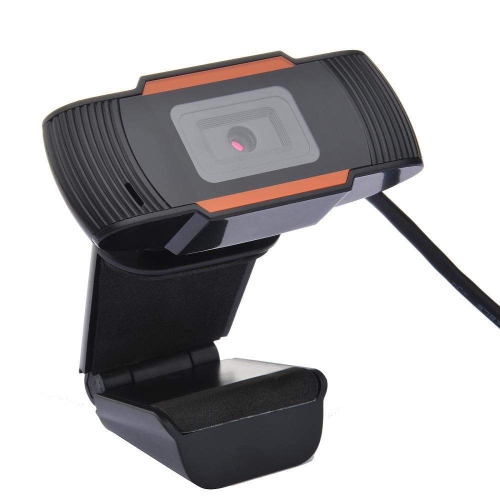
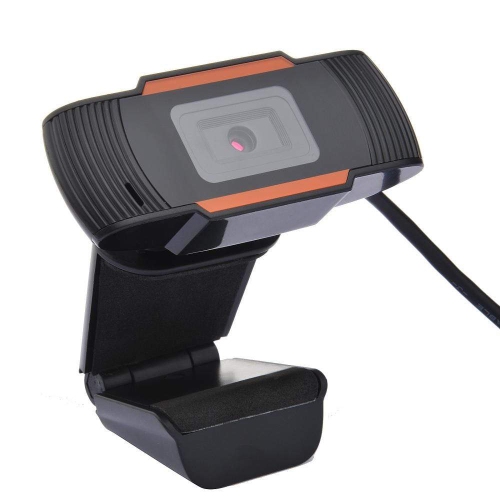
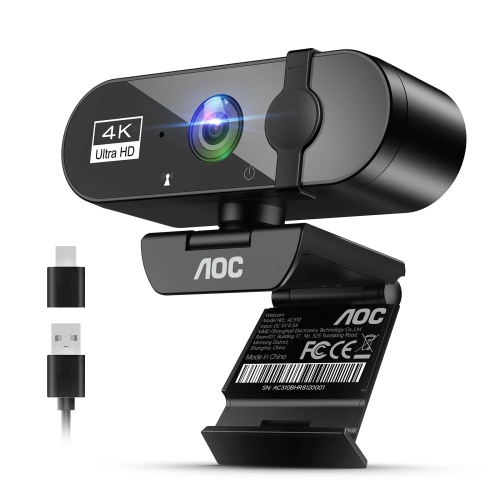
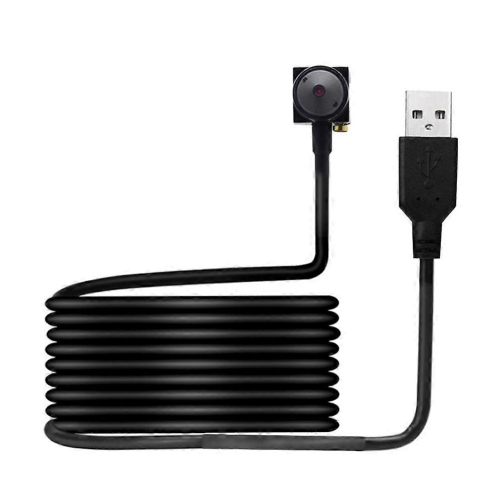
USB-C webcams make it easier to add a clear, dependable camera to a laptop, desktop computer, monitor, or home office setup. Because USB-C is now common on newer computers and accessories, these webcams can offer a straightforward connection with fewer adapters and a tidy appearance on a desk. Many models are designed for plug-and-play use, allowing you to connect the camera, select it in your video-conferencing software, and begin a call with minimal setup. They can be useful for remote employees, students attending virtual classes, families keeping in touch with relatives, and anyone who wants a more polished image than the built-in camera on a laptop can provide. A dedicated webcam can sit at eye level above a monitor, helping create a more natural perspective during meetings, interviews, presentations, and online appointments. It can also be a thoughtful gift for someone setting up a home office, starting a course, building a streaming station, or moving to a new computer with limited built-in camera features. For shoppers comparing USB-C webcams with other camera accessories, the selection of USB Video Conferencing Cameras can provide additional options for different desk arrangements and video needs. When choosing a webcam, begin by considering how and where it will be used. Full HD 1080p is well suited to everyday video calls, online learning, virtual interviews, and team meetings, while a higher frame rate can make movement look smoother when you are demonstrating a product, teaching an exercise, or presenting in front of a camera. A 4K webcam may be valuable for creators and presenters who want extra detail or need to crop and reframe footage while retaining a sharp image. Keep in mind that the quality you see also depends on your computer, internet connection, lighting, and the software used for the call.
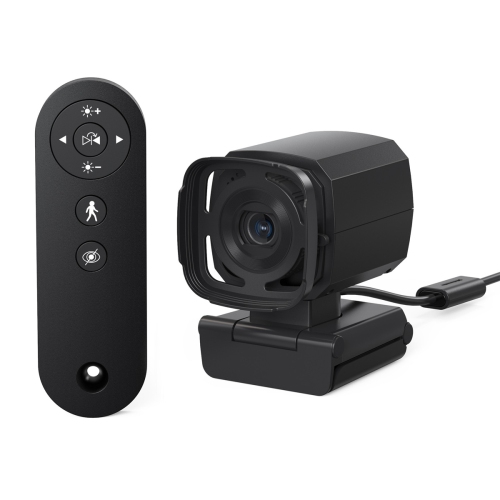
Image quality is shaped by more than resolution alone. Autofocus can help keep your face or an object in view when you move closer to the camera, while automatic exposure and light correction can balance an image when a bright window, desk lamp, or dim room makes conditions uneven. This is especially helpful in a home office where natural light changes throughout the day, or during the cooler months when a room may rely more heavily on indoor lighting. A wider field of view can include two people sitting together or show more of a workspace, whereas a narrower view can keep attention on one person and reduce distractions in the background. Some USB-C webcams offer adjustable framing, pan and tilt controls, or automatic tracking to help keep the subject centred during a presentation. These features can be handy for instructors, small-business owners, streamers, and anyone who moves around while speaking. HDR support may help preserve detail in scenes with both bright and dark areas, although a well-positioned light source still makes a noticeable difference. For a more flattering and consistent picture, place the camera near eye level and face a window or soft lamp rather than sitting with a bright light behind you. A monitor mount is convenient for everyday calls, while a standard tripod connection can provide more placement flexibility on a shelf, desk, or dedicated recording area. Check the included cable carefully before purchasing. Some computers provide USB-C ports only, while others include a mix of USB-C and USB-A connections, and an included adapter or compatible cable can make the difference between an easy setup and an extra accessory purchase.
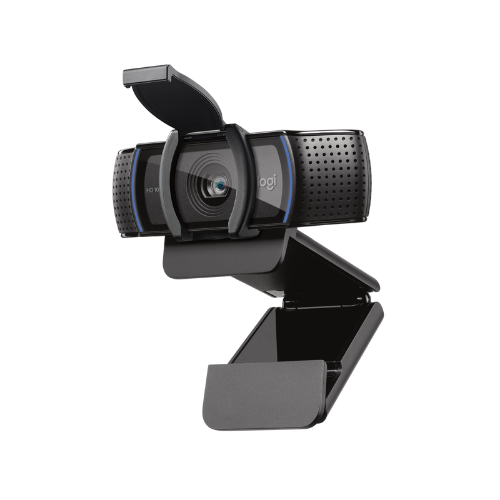
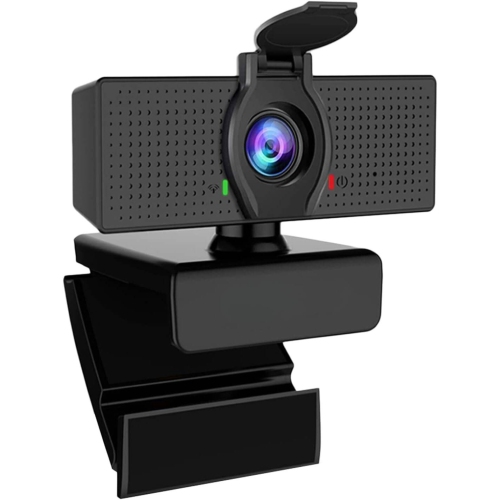
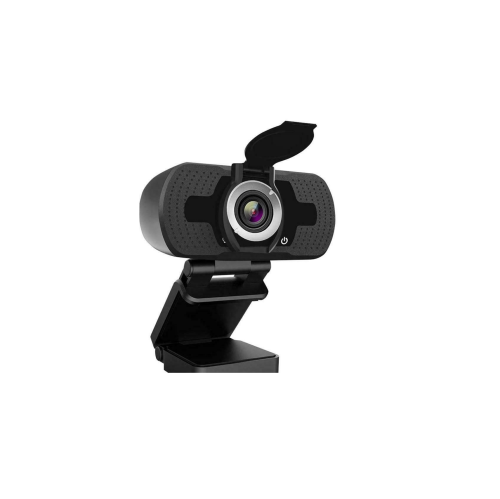
Sound deserves equal attention when comparing USB-C webcams. Many models include built-in microphones that are suitable for casual meetings, school calls, and conversations with friends or relatives. Noise reduction can help soften the sound of keyboard taps, fans, and other everyday distractions, though microphone performance varies with room acoustics and the distance between you and the camera. If clear, detailed audio is a priority for podcasting, professional presentations, live streaming, or frequent client calls, you may prefer to use a separate USB microphone, headset, or computer audio system. Some creator-focused webcams are designed with this in mind and concentrate on image quality rather than including a built-in microphone, so it is worth checking the specifications and planning the complete setup. Privacy is another practical consideration. A physical privacy shutter or removable lens cover provides a visible way to block the camera when it is not in use, which can be reassuring in a shared home, busy office, or student residence. Look for compatibility with the operating system and video software you use, as well as support for the resolution and frame rate you expect. A webcam that works with common meeting platforms can serve for work and personal calls, while software controls may add options for colour, brightness, white balance, zoom, and framing. USB-C webcams can remain useful well beyond a single project: they may support occasional family calls, regular remote work, online courses, creative recordings, and seasonal gatherings when friends or relatives are connecting from different places. Choosing the right balance of resolution, sound, privacy, mounting options, and connection type helps ensure the camera feels natural in everyday use rather than becoming another accessory left in a drawer.
Image quality is shaped by more than resolution alone. Autofocus can help keep your face or an object in view when you move closer to the camera, while automatic exposure and light correction can balance an image when a bright window, desk lamp, or dim room makes conditions uneven. This is especially helpful in a home office where natural light changes throughout the day, or during the cooler months when a room may rely more heavily on indoor lighting. A wider field of view can include two people sitting together or show more of a workspace, whereas a narrower view can keep attention on one person and reduce distractions in the background. Some USB-C webcams offer adjustable framing, pan and tilt controls, or automatic tracking to help keep the subject centred during a presentation. These features can be handy for instructors, small-business owners, streamers, and anyone who moves around while speaking. HDR support may help preserve detail in scenes with both bright and dark areas, although a well-positioned light source still makes a noticeable difference. For a more flattering and consistent picture, place the camera near eye level and face a window or soft lamp rather than sitting with a bright light behind you. A monitor mount is convenient for everyday calls, while a standard tripod connection can provide more placement flexibility on a shelf, desk, or dedicated recording area. Check the included cable carefully before purchasing. Some computers provide USB-C ports only, while others include a mix of USB-C and USB-A connections, and an included adapter or compatible cable can make the difference between an easy setup and an extra accessory purchase.
Sound deserves equal attention when comparing USB-C webcams. Many models include built-in microphones that are suitable for casual meetings, school calls, and conversations with friends or relatives. Noise reduction can help soften the sound of keyboard taps, fans, and other everyday distractions, though microphone performance varies with room acoustics and the distance between you and the camera. If clear, detailed audio is a priority for podcasting, professional presentations, live streaming, or frequent client calls, you may prefer to use a separate USB microphone, headset, or computer audio system. Some creator-focused webcams are designed with this in mind and concentrate on image quality rather than including a built-in microphone, so it is worth checking the specifications and planning the complete setup. Privacy is another practical consideration. A physical privacy shutter or removable lens cover provides a visible way to block the camera when it is not in use, which can be reassuring in a shared home, busy office, or student residence. Look for compatibility with the operating system and video software you use, as well as support for the resolution and frame rate you expect. A webcam that works with common meeting platforms can serve for work and personal calls, while software controls may add options for colour, brightness, white balance, zoom, and framing. USB-C webcams can remain useful well beyond a single project: they may support occasional family calls, regular remote work, online courses, creative recordings, and seasonal gatherings when friends or relatives are connecting from different places. Choosing the right balance of resolution, sound, privacy, mounting options, and connection type helps ensure the camera feels natural in everyday use rather than becoming another accessory left in a drawer.
Top selling and popular products
-
 Your price for this item is $79.99
 -
 Your price for this item is $123.44
 -
 Your price for this item is $39.99
 -
 Your price for this item is $48.49
 -
 Your price for this item is $149.99
 -
 Your price for this item is $249.99
 -
 Your price for this item is $49.99
 -
 Your price for this item is $34.99
Discover more categories related to USB C Webcams
Top Collections:
Pokemon Centers, Kindle Devices, Best Cameras for Sports Photography, Pokémon 30th Celebration Cards, Apple iPhones 16, Canon G7X Cameras, iPhone 15 Apple, Flip Phones, Samsung Galaxy Phones, Alarm Clock
Some products may be subject to Environmental Handling Fees
(EHF) depending on your province.
Learn more about EHFs.