Wi-Fi 6 Extenders
Elevate your internet experience with WiFi 6 extenders, the perfect solution for expanding your network's reach and ensuring seamless connectivity throughout your home or office. As the latest advancement in wireless technology, WiFi 6 extenders are designed to handle more devices with improved efficiency, making them ideal for busy households or workspaces where reliable internet access is essential. Whether you're streaming, gaming, or working remotely, these extenders help eliminate dead zones and provide a strong, consistent signal across multiple rooms. Explore our selection to find the right WiFi 6 extender that fits your needs and keeps you connected effortlessly.
Sort
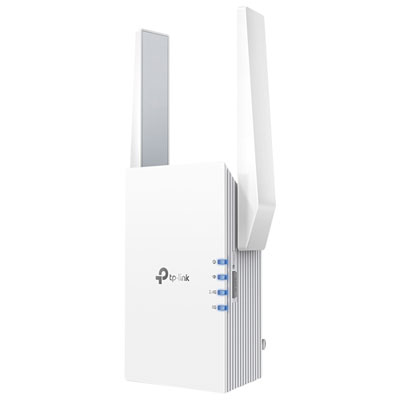
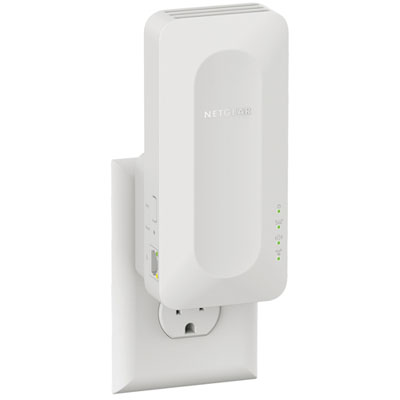
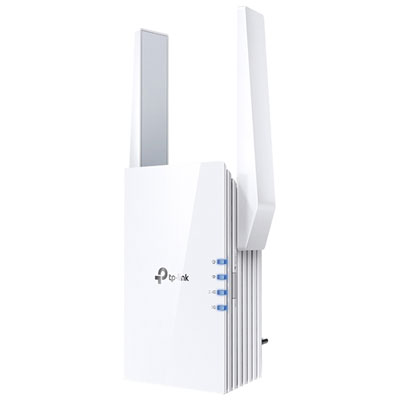
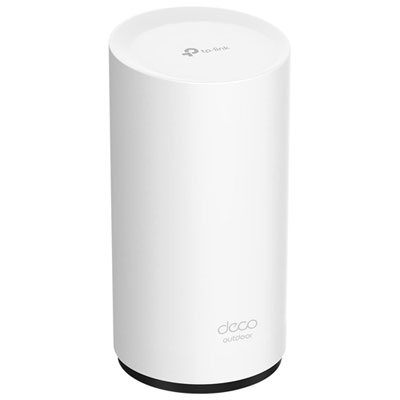
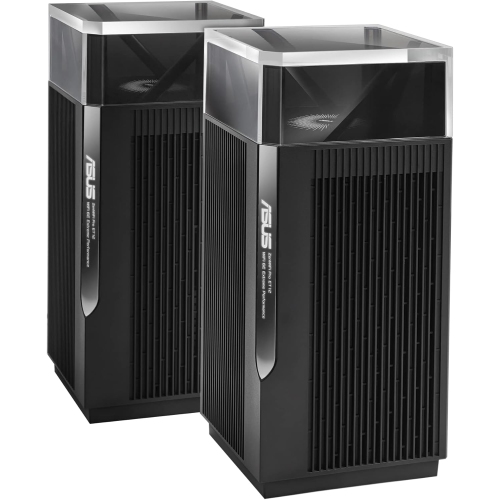

Reliable coverage for hard-to-reach rooms across your home
Wi-Fi 6 Extenders are designed to help extend the reach of an existing wireless network into rooms where the signal is weak, inconsistent, or unable to keep up with everyday demands. Built around Wi-Fi 6, also known as 802.11ax, these devices can provide improved efficiency, lower latency, and better performance when several devices share the same connection. They work with a compatible router to repeat or extend its wireless signal, helping bring coverage to bedrooms, home offices, basements, garages, and other areas that may sit beyond the strongest part of the network. This can be especially useful in homes with thick walls, multiple floors, long hallways, or layouts where the router must be placed away from the centre of the home. A Wi-Fi 6 extender may also help smooth out common trouble spots, such as a smart TV that pauses during streaming, a video call that drops when someone moves to another room, or a game console that struggles with an unstable connection. While an extender cannot create internet speed beyond what your service and router can provide, choosing a model with suitable Wi-Fi 6 capabilities can help make better use of the connection you already have. Many models support dual-band operation, using both 2.4 GHz and 5 GHz bands to balance range and speed. The 2.4 GHz band generally travels farther and passes through obstacles more easily, while the 5 GHz band can offer faster throughput at shorter distances. Wi-Fi 6 technology also includes features intended to manage busy networks more effectively, making it a practical choice for households with phones, laptops, streaming devices, printers, security cameras, smart home products, and connected appliances online at the same time.
Placement is one of the most important factors when setting up a Wi-Fi 6 Extender. An extender should be positioned within a reasonably strong signal from the router, rather than in the room where the connection has already disappeared. A landing, hallway, open living area, or nearby room can often provide a useful balance between receiving the router’s signal and sending it onward. Most models include setup indicators or a mobile app that can help identify a suitable location, and it is worth trying a few nearby outlets if the first position does not deliver the expected improvement. Keep the unit away from large appliances, enclosed cabinets, dense furniture, and sources of wireless interference whenever possible. Shifting it only a few feet can sometimes make a noticeable difference. Before choosing a model, check whether it is compatible with your current router and whether it supports features that matter to your home network. Some extenders can use the same network name and password as the router, allowing devices to reconnect more naturally as you move around the home. Others may create a separate extended network, which can make it easier to tell whether a device is connected to the router or extender. If your router supports a compatible mesh platform, look for an extender that can join that system and support features such as smoother roaming and centralized management. A Gigabit Ethernet port can also be useful for connecting a television, desktop computer, printer, game console, or other wired device in a room where running a cable all the way back to the router would be inconvenient. For the strongest possible connection between access points, a wired Ethernet connection may be preferable when the home’s layout makes cabling practical. Shoppers comparing options may also wish to explore Wi-Fi 6 Access Points, which are a different type of network hardware that typically connect to a wired network and create wireless coverage from that location.
The right Wi-Fi 6 Extender depends on the size and construction of the space, the location of the router, the internet plan, and the number and type of connected devices. A compact wall-plug design can be convenient for an apartment, condo, dorm room, or smaller home, while a model with more powerful antennas or broader coverage may be better suited to a multi-level house or a busy family network. Pay attention to the manufacturer’s advertised wireless speeds, but treat those figures as maximum theoretical rates rather than guaranteed real-world performance. Walls, distance, network traffic, device capability, and the router’s own specifications all affect results. It is also helpful to consider whether your devices support Wi-Fi 6; newer phones, laptops, tablets, streaming players, and gaming hardware may take greater advantage of its efficiency features, while older devices can usually continue connecting through backwards compatibility. Families often use extenders to keep homework areas, shared workspaces, and entertainment rooms connected without moving the main router. A remote worker may place one near a home office to support video meetings and cloud applications, while someone who streams music or films in a basement lounge may use one to reduce buffering in that area. During the cooler months, an extender can be useful when more time is spent indoors and several people are streaming, gaming, studying, or working online simultaneously. It can also make a thoughtful housewarming gift for someone moving into a larger home, setting up a basement suite, or creating a new office, provided the recipient’s router and network layout are considered first. For the most reliable experience, update the router and extender firmware, use a strong network password, follow the setup instructions carefully, and test the connection from the rooms where coverage is needed most. With thoughtful placement and a model suited to the home, Wi-Fi 6 Extenders can help make wireless access more consistent across everyday spaces without relocating the router.
Placement is one of the most important factors when setting up a Wi-Fi 6 Extender. An extender should be positioned within a reasonably strong signal from the router, rather than in the room where the connection has already disappeared. A landing, hallway, open living area, or nearby room can often provide a useful balance between receiving the router’s signal and sending it onward. Most models include setup indicators or a mobile app that can help identify a suitable location, and it is worth trying a few nearby outlets if the first position does not deliver the expected improvement. Keep the unit away from large appliances, enclosed cabinets, dense furniture, and sources of wireless interference whenever possible. Shifting it only a few feet can sometimes make a noticeable difference. Before choosing a model, check whether it is compatible with your current router and whether it supports features that matter to your home network. Some extenders can use the same network name and password as the router, allowing devices to reconnect more naturally as you move around the home. Others may create a separate extended network, which can make it easier to tell whether a device is connected to the router or extender. If your router supports a compatible mesh platform, look for an extender that can join that system and support features such as smoother roaming and centralized management. A Gigabit Ethernet port can also be useful for connecting a television, desktop computer, printer, game console, or other wired device in a room where running a cable all the way back to the router would be inconvenient. For the strongest possible connection between access points, a wired Ethernet connection may be preferable when the home’s layout makes cabling practical. Shoppers comparing options may also wish to explore Wi-Fi 6 Access Points, which are a different type of network hardware that typically connect to a wired network and create wireless coverage from that location.
The right Wi-Fi 6 Extender depends on the size and construction of the space, the location of the router, the internet plan, and the number and type of connected devices. A compact wall-plug design can be convenient for an apartment, condo, dorm room, or smaller home, while a model with more powerful antennas or broader coverage may be better suited to a multi-level house or a busy family network. Pay attention to the manufacturer’s advertised wireless speeds, but treat those figures as maximum theoretical rates rather than guaranteed real-world performance. Walls, distance, network traffic, device capability, and the router’s own specifications all affect results. It is also helpful to consider whether your devices support Wi-Fi 6; newer phones, laptops, tablets, streaming players, and gaming hardware may take greater advantage of its efficiency features, while older devices can usually continue connecting through backwards compatibility. Families often use extenders to keep homework areas, shared workspaces, and entertainment rooms connected without moving the main router. A remote worker may place one near a home office to support video meetings and cloud applications, while someone who streams music or films in a basement lounge may use one to reduce buffering in that area. During the cooler months, an extender can be useful when more time is spent indoors and several people are streaming, gaming, studying, or working online simultaneously. It can also make a thoughtful housewarming gift for someone moving into a larger home, setting up a basement suite, or creating a new office, provided the recipient’s router and network layout are considered first. For the most reliable experience, update the router and extender firmware, use a strong network password, follow the setup instructions carefully, and test the connection from the rooms where coverage is needed most. With thoughtful placement and a model suited to the home, Wi-Fi 6 Extenders can help make wireless access more consistent across everyday spaces without relocating the router.
Top selling and popular products
-
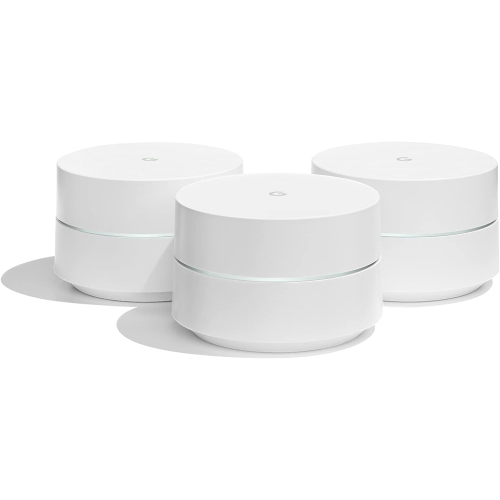 Your price for this item is $279.99
 -
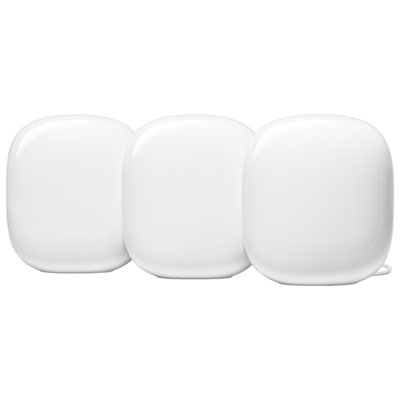 Your price for this item is $529.99
 -
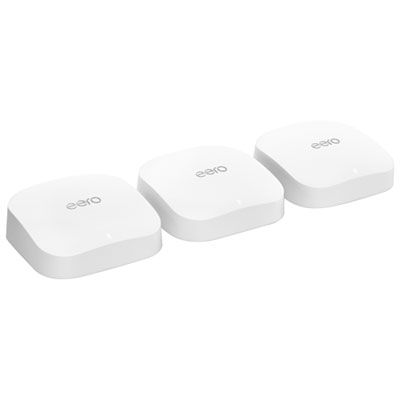 Your price for this item is $449.99
 -
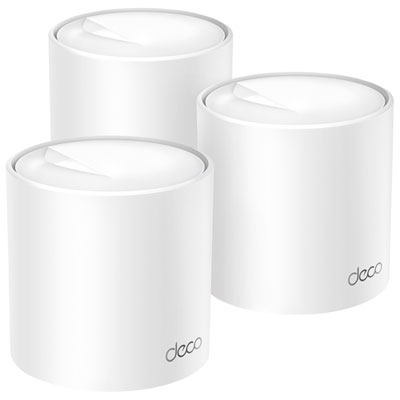 Your price for this item is $249.99
 -
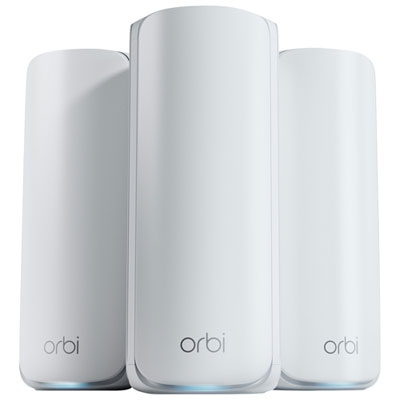 Your price for this item is $999.99
 -
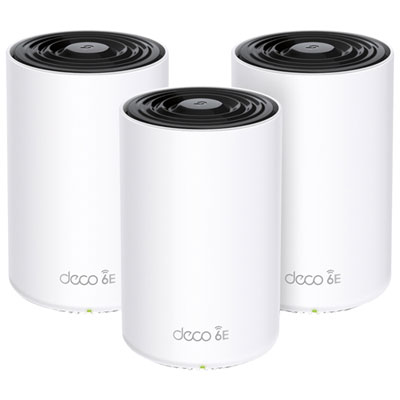 Your price for this item is $449.99
 -
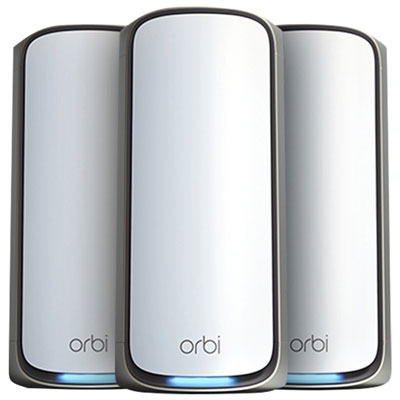 Your price for this item is $2999.99
 -
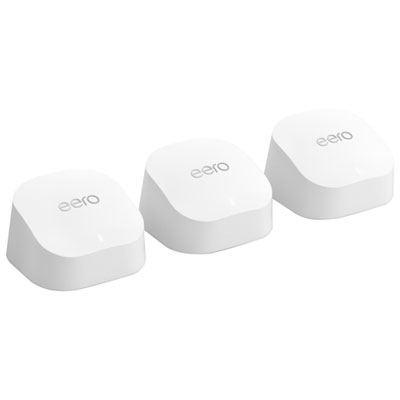 Your price for this item is $304.99
Discover more categories related to Wi-Fi 6 Extenders
Top Collections:
Pokemon Centers, Budget 4K TVs, Best Budget Office Chairs, Kindle Devices, Canon G7X Cameras, Apple iPhones 16, iPhone 15 Apple, Laptops for Business Work, Xiaomi Phones, Flip Phones
Some products may be subject to Environmental Handling Fees
(EHF) depending on your province.
Learn more about EHFs.