HDMI Cables for MacBook
HDMI Cables for MacBook provide a reliable solution for connecting your device to monitors, TVs, and projectors. Whether you're setting up a workstation, streaming your favorite shows, or giving a presentation, these cables help ensure smooth video and audio transmission. Explore a wide selection of HDMI Cables for MacBook to find the right fit for your setup and enjoy seamless connectivity for work or entertainment.
Sort
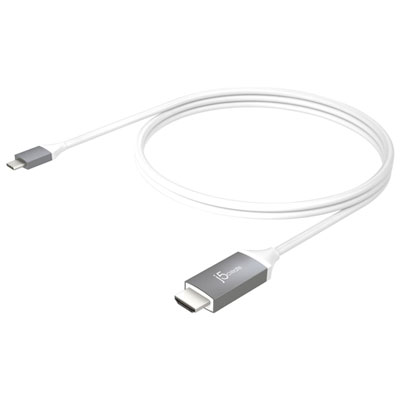
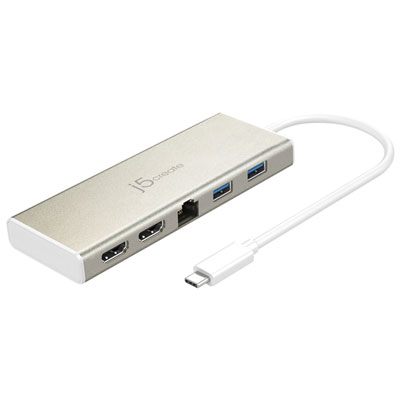
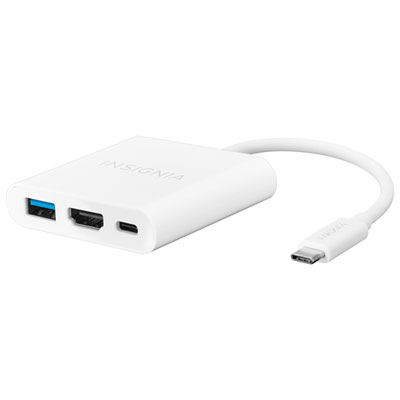
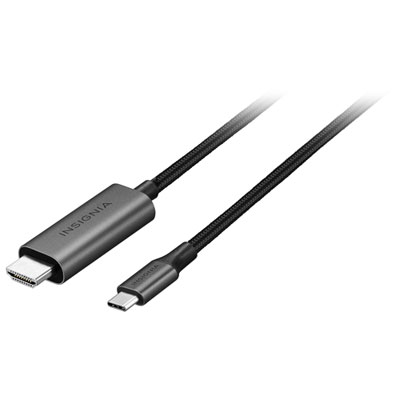
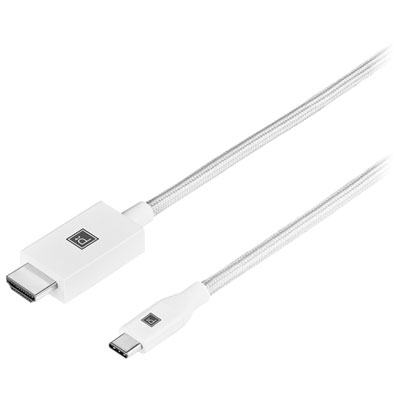
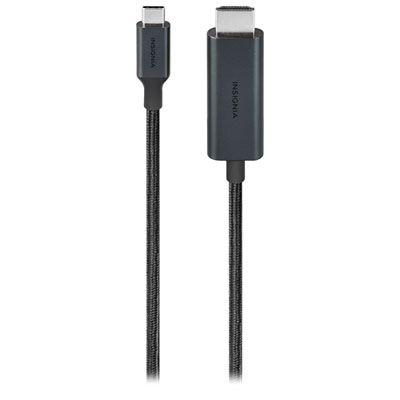
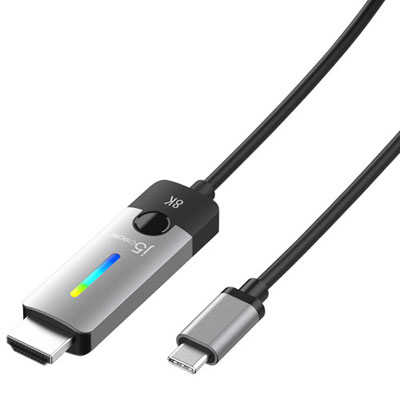
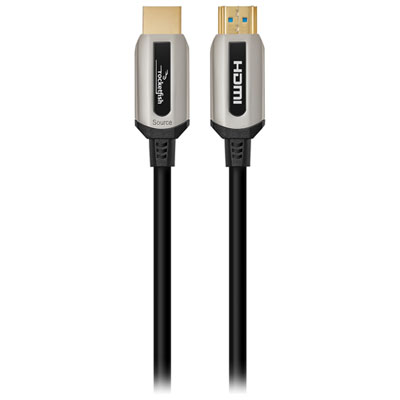
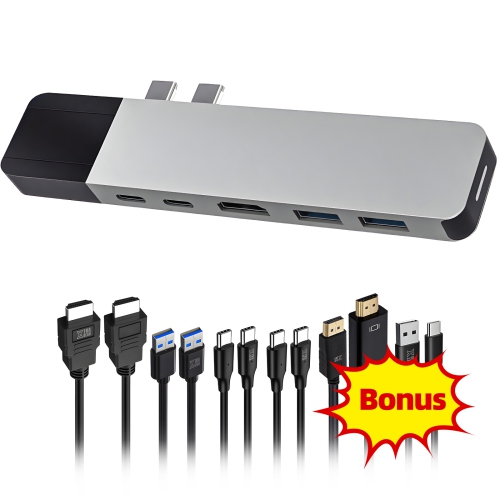
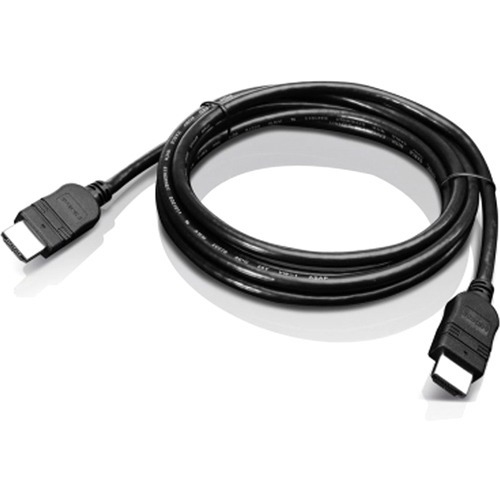
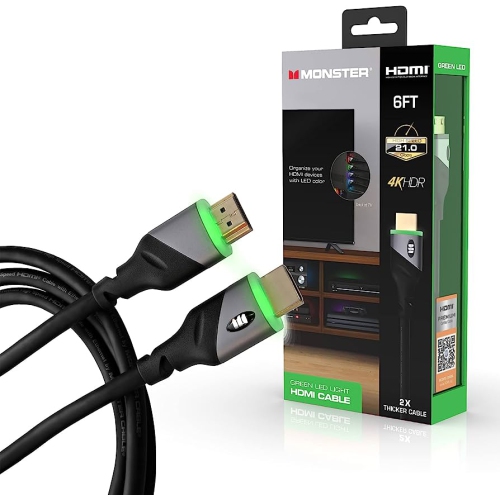


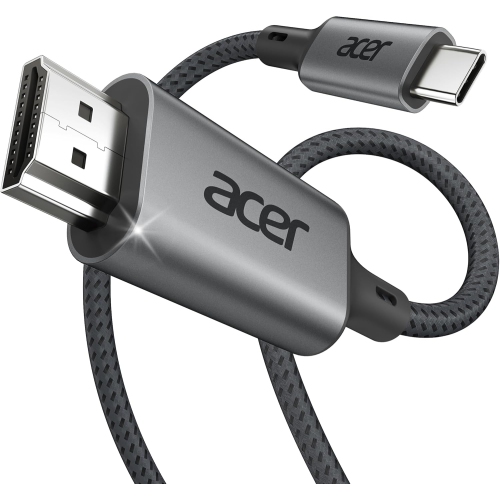
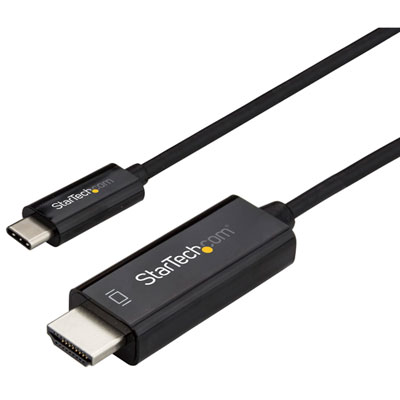
Reliable MacBook connections for smooth 4K external displays
When it comes to connecting your MacBook to external displays, projectors, or home entertainment systems, the right HDMI cable can make all the difference in both performance and convenience. Whether you’re setting up a dual-monitor workspace for productivity, sharing a presentation in a boardroom, or enjoying a movie night on a larger screen, choosing the ideal mac hdmi solution ensures seamless visuals and reliable connectivity. As spring arrives, many Canadians find themselves refreshing their workspaces or preparing for collaborative projects, making it an ideal time to consider the versatility and importance of HDMI cables for MacBook. From university students who want to mirror lectures on larger screens to professionals working remotely who need crisp, uninterrupted video calls on external monitors, these cables are essential tools for a wide range of users. Even creative professionals—such as graphic designers or video editors—rely on high-performance HDMI connections to ensure accurate colour and smooth playback when previewing work on 4K displays.
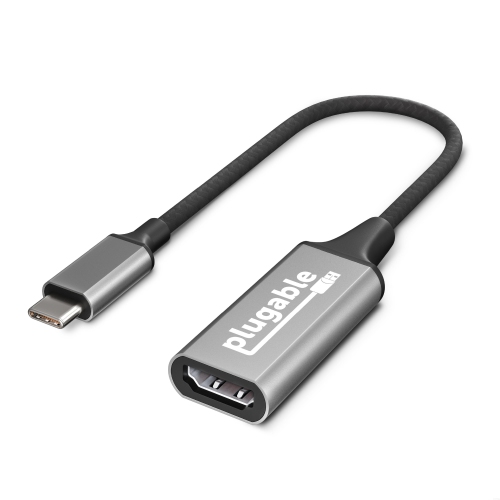
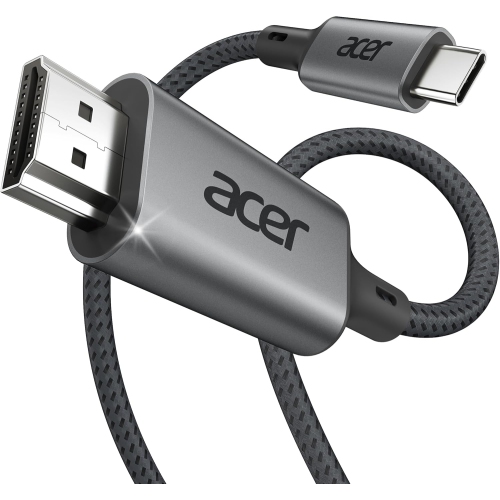
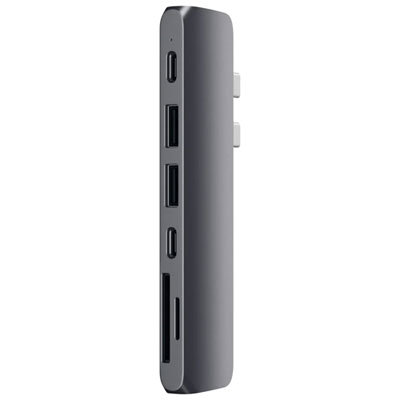
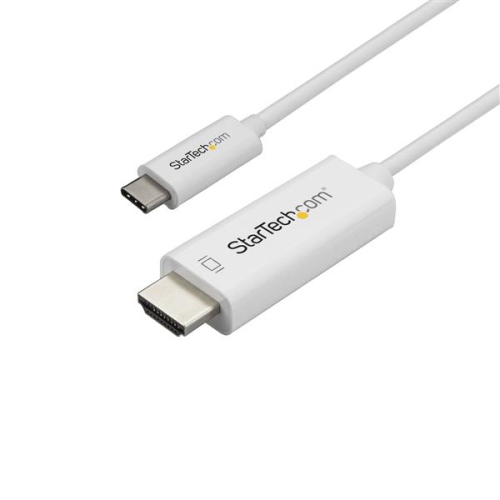
Selecting the right HDMI cable for your MacBook involves understanding your device’s specific ports and the demands of your setup. For most recent MacBook models equipped with USB-C or Thunderbolt ports, a USB-C to HDMI cable or adapter is the go-to choice, supporting high resolutions and refresh rates for ultra-clear visuals. If your MacBook features a dedicated HDMI port—common on some newer Pro models—a standard HDMI-to-HDMI cable is all you need for direct, hassle-free connections. It’s important to look for cables that support at least 4K resolution at 60Hz, especially if you plan to stream high-definition content, play games, or use your MacBook for design work. Durability is another key consideration, particularly for those who travel frequently or move between home and office. Cables with reinforced connectors and braided exteriors offer enhanced longevity and can withstand daily wear and tear. For older MacBook models, Mini DisplayPort to HDMI adapters provide a reliable bridge to modern screens, ensuring no one is left behind as technology evolves. If you often multitask or require additional ports, multiport adapters that combine HDMI with USB-A or charging capabilities add further convenience, making them a thoughtful gift for students, remote workers, or anyone who values a tidy, efficient workspace.
No matter how you plan to use your MacBook—whether it’s for professional presentations, immersive gaming, or simply expanding your digital canvas—having the right HDMI cable on hand ensures you’re always ready to connect. As the season shifts and new projects begin, investing in high-quality, compatible cables means fewer interruptions and more time spent on what matters most. If you’re seeking even more flexibility or need to explore additional connection options, check out the full range of MacBook HDMI Adapters to find the perfect complement to your setup. With the right accessories, you can unlock the full potential of your MacBook, enhance your viewing experience, and keep your technology in step with your ambitions.
Selecting the right HDMI cable for your MacBook involves understanding your device’s specific ports and the demands of your setup. For most recent MacBook models equipped with USB-C or Thunderbolt ports, a USB-C to HDMI cable or adapter is the go-to choice, supporting high resolutions and refresh rates for ultra-clear visuals. If your MacBook features a dedicated HDMI port—common on some newer Pro models—a standard HDMI-to-HDMI cable is all you need for direct, hassle-free connections. It’s important to look for cables that support at least 4K resolution at 60Hz, especially if you plan to stream high-definition content, play games, or use your MacBook for design work. Durability is another key consideration, particularly for those who travel frequently or move between home and office. Cables with reinforced connectors and braided exteriors offer enhanced longevity and can withstand daily wear and tear. For older MacBook models, Mini DisplayPort to HDMI adapters provide a reliable bridge to modern screens, ensuring no one is left behind as technology evolves. If you often multitask or require additional ports, multiport adapters that combine HDMI with USB-A or charging capabilities add further convenience, making them a thoughtful gift for students, remote workers, or anyone who values a tidy, efficient workspace.
No matter how you plan to use your MacBook—whether it’s for professional presentations, immersive gaming, or simply expanding your digital canvas—having the right HDMI cable on hand ensures you’re always ready to connect. As the season shifts and new projects begin, investing in high-quality, compatible cables means fewer interruptions and more time spent on what matters most. If you’re seeking even more flexibility or need to explore additional connection options, check out the full range of MacBook HDMI Adapters to find the perfect complement to your setup. With the right accessories, you can unlock the full potential of your MacBook, enhance your viewing experience, and keep your technology in step with your ambitions.
Top selling and popular products
-
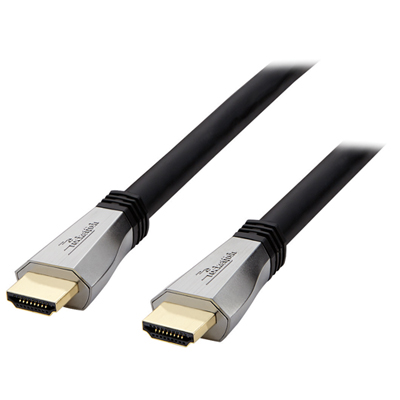 Your price for this item is $119.99
 -
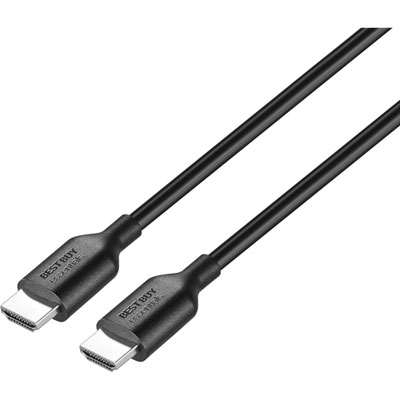 Your price for this item is $9.99
 -
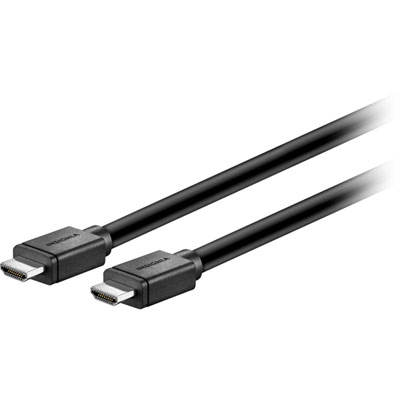 Your price for this item is $129.99
 -
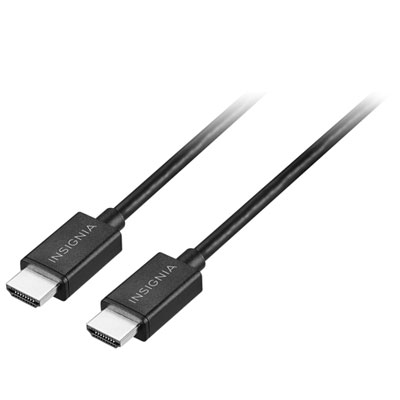 Your price for this item is $19.99
 -
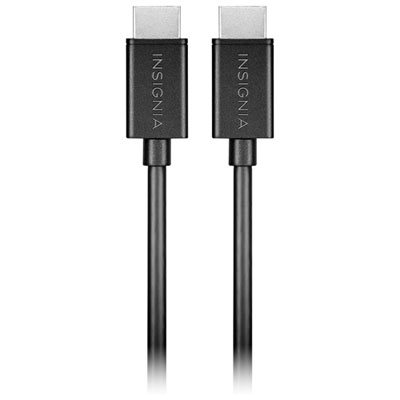 Your price for this item is $29.99
 -
![BDA / POWER A HDMI Cable Ps5 10 Ft [Power A]](https://multimedia.bbycastatic.ca/multimedia/products/500x500/176/17616/17616431.jpeg) Your price for this item is $59.99
Your price for this item is $59.99 -
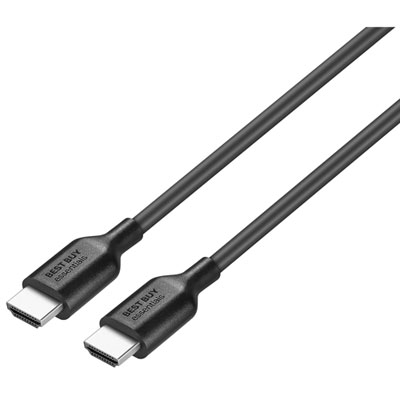 Your price for this item is $19.99
 -
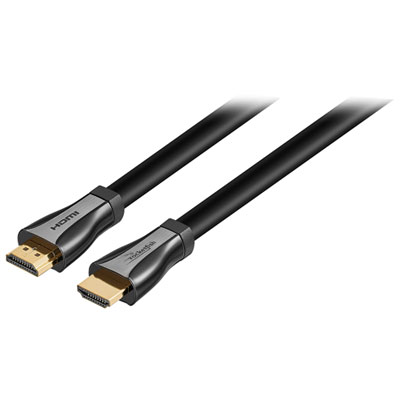 Your price for this item is $119.99
Discover more categories related to HDMI Cables for MacBook
Top Collections:
Pokemon Centers, Kindle Devices, Best Budget Office Chairs, Apple iPhones 16, Best Laptops for Writers, iPhone 15 Apple, Canon G7X Cameras, Refurbished Apple Laptops, Alarm Clock, Motorola Razr Phones
Some products may be subject to Environmental Handling Fees
(EHF) depending on your province.
Learn more about EHFs.