Workday Productivity Tools for Home Office
Transform your workspace and boost efficiency with workday productivity tools for home office. Explore a wide selection of essential devices and accessories designed to help you stay organized, connected, and focused throughout your busy day. Whether you're managing meetings, tackling projects, or creating a comfortable setup, the right tools can make all the difference in your remote work experience. Find everything you need to create a productive and professional workspace right at home.
Sort





How digital tools and desk setups work together
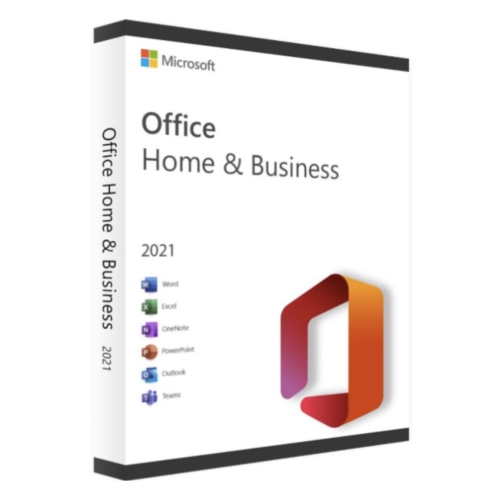
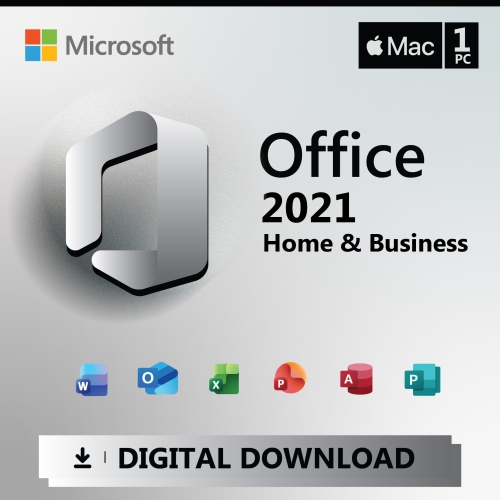
Workday productivity tools for a home office support five everyday needs: task planning, focused work, time tracking, team communication and file management. They include both digital tools that organize information and physical equipment that makes that information easier to work with. Task management software gives projects a clear structure through due dates, priorities, reminders and shared assignments, while digital calendars reserve space for meetings and uninterrupted work. A visual task board can show which assignments are waiting, underway or ready for review; a straightforward checklist may suit someone balancing client calls with a handful of daily deadlines. Time-tracking tools add visibility to billable hours and recurring activities, helping freelancers and remote teams understand how long different kinds of work take. Cloud file management supports shared documents, version history and access across compatible devices, with permissions that help keep personal files separate from team materials. These functions become more useful when the computer behind them suits the workload. Writing, email and browser-based administration place different demands on a system than large spreadsheets, design files or video editing. Memory, processing capability and storage capacity all contribute to how comfortably those tasks run together. A laptop offers flexibility between a dedicated desk and another work surface, while a desktop computer can suit a permanent setup with several connected accessories. An external monitor creates room for a document beside a reference page, reducing the need to switch repeatedly between windows. Screen size, text clarity, brightness adjustment and available desk depth affect how well that display fits the space. Docking stations and hubs bring compatible displays, storage and peripherals together through fewer connections, particularly useful when a laptop moves between home and an office. Connector shape alone does not establish compatibility: supported video output, power delivery and operating system requirements also matter. The most practical setup brings the day’s essential applications and equipment together without adding unnecessary steps between opening a task and getting started.
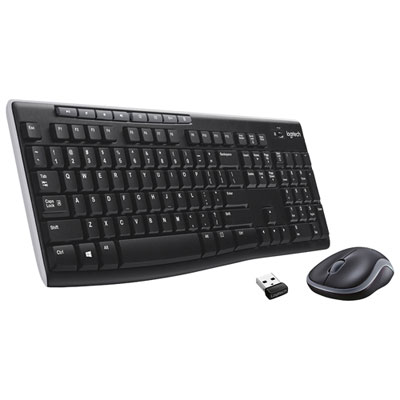
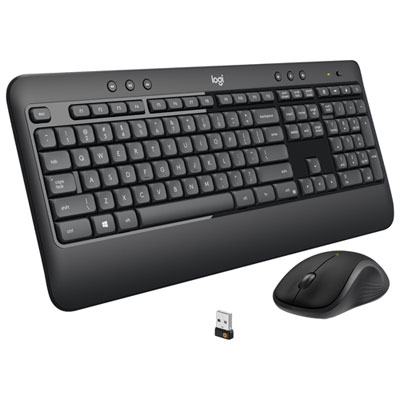
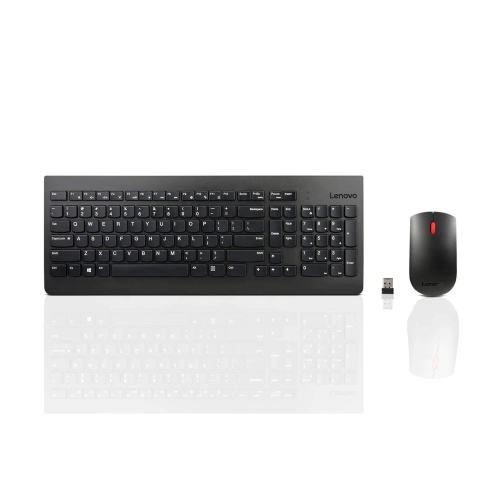
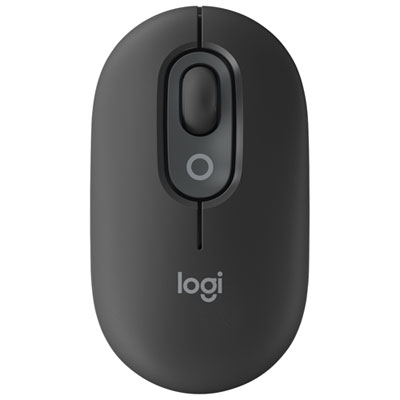
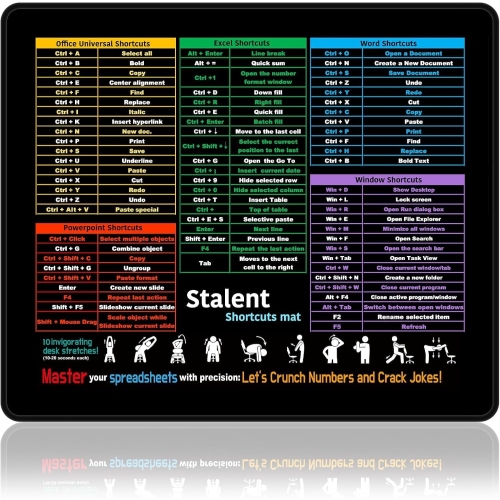
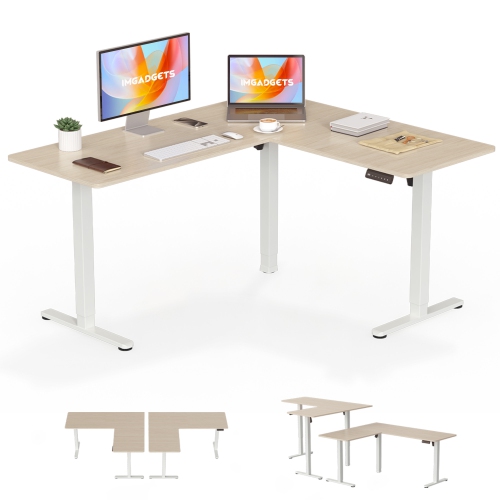
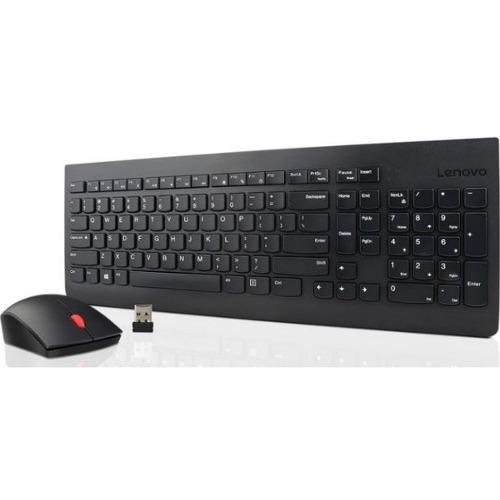
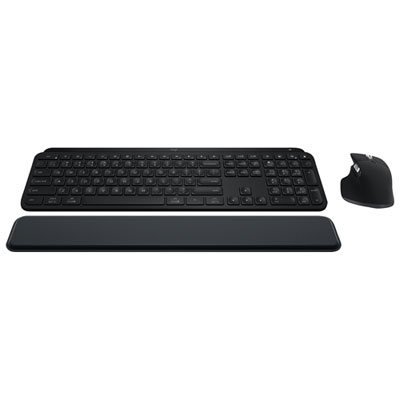
A comfortable physical arrangement supports that digital workflow, especially when the same desk handles writing, calls and detailed screen work. Home office furniture and accessories need to fit both the person and the room, rather than simply filling an empty corner. Desk depth affects the distance between a screen and the seated user, while the space underneath needs to accommodate legs, chair movement and any storage. Adjustable chairs offer different combinations of seat height, lumbar support, backrest movement and armrest positioning; the useful combination depends on body proportions and the height of the work surface. Armrests that slide beneath the desk can make a compact office easier to move around in. A height-adjustable desk provides options for changing working position, with usable height range, lifting capacity and stability relevant to a setup holding multiple displays. Monitor arms and risers can free space beneath a screen, although mounting compatibility, desk construction and weight limits determine their suitability. Keyboards and mice also influence how a workstation feels over a full day. A compact keyboard leaves more room for mouse movement, whereas a full-size layout may better suit frequent numerical entry. Quiet keys can be helpful in a shared room, and programmable controls can put repeated actions within easier reach. Materials affect comfort, appearance and everyday care. Mesh chair backs allow airflow, upholstered seating provides a softer feel, and smooth desk surfaces are generally easier to wipe clean than deeply textured finishes. Durability depends on construction as well as material: stable frames, secure joints, dependable adjustment mechanisms and well-supported shelves all matter in daily use. Care requirements vary by finish and fabric, with manufacturer-approved cleaning methods helping protect upholstery, coatings and electronic components. A soft microfibre cloth is useful for routine dusting, while cable clips and trays keep connections away from chair casters and moving desk parts. In a smaller room, these details help a working area remain usable without taking over the rest of the space.
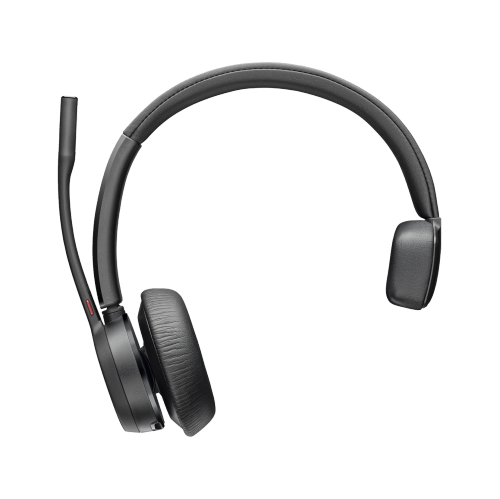
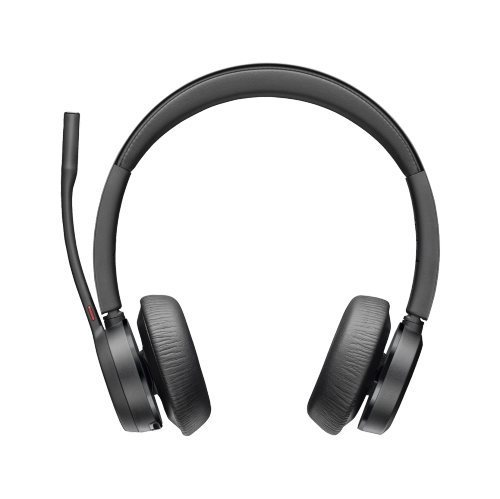
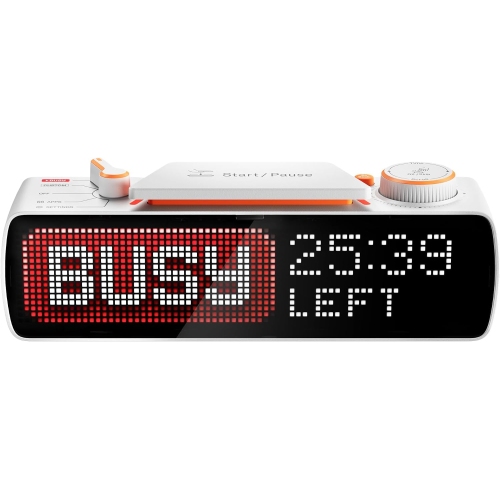
Communication and concentration tools address the interruptions that can make working from home feel fragmented. A headset with a suitable microphone keeps conversation close and leaves hands free for typing, while noise-cancelling headphones can reduce some steady background sounds during focused tasks. Fit, ear-cushion material, weight and battery life are especially relevant for someone moving between long calls and independent work. Microphone placement and mute controls matter in a shared household, where a quick conversation nearby should not become part of a team meeting. A webcam positioned near eye level and a desk light with adjustable brightness can make video calls clearer without requiring a large recording setup. Reliable connectivity supports those calls alongside shared files and online applications. Wi-Fi coverage depends on the layout of the home and the placement of network equipment; a wired connection can be useful at a permanent desk when a compatible network port is within reach. Communication software brings messaging, meetings and screen sharing together, while calendar integration can keep appointments connected to the rest of the workday. For focused work, timers and distraction-management tools provide defined work periods, and a paper planner or small whiteboard can keep the next priority visible without opening another window. Physical storage has a role too: document trays separate incoming paperwork from completed forms, and drawers keep frequently used supplies close without crowding the desktop. Backup tools serve a different purpose from file sharing, helping preserve copies of important work if a device fails or a file is accidentally changed. The broader range of Productivity Tools for Home Office suits remote employees, self-employed professionals, students and people managing household administration. Practical gifts can also support someone starting a new role or setting up a dedicated workspace, particularly when compatibility, available space and personal preferences are known. Whether the day involves client appointments, research or detailed spreadsheet work, useful tools make essential tasks easier to see, reach and complete.
Top selling and popular products
-
 Your price for this item is $199.99
-
 Your price for this item is $189.99
-
 Your price for this item is $144.99
-
 Your price for this item is $39.99
-
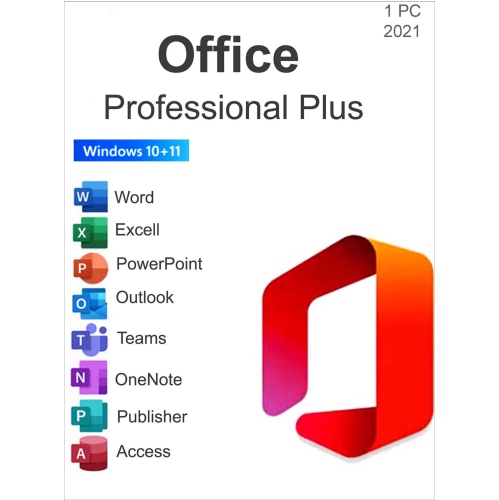 Your price for this item is $45.59
-
 Your price for this item is $209.99
-
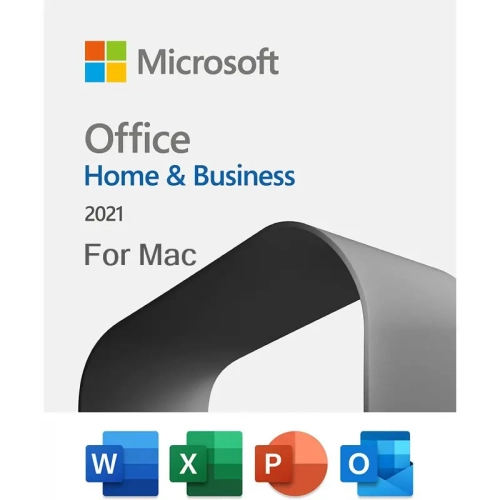 Your price for this item is $129.99
-
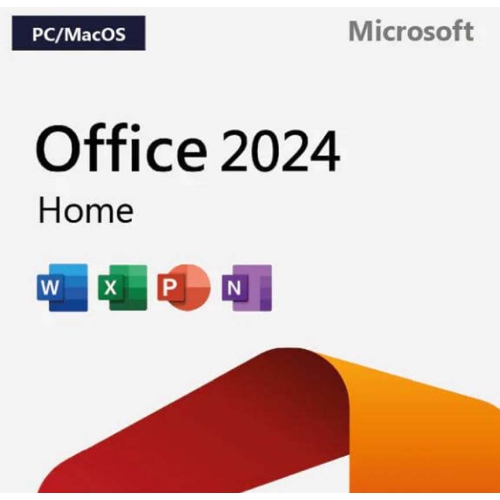 Your price for this item is $163.99
Discover more categories related to Workday Productivity Tools for Home Office
Top Collections:
Best Black Friday Deals This Year, Best Black Friday Deals On Electronics, Kindle Devices, Dyson Airwrap, Best Cameras for Sports Photography, Best Budget Office Chairs, Canon G7X Cameras, PS5 Pro Consoles, Best Black Friday Deals On Apple Products, XBOX One S Consoles
Some products may be subject to Environmental Handling Fees
(EHF) depending on your province.
Learn more about EHFs.