Cameras With Face Detection
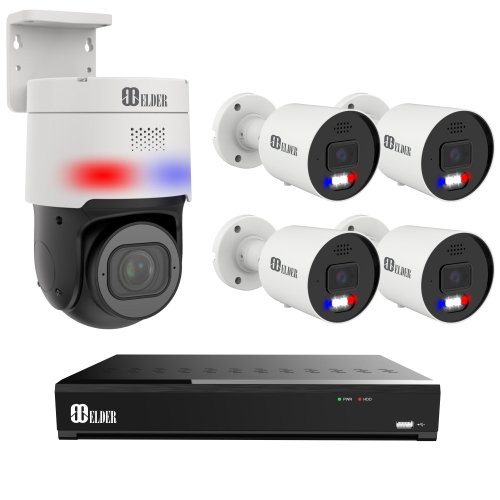
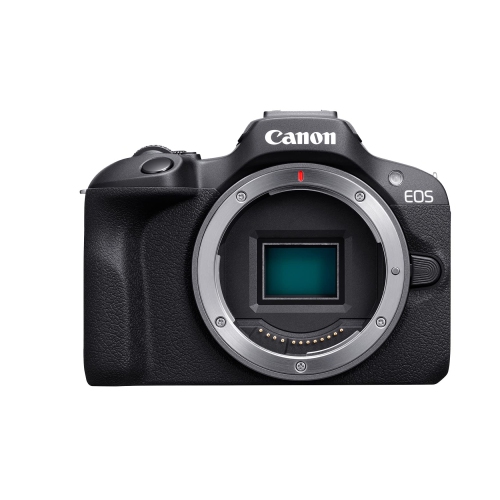
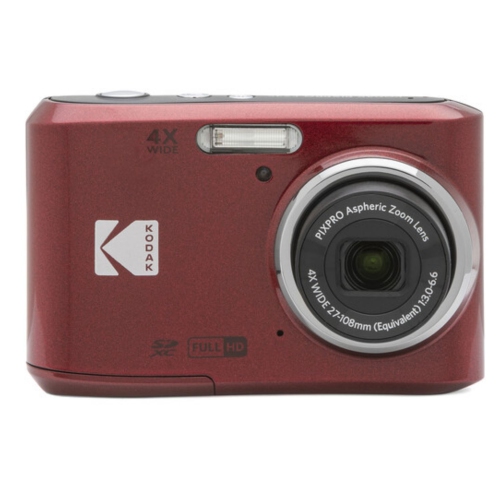
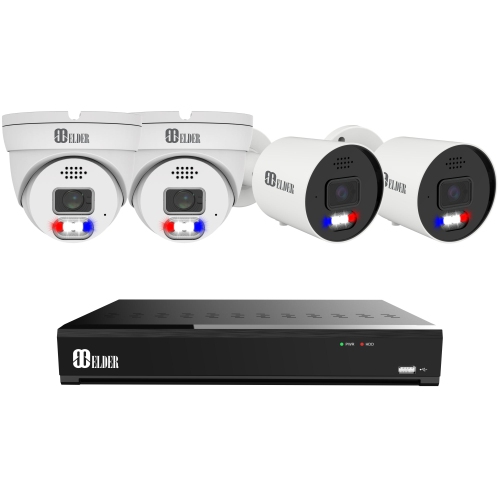
Capture every smile and expression with cameras equipped with face detection technology. This advanced technology allows cameras to recognize faces and detect when an unfamiliar face is present. It is an ideal feature for any security camera system. This technology is becoming increasingly popular as it offers improved accuracy and enhanced security. It is designed to provide users with a reliable way to detect intruders.
Sort
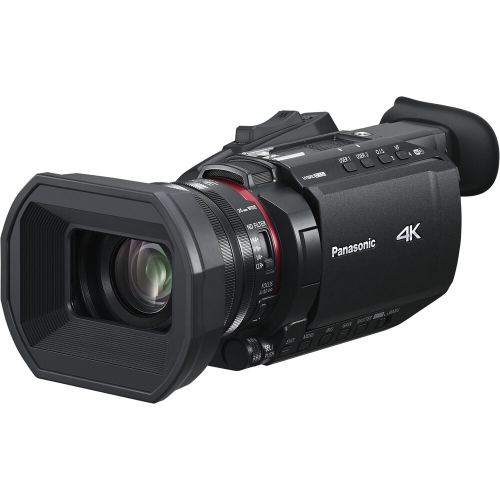
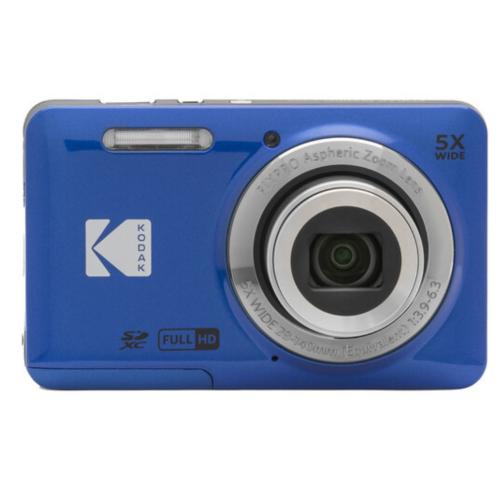
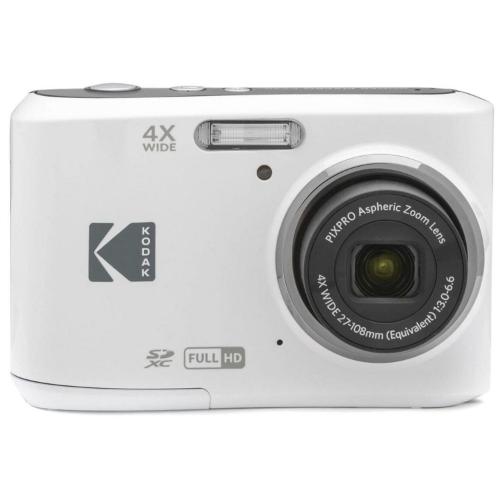
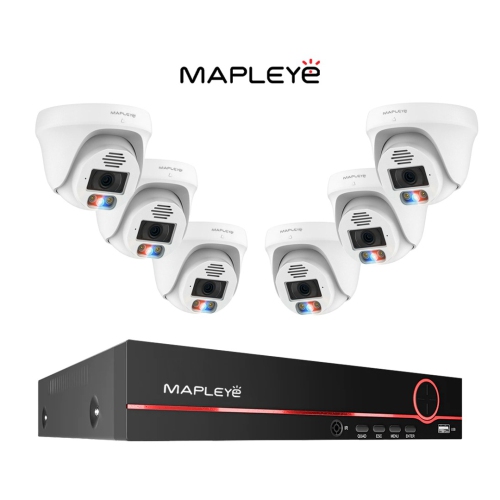
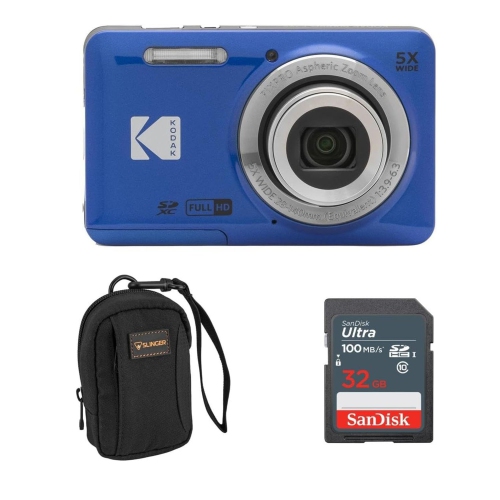
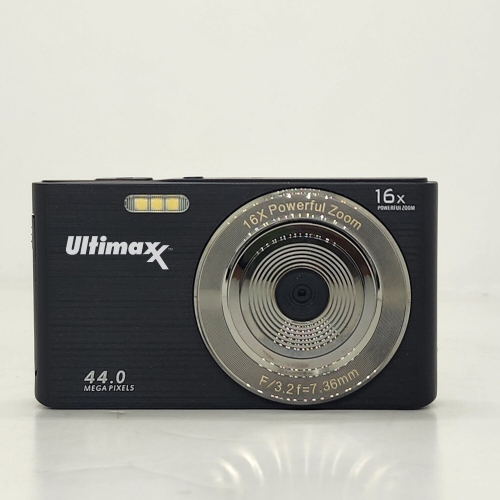
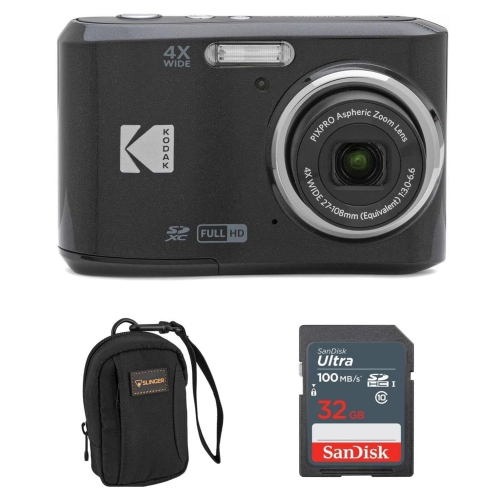
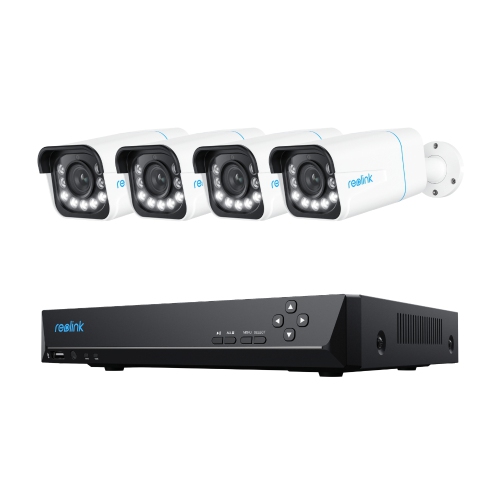
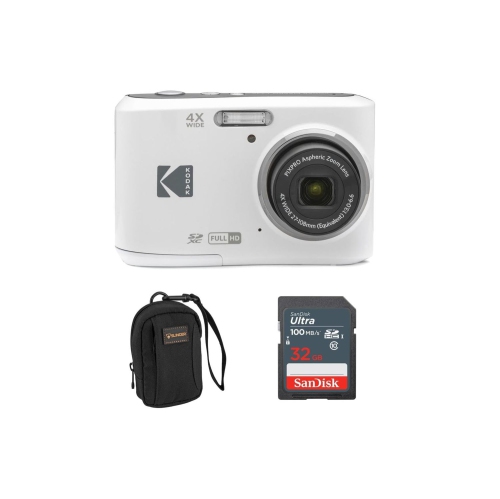
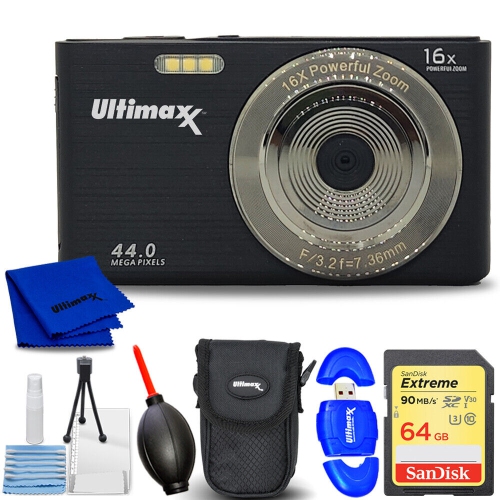
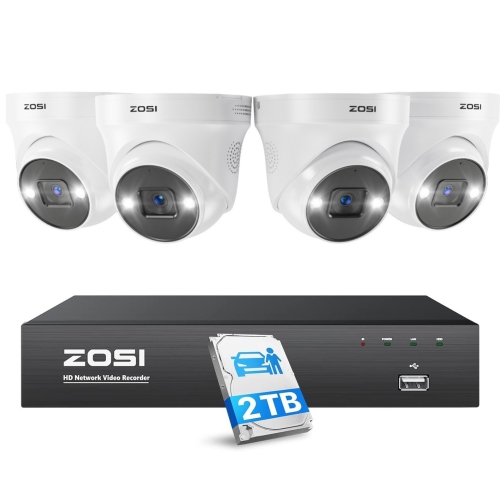
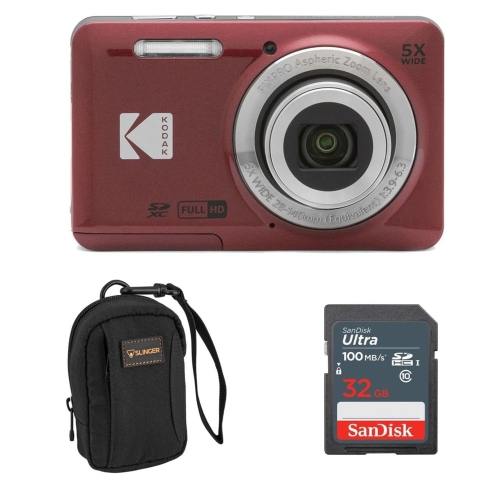
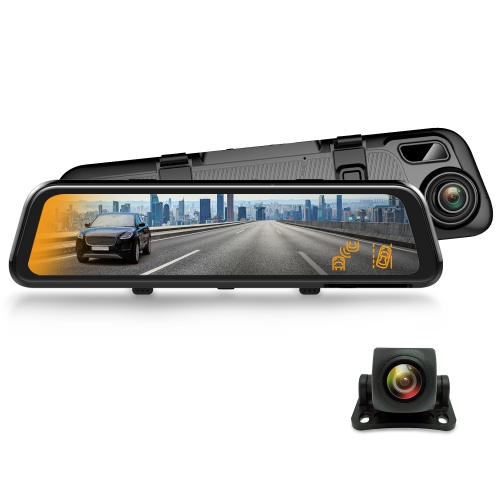
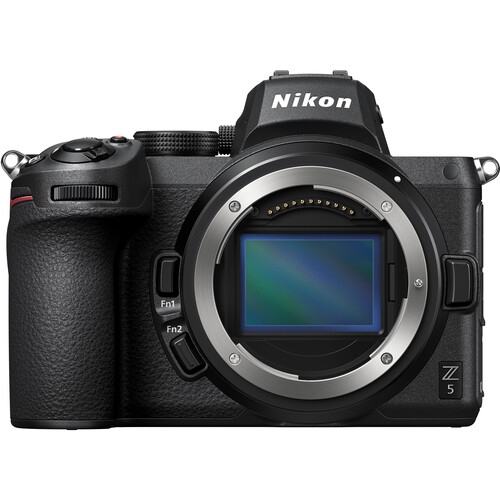
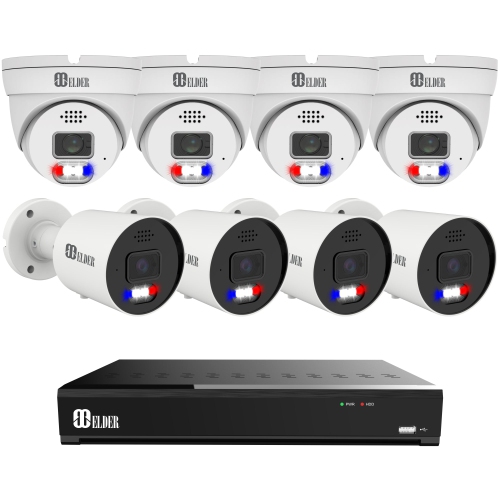
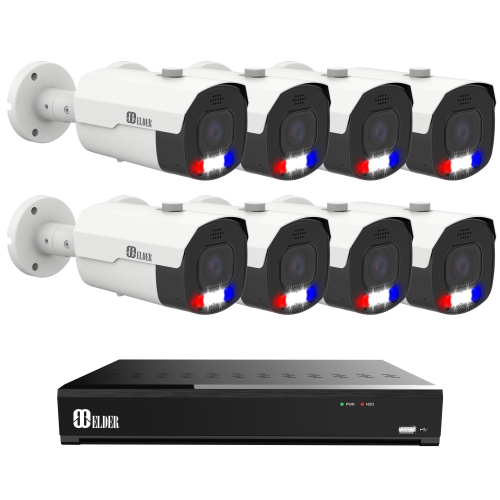

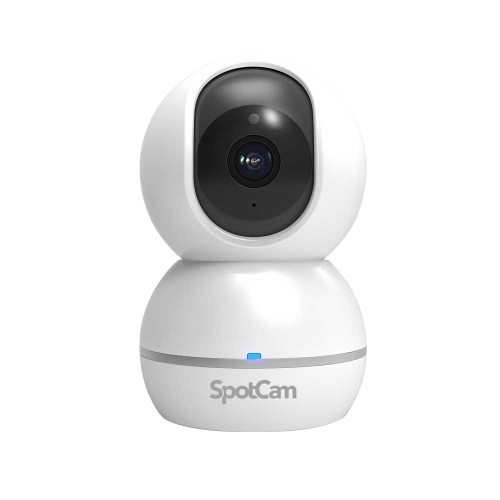
How smarter focus supports photos, calls, and security
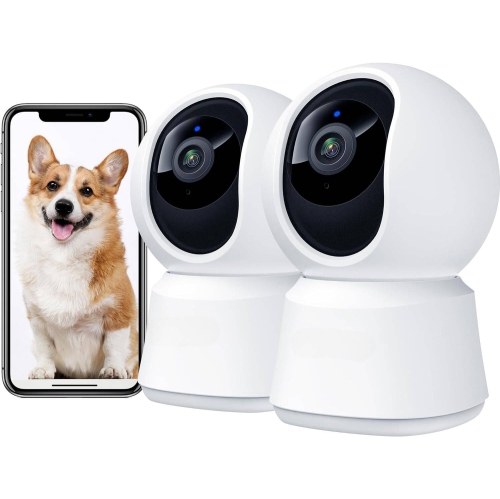
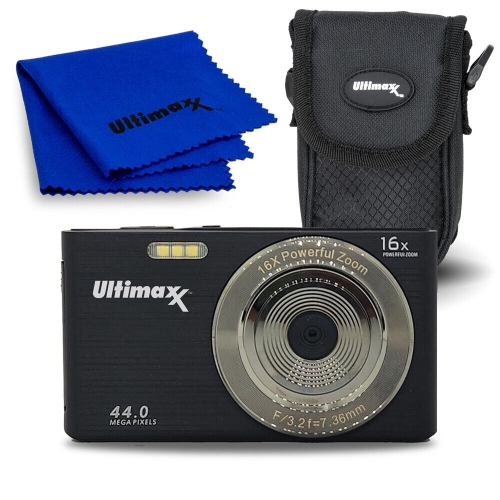
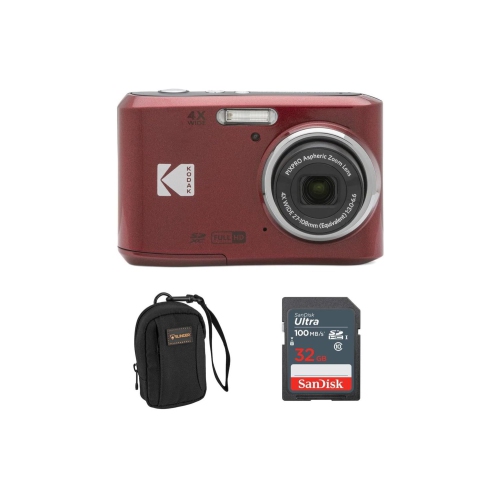
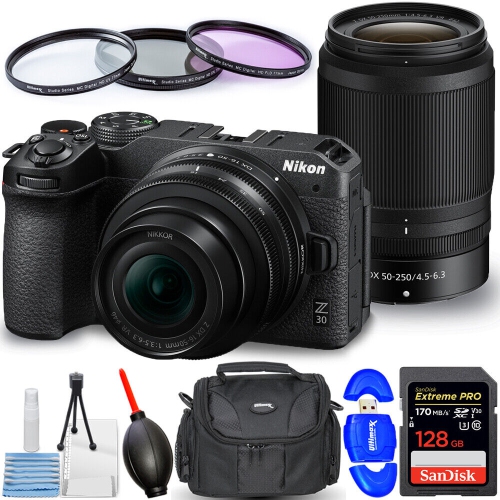
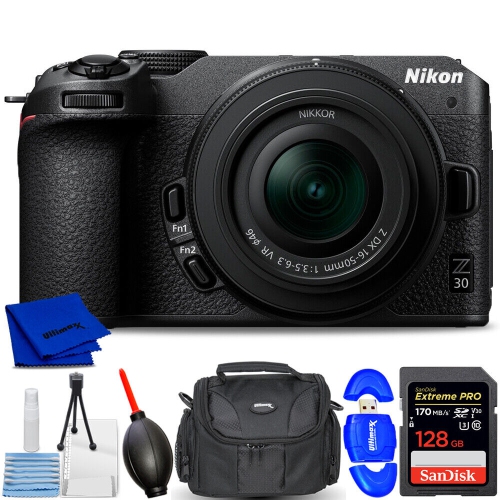
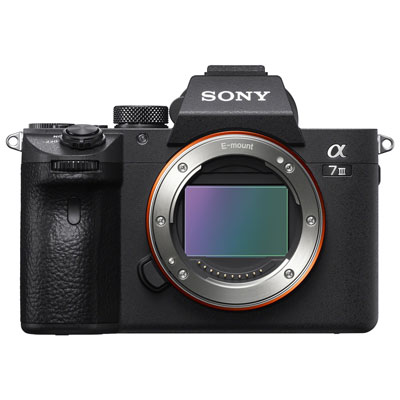
Cameras with face detection use image-processing technology to recognize that a face is present in the frame and adjust the camera’s settings accordingly. Instead of treating every part of a scene equally, the camera looks for familiar facial features such as the position of the eyes, nose, and jawline, then uses that information to help focus and expose the image. This can make a noticeable difference when photographing people in motion, in busy surroundings, or against a bright background. A camera may keep focus on a child running across a park, prioritize a face during a family portrait, or help a webcam keep you clearly framed during a video call. Face detection is not always the same as facial recognition: detection identifies a face in the image, while recognition attempts to match a face to a saved profile or database. Checking the product specifications is important because some cameras offer face detection for autofocus and exposure only, while others may add eye detection, subject tracking, person alerts, or optional recognition features through an app. These cameras can suit families capturing everyday moments, travellers photographing companions in changing light, content creators recording themselves, and anyone who wants more dependable results without adjusting focus manually for every shot. They can also be a thoughtful gift for a student moving into a new place, a relative who enjoys making video calls, or a photographer building confidence with portraits. During the cooler months, face detection can be useful indoors for gatherings, cooking demonstrations, craft projects, and casual snapshots near windows where the light may shift from one moment to the next. For outdoor use, it can help follow faces at a birthday party, on a walking trail, or during a neighbourhood event where people move in and out of the frame.
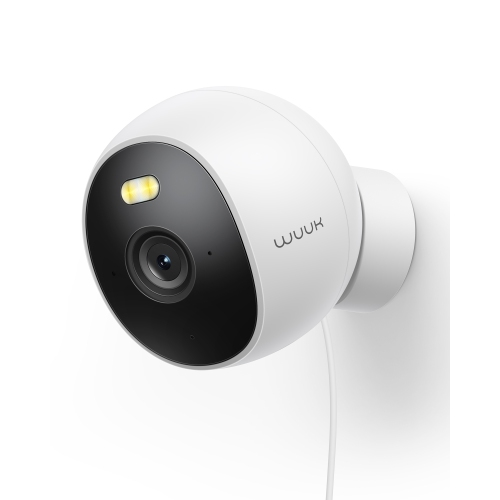
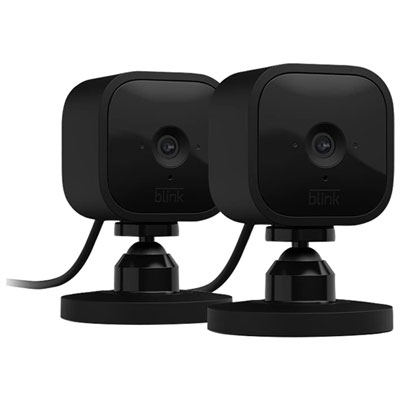
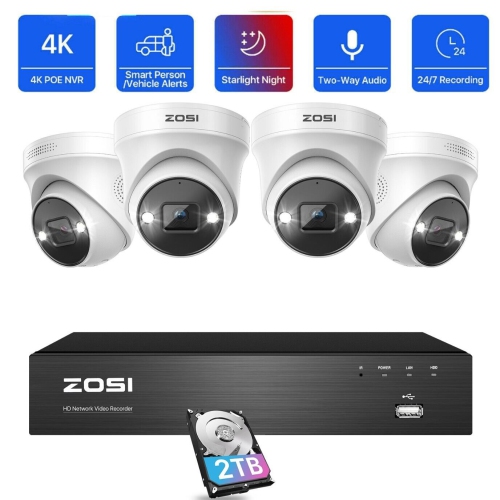
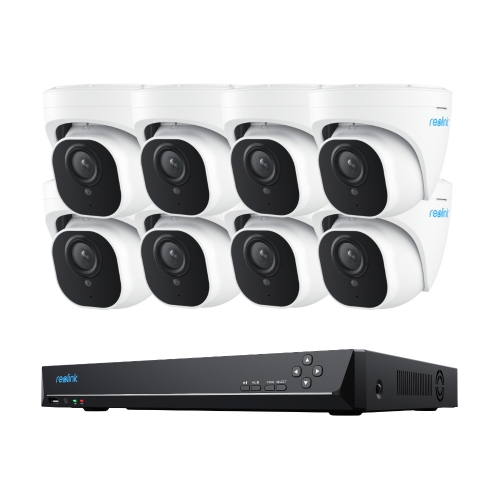
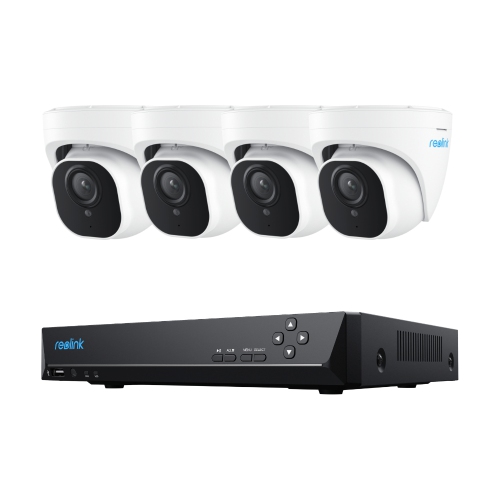
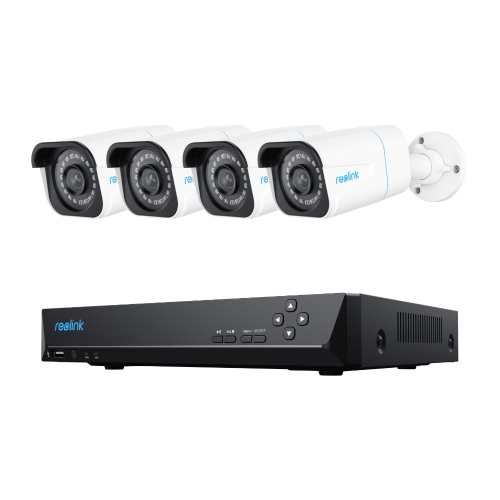
When choosing among cameras with face detection, start with the way the camera will be used. A compact camera or interchangeable-lens camera may be the better fit for still photography and video, particularly when portability, lens options, image quality, and creative controls matter. A webcam with face detection can help keep a speaker centred during work meetings, online classes, interviews, or calls with friends and family. A home security camera may use face detection to distinguish a person-shaped subject from general movement, pets, shadows, or passing vehicles, although the exact alerts and recognition features vary by model and subscription plan. For security applications, consider whether the camera is intended for indoor or outdoor placement, whether it offers two-way audio, motion zones, night vision, recording options, and notifications, and how footage is stored. Local storage through a memory card or connected recorder can provide a different experience from cloud storage, which may involve an account, internet access, and recurring fees. Read the privacy controls carefully, especially if a camera can create face profiles, share footage with an app, or allow remote viewing. Look for settings that let you turn detection or recognition off, adjust notification areas, manage user permissions, and delete stored images or recordings. Placement also affects performance. For a security camera, a position roughly 6 to 10 feet high can provide a useful view of faces while avoiding an extreme downward angle. Aim the camera toward an entryway or other important area rather than directly into a strong light source. A webcam works best near eye level, with the lens close to the top of the display and your face illuminated from the front. Cameras need enough visible detail to detect faces reliably, so dim rooms, harsh backlighting, tinted glass, hats, and heavy shadows can reduce accuracy. Features such as colour night vision, infrared illumination, wide dynamic range, and low-light autofocus may help, but they do not replace thoughtful placement and suitable lighting. If photography accessories are also on your list, Cameras With Flash can offer another way to improve portraits and indoor shots when available light is limited.
The best choice also depends on how much control you want over the final image and how quickly you need to capture it. Face detection is particularly helpful for candid photography because it reduces the need to move a focus point manually while a subject smiles, turns, or steps through a doorway. Eye-detection settings can be valuable for portraits, pets, and video, but confirm which subjects the camera supports and whether the feature works in the selected shooting modes. For family use, an intuitive interface, automatic modes, a tilting screen, and dependable battery life may matter more than advanced manual controls. For travel, consider weight, charging options, weather resistance, built-in connectivity, and whether images can be transferred easily to a phone or computer. For a home office, check compatibility with your operating system, mounting options, microphone quality, field of view, and whether automatic framing can be adjusted or disabled. A wide field of view can include several people around a table, while a narrower view may look more natural for one person at a desk. Security buyers should examine the camera’s resolution, viewing angle, installation method, internet requirements, alert controls, and recording history, along with the manufacturer’s stated limits for face detection in darkness or at a distance. Remember that detection performance is influenced by movement, camera height, image quality, weather, and the direction a person is facing; no system should be treated as infallible. Taking a little time to compare these details helps match the camera to real routines rather than relying on a feature name alone. Whether it is used to capture a grandparent’s laugh across the dinner table, keep a presenter visible during a remote lesson, or receive an alert when someone approaches the front door, a camera with face detection can make people-focused photography and monitoring feel more consistent, responsive, and straightforward.
When choosing among cameras with face detection, start with the way the camera will be used. A compact camera or interchangeable-lens camera may be the better fit for still photography and video, particularly when portability, lens options, image quality, and creative controls matter. A webcam with face detection can help keep a speaker centred during work meetings, online classes, interviews, or calls with friends and family. A home security camera may use face detection to distinguish a person-shaped subject from general movement, pets, shadows, or passing vehicles, although the exact alerts and recognition features vary by model and subscription plan. For security applications, consider whether the camera is intended for indoor or outdoor placement, whether it offers two-way audio, motion zones, night vision, recording options, and notifications, and how footage is stored. Local storage through a memory card or connected recorder can provide a different experience from cloud storage, which may involve an account, internet access, and recurring fees. Read the privacy controls carefully, especially if a camera can create face profiles, share footage with an app, or allow remote viewing. Look for settings that let you turn detection or recognition off, adjust notification areas, manage user permissions, and delete stored images or recordings. Placement also affects performance. For a security camera, a position roughly 6 to 10 feet high can provide a useful view of faces while avoiding an extreme downward angle. Aim the camera toward an entryway or other important area rather than directly into a strong light source. A webcam works best near eye level, with the lens close to the top of the display and your face illuminated from the front. Cameras need enough visible detail to detect faces reliably, so dim rooms, harsh backlighting, tinted glass, hats, and heavy shadows can reduce accuracy. Features such as colour night vision, infrared illumination, wide dynamic range, and low-light autofocus may help, but they do not replace thoughtful placement and suitable lighting. If photography accessories are also on your list, Cameras With Flash can offer another way to improve portraits and indoor shots when available light is limited.
The best choice also depends on how much control you want over the final image and how quickly you need to capture it. Face detection is particularly helpful for candid photography because it reduces the need to move a focus point manually while a subject smiles, turns, or steps through a doorway. Eye-detection settings can be valuable for portraits, pets, and video, but confirm which subjects the camera supports and whether the feature works in the selected shooting modes. For family use, an intuitive interface, automatic modes, a tilting screen, and dependable battery life may matter more than advanced manual controls. For travel, consider weight, charging options, weather resistance, built-in connectivity, and whether images can be transferred easily to a phone or computer. For a home office, check compatibility with your operating system, mounting options, microphone quality, field of view, and whether automatic framing can be adjusted or disabled. A wide field of view can include several people around a table, while a narrower view may look more natural for one person at a desk. Security buyers should examine the camera’s resolution, viewing angle, installation method, internet requirements, alert controls, and recording history, along with the manufacturer’s stated limits for face detection in darkness or at a distance. Remember that detection performance is influenced by movement, camera height, image quality, weather, and the direction a person is facing; no system should be treated as infallible. Taking a little time to compare these details helps match the camera to real routines rather than relying on a feature name alone. Whether it is used to capture a grandparent’s laugh across the dinner table, keep a presenter visible during a remote lesson, or receive an alert when someone approaches the front door, a camera with face detection can make people-focused photography and monitoring feel more consistent, responsive, and straightforward.
Top selling and popular products
-
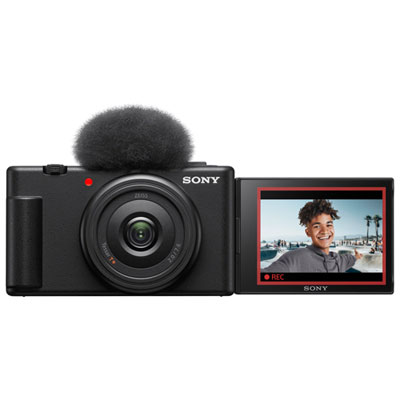 Your price for this item is $649.99
 -
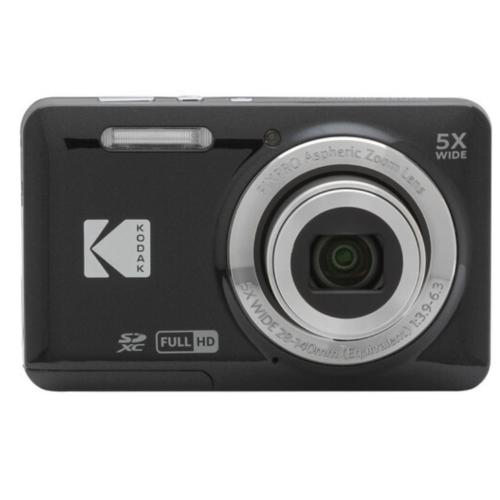 Your price for this item is $253
 -
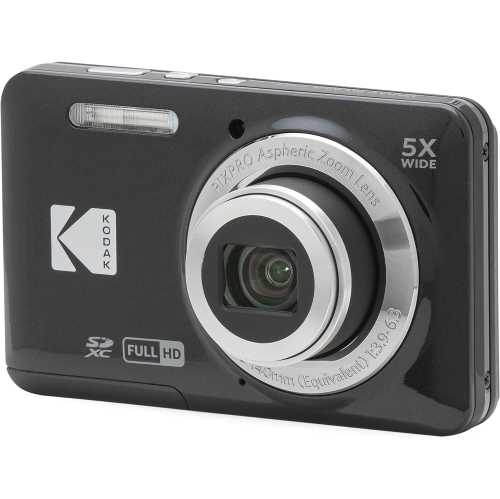 Your price for this item is $255
 -
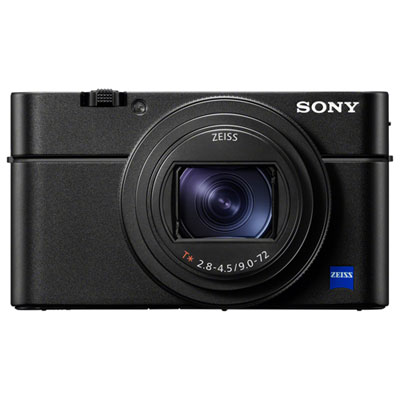 Your price for this item is $1999.99
 -
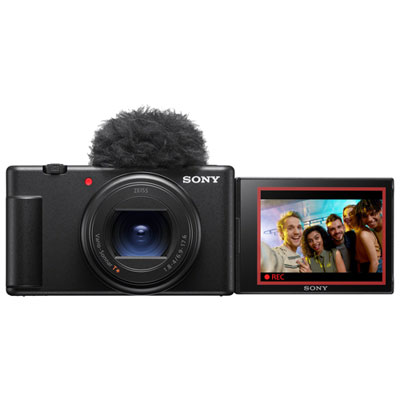 Your price for this item is $1199.99
 -
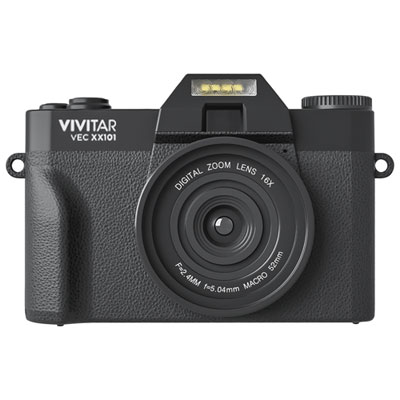 Your price for this item is $199.99
 -
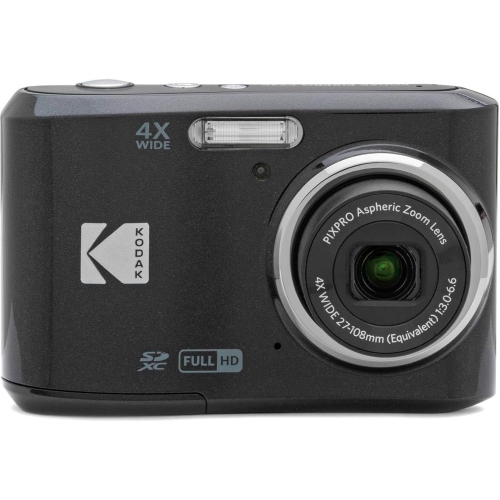 Your price for this item is $185
 -
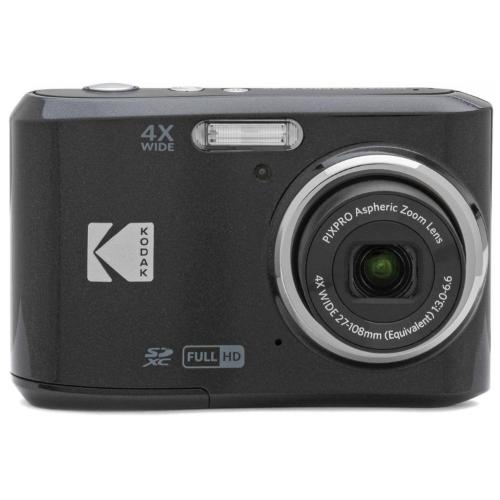 Your price for this item is $278
Discover more categories related to Cameras With Face Detection
Top Collections:
Pokemon Centers, Kindle Devices, Best Budget Office Chairs, Apple iPhones 16, Best Laptops for Writers, iPhone 15 Apple, Canon G7X Cameras, Refurbished Apple Laptops, Alarm Clock, Motorola Razr Phones
Some products may be subject to Environmental Handling Fees
(EHF) depending on your province.
Learn more about EHFs.