Smart Light Bulbs for Student Dorm Room
Smart light bulb for student dorm room options make it easy to create a comfortable and personalized living space on campus. With a variety of choices available, students can find lighting solutions that suit their study sessions, relaxation time, or social gatherings. Explore smart light bulbs designed to help enhance your dorm room atmosphere while offering convenient control and versatility.
Sort
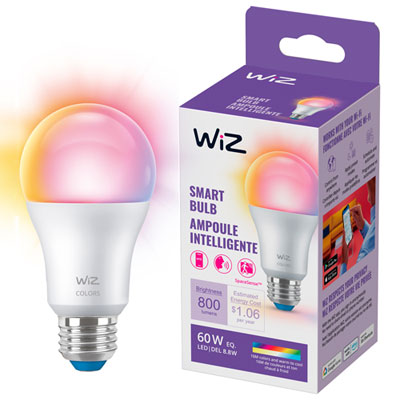
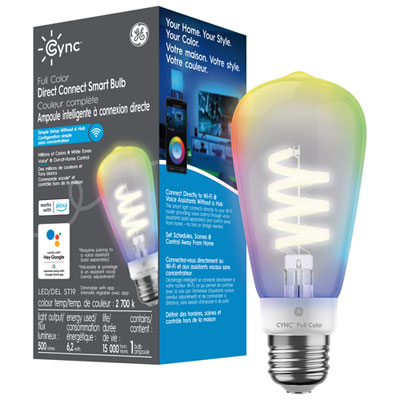
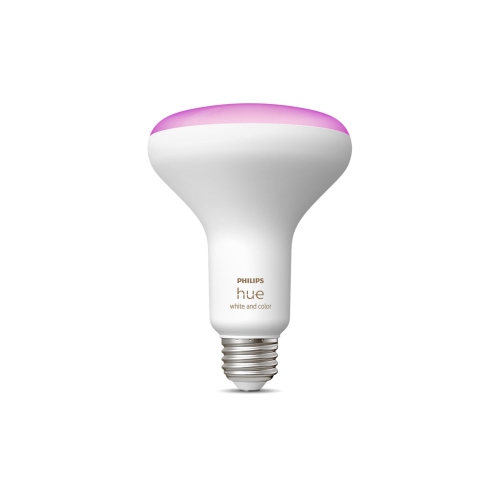
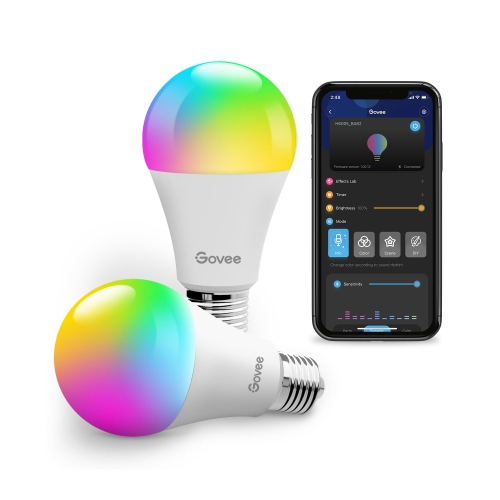
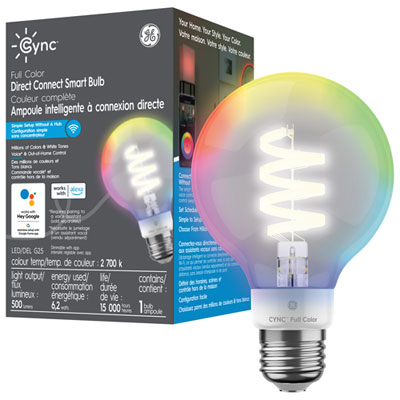
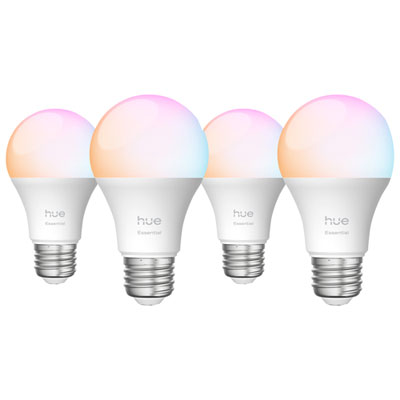
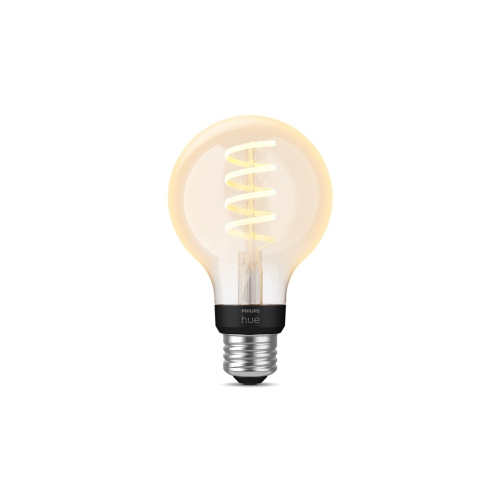
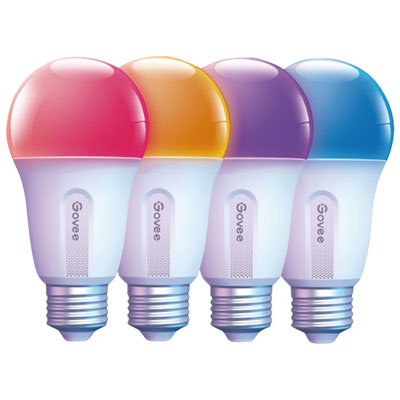
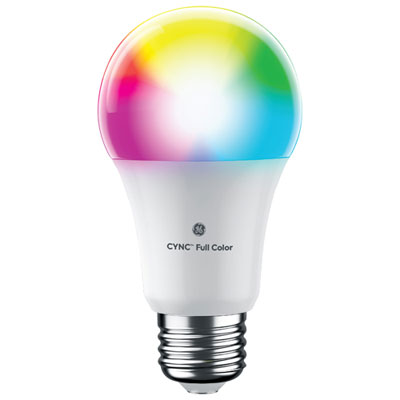
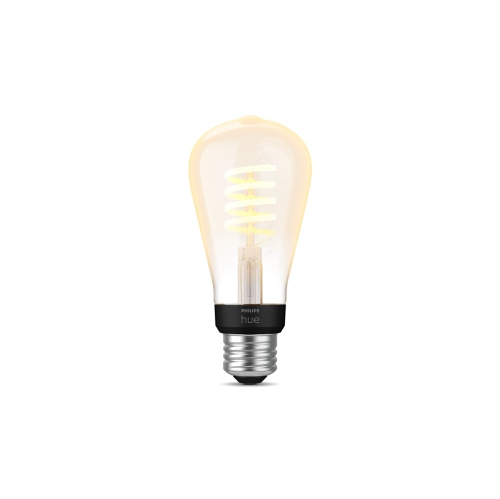
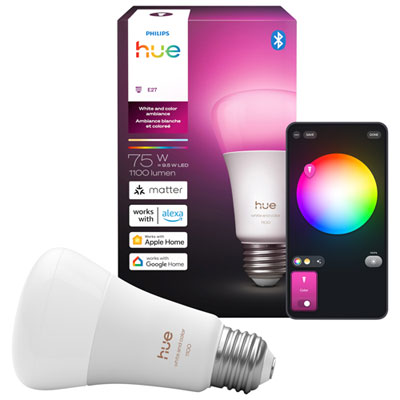
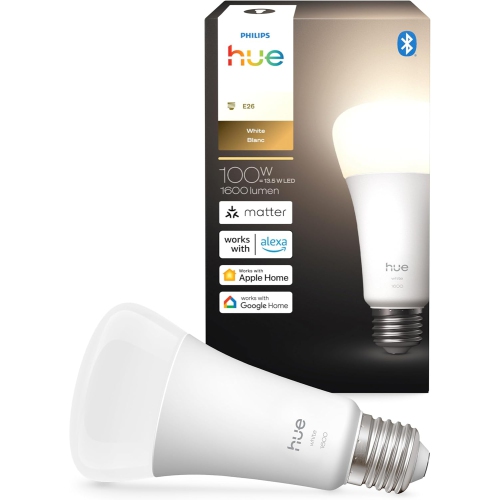
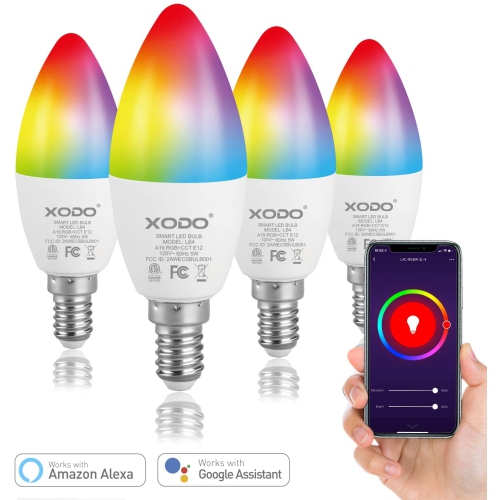

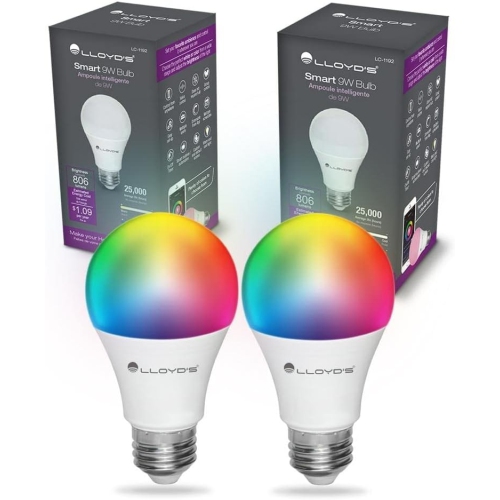
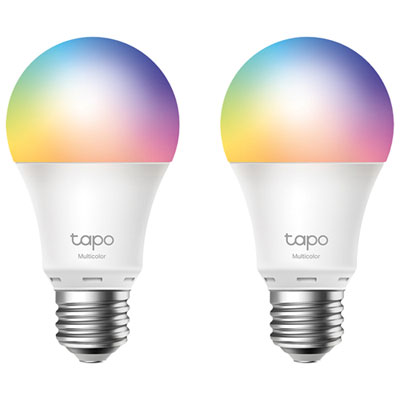
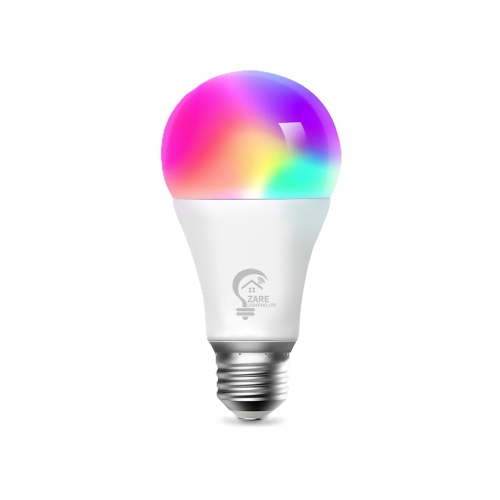
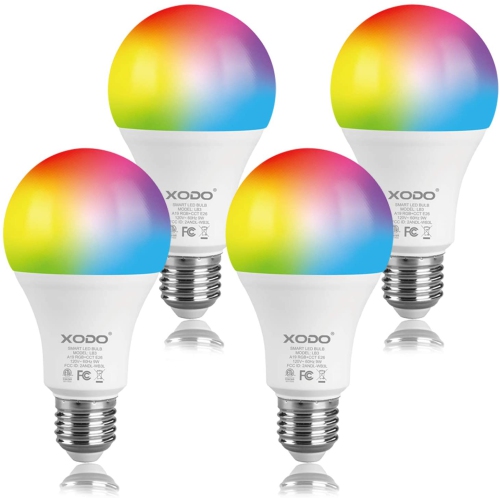
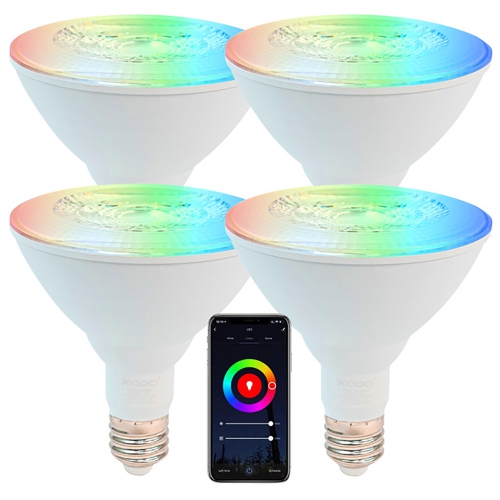
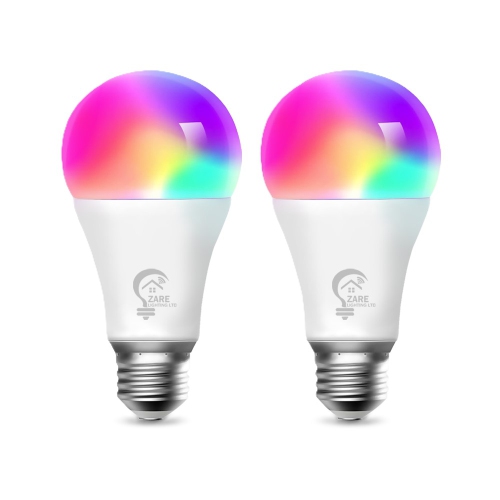
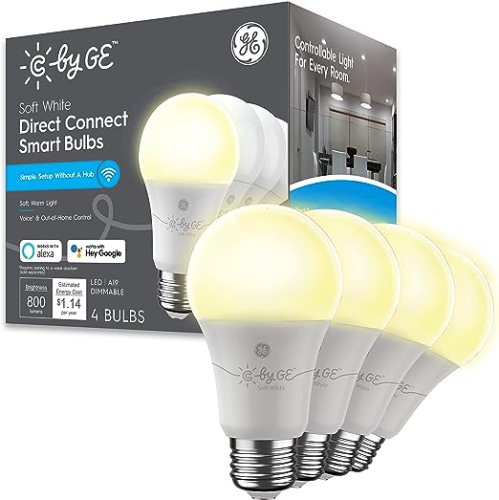
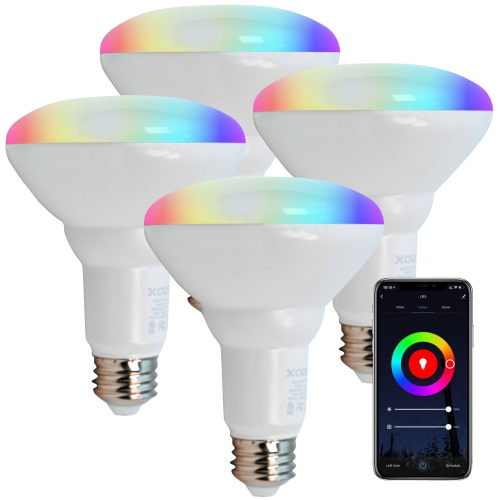
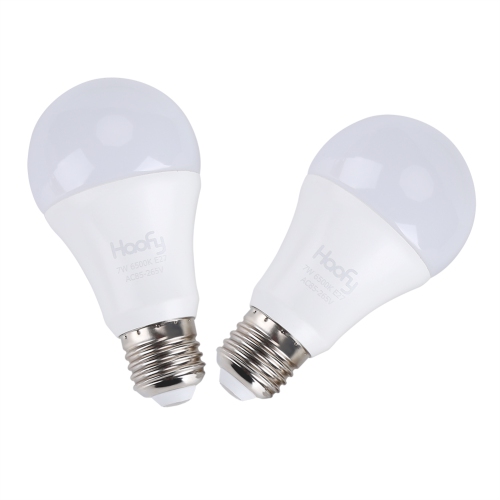
Smart lighting that fits your lamp and network
Smart light bulbs for a student dorm room bring adjustable everyday lighting to a space that often serves as a bedroom, study area, and place to relax. A compatible bulb in a desk lamp or bedside fixture can provide brighter white light for reading, a softer glow for winding down, or coloured light for a movie night with friends. Features vary: dimmable white bulbs adjust brightness, adjustable-white bulbs also change the shade of white, and colour-changing bulbs add a broader palette. The right choice starts with the lamp already in the room. The bulb’s base must match the socket, and its shape needs enough clearance beneath the shade or inside the fixture. A common screw base does not guarantee that a wider globe or longer bulb will fit, especially in a compact desk lamp. Brightness is measured in lumens, while watts describe power use; both matter when matching useful light output with a fixture’s electrical rating. A bulb rated around 800 lumens can suit general lighting in some small rooms, but shade design, wall colour, and lamp placement affect how bright the space feels. For reading, a well-positioned task lamp can be more useful than making the whole room brighter. White-light settings also change the feel of the space: lower colour temperatures produce a warmer, more amber appearance, while higher settings look cooler and whiter. These settings are measured in kelvins, not brightness, so two bulbs with similar lumen ratings can look quite different. Glass and plastic bulb housings are both used, with handling and fixture compatibility more important than appearance alone. Smart bulbs contain electronics in addition to LEDs, so enclosed fixtures, existing dimmer switches, and tightly fitted shades require particular attention to the bulb manufacturer’s specifications. Residence rules may also limit changes to overhead fixtures, making a permitted plug-in lamp a practical place to add smart control without altering the room.
Connection type is especially important in student housing, where the Wi-Fi that works for a laptop may not support a smart bulb. Many Wi-Fi bulbs require a 2.4 GHz connection, and campus networks can use browser sign-in pages, account authentication, or device-isolation settings that interfere with setup and control. A phone successfully joining the network does not necessarily mean a bulb can join it or communicate with the phone. Campus IT can confirm whether smart-home devices are permitted and whether a device-registration process is offered. Personal routers and phone hotspots are not universal solutions: residence policies may restrict routers, while hotspot arrangements can depend on a second device and a continuing connection. Bluetooth-enabled bulbs can be a simpler option for nearby control when the bulb supports that function directly through its app. However, Bluetooth support does not automatically include remote access, voice control, or schedules that run independently of the phone. Some bulbs use Bluetooth only during setup, so the supported control methods matter more than the wireless logo alone. Hub-based systems introduce another consideration, as the hub may need an approved network connection and a suitable place to remain plugged in. Matter compatibility can help supported devices work across compatible smart-home platforms, but it does not remove network requirements. Matter bulbs using Thread generally need a compatible Thread border router, while the chosen platform may also require a controller. For students sharing a room, control should be straightforward for everyone who needs it. Shared app access, a compatible wireless button, or voice control can reduce the need to pass around a phone, although each feature depends on the lighting system. Smart bulbs normally need continuous power for wireless features, so switching the lamp off at its physical switch can make app commands and routines unavailable. Settings for power restoration are worth checking, too: after an interruption, some bulbs return to their previous state while others turn on at a preset brightness. That difference can matter when a bedside lamp sits a few feet from a sleeping roommate.
Everyday usefulness often comes from small adjustments rather than dramatic colour effects. A dimmable bedside bulb can provide a gentle pool of light while someone looks for a charger, and a saved reading setting can make a desk lamp easy to return to after a video call. Scheduled dimming or gradual brightening may suit a regular routine, provided the bulb and its control system support the feature under the room’s connection conditions. Timers can also be helpful during a study session, though lighting effects are best kept subtle in shared spaces. Saturated colours may suit a relaxed evening, but comfortable white light is generally more practical for printed notes, detailed work, and getting dressed. For a shared room, the direction of the light matters as much as its brightness. A shade that directs light onto a desktop can help keep it away from a roommate’s pillow or screen, while a light-coloured shade spreads illumination more broadly. App accessibility, readable controls, and an easy-to-reach physical switch also deserve attention, particularly for anyone who finds small touch targets inconvenient. Smart bulbs can make a thoughtful gift for a student moving into residence, especially when the socket type, phone compatibility, and housing network requirements are already known. For a broader look at connected lighting options, Smart Lighting for Dorm Rooms includes lighting for different parts of a compact living space. Care is usually straightforward: switch off the power, let the bulb cool, and follow its cleaning instructions, typically using a soft, dry cloth rather than spraying liquid onto the housing or socket. Avoid overtightening during installation, and keep packaging for protected transport between residences. Before passing a bulb to another person or moving out, removing shared access and completing the manufacturer’s reset process helps clear account connections. A bulb that fits the fixture, works with the permitted connection, and remains easy to control is better suited to daily dorm life than extra effects that rarely get used.
Top selling and popular products
-
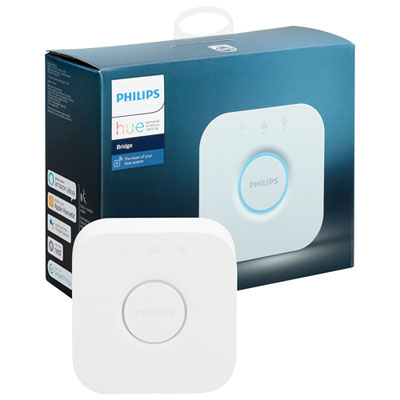 Your price for this item is $89.98
-
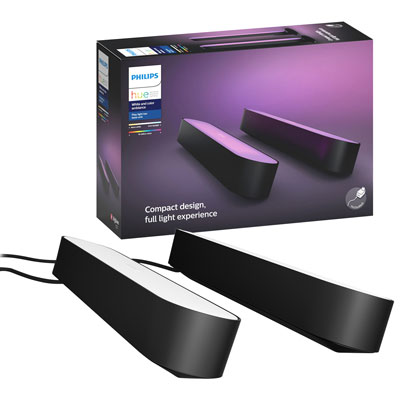 Your price for this item is $199.99
-
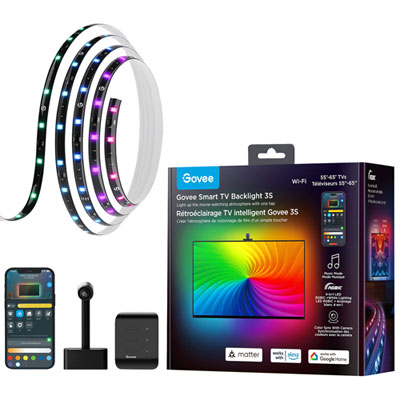 Your price for this item is $109.99
-
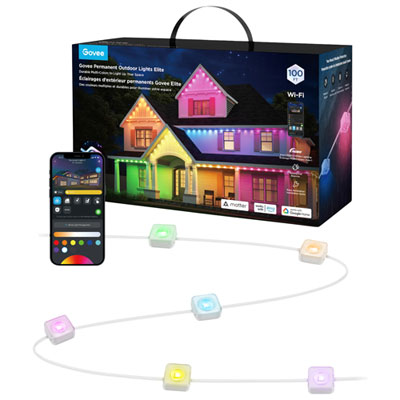 Your price for this item is $399.99
-
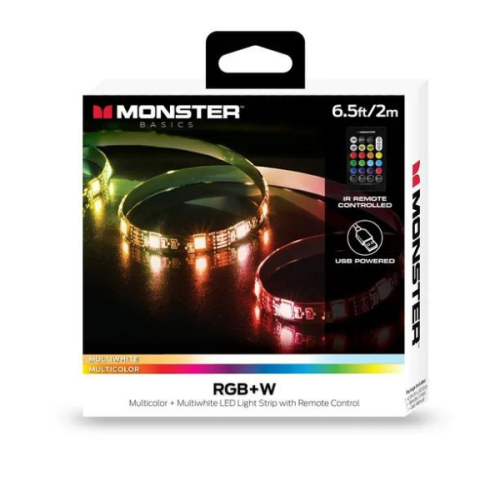 Your price for this item is $12.99
-
 Your price for this item is $99.99
-
 Your price for this item is $138.37
-
 Your price for this item is $279.95
Discover more categories related to Smart Light Bulbs for Student Dorm Room
Top Collections:
Best Black Friday Deals This Year, Best Black Friday Deals On Electronics, Kindle Devices, Pokemon Centers, Best Black Friday Deals On Apple Products, Best Cameras for Sports Photography, Dyson Airwrap, Pokémon 30th Celebration Cards, Apple iPhone 17 Pro, Canon G7X Cameras
Some products may be subject to Environmental Handling Fees
(EHF) depending on your province.
Learn more about EHFs.