Television Accessories
Enhance your TV viewing experience with our wide selection of television accessories designed to elevate your entertainment setup. From wall mounts and cables to soundbars and streaming devices, we have everything you need to create a seamless and immersive home theater system. Whether you're looking to optimize your audio quality, declutter your space with cable management solutions, or simply enhance the aesthetics of your living room, our range of television accessories has you covered. Explore our collection and take your TV setup to the next level today.
Sort
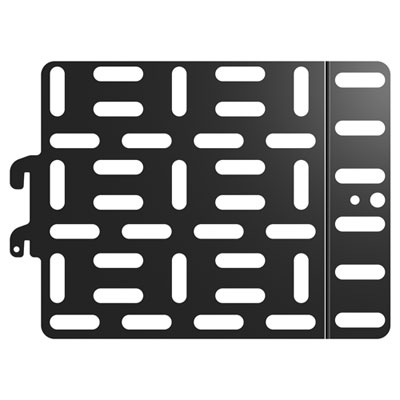
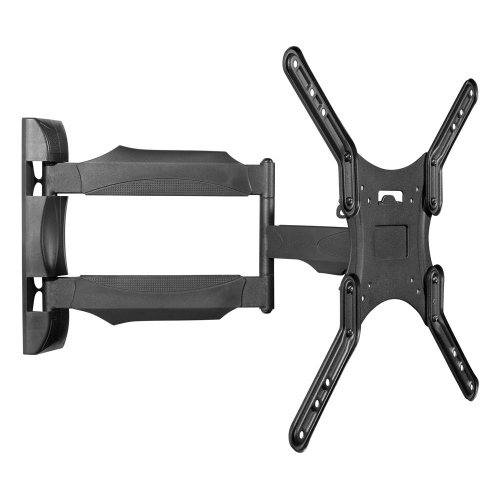
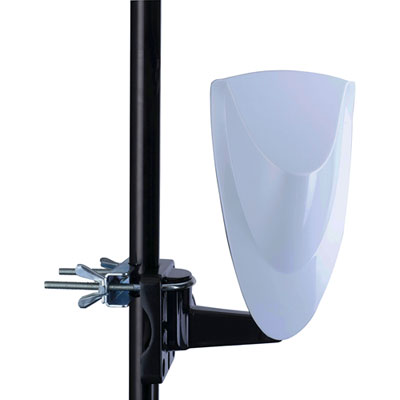
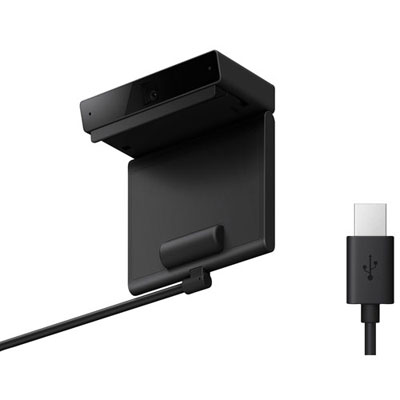
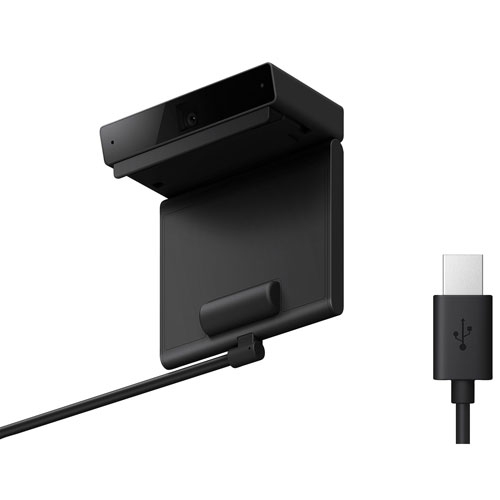

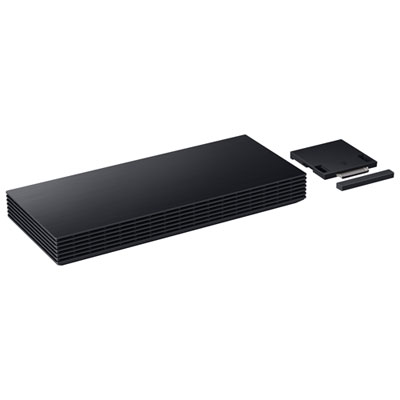






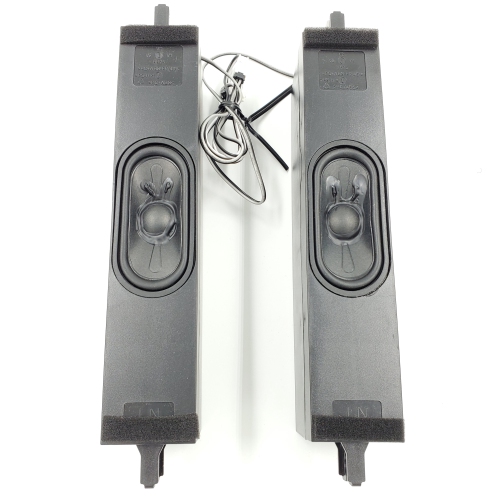
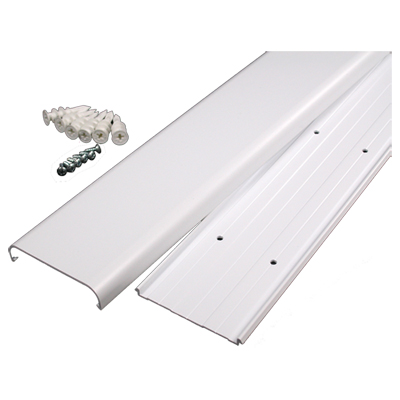
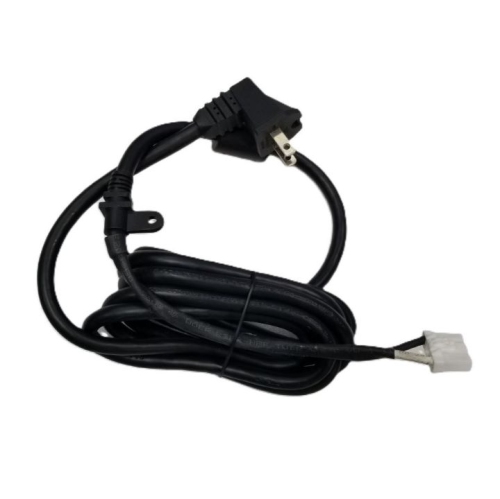
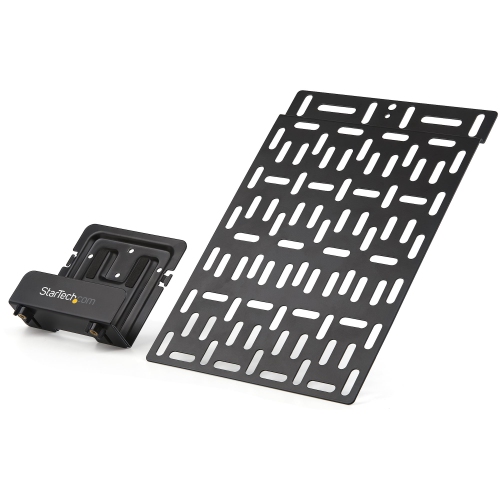


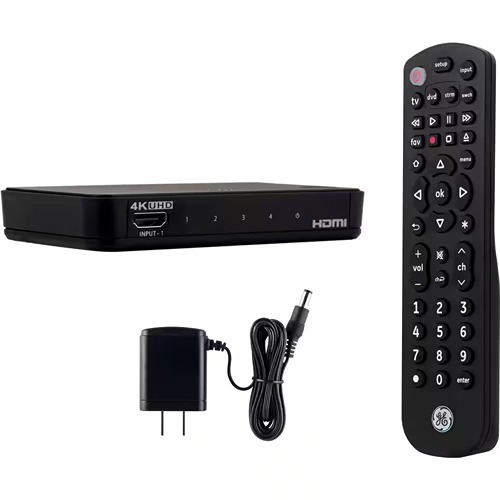
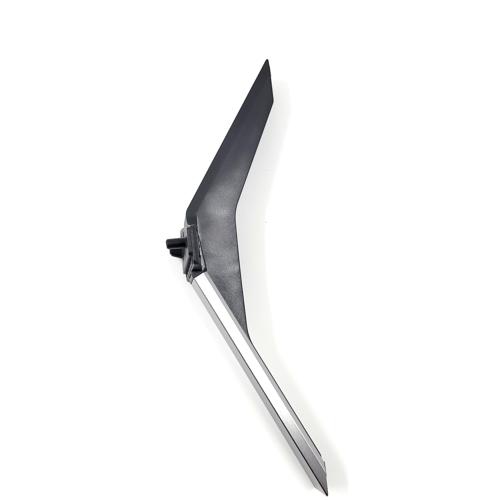
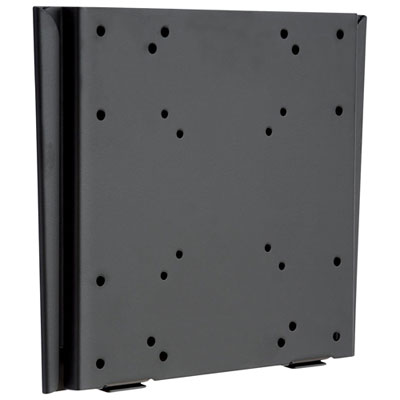
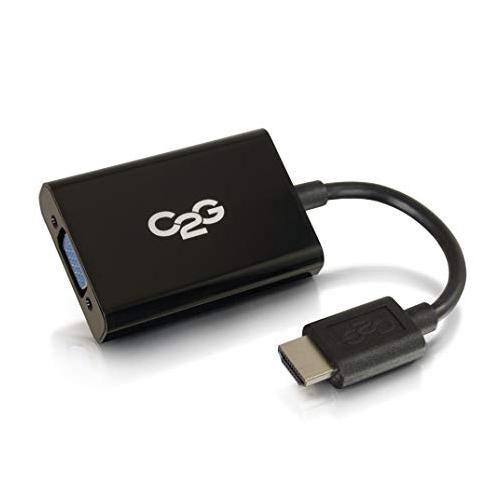


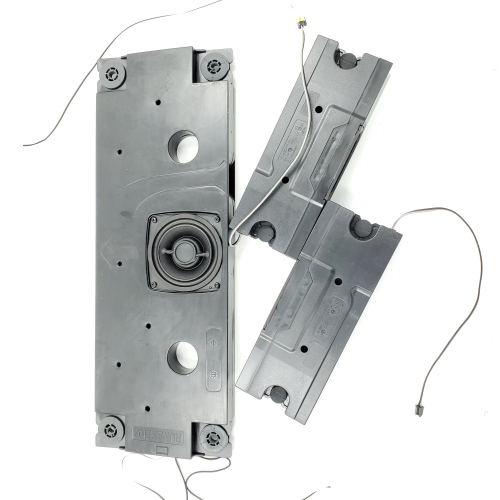
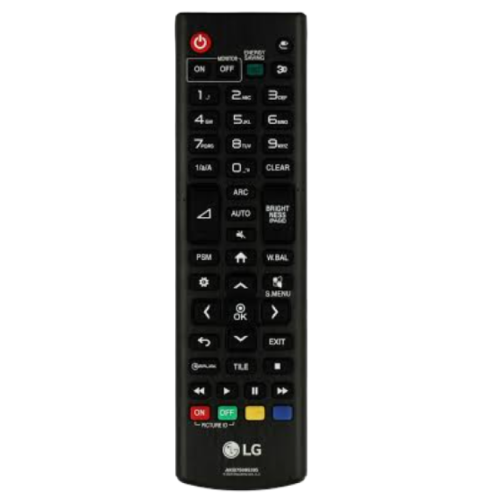
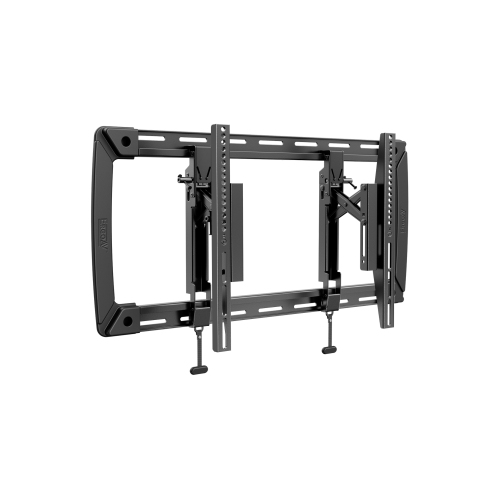

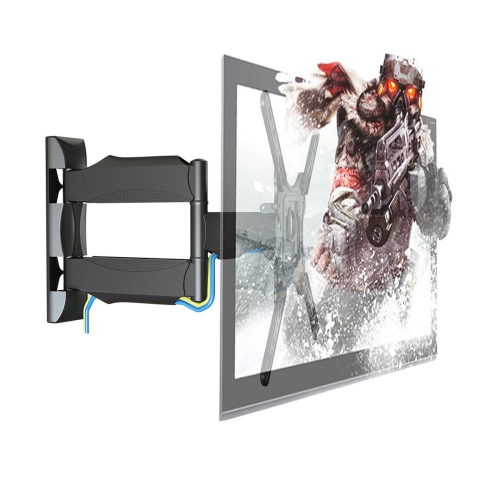

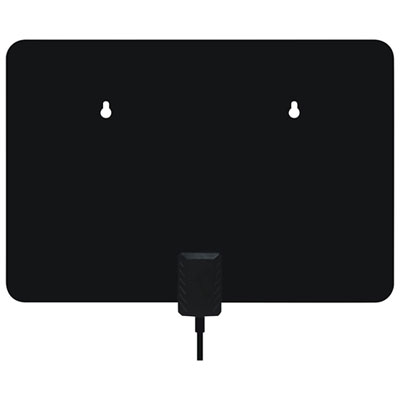
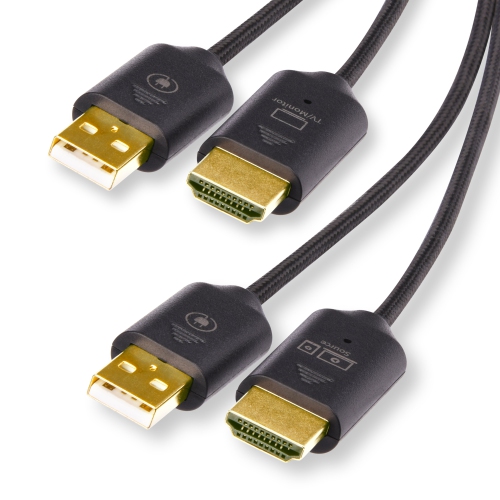
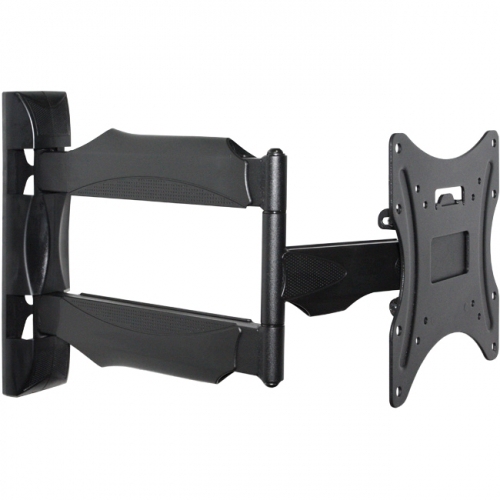



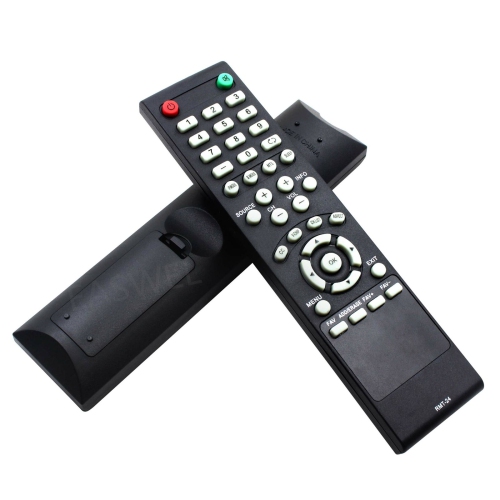
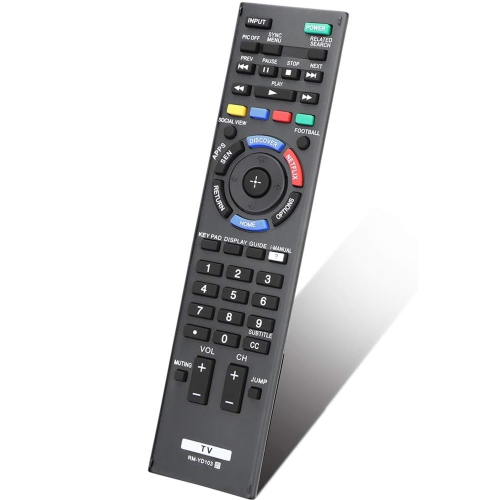
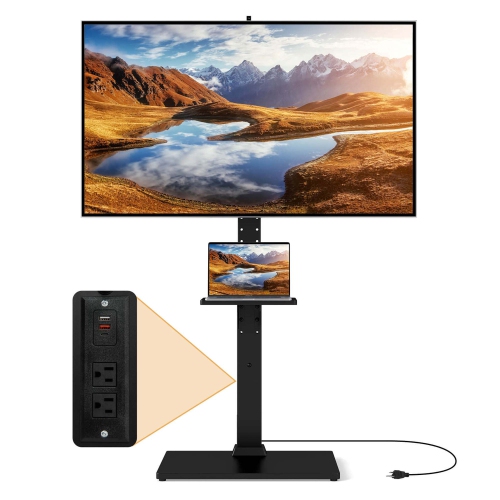
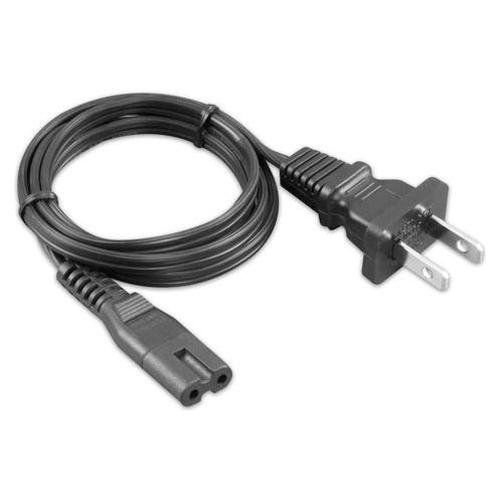
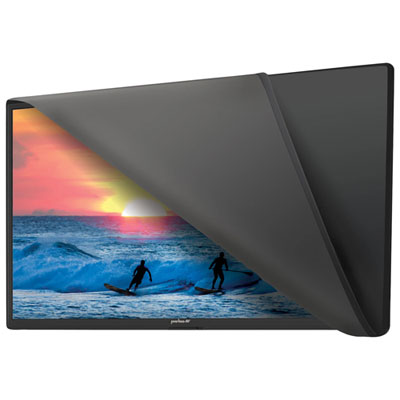
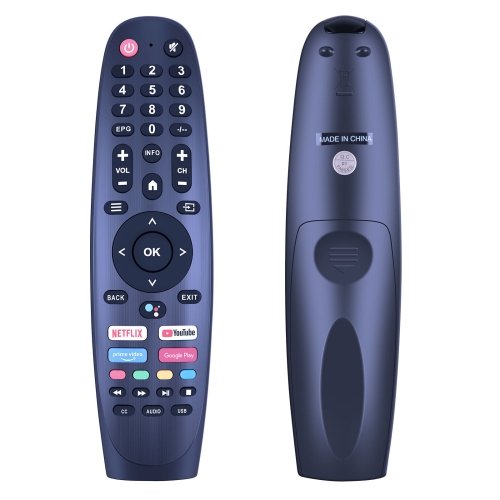
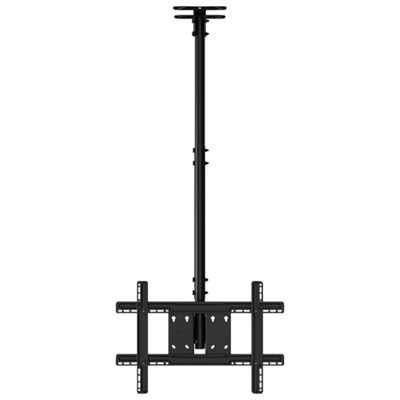
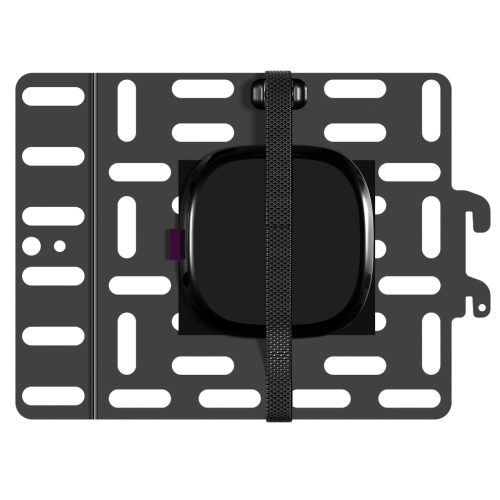
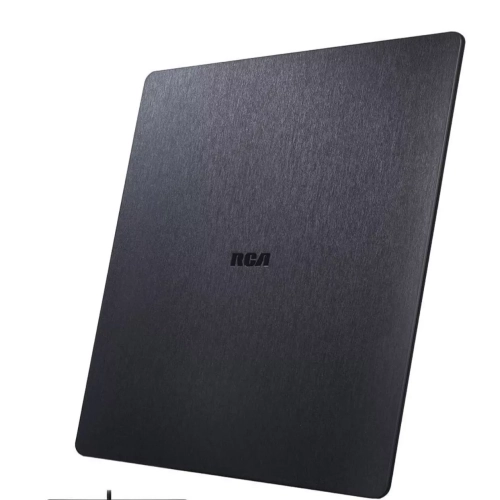
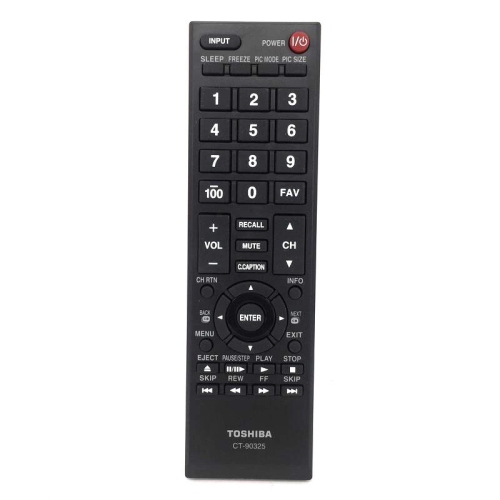
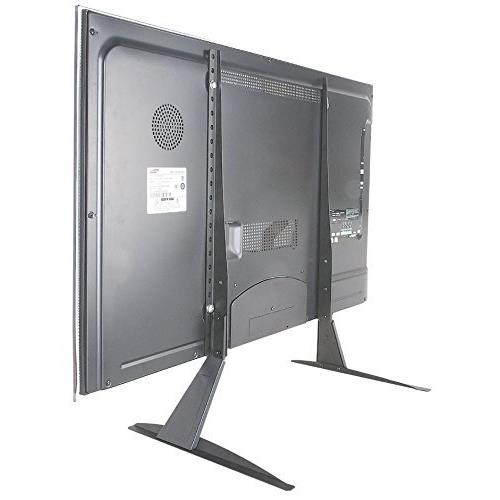
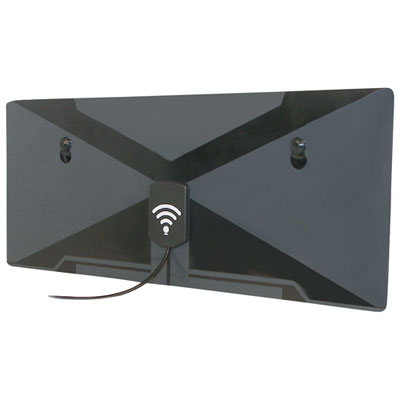
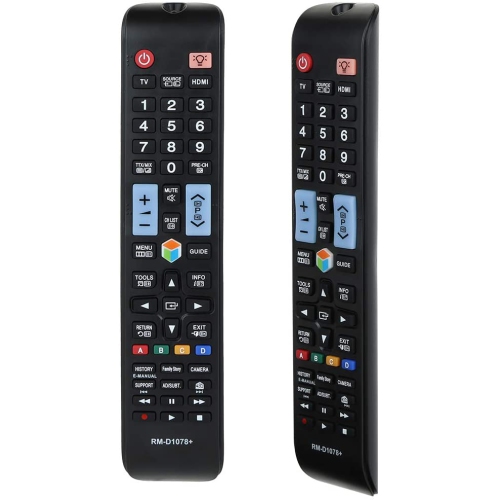
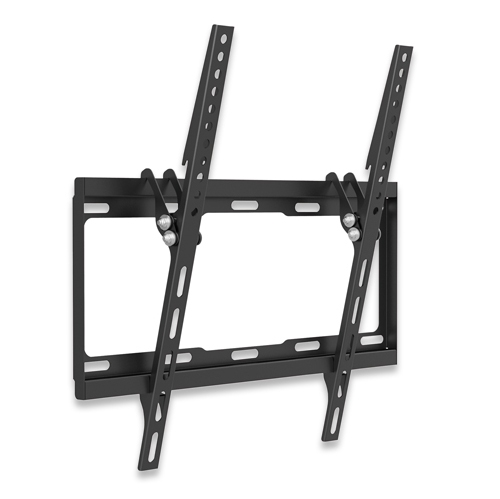
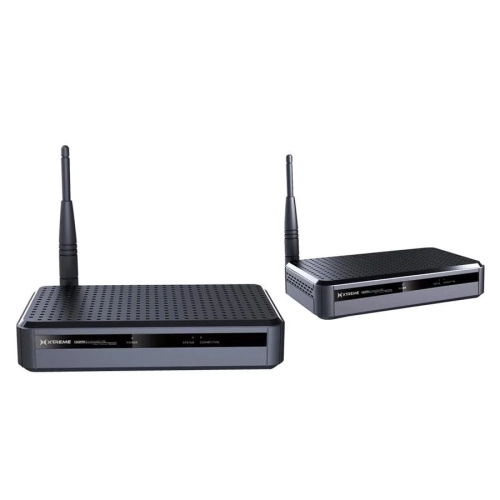

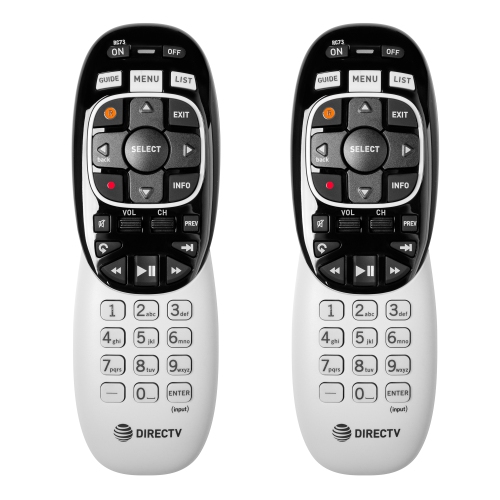
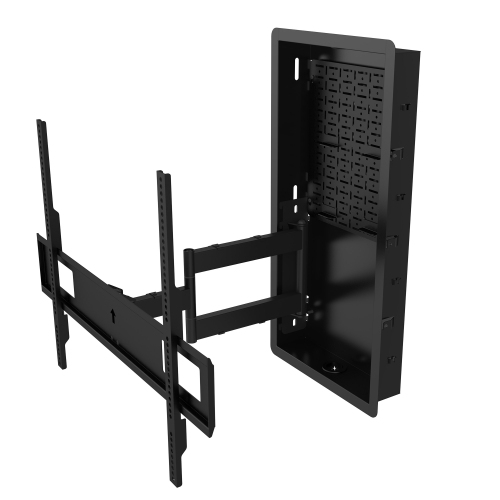
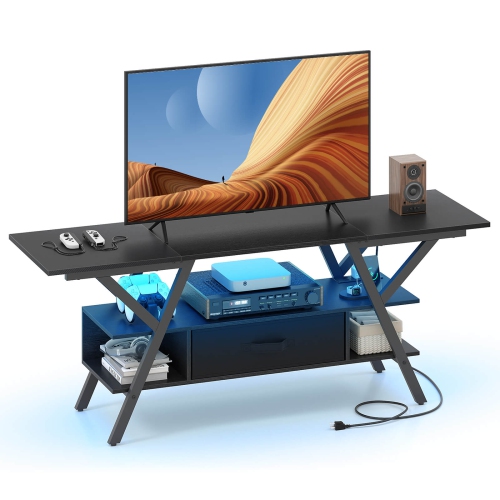
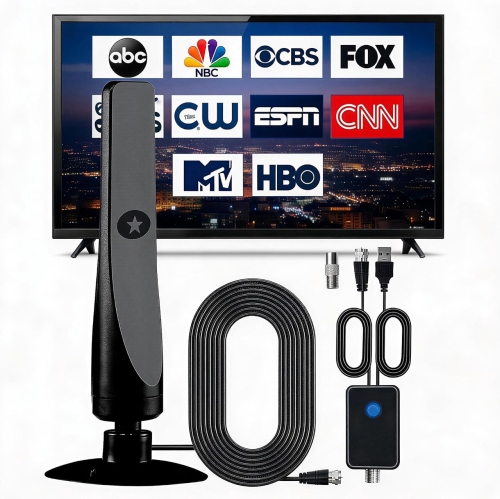
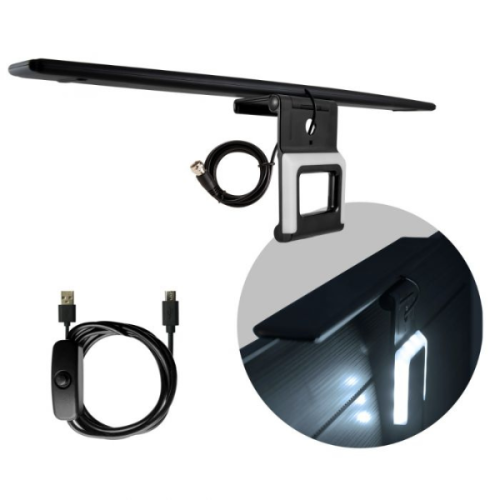
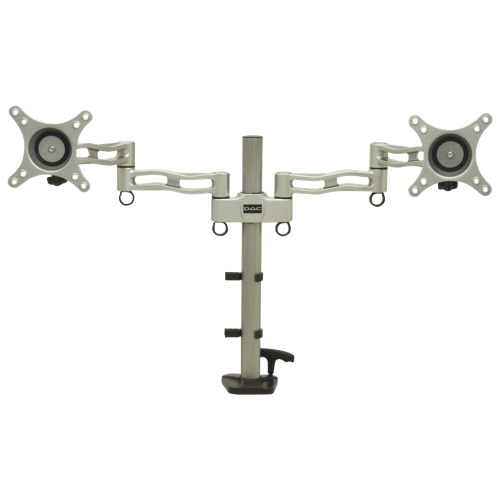

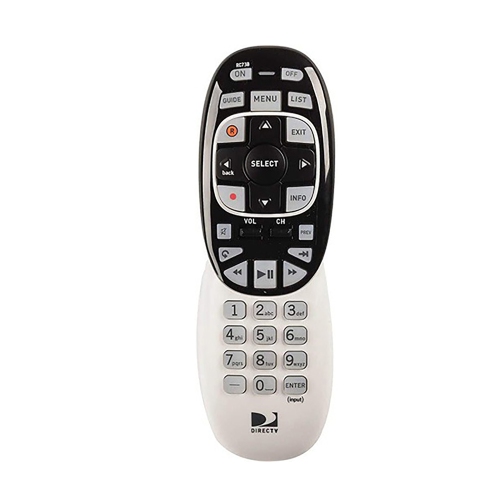





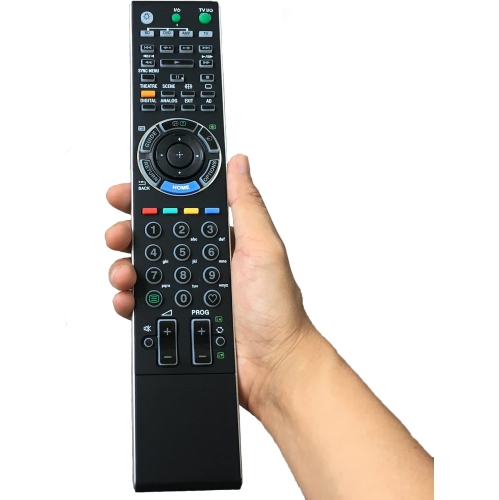
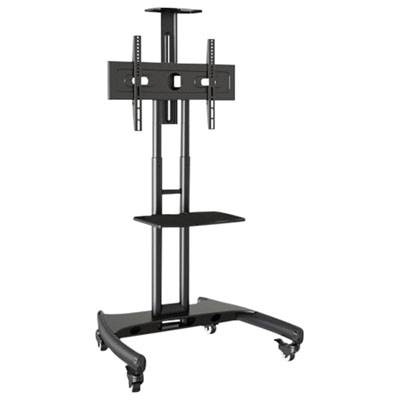
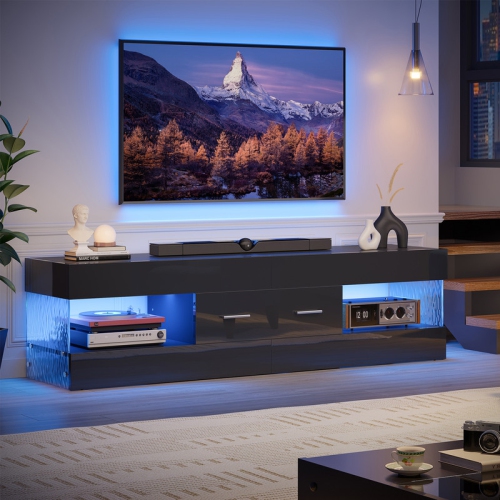
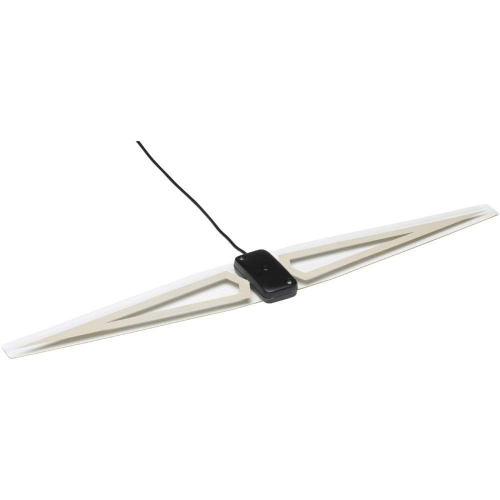
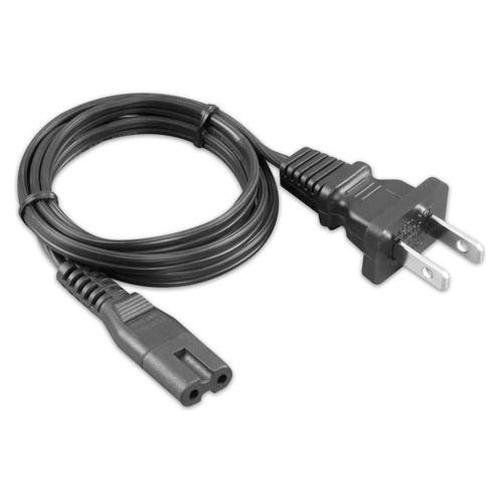
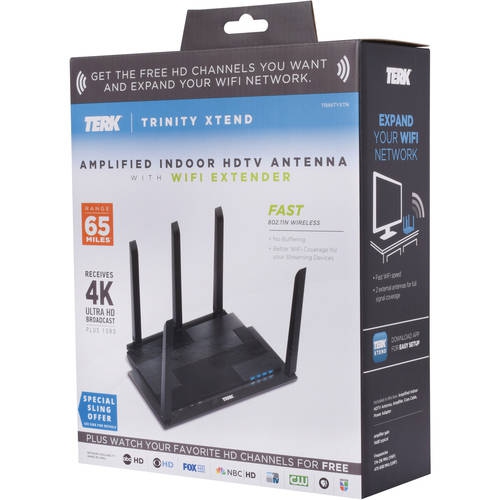
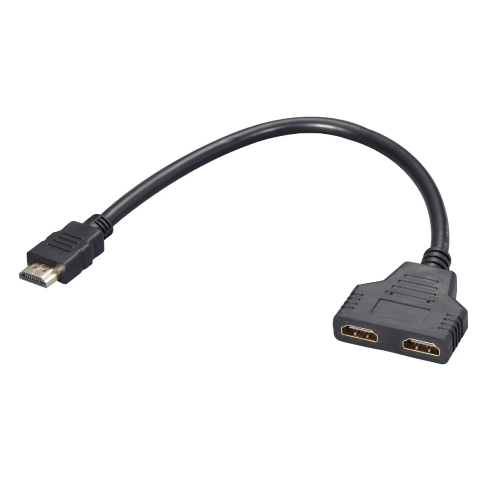


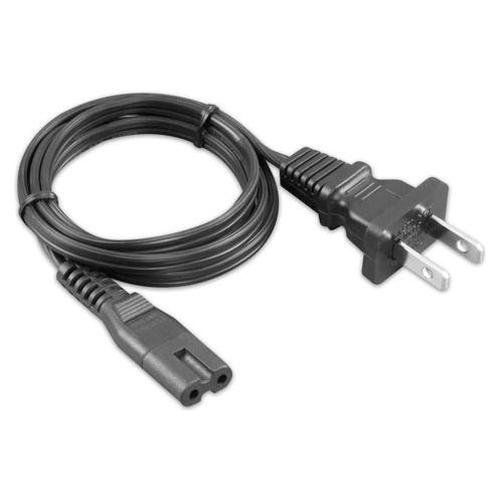
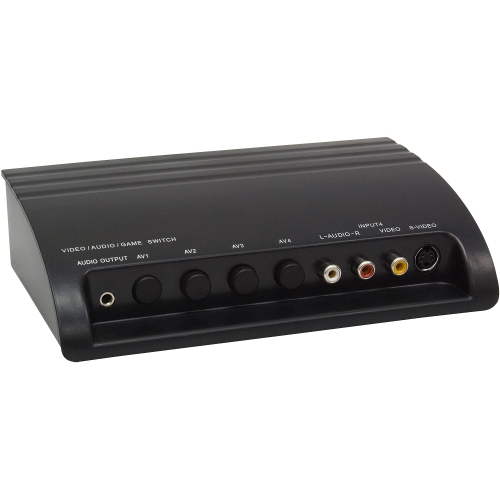
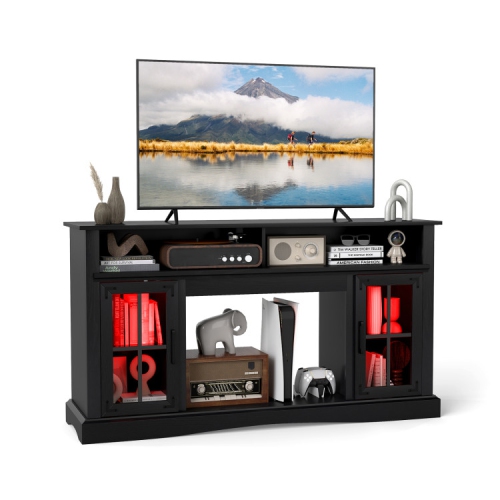
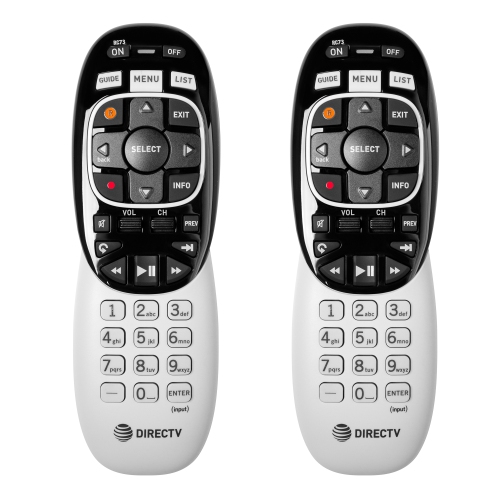
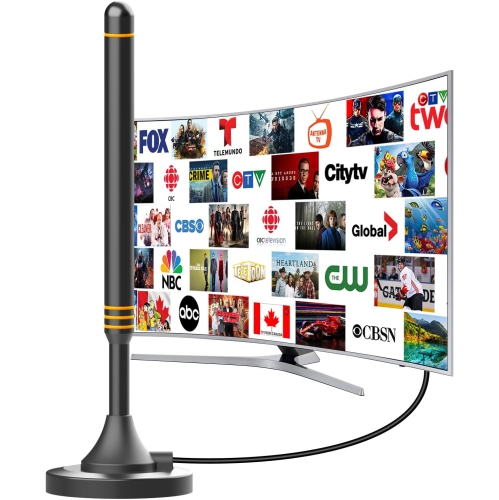
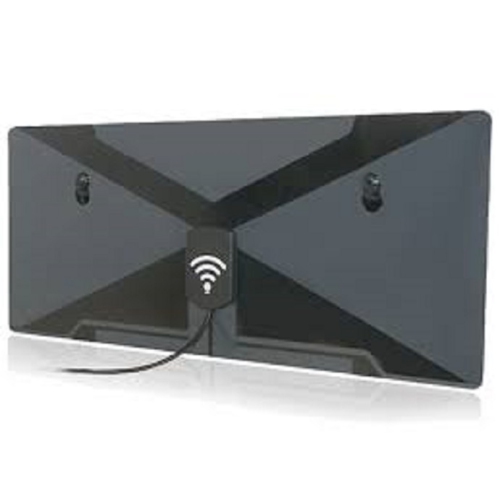
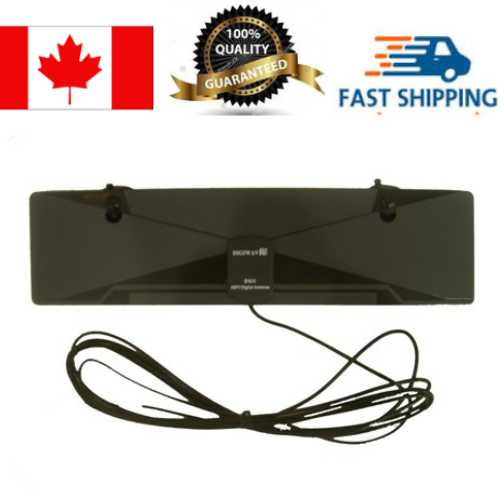
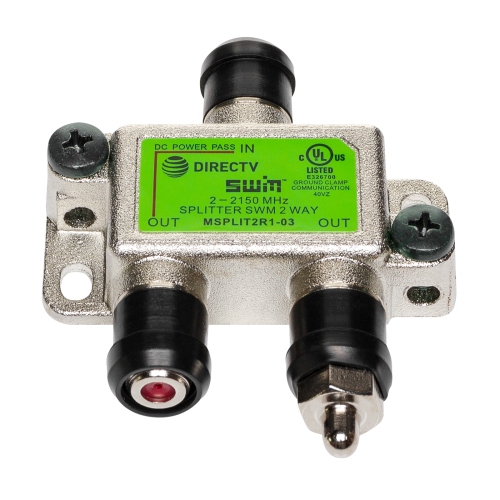
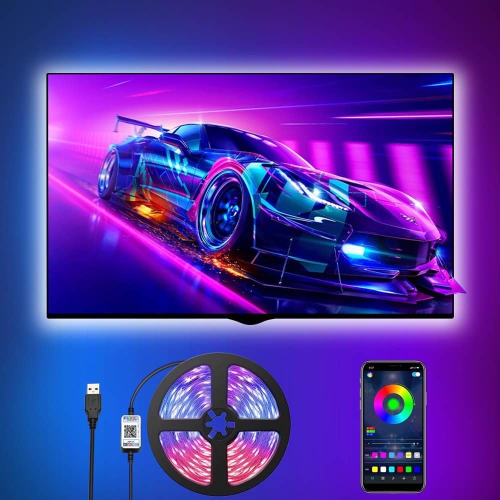
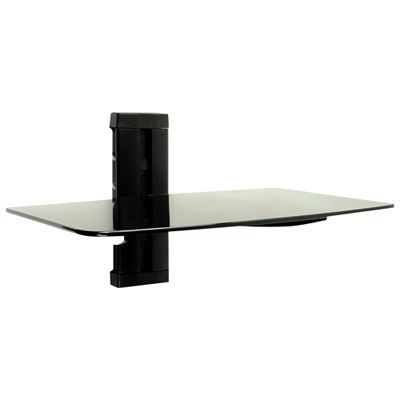
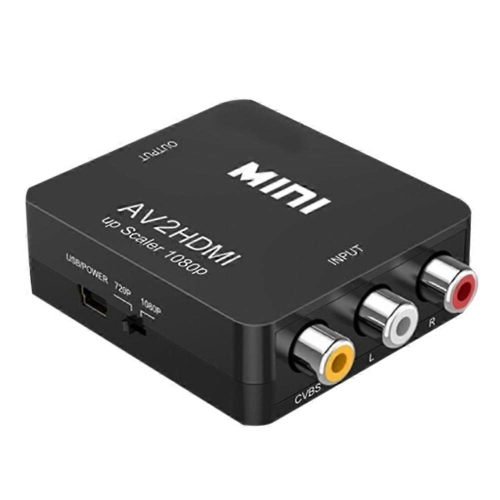
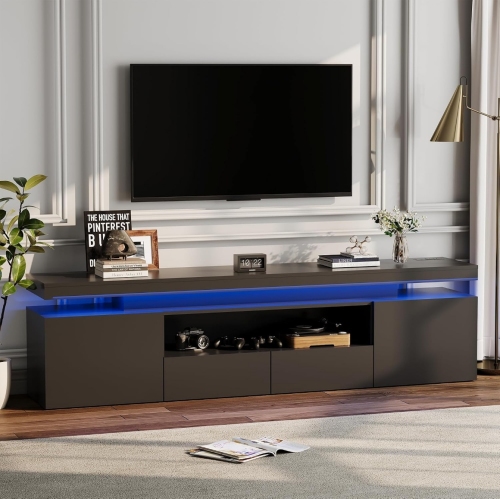
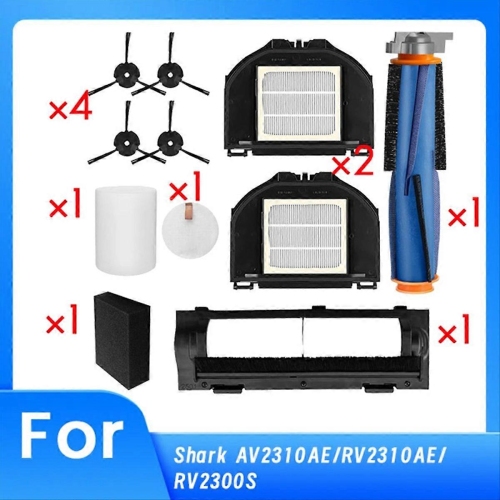
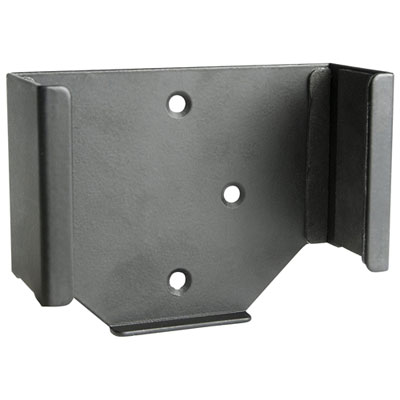
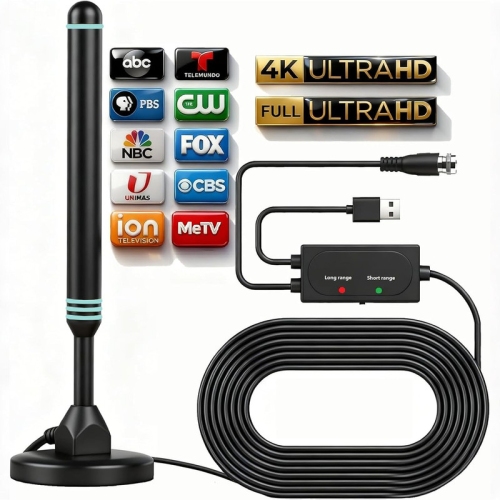
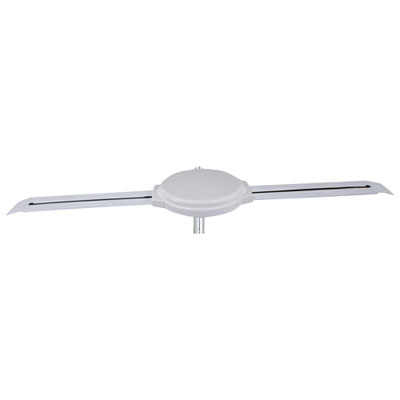


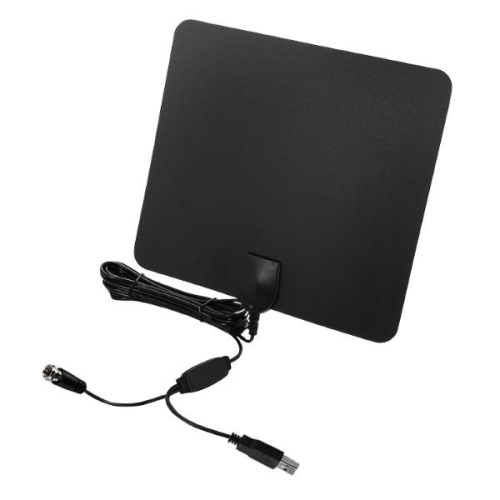
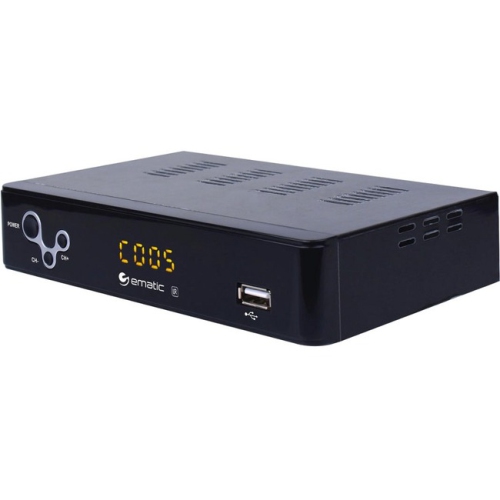
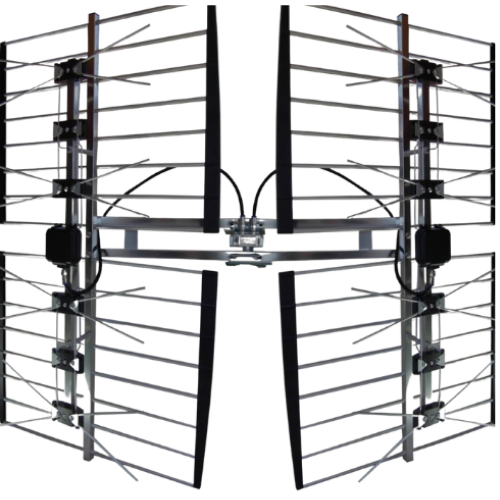
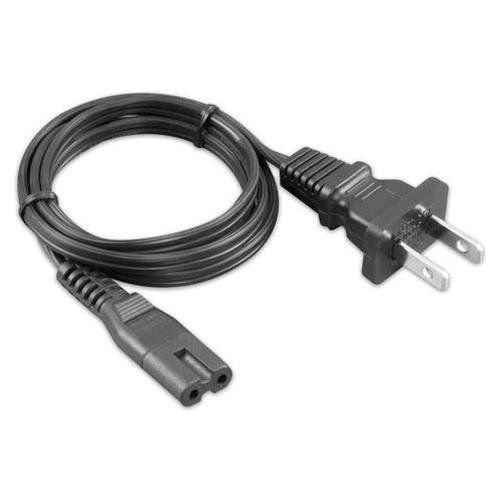
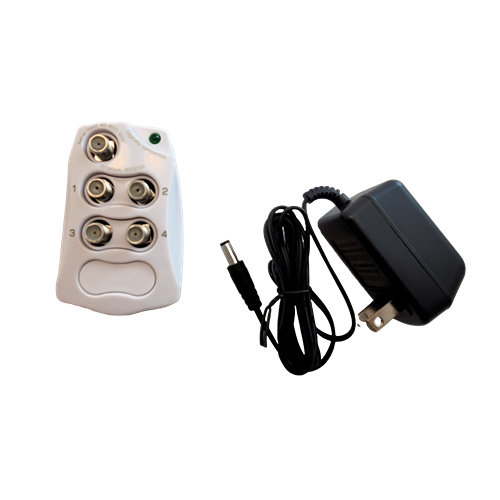
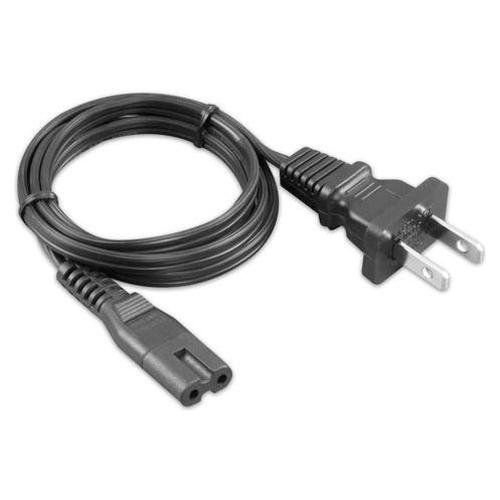

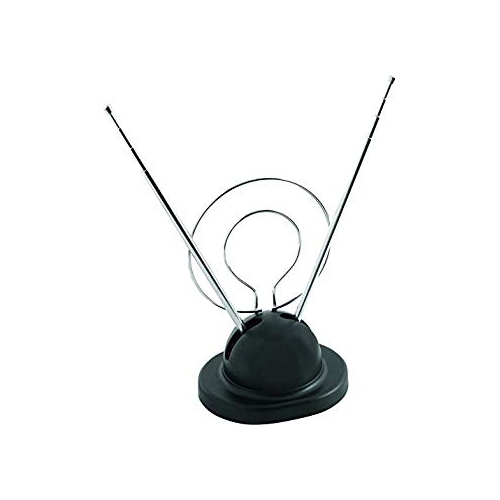
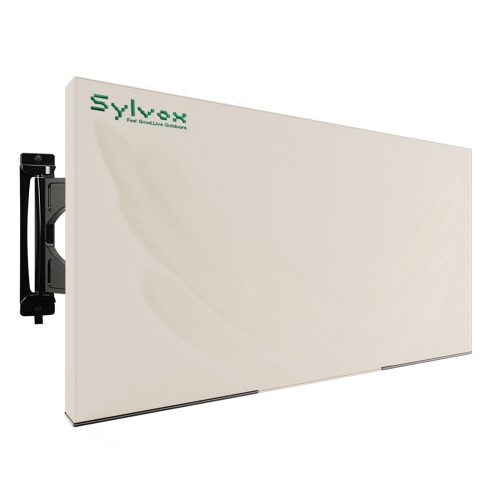
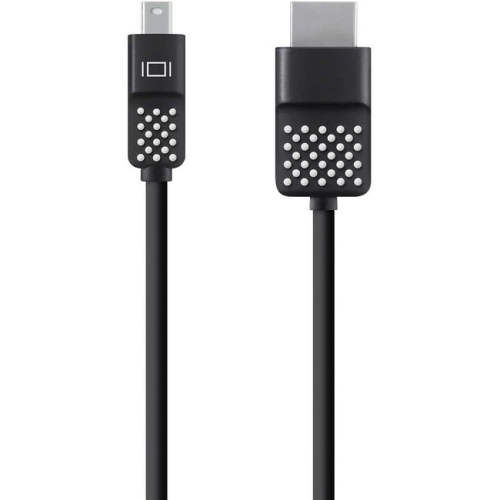
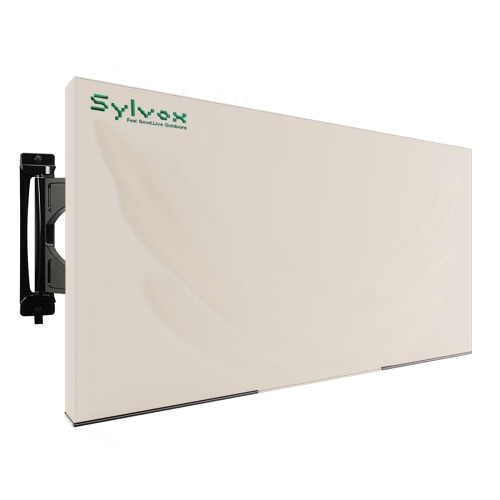
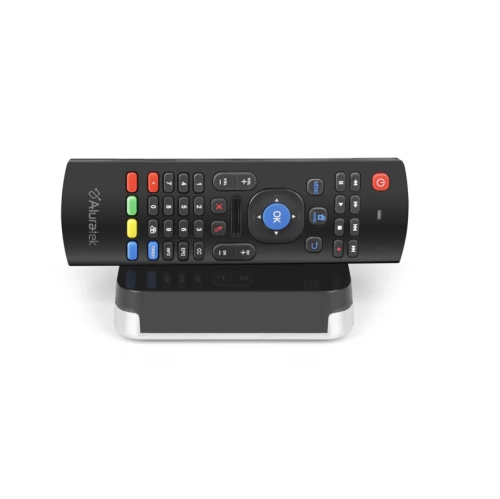



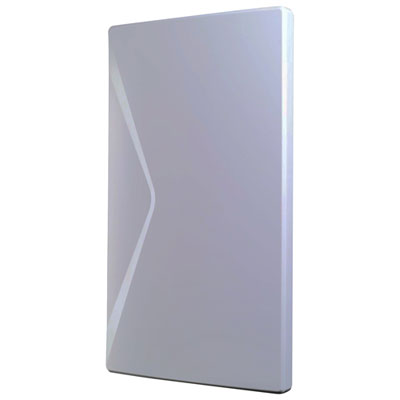
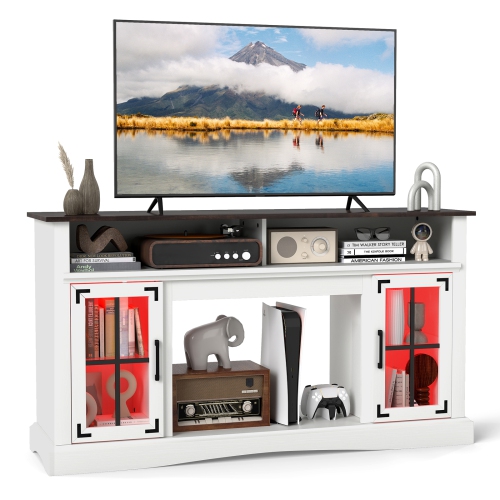
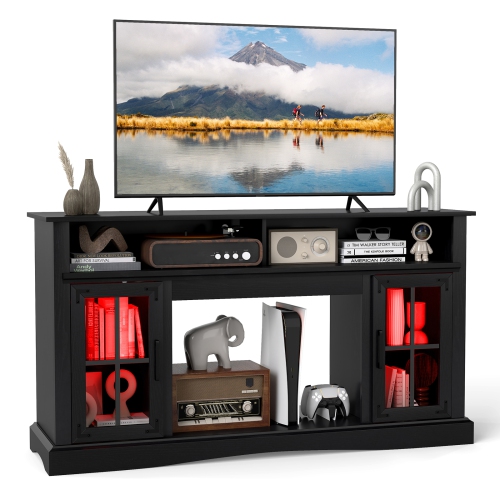
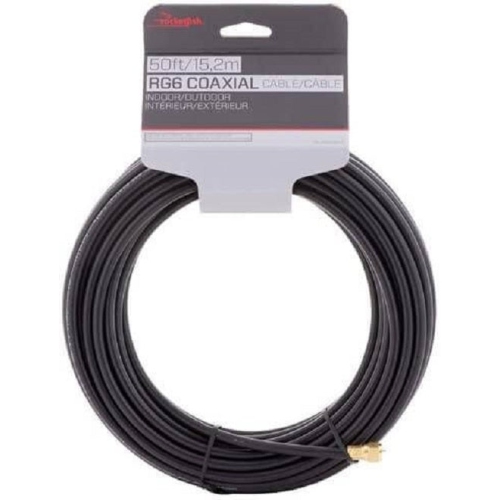
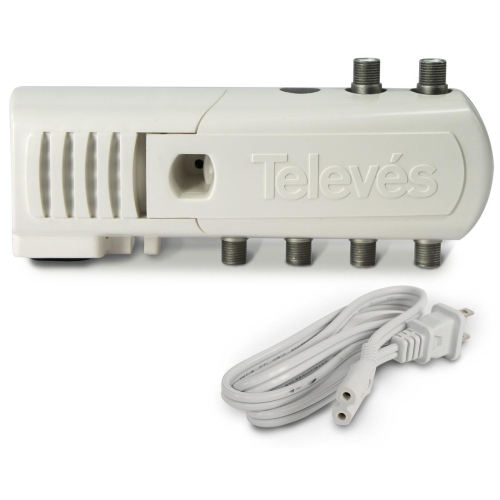
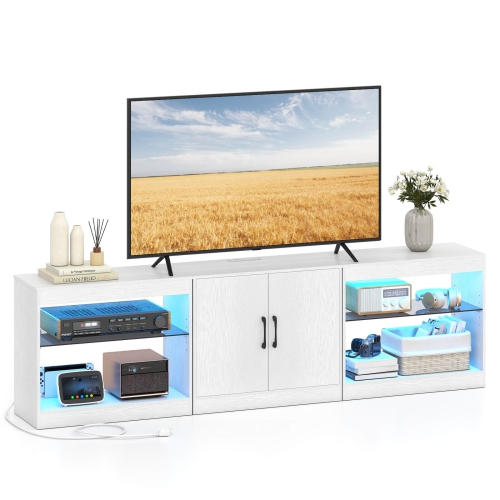
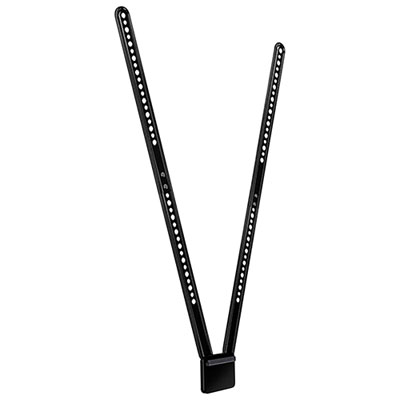
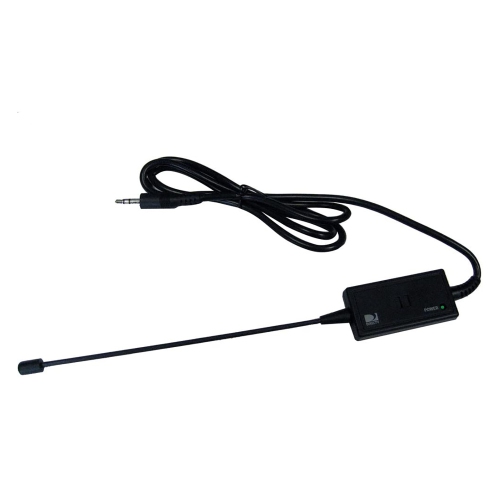

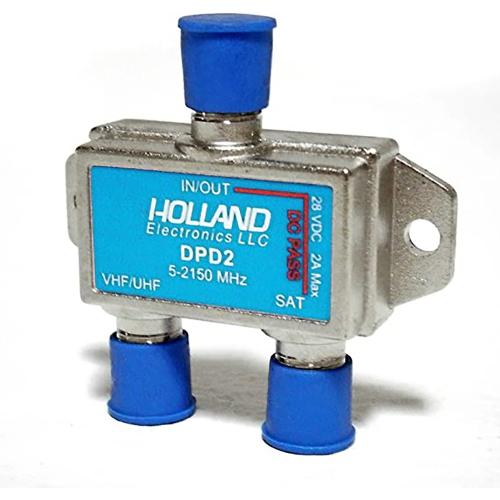
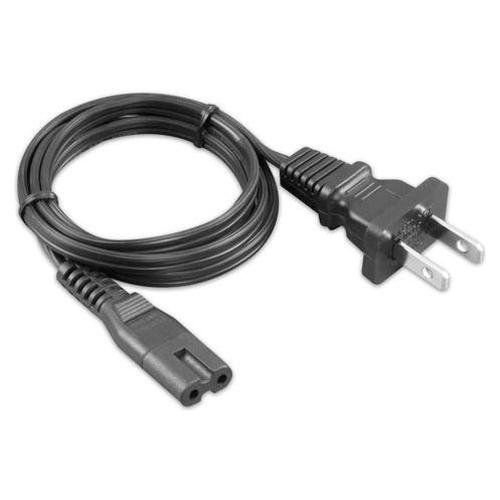
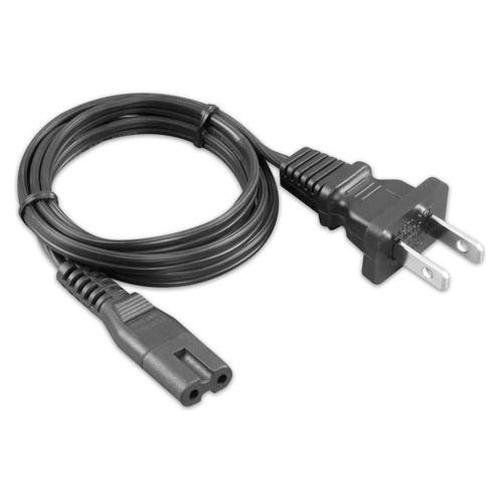
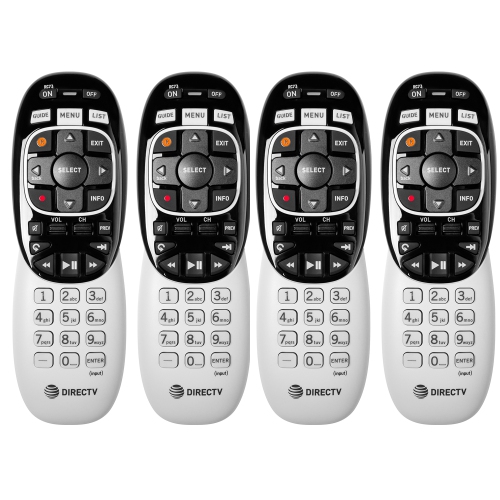
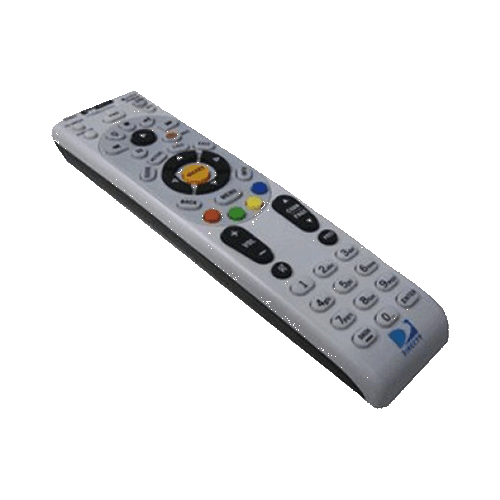
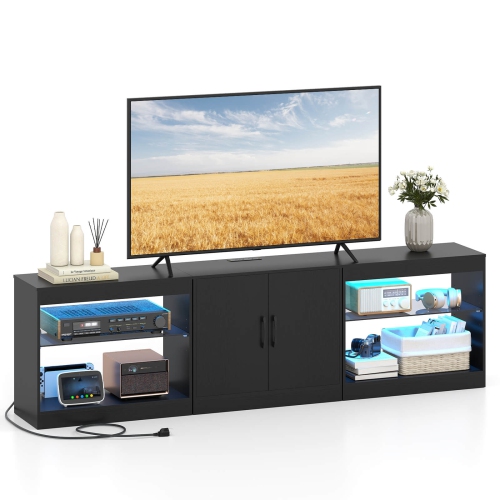

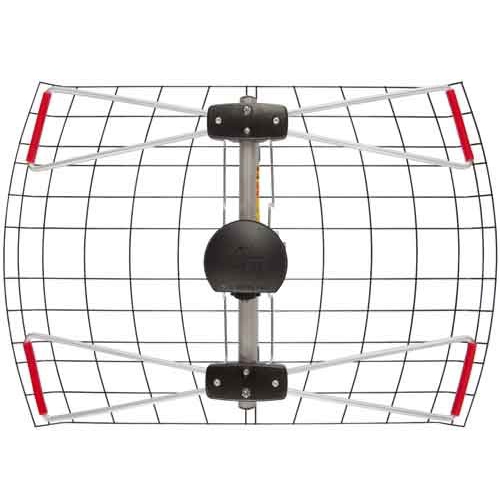
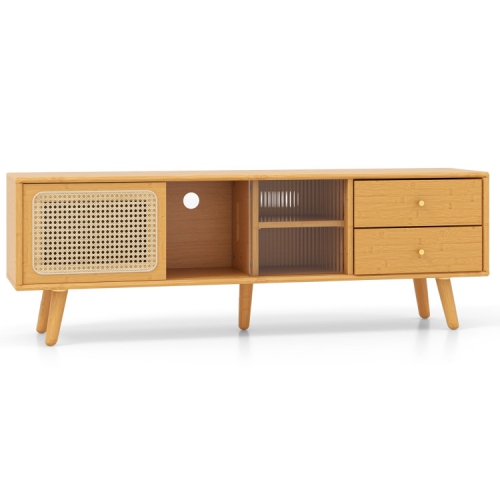
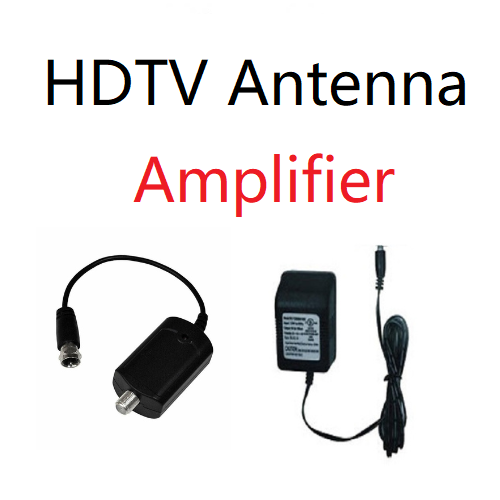
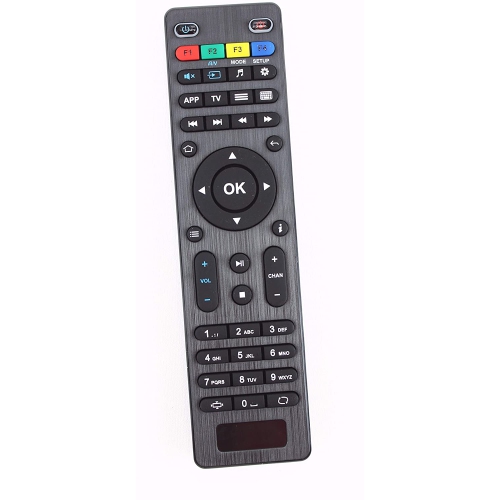
A TV setup that fits your room and devices
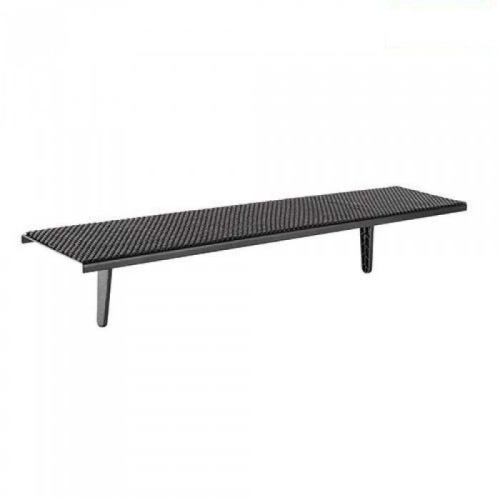
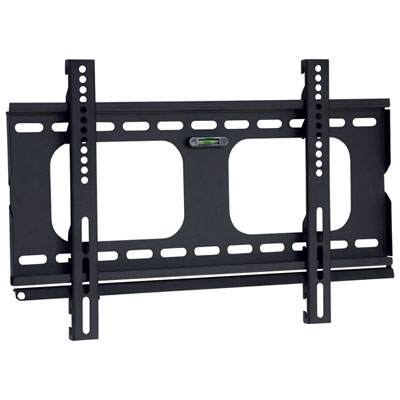
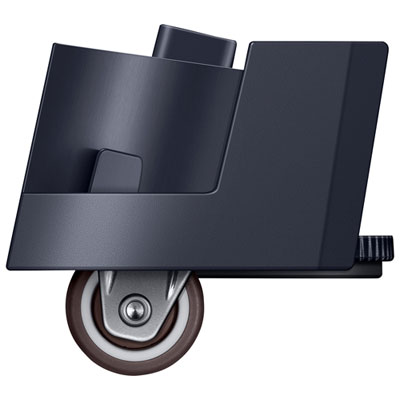
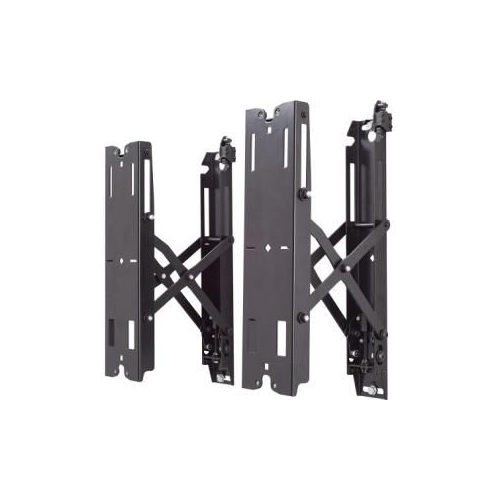
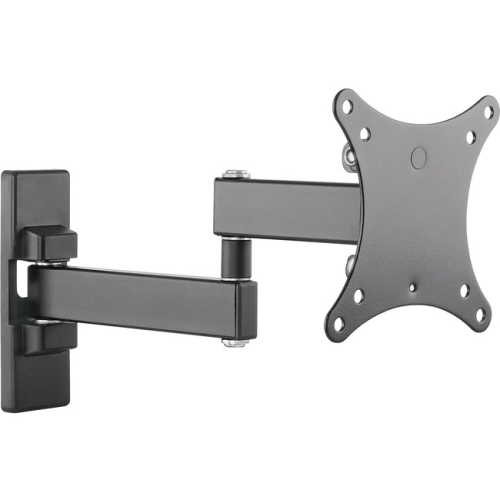
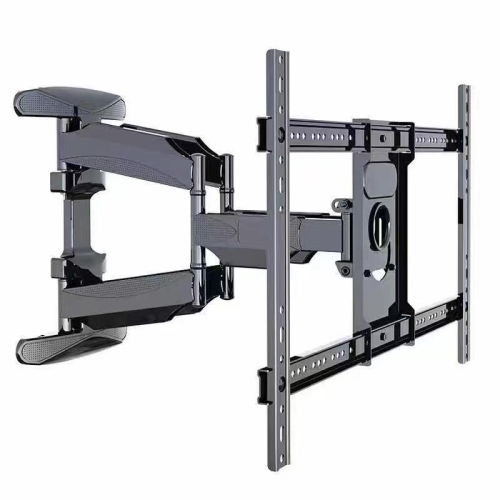
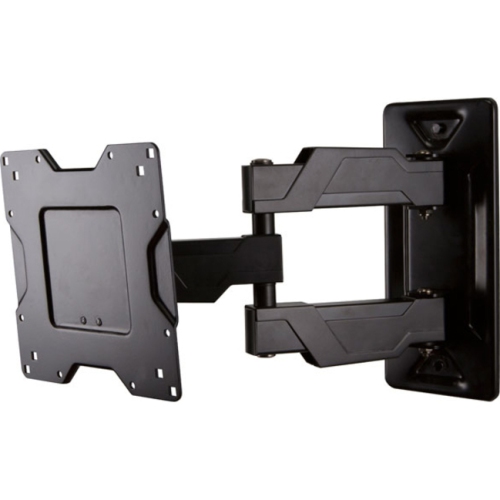
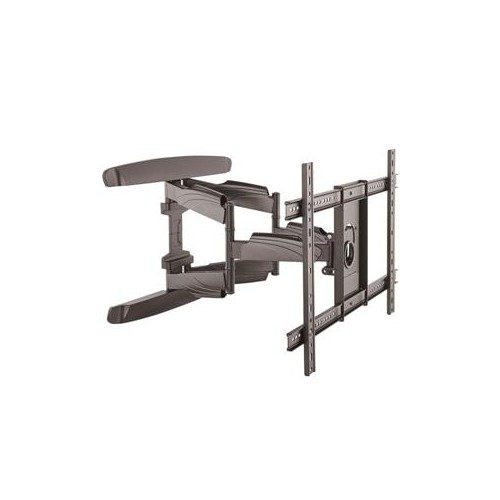
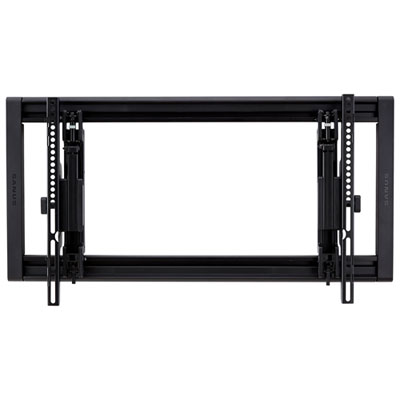
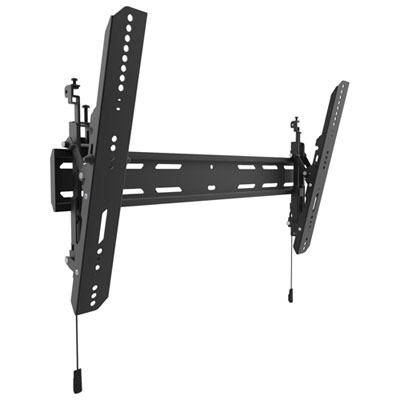
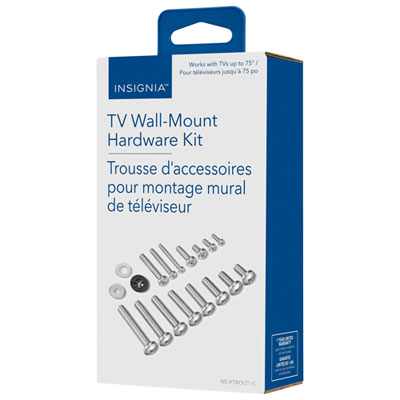
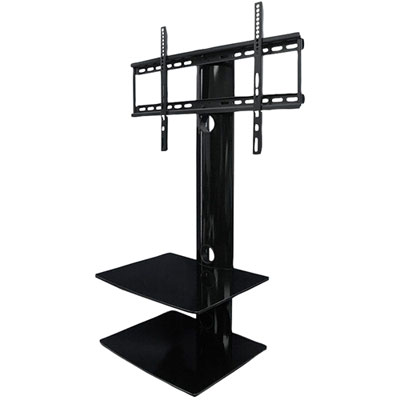
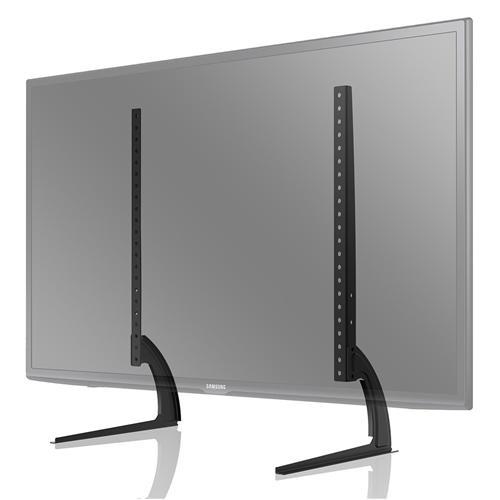
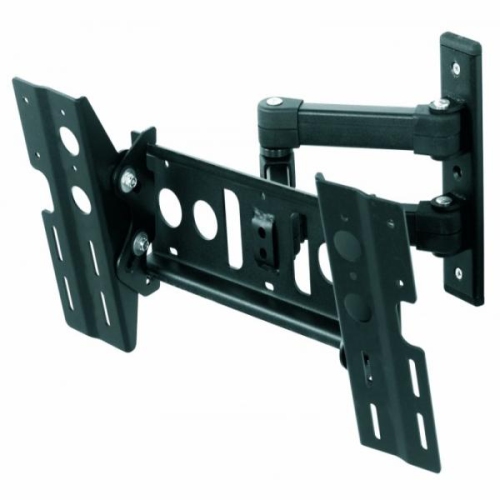
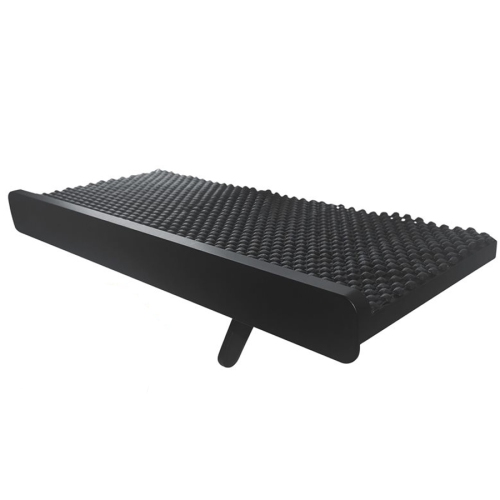
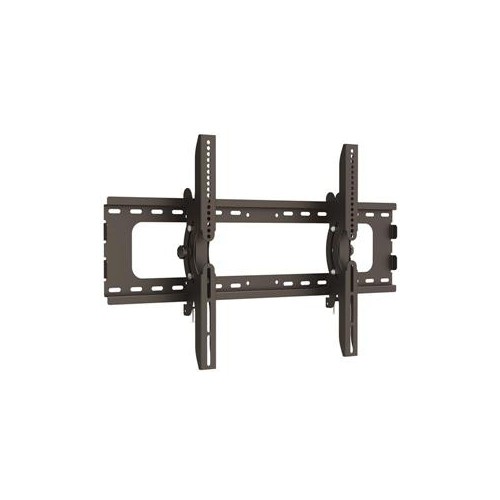
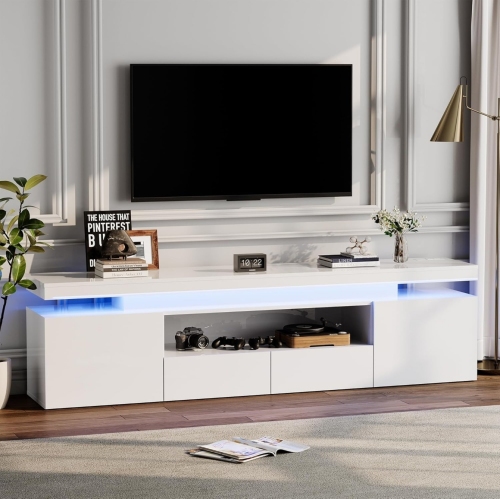
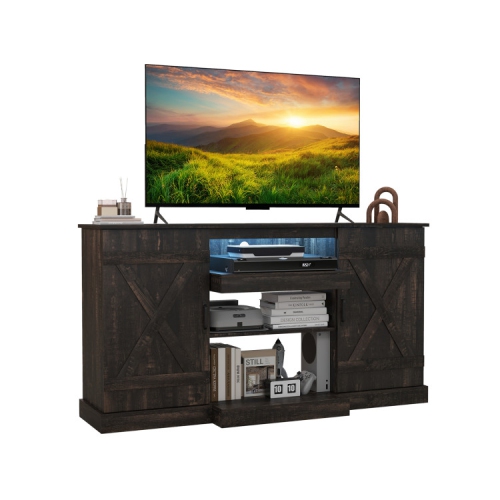
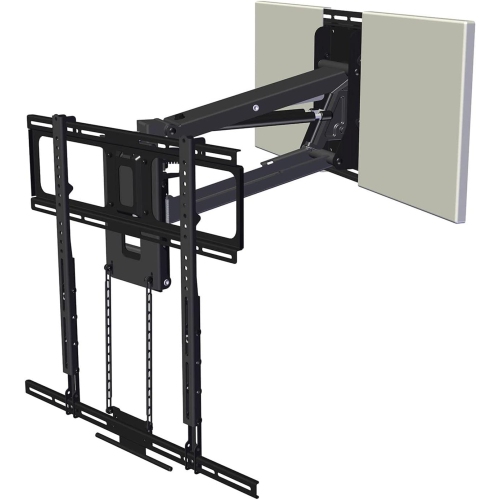
Television accessories help position a screen, connect entertainment devices, organize cables, and make everyday viewing more comfortable. Common categories include TV wall mounts, HDMI cables, universal remotes, soundbars, TV stands, and cable management accessories, each serving a different part of a home entertainment setup. The most useful combination depends on how the television is used and the space around it: a wall-mounted screen in a compact condo has different needs from a family-room television shared by movie fans and console gamers. Wall mounts come in fixed, tilting, and full-motion designs. Fixed mounts hold the screen close to the wall for a streamlined appearance, while tilting mounts allow vertical angle adjustments that can help with glare or a higher mounting position. Full-motion mounts extend and swivel, making them useful where seating spans a wide room or the screen needs to face more than one area. Fit involves more than the screen’s diagonal measurement. A mount must support the television’s weight and match its VESA mounting pattern, the spacing between attachment holes on the back of the screen. Wall construction and suitable anchoring also matter, particularly when an extending arm places additional leverage on its attachment points. Steel construction, sturdy joints, and accessible adjustment mechanisms contribute to a secure, practical setup when installed as directed. TV stands and media furniture offer an alternative where wall mounting is not suitable, with surfaces and shelves for connected equipment. Their width, depth, weight capacity, and base design need to suit the television and its feet, which may sit near the outer edges of the screen. Wood, engineered wood, metal, and tempered glass bring different finishes and care requirements, while open shelving and rear cable openings help keep connections accessible. In homes with children or pets, compatible anti-tip restraints and furniture secured according to manufacturer instructions are important parts of the arrangement.
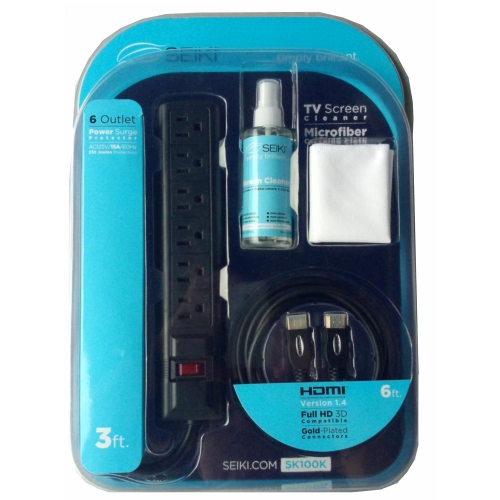
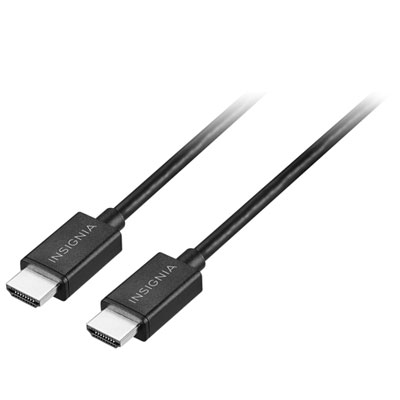
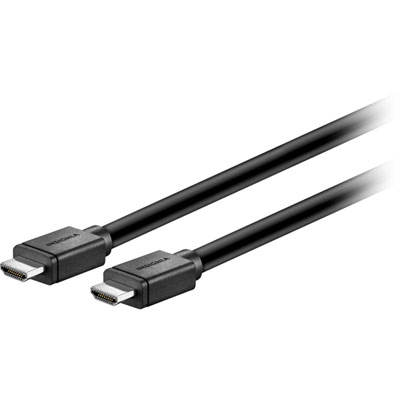
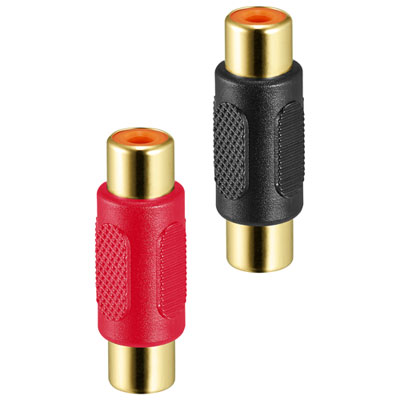
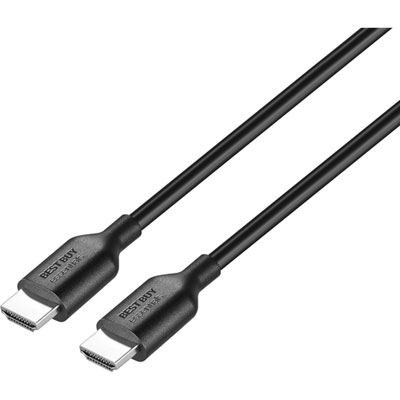
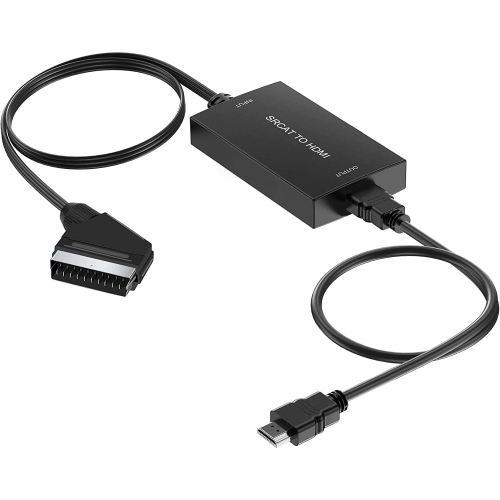
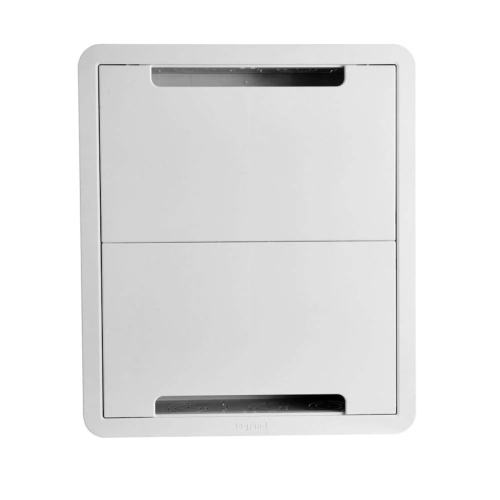
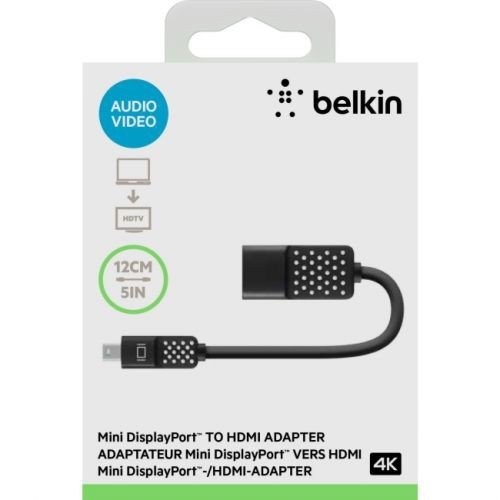
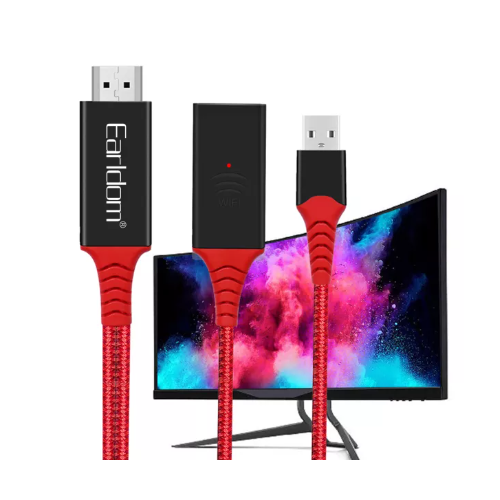
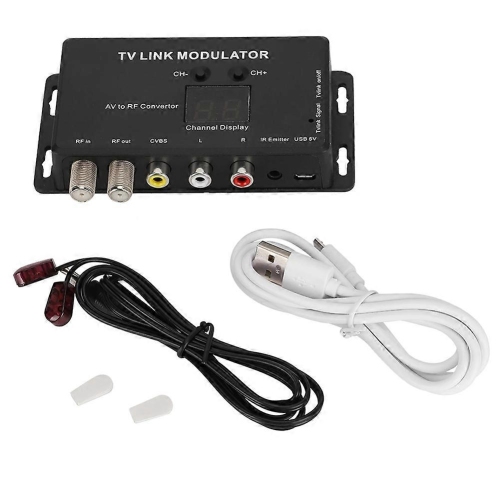
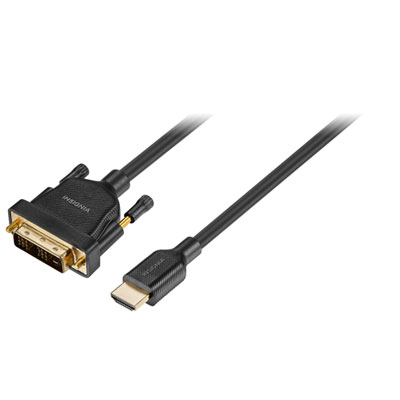
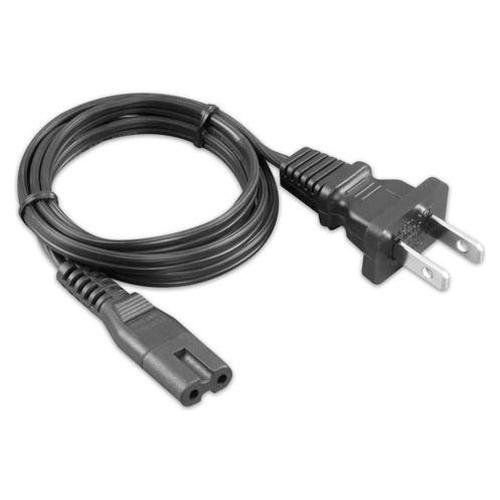
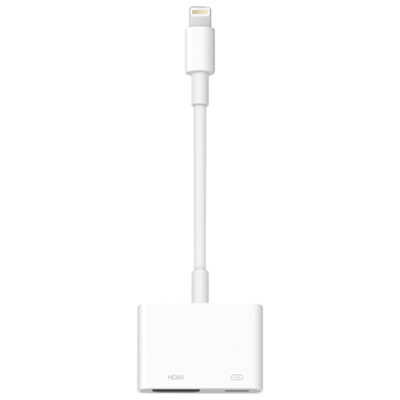
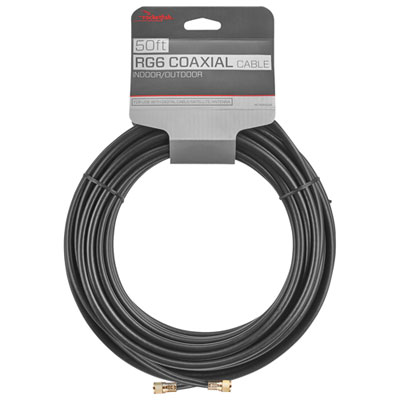
Connections determine how well televisions work with streaming players, game consoles, receivers, and other entertainment equipment. HDMI cables carry digital video and audio through a single connection, reducing the number of leads behind a screen. Their capabilities vary, so a cable’s certified performance rating matters more than a description such as “premium.” Higher-resolution video, higher refresh rates, and certain advanced gaming features require support across the television, source device, and cable, not just one part of the connection. A cable cannot add a feature that the connected equipment does not support. Length is another practical consideration: a connection between nearby shelves may need only a short run, while a wall-mounted television with equipment below needs enough reach for the full route and some slack for movement. Excess cable can create bulky coils behind furniture, but a lead pulled tight can strain plugs and sockets, especially when a full-motion mount moves away from the wall. Flexible jackets and well-supported connectors can make routing easier; braided coverings may offer added resistance to abrasion, though they do not by themselves improve picture quality. For wiring concealed inside a wall, cables must be rated for that use and installed in accordance with applicable requirements. Cable sleeves, clips, and surface raceways gather loose leads into a tidier path, leaving fewer dangling cords beside a media cabinet. Keeping connections labelled can also make it easier to identify a console or streaming player without unplugging everything. Power bars add outlets, while models with documented surge protection provide a separate protective function; the terms are not interchangeable. Appropriate electrical ratings and Canadian safety certification are important considerations for connected equipment. Related Audio Video Accessories cover connection and organization needs across a wider entertainment setup. Adapters, switches, and other connection accessories need to match the signal type, direction, and features of the devices involved, particularly when older equipment shares space with a newer television.
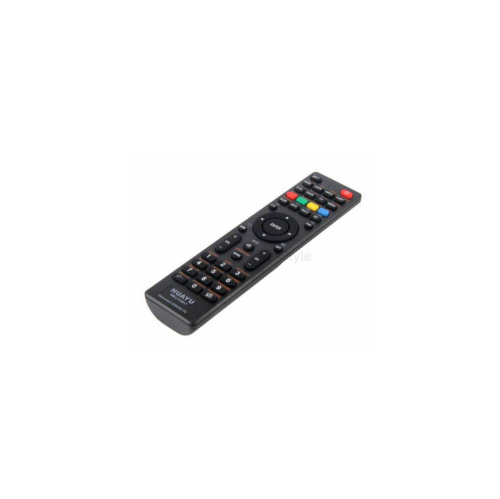
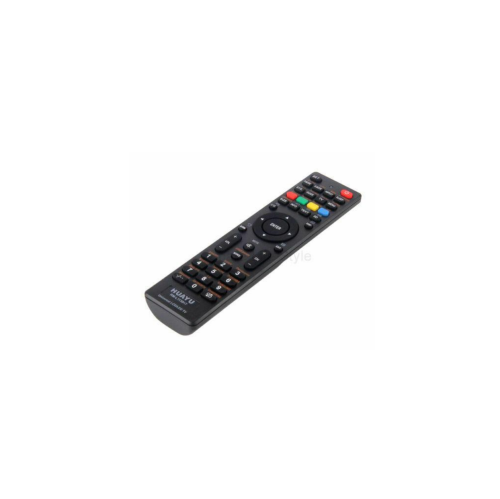
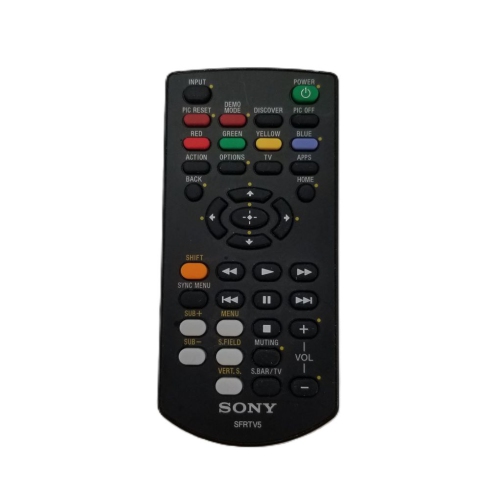
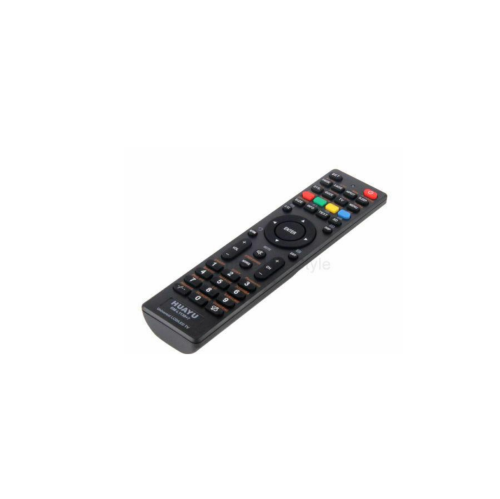
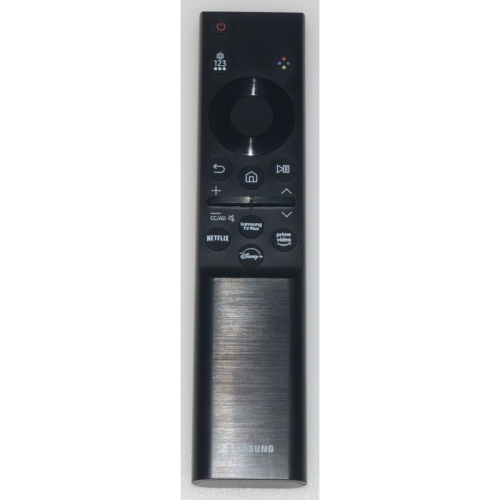
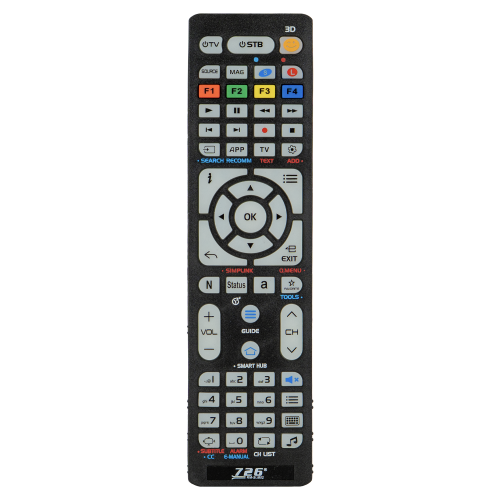
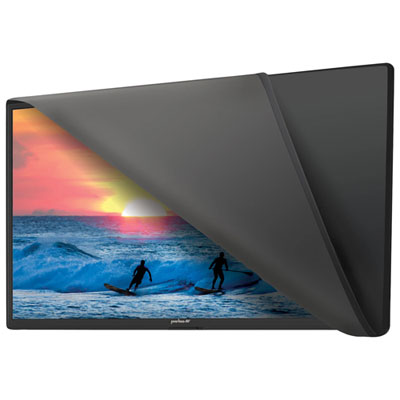
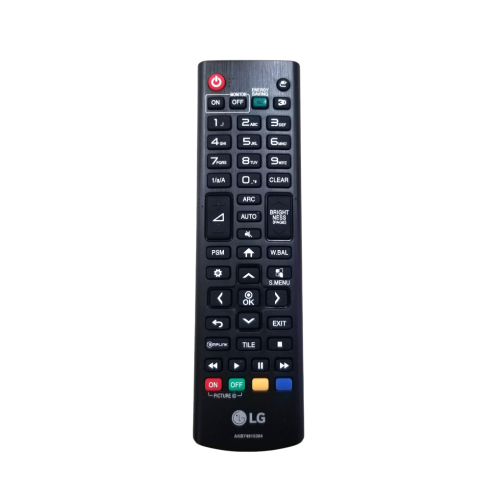
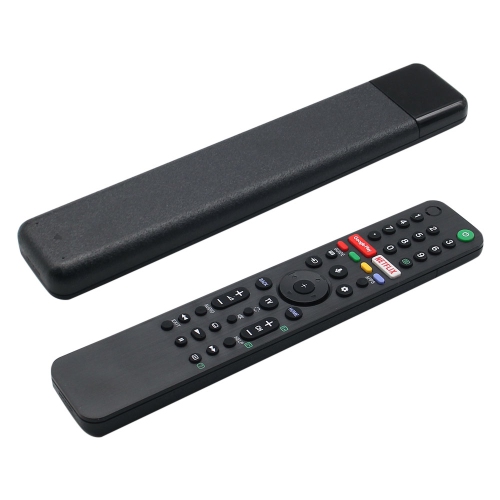
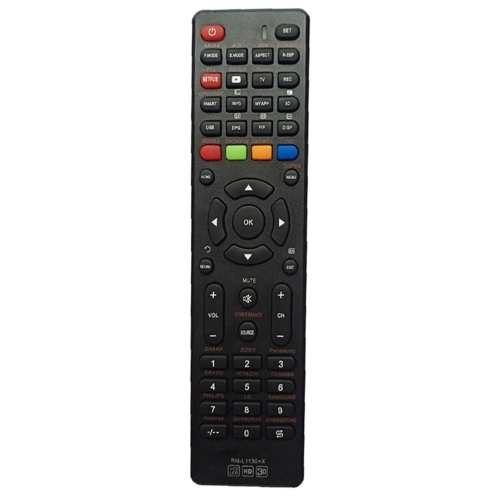
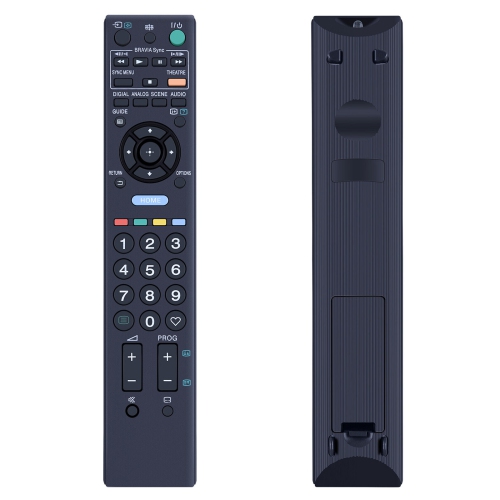
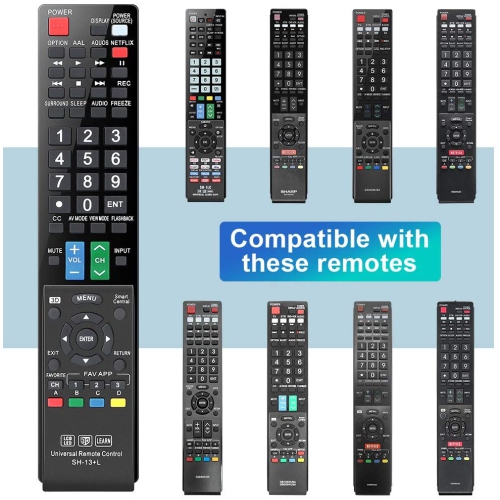
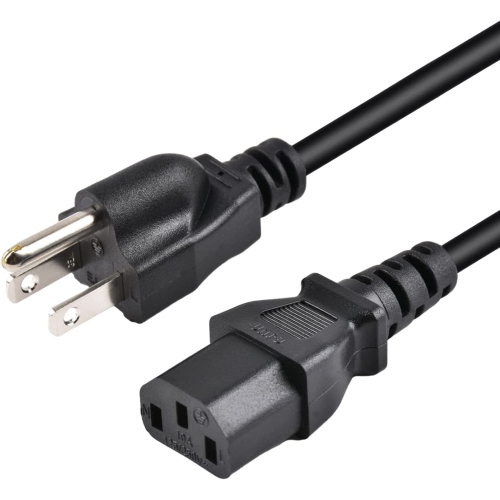
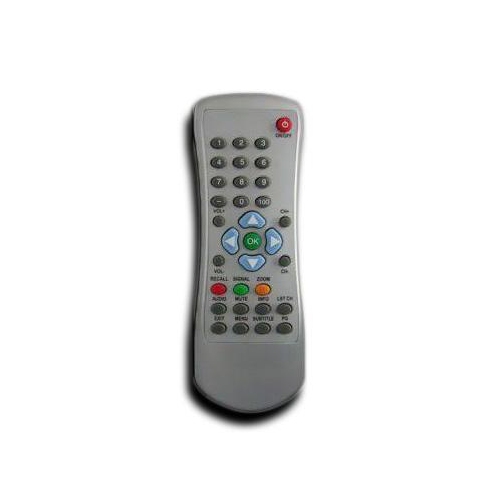
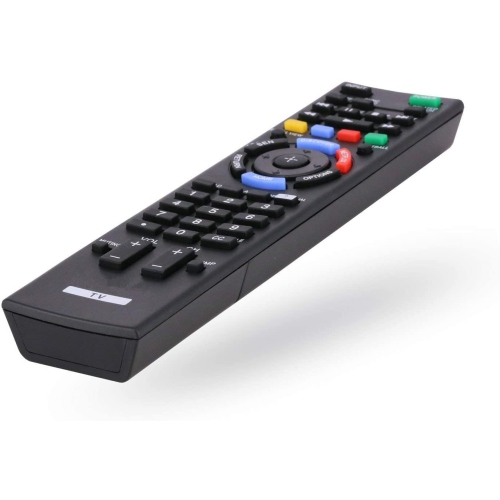
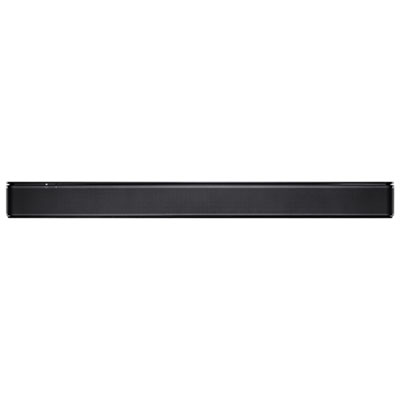
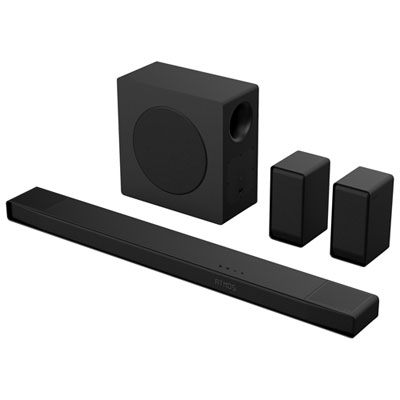
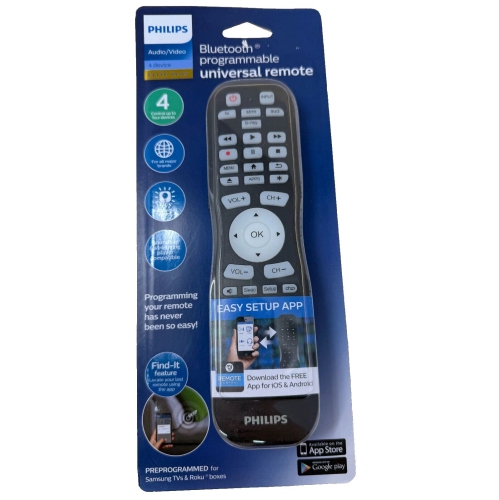
Sound and control accessories shape the parts of television use that are noticed every day, from hearing quiet dialogue to finding the right remote on the coffee table. Soundbars provide a compact alternative to built-in television speakers, with designs ranging from a single enclosure to arrangements with a separate subwoofer or rear speakers. The right fit includes both physical dimensions and compatible connections. A soundbar placed in front of a television should not block the picture, the remote sensor, or the screen’s support feet, and its placement should leave any upward-firing speakers unobstructed. HDMI ARC or eARC connections can simplify audio between compatible televisions and sound systems, although supported audio formats and control functions vary by device. Optical connections remain useful for compatible equipment but do not carry every format supported by newer HDMI audio connections. Wireless features can reduce some signal cables, yet many speakers still require power cords and suitable outlets nearby. Universal remotes can bring several devices under one set of controls, helping households move between television viewing, streaming, and music with less clutter. Compatibility depends on the devices and the control method, such as infrared, Bluetooth, or network-based operation; a universal remote may not reproduce every function of an original remote. Clear labels, distinct buttons, and a comfortable shape can be especially useful for anyone who prefers straightforward controls. These accessories can also make thoughtful housewarming or shared-household gifts when the recipient’s equipment and connection needs are known. Day-to-day care helps preserve finishes and reliable operation throughout the setup. Soft, dry cloths suit many exterior surfaces, while screens need the cleaning method specified by their manufacturer, without spraying liquid directly onto the display. Ventilation openings should remain clear, cables should avoid sharp bends and pinching, and mounting hardware should be checked as directed. Attention to these small details supports an entertainment space that feels organized, is easy to operate, and accommodates everyday use.
Connections determine how well televisions work with streaming players, game consoles, receivers, and other entertainment equipment. HDMI cables carry digital video and audio through a single connection, reducing the number of leads behind a screen. Their capabilities vary, so a cable’s certified performance rating matters more than a description such as “premium.” Higher-resolution video, higher refresh rates, and certain advanced gaming features require support across the television, source device, and cable, not just one part of the connection. A cable cannot add a feature that the connected equipment does not support. Length is another practical consideration: a connection between nearby shelves may need only a short run, while a wall-mounted television with equipment below needs enough reach for the full route and some slack for movement. Excess cable can create bulky coils behind furniture, but a lead pulled tight can strain plugs and sockets, especially when a full-motion mount moves away from the wall. Flexible jackets and well-supported connectors can make routing easier; braided coverings may offer added resistance to abrasion, though they do not by themselves improve picture quality. For wiring concealed inside a wall, cables must be rated for that use and installed in accordance with applicable requirements. Cable sleeves, clips, and surface raceways gather loose leads into a tidier path, leaving fewer dangling cords beside a media cabinet. Keeping connections labelled can also make it easier to identify a console or streaming player without unplugging everything. Power bars add outlets, while models with documented surge protection provide a separate protective function; the terms are not interchangeable. Appropriate electrical ratings and Canadian safety certification are important considerations for connected equipment. Related Audio Video Accessories cover connection and organization needs across a wider entertainment setup. Adapters, switches, and other connection accessories need to match the signal type, direction, and features of the devices involved, particularly when older equipment shares space with a newer television.
Sound and control accessories shape the parts of television use that are noticed every day, from hearing quiet dialogue to finding the right remote on the coffee table. Soundbars provide a compact alternative to built-in television speakers, with designs ranging from a single enclosure to arrangements with a separate subwoofer or rear speakers. The right fit includes both physical dimensions and compatible connections. A soundbar placed in front of a television should not block the picture, the remote sensor, or the screen’s support feet, and its placement should leave any upward-firing speakers unobstructed. HDMI ARC or eARC connections can simplify audio between compatible televisions and sound systems, although supported audio formats and control functions vary by device. Optical connections remain useful for compatible equipment but do not carry every format supported by newer HDMI audio connections. Wireless features can reduce some signal cables, yet many speakers still require power cords and suitable outlets nearby. Universal remotes can bring several devices under one set of controls, helping households move between television viewing, streaming, and music with less clutter. Compatibility depends on the devices and the control method, such as infrared, Bluetooth, or network-based operation; a universal remote may not reproduce every function of an original remote. Clear labels, distinct buttons, and a comfortable shape can be especially useful for anyone who prefers straightforward controls. These accessories can also make thoughtful housewarming or shared-household gifts when the recipient’s equipment and connection needs are known. Day-to-day care helps preserve finishes and reliable operation throughout the setup. Soft, dry cloths suit many exterior surfaces, while screens need the cleaning method specified by their manufacturer, without spraying liquid directly onto the display. Ventilation openings should remain clear, cables should avoid sharp bends and pinching, and mounting hardware should be checked as directed. Attention to these small details supports an entertainment space that feels organized, is easy to operate, and accommodates everyday use.
Top selling and popular products
-
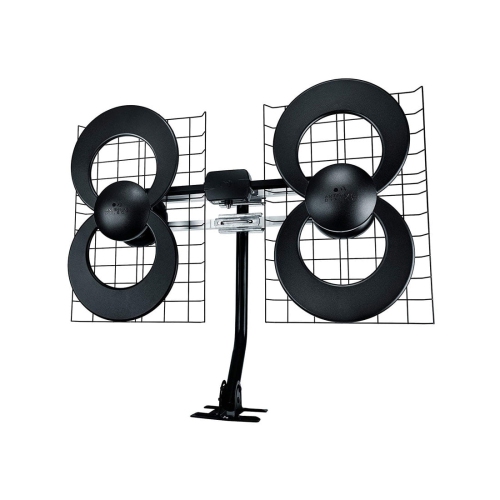 Your price for this item is $316.54
 -
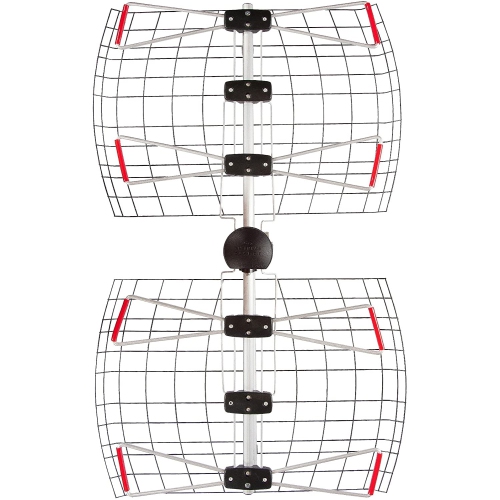 Your price for this item is $99.99
 -
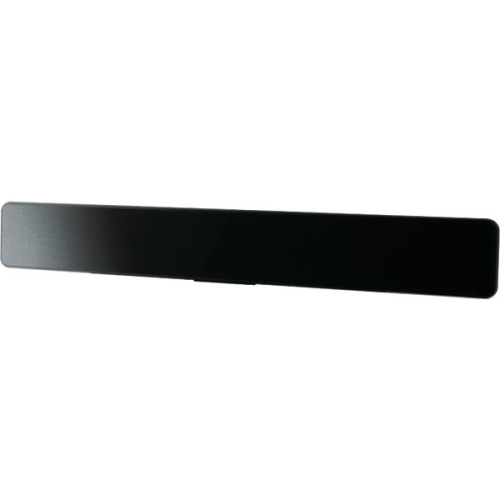 Your price for this item is $29
 -
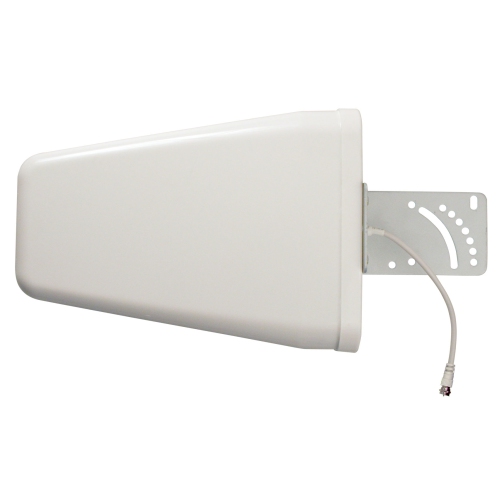 Your price for this item is $139.99
 -
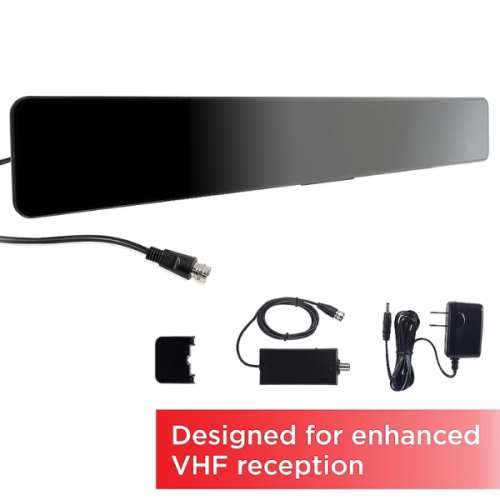 Your price for this item is $34.99
 -
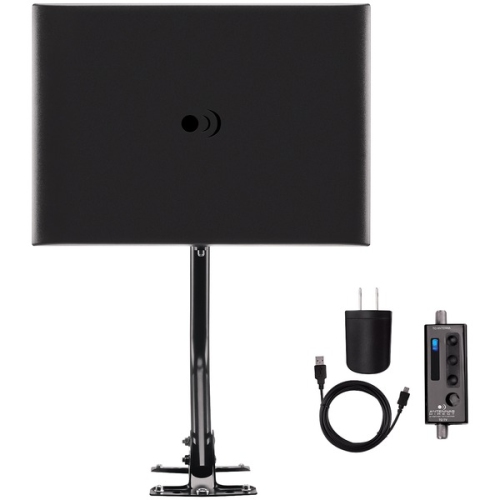 Your price for this item is $59
 -
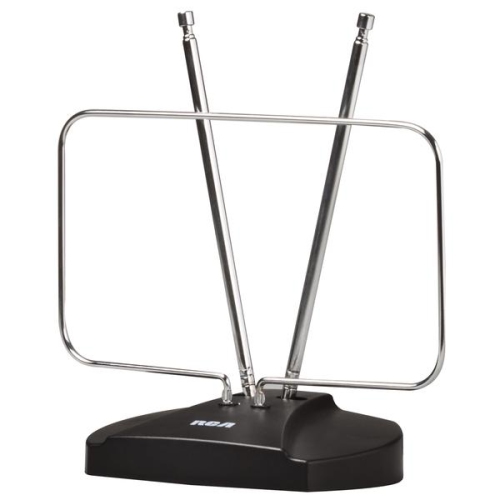 Your price for this item is $38.68
 -
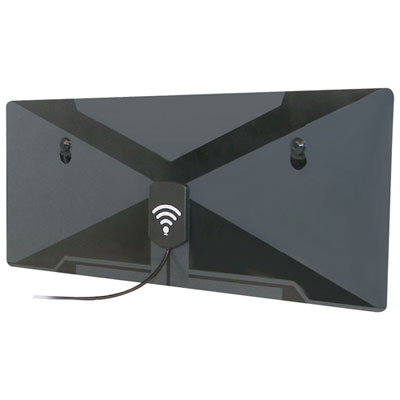 Your price for this item is $49.99
Discover more categories related to Television Accessories


Top Collections:
Pokemon Centers, Kindle Devices, Best Budget Office Chairs, Canon G7X Cameras, Apple iPhones 16, Samsung Galaxy Phones, Refurbished Apple Laptops, Laptops for Students, iPhone 15 Apple, Budget Smartphones
Some products may be subject to Environmental Handling Fees
(EHF) depending on your province.
Learn more about EHFs.